
Have you ever woken up wondering why your Fitbit Versa 4 didn’t track your sleep last night? You’re not alone! Many users face similar frustrations, especially when they rely on their device for insights into their sleep patterns. Understanding your device’s limitations and troubleshooting common issues is vital for maximizing its benefits. In this article, we will explore six effective solutions to help you regain reliable sleep tracking, ensuring you can monitor your rest and improve your overall sleep health. Let’s dive in and discover how to get your Fitbit back on track!
Why Sleep Tracking Is Important for Your Health
Tracking your sleep can profoundly impact your overall health, offering insights that go beyond mere duration. Sleep affects everything from cognitive function to emotional regulation, and understanding your sleep patterns can help you identify issues that might be disrupting your rest. By using devices like the Fitbit Versa 4, you not only gain access to quantitative data about your sleep stages-light, deep, and REM-but also develop awareness of how lifestyle factors influence your nightly sleep quality.
A well-rounded understanding of your sleep habits allows you to make informed decisions about changes needed for improvement. For instance, if data reveals frequent restlessness or disturbances, you might explore factors such as your bedtime routine, environmental conditions, or even potential sleep disorders. This proactive approach can lead to more restful and restorative sleep, which is crucial for maintaining physical health and emotional wellbeing.
Moreover, quantifying sleep through tracking can motivate you to prioritize your sleep hygiene. When you start seeing the tangible effects of improving your sleep-like increased alertness during the day or enhanced mood-you may feel compelled to stick to healthier habits, whether that’s establishing a consistent sleep schedule or creating a peaceful sleep environment. In this way, sleep tracking serves not just as a tool for observation, but as a catalyst for healthier living.
Common Reasons Fitbit Versa 4 Fails to Track Sleep
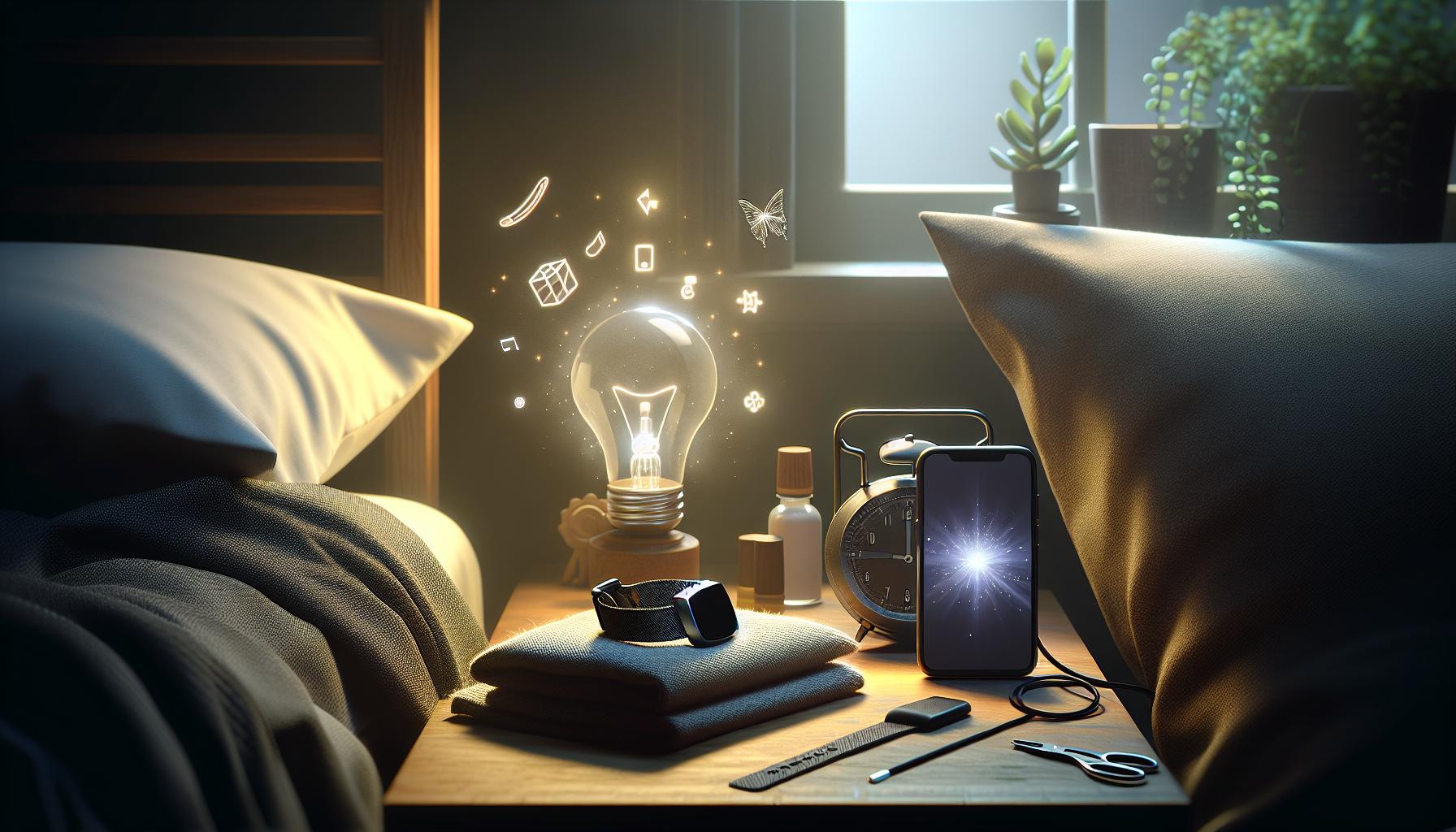
Despite its reputation for reliable sleep tracking, the Fitbit Versa 4 can sometimes miss the mark, leaving users frustrated and confused. Understanding the common reasons behind these inaccuracies can empower you to make adjustments for improved performance.
One frequent issue is improper fit. The device must be snug but comfortable on your wrist to accurately gauge movement and heart rate during sleep. If the watch is too loose or worn too high on your wrist, it may not properly detect your sleep stages. Additionally, not wearing the device during the entire night is another reason for data gaps. Ensure you consistently wear your Fitbit from the moment you go to bed until you wake up to capture a complete sleep cycle.
Software glitches can also lead to tracking failures. Periodically, the device may need a software update to fix bugs that inhibit its functionality. Similarly, if the Fitbit’s battery is low, it might not perform optimally, so keeping it charged is vital. Another reason for sleep tracking discrepancies could be inaccurate sleep schedule settings within the app. If your set sleep hours don’t align with your actual sleep habits, the device won’t accurately track your sleep periods.
Lastly, environmental factors such as noise, light, and temperature in your bedroom play a role. If the surroundings are disruptive, the Fitbit may register more wake periods or restlessness than actually occurs, misrepresenting your sleep quality. To troubleshoot effectively, consider these aspects and adjust accordingly for a better tracking experience.
By identifying these common pitfalls, you’ll be better equipped to ensure your Fitbit Versa 4 accurately tracks your sleep, ultimately leading to insights that enhance your health and wellness.
How to Properly Set Up Your Fitbit Versa 4 for Sleep Tracking
To maximize the sleep tracking capabilities of your Fitbit Versa 4, the initial setup is crucial. An effective process not only optimizes the device’s performance but also enhances your overall understanding of your sleep patterns. Start by ensuring that your Fitbit is fully charged; a low battery can lead to inaccurate data recording. Next, wear the device snugly on your wrist-not too tight, but firm enough to remain in place throughout the night. If the Fitbit slips or shifts, it may not accurately detect your movements and heart rate, leading to unreliable sleep analysis.
Make sure your device is updated with the latest software. Regular updates improve functionality and can fix bugs that may disrupt sleep tracking. You can check for updates through the Fitbit app on your smartphone. Additionally, establish and review your sleep schedule settings in the app. Input your typical sleeping hours to help the Fitbit recognize when you should be resting. If your settings are not aligned with your actual sleep patterns, the device won’t accurately record your sleep stages.
Lastly, consider adjusting the environment where you sleep. Eliminate sources of disruption such as light or noise, as these can affect both your sleep quality and the accuracy of your Fitbit’s readings. Keeping your bedroom dark and quiet can significantly improve your sleep experience. Incorporating these steps will ensure that your Fitbit Versa 4 is set up to provide you not only with accurate sleep tracking but also with valuable insights to enhance your overall sleep health.
Power Cycling Your Fitbit: A Simple Fix
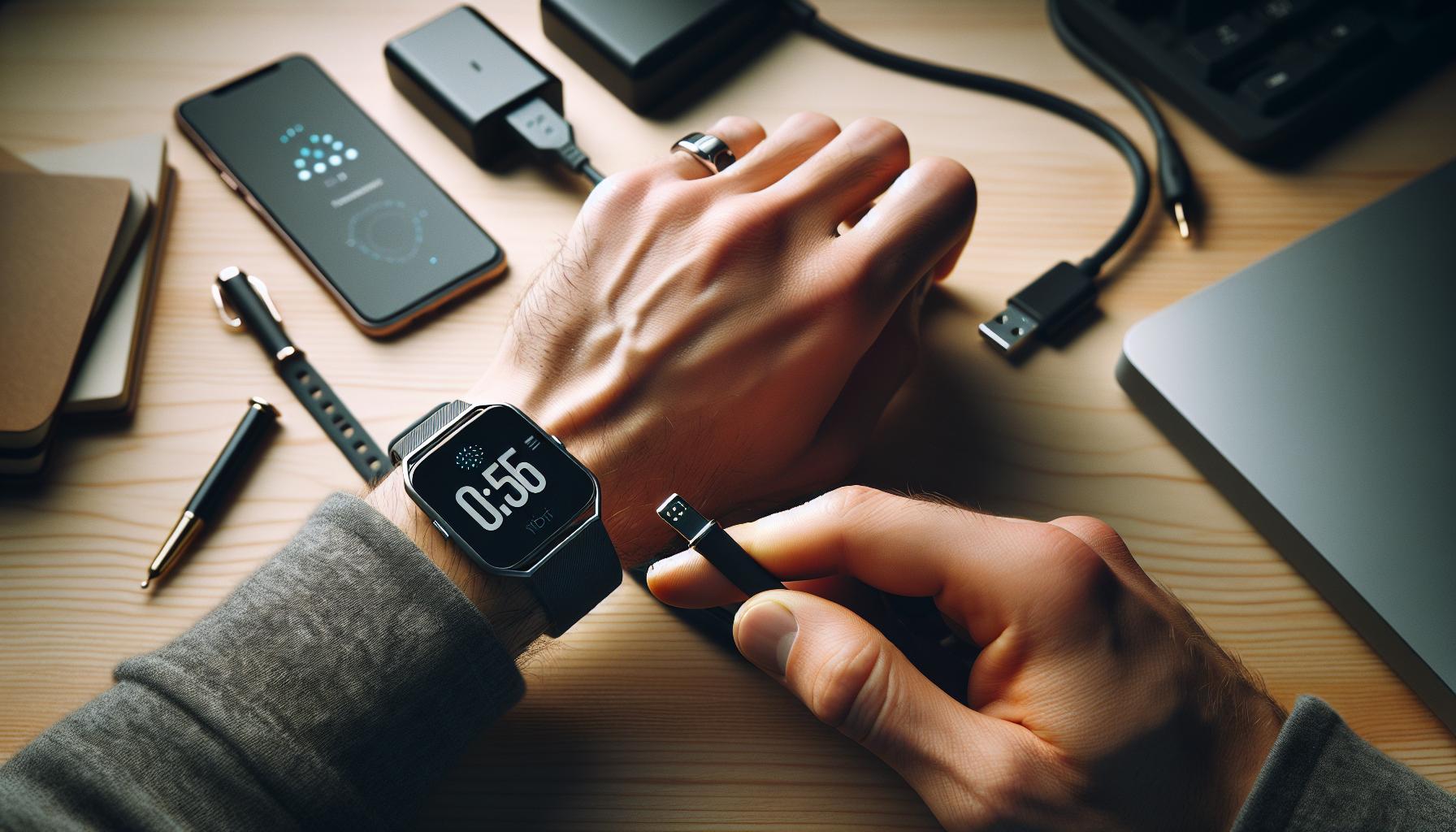
Power cycling your Fitbit Versa 4 can often resolve issues with sleep tracking that may leave you wondering why your device is failing to capture those important nightly metrics. Just like any electronic device, your Fitbit can encounter temporary glitches. A simple power cycle serves as a digital refresh that clears minor software issues and restores normal operation, helping to ensure that your sleep data is accurate and complete.
To power cycle your Fitbit Versa 4, start by pressing and holding the button on the side of the device until you see the Fitbit logo on the screen. This typically takes around 10 seconds. Once the logo appears, release the button and allow the watch to restart fully. When it boots up, check to see if sleep tracking functions are restored. This quick reset can solve a range of problems, including failure to sync data correctly or inaccuracies in monitoring your sleep stages.
It’s important to remember that regular power cycling is a good practice for maintaining your device’s performance, not just when issues arise. Doing this once every few weeks can help prevent overloads and promote smooth operation, reducing the chances of disruptions in your sleep tracking capabilities. If problems persist even after power cycling, it may point to a deeper issue that could require further troubleshooting, such as software updates or adjustments to your sleep schedule settings.
Troubleshooting Sleep Tracking Inaccuracies
Inaccurate sleep tracking can be frustrating, especially when the ability to monitor sleep becomes a key part of your health routine. Understanding the reasons why your Fitbit Versa 4 might struggle with tracking can help you address these issues effectively. It often boils down to a few common factors that can be easily resolved.
One of the main culprits is improper wrist positioning. Ensure that your Fitbit is worn snugly on your wrist, ideally a finger’s width above your wrist bone. If it’s too loose or placed incorrectly, it might not be able to accurately measure your heart rate, which is crucial for determining sleep stages. Additionally, consider the fit of your device in relation to the sensitivity of the skin underneath; if it’s too tight, it can inhibit blood flow, leading to skewed readings.
Another common issue is related to sleep modes and settings. Make sure that sleep tracking is enabled in your settings. If you prefer, you can manually set your sleep mode if the automatic detection isn’t functioning correctly. This can involve simply tapping the button on your watch to activate sleep mode before you go to bed. It’s a good habit to check that your settings and permissions are correctly configured in the Fitbit app, as this can impact data syncing.
Finally, environmental factors such as temperature and movement can also affect sleep tracking accuracy. Extreme heat or cold can disrupt the sensors, and frequent movements during the night can lead to inaccurate data. To mitigate these effects, establish a consistent sleeping environment that ensures comfort-this includes adjusting your bedroom temperature appropriately and trying to maintain a steady sleep position.
Keeping these tips in mind can vastly improve your experience with the Fitbit Versa 4’s sleep tracking capabilities. If issues persist despite these adjustments, consider reaching out to Fitbit support or consulting the user manual for more in-depth troubleshooting guidance.
Updating Your Fitbit Software for Optimal Performance
Staying on top of software updates for your Fitbit Versa 4 can vastly improve its functionality, particularly when it comes to tracking your sleep. Outdated software might not only hinder performance but also prevent the device from effectively communicating with the Fitbit app, which can lead to inaccuracies in your sleep data. Ensuring that your tracker is equipped with the latest features and bug fixes is crucial for accurate monitoring of your sleep quality.
To update your Fitbit software, follow these simple steps:
- Connect to your device: Make sure your Fitbit is charged and connected to your smartphone. The update process can be done through the Fitbit app on your mobile device.
- Check for updates: Open the Fitbit app, navigate to your profile by tapping on your account icon, and select your device. If an update is available, you’ll see a message prompting you to install it.
- Install the update: Tap on the option to update and follow any on-screen instructions. Keep your phone and Fitbit close to ensure a stable connection throughout the process.
Sometimes, these updates can resolve existing bugs related to sleep tracking, enhancing sensor accuracy and overall performance. For optimal results, it’s advisable to regularly check for updates-think of it as giving your device a “tune-up.” Furthermore, if your Fitbit isn’t syncing correctly or showing your latest sleep stats, an update might just be the remedy you need.
Updating your device ensures that you’re utilizing the latest advancements in technology and features, which can provide deeper insights into your sleeping patterns. Transitioning to enhanced algorithms often included in software updates can enhance how the Fitbit analyzes sleep stages. Thus, by committing to regular updates, you not only maintain optimal performance but also empower your Fitbit Versa 4 to provide the most reliable data regarding your health.
Adjusting Sleep Schedule Settings on Your Fitbit
Adjusting your sleep schedule settings on the Fitbit Versa 4 can significantly enhance the accuracy of your sleep tracking. Did you know that aligning your device’s settings with your actual sleep patterns could lead to more precise data and insights? The Fitbit uses your baseline sleep schedule to determine when you should be sleeping and assists in tracking movements and sleep phases accurately.
To set up your sleep schedule, follow these simple steps:
- Open the Fitbit app: Begin by launching the app on your smartphone. Make sure your device is connected and synced.
- Access your profile: Tap on the account icon at the top left of the app’s home screen. Select your Fitbit device from the list that appears.
- Edit sleep schedule: Scroll down to find the “Sleep” option. Here, you can set your preferred bed and wake times. Input the days of the week that apply.
Ensuring that these settings reflect your routine is crucial. If you tend to have varied sleep times, it’s beneficial to set a more flexible schedule or adjust your settings weekly. This adaptability allows your Fitbit to calibrate its algorithms, which in turn improves sleep stage detection and overall sleep analysis.
Additionally, the Fitbit can provide gentle reminders to encourage you to start winding down for bed. Utilizing these notifications helps reinforce a healthier sleep routine, enhancing not just tracking but quality of sleep over time. By actively managing your sleep settings, you’re equipping your Fitbit Versa 4 to give you the most accurate and actionable insights into your sleeping habits, paving the way for more restful nights ahead.
Using the Fitbit App to Analyze Sleep Data
By diving into the Fitbit app, you unlock a treasure trove of insights that can help you understand your sleep patterns and improve your overall rest quality. This analysis is not just about tracking how long you sleep; it delves into the quality of sleep through data such as sleep stages, disturbances, and trends over time. It provides you with an opportunity to make informed decisions about your sleep habits, which is crucial for maintaining health and well-being.
To effectively analyze your sleep data, start by navigating to the Sleep section in the app. Here, you’ll see a detailed breakdown of your previous night’s sleep, including total sleep time and the amount spent in REM, light, and deep sleep stages. To simplify your understanding, the app uses colors and icons that represent different sleep states, making it visually engaging. Take note of patterns-do you usually wake up frequently during the night, or do you find that you don’t get enough deep sleep?
To enhance your analysis, consider keeping a sleep diary alongside your app data. Log factors such as caffeine intake, screen time before bed, and stress levels. By correlating this information with your Fitbit’s sleep data, you may identify specific behaviors that disrupt your sleep. The app also allows you to view trends over several days, making it easier to recognize whether you’re improving or establishing persistent issues.
Don’t forget to utilize the app’s insights and recommendations tailored to your sleep data. These suggestions can range from brightening your bedroom environment to setting earlier bedtimes. By actively participating in your sleep process and leveraging the app’s capabilities, you’re empowered to make smarter choices that could lead to restful nights and energized days.
Identifying Sleep Disorders with Your Fitbit
Tracking your sleep with a Fitbit can provide essential insights into your nocturnal habits, helping you identify potential sleep disorders over time. It’s fascinating to think that devices like the Fitbit Versa 4 can offer glimpses into our sleep quality and patterns, empowering you to make informed decisions regarding your health. However, while these devices can highlight certain anomalies, they should not replace professional medical advice. Here’s how to leverage the Fitbit to monitor your sleep and recognize signs of disorders.
Your Fitbit can record detailed metrics such as total sleep time, duration of REM and deep sleep, and frequency of wake-ups, all of which can signal underlying sleep issues. For instance, if your data consistently shows a lack of deep sleep or frequent awakenings, it may be indicative of conditions like insomnia or sleep apnea. Recognizing patterns-such as feeling excessively tired during the day or experiencing significant fluctuations in sleep quality-can prompt you to seek further evaluation from a sleep specialist.
Understanding What to Look For
Observing your sleep trends over time is crucial. Here are some clues your Fitbit might reveal that warrant further exploration:
- Inconsistent Sleep Patterns: A variable sleep schedule can suggest underlying issues like anxiety or stress affecting your ability to wind down.
- Short Sleep Duration: Regularly getting less than the recommended 7-9 hours may lead to cumulative sleep deprivation.
- Frequent Disturbances: If your data indicates numerous awakenings throughout the night, this could hint at conditions such as sleep apnea.
If you notice these warning signs, it might be beneficial to maintain a sleep diary alongside your Fitbit data. Record habits that could contribute to sleep disturbances, such as caffeine consumption, exercise schedules, and stressful events. This holistic view can provide comprehensive information to discuss with a healthcare provider.
When to Seek Further Help
If your Fitbit prompts concern, consider discussing your findings with a healthcare professional. They may recommend a sleep study, known as polysomnography, which offers a thorough assessment of your sleep cycles and breathing patterns through specialized monitoring equipment. It’s important to remember that while a home device like Fitbit is a great starting point, it cannot diagnose sleep disorders but can alert you to patterns that might need expert evaluation. Taking this proactive step not only leads to better health outcomes but can also enhance your overall quality of life.
Alternative Sleep Tracking Methods and Their Benefits
There are various methods to track your sleep beyond using a Fitbit, each offering unique advantages tailored to different preferences and needs. For example, sleep tracking apps for smartphones can provide detailed insights without the need for wearable technology. These apps use the phone’s sensors to monitor movements and sounds while you sleep, allowing you to gain a clearer understanding of your sleep cycles at little to no extra cost. Popular options like Sleep Cycle and Sleep Score offer analysis and tips for improving sleep quality based on your data.
Another effective method is utilizing dedicated sleep tracking devices. Devices like the Oura Ring or the Withings Sleep Tracking Mat provide advanced tracking through heart rate monitoring, respiratory rate, and body temperature. These tools are designed for accuracy and can give detailed insights into your sleep stages. While they typically come at a higher price point, the additional data can be invaluable for those serious about improving their sleep health.
For those who prefer less tech-heavy solutions, sleep journals can be an effective alternative. They allow individuals to track their sleep patterns manually. By recording details such as bedtime, wake-up time, caffeine intake, and stress levels, a journal provides a holistic view of factors affecting sleep quality. This method can also serve to identify external influences on your rest, making it easier to address the root causes of sleep disturbances.
Lastly, if your sleep issues persist, consulting a sleep specialist may be necessary. Though it involves more effort and potentially higher costs, a formal sleep study can diagnose disorders like sleep apnea or restless legs syndrome effectively. During this procedure, professionals monitor your brain waves, oxygen levels, heart rate, and breathing while you sleep, offering insights that consumer devices cannot match. This approach empowers you with precise data and tailored healthcare solutions to address complex sleep issues.
Ultimately, each sleep tracking method holds its benefits and limitations. Evaluating your personal comfort, budget, and specific health needs can guide you in choosing the most effective solution for monitoring and improving your sleep quality.
When to Consider a Sleep Study Over a Tracker
Many people rely on fitness trackers like the Fitbit Versa 4 to monitor their sleep, but such devices have limitations. While they provide useful insights into sleep patterns, they might not capture the full picture of your sleep health, especially if you suspect a sleep disorder. Knowing when to transition from relying solely on your tracker to seeking a sleep study can be crucial for your overall well-being.
Signs That a Sleep Study Is Necessary
If you frequently experience excessive daytime sleepiness, loud snoring, or difficulty concentrating, these can be indicators of underlying sleep issues that your Fitbit cannot diagnose. For instance, if you notice that your tracker suggests you have had several hours of restful sleep yet feel consistently tired, it may signify a disorder like sleep apnea or insomnia. These conditions can lead to serious health risks, such as cardiovascular problems or metabolic issues, necessitating more thorough examination through a sleep study.
What to Expect from a Sleep Study
A sleep study, or polysomnography, typically takes place in a specialized sleep center, although some home-based tests are available. During the study, you’ll have sensors placed on various areas of your body, which will monitor your brain activity, heart rate, breathing patterns, and oxygen levels. While it might seem intimidating, sleep studies are generally painless and designed to mimic your natural sleep environment, allowing for accurate assessments of your sleep stages and any disturbances.
Costs can vary significantly depending on your health insurance coverage and the specifics of the study. Many insurance plans cover sleep studies if there’s a medical necessity, so it’s worth checking your policy or discussing options with your healthcare provider. Be prepared to provide details about your sleep habits and any symptoms when scheduling the appointment.
When to Use a Tracker Instead
On the other hand, if you want to understand basic trends in your sleep habits or if you’re simply looking to enhance your overall sleep quality, your Fitbit can be a valuable tool. Trackers can help establish routines, notify you of trends, and even encourage healthier sleep practices. However, do remember to keep your expectations in check; devices like the Fitbit are excellent for tracking usual patterns but lack the sensitivity and accuracy of clinical assessments.
In conclusion, while fitness trackers provide accessible insights into sleep quality, they should not replace professional evaluations when serious symptoms arise. Listening to your body and recognizing when your tracker’s data does not align with your experience is vital. If uncertain, consulting a healthcare professional can help you navigate the options and decide if a sleep study is the best next step.
Tips to Enhance Sleep Quality While Using Your Fitbit
Sleep quality significantly impacts overall health, and optimizing it while using your Fitbit Versa 4 can be a game changer for many users. One of the simplest yet most effective strategies is to establish a consistent sleep routine. Aim to go to bed and wake up at the same time every day; this helps regulate your body’s internal clock. When your Fitbit tracks your sleep, it performs better when it recognizes these patterns, providing you with more accurate data regarding your sleep stages.
Additionally, consider creating a relaxing bedtime environment. Dimming the lights, reducing noise, and keeping your bedroom at a comfortable temperature can enhance your sleep quality. Engaging in calming activities, such as reading or meditation, can signal to your body that it’s time to wind down. This not only aids in falling asleep faster but may also ensure that your sleep stages are detected more accurately by your device.
To make the most out of your Fitbit’s capabilities, ensure it is worn snugly but comfortably on your wrist. A loose fit may hinder its ability to monitor your movements accurately. It also helps to update your Fitbit software regularly, as manufacturers often release updates to enhance functionality and refine tracking features. In the Fitbit app, you can analyze sleep data comprehensively, allowing you to identify patterns or trends in your sleep quality that might need attention.
Lastly, incorporate healthy lifestyle changes that promote better sleep. Regular exercise, a balanced diet, and reducing caffeine intake-especially in the hours leading up to bedtime-can greatly enhance your sleep quality. Even slight modifications can lead to noticeable improvements in how well you sleep, reflecting positively in the data your Fitbit collects. By combining device capabilities with mindful habits, you can significantly enhance your sleep quality and overall health.
FAQ
Q: How can I troubleshoot my Fitbit Versa 4 not tracking sleep?
A: To troubleshoot sleep tracking issues on your Fitbit Versa 4, start by checking your device settings to ensure sleep tracking is enabled. Next, try power cycling the device and ensure it is updated to the latest firmware version. For further details, refer to the sections on troubleshooting inaccuracies and updating software in the main article.
Q: Why is my Fitbit Versa 4 showing incorrect sleep data?
A: Incorrect sleep data may occur due to improper wear, insufficient charge, or misconfigured sleep schedule settings. Make sure your device fits snugly on your wrist and check that you’ve set your sleep schedule correctly within the Fitbit app for optimal results.
Q: What should I do if my Fitbit Versa 4 doesn’t recognize my sleep patterns?
A: If your Fitbit Versa 4 doesn’t recognize your sleep patterns, verify that you are wearing it correctly and that the sensors are clean. Also, ensure sleep mode is activated. If problems persist, consider reviewing troubleshooting steps detailed in the main article.
Q: How do sleep disorders affect my Fitbit’s tracking capabilities?
A: Sleep disorders can lead to atypical sleep patterns, making it challenging for your Fitbit to provide accurate data. If you suspect a sleep disorder, monitor your Fitbit data and consult a healthcare professional. You can learn more about identifying sleep disorders with your Fitbit in the article.
Q: Is there a way to improve sleep tracking accuracy on my Fitbit?
A: Yes, improving sleep tracking accuracy starts with ensuring your sleep schedule is correctly entered in the app. Additionally, maintaining consistent sleeping habits and wearing your Fitbit snugly can enhance tracking reliability. Tips for better tracking are covered in the article’s sleep quality section.
Q: Can my Fitbit Versa 4 track naps as part of my sleep data?
A: Your Fitbit Versa 4 can automatically detect naps and include them in your sleep data if your device is set to track sleep continuously. Be sure to check your settings and adjust them if necessary. For more insights into sleep analysis, refer to the article.
Q: How does the Fitbit app help analyze my sleep data?
A: The Fitbit app provides detailed insights into your sleep patterns, including duration and quality. By syncing your Fitbit, you can access graphs and trends that can help identify areas for improvement. This functionality is elaborated on in the main article.
Q: When should I consider seeing a doctor regarding sleep issues despite using Fitbit?
A: If you continuously experience poor sleep quality or suspect a sleep disorder despite tracking, it’s wise to consult a healthcare provider. The article discusses when to seek a sleep study, which can provide further insights into your condition.
In Summary
If your Fitbit Versa 4 isn’t tracking your sleep, don’t let that disrupt your wellness journey! We’ve shared six actionable solutions to help you get back on track. Remember, optimizing your sleep tracking can significantly impact your overall health. If you still have questions or concerns, check out our guide on common sleep disorders or explore troubleshooting tips for wearables to further enhance your experience.
Don’t miss out on our resource-packed articles that dive deeper into sleep health and tracker comparisons-these can empower you to make more informed decisions. Stay proactive about your sleep quality and join our community by signing up for our newsletter for ongoing tips and support in your quest for better rest. Your best sleep awaits-take the first step today!