
Are you wondering why your Apple Watch isn’t tracking your sleep stages? You’re not alone. Many users experience issues with their sleep tracking features, which can be frustrating, especially when understanding your sleep quality is essential for overall health. Accurately tracking sleep stages-like REM and deep sleep-can provide valuable insights into your well-being and help you optimize your rest. In this article, we’ll explore common reasons why your watch might not be capturing these crucial details and how you can enable the tracking features effectively. By addressing these concerns, you’ll be better equipped to make the most of your device as a tool for achieving restful nights and rejuvenated mornings. Let’s dive in!
Why Your Apple Watch Might Not Track Sleep Stages
Many users find themselves frustrated when their Apple Watch fails to track sleep stages accurately. This issue can stem from various factors, and understanding them can help you make the most of your sleep tracking capabilities. One common reason for inaccurate sleep stage detection is improper setup. Make sure you have enabled sleep tracking features in the Sleep app and that your watch is fitted comfortably while you sleep. If the device is loose or not worn correctly, it might not collect enough motion data to assess your sleep accurately.
Another factor that can hinder sleep tracking is the watch’s battery status. If your Apple Watch runs low on battery overnight, it may not record your sleep patterns. To mitigate this, try charging your watch during the day and ensure it has sufficient charge before bedtime. Additionally, environmental factors can impact sleep tracking accuracy. Bright lights, noise, or even a restless partner can affect how well the watch interprets your movements, potentially leading to misleading results.
For those who struggle with sleep disturbances, consider whether other health conditions might be at play. Conditions like sleep apnea can interfere with natural sleep stages, complicating the watch’s ability to distinguish between different phases effectively. In such cases, it might be beneficial to consult a healthcare professional or consider sleep studies for a more comprehensive evaluation.
Improving the accuracy of your Apple Watch sleep tracking might also involve optimizing your sleep environment. Creating a quiet, dark, and cool space can enhance your sleep quality, which in turn could improve the watch’s tracking performance. By addressing these issues, you can better harness the power of your device to provide insight into your sleep patterns and overall health.
Understanding Sleep Stages: What You Should Know
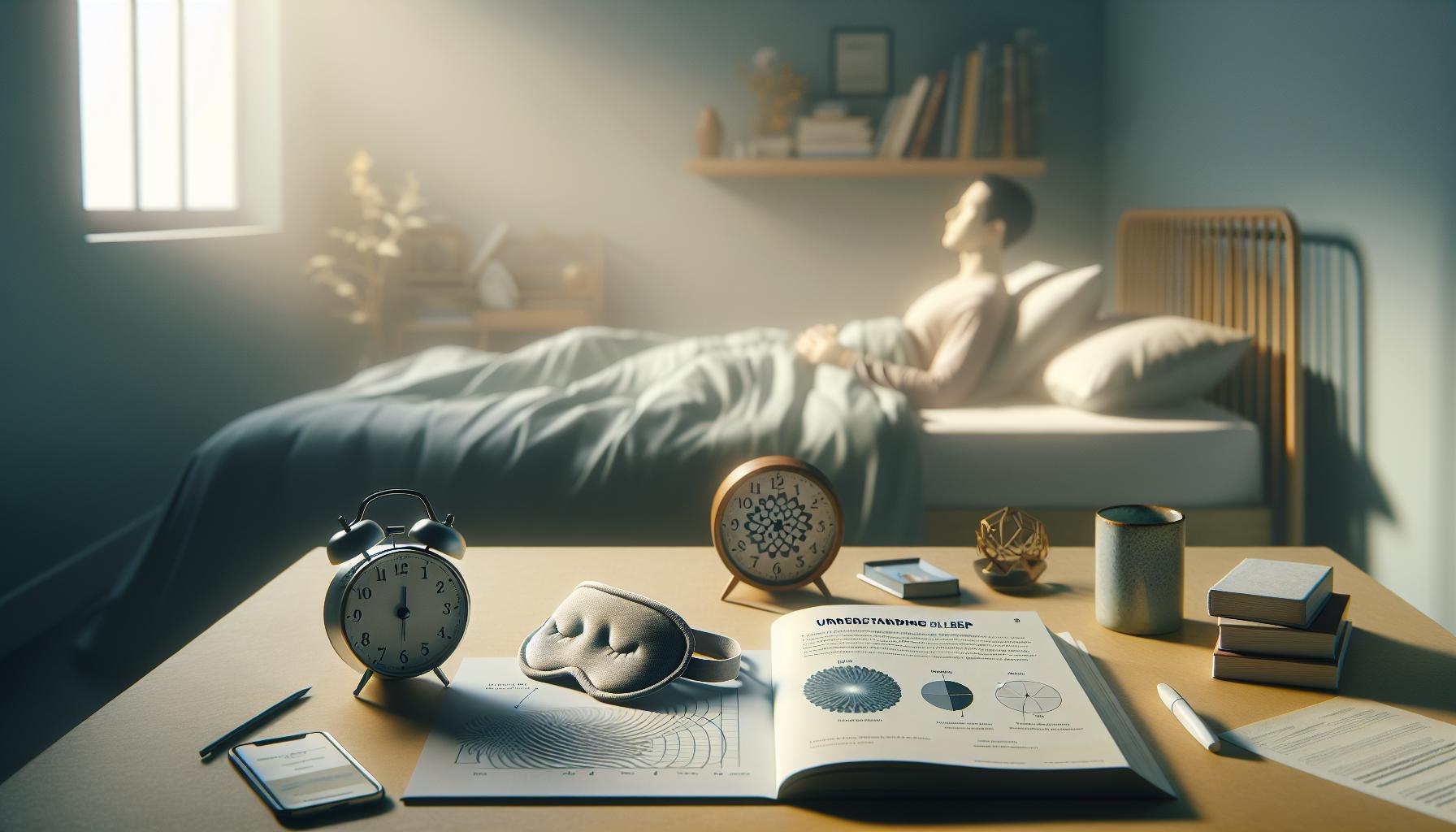
Understanding the intricacies of sleep stages is essential for maximizing the benefits of your sleep tracking technology, including the Apple Watch. Sleep is a complex biological process, generally divided into several phases: light sleep, deep sleep, and REM (Rapid Eye Movement) sleep. Each of these stages plays a crucial role in health and well-being, affecting everything from mood regulation to memory consolidation. The Apple Watch uses motion sensors to estimate these stages, but its accuracy can be influenced by multiple factors, including how comfortably the watch fits and whether you keep it charged overnight.
- Light Sleep: This stage constitutes about 50% of total sleep and serves as a transition from wakefulness to deeper sleep stages. It’s essential for the body’s rest and recovery.
- Deep Sleep: Marked by slower brain waves, this stage is crucial for physical recovery, growth, and immune function. It typically accounts for around 20-25% of your sleep cycle.
- REM Sleep: Occurring about 90 minutes after falling asleep, REM is vital for cognitive functions like learning and memory. It usually comprises 20-25% of your total sleep time.
One of the most significant challenges with sleep tracking through wearables like the Apple Watch is their reliance on movement and heart rate data. If you’re a restless sleeper or if your watch is loosely fitted, it may struggle to accurately differentiate between these stages. To improve accuracy, ensure your watch fits snugly on your wrist, allowing for effective monitoring of your movements and heart rate fluctuations. Additionally, charging your device consistently before bedtime will help guarantee it has enough battery to track your entire sleep cycle, providing comprehensive data for analysis upon waking.
Another consideration is to be mindful of your sleep environment. Factors such as light, noise, and temperature can significantly affect your sleep quality, thereby impacting tracking results. Creating a sleep-conducive environment can lead to more restorative sleep phases, which, in turn, allows your Apple Watch to record clearer and more accurate readings.
By understanding these various stages of sleep and their importance, you can better evaluate how your Apple Watch tracks them. Make adjustments as needed to improve comfort and ensure the device has sufficient power and an optimal environment for monitoring. This knowledge not only enhances your relationship with your wearable technology but also empowers you to make informed decisions to promote better sleep health.
Essential Settings for Sleep Tracking on Apple Watch
Setting up your Apple Watch for optimal sleep tracking can significantly enhance the accuracy of data you receive, especially regarding sleep stages. Understanding how to configure your device properly paves the way for clear insights into your sleep patterns. Here are some essential settings and tips to consider:
Ensure Sleep Mode is Activated
Activating Sleep Mode is your first step to optimizing sleep tracking. This feature will limit distractions during the night by silencing notifications and dimming the display. To set this up, go to the ‘Sleep’ section of the Health app on your iPhone, where you can establish a sleep schedule that fits your routine. Make sure to set your desired bedtime and wake-up time, which helps the Apple Watch log your sleep more effectively.
Fit Matters
A properly fitted watch can make a world of difference in tracking accuracy. Your Apple Watch should sit snugly on your wrist to ensure that sensors accurately read your movements and heart rate throughout the night. If it’s too loose, it might miss critical data, but overly tight straps can disrupt your comfort, affecting your sleep quality. Consider adjusting the strap or trying a different band style designed for nighttime use.
Charge Before Bedtime
Before heading to bed, ensure your Apple Watch is adequately charged. A good practice is to charge it during the day so it has enough power to last through the night without interruptions. Ideally, your watch should be around 80% charged before you go to sleep to guarantee that all sleep cycles are tracked, providing comprehensive insights upon waking.
Customize Sleep Tracking Features
Apple Watch allows users to customize various features related to sleep tracking. You can enable Heart Rate tracking to get a better understanding of your overall sleep quality. Additionally, if you use third-party apps like SleepWatch or AutoSleep, explore their settings for advanced metrics, such as sleep stages, sleep quality ratings, and snoring effects. These apps can provide deeper insights beyond the basic functionality of the built-in sleep tracking features.
By following these foundational steps and customizations, you enhance the potential of your Apple Watch to accurately track your sleep stages. Becoming proactive about these settings not only improves the accuracy of your data but also empowers you to make informed decisions about your sleep health.
Troubleshooting Common Sleep Tracking Issues
While Apple Watch offers impressive sleep tracking capabilities, users may sometimes experience issues with the accuracy of sleep stage tracking. This can be frustrating, especially if you rely on these insights to improve your sleep health. Several common troubleshooting steps can help rectify these problems, ensuring your device delivers the most reliable data possible.
One primary factor impacting sleep tracking is the comfort and fit of your watch. If your Apple Watch doesn’t fit snugly on your wrist, it may not capture accurate motion data during the night. A watch that is too loose might slip and fail to register movements accurately, while one that’s too tight can be uncomfortable and disrupt your sleep. To enhance tracking accuracy, ensure your watch fits snugly but comfortably, especially during sleep.
Another significant aspect to check is the battery level before bedtime. Your Apple Watch needs sufficient charge to operate effectively throughout the night. Ideally, you should charge it to at least 80% before sleep to prevent it from running out of battery while tracking your sleep stages, which can lead to incomplete or missing data. Establishing a charging routine during the day can help ensure it’s always ready for nightly monitoring.
Settings also play a crucial role in sleep tracking. Alongside enabling Sleep Mode, confirm that you have activated the Heart Rate and Sleep Tracking features in the Watch settings. Specialized third-party apps, like AutoSleep, can offer comprehensive metrics and facilitate detailed insights into your sleep stages, heart rate variations, and other essential data points. Be sure to explore these settings and adjust them according to your preferences for optimized tracking performance.
Lastly, keep in mind that environmental factors, such as your sleeping position and movement during the night, can affect your watch’s ability to accurately track sleep stages. If you frequently change positions or wake up throughout the night, consider discussing your sleep habits and any tracking discrepancies with your healthcare provider, who may suggest whether using wearables like the Apple Watch is appropriate or if a sleep study would be the better option for more accurate assessment. By following these steps, you can enhance your Apple Watch’s performance as a sleep tracker and gain valuable insights into your sleep health.
How to Enable Advanced Sleep Tracking Features
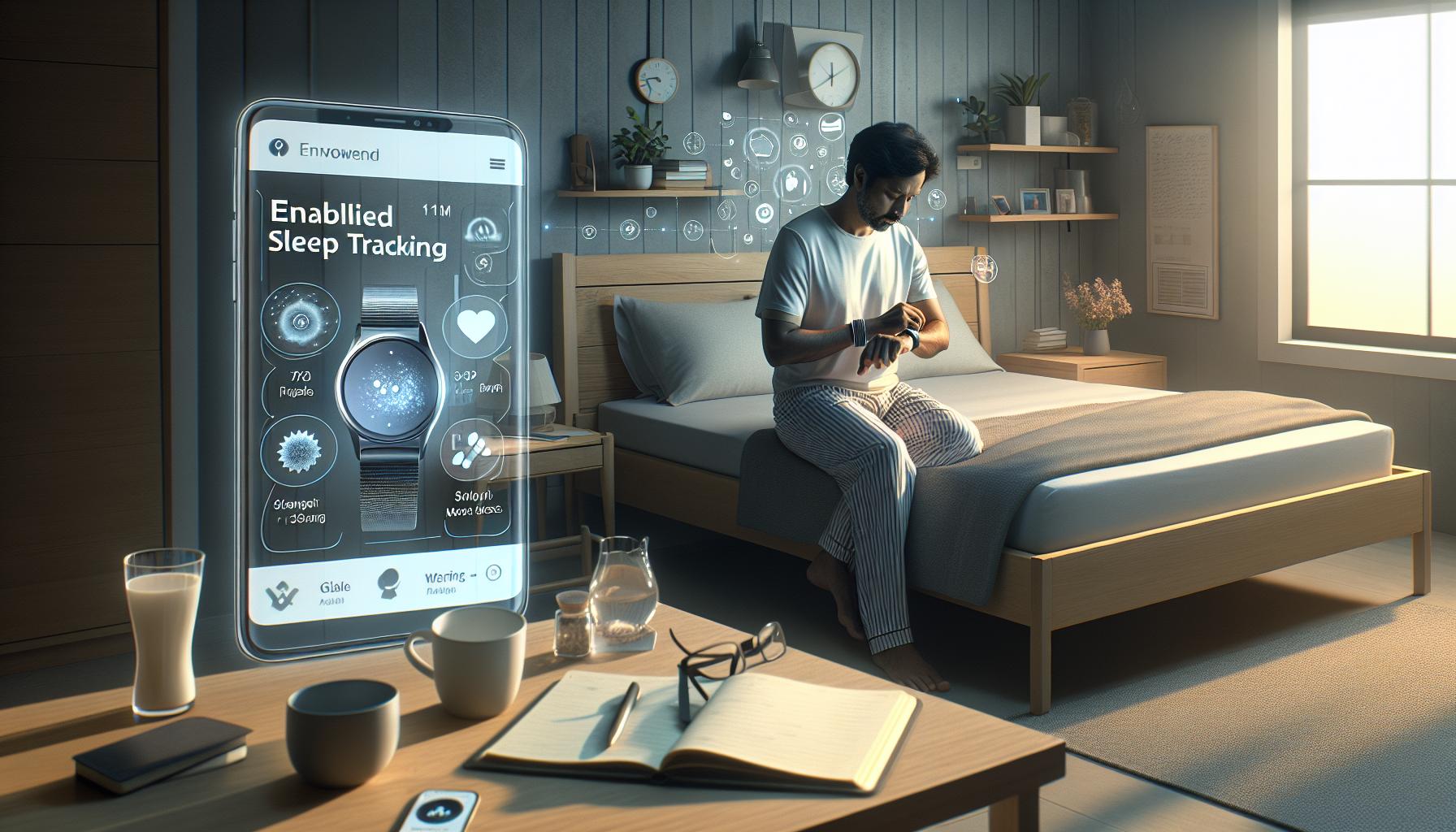
Enabling advanced sleep tracking features on your Apple Watch can unlock a deeper understanding of your sleep patterns, offering insights that can improve your overall health. The first step is to ensure your Apple Watch is up to date with the latest software. Apple regularly updates its watchOS, adding new features and improving existing ones. To do this, simply open the Watch app on your iPhone, tap on “General,” then select “Software Update.” This ensures you have access to the most advanced sleep tracking features available.
Once updated, delve into the settings to optimize your sleep tracking experience. Start by navigating to the Sleep app on your Apple Watch. Here, you can set your sleep goals, which will help the device recommend an optimal bedtime. Additionally, activating the Sleep Mode will reduce distractions by muting notifications and dimming the screen, allowing you to drift into slumber without interruptions. Make sure that both the “Track Sleep with Apple Watch” and “Heart Rate” features are enabled in the Sleep settings for comprehensive analysis of your sleep stages, duration, and quality.
Taking advantage of third-party apps can enhance your tracking further. One highly recommended app is AutoSleep, which not only tracks your sleep but also analyzes your snoring intensity, sleep quality, and other vital metrics. To use such apps effectively, ensure they have permission to access your health data and that they are properly configured to match your specific needs. For instance, AutoSleep can provide more detailed graphs and insights when compared to the native sleep tracking features of the Apple Watch.
Finally, consider utilizing the “Smart Alarm” function, which awakens you during lighter sleep cycles, leaving you feeling refreshed rather than groggy. This feature can be essential for pinning down the right wake-up time tailored to your sleep stages. By following these steps and leveraging these features, you can significantly enhance your Apple Watch’s role as a sleep tracker, leading to better sleep quality and overall wellness.
Comparing Apple Watch Sleep Tracking with Other Devices
The world of sleep tracking has rapidly evolved, with an abundance of devices now available to monitor our nightly rest. The Apple Watch, while a popular choice, presents both advantages and limitations when compared to other sleep tracking devices. Understanding these differences is crucial for users looking to enhance their sleep quality and overall health.
Apple Watch’s native sleep tracking functionality provides a basic overview of sleep duration and quality. It tracks sleep duration using motion detection and heart rate data but may lack detailed analysis of sleep stages such as REM and deep sleep. For users seeking in-depth insights, third-party applications like AutoSleep significantly enrich the experience. AutoSleep offers metrics such as snoring intensity, heart rate variability, and an enhanced graphical representation of sleep cycles-insights that the Apple Watch alone may not provide.
In contrast, dedicated sleep trackers, like the Oura Ring or Withings Sleep Tracking Mat, employ more sophisticated technology. For instance, the Oura Ring not only tracks sleep stages but also utilizes infrared sensors to monitor heart rate and body temperature changes throughout the night. Its detailed data can lead to nuanced insights, helping users adjust their habits for better sleep. Similarly, the Withings Sleep Tracking Mat records sleep patterns seamlessly, providing a comprehensive sleep score based on various metrics, including sleep apnea detection.
While comparing costs, the Apple Watch involves a higher upfront investment but offers multifunctionality beyond sleep tracking. On the other hand, dedicated sleep devices may range from affordable to high-end, depending on their features and technology. Selection ultimately hinges on user preferences: those looking for a smartwatch with basic sleep tracking might find the Apple Watch sufficient, while dedicated sleep technology enthusiasts might prefer specialized devices for a deeper understanding of their sleep health.
Ultimately, the decision to lean towards Apple Watch sleep tracking versus standalone devices depends on individual needs, lifestyle, and the level of insight one desires. For those aiming to improve their sleep quality, integrating the Apple Watch with a third-party sleep app or considering an advanced sleep tracker may be worthwhile endeavors to enhance their overall health journey.
The Science Behind Sleep Tracking Technology
The world of sleep tracking technology is a fascinating realm that merges advances in science with the quest for better health. At the core of this technology is the understanding of sleep stages-light, deep, and REM sleep-each playing a crucial role in overall health. While devices like the Apple Watch offer basic tracking capabilities, they primarily rely on motion sensors and heart rate data, which can lead to limitations in accurately identifying these distinct sleep stages. Advanced sleep technology leverages a broader array of sensors and biofeedback mechanisms to provide a richer tapestry of insights into our sleep behavior.
Essentially, Apple Watch and similar wearables utilize a combination of accelerometry-tracking movement-and photoplethysmography-monitoring heart rate-to gauge sleep patterns. However, this dual approach may not be sensitive enough to pinpoint when transitions occur between sleep stages. In contrast, more specialized devices, such as the Oura Ring or dedicated sleep mats, deploy additional metrics like body temperature and ambient light detection to yield a more comprehensive analysis of sleep architecture. These devices can provide insights into when users enter REM sleep or experience deep sleep cycles, making them beneficial for those serious about tracking their sleep quality.
Moreover, understanding the science behind sleep tracking can empower users to make informed choices regarding their devices and overall sleep health. For example, recognizing that deep sleep is vital for physical recovery while REM sleep supports cognitive function allows individuals to prioritize behaviors that enhance these stages-like establishing a calming pre-sleep routine or optimizing bedroom conditions.
Adopting these insights ensures users leverage their sleep technology to its fullest potential. Those who seek an understanding beyond the basics of duration and movement may find that integrating their Apple Watch data with complementary apps like AutoSleep fills the gaps, offering profound insights into how various factors influence their rest. By merging knowledge of sleep science with practical application, users can transform their nightly routines into a pathway toward improved health and wellness.
Improving Sleep Quality: Tips and Best Practices

Having restful sleep is vital for overall health, yet many people struggle with quality sleep. Fortunately, there are proactive steps you can take to improve your sleep quality, especially when using devices like the Apple Watch that can support your efforts.
One of the first steps is to establish a consistent bedtime routine. Going to bed and waking up at the same time every day helps regulate your body’s internal clock, enhancing the quality of your sleep. Aim for 7-9 hours of sleep per night, as this range is often recommended for adults. Consider incorporating calming activities such as reading, practicing meditation, or stretching before bed to signal to your body that it’s time to wind down.
Another important aspect is creating an ideal sleep environment. Ensure your bedroom is dark, cool, and quiet to promote better sleep. Using blackout curtains, a white noise machine, or earplugs can greatly enhance your sleeping conditions. Make sure your mattress and pillows provide the support you need. If possible, reserve your bed for sleep and intimate activities only; this helps your brain associate the bed with rest.
In addition to these environmental changes and routines, leveraging the advanced features of your Apple Watch can provide greater insights into your sleep patterns. Syncing your device with sleep-tracking apps, such as SleepWatch, can help you analyze your sleep stages more effectively. Look for patterns in your sleep quality over time to identify potential areas for improvement. For instance, if you notice poor sleep following intense exercise late in the day, adjust your workout schedule accordingly.
Lastly, be mindful of your intake of food, beverages, and behaviors throughout the day. Avoid large meals, caffeine, and alcohol close to bedtime, as these can hinder restful sleep. Instead, opt for light snacks if necessary, and consider herbal teas known for their calming properties. By adopting these practices, you can significantly enhance your sleep quality and, consequently, your overall well-being.
When to Consider a Sleep Study Over Wearables
Determining whether to rely on wearables like the Apple Watch for tracking sleep or to seek a formal sleep study can be crucial for your health. While devices are convenient and provide baseline insights, there are specific scenarios where a sleep study might be the more appropriate choice. If your sleep issues are severe or persistent, or if you suspect you have a sleep disorder, then consulting a healthcare professional and possibly undergoing a sleep study may be necessary.
Often, wearables lack the comprehensive analysis needed to diagnose conditions like sleep apnea, restless leg syndrome, or narcolepsy. For instance, although the Apple Watch can monitor your sleep duration and basic stages, it does not capture nuanced data on respiration patterns, oxygen levels, or brain waves-critical factors that are monitored in a controlled environment during a sleep study. Such studies typically involve polysomnography, where you are observed overnight in a lab setting with electrodes measuring various physiological signals.
You should consider a formal sleep study if you experience symptoms such as:
- Excessive daytime sleepiness
- Loud snoring or gasping during sleep
- Chronic insomnia that doesn’t improve over time
- Unexplained fatigue that impacts daily life
- Frequent waking during the night
Typically, the cost of a sleep study may range from several hundred to a few thousand dollars, depending on your insurance coverage, but it provides data and results that can lead to targeted, effective treatments. The study also outfits you with knowledge; it’s not just about collecting data-it’s about understanding your sleep health comprehensively.
If your experience with wearables leaves you concerned or confused about your sleep quality or the potential for a sleep disorder, discussing these concerns with a healthcare provider will empower you to make the best choice for your health journey. A blend of technology and professional medical advice can offer the most thorough understanding and management of your sleep health.
User Experiences: Real-World Insights on Sleep Tracking
User experiences with sleep tracking on the Apple Watch can vary widely, providing valuable insights into both its functionality and limitations. Many users have reported initial excitement about tracking their sleep stages, only to find that the actual data can sometimes feel incomplete. For instance, while the Apple Watch can differentiate between periods of sleep and wakefulness, users often express frustration when it fails to categorize these phases into REM, deep sleep, and light sleep accurately. This stems from the Apple Watch relying primarily on movement and heart rate-a method that, although insightful, may not capture the full picture compared to clinical sleep studies.
One user shared their journey after noticing discrepancies in their Apple Watch sleep data. After plenty of sleepless nights, they sought advice from an online forum and discovered essential settings they had overlooked. Key adjustments included ensuring that Sleep Mode was active and that the watch was snugly fitted on their wrist at night. These modifications resulted in improved tracking accuracy, highlighting the potential of the device when optimized correctly.
It’s also important to recognize that personal experiences can differ significantly based on how each person sleeps and their unique health conditions. For example, some users with sleep apnea found that the device did not adequately capture the severity of their condition without additional monitoring tools. Their stories underline a broader point: while wearable technology can give a fundamental overview of sleep patterns, it should not replace professional medical advice or exhaustive diagnostics, especially in cases of suspected sleep disorders.
Ultimately, users often recommend creating a sleep-friendly environment to enhance the Apple Watch’s tracking capabilities, including limiting blue light exposure before bed and establishing a consistent bedtime routine. Such approaches not only improve sleep quality but also ensure that the data collected is more representative of actual sleep stages-empowering users to utilize technology effectively while remaining aware of the importance of professional assessments when necessary.
The Future of Sleep Monitoring Technology

The landscape of sleep monitoring technology is rapidly evolving, offering exciting possibilities for users seeking to improve their sleep quality. As we delve into this future, innovations are increasingly focused on delivering more precise insights into sleep stages, moving beyond basic measurements of sleep duration to a detailed understanding of REM, light, and deep sleep phases.
One of the pivotal advancements lies in the integration of artificial intelligence (AI) and machine learning algorithms. These technologies have the potential to analyze vast amounts of sleep data collected from wearables, enhancing the accuracy of sleep stage detection. By learning individual sleep patterns over time, AI could personalize insights and recommendations, making devices like the Apple Watch even more effective in helping users understand their sleep dynamics.
Moreover, emerging technologies such as non-invasive sensors and improved biosensors might soon allow wearables to capture more sophisticated data without compromising comfort. For instance, research into imaging techniques and advanced biometrics could lead to equipment that monitors sleep quality through monitoring blood flow or oxygen levels without the need for direct contact. This could be revolutionary for those who find wearing a device uncomfortable during sleep, ultimately broadening the accessibility of sleep tracking.
Meanwhile, sleep monitoring is also becoming more holistic. Newer devices are likely to consider factors beyond just movement and heart rate, incorporating environmental data, such as temperature and noise levels, to create a comprehensive picture of the sleep environment. Such integration would help users optimize their sleep surroundings, from adjusting bedroom temperature to minimizing disruptive sounds, thereby enhancing overall sleep quality.
As these technologies advance, it’s vital for users to remain informed about what these changes mean for their sleep health. Improved accuracy and personalization might mean that the suggestions these devices offer will become crucial in guiding users not only in tracking their sleep but also in implementing better sleep hygiene practices. By understanding , users will be empowered to harness these tools not just for tracking but for real transformation in their nightly rest and overall wellness.
FAQs About Apple Watch Sleep Tracking Features
Understanding how your Apple Watch tracks sleep can sometimes be complex. Many users report frustration when they find their device isn’t providing detailed insights into sleep stages like REM or deep sleep. One common issue could be related to the settings on your Apple Watch. To maximize your tracking capabilities, ensure that the Sleep app is properly configured. This includes setting your sleep schedule and enabling sleep tracking through the app. Also, the watch must be worn snugly on your wrist throughout the night for optimal sensor reading.
Another frequent concern is the accuracy of sleep tracking features. While the Apple Watch utilizes motion sensors and heart rate monitoring to detect sleep phases, it may struggle to differentiate between light sleep and wakefulness for some users. This can be influenced by factors such as your sleep environment, movements during the night, or even if you’re using other sleep aids or medications. If your sleep data doesn’t seem right, consider keeping a sleep journal for a couple of weeks. This can help you identify patterns and adjust your sleeping conditions accordingly.
It’s also important to remember that while wearables like the Apple Watch provide valuable insights, they are not a replacement for sleep studies conducted by healthcare professionals. If you suspect you have a sleep disorder, such as sleep apnea or chronic insomnia, it may be wise to consult with a sleep specialist for a formal assessment. This could involve a polysomnography study to monitor your sleep patterns comprehensively.
For troubleshooting common sleep tracking issues, consider these practical steps:
- Update Your Software: Ensure your Apple Watch and iPhone are both running the latest software versions.
- Wear It Properly: The watch should fit snugly but comfortably on your wrist to ensure sensors are effective.
- Check Battery Levels: A low battery can affect tracking performance, so consider charging your watch before bed.
- Enable Sleep Focus: Activating Sleep Focus can enhance tracking accuracy by reducing distractions and optimizing settings for sleep.
Staying informed about how to navigate these features will empower you to get the most out of your Apple Watch’s sleep tracking capabilities. By understanding both the technology behind it and the limitations, you can make smarter choices regarding your sleep health and overall well-being.
Q&A
Q: Why is my Apple Watch not tracking sleep stages?
A: Your Apple Watch may not track sleep stages due to incorrect settings or insufficient battery life. Ensure that Sleep Tracking is enabled in the Sleep app and that your watch is charged every night. Check your settings by accessing the Sleep section in the Health app on your iPhone [2[2].
Q: How can I enable sleep stages tracking on my Apple Watch?
A: To enable sleep stages tracking, open the Sleep app on your Apple Watch, adjust your sleep schedule, and ensure that you wear your watch to bed. Ensure that “Track Sleep with Apple Watch” is turned on in the Health app settings [1[1].
Q: What if my Apple Watch won’t record sleep at all?
A: If your Apple Watch isn’t recording sleep, check if the Sleep Focus is active, your watch is not in Power Reserve mode, and it is snugly fitted on your wrist. You should also verify that your watchOS is updated [1[1].
Q: Can I review sleep stages data on my iPhone?
A: Yes, you can review your sleep stages data by opening the Health app on your iPhone. Tap on Sleep, where you can find insights, including your Time Asleep and Sleep Duration over the last 14 days [2[2].
Q: Does my Apple Watch need to be in a specific mode to track sleep stages?
A: Yes, your Apple Watch needs to be in Sleep Focus mode for accurate sleep tracking. This mode helps reduce distractions and enhances sleep quality while ensuring your watch tracks your sleep stages effectively [2[2].
Q: Why is my sleep analysis data inconsistent?
A: Inconsistent sleep analysis may arise from wearing the watch loosely, low battery levels, or not wearing it throughout the night. Aim for a snug fit and ensure it’s charged before bedtime for optimal results [2[2].
Q: How does the Apple Watch differentiate sleep stages?
A: The Apple Watch uses motion sensors and heart rate data to detect and differentiate sleep stages-light, deep, and REM sleep-providing detailed insights into your sleep quality [1[1].
Q: What can I do if sleep stages are not showing up after tracking?
A: If sleep stages are absent, restart your Apple Watch and check for updates. Ensure all settings are properly configured in the Health app and monitor for any disruptions in sleep patterns that could impact tracking [1[1].
To Wrap It Up
Unlock the full potential of your Apple Watch by enabling sleep stage tracking today! Understanding your sleep stages can provide invaluable insights into your rest quality and overall well-being. If you’ve faced challenges with tracking, our guide on how to set it up correctly can help you overcome any obstacles. Don’t miss out on the benefits-head to our detailed guide now!
For more information on optimizing your sleep health, check out our articles on sleep disorders, or explore best practices for using wearables to enhance your nightly rest. Have questions or want to share your experiences? Join the conversation in the comments below! Your journey to better sleep starts here-take action now and empower your wellness journey today!