
Are you frustrated because your Fitbit Charge 5 isn’t accurately tracking your sleep? You’re not alone-many users share this concern, and it can be more than just an inconvenience. Sleep tracking is crucial for understanding your health and well-being, as it helps you optimize your rest, manage stress, and enhance your overall vitality. In this guide, we’ll explore common reasons why your device might be falling short and provide practical solutions that can get your sleep monitoring back on track. Whether you’re trying to improve your sleep quality or just puzzled by your tracker’s behavior, keep reading to uncover the fixes you need.
Why Your Fitbit Charge 5 May Misread Sleep Patterns
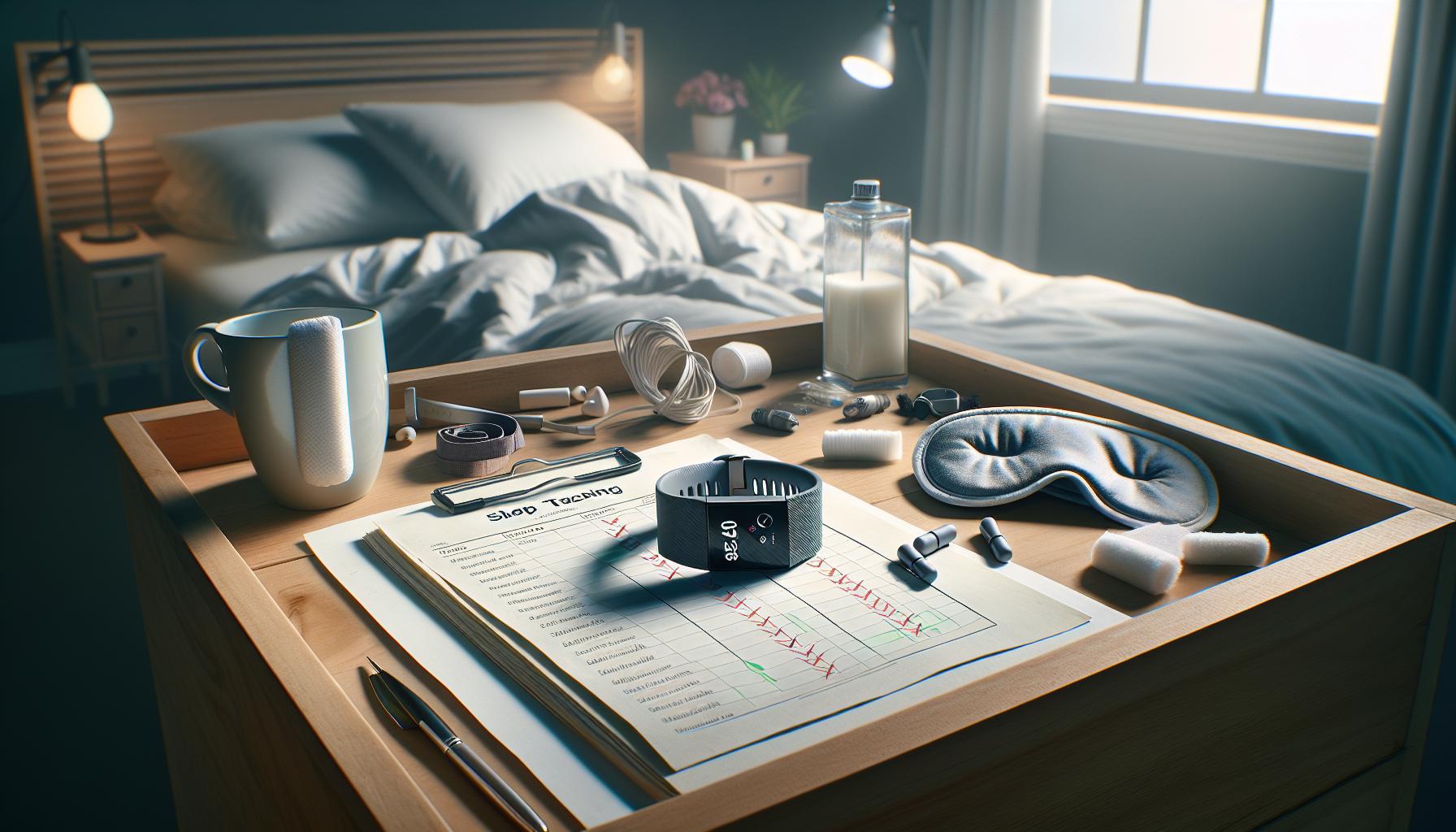
If you’ve noticed discrepancies in your sleep data from your Fitbit Charge 5, you’re not alone. Many users experience issues with sleep tracking, leading to confusion and frustration. The problem often lies not with the device itself but with several factors that can affect its performance. Understanding these variables can empower you to get more accurate insights into your sleep patterns.
Firstly, improper wear can significantly impact the accuracy of your sleep tracking. For optimal results, ensure that your Fitbit is snug but not too tight on your wrist. If the device is too loose, it may not properly monitor movements associated with different sleep stages. Additionally, if you frequently switch wrists or wear it too loosely during sleep, it could lead to inaccurate readings.
Environmental factors can also play a crucial role. Bright lights, loud noises, and changes in room temperature can affect your sleep quality, which in turn can confuse your Fitbit. The device uses your heart rate and movement data to assess sleep quality, and if external conditions lead to irregular sleep patterns, it may misinterpret your rest periods. Furthermore, the presence of other electronic devices and sources of electromagnetic interference may disrupt the sensors, resulting in unreliable data.
User settings are another important aspect. If your sleep schedule varies significantly from night to night, your Fitbit may struggle to determine when you are actually asleep. Establishing a consistent sleep routine can help your device better recognize your sleep patterns. Always ensure that your sleep settings in the app are configured correctly, indicating your typical bedtime and wake-up time.
To enhance your understanding of how your Fitbit Charge 5 works and to improve its accuracy, consider these factors carefully. Being mindful of how you wear the device, your sleep environment, and your personal habits can lead to a more reliable sleeping experience as recorded by your Fitbit.
Common Reasons for Inaccurate Sleep Tracking
Many users of the Fitbit Charge 5 find that their sleep tracking data often seems inconsistent or inaccurate. Understanding the common reasons behind these discrepancies can greatly enhance your experience and help you glean more accurate insights about your sleep patterns.
One prevalent issue is improper fit. If your Fitbit is not worn snugly on your wrist, it may struggle to collect accurate data. A loose fit can lead to the device having difficulty detecting your movements throughout the night, which is critical for determining sleep stages. It’s also important to consistently wear the device on the same wrist; switching wrists frequently can confuse the sensors and result in variability in the collected data.
Furthermore, environmental factors significantly influence sleep quality and, consequently, the accuracy of your sleep tracking. Bright lights, loud noises, and even room temperature can disrupt your sleep cycle, causing the Fitbit to misinterpret periods of rest. Remember, the device relies on heart rate variability and motion patterns; thus, any disturbance can lead to faulty sleep stage classifications.
User behavior and settings within the Fitbit app also play a vital role. If you often have irregular sleep schedules, your Fitbit’s ability to accurately record your sleep might be compromised. To improve accuracy, establish a consistent sleep routine and ensure your sleep settings in the app reflect your typical bedtime and wake-up time. This will help the device learn your patterns more effectively and provide better tracking results.
By addressing these common issues-fit, environment, and user settings-you can significantly improve the accuracy of your Fitbit Charge 5’s sleep tracking capabilities, leading to a more informative and useful experience regarding your sleep health.
Steps to Properly Configure Your Fitbit Charge 5
To ensure your Fitbit Charge 5 accurately tracks your sleep, proper configuration is essential. A well-set device not only provides more reliable data but also enhances your overall health monitoring experience. Start by making certain the device is securely fitted on your wrist. The Fitbit should sit snugly just above your wrist bone, allowing the sensors to accurately detect your movements and heart rate. A loose fit can significantly hinder performance, potentially leading to erroneous sleep stage readings.
Next, utilizing the Fitbit app to configure your sleep settings is a crucial step. Within the app, navigate to your sleep schedule settings and enter your regular bedtime and wake-up time. This information enables the Fitbit to better recognize your sleep patterns and gives it a framework for comparison, thus improving data accuracy. Don’t forget to turn on the ‘Sleep Mode’ feature as it restricts notifications while you sleep, allowing you to rest undisturbed.
It’s also beneficial to regularly sync your device with the app to ensure it is up-to-date with the latest software. Keeping your Fitbit Charge 5 updated not only helps you access new features but also fixes any bugs that might affect performance. Moreover, take a moment to review your account settings. Ensure that the settings reflect your correct age, weight, and fitness levels, as these attributes influence heart rate and sleep analysis.
Finally, be mindful of your environment and personal habits. If you have a tendency to change your sleep schedule or engage in unusual activities before bedtime (like consuming caffeine), try to stabilize these habits. Consistency aids the Fitbit in providing accurate insights and helps you track your progress over time. Following these steps will enhance the performance of your Fitbit Charge 5 and deliver a clearer picture of your sleep health.
Understanding Fitbit Sleep Tracking Technology
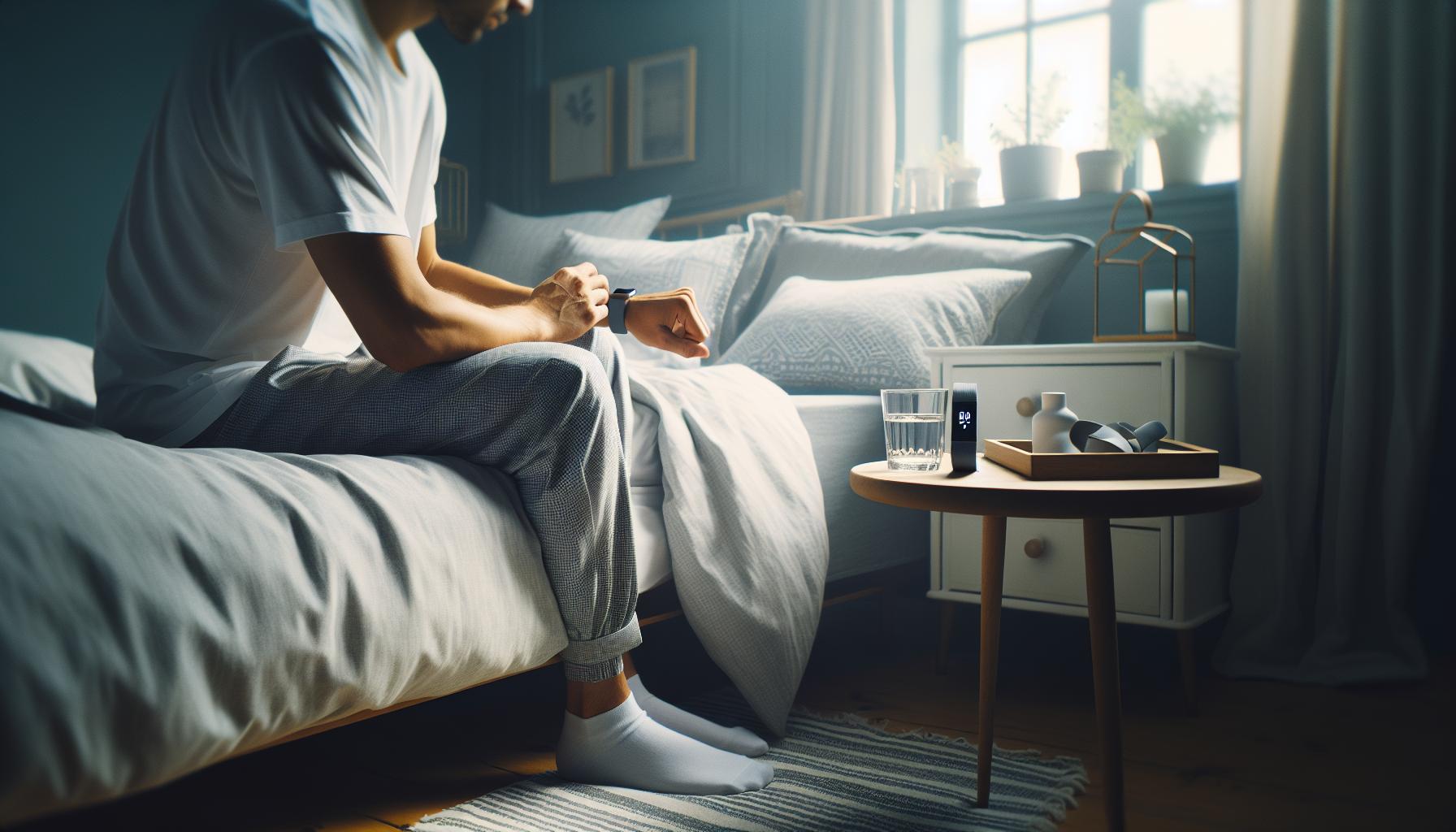
Understanding how your Fitbit Charge 5 tracks your sleep can illuminate why it sometimes misreads your sleep patterns. The device employs advanced sensors to monitor heart rate, movement, and other biometric data throughout the night, providing a detailed analysis of your sleep stages – light, deep, and REM. What may surprise you is that these readings depend not only on the technology but also on several personal and environmental factors that can influence accuracy.
Fitbit’s sleep tracking technology leverages a combination of accelerometer data and heart rate variability. The accelerometer detects your movements; if you’re still or moving very little, it’s likely that you’re sleeping. Meanwhile, heart rate variability helps determine the quality of your sleep stages. When you’re in deep sleep, your heart rate typically decreases, allowing the device to classify your sleep accurately. However, if the device loses contact with your skin or if you frequently change positions during the night, it may struggle to get precise readings.
Factors Affecting Sleep Tracking Accuracy
The accuracy of your Fitbit’s sleep tracking might waver due to several factors:
- Fit and Position: A loose or poorly positioned device can lead to inaccurate heart rate readings.
- Body Movement: Excessive movement can confuse the sensors, resulting in misclassifications of sleep stages.
- Regular Sleep Schedule: Irregular sleep patterns can hinder the device’s ability to establish a consistent sleep cycle, affecting its predictions.
- Environmental Distractions: Noise or light from your surroundings can disrupt your sleep patterns, impacting the data collected.
By understanding these aspects, users can better interpret their sleep data and make informed adjustments to their nightly routines. Ultimately, while the Fitbit Charge 5 provides valuable insights, it’s essential to consider these influencing factors for the most accurate readings, creating a more accurate picture of your sleep health journey.
How to Improve Your Sleep Data Accuracy
To enhance the accuracy of your Fitbit Charge 5’s sleep data, consider these practical strategies designed to optimize both device functionality and your sleep environment. First and foremost, ensure that the device fits snugly on your wrist. A loose fit can cause the sensors to misread heart rate and movement, leading to flawed sleep stage classifications. Adjust the band for a comfortable yet secure fit, and wear it on your non-dominant wrist to minimize interference from movements associated with daily activities.
Establishing a consistent sleep schedule is also crucial for accurate tracking. Try to go to bed and wake up at the same times each day, even on weekends. This consistency helps your Fitbit learn your sleep patterns more effectively, resulting in better predictions and classifications of sleep stages. Additionally, consider creating a sleep-friendly environment by reducing ambient noise and light, which can disrupt your sleep cycles. Blackout curtains, white noise machines, and comfortable bedding can all contribute to a conducive sleep atmosphere.
Furthermore, periodically review your Fitbit’s sleep settings in the app. Ensure that sleep tracking is enabled and that your personal profiles, including age and sleep goals, are correctly set. Staying updated with the latest app and device firmware can resolve bugs that might affect sleep data accuracy. If you find yourself frequently experiencing inaccurate readings, consider a short experiment: try sleeping without the device for a couple of nights to gauge how your perceived sleep quality compares with the Fitbit’s assessment.
Lastly, if you are increasingly concerned about the discrepancies in your sleep data despite these tips, resetting your device may help resolve lingering connectivity issues or software glitches. As a general rule, if your Fitbit behaves unexpectedly, a reset can clarify whether the problem lies with the device or with the tracking environment itself. By following these steps, you can gain more reliable insights from your Fitbit Charge 5 and take steps toward better sleep health.
When to Reset Your Fitbit Charge 5
If your Fitbit Charge 5 isn’t tracking your sleep accurately, it might be time for a reset. Devices can become sluggish or inconsistent in their behavior due to software bugs or glitches, which can affect their performance and the accuracy of the data they collect. A reset can often resolve these issues, restoring the device to its original functionality. But when should you consider resetting your Fitbit Charge 5?
Firstly, if you notice that the sleep data is persistently flawed-such as not recording any sleep or reporting erratic sleep patterns-this may signal underlying software issues. In such instances, a reset can clear temporary malfunctions that might be impacting the tracking capability. To initiate a reset, hold down the button on the side of your Charge 5 for about 10 seconds until you see the Fitbit logo and feel the device vibrate. This process can refresh the device’s internal systems, helping restore accuracy in sleep monitoring.
Additionally, if you experience connectivity problems with the Fitbit app or trouble syncing your sleep data with your smartphone, resetting the device can help clear any connection difficulties. Sometimes, a fresh start will allow your Fitbit Charge 5 to establish a better link with your phone or other devices. It’s also a good practice to reset your device if you’ve updated the Fitbit app or undergone a software upgrade, as these changes can sometimes cause temporary disruptions.
Finally, it’s essential to remember that if the device continues to perform poorly after a reset, it may be an indicator of hardware issues. In this case, contacting Fitbit support for further guidance or troubleshooting steps may be the next best action. By taking systematic steps and knowing when to reset your device, you can ensure that your Fitbit Charge 5 serves as an effective tool for tracking your sleep and enhancing your overall sleep health.
Troubleshooting Device Connectivity Issues
If your Fitbit Charge 5 is struggling to accurately track your sleep, connectivity issues could be the culprit. A stable connection between your Fitbit device and the accompanying app is essential for effective data syncing. Often, problems stem from the Bluetooth connection-if it’s unstable or drops frequently, your device may fail to upload sleep data properly. To begin troubleshooting, ensure that your smartphone’s Bluetooth is turned on and correctly paired with your Fitbit.
Another common issue is app compatibility. Make sure that both your Fitbit app and smartphone operating system are up to date. An outdated app might not communicate effectively with your device, which can lead to discrepancies in sleep data reporting. Additionally, if you’ve recently updated your phone or the Fitbit app, try to restart both devices. This simple step can often resolve connectivity glitches that hinder data syncing.
Environmental factors also play a role. If you’re experiencing frequent disconnections or syncing issues, try moving closer to your phone when checking sleep data. Obstacles like walls, electronic devices, or even body distance can disrupt Bluetooth signals. Ensure your Fitbit Charge 5 is stored away from electronic devices that may cause interference, as this may help maintain a consistent connection.
Lastly, if all else fails and you continue to face connectivity problems, consider uninstalling and reinstalling the Fitbit app. This action can help clear cached data and restore a fresh connection. If issues persist post-reinstallation, it could indicate a deeper issue with your device. In such cases, reaching out to Fitbit customer support may provide more tailored solutions. By systematically addressing these potential connectivity challenges, you can improve the accuracy of your sleep tracking and enhance your overall experience with your Fitbit Charge 5.
Expert Tips for Maximizing Sleep Tracking Performance
To fully utilize your Fitbit Charge 5’s sleep tracking capabilities, consider implementing a few strategic practices that can enhance accuracy and provide more insights into your sleep patterns. Did you know that your sleep environment can significantly affect the data your device collects? Here are some expert tips to help you maximize your sleep tracking performance.
Optimize Your Sleep Environment
Creating a sleep-friendly environment is crucial. Aim for a dark, quiet room with a comfortable temperature; these factors can help improve both sleep quality and the accuracy of your device. Consider using blackout curtains, earplugs, or white noise machines to minimize disturbances. This controlled setting allows your Fitbit Charge 5 to track sleep more precisely by establishing clearer sleep stages.
Wear It Correctly
Make sure your Fitbit is snug but comfortable on your wrist. A loose fit can lead to inaccurate readings, particularly when it comes to tracking movement during sleep. Adjust the band so that it sits flat against your skin, which will help the sensors gather more reliable data.
Keep Your Device Updated
Regularly check for updates to the Fitbit app and your Charge 5. These updates often include enhancements to algorithms and fixes for existing bugs, which can directly improve the accuracy of sleep tracking. An outdated app can lead to syncing issues and less reliable data reporting.
Establish a Sleep Routine
Try to go to bed and wake up at the same time every day. Your Fitbit Charge 5 tracks your sleep according to these patterns, and maintaining consistency can lead to a clearer understanding of your sleep cycles. Logging your sleep schedule in the app can also help identify trends and provide personalized insights.
Monitor Device Settings
Ensure that sleep tracking is enabled in the device settings. You can also manually log sleep if you know you’ll be taking a short nap or experiencing a late night. This ensures that your Fitbit records all forms of rest effectively, helping you analyze your sleeping trends accurately.
By focusing on these areas, you can harness the full potential of your Fitbit Charge 5, gaining greater clarity into your sleep habits and the quality of your rest. If issues persist despite following these tips, further investigation into device performance may be necessary to ensure you’re getting the best results possible.
Comparing Fitbit Charge 5 with Other Sleep Trackers
Sleep trackers have become integral in monitoring and improving sleep quality, but how does the Fitbit Charge 5 stack up against other options on the market? With its advanced sensors and algorithms, the Charge 5 boasts a promising array of features, but potential users should carefully consider how it compares to its competitors.
Many users rave about the Fitbit Charge 5’s Sleep Score feature, which provides insights into sleep quality based on duration and stages (light, deep, REM). In contrast, devices like the Oura Ring and Garmin Forerunner series offer similar functionalities, often with additional features like body temperature monitoring or heart rate variability assessments. These metrics can help provide a more comprehensive view of health and recovery beyond sleep alone.
Key Features Comparison
| Feature | Fitbit Charge 5 | Oura Ring | Garmin Forerunner |
|---|---|---|---|
| Sleep Stages Tracking | Yes | Yes | Yes |
| Heart Rate Monitoring | Continuous | Continuous | Continuous |
| Body Temperature Tracking | No | Yes | No |
| Battery Life | 7 days | 7 days | 14 days |
| Smart Features | Yes | No | Yes |
While the Fitbit Charge 5 excels with its vibrant display and robust app interface, some users may find it lacking in specific areas, such as body temperature tracking that the Oura Ring provides. Additionally, the Forerunner series stands out with longer battery life and more rugged options for outdoor enthusiasts, making it a suitable choice for anyone leading a more active lifestyle.
In choosing a sleep tracker, it’s crucial to consider not just the sleep features but how well the device integrates into your daily habits and health goals. Understanding whether you prioritize sleep alone or desire additional health insights can be a deciding factor in selecting the right wearable. Each device has its advantages, and aligning these with your personal needs will help you make the best choice for enhancing your sleep health.
Real User Experiences: Sleep Tracking Success Stories
Many users have discovered that the Fitbit Charge 5 can significantly enhance their understanding of sleep patterns, leading to improved sleep quality. Take, for example, Jessica, a 34-year-old mother of two who struggled with insomnia for years. After she began using her Charge 5, she found that the device’s detailed sleep tracking helped her identify patterns she never noticed before. The analysis showed her a consistent trend of fragmented light sleep-an indication that her restless nights were often caused by the stress of her busy schedule. With this newfound knowledge, Jessica was able to adjust her nighttime routine, prioritizing relaxation and winding down before bed, ultimately leading to longer, more restful sleep.
Real-life stories like Jessica’s highlight how powerful wearable technology can be in transforming not just awareness but also behavior. Another user, Mike, a 28-year-old fitness enthusiast, utilized the Charge 5 to monitor his sleep after incorporating intense workouts into his regimen. He discovered that nights of heavy exercise were often followed by poor sleep due to elevated heart rates and anxiety. Armed with this information, Mike began integrating more mindfulness practices, such as yoga and meditation, into his evenings. As a result, both his sleep quality and athletic performance improved, demonstrating the profound impact of active sleep monitoring.
However, not all experiences are seamless. Some users initially faced challenges with sleep tracking accuracy due to improper device settings or placement. For instance, Sarah, a first-time Fitbit user, found that her device was not recording her sleep accurately. After connecting with online communities and following troubleshooting tips, she realized she had been wearing the device too loosely. Once she adjusted the fit, her sleep tracking data became precise, enabling her to make informed adjustments to her sleeping habits.
Each user’s story emphasizes the critical role of experimentation and adaptation in the journey toward better sleep health. Whether you’re navigating the learning curve of your device or experiencing difficulties in accuracy, community resources and personalization are invaluable. Emphasizing your unique lifestyle factors can lead to tailored improvements, ensuring that your Fitbit Charge 5 serves as an empowering tool in your quest for restorative sleep.
The Limitations of Wearable Sleep Technology
While wearable technology like the Fitbit Charge 5 offers a gateway to understanding sleep patterns, recognizing its limitations is equally important for users seeking accurate insights. Despite advanced features, these devices often fall short of providing the same level of precision as clinical sleep assessments conducted in sleep labs. Factors such as device accuracy, data interpretation, and user behavior can significantly impact the quality of sleep data collected.
One major limitation is the accuracy of sleep stage detection. Fitbits generally rely on sensors that monitor movements and heart rate to determine sleep stages. This can lead to inaccuracies, particularly in differentiating between light sleep and wakeful periods, especially for light sleepers or those with restless movements. For example, if you frequently shift positions while sleeping, the device may misinterpret these movements, resulting in erroneous reports about how long you truly spent in deep versus light sleep.
Another factor to consider is user placement and fit. A device worn too loosely may fail to capture important physiological signals, while one worn too tightly could potentially cause discomfort, disrupting sleep. Proper fit is crucial, as a well-positioned device will collect more accurate data. Users have reported significant improvements in their sleep tracking after carefully adjusting the fit of their wearable device.
Finally, remember that wearables like the Fitbit Charge 5 are not designed to replace professional sleep studies. They can identify trends and provide data that may lead individuals to seek further evaluation for underlying sleep disorders. If your sleep issues persist despite attentive tracking and adjustments with your Fitbit, it may be time to consult a healthcare professional for a more thorough assessment. Recognizing these limitations empowers users to leverage their devices effectively while being vigilant about when to seek professional help, ensuring a balanced approach to managing sleep health.
When to Seek Professional Sleep Evaluation
If you find yourself wrestling with inconsistent sleep data from your Fitbit Charge 5, it may be time to consider whether a professional sleep evaluation is warranted. It’s estimated that around 70 million Americans suffer from sleep disorders, many of which go undiagnosed. Recognizing the signs can help you make informed decisions regarding your sleep health.
There are key indicators that suggest consulting with a sleep specialist. If you consistently feel unrested after a full night’s sleep or experience excessive daytime drowsiness, it might not just be an issue of how your wearable tracks sleep. Other symptoms, such as loud snoring, brief pauses in breathing, or waking frequently during the night, could indicate conditions like sleep apnea, which warrants immediate professional attention. Consulting with a specialist can provide clarity, as they can conduct a thorough assessment and possibly recommend a sleep study, or polysomnography, to gather detailed insights.
Understanding the Process
A typical sleep evaluation begins with a detailed consultation, where you discuss your sleep patterns, health history, and any concerns. From there, a sleep study may be recommended, which can often be performed in the comfort of your home or a sleep lab. During this session, your sleep stages, heart rate, and breathing will be monitored to identify any irregularities. While many people may feel anxious about undergoing a sleep study due to unfamiliar equipment or the setting, it’s important to remember that this evaluation serves as a crucial step towards understanding and improving your sleep health.
Cost and Preparation
The cost of a sleep study can vary widely based on location and whether your insurance covers it. It’s beneficial to check with your insurance provider beforehand and inquire about covered services. Generally, preparing for a sleep study involves minimal effort; you may be asked to avoid caffeine and certain medications prior to the test. Comfortable sleepwear and familiar bedding can also help ease anxieties and ensure you rest well during the evaluation.
Ultimately, your Fitbit Charge 5 can be a valuable tool in managing your sleep health, but it shouldn’t replace formal medical advice or assessments. If you’re experiencing persistent sleep issues or have concerns that go beyond technology functionalities, don’t hesitate to seek the guidance of a healthcare professional. A blend of personal monitoring through wearables and professional insights can help pave the way to restful nights and rejuvenated days.
Q&A
Q: How do I reset my Fitbit Charge 5 to fix sleep tracking issues?
A: To reset your Fitbit Charge 5, press and hold the back (button) and bottom buttons simultaneously for about 10 seconds, until you see the Fitbit logo. This can help resolve software glitches affecting sleep tracking. For more details, check the section on “When to Reset Your Fitbit Charge 5.”
Q: Why isn’t my Fitbit Charge 5 tracking my sleep after an update?
A: Sleep tracking issues post-update can occur due to bugs or configuration changes. Ensure your Charge 5 is fully synced with the Fitbit app and check sleep settings for any adjustments. Refer to “Troubleshooting Device Connectivity Issues” for more steps.
Q: What sleep settings should I adjust on my Fitbit Charge 5?
A: Make sure that the “Sleep Mode” is enabled in the settings of your Fitbit Charge 5. This feature helps in better tracking of your sleep patterns. Review the “Steps to Properly Configure Your Fitbit Charge 5” section for guidance.
Q: How can I improve the accuracy of my Fitbit Charge 5’s sleep tracking?
A: Improve accuracy by wearing your device snugly during sleep and ensuring it’s charged. Additionally, maintain a consistent sleep schedule and avoid excessive movements during the night. For more tips, explore the “How to Improve Your Sleep Data Accuracy” section in the main article.
Q: Does a low battery affect my Fitbit Charge 5’s sleep tracking?
A: Yes, a low battery can reduce the functionality of sleep tracking. Ensure your device is charged before bedtime for the best performance. For battery management tips, check the expert advice section in the article.
Q: Why does my Fitbit Charge 5 track short naps but not full sleep cycles?
A: If your Fitbit effectively tracks short naps but not full sleep cycles, it may be due to incorrect watch positioning or sleep settings. Verify that the device is worn correctly on your wrist and that sleep features are turned on in settings. See “Common Reasons for Inaccurate Sleep Tracking” for more details.
Q: Can I use my Fitbit Charge 5 to track sleep if I’m not in bed?
A: No, your Fitbit Charge 5 requires you to be in a resting position to accurately track sleep. Make sure you are settled and wearing the device properly. For insights into how Fitbit tracks sleep, refer to the “Understanding Fitbit Sleep Tracking Technology” section.
Q: What should I do if my Fitbit Charge 5 tracks sleep inconsistently?
A: If your Fitbit tracks sleep inconsistently, ensure that the device is updated and synced properly. Also, check the tightness of the strap on your wrist. Consult the section on “Expert Tips for Maximizing Sleep Tracking Performance” for best practices.
Final Thoughts
If your Fitbit Charge 5 isn’t tracking your sleep, remember: you’re not alone, and there are straightforward solutions. Start by double-checking your settings and ensuring your device is snugly worn on your wrist while you sleep. If you’re still having issues, consider exploring our comprehensive guides on device troubleshooting and the impact of sleep studies on your health.
Don’t let sleep tracking troubles keep you from restful nights. Take action now-adjust your settings, check for updates, or even consult our expert advice on comparing wearables. For more tips on maximizing your Fitbit experience and understanding sleep better, dive into our resources on sleep disorders and technology for deeper insights.
Join the conversation by sharing your experiences or questions in the comments below. And don’t forget to subscribe to our newsletter for the latest updates and tips tailored to enhance your wellness journey. Empower your sleep health with the right tools and knowledge today!