
Many people struggle with understanding their sleep patterns, which is essential for better health and daily performance. The Garmin Instinct 2 promises to enhance your sleep insights through its tracking capabilities, but how accurate is it really? This review delves into the device’s performance, exploring user experiences and the accuracy of its sleep data collection. Whether you’re relying on a watch for sleep analytics or considering if it’s worth your investment, this article will illuminate the strengths and limitations of the Instinct 2’s sleep tracking function. Get ready to uncover whether this smartwatch can help you unlock the secrets of your sleep.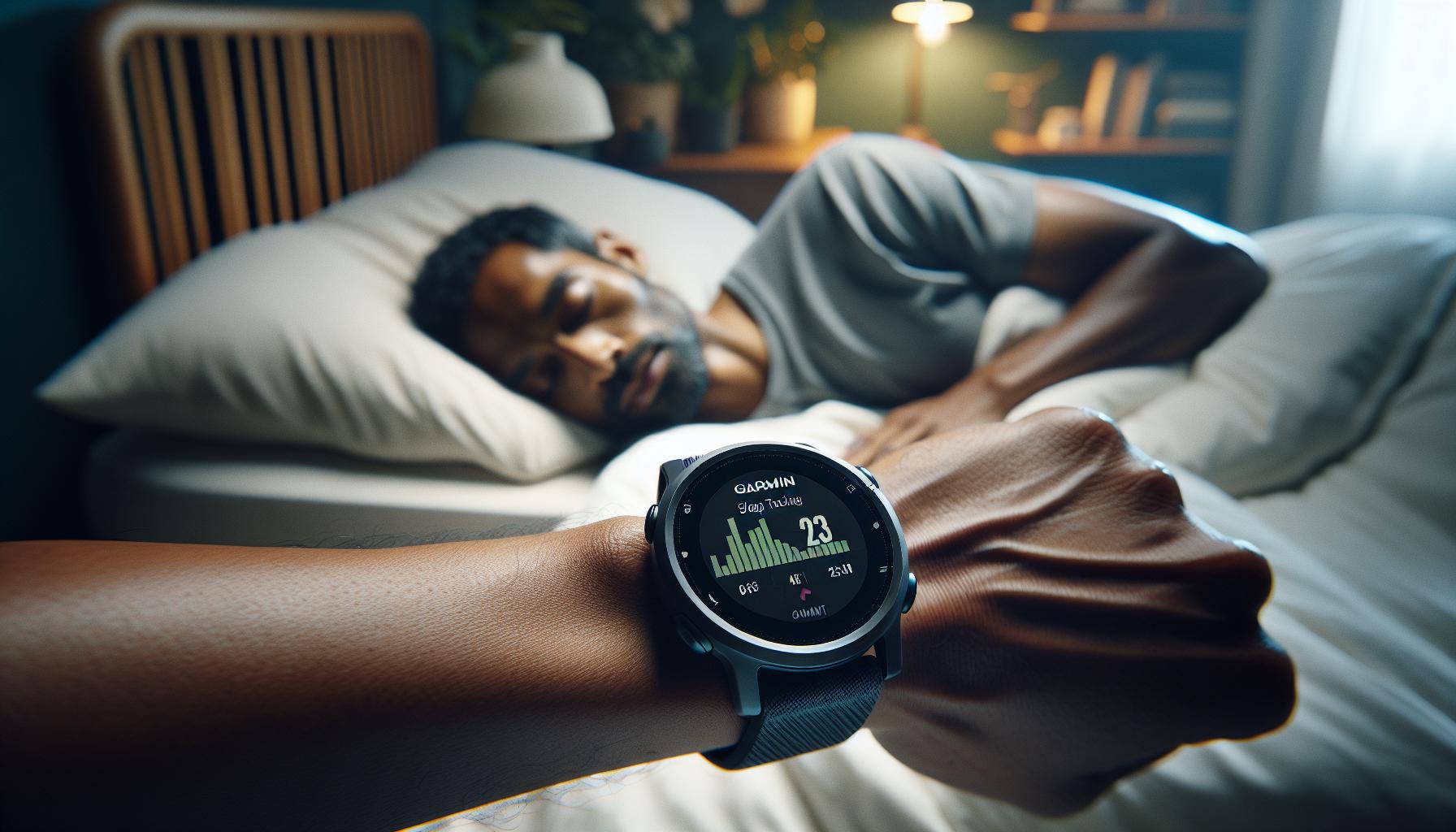
How Garmin Instinct 2 Measures Sleep Quality
The Garmin Instinct 2 measures sleep quality using a combination of advanced sensors and algorithms designed to track your movements and physiological signals throughout the night. By utilizing an accelerometer, the watch detects your movements during sleep, differentiating between various sleep states. This technology allows the device to classify your sleep into different stages-light, deep, and REM sleep-offering insights into not just the quantity but the quality of your rest.
When you wear the Instinct 2 while sleeping, it automatically monitors your movements and applies specific algorithms to interpret your sleep patterns. The watch recognizes when you’re asleep and how long you stay in each stage of sleep, providing data that you can review on the device itself and via the Garmin Connect app. This functionality empowers you to gain a comprehensive view of your sleep habits, which can be crucial for making adjustments to improve sleep hygiene. The watch may even provide insights into trends over time, such as how variations in your daily routine affect your quality of sleep, thus enabling you to optimize your rest effectively.
It’s important to note that while the Garmin Instinct 2 offers an impressive suite of sleep tracking features, there are inherent limitations. Users have reported discrepancies in how deep sleep is categorized, with some noting that the device may interpret deep sleep as light sleep or REM sleep, which can affect the overall accuracy of reported data[[3]](https://forums.garmin.com/outdoor-recreation/outdoor-recreation/f/instinct-2-series/292489/sleep-tracking). Understanding these nuances is critical when interpreting your sleep metrics and determining actionable insights for better sleep health.
Overall, the Garmin Instinct 2 serves as a helpful tool for monitoring sleep quality, but it should complement-not replace-more comprehensive sleep studies if you’re experiencing significant sleep issues. By fostering an awareness of your sleep habits, this device can guide you toward making informed choices that enhance your overall sleep health.
Understanding Sleep Tracking Technology
The world of sleep tracking technology has evolved significantly, with wearables like the Garmin Instinct 2 leading the charge in providing insights into our nightly rest patterns. At its core, sleep tracking involves monitoring physiological signals and movements during sleep. The Garmin Instinct 2 is equipped with sensors that utilize an accelerometer to track your movements, which helps distinguish between various sleep stages: light, deep, and REM sleep. This differentiation is critical, as each stage plays a unique role in how restorative your sleep is.
To understand how the Garmin Instinct 2 measures sleep quality, it’s important to grasp two key aspects: the technology behind the tracking and the interpretation of the data. When you wear the watch while sleeping, it continually collects data on your movements and activity levels throughout the night. This data is processed using specialized algorithms designed to analyze sleep patterns and categorize sleep stages. The result is a report detailing how long you spent in each phase, giving you insight into the structure of your sleep and highlighting potential areas for improvement.
While Garmin’s features offer a helpful glance into your sleep health, accuracy can vary based on individual factors. Some users have experienced discrepancies, particularly with how deep sleep is categorized-sometimes, deep sleep might be recorded as light sleep or REM sleep, leading to potential confusion about actual rest quality. Understanding these nuances is essential for making educated decisions about your sleep health and determining whether more in-depth analysis-or perhaps even a sleep study-is necessary.
In light of this, leveraging tools like the Garmin Instinct 2 can significantly enhance your understanding of sleep. Familiarity with the technology allows you to use the data effectively, optimizing your sleep hygiene practices based on observed patterns and trends over time. However, remember that while the watch provides valuable insights, it should not be a substitute for professional medical advice, especially if you have chronic sleep disturbances or underlying health issues.
Accuracy of Garmin Instinct 2 Sleep Data
Accurately tracking sleep can feel like an uphill battle, especially when it comes to relying on technology. The Garmin Instinct 2 sets out to make sense of your nightly rest, but how precise is its sleep data really? While the device employs a combination of accelerometer technology and specialized algorithms to differentiate between light sleep, deep sleep, and REM stages, there are nuances to consider regarding its accuracy.
Some users have reported inconsistencies in sleep stage classification, with instances where deep sleep was recorded as light sleep or even REM sleep. This raises valid concerns about the reliability of the data. If you regularly wake up feeling fatigued despite reported adequate deep sleep, this may indicate that the device’s readings don’t fully align with your personal experiences. It’s crucial to recognize that while the Garmin Instinct 2 provides a valuable overview of sleep patterns, the accuracy of categorizing these stages can vary significantly from person to person. Factors such as sleep environment, overall health, and individual sleep behaviors can all influence the watch’s readings.
To maximize the accuracy of your sleep tracking with the Garmin Instinct 2, consider the following practical tips:
- Ensure a snug fit: Make sure the watch is fitted properly on your wrist to enhance sensor contact and accuracy.
- Consistent sleep schedule: Going to bed and waking up at the same time each day helps the device better gauge your sleep habits.
- Review your data regularly: Analyze trends over weeks or months rather than judging performance based on single nights.
- Understand limitations: Recognize that wrist-based trackers generally monitor movement rather than direct physiological signals like heart rate variability, which are more accurate indicators of sleep quality.
Given its utility and limitations, the Garmin Instinct 2 can be a helpful tool for tracking sleep but should not replace a professional sleep assessment when needed. If sleep issues persist, consulting with a sleep specialist may provide deeper insights that a consumer device cannot.
Comparing Garmin Instinct 2 to Other Sleep Trackers
When it comes to sleep tracking, the Garmin Instinct 2 competes in a crowded market filled with a variety of devices that claim to monitor your slumber. From smartwatches to dedicated sleep trackers, understanding how the Instinct 2 stacks up against other options can help you determine if it’s the right choice for your sleep health journey.
Many users are drawn to the Fitbit series, which is well-regarded for its user-friendly interface and varied sleep metrics, including sleep stages and trends. Fitbit’s proprietary algorithms often provide more detailed insights, including Sleep Score, which aggregates multiple factors like sleep duration, sleep quality, and interruptions. In contrast, while the Instinct 2 uses a similar algorithmic approach, some users have reported inaccuracies in sleep stage classification, which can be a source of frustration if you’re trying to analyze your sleep quality closely.
Meanwhile, alternatives like the Oura Ring offer a more sophisticated tracking experience through a small form factor that you wear on your finger. The Oura Ring boasts an impressive accuracy rate for detecting sleep stages and delivers insights based on heart rate variability and body temperature, something wrist-worn devices like the Instinct 2 may not capture as comprehensively. This makes the Oura particularly appealing to users seeking detailed physiological insights about their sleep patterns.
Another competitor, the Withings Sleep Tracking Mat, presents a unique approach by positioning the tracker under your mattress. Users rave about its ability to provide sleep apnea detection and heart rate monitoring without the need to wear a device all night. This could be a game-changer for users who find wearing a watch or ring disruptive as they try to drift off. In comparison, while the Instinct 2 provides a decent overview of sleep metrics, it doesn’t offer the sophisticated detection capabilities of some dedicated devices on the market.
In summary, while the Garmin Instinct 2 serves as a solid entry into the world of sleep tracking, it may not match the capabilities of some more specialized competitors. Therefore, it’s essential to weigh your personal needs against the features each device offers. If comprehensive sleep metrics and detailed insights are your top priority, exploring alternatives may be beneficial. However, if you appreciate rugged design and the versatility of a smartwatch that tracks a variety of activities, the Instinct 2 can still prove a valuable companion on your sleep health journey.
Real User Experiences and Testimonials
Many users have turned to the Garmin Instinct 2 for sleep tracking, hoping to gain insights into their nightly rest. However, experiences vary widely, with some praising its durability and functionality, while others express disappointment in its accuracy. One common sentiment among users is the device’s tendency to misclassify sleep stages. Many report that the watch often confuses deep sleep with light sleep or REM cycles, potentially leading to misleading conclusions about their overall sleep quality. User feedback suggests that while the Garmin offers a general overview of sleep metrics, it lacks the granularity needed for those who wish to delve deeply into their sleep patterns.
Hearing from real users can shed light on these varied experiences. One Reddit user shared that they found the sleep tracking capabilities “absolutely trash,” noting that the accuracy could be between just 40% to 60% compared to more specialized sleep tracking devices [3[3].
In conclusion, while the Garmin Instinct 2 provides a solid entry-point for those new to sleep tracking, prospective users should manage their expectations regarding accuracy. It serves best as a companion device, rather than a definitive analysis tool for sleep health. For those seeking deeper insights, considering dedicated sleep trackers or combining the Instinct 2’s data with expert advice may yield the most benefits.
Sleep Metrics: What They Mean for You
To decode the sleep metrics provided by the Garmin Instinct 2, it’s essential to grasp what each metric signifies and how they can impact your overall well-being. Sleep tracking isn’t just about logging the number of hours spent in bed; it involves understanding the different stages of sleep and how they affect your alertness, mood, and health.
Understanding Sleep Stages
Garmin’s tracking differentiates between various sleep stages: light sleep, deep sleep, and REM (Rapid Eye Movement) sleep. Each stage serves a specific purpose in rejuvenating your body and mind:
- Light Sleep: This is where you drift in and out of sleep, making up about 50-60% of your sleep cycle. It’s essential for overall health as it helps your body transition between wakefulness and deeper sleep.
- Deep Sleep: Crucial for physical recovery, deep sleep is when the body repairs tissues, builds bone and muscle, and strengthens the immune system. It typically accounts for about 15-25% of your sleep.
- REM Sleep: This stage, which usually occurs after about 90 minutes of sleep, is when most dreaming happens. It supports cognitive functions such as memory and learning, and makes up about 20-25% of total sleep.
How to Use Your Sleep Metrics
Interpreting your sleep metrics can empower you to make informed decisions about your lifestyle. For instance, if you notice a pattern of insufficient deep sleep, consider reviewing factors such as your evening routine, caffeine intake, or stress levels. The Garmin Instinct 2 can provide an overview but lacks the precision of clinical sleep studies; therefore, use this data to identify trends rather than definitive health conclusions.
Additionally, bridging the gap between your Garmin data and how you feel can enhance your lifestyle choices. If you consistently feel tired during the day, despite logging sufficient sleep hours, it may be time to consult a sleep specialist, as there could be underlying issues, such as sleep apnea or insomnia, that need addressing.
In conclusion, while the sleep metrics from the Garmin Instinct 2 provide valuable insights into your sleep patterns, remember to view them as a general guide rather than a comprehensive analysis. By leveraging this data, you can foster better sleep hygiene habits and ultimately enhance your sleep quality, leading to improved health and well-being.
Setting Up the Garmin Instinct 2 for Sleep Tracking
To start using the Garmin Instinct 2 for sleep tracking, understanding how to set up your device properly is essential. This smartwatch simplifies monitoring your sleep without requiring extensive technical knowledge. First, ensure your device is fully charged so you can wear it overnight comfortably. It’s designed for continuous use, which means you should wear it while sleeping to gather complete data.
Next, navigate to the settings within your Garmin device. Go to the Sleep Mode settings to check if sleep tracking is enabled. This may not always be activated by default, so manually ensuring it is can make a difference in your tracking consistency. You can also adjust sleep schedules if needed-specifying your typical bedtime can enhance the accuracy of how your sleep is logged.
Planning is also crucial for enhanced tracking. Strive for consistency in your sleep schedule. Going to bed and waking up at the same time daily improves the quality of your sleep data. If you’re traveling or working shifts, consider temporarily adjusting your sleep settings in the Garmin app to stay aligned with your lifestyle. The more regular your sleeping patterns, the better the data you’ll receive.
Lastly, ensure that your Garmin Instinct 2 is paired with the Garmin Connect app on your smartphone. This app provides a broader overview of your sleep metrics, allowing you to track trends and correlate them with your overall health. If you encounter any syncing issues, it may help to disconnect the devices and reconnect them, or check for updates that could enhance functionality. By setting things up thoughtfully, you can maximize the potential of the Garmin Instinct 2 as a tool for understanding and improving your sleep quality.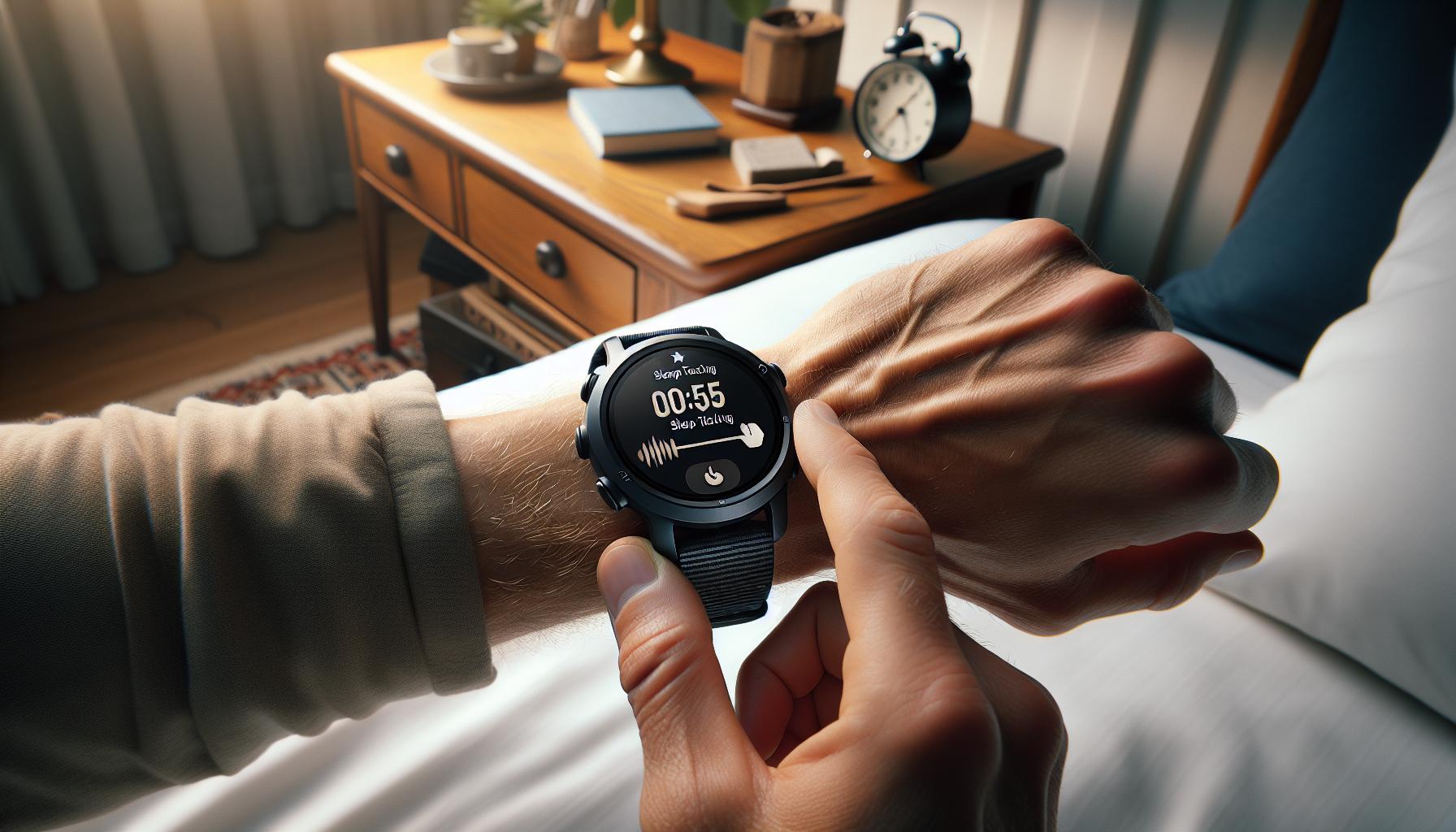
Common Issues with Sleep Tracking Accuracy
While the Garmin Instinct 2 is designed to provide insights into your sleep patterns, there are several common issues that can impact the accuracy of its sleep tracking capabilities. Understanding these can help you get the most out of your device and make informed decisions about your sleep health.
One of the primary factors affecting accuracy is device placement. For optimal tracking, it’s crucial that you wear the watch snugly on your wrist. If it’s too loose, it may not detect subtle movements and changes in your heart rate during sleep. Similarly, wearing the watch too tight can cause discomfort, leading you to adjust your position frequently, which might confuse the device’s sensors.
Another issue stems from user behavior and settings. The Instinct 2 relies on consistent sleep schedules to enhance its accuracy. If you frequently change your sleep times or experience irregular sleep patterns-such as taking naps at varying times-this can skew the data. Garmin recommends setting and maintaining a regular sleep schedule to improve the reliability of the sleep metrics you receive. Additionally, enabling sleep mode within the device settings ensures that the watch is correctly tracking your sleep periods.
Lastly, if you encounter syncing issues where the data collected on the watch doesn’t upload to the Garmin Connect app, this can lead to misinterpretation of your sleep trends. Regularly updating the app and ensuring that your devices are properly paired can mitigate these problems. Disconnecting and reconnecting your watch may also help clear up persistent syncing problems, allowing you access to a full overview of your sleep data that can help you assess your sleep quality more effectively.
Understanding these common pitfalls can empower you to make necessary adjustments to enhance the accuracy of your sleep tracking with the Garmin Instinct 2, ensuring you receive insights that truly reflect your nighttime rest patterns.
Interpreting Your Sleep Data Effectively
Understanding how to interpret the sleep data collected by your Garmin Instinct 2 can significantly enhance your ability to assess and improve your sleep quality. Many users find the insights provided by their devices valuable, but it’s crucial to approach the data with a discerning eye. The Garmin Instinct 2 tracks various metrics including total sleep time, sleep stages (deep, light, and REM), and movement during the night. However, these metrics can sometimes misrepresent true sleep quality due to inherent limitations in wearable technology.
First, it’s important to note that the accuracy of sleep stage detection can vary. The Garmin Instinct 2 has been reported to misclassify deep sleep as lighter stages, leading to potential confusion regarding the actual restorative quality of your rest. When reviewing your sleep stages, look not only at the classification but also at the overall sleep duration. If you notice an unusually high amount of light sleep with minimal deep sleep, it may be an indication to adjust your bedtime routine or sleep environment, such as reducing screen time before bed or improving room darkness.
To make the most of your sleep data, consider keeping a sleep diary alongside your wearables’ reports. Note factors such as caffeine intake, stress levels, and daily physical activities, and correlate these with your sleep quality as indicated by the Garmin. This approach can help you identify patterns and triggers that influence your sleep. Additionally, Garmin’s app allows you to visualize trends over time, which can be invaluable for spotting long-term changes or issues.
Analyzing Sleep Trends
When interpreting your sleep metrics, focus on these key aspects:
- Total Sleep Time: Ensure you’re meeting the recommended hours of sleep based on your age and individual needs.
- Sleep Quality: Look for trends over several nights rather than fixating on one data point, as nightly variations are normal.
- Sleep Consistency: A regular sleep schedule is vital. Compare your sleep data on weekdays versus weekends to monitor consistency.
Finally, if you notice persistently low sleep quality despite making lifestyle changes, it may be a good time to consult with a sleep specialist. Wearables like the Garmin Instinct 2 can provide helpful insights, but they are not a substitute for comprehensive sleep studies or professional evaluations, particularly if you suspect conditions like sleep apnea or chronic insomnia. By effectively interpreting your sleep data and taking actionable steps, you can enhance your overall well-being and better understand the intricacies of your sleep patterns.
When to Consult a Sleep Specialist
If you’ve been relying on your Garmin Instinct 2 for sleep tracking, you might be left wondering when it’s time to take your sleep concerns to a professional. Understanding the balance between what your device can offer and when you need expert help is essential for any health-conscious individual. While wearables like the Garmin provide valuable insights into your sleep patterns, they aren’t foolproof and can’t substitute for a full medical evaluation.
You should consider consulting a sleep specialist if you consistently notice troubling patterns. For instance, if your device indicates that you’re frequently getting very little deep sleep or if you experience excessive daytime fatigue that interferes with your daily activities, it may be prudent to seek professional advice. Other signs include persistent difficulty falling asleep, waking up frequently during the night, or snoring that could indicate sleep apnea. Remember, wearables often provide general data that may not capture complex sleep issues, which can only be evaluated through comprehensive assessments.
Additionally, if you make lifestyle adjustments-such as improving your sleep hygiene or reducing caffeine-and your sleep quality doesn’t improve, it might be time to explore further options. Speaking with a specialist can provide clarity on whether your symptoms are stress-related or could indicate a more profound sleep disorder requiring treatment. A sleep study, or polysomnography, can offer detailed insights into your sleep architecture and help pinpoint issues missed by consumer devices.
Taking that first step to see a specialist can be daunting. But it’s helpful to know that these professionals can guide you through the process with tests that evaluate various sleep stages thoroughly. They can help you navigate insurance questions, explain what to expect during a sleep study, and create a customized plan to enhance your sleep quality. Engaging a sleep specialist can empower you to reclaim your restful nights and improve your overall health in the long run.
Can Garmin Instinct 2 Replace a Sleep Study?
While the Garmin Instinct 2 provides useful insights into your sleep patterns, it’s important to recognize the limitations of consumer wearables in comparison to professional sleep studies. The Instinct 2 can track basic metrics such as sleep duration, light sleep, deep sleep, and REM phases, but it does not have the capability to provide a comprehensive assessment of sleep disorders.
Understanding Sleep Studies
Sleep studies, or polysomnography, are conducted in a clinical setting where various physiological parameters are monitored, including brain waves, oxygen levels, heart rate, and breathing patterns. This sophisticated data offers a detailed view of sleep stages and potential issues like sleep apnea, which a wearable device simply cannot capture. A typical sleep study involves an overnight stay at a sleep center, and it can cost anywhere from $500 to $3,000, depending on the complexity of the testing and your insurance coverage.
When to Consider a Sleep Study
You might consider a sleep study if you experience symptoms such as:
- Excessive daytime sleepiness: Do you feel overly tired during the day, impacting your productivity?
- Persistent snoring or gasping: These could be signs of obstructive sleep apnea.
- Difficulty falling or staying asleep: If your sleep tracker indicates consistent issues or if lifestyle changes haven’t improved your sleep quality, a consultation may be warranted.
- Unexplained sleep disturbances: If your wearable indicates frequent awakenings or insufficient deep sleep, it’s time to investigate further.
The Instinct 2 can help you identify patterns that may require further attention but should not be solely relied upon for diagnosing sleep disorders.
Final Thoughts
Using the Garmin Instinct 2 as part of your sleep health toolkit can provide valuable preliminary data, complementing broader medical assessments. It enables you to track lifestyle changes and observe their effects on your sleep before deciding whether a sleep study is necessary. If your device alerts you to troubling trends or if you harbor ongoing concerns about your sleep quality, consulting a sleep specialist can pave the way for accurate diagnosis and effective treatment, allowing you to rest peacefully and regain your vitality.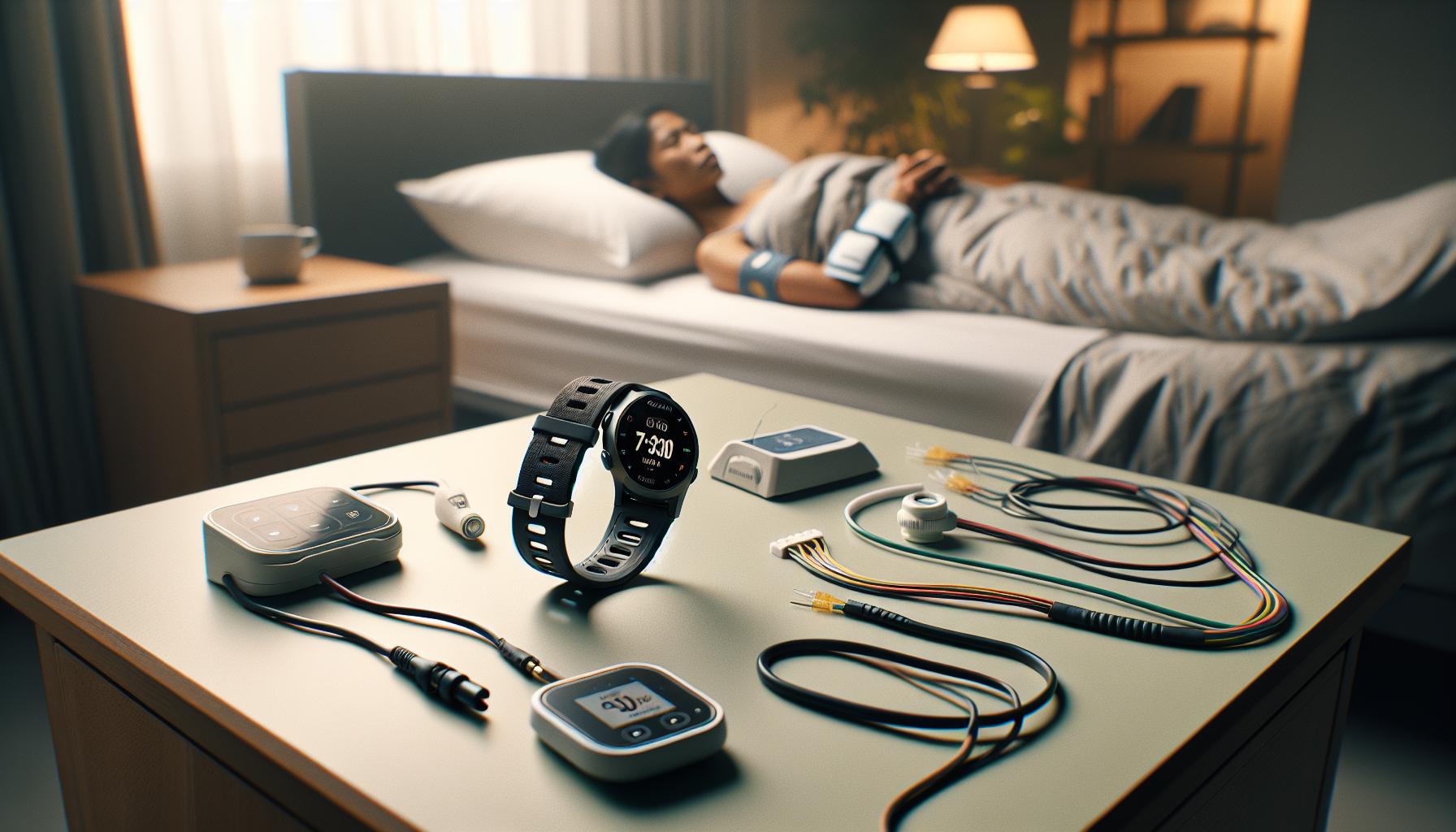
Future Enhancements in Sleep Tracking Technology
Exciting advancements in sleep tracking technology promise to enhance how devices like the Garmin Instinct 2 monitor and interpret your sleep. As research continues to evolve, we anticipate features that will not only improve accuracy but also provide deeper insights into sleep health. Future upgrades might include enhanced algorithms capable of identifying sleep disorders more accurately, integrating data from various biometric indicators, and offering personalized feedback based on individual sleep patterns.
One promising area is the incorporation of advanced sensors, such as those measuring respiratory rate and blood oxygen levels. This could allow devices to capture more nuanced details about your sleeping environment and physiological responses throughout the night. For example, recognizing patterns associated with sleep apnea could be invaluable for early detection, enabling users to seek medical advice sooner.
Moreover, incorporating machine learning algorithms may transform the way sleep data is analyzed. With the ability to learn from a user’s sleep behaviors, these devices could suggest lifestyle changes tailored specifically to improve sleep quality. For instance, if the device detects prolonged periods of restlessness, it could recommend adjustments in bedtime routines or even alterations in the environmental conditions, such as temperature or background noise.
In addition to enhanced metrics and personalized suggestions, we can expect a more integrated approach with smart home technology. Imagine your sleep tracker communicating with your smart thermostat or lighting system to optimize your sleep environment based on your unique sleep needs. All these advancements signify an encouraging future for sleep tracking, potentially making devices like the Garmin Instinct 2 invaluable tools in supporting overall health and well-being.
Faq
Q: How does the Garmin Instinct 2 track sleep quality?
A: The Garmin Instinct 2 monitors sleep quality by detecting movements and various sleep stages throughout the night. It uses sensors to analyze periods of light, deep, and REM sleep, providing insights on sleep patterns and duration to help you improve your sleep health.
Q: What are the limitations of sleep tracking with Garmin Instinct 2?
A: One major limitation of the Garmin Instinct 2 sleep tracking is its accuracy. Users have reported discrepancies, such as misclassifying deep sleep as lighter stages, indicating that the device may not provide completely reliable sleep data, especially compared to dedicated sleep trackers [[2](https://www.reddit.com/r/Garmin/comments/thrtvq/instinct_2_solar_sleep_tracking_is_an_absolute/)].
Q: How can I improve the accuracy of my sleep data on Garmin Instinct 2?
A: To improve sleep data accuracy, ensure that the watch fits snugly on your wrist while sleeping. Also, maintain a consistent sleep schedule and record your bedtime in the app to help the device better understand your unique sleep patterns.
Q: Is the sleep data from Garmin Instinct 2 comparable to professional sleep studies?
A: No, while the Garmin Instinct 2 provides useful insights, it cannot replace a professional sleep study. It offers general sleep tracking data but lacks the detailed analysis and diagnostic capabilities of a polysomnography test conducted in a sleep lab [[1](https://www8.garmin.com/manuals/webhelp/GUID-31D23DBB-57C2-4DF7-A0C9-8D1A00AB4BE7/EN-US/GUID-70D41BFB-2BB2-4933-BF95-47FF63140112.html)].
Q: Can I trust the sleep tracking results from Garmin Instinct 2?
A: While many users find the sleep tracking results from Garmin Instinct 2 helpful for monitoring trends, it’s essential to remember that accuracy can vary. Real user experiences suggest a potential accuracy of only 40-60%, highlighting the device’s limitations [[2](https://www.reddit.com/r/Garmin/comments/thrtvq/instinct_2_solar_sleep_tracking_is_an_absolute/)].
Q: What sleep metrics does Garmin Instinct 2 offer?
A: The Garmin Instinct 2 provides various sleep metrics, including total sleep time, sleep stages (light, deep, and REM), and movements during sleep. These metrics help users understand their overall sleep quality and identify patterns that may affect their health [[1](https://www8.garmin.com/manuals/webhelp/GUID-31D23DBB-57C2-4DF7-A0C9-8D1A00AB4BE7/EN-US/GUID-70D41BFB-2BB2-4933-BF95-47FF63140112.html)].
Q: Is the Garmin Instinct 2 suitable for all types of sleepers?
A: The Garmin Instinct 2 can be used by most individuals, but varying sleep patterns and behaviors may affect its tracking accuracy. Those with irregular sleep schedules or specific sleep disorders might find the data less representative of their actual sleep quality.
Q: How often does the Garmin Instinct 2 need to be charged for sleep tracking?
A: The Garmin Instinct 2 has an impressive battery life, lasting up to 14 days in smartwatch mode and up to 38 hours in GPS mode without music. Regular charging every few days ensures consistent sleep tracking without interruption.
The Way Forward
In conclusion, the Garmin Instinct 2 delivers valuable insights into your sleep patterns, but keep in mind that accuracy can vary. While many users appreciate its automated sleep tracking capabilities, some have noticed discrepancies, such as misclassifying deep sleep stages. It’s essential to weigh these factors alongside your personal sleep health goals. Curious to learn more about sleep optimization? Explore our articles on sleep disorders and the benefits of sleep studies to deepen your understanding. Don’t miss out-subscribe to our newsletter for the latest tips on improving your sleep health and maximizing your wearable tech’s potential. Join the conversation below, and let us know your experiences with the Garmin Instinct 2 or other sleep trackers! Your journey to better sleep starts here.
Get our latest guides, news, and insights highlighted in your Google Search & AI Overviews.