
Understanding your sleep patterns is crucial for enhancing your overall health and well-being. As sleep-related issues become more prevalent, the demand for effective sleep tracking apps continues to rise. If you’re interested in creating a sleep tracking app, this step-by-step guide will walk you through the essential elements, from identifying core functions to integrating user-friendly design features. By developing an app that caters to individual sleep needs, you can help others achieve better rest and improve their quality of life. So, whether you’re a developer looking to innovate or someone passionate about sleep wellness, let’s discover how to build a powerful tool that makes a real difference in people’s lives.
Understanding Sleep Health and Tracking Fundamentals
Understanding your sleep health is crucial, as poor sleep can significantly impact your overall well-being. The average adult needs between seven to nine hours of quality sleep per night, but many struggle to meet this requirement. By utilizing sleep tracking technology, you can gain valuable insights into your sleep patterns, allowing you to make informed decisions about improving your sleep quality.
When developing a sleep tracking app, it’s essential to grasp the fundamentals of sleep health and how these correlate with your app’s functionality. Sleep is typically divided into several stages: light sleep, deep sleep, and REM sleep, each playing a vital role in physical and mental recovery. Knowledge of these stages will enable you to design features that accurately report on time spent in each phase, helping users understand their sleep cycles better.
To effectively track and improve sleep, effective metrics to monitor include total sleep time, sleep efficiency, and instances of wakefulness. This data can guide users in identifying trends or factors that may disrupt their sleep, such as lifestyle choices and environmental influences. Many wearables and apps claim to deliver this information, but the accuracy can vary widely. It’s important to communicate the capabilities and limitations of your app, ensuring users understand that while trackers can provide useful data, they are not a substitute for professional medical advice or diagnosis.
Engagement is key to maintaining user interest in a sleep tracking app. Incorporating features that encourage users to set goals, such as a target sleep duration, or providing personalized insights based on their tracking data can enhance user experience. By creating a user-friendly interface and offering actionable recommendations, you empower users to take control of their sleep health and foster good sleeping habits over time.
Key Features of an Effective Sleep Tracking App
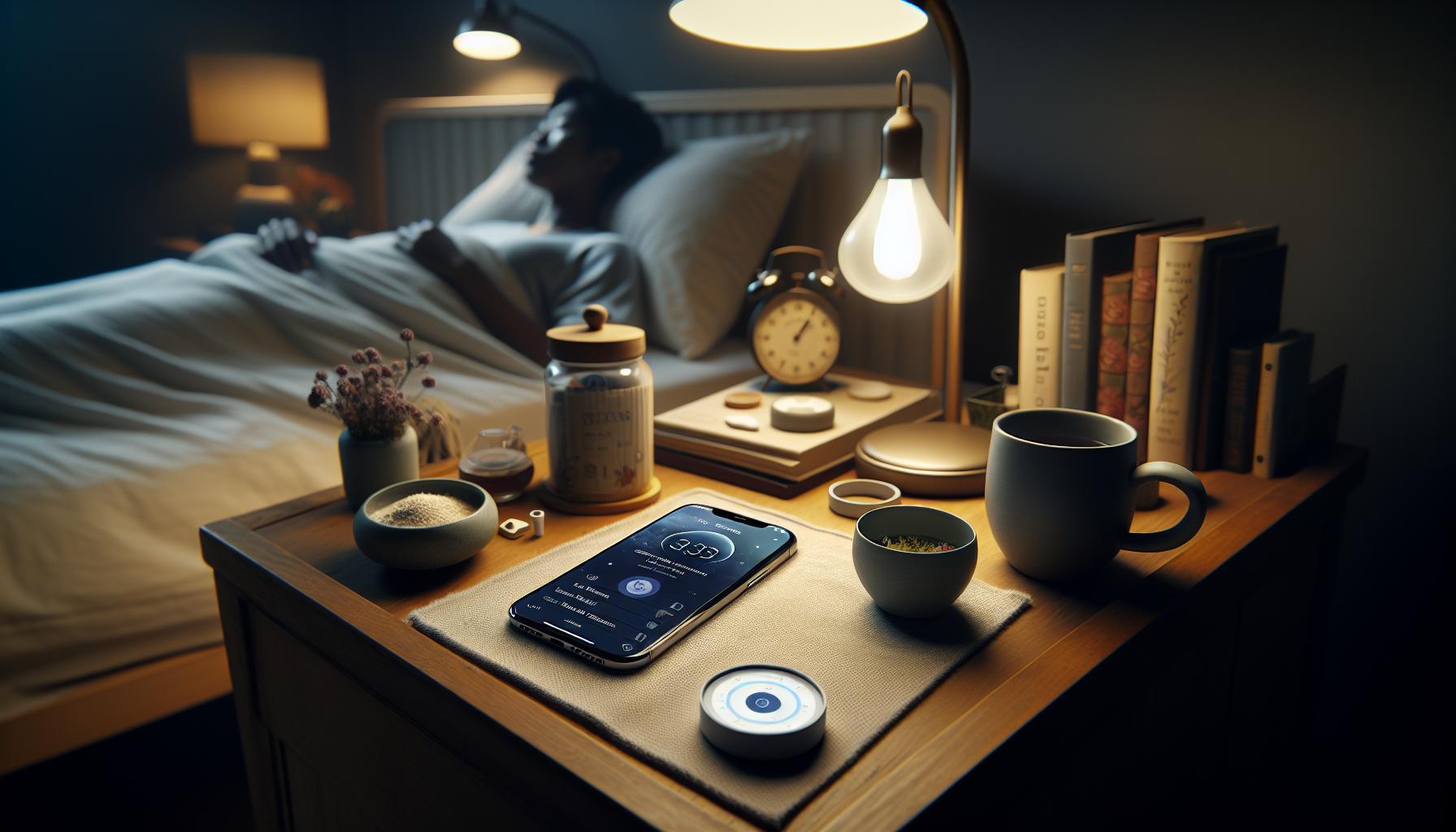
An effective sleep tracking app goes beyond merely logging hours of sleep; it empowers users with insights and actionable recommendations. With sleep being a critical aspect of overall health and well-being, integrating certain key features into your app can significantly enhance its value and user satisfaction.
Core Features to Include
When designing a sleep tracking app, consider the following essential functionalities:
- Sleep Stages Tracking: Accurately monitor and report on the various phases of sleep-light, deep, and REM. Understanding these stages helps users identify the quality of their sleep.
- Smart Alarm: Include a feature that gently awakens users during their lightest sleep phase, making for a more pleasant morning experience. This can help reduce grogginess and improve overall mood.
- Sleep Insights and Recommendations: Provide personalized tips based on tracked data. For example, if a user frequently wakes up at the same time, suggest adjustments to bedtime or sleep environment that may help.
- Integration of Health Metrics: Allow integration with wearable devices to track heart rate, body temperature, and sleep environment factors like noise and light. This holistic approach can uncover underlying issues affecting sleep quality.
- Goal Setting and Progress Tracking: Encourage users to set sleep goals, such as cumulative sleep hours or consistency in bedtimes. Visual progress tracking keeps users engaged and motivated.
User-Friendly Interface
A clear, intuitive interface is crucial for user engagement. Users should easily navigate through the app, accessing their sleep data and insights without frustration. Consider implementing:
- Visual Data Representation: Use graphs and charts to display trends in sleep quality over time, providing instant visual feedback that’s easy to digest.
- Interactive Elements: Incorporate engaging elements such as quizzes to assess sleep habits or gamified challenges that reward users for meeting sleep goals.
By prioritizing these features, your sleep tracking app will not only attract users but also foster a community that values improved sleep health. With a commitment to user experience and actionable insights, you empower users to make informed choices about their sleep, aiding in the journey toward better rest and recovery.
Choosing the Right Technology: Wearables vs. Apps
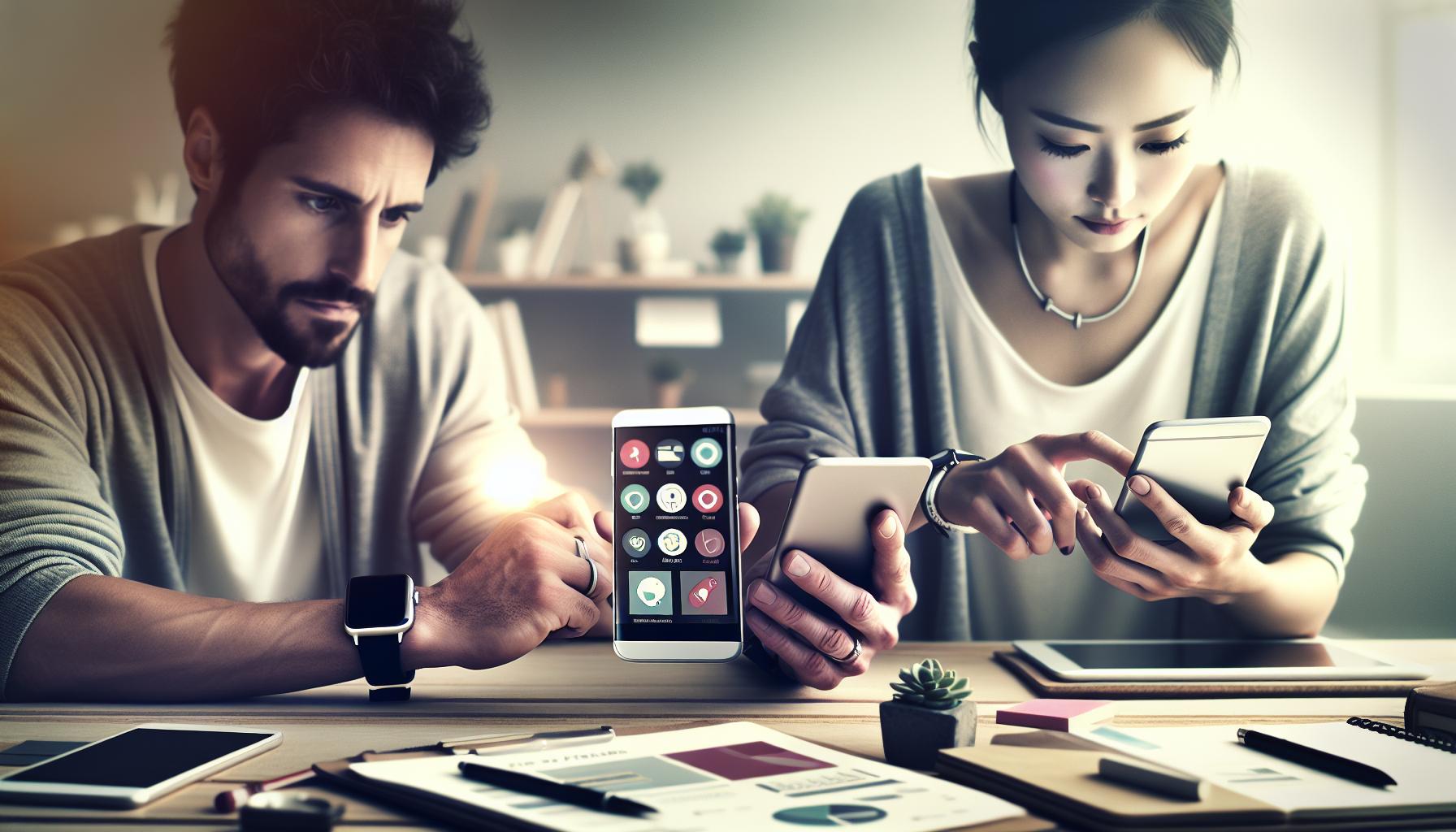
Choosing the right technology for sleep tracking can significantly affect the insights you gain and how you improve your sleep health. With advancements in technology, consumers now have two primary options: wearable devices and smartphone apps, each with distinct advantages suited to different preferences and lifestyles.
Wearables, such as fitness trackers and smartwatches, offer continuous monitoring of sleep. These devices often include features like heart rate tracking, movement detection, and even blood oxygen levels. Because they are worn on the body, they can provide detailed insights into your sleep stages-light, deep, and REM sleep-along with how often you wake up throughout the night. The data collected is usually synchronized with a companion app on your smartphone, giving you access to visual reports and trends over time. However, wearables can often be pricier, and some users may find them uncomfortable to wear overnight.
On the other hand, sleep tracking apps, like Sleep Cycle, utilize your phone’s accelerometer or microphone to detect movements and sounds while you sleep. They typically require no additional hardware, making them a cost-effective option for those who prefer simplicity. Apps often feature smart alarm capabilities that wake you during your lightest sleep phase, minimizing grogginess and enhancing your morning routine. However, while many apps can track basic sleep metrics, they may not offer the depth of data available from wearables. Additionally, concerns about app accuracy necessitate user vigilance when interpreting sleep metrics.
Ultimately, your choice between wearables and apps depends on individual needs and habits. For those who prefer a comprehensive health tracking device, wearables may offer more robust data. Conversely, if you’re looking for a budget-friendly and straightforward solution, a well-designed sleep tracking app may be the better choice. When considering sleep technology, weigh the benefits and limitations of each option to find what aligns best with your goals-be it deeper insights into your sleep patterns, enhancing sleep quality, or simply waking up more refreshed.
Setting Up Sleep Tracking: Step-by-Step Instructions
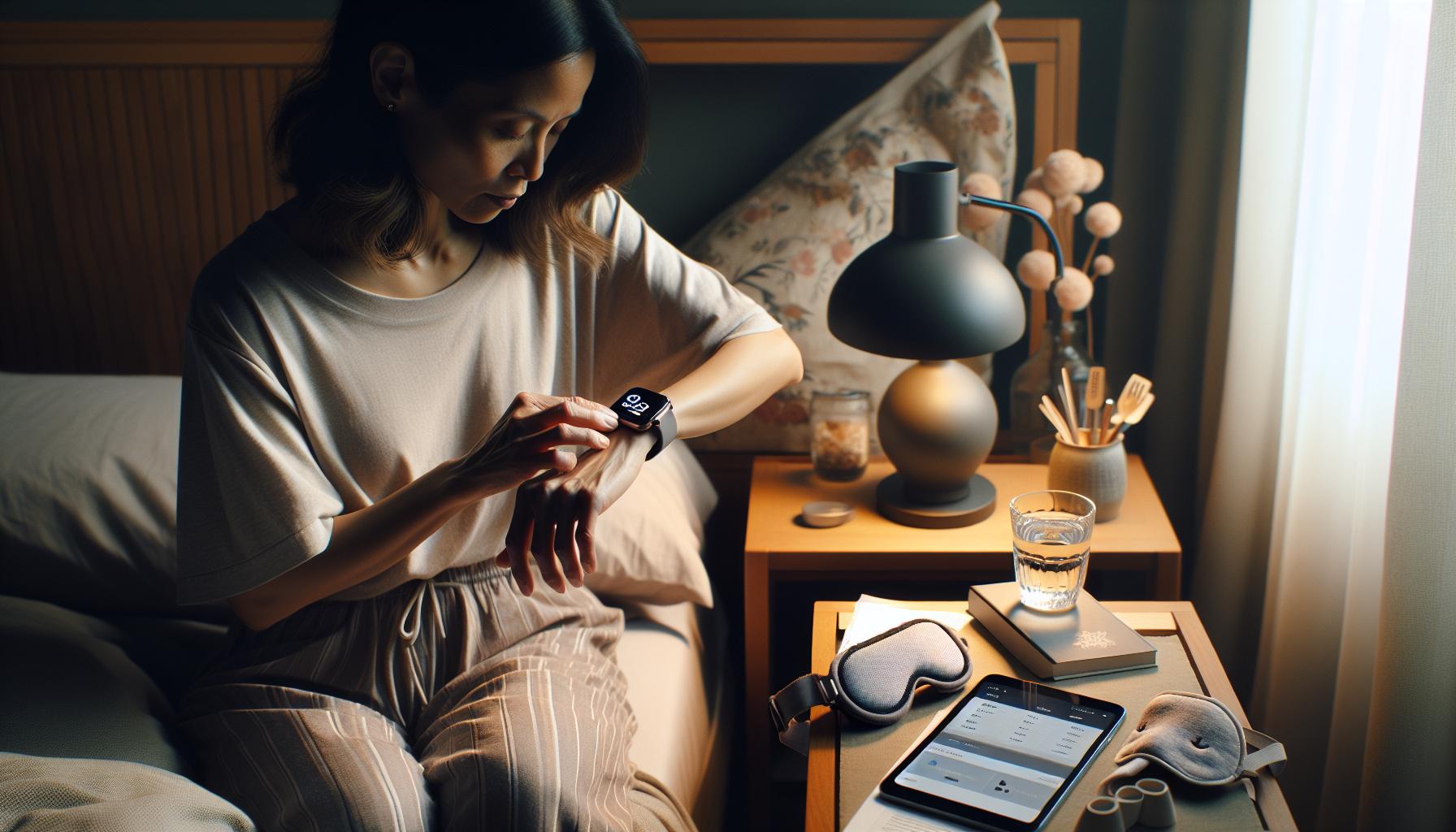
To effectively set up sleep tracking using a mobile app, it’s essential to approach the process thoughtfully. Start by selecting a sleep tracking app that suits your preferences and needs-popular options include Sleep Cycle, which does not require wearables and uses sound analysis to monitor sleep stages. Once you’ve chosen an app, follow these step-by-step instructions to get the most out of your sleep tracking experience.
Step 1: Download and Install the App
Begin by navigating to your device’s app store and searching for your chosen sleep tracking app. Download and install the app on your smartphone. For those using Sleep Cycle, simply search for “Sleep Cycle” in the App Store or Google Play.
Step 2: Create an Account
After installation, open the app and create an account. This process typically involves providing an email address and setting a password. Some apps may allow you to log in using social media accounts for added convenience.
Step 3: Customize Your Sleep Profile
Upon logging in, take the time to personalize your sleep profile. Input relevant details such as your age, gender, and typical sleep patterns. Many apps ask about your sleep goals-these insights help tailor recommendations and sleep analysis.
Step 4: Set Up Tracking Preferences
Most sleep tracking apps offer various settings to configure. Choose your preferred tracking method (e.g., using sound or motion detection). Ensure the app has permission to access your microphone and sensors if needed, as these features are crucial for accurate monitoring.
Step 5: Schedule Your Sleep Tracking
Determine your typical sleep schedule and set your sleep and wake times within the app. Apps like Sleep Cycle offer smart alarm functions, allowing you to specify a window in which you’d like to wake up, ensuring you rise during a light sleep phase, which can make mornings more pleasant.
Step 6: Prepare for Bed
On the night you begin tracking, ensure your phone is charged and placed on a stable surface near your bed. Timing is essential; aim to start tracking at least 30 minutes before your regular bedtime. Follow your normal nighttime routine to foster the best sleep environment.
Step 7: Review and Analyze Your Sleep Data
Once you wake up, review the sleep data provided. Many apps will give insights into your sleep quality, durations of different sleep stages, and even tips based on your sleep trends. Make note of any patterns that emerge over time, such as changes in quality due to lifestyle adjustments.
By following these steps, you can seamlessly integrate sleep tracking into your nightly routine. Remember, consistency is key-regularly using the app will provide you with valuable data that can lead to improved sleep health over time. As with any technology, maintain an open mind towards what the app offers, knowing that it serves as a guide rather than an absolute measure of your sleep.
Essential Data Metrics to Monitor Sleep Patterns
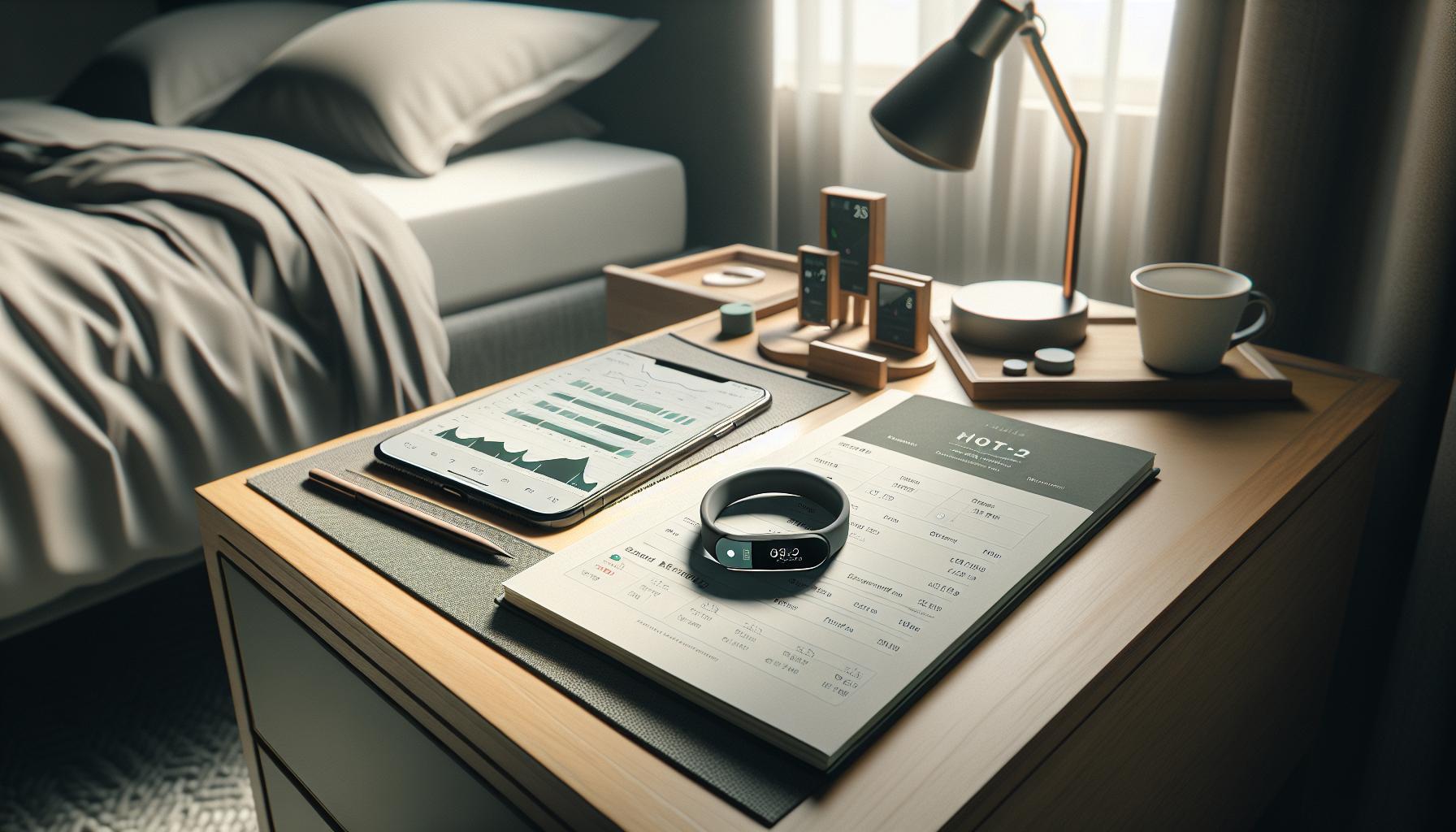
To truly enhance your sleep experience, understanding the key metrics captured by sleep tracking apps is essential. Monitoring specific data points can help you identify patterns, recommend lifestyle changes, and ultimately improve your sleep quality. Here are the primary data metrics to focus on:
Duration of Sleep
One of the fundamental metrics is the total time spent asleep, typically broken down into *time asleep* and *time in bed*. Tracking this duration helps to ensure that you are getting enough sleep each night based on your individual needs. For adults, the National Sleep Foundation recommends 7-9 hours per night, but this can vary based on personal factors.
Sleep Stages
Effective sleep tracking apps can analyze your sleep architecture, providing insights into the various stages of sleep, including light, deep, and REM sleep. Understanding how much time you spend in each stage can reveal a lot about your sleep quality. For instance, getting sufficient deep sleep is crucial for physical restoration, while REM sleep is vital for cognitive functions like memory and learning.
Sleep Efficiency
This metric tells you how effectively you are sleeping, calculated by dividing the total sleep duration by the time spent in bed. A sleep efficiency score of 85% or higher indicates good sleep quality. Low efficiency may suggest issues like restlessness or insomnia, and tracking this can help motivate changes to your sleep routines.
Sleep Interruptions
Monitoring the number of awakenings during the night can provide insight into potential problems. Whether due to environmental factors, sleep disorders, or lifestyle choices, frequent disruptions can prevent restorative sleep. Identifying the reasons behind these interruptions could lead you to create a more conducive sleep environment.
Heart Rate Variability and Resting Heart Rate
Some advanced sleep tracking technologies, particularly wearables, can also monitor heart rate metrics. A lower resting heart rate and stable heart rate variability at night typically indicate restful sleep and can be correlated with overall heart health. These metrics are useful for assessing your body’s response to stressors and physical exertion over time.
By focusing on these essential metrics, you can gain a deeper understanding of your sleep patterns and tailor your sleep environment and habits accordingly. Regularly reviewing these insights allows you to make informed decisions aimed at improving your overall sleep health. This insight not only supports your immediate sleep experiences but can also foster long-term well-being through better sleep hygiene practices.
Integrating Sleep Disorders: What You Need to Know
Understanding the complexities of sleep disorders is essential for anyone looking to enhance their sleep quality through tracking technology. Sleep disorders not only impact overall well-being but also skew the data you’re collecting through tracking devices or apps. By integrating knowledge of these issues into your sleep tracking approach, you can better interpret your metrics and take informed actions toward improvement.
Recognize Common Sleep Disorders
Familiarize yourself with prevalent sleep disorders that may affect your sleep patterns, such as:
- Insomnia: Difficulty falling or staying asleep, often leading to a reduction in overall sleep quality and quantity.
- Sleep Apnea: Characterized by frequent pauses in breathing during sleep, which can disrupt sleep cycles and result in reduced oxygen levels.
- Restless Legs Syndrome (RLS): An uncontrollable urge to move the legs, particularly during periods of rest, which can hinder the ability to fall asleep.
- Parasomnias: Abnormal behaviors during sleep, such as sleepwalking or REM sleep behavior disorder, which can disrupt both the individual’s sleep and their partner’s.
Leveraging Tracking Technology
When designing or using sleep tracking apps, consider features that can help identify signs of these disorders. For example, if your app tracks sleep interruptions or variations in heart rate, it may indicate issues with sleep apnea, as frequent awakenings often correlate with dips in oxygen levels.
Keep in mind that while tracking devices can provide valuable insights, they are not diagnostic tools. Use the data collected as a conversation starter with healthcare professionals. If patterns indicative of a sleep disorder arise-like persistent insomnia or excessive daytime sleepiness-consider seeking further evaluation, such as a polysomnography (sleep study).
Practical Tips for Integrating Sleep Disorders
Successful integration of sleep disorder knowledge into your tracking routine can enhance the overall effectiveness of your app. Here are some steps you can take:
- Customize Alerts: Set alerts within your app that notify you of unusual patterns, such as frequent awakenings or decreased sleep efficiency.
- Daily Journaling: Keep a sleep diary alongside your tracking app. Note symptoms, feelings, and behavior patterns that might correlate with poor sleep, which can provide additional context when discussing with health professionals.
- Communicate with Your Doctor: Share your tracking data with a sleep specialist if sleep disorders are suspected. Having this detailed information can provide valuable insights that guide treatment options.
By understanding how sleep disorders interact with tracking data, you empower yourself to make informed decisions about your sleep health. Remember, the journey to better sleep is not always straightforward-it may require patience and professional guidance, but integrating this knowledge into your tracking efforts is a significant step in the right direction.
User Experience: Designing for Engagement and Usability
Creating a sleep tracking app that users actually want to engage with is a blend of art and science. The starting point lies in understanding that the user experience (UX) is not just about aesthetics but also functionality. A captivating user interface, coupled with intuitive design, can mean the difference between enthusiastic users and dropped apps. Ideally, your app should feel seamless and supportive, inviting the user into a world where understanding sleep patterns becomes not only easy but also rewarding.
Engaging Design Elements
To create an engaging experience, simple but effective design principles should be at the forefront. Start with a clean layout that presents essential data without overwhelming the user. Visual elements such as graphs, charts, and color-coded alerts can help make data interpretation straightforward. For instance, using a calming color palette can enhance the user’s connection to the app, making them feel relaxed as they track their sleep health. Additionally, interactive features like sleep tips based on collected data can keep users engaged and eager to return to the app daily.
User-Centric Features
Incorporating user-centric features is critical for usability. For example, customizable settings allow users to personalize their experience-whether that’s setting reminders to wind down before bed or choosing soothing soundscapes to help them sleep. The integration of gamification elements can also boost engagement; consider rewarding users with points for maintaining consistent tracking or achieving sleep goals, which makes the experience both informative and fun.
Moreover, since sleep is a deeply personal subject, providing a platform where users can input feelings and well-being assessments alongside quantitative data can enhance connection. Allow users to maintain a sleep journal within the app, facilitating reflection and adding context that mere numbers cannot convey.
Responsive Feedback and Support
Finally, ensuring responsive feedback is essential. Users should feel heard and supported throughout their experience. This could be in the form of regular insights generated from their sleep data, along with alerts when patterns indicate potential sleep issues. A feature allowing users to communicate with sleep health professionals directly through the app could also be invaluable, adding a layer of trust and thoroughness to the user’s journey. By designing with these aspects in mind, you will not only foster engagement but also empower users to take control of their sleep health.
In summary, effective user experience in a sleep tracking app rests on understanding user needs, creating an inviting and functional design, incorporating interactive features, and providing a heartfelt response to user data. By focusing on these elements, you can establish a product that is both helpful and cherished within the user’s daily routine.
Analyzing Sleep Data: Interpreting Insights Effectively
Understanding how to analyze sleep data effectively is crucial for users aiming to improve their sleep quality and overall well-being. By interpreting insights from their tracking app, users can identify patterns, uncover potential issues, and create actionable plans toward better sleep health. A compelling fact is that many users overlook the wealth of information provided by their sleep data, thereby missing out on opportunities for real improvement.
To start making sense of the sleep data, it’s essential to focus on key metrics. Common metrics include total sleep time, sleep efficiency (the ratio of time spent asleep to the time spent in bed), and sleep stages (light, deep, and REM). These metrics can provide a clear picture of one’s sleep hygiene. For instance, if a user consistently experiences low sleep efficiency, it might indicate that they’re experiencing prolonged periods of wakefulness during the night, which could warrant behavioral changes or consultation with a professional.
Analyzing trends over time is another effective approach. Users should look for patterns in their sleep data correlated with lifestyle choices. For example, they might notice that nights following a late caffeine intake result in less restorative sleep. Regular journaling in the app about their daily habits can provide context to the numbers, adding layers of understanding. This combination of quantitative data and qualitative notes can lead to more insightful reflections on how daily behaviors impact sleep.
Finally, users are encouraged to approach the app’s insights with an analytical mindset. Rather than viewing sleep data as definitive judgments, consider them as guides. If a tracking app indicates a potential sleep disorder, such as persistent insomnia or sleep apnea, users should consult healthcare professionals for a comprehensive assessment. The key is to balance the insights gathered from the app with professional medical advice, ensuring that they take informed steps toward achieving healthier sleep patterns.
By engaging deeply with their sleep data, users not only empower themselves to make informed changes but also transform their sleep tracking experience into a proactive journey toward wellness.
Addressing Common Issues: Troubleshooting Your App
When using a sleep tracking app, it’s not uncommon to encounter a variety of challenges that can impact the effectiveness of your sleep monitoring. Whether you’re experiencing inaccurate data, connectivity issues, or difficulties in interpretation, addressing these issues promptly is crucial. Here are some practical insights and solutions to common problems users face to ensure a smoother experience with their sleep tracking app.
One common issue is inaccurate tracking data. Many users find that their app fails to record sleep patterns correctly, leading to confusion and frustration. Ensure your app is set up properly by checking that your sleep schedule is configured accurately. For instance, toggling the “Sleep Schedule” feature off and back on can resolve synchronization problems. Additionally, make sure your device’s sensors are clean and unobstructed, as physical limitations can hinder performance. If problems persist, try uninstalling and reinstalling the app, which often refreshes permissions and functionalities.
- Positioning: Ensure your smartphone or wearable is positioned correctly. For example, placing your phone on a flat surface away from vibrations can reduce data discrepancies.
- Device Compatibility: Make sure your phone or wearable device is compatible with the app. Incompatibility can lead to software issues that hinder performance.
- Update the App: Regularly check for updates. Developers frequently release patches to fix bugs and enhance features.
Another prevalent issue is user engagement with the collected data. Many users fail to fully utilize the insights provided by their tracking app. To enhance your experience, consider keeping a sleep diary within the app. Record any external factors such as food intake, stress levels, or disturbances to correlate them with your sleep quality. This personal context can transform your tracking data into a powerful tool for self-improvement.
Lastly, it’s essential to approach your app’s insights with an analytical mindset. If a tracking app suggests a potential sleep disorder, such as insomnia or sleep apnea, it is vital to consult healthcare professionals for a comprehensive evaluation. Balancing app-generated data with expert advice ensures that you are taking informed steps toward better sleep health, transforming challenges into opportunities for improvement. By staying proactive and engaged with your tracking technology, you empower yourself to optimize your sleep quality effectively.
Comparing Popular Sleep Tracking Devices and Apps
When navigating the landscape of sleep tracking devices and apps, the sheer variety of options can be overwhelming. From high-tech wearables to simple smartphone applications, each product comes with its own set of features, benefits, and drawbacks. Choosing the right solution hinges on understanding what you hope to achieve from sleep tracking-be it optimizing your sleep environment, diagnosing sleep disorders, or merely measuring your nightly rest.
Wearables vs. Apps
Wearable devices, such as smartwatches and fitness bands, typically provide a holistic overview of your sleep patterns while also tracking other health metrics like heart rate and physical activity. For example, the Oura Ring 4 has garnered recognition for its comprehensive approach, allowing users to monitor multiple aspects of their health in conjunction with sleep data. Users often prefer wearables for their ability to capture precise biometric data during the night, using sensors to track movements and monitor physiological changes. However, they can be more costly, often falling into the $300-$500 range depending on the features included.
On the other hand, sleep tracking apps, such as Sleep Cycle, can be an accessible starting point for those not ready to invest in wearables. These apps typically leverage existing devices, such as smartphones, using built-in sensors to assess movements and sounds during sleep. While they may not capture as extensive data as wearables, they offer valuable insights into sleep quality and patterns, and most are available for free or at a nominal subscription fee. It’s important to note that while apps are convenient and effective, they may sometimes struggle with accuracy, especially if the phone is not positioned correctly or is subjected to external disturbances.
Comparative Analysis
Here’s a brief comparison of some popular sleep tracking solutions:
| Device/App | Type | Price Range | Key Features |
|---|---|---|---|
| Oura Ring 4 | Wearable | $300-$500 | Comprehensive health tracking, sleep stage insights, long battery life |
| Sleep Cycle | App | Free; Premium $2.99 – $57.99 | Sound detection, Smart Alarm, personalized sleep guidance |
| Fitbit Sense | Wearable | $230-$300 | Heart rate variability, SpO2 monitoring, guided breathing sessions |
| Withings Sleep | Under-Mattress Sensor | $99.95 | Sleep apnea detection, heart rate tracking, sleep cycle analysis |
When selecting between these devices, consider factors such as your budget, specific health goals, and personal preferences regarding comfort and usability. For instance, if you are already wearing a smartwatch, it may be beneficial to utilize its sleep tracking capabilities. Conversely, if you are looking for a specialized focus on sleep without additional health metrics, opting for a dedicated sleep app can be the way to go.
Ultimately, the best choice lies in aligning the technology with your lifestyle and sleep objectives. Whether you choose a wearable or an app, integrating sleep tracking into your routine can unveil insights that help you improve your overall sleep health.
Maximizing Results: Tips for Better Sleep Tracking
The world of sleep tracking is filled with numerous options and technologies that can help enhance your sleep experience. To truly maximize the effectiveness of your sleep tracking, it’s essential to employ a few key strategies that ensure accurate data collection and actionable insights.
Start by establishing a consistent sleep routine. Going to bed and waking up at the same time every day not only helps regulate your body’s circadian rhythm but also allows your sleep tracker to gather the most reliable data. Inconsistent sleep patterns can lead to skewed results, making it difficult to identify trends or issues.
When using a wearable device, ensure that it is worn correctly for optimal tracking. For instance, wrist-based trackers should be snug but comfortable to avoid movement inaccuracies. Similarly, if you’re using a smartphone app, position your phone on a stable surface that minimizes vibrations from your bed or movements during the night. Additionally, avoid using the app intermittently; instead, make it a habit to track your sleep every night for continuous improvements.
Review and Reflect on Your Data
Interpreting your sleep data effectively is crucial for making necessary adjustments. Most sleep tracking apps provide insights about your sleep stages-like light, deep, and REM sleep-which are essential for understanding sleep quality. Review trends over several weeks rather than getting caught up in daily fluctuations. A holistic approach will help you pinpoint underlying issues and make informed decisions about adjustments in your sleep environment or routine.
Furthermore, remember that sleep trackers are tools to assist your understanding of your sleep patterns, but they’re not definitive diagnoses. If your data indicates persistent disturbances-such as frequent wake-ups or inadequate deep sleep-consider consulting a medical professional. This proactive approach ensures that you’re not just reacting to data but taking active steps towards improving your sleep quality.
Incorporating these tips into your sleep tracking routine can lead to more accurate readings, heightened awareness of sleep habits, and ultimately, better sleep. By being diligent about how you track and interpret your sleep data, you’ll empower yourself to make informed choices that enhance your night’s rest.
Future Trends in Sleep Technology and Tracking
The future of sleep technology is not just about tracking; it’s about transforming our understanding of sleep and its profound impact on health. With advancements in artificial intelligence (AI) and machine learning, future sleep trackers promise to go beyond basic data collection, offering personalized insights and recommendations based on unique sleep patterns. Imagine a system that learns your sleep habits, predicts your needs, and even adjusts your sleep environment-like temperature and lighting-automatically to optimize your rest.
Integration with Smart Home Devices
As smart home technology evolves, sleep tracking apps will increasingly integrate with smart devices. This means your sleep tracker could communicate with your smart thermostat to lower the temperature at bedtime or adjust the lighting to create an optimal sleep environment. Additionally, wearables like smartwatches will continue to refine their capabilities, potentially incorporating sensors that can track additional health metrics, such as stress levels and heart rate variability, to provide a holistic view of sleep health.
- Enhanced Data Accuracy: With technologies like sleep stage tracking and biometric monitoring, users can expect more accurate readings on their sleep quality.
- AI-Powered Insights: Future apps could analyze data not just during sleep, but also throughout the day, directly correlating behaviors with sleep quality.
- Customizable Alerts and Tips: Users may receive proactive advice tailored to their specific sleep needs, enhancing engagement and promoting better habits.
Increased Focus on Mental Health
Mental health is intrinsically linked to sleep, and upcoming technologies will emphasize this connection. Expect applications that not only track sleep but also incorporate mindfulness practices and cognitive behavioral therapy techniques. This holistic approach empowers users to manage sleep-related problems stemming from anxiety, stress, or depression.
Incorporating community features might also become a trend, allowing users to share experiences and strategies. This connection can provide support and foster a sense of belonging among individuals facing similar sleep challenges.
Embracing these emerging trends will not only enhance the functionality of sleep tracking apps but also make them indispensable tools for anyone looking to improve their sleep quality and overall well-being. As this technology continues to develop, sleep tracking will evolve from a rudimentary tool into an interactive assistant for achieving healthier sleep habits.
Frequently asked questions
Q: What are the key considerations when designing a sleep tracking app?
A: Key considerations include user interface simplicity, accurate tracking algorithms, and integration with devices. Focus on creating an engaging user experience to encourage regular usage. Ensure the app effectively captures data and provides valuable insights into sleep patterns, as detailed in the User Experience section.
Q: How can I ensure my sleep tracking app stands out from competitors?
A: To differentiate your app, focus on unique features like personalized sleep recommendations or integration with health platforms. Highlighting superior data visualization and user engagement strategies can also set your app apart. Refer to the Key Features of an Effective Sleep Tracking App for inspiration.
Q: What challenges might arise when developing a sleep tracking app?
A: Common challenges include accurate data collection, integration with various wearables, and ensuring user privacy. Address these issues early on to improve your app’s overall functionality and trust. Check the Addressing Common Issues section for troubleshooting tips.
Q: How can I monetize a sleep tracking app effectively?
A: Consider implementing subscription models, in-app purchases for premium features, or partnerships with sleep-related products. Offering a free trial can also encourage initial downloads. For more detailed strategies, see the Maximizing Results section.
Q: What technologies are best for building a sleep tracking app?
A: Popular technologies include APIs for wearables, cloud services for data storage, and machine learning for analysis. Choose technologies that allow scalability and data accuracy. Explore the Choosing the Right Technology section for a comprehensive comparison.
Q: How can I effectively analyze sleep data captured by my app?
A: To analyze sleep data effectively, incorporate algorithms that identify patterns and trends. Provide users with actionable insights that can lead to better sleep quality. The Analyzing Sleep Data section offers guidance on interpreting metrics.
Q: What user feedback methods can help improve a sleep tracking app?
A: Use surveys, in-app feedback options, and user testing to gather insights. Regularly implement feedback to enhance user satisfaction. Refer to the User Experience section for methods to engage users and refine app features.
Q: When should users seek professional help for sleep issues beyond tracking?
A: Users should seek professional help if they notice persistent sleep disturbances or symptoms of sleep disorders despite tracking efforts. Encourage users to contact healthcare professionals when warranted, as covered in the Integrating Sleep Disorders section.
To Conclude
Thank you for exploring our step-by-step guide on creating a sleep tracking app! You now have the foundational knowledge to effectively build and optimize an app that can enhance sleep quality for your users. Remember, taking the next step is crucial-consider reviewing our articles on sleep studies and effective sleep tech to deepen your understanding of the industry and better serve your audience.
If you have questions or need clarification on specific topics, we invite you to leave a comment below. Don’t forget to subscribe to our newsletter for the latest insights and tools that can support your journey in sleep health. Together, let’s empower individuals to take control of their sleep habits!
Get our latest guides, news, and insights highlighted in your Google Search & AI Overviews.