
In today’s fast-paced world, quality sleep is often overlooked, yet it’s essential for overall well-being and performance. Garmin’s sleep tracking technology aims to shine a light on your nightly rest, helping you understand your sleep patterns and giving insights into how to improve them. This innovative feature not only tracks the amount of sleep you get, but also monitors sleep stages, ensuring you have the tools to optimize your rest. But how does it work? In this article, we’ll break down the technology behind Garmin’s sleep tracking, addressing common questions and concerns. By understanding how this feature operates, you can make informed decisions about your sleep health and take actionable steps toward better rest. So, let’s dive in and uncover how Garmin can support your journey to improved sleep quality!
Understanding Garmin Sleep Tracking Technology
Garmin’s innovative approach to sleep tracking combines cutting-edge technology with practical insights to help users better understand their sleep patterns. By utilizing advanced sensors and algorithms, Garmin devices analyze various parameters such as heart rate, motion, and time spent in different sleep stages, providing a comprehensive picture of your nightly rest. This intricate system allows you to see not just how long you’ve slept, but also the quality of that sleep, including durations of light, deep, and REM (Rapid Eye Movement) sleep.
At the core of Garmin’s sleep tracking technology is heart rate monitoring, which plays a crucial role in differentiating between sleep stages. When you wear a Garmin device, it continuously tracks your heart rate variability and movement through the night. The device abstracts this data into distinct sleep stages displayed on your Garmin Connect app, making it easy to monitor your sleep quality over time. Understanding these stages can empower you to adjust your sleep habits and identify any issues that may be affecting your rest.
Another key feature is the Sleep Score, which provides a quick snapshot of your sleep quality based on several metrics, including duration, consistency, and sleep stages. It offers users an actionable way to assess their sleep habits. Additionally, the app includes insights to help you optimize your bedtime routine, making it a valuable companion for anyone looking to enhance their sleep health. With these tools at your disposal, understanding and improving your sleep quality becomes a tangible goal, supported by reliable technology that breaks down complex sleep data into manageable and actionable information.
How Garmin Measures Sleep Stages and Patterns
Garmin’s approach to measuring sleep stages and patterns is remarkably intuitive and tech-savvy, offering users valuable insights into their nightly rest. At the heart of this system is a sophisticated combination of heart rate monitoring and motion detection. When you wear a Garmin device-for instance, a watch or a sleep monitor-throughout the night, it continuously tracks your heart rate variability along with your movements. This data allows the device to differentiate between various sleep stages, including light sleep, deep sleep, and REM (Rapid Eye Movement) sleep, which is crucial for restorative rest.
How does it work, specifically? Garmin devices employ advanced algorithms that analyze the data collected during the night, assessing periods of stillness and heart rate changes to categorize your sleep cycles. This real-time monitoring produces a detailed breakdown of your sleep stages, which you can view on the Garmin Connect app. There, insights are visually represented through colorful graphs, making it easy to understand your sleeping patterns at a glance. For example, deep sleep may be represented in dark blue while REM sleep lights up in vivid pink, instantly providing a clear picture of how rejuvenating your sleep was.
Moreover, Garmin enhances the user experience by providing a Sleep Score, which consolidates multiple factors into a single metric to evaluate your overall sleep quality. This score takes into account the duration of your sleep, sleep consistency, and the ratio of light, deep, and REM sleep. Understanding this score can empower you to make informed adjustments to your bedtime rituals, ensuring you’re not just sleeping longer but better.
For those looking to improve their sleep health, these insights can be invaluable. By regularly tracking your sleep stages and patterns, you can identify trends that correlate with how you feel during the day-whether you wake up refreshed or fatigued. With Garmin’s technology, you’re not just passively tracking your sleep; you’re actively engaging in a cycle of improvement, leveraging detailed data to foster healthier sleep habits.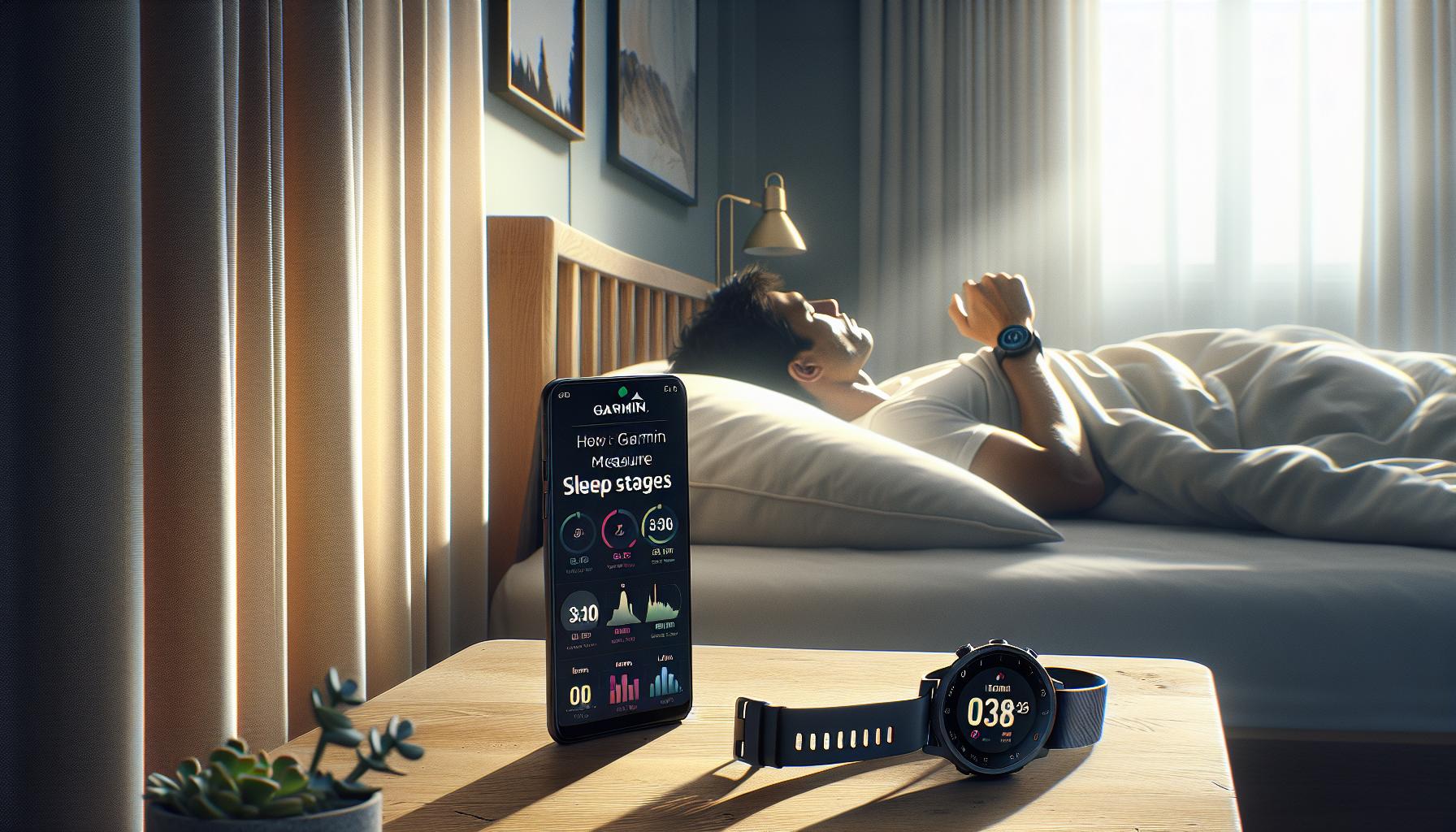
Key Features of Garmin Sleep Tracking Devices
Garmin sleep tracking devices come equipped with a range of features designed to provide users with comprehensive insights into their sleep patterns and overall sleep quality. These devices harness advanced technology to monitor not just when you sleep, but the quality of that sleep, allowing users to make informed decisions about their sleep hygiene.
One key feature of Garmin devices is their ability to monitor various sleep stages, including light, deep, and REM (Rapid Eye Movement) sleep. This functionality stems from a combination of heart rate monitoring and motion detection, enabling the device to distinguish between the different phases of sleep. When you wear a Garmin device overnight, it utilizes sophisticated algorithms to analyze your heart rate variability and movements, generating a detailed overview of your sleep cycles. This is visually represented in the Garmin Connect app, making it easy for users to engage with their data through colorful charts and graphs.
Another prominent feature is the Sleep Score, an aggregated metric that takes multiple factors into account to evaluate sleep quality. This score looks at not only the total duration of sleep but also consistency and the balance of different sleep stages. A higher Sleep Score indicates more restorative sleep, helping users identify potential areas of improvement in their bedtime routines. By tracking your score over time, you can better understand how lifestyle changes, such as reducing screen time before bed or adjusting your sleep environment, affect your rest.
Moreover, Garmin devices offer customizable sleep goals, allowing users to set and track personal sleep objectives. This level of customization empowers individuals to tailor their sleep tracking experience to their needs, whether they seek to extend their sleep duration or enhance their quality. For those looking to improve their sleep health, these features provide actionable insights that can help facilitate better sleep habits and ultimately enhance overall well-being.
Setting Up Your Garmin Device for Sleep Tracking
To make the most of your Garmin device’s sleep tracking capabilities, proper setup is essential. A few straightforward steps will ensure that your device accurately records and analyzes your sleep patterns for optimal insights. Here’s how to get started.
First, ensure you have the correct Garmin device that supports sleep tracking, such as the Garmin Forerunner or Venu series. Once you have your device, download the Garmin Connect app to your smartphone and create an account if you don’t already have one. This app will be your central hub for viewing your sleep data and managing device settings.
Next, wear your device comfortably on your wrist overnight. For the most accurate sleep metrics, keep the watch snug but not too tight; it should track your heart rate without causing discomfort. Make sure the watch is fully charged before heading to bed, as a drained battery could leave you without sleep data.
Configure the sleep settings through the Garmin Connect app. You can set your sleep goals-like achieving a certain number of hours-or adjust notifications to help you reinforce a regular sleep schedule. To do this, navigate to the ‘User Settings’ section, and find ‘Sleep’ options where you can customize your sleep window and enable alerts that remind you when it’s time to wind down for the night.
Lastly, after a night of sleep tracking, check your Garmin Connect app for insights. The app will display various metrics, including total sleep time, sleep stages, and a sleep score. Regularly reviewing this data can help you spot trends and understand how changes in your lifestyle may be impacting your rest.
By following these steps, you can effectively use your Garmin device to monitor your sleep and begin making informed adjustments to enhance your sleep quality. Remember, it’s not just about tracking sleep but using the insights gained to improve your overall health and well-being.
Interpreting Your Sleep Data from Garmin
As you peruse the data collected from your Garmin sleep tracker, you’ll notice various metrics designed to give you a clearer picture of your sleep quality. Understanding these metrics allows you to make informed decisions about your sleep routines. Typically, Garmin devices analyze your sleep by monitoring heart rate, movement, and even blood oxygen levels to determine your sleep stages: light, deep, and REM sleep. This data helps you identify patterns and understand how different behaviors affect the quality of your rest.
In the Garmin Connect app, you’ll find several key indicators to help you interpret your sleep data:
- Total Sleep Time: This metric reflects how long you were asleep, which is crucial for understanding whether you meet your individual sleep needs.
- Sleep Stages: You can dive deeper into your sleep quality by examining the ratio of light, deep, and REM sleep in your total sleep duration. For instance, a higher proportion of deep sleep is typically associated with better recovery and overall well-being.
- Sleep Score: Garmin provides a sleep score based on various metrics, offering a quick way to gauge how well you slept compared to past nights. A score over 80 might indicate good sleep, while anything lower could suggest areas for improvement.
- Awakenings: Tracking how many times you wake up during the night can help pinpoint disruptions to your sleep cycle, whether they are environmental, habitual, or due to health issues.
By reviewing these elements regularly, you can start recognizing trends-such as consistently waking up during certain stages or noticing worse sleep after increased screen time. If you identify negative patterns, use this information to adjust your lifestyle. For example, you might implement a digital curfew or create a bedtime routine that promotes relaxation. Remember, while Garmin devices provide valuable insights, they are not a substitute for professional medical advice, especially if you suspect sleep disorders.
Comparison of Garmin Sleep Trackers: Which is Best?
When choosing the right Garmin sleep tracker, understanding the nuances between different models can significantly enhance your sleep tracking experience. Garmin offers a diverse range of wearables, from the fitness-focused Forerunner series to the more health-centric Venu line, each equipped with sleep monitoring capabilities but differing in features and price points. Here’s a closer look at what sets them apart, helping you to make informed decisions based on your specific needs and lifestyle.
Key Considerations
Before diving into individual models, consider the following factors that can impact your choice:
- Budget: Garmin trackers vary in price significantly. Entry-level models, like the Forerunner 55, are budget-friendly options, while premium devices like the Fenix 7 or Venu 2 series offer advanced features at a higher price point.
- Feature Set: Depending on your sleep tracking needs, you may prefer a device that offers detailed metrics such as heart rate variability, blood oxygen levels, and sleep staging (light, deep, and REM sleep).
- Comfort and Design: Since you’ll be wearing the device while sleeping, select a tracker that is comfortable for overnight wear. Some models offer lighter designs and softer bands.
Popular Models and Their Unique Features
Here’s a brief overview of popular Garmin models and what sets them apart:
| Model | Sleep Tracking Features | Price Range |
|---|---|---|
| Garmin Forerunner 245 | Basic sleep tracking, sleep score, and stages | $$ |
| Garmin Venu 2 | Advanced sleep tracking, pulse oximeter, stress tracking | $$$ |
| Garmin Fenix 7 | Comprehensive sleep insights, recovery tracking, advanced metrics | $$$$ |
Making the Right Choice
Select a model that aligns with both your health goals and budget. For casual users interested in basic sleep insights, the Forerunner 245 provides essential metrics without overwhelming complexity. If you are seeking a comprehensive understanding of your sleep health alongside an array of fitness features, the Venu 2 might be your ideal companion. For serious athletes or health enthusiasts who want extensive data, the Fenix 7 offers the most detailed insights and robust tracking capabilities.
Ultimately, each Garmin device aims to enhance your understanding of sleep patterns and assist in optimizing your rest. Relying on these insights can lead to improved sleep hygiene and overall health, making it worthwhile to choose the tracker that best fits your lifestyle.
Limitations of Garmin Sleep Tracking Technology
Many users are drawn to Garmin sleep tracking technology for its promise to provide insights into sleep patterns and quality, but it’s essential to recognize certain limitations inherent in these devices. While they can offer a glimpse into your sleep stages, including light, deep, and REM sleep, they are not always accurate. Garmin devices utilize heart rate and motion detection to estimate these stages, which means they can be misled by movement and may misinterpret periods of inactivity as sleep. For instance, if you are lying still but awake-perhaps reading or meditating-the device might inaccurately classify this time as sleep.
The algorithms that Garmin employs are also simplified compared to clinical standards. These trackers lack the comprehensive measures used in professional sleep studies, such as polysomnography, which monitors brain waves and other physiological signals. Thus, while the data can indicate trends, it should not be used as a substitute for medical assessments or diagnoses. If you have significant sleep disturbances, consulting a healthcare provider remains crucial, as self-tracking might lead to misunderstandings about your actual sleep health.
Another point to consider is the dependency on user input and environmental factors. Factors such as alcohol consumption, caffeine intake, and stress levels may not be adequately accounted for by Garmin’s algorithms, potentially skewing your insights. It’s also worth noting that the comfort of the device can affect sleep quality; if your tracker is uncomfortable to wear overnight, it may disrupt restful sleep.
Ultimately, Garmin sleep tracking can be a valuable tool for understanding sleep patterns with an emphasis on regularity and general trends. However, to optimize your experience and insights, it is essential to manage expectations regarding their precision and utilize the data in conjunction with healthy sleep practices. Recognizing these limitations empowers you to use the technology effectively, making informed decisions about your sleep hygiene and overall well-being.
Enhancing Sleep Quality with Garmin Insights
Garmin’s sleep tracking technology offers insightful data that can play a significant role in enhancing your sleep quality. By providing detailed analyses of your sleep stages-light, deep, and REM-these devices can help you identify patterns and make informed adjustments to your nightly routines. Understanding this data allows users to pinpoint issues such as insufficient deep sleep or disruptions during REM phases, which are crucial for overall health.
By using the information gathered from your Garmin device, you can implement actionable strategies to improve your sleep environment and habits. For example, if the device indicates that you frequently wake up during the night, it might be worth evaluating factors such as room temperature, noise levels, or even your pre-sleep activities. Here are some practical steps to consider:
- Establish a Consistent Routine: Try to go to bed and wake up at the same time each day to regulate your body clock.
- Create a Relaxing Environment: Ensure your bedroom is dark, quiet, and at a comfortable temperature.
- Limit Screen Time: Reduce exposure to screens at least an hour before bed to help your body produce melatonin.
- Mind Your Diet: Pay attention to what you consume in the hours leading up to bedtime. Avoid heavy meals, caffeine, and alcohol.
Another effective way to leverage Garmin insights is by setting sleep goals within the Garmin Connect app. This feature encourages accountability by allowing you to track progress against your personalized targets. Moreover, receiving insights about your sleep trends can assist you in recognizing what lifestyle changes yield positive results, empowering you to make informed decisions.
For those who think deeper sleep is out of reach, Garmin devices offer encouragement and guidance, framing data in a straightforward manner. It’s essential to remember that while these devices can provide valuable insights, they are not substitutes for professional assessments. Combining the feedback from your Garmin device with healthy sleep practices creates a holistic approach to improving your sleep quality, ensuring that you awaken feeling rested and rejuvenated.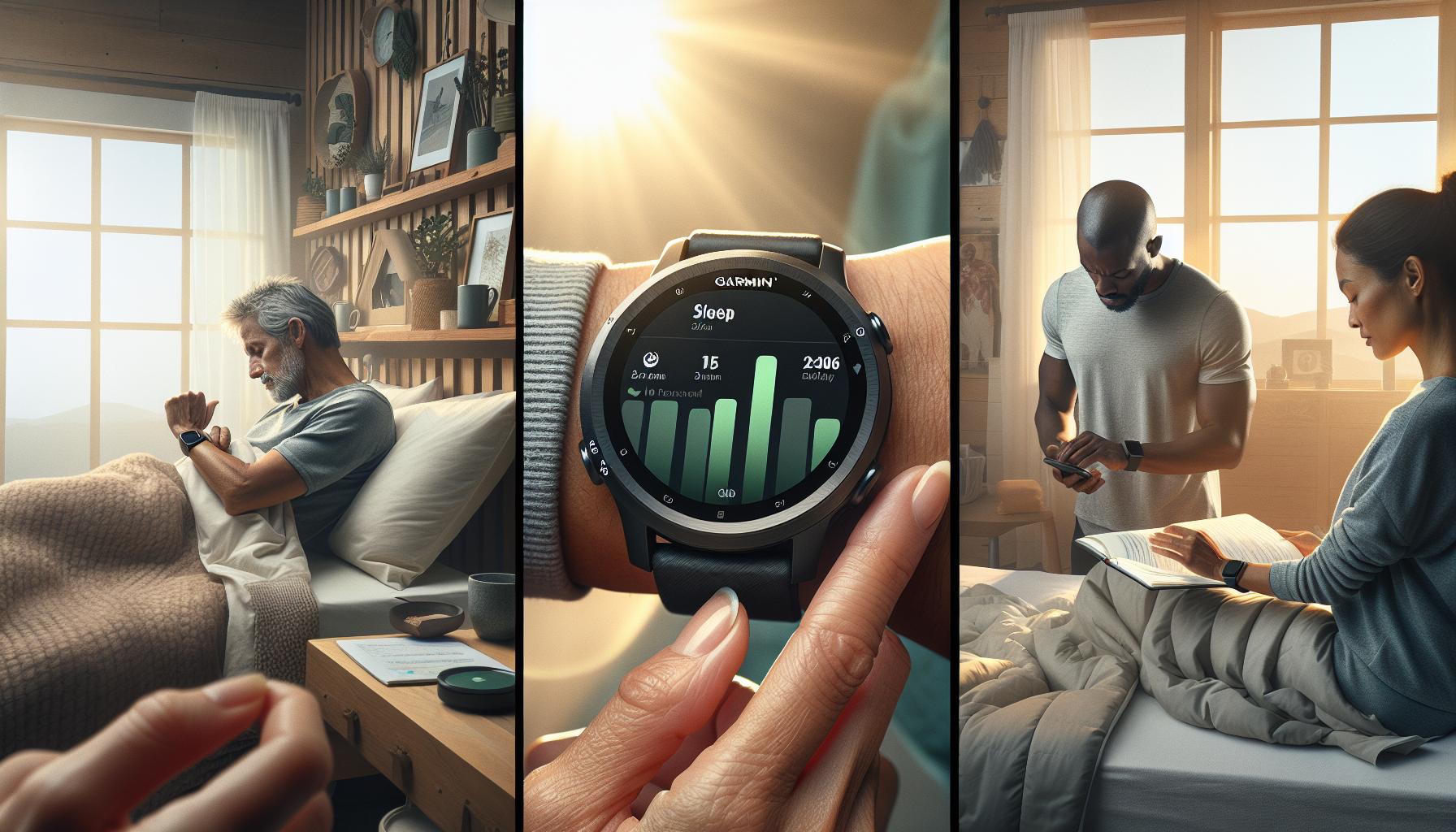
The Science Behind Sleep Stages and Health
Understanding the intricacies of sleep can transform not just your nights but your overall health. Sleep is divided into different stages-light, deep, and REM (Rapid Eye Movement)-each serving unique functions critical for both mental and physical well-being. Garmin sleep tracking technology utilizes advanced algorithms along with heart rate and motion sensors to analyze these stages, helping you identify how much time you spend in each and how they contribute to your rest.
The Importance of Sleep Stages
Each stage of sleep plays a vital role:
- Light Sleep: This is the transitional phase between wakefulness and deeper sleep, crucial for relaxation and mental preparation for sleep.
- Deep Sleep: Known as slow-wave sleep, this stage is essential for physical restoration, growth, and immune function.
- REM Sleep: This phase is linked to memory consolidation, learning, and emotional processing, as it is during REM that dreaming occurs.
Disruptions or deficiencies in these stages can lead to sleep-related issues such as fatigue, cognitive decline, and mood fluctuations.
How Garmin Tracks Sleep Stages
Garmin devices compare metrics like heart rate variability, motion, and even body temperature to categorize your sleep cycles. During sleep, your body naturally transitions through light, deep, and REM stages multiple times; tracking this helps you understand sleep quality beyond just duration. If your Garmin indicates little to no deep sleep, you might need to consider lifestyle changes or seek professional advice, particularly if fatigue persists.
While Garmin provides insightful data, it’s important to remember that these devices are not medical tools. They can identify trends and encourage habits that promote better sleep, but they lack the precision of clinical sleep studies like polysomnography, which monitor brain waves, oxygen levels, and even leg movements.
Understanding how your sleep stages impact health can empower you to make informed choices regarding your sleep environment and habits. If your Garmin data shows that you frequently wake during the night or have low REM sleep, it’s advantageous to evaluate factors like stress levels or your pre-bedtime routine. With this knowledge, you can adopt personalized strategies to enhance your overall sleep quality, transforming insights into actionable improvements that foster better health and well-being.
Real-Life Scenarios: When to Use Sleep Trackers
Understanding how and when to utilize sleep trackers like those from Garmin can make all the difference in managing your sleep health. Consider these practical scenarios in which a sleep tracker might prove invaluable.
For instance, if you frequently find yourself waking up tired despite getting a full night’s sleep, a Garmin device can help you analyze your sleep patterns. By tracking metrics such as the duration spent in different sleep stages-light, deep, and REM-you can pinpoint issues like frequent awakenings or lack of restorative deep sleep. This data can empower you to make adjustments, such as creating a more conducive sleep environment or altering pre-bedtime routines, ultimately leading to improved rest and energy levels.
Another common scenario involves individuals dealing with stress or anxiety. If you often feel restless at night, using a sleep tracker can provide insights into how these feelings impact your sleep quality and duration. The device can reveal trends over time, allowing you to identify specific triggers-like evening screen time or stressful workdays-that may correlate with poor sleep. With this knowledge, you can implement calming practices such as meditation or limiting screen exposure, helping foster a more restful night.
In situations where sleep disturbances might indicate underlying health conditions, Garmin devices can also serve a role in monitoring and reporting. For example, if you have a history of sleep apnea or other sleep disorders, tracking your nightly data can help your healthcare provider understand your sleep quality in more detail. This may lead them to recommend further testing, such as a sleep study, if patterns suggest a significant issue.
Finally, for fitness enthusiasts who value recovery, sleep trackers help assess how well your body is recovering from workouts. Garmin devices can track sleep data over time, providing insights into how factors like exercise intensity and sleep quality interact. This allows you to make more informed choices about your rest, ensuring you balance training with adequate recovery-essential for performance improvement.
By leveraging the insights provided by Garmin sleep trackers in these scenarios, you can make informed decisions that enhance your sleep quality and, consequently, your overall health.
How Garmin Compares to Other Sleep Tracking Solutions
When it comes to sleep tracking, Garmin stands out for its integration of fitness tracking with sleep analysis, appealing to both athletes and casual users. One of the major advantages of Garmin devices is their ability to provide a comprehensive overview of your sleep patterns while also monitoring physical activities throughout the day. This dual-purpose functionality allows users to correlate their sleep quality with daily exercise routines, providing insights that can lead to better overall health management.
Comparatively, other sleep tracking options, such as dedicated sleep devices like the Withings Sleep or the Eight Sleep Pod, offer different features that may cater to specific needs. For example, the Withings Sleep not only tracks sleep stages but also provides sleep apnea detection through an under-the-mattress sensor, which can be a significant benefit for those who experience breathing issues during sleep. The Eight Sleep Pod takes it a step further by incorporating temperature control features, which can create an optimal sleeping environment based on personal preferences.
Garmin’s key features include automatic sleep detection and a user-friendly app that aggregates data on sleep cycles, heart rate, and even stress levels. The ability to sync this data with Garmin’s extensive fitness platform sets it apart from more straightforward sleep trackers that focus solely on sleep metrics. However, some users may find Garmin’s sleep analysis less detailed than specialized devices. For instance, while Garmin offers a “sleep score” based on various parameters, dedicated sleep devices may provide deeper insights into health issues like sleep apnea and overall sleep architecture.
When choosing between Garmin and other sleep tracking solutions, it’s crucial to consider what you want from the device. If you’re looking for a multi-functional fitness watch that enhances your workout recovery and tracks sleep quality, Garmin is a strong contender. However, if sleep health is your primary concern, investing in a dedicated sleep tracker could provide the enhanced detail and specific features required for serious sleep issues. Ultimately, understanding your personal needs and lifestyle will guide you in choosing the most appropriate sleep tracking solution.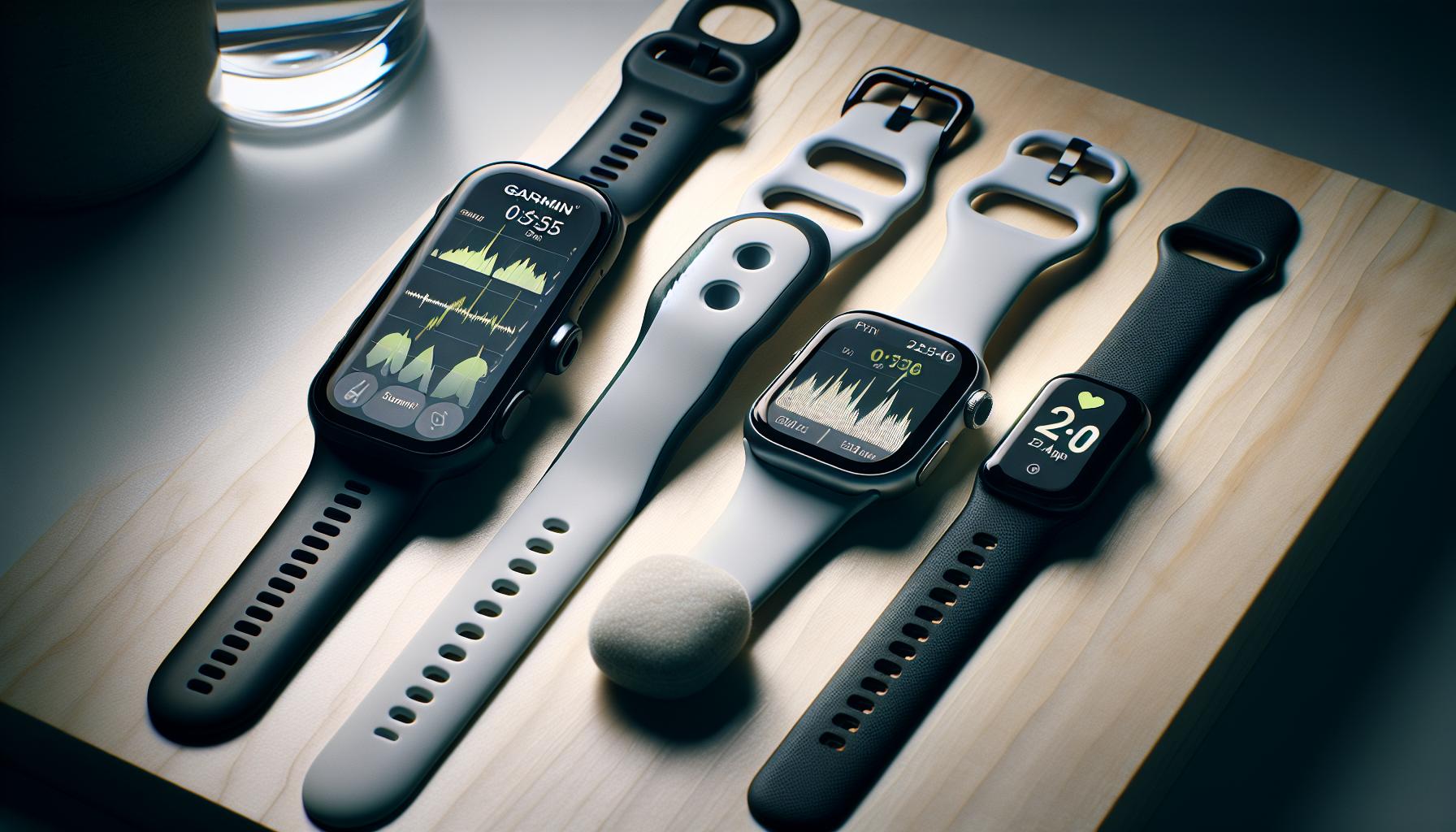
Common Troubleshooting Tips for Garmin Sleep Tracking
When your Garmin sleep tracker isn’t performing as expected, it can be frustrating, especially if you’re relying on it for insights into your nightly rest. Fortunately, there are several common troubleshooting steps you can take to enhance its performance and accuracy.
First, ensure that your device is worn properly. Garmin sleep tracking relies on heart rate and motion detection, so a snug fit on your wrist is crucial. If your watch is too loose, it may not gather accurate data. Consider wearing the device higher on your wrist, just above the wrist bone, and ensure it is comfortably tight but not restricting blood flow.
Next, check for any software updates. Garmin regularly rolls out firmware updates that improve functionality and address recurring issues. Open the Garmin Connect app on your smartphone and navigate to the device settings to check for updates. Installing the latest version can resolve bugs that may affect sleep tracking accuracy.
Additionally, ensure that sleep mode is enabled. While many Garmin devices automatically detect sleep, some users may need to manually activate it before going to bed. You can do this by scrolling through the settings menu on your device or selecting “Sleep” in the Garmin Connect app. Having this mode activated allows the device to be more precise in differentiating between awake and asleep periods.
If you’re experiencing unusual sleep data, consider recalibrating the device. Sometimes, environmental factors like noise or light can interfere with sleep patterns and the ability of the watch to track them accurately. Keep your sleep environment optimized: try to minimize light and sound disturbances. Moreover, maintaining a consistent sleep schedule can help the device learn your normal patterns over time.
Lastly, if the issue persists, consult the user manual or Garmin’s support website for further guidance. Community forums can also be a great resource for troubleshooting insights from other Garmin users who may have faced similar challenges. Remember, while Garmin devices are powerful tools for tracking sleep, they are not substitutes for professional medical advice if sleep issues are severe or persistent.
Faq
Q: How does Garmin track sleep stages?
A: Garmin devices track sleep stages by monitoring heart rate, movement, and various physiological signals. Using this data, the device distinguishes between light, deep, and REM sleep, giving users insights into their overall sleep quality. For a detailed breakdown of sleep stages, check the section on How Garmin Measures Sleep Stages and Patterns.
Q: What data does Garmin sleep tracking collect?
A: Garmin sleep tracking collects data on sleep duration, sleep stages (light, deep, REM), and interruptions. This information helps users understand their sleep quality over time and can be accessed in their Garmin Connect account for further analysis.
Q: Can Garmin sleep tracking be used for sleep disorders?
A: While Garmin sleep tracking provides valuable insights into sleep patterns, it is not a diagnostic tool for sleep disorders. Users experiencing significant sleep issues should consult a healthcare professional for a comprehensive evaluation. Refer to the Limitations of Garmin Sleep Tracking Technology section for more details.
Q: How accurate is Garmin sleep tracking?
A: Garmin sleep tracking has a good level of accuracy for general sleep pattern monitoring, but it’s not perfect. Factors such as lying still while awake can confound results. Users should consider it a helpful tool rather than a medical measurement.
Q: How can I improve my sleep quality using Garmin insights?
A: To enhance sleep quality, review the insights from your Garmin device related to your sleep patterns. Implement recommendations such as maintaining a regular sleep schedule and minimizing caffeine intake. Check the Enhancing Sleep Quality with Garmin Insights section for practical tips.
Q: What should I do if my Garmin device stops tracking sleep?
A: If your Garmin device is not tracking sleep, first ensure it is properly worn and charged. Restart the device and check for software updates. If problems persist, consult the Common Troubleshooting Tips for Garmin Sleep Tracking for additional solutions.
Q: How does Garmin compare to other sleep tracking devices?
A: Garmin devices offer reliable sleep tracking features, but compared to others, they integrate health metrics more comprehensively. For specific comparisons, see the section on How Garmin Compares to Other Sleep Tracking Solutions.
Q: When is the best time to use Garmin sleep tracking?
A: The best time to use Garmin sleep tracking is during your regular sleep schedule. Consistent tracking over several nights provides the most accurate insights into your sleep patterns, helping identify trends and changes over time.
In Conclusion
Understanding how Garmin sleep tracking works can transform your approach to rest, helping you unlock better sleep and overall wellness. With Garmin’s advanced technology, you gain valuable insights into your sleep patterns, making it easier to identify areas for improvement and embrace healthier habits. Don’t wait to take control of your sleep health-explore our comprehensive guides on sleep studies and wearable devices to enhance your understanding and start your journey today.
Ready to dive deeper? Check out our articles on smart sleep solutions and the benefits of sleep tracking technology. Whether you’re considering a Garmin device or looking to optimize your sleep strategy, we have the resources you need. Share your experience in the comments below, and don’t forget to subscribe to our newsletter for the latest updates on sleep health innovations. Together, let’s prioritize better sleep and vibrant health!
Get our latest guides, news, and insights highlighted in your Google Search & AI Overviews.