
Sleep plays a crucial role in our overall health, yet many struggle to achieve restful nights. Enter the Apple Watch, a popular tool that promises to enhance your sleep tracking experience. But how accurate is its sleep tracking feature? In this article, we’ll delve into the science behind Apple Watch’s capabilities, revealing whether this sleek device can genuinely help you understand your sleep patterns. By examining its features, user experiences, and expert insights, we aim to empower you with the knowledge to make informed choices about managing your sleep health. As you explore the nuances of what Apple Watch can-and cannot-do, you’ll gain valuable insights that may transform your nightly routine and overall well-being.
Understanding the Basics of Sleep Tracking Technology
Sleep tracking technology has evolved significantly over the years, capitalizing on advancements in wearable devices like the Apple Watch. This technology primarily revolves around monitoring physiological signals that are indicative of various sleep stages-most notably light sleep, deep sleep, and REM sleep. By utilizing sensors such as accelerometers and heart rate monitors, these devices analyze movements and vital signs to deduce when you are asleep and the quality of that sleep.
Understanding how sleep tracking works can help you make the most of your Apple Watch. The device captures data while you sleep, processing it using algorithms to classify sleep stages. While the Apple Watch provides useful insights into your sleep patterns, it’s also crucial to know that its accuracy is not infallible. Studies indicate that the Apple Watch’s detection of deep sleep may be particularly prone to error, misclassifying it as core sleep in some cases. This means that while you might get a general understanding of your sleep behavior, the specifics, especially regarding deep sleep, should be taken with a grain of caution.
When using sleep tracking technology, it’s beneficial to remember a few key considerations:
- Wearable Comfort: Ensure your Apple Watch fits snugly but comfortably; a loose watch may result in inaccurate tracking.
- Daily Routine: Your lifestyle habits, such as caffeine consumption and exercise, can significantly influence your sleep quality and, consequently, the data the watch collects.
- Sleep Environment: Factors like room temperature, light levels, and noise can affect your sleep quality. The Apple Watch collects data in the context of these environments, offering insights that are more contextual when combined with external factors.
By applying this knowledge, you can better interpret the sleep data provided by your watch and adjust your habits for improved sleep quality. will empower you to utilize these tools effectively, bridging the gap between technology and personal health management.
How Accurate Is Apple Watch Sleep Data?
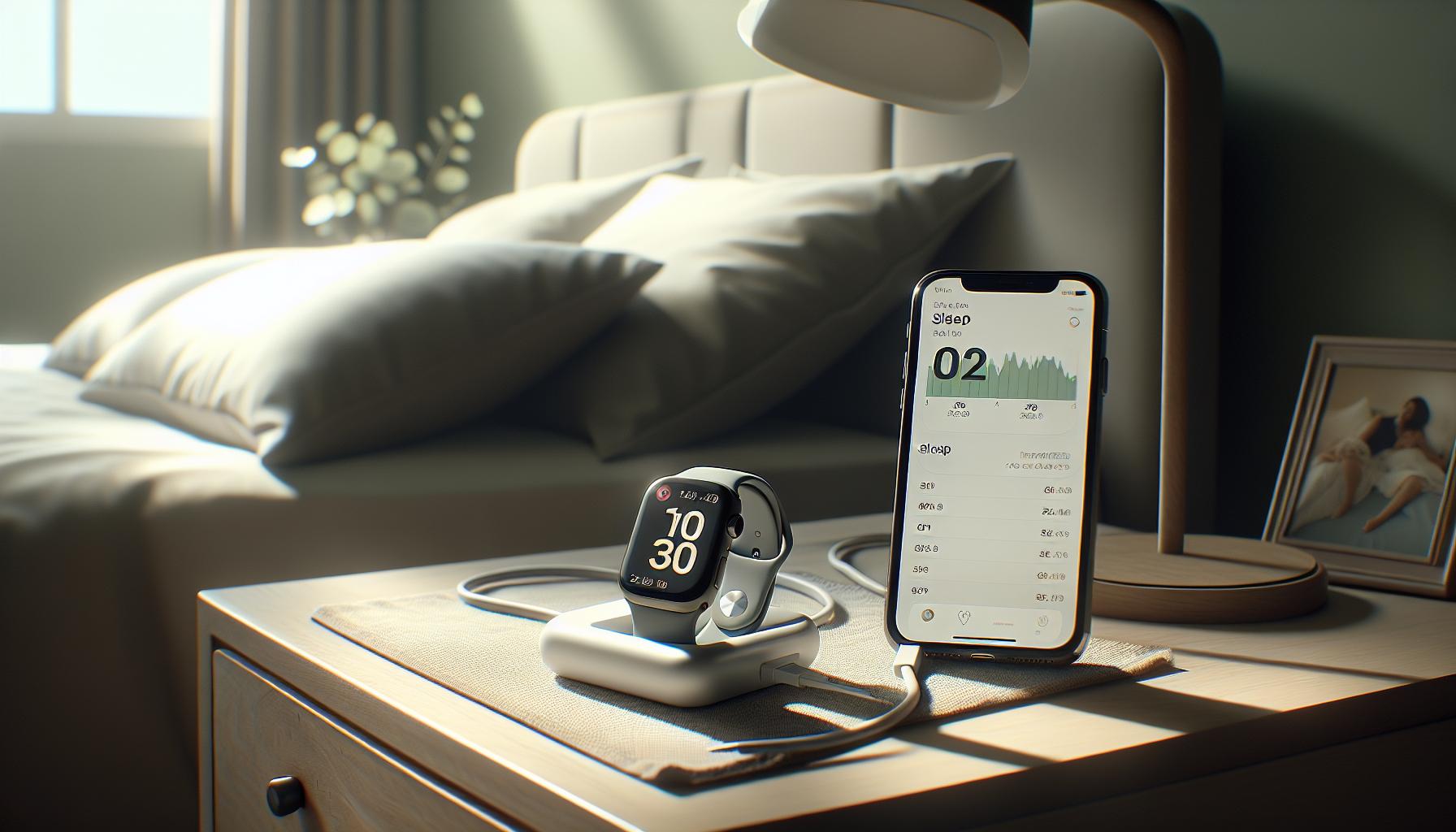
The Apple Watch has quickly become one of the most popular devices for sleep tracking, but how accurate is the data it collects? Understanding the nuances of this technology is crucial if you’re using it to improve your sleep quality. Studies indicate that while the Apple Watch can provide valuable insights, there are specific limitations that users should be aware of, particularly regarding its detection of sleep stages.
Research suggests that the Apple Watch may be less reliable when it comes to accurately measuring deep sleep. For example, users report that the device often records significantly lower amounts of deep sleep compared to other sleep trackers, such as Fitbit or Polar devices. One study found discrepancies as pronounced as 1 hour and 21 minutes of deep sleep reported by a Fitbit, while the Apple Watch logged only 12 minutes. These inconsistencies can lead to uncertainty about how well you are actually sleeping and may hinder your ability to make informed lifestyle adjustments based on the data.
Several factors influence the accuracy of the Apple Watch’s sleep tracking capabilities:
- Wearable Comfort: A snug, comfortable fit is essential; an ill-fitted watch can lead to inaccurate readings.
- Movement During Sleep: If you tend to move a lot in your sleep, the device may misinterpret those movements as wakefulness.
- Sleep Environment: External factors such as noise, light, and temperature can also affect your sleep quality, impacting the data collected.
While the Apple Watch is equipped with advanced sensors to infer your sleep patterns through heart rate and motion detection, it’s still essential for users to interpret the data with a critical eye. Balancing this information with personal observations can provide a clearer picture of your sleep health. Instead of relying solely on the watch for insights, consider logging your daily habits and sleep environment to complement the data, leading to potentially more accurate interpretations and improvements in your sleep routine.
Comparing Apple Watch Sleep Tracking to Other Wearables
When it comes to sleep tracking, the Apple Watch is often compared to other popular wearables like the Oura Ring and Fitbit devices. Each device has its strengths and weaknesses, impacting how accurately they measure sleep. Understanding these differences is vital for users seeking reliable insights into their sleep quality.
The Apple Watch excels in heart rate monitoring and overall fitness tracking, but its sleep analysis can sometimes fall short, particularly in detecting different sleep stages. Research indicates that, while the Apple Watch accurately records total sleep time, it may underestimate deep sleep. For instance, one study noted discrepancies where a Fitbit reported over an hour of deep sleep, while the Apple Watch logged only a fraction of that. In contrast, the Oura Ring shines in sleep tracking, providing detailed insights into sleep cycles, heart rate variability, and even temperature fluctuations, making it a favorite among those primarily focused on sleep health.
Fitbit devices are also noteworthy competitors. They generally provide easy-to-read insights with user-friendly interfaces and are well-regarded for their accuracy in monitoring REM and deep sleep stages. In comparative studies, Fitbit trackers have often outperformed the Apple Watch in accurately determining sleep stages, which can be crucial for users trying to enhance their sleep quality. Additionally, both the Oura Ring and certain Fitbit models feature longer battery life, which means less frequent charging and uninterrupted tracking over multiple nights.
Ultimately, the choice between the Apple Watch and other wearables depends on your individual needs. If you value comprehensive fitness tracking alongside sleep data, the Apple Watch could be a great fit. However, for users primarily interested in optimizing sleep quality and understanding sleep cycles, the Oura Ring or Fitbit might provide more accurate and detailed insights that align better with their goals. As a consumer, it’s essential to evaluate what aspects of sleep tracking are most important to you and choose a device that meets those specific needs.
Factors That Affect Sleep Tracking Accuracy

When it comes to sleep tracking, not all devices operate equally, and various factors can influence the accuracy of the data you receive. Understanding these factors is crucial for making the most out of your Apple Watch sleep tracking experience.
One significant factor is how you wear your device. To maximize accuracy, the Apple Watch must be worn snugly on your wrist. If it’s too loose, the sensors may struggle to gather accurate data on your movements and heart rate, leading to misinterpretation of your sleep stages. In addition, the positioning of the watch on your wrist could affect its ability to accurately monitor metrics such as your heart rate variability and motion patterns during different sleep stages.
Another factor to consider is the algorithm that the Apple Watch uses to interpret data. Apple relies on a combination of motion sensors and heart rate monitoring to determine your sleep cycles. While this approach provides a general idea of your sleep quality, it can sometimes oversimplify the complexities of sleep, such as failing to capture deeper sleep stages accurately. For instance, studies have shown discrepancies between the Apple Watch and other wearables like the Fitbit, particularly regarding deep sleep measurement. The Apple Watch may record total sleep time accurately but can underestimate the amount of deep sleep compared to other devices where studies found differences reaching over an hour in readings.
Environmental conditions also play a role. Factors like room temperature, ambient light, and noise can affect your sleep quality, which in turn may impact your watch’s readings. For instance, if you sleep in an overly warm room, it can hamper deep sleep and lead to restlessness, potentially skewing your sleep data. Therefore, optimizing your sleep environment is just as important as how you wear your watch.
Lastly, personal health factors such as stress levels, caffeine consumption, and sleep disorders can significantly impact sleep quality and, consequently, the accuracy of data collected by your Apple Watch. If you have conditions like sleep apnea, these could lead your device to report misleading sleep stages. Users should consider these personal variables and, if needed, consult with healthcare professionals, especially if they suspect sleep disorders.
By understanding these factors and how they affect the device’s performance, you can better interpret your sleep data and make informed decisions about your sleep health.
Interpreting Your Apple Watch Sleep Data
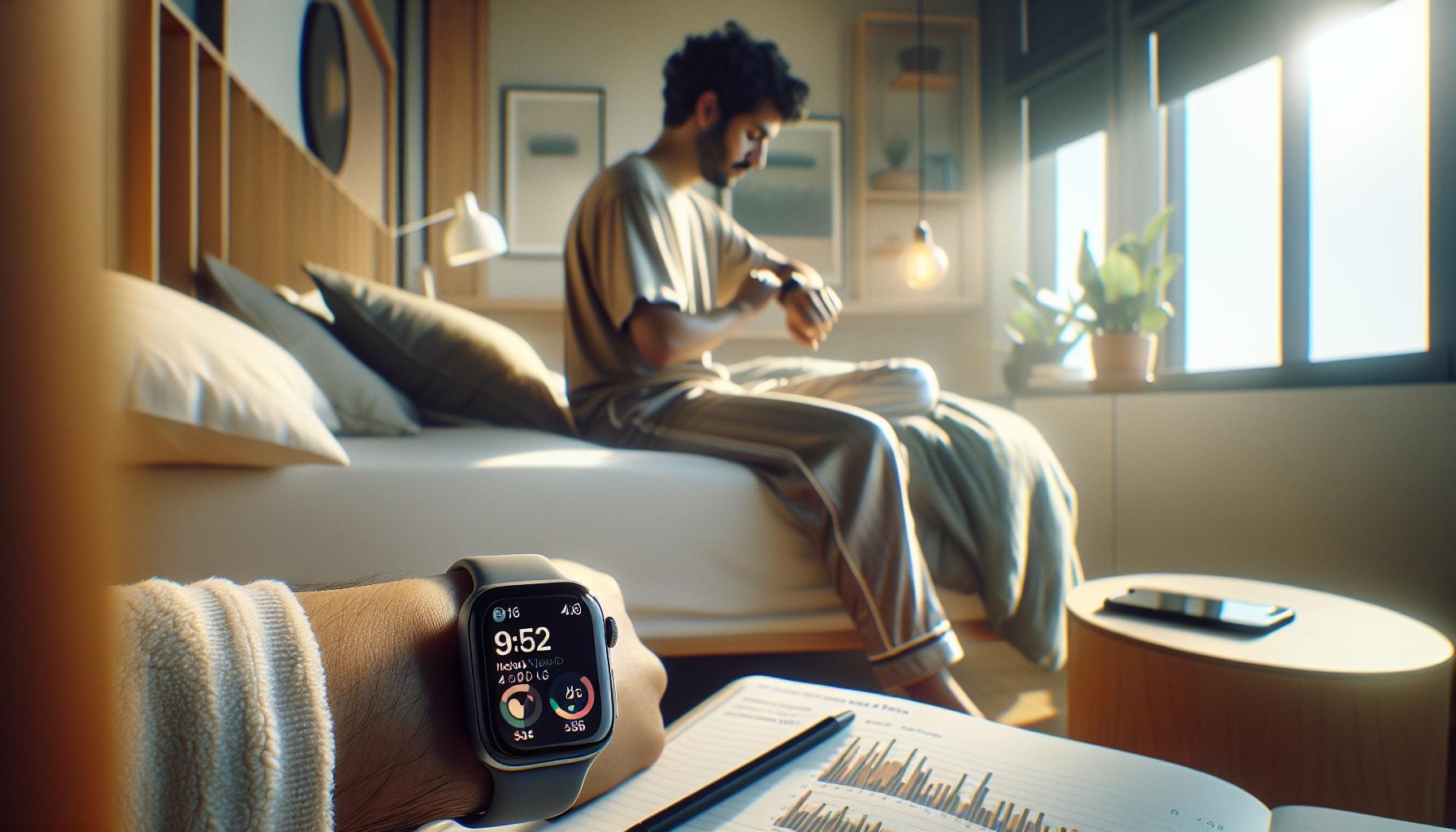
Interpreting the sleep data from your Apple Watch can feel overwhelming, especially given the wealth of information at your fingertips. Yet, understanding this data is vital for improving your sleep quality and overall health. One of the primary metrics the Apple Watch provides is Total Sleep Time, which gives a general overview of how long you’ve slept. However, this number alone doesn’t tell the whole story. It’s essential to dive deeper into metrics such as Heart Rate, Sleep Stages, and Sleep Consistency to gain a rounded view of your sleep patterns.
Key Metrics to Understand
- Total Sleep Time: This is the total amount of time you were asleep, but be aware that it may not differentiate between quality sleep and restless periods.
- Sleep Stages: The Apple Watch tracks light, deep, and REM sleep stages, which can help you identify how restorative your sleep is. However, keep in mind that this tracking isn’t always as accurate as medical devices, so use it as a guide rather than an absolute measure.
- Heart Rate: Monitoring your heart rate during sleep can provide insights into your overall health. Variations may indicate stress or other health conditions, and consistently high rates during sleep can be a sign to consult a healthcare professional.
- Sleep Consistency: This metric looks at your bedtime habits, letting you know how regular your sleep schedule is. Consistency can greatly impact sleep quality, so aim for a steady sleep routine.
Interpreting these metrics collectively paints a more accurate picture of your sleep health. For instance, if you notice you have a high Total Sleep Time but very little deep sleep, it may indicate that while you’re sleeping for many hours, the quality is lacking. This could lead to issues like daytime fatigue. Use your watch’s data to identify patterns and areas for improvement, such as optimizing your sleep environment or establishing a calming pre-sleep routine.
Making Sense of Anomalies
When examining your sleep data, it’s also crucial to identify outliers. For instance, if you suddenly notice a significant drop in your Total Sleep Time or deeper sleep stages, consider external factors like increased stress levels, changes in your medication, or even environmental distractions. This proactive approach allows you to address issues before they impact your health significantly. If discrepancies persist, it may be worth discussing these findings with a sleep specialist who can provide tailored insights based on your lifestyle and health history.
Ultimately, your Apple Watch serves as a useful tool to facilitate your sleep journey. While it may not replace professional sleep evaluations, it offers valuable day-to-day insights that can help guide you toward achieving better sleep and, consequently, better health. Understanding how to interpret your sleep data will empower you to make informed decisions to enhance your restfulness and rejuvenation.
Real User Experiences with Apple Watch Sleep Tracking
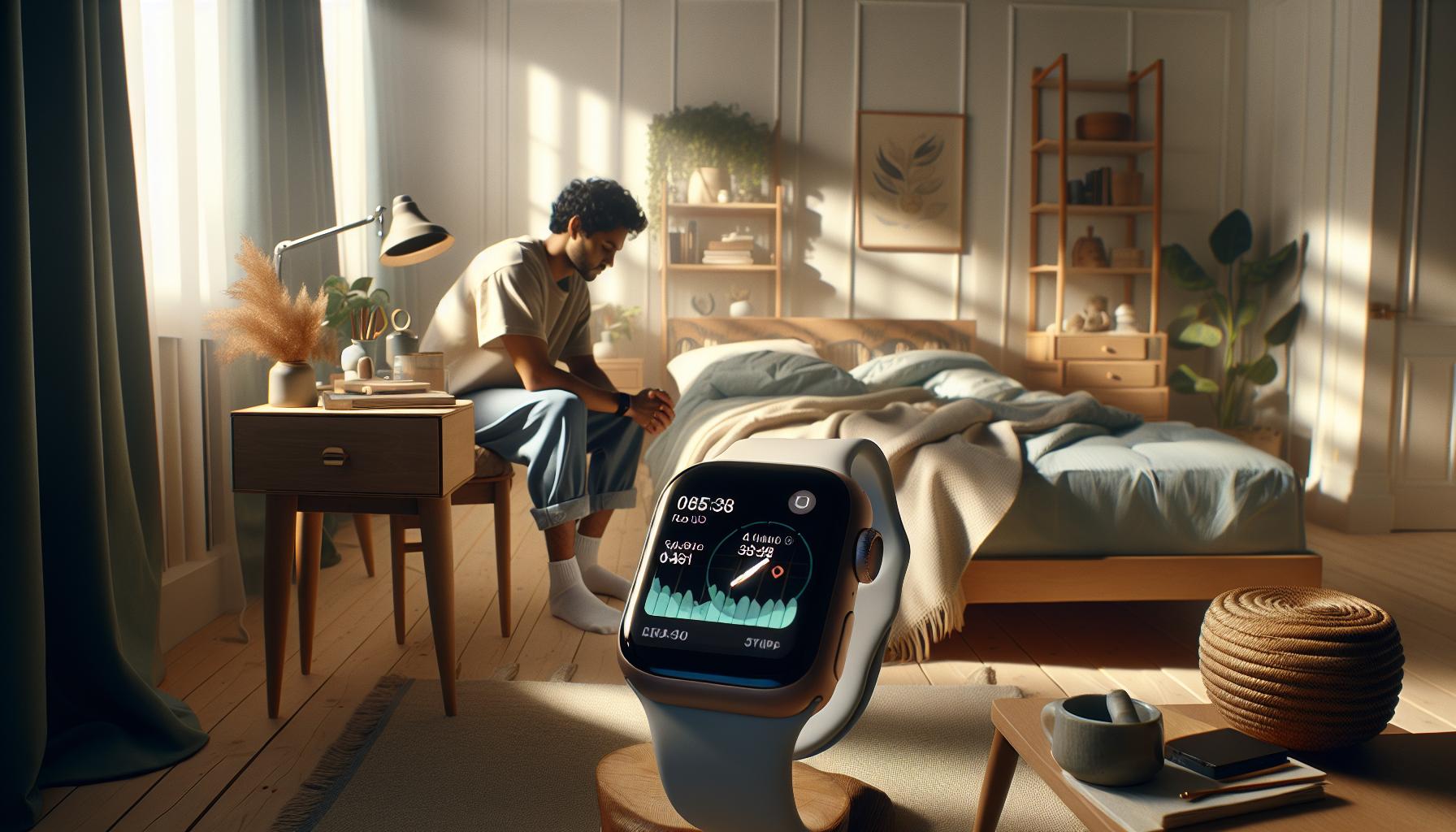
Many Apple Watch users are enthusiastic about the device’s sleep tracking capabilities, yet their experiences can vary widely, sparking curiosity and sometimes frustration among potential buyers. Imagine waking up each morning with fresh insights into not just how long you slept but also the quality of that sleep-how restorative it was. Users like Sarah, who has been using her Apple Watch for a year, praise its user-friendly app interface, noting the satisfaction of seeing their sleep patterns unfold. “I love tracking my sleep stages,” she shares. “It motivates me to stay consistent with my sleep schedule.”
However, not every experience is seamless. Some users report challenges with accuracy, particularly after software updates. For instance, after upgrading to watchOS 26.0.2, Mike noticed discrepancies in his sleep data, claiming his watch recorded multiple wake-ups-something he hadn’t experienced before. His story exemplifies a crucial point: while the Apple Watch provides insightful data, it’s essential to recognize that it may not always reflect the user’s actual sleep quality. This does not mean the device isn’t valuable; rather, it highlights the importance of viewing the data as a tool for personal enhancement rather than an absolute measure.
To get the most from your Apple Watch’s sleep tracking features, don’t shy away from collecting data over time. Many users recommend looking for patterns in your sleep data-such as better sleep quality on nights when you practice relaxation techniques. By correlating your habits with your sleep quality, you can identify what helps improve your rest. The Apple Watch acts as a personal trainer for your sleep habits, guiding you toward better practices.
Moreover, it’s beneficial to understand that not every tracker works the same for everyone. A quick glance at user reviews shows that some prefer using complementary devices like the Oura Ring or Whoop Strap alongside their Apple Watch for a more comprehensive view of their sleep and recovery. These devices can provide a broader spectrum of data, especially for those serious about their health and fitness. Thus, when experiencing discrepancies or seeking deeper insights, consider the potential of combining technologies to suit your needs. Remember, your wellness journey is personal-what works for one may not work for another.
Common Misconceptions About Sleep Trackers
Many people assume that sleep trackers, including the Apple Watch, provide precise and infallible insights into their sleep quality and patterns. However, this perception can lead to misunderstandings about what these devices can actually deliver. The reality is that while sleep trackers offer valuable data, they are not medical devices and do not replace professional sleep studies or evaluations.
Understanding Limitations
It’s crucial to recognize that consumer-level sleep trackers are based largely on motion and heart rate data. This means they infer sleep stages from these metrics, which can vary in accuracy for different individuals. The Apple Watch, for instance, uses a combination of movement tracking and heart rate to estimate how much time you’ve spent in different sleep stages. While this can provide useful trends over time, it may not always be fully accurate. Users might find their data inconsistent, particularly if their sleep patterns change or if they experience disturbances that the watch may misinterpret.
Misconception of Absolute Accuracy
A common misconception is that the hours listed on sleep trackers are exact representations of actual sleep time. Users may be surprised to find that they often wake up multiple times during the night, but these awakenings might not always be shown on their data. This leads to the belief that the device is malfunctioning, when in fact, it might be their sleep behavior that is the issue. Understanding that sleep trackers provide an indicative rather than definitive measure can help manage expectations.
Data Interpretation and Context
Another frequent pitfall is how users interpret their sleep data. For example, some people might look at their sleep score and feel discouraged if it’s lower than expected without considering other factors that may influence sleep quality, like stress levels or caffeine consumption. Rather than viewing the data as an absolute judgment of sleep quality, it can be more productive to see it as a starting point for adjustments. Tracking sleep over weeks or months allows users to spot patterns or triggers affecting their rest.
By embracing a more nuanced understanding of how sleep trackers work and what to expect, users can turn their Apple Watch into a supportive tool rather than a source of anxiety. Engaging with the data actively-through adjustments to sleep environments or routines-can lead to improvements in overall sleep health.
Tips to Improve Sleep Tracking Accuracy
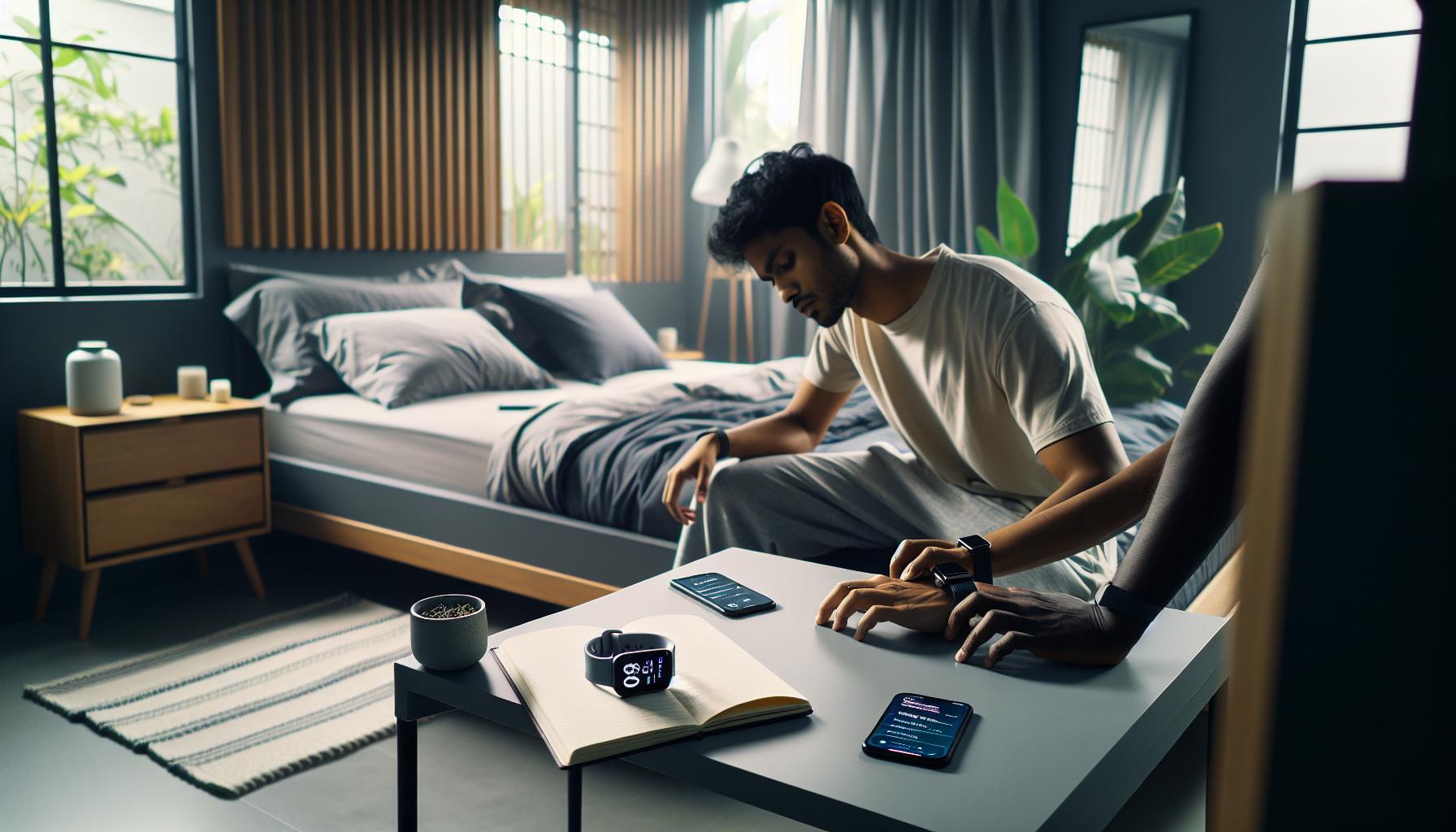
To optimize the accuracy of sleep tracking on your Apple Watch, there are several practical tips you can incorporate into your routine. Many users overlook simple adjustments that can significantly improve the reliability of their sleep data. Here are some strategies to enhance your experience:
1. Ensure Proper Fit
A snug and comfortable fit is essential for accurate readings. Make sure your Apple Watch is properly fitted on your wrist, as a loose watch can result in incorrect data due to inconsistent sensor contact with your skin. Consider wearing your watch on the wrist opposite your dominant hand to avoid movement interference.
2. Optimize Sleep Settings
Take the time to configure your sleep settings for the best results. On your iPhone, open the Apple Watch app, navigate to My Watch > Sleep, and make sure that the option to Track Sleep with Apple Watch is enabled. Customize parameters such as sleep goals and schedules that align with your personal sleep habits.
3. Limit Disruptions
For the most accurate tracking, create a sleep-friendly environment by minimizing disturbances. Dimming lights, reducing noise, and keeping your bedroom at a comfortable temperature can help you stay asleep longer, allowing your watch to gather more reliable data. Additionally, create a calming pre-sleep routine, like reading or meditating, to signal to your body that it’s time to wind down.
4. Keep Your Watch Charged
Ensure that your Apple Watch is adequately charged before bed. A low battery may result in the watch failing to track your sleep or recording inaccurate data. Ideally, charge your watch after your morning routine and before bedtime so it’s at full power throughout the night.
5. Maintain Consistent Sleep Patterns
Consistency is key in sleep tracking. Aim to go to bed and wake up at the same times daily, even on weekends. This routine helps stabilize your circadian rhythm, which can improve both the quality of your sleep and the accuracy of your Apple Watch’s data.
Implementing these tips can lead to a more accurate representation of your sleep patterns and overall quality of rest. Remember, while your Apple Watch is a useful tool for managing sleep health, it’s most effective when used as part of a holistic approach to improving sleep habits.
When to Consult a Sleep Specialist vs. Using a Tracker
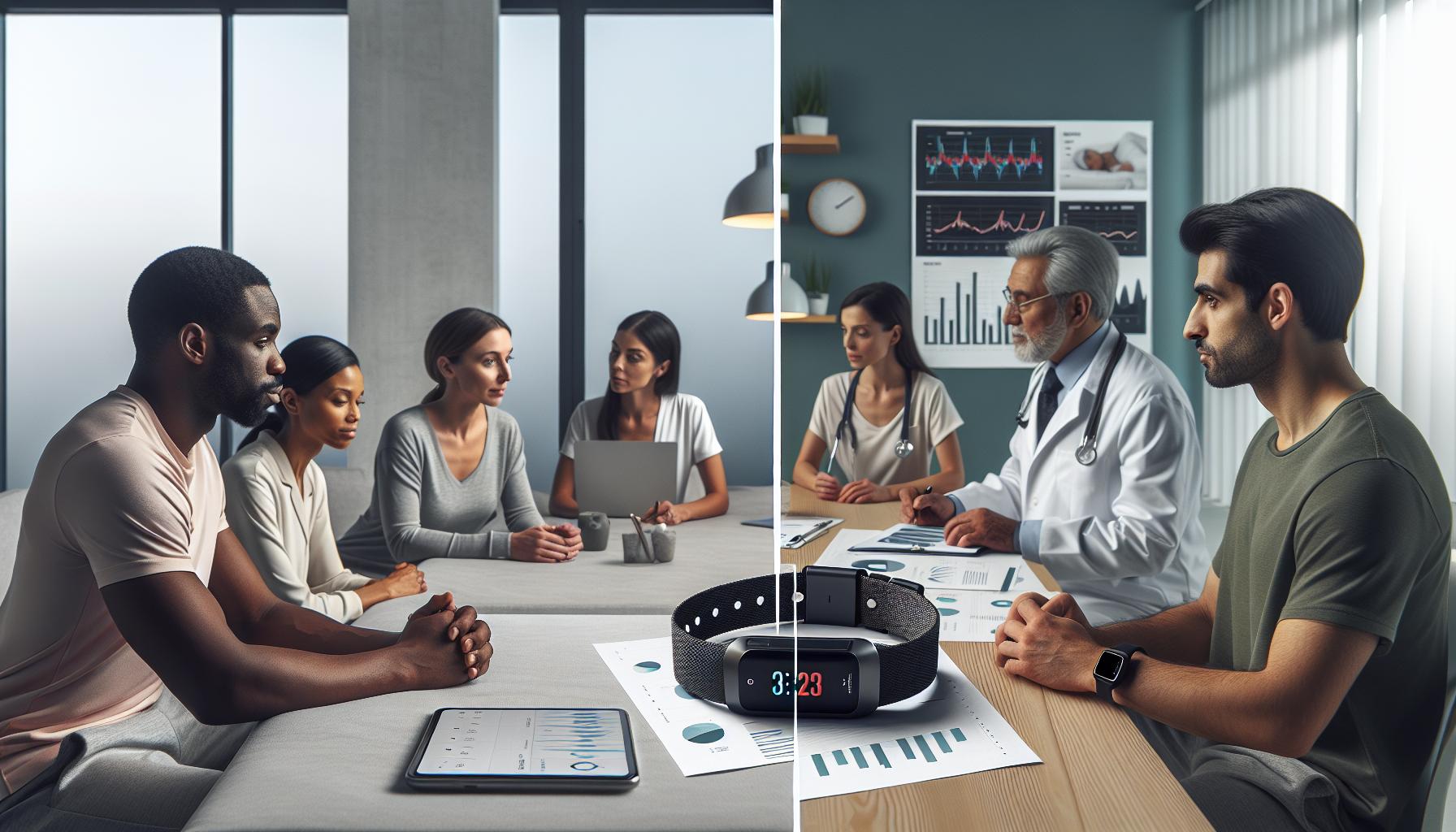
When it comes to monitoring your sleep, wearable technology such as the Apple Watch can provide valuable insights into your sleep patterns, but it’s important to know its limitations compared to traditional approaches. If you find yourself struggling with persistent sleep issues, knowing when to reach out to a sleep specialist can make all the difference in your journey to better sleep.
For most users, the Apple Watch can successfully track sleep duration, some sleep stages, and even metrics like heart rate and blood oxygen levels. However, it may not pick up on specific sleep disorders that require more in-depth analysis. Understanding when to transition from tracking sleep with a device to seeking professional help can be pivotal. If you frequently experience symptoms like excessive daytime sleepiness, loud snoring, or irregular breathing patterns while sleeping, a consultation with a sleep specialist is warranted. They can conduct a polysomnography study, which is a comprehensive test that records brain waves, oxygen levels, heart rate, and breathing, providing a clearer picture of your sleep health than any smartwatch can.
Additionally, if you notice discrepancies in the data collected by your Apple Watch-like inconsistent sleep patterns or if it indicates poor sleep quality-but you feel rested and alert during the day, it might be time to reassess the device’s settings or potential inaccuracies before diving deeper into medical consultations. Proper device usage, such as ensuring that the watch is fitted correctly and fully charged, can significantly impact tracking accuracy.
It’s also helpful to consider how technology can complement medical advice. Some specialists may suggest using a sleep tracker to gather preliminary data before your appointment. This information can provide insights into your sleep habits, making it easier for the specialist to customize their approach to your treatment.
Ultimately, while wearables like the Apple Watch can enhance your understanding of sleep, they should not replace professional medical evaluation when serious sleep concerns arise. By recognizing when to consult a specialist and how technology fits into that equation, you can make more informed decisions about your sleep health.
Understanding Sleep Stages and Apple Watch Insights
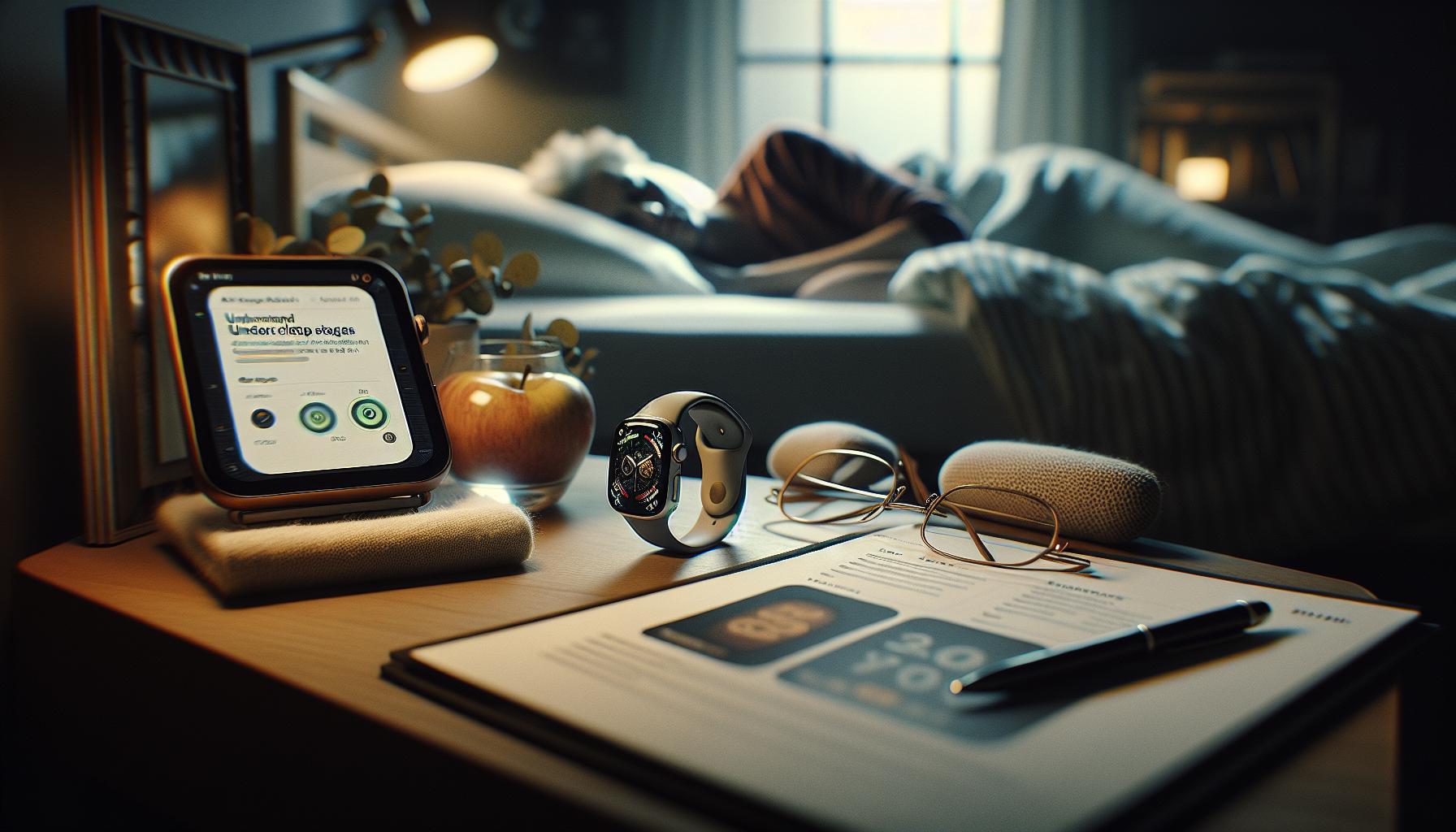
When it comes to sleep, understanding the various stages is essential for grasping how your body restores and rejuvenates overnight. The Apple Watch employs a sophisticated algorithm that distinguishes between different sleep stages, giving users insight into their sleep quality and patterns. The device primarily tracks two key stages: Core Sleep and Deep Sleep. Core Sleep corresponds to what many trackers refer to as “light sleep,” which is a critical phase for mental and physical recovery, while Deep Sleep reflects a more restorative state. Although the Apple Watch provides these insights, it’s important to recognize that the accuracy of determining sleep stages is still a developing area within wearable technology.
One of the fascinating aspects of Apple Watch sleep data is how it leverages motion and heart rate variability to infer sleep stages. According to Apple’s research, their algorithms have undergone validation to enhance performance in sleep stage classification. For instance, they utilize a combination of movement data-gathered by the watch’s accelerometer-and physiological signals to discern when you are awake, in Core Sleep, or in Deep Sleep. However, users should be mindful that while wearables can offer a general understanding of sleep dynamics, they may not capture all nuances, especially in individuals facing sleep disorders.
To make the most out of your Apple Watch’s sleep insights, consider how you can enhance its accuracy. Here are some practical tips:
- Ensure your watch fits snugly on your wrist; this helps the sensors gather accurate data.
- Keep your watch charged overnight to avoid interruptions in tracking.
- Calibrate your sleep settings using the Health app on your iPhone, adjusting your sleep goals and wind-down settings.
By gathering and reviewing your sleep data regularly, you can notice patterns and make informed decisions about your sleep health. Remember, while the Apple Watch is an excellent tool for tracking and understanding sleep stages, it is beneficial to consult a sleep specialist for persistent concerns about sleep quality. They can offer a detailed analysis that a wearable simply cannot provide, paving the way for improved sleep health management.
The Science Behind Sleep Tracking Features
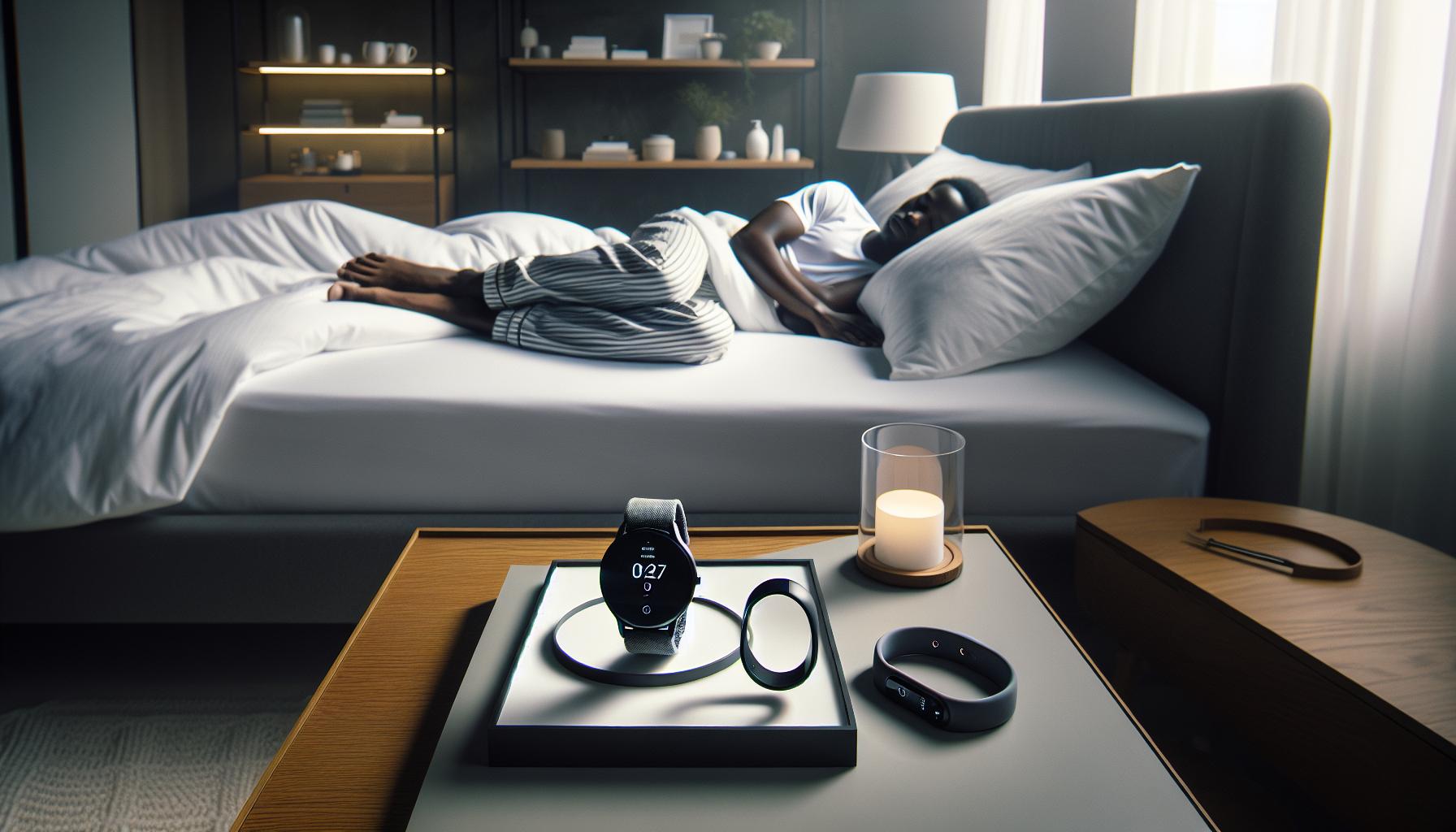
The remarkable accuracy of sleep tracking in devices like the Apple Watch stems from their integration of multiple technologies. Using a combination of heart rate sensors, accelerometers, and advanced algorithms, the Apple Watch captures a wealth of information during sleep. It not only monitors movement to determine when you’re awake or asleep, but it also gauges your heart rate variability to differentiate between sleep stages, such as Core Sleep and Deep Sleep. These stages are critical for understanding the restorative processes your body undergoes overnight.
How It Works
The Apple Watch utilizes state-of-the-art algorithms validated through research to enhance sleep stage classification. By processing data from the built-in accelerometer, it detects your physical movements and paired with heart rate data, infers your sleep quality. For instance, lower heart rates typically signify restful periods, while higher rates may indicate lighter sleep or wakefulness. Such technological innovation provides deeper insight into one’s sleep patterns than many traditional sleep trackers can offer. However, it’s essential to remember that while the Apple Watch provides a reasonably accurate snapshot of your sleep, it may not capture every nuance that a polysomnography (the gold standard for sleep studies) would.
Limitations and Context
It’s beneficial to take the findings from your Apple Watch with a grain of caution. No sleep device can perfectly replicate the expertise of sleep professionals or the detailed analysis obtained from an overnight sleep study. Issues like sleep disorders may prevent the watch from accurately interpreting your sleep phases. Individuals with insomnia or sleep apnea, for example, might find discrepancies in their sleep data when compared with clinical evaluations.
In this context, the Apple Watch serves as a useful tool for personal insights and patterns. It empowers users to make informed choices about their sleep habits by analyzing week-to-week variations. Nevertheless, if persistent concerns about sleep quality arise, consulting a sleep specialist remains a crucial step, offering a more comprehensive understanding and treatment options that a smartwatch cannot provide.
By bridging the gap between modern technology and health awareness, Apple Watch sleep tracking serves as an accessible entry point for those looking to improve their sleep health. As you delve into your sleep insights, remember that the journey to better sleep is nuanced, often requiring both technological assistance and professional guidance.
Future Developments in Apple Watch Sleep Technology
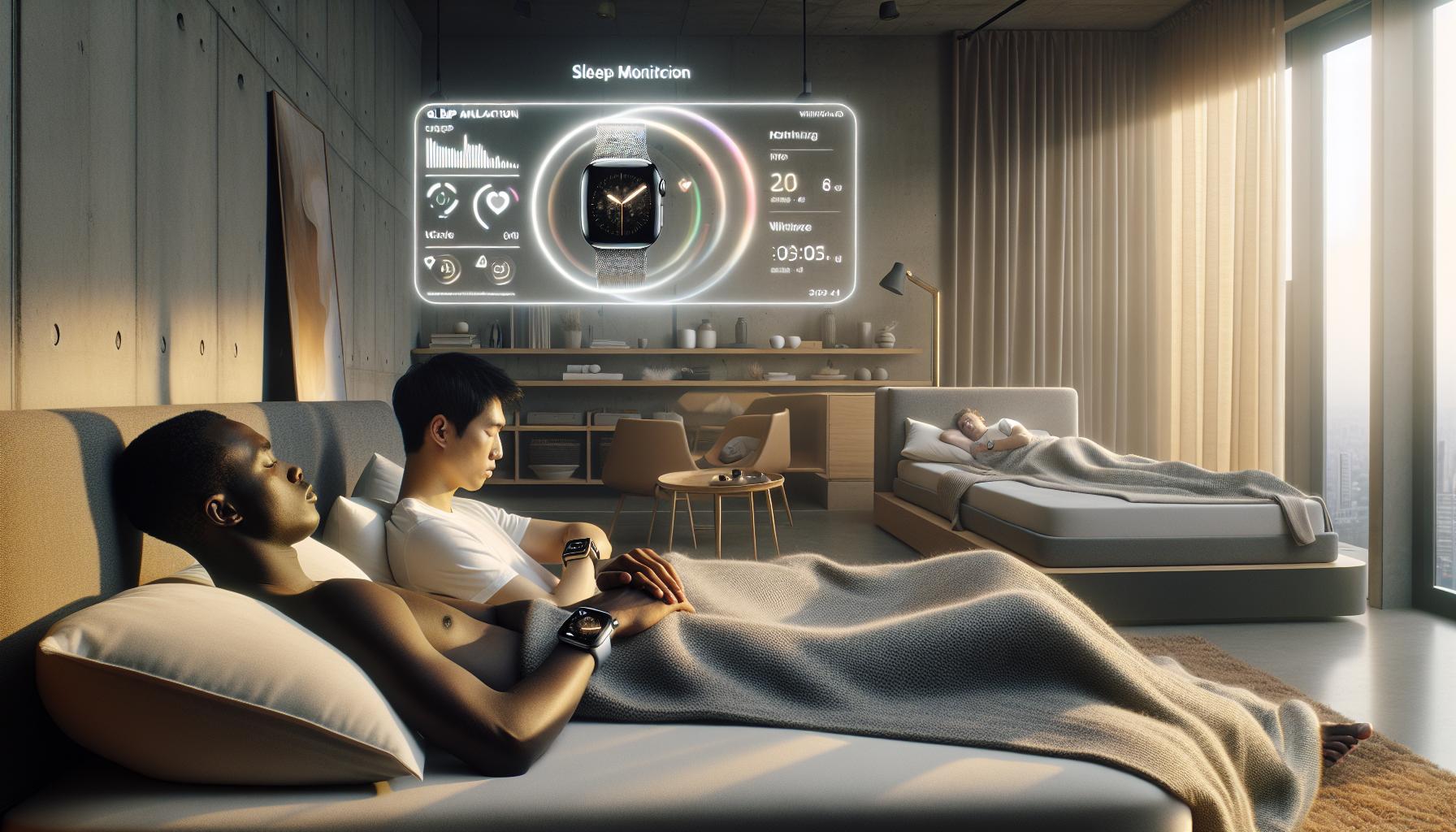
The future of sleep tracking technology in devices like the Apple Watch looks promising, with continuous advancements aimed at enhancing user experience and accuracy in capturing sleep data. Recent developments hint at potential integrations that could vastly improve how users understand their sleep patterns. For instance, the incorporation of machine learning algorithms may allow for personalized insights based on individual sleep behaviors, such as recognizing patterns unique to a user’s lifestyle and adjusting recommendations accordingly.
One exciting prospect is the integration of additional biometric sensors, which may enable the Apple Watch to go beyond basic sleep tracking. Future models could potentially monitor various physiological parameters-such as skin temperature, blood oxygen levels, and even sleep movements-providing a much more comprehensive view of a user’s health. This could not only help track sleep stages more accurately but also identify possible disorders, offering deeper insights without the need for invasive testing methods.
Moreover, collaborations with health platforms and sleep researchers could lead to the development of advanced predictive algorithms. Imagine an Apple Watch capable of alerting you in advance when you might be at risk for poor sleep due to stress or other factors, equipped with guided breathing exercises or sleep meditations to promote better rest.
Improved connectivity with smart home devices could also play a role in this evolution. For example, the Apple Watch could interact with smart lighting and heating systems to adjust your environment for optimal sleep conditions. Personalized sleep schedules based on accumulated data could adjust automatically, helping users prepare for sleep in a way that enhances their overall sleep experience.
As these advancements unfold, it’s essential for users to stay informed of what these technologies can and cannot do. A smartwatch is a powerful tool for gaining insights into sleep, but it should complement, rather than replace, professional medical advice when needed. Understanding the limitations of sleep trackers and recognizing when to consult with a healthcare provider will remain crucial elements in navigating the intersection of technology and sleep health. This balanced approach not only empowers users but makes the journey toward improved sleep health accessible and actionable.
Q&A
Q: How does the Apple Watch determine sleep stages?
A: The Apple Watch uses a combination of heart rate data and motion detection to estimate your sleep stages, including light, deep, and REM sleep. It monitors your heart rate variability and movement patterns throughout the night to assess your sleep quality and provide insights into your sleep cycles.
Q: Can I improve the accuracy of Apple Watch sleep tracking?
A: Yes, you can enhance tracking accuracy by ensuring your watch is worn snugly during sleep, regularly updating your device, and maintaining accurate personal health data in the Health app. Being consistent with your sleep schedule can also help improve data collection over time.
Q: What factors can affect the accuracy of Apple Watch sleep tracking?
A: Several factors can influence accuracy, including arm movement during sleep, battery life, environmental disturbances like noise or light, and the tightness of the watch on your wrist. Sleep disorders, such as sleep apnea, may also impact the device’s ability to provide reliable data.
Q: Is Apple Watch sleep tracking comparable to professional sleep studies?
A: While the Apple Watch offers insights into sleep patterns, it is not as comprehensive as a sleep study conducted in a clinical setting, which provides detailed monitoring of brain activity, breathing, and other physiological functions. Use Apple Watch data for tracking trends, but consult a specialist for severe sleep issues.
Q: What should I do if I notice inconsistencies in my sleep data from the Apple Watch?
A: If you notice discrepancies, first ensure that your watch fits well and is updated. Check if any settings were changed inadvertently. If issues persist, consider reaching out to Apple support or consulting with a sleep specialist to address potential underlying sleep disorders.
Q: How often should I clear my Apple Watch sleep data, and why?
A: You don’t need to manually clear sleep data, as the Apple Health app automatically updates and manages your sleep information. However, review your sleep history regularly to identify patterns or changes that might require adjustments to your sleep environment or habits.
Q: Are there any limitations to Apple Watch sleep tracking?
A: Yes, limitations include potential inaccuracies related to arm movements, battery life affecting tracking quality, and the inability to diagnose sleep disorders. It is primarily designed for consumer use, not as a substitute for professional medical advice or treatment.
Q: Can the Apple Watch help with understanding my overall health?
A: Absolutely! The Apple Watch not only tracks sleep but also monitors heart rate, activity levels, and more. This comprehensive approach provides valuable insights into your health, enabling you to make informed lifestyle changes based on your overall wellness trends.
To Conclude
In conclusion, understanding the accuracy of Apple Watch sleep tracking helps you make informed decisions about your sleep health. With its advanced algorithms and user-friendly features, your Apple Watch can be a valuable tool in improving your sleep quality. If you’re ready to take your sleep tracking to the next level, consider diving into our related articles on optimizing your sleep environment and exploring sleep disorders to better understand your rest patterns. Don’t let sleep issues persist; take action now by signing up for our newsletter for expert tips and exclusive resources. Share your thoughts in the comments below or explore our guides on sleep studies and wearable tech. Remember, a better night’s sleep is just a click away!
Get our latest guides, news, and insights highlighted in your Google Search & AI Overviews.