
Have you ever woken up, certain you had a restful night, only to find your Fitbit Inspire 3 didn’t track your sleep? You’re not alone. Many users face this frustrating issue, which can impact your understanding of your overall health and sleep quality. Sleep tracking is vital for identifying patterns and improving sleep habits, making it essential to ensure your device is functioning correctly. In this article, we’ll explore common reasons your Fitbit might not be reporting your sleep accurately and provide practical solutions to get you back on track for better sleep insights. Let’s dive in!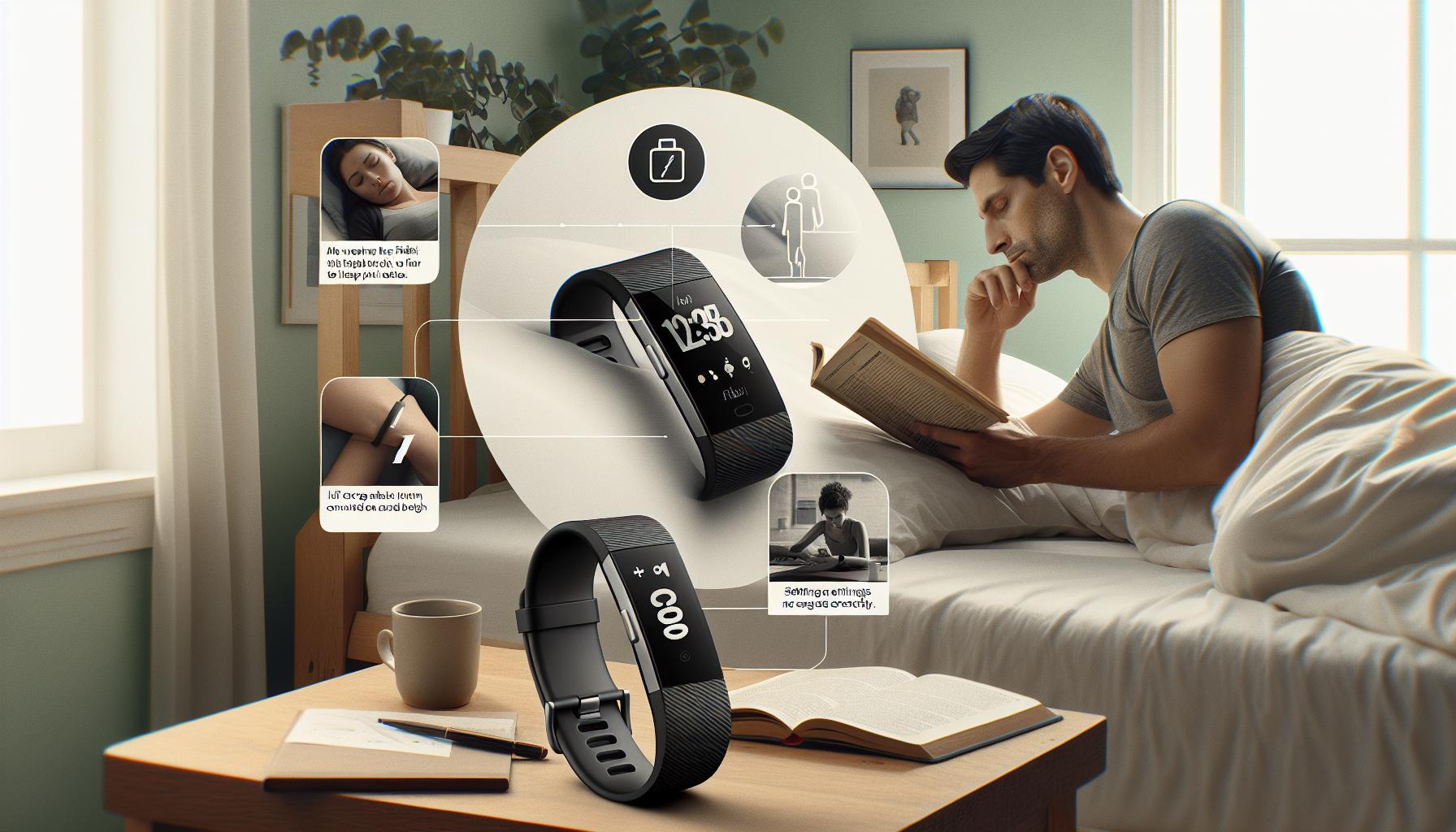
Common Reasons Your Fitbit Inspire 3 Fails to Track Sleep
Sleep tracking with the Fitbit Inspire 3 can be an incredibly valuable tool for understanding your nightly rest patterns. However, there are common reasons why this device might fail to deliver accurate sleep data. One major issue is improper wear of the device. The Inspire 3 should be worn snugly on your wrist, as a loose fit can prevent accurate sensors from detecting your movements throughout the night. Additionally, if you’re wearing the device too high or low on your wrist, it may not track sleep effectively.
Another factor to consider is software updates. The Inspire 3 relies on its firmware to operate correctly, and outdated software can lead to tracking inconsistencies. Regularly check for updates through the Fitbit app to ensure you’re using the latest version. You should also make sure your device is properly synced with the app; if the connection is unstable, it might not transmit sleep data effectively.
Lastly, certain lifestyle behaviors can affect sleep tracking. Consuming caffeine or alcohol close to bedtime can disrupt your sleep cycles, which may confuse the device’s algorithms. Try establishing a consistent sleep routine and considering environmental factors such as noise and light, which can influence sleep quality and thus affect how well the Inspire 3 can track your sleep phases. By understanding these common pitfalls, you can enhance the accuracy of your sleep tracking and gain more insightful data for improving your overall sleep health.
How to Properly Set Up Your Fitbit for Sleep Tracking
To avoid the frustration of your Fitbit Inspire 3 failing to track your sleep, it’s essential to set it up correctly from the start. A properly configured device can make a significant difference in the accuracy of your sleep data. When you’re ready to optimize your Fitbit for sleep tracking, follow these steps to ensure it’s set up for success.
Wearing Your Fitbit Correctly
The first step in effective sleep tracking is to wear your Inspire 3 properly. It should be snug but comfortable against your wrist. If the device is too loose, the sensors might not detect your movements accurately during the night. Ensure the band sits about one finger’s width above your wrist bone to maximize sensor performance.
Activating Sleep Mode
Before settling in for the night, remember to activate sleep mode on your device. This can typically be done quickly through the Fitbit app on your smartphone. By informing your Fitbit that you’re going to sleep, it prepares the sensors to start monitoring your movements and heart rate changes closely throughout the night.
Syncing and Updating Your Device
Regularly sync your Fitbit with the Fitbit app to ensure that all data is recorded accurately. This process is crucial, especially before and after sleep to clear any discrepancies. Additionally, keeping the firmware updated is vital. Check for updates in the app settings; sometimes, a simple update can resolve tracking issues that stem from outdated software.
Utilizing the App for Configuration
Make sure to explore the Fitbit app’s settings. You can set personal information that affects sleep tracking, such as your sleep schedule. Inputting a consistent bedtime helps the device understand your routine better, enhancing the quality of the data collected.
By following these precautions and setup tips, your Fitbit Inspire 3 can more effectively monitor your sleep, allowing you to gain clearer insights into your nightly rest patterns and overall health.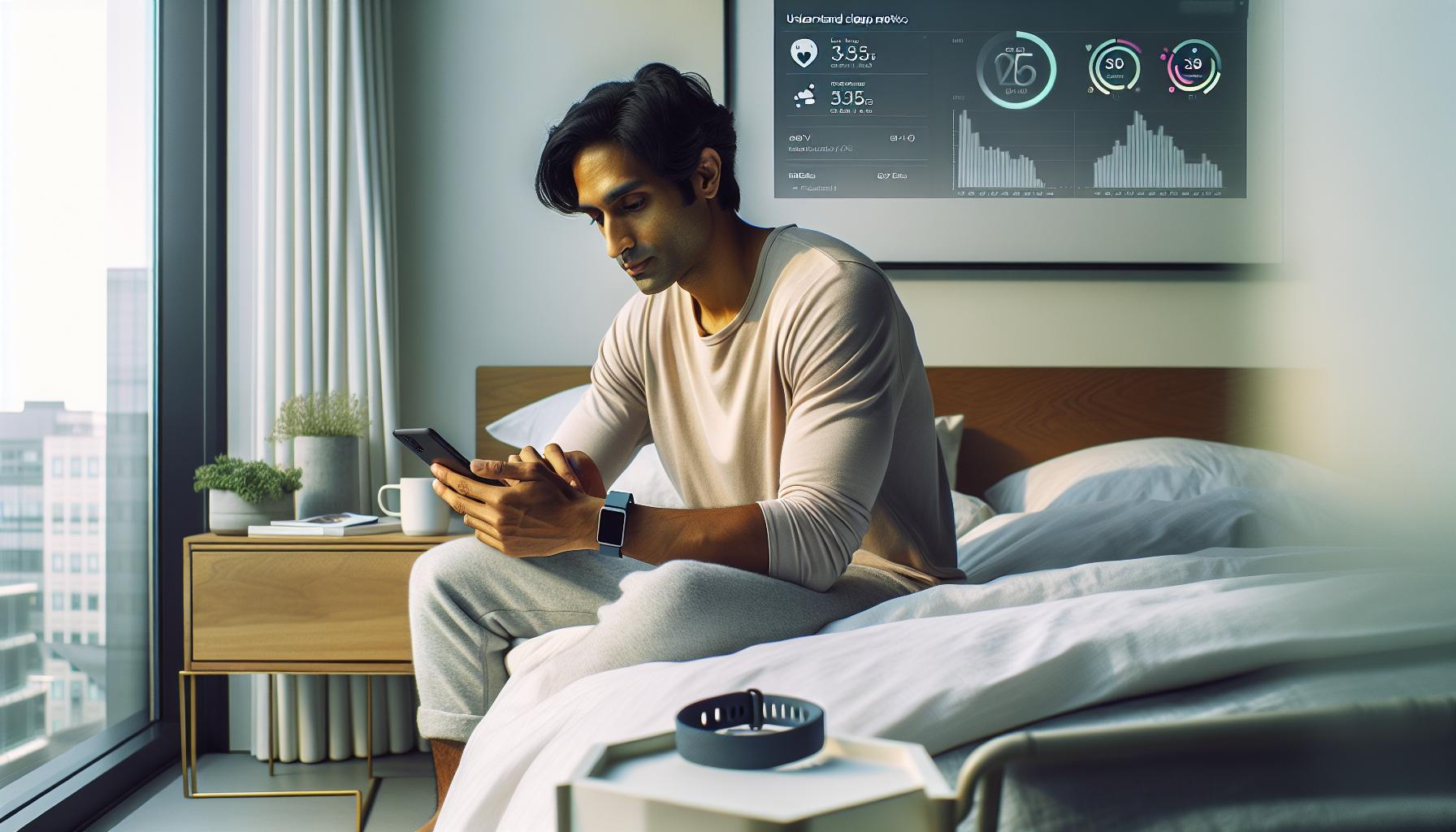
Understanding Fitbit Sleep Metrics: What They Mean
Understanding how your Fitbit Inspire 3 tracks sleep can provide valuable insights into your nightly rest patterns. Fitbit devices primarily monitor sleep through a combination of movement and heart rate data. This information allows them to classify your sleep stages and provide metrics that help to evaluate sleep quality.
Sleep Stages
Fitbit categorizes sleep into several stages: light sleep, deep sleep, and REM (rapid eye movement) sleep. Each of these stages plays a unique role in your overall sleep quality:
- Light Sleep: This stage is crucial for transitioning between wakefulness and deeper sleep. It’s the phase where the body begins to relax, and heart rate slows.
- Deep Sleep: Often referred to as restorative sleep, this stage is vital for physical recovery, immune function, and overall well-being. It’s when your body repairs itself.
- REM Sleep: REM sleep is where most dreaming occurs and is vital for cognitive functions like memory and learning. It typically occurs after about 90 minutes of sleep.
Sleep Score
Your Fitbit also provides a sleep score, a metric based on the duration and quality of your sleep across these stages. The score ranges from 0 to 100 and considers factors like how long it took you to fall asleep, the amount and quality of your sleep, and disturbances during the night. A higher score indicates better-quality sleep, while a lower score may prompt you to evaluate your habits and environment.
Heart Rate Variability
Another significant metric is heart rate variability (HRV), which can be impacted by your sleep quality. A consistent and healthy sleep regimen is usually indicated by a stable HRV. Your Fitbit tracks this data to give insights into how your body is responding to stress and recovery during sleep.
Understanding these metrics helps empower you to make adjustments for better sleep hygiene. If your Fitbit isn’t tracking your sleep effectively, it might be time to revisit your device’s setup or consider external factors that could be influencing your sleep quality.
Troubleshooting Fitbit Sleep Tracking Issues
Sleep tracking issues can be frustrating, especially when you’re relying on your Fitbit Inspire 3 to provide insights into your nightly rest. One common reason for inaccurate sleep tracking is improper device fit. Ensure that your Fitbit is securely fastened on your wrist-not too loose and not too tight. A snug fit allows the device to accurately sense your heart rate and movement. Additionally, it’s essential to wear the tracker on your wrist bone rather than too far up your arm, as this positioning optimizes sensor contact.
Another factor to consider involves the device settings. Ensure that you have enabled the sleep tracking feature in the app. If this is not activated, your Fitbit will not record your sleep patterns effectively. Sometimes, users overlook battery life as well-if your device is running low on power, it could limit its functionality, including sleep tracking. Regularly check to ensure your Fitbit has ample charge before bedtime.
Environmental factors may also play a role in tracking inaccuracies. Excessive light, noise, or abrupt movements during the night can confuse the sensors, potentially leading to erroneous data. To improve the device’s performance, create a conducive sleep environment by dimming the lights and maintaining a quiet room. If you share your bed, being mindful of movement can help too-consider placing your Fitbit on your non-dominant wrist.
Device updates are vital for optimal performance. Ensure that your Fitbit Inspire 3 is running the latest software. Updates can enhance features and correct bugs that may affect sleep tracking. If you’ve tried these recommendations and your device still isn’t tracking sleep well, it might be a good idea to restart your Fitbit or consider resetting it to factory settings as a last resort. Remember, consistent and accurate sleep data is essential for understanding your sleep quality, so investing a little time in troubleshooting can pay off significantly in the long run.
Tips to Improve Sleep Tracking Accuracy
A well-functioning sleep tracker can be a game-changer for improving your sleep quality, but to get accurate insights from your Fitbit Inspire 3, certain factors need to be optimized. To enhance the accuracy of your sleep tracking, ensuring your device is worn properly is crucial. A snug fit on your wrist, ideally above the wrist bone, allows for better blood flow detection and movement tracking, which are essential for precise data. It’s important to check the fit regularly, especially if you adjust your watch for comfort during the day.
Getting your device settings right can also significantly impact tracking accuracy. Make sure to turn on the sleep tracking feature in the Fitbit app, and verify that your device is updated to the latest software version to benefit from the newest enhancements. Enabling the ‘Do Not Disturb’ mode at bedtime can minimize interruptions from notifications, allowing for a smoother sleep cycle and uninterrupted tracking. Additionally, aim for consistency in your sleep schedule by going to bed and waking up at the same times each day. This routine can help your Fitbit learn your patterns more effectively.
Environmental factors play a significant role in sleep quality as well. Create a comfortable sleep environment: keep your bedroom dark, quiet, and at a cool temperature to promote better sleep. You might consider using blackout curtains or a white noise machine to limit distractions that could lead to inaccurate tracking. Furthermore, maintain good sleep hygiene by avoiding screens and stimulants before bed. Limiting caffeine in the hours leading up to sleep can also help establish better rest.
Lastly, don’t neglect to check your device’s battery life regularly. A well-charged Fitbit is essential for optimal tracking functionality. Aim to charge your device during non-use hours, such as while showering or during breakfast, so it’s ready to monitor your sleep without interruptions. If you notice persistent tracking issues despite following these tips, it may be worth restarting or factory resetting your device. By addressing these aspects, you will empower your Fitbit Inspire 3 to deliver more accurate insights into your sleep cycles.
Using the Fitbit App: Navigating Sleep Data
Using the Fitbit app to navigate your sleep data is essential for understanding your sleep patterns and making informed decisions to enhance your sleep quality. The app provides a straightforward interface that displays crucial information about your sleep cycles, including duration, quality, and stages of sleep. You’ll find data segmented into three main components: light sleep, deep sleep, and REM sleep, each playing a vital role in how well you feel upon waking.
Accessing Sleep Data
To access your sleep data, simply open the Fitbit app and tap on the sleep tile. This section summarizes your nightly sleep in terms of total sleep time and breakdowns of the different stages. Make it a habit to check this data regularly to identify trends or irregularities in your sleep schedule. If you notice a consistent lack of deep sleep, for example, it might be time to adjust your sleep environment or routine.
Understanding Trends and Insights
One unique feature of the Fitbit app is its ability to offer personalized insights based on your sleep data. The app not only tracks your sleep duration but also compares it against averages and targets tailored to your age and lifestyle. Take advantage of these insights to identify factors that might be affecting your sleep quality. If you frequently wake up during the night, consider reflecting on your pre-sleep habits, such as consumption of caffeine or screen time before bed.
Utilizing Sleep Score and Predictive Features
Fitbit also includes a Sleep Score feature, which provides a score ranging from 0 to 100 based on your sleep quality. This score can help you quickly gauge how well you rested, making it easier to spot nights where you had restorative sleep versus nights of restlessness. In addition, some versions of the app provide predictions for how well you might sleep based on your recent patterns, which can be an excellent motivator for maintaining healthy habits.
Engagement with Goals and Challenges
To keep your sleep improvement journey engaging, consider setting sleep goals within the app and participating in challenges with friends or family. Sharing experiences can provide motivation and make the process more enjoyable. Whether it’s committing to an earlier bedtime or creating a more restful environment, holding each other accountable can lead to better overall sleep health.
Engaging with the Fitbit app’s sleep features can empower you to take the mystery out of sleep and act upon the data tracked by your Inspire 3. The more you understand your patterns, the better equipped you’ll be to make necessary adjustments, ultimately leading to improved sleep quality and well-being.
Alternative Methods to Track Your Sleep Quality
Tracking your sleep quality effectively might require exploring options beyond your Fitbit Inspire 3, especially if you’re encountering issues with its sleep monitoring capabilities. Fortunately, several alternative methods and technologies can provide valuable insights into your sleep patterns, even enhancing your overall understanding of sleep quality.
Wearable Devices
In addition to your Fitbit, there are numerous wearable devices designed for sleep tracking. Devices like Oura Ring or Whoop Strap are popular alternatives. The Oura Ring, for instance, not only tracks sleep but also offers insights into your recovery and readiness based on your overall health metrics. Each of these products typically includes features to monitor heart rate, temperature, and movement during sleep. The downside is that they might come with a higher price tag than entry-level fit trackers, so evaluating your budget is essential.
Sleep Apps
There are several smartphone applications available that can help monitor your sleep. Apps like Sleep Cycle or Pillow use your phone’s sensors or microphone to analyze your sleep patterns. By tracking sounds and movements while you sleep, these apps provide comprehensive reports on factors such as sleep phases and disturbances, which can be incredibly useful in pinpointing irregularities. They usually offer a free basic version with premium features available via subscription.
Traditional Sleep Studies
If you’re dealing with persistent sleep issues that devices cannot resolve, consider a professional sleep study. Known scientifically as polysomnography, this method involves spending a night in a sleep clinic where specialists monitor your sleep stages via sensors attached to your body. A sleep study is particularly valuable if you suspect conditions like sleep apnea or restless leg syndrome. Though this approach can be more expensive and involve more logistical effort, it offers the most in-depth analysis of your sleep health. Check with your healthcare provider for potential insurance coverage options.
Simple Sleep Hygiene Practices
Sometimes, the most effective tracking comes from improved sleep hygiene instead of high-tech solutions. Start by keeping a sleep diary, noting your bedtime, wake time, and sleep quality over time. This method can provide personal insights into factors affecting your sleep, allowing for informed changes. Combine this with practices like maintaining a consistent sleep schedule, creating a calming pre-sleep routine, and optimizing your sleep environment (dark, quiet, and cool) for a holistic approach to improving sleep quality and tracking your progress effectively.
By incorporating these alternative sleep tracking methods, you can enrich your understanding of your sleep habits while potentially resolving the issues you experience with the Fitbit Inspire 3. Each of these options offers unique benefits, so consider what best fits your lifestyle and sleep needs.
When to Consider Professional Sleep Studies
When standard sleep tracking methods fail to provide the insights you need, it’s crucial to consider more comprehensive evaluations like professional sleep studies. A significant portion of the population struggles with sleep disorders, which can often go undiagnosed while affecting overall well-being. If you’ve experienced persistent issues such as loud snoring, frequent awakenings, excessive daytime fatigue, or difficulty falling or staying asleep, it may be time to take the next step and consult a sleep specialist.
A professional sleep study, or polysomnography, is an effective way to diagnose conditions like sleep apnea, insomnia, and other sleep-related concerns. This overnight test typically takes place in a sleep clinic equipped with state-of-the-art monitoring tools. During the study, your brain waves, oxygen levels, heart rate, and breathing are closely monitored while you sleep. Although some may feel anxious about undergoing such a test, understanding what to expect can significantly ease those worries.
The costs of sleep studies can be a concern, often ranging from $1,000 to $3,000, depending on the type of test and whether you opt for an in-lab or at-home study. Many health insurance plans cover part or all of these expenses if the study is deemed medically necessary. Therefore, it’s wise to check with your provider beforehand to understand coverage specifics and minimize your out-of-pocket expenses.
In particular situations where your Fitbit or other sleep trackers indicate potential issues but lack the detailed analysis required for diagnosis, seeking a professional evaluation becomes vital. Whether it’s the indication of irregular sleep patterns or a lack of improvement despite lifestyle changes, turning to a sleep study can provide clear answers. Armed with this information, you’ll be better positioned to make informed decisions about your sleep health and any necessary treatment options.
Comparing Fitbit Inspire 3 to Other Sleep Trackers
When it comes to sleep tracking, the Fitbit Inspire 3 offers a solid entry point for users looking to monitor their sleep health. However, there are various alternatives on the market that offer unique features, which may better suit specific needs. Understanding how these devices compare can help you make a more informed choice.
Key Features of Competing Devices
Several devices compete alongside the Inspire 3, each with distinct functionalities that might appeal to different users:
- Apple Watch Series 8: Features advanced sleep tracking that includes sleep stages and even mindfulness exercises. Its integration with the Apple ecosystem is seamless for users heavily invested in Apple products.
- Oura Ring: Known for its sleek design and accuracy, it tracks sleep quality metrics like readiness and body temperature changes. However, it comes at a higher price point, reflecting its premium features.
- Whoop Strap: Unlike a traditional watch, this wearable focuses on recovery metrics, including sleep performance. It uses a subscription model, which can be a disadvantage compared to the one-time purchase of the Inspire 3.
Accuracy and User Experience
In terms of accuracy, many users find that devices like the Oura Ring provide more granular data about sleep stages and overall sleep quality. The Fitbit Inspire 3 offers basic insights-good for general tracking but may not delve deep enough for users with specific sleep issues. Reviews suggest that while the Inspire 3 effectively logs sleep duration, it may sometimes struggle with differentiating sleep stages compared to high-end trackers.
Cost Considerations
When weighing your options, cost is a significant factor. The Fitbit Inspire 3 typically retails at a more affordable price than competitors like the Oura Ring or Apple Watch. Below is a quick pricing comparison:
| Device | Approximate Price |
|---|---|
| Fitbit Inspire 3 | $99 |
| Apple Watch Series 8 | $399 |
| Oura Ring | $299 |
| Whoop Strap | $30/month (subscription) |
While the Inspire 3 provides a great balance between features and cost, it’s essential to assess your requirements. If in-depth analysis and advanced metrics are your priority, investing in a more feature-rich device may be worthwhile.
Exploring these options can empower you to find a sleep tracker that best aligns with your lifestyle and sleep health goals, ensuring you don’t just track your sleep, but truly optimize it as well.
Real User Experiences: Fixing Sleep Tracking Issues
Real-world feedback from users reveals that many experience frustrating issues with their Fitbit Inspire 3’s sleep tracking capabilities. Understanding these challenges and potential solutions can significantly enhance your experience with the device.
One common obstacle is incorrect placement of the tracker. Users emphasize the importance of wearing the Inspire 3 snugly on the wrist, just above the wrist bone. If the device is too loose, it may not collect accurate data while you sleep. Additionally, some users recommend activating the “Sleep Mode” feature before bed, which can help the device better recognize when you are sleeping and enhance its accuracy.
Battery life plays a critical role in the device’s performance. Many users suggest keeping the Inspire 3 charged adequately, as a low battery can interfere with its ability to track sleep accurately. Regular updates to the firmware through the Fitbit app can also address bugs and improve functionality over time, which several users reported as a game-changer.
If sleep tracking still poses issues, engaging with the Fitbit community online can provide fresh insights. Users frequently share tips, such as adjusting the settings within the app to tailor the tracking to their personal sleep patterns. This interactive approach not only connects users facing similar challenges but can also unearth new solutions that you may not have considered.
In summary, addressing physical placement, ensuring proper charging, and leveraging community resources altogether can markedly improve sleep tracking performance with your Fitbit Inspire 3. Taking these steps can empower you to make the most of your sleep tracking journey, ensuring that you get accurate data to help understand and improve your sleep health.
Maintaining Your Fitbit: Battery Life and Software Updates
To optimize your Fitbit Inspire 3’s sleep tracking capabilities, maintaining both the battery life and software updates is crucial. A well-charged device can significantly enhance performance, ensuring that your tracker can accurately monitor sleep stages and duration. Many users have reported that a low battery not only impacts sleep tracking but also diminishes the overall functionality of the device.
Battery Maintenance Tips
- Regular Charging: Keep your Inspire 3 fully charged. Aim for 20% charge at a minimum to ensure it operates efficiently throughout the night.
- Turn Off Unused Features: Disable features you don’t use frequently, such as continuous heart rate monitoring during the day, to conserve battery life.
- Night Mode: Use the “Do Not Disturb” mode during sleep hours. It not only helps to save battery but can also prevent notifications from interrupting your sleep.
Ensuring your device’s software is up to date is equally important. Fitbit routinely releases updates that fix bugs, enhance functionality, and sometimes even improve tracking accuracy. Regularly check for updates through the Fitbit app to keep your device performing at its best. Users often find that updating their software can solve mysterious tracking issues, including those related to sleep metrics.
Additionally, syncing your Inspire 3 with the Fitbit app regularly allows you to review your sleep data effectively. By doing this, you can spot trends in your sleep patterns and make necessary adjustments to improve your overall sleep health. Engaging with the app also ensures that you’re accessing the latest features and enhancements, further helping you understand and optimize your sleep tracking experience.
Exploring Fitbit Community Tips and Best Practices
Many Fitbit users have found success in improving their sleep tracking by tapping into the wealth of knowledge shared within the Fitbit community. By learning from the experiences of fellow users, you can discover practical tips and best practices that enhance the functionality of your Inspire 3, especially regarding sleep monitoring.
A common piece of advice is to ensure the device sits snugly on your wrist. Users have reported that loose fitting can hinder the accuracy of heart rate readings, which in turn affects sleep tracking. Additionally, consistently wearing the device at the same location on your wrist can help maintain consistent measurements over time. It’s also beneficial to familiarize yourself with the Fitbit app features, as it allows you to view your sleep trends and compare them against recommendations; this feedback loop can guide you in adjusting your sleep habits.
Engagement with the community forums is another excellent way to pick up strategies. Many users share their troubleshooting experiences, such as resetting the device or toggling settings that seem to impact performance. For instance, turning on airplane mode while sleeping can minimize interference from notifications, leading to better data collection. Community members often discuss the effectiveness of regularly syncing their devices with the app to ensure that data is captured accurately and trends are recognized promptly.
Lastly, don’t underestimate the power of feedback. Sharing your own challenges in forums can lead to tailored solutions from experienced users. The collective wisdom of the Fitbit community can provide insights and solutions that might not be readily apparent, helping you maximize the potential of your Inspire 3 and ensuring your sleep tracking operates smoothly.
Q&A
Q: Why is my Fitbit Inspire 3 not detecting my sleep?
A: Your Fitbit Inspire 3 may not detect sleep due to improper wear, low battery, or settings issues. Ensure it’s snug on your wrist and has sufficient charge. Check your sleep schedule settings in the Fitbit app and ensure Sleep Mode is enabled for accurate tracking.
Q: How can I reset my Fitbit Inspire 3 to fix sleep tracking issues?
A: To reset your Fitbit Inspire 3, press and hold the button on the side for about 10 seconds until you see the Fitbit logo. This can resolve temporary glitches affecting sleep tracking. After resetting, ensure all settings are correctly configured.
Q: What settings should I check for effective sleep tracking on Fitbit Inspire 3?
A: Check that Sleep Mode is turned on during your sleep hours in the Fitbit app. Additionally, ensure your wrist settings are configured for heart rate monitoring, as this data helps with sleep analysis. Refer to the troubleshooting section of your guide for more details.
Q: Can I manually log my sleep on Fitbit Inspire 3?
A: Yes, you can manually log sleep in the Fitbit app. Go to the Sleep section, select “Log Sleep,” and enter your sleep start and end times. This is helpful if automatic tracking fails or if you prefer a detailed record of your sleep patterns.
Q: What should I do if my Fitbit Inspire 3 still won’t track sleep after troubleshooting?
A: If issues persist, consider deleting and reinstalling the Fitbit app to refresh the data connection. Also, check for any available firmware updates for your device. If problems continue, reach out to Fitbit support for personalized assistance.
Q: Does the placement of the Fitbit Inspire 3 affect sleep tracking accuracy?
A: Yes, the placement of your Fitbit Inspire 3 is crucial for accurate tracking. It should be worn above the wrist bone, snugly but comfortably. A loose fit may prevent it from accurately measuring heart rate and other metrics relevant to sleep tracking.
Q: Why is my Fitbit Inspire 3’s sleep data inconsistent?
A: Inconsistent sleep data can result from varying sleep patterns, incorrect wear, or app glitches. Ensure your device is charged, properly set up for sleep tracking, and that you wear it correctly. Consistency in sleeping habits also helps improve data accuracy.
Q: When should I seek professional help for sleep issues?
A: If you consistently experience problems with sleep quality despite using your Fitbit Inspire 3, consider seeking professional help. Symptoms such as excessive daytime sleepiness or trouble staying asleep may warrant a sleep study for further evaluation.
The Way Forward
If your Fitbit Inspire 3 isn’t tracking your sleep, you’re not alone, and understanding the solutions is key to unlocking the health insights you deserve. By revisiting the troubleshooting steps we discussed, you can ensure your device functions at its best and helps you track your sleep patterns effectively. Don’t let improper tracking hold you back; enhancing your sleep health is just a few adjustments away!
For more tips on optimizing your wearable tech, check out our guides on troubleshooting Fitbit devices and understanding sleep disorders. We’re here to empower you every step of the way. If you found this information helpful, consider subscribing to our newsletter for the latest updates and expert advice on sleep tracking technology. Share your experiences in the comments below-we’d love to hear how you’ve overcome similar challenges. Explore more on our site today and take the next step in your wellness journey!
Get our latest guides, news, and insights highlighted in your Google Search & AI Overviews.