
In today’s fast-paced world, prioritizing sleep health is essential for overall well-being. As technology advances, Apple’s sleep tracking features on its devices promise to provide valuable insights into our sleep patterns and quality. But how effective are these tools in truly enhancing sleep? In this article, we dive into user experiences with Apple’s sleep tracking-exploring its benefits, potential limitations, and real-world impact. By understanding these insights, you’ll be better equipped to determine if investing in Apple’s sleep tracking is the right choice for your health goals. Let’s explore whether these devices can be your companion on the journey to better sleep.
Understanding Apple Sleep Tracking Features
The Apple Watch has evolved into a multifaceted tool for monitoring sleep, offering features that blend seamlessly with users’ daily routines. By leveraging its integrated sensors, the Apple Watch captures a range of sleep data, from sleep duration to heart rate, providing insights into sleep quality and patterns. One of its key selling points is the Sleep app, which enables users to set customized sleep schedules, helping to establish a consistent bedtime routine that supports better sleep hygiene. This capability has been particularly beneficial for those looking to tackle issues such as insomnia or irregular sleep patterns.
An essential aspect of understanding Apple Sleep Tracking is its integration with the iPhone’s Health app. Users can view their sleep data and trends over time, which adds a layer of context to their nightly rest. The app not only tracks sleep duration but also logs periods of restful sleep and possible disruptions, making it easier to identify what factors might be affecting sleep quality. Moreover, features like Sleep Focus can mitigate distractions from incoming notifications during designated sleep periods, encouraging a more restful environment conducive to better sleep.
While Apple Watch sleep tracking delivers a convenient overview of sleep habits, it’s important to recognize its limitations. The accuracy and detail of sleep stages-such as light, deep, and REM sleep-may not match that of dedicated sleep study devices or professional tests like polysomnography. User feedback suggests that many find the metrics useful for general awareness and motivation, but those dealing with significant sleep disorders might benefit more from professional evaluations. As such, while the Apple Watch offers valuable insights and encourages users to prioritize their sleep health, it should be viewed as a supplementary tool rather than a replacement for comprehensive medical assessments when necessary.
How Accurate Is Apple Sleep Tracking?
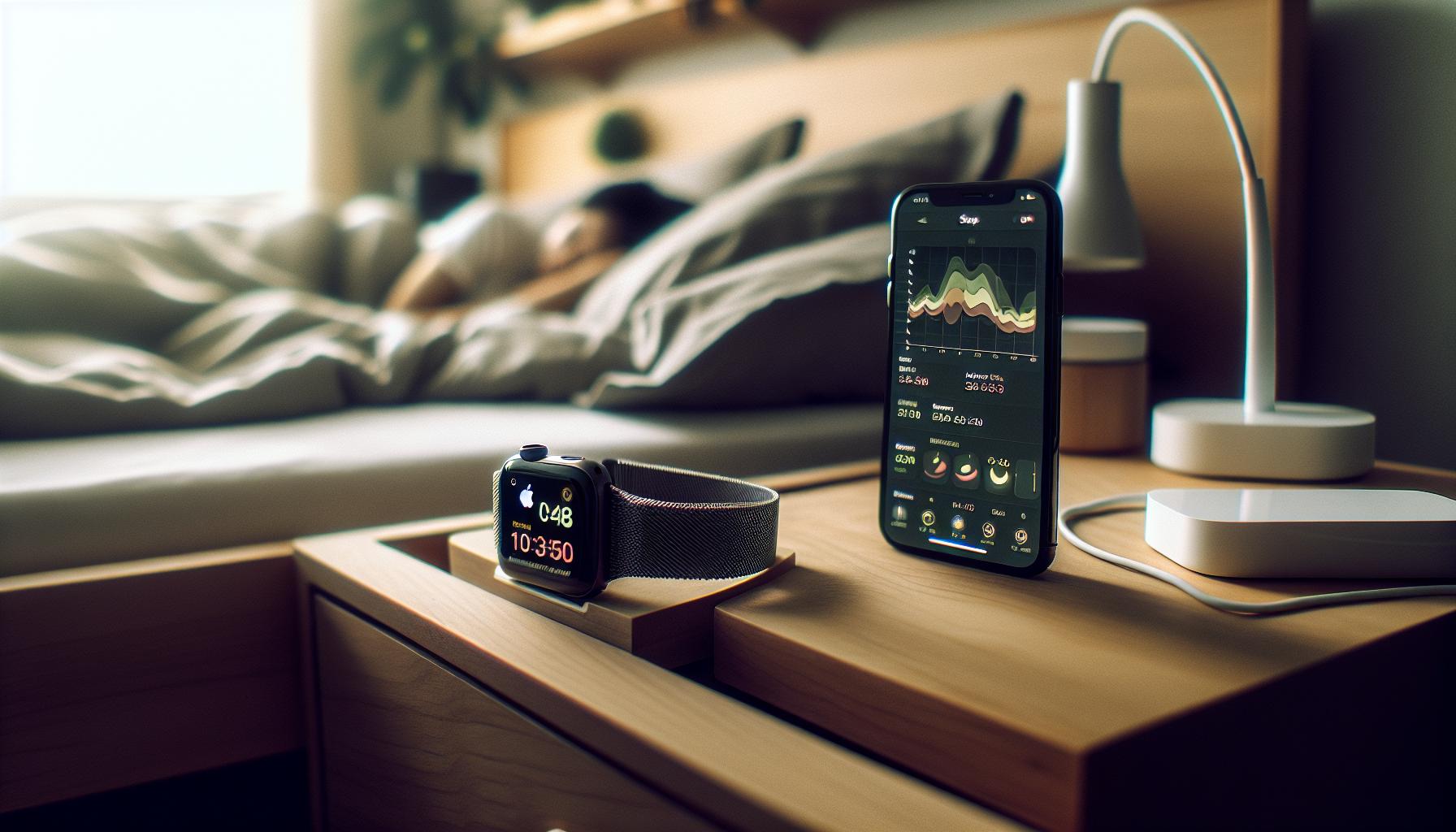
Apple’s sleep tracking capabilities have launched many users into a journey of better understanding their nighttime habits, but how accurate is this technology? While the Apple Watch employs motion sensors and heart rate monitoring to provide insights into your sleep quality, its effectiveness can vary from person to person. Users generally find that the watch does well in tracking total sleep time and identifying wake periods, but the depth of its data on specific sleep stages-like REM or deep sleep-can often leave something to be desired.
One compelling aspect of the Apple Watch is its seamless integration with the iPhone’s Health app, where users can visualize trends and patterns in their sleep data. This correlation can help individuals make lifestyle adjustments, like modifying bedtime routines or reducing screen time before sleep. However, users must approach these metrics with a healthy skepticism: the readings can be influenced by factors such as how tightly the watch is fitted or even the type of sleep environment you maintain.
Studies and user experiences suggest that while the Apple Watch provides a useful overview of sleep health, it doesn’t match the accuracy of clinical sleep studies, such as polysomnography, which are performed in sleep labs. These specialized tests can measure brain waves, oxygen levels, and blood pressure, providing a comprehensive view of sleep disorders. For serious sleep issues, relying solely on what the Apple Watch reports may not suffice.
In practice, many users have reported that they appreciate the gentle reminders and motivational prompts the Apple Watch generates based on their sleep data. This can foster a more proactive approach to sleep hygiene. However, those dealing with diagnosed conditions, like sleep apnea, should consult healthcare professionals to ensure they receive proper treatment rather than relying solely on a smartwatch. Thus, while the Apple Watch can enhance your awareness and even motivate improvements in sleep habits, it should ideally be part of a broader strategy that includes professional evaluation when necessary.
User Experiences: Real Feedback on Sleep Tracking
Many Apple Watch users have turned to sleep tracking as a means to improve their nightly rest and overall well-being. Feedback showcases a variety of experiences, reflecting both satisfaction and areas for improvement. Users often commend the Apple Watch for its user-friendly interface and seamless integration with the iPhone’s Health app. They appreciate how the device can track total sleep time and help identify wake periods, making it easier to understand their sleep patterns. For many, the gentle reminders to wind down before bed serve as a pleasant nudge to adopt better sleep hygiene.
However, the tracking capabilities can vary from one user to another. Some find that while the watch successfully logs their sleep duration, it falls short in providing accurate details on specific sleep stages, such as deep and REM sleep. For example, one user shared that despite feeling well-rested, their watch reported minimal deep sleep hours, which led them to question the accuracy of the readings. Such discrepancies highlight the importance of managing expectations; while useful, the watch is not a substitute for comprehensive sleep studies that offer more precise insights into sleep disorders.
Moreover, for those dealing with specific sleep challenges-like insomnia or sleep apnea-there’s a common sentiment that relying solely on the Apple Watch may not suffice. Several users with diagnosed conditions have emphasized the need for professional evaluation alongside using wearable technology. They recommend that while the Apple Watch can enhance your awareness of sleep habits, it should complement a broader approach to health, including consultations with healthcare professionals.
For individuals exploring sleep tracking, embracing the Apple Watch’s features can yield beneficial insights into overall sleep health. Regularly assessing trends and making small adjustments can lead to significant improvements in restfulness. The key takeaway from user experiences is to combine the proactive data from the Apple Watch with expert guidance when necessary, ensuring a balanced approach to sleep management.
Comparing Apple Sleep Tracking with Other Devices
The landscape of sleep tracking devices offers a variety of options, each with its strengths and weaknesses. When comparing Apple Watch’s sleep tracking features with other devices on the market, such as Fitbit and WHOOP, it’s essential to consider aspects like accuracy, usability, and the level of insight provided.
Apple Watch excels in its user-friendly interface and seamless integration with the iPhone’s Health app, making it convenient for users who are already entrenched in the Apple ecosystem. It provides robust features like sleep duration tracking and a gentle reminder system to help users establish better sleep hygiene. However, some users have reported challenges with the accuracy of sleep stage data, particularly concerning deep and REM sleep. In contrast, devices like Fitbit typically offer more extensive sleep stage tracking, thanks to their more sensitive sensors. Users often find that Fitbits not only record sleep duration but also provide detailed insights into sleep stages, helping users understand their sleep patterns more comprehensively.
On the other hand, WHOOP stands out for its focus on recovery and performance metrics. It provides a membership model that offers in-depth analytics on sleep quality based on heart rate variability and strain throughout the day. Users who prioritize performance enhancement often prefer WHOOP for its detailed insights and personalized recovery recommendations. However, it comes at a higher price point than the Apple Watch, which might be a consideration for those on a budget.
Ultimately, the choice between these devices boils down to individual needs and preferences. Users should reflect on what they want from a sleep tracker-do they need a straightforward way to monitor sleep duration, or are they looking for deeper insights into sleep quality and recovery? Understanding these differences helps consumers make informed decisions that best align with their health and wellness goals.
In summary, while Apple Watch provides solid foundational sleep tracking features, it may not offer the same depth of analysis as some competing devices. For users with specific sleep concerns or those looking for comprehensive insights, it might be worth exploring other options or using Apple Watch in conjunction with more specialized devices.
Setting Up Apple Sleep Tracking: A Step-by-Step Guide
To effectively utilize the sleep tracking features on your Apple Watch, setting it up correctly is essential. Not only does it help in establishing healthy sleep patterns, but it can also provide valuable insights into your overall sleep health. Follow this straightforward guide to get your sleep tracking up and running.
Step 1: Ensure Your Device is Ready
Start by ensuring that your Apple Watch is updated to the latest version of watchOS. This is crucial for accessing the latest features and improvements in sleep tracking. Additionally, confirm that your iPhone is also updated, as the sleep tracking data integrates with the Health app.
Step 2: Configure Your Sleep Schedule
To set up your sleep schedule:
- Open the Health app on your iPhone.
- Tap on Browse and then select Sleep.
- Choose Full Schedule & Options to set your sleep goals.
- From here, select the times you want to go to bed and wake up. You can also set specific days for this schedule.
Once your schedule is established, your Apple Watch will remind you to wind down and prepare for sleep based on the times you specified.
Step 3: Enable Sleep Focus
To enhance your sleep tracking experience, enable Sleep Focus:
- Go to Settings on your iPhone.
- Select Focus, then tap on Sleep.
- Toggle on Sleep Focus to minimize distractions during your scheduled sleep time.
This will allow your device to limit notifications during your designated sleep hours, creating a more restful environment.
Step 4: Use the Sleep App on Your Watch
With the setup complete, wearing your Apple Watch to bed allows it to monitor your sleep automatically. Make sure the watch fits comfortably on your wrist to ensure accurate tracking. Open the Sleep app on your watch to review your Sleep Stages and the duration of sleep for the last 14 days, providing you useful insights into your sleeping patterns.
Step 5: Review and Adjust
Regularly check the data collected in the Health app to evaluate your sleep trends. If necessary, adjust your sleep schedules and goals based on your experiences. You can also explore additional features like haptic alarms to gently wake you during optimal sleep cycles, enhancing your overall experience.
By following these steps, you can maximize the benefits of Apple’s sleep tracking capabilities, leading to a stronger understanding of your sleep behavior and ultimately contributing to better sleep hygiene.
Key Metrics Tracked by Apple Sleep Tracking
To understand the effectiveness of Apple’s sleep tracking capabilities, it’s essential to know the key metrics that the Apple Watch measures. These metrics provide insights into your sleep patterns and help identify areas for improvement. They offer data on more than just how long you’ve slept; they delve into the quality and nature of your rest.
One of the primary metrics tracked is Total Sleep Time, which quantifies the overall duration of your sleep. This is often paired with Sleep Duration, giving you an idea of your nightly rest in hours and minutes. Understanding this can help you meet recommended sleep goals, typically around 7-9 hours for most adults. Additionally, the Apple Watch tracks various Sleep Stages, including light, deep, and REM sleep. Each stage plays a distinct role in overall health and rejuvenation, with REM sleep being crucial for cognitive function and emotional well-being.
Another key metric is Sleep Disruptions, which records the number of times you wake up during the night. This data can be particularly valuable if you’re experiencing unrestful sleep, as it may indicate underlying issues such as stress or an uncomfortable sleep environment. The watch also tracks your Heart Rate during sleep, allowing you to monitor how your cardiovascular system responds to rest. Notably, advanced metrics like Sleeping Blood Oxygen levels can help identify potential issues like sleep apnea-although investing in a specialized device may provide a more accurate picture of such conditions.
Using this information effectively requires understanding what these metrics mean in the context of your lifestyle. To leverage Apple’s sleep tracking features, regularly review your data in the Health app and make any necessary adjustments to your sleep habits based on your insights. For instance, if you consistently find insufficient deep sleep, consider strategies like limiting screen time before bed or promoting relaxation rituals to enhance your nightly rest.
By focusing on these key metrics, you can better navigate your sleep health journey, pinpoint areas for improvement, and ultimately aim for restorative sleep that leaves you refreshed and ready for the day ahead.
Interpreting Your Sleep Data: What It Means
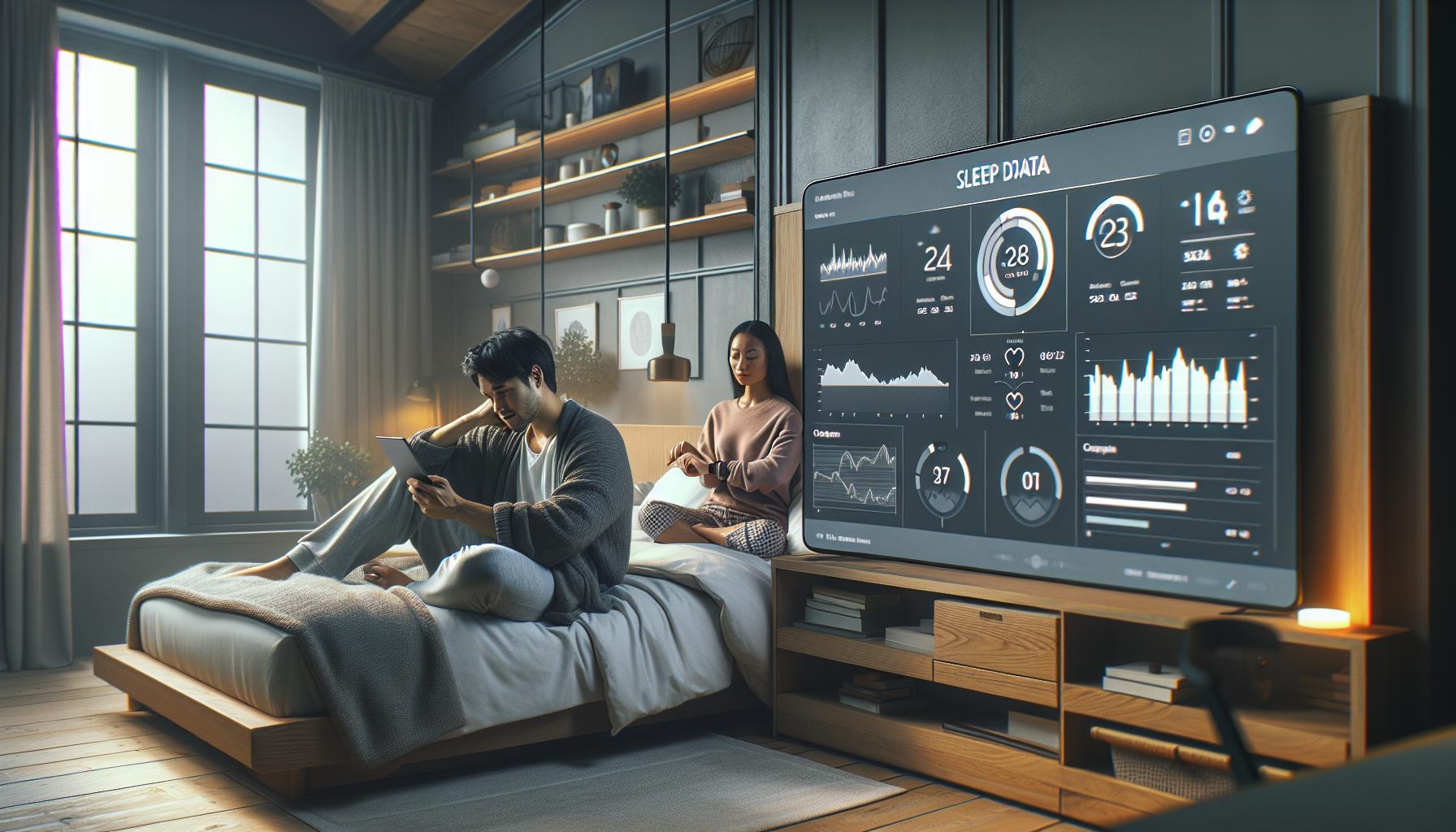
Understanding the insights provided by your Apple Watch sleep data is crucial for enhancing your overall sleep quality. When you check your sleep report, you’ll find a range of metrics that help paint a detailed picture of your nightly rest. This data can serve as a powerful tool for making informed lifestyle adjustments and pinpointing areas for improvement.
One of the most useful aspects of sleep tracking is the ability to view your Total Sleep Time. This metric helps you gauge whether you’re meeting the recommended 7-9 hours of sleep each night. If you frequently find yourself getting less sleep, it might be time to examine your evening habits, such as reducing screen time or establishing a calming bedtime routine. Coupled with Sleep Stages data-such as light, deep, and REM sleep-you can evaluate the quality of your sleep, not just the quantity. For example, a lower amount of deep sleep could indicate that something is disrupting your rest, prompting you to explore factors like your sleep environment or stress levels.
Insights into Sleep Disruptions are particularly telling as well. Tracking the number of times you wake up during the night can reveal underlying issues that might need addressing, such as noise pollution or anxiety. Observing consistent patterns in your night awakenings could lead to practical changes; consider investing in blackout curtains or white noise machines to create a more restful environment. Additionally, your Apple Watch monitors Heart Rate and, in some models, Sleeping Blood Oxygen levels, which can help you identify potential health concerns, including sleep apnea. If your metrics raise red flags regarding your health, it may warrant a discussion with a professional.
To maximize the benefits of your sleep tracking data, commit to regularly reviewing your findings in the Health app. By doing so, you can evaluate how various lifestyle changes impact your sleep quality over time. Consider keeping a sleep journal detailing your habits and how they relate to your Apple Watch data. This can empower you to make informed adjustments, ensuring you move toward a healthier, more restorative sleep pattern. The more engaged you become with interpreting your sleep data, the better equipped you will be to take control of your sleep health journey, ultimately leading to improved overall well-being.
Limitations of Apple Sleep Tracking You Should Know
Many users appreciate the convenience of sleep tracking with the Apple Watch, but it’s essential to understand its limitations before relying solely on its data. One significant drawback is the accuracy of sleep stage detection. While the Apple Watch can provide insights into total sleep time and overall sleep quality, it primarily uses motion detection to infer sleep patterns. This means it may misinterpret light sleep or periods of restlessness, potentially leading to less reliable data regarding deep and REM sleep stages.
Moreover, users have reported discrepancies in sleep tracking based on their individual sleep habits. For instance, if someone has a varied schedule or frequently changes bedtime, the tracking may not accurately reflect their sleep quality. As noted in user experiences, some people find that the device stops tracking if it perceives they are awake based on preset schedules, which can lead to gaps in data collection under certain conditions professional sleep studies when serious sleep issues arise. If users notice persistent problems with sleep quality or suspect a sleep disorder, consulting with a healthcare provider for a comprehensive sleep study might be necessary to obtain a complete picture of their sleep health. Understanding these limitations helps users make more informed decisions when integrating the Apple Watch into their sleep health routine.
How Apple Sleep Tracking Fits into Your Sleep Health Journey
Many individuals are looking for ways to optimize their sleep, and wearable technology like the Apple Watch fits right into that quest. By leveraging the sleep tracking features of this device, users can gain insights into their sleep patterns and, ideally, make informed adjustments to improve their sleep health. However, integrating Apple Sleep Tracking into your overall sleep health journey requires a nuanced understanding of both its capabilities and limitations.
Using the Apple Watch’s sleep tracking can help you establish a consistent bedtime routine. The device can gently nudge you toward better sleep hygiene by reminding you when it’s time to wind down for the night. For example, if you set a regular sleep schedule, the Apple Watch can send reminders to signal that it’s time to relax and prepare for sleep. This habit formation is critical, especially in today’s world where distractions abound.
Users often report that the data collected by the Apple Watch gives them a preliminary understanding of their sleep quality: total sleep time, periods of wakefulness, and even trends related to how consistent their bedtime is. This feedback can be motivating and serve as a baseline for improvements, empowering users to make lifestyle changes that promote better sleep. For instance, if you notice consistent patterns of restlessness during the night, it could prompt you to explore environmental factors-like room temperature or noise levels-that may be affecting your sleep.
Despite these benefits, it’s essential to remain mindful of the device’s limitations. The Apple Watch relies primarily on motion detection, which means its insights into sleep stages, such as REM sleep or deep sleep, may not be as precise as data gathered from polysomnography in a sleep study. Therefore, while the Apple Watch can be a helpful tool in your sleep journey, it should be approached as part of a broader strategy that includes consulting healthcare providers when necessary.
Incorporating the Apple Watch into your sleep health journey is about balance. Use it to gather insights and motivate changes, but also listen to your body and seek professional guidance if sleep problems persist. Understanding how to effectively integrate these tools can empower you toward achieving a more restorative sleep, ultimately enhancing your overall well-being.
Tips for Maximizing Apple Sleep Tracking Benefits
Maximizing the benefits of Apple Sleep Tracking requires a combination of optimal settings, consistent habits, and mindful interpretation of the tracked data. Many users have found that fine-tuning their device and establishing a conducive sleep environment can significantly enhance their sleep quality and, consequently, their health journey.
- Establish a Routine: Consistency is key. Aim to go to bed and wake up at the same times every day, including weekends. This aids in regulating your body’s internal clock. Utilize the Sleep feature on your Apple Watch to set a regular sleep schedule, which can help remind you when to wind down as bedtime approaches.
- Optimize Your Device Settings: Make sure your Apple Watch is set to track your sleep accurately. Check that Sleep Tracking is enabled in the Sleep app on your watch and adjust your Wind Down settings to help prepare your mind for rest. Limiting notifications during your sleep period can minimize disturbances.
- Create a Sleep-Inducing Environment: Consider your bedroom setup-darkness, noise levels, and temperature can all impact sleep quality. Use blackout curtains, white noise machines, or fans to create an ideal sleep environment. Track how these changes affect your sleep patterns via the Apple Watch to identify what works best for you.
- Analyze and Reflect on Data: After a few weeks of tracking sleep data, review your trends. Look for patterns indicating restful versus restless nights. The data can highlight issues such as frequent awakenings or short sleep durations, prompting you to explore possible causes and solutions.
- Integrate Health Monitoring Features: Use the Apple Watch’s heart rate and respiratory rate tracking during sleep to gain insights into your overall health. These metrics can help contextualize your sleep quality, particularly if you are dealing with issues like stress or sleep apnea.
Engaging in your sleep health journey with Apple Sleep Tracking is about creating a partnership between your device and your habits. By understanding the insights you gather, being proactive about adjustments, and staying engaged with your sleep patterns, you can leverage the full potential of your Apple Watch to support a restorative night’s sleep.
Troubleshooting Common Apple Sleep Tracking Issues
Many users find that their Apple Watch isn’t tracking sleep as accurately as they’d expect, leading to frustration. This may stem from issues related to settings, software glitches, or device wearability. Understanding how to troubleshoot these common problems can help maximize the effectiveness of sleep tracking and enhance insights into your sleep health.
First, ensure that sleep tracking is enabled correctly. Go to the Sleep app on your Apple Watch and check whether the “Track Sleep” feature is toggled on. You’ll also want to confirm that your “Sleep Schedule” is set up properly under the Health app on your iPhone. If this option isn’t displayed or isn’t functioning, try resetting the watch through the Watch app on your iPhone, which can resolve many software-related issues without risking data loss if you have backups in place[[2]](https://www.facebook.com/groups/328748646935424/posts/748595718284046/).
Another typical problem is the accuracy of sleep stages recorded. Some users report discrepancies in their sleep data, such as underestimating sleep duration or failing to recognize awakenings. Consult your device settings to ensure anything like “Wind Down” modes are correctly configured, as these features can impact how your device interprets sleep stages. It’s also valuable to periodically review trends in your sleep data-by doing this, you can adjust bedtime routines or environmental factors that might be affecting the quality and accuracy of the tracking[[3]](https://www.oreateai.com/blog/troubleshooting-apple-sleep-tracking-common-issues-and-solutions/91178939ff1b1bcbfe4c2bdb287f5829).
If problems persist, it may be helpful to perform a complete restart of your Apple Watch or ensure your software is up to date, as updates can often fix bugs associated with sleep tracking. Engage with Apple’s support community or forums for insights into common troubleshooting practices and user shared solutions. Remember, understanding and fine-tuning your settings can significantly enhance your experience and outcomes when tracking sleep with your Apple Watch.
When to Consider Professional Sleep Studies vs. Tracking Devices
When it comes to managing sleep health, the choice between smart tracking devices like the Apple Watch and undergoing professional sleep studies can be a pivotal decision. While devices like the Apple Watch are convenient and provide real-time data on sleep habits, they have limitations in accuracy, especially concerning sleep stages. On the other hand, polysomnography, the gold standard in sleep assessment, offers comprehensive insights and diagnosis into complex sleep disorders.
Monitoring your sleep through a smartwatch can be a good starting point if you’re experiencing general sleep issues. These devices typically track sleep duration, waking moments, and sometimes even heart rate, helping you understand patterns and prepare for conversations with healthcare providers. For many users, this data suffices to adjust sleep routines or identify minor adjustments in lifestyle, such as optimizing bedroom conditions or managing stress.
However, if you notice persistent issues like excessive daytime sleepiness, loud snoring, extreme fatigue, or irregular sleep patterns that smart devices can’t clarify, it may be time to consider testing in a clinical sleep study. Professional studies utilize advanced technology to monitor your brain waves, breathing patterns, and other physiological responses, providing detailed data that devices such as the Apple Watch can’t replicate. In such a context, understanding the costs involved-in the range of $1,000 to $3,000 for a sleep study-and the insurance implications is essential before proceeding.
In summary, while the Apple Watch is a useful tool for casual sleep tracking, consult a healthcare professional if you suspect a serious sleep disorder. Combining data from your watch with professional insights can empower you to make informed decisions about your sleep health. This balance ensures you leverage both technology and expert analysis for the best outcomes in achieving restful and restorative sleep.
Frequently asked questions
Q: How reliable is Apple Sleep Tracking compared to medical sleep studies?
A: Apple Sleep Tracking is generally considered reliable for casual tracking but lacks the precision of medical sleep studies. While it provides insights into sleep patterns and duration, a professional study offers comprehensive data on sleep disorders, such as sleep apnea. Those with significant sleep issues should consult a healthcare professional for thorough evaluation.
Q: What are some common complaints about Apple Sleep Tracking?
A: Users commonly report issues like inaccuracies in sleep phase detection and battery drain when using the tracking feature overnight. Additionally, some find the data presentation in the Health app not intuitive. To enhance user experience, regularly updating the device and refining sleep settings based on personal habits is recommended.
Q: Can Apple Sleep Tracking differentiate between sleep stages?
A: Yes, Apple Sleep Tracking can differentiate sleep stages like REM, Core, and Deep sleep based on movement and heart rate data. However, its accuracy in detecting specific stages may not be as detailed as clinical sleep studies, which can provide more extensive insights into sleep architecture.
Q: How can I improve the accuracy of Apple Sleep Tracking?
A: To improve accuracy, ensure your Apple Watch fits snugly on your wrist. Set a consistent sleep schedule and enable Sleep Focus mode to reduce disturbances. Regularly update the device software and adjust settings in the Sleep app to align with your nighttime routine for better data collection.
Q: Is Apple Sleep Tracking useful for anyone with sleep disorders?
A: Apple Sleep Tracking can be beneficial for some users with sleep disorders by offering insights into sleep patterns. However, it should not replace professional medical diagnosis or treatment. Those experiencing significant sleep issues should consult a healthcare provider for tailored solutions and potential diagnostic tests.
Q: How does Apple Sleep Tracking compare with fitness trackers?
A: While Apple Sleep Tracking offers comprehensive sleep insights linked with health metrics, many fitness trackers focus primarily on activity tracking. Apple provides a more holistic view of health, integrating sleep data with heart rate and movement, making it a better option for those looking to understand overall wellness.
Q: Can I get sleep coaching through Apple Sleep Tracking?
A: Apple Sleep Tracking does not directly offer coaching. However, it allows users to set sleep goals and routines via the Health app, encouraging better sleep hygiene. Consider using additional apps or services that focus specifically on sleep coaching for more personalized guidance.
Q: How can I view my sleep data from Apple Sleep Tracking?
A: To view your sleep data, open the Health app on your iPhone. Navigate to the Sleep section, where you can explore your sleep history, duration, and patterns. The Apple Watch Sleep app also provides quick access to recent sleep stages and overall sleep metrics for the last 14 days.
To Wrap It Up
Apple’s sleep tracking features have certainly transformed how you monitor your rest, offering insights that can genuinely enhance your sleep quality. If you’ve found the information in our review of “How Good Is Apple Sleep Tracking? Honest User Experience” valuable, don’t hesitate to explore more about optimizing your sleep with the latest tech and tools, such as comparing various wearable devices or understanding sleep disorders better.
Ready to take control of your sleep health? Start by setting up your Apple Watch or dive deeper into how sleep studies compare to consumer trackers. Join our community by signing up for our newsletter for exclusive tips and updates, and feel free to share your thoughts or questions in the comments below! Remember, your journey to better sleep is just beginning-let’s explore it together.
Get our latest guides, news, and insights highlighted in your Google Search & AI Overviews.