
Did you know that nearly one-third of adults report trouble sleeping? With the rise of stress and screen time, getting enough quality rest has never been more critical. That’s where your Apple Watch comes in. Offering built-in sleep tracking capabilities, it transforms how you monitor and improve your sleep patterns. This step-by-step tutorial will guide you through the process of setting up and using Apple Sleep Tracking to not only understand your sleep better but also to help you achieve your sleep goals. Whether you’re seeking to improve your sleep hygiene or simply curious about your slumber habits, this guide will empower you with the knowledge you need to make informed choices for better health. Dive in, and let’s unlock the potential of your Apple Watch in enhancing your sleep quality!
Understanding Apple Sleep Tracking Features
The integration of sleep tracking features in the Apple Watch transforms the way users understand and manage their sleep. With watchOS 7 and later, even Apple Watch models from Series 3 onwards come equipped with the native Sleep app, making it straightforward for users to monitor their rest patterns. Users can explore their nightly routines, assess sleep quality, and gain insights into how their sleep habits affect overall well-being. This capability not only focuses on the amount of sleep but also emphasizes the importance of establishing a healthy sleep schedule.
When you wear an Apple Watch to bed, it begins tracking your movements and heart rate, metrics that are crucial for determining sleep stages. The device uses these metrics to provide a detailed overview of your sleep, including the duration of deep, core, and REM sleep. More than just tracking time spent asleep, the Apple Watch offers a holistic view of your sleep health, highlighting trends and suggesting actionable insights to improve restfulness.
In the pursuit of better sleep hygiene, users can set personalized sleep goals within the Sleep app. This functionality allows individuals to define their optimal sleep duration and receive reminders to wind down before bedtime. Such proactive engagement encourages users to build healthier routines, helping to tackle common issues like insomnia or irregular sleep patterns. Additionally, keeping track of sleep data through the Apple Health app offers a comprehensive view of your sleep patterns over time, empowering users to make informed adjustments to their lifestyle.
The seamless integration of technology into sleep management signifies a shift towards more personalized health care. By leveraging data gathered from the Apple Watch, users gain a powerful tool that not only logs different aspects of their sleep but also fosters a deeper understanding of their health, leading to improved sleep quality and overall well-being. As sleep technology advances, utilizing these features can guide you toward achieving a more rejuvenating sleep experience.
Setting Up Apple Sleep Tracking on Your Device
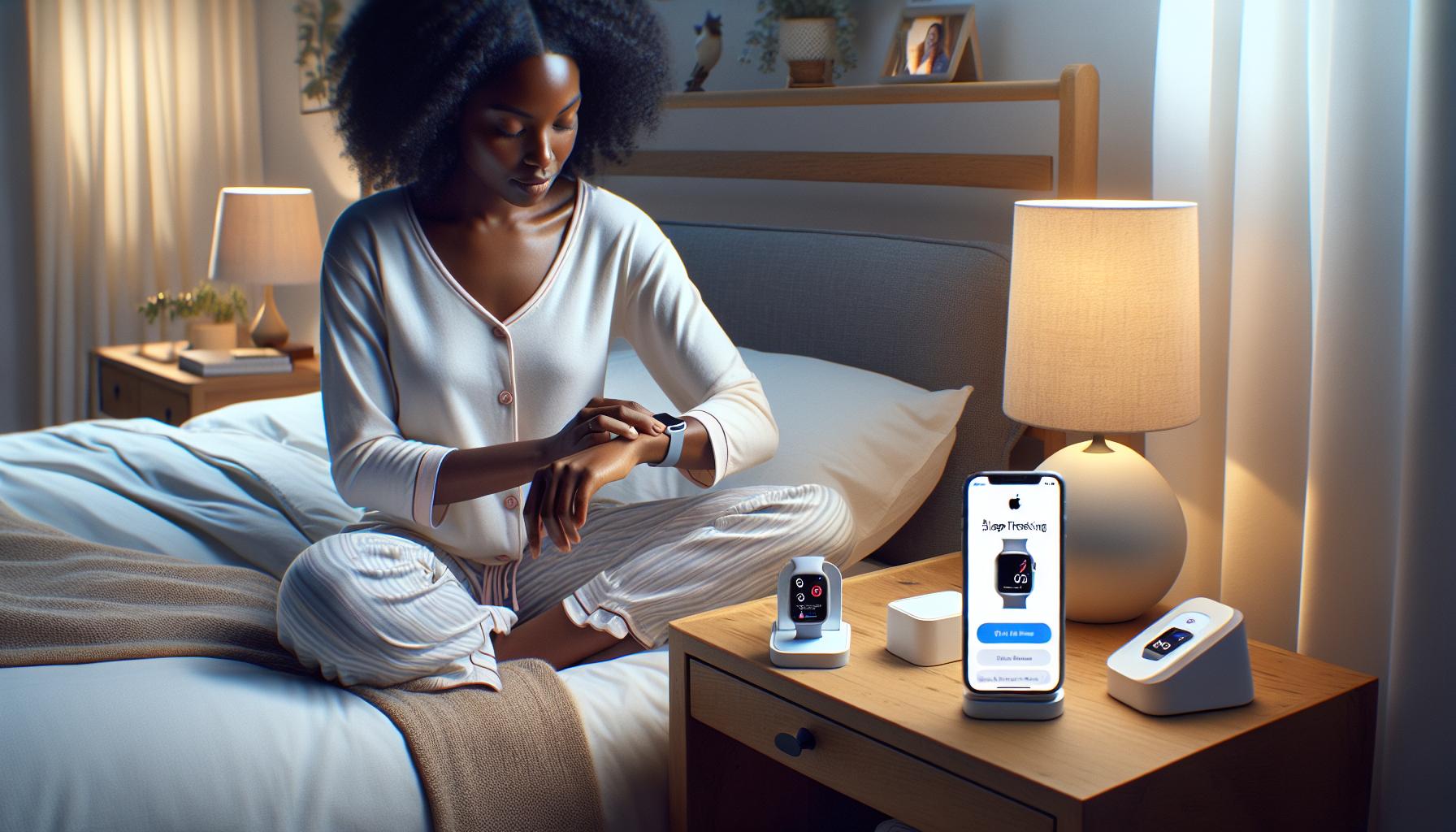
Setting up sleep tracking on your Apple device is a simple yet powerful way to gain insight into your sleep habits. The Apple Watch, particularly models from Series 3 onwards, offers an intuitive Sleep app that makes monitoring your rest easy and effective. To begin, ensure your Apple Watch is charged and updated to at least watchOS 7, which integrates sleep tracking capabilities seamlessly.
Start by downloading and opening the Health app on your iPhone. You will be guided to set up your sleep preferences. Here’s how to get your sleep tracking ready:
Steps to Set Up Sleep Tracking
- Open the Health App: Tap on the ‘Browse’ tab and select ‘Sleep’ to begin.
- Set Sleep Goals: Customize your sleep schedule by setting desired sleep and wake times tailored to your daily routine.
- Enable Sleep Tracking: Ensure that the ‘Track Sleep with Apple Watch’ option is turned on so that the watch can log your sleep data automatically.
- Wind Down Schedule: Establish a Wind Down duration before bedtime, which can include calming routines like meditation or reading.
- Bedtime Reminders: Activate reminders to alert you when it’s time to start getting ready for sleep, helping create consistency in your sleep habits.
Once you’ve gone through these setup steps, your Apple Watch will start tracking your sleep automatically when you wear it to bed. It detects various metrics such as heart rate and movement to analyze your sleep stages, including deep, core, and REM sleep. By gathering this information, the watch offers an overview that helps you understand the quality of your sleep.
Remember, while the Apple Watch is a fantastic tool for monitoring sleep patterns, it is important to approach its data thoughtfully. Use the insights to adjust your nighttime routines, but be aware that sleep tracking technology is not a replacement for professional sleep assessments if you’re experiencing significant sleep issues. Being proactive about your sleep health empowers you to make informed choices, enhancing your well-being through better rest.
How to Configure Sleep Goals and Preferences
Configuring sleep goals and preferences is a vital step in making the most of your Apple sleep tracking experience. Setting these goals not only helps your device understand your habits but also creates a personalized framework to improve your overall sleep quality. Effective sleep tracking starts with establishing a routine that fits your lifestyle, allowing technology to assist rather than dictate your rest patterns.
To begin customizing your sleep goals, navigate to the Health app on your iPhone. Here, you can set tailored sleep and wake times that align with your daily schedule. This ensures your Apple Watch will encourage you to go to bed and wake up at the times that suit you best. Consider your commitments over the next week-perhaps you need to rise early for work or wish to enjoy leisurely weekend mornings. Setting these goals helps create a sense of consistency.
Once your sleep and wake times are set, you can enable sleep tracking using the Apple Watch by turning on the “Track Sleep with Apple Watch” feature. This functionality allows the watch to automatically monitor your sleep patterns, including the duration of your rest and the quality of your sleep stages. By tracking how long you sleep versus how long you spend in different phases-like deep, core, and REM sleep-you gain insights into what might be affecting your rest.
In addition, setting a Wind Down period is beneficial for establishing a calming pre-sleep routine. This period can include activities that signal your body it’s time to relax, such as reading a book, practicing meditation, or listening to soothing music. Wind Down not only aids in transitioning from activity to sleep, but can also help elevate your sleep quality. Bedtime reminders serve as a gentle nudge, alerting you when to start winding down, contributing to a more organized and stress-free bedtime routine.
Ultimately, the ability to customize your sleep goals and preferences through the Apple Health app transforms your sleep tracking experience into a tailored personal journey. By taking the time to configure these settings thoughtfully, you empower yourself to make meaningful adjustments that can greatly enhance your sleep health over time.
Navigating the Apple Health App for Sleep Data
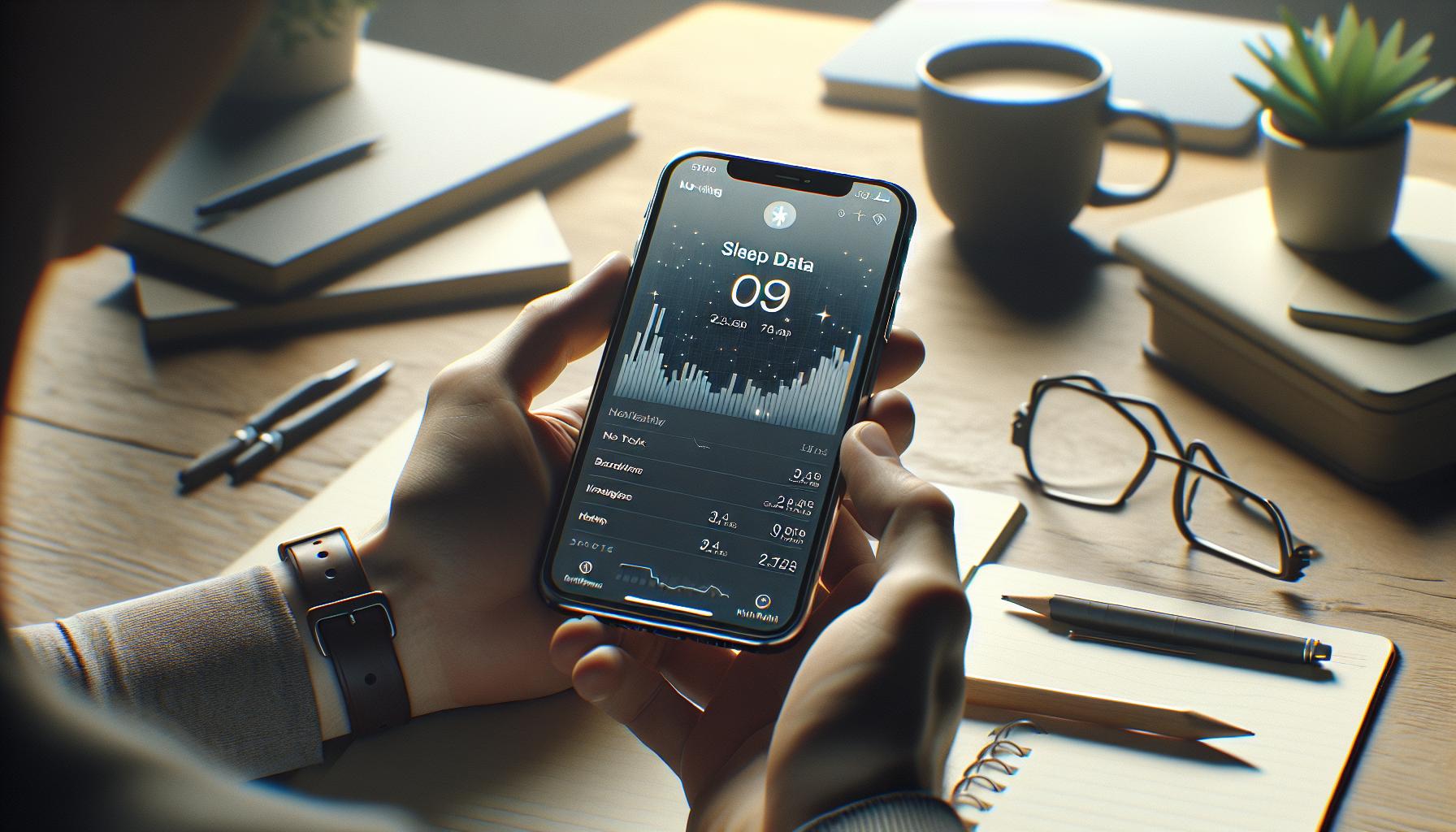
To make the most of your Apple sleep tracking experience, familiarizing yourself with the Apple Health app is essential. This integral hub not only stores your health metrics but also provides a detailed view of your sleep data, which can be pivotal in understanding your sleeping patterns. By leveraging the data available through the app, you can gain insights into how well you’re resting and identify any potential areas for improvement.
When you open the Apple Health app, navigate to the “Browse” tab and select “Sleep” to access your sleep data. Here, you’ll see an overview of your nightly sleep patterns, including total sleep duration and trends over time. This graphical representation allows you to visualize your sleep habits – whether you’re consistently hitting your target or if there are fluctuations on certain days. Set aside a few moments weekly to review this data, as it can reveal patterns related to lifestyle changes, stress levels, or even dietary habits impacting your sleep quality.
Additionally, dive deeper into your sleep metrics by exploring the “Sleep Analysis” section. Here, you’ll encounter detailed information about how much time you spent in various sleep stages, such as REM, deep sleep, and light sleep. Understanding these stages can help you recognize whether you’re getting restorative sleep, as REM is crucial for cognitive functions while deep sleep helps with overall physical recovery. If you notice you’re lacking in either, consider adjusting your pre-sleep activities – like reducing screen time or introducing calming rituals before bed.
Finally, don’t forget to share your sleep reports with healthcare professionals if you’re experiencing significant sleep disturbances. The Apple Health app allows you to export your data or share specific reports, which can aid in consultations. Whether you’re seeking advice or simply looking to optimize your sleep, having precise data at hand can empower both you and your healthcare provider to make informed decisions regarding your sleep health. Regularly engaging with this valuable tool positions you to take control of your sleep journey, paving the way for better rest and improved well-being.
Interpreting Your Sleep Patterns and Insights
Understanding your sleep patterns is the first step toward enhancing your overall sleep quality. With Apple’s sleep tracking features, you can decipher complex data into meaningful insights about your nightly rest. When you access your sleep data through the Apple Health app, it’s essential to look beyond the numbers. Focus on patterns and how they connect with your daily activities, mood, and lifestyle choices. For instance, notice if certain days of the week yield better rest than others-this could correlate with your work schedule or stress levels.
Explore the various sleep stages captured by your Apple device. Each stage-whether it’s REM, deep sleep, or light sleep-plays a unique role in your overall health. REM sleep is crucial for memory and emotional health, while deep sleep supports physical recovery and growth. If your metrics indicate insufficient time in these stages, consider adjustments like reducing caffeine intake, establishing a calming bedtime routine, or even setting a consistent sleep schedule.
The Apple Health app also provides trends over time that can spotlight the impact of lifestyle changes. Did you start a new exercise regimen or shift your work hours? Regularly reviewing your sleep insights can help identify how these changes affect your nightly rest. Moreover, if you notice persistent issues-such as frequent wake-ups or not hitting your sleep goals-this could be an indicator to consult a healthcare professional. Your sleep data can be a vital tool in discussions about sleep disturbances or a broader health assessment.
In essence, leveraging the insights from your Apple sleep tracker not only helps you understand your sleep better but also empowers you to make informed decisions that can improve your health and well-being. Your journey towards better sleep is a blend of interpreting data and acting upon it wisely.
Exploring Apple Watch Sleep Tracking Capabilities
The Apple Watch has revolutionized the way we think about tracking sleep, transforming a once intangible aspect of health into a measurable and actionable data point. By leveraging advanced sensors and intuitive software, the Apple Watch not only tracks your sleep duration but also categorizes the different stages of your sleep, giving you insights into your nightly rest like never before.
One of the standout features of sleep tracking on the Apple Watch is its ability to monitor and analyze various sleep stages, including REM, light sleep, and deep sleep. This nuanced tracking allows users to see how much time they spend in each stage, which is crucial for understanding overall sleep quality. For example, deep sleep is essential for physical recovery and growth, while REM sleep plays a key role in memory and emotional health. By viewing these statistics in the Apple Health app, you can easily identify patterns over time and make informed adjustments to your bedtime routine.
Setting up your Apple Watch for sleep tracking is straightforward and requires minimal effort. Ensure that you have the latest watchOS version installed, then enable the Sleep feature in the Health app on your iPhone. You can customize sleep goals, set a bedtime schedule, and enable Wind Down mode, which helps create a relaxing end-of-day routine. Keep your watch charged, as it needs to stay on your wrist overnight for accurate tracking.
Additionally, users can benefit from the “Sleep Focus” feature, which minimizes nighttime distractions by limiting notifications during sleep hours. This not only supports better sleep hygiene but also promotes a mindfulness practice crucial for winding down after a busy day. With the Apple Watch as a reliable sleep companion, you can empower yourself to take actionable steps toward improved sleep health, tailoring your approach based on the rich data it provides.
In summary, the Apple Watch enhances sleep tracking through its ability to deliver detailed insights into sleep stages and durations. By setting up the device correctly and utilizing the features it offers, you can gain a comprehensive understanding of your sleep patterns, helping you to make sustainable changes for a healthier lifestyle.
Tips for Improving Sleep Quality with Apple Tech
Improving your sleep quality can feel like a daunting task, but with the aid of Apple technology, you can take significant steps toward restorative rest. Many users find that simply tracking their sleep patterns can uncover surprising insights about their nightly habits. By utilizing your Apple Watch and the Health app, you gain access to a wealth of information that can guide you toward better sleep practices.
One effective strategy is to take advantage of the *Wind Down* feature. This tool encourages you to begin a calming pre-sleep routine, reducing screen time and preparing your mind for rest. You can customize this feature to suggest relaxing activities such as reading, meditating, or listening to soothing music before bed. Additionally, leveraging the *Sleep Focus* setting limits notifications during your sleep hours, further minimizing disruptions that can interfere with your rest.
Regularly reviewing your sleep data can also lead to beneficial changes. Dive into the insights provided by the Apple Health app to examine your sleep stages-REM, deep, and light sleep. Understanding how much time you spend in each stage allows you to recognize patterns and make adjustments. For example, if you consistently get less deep sleep, consider experimenting with sleep environment changes, like lowering room temperature or using blackout curtains to enhance light control.
Here are some additional practical tips to integrate Apple technology into your sleep routine:
- Set Sleep Goals: Use the Health app to set specific and realistic sleep goals based on your lifestyle needs.
- Use a Consistent Sleep Schedule: Regular bedtimes help regulate your body’s internal clock. Leverage alerts to prompt you to wind down.
- Track Caffeine and Alcohol Intake: Both substances can inhibit quality sleep. Monitor their consumption in the Health app and see how they align with your sleep data.
- Be Mindful of Daytime Naps: Limit naps to 20-30 minutes and avoid napping late in the day to ensure they don’t interfere with your nighttime sleep.
By implementing these strategies and being proactive about your sleep health, you can enhance both the quantity and quality of your rest. Trust in the data your Apple devices provide, and feel empowered to make gradual changes that lead to a more restorative sleep experience.
Common Issues and Troubleshooting Apple Sleep Tracking
Many users find themselves frustrated when their sleep tracking doesn’t output the expected data. Common issues often stem from setup errors, device settings, or sync failures between the Apple Watch and the Health app. If you’re encountering inaccuracies or lack of data, start by ensuring your watch is properly fitted. A loose watch can prevent accurate heart rate readings, compromising your sleep analysis.
Syncing Issues
A prevalent problem many Apple Watch users face is the failure to sync their sleep data with the Health app. Make sure that both devices are updated to the latest software version. Restart both your iPhone and Apple Watch after updates to reset the connection. If syncing issues persist, check that your Bluetooth is enabled, and that your devices are in close proximity. You can manually force a sync by opening the Health app and refreshing the data view.
Data Accuracy
Sometimes, users may notice discrepancies in sleep duration or sleep stage data. This can happen if your watch is not tracking sleep due to inactivity detection settings. Ensure that Sleep Tracking is enabled in both the Watch app on your iPhone and the Health app. Additionally, optimal battery life is crucial; if your watch is running low on power during the night, it may fail to track. Keeping your device charged can remedy this issue.
Failed Notifications
If you’re not receiving prompts for your sleep schedule, revisit your settings in the Sleep menu under the Health app. Ensure that both *Sleep Focus* and *Wind Down* features are activated. Custom notifications can be tuned to remind you when it’s time to wind down for bed, ensuring you stay aligned with your sleep routine.
By addressing these common issues and taking proactive steps, you can maximize the effectiveness of Apple’s sleep tracking features and better understand your sleep patterns. Embrace the potential of this technology to support your sleep health journey.
Comparing Apple Sleep Tracking to Other Wearables
When it comes to sleep tracking, Apple provides a robust solution through its Apple Watch and Health app, but how does it stack up against other wearables? Understanding the strengths and weaknesses can help users decide which device aligns best with their sleep health goals.
Apple’s sleep tracking features are user-friendly, offering seamless integration with iOS devices. Users benefit from an intuitive interface where they can set sleep goals, monitor cycles, and manage their overall bedtime routine. The Apple Watch tracks sleep duration and quality based on heart rate and movement, providing users with insights into their sleep patterns. However, its capabilities may fall short compared to dedicated sleep tracking devices, such as the Oura Ring or Fitbit, which often offer advanced metrics like blood oxygen levels and detailed sleep stage breakdowns, including REM sleep tracking.
Comparing battery life is also essential. The Apple Watch typically requires nightly charging, which can be inconvenient for continuous sleep tracking. In contrast, wearables like the Whoop strap can last several days on a single charge, allowing users to track sleep without interruption. Additionally, devices like Fitbit offer a feature called Smart Wake, which wakes users during their lightest sleep phase, potentially leading to a more refreshed morning.
Key Features Comparison
| Feature | Apple Watch | Oura Ring | Fitbit | Whoop Strap |
|---|---|---|---|---|
| Heart Rate Monitoring | Yes | Yes | Yes | Yes |
| Sleep Stages | Basic | Detailed | Comprehensive | Comprehensive |
| Battery Life | 1-2 days | 7 days | 5-7 days | 5 days |
| Additional Health Metrics | Heart Rate Variability | Body Temperature, HRV | Active Minutes, Stress Management | Recovery Metrics |
While Apple provides excellent integration with its ecosystem and a straightforward approach to sleep tracking, other devices may cater to more serious sleep enthusiasts. For those seeking comprehensive analysis and a deeper understanding of their sleep and recovery, exploring options beyond Apple could be worthwhile. However, if you’re looking for ease of use and quick insights without the need for additional devices, Apple remains a strong contender in the sleep tracking market.
When to Consider Professional Sleep Studies
Navigating your sleep health can be daunting, especially when you’re not feeling well-rested despite using sleep tracking tools like the Apple Watch. While these devices offer valuable insights into your sleep patterns, there are times when their capabilities may not suffice in addressing deeper sleep issues. Understanding when to seek professional help is crucial for anyone serious about improving their sleep health.
If you’ve been consistently feeling excessively sleepy during the day, experiencing prolonged insomnia, or noticing significant fluctuations in your sleep quality despite optimizing your environment and habits, it might be time to consider a professional sleep study. These studies, often conducted in sleep clinics, provide comprehensive monitoring through polysomnography-a method that captures brain activity, heart rate, breathing, and oxygen levels. This test can identify sleep disorders such as sleep apnea or restless leg syndrome, which are not detectable via consumer wearables.
In addition to symptomatic triggers, consider scheduling a sleep study if you have underlying medical conditions, such as obesity or cardiovascular problems, which can influence your sleep. Devices like the Apple Watch can track heart rate and movement but may not capture specific respiratory events that a professional study would. If your wearable detects irregularities, such as abnormal heart patterns or drops in oxygen levels during sleep, consult a healthcare provider to discuss the potential for a sleep study.
When approaching a sleep study, be prepared for costs and logistics. Depending on your insurance, the procedures might range from minimal out-of-pocket expenses to substantial costs. It’s essential to verify coverage before proceeding. The process usually starts with a consultation with a sleep specialist who will review your symptoms and health history before recommending the appropriate tests. Through this comprehensive approach, you’ll gain access to insights far beyond what consumer-level devices can offer, empowering you to tackle your sleep concerns effectively.
Advanced Features of Apple Sleep Tracking Explained
When it comes to enhancing your sleep health, Apple’s sleep tracking features go beyond simply counting the hours you spend asleep. They utilize advanced technology to provide a detailed overview of your sleep patterns, offering valuable insights that can help improve your nightly rest. One standout capability is the integration of sleep stages. By analyzing your movements and heart rate, the Apple Watch can differentiate between periods of deep sleep, light sleep, and REM sleep, giving you a clearer picture of your nightly rest quality.
Another noteworthy feature is the ability to set and track personalized sleep goals, allowing you to define your ideal sleep duration and maintain a consistent sleep schedule. This feature not only nudges you to hit your target but also sends reminders to get ready for bed, creating a pre-sleep routine that can enhance the quality of your rest. Additionally, the Apple Health app compiles your sleep data over time, enabling you to visualize trends and make informed decisions about your sleep habits and overall health.
For those who may struggle with sleep patterns, the Apple Watch offers a unique “Wind Down” mode. This feature helps users establish a calming pre-bedtime routine by integrating with apps that promote relaxation, like meditation or reading. Furthermore, sleep tracking data can be exported to healthcare providers if you’re considering a comprehensive sleep study. This data may prove beneficial in discussing any persistent sleep issues you may have, highlighting the collaborative relationship between technology and healthcare.
Steps to Maximize Apple Sleep Tracking
To fully leverage these advanced features, consider the following steps:
- Enable Sleep Tracking: Ensure that sleep tracking is activated in your Health app settings.
- Set Clear Goals: Define your ideal sleep duration, and practice going to bed and waking up at the same times daily.
- Review Sleep Data: Regularly check the Health app to observe trends in your sleep stages and overall health metrics.
- Utilize Wind Down Features: Explore apps that integrate with the Wind Down mode to enhance your bedtime routine.
Understanding these advanced features allows you to take purposeful steps towards better sleep and provides a roadmap for integrating technology into your health regimen, empowering you to make smarter choices regarding your sleep wellness.
Real-Life Scenarios: When to Use a Sleep Tracker
Understanding how and when to use a sleep tracker can greatly enhance your approach to sleep health. Imagine you’ve recently been feeling fatigued despite getting what you think is a reasonable amount of sleep. A sleep tracker, particularly one offered through your Apple device, can help you unravel what’s happening during those nighttime hours, providing invaluable insights about your sleep patterns.
For those experiencing stress, anxiety, or inconsistent sleep due to lifestyle changes, the Apple Watch and its sleep tracking features can be exceptionally beneficial. Start by enabling sleep tracking and allowing the device to gather data over several nights. If you notice consistent patterns of restlessness or disrupted sleep stages, this could indicate a deeper issue that might warrant a discussion with a healthcare provider. The insights gleaned from your device can help in communicating your sleep struggles, making it easier for the professionals to tailor their advice.
In another scenario, athletes or fitness enthusiasts may use sleep tracking to optimize performance. Tracking sleep stages can inform recovery strategies, helping athletes understand how their sleep affects performance and readiness for training sessions. If an athlete observes an overlap between poor sleep quality and decreased performance or mood, it’s a cue to prioritize rest and possibly rethink training schedules.
However, it’s essential to differentiate between using a sleep tracker for self-awareness and recognizing when a professional sleep study might be warranted. If you find your sleep issues persist despite making adjustments based on your tracked data-such as adhering to a consistent sleep schedule or enhancing your Wind Down routine-it might be time to consider medical advice. A sleep study, or polysomnography, could provide deeper insights into disorders like sleep apnea, which a tracker alone might not fully detect.
Each of these scenarios demonstrates how an Apple sleep tracker can function as a personal sleep coach, offering the data needed to make informed choices about health. By actively engaging with the data collected and correlating it with daily habits, users can enhance their sleep quality and overall well-being, turning data into actionable health insights.
Frequently asked questions
Q: How does Apple Sleep Tracking work on my iPhone?
A: Apple Sleep Tracking utilizes your iPhone’s sensors and the Apple Health app to monitor your sleep patterns. By setting sleep schedules, you can track your sleep duration and quality, helping you understand your sleep habits better. For a detailed setup, refer to Setting Up Apple Sleep Tracking on Your Device.
Q: What should I do if Apple Sleep Tracking isn’t recording?
A: If your Apple Sleep Tracking isn’t recording, first ensure that sleep tracking is enabled in your device settings. Check that your Apple Watch or iPhone is worn properly during sleep. Restarting the device can also resolve temporary glitches. For more troubleshooting tips, see Common Issues and Troubleshooting Apple Sleep Tracking.
Q: Can I use Apple Sleep Tracking without an Apple Watch?
A: Yes, you can use Apple Sleep Tracking without an Apple Watch by using your iPhone alone. The iPhone can track your sleep patterns through the Health app by detecting your movements and sleep environment, though the watch offers more advanced metrics. Explore more in Exploring Apple Watch Sleep Tracking Capabilities.
Q: What types of sleep data can I see in the Apple Health app?
A: The Apple Health app displays various sleep data including total sleep time, sleep stages (light, deep, REM), and trends over time. Accessing this data helps you interpret your sleep quality. For guidance on reading this data, check Navigating the Apple Health App for Sleep Data.
Q: How does Apple Sleep Tracking compare to other devices?
A: Apple’s Sleep Tracking offers robust integration with iOS and detailed insights into your sleep patterns, but it may lack some advanced features found in dedicated sleep trackers. For a thorough comparison, refer to Comparing Apple Sleep Tracking to Other Wearables.
Q: What features enhance sleep quality with Apple Sleep Tracking?
A: Apple Sleep Tracking includes features like Sleep Focus, Wind Down, and customizable sleep goals to promote better sleep hygiene. Make use of these features for a more restful night. Tips for maximizing these features can be found in Tips for Improving Sleep Quality with Apple Tech.
Q: How can I customize my sleep schedule in Apple Sleep Tracking?
A: You can customize your sleep schedule by opening the Clock app, navigating to the Sleep section, and setting your desired sleep and wake times. This helps the app notify you when it’s time to wind down. For step-by-step instructions, see How to Configure Sleep Goals and Preferences.
Q: When should I consider seeking professional help for my sleep issues?
A: If you experience persistent sleep problems despite using trackers, it may be time to consult a healthcare professional. Signs include excessive daytime sleepiness or trouble falling/staying asleep. Detailed advice on this topic is available in When to Consider Professional Sleep Studies.
To Wrap It Up
Now that you’ve learned how to use Apple Sleep Tracking, it’s time to take charge of your sleep health! Remember, quality sleep is essential for overall well-being, and utilizing this powerful tool can help you better understand your sleep patterns. If you have further questions about sleep studies, wearables, or other sleep tech, check out our guides on “Understanding Sleep Disorders” and “Choosing the Right Sleep Device.”
Don’t wait-start tracking your sleep tonight and see the difference it can make! For even more tips and resources, consider signing up for our newsletter. Share your experiences in the comments below, and let’s explore sleep health together! Your path to better sleep is just a click away.
Get our latest guides, news, and insights highlighted in your Google Search & AI Overviews.