
In today’s fast-paced world, understanding our sleep patterns has never been more crucial. With the rise of wearable technology, many people are turning to devices like the Apple Watch for insights into their sleep quality. But how accurate is Apple’s sleep tracking? In this article, we delve into the capabilities and limitations of Apple’s sleep tracking features, exploring whether they can genuinely help you improve your sleep health. By critically testing and analyzing this technology, we aim to provide you with the knowledge needed to make informed decisions about your sleep habits and health. Join us as we uncover the truth behind Apple’s sleep tracking accuracy and its potential impact on your well-being.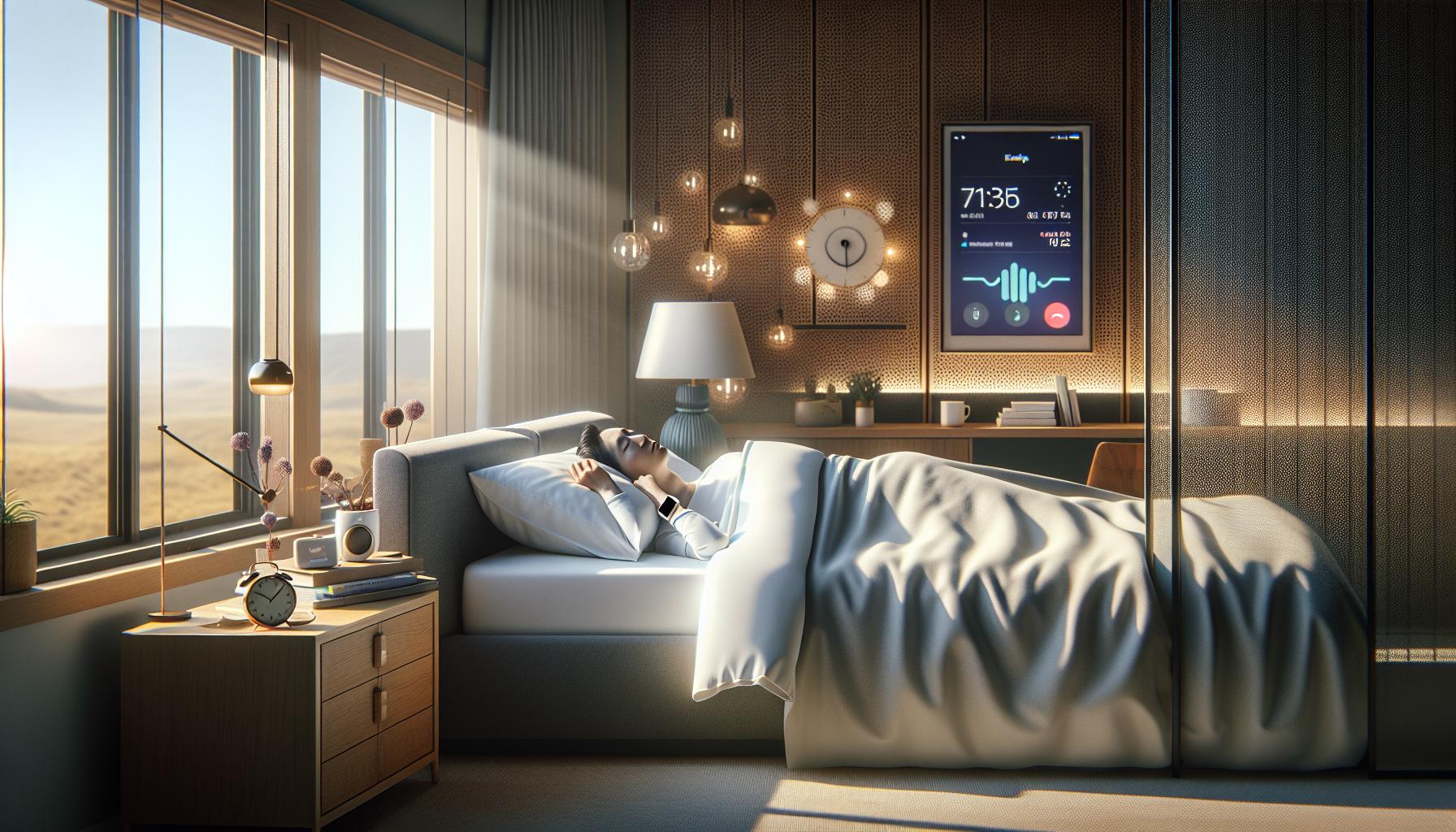 Apple Sleep Tracking Technology Reliable?”>
Is Apple Sleep Tracking Technology Reliable?
The reliability of Apple’s sleep tracking technology has generated significant interest among users who prioritize their sleep health. A key feature of this technology is its ability to analyze various aspects of sleep, including duration, quality, and the different stages of sleep cycles. Using data collected from sensors, the Apple Watch and Health app provide insights into sleep patterns that can be incredibly valuable for anyone looking to improve their sleep.
However, it is important to recognize that while Apple’s sleep tracking can offer helpful insights, it does have limitations. Unlike clinical sleep studies conducted in sleep labs, which utilize polysomnography to monitor brain waves, oxygen levels, heart rate, and breathing, Apple’s devices primarily rely on movement and heart rate data. This means that the metrics derived from Apple’s technology may not be as comprehensive or accurate as those from professional studies. For instance, discerning between deeper stages of sleep such as REM and deep sleep has been a noted challenge in consumer devices, and their ability to accurately measure disturbances during the night can also vary.
Users should approach the information provided by Apple’s sleep tracking with a balanced perspective. It’s effective for tracking general trends over time and identifying habits that may influence sleep quality, but it shouldn’t be the sole resource for diagnosing sleep disorders. For those experiencing sleep issues such as insomnia or sleep apnea, consulting a healthcare professional is recommended. The integration of Apple’s sleep tracking for daily insights, combined with professional evaluation when needed, can create a well-rounded approach to managing sleep health.
Ultimately, users can optimize their experience by understanding the capabilities and constraints of Apple’s sleep technology. By using it to monitor overall trends and making minor adjustments based on collected data, many find it a useful tool-albeit supplemental to professional evaluations when more granular insight is required.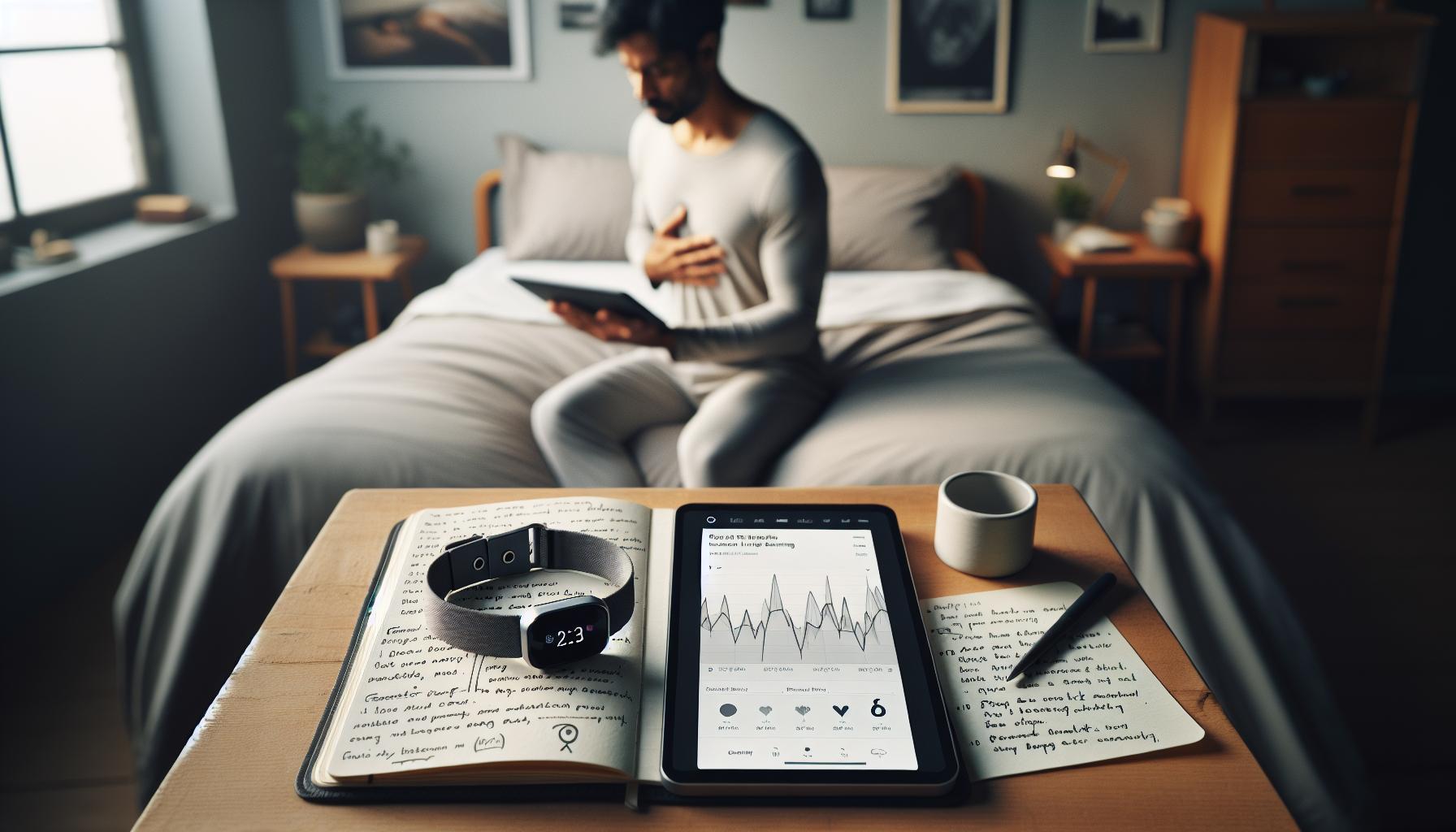
Understanding Sleep Tracking Metrics
can be the key to improving your rest and overall well-being. With the evolution of technology, devices like the Apple Watch offer users insights into their sleep patterns that were once reserved for clinical settings. However, it’s crucial to grasp what these metrics mean in the context of sleep health.
### Key Metrics in Sleep Tracking
The primary metrics used in sleep tracking technology typically include:
- Total Sleep Time: This metric reflects how long you were asleep, which is fundamental for assessing if you meet the recommended 7-9 hours.
- Sleep Stages: Sleep is divided into various stages, including light sleep, deep sleep, and REM. Understanding these stages can help you know if you’re getting restorative sleep.
- Sleep Quality: This metric evaluates how restful your sleep was, often factoring in disturbances or restlessness throughout the night.
- Heart Rate Variability: Monitoring your heart rate during sleep can indicate overall health and readiness, with variations suggesting your body’s response to stress and recovery.
### Interpreting the Data
While Apple’s sleep tracking can offer basic insights, remember that the accuracy of these metrics may vary. For instance, the Apple Watch uses accelerometers to detect movement, providing an estimate of light versus deep sleep based more on motion than comprehensive physiological data. This may lead to discrepancies, particularly in distinguishing between sleep stages, as it relies on patterns rather than direct measurements of brain activity, like those obtained in clinical polysomnography.
When analyzing your sleep data, look for trends over time rather than focusing solely on nightly variations. If you notice consistent patterns, such as the amount of time you spend in deep sleep is decreasing, that could warrant a closer look into adjustments in your sleep environment or habits. Conversely, occasional fluctuations are normal and can be influenced by various factors, including stress, caffeine intake, or exercise level.
### Conclusion
Ultimately, while the metrics provided by Apple’s sleep tracking features are valuable, they should be viewed as a useful supplement rather than an all-encompassing diagnostic tool. Understanding these metrics allows you to leverage the technology more effectively, leading to better sleep habits and connecting you with professional resources if more serious issues arise. By integrating this technology into your lifestyle with an informed perspective, you can create a proactive approach to your sleep health.
How We Tested Apple’s Sleep Tracking Features
To fully understand how Apple’s sleep tracking features stack up against traditional methods, we conducted a thorough examination using real-world application alongside direct comparisons to clinical sleep studies. Initially, we set up the Apple Watch under typical conditions to see how accurately it could track sleep metrics such as total sleep time, sleep stages, and interruptions.
The testing involved volunteers wearing the Apple Watch while also undergoing overnight polysomnography-a comprehensive method involving EEG, heart rate, and respiratory monitoring commonly used in sleep studies. By analyzing data collected from both the watch and polysomnography, we aimed to measure the accuracy and reliability of Apple’s sleep tracking against established benchmarks.
Setup and Methodology
The process began with familiarizing our volunteers with the Apple Watch’s interface, ensuring they understood how to enable sleep tracking and adjust settings to tailor their personal sleep goals. Each participant was instructed to wear the device continually for a week to gather sufficient data for analysis. We encouraged individuals to normalize their sleep environment as much as possible, maintaining consistent wake-up times and pre-sleep routines to better simulate typical conditions.
Moreover, we recorded qualitative feedback, including perceived sleep quality and how participants felt upon waking, to contrast with the objective data collected. This holistic approach allows us to correlate subjective experiences with the metrics provided by the Apple Watch.
Evaluating the Results
Once the data was gathered, we compared total sleep time and sleep quality metrics from the Apple Watch with those derived from polysomnography. While Apple’s device effectively estimated sleep duration, discrepancies arose in categorizing sleep stages. For example, it often misclassified light sleep as deep sleep, which is crucial for knowing how restorative a sleep cycle is.
Participants also noted occasions where they felt alert and rested, despite the watch indicating restless nights. This points to the device’s limitations: while it’s a powerful tool for tracking overall trends, it doesn’t yet replace clinical assessments when precise data is needed for serious sleep disorders.
In conclusion, our testing revealed that while Apple’s sleep tracking technology can offer useful insights for daily monitoring and establishing better sleep habits, users should be aware of its limitations and consult medical professionals for comprehensive evaluations in cases of sleep concerns. Trust in the technology lies in understanding it as a supportive tool rather than a definitive diagnostic device.
Comparing Apple Sleep Tracking with Competitors
In the ever-evolving landscape of sleep tracking technology, Apple’s offerings have carved out a notable niche, but how do they compare to other leading competitors? Wearables from companies like Fitbit, Garmin, and WHOOP, as well as dedicated sleep devices such as Eight Sleep, provide valuable alternatives with unique features and functionalities. By examining these options, consumers can make an informed decision on what best suits their sleep tracking needs.
Key Comparisons
When directly comparing Apple’s sleep tracking capabilities with those of its competitors, several factors come into play:
- Accuracy: Apple Watch provides solid estimates for total sleep duration but often struggles with the nuanced classification of sleep stages. For instance, it can mistakenly categorize light sleep as deep sleep. On the other hand, Fitbit excels in this domain, leveraging advanced algorithms to offer more precise data on sleep quality and stages.
- User Experience: Fitbit and Garmin devices tend to feature intuitive user interfaces, allowing users to easily navigate and understand their sleep stats. Apple’s integration with the iOS ecosystem provides effortless synchronization of sleep data, but some users find the detailed metrics less straightforward compared to dedicated sleep trackers.
- Additional Features: The Eight Sleep Pod offers innovative features focused on temperature regulation, which can enhance sleep quality beyond just tracking. Apple’s sleep tracking, while expanding with features like Wind Down and Sleep Focus, is still primarily rooted in data collection rather than environmental adjustments.
Costs and Value for Money
Pricing is always a critical factor in deciding on tech investments. The Apple Watch comes with a higher upfront cost, typically ranging from $400 to $800, depending on the model. In contrast, Fitbit models can start as low as $70 for basic versions, while more advanced models are priced at around $150 to $250. Eight Sleep’s smart mattress pad ranges from $1,500 to $2,500, representing a significant investment but offering comprehensive sleep-enhancing features.
When to Choose Each Option
Choosing the right sleep tracker depends on your specific requirements. For those seeking an all-in-one smartwatch that syncs with their broader health data, the Apple Watch is a robust choice. However, if accurate sleep stage tracking is a priority, devices from Fitbit or Garmin may offer enhanced value. Furthermore, for individuals focused extensively on optimizing their sleep environment, investing in more specialized products like Eight Sleep may provide a better return on investment.
In conclusion, while Apple’s sleep tracking technology serves as a valuable resource for promoting better sleep habits, potential users should weigh their options against competing gadgets. Understanding the features, costs, and intended usage can empower consumers to make smarter choices tailored to their needs.
Common Sleep Disorders and Tracking Limitations
While many users turn to sleep tracking technology for insights into their nightly rest, the reality is that understanding sleep disorders and the limitations of these devices is critical for gaining accurate and actionable information. Various sleep disorders, including insomnia, sleep apnea, and restless leg syndrome, can significantly skew the data collected by devices like the Apple Watch. These conditions often require more than basic tracking; they necessitate comprehensive assessment methods, such as polysomnography (a sleep study) for accurate diagnosis and treatment planning.
Understanding Common Sleep Disorders
Common sleep disorders that influence tracking accuracy include:
- Insomnia: Chronic inability to fall or stay asleep leads to fragmented sleep patterns, which can confuse tracking algorithms. A device might report extended periods of wakefulness as restlessness, falsely categorizing periods of wakefulness as sleep.
- Sleep Apnea: Characterized by pauses in breathing, sleep apnea can disrupt sleep stages, skewing data about sleep quality. Wearable devices often rely on movement and heart rate rather than directly measuring breathing, which means they may overlook significant periods of non-restorative sleep.
- Restless Leg Syndrome: The overwhelming urge to move the legs can lead to frequent awakenings and transitions between sleep stages. As devices measure movement to establish sleep stages, a user with this disorder may receive inaccurate insights into their overall sleep quality.
Limitations of Apple Sleep Tracking
Though the Apple Watch offers a suite of sleep tracking features, it has notable limitations when it comes to detecting the nuanced aspects of sleep disorders. The reliance on algorithms that measure movement, heart rate, and sound can create a broad overview of sleep duration but fall short when interpreting the complexities of sleep quality. For example, users may find that their devices categorize light sleep as deep sleep due to insufficient data on other physiological indicators.
Additionally, it’s important to recognize that sleep tracking devices should not replace professional evaluations for persistent sleep issues. Healthcare providers often utilize comprehensive sleep studies to evaluate patterns across various sleep stages and diagnose conditions that wearables can’t.
In scenarios where individuals experience persistent sleep disturbances, it’s advisable to consult a physician or sleep specialist who may recommend a sleep study for in-depth analysis rather than relying solely on wearable technology for diagnostic purposes. Understanding these limitations empowers consumers to make wiser choices regarding their sleep health, ensuring they seek appropriate interventions when necessary.
Interpreting Your Sleep Data: What It Means
The data provided by Apple’s sleep tracking feature can seem overwhelming, but understanding what it truly means can empower you to improve your sleep health. Start by familiarizing yourself with the key metrics that Apple uses to assess your sleep patterns. The Apple Watch primarily tracks sleep duration, heart rate, and movement. These metrics come together to provide a sleep score, which indicates the quality of your rest. However, while this can be a helpful starting point, it’s important to recognize that the definitions of sleep quality and quantity might differ from clinical standards.
When interpreting your sleep data, pay close attention to the different stages of sleep presented by your device. Apple categorizes sleep into light, deep, and REM stages. Light sleep, though vital for memory consolidation, can mask underlying sleep issues when overly dominant. If you notice increased durations of light sleep and less deep sleep, it may be a signal to adjust your bedtime routine or evaluate your sleep environment. Similarly, a lack of REM sleep, essential for cognitive function and emotional regulation, may warrant a closer examination of lifestyle factors such as stress and screen time before bed.
Use your sleep data not just as numbers on a screen but as a reflective tool. Conducting a self-assessment alongside your metrics can offer deeper insights. Consider keeping a sleep diary where you note factors such as your mood, daily caffeine intake, and stress levels around the times of rest reported. This holistic approach may reveal patterns connecting lifestyle choices to sleep quality, which the Apple Watch alone cannot fully explore.
Lastly, while Apple’s sleep tracking features can provide valuable insights, they are not substitutes for professional assessment. If your sleep data reveals persistent issues-like consistently feeling unrefreshed upon waking-it may be time to consult with a healthcare provider. They can recommend further testing, such as a sleep study, providing a comprehensive view of your sleep health that a wearable device simply cannot match. Balancing the convenience of technology with professional guidance will give you the best chance at improving your sleep quality effectively.
User Experiences: Success Stories and Challenges
User experiences with Apple’s sleep tracking technology reveal a fascinating mix of success stories and challenges that can help you better navigate your own sleep health journey. Many users express satisfaction with the way Apple Watch tracks their nightly sleep metrics, enabling them to establish healthier sleep habits. One frequent success story involves users discovering patterns in their sleep-such as consistently waking up during specific periods of the night-which prompted changes in their bedtime routines. For instance, a user noted that by reducing screen time before bed, they were able to increase their duration of deep sleep, leading to feeling more refreshed in the mornings.
However, not all experiences are universally positive. Some users report discrepancies between their sleep tracking data and their personal feelings of restfulness. A common challenge arises from the Apple Watch’s reliance on motion and heart rate, which may not fully capture all nuances of sleep quality. For example, one user shared their frustration when the device indicated a full night’s sleep despite feeling groggy upon waking, prompting them to explore further options, including professional sleep studies for deeper insight.
To optimize your experience with Apple’s sleep tracking, consider taking a proactive approach by integrating your device’s insights with lifestyle changes. Users often recommend setting a consistent sleep schedule and keeping a sleep diary to note patterns that might not be immediately evident in the data provided by the watch. This dual approach of utilizing technology while remaining attuned to your body can be a powerful method for improving sleep quality.
Ultimately, while Apple’s sleep tracking technology offers valuable insights and success stories abound, it is essential to recognize its limitations. Users should be aware that the insights provided are not a substitute for professional medical advice, especially if sleep issues persist. Striking a balance between self-monitoring and seeking expert advice can empower you to make informed decisions about your sleep health.
Tips to Optimize Your Sleep Tracking
To unlock the full potential of Apple’s sleep tracking features, a few strategic practices can lead to improved accuracy and a better understanding of your sleep patterns. First and foremost, establishing a consistent sleep routine is crucial. Aim for a regular bedtime and wake-up time, even on weekends, to help your body develop a natural sleep-wake cycle. This not only aids in better sleep duration but also allows your Apple device to gather more reliable data over time.
A sleep diary can be an invaluable tool in conjunction with Apple’s tracking. By logging details such as your sleep schedule, wake-up feelings, and daily habits-like caffeine intake or exercise-you can pinpoint factors that influence your sleep quality. This self-monitoring approach complements the device’s metrics, helping you discern patterns that may not be evident from the data alone.
Another useful tactic is to limit exposure to screens in the hour leading up to bedtime. Research consistently shows that blue light from devices can disrupt melatonin production, making it harder to fall asleep. Transitioning to a routine that includes relaxing activities, such as reading or meditating, can enhance the quality of your sleep and potentially lead to more favorable tracking results on your Apple device.
Lastly, stay proactive with your device settings. Make sure your Apple Watch is set to track sleep effectively by enabling all relevant features, including heart rate monitoring. Regularly check for software updates to ensure you have the latest enhancements. If discrepancies in your data arise, consider discussing these with a healthcare provider, especially if you experience ongoing sleep issues. Understanding the blend of technology and intuitive health practices will help you make informed decisions about your sleep health.
The Science Behind Sleep Stages and Tracking
Understanding sleep stages is crucial for interpreting data from any sleep tracker, including those offered by Apple. Sleep is divided into distinct stages, primarily categorized into REM (Rapid Eye Movement) and non-REM sleep. Each stage plays a vital role in physical health, mental well-being, and overall recovery. For an accurate assessment of sleep quality, it’s essential to recognize how these stages dynamically fluctuate throughout the night.
During a typical night, a person cycles through these stages multiple times, generally experiencing four to six cycles that last about 90 minutes each. Non-REM sleep has three stages itself: N1 (light sleep), N2 (intermediate sleep), and N3 (deep sleep), with deep sleep being the most restorative. REM sleep, when most dreaming occurs, contributes to memory consolidation and mood regulation. Understanding this structure helps users interpret their sleep data correctly; for instance, if your tracker shows high percentages of N1 sleep, it may indicate that you’re not progressing to the deeper, more restorative stages adequately.
Apple’s sleep tracking technology utilizes a combination of motion detection and heart rate monitoring to estimate these sleep stages. While this method offers valuable insights into sleep patterns, it’s important to note that the accuracy can vary. Smartwatches and fitness trackers generally provide estimations rather than exact measurements. They rely on algorithms that can misinterpret movement or heart rate data, leading to potential inaccuracies, especially for individuals with irregular sleep patterns or certain sleep disorders.
Here are key points to consider regarding the efficacy of Apple’s sleep tracking regarding sleep stages:
- Motion Detection: Tracks movements to estimate sleep stages. Greater stillness typically indicates deeper sleep.
- Heart Rate Variability: Lower heart rates are typically associated with deeper sleep, which the device uses to differentiate stages.
- Algorithm Limitations: Personalized data may not perfectly reflect your actual sleep experience due to the generalized algorithms.
- Self-Reported vs. Device Data: Users should complement device data with personal observation for a complete picture of their sleep health.
By remaining aware of these factors and utilizing both the technology and personal insights, users can better navigate their sleep journey. This blend of real-time data and personal journaling can foster significant improvements in sleep quality over time, giving a more holistic understanding of how well one is actually resting.
Troubleshooting Common Apple Sleep Tracking Issues
Your Apple sleep tracker may sometimes produce results that seem off, leaving you wondering if your device is functioning correctly or if it accurately reflects your sleep quality. Issues can stem from several factors related to how you wear the device, your personal sleep patterns, and the algorithms the Apple sleep tracking feature employs. By understanding common troubleshooting tips, you can optimize your tracking experience and ensure you get the most accurate insights into your sleep health.
One of the most prevalent issues arises from improper device placement. To ensure accurate motion and heart rate detection, it’s crucial that your Apple Watch or device is snugly fitted on your wrist. If it’s too loose, the sensors may struggle to get reliable readings. Aim to wear your device just above your wrist bone, adjusting the band for comfort while maintaining a secure fit. Additionally, ensure that your device is not obstructed by clothing or bedding, as this can hinder its ability to accurately track your movements throughout the night.
Another common problem could arise from software glitches. Make sure your device is regularly updated with the latest software. Apple frequently releases updates to improve features and fix bugs that can impact app performance. Simply navigating to your device settings and checking for updates can resolve many functionality issues. Rebooting your device can also help; sometimes, a simple reset can clear up temporary software conflicts that might affect tracking accuracy.
You might notice discrepancies in your sleep data if you have irregular sleep patterns or suffer from certain sleep disorders. Apple’s sleep tracking algorithm generates estimates based on historical data, which may not fully capture your unique sleep needs. To improve accuracy, try to maintain a consistent sleep schedule. Documenting your sleep habits in a sleep diary can also help identify patterns and correlating habits that may affect how well you sleep. If persistent issues continue to arise, it may be worth consulting with a sleep specialist who can provide insights beyond what a device can offer.
In sum, troubleshooting your Apple sleep tracker involves ensuring proper fit, keeping your device updated, and recognizing the limitations that come with device-based tracking. By addressing these common issues, you can enhance your sleep experience and gain more useful insights into your nightly rest. Remember, while these devices offer valuable estimates, they are best used as part of a broader strategy for managing and understanding your sleep health.
Sleep Tracking vs. Professional Sleep Studies: When to Choose Which
While wearable technology like the Apple Watch can provide significant insights into your sleep patterns, it’s essential to understand when more in-depth analysis through a professional sleep study may be necessary. If you find yourself frequently waking up feeling unrested or experiencing excessive daytime sleepiness despite seemingly adequate sleep duration, it might be time to weigh your options.
Apple’s sleep tracking features offer accurate data concerning your sleep duration and general patterns, but these are primarily based on movement and heart rate. They cannot capture the full picture of your sleep quality or diagnose specific sleep disorders. For instance, if you suspect conditions like sleep apnea or insomnia, a professional sleep study, known as polysomnography, can provide comprehensive insights. During this study, various physiological parameters are monitored, including brain activity, eye movements, muscle activity, heart rate, and more, thus highlighting potential disruptions in your sleep cycle that a wearable device might miss.
When to Use Your Apple Device:
- Your sleep issues are mild, such as occasional restlessness or difficulty falling asleep.
- You want to track trends in your sleep habits over time without immediate health concerns.
- You prefer a more accessible and cost-effective monitoring approach.
When to Opt for a Professional Sleep Study:
- You experience severe symptoms-like loud snoring, gasping for air at night, or chronic fatigue-that impact daily life.
- You have pre-existing health conditions that may complicate sleep, such as respiratory issues or chronic pain.
- You’ve tried self-help strategies with little improvement, and you seek a detailed clinical assessment.
Understanding the difference between these two approaches can empower you to make informed decisions about your sleep health. Should your Apple device reveal sleep disruptions that align with sleep disorders, consider talking to a healthcare professional who can guide you on the next appropriate steps. In partnership, wearable technology and professional sleep evaluations can offer comprehensive support for anyone looking to enhance their sleep quality.
Future of Sleep Technology: Innovations Ahead
As technology advances rapidly, the future of sleep technology is poised for exciting innovations that promise to enhance our understanding and management of sleep health. With the rise of artificial intelligence (AI) and machine learning, devices like the Apple Watch are evolving beyond simple tracking of sleep patterns. Upcoming features may use sophisticated algorithms that can analyze hundreds of data points, offering insights not only into sleep duration but also into sleep quality and efficiency. This shift will help users understand the underlying factors affecting their rest and allow for more personalized solutions.
Imagine wearable devices that could integrate with home environments, adjusting lighting and temperature based on your sleep patterns. For instance, smart home systems could dim lights and lower room temperature as you approach bedtime, creating an optimal sleep environment. Additionally, future wearables may offer real-time feedback during sleep, allowing users to make adjustments as needed rather than waiting until the morning to analyze their sleep data. This could include gentle interventions, such as vibrations to nudge you into a better sleeping position if disruptive movements are detected.
Another exciting trend is the potential application of biometric sensors that monitor a broader array of health metrics during sleep. Devices may soon measure not just heart rate and movement, but also breathing patterns, blood oxygen levels, and even levels of stress or anxiety through skin conductivity. Such comprehensive data can help identify sleep disorders more accurately and provide a fuller picture of one’s health, paving the way for proactive interventions and tailored health recommendations.
### Future Enhancements in Sleep Tracking
To better prepare consumers for upcoming developments, here are some key enhancements to watch for:
- AI-Powered Insights: Improved algorithms that provide actionable recommendations based on sleep data.
- Integrated Smart Home Technology: Devices that interact with your home to optimize sleep conditions automatically.
- Advanced Biometric Monitoring: New sensors that can detect various health metrics beyond what current wearables measure.
- Enhanced User Experience: More intuitive apps that present sleep data clearly and provide personalized suggestions.
As these innovations begin to unfold, consumers should remain informed and take advantage of the opportunities for better sleep health management. Staying engaged with the latest developments will empower users to make informed decisions about their sleep technologies, leading to a healthier, more restful future.
Frequently Asked Questions
Q: How does Apple sleep tracking work?
A: Apple sleep tracking uses motion sensors and heart rate monitoring to analyze your sleep patterns. It tracks time spent in different sleep stages (light, deep, and REM) by assessing your movements and heart activity, offering insights into sleep quality. For best results, ensure your device is worn snugly while you sleep.
Q: What factors influence the accuracy of Apple’s sleep tracking?
A: The accuracy of Apple’s sleep tracking can be affected by device fit, sleep environment, and individual factors like sleep disorders. For improved accuracy, ensure your watch or device is properly calibrated and consider consistent sleep hygiene practices, such as maintaining regular sleep hours and reducing light exposure before bed.
Q: Can Apple sleep tracking detect sleep apnea?
A: Apple sleep tracking cannot specifically diagnose sleep apnea, as it lacks comprehensive data from clinical assessments. However, it may indicate potential issues based on disrupted sleep patterns. If you suspect sleep apnea, consult with a healthcare provider for a thorough evaluation and possible sleep study.
Q: How accurate is Apple sleep tracking compared to a sleep study?
A: While Apple’s sleep tracking provides useful insights, it is less accurate than a professional sleep study, which uses polysomnography for detailed analysis. The Apple device offers estimates based on movement and heart rate but may not identify nuanced sleep disorders as effectively as a lab.
Q: Why might I get different sleep data from my Apple device and other trackers?
A: Variations in sleep data across devices can result from differences in tracking technology, algorithms, and metrics used. Each device interprets data uniquely, which can lead to inconsistencies. To better understand your sleep patterns, consider using one device consistently or cross-referencing with other sources.
Q: How can I troubleshoot common Apple sleep tracking issues?
A: To troubleshoot sleep tracking issues, ensure your device is updated with the latest software, worn correctly, and properly configured to track sleep. Also, check battery levels and consider resetting your device if you experience persistent inaccuracies. For further assistance, refer to relevant troubleshooting sections in the article.
Q: How can I maximize the effectiveness of Apple sleep tracking?
A: Maximizing effectiveness involves wearing the device securely every night, ensuring it’s fully charged, and maintaining consistent bedtime habits. Additionally, consider integrating healthy sleep practices and reviewing your sleep data regularly for trends that provide insights into enhancing your sleep quality.
Q: Is Apple sleep tracking suitable for everyone?
A: Apple sleep tracking is generally suitable for most users; however, individuals with specific sleep disorders or conditions may require more detailed monitoring that professional sleep studies can provide. Consult a healthcare professional if you’re unsure about its applicability to your situation or if you encounter significant sleep issues.
In Conclusion
In summary, while Apple’s sleep tracking features offer significant insights, they may not be 100% accurate for everyone. Understanding your sleep patterns is crucial for better sleep health, and leveraging tools like the Apple Watch can be a great start. If you’re looking to improve your sleep quality, consider exploring our articles on sleep studies and the best wearables for sleep monitoring.
Don’t miss out on the latest insights-subscribe to our newsletter for updates on sleep health, tips, and product recommendations to enhance your sleep experience. Have questions or experiences to share about sleep tracking? Join the conversation in the comments below! Your journey to better sleep starts now, so take the next step and dive deeper into our resources. Remember, you have the power to transform your sleep health with the right knowledge and tools!
Get our latest guides, news, and insights highlighted in your Google Search & AI Overviews.