Why is my fitbit not tracking my sleep is a frustrating question when you wake up expecting to see your recovery data, only to find a missing sleep score. Your Fitbit device relies on specific biological and hardware conditions to accurately log your nightly rest. If any of these factors fail—from poor sensor contact to simple software bugs—your Fitbit will not record sleep stages correctly.
Understanding How Fitbit Tracks Sleep (The Heart Rate Connection)
Fitbit relies entirely on its optical heart rate sensor to determine your specific Sleep Stages. By continually monitoring your pulse and Heart Rate Variability (HRV) throughout the night, its algorithms detect exactly when you enter deep or REM Sleep. If the device cannot read a steady pulse, it fails to collect the data necessary to evaluate your rest.
Mohlo by vás zajímat: How Old Is My Norelco XL Razor Shaver? Dating Your Model
Fix 1: Adjust Your Wristband Placement (And The Tattoo Problem)
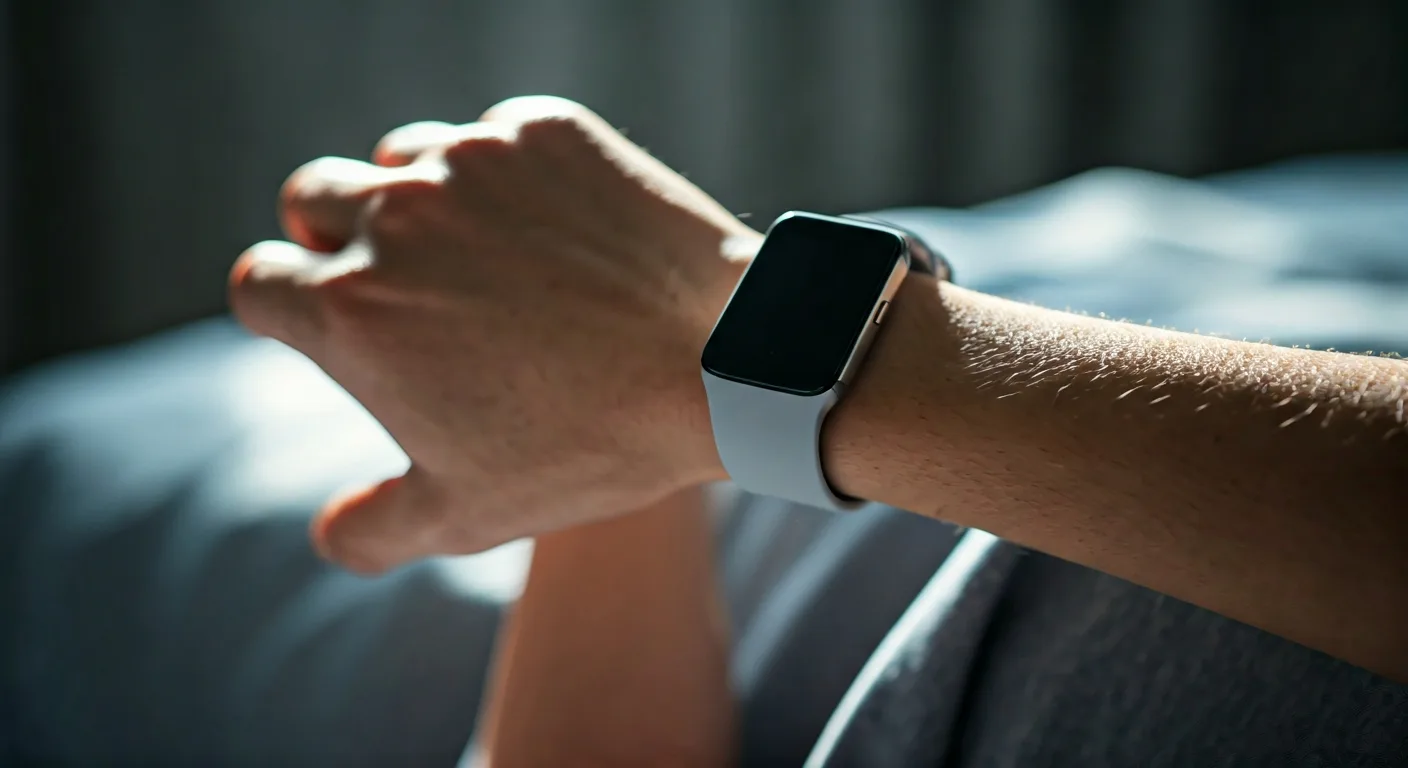
A common culprit for fitbit not recording sleep stages is incorrect wrist placement. Your wristband must sit two to three fingers above your wrist bone so the sensor stays completely flush against your skin.
Interestingly, Fitbit sleep tracking tattoos are a well-documented hardware limitation. Dark or dense ink can absorb the green LED light from the sensor, preventing it from reading your capillaries correctly.
Too Loose: The sensor loses contact when you move, interrupting the sleep tracking cycle.
Too Tight: Restricts blood flow in your arm, causing highly inaccurate pulse readings.
Fix 2: Change Sleep Sensitivity Settings in the App
If your device is missing brief restless periods, you should check your software configuration. Open the Google Health App or Fitbit app and navigate directly to your advanced sleep settings.
Here, you can adjust the Fitbit sleep sensitivity normal vs sensitive setting. Setting it to “Sensitive” captures more micro-awakenings, making it the ideal choice if you are an incredibly restless sleeper who tosses and turns.
Mohlo by vás zajímat: Can I Leave Cleanser on My Face? Why You Shouldn’t
Fix 3: Force Sync and Update the Fitbit App
Sometimes your smartwatch records your data perfectly, but stubborn Fitbit app sync issues prevent it from displaying on your dashboard. Simply pull down on the app screen to force a manual sync.
Always keep your device firmware and smartphone applications fully updated to patch out known software glitches that break sleep logging.
Mohlo by vás zajímat: Why Is Ice Cream Soothing? The Science Explained
Fix 4: Clean the Optical Heart Rate Sensors
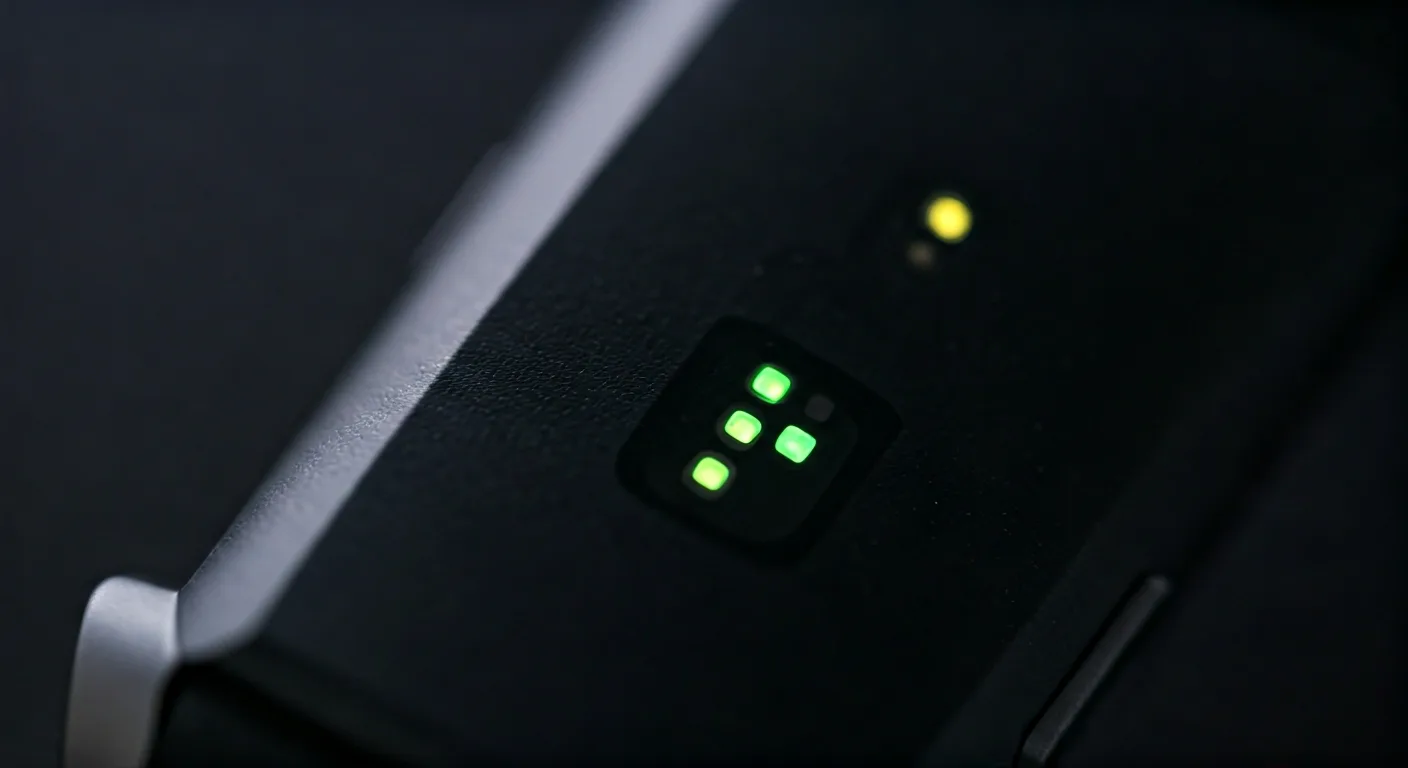
Over time, dead skin, sweat, and body lotion will rapidly build up on the back of your tracker. This residue acts as a physical barrier over the delicate green LED lights.
Use a premium microfiber cloth with a tiny drop of rubbing alcohol to gently clean the fitbit optical heart rate sensor. Wipe it dry completely before strapping it back onto your wrist.
Fix 5: Restart Your Fitbit Device Properly
When all physical fixes fail, a simple reboot often clears out temporary memory errors. You should restart fitbit tracker devices periodically by plugging them into the official charger and holding the main side button for roughly 10 seconds.
This soft reset will not delete any of your personal data. However, it will effectively kickstart the background sleep tracking processes.
Mohlo by vás zajímat: Why Is It Bad to Let Children Wear Makeup? Health Risks
Fix 6: Check Battery and Minimum Sleep Time Requirements
Your smartwatch will aggressively disable background features to save power if the Fitbit battery level sleep threshold drops critically low. Always ensure your device has a solid charge before heading to bed.
Additionally, the internal algorithm requires at least one hour of continuous rest to log a session. If your tracker misses your nap entirely, you can quickly learn how to track sleep on fitbit manually by adding the missing hours directly in the app.
Frequently Asked Questions
Why is my fitbit sleep score missing after I woke up?
Your fitbit sleep score missing usually occurs if the optical heart rate sensor loses contact with your skin during the night. The app requires at least three hours of continuous tracked sleep to calculate a comprehensive score.
Can I learn how to track sleep on fitbit manually?
Yes. Open the Fitbit app, tap the sleep tile, and select the plus icon. Here, you can manually log your sleep start and end times to fill in any gaps caused by device tracking failures.
Get our latest guides, news, and insights highlighted in your Google Search & AI Overviews.