
Have you ever wondered why your health app isn’t tracking your sleep? You’re not alone. Many users experience challenges with sleep tracking features, which can hinder their journey to better rest and overall wellness. Understanding how to properly enable these functions is crucial for maximizing the benefits of your health app. By syncing your device correctly and adjusting settings, you can gain valuable insights into your sleep patterns and make informed decisions about your health. As you delve deeper into this guide, you’ll discover practical steps to troubleshoot common issues and ensure your app becomes a reliable companion in your quest for restorative sleep. Let’s explore how to unlock the full potential of your health app for improved sleep quality.
The Importance of Enabling Sleep Tracking Features
Enabling sleep tracking features in your health app can significantly enhance your understanding of your sleep patterns, leading to better overall well-being. By monitoring your sleep, you can identify trends and factors affecting your rest, such as disturbances, the duration of different sleep stages, and the quality of your nightly peace. These insights can be instrumental in developing strategies to improve sleep hygiene, ultimately influencing your productivity and mood during waking hours.
Many modern health apps come equipped with sleep tracking functions that analyze your sleep cycles and provide personalized feedback. When enabled, these features continuously gather data on your sleep habits, including the time it takes to fall asleep, duration of sleep overall, wake times, and periods of restlessness. For instance, some apps can track metrics like heart rate and ambient noise, helping you to identify whether external disturbances, like snoring or light, impact your quality of slumber.
To ensure these features are working optimally, it is essential to pay attention to the setup process. Proper configuration is critical-this may include granting the app access to necessary permissions, syncing it with wearable devices, or inputting your typical sleep schedule. By starting with accurate data collection, you set the foundation for useful insights. As you reflect on your sleep records, consider maintaining a sleep journal to correlate your tracked data with lifestyle factors like diet, exercise, or stress levels, which can further assist in understanding your sleep health.
In summary, enabling sleep tracking can empower you to take control of your sleep health, offering a proactive approach to enhancing overall well-being. By understanding your sleep better, from how much time you spend in deep sleep to how often you wake at night, you can make informed adjustments that encourage healthier patterns over time.
Common Reasons Your Health App Fails to Track Sleep
Often, individuals rely on health apps to provide insights into various aspects of their wellness, including sleep. However, despite having the right intentions, these apps sometimes fail to deliver accurate sleep tracking. Understanding common pitfalls can help enhance your user experience and improve your sleep data collection.
One primary reason for inaccurate sleep tracking is improper setup. If the app lacks the necessary permissions, like access to motion sensors or microphone settings for sound analysis, it won’t be able to gather the data it needs effectively. For example, many sleep tracking apps require users to enable features such as motion tracking or sleep sound recording – something that is too easily overlooked. Ensuring these settings are correctly configured is essential for receiving accurate sleep insights.
Another factor might be the app’s reliance on specific hardware or wearable devices. Some apps perform best in conjunction with dedicated sleep trackers, smart mattresses, or wearables that monitor physiological signals like heart rate and movement. If your health app isn’t synced properly with these devices, it could lead to incomplete or inaccurate reports. This setup can be particularly sensitive – any disconnection or syncing error may skew results or render the app unusable for tracking sleep effectively.
Additionally, user behavior plays a significant role in data accuracy. For instance, if a person frequently changes their sleeping positions or is restless during the night, the app may misinterpret these movements as periods of wakefulness or shallow sleep. More so, an individual’s ambient environment matters too; excessive noise or fluctuating light levels can lead to inaccurate sleep quality assessments. Some apps might misinterpret ambient sounds as snoring or disturbances, falsely indicating poor sleep quality.
Lastly, differences in technology among sleep apps can also contribute to inconsistencies. While some apps use sophisticated algorithms to analyze sleep patterns, others may depend on basic metrics that fail to capture the nuances of your sleep cycles. This will affect the granularity and accuracy of the data reported, often leaving users frustrated and confused.
By understanding these factors, users can troubleshoot and optimize their sleep tracking experience, ensuring they receive the most accurate and meaningful insights into their sleep health.
How to Set Up Sleep Tracking on Your App
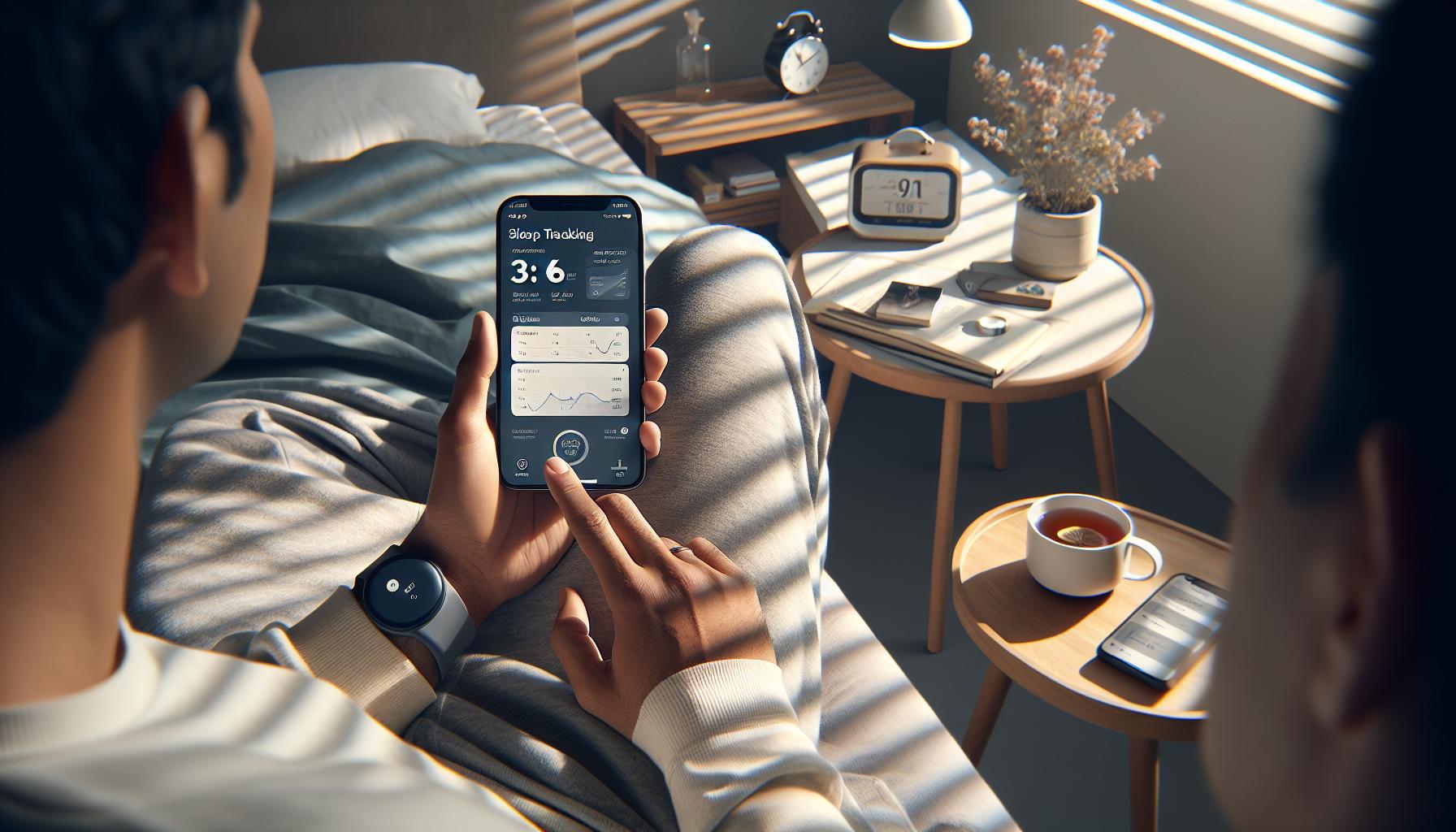
To get your sleep tracking app up and running accurately, it’s vital to follow a series of steps that ensure optimal functionality. Many users overlook crucial setup aspects, which can lead to incorrect measurements and frustrating experiences. Here’s how to set up your sleep tracking app effectively to avoid common pitfalls.
Enable Permissions
Before diving into features, ensure that your app has all the necessary permissions. Most sleep apps require access to your device’s sensors for tracking movement, sound, and other data. For example, enable the microphone for sound recording, allowing the app to capture snoring or sleep talking. Similarly, grant access to motion sensors so the app can monitor your movements accurately throughout the night. Check your device’s settings to adjust these permissions accordingly.
Calibrate Your Device
If your sleep tracking app integrates with wearable devices or smart mattresses, double-check connectivity. Ensure your app is synced correctly to receive comprehensive sleep data. For instance, some users benefit from pairing their app with a fitness tracker that monitors heart rate and body movements. This combination can yield more detailed insights than the app alone would provide. After confirming the connection, consider running a calibration check, if available, to optimize tracking.
Establish a Routine
A consistent sleep schedule can significantly enhance the accuracy of your app’s tracking capabilities. Try to go to bed and wake up at the same time daily. This stability helps the app learn your natural sleep patterns, improving its predictions and insights over time. Use any available features within the app that allow you to log your sleep preferences or quality manually, as this engagement can also refine data collection.
Avoid Interference
Ambient conditions can impact the quality of sleep tracked. To minimize inaccuracies, create a conducive sleep environment. Consider the following:
- Reduce noise by using earplugs or white noise machines.
- Control lighting with blackout curtains or eye masks.
- Keep your sleeping area clutter-free to aid relaxation.
By addressing these factors, you help ensure that your app’s interpretations of your sleep state are as accurate as possible.
By effectively setting up your sleep tracking app following these steps, you can gain meaningful insights into your sleep patterns, leading to improved rest and overall well-being.
Troubleshooting Sleep Tracking Issues in Your Health App
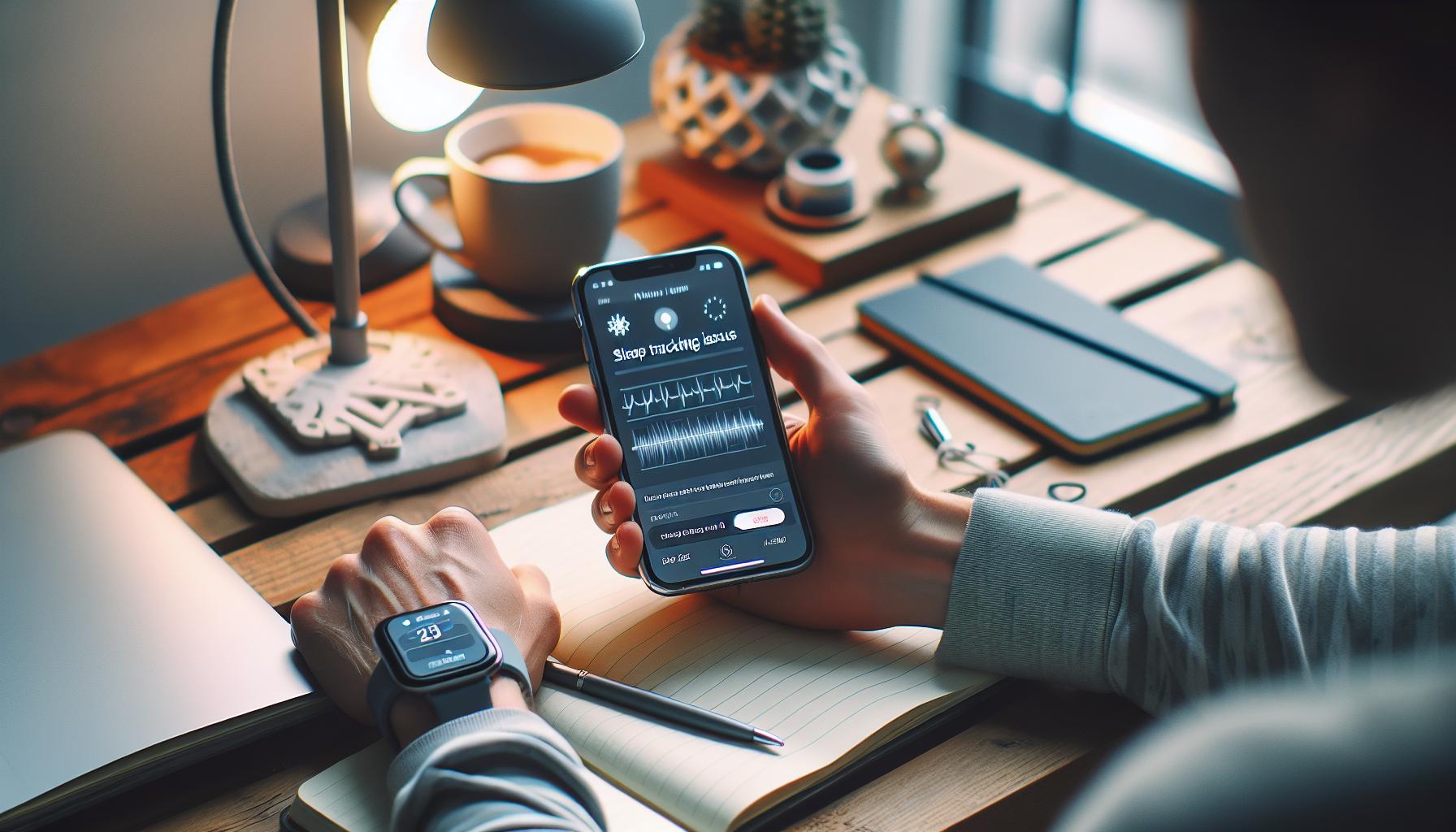
If you’re waking up and feeling tired despite using a sleep tracking app, you’re not alone. Many users encounter issues with their health apps not accurately tracking sleep, which can lead to confusion and frustration. It’s essential to troubleshoot these problems effectively to ensure you’re getting the insights you need for better sleep health.
One common reason for sleep tracking inaccuracies is a lack of proper permissions. Applications may require access to your device’s sensors, such as motion or sound inputs, to track your sleep patterns effectively. Make sure to enable microphone permissions, as this allows the app to record snoring and sleep talking, which can provide additional insights into your sleep quality. Additionally, check that your app can access motion sensors to accurately monitor your movements throughout the night.
Another crucial factor is the calibration of your device. If your sleep tracking app integrates with wearable technology, such as fitness trackers or smart mattresses, ensure they are correctly synced. This connection not only enhances the quality of data collected but allows for a more comprehensive overview of your sleep patterns. Running calibration checks, if available, can also optimize tracking performance.
Consider your sleep environment and habits as well. Even if the app is functioning correctly, external factors can significantly impact accuracy. For example, noise disturbances or uncomfortable sleep settings may lead the app to misinterpret your sleep state. To reduce such issues, create a tranquil sleeping atmosphere-consider using blackout curtains and white noise machines to minimize disruptions. Establishing a regular sleep routine can also help the app learn your unique sleep patterns, improving its tracking capabilities over time.
By implementing these troubleshooting steps, you can enhance the accuracy of your sleep tracking app, ultimately leading to better insights into your sleep health.
Understanding Sleep Stages: What Your App Measures
Understanding your sleep stages is key to unlocking better sleep health, and sleep tracking apps aim to provide valuable data on this topic. Sleep operates in cycles characterized by different stages: light sleep, deep sleep, and REM (Rapid Eye Movement) sleep. In a typical night, you may complete several cycles, each lasting approximately 90 minutes. Most health apps harness sensors and algorithms to analyze your movements, heart rate, and sometimes even ambient noise to determine which stage of sleep you’re in at various points throughout the night.
What Your App Measures
Sleep tracking apps typically focus on measuring the following key stages:
- Light Sleep: This initial stage is crucial for physical recovery and may contribute significantly to overall restfulness. During light sleep, it’s easier to wake up, making it a prime point for smart alarm functions.
- Deep Sleep: Often referred to as slow-wave sleep, this stage is vital for memory consolidation and physical health. A good amount of deep sleep is crucial for feeling rested and rejuvenated.
- REM Sleep: During REM, your brain is highly active, and this stage is crucial for mental and emotional health as it involves dreaming. Lack of REM sleep can lead to mood issues and impaired cognitive function.
Apps utilize various methods to assess these stages. For instance, devices that monitor heart rate variability can provide insights into your sleep cycle. Some apps, like Sleep as Android, can also capture sounds like snoring or sleep talking, potentially offering information about sleep disturbances that impact your sleep quality.
Interpreting Data and Limitations
However, it’s essential to approach the data from these apps with a discerning eye. While they provide trends and patterns, they may not always accurately represent your actual sleep stages. Factors like device positioning and calibration can significantly influence tracking accuracy. As some users experienced, an app might mistakenly classify awake periods as deep sleep if you’re lying still, making it imperative to use these measurements as guidelines rather than definitive diagnoses.
In summary, while sleep tracking apps can provide valuable insights into your sleep stages, the accuracy of these measurements can vary. Understanding how your app interprets these stages allows you to better evaluate your sleep patterns and improve your overall sleep health. As you gain familiarity with the data, you can leverage it to make informed choices about your sleep hygiene and routines.
Comparison of Popular Health Apps for Sleep Tracking
Some sleep tracking apps have gained popularity for their ability to help individuals understand their sleep patterns and improve sleep hygiene, but not all apps are created equal. Choosing the right health app can be a bit overwhelming, especially with so many options available. Each app has its unique features, costs, and strengths. Here’s an insightful comparison of popular health apps geared towards sleep tracking, which can help guide your choice.
Popular Health Apps for Sleep Tracking
| App Name | Key Features | Price | Best For |
|---|---|---|---|
| Sleep Cycle | Smart alarm, sleep quality analysis, integration with wearables | Free with in-app purchases | Users who prefer gentle wake-up options |
| Pillow | Detailed sleep stage tracking, audio recording, heart rate analysis | Free with premium features | iOS users wanting a comprehensive overview |
| Fitbit App | Sleep score, insights from wearables, lifestyle sync | Free; Fitbit device required | Current Fitbit users looking to enhance sleep analysis |
| Sleep as Android | Smart alarm, integration with smart home devices, snoring detection | Free trial; then paid subscription | Android users who value diverse features |
Having a smart alarm can make waking up a lot more pleasant. Apps like Sleep Cycle analyze your sleep cycles and wake you up during a light sleep phase, which can leave you feeling more refreshed. For those engaged in fitness, Fitbit’s app aggregates sleep data with other health metrics, providing a holistic view of health patterns. Meanwhile, Pillow offers in-depth analysis right from your iPhone and captures sounds like snoring, giving insight into sleep disturbances.
When comparing these apps, consider what specific features resonate with your needs. For example, if you want detailed insights and don’t mind investing in a premium version, Pillow might be your best bet. Alternatively, if you’re looking for something straightforward and free, Sleep Cycle’s basic functions can offer valuable sleep data without any cost. Engaging in a little research will go a long way toward finding the best app that fits your sleep tracking needs and overall health goals.
Ultimately, understanding these comparisons empowers you to make smart choices about your sleep health and utilize technology effectively to improve your nightly rest.
The Role of Wearable Devices in Sleep Tracking
Wearable devices have transformed the landscape of sleep tracking, offering detailed insights into how well we rest each night. With features like heart rate tracking, motion analysis, and sleep stage identification, wearables provide a more nuanced understanding of our sleep patterns than smartphone apps alone. For instance, devices such as the Fitbit or Apple Watch are equipped to monitor real-time data that can help you recognize trends in your sleep quality, making it easier to identify what factors influence your rest.
When using a wearable device for sleep tracking, setting it up properly is crucial for getting accurate results. Most wearables need to be worn snugly around the wrist overnight for optimal data collection. Once activated, these devices typically sync with their corresponding apps, allowing you to access metrics such as time spent in deep and REM sleep. The integration of this sleep data with overall health metrics, such as physical activity and heart rate, offers a holistic view of your well-being. By monitoring these data points together, you can gain a clearer picture of how lifestyle choices impact your quality of sleep.
However, while wearables provide valuable information, it’s essential to remember their limitations. They may not capture every nuance of sleep disturbance or accurately diagnose sleep disorders. For more comprehensive assessments, including sleep apnea or periodic limb movement disorder, professional sleep studies conducted in a clinical setting are recommended. Devices can serve as a valuable preliminary step, guiding you to seek further evaluation if your tracking reveals persistent sleep issues.
In conclusion, wearables can significantly enhance your sleep tracking experience by delivering insights and facilitating data integration with other health metrics. Whether you’re just looking to improve your sleep hygiene or investigating potential sleep disorders, carefully choosing and properly utilizing a wearable device can empower you to make informed decisions about your health.
Integrating Sleep Data with Other Health Metrics
By , you can discover how your nightly rest influences not just your sleep quality but also your overall health and well-being. For example, wearables like the Apple Watch and Fitbit track a variety of health indicators-such as heart rate, physical activity, and even stress levels-which can provide insights into how these factors correlate with your sleep patterns. If you’re tracking your workouts, stress events, or daily activities alongside your sleep data, you may notice patterns that help you adjust your lifestyle for better sleep quality.
Consider the potential insights you might gain by monitoring your sleep alongside your daily activity. If you find that on days you exercise more, your sleep is deeper and more restful, this information can motivate you to maintain an active lifestyle. Conversely, stress levels-often measured by heart rate variability-can also impact sleep. For someone observing a decline in sleep quality during particularly stressful times, this connection may prompt them to explore techniques for stress management.
To maximize the benefits of this integrated approach, ensure that your devices are synced properly and that you regularly review and analyze the combined data. Look for trends over a few weeks, rather than just day-to-day variations, to identify meaningful patterns. Many health apps offer visual representations of data that can help you see correlations more clearly, making it easier to spot what might be disrupting your sleep.
However, it’s important to recognize that while integrating multiple health metrics can provide valuable insights, these devices do have limitations. They may not capture every nuance of your health or sleep disturbances, so if persistent issues arise, you may need to consult with a healthcare professional for a deeper evaluation. This blend of consumer technology and health awareness empowers you to make more informed decisions about your well-being, ultimately leading to improved sleep and a better quality of life.
When to Seek Professional Help for Sleep Issues
Difficulties with sleep can remarkably impact your daily life, affecting your mood, energy levels, and overall health. If you find yourself consistently struggling to get quality rest despite using sleep tracking apps, it may be time to consider seeking professional help. While these apps can provide insights into your sleeping patterns, they cannot diagnose underlying issues or replace expert advice.
Recognizing when to consult a healthcare provider is crucial. Here are a few signs that indicate professional help may be necessary:
- Persistent Sleep Problems: If you regularly struggle to fall asleep, stay asleep, or wake up too early, despite trying various sleep hygiene practices and tracking your sleep patterns, it’s time to consult a professional.
- Daytime Impairment: Frequent daytime sleepiness or trouble concentrating can be indicators of a more serious sleep disorder. When your daily functioning is affected, professional intervention is warranted.
- Behavioral Issues: Symptoms such as loud snoring, gasping for air during sleep, or excessive movement can signify conditions like sleep apnea, which require medical attention.
- Emotional Distress: If sleep disturbances are leading to anxiety, depression, or other emotional issues, therapy or counseling may help in managing both sleep and mental health.
Consulting with a sleep specialist can help identify issues through methods such as polysomnography, a type of sleep study that provides a comprehensive analysis of your sleep cycles, stages, and potential disorders. These studies are usually non-invasive and can help identify sleep apnea, restless leg syndrome, or other conditions that home sleep trackers might miss.
Investing in professional insights often leads to tailored treatment plans that might include cognitive-behavioral therapy for insomnia (CBT-I), lifestyle changes, or, in certain cases, medication. Always remember that while sleep apps can be useful tools for monitoring your sleep, they should supplement, not replace, professional medical advice when it comes to serious sleep concerns.
Best Practices for Improved Sleep Tracking Accuracy
Improving the accuracy of your sleep tracking can significantly enhance your understanding of your sleep patterns, leading to better rest and overall well-being. One of the most effective methods to boost the reliability of your health app’s sleep tracking capabilities is through consistent usage and periodic calibration of both the app and any connected wearable devices.
Consistent Sleep Schedule
Strive to maintain a regular sleep routine by going to bed and waking up at the same time every day. This consistency helps your app better identify your actual sleep patterns. When your sleep schedule fluctuates, it can confuse the app, leading to inaccurate readings regarding your sleep duration and quality.
Wearable Device Integration
If your health app supports wearable devices, ensure that they are properly synced and worn correctly throughout the night. Devices like smartwatches or dedicated sleep trackers often provide more detailed metrics, such as heart rate and movement patterns. Remember to check battery levels to avoid interruptions during the night.
Enable Relevant Features
Make sure all features related to sleep tracking are enabled within the app. This can include options for detecting light and deep sleep stages or adjusting sensitivity settings. Familiarizing yourself with the app’s features will allow you to tailor the experience specifically to your needs.
Optimize Sleep Environment
Consider factors like noise, light, and temperature in your sleeping environment. Apps can struggle to provide accurate insights if these conditions are not ideal. For example, using blackout curtains or a white noise machine can help eliminate disturbances that disrupt sleep.
Review and Adjust
Regularly review your sleep data to identify patterns but remember that it may take time for the app to learn your sleep habits. If you notice persistent inaccuracies, consider adjusting settings, updating the app, or consulting the manufacturer’s support guidelines to troubleshoot any issues.
By implementing these best practices, you can optimize the accuracy of your sleep tracking efforts, allowing you to gain both reliable insights and actionable data that can inform your approach to healthier sleep habits.
Understanding the Limitations of Sleep Tracking Technology
While sleep tracking technology continues to evolve, it’s essential to understand its inherent limitations. Many users assume that their health apps can provide absolute accuracy in monitoring sleep patterns, but the reality is more nuanced. These apps often rely on algorithms that may not account for individual variations in sleep behavior, leading to potentially misleading data.
One significant limitation is that most sleep tracking apps, especially those using smartphone sensors, primarily monitor movement and sound rather than direct brain activity. This means they often misinterpret periods of inactivity as sleep, especially if a user is lying quietly but awake. For example, if you wake up and stay still for a time before getting out of bed, the app might think you are in a deep sleep state, resulting in inflated sleep duration metrics. This misunderstanding can hinder the app’s ability to provide actionable insights about improving sleep quality.
Moreover, many apps lack validation by clinical standards. Unlike professional sleep studies that use polysomnography to track detailed brain waves and bodily functions, health apps typically don’t engage in rigorous accuracy testing. This presents a risk for users prone to anxiety or misinformation about their health. For instance, if an app inaccurately reports sleep disturbances, it might lead to unnecessary worry or the pursuit of solutions that address non-existent issues.
To navigate these limitations effectively, users should approach sleep tracking as a guide rather than an absolute measure. It’s beneficial to combine app data with self-reflection and other health indicators. Users should focus on patterns over specific numbers; what truly matters is the overall trend in sleep quality and how it aligns with your feelings of restfulness during the day. Regularly reviewing this data can help users make informed decisions about their sleep health while also tempering expectations regarding the technology’s capabilities. By understanding and acknowledging these limitations, users can utilize sleep tracking technology to its fullest potential while seeking the right professional help when deeper issues arise.
User Experiences: Success Stories with Sleep Apps
Many users have found success by integrating sleep tracking apps into their nightly routines, leading to more restful nights and improved overall health. These applications not only help record sleep duration but also provide valuable insights into sleep stages and disturbances. For instance, one user reported that using a popular app transformed her sleep habits by illuminating patterns she was previously unaware of-like how late-night screen time impacted her sleep quality.
Feedback from users often highlights how sleep apps can foster accountability. When users receive notifications about their sleep trends, they’re reminded of their health goals. A male user shared how after a month of tracking his sleep, he realized he was averaging only five hours a night. This startling revelation encouraged him to prioritize his sleep by implementing a winding-down routine that included reading and avoiding screens before bed. He soon felt more energetic during the day and noticed improved focus at work.
Moreover, the integration of ambient noise features in these apps has been a game changer for many. For example, another user who struggled with environmental noises found that playing gentle rain sounds through his sleep app helped drown out distractions, creating a soothing bedtime environment. This simple change not only improved his sleep duration but also enhanced his overall mood.
While anecdotal success stories abound, it’s crucial to approach these experiences with a balanced perspective. Many users recommend combining app data with personal insights for the best results. This means reflecting on how you feel upon waking and correlating that with the app’s metrics. By doing this, individuals can negotiate realistic expectations and truly appreciate the value sleep tracking can bring to their wellness journey. Remembering to maintain healthy sleep habits and seeking professional guidance when necessary will always prime the path to better sleep.
FAQ
Q: Why isn’t my health app tracking my sleep properly?
A: If your health app isn’t tracking sleep accurately, first ensure that sleep tracking features are enabled in the settings. Check if your device is worn correctly and that it’s charged. Additionally, verify that the app is updated to the latest version to avoid bugs. For more troubleshooting tips, refer to our “Troubleshooting Sleep Tracking Issues in Your Health App” section.
Q: How do I enable sleep tracking on my health app?
A: To enable sleep tracking, open the app and navigate to the settings or preferences menu. Look for sleep tracking options and toggle them on. If you’re using a wearable device, ensure it’s paired correctly with the app. Detailed steps can be found in “How to Set Up Sleep Tracking on Your App” in our main article.
Q: What should I do if my app tracks sleep but the data seems inconsistent?
A: If your app tracks sleep inconsistently, first review your sleep environment-noise levels and bedroom comfort can affect accuracy. Ensure that your app and device firmware are updated. Consider recalibrating your wearable, if applicable. For more insights, check out our “Understanding Sleep Stages” section.
Q: Is my wearable device affecting my app’s sleep tracking accuracy?
A: Yes, the accuracy of your sleep tracking can be influenced by the type of wearable device. Devices equipped with advanced sensors typically provide more accurate data. Refer to our section on “The Role of Wearable Devices in Sleep Tracking” for comparisons of various options to enhance your experience.
Q: What could be blocking my health app from tracking sleep?
A: Factors such as low battery, app permissions, or issues with the device connection can block sleep tracking. Additionally, wearing the device improperly can hinder its ability to record sleep accurately. For detailed troubleshooting, consult the “Common Reasons Your Health App Fails to Track Sleep” section of our guide.
Q: How can I improve the accuracy of my sleep tracking?
A: To improve sleep tracking accuracy, keep your app updated and wear your device as recommended. Establish a consistent sleep schedule, and ensure your sleep environment is conducive to rest. Review our “Best Practices for Improved Sleep Tracking Accuracy” for more specific strategies.
Q: Can environmental factors affect my app’s sleep tracking capabilities?
A: Yes, environmental factors like light, noise levels, and temperature can significantly affect sleep quality, leading to inaccurate tracking. Maintain a dark, quiet, and cool environment for optimal sleep conditions. For further tips, see our discussion on “Understanding the Limitations of Sleep Tracking Technology.”
Q: When should I seek professional help for sleep issues related to app tracking?
A: If your app indicates poor sleep quality or you frequently feel fatigued during the day, it may be time to seek professional help. Persistent sleep issues could indicate underlying sleep disorders. Our section on “When to Seek Professional Help for Sleep Issues” can guide you on next steps.
The Conclusion
If your health app isn’t tracking your sleep, activating the necessary settings now can make a significant difference in understanding your sleep patterns and improving your overall well-being. Don’t let another night slip by without gaining insights that could elevate your health journey. Take action today-check our comprehensive guide on setting up your sleep tracker and explore ways to optimize your app experience.
Unsure about what to do next? You might find it helpful to look into our article on common sleep disorders or browse through equipment comparisons with wearables that pair perfectly with your app. Embrace the tools that can lead to better sleep health-invest in knowledge and technology that supports your journey.
We value your insights! Share your comments or questions below, and let us know how you’re tackling your sleep tracking challenges. Remember, every step you take towards a healthier lifestyle is a step worth celebrating. For more tips and updates, don’t forget to subscribe to our newsletter for the latest in sleep health innovations!
Get our latest guides, news, and insights highlighted in your Google Search & AI Overviews.