
Many people rely on their watches and fitness trackers to monitor their sleep patterns, seeking insights to improve their rest. However, it can be frustrating when your device doesn’t accurately track your sleep. Understanding the common causes of sleep tracking failures is crucial, as it empowers you to troubleshoot effectively. Factors like device settings, positioning, and even your sleep environment can significantly impact the accuracy of sleep data. In this guide, we’ll explore these issues and help you get back on track-transforming your watch into a reliable sleep companion. Let’s delve into why your watch might be missing those valuable sleep moments and how you can optimize its performance for better rest.
Common Reasons Your Watch Fails to Track Sleep
Tracking sleep with a smartwatch can provide valuable insights into your sleep patterns, but there are several common reasons why your device might fail to accurately record your slumber. Understanding these issues can help you enhance the accuracy of your sleep data and get the most out of your wearable technology.
One of the primary factors affecting sleep tracking performance is the fit of the watch on your wrist. If the device is too loose, it may not make proper contact with your skin, leading to inaccurate readings. Conversely, wearing it too tightly can cause discomfort and may impact your sleep quality, further skewing the data. Aim for a snug fit that feels comfortable, allowing the sensors to collect data effectively throughout the night.
Another critical aspect is battery life. Smartwatches need to maintain sufficient power levels to function properly. If your device is low on battery, it may fail to track your sleep data accurately or stop tracking altogether. Regularly charging your watch ensures it’s ready to monitor your sleep when you are. Additionally, disturbances during the night, such as frequent movements or irregular sleep patterns, can confuse the sensors and result in inaccurate readings. Finding a consistent sleep schedule and minimizing movement can improve tracking accuracy.
Environmental factors in your sleep space also play a significant role. Noise, light, and temperature can disrupt your sleep cycle, which in turn affects how well your watch can track sleep stages. Creating a calming and dark sleep environment can enhance both your sleep quality and the performance of your wearable device.
Lastly, always check if your watch is in sleep mode when you go to bed. If this feature is not activated, your device may not track your sleep at all. Similarly, keep your firmware up to date; software updates often include bug fixes and enhancements that can improve the device’s tracking capabilities. By addressing these common issues, you can optimize your smartwatch’s ability to provide accurate and useful sleep data.
Understanding Sleep Tracking Technology
Sleep tracking technology has evolved significantly, transforming how we understand our sleep patterns and overall health. Smartwatches and fitness trackers utilize various sensors to monitor sleep stages, detect movements, and analyze heart rates. However, it’s essential to recognize the limitations and capabilities of these devices in order to maximize their effectiveness in tracking your sleep.
The core of sleep tracking technology relies on several types of sensors, notably accelerometers and heart rate monitors. Accelerometers detect movement, allowing the device to determine when you are asleep versus awake based on your activity levels. For instance, consistent motion during the night may signal restlessness or disruptions, while a lack of movement could suggest deep sleep. Meanwhile, heart rate monitors measure your heart’s rhythms, often signaling changes between restful sleep and lighter stages. A sophisticated algorithm combines this data to estimate the duration and quality of different sleep stages like REM, deep, and light sleep.
Even though these devices can provide valuable insights, they are not as accurate as clinical methods such as polysomnography, the gold standard for sleep studies, which monitors brain waves, oxygen levels, and even eye movements. The data from wearables should be viewed as general trends rather than precise measurements. It’s also important to understand that external factors, like stress levels and lifestyle choices, can affect the accuracy of readings. For example, high caffeine consumption before bed or a noisy sleep environment might lead to unreliable tracking results.
To enhance the effectiveness of sleep tracking technology, users should ensure that their devices are set up correctly. This includes wearing the device properly-neither too loose nor too tight-and regularly updating it to benefit from the latest software improvements. Additionally, configuring specific features such as sleep mode can significantly impact performance. By becoming familiar with how these technologies work and what influences their accuracy, users can make more informed decisions about their sleep health and the data provided by their smartwatches.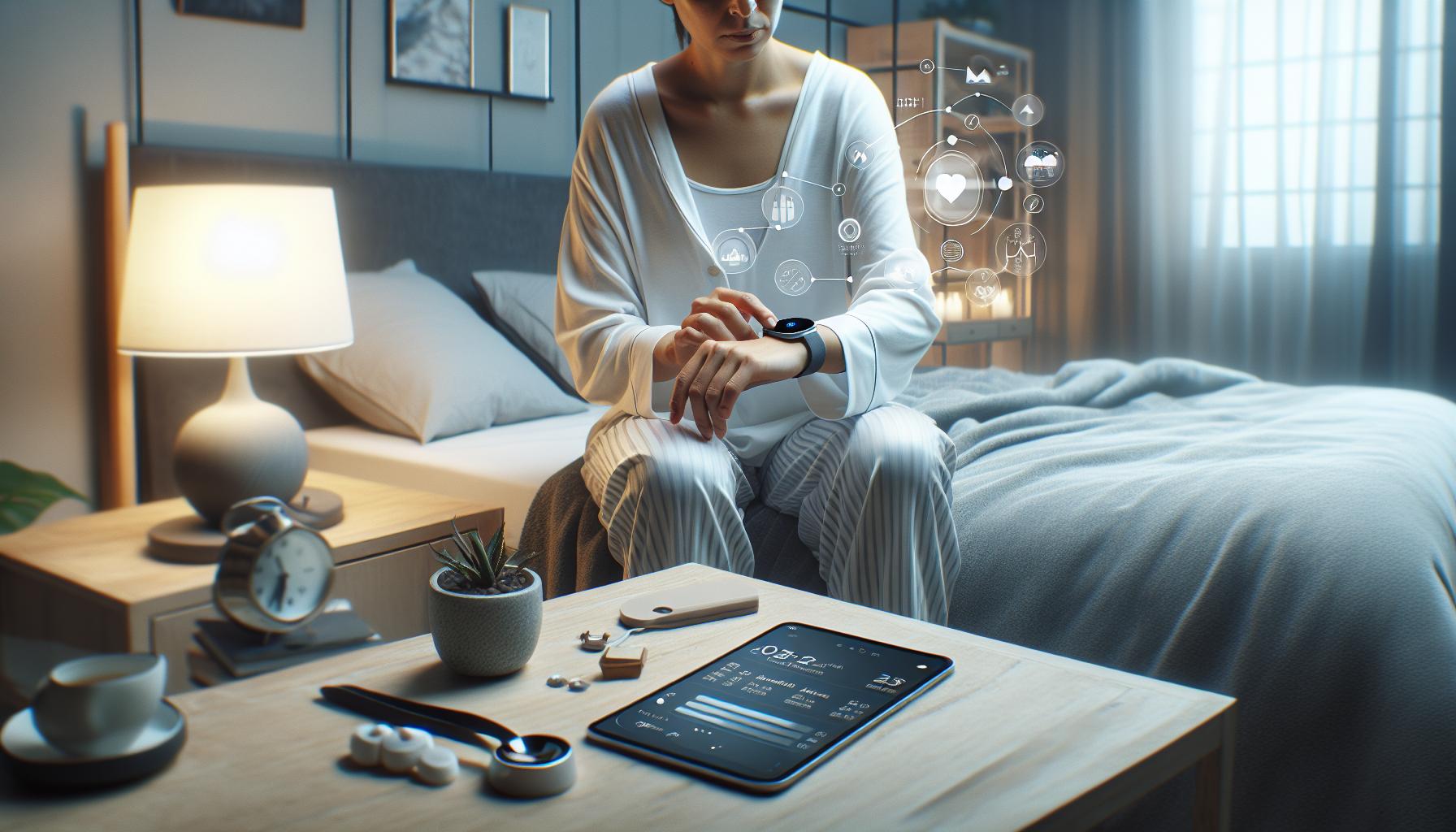
How Proper Wear Affects Sleep Data Accuracy
Understanding the intricacies of sleep data accuracy begins with how you wear your smartwatch or fitness tracker. An improperly worn device can lead to misleading or outright erroneous tracking results. It’s indeed crucial to ensure that your device fits correctly-neither too loose nor too tight-as this affects the sensors’ ability to gather accurate data on your movements and heart rate throughout the night.
To enhance accuracy, aim for a snug fit on your wrist; this position allows the heart rate monitor to function optimally without excess movement that might impact the readings. Consider the following tips:
- Loosen or Tighten as Needed: Your wrist may naturally expand when you sleep, so adjust the band to ensure a comfortable yet secure fit.
- Avoid Slipping: Some devices slide down the wrist during sleep. If yours does, it might not accurately detect sleep stages or body movements.
- Position Matters: For best performance, wear the device just above the wrist bone where it can get the best readings of your pulse and motion.
The time of day you wear your device can also influence its data collection. Tracking sleep with a device worn during the day can lead to strain or uncertainty in readings, resulting in inaccurate results, especially if you experience a lot of wrist movement. Many smartwatches provide specific settings or instructions for sleep tracking, emphasizing the need to wear them while in a stationary position during rest.
Moreover, it’s important to maintain the cleanliness of the sensors. A dirty or obstructed sensor can lead to amplified errors in reading heart rates and other data. Regular cleaning of the watch’s underside with a damp cloth can help ensure optimal sensor functionality.
Ultimately, taking the time to properly wear your device and keep it clean can significantly enhance its ability to track sleep accurately, allowing you to make better-informed decisions about your sleep health based on the data collected.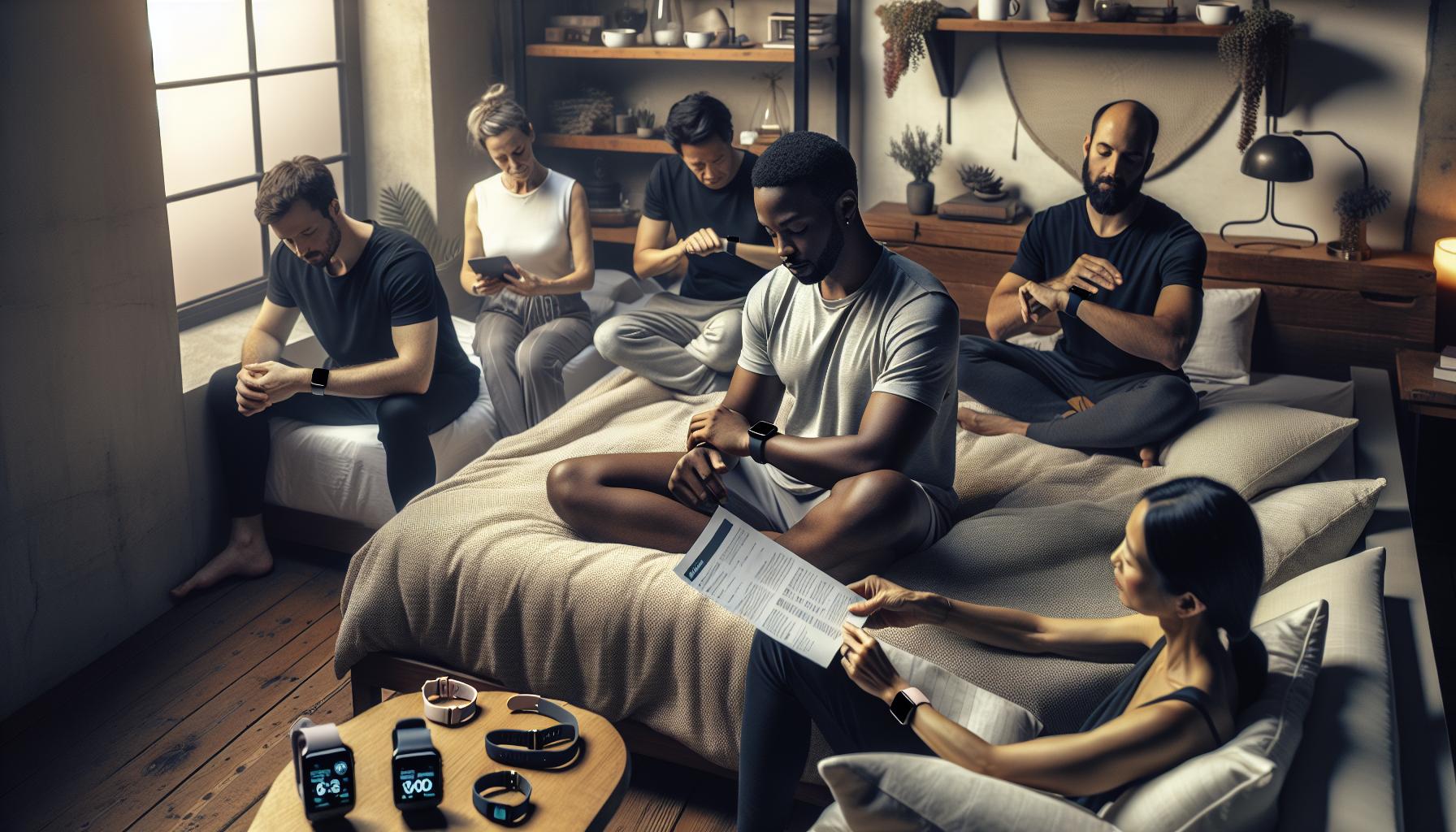
Powering Up: Ensuring Your Device is Charged
To effectively track your sleep, ensuring your smartwatch or fitness tracker is charged is crucial. A device at risk of running low on battery can fail to monitor your nighttime patterns accurately, leading to missed data and frustrating inaccuracies. Think of your smartwatch as a partner in your sleep health journey; if it’s not powered up, it can’t perform its role effectively.
It’s essential to establish a routine that includes charging your device regularly. Aim for fully charging it during the day, perhaps while you’re at work or engaged in other activities. This practice guarantees that it’s ready to go when it’s time for bed. Moreover, you might consider investing in models that provide longer battery life or quick charging capabilities, allowing for more flexibility in your routine.
Consistency in charging can also minimize anxiety over unexpected low battery alerts. For example, setting a reminder or establishing a specific charging spot can help you develop this helpful habit. If you’re prone to forgetting, visual cues can serve as daily nudges to top off your device and ensure it’s fully operational for your nightly sleep analysis.
Finally, be mindful of power-saving modes, which some devices may enter when the battery is low. These modes can limit tracking features or reduce the frequency of data collection, further skewing your sleep data. Checking your device’s battery settings regularly can help you stay informed about its status and maintain optimal performance for accurate sleep tracking.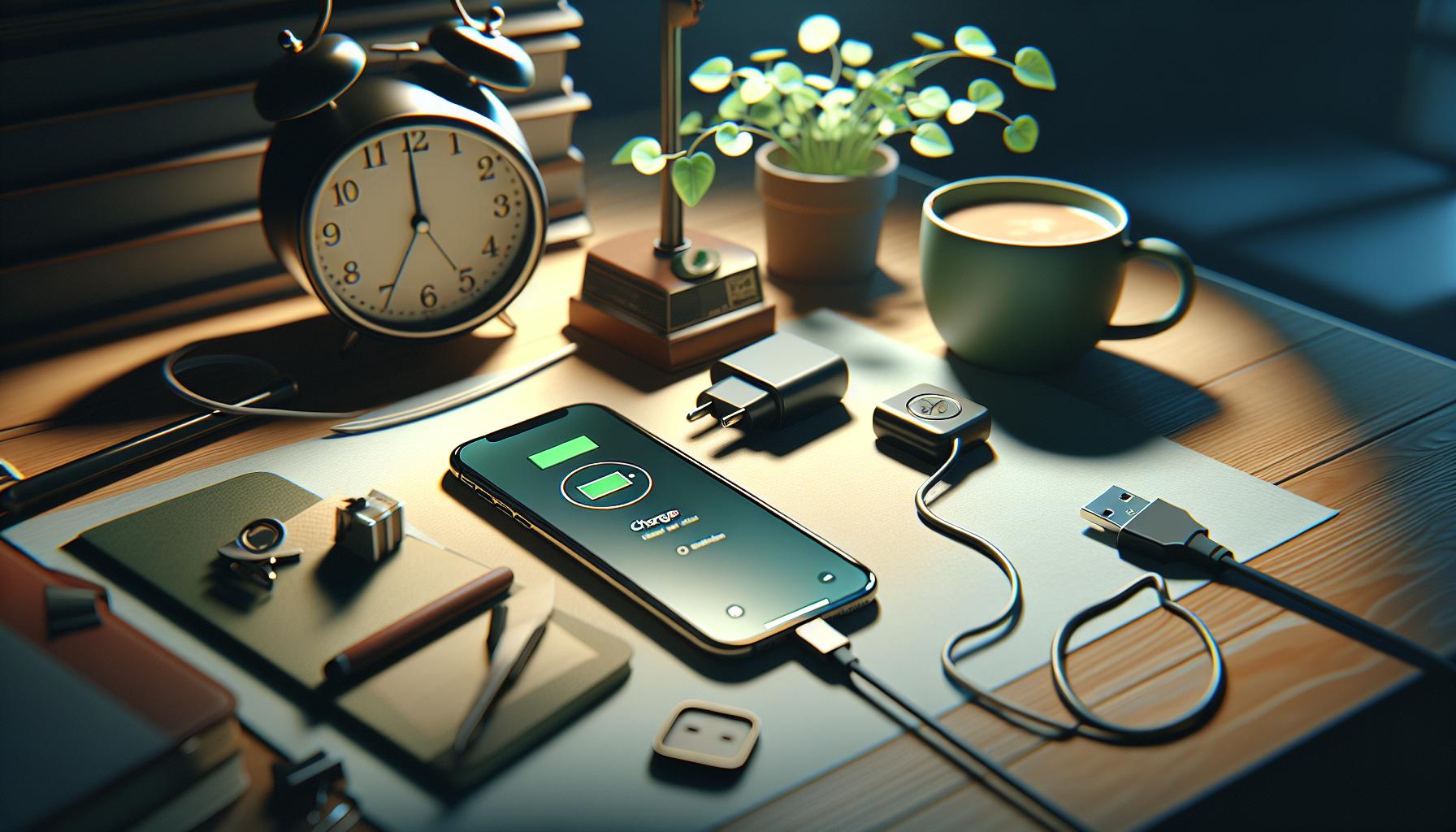
Wrist Position and Its Impact on Tracking
To achieve reliable sleep tracking with your smartwatch, the way you wear it can significantly impact its performance. Simply adjusting the position of your watch on your wrist may lead to more accurate sleep data. For instance, ensuring that the watch is snugly fitted on your wrist-not too tight or loose-allows the sensors to maintain optimal contact with your skin. If the watch is too loose, it may slide around during the night, which can cause interruptions in monitoring heart rate and movement, both of which are crucial for assessing your sleep stages accurately.
Additionally, the watch’s position is important regarding its sensors. Many smartwatches feature accelerometers and heart rate monitors that take readings throughout the night. If the watch is positioned too far down your wrist or angled oddly, it might have difficulty picking up accurate data. Ideally, the watch should rest just above your wrist bone to optimize sensor functionality. If you’re tossing and turning during the night, even minor deviations in wrist position can lead to inconsistent readings.
It’s also helpful to consider your dominant hand. If you’re right-handed, wearing the watch on your left wrist (and vice versa for left-handed users) may provide better stability during sleep. This positioning can potentially reduce the impact of movement as you sleep, leading to more accurate tracking results.
Lastly, take note of any interference that might arise from clothing and bedding. A watch tightly wrapped under blankets or heavy clothing can affect sensor performance. To ensure the highest quality data, aim for a clean surface of skin, ensuring that the device remains unobstructed. Taking these simple steps in adjusting your watch’s wrist position can dramatically enhance its ability to track your sleep effectively, giving you clearer insights into your nightly patterns.
Interference: What Affects Sensor Functionality?
If your smartwatch is struggling to track your sleep effectively, one of the primary culprits could be interference with its sensor functionality. Smartwatches rely on a variety of sensors, such as accelerometers and optical heart rate monitors, to gather data during sleep. When these sensors are obstructed or not functioning properly, the accuracy of the sleep tracking can be significantly compromised.
- Physical Obstructions: Clothing and bedding can sometimes interfere with a watch’s sensors. For instance, if your watch is trapped beneath heavy blankets or your pajamas, it may not get accurate readings, leading to a false sense of your sleep patterns. To maximize sensor effectiveness, ensure that your watch is in direct contact with your skin and not covered by bulky fabrics.
- Movement and Positioning: The way you move in your sleep can also affect sensor performance. A watch that slides around on your wrist or is tilted at an awkward angle can struggle to collect the necessary data. Try adjusting the watch so that it fits snugly just above your wrist bone, allowing the sensors to maintain optimal contact with your skin.
- Environmental Factors: The setup of your sleep space can play a role in your device’s functionality. Excessive humidity, temperature variations, or even electromagnetic fields from nearby devices can interfere with sensor performance. Ensure that your sleep environment is conducive to both your comfort and the proper operation of your watch.
Sometimes software glitches can contribute to tracking issues. Keeping your device updated is essential; manufacturers often release updates that improve sensor calibration and overall performance. If you suspect that interference is the issue, consider briefly testing your watch in different settings and positions to pinpoint the source of the problem. By being mindful of these factors, you can enhance the tracking capabilities of your smartwatch and gain better insights into your sleep.
Updating Firmware: Why It Matters for Sleep Tracking
Keeping your smartwatch’s firmware updated is not just a technical task; it’s crucial for accurate sleep tracking. Manufacturers frequently release updates aimed at enhancing the performance of devices, which can significantly affect how well your watch tracks your sleep. Imagine relying on a device to provide insights into your health, only for its algorithms and sensors to be outdated-this can lead to inconsistent or incorrect sleep data.
Regular firmware updates can fix bugs that interfere with the accuracy of sensors. For instance, if your device struggles to detect heart rate variability, it may misinterpret sleep stages. New updates often come with improved algorithms that refine how data is processed and displayed, making your sleep insights more reliable. Failing to update your firmware could leave you with outdated features or even security vulnerabilities, compromising the integrity of your data.
To ensure your smartwatch is functioning at its best, here are some practical tips for updating your firmware:
- Check for Updates Regularly: Make it a habit to check for firmware updates monthly. Many wearables have an app that notifies you when an update is available.
- Follow the Instructions: Updates sometimes require specific steps to install-ensure you read the instructions provided before proceeding.
- Stable Connection: Update your device when connected to a stable Wi-Fi network and ensure the battery is sufficiently charged to avoid interruptions.
By keeping your device updated, you not only enhance its performance but also gain confidence in the data it provides, allowing you to make informed decisions about your sleep health. In this fast-evolving world of tech, staying current is key to maximizing the benefits of your wearable technology.
Environmental Factors: The Role of Your Sleep Space
Creating an optimal sleep environment can be just as critical as the technology you use to track your sleep. Your sleep space plays a pivotal role in determining whether or not your smartwatch is accurately capturing your rest. Factors such as light, noise, and even temperature can influence your ability to fall asleep and the quality of your sleep stages, all of which can impact how effectively your device records your sleep patterns.
One of the most significant elements is ambient light. Exposure to bright lights or screens can confuse your body’s circadian rhythm, affecting how quickly you fall asleep. To create an effective tracking environment, consider using blackout curtains, or ensure that electronic devices are turned off or covered. Moreover, the temperature in your room should ideally be between 60 to 67 degrees Fahrenheit, as cooler temperatures help signal to your body that it’s time to sleep, promoting deeper rest.
Noise levels also pose a challenge. Even subtle sounds can disrupt sleep stages, making it difficult for your watch to read data accurately. If you live in a noisy area, white noise machines, fans, or earplugs can help create a sound barrier, allowing for unobstructed sleep. It’s also a good practice to place your device away from sources of electromagnetic interference, such as routers or other wireless devices, which can also contribute to inaccurate readings.
Lastly, consider the comfort and setup of your sleeping arrangement. A supportive mattress and pillows contribute significantly to sleep quality, which directly correlates with accurate sleep tracking. If you continually adapt your sleep environment, you may find your smartwatch begins to perform better in tracking your sleep stages. Taking these environmental factors into account can lead to improved sleep quality and more reliable data from your wearable technology, empowering you to make informed choices about your health.
Are You in Sleep Mode? Activating Tracking Features
The effectiveness of your wearable device in tracking sleep often hinges on whether you have activated its sleep mode. Many smartwatches and fitness trackers come equipped with a sleep tracking feature, but it isn’t always switched on by default. This can lead to frustrating nights where your device fails to record vital data about your sleep patterns. To ensure accurate tracking, it’s essential to familiarize yourself with how to activate these features properly.
Firstly, check your device’s settings. Most wearables provide options for manually entering or automatically detecting your sleep mode. For automatic detection, ensure that your device is appropriately configured to sense when you are going to bed. Some models utilize a combination of motion sensors and heart rate monitoring to determine your sleep state, so it’s essential that the watch fits snugly on your wrist. If you prefer manual entry, simply navigate to the sleep tracking option in your app or on the device itself before you go to sleep. This proactive approach can significantly enhance the accuracy of the data collected.
Many newer devices also allow you to set a sleep schedule, which can automate the process. By defining your typical bedtime and wake-up time, the device can alert you to prepare for sleep and automatically activate tracking during those hours. It’s a simple yet effective way to ensure you don’t forget to turn on tracking, especially if you have a busy lifestyle. Moreover, check for any smartwatch-specific features like “do not disturb” modes, which can help regulate your environment as you wind down for the night.
In the case that you find your device still isn’t tracking sleep despite these settings being correctly applied, resetting the device can be a practical troubleshooting step. A reset often clears temporary bugs and glitches, allowing the device to operate smoothly once again. Finally, keeping your device updated with the latest firmware can enhance its functionality and performance, ensuring that you enjoy all the latest features intended for sleep tracking.
Ultimately, taking these steps can help you achieve more precise sleep data, allowing for better insights into your sleep patterns, which is crucial for improving overall health and well-being.
Resetting Your Device: A Simple Troubleshooting Step
If your watch isn’t tracking your sleep, trying a simple reset might just do the trick. Resetting your device can clear out any temporary glitches or bugs that may be interfering with its functionality. Many users overlook this straightforward troubleshooting step, but it can often remedy issues quickly and effectively. Think of it as giving your device a fresh start, just like you do for your computer or smartphone when it starts acting up.
To reset your device, the process can vary depending on the brand and model. Generally, you can navigate to the settings menu, where you should find an option for resetting or rebooting the device. Be sure to consult your device manual or online support resources to follow the specific steps for your model. For instance, some devices may require you to hold down a couple of buttons while others might need a series of taps on the screen. Once you’ve completed the reset, allow your device a moment to reboot, and then check if the sleep tracking features are now functioning correctly.
In addition to a reset, regularly updating your device can enhance its performance. Manufacturers frequently release software updates that help fix bugs, including those that affect sleep tracking accuracy. Keeping your firmware up to date is essential, as newer versions often improve compatibility with apps and enhance existing features. If resetting the device doesn’t resolve your issue, ensure you’re also checking for the latest updates.
Lastly, if problems persist even after a reset and update, consider the overall condition of your device. Are you experiencing similar issues with other functionalities? Sometimes, hardware malfunctions can lead to persistent tracking issues. If that’s the case, reaching out to customer service or considering a repair or replacement may be in order. Your sleep health is vital, and having a reliable device to track it can make all the difference.
Comparing Different Wearables: What Works Best?
When it comes to tracking your sleep, not all wearables are created equal. With a plethora of options available, understanding which device will provide the most accurate and insightful data about your sleep patterns is crucial. While premium brands, like the Apple Watch and Garmin, often boast advanced sleep tracking features, there are budget-friendly options that offer essential functionalities without breaking the bank.
Key Features to Consider
Several key features can affect the accuracy and usefulness of sleep tracking:
- Heart Rate Monitoring: Devices with advanced heart rate sensors can detect fluctuations that occur throughout your sleep cycle. This can provide insights into deeper sleeps versus lighter stages.
- Sleep Stage Detection: Look for devices that can differentiate between light, deep, and REM sleep. This information is vital for identifying sleep quality.
- Comfort and Wearability: A good sleep tracker should be comfortable to wear overnight. Choose a model that fits securely without being constrictive.
- Integration with Health Apps: Many wearables sync with smartphone apps that offer further analysis and improvements to sleep habits.
Top Contenders
When comparing popular wearables, consider their sleep-tracking capabilities:
| Device | Price | Heart Rate Monitoring | Sleep Stage Detection | Battery Life |
|---|---|---|---|---|
| Apple Watch Series 8 | $399 | Yes | Yes | 18 hours |
| Fitbit Sense | $299 | Yes | Yes | 6 days |
| Garmin Vivosmart 4 | $129 | Yes | Yes | 7 days |
| Xiaomi Mi Band 6 | $45 | Yes | No | 14 days |
For those seeking greater affordability, the Xiaomi Mi Band 6 is a solid choice, though it lacks advanced sleep stage detection. In contrast, the Fitbit Sense and Garmin Vivosmart 4 provide excellent value with robust tracking features for their price points. Ultimately, the best choice depends on your specific needs and how much you’re willing to invest in your sleep health.
In conclusion, as you evaluate wearables, weigh their functionality versus cost, considering how essential sleep data is in your overall health strategy. Your sleep is vital, and choosing the right device can empower you to improve it effectively.
When to Seek Professional Help for Sleep Issues
If you’ve been struggling with sleep issues and your wearable device isn’t tracking your sleep as expected, it may be time to consider seeking professional help. Understanding when to consult a healthcare provider is crucial, as prolonged sleep disturbances can lead to severe health concerns that extend beyond fatigue and irritability.
Start by evaluating the persistence and nature of your sleep problems. If you frequently experience insomnia, excessive daytime sleepiness, loud snoring, or episodes of gasping or choking during sleep, these could be signs of a sleep disorder such as sleep apnea or restless leg syndrome. For those who find themselves unable to fall asleep or stay asleep consistently over several weeks despite making lifestyle adjustments, a professional sleep study may be warranted.
What to Expect from a Sleep Study
A sleep study, or polysomnography, is a comprehensive test that records brain activity, oxygen levels in your blood, heart rate, and breathing. You might also have your eye and leg movements monitored. This testing typically occurs in a sleep lab, where healthcare professionals can analyze your sleep patterns in a controlled environment. Depending on the study, the cost can range from a few hundred to several thousand dollars, and many insurance plans cover the expenses if deemed medically necessary.
Benefits of Professional Evaluation
Consulting a sleep specialist can provide valuable insights that a smartwatch may not be able to offer. Wearables often rely on algorithms that might not capture complex sleep disorders accurately. A specialist can interpret the data from your sleep study, helping to identify underlying conditions that may require specific treatments, such as continuous positive airway pressure (CPAP) therapy for sleep apnea.
Remember, while wearables can give you a glimpse into your sleep habits, they have limitations. So if you’re experiencing ongoing sleep difficulties despite using a tracker, it’s important not to hesitate. By addressing sleep health proactively, you’re investing in your overall wellbeing and quality of life.
Faq
“`markdown
Q: What settings might prevent my watch from tracking sleep?
A: Your watch may not track sleep if the sleep detection feature is disabled in its settings. Ensure that sleep tracking is turned on. Check the manufacturer’s app for additional options related to sleep preferences.
Q: How can I improve my watch’s sleep tracking accuracy?
A: To enhance sleep tracking accuracy, wear your watch snugly on your wrist and keep it charged overnight. Regularly update the firmware to benefit from the latest tracking features and improvements.
Q: Why is my watch not recording my sleep patterns properly?
A: If your watch fails to record sleep patterns, it may be due to improper wrist placement or interference from other devices. Make sure your watch is clean and isn’t obstructed by clothing or a blanket during sleep.
Q: Can environmental factors affect my watch’s sleep tracking?
A: Yes, environmental factors such as noise, light, and temperature can affect sleep quality and, consequently, your watch’s ability to track sleep accurately. Create a calm and dark sleep environment to improve tracking effectiveness.
Q: Why doesn’t my watch track power naps?
A: Many wearables are designed to track longer sleep durations. If your nap is shorter than the required duration, or if you don’t enter sleep mode, it might not register. Ensure that your watch’s settings allow for shorter sleep durations.
Q: What should I do if my watch has stopped tracking sleep altogether?
A: If your watch isn’t tracking sleep at all, try resetting the device first. If that doesn’t work, check for updates or consider contacting support for troubleshooting assistance.
Q: How does sleep mode affect sleep tracking on my watch?
A: Activating sleep mode is crucial for proper tracking as it signals the device to focus on monitoring your sleep patterns. Make sure to enable this feature before going to bed to ensure accurate data collection.
Q: Are there specific types of watches that track sleep better?
A: Some smartwatches, particularly those designed specifically for fitness or health tracking, have advanced features that enhance sleep tracking. Research and compare different devices to find one that offers the best tracking functionalities for your needs.
“`
In Conclusion
If your watch isn’t tracking your sleep, understanding the underlying causes can help you regain control over your rest. Remember, proper device setup and nightly routines are crucial for effective sleep monitoring. If you’re still experiencing issues, consider exploring our comprehensive guides on sleep studies and wearable technology to ensure you’re making informed choices about your sleep health.
Before you go, don’t miss out on our articles about enhancing sleep quality and troubleshooting common device problems-these valuable resources will help you optimize your sleep tracking experience. If you found this information helpful, we encourage you to subscribe to our newsletter for the latest insights and tips on sleep health and technology. Share your thoughts or questions in the comments below; we love hearing from you! Sleep well, and take the first steps toward understanding and improving your sleep today.
Get our latest guides, news, and insights highlighted in your Google Search & AI Overviews.