
Have you ever woken up, eager to review your sleep data, only to find that your health app hasn’t tracked your rest? You’re not alone. Many users encounter issues with sleep tracking features, which can be frustrating and perplexing. Understanding why this happens is crucial for getting the most out of your health technology. In this guide, we’ll explore common reasons your app may not be capturing your sleep data and provide simple steps to troubleshoot and optimize your experience. By tackling these issues head-on, you can better achieve your sleep goals and enhance your overall well-being. So, let’s dive in and empower you to take control of your sleep health!
Understanding Health App Sleep Tracking Features
Many sleep tracking apps offer a variety of features designed to help users monitor and improve their sleep health. Understanding these features can empower you to leverage the technology for practical insights into your sleep patterns. Typical functionalities include tracking sleep duration, detecting interruptions, and analyzing sleep quality through metrics such as heart rate and restfulness. Some applications even offer suggestions for improvement based on your patterns, which can be particularly helpful for users looking to enhance their overall well-being.
A key feature in many health apps is the ability to monitor sleep stages (light, deep, and REM sleep). This capability can help users understand the quality of their sleep beyond just the number of hours spent in bed. Health apps often visualize this data via graphs or charts, offering a snapshot of how your sleep evolves over nights and helping highlight trends or potential issues. Additionally, integrations with other health metrics-such as physical activity or stress levels-can provide a more holistic view of the factors influencing your sleep, bringing together insights that can be beneficial for overall health management.
Common Features Found in Sleep Tracking Apps
- Sleep Duration Tracking: Records when you fall asleep and wake up.
- Sleep Quality Analysis: Calculates restfulness and interruptions throughout the night.
- Heart Rate Monitoring: Tracks changes in heart rate during sleep to assess stress and recovery.
- Sleep Stage Breakdown: Provides insights into your distribution of light, deep, and REM sleep.
- Environmental Factors: Some apps analyze room conditions, like temperature and noise levels, affecting sleep quality.
Using these tools effectively requires knowing how to enable and configure them correctly. Often, users need to adjust settings within the app to start tracking their sleep, and understanding your specific device’s capabilities-such as syncing with wearables-can be crucial. By tapping into these features, you can not only track your sleep but also make informed decisions to foster better sleep health.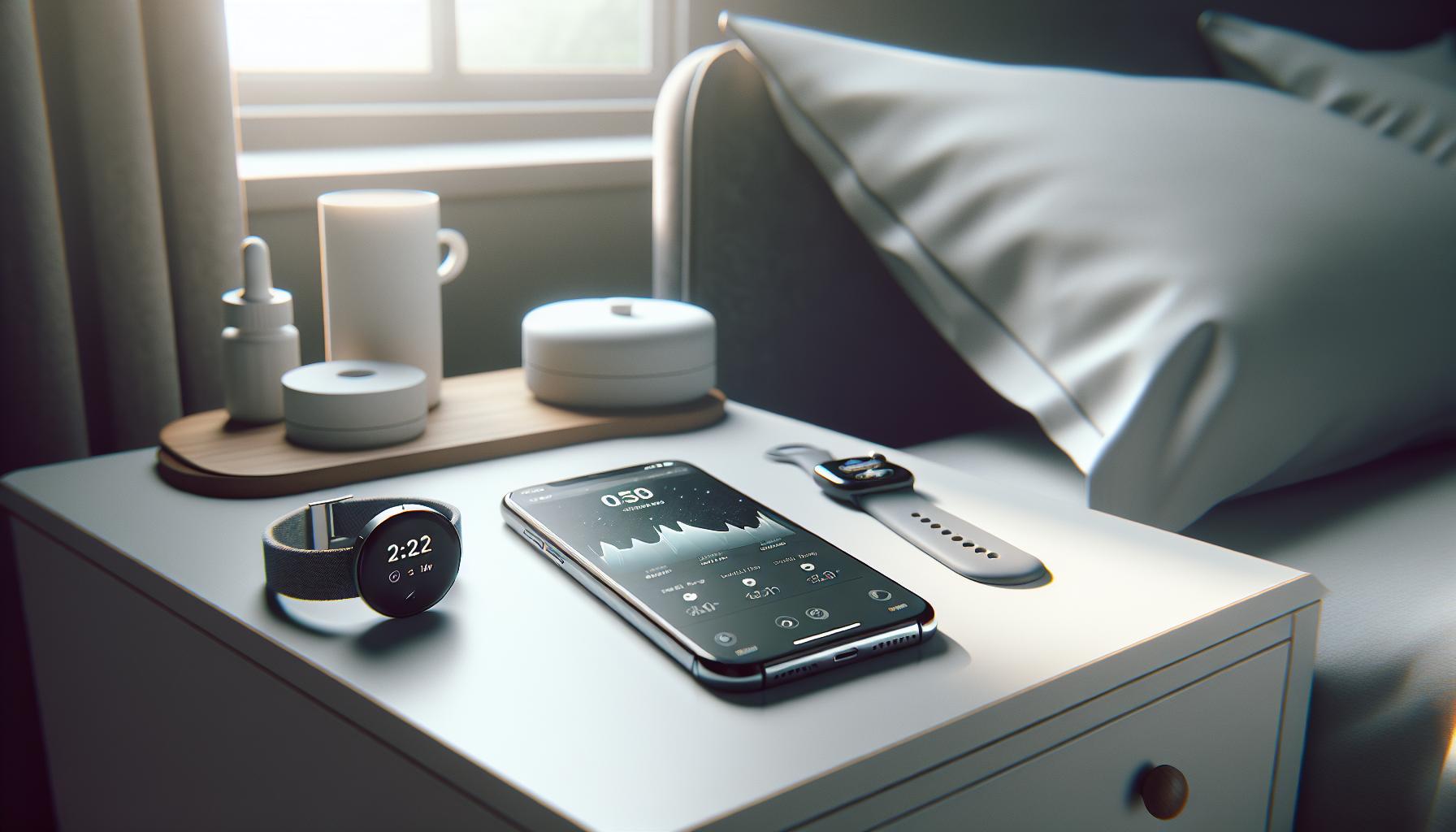
Common Reasons Your Sleep Tracking Fails
Sleep tracking can be a valuable tool for understanding your sleep patterns, yet many users experience common frustrations when their health apps fail to monitor sleep effectively. One primary reason this happens is often tied to the app’s settings. Many applications require you to manually enable sleep tracking, and if you haven’t configured this correctly, the app may not record any data. It’s crucial to familiarize yourself with your app’s user manual or help section to ensure that all necessary features are activated.
Another factor that contributes to unsuccessful sleep tracking is the quality of the device being used. Not all smartphones or wearables have the same level of precision when it comes to detecting sleep patterns. For example, older devices may not include advanced sensors that can accurately monitor movement or heart rate, essential components for determining sleep stages. If your device isn’t well-equipped, it could result in misleading data about your sleep quality and duration.
Furthermore, external variables can disrupt tracking results. Elements like room conditions, including noise levels, light exposure, and temperature, can heavily influence sleep quality but are often overlooked by users. Some sleep apps analyze these environmental factors, yet if these settings are not optimized-such as poor lighting or excessive noise-your app may struggle to capture an accurate sleep profile.
Lastly, user habits can also impact sleep tracking success. For instance, irregular sleep schedules or pre-bedtime activities like using your phone or consuming caffeine can affect how well your app records sleep patterns. To maximize the effectiveness of sleep tracking, create a consistent bedtime routine and maintain a sleep-friendly environment. This approach can enhance the app’s ability to provide insightful analyses and improve your overall sleep health.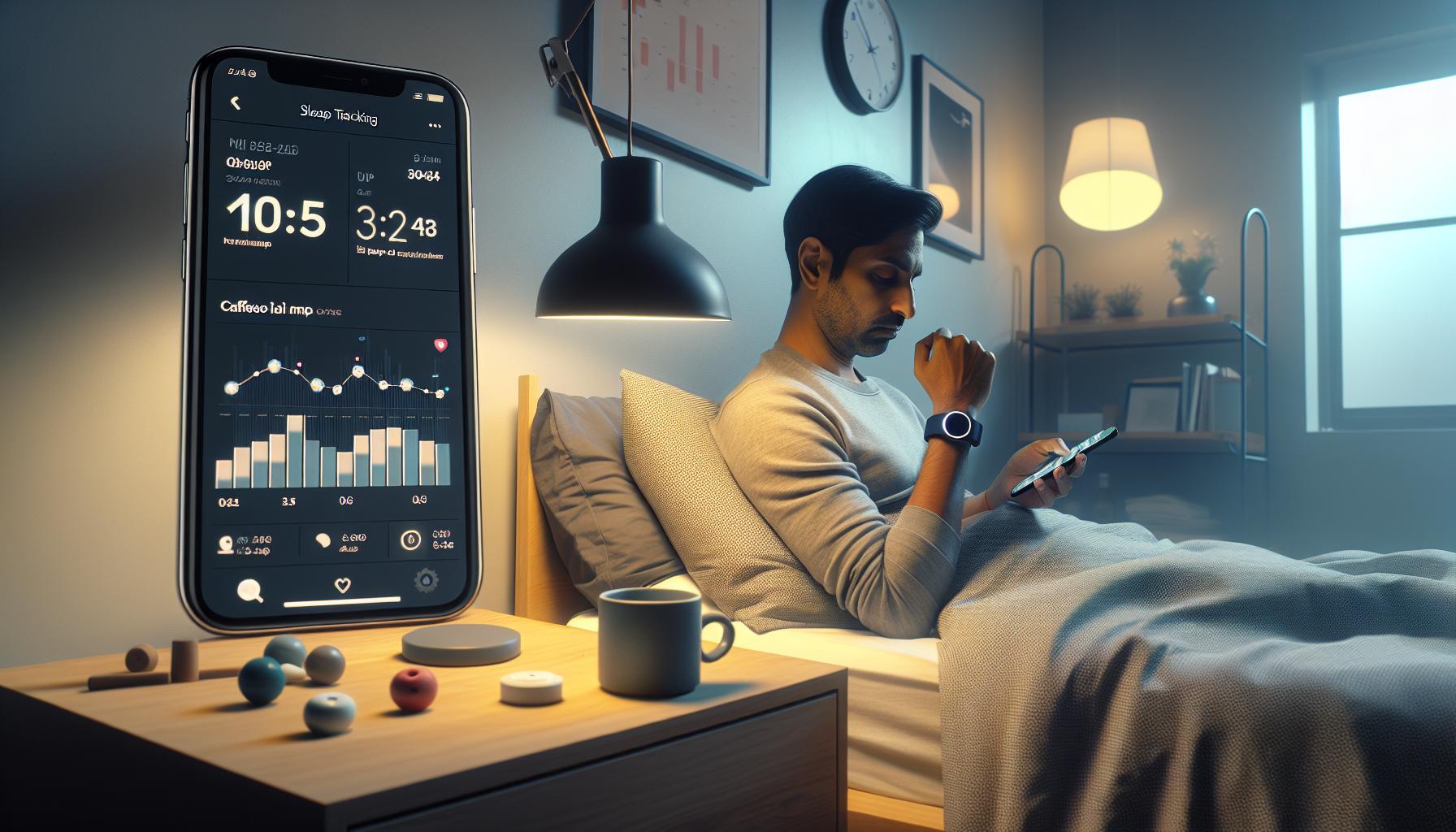
How to Enable Sleep Tracking on Your App
Many users find themselves puzzled when their health apps fail to track sleep accurately. Often, this issue can be resolved by simply enabling the sleep tracking features within the app. Most apps require users to activate sleep tracking manually or adjust settings to optimize data collection. Here’s how you can get started.
First, check the app’s settings. Most apps will have a dedicated section for sleep tracking, where you can activate the feature. Look for options labeled something like “Sleep Settings,” “Tracking,” or “Sleep Mode.” Once you locate this section, toggle the sleep tracking option to “On.”
Next, ensure that any necessary permissions are granted. Many sleep tracking apps will require access to your phone’s sensors or background activity to effectively monitor your sleep patterns. If prompted, make sure you allow these permissions, as they are crucial for accurate data collection.
For apps that integrate with wearable devices, confirm the connection between your app and the device. Sometimes the app will only track sleep data if it’s paired with a compatible wearable. Follow the app’s instructions to connect your device, and ensure that sleep tracking is enabled on the wearable itself.
Lastly, familiarize yourself with any specific settings related to sleep consistency. Some apps can provide better tracking if you maintain a regular sleep schedule; thus, setting your usual bedtime within the app can help it understand your sleep routine. Keeping the app updated is also essential, as developers regularly improve features based on user feedback.
By taking these steps, you can ensure that your health app accurately tracks your sleep, empowering you with the data needed for better sleep health.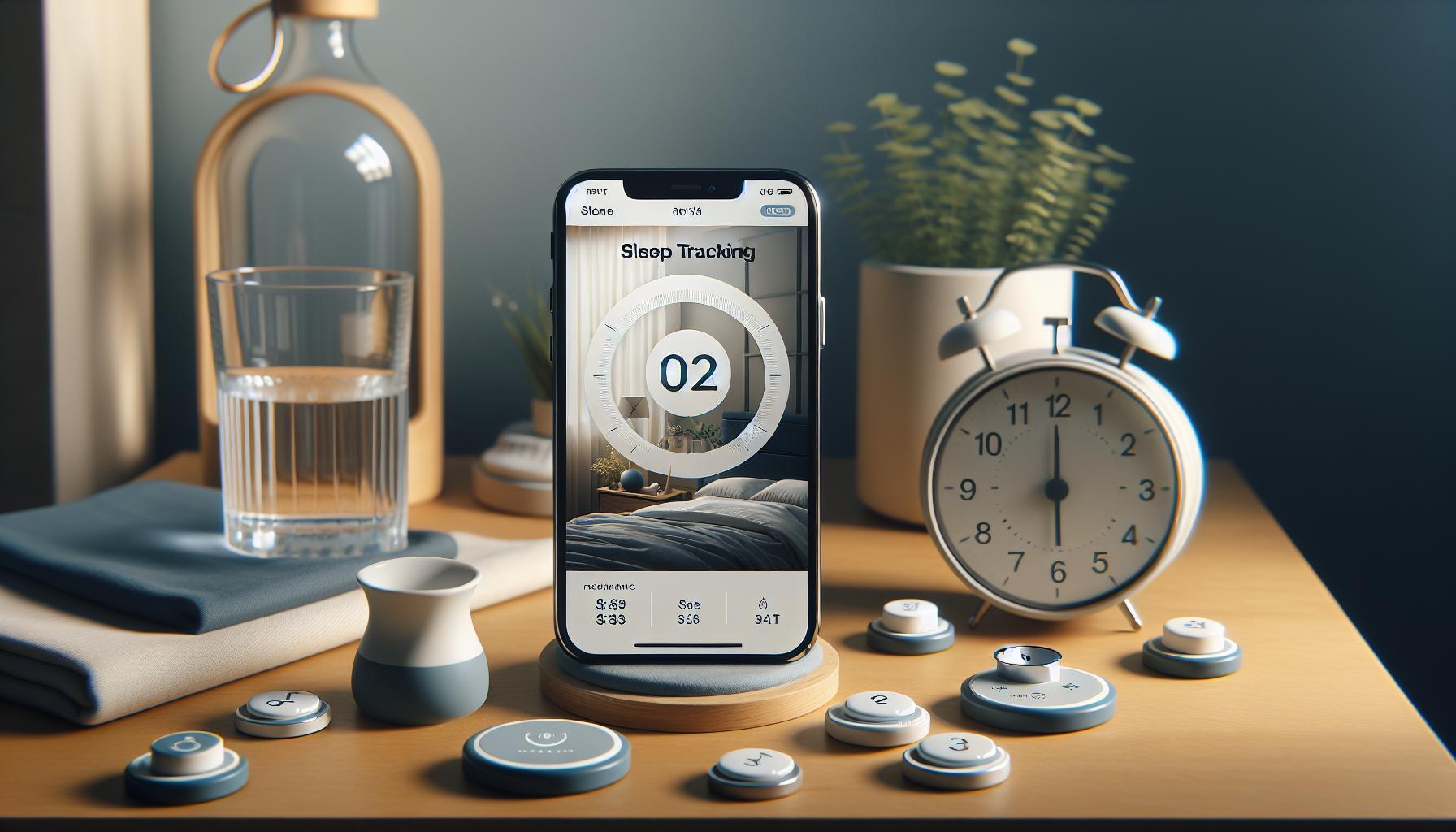
Troubleshooting Sleep Tracking Issues
Sleep tracking is a powerful tool for understanding your sleep patterns, but many users find themselves frustrated when their health apps do not track sleep as expected. There can be a host of reasons behind these inaccuracies, and addressing them requires a systematic approach. Whether it’s a technical glitch, user oversight, or app limitations, here are steps you can take to troubleshoot the problem effectively.
First and foremost, explore the app’s settings. Many users overlook the basic requirement of enabling sleep tracking features within their app. Look for sections labeled “Sleep Settings,” “Tracking,” or “Sleep Mode.” Make sure this feature is activated. If the app requires you to manually enter your sleep time or to set sleep goals, ensure that you have done so correctly. Also, check if notifications are enabled, as some apps will send reminders to let you know it’s time for bed.
Another common issue involves permissions. Sleep tracking apps rely on various permissions to access your device’s sensors and monitor your movements. If these permissions are not granted, the app may not gather accurate data. Go to your device’s settings and verify that the app has the appropriate permissions, such as access to motion, location, and background activity. Without this access, your app’s ability to track sleep will be severely limited.
For users integrating wearable devices, ensuring that your app is properly synced with your wearable is crucial. Disconnect and reconnect your device if you suspect a pairing issue, and verify that sleep tracking is enabled on the wearable itself. Remember that some wearables require additional settings to be effective; these might include ensuring that the device is worn snugly during sleep or that it’s charged adequately to last through the night.
To further enhance tracking accuracy, establish a consistent sleep routine. Many apps function better when you stick to a regular sleep schedule. Input your typical bedtime and waking time into the app; this helps it learn your habits and can lead to more precise data. Finally, make it a habit to update your app regularly. App developers frequently release updates that fix bugs, improve functionality, and optimize performance, which can make a significant difference in your sleep tracking experience. By following these steps, you can troubleshoot effectively, ensuring that you gather the meaningful data needed for better sleep health.
Maximizing Sleep Data Accuracy: Tips and Tricks
Establishing consistent and accurate sleep tracking can feel elusive, yet it plays a crucial role in understanding your overall sleep health. One effective approach to enhancing your sleep data accuracy is to follow a few key strategies that not only leverage your app’s features but also optimize your overall sleep environment.
Start by setting a regular sleep schedule. Going to bed and waking up at the same time each day helps your sleep app learn your natural rhythm. Input this routine into the app to improve its predictive capabilities. Many users report increased accuracy when their apps have a clearer understanding of their sleep patterns, potentially leading to better insights and recommendations.
Next, ensure that all necessary permissions are enabled for your sleep tracking app. This includes access to your device’s sensors, such as motion and location, which are vital for accurate sleep monitoring. Regularly check to see if these permissions remain active, especially after app updates or system changes. If you use a wearable, make sure it is paired and synchronized correctly with the app, as a poorly connected device can lead to inconsistent data.
Creating the right sleep environment can also significantly impact your tracking results. Aim for a dark, cool, and quiet bedroom to minimize disruptions during the night. Consider using blackout curtains or a white noise machine if external light or sounds are issues. A comfortable mattress and pillows that suit your sleeping style are also crucial for achieving deep, restorative sleep-something tracking apps will undoubtedly appreciate when measuring your sleep quality.
Lastly, don’t underestimate the value of regular app updates. Developers continually release enhancements that fix bugs and improve functionality. Keeping your app updated ensures you benefit from the latest features and optimizations. If you experience consistent inaccuracies, don’t hesitate to consult the app’s support resources or user community for tailored advice on maximizing its features for sleep tracking. By following these steps, you can transform your sleep data from merely numbers into actionable insights that lead to better sleep health.
The Role of Wearable Devices in Sleep Tracking
Wearable devices have revolutionized the way we track our sleep, offering insights that go far beyond what traditional methods could provide. These devices, ranging from smartwatches to sleep bands, continuously monitor various parameters such as heart rate variability, movement, and even body temperature, allowing for a comprehensive picture of your nightly rest.
When considering how to enable sleep tracking through these wearables, it often starts with a simple setup process. Ensure your wearable is properly synced with the corresponding health app on your device. This is crucial because a lack of synchronization can lead to missed data and inaccurate sleep reports. For instance, models like the Whoop 4.0 and Oura Ring not only track sleep duration but also analyze different sleep stages, providing valuable feedback on how restful your sleep actually is.
It’s important to recognize that while wearables offer a wealth of data, there are limitations. They might not capture every nuance of your sleep cycles. For example, while they can accurately measure how long you sleep, they may struggle with determining the quality of that sleep without external factors, such as sleep environment or individual health issues. To address this, users are encouraged to combine insights from wearables with subjective input-like how you feel in the morning or any disturbances throughout the night.
In crafting your sleep environment, wearables can also act as helpful reminders. Many devices feature alarm settings that use gentle vibrations to wake you during your lightest sleep phase, promoting a more refreshing start to your day. The advantage of using these devices lies in their ability to help fine-tune not just sleep habits but overall health, as many of them also monitor activity levels and even stress metrics throughout the day. By fostering a better understanding of your body’s rhythms and reactions to sleep, wearables empower you to make informed choices about your wellness journey.
Understanding Sleep Stages for Better Tracking
Understanding the nuances of sleep stages can significantly enhance the effectiveness of your sleep tracking efforts. Sleep is not just a single state of rest; it consists of multiple stages that cycle throughout the night, each playing a unique role in your overall health. These stages include Rapid Eye Movement (REM) sleep, as well as non-REM phases that are further broken down into light and deep sleep. Being aware of how these stages function helps you interpret the data your health app provides and allows for more informed decisions regarding your sleep hygiene.
Many wearable devices and health apps employ sensors to capture the distinct phases of your sleep. For example, during light sleep, your body is transitioning, making it easier to wake up. In contrast, deep sleep is crucial for physical restoration and memory consolidation, while REM sleep supports cognitive functions and emotional regulation. A quality sleep tracker, like the Oura Ring or the Whoop strap, can separate these stages and inform you how much time you spend in each category. Analyzing this data can guide you in adjusting your bedtime habits or identifying disruptive factors in your sleep environment.
To maximize the benefits of this tracking, consider these tips:
- Establish a consistent sleep schedule: Go to bed and wake up at the same time each day to promote a stable sleep cycle.
- Optimize your sleep environment: Ensure your bedroom is dark, quiet, and cool to facilitate deeper sleep stages.
- Limit screen time before bed: The blue light emitted by devices can interfere with your ability to enter deep and REM sleep.
- Review your sleep data regularly: Use insights gathered from your health app to make informed adjustments to your lifestyle.
When leveraging sleep data from your app, it’s essential to recognize its limitations. Sleep tracking devices often rely on algorithms that estimate your sleep stages based on movement and heart rate, but they may not always be 100% accurate. To gain a clearer understanding of your sleep health, balance device data with subjective feedback on how rested you feel. This comprehensive approach ensures that you are not solely relying on technology but are engaged in taking actionable steps towards improving your sleep quality.
Comparing Popular Health Apps: Features and Limitations
To effectively understand the sleep tracking landscape, it’s essential to compare the functionalities, features, and limitations of some of the most popular health apps available today. Each app has unique offerings that cater to various user preferences and requirements, and recognizing these differences can help you make an informed decision about which tool best meets your needs.
Key Features to Consider
When evaluating health apps for sleep tracking, consider the following features:
- Sleep Stage Tracking: Many apps, like SleepScore and Samsung Health, utilize sensors to monitor sleep stages-REM, light, and deep sleep-providing insights into the quality of your rest.
- User Interface: Ease of use can significantly enhance the user experience. Intuitive designs in apps like SleepScore make it easier to access and interpret your sleep data.
- Personalized Recommendations: Some apps, such as SleepScore, offer tailored suggestions to improve your sleep quality based on the data they collect.
- Integration with Wearables: Compatibility with devices like the Apple Watch or fitness trackers expands functionality. Connecting your health app to these devices allows for comprehensive data collection and analysis.
- Additional Features: Apps may also include functionality beyond sleep tracking, such as meditation libraries to improve relaxation and breathing exercises before sleep, enhancing overall user experience.
Limitations to Keep in Mind
Despite their advanced capabilities, sleep tracking apps do have limitations:
- Algorithm Accuracy: Many sleep tracking apps rely on algorithms that estimate sleep stages based on movement and heart rate, which may not always be fully accurate. This could lead to discrepancies between perceived sleep quality and app data.
- Battery Life and Maintenance: Continuous monitoring can drain device batteries quickly, necessitating frequent recharging or updates to maintain data accuracy.
- Privacy Concerns: Users should be aware of data privacy issues, as these apps often collect and store sensitive health information. Understanding the privacy policies of each app is crucial.
- Cost Considerations: While many apps are free, some, like Calm, may require subscriptions for full access to features. Weighing the benefits against any costs is important when selecting an app.
To make an informed choice, consider your specific needs-whether you prioritize ease of use, extensive features, or the ability to track with wearable devices. This personalized approach ensures that your selected app not only tracks sleep effectively but also fits seamlessly into your lifestyle, ultimately enhancing your sleep health journey. Exploring user reviews and trial versions can also provide practical insights and help you determine which app aligns best with your sleep tracking goals.
When to Seek a Professional Sleep Study
Many people rely on sleep tracking apps to monitor the quality of their nighttime rest, but these digital tools have limitations. While they can provide valuable insights into your sleep patterns, there are times when seeking a professional sleep study becomes necessary. If your health app indicates persistent sleep issues, such as prolonged insomnia, excessive daytime sleepiness, or irregular sleep cycles that disrupt your daily life, it may be a sign to consult a specialist.
A professional sleep study, often referred to as polysomnography, can significantly deepen your understanding of what’s happening while you sleep. This comprehensive test measures various physiological parameters, including brain waves, heart rate, breathing patterns, and oxygen levels. Such detailed data can help identify sleep disorders like sleep apnea, restless legs syndrome, or even circadian rhythm disorders that your app might not capture accurately. If you’re frequently experiencing snoring, gasping for breath during sleep, or you wake up feeling unrefreshed, these are red flags warranting a more thorough evaluation.
Before scheduling a sleep study, consider your immediate symptoms and the effectiveness of your current sleep monitoring tools. Here are some indications that it may be time to take that step:
- Chronic Fatigue: If you feel excessively tired throughout the day despite using sleep tracking, it might be time for a professional assessment.
- Sudden Changes in Sleep Patterns: Notable shifts in how you sleep, like frequent wakefulness or altered sleep durations, deserve further investigation.
- Advice from Health Professionals: If your doctor suggests a sleep study based on your health history or complaints, it’s wise to follow up on that recommendation.
- Unsatisfactory Tracking Results: If your app shows consistent data but contradicts how you feel, don’t disregard your instincts-seek professional advice.
While there may be some initial anxiety related to undergoing a sleep study, knowing that it can bring clarity and potentially improve your sleep health is empowering. Understanding the nuances of your sleep can lead to tailored treatments and lifestyle adjustments that promote better rest. In contrast to sleep tracking apps, which offer approximations, a professional study provides a clear roadmap for addressing sleep concerns effectively.
The Science Behind Sleep Tracking Technology
Sleep tracking technology has revolutionized the way we understand our nightly rest by leveraging a variety of sensors and algorithms to provide insights into sleep patterns. At its core, this technology collects data on various metrics such as movement, heart rate, and even environmental factors like room temperature and light levels. Many sleep trackers, including apps and wearable devices, operate under the principle that specific physiological signals correlate with sleep states. For instance, a decline in heart rate variability can indicate deeper sleep stages, while accelerometers measure movement to distinguish between sleep and wakefulness.
While this technology offers a fascinating glimpse into our sleep lives, it has its limitations. Sleep tracking apps primarily rely on motion and heart rate variability and may not accurately capture the nuances of sleep cycles. Unlike professional assessments such as polysomnography that directly measure brain activity and provide a full spectrum of sleep stages, these apps can oversimplify complex data, leading to potential misunderstandings about sleep quality. For instance, some users may report discrepancies between how they feel and what their app indicates, raising questions about accuracy.
To enhance the effectiveness of sleep tracking, users can optimize their settings and device use. Here are some practical tips:
- Ensure Proper Device Placement: Many wearables require close contact with the skin to accurately measure heart rate. Make sure your device is snug but comfortable.
- Update Your Software: Regular updates can improve app algorithms and enhance tracking accuracy, so keep your apps and devices up to date.
- Turn on Necessary Features: Some apps require specific settings to enable sleep tracking functions. Check your app’s guidelines to ensure everything is correctly configured.
- Sync Data Regularly: If your device collects data overnight, make sure to sync it with your app for accurate analysis.
By understanding these capabilities and limitations, users can make more informed decisions about their sleep health. However, if tracking consistently shows anomalies, you may need to consult healthcare professionals for deeper insights, as standard trackers cannot diagnose conditions effectively. As technology continues to evolve, the integration of AI and biometric data may lead to more precise sleep tracking solutions, but for now, it’s essential to pair these tools with awareness and occasionally seek expert input for comprehensive sleep management.
Frequently Overlooked Settings in Health Apps
If you’re wondering why your health app isn’t tracking your sleep accurately, it might be due to some less obvious settings that often get overlooked. These crucial adjustments can make a significant difference in the effectiveness of your sleep tracking. Many users might not realize that certain features must be enabled for tracking to function properly or that certain device settings can interfere with accuracy.
A common issue occurs when users neglect to enable sleep tracking features within their apps. For instance, an app like Apple Health requires you to explicitly set up a sleep schedule to activate tracking. If you skip this step, the app won’t know when you’re attempting to sleep. Similarly, many devices also feature a “Do Not Disturb” mode that can hinder notifications but must be activated to allow apps to log sleep without interruptions. Make sure to check the settings in your app and the device configurations related to sleeping hours to ensure everything is set up correctly.
Another factor is background app refresh settings. Some apps need permission to operate in the background; if this isn’t enabled, the app may not capture sleep data effectively. Users should also examine permissions related to health data sharing. If the app is not allowed to access necessary data from other sources, such as heart rate monitoring or motion sensors, this could lead to incomplete tracking.
Lastly, syncing issues can also be a culprit. Regularly syncing your device with the app ensures that all data collected overnight is accurately reflected in your sleep reports. If you frequently forget to sync after nights of tracking, you may find discrepancies in your recorded data. By paying attention to these often-overlooked settings, you can significantly enhance the accuracy and usefulness of your sleep tracking experience.
User Experiences: Real-Life Sleep Tracking Stories
Many users embarking on their sleep tracking journey often encounter frustrating moments when their health apps fail to record their sleep accurately. These challenges can lead to confusion and doubt about the device’s reliability. It’s essential to understand that these issues are not uncommon and frequently stem from simple oversights.
Consider the experience of Sarah, a tech-savvy individual who recently started using a popular sleep tracking app. Initially excited, she was dismayed to discover that her app recorded her sleep inconsistently. After troubleshooting, she realized that she hadn’t set a sleep schedule within the app. This critical step is necessary for the app to recognize when she intended to sleep. Once she adjusted her settings to include her typical bedtime, her tracking accuracy improved significantly.
Another common scenario involves Mike, who relies on wearable technology synchronized with his sleep app. He noticed that his sleep data was often incomplete. After some investigation, he discovered that he had inadvertently disabled the background app refresh feature. This setting is vital for the app to gather data continuously, especially overnight. By simply adjusting this setting, Mike was able to capture more comprehensive sleep data, allowing him to analyze his patterns better.
For users like Lisa, syncing issues can complicate the experience further. Lisa often forgot to manually sync her app after each night, leading to missing data and fragmented reports. After realizing this pattern, she set reminders on her phone to sync the app each morning, which significantly enhanced her awareness of her sleep quality and helped her identify areas for improvement.
These experiences highlight the importance of engaging proactively with your sleep tracking app settings. By routinely checking and adjusting features like sleep schedules, background activity, and syncing, users can greatly enhance their sleep tracking experience and obtain valuable insights into their sleep patterns. Sharing these personal stories not only demystifies common issues but also empowers potential users with the knowledge to maximize their tracking capabilities.
Frequently Asked Questions
Q: Why is my health app not tracking my sleep?
A: If your health app isn’t tracking your sleep, ensure that sleep tracking features are enabled in the app settings. Check if the app has permission to access relevant sensors on your device. Additionally, verify that your device is securely worn during sleep and has adequate battery life [[2](https://parentinghealthinstitute.com/seo-for-your-sleep-consulting-blog/)].
Q: How do I enable sleep tracking on my health app?
A: To enable sleep tracking, open the app settings and navigate to the sleep tracking feature. Toggle the option to ‘On’ and follow any setup prompts. Ensure that your health app has the necessary permissions to track sleep data [[3](https://sleeponhealth.com/blogs/blog/sleep-trackers-vs-fitness-trackers-seo-differences)].
Q: What features should I look for in a sleep tracking app?
A: Look for features like automatic sleep detection, detailed sleep stage analysis, integration with wearable devices, and customizable sleep goals. These features enhance accuracy and provide valuable insights into your sleep quality [[2](https://parentinghealthinstitute.com/seo-for-your-sleep-consulting-blog/)].
Q: Can my fitness tracker interfere with my sleep tracking?
A: Yes, fitness trackers may not provide accurate sleep data compared to dedicated sleep devices. They use movement-based algorithms and often miss critical sleep stages. Ensure your tracker is designed for sleep tracking for the most reliable data [[3](https://sleeponhealth.com/blogs/blog/sleep-trackers-vs-fitness-trackers-seo-differences)].
Q: What should I do if my app still isn’t tracking sleep properly?
A: If sleep tracking still fails, try restarting your device and the app. Ensure all software is updated and consider uninstalling and reinstalling the app. Check for external factors like poor fit of wearable devices that may affect data accuracy [[2](https://parentinghealthinstitute.com/seo-for-your-sleep-consulting-blog/)].
Q: How accurate is sleep data from health apps?
A: The accuracy of sleep data from health apps varies. While many provide general trends and insights, factors like device type and how well the app tracks movement can impact precision. For detailed analysis, consider consulting a sleep specialist [[3](https://sleeponhealth.com/blogs/blog/sleep-trackers-vs-fitness-trackers-seo-differences)].
Q: Why do I need to regularly update my health app?
A: Regular updates are essential as they often include enhancements for tracking accuracy, new features, bug fixes, and improved user experience. Keeping your app updated ensures you have the best tools for monitoring your sleep [[2](https://parentinghealthinstitute.com/seo-for-your-sleep-consulting-blog/)].
Q: When should I consult a medical professional about my sleep issues?
A: If you consistently experience poor sleep patterns or your app indicates potential sleep disorders, consider consulting a healthcare provider. They can offer deeper evaluations and professional sleep studies as needed [[2](https://parentinghealthinstitute.com/seo-for-your-sleep-consulting-blog/)].
Closing Remarks
If your health app isn’t tracking your sleep, take action now! Enable the feature to start collecting vital sleep data that can improve your wellness journey. Understanding your sleep patterns is essential-knowledge is power! If you’re curious about how to enhance your sleep tracking or have questions about sleep studies, check out our guides on optimizing wearable devices and navigating sleep health.
Don’t let uncertainty hold you back. Equip yourself with the right information and tools to take control of your sleep health today. For those looking to dive deeper, explore our comparison of wearables or sign up for our newsletter for more tips that empower your health decisions. Join the conversation in the comments below; we love hearing your experiences and insights. Remember, the path to better sleep starts with a single step-make that step now!
Get our latest guides, news, and insights highlighted in your Google Search & AI Overviews.