
Are you struggling to get accurate sleep data from your Fitbit Charge 4? You’re not alone. Many users experience issues with sleep tracking, which can disrupt your efforts to improve your sleep quality and overall well-being. Understanding why your device may not be recording your sleep is essential for reclaiming those restful nights and making informed choices about your health. In this guide, we’ll dive deep into common reasons your Fitbit might be failing to track sleep accurately and provide you with practical solutions to ensure it works as intended. Let’s uncover the key fixes and tips to get your sleep tracker back on track!
Understanding Sleep Tracking Basics with Fitbit Charge 4
Understanding how your Fitbit Charge 4 tracks sleep can significantly improve your sleep quality and overall health. The device uses advanced sensors to monitor your movement and heart rate, which helps it determine when you are asleep and what stages of sleep you’re experiencing. When you wear your Fitbit to bed, it can detect light, deep, and REM sleep, providing insights that can help you make better lifestyle choices to enhance your sleep.
Fitbit’s sleep tracking capabilities are designed to provide a comprehensive view of your nightly rest. As you drift into slumber, the Charge 4 begins recording your sleep patterns, allowing you to review your total sleep time, sleep efficiency, and even disturbances throughout the night. These metrics offer a scientific look into your sleep health, empowering you to understand how factors such as exercise, stress, and daily habits affect your rest. The Fitbit app later breaks down these metrics into insights, helping you identify trends and areas for improvement.
For optimal performance, it’s essential to set up your Fitbit Charge 4 correctly before using it for sleep tracking. Ensure that the device is worn snugly on your wrist-not too loose to minimize movement detection errors. Activate the sleep mode, which tells the device you’re preparing for bed. Customizing your sleep goals in the app can further enhance tracking accuracy, as the device adjusts its algorithms based on your specific sleep patterns and objectives.
While many users find Fitbit’s sleep tracking accurate, occasional misreadings can occur. Common culprits include improper fit, distractions such as screens before bedtime, or inconsistent sleep schedules. These variables can interfere with the device’s ability to accurately determine when you fall asleep or wake up. Maintaining a consistent bedtime and using the sleep insights provided by the app can help mitigate these issues, leading to improved tracking results and ultimately better sleep quality.
Common Reasons Fitbit Charge 4 Fails to Track Sleep
If you find that your Fitbit Charge 4 is not tracking your sleep as expected, you’re not alone. Many users encounter issues where the device fails to accurately record sleep patterns. Understanding these problems can help you make adjustments for better results.
One common reason for inaccurate sleep tracking is an improper fit. If the device is too loose, it may not detect movement effectively. Similarly, wearing it too tightly can cause discomfort, leading to disruptions in sleep or causing you to remove it during the night. Make sure the Charge 4 fits snugly yet comfortably on your wrist for optimal sensor contact.
Moreover, distractions before bedtime can interfere with sleep tracking accuracy. Using screens from phones, tablets, or televisions can hinder your body’s natural sleep rhythms, leading your Fitbit to struggle with identifying when you actually drift off. Maintaining a wind-down routine that minimizes exposure to screens can help.
Inconsistent sleep schedules also play a significant role. If you vary your bedtime or wake-up time significantly from day to day, the Fitbit may confuse these patterns, resulting in incorrect readings. Keeping a regular sleep schedule enables the Charge 4 to better learn your sleep habits and improve tracking accuracy.
Lastly, the sleep mode must be activated correctly. If you forget to put your Fitbit in sleep mode, or if it malfunctions during the transition, it won’t capture your sleep accurately. Always ensure that you activate sleep mode as part of your routine before going to bed to signal the device to start monitoring. By addressing these common issues, you can enhance your Fitbit Charge 4’s ability to record your sleep accurately, ultimately helping you achieve better rest.
How to Properly Set Up Your Fitbit Charge 4 for Sleep Tracking
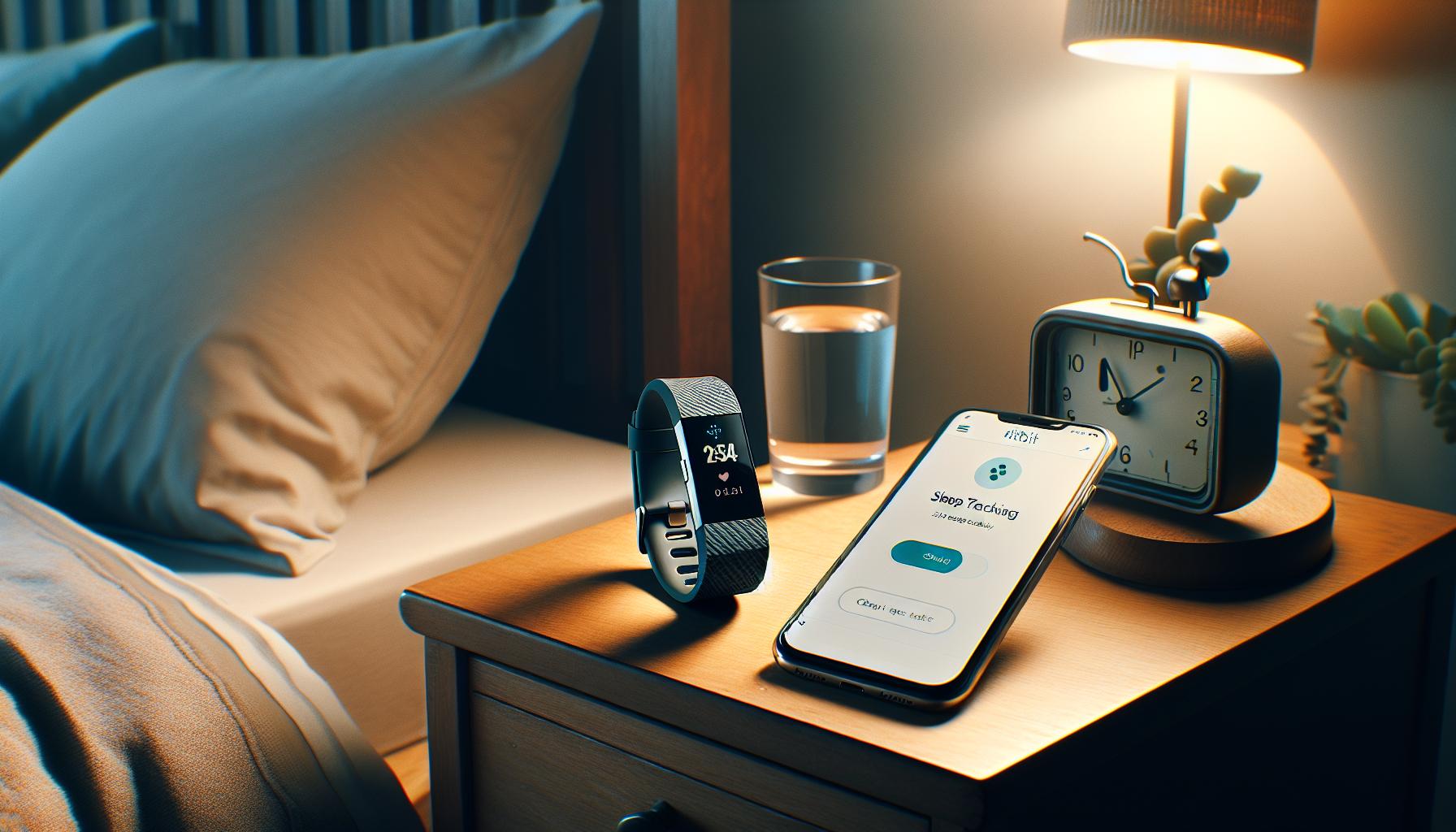
To ensure your Fitbit Charge 4 accurately tracks your sleep, you’ll need to set it up correctly from the get-go. The first step is to wear the device consistently every night. It may seem obvious, but if you only wear it occasionally or forget to put it on before bed, it cannot gather your sleep data. The Charge 4 is designed to be worn snugly on your wrist; a loose fit might prevent the sensors from detecting your movements, while a too-tight fit could be uncomfortable and disrupt your sleep.
Next, activate the sleep mode every night. This critical step signals the device to start monitoring your sleep patterns. You can manually set it up in the Fitbit app to automatically switch to sleep mode based on your usual bedtime; this ensures you’ll always record your sleep without having to remember it. If you find yourself frequently forgetting this step, consider establishing a pre-bedtime routine that includes checking your device.
Maintaining a consistent sleep schedule is equally vital. Your Fitbit Charge 4 learns from your patterns, so going to bed and waking up at the same times helps it recognize your sleep cycles more accurately. Aim for at least a week of consistent sleep times to allow the device to adjust and improve its tracking.
Lastly, review your device’s settings in the app to ensure sleep tracking is enabled. Open the app, go to the “Sleep” section, and make sure all relevant features are activated. If you’ve made any changes, you might need a quick device restart to refresh all systems. Taking these steps can dramatically enhance your Fitbit Charge 4’s ability to track your sleep, making your quest for better rest much more effective.
Troubleshooting Sleep Tracking Issues on Fitbit Charge 4
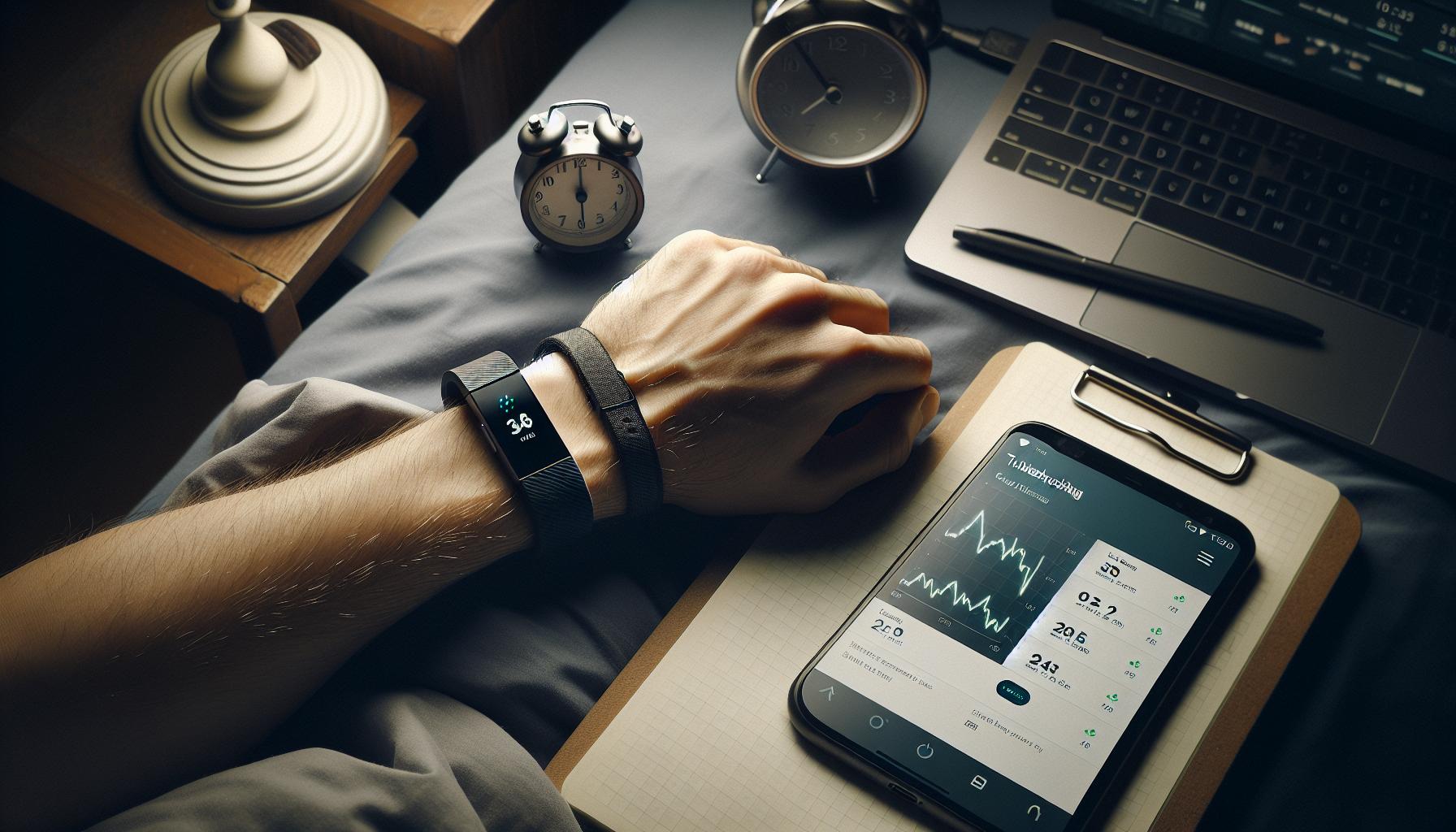
If your Fitbit Charge 4 isn’t tracking your sleep, it can be frustrating, especially when you’re relying on it to gain insights into your rest patterns. Understanding how to troubleshoot this issue is vital in order to ensure that you’re maximizing the benefits of your wearable device. Here are some effective strategies to help you diagnose and resolve sleep tracking issues.
Check Device Settings
First, it’s essential to verify that sleep tracking is enabled on your device. Open the Fitbit app on your smartphone and navigate to the device settings. Under the “Sleep” section, confirm that all relevant features are activated. If sleep tracking isn’t turned on, your Fitbit Charge 4 will not record any sleep data. Sometimes, a simple device restart can refresh the settings and resolve minor software glitches.
Wear It Correctly
The way you wear your Fitbit Charge 4 can significantly impact its ability to track sleep accurately. It should be snug but comfortable on your wrist to ensure that the sensors can detect movements efficiently. A loose fit may prevent the device from gathering correct data, while a tight fit could contribute to discomfort and potentially interrupt your sleep. When you get ready for bed, take a moment to adjust the fit for optimal tracking.
Activate Sleep Mode
Ensure that the sleep mode is activated each night. You can manually set this mode before bed or schedule it to automatically turn on at your usual bedtime through the app. If you find yourself often forgetting to activate this feature, establishing a consistent bedtime routine that includes checking your device can help.
Consistency is Key
Inconsistent sleep patterns may also hinder your Fitbit Charge 4 from accurately tracking your sleep. Striving for a regular sleep schedule where you go to bed and wake up at the same times every day helps the device learn your sleep patterns better. Aim for at least a week of maintaining your schedule for the best results.
Additionally, external factors might impact tracking. If you’re experiencing stress or significant lifestyle changes-such as a new job or other disruptions-these can also alter your sleep quality and patterns, which the device may fail to recognize until your routines stabilize.
By following these troubleshooting tips, you can enhance your Fitbit Charge 4’s ability to monitor your sleep effectively, empowering you to take steps toward better rest and improved health.
Exploring Fitbit Sleep Metrics: What They Mean for You
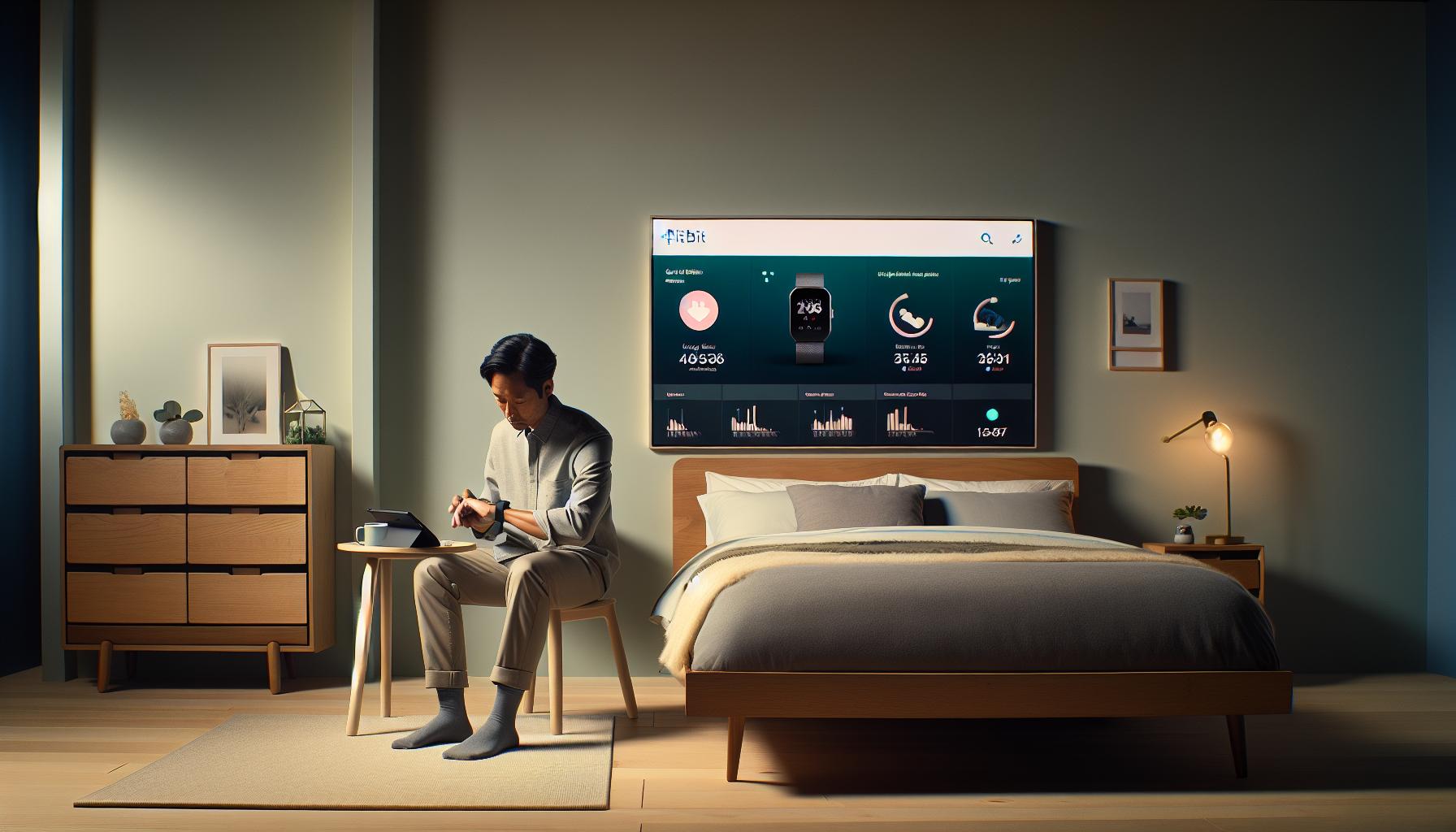
To get the most out of your Fitbit Charge 4, understanding the sleep metrics it provides is essential. Each data point is a window into how well you’re resting and recovering, contributing significantly to your overall well-being. When your device tracks sleep, it categorizes your sleep into stages: light sleep, deep sleep, and REM (rapid eye movement) sleep. Each stage plays a specific role in your health, from consolidating memory during deep sleep to processing emotions and dreams in REM sleep.
Fitbit metrics typically offer insights such as total sleep time, sleep efficiency, and the duration spent in each sleep stage. Total sleep time shows how many hours you actually rested, while sleep efficiency reflects the percentage of time you spent sleeping compared to the total time in bed. Ideally, you want your sleep efficiency above 85% to feel well-rested. Meanwhile, understanding how long you stay in each stage might inform you about the quality of your sleep. For instance, insufficient deep sleep can indicate that you might feel tired or groggy during the day, even if you spent enough hours in bed.
Here are a few metrics you should pay attention to when interpreting your Fitbit sleep data:
- Total Sleep Time: This is the sum of all the sleep periods throughout the night. Aim for at least 7-9 hours, depending on your individual needs.
- Sleep Efficiency: Calculated as the percentage of time asleep versus time in bed. Higher percentages signify better sleep quality.
- Sleep Stages: Knowing how much time you spend in light, deep, and REM sleep can help tailor your evening routine for better rest.
Most importantly, while Fitbit’s metrics can provide a great overview of your sleep patterns, they aren’t definitive medical assessments of sleep disorders. They serve as useful tools for tracking general trends and guiding you toward healthier sleep habits. If you notice persistent issues or irregular patterns despite adequate sleep time, consulting a healthcare professional can provide clarity and help identify any underlying conditions.
Tips for Improving Sleep Quality with Fitbit Charge 4
Sleep plays a crucial role in your overall health, yet many struggle to achieve the quality rest they need. The Fitbit Charge 4 is a valuable tool for anyone looking to enhance their sleep routines, but achieving optimal results requires understanding how to maximize its features effectively. Here are practical strategies to improve your sleep quality using the Fitbit Charge 4.
Start by wearing your Fitbit Charge 4 consistently, particularly during the night. The device automates sleep detection, meaning it can track your sleep patterns without manual input. Ensure that the device is securely fastened on your wrist, as a loose fit may impede accurate readings. Additionally, consider setting a daily bedtime reminder using the Fitbit app. This feature encourages a consistent sleep schedule by alerting you when it’s time to wind down, promoting better sleep hygiene.
To enhance your environment for sleep, aim to create a relaxing nighttime routine. Try incorporating a short pre-bedtime ritual such as reading or gentle stretching. The Fitbit app can offer insights into your sleep duration and stages, providing valuable feedback. Pay attention to metrics like your sleep efficiency, which tracks how much time you spend sleeping relative to the time spent in bed. Aim to maintain a sleep efficiency above 85% for optimal rejuvenation.
Consider leveraging the Fitbit app’s sleep insights, which provide personalized tips based on your recent sleep data. This could include recommendations on ideal sleep durations tailored to your individual needs. Lastly, don’t overlook the importance of your daytime habits. Regular physical activity can significantly impact your sleep quality, so try to integrate exercise into your daily routine but avoid vigorous workouts too close to bedtime.
By consistently using the Fitbit Charge 4 alongside these strategies, you can gain a clearer understanding of your sleep patterns and make informed adjustments to your lifestyle, ultimately improving your overall sleep quality.
Using the Fitbit App to Analyze Your Sleep Data
To get the most out of your sleep tracking experience with the Fitbit Charge 4, analyzing your sleep data through the Fitbit app is crucial. The app provides a wealth of information that can help you understand your sleep patterns, uncover potential issues, and ultimately improve your sleep quality. After wearing your Fitbit during the night, access the app to find personalized insights tailored to your sleep data.
One of the first metrics you’ll see in the Fitbit app is your total sleep duration, including how long you spent in each stage of sleep: light, deep, and REM. These stages are vital for physical recovery and cognitive function. The app also calculates your sleep efficiency, which compares the time you spend asleep to the time spent in bed. Aiming for a sleep efficiency of over 85% is ideal for rejuvenation. By regularly reviewing these metrics, you can identify trends, such as whether you consistently wake up during the night or if there are particular nights when you achieve more restful sleep.
In addition to raw data, the app offers helpful sleep reports, which can highlight changes over time and suggest solutions tailored to your habits. For instance, it might recommend a bedtime ritual to help you wind down or adjustments to your sleeping environment to enhance comfort. Pay attention to notifications that suggest when to go to bed, which can help you establish a more consistent sleep schedule.
Using the Fitbit app allows you to set goals and reminders, making it easier to stay accountable for your sleep hygiene. Sync the app with other wellness tools, and consider utilizing features like silent alarms to wake you without disturbing anyone else, enhancing your overall sleep experience. By actively engaging with your sleep data, you’ll be empowered to make informed lifestyle changes that could lead to better, more restorative sleep.
Resetting Your Fitbit Charge 4: When and How
If you’re experiencing issues with your Fitbit Charge 4 not tracking your sleep, one of the first steps you can take is to reset the device. This action can often resolve temporary glitches and refresh its system, potentially restoring its ability to accurately monitor your sleep cycles.
To reset your Fitbit Charge 4, follow these simple steps:
- Press and Hold the Button: Locate the side button on your Fitbit Charge 4. Press and hold this button for about 10 seconds.
- Wait for the Fitbit Logo: Keep holding the button until the Fitbit logo appears on the screen. This indicates that the device is rebooting.
- Release the Button: Once the logo is visible, you can release the button. Your Fitbit will take a moment to restart.
- Recheck Sleep Tracking: After the device has rebooted, wear it during your next sleep cycle and see if it successfully records your sleep data.
When Should You Consider Resetting?
You should consider resetting your Fitbit Charge 4 when:
- It fails to track sleep consistently despite your wearing it correctly.
- The device unexplainably freezes or displays unusual error messages.
- You notice inaccurate readings or a complete halt in data collection over several nights.
Additional Troubleshooting Tips
If resetting does not solve the problem, check the following:
- Update Your Fitbit App: Ensure the app on your smartphone is updated to the latest version for optimal performance.
- Wear It Correctly: Make sure your Fitbit is snug on your wrist, as a loose fit can lead to inaccurate readings.
- Charge the Device: A low battery can affect tracking capabilities, so ensure your Fitbit is charged regularly.
By following these steps and tips, you can enhance your Fitbit Charge 4’s performance and ensure more accurate sleep tracking.
Comparing Fitbit Charge 4 with Other Sleep Trackers
The Fitbit Charge 4 has carved a niche for itself among sleep trackers, but how does it compare to other devices on the market? Understanding these differences can guide you toward making the best choice for your sleep monitoring needs. For instance, competing wearables like the Garmin Forerunner 245 or the WHOOP Strap provide unique features that may appeal to different users. While the Fitbit excels in user-friendly sleep tracking, employing heart rate variability (HRV) to assess sleep quality, competitors may offer more advanced analytics or longer battery life.
Functionality and Accuracy
When it comes to accuracy, studies have shown that the Fitbit Charge 4 has a high sensitivity for sleep detection, often exceeding 90% in various sleep stages【1】. However, some users report discrepancies in tracking accuracy compared to dedicated sleep monitors, like the Oura Ring, which boasts advanced sensors that provide precise measurements of sleep cycles and disturbances. This added complexity may benefit those with specific sleep disorders looking for detailed metrics.
Social Integration and Community Features
The social aspect of Fitbit cannot be overlooked. The Fitbit app allows you to connect with friends, share sleep stats, and take part in challenges. This can encourage better sleep habits through community support. In contrast, devices like the Apple Watch focus more on individual health monitoring without the same engagement features, which might be a downside for users seeking a community-driven experience.
Price and Accessibility
Cost is another critical factor to consider. The Fitbit Charge 4 is reasonably priced, making it accessible compared to high-end devices like the Oura Ring or specialized sleep monitors that can cost several hundred dollars. Users who are just starting their sleep tracking journey may appreciate the value offered by the Charge 4, especially given its compatibility with a variety of other health features, such as activity tracking and heart rate monitoring.
Real-World Considerations
Ultimately, choosing the right sleep tracker involves assessing your specific needs. If you’re primarily interested in basic sleep tracking and overall health metrics, the Fitbit Charge 4 is a solid choice. However, for those with more complex sleep concerns, exploring alternatives might be beneficial. For example, using a polysomnography study to diagnose sleep apnea could complement a wearable device for a comprehensive view of your sleep health.
Sleep Disorders and Their Impact on Wearable Tracking
When it comes to wearable sleep trackers like the Fitbit Charge 4, understanding how sleep disorders can impact tracking accuracy is crucial. Individuals with conditions such as sleep apnea, restless leg syndrome, or insomnia may find that traditional metrics fall short in capturing the nuances of their sleep patterns. For instance, someone with sleep apnea might experience interruptions in their breathing, which can lead to fragmented sleep that a Fitbit may struggle to accurately register. If you’re not getting reliable sleep data, it’s essential to consider whether an underlying sleep disorder could be the cause.
Understanding Sleep Disorders
Sleep disorders affect your ability to achieve restorative sleep, which in turn can skew the data collected by your Fitbit. Here are a few common disorders and their potential impacts on wearable tracking:
- Sleep Apnea: Characterized by pauses in breathing during sleep, which can disrupt REM and deep sleep stages, making it tricky for devices to record accurate data.
- Insomnia: Difficulty falling or staying asleep often results in reduced total sleep time, leading to confused sleep metrics.
- Restless Leg Syndrome: Involuntary leg movements can lead to fragmented sleep, complicating the ability of wearables to track regular sleep cycles.
Hearing from users with these conditions highlights challenges in relying solely on wearables for sleep analysis. While the Fitbit Charge 4 can provide insights into trends, it may not substitute for detailed assessments offered by sleep studies, which utilize polysomnography to monitor brain activity, heart rate, and eye movement.
When to Seek Professional Help
If you suspect that a sleep disorder is affecting your tracking and overall sleep quality, seeking a professional evaluation could be beneficial. Here are some signs that it’s time to consult a healthcare provider:
- Persistent difficulty in falling or staying asleep despite making lifestyle changes.
- Accurate sleep data from your Fitbit that reveals unusually high wake times or low sleep quality, consistent over weeks.
- Experiencing daytime drowsiness or fatigue that impacts daily activities.
In summary, while devices like the Fitbit Charge 4 are valuable tools for monitoring sleep, they have limitations, particularly for individuals with sleep disorders. Understanding how these conditions affect sleep can empower you to make informed decisions about your health and possibly prompt further investigation through a polysomnography test or consultation with a sleep specialist.
Maximizing Your Fitbit: Additional Features for Better Sleep
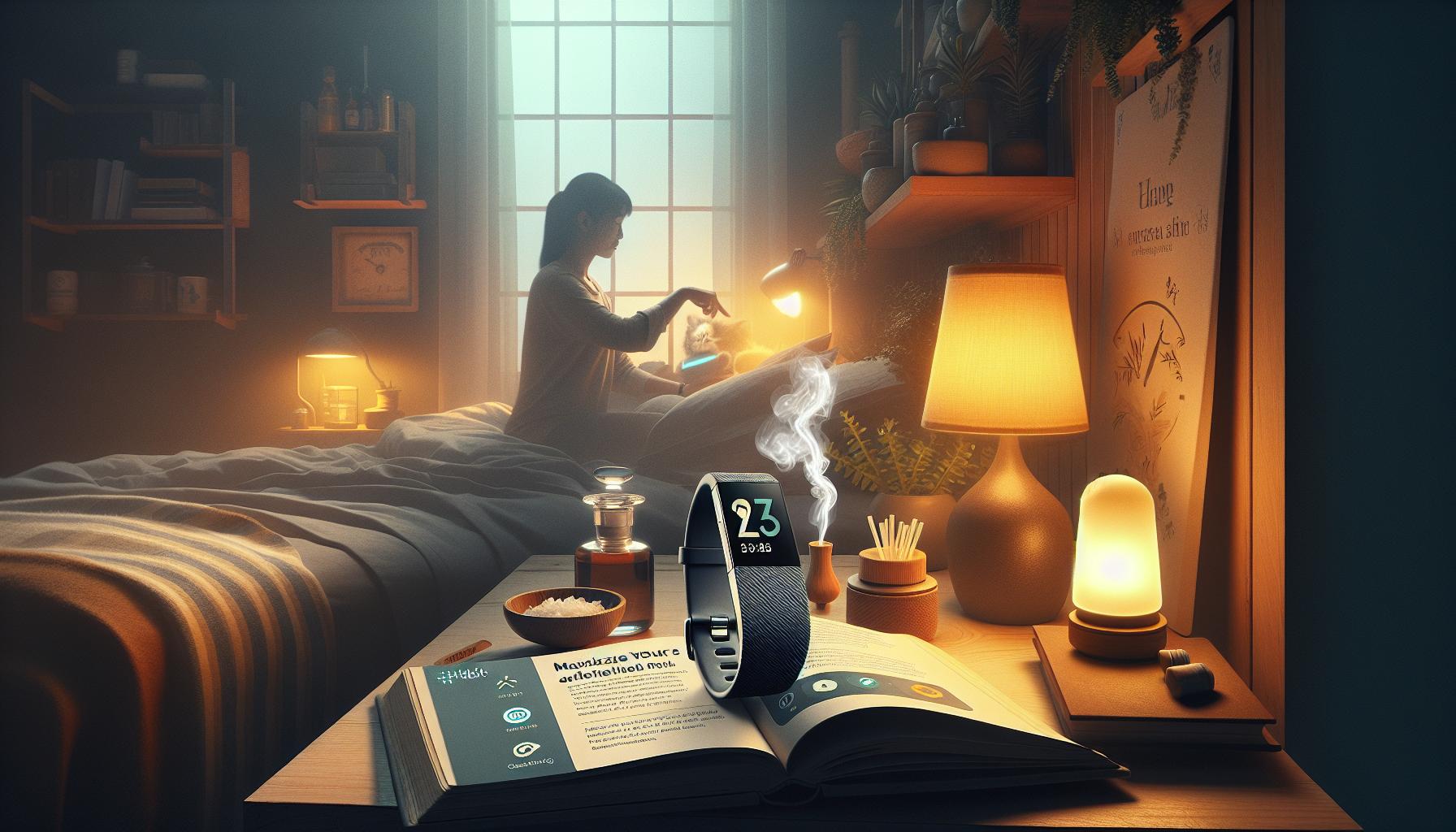
The Fitbit Charge 4 is more than just a sleep tracker-it’s a powerful tool with features designed to enhance your sleep quality and overall health. One exciting aspect of the Charge 4 is its ability to provide personalized insights based on your sleeping patterns. By utilizing your heart rate variability, sleep duration, and even your daily activity levels, the Fitbit can offer recommendations tailored specifically to your needs. For instance, it might suggest extending your sleep duration on days when you’ve been particularly active or advise relaxation techniques if your stress levels appear elevated.
Another noteworthy feature is the Sleep Score, which provides a quick snapshot of your sleep quality each night. This score incorporates various metrics, including time spent in different sleep stages (light, deep, and REM), to give you a clear understanding of how well you slept. To maximize the benefits of your Sleep Score, consider setting a consistent bedtime routine, as regular sleep patterns can lead to better scores over time. You can also use the Sleep Insights feature in the Fitbit app, which can help you identify trends and areas for improvement in your sleep habits.
Utilize Relaxation and Breathing Features
The Charge 4 includes guided breathing exercises, which can help you wind down before bed. Engaging in mindfulness or meditation using these features can lead to improved sleep quality. Taking a few moments to practice deep breathing can reduce anxiety and stress, which are common culprits of restless nights. For optimal results, try to incorporate these calming sessions into your evening routine.
Monitoring and Adjusting Your Environment
Lastly, leveraging the Fitbit app can greatly enhance your sleep experience. The app allows you to log factors that may affect your sleep, such as caffeine and alcohol consumption, room temperature, and screen time before bed. This data can provide valuable insights into how these variables impact your sleep quality. By adjusting your sleep environment-for example, by keeping your room cool and dark-you can create an ideal atmosphere that promotes better sleep.
Incorporating these additional features into your nightly routine can significantly enhance the quality of your sleep tracked by your Fitbit Charge 4. By taking advantage of the insights and tools available, you can make informed adjustments that lead to more restful nights and energized days.
Understanding Sleep Cycles and Fitbit’s Role in Monitoring
Understanding how sleep cycles work is essential for maximizing the benefits of your Fitbit Charge 4. Our sleep is divided into several stages, including light sleep, deep sleep, and REM (Rapid Eye Movement) sleep. Each stage plays a crucial role in physical restoration, cognitive function, and emotional regulation. The Charge 4 accurately tracks these cycles, allowing you to see how much time you spend in each phase. This information is invaluable, as it can help you identify patterns and make informed adjustments to improve your overall sleep quality.
The Fitbit Charge 4 employs a combination of heart rate monitoring, motion detection, and sophisticated algorithms to estimate your sleep stages. When you sleep, your heart rate and breathing patterns change, and the device utilizes this data to determine when you’re awake, in light sleep, deep sleep, or REM sleep. Analyzing this data can shed light on your habits, revealing if you are getting enough restorative deep sleep or if your REM cycles are disrupted. For instance, a lack of REM sleep can be linked to feelings of fogginess or irritability, so knowing your metrics can prompt immediate lifestyle changes.
To optimize your sleep tracking experience, it’s important to wear the Charge 4 snugly on your wrist but not too tight, ensuring that the sensors can effectively gather data throughout the night. Ensure that your device is charged before bedtime, so it can thoroughly capture your sleep patterns without interruptions. Additionally, the Fitbit app offers insights and trends based on your sleep data, allowing you to recognize how external factors-such as stress, diet, or exercise-might be affecting your sleep cycles.
Utilizing this information effectively means that you can adapt your nightly routine, such as adjusting your bedtime or incorporating relaxation practices, to enhance the quality of your sleep. Understanding the nuances of sleep cycles and how your Fitbit Charge 4 tracks them empowers you to take control of your sleep health, leading to more rejuvenating nights and productive days.
Frequently asked questions
Q: Why is my Fitbit Charge 4 not recording sleep data?
A: If your Fitbit Charge 4 isn’t recording sleep data, it may not be worn correctly on your wrist, or sleep tracking may be turned off in settings. Ensure the device fits snugly and check your settings to confirm sleep tracking is enabled.
Q: How can I fix sleep tracking issues on my Fitbit Charge 4?
A: To fix sleep tracking issues, try restarting your device, ensuring it’s up-to-date with the latest firmware, and wearing it comfortably overnight. Refer to the troubleshooting section of your guide for detailed steps if problems persist.
Q: Does the Fitbit Charge 4 track sleep automatically?
A: Yes, the Fitbit Charge 4 automatically detects sleep when worn during the night. It uses movement and heart rate data to identify sleep patterns. Make sure it is charged and properly positioned on your wrist to ensure accurate tracking.
Q: How do I enable sleep mode on my Fitbit Charge 4?
A: You can enable sleep mode on your Fitbit Charge 4 by swiping down on the clock face to access quick settings, then tapping on the sleep mode icon. This will prevent notifications, allowing for uninterrupted sleep tracking.
Q: What factors can interfere with my Fitbit’s sleep tracking accuracy?
A: Factors such as loose wear, insufficient battery, or physical disturbances (like movement during sleep) can affect sleep tracking accuracy. Ensure your device is worn snugly and charged before bedtime for optimal performance.
Q: Can I manually log my sleep on the Fitbit Charge 4?
A: Yes, you can manually log sleep on the Fitbit Charge 4 through the Fitbit app. Go to the sleep section, and select “Log Sleep,” where you can add start and end times for when you went to bed and woke up.
Q: What should I do if my Fitbit Charge 4 isn’t syncing sleep data?
A: If your Fitbit Charge 4 isn’t syncing sleep data, ensure Bluetooth is enabled on your smartphone. Restart both your watch and the Fitbit app. Check the app settings to confirm it’s correctly linked to your device.
Q: How can I improve sleep tracking with my Fitbit Charge 4?
A: To improve sleep tracking, set a consistent sleep schedule, wear your Fitbit Charge 4 snugly, and keep it charged. Use the Fitbit app for insights and adjust your habits based on your sleep data for better quality sleep.
In Conclusion
Now that you understand why your Fitbit Charge 4 might not be tracking your sleep effectively, it’s time to take action! Ensure you’ve checked all settings and updated the firmware, as these steps can significantly enhance your tracking experience. Don’t forget to maintain a consistent sleep schedule and wear your device correctly for the best results. For deeper insights into your sleep health, check out our guides on effective sleep tips and advanced sleep tracking techniques.
If you’ve found value in this guide, consider signing up for our newsletter for more expert tips on improving your sleep quality. Your feedback is invaluable, so please share your experiences or questions in the comments below!
Still curious about optimizing your wearables? Explore our resources on setting up sleep schedules or understanding sleep stages to make the most of your devices. Together, we can help you master your sleep and improve your health journey!
Get our latest guides, news, and insights highlighted in your Google Search & AI Overviews.