
Sleep is a vital component of our overall health, yet many struggle to achieve restorative rest. The Apple Watch SE offers a sleep tracking feature that aims to help users understand their slumber patterns, but how accurate is it really? This article delves into the precision of the Apple Watch SE’s sleep tracking capabilities, evaluating its effectiveness in reporting sleep duration and stages. By examining these aspects, we empower readers to make informed decisions about their sleep health and explore whether this tool can genuinely enhance their nightly rest. Join us as we uncover insights that could transform your approach to sleep management.
Understanding Apple Watch SE Sleep Tracking Features
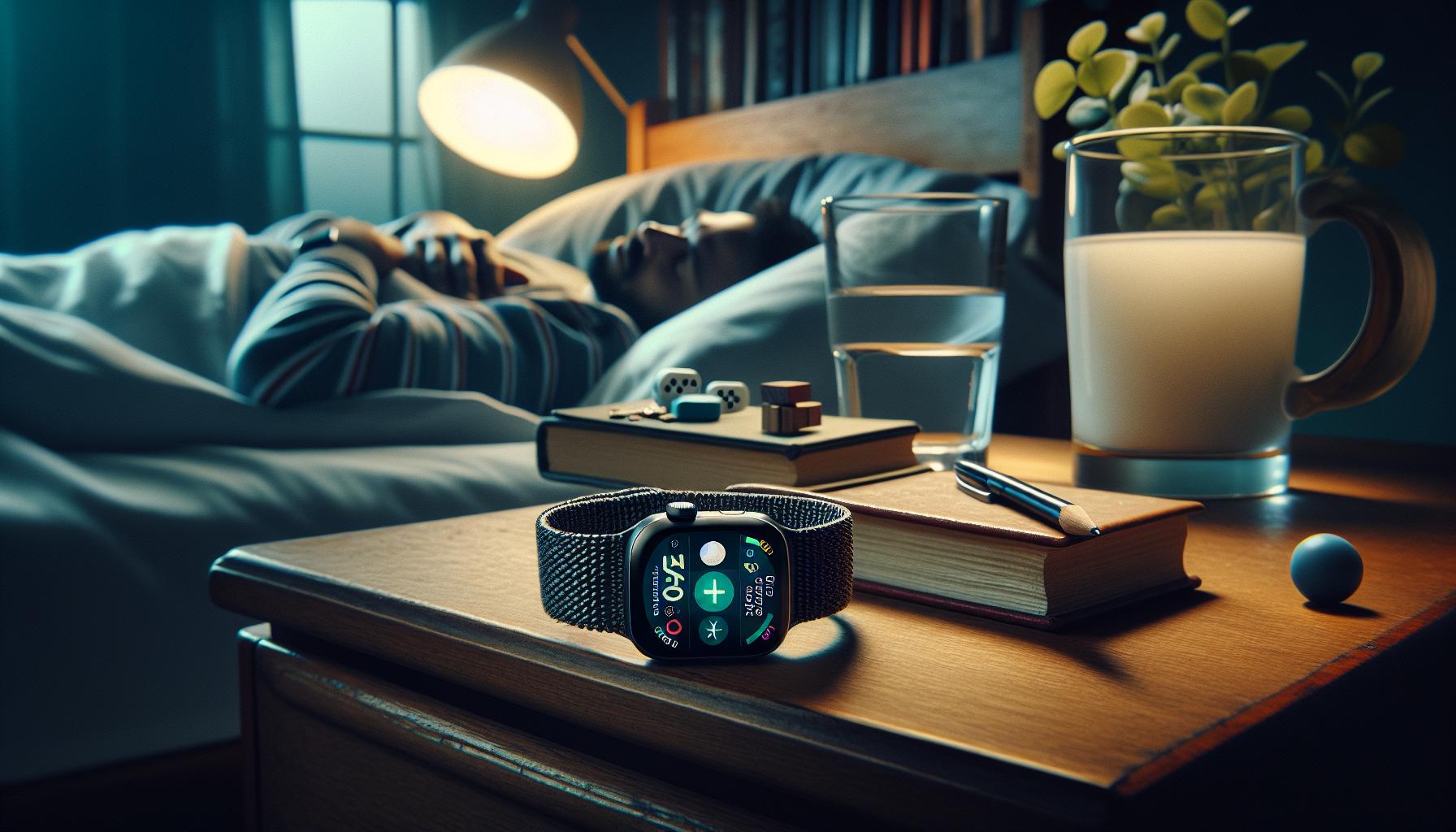
The Apple Watch SE offers a thoughtfully designed suite of sleep tracking features that go beyond mere counting of hours. With integrated technology and user-friendly software, it provides insights not only into how long you sleep but also into the quality of that sleep. By analyzing movements and heart rate, the Apple Watch SE can detect sleep patterns and help users understand their nightly habits. This is crucial, as sleep quality can significantly affect overall health and well-being.
One of the standout aspects of the Apple Watch SE’s sleep tracking is its simplicity. Set your sleep goals through the Health app on your paired iPhone, and the watch automatically tracks your sleeping hours based on wear patterns. Many users appreciate this seamless integration; there’s no need for complex setups or additional software. The watch also promotes healthier sleep habits by sending gentle reminders when it’s time to wind down, encouraging you to establish a consistent sleep routine.
For those curious about detailed sleep metrics, the Apple Watch SE provides information on average sleep duration and quality, which can be valuable for monitoring sleep trends over time. Additionally, it distinguishes between sleep and wake times, offering more accurate data compared to simpler wearables. However, while the Apple Watch SE provides valuable insights, it is important to remember that it is not a medical device. Users who suspect they have sleep disorders may still require professional consultation for comprehensive assessments.
How Sleep Tracking Works on the Apple Watch SE
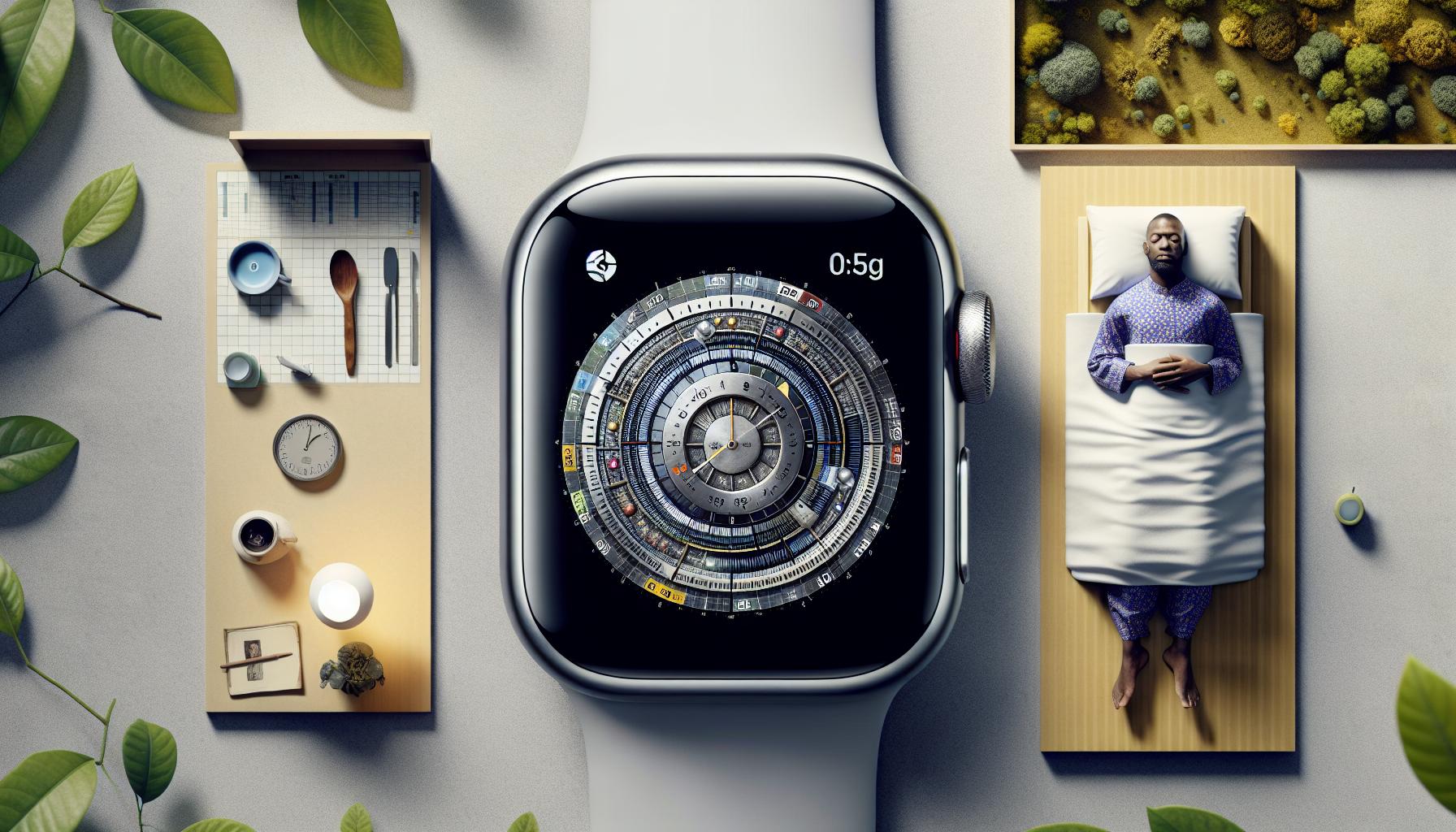
The Apple Watch SE employs a sophisticated approach to sleep tracking, blending advanced technology with user-friendly design to empower users with insights into their sleep patterns. At its core, the device utilizes a combination of motion sensors and heart rate monitoring to determine when you are asleep and when you are awake. This dual approach enables it to not only track the total duration of sleep but also to gauge the quality of that sleep, offering a more nuanced view than basic timekeeping.
To begin tracking sleep, users simply need to wear the watch while sleeping-no additional setup or complicated configurations are required. Once a bedtime is set through the paired Health app on your iPhone, the Apple Watch SE will automatically recognize your sleep period based on your movements and heart rate data. Its gentle reminders to prepare for sleep can also encourage healthier nighttime routines, making it easier to establish consistent bedtimes.
One noteworthy aspect is its ability to classify different states of sleep based on activity data. The Apple Watch SE can differentiate between periods of sleep and wakefulness, providing users with a clearer picture of their nightly habits. This feature is beneficial for those aiming to understand their sleep cycles and make informed adjustments to improve their rest. Additionally, users can review their sleep performance, examining trends in sleep quality and duration, which can serve as a motivational tool for enhancements in lifestyle choices related to rest.
However, while the Apple Watch SE is an impressive tool for tracking sleep, it is essential to understand its limitations. The data it provides should not be seen as a substitute for medical advice or diagnostics. If you find discrepancies or have concerns about your sleep patterns, consult a healthcare professional for a comprehensive analysis. The Apple Watch SE serves as a great starting point for monitoring sleep hygiene, encouraging users to make informed changes based on personalized insights from their sleep data.
Comparing Apple Watch SE to Other Sleep Trackers
While the Apple Watch SE is a strong contender in the sleep tracking arena, it’s vital to grasp how it stacks up against other popular sleep trackers. Many consumers are faced with a plethora of options when it comes to technology designed to monitor sleep, leading to questions about both accuracy and usability.
One prominent alternative is the Fitbit line, renowned for its extensive sleep tracking features. Devices like the Fitbit Charge offer detailed insights into sleep cycles, breaking them down into light, deep, and REM sleep. While the Apple Watch SE focuses primarily on duration and overall quality, Fitbit’s more nuanced tracking allows users to see how long they spend in each stage of sleep. This granularity can be particularly beneficial for users looking to improve specific aspects of their sleep hygiene. However, many recognize Fitbit devices may not be as user-friendly as the Apple Watch ecosystem, particularly for those already invested in Apple products.
Another noteworthy competitor is the Oura Ring, which uses advanced sensors to capture sleep data along with other wellness metrics. The Oura Ring excels in offering personalized insights tailored to improve sleep habits, thanks to its extensive algorithms and data analysis capabilities. However, its high price point could be a deterrent for those looking for budget-friendly options. In contrast, the Apple Watch SE offers a blend of affordability and functionality, making it accessible for a wider audience while still providing valuable sleep data.
In direct comparisons, users often report that while the Apple Watch SE provides a solid overview of sleep patterns, it may not always match the accuracy of dedicated sleep trackers in distinguishing between sleep stages. Despite this, its seamless integration with the Health app and the ability to generate insights based on overall health metrics set it apart from merely tracking sleep. Those prioritizing convenience and integration into a broader health management system may find the Apple Watch SE to be the ideal solution, balancing innovative features with everyday usability.
Ultimately, the choice often comes down to what users prioritize in their sleep monitoring journey-detailed analysis, ease of use, or wider health integration.
Accuracy Analysis: How Reliable Is Sleep Data?
The Apple Watch SE provides a compelling sleep tracking experience, but just how reliable is the data it offers? While many users appreciate the convenience and integration of the Apple ecosystem, some might find themselves questioning the accuracy of the information gathered during sleep. The Apple Watch SE monitors your breathing, heart rate, and movement to estimate your sleep duration and quality, but it does not provide the same level of detail as specialized sleep trackers.
Understanding the Measurements
When you wear the Apple Watch SE overnight, it records vital signs that contribute to your sleep analysis. It primarily focuses on total sleep time-how long you sleep without distinguishing between light, deep, and REM stages. This broad overview can be helpful for those looking to monitor their sleep patterns generally but might leave others wanting more specific insights about sleep quality and disturbances.
- Heart Rate Monitoring: The watch keeps track of your heart rate, which can offer clues about your overall sleep quality. A lower heart rate during sleep typically indicates deeper rest.
- Motion Tracking: By assessing movement throughout the night, the watch detects periods of wakefulness, though this can sometimes lead to inaccuracies if you are a restless sleeper.
- Sleep Duration: The primary metric reported is total sleep duration, which can be insightful for lifestyle adjustments.
Comparative Accuracy
Compared to dedicated sleep tracking devices like the Fitbit or Oura Ring, the Apple Watch SE’s accuracy in identifying different sleep stages can be less precise. Fitbit devices, for example, utilize advanced algorithms and additional physiological data to provide nuanced insights into sleep cycles. If you are seeking a detailed analysis, you may find that wearables focusing exclusively on sleep tracking provide a more accurate and comprehensive picture.
However, for users already embedded in the Apple ecosystem, the convenience of having a multifunctional device that tracks not just sleep but also heart health, exercise, and daily activities can outweigh the need for absolute precision. As with any technology, understanding its limitations is crucial.
Final Thoughts
In summary, while the Apple Watch SE offers a foundational approach to sleep tracking, it may not always deliver the level of accuracy found in more dedicated devices. Those who prioritize a general understanding of their sleep patterns will likely find value in the data provided, while individuals seeking detailed phase breakdown or specific insights may want to consider complementary solutions or consult a sleep specialist. Balancing the practicalities of technology with your personal health goals can help you make informed decisions regarding your sleep health.
User Experience: Real-World Sleep Tracking Feedback
Many users have reported a range of experiences when it comes to sleep tracking with the Apple Watch SE, providing insight into how this device performs in real-life scenarios. For instance, individuals often praise the watch for its user-friendly interface and seamless integration with the iOS ecosystem, which allows for easy access to sleep data via the Health app. This convenience appeals especially to those who already rely on Apple products for other aspects of their daily lives.
However, feedback on accuracy tends to vary. Some users have expressed satisfaction with the tracking capabilities, noting that the overall sleep duration it records aligns well with their personal experiences. A frequent theme among these users is the emphasis on general sleep patterns rather than precision. For example, someone might find that the device accurately captures the total hours they spent asleep, even if it doesn’t always differentiate between light and deep sleep effectively. This broader understanding helps users adjust their bedtime routines or identify lifestyle factors affecting their rest.
In contrast, others have encountered challenges with misinterpretations of their sleep data. Instances of the Watch miscalculating sleep hours or identifying wake periods during times when users felt they were asleep have been reported. Those who move a lot during the night or have irregular sleep patterns may find the tracking less reliable. It’s important to consider these personal variables and approach the data as a general guide rather than an exact science.
To maximize the effectiveness of the Apple Watch SE’s sleep tracking feature, many users recommend maintaining a consistent sleep environment and routine. Practical suggestions include ensuring a comfortable sleeping position, reducing screen time before bed, and even calibrating the Watch settings for better personal fit. Ultimately, while the Apple Watch SE may not provide the intricate details offered by specialized sleep trackers, its ease of use and integration into a broader health management system make it a valuable tool for those looking to improve their overall sleep habits.
Common Sleep Tracking Issues with Apple Watch SE
Many users have encountered challenges with sleep tracking on the Apple Watch SE, highlighting the importance of understanding its limitations and capabilities. One common issue is the inaccuracy in recording sleep duration. For instance, some users report that the watch sometimes fails to register when they fall asleep or misclassifies periods of being awake as sleep. This can occur particularly for individuals who frequently shift positions throughout the night or experience disturbed sleep patterns, leading to discrepancies between actual rest and what the device reports.
Physical factors can also interfere with tracking accuracy. Those who wear the watch too loosely may find that it can’t accurately detect heart rate changes associated with different sleep stages. Similarly, external conditions such as noise or light can disrupt sleep quality and affect tracking, making it crucial for users to create a conducive sleeping environment. Maintaining a consistent bedtime and limiting screen time before sleep can help improve tracking reliability.
Another issue pertains to the integration of data across Apple’s ecosystem. While Apple Watch SE syncs seamlessly with the Health app, some users may find the presentation of their sleep data overwhelming or unclear. If sleep insights feel disconnected, it could be beneficial to explore the Health app settings to refine how data is displayed. Utilizing features like sleep schedules and wind-down routines can help structure your sleep more effectively, though they do require some initial setup.
Finally, it’s essential for users to interpret the results provided by the Apple Watch SE with care. While the device can offer useful insights into general sleep trends, users are advised to view the data as a broad overview rather than precise measurements. By recognizing these common challenges, users can make informed adjustments to their sleep habits and improve their overall experience with the Apple Watch SE’s tracking capabilities.
Setting Up Sleep Tracking on Your Apple Watch SE
To make the most of sleep tracking on your Apple Watch SE, the initial setup is crucial. This operation is not just about donning the watch before bed; it requires some thoughtful configuration to ensure you gather the most accurate data. Start by ensuring your watch is running the latest watchOS version since updates often include enhancements for sleep tracking features.
Next, you can set up your sleep schedule directly through the Sleep app on the watch or via the Health app on your iPhone. This setup is vital as it helps the device understand your desired sleep patterns. Here’s a step-by-step guide to get you started:
Steps to Set Up Sleep Tracking
- Access the Sleep App: Open the Sleep app on your Apple Watch or Health app on your iPhone.
- Set Your Sleep Schedule: Specify your ideal bedtime and wake-up time. A consistent schedule is key to reliable data.
- Enable Sleep Tracking: Turn on the option for tracking your sleep automatically. This allows the watch to monitor your sleep without manual activation.
- Customize Wind Down: Use the Wind Down feature to prepare for sleep by limiting distractions. You can include activities like reading or meditation.
- Wear It Correctly: Ensure your Apple Watch fits snugly but comfortably. A loose fit may cause inaccuracies in heart rate and sleep data.
By completing these steps, you’ll create an environment where the Apple Watch SE can effectively track your sleep patterns. It’s important to remember that combining this technology with good sleep hygiene, like a calm sleeping environment and limiting screen exposure before bed, can improve your sleep quality significantly.
Once you have everything set up, you can start exploring your sleep data. The watch not only tracks the duration of your sleep but also provides insights into your sleep stages. However, keep in mind that while the Apple Watch SE provides useful sleep data, it’s always best viewed as a guide rather than an exact measurement. Adjust your routine and settings based on the feedback you receive, and always be open to making changes for better sleep health.
Interpreting Your Sleep Stats: What They Mean
Understanding the insights provided by your Apple Watch SE sleep stats can greatly enhance your overall sleep health. Each night, the watch tracks not just how long you sleep, but also your sleep quality by breaking it down into different stages: deep sleep, light sleep, and REM. This information is invaluable for identifying patterns that may affect your daytime performance or overall well-being. For instance, if you notice that you consistently get less deep sleep, it might be time to adjust your bedtime routine or consider lifestyle factors that could be interfering, like caffeine intake or late-night screen time.
The Apple Watch SE presents your sleep data through the Health app, where you can review key metrics such as total hours of sleep, sleep quality percentage, and a breakdown of your sleep stages. Here’s a quick overview of what each metric represents:
- Total sleep hours: The absolute amount of time spent asleep, reflecting both light and deep sleep.
- Sleep quality percentage: A score that estimates how restful your sleep was, factoring in interruptions or restlessness.
- Sleep stages: Details how much time you spent in deep sleep, light sleep, and REM sleep, which are crucial for restorative processes.
It’s important to remember that while these measurements provide a deeper understanding of your sleep patterns, they should not replace professional sleep assessments when necessary. If your stats consistently indicate poor sleep quality or if you experience excessive daytime sleepiness, consulting a sleep specialist might be beneficial. Keep in mind that every individual’s sleep needs can vary significantly based on lifestyle and health, so using these insights as a guideline to tweak your habits can lead to improvements over time.
In essence, the Apple Watch SE can empower you to take control of your sleep health by helping you understand the nuances of your nightly rest, guiding you toward making informed decisions for better sleep hygiene.
Sleep Stages: How Apple Watch SE Measures Them
To truly understand your sleep health, knowing how the Apple Watch SE measures various sleep stages can be incredibly enlightening. The device doesn’t just track sleep duration but dives deeper by breaking down your slumber into different phases. These phases typically include light sleep, deep sleep, and REM (rapid eye movement) sleep, each playing a vital role in your overall restorative processes. This granular approach helps you identify patterns and make informed adjustments to your nightly routine, ultimately enhancing your sleep quality.
The Apple Watch SE utilizes a combination of physiological data and motion sensing to gauge your sleep stages. It employs accelerometer data to monitor movement and heart rate variability to assess your body’s status. When you appear inactive and your heart rate drops, the watch infers that you have entered a sleep stage. The analysis of these data points allows the watch to categorize your sleep into distinct buckets: light sleep, which is the transitional phase; deep sleep, essential for physical recovery; and REM sleep, critical for cognitive functions such as memory and learning.
Understanding the Sleep Stages
When you check your sleep report through the Health app, you’ll notice how each sleep stage is represented. Here’s a brief overview of what they indicate:
- Light Sleep: This phase accounts for about 50-60% of your sleep cycle. It’s a lighter sleep where your heart rate and breathing slow, setting the stage for deeper sleep.
- Deep Sleep: This restorative phase is crucial for recovery and rebuilding. It typically represents about 10-15% of your sleep and is harder to wake from. The Apple Watch SE will show how much time you spent in this vital stage.
- REM Sleep: Normally taking up about 20-25% of your total sleep, REM sleep is where dreaming occurs and plays a critical role in learning and memory. Insights into your REM patterns can help you optimize your overall cognitive health.
Practical Implications
Understanding these stages is key for anyone looking to improve their sleep health. For example, if your data indicates insufficient deep sleep, you might consider changes such as reducing stimulant intake before bed or creating a more conducive sleep environment. Conversely, consistently low REM might suggest a need for stress management techniques to facilitate better rest.
By leveraging the Apple Watch SE’s insights, you can cultivate a better understanding of your sleep cycle, illuminating paths to enhance your rest and, by extension, your overall well-being. While it’s a handy tool for monitoring sleep, always remember that if sleep issues persist, it may be wise to consult with a professional for a more in-depth evaluation.
Maximizing Sleep Tracking for Better Rest
To truly harness the potential of your Apple Watch SE for maximizing sleep tracking, consider integrating thoughtful habits and practices into your nightly routine. One effective strategy is to establish a regular sleep schedule. Try to go to bed and wake up at the same time every day, even on weekends. This consistency helps regulate your body’s internal clock, making it easier to fall asleep and wake up refreshed. Aim for the recommended 7-9 hours of sleep per night, as this will provide the necessary rest for optimal health.
Additionally, the environment in which you sleep significantly impacts your sleep quality. Create a calming space by keeping your bedroom dark, cool, and quiet. You can use blackout curtains, earplugs, or white noise machines to minimize disturbances. Furthermore, it’s advisable to turn off screens at least an hour before bedtime. The blue light emitted by smartphones and other devices can interfere with your natural sleep cycle, making it harder to fall asleep.
Using the Health app on your Apple Watch SE effectively can further enhance your sleep tracking experience. Review your sleep data regularly to identify patterns or irregularities. If you notice consistent trouble with sleep stages, it may be beneficial to adjust your pre-sleep routine. For example, engaging in relaxing activities such as reading, meditating, or practicing deep-breathing exercises can help signal to your body that it’s time to wind down, promoting deeper sleep cycles.
If you encounter common sleep tracking issues such as inaccurate readings or inconsistent data, ensure that your Apple Watch SE fits snugly on your wrist. A loose fit can lead to unreliable heart rate measurements and ultimately skew your sleep data. Regularly updating your device’s software and cleaning its sensors can also improve overall performance. If persistent sleep difficulties arise, consider seeking professional guidance to delve deeper into potential sleep disorders, ensuring you receive the appropriate support for your sleep health.
Troubleshooting Common Sleep Tracking Problems
Navigating the world of sleep tracking with your Apple Watch SE can sometimes be tricky. While the device provides valuable insights, users may encounter a variety of issues that can skew their sleep data. Recognizing and remedying these common problems can significantly enhance your overall sleep tracking experience.
One primary concern is the fit of the Apple Watch SE. If the watch is too loose, it may fail to accurately monitor your heart rate and movement during sleep, resulting in unreliable data. Aim for a snug, comfortable fit on your wrist that will stay in place throughout the night. Regularly cleaning the sensors on the back of the device is also important. Dust or skin oils can interfere with sensor performance, leading to inaccurate readings.
Another common challenge is software glitches. Ensuring that your Apple Watch SE is running the latest software version can help fix bugs and improve functionality. Check for updates regularly through the Watch app on your paired iPhone. Rebooting both the watch and the iPhone can also solve temporary glitches.
Additionally, user habits can influence sleep data validity. For example, sleeping in unusual positions or moving excessively during the night can disrupt the watch’s ability to track sleep stages accurately. If you’re constantly shifting around, the watch might interpret this movement as wakefulness. To mitigate this, try maintaining a consistent sleep position or adjusting your sleeping environment for comfort.
Lastly, should your findings consistently show flawed metrics or raise concerns about your sleep quality, it could be beneficial to review your sleep patterns using the Health app. Look for patterns or discrepancies in your data. If persistent sleep issues arise, seeking a professional evaluation might be the next step to explore underlying sleep disorders. Balancing your tech reliance with professional insights can ensure a comprehensive approach to your sleep health.
When to Seek Professional Sleep Help vs. Using a Tracker
Navigating the decision of whether to seek professional sleep help or rely on your Apple Watch SE for tracking can be daunting. If you consistently find yourself waking up feeling unrefreshed despite the metrics provided by your device, it might be time to consider a professional evaluation. Sleep trackers can provide valuable insights, but they come with limitations. While the Apple Watch SE can inform you about your sleep duration and general quality, it lacks the comprehensive diagnostics that a sleep study offers.
When Tracking Data Raises Concerns
If you notice persistent patterns in your sleep data that suggest significant issues-such as frequent awakenings, lengthy periods of restlessness, or indications of sleep apnea (like snoring or gasping)-these could be signs of a sleep disorder. For instance, if your watch indicates that you are experiencing very little deep sleep or if your heart rate data suggests erratic patterns during the night, it would be prudent to consult a professional.
Here are situations where seeking professional help is advised:
- Chronic Fatigue: If you feel excessively tired during the day, despite what your tracker says about your sleep.
- Sleepless Nights: Regularly struggling to fall asleep or stay asleep over a few weeks.
- Symptoms of Sleep Disorders: Observing symptoms like heavy snoring or stopping breathing during sleep.
- Severe Mood Changes: Persistent mood swings or health issues that seem correlated with your sleep patterns.
Understanding the Role of Sleep Studies
A professional sleep study, typically conducted in a lab, can provide detailed insights into your sleep cycles through polysomnography, which monitors brain activity, eye movement, heart rate, breathing, and more. This level of analysis can help diagnose conditions such as insomnia, sleep apnea, restorative sleep difficulties, and other disorders that a smartwatch cannot detect.
Another advantage of professional evaluation is personalized treatment recommendations. Sleep specialists can work with you to identify lifestyle changes or therapies that may improve your sleep quality, addressing root causes rather than just symptoms.
In summary, while the Apple Watch SE can be a helpful tool in managing sleep patterns, it is essential to recognize its limitations. Balancing the data from your tracker with professional medical advice ensures a more holistic approach to improving your sleep and overall health. If you encounter any red flags in your sleep data, don’t hesitate to reach out for a sleep consultation-it’s a proactive step toward better rest.
Frequently asked questions
Q: How does Apple Watch SE sleep tracking compare to other devices?
A: The Apple Watch SE sleep tracking is comparable to other mainstream devices, offering solid tracking of sleep duration and quality. However, it may lack some advanced features found in dedicated sleep trackers, such as detailed sleep stage analysis. For a detailed comparison, refer to the section Comparing Apple Watch SE to Other Sleep Trackers in the full article.
Q: What are common factors affecting the accuracy of sleep tracking on the Apple Watch SE?
A: Factors like wearing the watch too loosely, battery levels, and sleep environment can affect sleep tracking accuracy. Ensure a snug fit during sleep and check battery health to optimize performance. For more tips, see the Troubleshooting Common Sleep Tracking Problems section.
Q: Can Apple Watch SE accurately detect sleep apnea?
A: The Apple Watch SE is not designed to diagnose sleep apnea. While it tracks sleep patterns, for conditions like apnea, a professional sleep study is recommended. Refer to the When to Seek Professional Sleep Help vs. Using a Tracker section for more details.
Q: How can I improve the accuracy of my Apple Watch SE sleep tracking?
A: To enhance accuracy, wear the watch snugly on your wrist overnight, ensure it has sufficient charge, and maintain a consistent sleep schedule. You can also read about Maximizing Sleep Tracking for Better Rest in the article for more suggestions.
Q: What should I check if my Apple Watch SE isn’t tracking sleep correctly?
A: If your watch isn’t tracking sleep accurately, check for updates in the software, ensure the watch fits well, and confirm that Sleep mode is on. For specific common issues, see the Common Sleep Tracking Issues with Apple Watch SE section.
Q: How does the Apple Watch SE measure REM sleep?
A: The Apple Watch SE primarily tracks sleep stages using movement and heart rate data. While it gives an estimate of REM sleep, the accuracy may vary. Check Sleep Stages: How Apple Watch SE Measures Them for detailed insights on how it works.
Q: What is the typical battery life for sleep tracking on Apple Watch SE?
A: The Apple Watch SE typically lasts up to 18 hours on a full charge, but sleep tracking may deplete the battery faster if used overnight. It’s advisable to charge it during the day. For tips on managing battery life, reference the Accuracy Analysis: How Reliable Is Sleep Data? section.
Q: Does the Apple Watch SE provide feedback on sleep quality?
A: Yes, the Apple Watch SE provides insights about sleep quality, including total time asleep and periods of wakefulness. For a deeper understanding of your sleep stats, refer to the section Interpreting Your Sleep Stats: What They Mean in the main article.
To Wrap It Up
Now that you’ve discovered how accurate the Apple Watch SE sleep tracking features are, you may be wondering how to make the most of your sleep health journey. Whether you’re considering adding new sleep tech to your routine or exploring natural remedies for better rest, we have you covered. For a deeper dive, check out our guides on natural cures for insomnia and tips for improving sleep quality [[3]](https://www.sleepfoundation.org/insomnia/treatment/natural-cures-for-insomnia) and the benefits of adequate sleep [[1]](https://www.sleepfoundation.org/how-sleep-works/benefits-of-sleep).
Don’t miss out on optimizing your sleep experience-sign up for our newsletter to stay updated on the latest sleep health insights and product reviews. Ready to explore more? Click through our product recommendations where you can find the best sleep aids tailored for your needs. Your next best night’s sleep is just a click away! Share your thoughts or questions in the comments-let’s discuss how technology and natural methods can improve your sleep now!
Get our latest guides, news, and insights highlighted in your Google Search & AI Overviews.