
Are you aware that sleep is vital for your overall health, yet many struggle to track their sleep effectively? If you’re among those looking to improve your nightly rest, the Galaxy Watch 4 can be your helpful companion. With its advanced sleep-tracking features, this smartwatch not only captures your sleep patterns but also enhances your understanding of your sleep quality. In this guide, we’ll walk you through simple steps to set up sleep tracking on your Galaxy Watch 4, empowering you to take charge of your sleep health. By utilizing these smart features, you can gain valuable insights into your sleeping habits, helping you meet your wellness goals and strive for better rest every night. So, let’s dive into how to maximize your Galaxy Watch 4’s capabilities and take your first steps toward a better night’s sleep!
Getting Started with Sleep Tracking on Galaxy Watch 4
To kickstart your journey with sleep tracking on the Galaxy Watch 4, it’s essential to understand how this impressive device can enhance your sleep health. With a range of built-in features designed to monitor and analyze your sleep patterns, you can gain insights that might help improve your overall sleep quality. The Galaxy Watch 4 not only tracks your total sleep time but also breaks down different sleep stages, providing valuable feedback you can use to adjust your nightly routines.
Setting up your Galaxy Watch 4 for sleep tracking is a straightforward process. First, ensure that you’re wearing your watch snugly on your wrist while you sleep – this guarantees the sensors can accurately monitor your heart rate and movement. From there, simply navigate to the Samsung Health app on your watch, select the “Sleep” tile, and enable sleep tracking. Your watch will automatically detect when you fall asleep and wake up, logging the duration and quality of your rest.
To maximize the accuracy of your sleep tracking, consider incorporating the following practices:
- Keep your watch charged: Ensure your Galaxy Watch 4 is adequately charged before bedtime, so it can track your sleep without interruption.
- Wear it consistently: Regularly wearing the watch to bed helps the device learn your sleep habits, improving tracking accuracy over time.
- Adjust your settings: Make sure that the settings for sleep tracking are turned on in the Samsung Health app, and consider enabling features like snore detection.
Understanding the data captured during sleep tracking is vital. The Galaxy Watch 4 provides a breakdown of your sleep stages – light sleep, deep sleep, and REM sleep – allowing you to see how each contributes to your overall sleep quality. By actively engaging with this data, you can identify patterns and make informed adjustments to your sleep environment or bedtime routine, further enhancing your nightly rest.
Understanding Sleep Tracking Features
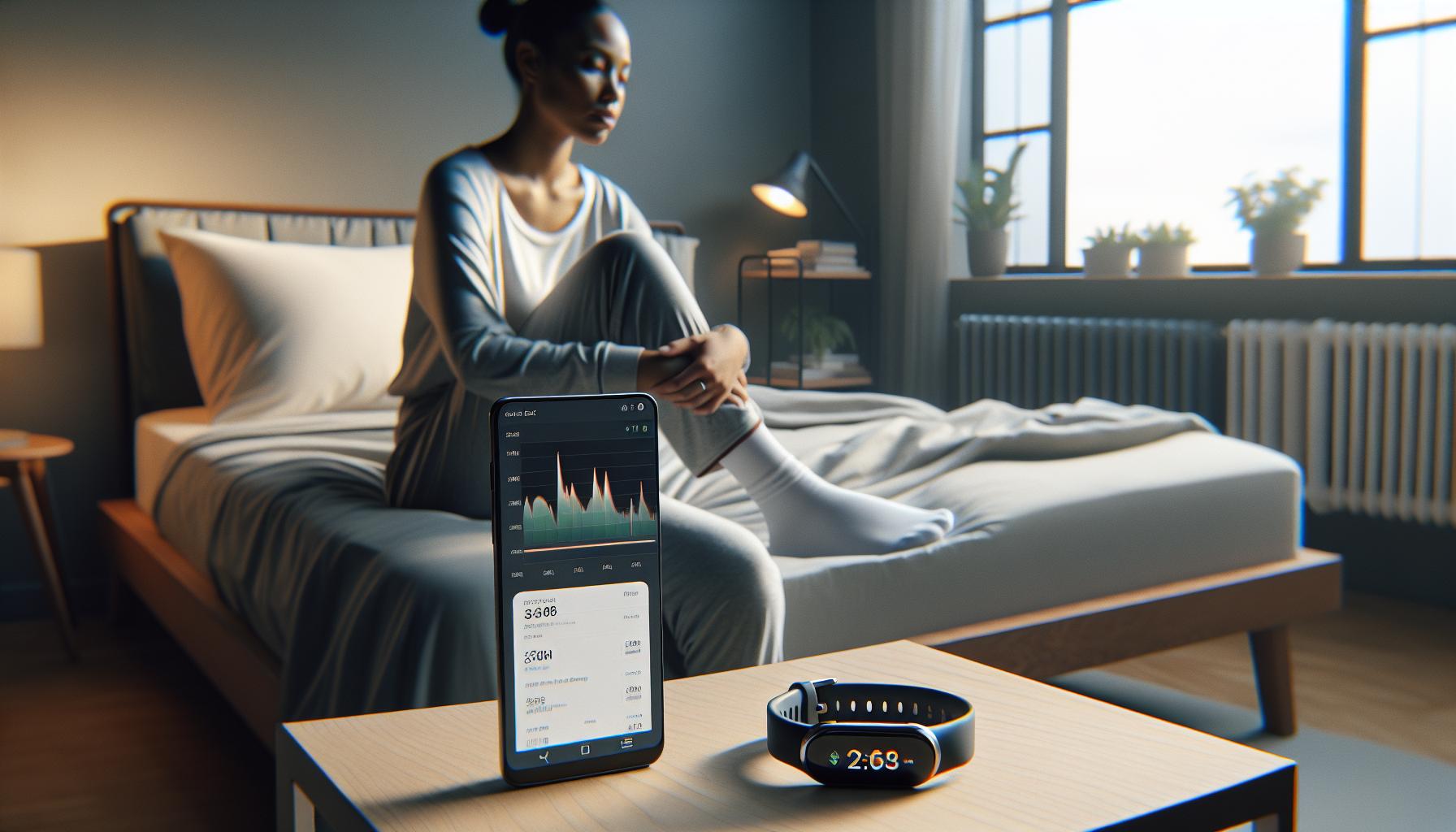
The Galaxy Watch 4 is equipped with advanced sleep tracking features designed to provide you with a comprehensive understanding of your sleep patterns. This smartwatch utilizes sensors to monitor not only your movements but also your heart rate during sleep, enabling it to categorize your sleep into distinct stages. Unlike traditional sleep trackers that may only provide an overview of sleep duration, the Galaxy Watch 4 offers valuable insights into light, deep, and REM sleep, helping you grasp how each phase contributes to your overall rest quality.
To get started, the device records your total sleep time and then breaks it down into these stages, which is vital for assessing sleep quality. Light sleep is the phase where you spend the most time and helps your body recover, while deep sleep is critical for physical restoration. REM sleep, often associated with dreaming, plays an essential role in cognitive functions like memory and learning. By tracking these patterns, you can identify potential disturbances in your sleep routine or variables that may disrupt your rest, such as environmental factors or personal habits.
Real-world examples highlight how these insights can be transformative. For instance, if you notice a consistent decrease in deep sleep during certain nights, it might prompt you to evaluate changes in your bedtime habits or evening routines. Additionally, the watch is linked with the Samsung Health app, which allows you to delve deeper into the data and visualize trends over time, providing actionable feedback for improving your sleep hygiene.
Lastly, it’s essential to note that while the Galaxy Watch 4 offers sophisticated capabilities, its measurements may not be as precise as those from clinical sleep studies. The device serves as an empowering tool for tracking sleep rather than a diagnostic tool. Users may sometimes experience sleep tracking issues, but with the updates and fixes provided by Samsung, you can optimize your experience. Embracing these features can lead to meaningful changes in your sleep habits, ultimately improving your overall health and well-being.
Setting Up Your Galaxy Watch 4 for Sleep Tracking
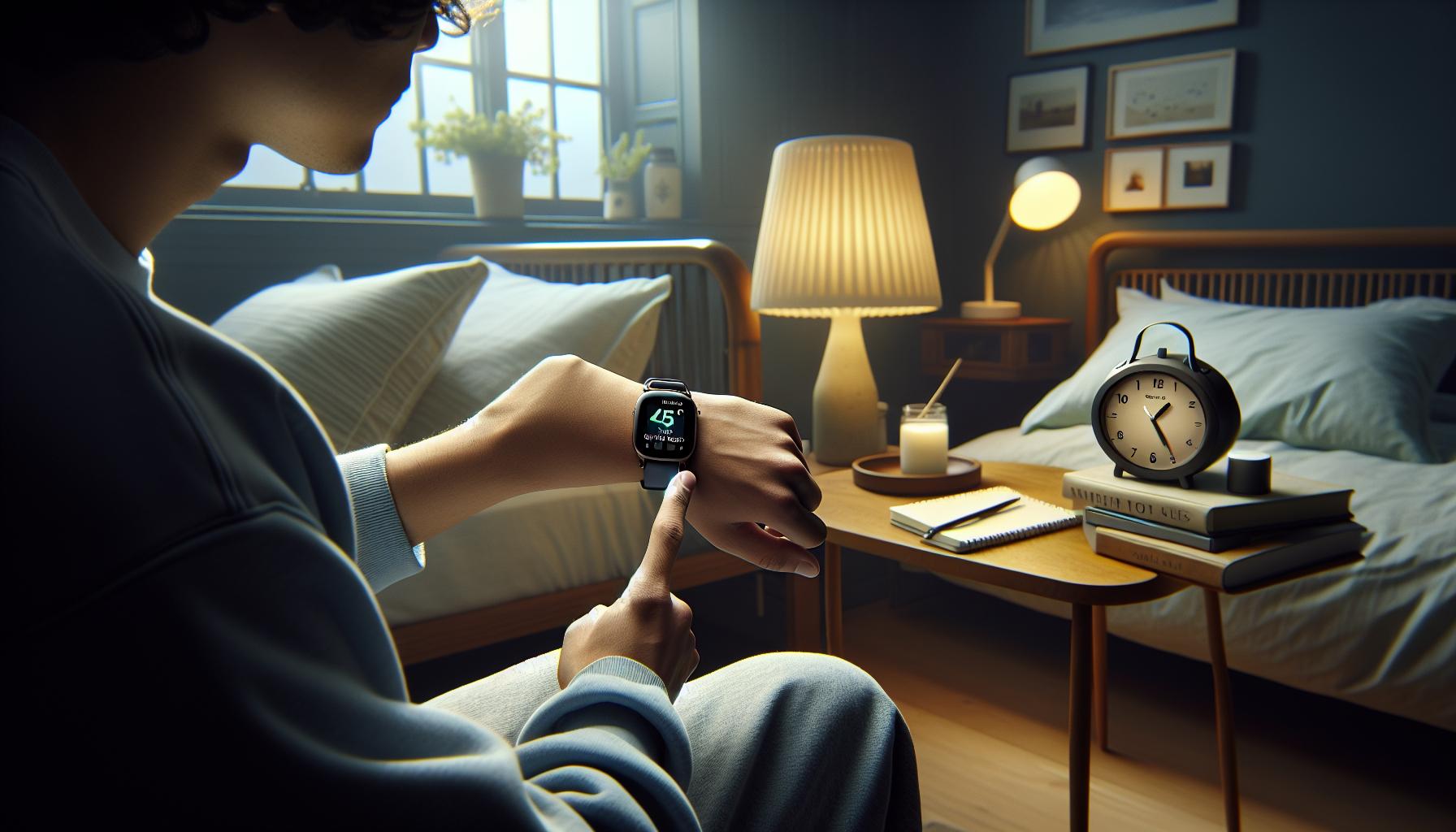
Getting started with sleep tracking on your Galaxy Watch 4 is a straightforward process that can lead to valuable insights about your sleep patterns and overall health. To enhance your tracking experience, it’s essential to ensure your watch is set up correctly. Here are some key steps and tips to optimize the setup.
First, ensure that your Galaxy Watch 4 is fully charged. Sleep tracking runs overnight, so it’s vital to start with a device that won’t lose power. Once charged, wear your watch snugly on your wrist; proper contact with your skin is necessary for the sensors to accurately gather data. You’ll want to enable the sleep tracking features in the Samsung Health app, which is typically pre-installed on your device. To do this, navigate to the app, select ‘Sleep’, and follow the prompts to configure your settings.
Another vital component is enabling ‘Bedtime mode.’ This feature limits distractions by silencing notifications during your sleep period. You can activate this by swiping down on the watch face to access the Quick Panel, then tapping the Bedtime mode icon. Ensure that you’ve set your typical sleep and wake times in the Samsung Health app, allowing the watch to recognize and monitor your sleep schedule effectively.
It’s also beneficial to explore the settings to customize your sleep tracking experience further. For instance, consider adjusting heart rate monitoring to active during sleep, which can provide more detailed insights on how your heart rate varies through different sleep stages. Don’t forget to have the Samsung Health app synced with your smartphone to visualize your sleep data comprehensively. With this setup, you’ll be ready to monitor your sleep quality, identify patterns, and make informed decisions to enhance your rest and recovery.
In summary, an effective setup of the Galaxy Watch 4 for sleep tracking involves careful charging, proper wear, enabling essential features, and utilizing the complementary Samsung Health app. This foundation will help you get the most accurate data for improving your sleep hygiene.
How to Optimize Sleep Tracking Accuracy
Optimizing sleep tracking on your Galaxy Watch 4 can significantly improve the accuracy of the data it collects, giving you clearer insights into your sleep patterns and health. One essential aspect is to ensure a proper fit of the watch on your wrist. It should be snug but comfortable; too loose and it may not gather accurate readings from the sensors. A good rule of thumb is to wear the watch just above your wrist bone to maintain skin contact.
Another critical step is to adjust the settings within the Samsung Health app. Make sure that you have enabled heart rate monitoring to remain active during sleep. This feature provides valuable information concerning your heart rate variability during different sleep stages. Additionally, check your sleep settings in the app; ensure you have your typical sleep and wake times accurately entered. This enables the watch to start tracking effectively at the right times each night.
To further enhance the precision of sleep tracking, consider activating Bedtime mode. This mode can minimize notifications that might disrupt your rest, allowing you to sleep soundly without distractions. You can activate this by swiping down on your watch face and selecting the Bedtime mode icon. Remember, being in a quiet environment, with minimal blue light exposure before bed, can also help improve your sleep quality, thereby providing more accurate tracking results.
Lastly, regularly syncing your Galaxy Watch 4 with the Samsung Health app on your smartphone ensures that the data is continually updated and analyzed. This will help you visualize trends over time, allowing you to compare your sleep data day by day. With these tips in mind, you can maximize the effectiveness of your Galaxy Watch 4 for sleep tracking, leading to meaningful insights into your sleeping habits that can guide improvements in your overall health and well-being.
Exploring Sleep Data: What to Look For
Tracking your sleep with the Galaxy Watch 4 can yield invaluable insights into your health and well-being. Once you’ve set up the watch for sleep tracking, you’ll want to know what to look for in the sleep data it collects. This data can help you identify patterns in your sleep quality, enabling you to make informed adjustments to improve your overall rest.
First, focus on your total sleep duration. This metric indicates how long you were asleep and can be a helpful benchmark. Aim for 7-9 hours of sleep per night, which is recommended for most adults. If you notice that your sleep duration is consistently below this optimal range, consider adjusting your bedtime or creating a more conducive sleep environment.
Next, examine the breakdown of your sleep stages. The Galaxy Watch 4 tracks three main stages of sleep: light sleep, deep sleep, and REM sleep. Each of these stages serves different restorative functions:
- Light Sleep: This stage helps you transition between wakefulness and deeper sleep.
- Deep Sleep: This is critical for physical recovery, growth, and immune function.
- REM Sleep: Essential for cognitive functions, emotional regulation, and memory consolidation.
Understanding how much time you spend in each stage can reveal the quality of your sleep. Ideally, you should aim for a balanced distribution across these stages. If you find you’re getting too much light sleep and not enough deep or REM sleep, it might be time to evaluate your evening routine or stress levels.
Finally, pay attention to any trends in wake-ups during the night, which can be indicative of external factors like stress, noise, or even health conditions. If your watch identifies frequent awakenings, it may signal the need for further exploration of your sleeping environment or lifestyle changes that could lend to better sleep hygiene.
With the Galaxy Watch 4, the ability to analyze these aspects of sleep data empowers you to take actionable steps toward enhancing your sleep quality. Regularly reviewing this data and making adjustments can significantly improve not only your nightly rest but also your overall health.
Interpreting Sleep Stages and Patterns
Understanding how the Galaxy Watch 4 tracks and interprets your sleep stages can unlock insights that significantly enhance your overall sleep quality. The watch monitors three key stages: light sleep, deep sleep, and REM sleep-each plays a unique role in your rest and recovery. By familiarizing yourself with these stages, you can make informed adjustments to your bedtime routine and lifestyle.
- Light Sleep: This stage is crucial for transitioning into deeper sleep and typically accounts for a significant portion of your overall sleep cycle. While it’s essential for refreshing your mind and body, excessive light sleep can be a sign that your sleep environment isn’t optimal. Factors such as noise or light can hinder deeper rest.
- Deep Sleep: Often regarded as the most restorative stage, deep sleep is vital for physical recovery, muscle growth, and immune function. If your watch shows insufficient deep sleep, consider ways to enhance your sleep quality, such as establishing a consistent sleep schedule and creating a dark, cool environment.
- REM Sleep: This stage is integral for cognitive functions, emotional regulation, and memory consolidation. A lack of adequate REM sleep might point to stress or anxiety, which could be managed through relaxation techniques or mindfulness practices before bed.
To truly understand your sleep patterns, pay attention to the distribution of time spent in each stage throughout the night. An ideal night’s sleep typically features a balanced mix of all three stages. Use the data from your Galaxy Watch 4 to track your progress over several nights. If you notice trends, such as consistently low deep or REM sleep, it may be time to evaluate lifestyle changes or consult with a health professional.
Moreover, it’s essential to recognize that sleep tracking devices, including the Galaxy Watch 4, provide estimations rather than definitive insights. While these metrics serve as valuable guides for identifying sleep patterns, they cannot replace professional sleep studies. If you suspect a more serious sleep issue, consider reaching out to a sleep specialist. By marrying technology with self-awareness, you can take actionable steps toward improving your sleep health.
Common Sleep Tracking Issues and Solutions
While the Galaxy Watch 4 is a powerful tool for tracking your sleep, users may encounter a few common issues that can affect its performance. Recognizing these problems and applying straightforward solutions can enhance your overall sleep monitoring experience.
One prevalent issue is inaccurate tracking, where the watch fails to record sleep stages correctly. This can happen if the watch is not worn snugly on your wrist or if the sensors are obstructed. To mitigate this, ensure that your Galaxy Watch 4 fits comfortably yet securely. Additionally, keeping the watch clean from dirt and sweat can improve the sensor’s accuracy. If you continue to face issues, consider restarting the device or updating the software, as updates often include fixes for existing bugs.
Another common challenge is the inconsistency in sleep data, which might stem from irregular sleep patterns. If your sleep schedule varies widely from night to night, the watch may struggle to provide accurate insights. Establishing a regular bedtime and wake-up time can help your watch learn your routine, leading to more reliable tracking results. If possible, try using the Sleep Coaching features in the Samsung Health app to receive personalized advice based on your sleep behavior.
Moreover, the Galaxy Watch 4 may not recognize all sleep encounters, especially if you briefly wake up during the night or if there’s significant ambient noise. For best results, create a sleep environment that minimizes disturbances. Consider utilizing earplugs or a white noise machine to enhance sleep consistency, which can improve the accuracy of your sleep metrics over time.
Lastly, if you’re still experiencing persistent issues, Samsung has acknowledged some sleep tracking inaccuracies in various Galaxy Watch models. They suggest temporarily enabling then disabling the power-saving mode in the watch’s settings, which might help rectify the tracking capabilities. Ongoing issues should prompt users to check if there are updates available for the Samsung Health app, as the company is actively working to improve sleep-tracking functionalities across its devices [[1]](https://www.techradar.com/health-fitness/smartwatches/samsung-confirms-galaxy-watches-arent-tracking-sleep-properly-heres-the-fix-if-youre-affected).
By addressing these common challenges with simple adjustments and a consistent approach to sleep, you can harness the full potential of your Galaxy Watch 4 and gain better insights into your sleep health.
Enhancing Your Sleep Quality with Insights
Improving sleep quality often starts with understanding your nightly patterns, and the Galaxy Watch 4 serves as a sophisticated navigator on this journey. Leveraging its advanced sleep tracking capabilities can provide you with insights that help identify not just how much you sleep, but how well. For instance, did you know that the watch’s sensors analyze multiple sleep stages, including deep, light, and REM sleep? This data is crucial, as each stage plays a unique role in your overall sleep health.
Utilizing Insights for Better Sleep
To enhance your sleep quality, begin by regularly reviewing the data collected by the Galaxy Watch 4. Utilize the Samsung Health app, which presents your sleep metrics in an easily digestible format. Look for trends, such as how your sleep duration correlates with daily activities or stress levels. For instance, if you notice restless nights after intense workouts or late caffeine consumption, adjusting your routine becomes simpler and more effective.
Setting Goals Based on Data
Once you’ve gathered enough data, establish clear sleep-related goals. Aim for consistent bedtimes and wake times, fine-tuning your schedule based on the findings from your watch. The Samsung Health app also provides Sleep Coaching features that tailor advice specifically for you, helping you to improve both the quantity and quality of your sleep over time.
Creating a Sleep-Friendly Environment
In addition to tracking, think about how your sleep environment influences your rest. The Galaxy Watch 4 can help you pinpoint external factors that disrupt sleep. For example, high levels of ambient noise may correlate with less deep or REM sleep. Invest in blackout curtains or white noise machines to create a serene sleep sanctuary. Remember, a good sleep environment amplifies the data-driven insights from your watch, paving the way for restorative sleep.
By understanding and acting upon the comprehensive insights provided by your Galaxy Watch 4, you equip yourself with the tools needed for better sleep quality. This holistic approach, combined with practical adjustments to your habits and environment, can lead you towards more restful nights and refreshed mornings.
Comparing Galaxy Watch 4 with Other Sleep Trackers
When it comes to choosing a sleep tracker, the Galaxy Watch 4 stands out due to its integration of advanced sensors and comprehensive health tracking features. It’s essential to understand how it compares with other sleep trackers on the market, which helps in making informed decisions about which device might best suit your needs.
One of the key benefits of the Galaxy Watch 4 is its ability to monitor various sleep stages-such as deep, light, and REM sleep-using sensors that also track heart rate and blood oxygen levels. This level of detail is often found in dedicated sleep devices, like the Oura Ring, which is praised for its accuracy and longevity. However, while the Oura Ring focuses primarily on sleep and recovery, the Galaxy Watch 4 offers a broader range of smartwatch functionalities, making it more versatile for users who want an all-in-one device.
Many competing wearables, such as the Fitbit Charge series, also provide solid sleep tracking capabilities with user-friendly interfaces. However, some users have reported that Fitbit’s sleep stage tracking is less nuanced compared to the Galaxy Watch 4, which takes advantage of its advanced algorithms and additional health metrics. If you’re someone who prioritizes detailed health insights over simplicity, the Galaxy Watch 4 may be the better choice.
In terms of cost-effectiveness, while dedicated sleep trackers are often more affordable, they typically lack the multifaceted features found in smartwatches. The Galaxy Watch 4 may represent a higher initial investment, but its ability to provide real-time notifications, fitness tracking, and overall health monitoring makes it appealing. When deciding, weigh what you value in a device: if your primary focus is sleep, a specialized tracker might suffice, but for overall health and connectivity, the Galaxy Watch 4 excels.
Ultimately, comparing the Galaxy Watch 4 with other sleep trackers reveals that it provides a unique blend of advanced sleep tracking capabilities and multifunctional tools that cater to a variety of lifestyle needs, allowing you not only to monitor your sleep but to maintain overall health and wellness seamlessly.
Using Samsung Health: Tips and Tricks
Using the Samsung Health app will significantly enhance your experience with sleep tracking on your Galaxy Watch 4. This robust, user-friendly application consolidates your health data, allowing you to monitor and analyze your sleep patterns seamlessly. One of the most compelling features is its ability to provide personalized insights, which can guide you in improving the quality of both your sleep and overall well-being.
Begin by ensuring that your Galaxy Watch 4 and the Samsung Health app are properly synced. To do this, check your watch is connected to the Samsung Health app on your smartphone. Once synchronized, the app will collect valuable data about your sleep cycles and present them in an easily digestible format. Within Samsung Health, navigate to the ‘Sleep’ section, where you’ll find a detailed breakdown of your sleep stages, such as REM, light, and deep sleep. This is crucial for understanding your sleep quality.
To optimize sleep tracking accuracy, remember to keep the watch snug on your wrist throughout the night. This ensures the sensors can effectively measure metrics like heart rate and blood oxygen levels. You may also want to explore setting a consistent bedtime. Samsung Health allows you to customize ‘Bedtime mode’ notifications, which can serve as gentle reminders to wind down, promoting more restful sleep.
Additionally, if you encounter sleep tracking inaccuracies, Samsung Health provides troubleshooting tips. For instance, a recent issue with several Galaxy Watch models affecting sleep measurement has been identified, and Samsung is working on updates. In the meantime, ensure that your watch’s settings regarding power-saving mode are correctly adjusted, as toggling it on and off can sometimes refresh system performance.
By harnessing these tips and making the most of Samsung Health, you not only gain insights into your sleep patterns but can also proactively manage and improve your sleep quality. Your journey to better sleep with the Galaxy Watch 4 can be both engaging and enlightening, leading to healthier habits that benefit your daily life.
Integrating Sleep Tracking with Your Daily Routine
Integrating sleep tracking into your daily routine can transform not only your night’s rest but your overall well-being. Imagine waking up each day refreshed and recharged, fully aware of how well you slept and what changes you can make to improve your sleep quality. The Galaxy Watch 4 makes this possible by seamlessly offering insights that align with your lifestyle, allowing you to take charge of your health one night at a time.
To start, consider setting aside time each day to review your sleep data within the Samsung Health app. This could be a few minutes during your morning coffee or a quiet moment after dinner. By becoming familiar with your sleep patterns and trends, you can identify what affects your rest. For instance, maybe you notice a specific activity, like exercising late in the day or consuming caffeine after 3 PM, impacts your sleep stages. Recognizing these influences enables you to make informed choices that support better sleep.
Another effective strategy is establishing a wind-down routine before bed. This could include activities like reading, practicing meditation, or limiting screen time from your smartphone or TV. The Galaxy Watch 4’s Bedtime Mode can help by silencing notifications and dimming the screen, creating an environment conducive to relaxation. Setting your watch to remind you when it’s time to start winding down reinforces a consistent sleep schedule, which is crucial for regulating your internal clock.
Lastly, don’t hesitate to share insights from your sleep tracking journey with friends or family. Engaging in discussions about sleep habits can create a supportive community that fosters better sleep practices. You might discover new relaxation techniques or bedtime rituals that work for others, inspiring you to give them a try. By integrating sleep tracking into your daily routine, you empower yourself to make smarter lifestyle choices that enhance your sleep-helping you wake up ready to conquer each day.
When to Consider a Professional Sleep Study
If you’ve been tracking your sleep with the Galaxy Watch 4 and notice persistent patterns of poor sleep quality, it’s important to consider whether you may need further evaluation. Sleep issues can sometimes be symptoms of underlying disorders, and understanding when to seek professional help can be vital for your health. A polysomnography, or sleep study, may be the next step if you’ve experienced ongoing problems such as excessive daytime sleepiness, loud snoring, or sudden interruptions during sleep.
Here are some scenarios where consulting a sleep specialist or undergoing a sleep study might be beneficial:
If you’ve consistently had trouble falling asleep, staying asleep, or waking up too early, even after implementing good sleep hygiene practices and adjustments suggested by your watch’s data. Experiencing extreme tiredness or difficulty concentrating during the day despite seemingly adequate sleep according to your Galaxy Watch data. Noticing or being informed by a partner about loud snoring or episodes of breathing cessation while you sleep, which can indicate sleep apnea. If you notice abrupt changes in your sleep duration or quality, it may be worth investigating further to rule out serious conditions.
A sleep study typically involves an overnight stay at a sleep center where you are monitored with various sensors that measure brain waves, heart rate, breathing, and oxygen levels. While there can be a cost involved, especially if insurance does not cover it, many find that getting to the root of their sleep issues is worth the investment. It’s essential to discuss your symptoms and sleep tracking findings with a healthcare provider, who can guide you through the process and determine whether a sleep study is appropriate for you.
Remember, while your Galaxy Watch 4 offers valuable insights into your sleep habits, it is not a substitute for professional evaluation. If you have concerns that extend beyond the data collected, don’t hesitate to reach out for the personalized guidance and comprehensive assessment that only a qualified sleep specialist can provide.
FAQ
Q: How do I enable sleep tracking on my Galaxy Watch 4?
A: To enable sleep tracking on your Galaxy Watch 4, open the Samsung Health app, navigate to the Sleep section, and toggle on the sleep tracking feature. Ensure your watch fits snugly on your wrist for accurate data collection. For detailed setup steps, refer to the “Setting Up Your Galaxy Watch 4 for Sleep Tracking” section of the article.
Q: What is the best way to wear my Galaxy Watch 4 for sleep tracking?
A: For optimal accuracy in sleep tracking, wear your Galaxy Watch 4 snugly on your wrist, just above the wrist bone. This placement helps the sensors more effectively monitor your heart rate and movement, which contribute to accurate sleep data.
Q: Can I track naps with my Galaxy Watch 4?
A: Yes, the Galaxy Watch 4 allows you to track naps as well as overnight sleep. Simply wear your watch during your nap, and it will automatically record the data, helping you better understand your overall sleep patterns.
Q: How does the Galaxy Watch 4 differentiate between sleep stages?
A: The Galaxy Watch 4 uses heart rate, movement, and other biometric data to analyze and differentiate between various sleep stages, including light sleep, deep sleep, and REM. Referring to the “Interpreting Sleep Stages and Patterns” section can offer deeper insights.
Q: What should I do if my Galaxy Watch 4 isn’t tracking sleep accurately?
A: If your Galaxy Watch 4 isn’t tracking sleep accurately, ensure it’s securely fitted and not worn too loose. You can also check for updates in the Samsung Health app and recalibrate your sleep settings. For further troubleshooting, see the “Common Sleep Tracking Issues and Solutions” section.
Q: How do I improve sleep tracking accuracy on Galaxy Watch 4?
A: To enhance sleep tracking accuracy, maintain a consistent sleep schedule, ensure your watch is snug, and avoid excessive movements while sleeping. Additionally, explore features in the Samsung Health app to optimize settings based on your sleep habits.
Q: Does the Galaxy Watch 4 require charging overnight to track sleep?
A: While it’s best to charge your Galaxy Watch 4 during the day, it can track sleep for a full night’s rest on a single charge, provided it has enough battery life. Try charging it for a few hours before bedtime to ensure it’s fully powered.
Q: What features does Samsung Health offer for analyzing sleep data?
A: Samsung Health offers various features to analyze your sleep data, including sleep duration, sleep cycles, snoring detection, and personalized sleep coaching options. Explore these features in the app to gain insights into your sleep quality and patterns.
Closing Remarks
Now that you know how to activate sleep tracking on your Galaxy Watch 4, you’re well on your way to understanding your sleep patterns and improving your overall health. Remember, accurate sleep data is the first step toward a better night’s rest. If you’re facing issues with sleep tracking, don’t hesitate to check our guide on troubleshooting common problems with Samsung devices, or explore our insights on sleep health and technology.
As you embrace this new habit, consider signing up for our newsletter to receive tips on maximizing your health and fitness journey. Your Galaxy Watch can do more than just track sleep; it’s a tool for a healthier lifestyle. Join the conversation and share your experience in the comments below! Together, let’s unlock the secrets to better sleep and well-being.