
Have you ever woken up wondering why your Apple Watch didn’t track your sleep? You’re not alone; many users experience this frustration, which can disrupt your journey toward better rest. Sleep tracking is essential for understanding your sleep patterns and improving overall health, making it crucial to address this issue. Whether it’s a simple setting that needs adjustment or a connection with your iPhone that requires attention, knowing why your device isn’t functioning optimally is empowering. In this article, we’ll explore common reasons your Apple Watch may fail to track your sleep effectively and provide straightforward solutions to get you back on track. Let’s ensure you harness the full potential of your Apple Watch to enhance your sleep health!
Understanding Apple Watch Sleep Tracking Features
The Apple Watch is a powerful tool for monitoring sleep, harnessing advanced motion sensors and algorithms to provide insights into your sleep patterns. By wearing your watch while you sleep, you can gain valuable data such as total sleep time, sleep duration, and even time spent in different sleep stages. This tracking not only helps you understand your resting patterns but also supports your overall health goals by integrating with the Health app on your iPhone, allowing for a comprehensive view of your wellness journey.
To take full advantage of the sleep tracking capabilities, it’s essential to set up the Sleep app correctly on your Apple Watch. This involves specifying your sleep goals, creating a wind-down routine, and activating Sleep Focus to minimize distractions during the night. The watch uses motion detection to recognize when you are asleep, and can even track metrics like your breathing rate during sleep, providing deeper insights into your health. For those looking for enhanced features, third-party apps like SleepWatch can offer additional metrics, such as heart rate variability and sleep disruptions, allowing users to explore their sleep in greater detail.
However, to ensure that your Apple Watch tracks sleep accurately, it’s important to consider various factors that can affect performance. For example, the fit of the watch can play a crucial role; it should be snug but comfortable to accurately measure movement. Battery life also significantly impacts tracking capabilities, as the watch needs to remain charged enough to function throughout the night. Keeping your software up-to-date is another key aspect that can prevent potential glitches in sleep tracking. Regularly checking for software updates ensures that you are making the most of improved features and bug fixes.
As you navigate this journey towards better sleep health, utilizing your Apple Watch effectively will empower you to make informed decisions about your sleep habits and overall well-being, helping you move closer to achieving your sleep goals.
Common Reasons Your Apple Watch Fails to Track Sleep
Common issues can prevent your Apple Watch from tracking sleep effectively, and understanding these can help you optimize its use. One of the most frequent reasons is improper fit. If the watch is too loose, it may not accurately detect your movements during sleep, leading to incomplete or inaccurate sleep data. It’s crucial that the Apple Watch sits snugly on your wrist, allowing the sensors to function at their best.
Another critical factor is software glitches. If your device isn’t running the latest version of watchOS, it might experience bugs that hinder sleep tracking. Regularly check for updates through the Apple Watch app on your iPhone to ensure you have the latest features and fixes. If your devices are not properly paired or connected, this can also disrupt functionality.
Battery life plays a significant role in performance as well. If your watch is low on battery, it may automatically disable some features, including sleep tracking. Make it a habit to charge your watch regularly and ensure it has sufficient power before bedtime. Lastly, review your sleep settings. If Sleep Focus isn’t activated, or if you haven’t set your sleep goals correctly, the watch might not track your sleep accurately. Always double-check that your Sleep app is properly configured to maximize the chances of successful sleep data collection.
By understanding these common pitfalls and how to address them, you can ensure that your Apple Watch becomes a reliable tool in your quest for better sleep health.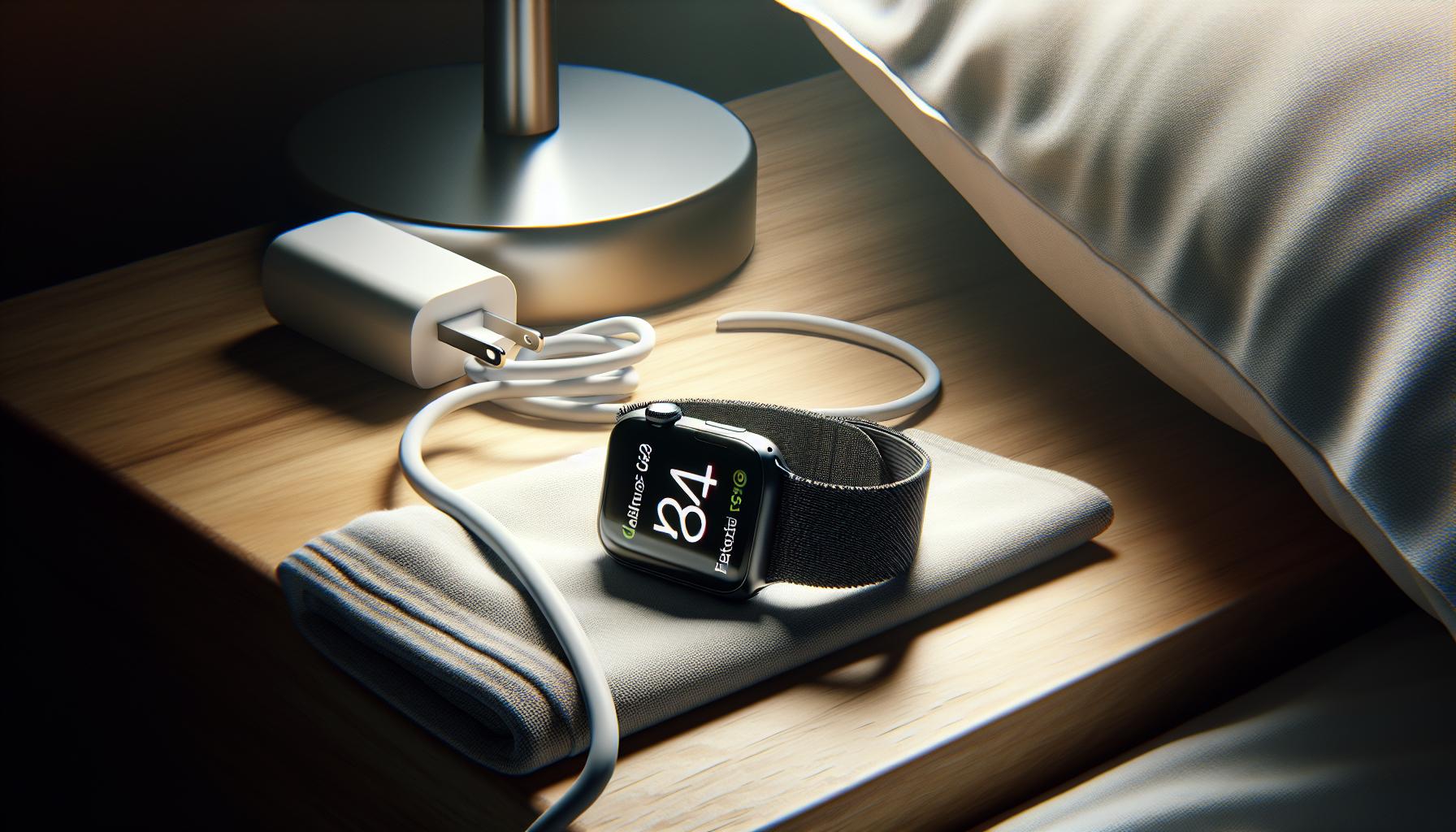
Initial Setup: Ensuring Proper Sleep Tracking Configuration
To ensure your Apple Watch tracks your sleep effectively, proper initial setup is key. Did you know that most sleep tracking inaccuracies stem from a simple misconfiguration? By investing a little time to configure your device correctly, you can enhance the accuracy of your sleep data and tap into the full potential of this powerful tool.
Start with the Sleep app available on your Apple Watch. To do this, navigate to the app on your watch and set your sleep schedule by defining your sleep goals. This will include specifying bedtime and wake-up time, which helps the watch understand your sleep patterns better. Be sure to enable the Sleep Focus feature which silences notifications during your designated sleep time, allowing your body to rest without distractions.
Another crucial step involves checking the fit of your Apple Watch. It should be snug but comfortable; too loose and it won’t pick up your movements accurately, which can lead to unreliable sleep data. Additionally, explore the app’s settings for sleep tracking features, ensuring that they are toggled on. If you wish to monitor metrics such as heart rate and respiratory rate during sleep, you’ll need to allow those permissions within the Health app on your iPhone.
Lastly, don’t forget to sync your watch with your iPhone. This can be done effortlessly by ensuring both devices are paired properly. Once synced, go to the Apple Watch app on your iPhone and confirm that sleep tracking settings are enabled correctly. With these steps, you’ll set a solid foundation for effective sleep monitoring, paving the way for improved insights into your sleep health.
How to Calibrate Your Apple Watch for Accurate Sleep Data
To achieve accurate sleep data from your Apple Watch, calibration is crucial, as it allows the device to understand your unique sleep patterns better. Start by ensuring that your watch is worn properly during sleep: it should be snug but not too tight, allowing the sensors to detect your heart rate and motion effectively. If the fit isn’t correct, the device may struggle to track your nocturnal movements and physiological changes.
Next, confirm that your sleep tracking settings are appropriately configured on the Apple Watch and your paired iPhone. Open the Sleep app on your watch and review the settings. Make sure you have defined your sleep schedule accurately, including set bedtimes and wake times. Going into the Health app on your iPhone, navigate to Sleep settings, and verify that all relevant permissions, such as heart rate and respiratory rate tracking, are enabled. This ensures that your watch can gather a comprehensive overview of your sleep quality.
Additionally, make use of the Sleep Focus feature. By enabling this, distractions from notifications during your sleep hours are minimized, which can help you get a more restful night and better data collection. Regularly monitor your sleep history through the Health app, paying attention to trends in your sleep data, which can offer insights into any adjustments that may be needed for better tracking performance.
Lastly, practice consistency in your bedtime routine. Going to bed and waking up around the same time daily can help your Apple Watch learn and adapt to your sleep habits, resulting in more accurate tracking. Being mindful of these calibration steps is a vital part of ensuring your Apple Watch delivers the most precise sleep data possible, leading to a clearer understanding of your sleep health overall.
Troubleshooting Sleep Tracking Issues on Your Watch
When your Apple Watch seems to be failing at tracking your sleep, it can be frustrating, especially if you rely on it for health insights. Understanding why these issues occur is the first step in resolving them effectively. Common culprits include improper wear, technical glitches, or lack of proper settings configuration. Here’s how you can troubleshoot your Apple Watch to enhance its sleep tracking capabilities.
Check Your Watch Fit
The way you wear your Apple Watch plays a crucial role in how well it tracks sleep. Ensure that it fits snugly on your wrist, as too loose a fit can prevent the sensors from picking up the necessary data accurately. Ideally, the watch should be worn above the wrist bone, allowing enough contact with your skin for optimal sensor performance.
Review Sleep Tracking Settings
After confirming the fit, it’s time to delve into the settings. Double-check that you have correctly set your sleep schedule in both the Sleep app on your watch and the corresponding section in the Health app on your iPhone. Ensure that Sleep Tracking is enabled, and permissions for heart rate and respiratory rate monitoring are granted. Without these crucial settings, your watch may not collect comprehensive sleep data.
Restart the Device
Simple glitches can often cause tracking issues. Restart your Apple Watch by pressing and holding the side button until the “Power Off” slider appears. Drag the slider to turn off your watch, and then press and hold the side button again to turn it back on. This reboot can refresh the system and fix minor bugs affecting sleep tracking.
Keep Software Up to Date
Regular updates to your watchOS are important for keeping all features, including sleep tracking, operating correctly. To update, open the Watch app on your iPhone, go to General > Software Update, and ensure you install the latest version available. Updates often include fixes for known issues, enhancing overall functionality.
Optimize Battery Life
If your watch runs low on battery overnight, it may not effectively track your sleep. Aim to charge your Apple Watch during the day to maintain sufficient power for the night. Using Low Power Mode can also help extend battery life, though it’s worth noting that some features might be limited while it’s active.
Tips for Best Practices
To ensure your Apple Watch tracks sleep as accurately as possible, adopt these best practices:
- Regular Charging: Charge your watch before bedtime to keep it powered through the night.
- Set a Consistent Sleep Schedule: Sticking to regular sleep patterns can help your watch learn your habits better.
- Limit Distractions: Use the Sleep Focus feature to minimize notifications, allowing for a more consistent sleep environment.
By meticulously following these troubleshooting steps, you can drastically improve the reliability of your Apple Watch in tracking your sleep patterns, ensuring you’re getting the insights you need to monitor your health effectively. If problems persist after these attempts, it may be time to consult Apple Support for further assistance.
Software Updates: Keeping Your Apple Watch Current
Keeping your Apple Watch updated is crucial for maximizing its functionality, particularly for sleep tracking. The software that powers your device plays a significant role in ensuring that all features operate smoothly and efficiently. Bug fixes, performance improvements, and new features related to sleep tracking are commonly introduced in software updates. Regularly performing these updates can resolve many issues related to inaccurate or incomplete sleep data.
To check for updates, simply open the Watch app on your paired iPhone. Navigate to General > Software Update to see if a new version is available. If you find an update, tap Download and Install. Your watch will need to be connected to its charger and have at least 50% battery to complete the update. Staying updated not only optimizes sleep tracking but also enhances your overall Apple Watch experience, ensuring that you have access to the latest functionalities designed to support your health and wellness.
If you often forget to check for updates, consider setting a routine where you review software on a specific day each month. This small practice can make a significant difference in how well your Apple Watch functions. Remember, each update is an opportunity to improve the accuracy of your sleep tracking, helping you secure the health insights necessary for a better night’s rest.
Battery Life Impact on Sleep Tracking Performance
If your Apple Watch isn’t tracking your sleep as expected, one common factor to consider is battery life. When the battery is low, your watch may not be able to monitor sleep accurately or even turn on certain features related to sleep tracking. Unlike some other wearables that prioritize sleep tracking functions at the expense of battery life, the Apple Watch requires a sufficient charge to effectively collect and analyze your sleep data.
To ensure that your watch maintains optimal sleep tracking capabilities, it’s vital to manage its battery usage efficiently. Here are some practical tips to help you:
- Charge Regularly: Make it a habit to charge your Apple Watch throughout the day, ensuring it has enough power before bedtime. Aim for at least 50% battery remaining to confidently rely on sleep tracking.
- Activate Power Saving Mode: When you’re not actively using certain features, turning on Power Saving Mode can help conserve battery life. This can prolong the watch’s ability to track your sleep.
- Tweak Settings: Disable features that might drain the battery unnecessarily, such as always-on display, or excessive notifications during the night.
- Update Regularly: Software updates often include optimizations for battery performance. Keeping your watch updated can contribute to better battery longevity.
When the battery performs optimally, your Apple Watch can accurately assess various sleep metrics including duration, quality, and the different stages of sleep you experience. If you find your watch often struggles with battery life, consider setting a routine to charge it at specific times, turning it into part of your daily habits. By ensuring your watch is powered up, you improve its chances of accurately tracking your sleep, providing you with insights that can aid in enhancing your rest.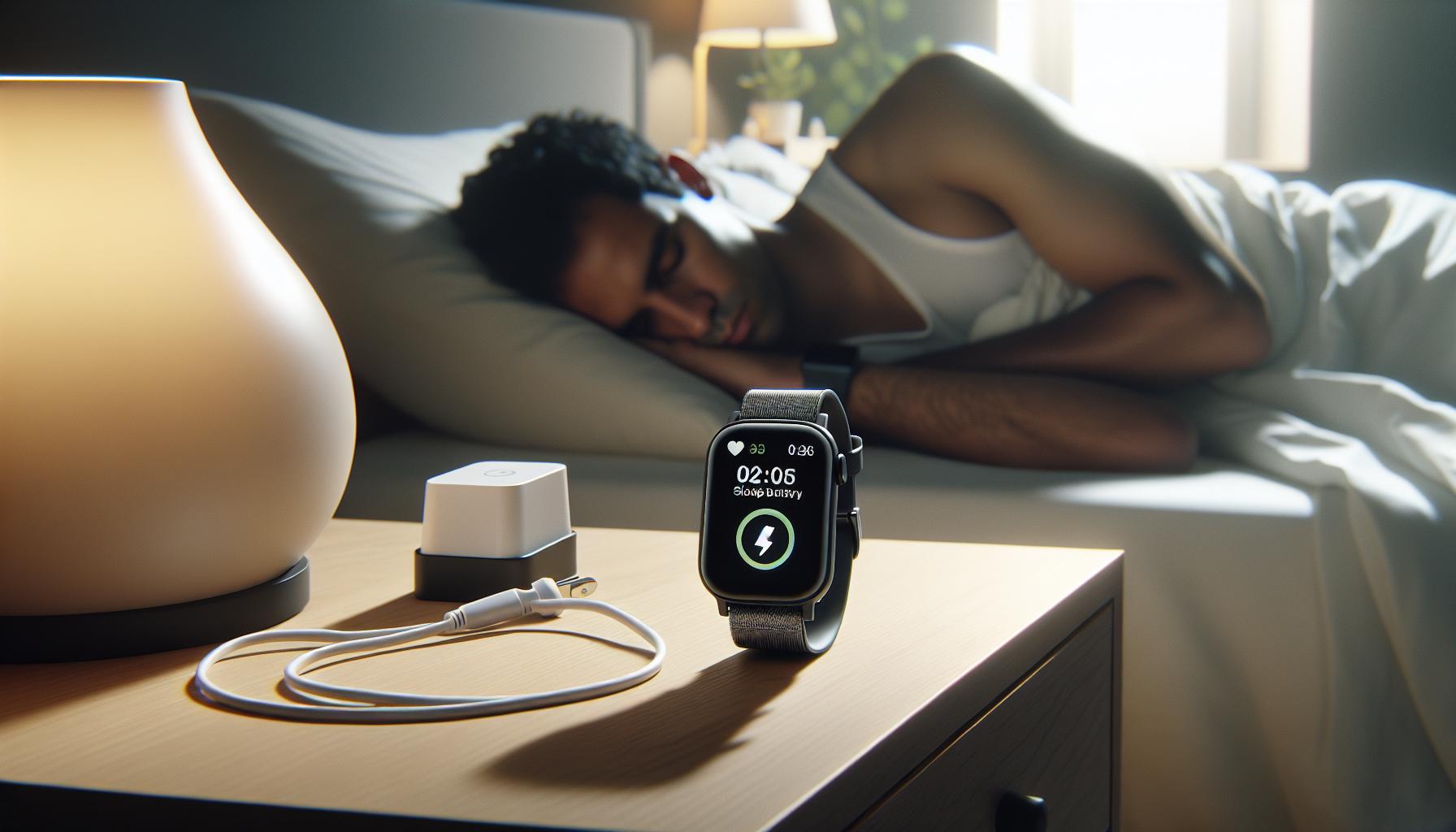
Tips for Optimizing Apple Watch Sleep Mode
While the Apple Watch is well-known for its innovative sleep tracking features, not all users are aware of the nuances that can enhance its performance. Optimizing your Apple Watch for sleep tracking can lead to more accurate data and a better understanding of your sleep patterns. Here are some practical strategies to ensure you’re getting the most out of your device.
Establish a Nightly Routine
Developing a consistent nighttime routine can significantly impact your Apple Watch’s effectiveness in tracking your sleep. Aim to go to bed and wake up at the same time each day, as this regularity helps the watch learn your sleep patterns and improve accuracy over time. Additionally, consider setting a “Sleep Focus” mode in the Health app, which silences notifications and reduces distractions during your sleep hours.
Check Your Sleep Settings
Ensure that your watch’s sleep tracking settings are configured correctly. Open the Sleep app on your Apple Watch or the Health app on your iPhone and verify that sleep tracking is enabled. You can customize sleep goals and schedule “Wind Down” periods to help prepare your body for sleep. An effective ‘Wind Down’ routine may include activities such as reading or meditating, signaling to your watch that it’s time to start tracking your sleep.
Use Sleep Tracking Apps
Consider supplementing the built-in functionality with third-party sleep tracking apps, such as SleepWatch or AutoSleep, which can offer additional insights and features. Many of these apps provide detailed analysis on aspects like sleep interruptions, heart rate, and overall sleep quality. They can gather data more comprehensively and integrate it into the Health app for a well-rounded view of your sleep health.
Make Adjustments Based on Feedback
After a few nights of tracking, take time to review the sleep data your Apple Watch provides. Look for patterns or areas for improvement. If the data consistently shows that you’re restless during certain periods, try adjusting your sleep environment. This might include changes such as adjusting room temperature, minimizing noise, or even wearing more comfortable sleepwear. Being proactive based on the feedback can lead to improved sleep quality and more informative tracking results.
By employing these strategies, you not only optimize your Apple Watch’s sleep tracking capabilities but also contribute to your overall sleep health. Regular monitoring and adjustments to your habits can help you gain valuable insights that empower you to make informed decisions about your rest and wellness.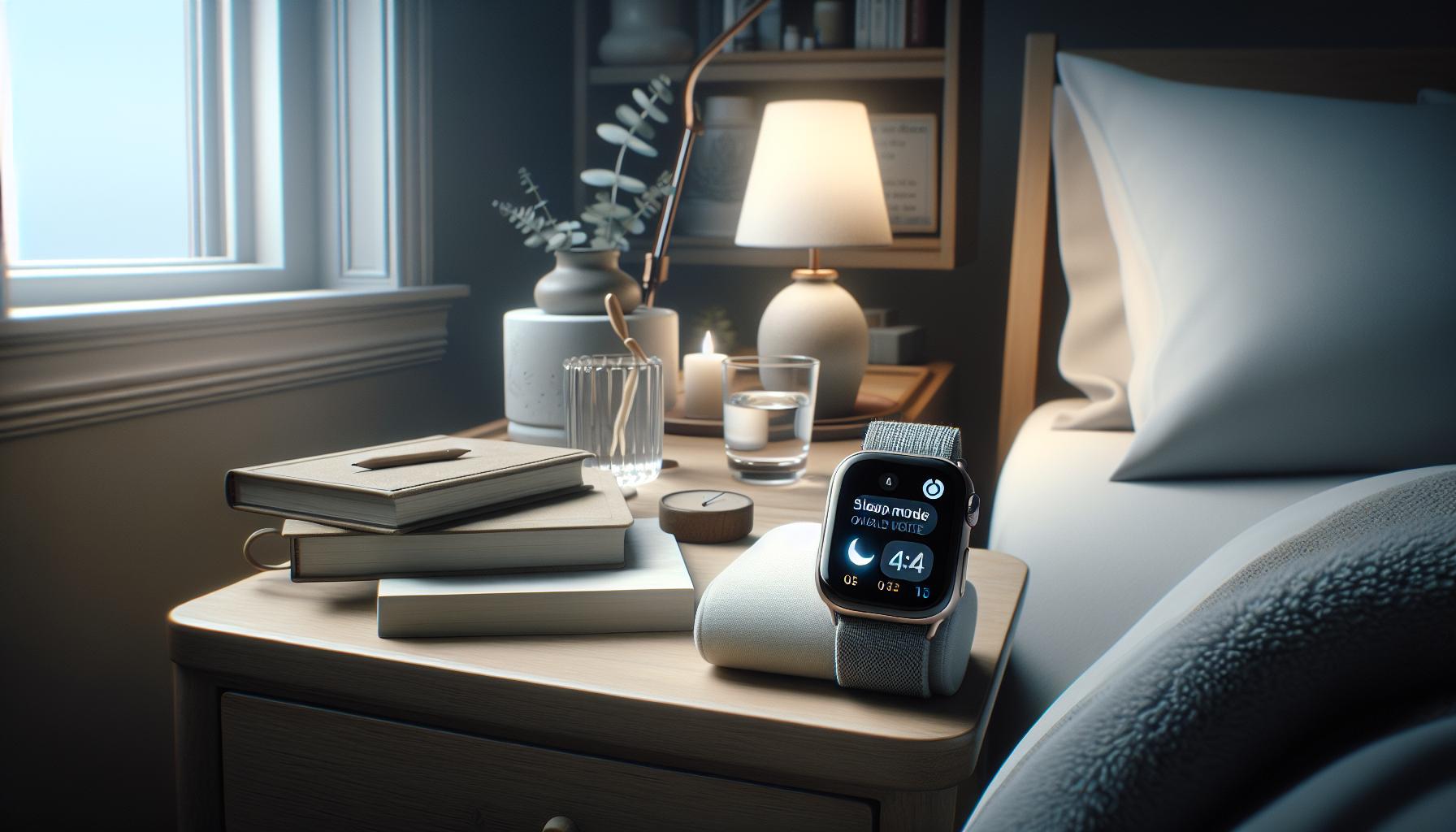
Comparing Apple Watch Series: Sleep Features Explained
When selecting an Apple Watch, understanding the sleep tracking capabilities across different series can help you make an informed choice about which model best suits your needs. Each iteration of the Apple Watch has built on the previous one, refining features and expanding functionality, particularly in how they monitor and analyze your sleep patterns.
The Apple Watch Series 3 and later includes fundamental sleep tracking capabilities. These models can detect when you sleep based on your movement and heart rate, enabling basic insights into your sleep duration. If you’re looking for simplicity and an entry point into sleep monitoring, these models can serve you well, especially considering that they often come at a lower price point.
Moving up to the Apple Watch SE and Series 6 and 7, users gain access to more advanced sleep tracking features. These models offer deeper insights into sleep quality, incorporating features like sleep stage tracking, which distinguishes between light, deep, and REM sleep. This level of detail is crucial for those interested in understanding their sleep patterns more thoroughly. The sleep app on these watches presents your sleep data in a user-friendly format, showcasing trends over time that can help you make adjustments to improve your rest.
For the latest models, such as the Apple Watch Series 8 and Ultra, you’ll find additional features like an upgraded sleep app that tracks your respiratory rate during sleep and provides suggestions based on your sleep habits. The integration with the Health app ensures a comprehensive overview of your health metrics, allowing you to correlate sleep data with factors like physical activity and heart health. Moreover, these latest devices typically offer longer battery life, meaning you can wear them overnight without worrying as much about needing to recharge during the day.
In conclusion, while all Apple Watch series provide foundational sleep tracking, the advanced features available in the SE, Series 6, 7, 8, and Ultra models cater to users seeking detailed insights into their sleep patterns. Choosing the right model depends largely on what specific sleep tracking functionalities you value. If your goal is simply to track sleep duration, even the entry-level models suffices. However, for a more nuanced understanding of your sleep quality and patterns, investing in a higher-end model could be beneficial.
User Experiences: Real Stories of Sleep Tracking Issues
Experiencing issues with your Apple Watch’s sleep tracking can be frustrating, especially when you’re relying on it to monitor the quality of your rest. Many users have encountered a variety of hiccups that stem from synchronization problems, setup errors, or even software glitches. One user shared her story about how her Apple Watch consistently recorded inaccurate sleep durations-showing only a few hours of sleep despite feeling well-rested. After reaching out for help, she discovered that her watch wasn’t detecting her sleep due to loose fitting. A simple adjustment during the night made a significant difference.
Another common issue that users report involves the Apple Watch failing to track sleep data after updating to the latest software. One individual noted that after an update, his watch seemed stuck in the “sleep mode” and wouldn’t register any activity. In this case, restarting the watch and ensuring proper permissions for health data often resolved the issue. This highlights an important point: keeping your Apple Watch updated doesn’t just bring new features; it also fixes underlying bugs that may interfere with sleep tracking.
The battery life can also play a crucial role in tracking effectiveness. Many users find that draining batteries lead to inconsistent data. A sports enthusiast mentioned that after a long training session, his watch was at 20% battery by the time he went to bed. As expected, the sleep tracking failed that night, particularly because the battery saving mode had kicked in. To mitigate this, it’s essential to establish a regular charging routine, keeping the watch charged overnight when not in use.
To further assist users, sharing practical solutions is key. Consider wearing the Apple Watch snugly but comfortably, checking and adjusting settings for sleep tracking, and restarting the device if it seems unresponsive. Being proactive about battery management and regularly reviewing settings can significantly enhance the accuracy of sleep tracking features. Taking these steps may aid in ensuring that your Apple Watch provides the best insight into your sleep patterns.
Alternative Sleep Tracking Solutions When All Else Fails
When your Apple Watch’s sleep tracking features fall short, it can leave you feeling lost in the pursuit of better sleep insights. Fortunately, there are various alternative solutions available that can complement your efforts in monitoring your sleep patterns. While the Apple Watch is a powerful tool, a few other options can help you gain a clearer view of your sleep health and remain proactive in navigating sleep challenges.
Wearable Sleep Trackers
For those looking for a dedicated device beyond their smartwatch, many alternatives exist. Brands like Fitbit and Garmin offer specialized devices designed specifically for sleep tracking. These wearables typically include advanced features such as sleep stage analysis, heart rate monitoring, and even SpO2 measurement to monitor blood oxygen levels during sleep. Prices can range from $70 to $250, depending on the functionality you need. They often provide insights into your sleep cycles, making them an excellent complement to the data your Apple Watch may miss due to technical issues.
Dedicated Sleep Apps
If you’re more inclined to use your smartphone for tracking, several apps designed for sleep analysis can provide comprehensive data. For example, apps like Sleep Cycle and Sleep Score rely on your phone’s sensors to analyze your sleep patterns through sound and movement tracking. These applications can create a detailed report on your sleep efficiency and even wake you up during light sleep, enhancing how rested you feel. Many of these apps offer free versions with optional premium upgrades, making them a flexible and cost-effective solution.
Smart Home Devices
Consider incorporating smart home technology into your sleep environment. Devices like the Eight Sleep Pod not only track sleep analytics but also regulate your bed’s temperature. This smart mattress utilizes dual-zone technology, allowing you to customize the temperature for ideal sleep conditions. As sleep quality can be influenced by your environment, investing in such technology could lead to significant improvements in your nightly rest.
When to Seek Professional Help
If you’ve tried various solutions without success, it may be time to consult with a sleep specialist. These professionals can conduct sleep studies to identify potential disorders such as sleep apnea or insomnia that a wearable may not detect. Understanding your specific sleep challenges can lead to targeted strategies for improvement. A sleep study generally costs between $300 to $1,500, depending on the tests performed and insurance coverage.
By exploring these alternative sleep tracking solutions, you can continue to prioritize your sleep health even when your Apple Watch is less reliable. Empowered with various tools and options, you’ll be equipped to make informed decisions about your sleep journey.
When to Seek Professional Help for Sleep Tracking Concerns
If your sleep tracking efforts seem futile despite trying every setting and app, it might be time to consider professional help. Knowing when to seek expert advice can be crucial for uncovering underlying sleep disorders that your Apple Watch or other devices may not detect. Research estimates that around 50-70 million U.S. adults experience sleep disorders, indicating that this is a common issue that often requires more than just tracked data to solve.
Understanding Sleep Disorders
Sleep disorders like sleep apnea, insomnia, and restless leg syndrome can significantly impact your nightly rest and overall health. Devices may provide helpful data, but they can miss critical nuances, such as sleep stages and the effects of breathing irregularities. If you’re consistently waking up feeling unrefreshed, snoring heavily, or experiencing excessive daytime sleepiness, these could be signs to consult a specialist.
Sleep Study Overview
A sleep study, or polysomnography, is a comprehensive test that monitors various body functions during sleep, including brain activity, eye movement, heart rate, and breathing patterns. Here’s what you can expect:
- Cost: Typically ranges from $300 to $1,500, often depending on insurance coverage.
- Setup: You’ll spend the night in a sleep clinic or use an at-home testing device.
- What to Expect: Sensors will be attached to your body to monitor your sleep, so it may feel a bit strange, but it’s non-invasive.
When to Get Help
If you’ve tried various self-help strategies, such as adjusting your sleep environment or using sleep apps, and you still struggle with sleep quality, don’t hesitate to reach out to a sleep specialist. Make a list of your symptoms, sleep patterns, and any potential contributing factors, like stress or medication, to help guide your consultation. Remember that getting help can empower you to tackle sleep issues effectively, leading to improved health and well-being.
Don’t wait for things to worsen; prioritizing your sleep health by consulting a professional could be the turning point you need for restful nights ahead.
Q&A
Q: Why isn’t my Apple Watch tracking my sleep accurately?
A: Your Apple Watch may not track sleep accurately due to improper placement, insufficient charge, or inaccurate settings. Ensure your watch is snug on your wrist, has at least 30% battery, and is configured correctly in the Sleep app to optimize tracking.
Q: How can I reset my sleep tracking settings on my Apple Watch?
A: To reset your sleep tracking settings, open the Sleep app on your Apple Watch, scroll to “Full Schedule & Options,” then turn off Sleep Schedule and Sleep Focus. After a minute, re-enable them to refresh your settings.
Q: What should I do if my Apple Watch sleep tracking isn’t syncing with the Health app?
A: If syncing issues arise, ensure Bluetooth is enabled on your iPhone and check that both your Apple Watch and iPhone are running the latest software updates. Restart both devices to refresh the connection.
Q: Can my Apple Watch track sleep if I don’t wear it to bed?
A: No, your Apple Watch requires you to wear it to bed for sleep tracking. If you don’t wear it, the motion sensors can’t detect your sleep patterns, rendering the sleep tracking feature inactive.
Q: Why does my Apple Watch stop tracking my sleep mid-night?
A: Your Apple Watch may stop tracking sleep if it runs low on battery, if it loses connection with your iPhone, or if the Sleep Focus mode is inadvertently turned off. Check for notifications that may disrupt this mode.
Q: Is there a way to improve the accuracy of my Apple Watch sleep tracking?
A: You can enhance accuracy by ensuring your watch fits well, keeping it charged overnight, and regularly updating the software. Additionally, consistently setting a sleep schedule in the Sleep app can help improve tracking consistency.
Q: How do I turn on Sleep Focus for better sleep tracking?
A: To activate Sleep Focus, open the Sleep app on your Apple Watch, go to “Full Schedule & Options,” and toggle on Sleep Focus. This will minimize distractions and enhance the watch’s ability to track sleep effectively.
Q: What actions can I take if my Apple Watch fails to track sleep regularly?
A: If the issue persists, try unpairing and then re-pairing your Apple Watch with your iPhone. If that doesn’t work, consider restarting both devices or checking for software updates to resolve potential bugs affecting sleep tracking.
Insights and Conclusions
If you’re still having issues with your Apple Watch not tracking your sleep, it’s crucial to take immediate action. Check out our detailed guide on the essential setup steps and troubleshooting tips to ensure your device functions optimally. Don’t let sleep tracking complications interfere with your health journey!
Consider exploring our resources on understanding sleep stages and the importance of sleep hygiene. For ongoing support, sign up for our newsletter, where we provide exclusive tips and insights on sleep health and wearable technologies.
Stay proactive about your sleep quality-your health deserves it! If you found this information helpful, please share your thoughts in the comments and let us know how your sleep tracking experience unfolds. Remember, the right steps today can lead to better sleep tomorrow!
Get our latest guides, news, and insights highlighted in your Google Search & AI Overviews.