
Did you know that over a third of adults struggle with sleep-related issues? As you seek better rest, the Apple Watch can be a powerful ally, helping you monitor your sleep patterns and improve overall sleep quality. However, ensuring that your Apple Watch is effectively tracking your sleep is crucial for making informed adjustments to your bedtime routine. In this checklist, we’ll guide you through essential steps to confirm that your device is working correctly and providing accurate insights into your sleep habits. By following this checklist, you can empower yourself to take control of your sleep health, leading to improved energy levels and well-being. So let’s dive in and make sure your Apple Watch is set up for success!
How Sleep Tracking Works on Apple Watch
The Apple Watch leverages a combination of advanced sensors and software to help users monitor their sleep patterns effectively. At its core, sleep tracking functionality is powered by the watch’s gyroscope and accelerometer, which detect movements associated with sleep. When you wear your watch at night, these sensors collect data on how long you are asleep, how many times you wake up, and even your sleep stages, providing insights into both the quality and quantity of your rest.
The Sleep app available on the Apple Watch simplifies this process. Users can set sleep goals, schedules, and even wind down routines through the app, reinforcing healthy sleep habits. When configured properly, the Apple Watch can automatically detect when you fall asleep and when you wake up, capturing the transition between different sleep stages such as REM, deep, and light sleep. This functionality empowers users to make informed decisions about their sleep hygiene, ultimately aiming for improved overall health.
To make the most of sleep tracking, it’s essential to understand how to set up the feature correctly and ensure that data is recorded accurately. This includes charging the device adequately before bed, selecting the desired sleep schedule in the app, and wearing the watch snugly on your wrist. While the watch provides valuable insights, users should remain aware of its limitations. Sleep tracking via the Apple Watch is not a substitute for professional sleep studies, but it can be a useful tool for identifying patterns and potential sleep issues that may require further investigation.
In addition, the integration of sleep data with other health metrics tracked by the Apple Watch creates a holistic picture of your wellbeing. Regularly reviewing this data can help you recognize trends over time, making it easier to identify factors that might contribute to better or worse sleep, such as activity levels, stress, and diet, leading to more effective health management.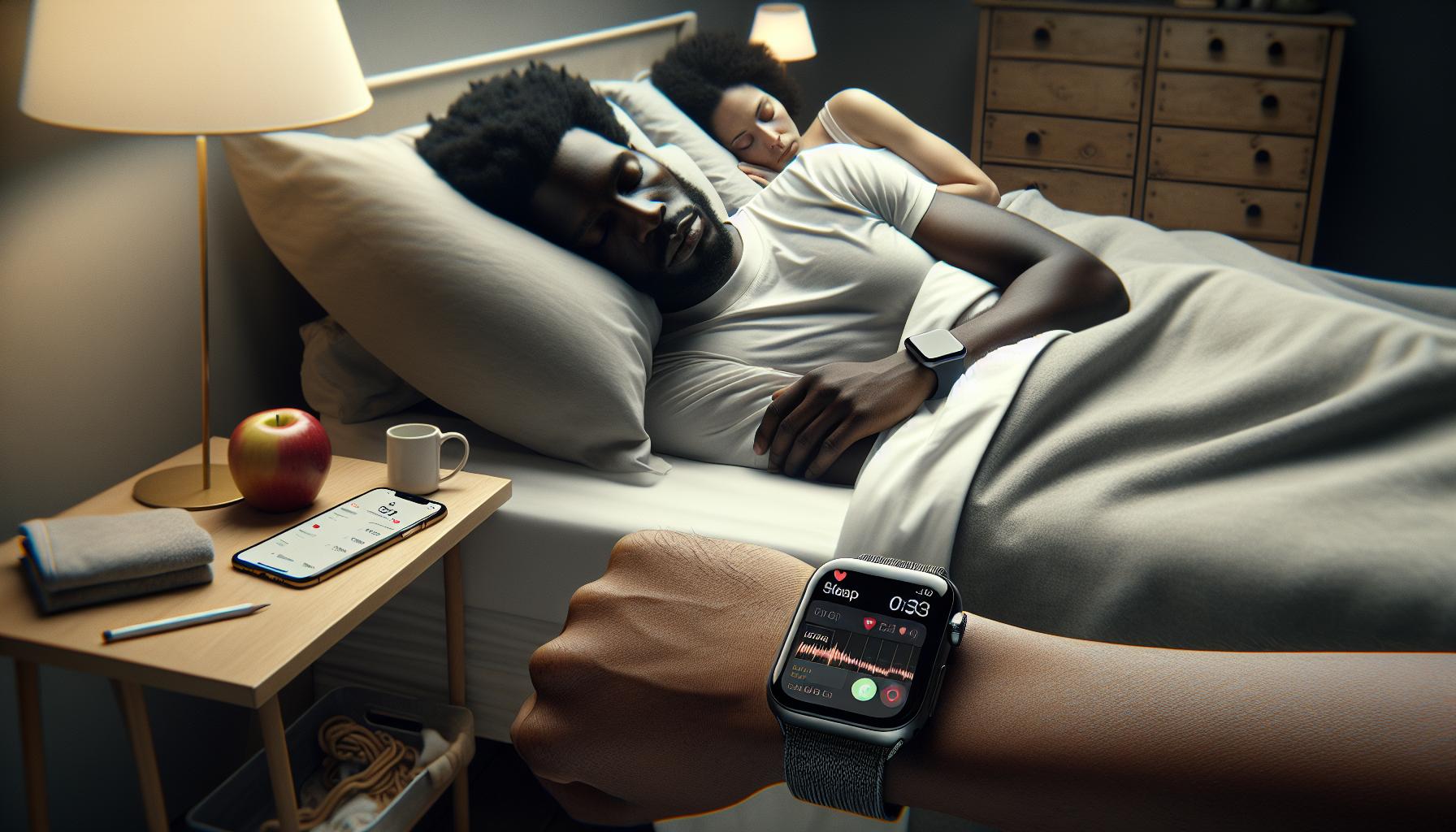
Essential Setup Steps for Sleep Tracking
To make the most out of sleep tracking with your Apple Watch, having a solid setup is essential. Many users find that a few straightforward steps can transform their experience, allowing them to gather accurate data and confidently monitor their sleeping patterns. Here’s a guide to help you get started effectively.
First, ensure that your Apple Watch is adequately charged before bedtime. Aim for at least 50% battery life to prevent interruptions during the night. A low battery could halt sleep tracking or result in incomplete data collection. After charging, adjust your settings in the Sleep app. Set a sleep goal that aligns with your lifestyle-this could be a specific number of hours or simply a preferred sleep schedule. The app allows you to customize your wind-down routine, which helps signal your body that it’s time to sleep.
Next, it’s crucial to wear your watch snugly on your wrist. A loose fit might lead to inaccurate motion detection; conversely, wearing it too tightly could lead to discomfort, disrupting your sleep. To check the accuracy of your sleep data, occasionally review the information the watch collects against how you feel upon waking. This mindset will help you fine-tune your sleep environment or habits for better results.
Additionally, turn on the sleep tracking feature in the Apple Watch settings. This step will allow your watch to automatically sense when you fall asleep and when you wake up. The integration of sleep tracking with your daily activity data can also provide insights into how things like exercise, screen time, and stress levels affect your sleep quality.
Finally, remember to review the collected data regularly. Use the trends to identify patterns that may offer clues for improving sleep quality-be it adjusting your bedtime or finding ways to relax more effectively before going to sleep. With consistent setup and monitoring, your Apple Watch can become a powerful ally in enhancing your sleep health.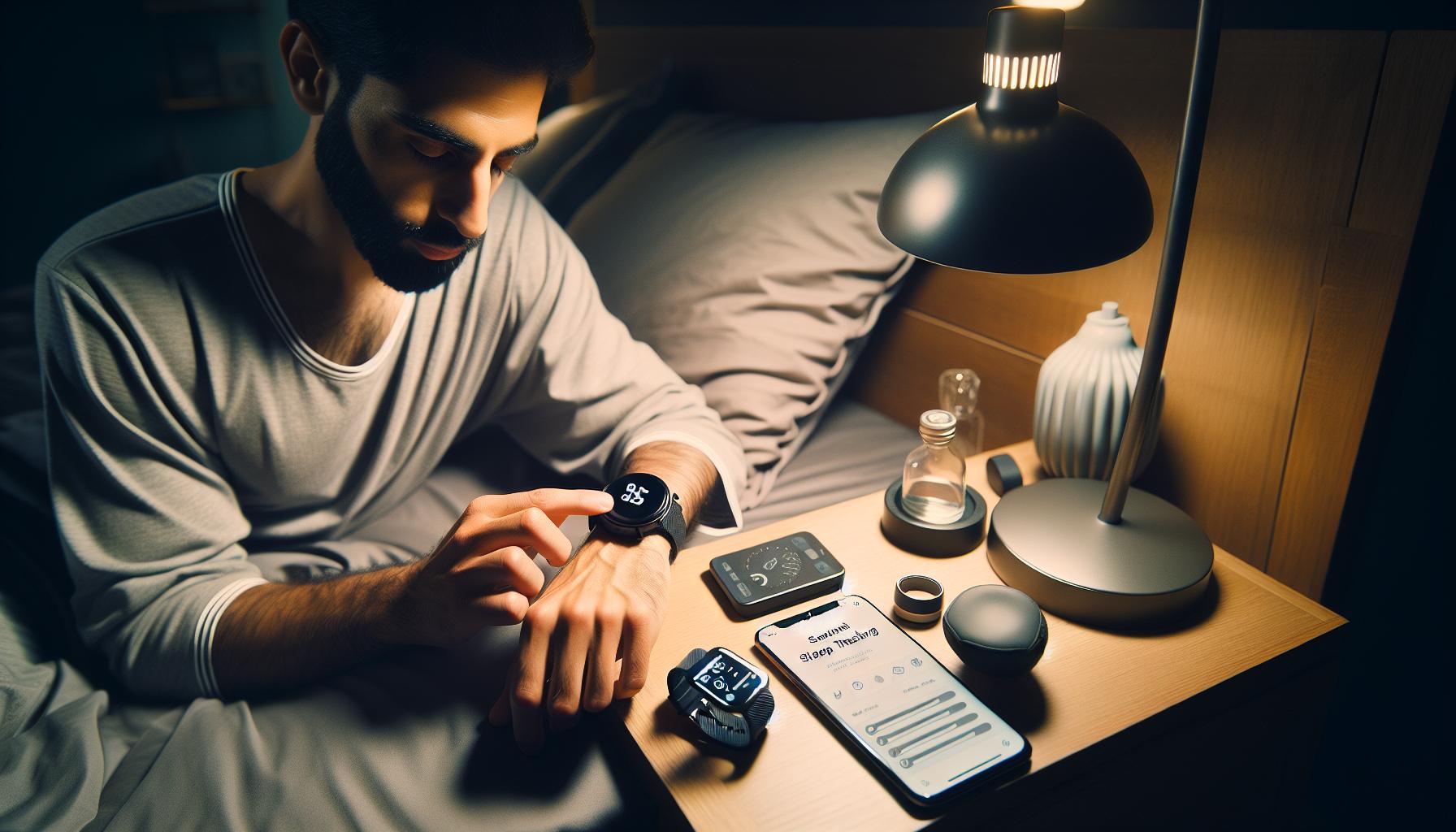
Ensuring Accurate Sleep Data Collection
Having the ability to track your sleep using an Apple Watch can dramatically enhance your understanding of your nightly rest patterns, but it’s crucial to ensure that the data collected is accurate. Proper data collection can provide you with insights that help refine your sleep habits and improve your overall health.
One of the first crucial steps is how you wear your Apple Watch. For optimal performance, it’s recommended to wear your watch snugly, but not so tight that it causes discomfort. A secure fit allows the watch’s sensors to measure your movement and heart rate accurately, which are critical indicators of your sleep quality. Loose wear can lead to inaccurate movement detection, skewing the data collected during the night.
Another important factor is the environmental conditions around you. Creating a conducive sleep environment can significantly impact both the quality of your sleep and the accuracy of your data. This includes maintaining a comfortable room temperature, minimizing noise, and ensuring a dark environment. Consider using blackout curtains or a sleep mask if light disruptions are a concern. Additionally, reducing screen time before bed can prepare your body for sleep and improve the quality of the data collected by your watch.
Regularly reviewing the sleep data that your Apple Watch compiles is essential to understanding what adjustments might be needed. This involves not just looking at the quantity of sleep you’re getting, but also the quality, such as the time spent in different sleep stages. Make a habit of checking your trends in the Sleep app and noting correlations with your daily activities-a heavy workout or a late night binge-watching can influence your sleep patterns. This practice empowers you with concrete insights to adjust your bedtime routines or overall sleep strategies.
It’s also wise to ensure your watch is updated with the latest software to benefit from improved algorithms and functionalities that enhance sleep tracking. Keep in mind that while the Apple Watch is a powerful tool, it’s not infallible; consider it a valuable piece of the puzzle in your overall approach to better sleep health rather than a complete solution.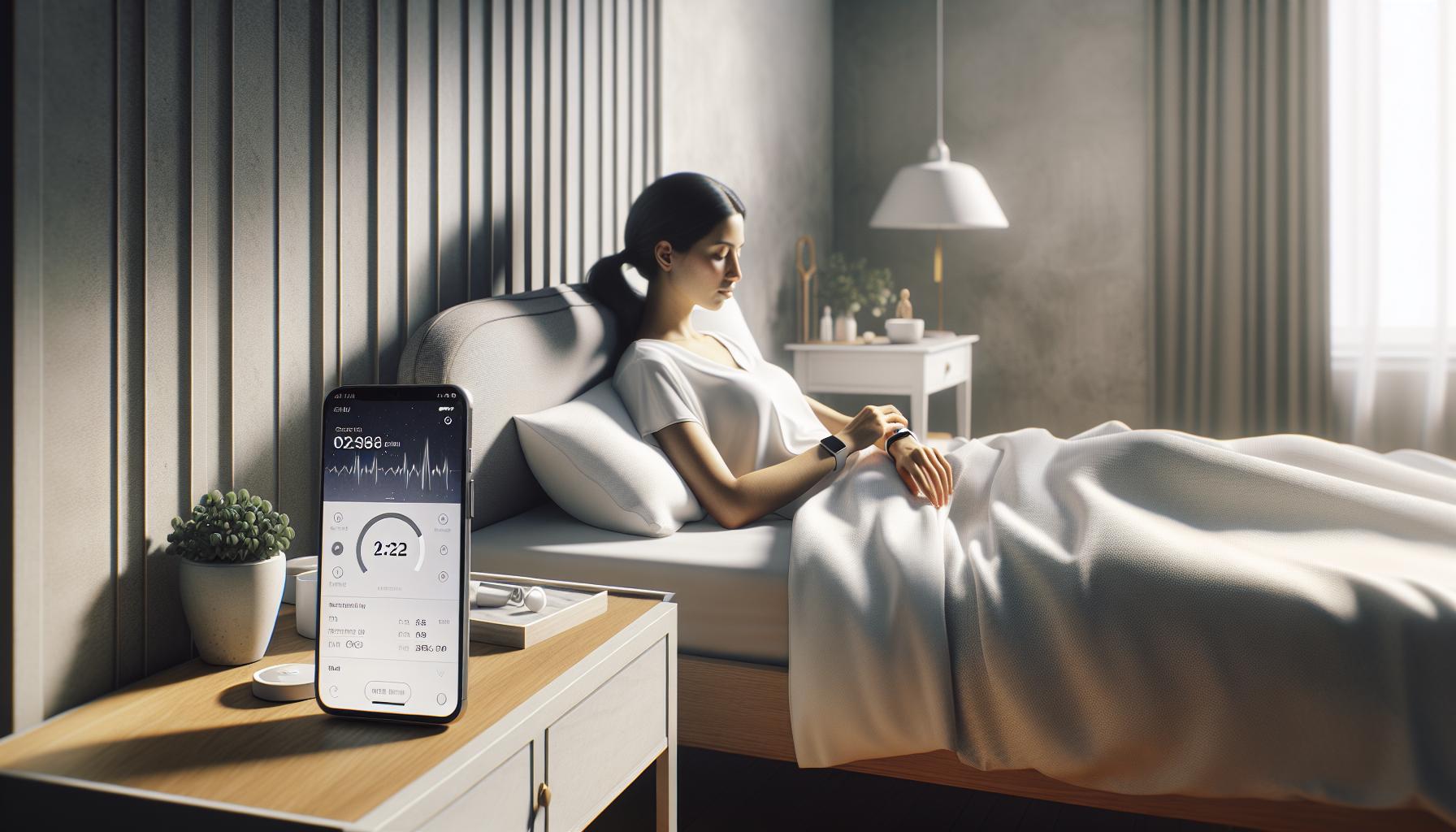
Activating Sleep Tracking Features on Your Watch
To unlock the full potential of your Apple Watch’s sleep tracking features, you first need to ensure everything is properly set up. Activating sleep tracking isn’t just a matter of toggling a switch; it involves a few steps to customize your watch to best suit your sleep needs. Importantly, the Apple Watch relies on settings that gather data subtly and effectively.
Begin by opening the Health app on your iPhone, as this is where much of the configuration will take place. Once inside, navigate to the Browse tab, then tap on Sleep. Here, you can set your sleep schedule, which will allow your Apple Watch to ring an alarm and monitor your sleep patterns. Enable the “Share with Devices” option-this allows your watch to collect necessary data.
Next, ensure the Sleep Mode is activated. This feature not only tracks your sleep but can also help minimize distractions from notifications during your bed hours. To activate Sleep Mode, swipe up on your watch face to access the Control Center, then tap the moon icon. Make sure to customize the times for Sleep Focus as well-this setting should align with your planned sleep and wake times to enhance consistency.
Another important aspect is the Fitness and Heart Rate tracking settings. Turn on heart rate notifications to ensure your watch can adequately monitor your heart rate throughout the night, as changes in heart rate can indicate changes in sleep stages. To do this, head to the Settings app on your watch, go to Heart and toggle on notifications.
Lastly, make sure that your watch is worn snugly during the night, as a loose fit can affect the sensors’ ability to track your sleep accurately. This snug fit will help ensure that the watch’s sensors accurately monitor your movements, ensuring that your sleep data reflects the actual rest you are getting.
By following these steps, you can confidently activate sleep tracking on your Apple Watch and start gaining valuable insights into your sleep patterns. Empower yourself with the data your watch can provide, paving the way for healthier sleeping habits and improved overall well-being.
Understanding Sleep Stages via the Apple Watch
Understanding how the Apple Watch tracks sleep stages can significantly empower you to improve your sleep health. The device utilizes advanced sensors to provide insights about various phases of sleep, which can help you identify patterns and areas for improvement. The Apple Watch categorizes sleep into distinct stages: Awake, REM (Rapid Eye Movement), Light Sleep, and Deep Sleep. Each of these stages plays a crucial role in ensuring restorative sleep, making it vital to know how your time is divided among them.
During the night, the watch collects data on your heart rate and movement, allowing it to determine which sleep stage you are in. For instance, during Deep Sleep, your body is least responsive, reflecting the highest level of rejuvenation, while REM sleep is crucial for dreaming and cognitive function. If you find that you are not getting enough Deep Sleep, this could be a sign of underlying issues such as sleep apnea or stress, prompting you to consult a healthcare professional.
To access this detailed information, after a night of sleep, simply review the Sleep app on your Apple Watch or the Health app on your iPhone. Here, you will see a breakdown of your sleep patterns, showing how much time you spent in each sleep stage. The insights gained can not only inform you of your sleep quality but can also help you adjust your bedtime routines, such as reducing screen time before bed or engaging in relaxing activities to promote deeper sleep.
It’s also helpful to compare your sleep stage data with your overall sleep duration. A common misconception is that longer sleep equates to better sleep, whereas the quality of those hours is equally, if not more, important. If the data suggests that your Light Sleep phases dominate, consider strategies to transition more towards Deep Sleep, such as optimizing your sleep environment or exploring relaxation techniques before sleep. With the Apple Watch’s sleep tracking capabilities, you can gain a clearer perspective on your sleep quality and take actionable steps to enhance your rest.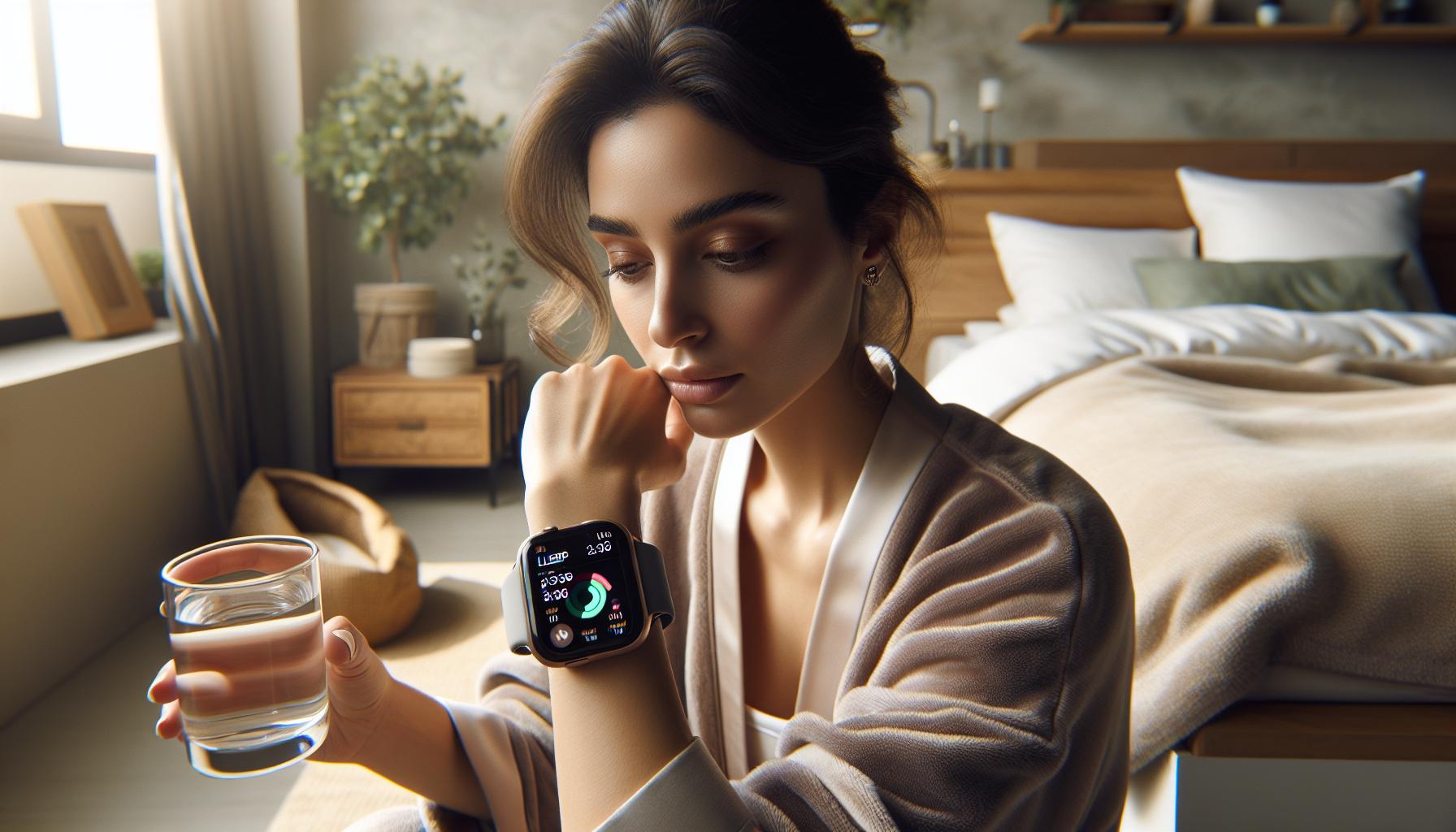
Common Issues with Sleep Tracking and Troubleshooting
Tracking sleep with your Apple Watch should be a seamless process, but sometimes it can be fraught with issues that can affect the accuracy of your data. One of the most common problems users encounter is the watch not automatically recording sleep. This can often be resolved by ensuring that you have enabled the necessary settings in the Sleep app and the Health app.
Here’re some practical troubleshooting steps to consider:
- Check Sleep Schedule Settings: Ensure you have set a sleep schedule that includes your desired sleep and wake times. If these are not configured, the watch may not know when to perform sleep tracking.
- Charging Habits: If you frequently take off your Apple Watch to charge it during the night, ensure that it has enough battery life to last through your sleep hours. The watch should ideally be worn overnight for consistent monitoring.
- Wearing the Watch Properly: Make sure your watch is snug but comfortable on your wrist. A loose fit can affect its ability to accurately detect your heart rate and movements, which are crucial for determining sleep stages.
Software Updates
Keeping your Apple Watch software updated is essential, as updates often include improvements to feature reliability and new functionalities. Check for updates in the Apple Watch app on your iPhone or through the watch itself. If the sleep tracking continues to experience issues after updates, consider restarting both your Apple Watch and paired iPhone.
Understanding Data Accuracy
When interpreting your sleep data, remember that the Apple Watch uses sensors to track movement and heart rate, but it’s not a medical device. Variations in sleep quality, such as inconsistent heart rates during sleep, can be due to multiple factors including stress, alcohol intake, or environmental disturbances like noise or light. If you notice persistent patterns of poor sleep quality reported by your watch, it may be a cue to explore better sleep hygiene or consult a healthcare professional.
Troubleshooting Apple Watch sleep tracking features may require a bit of patience, but by taking these steps, you can help ensure that this valuable tool provides the insights you need for a restful night’s sleep.
Comparing Apple Watch Sleep Features to Other Devices
The Apple Watch has established itself as a formidable player in the realm of sleep tracking, yet it’s essential to understand how it compares to other devices. While it offers a solid blend of features and usability, many consumers wonder whether it is the best option for their sleep monitoring needs.
One of the key advantages of the Apple Watch is its integration with the broader Apple ecosystem. Users can seamlessly sync data with the Health app on their iPhones, which allows for comprehensive tracking of not just sleep, but also other health metrics such as heart rate and activity levels. This holistic approach to health is something that many standalone sleep trackers struggle to match. However, devices like the Oura Ring provide a more specialized focus on sleep tracking with advanced sensors that may deliver greater precision regarding sleep stages and overall sleep quality.
Feature Comparison
Most wearable devices today offer various sleep tracking functionalities, but the depth of analysis differs significantly. Let’s break down some of the core features:
| Device | Sleep Tracking Accuracy | Heart Rate Monitoring | Sleep Stage Analysis | Battery Life |
|---|---|---|---|---|
| Apple Watch | Good | Yes | Basic | 18 hours |
| Fitbit Charge 5 | Excellent | Yes | Detailed | 7 days |
| Oura Ring | Excellent | Yes | Detailed | 7 days |
| Garmin Venu 2 | Good | Yes | Basic | 11 days |
It’s important to note the battery life when choosing a sleep tracker. The Apple Watch generally lasts about 18 hours, which can be a constraint for overnight monitoring if it needs recharging. In contrast, devices like the Oura Ring and Fitbit Charge 5 boast a week or more of battery life, allowing for uninterrupted sleep tracking without the need to charge overnight.
Conclusion
Ultimately, the best device for you depends on your personal needs and sleep goals. The Apple Watch excels in functionality if you are heavily invested in the Apple ecosystem and want a multi-functional device. However, if your primary goal is to gain deep insights into your sleep patterns and habits, dedicated devices like Oura or Fitbit may be more appropriate. Understanding these differences empowers you to make informed decisions, ensuring that your investment aligns with your health and wellness objectives.
Maximizing Sleep Tracking for Better Health
To truly harness the potential of your Apple Watch for sleep tracking, understanding how to maximize its features is essential. Sleep is a fundamental part of our health, yet it often goes overlooked in our busy lives. By effectively utilizing your smartwatch, you can gain valuable insights into your sleep patterns and take actionable steps to enhance your rest and overall well-being.
One of the first steps in optimizing sleep tracking is to ensure that your watch is correctly configured. This includes activating sleep tracking features through the Health app on your iPhone and setting your sleep schedule. By defining a consistent sleep routine, you signal your body to prepare for rest, which can lead to improved sleep quality. Consider incorporating a pre-sleep ritual-such as reading or meditation-to enhance relaxation, creating a conducive environment for rest.
Another crucial aspect is ensuring that your Apple Watch is worn correctly. For optimal tracking, wear your watch snugly on your wrist, as this helps with heart rate monitoring and improves data accuracy. Regularly clean the watch’s sensors to prevent any obstruction that could affect performance. Paying attention to the battery life is also vital; try to establish a charging routine that ensures your watch is fully charged before bedtime, which allows for uninterrupted monitoring and prevents data loss.
Furthermore, interpreting the data collected by your Apple Watch is key to maximizing its benefits. The watch provides insights into total sleep time, quality of sleep, and even sleep stages, each of which informs your understanding of your sleep health. Regularly reviewing this data can help you identify patterns or issues that may require attention, such as too much time in light sleep. By correlating your sleep metrics with daily activities or stress levels, you can make informed decisions to enhance your nightly rest, ultimately contributing to better health outcomes.
In summary, optimizing your sleep tracking with an Apple Watch involves proper setup, consistent wear, and thoughtful analysis of your sleep data. By actively engaging with these elements, you equip yourself with the tools needed for not only better sleep but a healthier lifestyle overall. Adapt as needed, be patient with the process, and you may find your relationship with sleep transformed for the better.
Understanding Sleep Recommendations from Your Watch
Your Apple Watch does more than just tell time; it offers insightful recommendations based on your sleep patterns, helping you enhance your nightly rest. Understanding these sleep recommendations can empower you to make smarter choices about your sleep habits and overall health.
The Apple Watch leverages its sensors to track your sleep and provides personalized insights. After a few nights of sleep tracking, the watch can formulate recommendations tailored to your specific patterns, such as optimal bedtime based on when you’ve fallen asleep on previous nights. By reviewing these insights, you can begin to identify habits affecting your sleep quality. For example, you might find that your sleep quality is notably better on weekends when you have a more relaxed schedule, guiding you to adjust your weekday routine.
Taking Action on Recommendations
To act on these recommendations effectively, you might consider restructuring your evening habits. If your watch suggests that you frequently wake up during the night, analyze what may be contributing to these interruptions-whether it’s caffeine intake or screen time too close to bedtime. Implement small changes, such as setting a designated “tech-free” time or creating a calming pre-sleep routine that includes activities like reading or gentle stretching.
Furthermore, the watch tracks your sleep consistency. If your data indicates that varying your sleep schedule leads to poorer sleep quality, it’s a good idea to establish a more regular sleep routine. Going to bed and waking up at the same time daily can significantly boost your sleep quality over time.
In addition to these personalized suggestions, your Apple Watch provides feedback through features like a Sleep Summary, which compiles data on sleep duration and quality. Leveraging this feedback empowers you to assess whether lifestyle changes, such as increased physical activity or stress management techniques, are making a positive impact on your sleep.
By taking your watch’s sleep recommendations seriously and making even minor adjustments to your routine, you can harness the power of technology to foster healthier sleep habits. Remember, persistent issues with sleep may require more than self-management; consider consulting a sleep specialist if your watch indicates chronic disruptions in sleep quality.
User Experiences: Real-Life Sleep Tracking Success Stories
Experiences shared by real users often shine a light on the practical value of sleep tracking features on the Apple Watch. Many report significant improvements in their sleep habits after using the device, illustrating how technology can empower individuals to take control of their health.
One success story involves a user named Sarah, who struggled with inconsistent sleep patterns due to a hectic work schedule. After enabling sleep tracking on her Apple Watch, she received insights that revealed she was often staying up too late during the week and sleeping excessively on weekends. By adjusting her bedtime to be more consistent every night and utilizing features like sleep reminders, Sarah was able to achieve a more stable sleep routine. Within weeks, she reported feeling more energized and alert throughout the day, attributing her improved focus and productivity to the changes inspired by her Apple Watch.
Another user, Mike, experienced frequent awakenings throughout the night. With the help of his watch’s sleep analysis, he discovered that screen time before bed was a contributing factor. Armed with this knowledge, he committed to a “tech-free” hour before sleep, opting for reading instead. Not only did his watch report longer consecutive periods of sleep, but Mike also enjoyed a deeper, more refreshing slumber. He credits the Apple Watch with helping him make these beneficial lifestyle changes, leading to overall better mental health.
These personal stories highlight how the Apple Watch’s sleep tracking capabilities can guide users toward better sleep hygiene. By offering data-driven recommendations, users are equipped to tackle sleep issues they might not have recognized otherwise. Whether improving bedtime routines or influencing daily habits, these real-life accounts confirm that taking advantage of sleep tracking can lead to profound improvements in sleep quality and overall well-being.
If you are on the fence about starting sleep tracking with your Apple Watch, consider these experiences as motivation. Small, informed adjustments can make a significant difference, paving the way for healthier sleep patterns and a more energized you.
Interpreting Your Sleep Data: What It Means
Understanding your sleep data is key to improving your sleep quality and overall well-being. The Apple Watch offers a wealth of information, breaking down your nightly rest into clear categories that help you see patterns and identify areas for improvement. When you analyze your sleep data, here are some critical aspects to consider:
- Total Sleep Duration: This metric shows how many hours you slept, including both light and deep sleep. If you’re consistently getting less than the recommended 7-9 hours for adults, it may be time to adjust your sleep schedule.
- Sleep Stages: Apple Watch breaks down your sleep into different stages: REM (Rapid Eye Movement), Core, and Deep sleep. A balanced distribution of these stages is essential for restorative rest. If you notice you’re spending too little time in deep sleep, consider reviewing your bedtime routine or sleep environment.
- Sleep Trends: Over time, you’ll see patterns in your sleep habits. For example, correlating sleep quality with lifestyle choices-like caffeine intake or stress levels-can be enlightening. Keeping a sleep diary in conjunction with your watch data can help you connect these dots.
- Awakening Events: Regularly waking up during the night can disrupt your sleep cycle. If your data shows frequent awakenings, consider practicing relaxation techniques before bed or reducing disturbances in your sleep environment, such as noise or light.
### The Importance of Sleep Consistency
A vital insight you can gain is the importance of sleep consistency. If your data shows significant variations in sleep duration from night to night, establishing a regular sleep schedule may help. Aim to go to bed and wake up at the same time every day, even on weekends, to stabilize your body’s internal clock.
### Taking Action on Your Data
Once you’ve interpreted your sleep data, take actionable steps based on what you find. For instance, if you realize that using screens before bed negatively affects your sleep stages, consider implementing a “tech-free” wind-down period before bed. Alternatively, if your Apple Watch indicates low sleep quality after late caffeine consumption, adjusting your intake may improve your rest.
Understanding what your Apple Watch tells you about your sleep patterns allows for informed adjustments to optimize your sleep hygiene effectively. By continually evaluating your sleep data and making mindful changes, you can work toward achieving more restorative nightly rest and better overall health.
When to Consider Professional Sleep Studies
If your sleep data from the Apple Watch raises red flags, it may be time to consult a sleep specialist. While smartwatches provide valuable insights into your sleep patterns, they can’t replace professional assessments for diagnosing sleep disorders. Here are critical factors to consider when deciding if a sleep study is necessary.
First, consider your overall sleep quality. If you’re consistently feeling fatigued, despite logging enough hours in bed, this could signal an underlying issue. Conditions such as sleep apnea, restless leg syndrome, or chronic insomnia often require clinical evaluation. If you notice significant disruptions in your sleep cycle, such as frequent awakenings or insufficient time in restorative sleep stages (like deep sleep), a professional assessment may help pinpoint the problem.
Additionally, if you’re experiencing troubling symptoms, such as loud snoring, gasping for air during sleep, or persistent daytime sleepiness, it’s particularly important to seek help. A polysomnography sleep study-commonly conducted in a sleep center-can measure various body functions during sleep, including brain waves, oxygen levels, and heart rhythms. This information is invaluable for diagnosing disorders that household gadgets like the Apple Watch can’t effectively assess.
When approaching a sleep study, it’s important to understand what to expect. The process generally involves spending a night in a specialized lab where your sleep is recorded. Some insurance plans cover these studies, so inquire with your provider about costs and coverage. For those uncomfortable with overnight studies, options for home sleep tests may be available, though they tend to be less comprehensive.
In summary, while your Apple Watch can provide a wealth of data about your sleep patterns, professional sleep studies may be necessary for deeper insights. Recognizing when to transition from self-monitoring to formal evaluation is crucial for achieving long-term health benefits and ensuring sleep quality.
FAQ
Q: How can I check if my Apple Watch is tracking sleep properly?
A: To ensure your Apple Watch tracks sleep effectively, check that sleep tracking is enabled in the Sleep app and that your watch is connected to your iPhone. Verify that you’ve set sleep goals and schedule in the Health app. Additionally, ensure your watch has sufficient charge before bedtime for uninterrupted tracking.
Q: What settings should I enable for accurate sleep tracking on my Apple Watch?
A: Activate the “Sleep” tracking feature in the Sleep app and enable the “Track Sleep with Apple Watch” option in the Health App. Ensure your “Do Not Disturb” mode is on during sleep hours to prevent notifications that may disrupt sleep data collection.
Q: Why isn’t my Apple Watch recording sleep events?
A: If your Apple Watch isn’t recording sleep, ensure it’s fitted securely on your wrist, and is charged sufficiently. Check that sleep tracking features are correctly turned on in both the Sleep app and your iPhone settings. Restarting both devices can also resolve minor glitches.
Q: How do I interpret sleep data on my Apple Watch?
A: To interpret sleep data, go to the Sleep app on your Apple Watch or the Health app on your iPhone. Here, you can see total sleep time, sleep stages (like REM and deep sleep), and consistency. This data can help you understand your sleep patterns over time.
Q: Can my Apple Watch detect naps as part of sleep tracking?
A: Yes, your Apple Watch can detect naps automatically if you wear it during sleep. However, ensure that the “Sleep” mode is active for the best tracking results. For more precise tracking, manually log your naps in the Sleep app after waking up.
Q: How often should I manually sync my Apple Watch sleep data with the Health app?
A: Your Apple Watch typically syncs sleep data automatically when it’s within range of the paired iPhone. However, if you notice discrepancies in sleep tracking data, you can manually sync by opening the Health app on your iPhone and refreshing the data by pulling down the screen.
Q: Are there third-party apps that improve sleep tracking on my Apple Watch?
A: Yes, several third-party apps can enhance sleep tracking capabilities on your Apple Watch, offering more detailed metrics and analysis. Consider apps like Sleep Cycle or AutoSleep, which provide insights beyond Apple’s native capabilities. Check their effectiveness in review articles before installation [[1]](https://wearablexp.com/smart-watches/best-sleep-tracking-apps-for-apple-watch/).
Q: What should I do if my Apple Watch sleep data seems inaccurate?
A: If your sleep data appears inaccurate, first, ensure that you’re wearing your watch snugly. Double-check the settings in the Sleep app for correct configuration. If problems persist, consider restarting your watch and iPhone, and for persistent issues, check for updates to the OS.
To Conclude
Now that you have the essential checklist to ensure your Apple Watch is accurately tracking your sleep, it’s time to implement these strategies and enhance your nightly rest. Achieving better sleep can lead to improved health and well-being, and there’s no time like the present to make those changes. If you want to delve deeper into sleep tracking, check out our guides on optimizing your sleep environment and the best apps for detailed sleep analysis.
Don’t forget to explore how sleep impacts overall health in our related articles. Whether it’s understanding sleep stages or tips for a restful night, we have the resources you need to succeed. Take the first step now – start tracking your sleep effectively with your Apple Watch, and share your experiences with us in the comments!
For ongoing updates and insights into sleep health, consider signing up for our newsletter. Join a community focused on making informed sleep choices and transforming your nightly routine into one that promotes restorative rest. Your journey to better sleep starts today!
Get our latest guides, news, and insights highlighted in your Google Search & AI Overviews.