
If you’re looking to transform your sleep into a restorative experience, mastering the installation of your Eight Sleep system is a crucial first step. This sleep technology not only helps regulate temperature for optimal rest but also tracks your sleep patterns, providing insight into your nightly recovery. Have you ever tossed and turned in the night, wondering how to achieve that perfect slumber? Setting up your Eight Sleep mattress can be the key to unlocking deeper, more rejuvenating sleep. In this guide, we’ll walk you through the entire installation process, addressing common concerns and offering tips to ensure you maximize the benefits of your new sleep companion. Get ready to elevate your sleep game and enjoy the restful nights you deserve!
Getting Started with Eight Sleep: What You Need to Know
To achieve a restful night’s sleep, understanding the features and setup of your Eight Sleep device is crucial. This innovative sleep technology is designed to optimize your sleep environment through temperature regulation and sleep tracking. With proper setup, you can tailor the experience to meet your specific sleep needs, which is essential for better overall health and well-being. As you get started, keep in mind that your comfort and ease of use are the top priorities.
First, familiarize yourself with the essential components you’ll need for your Eight Sleep setup. This includes a compatible mattress, the Sleep Pod or Pod Pro, and the accompanying app for monitoring and adjusting settings. Once you’ve identified your components, ensure you have a stable Wi-Fi connection in your bedroom, as this is crucial for syncing data and controlling features remotely. Additionally, review the dimensions of your bed frame or foundation to confirm everything fits properly.
Next, consider your sleep environment. Ideally, you want to install your Eight Sleep in a dark, quiet space that promotes tranquility. Look for opportunities to minimize disturbances by setting up your device away from electronics that emit blue light or noise. This could mean repositioning your nightstand or adding blackout curtains. Ultimately, creating an atmosphere conducive to relaxation enhances the benefits of the Eight Sleep system.
Once you have your environment and components ready, you can proceed to connect your Eight Sleep to Wi-Fi and download the app. The app plays a vital role in customizing your temperature settings and provides insights based on your sleep data. It’s beneficial to set temperature preferences tailored to your comfort, as many users report improved sleep quality when the bed is at an optimal temperature.
As you familiarize yourself with these setup steps, remember that establishing a routine with your Eight Sleep device will help you leverage its full potential-leading to a better night’s sleep and improved overall health. Engaging with the app regularly will allow you to monitor your sleep patterns and adjust your environment accordingly, ensuring a personalized experience every night.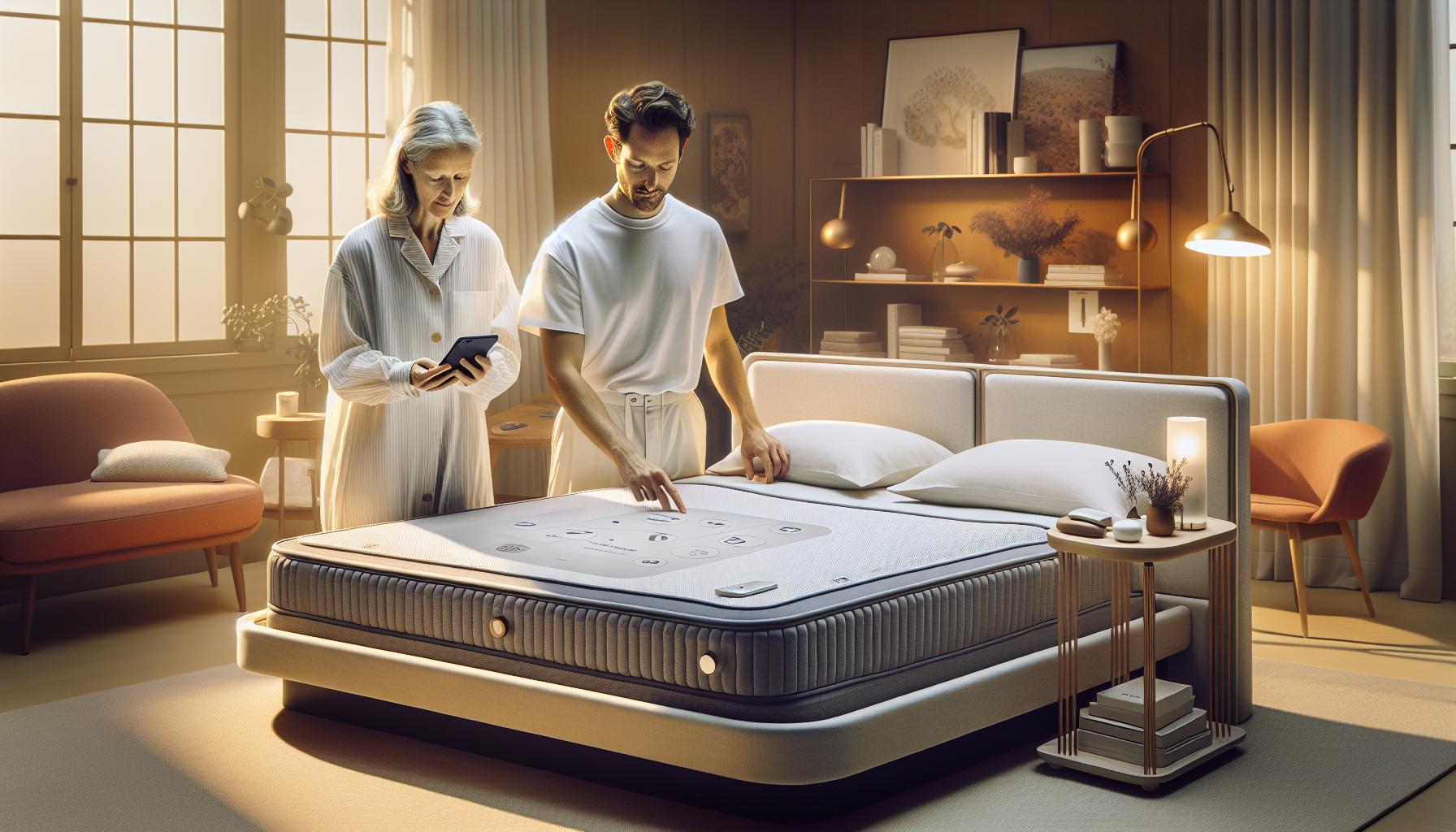
Essential Components for Your Eight Sleep Setup
To transform your sleep experience with the Eight Sleep system, having the right components is essential. This innovative technology is designed to enhance your nightly rest by regulating temperature and tracking sleep performance. To get started, make sure you have everything you need for a seamless setup.
Start with the core of your Eight Sleep setup-the mattress. You need a compatible mattress that allows the Sleep Pod or Pod Pro to perform optimally. It’s crucial that the mattress fits comfortably in your bed frame or foundation, as this can affect both the device’s functionality and your overall comfort. If you’re uncertain about compatibility, consult the Eight Sleep website or customer service for guidance.
In addition to the mattress, you’ll require the Sleep Pod or Pod Pro. These systems come with integrated heating and cooling technology that adjusts to your sleep needs. The Sleep Pod is equipped with sensors that monitor your sleep patterns, providing essential data through the accompanying app.
Finally, a reliable Wi-Fi connection is vital. The Eight Sleep app is where you’ll control your device and customize settings. Before starting the installation, ensure your bedroom has a strong Wi-Fi signal since this connection enables the synchronization of settings and data collection. A weak or unstable connection can disrupt your ability to make the most of this technology.
For optimal use, consider the following essential components:
- Compatible Mattress: Ensure your mattress works with the Sleep Pod or Pod Pro.
- Sleep Pod or Pod Pro: Vital for temperature regulation and tracking.
- Wi-Fi Connection: A stable connection for app functionality.
- Eight Sleep App: Required for monitoring and adjusting settings.
By equipping your sleep space with these essential components, you set the stage for a personalized and enhanced sleeping experience. This meticulous approach not only helps you enjoy the benefits of the Eight Sleep system but also empowers you to optimize your sleep for better health and well-being each night.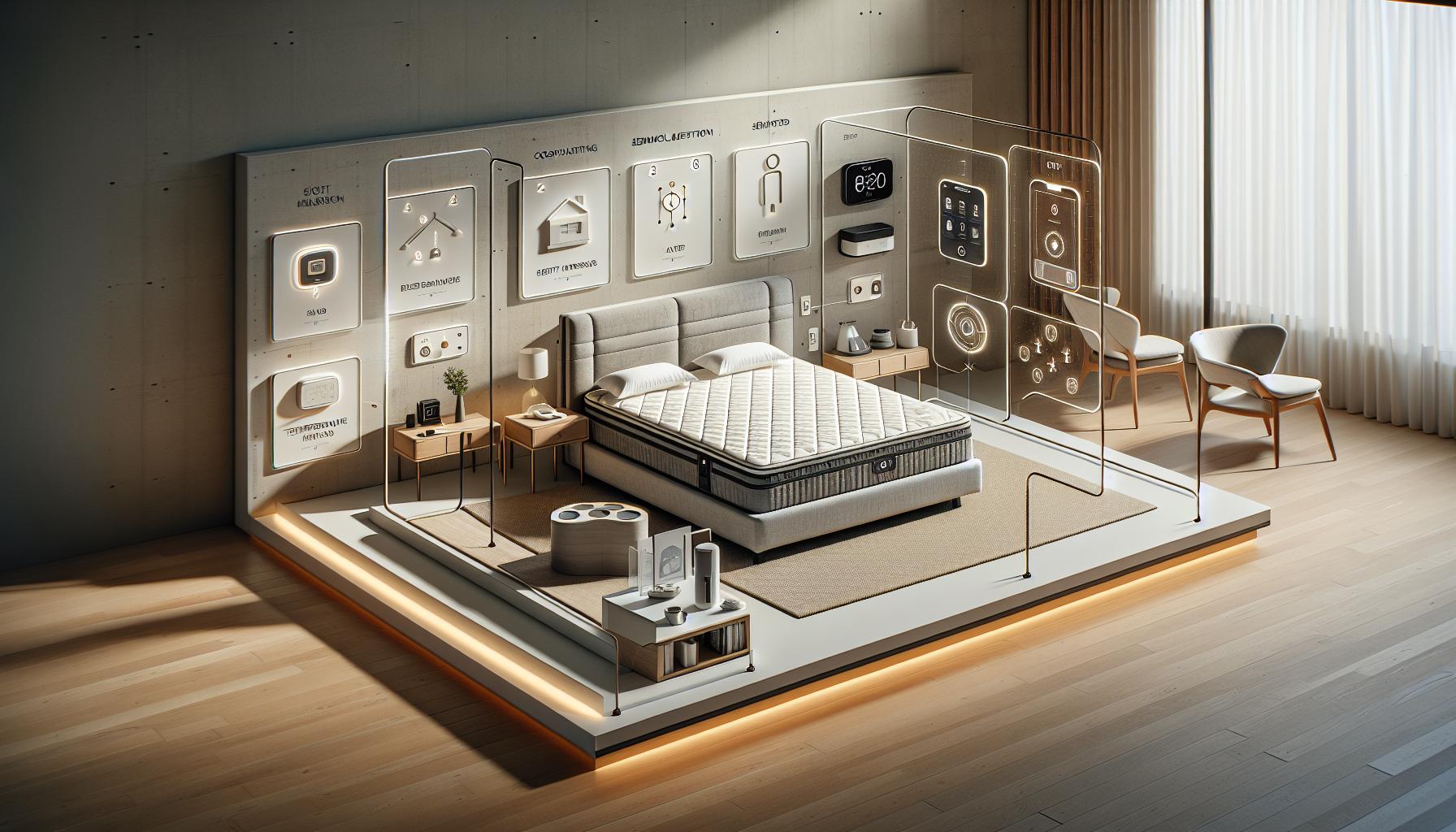
How to Prepare Your Sleep Environment
Creating an ideal sleep environment is crucial for maximizing the benefits of the Eight Sleep system. Since this technology focuses on regulating temperature and monitoring your sleep patterns, ensuring your space supports these functionalities will enhance your overall sleep quality. To start, assess the room where you plan to set up the Eight Sleep device.
First, consider the room’s temperature. The Eight Sleep system works best when placed in a climate-controlled environment. Ideally, keep your bedroom slightly cooler, around 60 to 67 degrees Fahrenheit, which is the optimal range for sleep. If your room tends to heat up during the night, using curtains or blackout shades can help keep it comfortably cool.
Next, focus on reducing noise and light disruptions. Sound machines or white noise apps can mask any bothersome sounds that might wake you during the night. Similarly, ensure that your windows are adequately covered to block out streetlights and early morning sun. A well-darkened environment signals to your body that it’s time to sleep, promoting deeper rest.
Additionally, declutter your sleep space. A tidy room can help reduce anxiety and create a calming atmosphere conducive to rest. Consider removing electronic devices that emit blue light, like TVs and tablets, which can interfere with your body’s melatonin production. Instead, replace them with soothing elements such as a plant, a piece of art, or a soft lamp to create a serene ambiance.
Lastly, educate yourself about the Eight Sleep app that accompanies your device. Once your physical space is optimized, downloading and exploring the app will ensure that you’re prepared to tailor the system to your specific comfort preferences. By taking these steps to prepare your sleep environment, you’re setting the stage for an enhanced and restorative sleep experience that the Eight Sleep system can offer.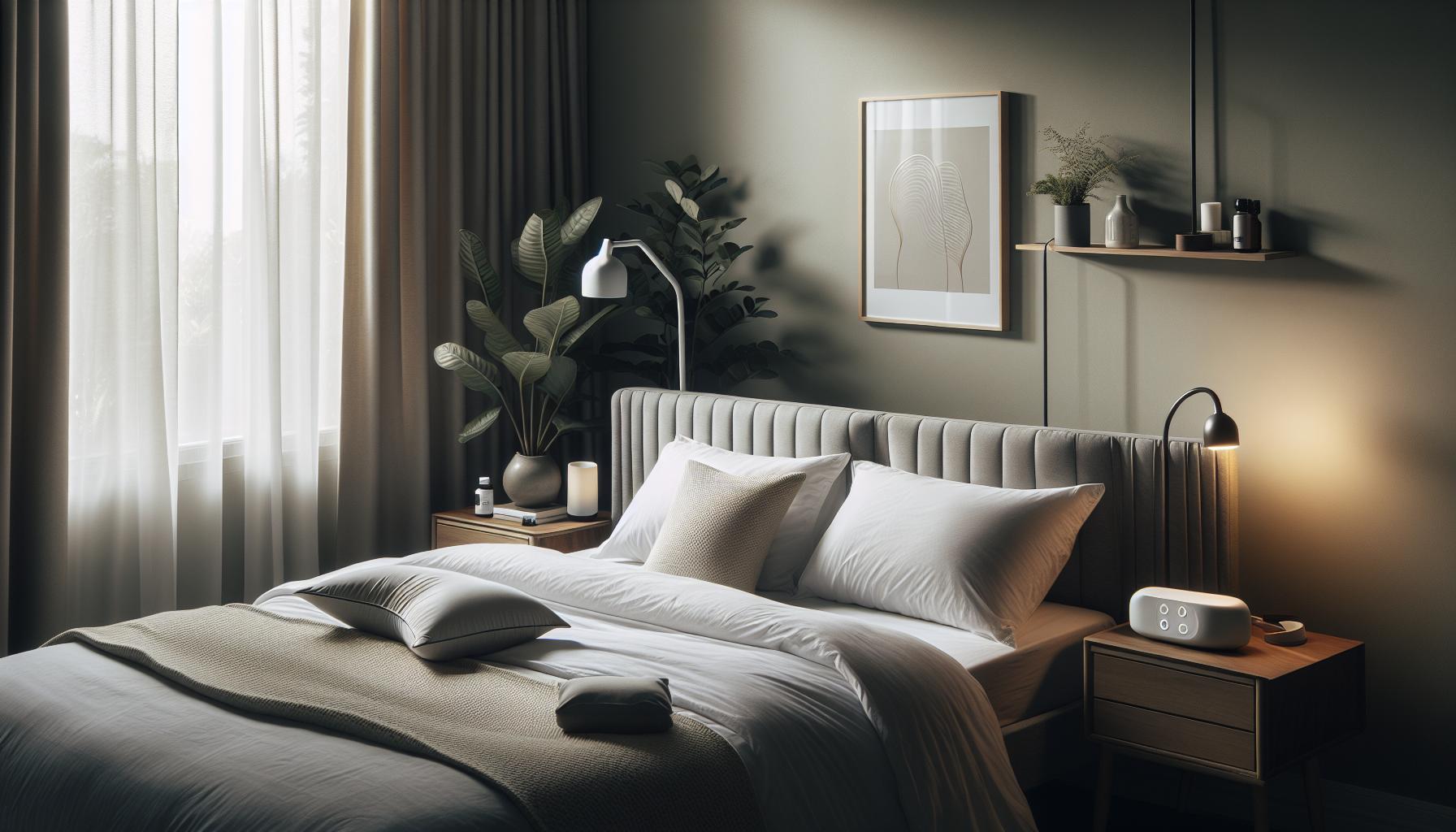
Step-by-Step Installation Instructions
To efficiently install your Eight Sleep device, you’ll want to follow a systematic approach that ensures everything is set up correctly for the best sleep experience. This process is straightforward, but attention to detail will help guarantee optimal performance. Start by taking inventory of your package contents, which typically includes the mattress cover, a base unit, a power adapter, and the necessary cables.
Next, prepare your bed by removing your existing bedding. Once your mattress is bare, lay the Eight Sleep mattress cover directly on top of your mattress. Align it properly with the corners to ensure a snug fit. Tip: If your mattress is particularly thick or heavy, you might find it easier to secure the cover by having someone assist you.
After the cover is positioned, it’s time to connect the water reservoir. You’ll locate the reservoir at the foot of the bed. Fill it with water as instructed in the manual (it’s usually advised to use distilled water to prolong the life of the device) and securely attach it to the cover. Ensure the hose is linked to the cover’s inlet to facilitate temperature regulation.
Once the water reservoir is connected, next comes the power setup. Plug the base unit into a nearby power outlet, ensuring that the cord is not pinched or stretched in a way that could cause damage. Next, make sure your Eight Sleep unit is connected to your home Wi-Fi network following the app instructions provided in the following sections. This connection is crucial as it enables the smart features of the device to function seamlessly.
To wrap up the installation, download the Eight Sleep app to your smartphone and follow the prompts to connect your unit. The app will guide you through the final steps of pairing and setup. This step allows you to customize your sleep experience, setting preferences for temperature and monitoring your sleep patterns.
By tackling each step methodically, you’re setting the foundation for a cozy and high-tech sleep environment that maximizes the benefits of your Eight Sleep device. Don’t hesitate to refer back to your manual for any specific questions during the process, as it’s designed to assist you every step of the way.
Connecting Your Eight Sleep to Wi-Fi
Connecting your Eight Sleep device to Wi-Fi is a crucial step in unlocking its full potential, enabling you to take advantage of the advanced features that promote restful sleep. A stable Wi-Fi connection allows the device to adjust its settings remotely, track your sleep patterns, and provide insights for optimal sleep quality. To ensure a smooth setup, follow these simple yet vital guidelines.
Begin by confirming that your Wi-Fi is operational. It’s best to be near your router during the setup process, as a weak signal can hinder connectivity. Open the Eight Sleep app on your smartphone, which you should have already downloaded during your initial setup phase. From the app’s main screen, you will see options for connecting devices-select your Eight Sleep unit from the list.
Once selected, the app will prompt you to choose your home Wi-Fi network from the available options. Enter your network password carefully, bearing in mind that passwords are case-sensitive. After submitting the password, the app will attempt to connect your Eight Sleep device to your Wi-Fi network. It may take a few moments, but once connected, you’ll receive a confirmation message, typically accompanied by a small notification sound from your device.
If you encounter any issues during this process, such as the app failing to connect, consider these troubleshooting tips:
- Ensure your phone is connected to the same Wi-Fi network you want to use with your Eight Sleep device.
- Re-check your Wi-Fi password for any typing errors.
- Restart your Wi-Fi router and try the connection process again.
- Consult the troubleshooting section of the Eight Sleep app or manual for specific error messages.
By ensuring your Eight Sleep device is connected to Wi-Fi, you empower it to enrich your sleep experience through personalized temperature adjustments and insightful analytics. This connectivity is an integral part of transforming your bed into a smart sleep sanctuary, making it easier to monitor and improve your sleep quality over time.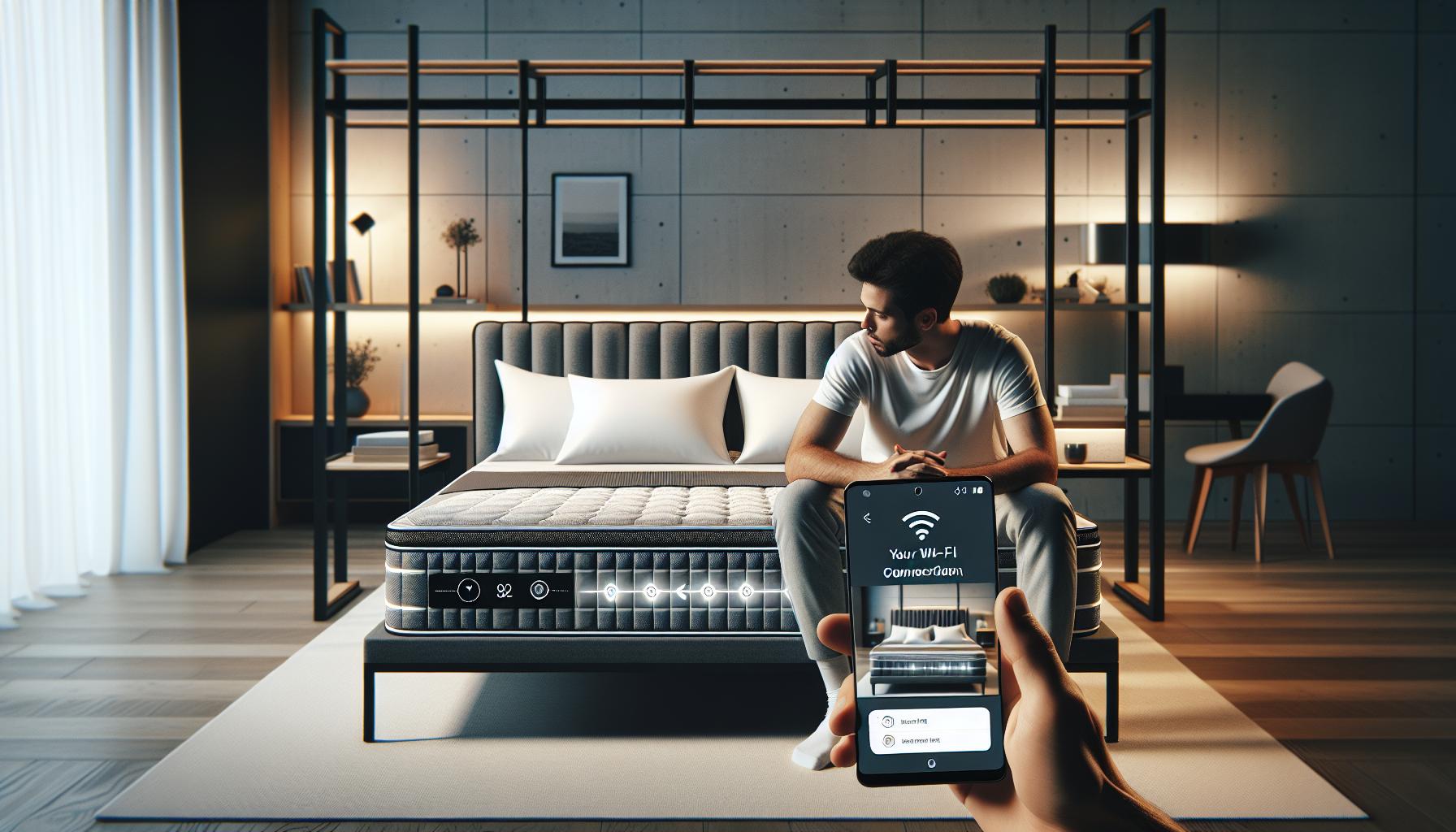
Downloading and Navigating the Eight Sleep App
To harness the full capabilities of your Eight Sleep device, is an essential step. This user-friendly application acts as the central hub for controlling and monitoring your sleep environment, allowing you to customize settings and track your sleep patterns effortlessly. The app is available for both iOS and Android, making it accessible for a wide range of users.
Once installed, open the app, and you will be greeted with a sleek, intuitive interface designed for ease of use. The main dashboard presents vital information at a glance, including your recent sleep data and current mattress settings. Navigating through the app is simple; use the tabs at the bottom to switch between sections such as Home, Sleep, and Settings.
Key Features to Explore:
- Sleep Tracking: View detailed insights into your sleep cycles, including duration, quality, and how often you wake up during the night.
- Temperature Adjustments: Customize the temperature of your mattress according to your personal comfort preferences for a restful night’s sleep.
- Sleep Coaching: Access personalized tips and analytics based on your data to improve your sleep habits.
The app also allows you to set sleep goals and establish routines, fostering better sleep hygiene. If you ever feel uncertain about certain features or settings, the app includes helpful prompts and FAQ sections to guide you through common questions and troubleshooting steps, enhancing your confidence in using the device. With the app as your companion, you’ll be well-equipped to turn your sleeping environment into a personalized sanctuary for rejuvenating rest.
Setting Your Sleep Preferences for Maximum Comfort
To achieve a restful, restorative sleep experience, it’s crucial to customize your sleep preferences using the Eight Sleep app. Did you know that temperature plays a significant role in sleep quality? By adjusting the temperature of your mattress to align with your personal comfort levels, you can enhance not only the duration but also the quality of your sleep. Here’s how you can set your sleep preferences for maximum comfort.
To start, navigate to the “Settings” section of the Eight Sleep app once you’re connected to your device. You can customize the temperature settings for each side of the mattress individually, which is perfect for couples with differing sleep preferences. Feel free to experiment with warmer settings for the initial period when you get into bed, then gradually cool it down as the night progresses-this approach mimics the natural drop in body temperature that occurs during sleep.
Another essential feature is the sleep schedule settings. You can establish your bedtime and wake-up time within the app, allowing it to optimize your mattress’s temperature in accordance with your sleep cycle. Additionally, enabling Sleep Mode will ensure that the mattress adjusts automatically to the ideal conditions throughout your sleep stages, promoting comprehensive sleep support.
For those who tend to get warm at night, utilizing the mattress’s cooling technology can help mitigate nighttime disruptions. Activate the cooling feature at your preferred level; as you adjust it throughout the week, you’ll find the ideal setup that leads to fewer disturbances due to heat. It’s about finding your sweet spot, which may take a few nights of testing!
Lastly, consider the use of smart alarm features available in the app. With this option, your mattress can gently wake you during your lightest sleep phase leading up to your designated wake-up time, making you feel more refreshed. By paying attention to these small yet impactful details, you can transform not just your mattress but your overall sleep quality. Enjoy personalizing your sleeping environment and watch as it contributes to better rest and recovery!
Troubleshooting Common Installation Issues
When setting up your Eight Sleep device, encountering installation hiccups can be frustrating but not uncommon. A smooth installation process is vital for unlocking the device’s potential to enhance your sleep experience. Here’s a breakdown of common installation issues and how to troubleshoot them effectively.
Power and Connection Issues
One of the most frequent problems users face is the device not powering on or connecting to the app. Ensure that the unit is plugged into a functional outlet and that the power switch is turned on. If it still doesn’t power up, try resetting the device by unplugging it for at least 10 seconds, then plugging it back in. For Wi-Fi connectivity issues, check your router’s settings. The device requires a stable internet connection to fully function, so make sure your Wi-Fi is operational. If the device fails to connect to Wi-Fi during initial setup, double-check whether you are entering the correct network credentials and if your router is within range.
App Installation and Synchronization Challenges
Another potential hurdle is app-related issues where the Eight Sleep app may not sync with your device. Ensure you have the latest version of the app installed on your phone. If synchronization fails, try restarting both your smartphone and the Eight Sleep device. Also, confirm that Bluetooth is enabled on your phone as this is crucial for establishing a successful connection. If you are still experiencing connectivity issues, consider uninstalling and reinstalling the app, which can often resolve lingering bugs or glitches.
Water Level and Temperature Settings
For the hydronic mattress components, you may encounter issues relating to water levels or temperature adjustments. Ensure that the water reservoir is filled to the recommended level, as an insufficient water supply can lead to inadequate temperature control. If the temperature settings seem incorrect, check the app to make sure your preferences are set correctly and that the temperature is not being overridden by the sleep schedule feature. It may be beneficial to run a test cycle through the app to confirm that the mattress is heating or cooling correctly.
Layer Misalignment Problems
Proper alignment of the mattress layers during setup is crucial for optimal performance. If you notice discomfort or inconsistent heating, inspect the layers to ensure they are placed correctly, adhering to the installation guide. Misalignment can also lead to isolated areas not being heated effectively, impacting overall sleep quality.
By following these troubleshooting tips, you can confidently navigate common installation issues with your Eight Sleep device, enabling you to enjoy the full benefits of a personalized sleep experience. Remember, patience is key; often, a simple adjustment or reset can make all the difference in ensuring your setup is smooth and effective.
Maintaining and Caring for Your Eight Sleep Device
Taking care of your Eight Sleep device is essential for maximizing its performance and extending its lifespan. With a few simple maintenance practices, you can ensure that your sleep environment remains optimal for restful nights. Regular care not only enhances the functionality of the device but also contributes significantly to your overall sleep quality.
To maintain your Eight Sleep device, the following practices should be part of your routine:
Regular Cleaning
Keeping your Eight Sleep mattress clean is crucial. Use a gentle fabric cleaner to spot-clean any stains on the mattress cover. It’s also advisable to wash the cover according to the manufacturer’s instructions. Avoid using harsh chemicals that may damage the material. Additionally, periodically check the water reservoir for any debris or buildup and clean it as needed to ensure the water quality remains high.
Monitor Water Levels
For optimal temperature control, regularly check the water levels in your mattress. Ensure the reservoir is filled to the recommended level as insufficient water can affect heating and cooling performance. It’s a good idea to inspect the seals periodically for any leaks or damages. If you notice any issues, contact customer support for assistance.
Update the App and Software
Keeping the Eight Sleep app up-to-date is vital for accessing new features and improvements. Regular software updates often include enhancements that can fix bugs and improve the overall user experience. Turn on notifications for your app to stay informed about the latest updates and enhancements.
Temperature Calibration
From time to time, check and recalibrate the temperature settings according to your personal comfort needs. The Eight Sleep device allows for customization, and you can adjust the temperature based on seasonal changes, ensuring a comfortable sleeping environment year-round. Use the app to set your ideal sleep temperature and monitor how it affects your sleep quality.
By integrating these maintenance steps into your routine, you ensure that your Eight Sleep device operates at its best, providing you with the personalized sleep experience it promises. Emphasizing cleanliness, regular monitoring, and staying updated helps you make the most of your investment, enhancing your overall well-being through better sleep.
Understanding the Technology Behind Eight Sleep
The technology behind Eight Sleep is revolutionizing the way we think about rest and recovery. By merging state-of-the-art sleep science with modern technology, Eight Sleep offers solutions that tailor sleep experiences to individual needs. At its core, the Eight Sleep mattress features an integrated heating and cooling system, allowing users to adjust their sleep temperature dynamically throughout the night. This capability helps optimize your sleep cycle by matching temperature with the natural fluctuations your body goes through as you progress through sleep stages.
Dynamic Temperature Control
Utilizing a network of sensors, the Eight Sleep mattress not only monitors your sleep patterns but also adjusts the temperature based on real-time data. This personalized approach supports deeper sleep and can reduce sleep interruptions caused by temperature discomfort. Users have the option to set their preferred sleep temperature, whether they like it cooler for more profound sleep or warmer for comfort. This feature can be especially crucial for couples who may have different temperature preferences, as the mattress allows for dual-zone control.
Smart Technology Integration
The Eight Sleep app complements the mattress technology, offering insights into your sleep data. You can track various metrics such as heart rate, sleep stages, and duration. This information is visualized in easy-to-understand graphs within the app, making it simpler to identify patterns and areas where you might improve your sleep quality. Notifications about your sleep health and personalized recommendations help ensure you’re making informed adjustments for better rest.
Real-Time Monitoring and Adjustments
One standout feature of Eight Sleep technology is its ability to learn user preferences over time. As you utilize the system, it gathers data that enables it to predict the optimal sleep conditions based on your historical sleep patterns. If you typically wake up during a specific sleep cycle, the technology can preemptively adjust the temperature to encourage uninterrupted sleep. By synergizing advanced algorithms with sleep science, Eight Sleep effectively transforms not just how you sleep, but how you understand and manage your sleep health.
In conclusion, understanding the innovative technology behind Eight Sleep can help you maximize its benefits, empowering you to take control of your sleep health. By integrating temperature control, smart monitoring, and personalized insights, Eight Sleep provides a comprehensive approach to achieving restorative sleep.
Comparing Eight Sleep with Other Sleep Solutions
When it comes to enhancing your sleep experience, the options can feel overwhelming. Eight Sleep stands out with its smart technology and dynamic temperature control, but how does it measure up against other sleep solutions like traditional mattresses, wearable devices, and sleep tracking services? Understanding these comparisons can help you make an informed decision on what’s right for your sleep health.
Traditional Mattresses vs. Eight Sleep
While standard mattresses provide comfort, they lack the adaptive features of Eight Sleep. Unlike traditional options that keep a fixed temperature, the Eight Sleep mattress actively adjusts based on your body’s needs throughout the night. This can lead to fewer disruptions and a more restful sleep. Additionally, with the Eight Sleep app providing insights into sleep patterns, users can better understand their sleep quality, something traditional mattresses cannot offer.
Wearable Devices
Wearable sleep trackers, such as smartwatches and fitness bands, provide data on sleep duration and quality but require the wearer to remember to charge them and wear them all night. In contrast, Eight Sleep automates this process by integrating monitoring directly into the mattress. This means you can enjoy a full night’s sleep without the discomfort or interruption that comes from wearing a device. Moreover, the real-time adjustments made by Eight Sleep’s technology ensure your environment is consistently optimized.
Sleep Apps and Tracking Services
Numerous apps claim to improve sleep by providing insights and relaxation techniques. However, they often rely on self-reported data or external devices. The Eight Sleep system uniquely combines physical upgrades to your sleeping environment with advanced analytics, creating a holistic approach that takes both comfort and data collection into account. While apps can offer recommendations, they can’t execute changes in real-time, as Eight Sleep does with its temperature control features, making it a more integrated solution.
In summary, while there are many options to improve sleep quality, each has its strengths and limitations. Eight Sleep offers a comprehensive package that not only addresses temperature and comfort but also provides valuable insights through its app. This synergy between physical sleep technology and data analytics positions Eight Sleep as a formidable choice for anyone serious about enhancing their rest and achieving better overall sleep health.
User Experiences: Tips from Eight Sleep Owners
Getting started with Eight Sleep can make a world of difference in your nightly rest, but as with any high-tech product, users often have valuable insights that can enhance your experience. From installation tips to personalization recommendations, homeowners who have integrated Eight Sleep into their lives provide unique perspectives that can guide new users toward a smoother setup process and a more enjoyable sleep experience.
Many owners emphasize the importance of location when setting up your Eight Sleep mattress. For optimal performance, placing the mattress on a sturdy foundation is crucial. This not only ensures stability but also allows the smart technology to function effectively. Prior to setup, take the time to assess the space-consider factors like accessibility to power outlets for the mattress and the unit, as well as enough room for optional add-ons like pillows or features that can enhance your sleep environment.
When it comes to the initial configuration, users recommend familiarizing yourself with the Eight Sleep app. Downloading the app before connecting the mattress is often mentioned as a wise move. The app provides guided steps during setup, and early engagement can make the process feel less daunting. Many users also suggest that you spend time exploring various settings once the mattress is set up. Adjusting temperature settings based on personal preference can make a significant difference in sleep quality, leading to fewer disruptions throughout the night.
In troubleshooting, a common tip from seasoned users involves ensuring that the Wi-Fi connection remains stable. Your mattress relies on this connection for optimal performance and updates. If you encounter issues, double-checking your internet settings can not only resolve glitches but also ensure ongoing access to app features and firmware updates. Lastly, don’t hesitate to utilize customer support or community forums. Owners often share helpful experiences related to troubleshooting, and reading through these can save you time and frustration.
By tapping into the collective wisdom of Eight Sleep owners, you can transcend the typical setup challenges and dive right into creating a customized sleep environment that works best for you. With a little preparation and willingness to experiment, finding your ideal sleeping conditions can lead to more restful nights and energized days.
FAQ
Q: What should I consider before setting up my Eight Sleep device?
A: Before setting up your Eight Sleep, consider your mattress size, the layout of your sleep environment, and nearby power sources. Ensure you have sufficient space around the mattress for optimal functionality and comfort. Reviewing the *Essential Components for Your Eight Sleep Setup* section will provide further insight.
Q: How can I ensure my Eight Sleep setup is optimal for sleep tracking?
A: To optimize your Eight Sleep setup for tracking, ensure the mattress is level and free from obstructions. Utilize the *Preparing Your Sleep Environment* section for tips on lighting and noise levels, which are crucial for accurate data collection.
Q: What common Wi-Fi issues might I encounter with Eight Sleep?
A: Common Wi-Fi issues with Eight Sleep include weak signals or connectivity drops. Make sure your router is within range and connected properly. Refer to the *Connecting Your Eight Sleep to Wi-Fi* section for troubleshooting steps to resolve these issues.
Q: Can I customize my sleep temperature settings on the Eight Sleep mattress?
A: Yes, you can fully customize your sleep temperature settings through the Eight Sleep app. It allows you to set different temperatures for each side of the mattress, enhancing personal comfort. See the *Setting Your Sleep Preferences for Maximum Comfort* section for more details.
Q: What are the best practices for cleaning and maintaining my Eight Sleep device?
A: Regularly check the mattress cover for stains and vacuum it to keep it clean. Avoid harsh chemicals and follow care instructions specific to your model for longevity. Consult the *Maintaining and Caring for Your Eight Sleep Device* section for comprehensive maintenance tips.
Q: How does Eight Sleep compare to traditional mattresses?
A: Eight Sleep offers unique features like temperature regulation and sleep tracking that typical mattresses don’t. This technology helps improve sleep quality by adjusting the environment according to your preferences. For an in-depth comparison, refer to the *Comparing Eight Sleep with Other Sleep Solutions* section.
Q: What should I do if my Eight Sleep app doesn’t connect to the device?
A: If your Eight Sleep app fails to connect, restart both the app and your device. Ensure that Bluetooth and Wi-Fi are enabled. If issues persist, consult the *Troubleshooting Common Installation Issues* section for detailed guidance.
Q: How long does it take to fully set up the Eight Sleep system?
A: Generally, setting up the Eight Sleep system takes about 1 to 2 hours, depending on your familiarity with smart devices. Following the *Step-by-Step Installation Instructions* will streamline the process, helping you achieve proper setup efficiently.
Key Takeaways
Now that you’ve mastered the setup process for your Eight Sleep device, you’re on the path to unlocking better sleep and improved recovery. Remember, a well-rested night leads to a more productive day! If you have any questions or need further support, don’t hesitate to explore our troubleshooting guide or read our article on optimizing sleep health for long-lasting results.
Don’t miss out on tips about sleep studies and wearables-check out our resources on how they can benefit your overall sleep quality. We encourage you to share your experience with us in the comments below, as your insights can help others in their sleep journey. Ready to transform your rest? Sign up for our newsletter to stay updated on the latest sleep technology, and take the next step toward your best night’s sleep.
Get our latest guides, news, and insights highlighted in your Google Search & AI Overviews.