
If you’re frustrated because your Samsung watch isn’t tracking your sleep, you’re not alone. Many users rely on wearable technology to monitor their sleep patterns, making it essential to get accurate readings for better health insights. Understanding why your device may be missing crucial data can empower you to take steps towards improving your sleep quality, helping you reach your health goals. In this guide, we’ll explore quick fixes that may resolve common issues and enhance your sleep tracking experience. So, let’s dive in and unlock the full potential of your Samsung watch as your sleep companion!
Understanding Sleep Tracking: How It Works
Understanding how sleep tracking works can significantly enhance your experience with Samsung watches, as well as help you make necessary adjustments for more accurate data. At its core, sleep tracking utilizes a combination of sensors that monitor your movements, heart rate, and sometimes even your skin temperature while you sleep. The device distinguishes between different stages of your sleep-light, deep, and REM-by analyzing these metrics and applying algorithms that interpret this data in real time. This technology allows your Samsung watch to provide insights into your sleep patterns, helping you understand the quality and duration of your rest.
To maximize the effectiveness of sleep tracking, it’s essential to wear your watch snugly on your wrist, as a loose fit can disrupt sensor readings. Moreover, ensuring your watch has adequate battery life before bedtime is crucial, as low power can lead to inconsistent data recording. The watch also needs to be set up correctly in the settings; for example, enabling sleep tracking features and ensuring that Do Not Disturb mode is active can significantly enhance your device’s functionality during the night.
Environmental factors such as room temperature, noise levels, and light exposure also play a crucial role in sleep quality. A dark, quiet, and comfortable environment can complement the data collected by your watch, providing a clearer picture of your sleep health. By acknowledging how these components interact with your sleep tracking device, you can create a comprehensive approach to better sleep monitoring and management, empowering you to achieve more restorative sleep nights.
Common Reasons Your Samsung Watch Misses Sleep Data
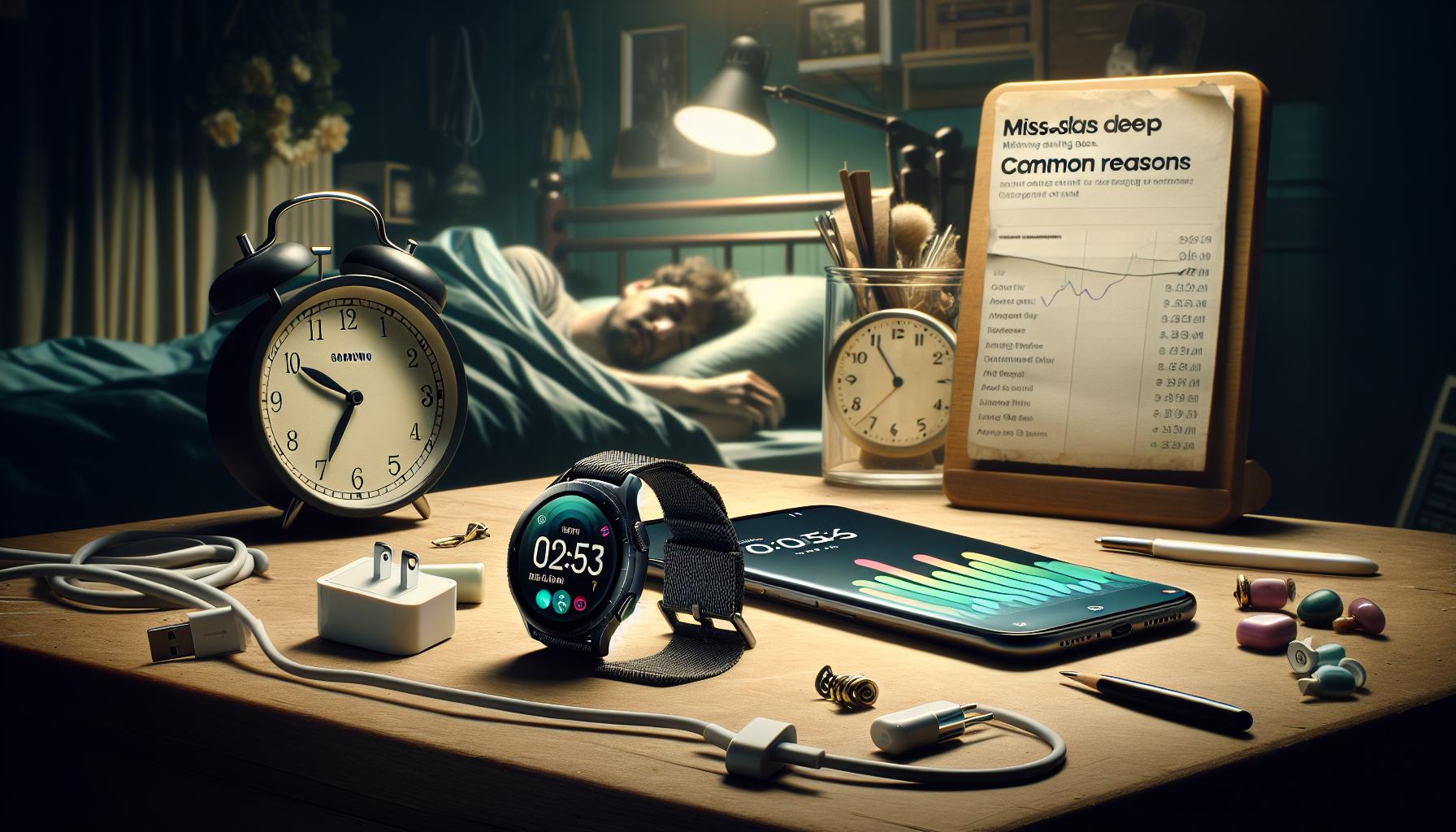
Tracking sleep is a key feature of Samsung watches, but issues can arise that lead to missed sleep data. Commonly, users experience frustrations when their devices don’t register their sleep patterns, and several factors could be at play. For starters, one significant cause is simply not wearing the watch correctly. If the device isn’t snug against your wrist, the sensors may fail to detect movement or heart rate effectively, resulting in incomplete data. To optimize tracking, ensure that your watch fits comfortably but securely while you sleep.
Another prevalent reason for sleep data gaps is low battery life. If your watch is running low on power, it may not have enough energy to continuously monitor vital signs overnight. It’s essential to charge your watch regularly and check the battery status before bedtime. Additionally, a watch set to power-saving mode may limit its tracking capabilities, so consider disabling this option to allow full functionality during sleep.
Software issues can also interfere with tracking. Outdated software may lead to glitches in the sleep tracking feature. To resolve this, routinely check for software updates and install them when available. It’s recommended to restart your watch occasionally; this simple action can refresh its systems, possibly correcting minor errors that might be affecting performance.
Lastly, environmental factors should not be overlooked. External noise, uncomfortable bedding, or even the temperature of your room can impact both your sleep quality and the watch’s ability to analyze it. A quieter, more comfortable sleeping environment will not only benefit your overall rest but can also enhance the accuracy of the data collected by your watch. Addressing these common pitfalls can improve your sleep tracking experience and help you gain valuable insights into your sleep patterns.
Essential Settings to Ensure Accurate Sleep Tracking
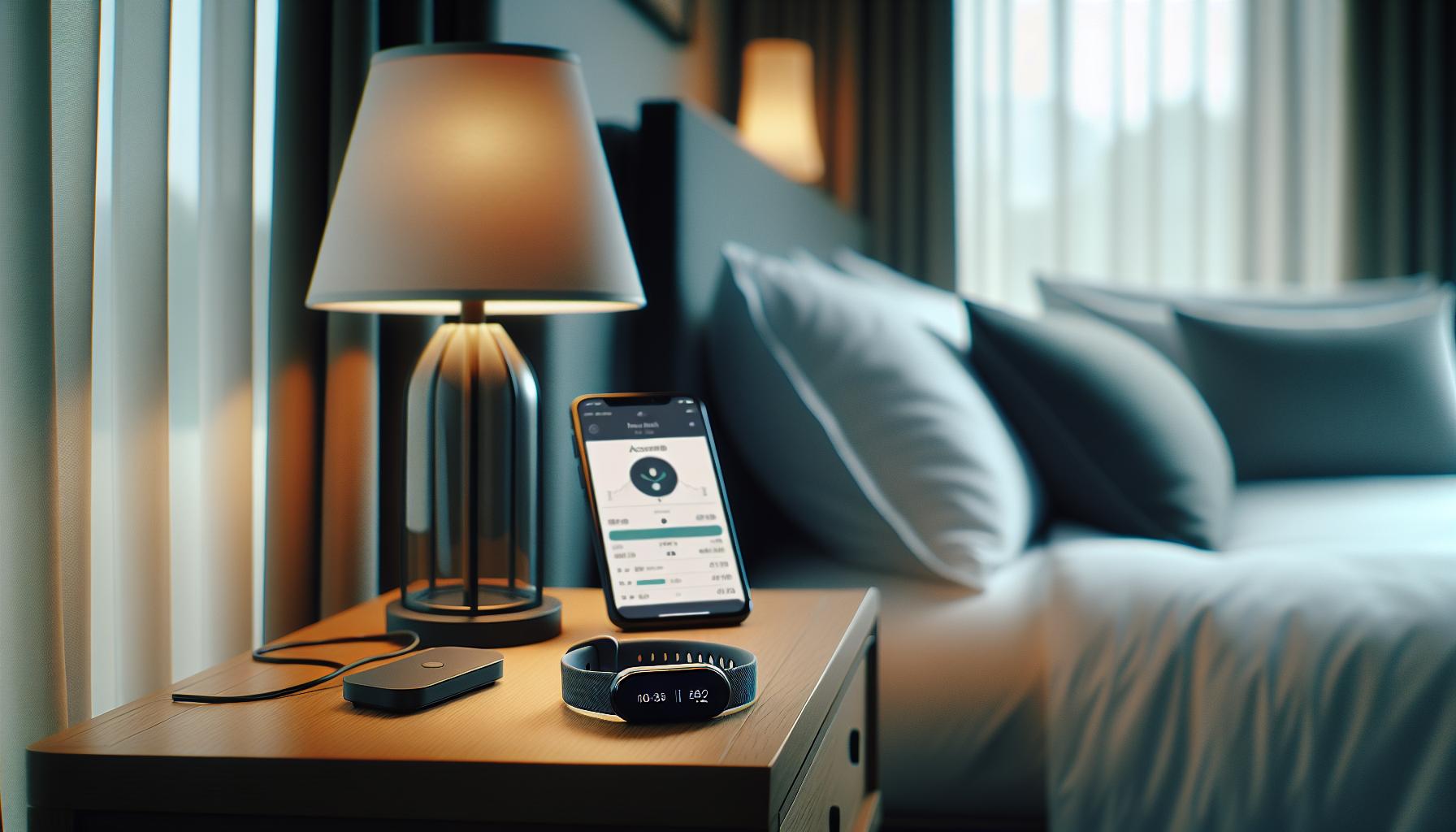
Accurate sleep tracking hinges on a few key settings that, when optimized, can significantly enhance the performance of your Samsung watch. First and foremost, ensuring that sleep mode is activated on your device is crucial. This feature not only helps your watch recognize when you’re about to sleep but also reduces notifications and distractions during the night, allowing for uninterrupted tracking. To activate sleep mode, you can usually swipe down on the watch face, find the ‘Bedtime’ or ‘Sleep’ option, and toggle it on.
Another vital setting to consider is the heart rate monitoring feature. While most Samsung watches automatically track this, checking to ensure it’s enabled and set to measure continuously during sleep can lead to better insights about your rest patterns. You can find this setting in the health or heart rate section of the watch’s app. Adjusting the sensitivity of the heart rate sensor can also improve readings, as the device may capture significant fluctuations that correlate with your sleep stages.
Battery management settings are often overlooked but are essential for accurate tracking. Make sure your watch is charged adequately before bed; there’s nothing worse than waking up to find that your watch failed to track your sleep due to low battery. Additionally, setting your watch to a specific sleep schedule can enhance surface-level tracking. It notifies your device to expect you to be resting during those intervals, improving data accuracy on awake versus sleep times.
Lastly, consider the material and fit of the strap. A comfortable but snug fit minimizes motion and ensures that the sensors are effectively capturing data. If your watch uses a fabric strap or is particularly loose, you might want to experiment with different bands for a better fit that supports accurate readings. Monitoring and adjusting these essential settings can empower you to gain a deeper understanding of your sleep habits and improve the quality of your nightly rest.
How to Calibrate Your Samsung Watch for Sleep Tracking
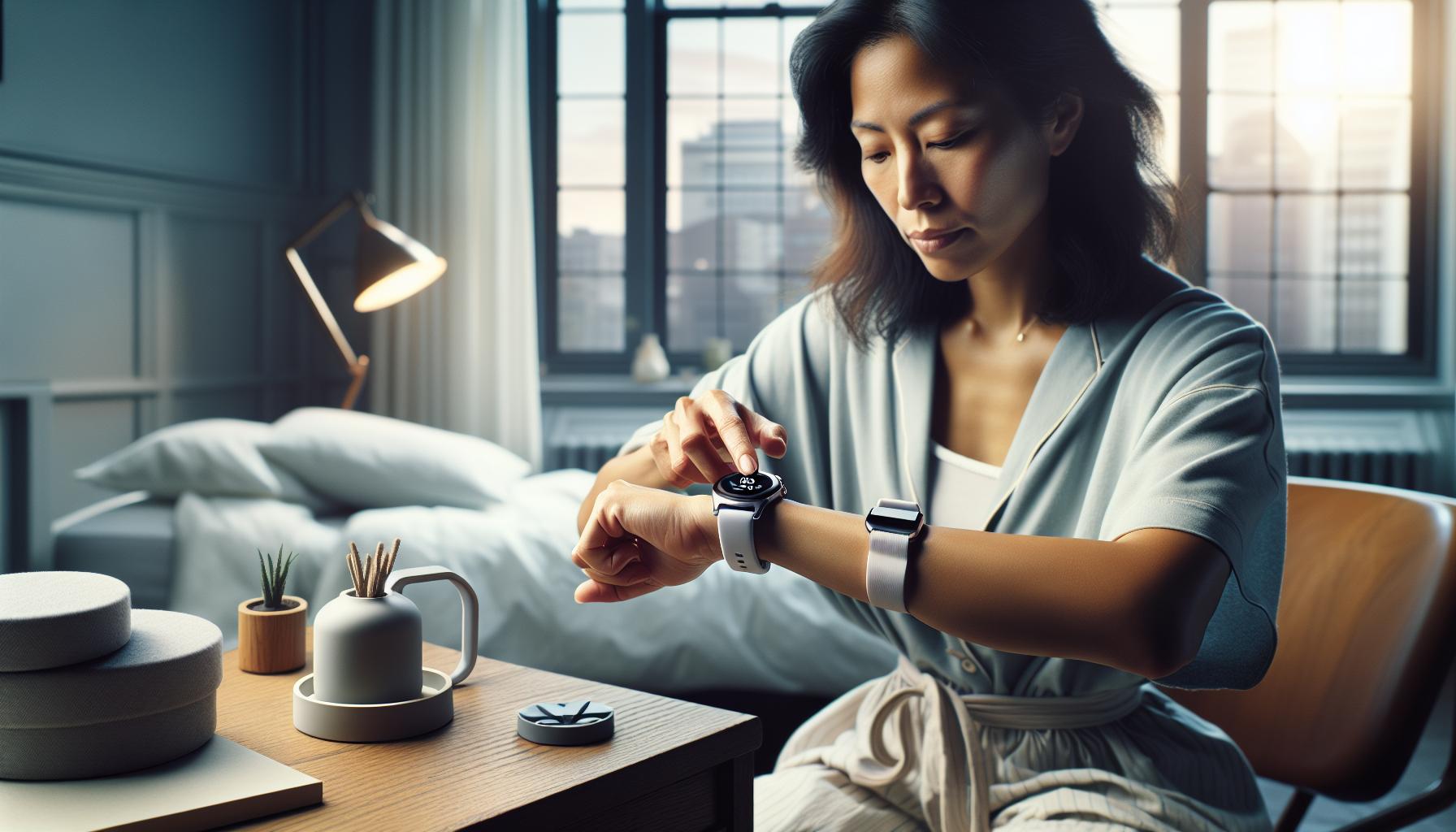
Calibrating your Samsung watch for effective sleep tracking can significantly enhance its ability to gather and interpret your sleep data accurately. This process isn‘t as daunting as it might sound; it merely involves a few adjustments and checks to ensure that the watch operates at its best during your nighttime rest. Research shows that devices configured specifically for their functions tend to produce more reliable results, particularly in something as nuanced as sleep.
To begin with, it’s crucial to verify that your watch’s sleep tracking feature is enabled. Navigate to the settings on your watch, look for the health or sleep tracking section, and make sure it is turned on. Some users may overlook this simple step, leading to the frustrating experience of waking up to no recorded data. Additionally, take a moment to calibrate your heart rate monitoring settings. Continuous heart rate monitoring can provide insights into your sleep stages, so ensure this feature is active before bed.
Maintain a regular sleep schedule on your watch. By setting a consistent time for sleeping and waking, you can help your device better understand your sleep patterns. This calibration process allows your watch to predict your sleep more accurately and reduces the likelihood of missed data. If you find that the watch still struggles post-calibration, consider updating its firmware via the Samsung Health app linked to your device. Updated software can contain essential patches that refine and enhance existing tracking features.
Lastly, the physical fit of your watch can influence its capability to track sleep accurately. Ensure that your device fits snugly on your wrist-not too tight, but also not so loose that it moves around. A proper fit allows the sensors to work correctly, providing more reliable measurements. By addressing these calibration aspects, you can empower your Samsung watch to serve as a more effective tool in understanding your sleep patterns and improving your overall well-being.
Troubleshooting Sleep Tracking Issues on Samsung Watches
Experiencing issues with sleep tracking on your Samsung watch can be frustrating, especially when you rely on it for maintaining your health and wellness. It’s essential to diagnose and address these problems to ensure you receive accurate data. Many reasons can contribute to your watch missing sleep data, and a systematic approach can help you troubleshoot effectively.
First, confirm that your watch’s sleep tracking feature is activated. To do this, go into your watch’s settings, locate the health or sleep tracking section, and check that the function is turned on. An overlooked setting can lead to a lack of recorded sleep data. Besides this, ensure that your watch is adequately configured for heart rate monitoring, as fluctuations in your heart rate can provide insights into different sleep stages.
Another area to consider is the physical fit of your watch on your wrist. If your watch is too loose, it may not make proper contact with your skin, which can negatively affect the sensors. Aim for a snug fit that isn’t overly tight. Additionally, maintaining a consistent sleep schedule can enhance the accuracy of your watch; set regular times for when you sleep and wake up to help the device learn your patterns.
Lastly, remember to check for any available software updates, as these often contain bug fixes and enhancements that can improve tracking functionality. If your watch continues to struggle with tracking sleep post-calibration and setting adjustments, it may be worth resetting your device to restore its original state, which can sometimes rectify persistent issues. Embracing these troubleshooting steps can help you unlock the full potential of your Samsung watch in monitoring your sleep effectively.
Best Practices for Wearing Your Watch at Night
Wearing your Samsung watch correctly at night is crucial for accurate sleep tracking. A well-fitted watch ensures that the sensors can effectively monitor your heart rate and movement, key indicators of sleep quality and phases. To start, it’s essential to adjust the strap so that the watch sits comfortably yet securely on your wrist. A snug fit is ideal, allowing the sensors to maintain contact with your skin without causing discomfort. You might find it helpful to wear the watch a bit higher on your wrist than usual, as this positioning can optimize sensor accuracy throughout the night.
Another important factor is consistency. Wearing the watch every night under similar conditions can help the device learn your unique sleep patterns. Try to keep your bedtime routine consistent, minimizing disruptions to ensure reliable data collection. Additionally, make sure to activate sleep mode right before you go to bed; this often enhances tracking capabilities and prevents notifications from disturbing you during the night.
Consider the materials of your watch band as well. Some materials are more breathable than others, which can help reduce skin irritation and discomfort during sleep. If you notice any irritation from wearing the watch continuously, you may want to switch to a softer band, such as silicone or fabric, designed for extended wear. Lastly, ensure you charge your device adequately during the day, as a low battery at night can lead to inaccurate tracking or missed data altogether.
Staying mindful of these best practices can significantly enhance the effectiveness of your Samsung watch as a sleep tracker, giving you more reliable insights into your sleeping habits and overall health.
Updating Software and Its Impact on Sleep Tracking
Keeping your Samsung watch updated is essential for optimal performance, especially when it comes to sleep tracking. Software updates often include bug fixes, new features, and enhancements that can significantly improve the accuracy and reliability of sleep data collection. If you find that your watch isn’t tracking sleep as effectively as it should, checking for updates may be one of the quickest fixes available.
Samsung frequently releases updates that can enhance sensor accuracy and data collection algorithms. When your watch runs outdated software, it may not utilize the most refined capabilities for tracking movement and heart rate changes during sleep. To check for updates, navigate to Settings > Software Update on your watch or use the Galaxy Wearable app on your paired smartphone. Updating your device regularly ensures that you have the latest features and improvements to make your sleep tracking experience more effective.
In addition to performance improvements, updates can introduce new sleep tracking features that help contextualize your sleep data. For example, recent updates may incorporate AI-driven insights or improved sleep stage categorization, providing a deeper understanding of your sleep patterns. By staying current with software, you give your Samsung watch the best chance to deliver accurate and useful data.
Finally, remember that updates can also enhance the overall functionality of your watch, impacting other features beyond sleep tracking, such as notifications or fitness tracking. Regularly updating not only helps to troubleshoot sleep tracking issues but also ensures you’re getting the full suite of capabilities the device has to offer. Making it a habit to check for updates can ultimately lead to a more satisfying user experience and better insights into your sleep health.
Environmental Factors That Affect Sleep Tracking Accuracy
Sleep tracking devices like the Samsung watch rely on various environmental factors that can significantly impact their accuracy. Did you know that the air quality in your bedroom, including temperature and humidity levels, can affect not only the quality of your sleep but also how well your watch records your sleep patterns? If your environment isn’t conducive to restful sleep, your watch may struggle to provide accurate data regarding your sleep stages and overall duration.
Room Temperature and Comfort
Maintaining an optimal room temperature is crucial for quality sleep. Ideally, a bedroom should be kept between 60-67°F (15-19°C) for most people. If it’s too hot or too cold, your body might wake up more frequently, leading to disrupted sleep that your Samsung watch may not record accurately. Consider using a fan or adjusting your thermostat to find the temperature that supports continuous sleep. Additionally, the type of bedding and pajamas you use can either exacerbate or alleviate comfort issues. Investing in breathable sheets and sleepwear can further improve your sleeping conditions.
Light and Noise Levels
Environmental light and noise are other factors impacting sleep tracking accuracy. Bright lights from electronic devices or streetlamps can trick your body into thinking it’s still daytime, which may cause interruptions in your sleep cycles. It’s worth investing in blackout curtains or eye masks to create a darker sleeping environment. Similarly, excessive noise can prevent you from entering deeper sleep stages. Using white noise machines or earplugs can help to dampen disruptive sounds and encourage uninterrupted rest.
Air Quality
Air quality can have a subtle but significant effect on how well you sleep. Poor air circulation and high levels of pollutants can lead to discomfort during sleep, causing you to wake up more frequently. To enhance air quality, consider using an air purifier, ensuring regular ventilation, and avoiding sleeping in a room with strong odors or allergens. This small change can help your Samsung watch track sleep more effectively as a healthier environment promotes better, more restful sleep.
By addressing these environmental factors, you can create an atmosphere that not only supports healthy sleep but also enhances the accuracy of your Samsung watch’s sleep tracking capabilities. Remember, optimal sleep conditions contribute significantly to your overall health and well-being, making it essential to evaluate and adjust your sleeping environment regularly.
Comparing Sleep Tracking Features in Samsung Watches
When it comes to sleep tracking, not all Samsung watches are created equal. Each model offers various features and functionalities that can enhance how you monitor your sleep. For instance, while the Galaxy Watch 4 and Watch 5 series boast advanced sleep analysis capabilities, older models may provide more basic tracking features. Understanding these differences can help you get the most accurate data from your device, ensuring that you address any sleep concerns effectively.
Key Features of Samsung Watches
Samsung sleep tracking technology primarily operates through heart rate monitoring, motion detection, and sleep stage analysis. Key features to look for include:
- Sleep Stage Tracking: Recent models can distinguish between light, deep, and REM sleep, helping you understand the quality of your sleep.
- Snoring Detection: This feature notifies you if it detects snoring, a common sleep disruptor.
- Oxygen Level Monitoring: Some watches offer SpO2 monitoring to provide insights into your breathing during sleep, which can be critical for identifying potential issues like sleep apnea.
Real-World Applications
Imagine wearing a Galaxy Watch 5 throughout the night and waking up to a detailed breakdown of your sleep patterns. You might discover that while you’re getting enough total sleep, you’re spending too little time in restful deep sleep. Armed with this knowledge, you can make informed choices about your bedtime routine, like reducing screen time before bed or adjusting your sleeping environment to minimize disturbances.
Furthermore, for those who might experience sleep issues, features that prompt adjustments or suggestions-like calming breathing exercises-can offer significant comfort and practical solutions right on your wrist.
Limitations and Considerations
While Samsung watches have robust features, it’s important to remember their limitations. Sleep tracking shouldn’t solely dictate your health decisions. If your watch records consistently poor sleep data, it might be worth considering professional sleep studies, especially if you suspect deeper issues like insomnia or obstructive sleep apnea. Additionally, ensure that your watch’s software is regularly updated to benefit from the latest enhancements and accuracy improvements.
In conclusion, comparing the sleep tracking features of different Samsung watch models not only helps you understand what to expect but also empowers you to make proactive decisions about your sleep health. By leveraging these technologies, you can transform the way you approach your sleep habits.
When to Seek Professional Help for Sleep Concerns
Experiencing persistent sleep concerns can be frustrating, and while your Samsung watch provides valuable insights, there are times when it may not capture the full picture of your sleep health. If you find yourself constantly dissatisfied with your sleep data or experiencing significant issues like excessive daytime fatigue, irregular sleep patterns, or loud snoring, it may be time to seek professional help. Sleep health is complex, and sometimes the tracking features of smartwatches simply aren’t sufficient for a comprehensive assessment.
When considering a sleep study, it’s vital to understand what to expect. Polysomnography, the standard test for sleep disorders, typically takes place in a sleep lab where your brainwaves, oxygen levels, heart rate, and breathing are monitored throughout the night. It can help diagnose conditions such as sleep apnea, insomnia, or restless leg syndrome. While some clinics offer at-home testing kits, labs provide a controlled environment that can yield more precise data.
Cost can also be a factor when contemplating a sleep study. Insurance may cover part of the expense, but it’s essential to check your plan to see what tests are included. Typically, a sleep study can range from $1,000 to $3,000, depending on your location and the complexity of the test. Remember, the investment in your sleep health can lead to a better quality of life and may save you money in the long run by addressing issues early.
Finally, if your Samsung watch consistently fails to track sleep accurately and you’re showing signs of problematic sleep patterns, don’t hesitate to reach out to a healthcare provider. They can guide you through the process of seeking further evaluation and help you explore appropriate treatment options. Balancing the convenience of wearable technology with the thoroughness of clinical evaluation can empower you to reclaim restful nights and improve your overall well-being.
User Experiences: Tips from Samsung Watch Users
User experiences play a crucial role in understanding how to maximize the functionality of your Samsung watch-especially regarding sleep tracking. Many users have found that a few minor adjustments and habits can significantly enhance tracking accuracy. For instance, proper fit is essential. Ensure your watch is snug but comfortable on your wrist; too loose, and the sensors may not detect your movement effectively. Some users also recommend switching the watch to your non-dominant wrist, claiming this can reduce interference with daily activities that might confuse the watch’s sensors.
Another common issue stems from software updates. Regularly check for updates, as many users note that updates often include improvements to the sleep tracking feature. Not only does this keep your device running smoothly, but updated software usually resolves bugs that may prevent accurate tracking. Make sure to enable notifications for updates so you can easily stay informed. If you’re experiencing persistent issues, resetting your device may help-many users report that this can reset any glitches, allowing for improved tracking functions.
To ensure accurate sleep data, users have also shared tips related to bedtime routines. For example, setting a consistent sleep schedule contributes greatly to the watch’s ability to recognize sleep patterns. Going to bed and waking up at the same time each day helps the watch learn your habits, ultimately improving its tracking reliability. Additionally, minimizing exposure to blue light before bedtime and creating a calm sleeping environment can enhance both your sleep quality and the watch’s ability to monitor it.
Lastly, engaging with community forums dedicated to Samsung watches can provide additional insights and troubleshooting tips from fellow users. Many have shared their own hacks or adjustments that led to improved sleep data accuracy, making these discussions invaluable for anyone looking to optimize their sleep tracking experience. From simple fixes to understanding complex features, the collective wisdom from users can guide you toward better sleep health.
Alternative Solutions for Monitoring Sleep Patterns
Monitoring your sleep patterns can sometimes feel like a hit-or-miss experience, especially if your Samsung watch isn’t tracking sleep accurately. Fortunately, there are alternative solutions that can supplement your watch’s capabilities, offering a more comprehensive view of your sleep health.
One effective method is to utilize mobile apps that specialize in sleep tracking and analysis. Many of these apps are designed to combine various data sources, including your watch data and smartphone activity, enhancing tracking accuracy. Look for apps that offer smart algorithms to analyze your sleep stages better, along with features like gentle wake alarms that can wake you during light sleep, leading to a more refreshing wake-up experience. Popular options include Sleep Cycle and Pillow, both of which are user-friendly and provide valuable insights into your sleep quality.
Additionally, consider employing a combination of wearables to monitor sleep. While your Samsung watch is an excellent tool, integrating another device like a fitness tracker or dedicated sleep monitor, such as the Oura Ring, can provide a more rounded view of your sleep patterns. These devices often use different methods to track sleep, like heart rate variability and body temperature, complementing the data your watch collects.
Environmental Adjustments
Your sleep environment plays a pivotal role in the quality of rest you achieve. Making small changes can resonate through your overall sleep experience. Here are a few modifications that might yield profound results:
- Lighting: Ensure your room is dark and free from disruptive lights. Blackout curtains can help minimize external light.
- Temperature: The ideal room temperature for sleep is typically between 60°F and 67°F (15°C to 19°C). A cooler environment can help signal your body that it’s time to sleep.
- Noise Control: White noise machines or soft music can drown out disruptive sounds, aiding in a deeper sleep.
Manual Sleep Journaling
For those who like to engage actively with their sleep patterns, keep a sleep journal. Documenting your sleep hours, how you feel upon waking, and any habits before bed (like screen time or caffeine consumption) can help spot correlations and patterns. Over time, this information may reflect periodic sleep quality issues that could warrant attention. Manual tracking might also help you identify disruptions that your watch is missing, giving you more control over your sleep hygiene.
By exploring these alternatives and combining various methods, you can enhance your understanding of your sleep health, potentially leading to better quality sleep and more effective tracking solutions.
Q&A
Q: Why is my Samsung watch not tracking my sleep effectively?
A: If your Samsung watch isn’t tracking sleep effectively, it could be due to improper wear, outdated software, or incorrect settings. Ensure your watch is snug on your wrist and update it regularly. Check sleep tracking settings to confirm they’re enabled. For detailed troubleshooting, refer to the section on Troubleshooting Sleep Tracking Issues on Samsung Watches.
Q: How can I improve the accuracy of sleep tracking on my Samsung watch?
A: To improve sleep tracking accuracy, wear your watch at least an hour before sleep and adjust any settings that may impede tracking. Make sure your watch is updated and follow the Best Practices for Wearing Your Watch at Night to ensure it stays in contact with your skin.
Q: What settings should I enable for my Samsung watch to track sleep?
A: Ensure the “Sleep Tracking” feature is activated in the health settings of your Samsung watch. Additionally, check that your watch is set to detect sleep automatically. For more on this, see the section addressing Essential Settings to Ensure Accurate Sleep Tracking.
Q: Is my Samsung watch compatible with all sleep tracking features?
A: Not all Samsung watch models support the same sleep tracking features. Verify your specific model’s capabilities in the Comparing Sleep Tracking Features in Samsung Watches section. Some advanced tracking features may only be available in newer models.
Q: What external factors can affect sleep tracking on my Samsung watch?
A: Several external factors can influence sleep tracking accuracy, including movement during sleep, room temperature, and noise. Refer to the Environmental Factors That Affect Sleep Tracking Accuracy to understand how these elements can disrupt data collection.
Q: Can I manually log my sleep if my Samsung watch fails to track it?
A: Yes, you can manually log sleep in the Samsung Health app. Open the app, navigate to your sleep data, and use the option to add sleep manually. This feature can help ensure your sleep patterns are recorded accurately.
Q: When should I seek professional help for sleep issues despite using my Samsung watch?
A: If you experience consistent sleep disturbances despite monitoring with your Samsung watch, or if your device indicates abnormal sleep patterns, it’s advisable to consult a healthcare professional. Check the section on When to Seek Professional Help for Sleep Concerns for more guidance.
Q: What should I do if my Samsung watch software is outdated?
A: To update your Samsung watch, open the Galaxy Wearable app on your connected phone. Navigate to “Watch software update,” and follow the instructions to download and install the latest version. Regular updates improve functionality and accuracy in features like sleep tracking.
To Wrap It Up
Now that you have a better understanding of why your Samsung Watch may not be tracking your sleep, it’s time to take action! Ensure your watch is updated, properly fitted, and the sleep tracking settings are enabled. If issues persist, consider exploring detailed guides on optimizing wearable tech or common sleep-related questions that might interest you, like “Understanding Sleep Stages” and “How to Set Up Your Sleep Environment.”
We invite you to join our community by leaving a comment or sharing your experiences! Your insights not only help others but also enrich the discussion on sleep health. Don’t miss out-sign up for our newsletter to stay informed about the latest sleep tech tips and strategies. Together, let’s unlock the secrets to better sleep and ensure your devices work for you!
Get our latest guides, news, and insights highlighted in your Google Search & AI Overviews.