
Have you ever wondered how to get the best insights into your sleep patterns using your Apple Watch? With sleep tracking capabilities built right into the device, you can monitor your rest quality and understand your sleep stages like never before. Knowing where to find and interpret this data is crucial for anyone looking to improve their sleep health. Whether you’re struggling with restless nights or just curious about your sleep habits, your Apple Watch can provide valuable feedback to help you make informed choices. In this guide, we’ll explore how to locate your sleep tracking data and utilize it to enhance your sleep experience. Keep reading to discover the insights your watch can offer and how to unlock the secrets of a better night’s sleep.
Where to Find Sleep Tracking on Apple Watch
To access sleep tracking on your Apple Watch, you’ll find the Sleep app, which is designed to not only monitor your sleep patterns but also help you establish consistent sleep schedules for improved rest. To locate this app, simply scroll through your watch’s home screen, where apps are displayed as icons. Look for the crescent moon symbol, which represents the Sleep app. If you can’t find it, you can use the Apple Watch’s search function by swiping down on the home screen and typing in “Sleep.”
Once you’ve opened the Sleep app, it will guide you through setting up sleep goals, managing your bedtime, and tracking your sleep duration. You can also customize sleep schedules that align with your lifestyle, making it easy to define how many hours of sleep you aim to achieve each night. The Apple Watch automatically tracks your sleep when you wear it to bed and helps you monitor your sleep stages through its sensors, providing valuable insights into your overall sleep quality.
Additionally, to check your sleep data, you can sync your Apple Watch with the Apple Health app on your iPhone. Tap on the Health app icon, and navigate to the “Browse” section, then select “Sleep.” Here, you can view detailed summaries and trends over time, enhancing your understanding of your sleep patterns. This seamless integration between devices ensures that you have continuous access to your sleep information, empowering you to make informed decisions about your sleep health. By closely monitoring your sleep through these tools, you can take proactive steps toward improving your nightly rest.
Understanding Sleep Tracking Features
The Apple Watch is not just a timepiece; it’s a powerful tool for improving your sleep health. With features designed to track and analyze your sleep patterns, the Apple Watch empowers users to gain insight into their nightly rest habits and establish healthier sleep routines. When you wear your Apple Watch to bed, it automatically detects when you fall asleep and tracks various stages of sleep to provide a comprehensive view of your sleep quality.
One of the standout features of Apple Watch sleep tracking is its ability to monitor your sleep stages, including deep sleep, REM sleep, and light sleep. This data is collected utilizing advanced sensors that measure your heart rate and movement, allowing the device to discern how restful your sleep is. With this information, you can better understand how lifestyle factors such as stress, diet, and exercise impact your sleep and, consequently, your overall well-being.
To enhance your sleep experience, the Apple Watch also incorporates a bedtime reminder feature. This enables you to set specific sleep goals based on the number of hours you want to rest each night. It helps to promote consistency, which is crucial for improving sleep hygiene. By reviewing trends over time, users can identify patterns or recurring issues, making it easier to pinpoint what might be affecting the quality of their sleep.
Moreover, the integration with the Apple Health app allows for a seamless flow of information, providing a holistic view of your health metrics. You can easily access your sleep data alongside activity levels, heart rate statistics, and more. This comprehensive approach not only fosters a better understanding of your sleep but also empowers you to make informed decisions that promote healthier habits.
How to Set Up Sleep Tracking on Your Apple Watch
To start monitoring your sleep with the Apple Watch, you’ll want to ensure everything is set up properly for accurate tracking. The process is straightforward, and by following a few simple steps, you can harness the power of the Apple Watch to gain insights into your sleep patterns.
First, ensure your Apple Watch is updated to the latest version of watchOS. This ensures all features are available and functioning optimally. Then, open the Sleep app on your watch. If it’s your first time using it, you may be prompted to set it up. Follow the on-screen instructions to establish a sleep schedule that works for you. This schedule allows you to set a specific bedtime and wake-up time, promoting a consistent sleep routine.
Next, check the settings in your iPhone’s Health app. Navigate to the Browse section and select Sleep. Here, you can customize your sleep goals, such as how many hours of sleep you want to achieve nightly, and enable features like Wind Down, which helps you prepare for sleep by minimizing disruptions. Make sure to toggle on options that allow your watch to track sleep with minimal interference.
For optimal results, wear your Apple Watch snugly but comfortably on your wrist while you sleep. The device uses sensors to detect movement and heart rate, enabling accurate monitoring of your sleep stages, including light, deep, and REM sleep. After waking up, you can view insights on your watch or through the Health app on your iPhone. Here, you’ll find detailed reports of your sleep duration and quality over time, empowering you to make informed decisions about your health and lifestyle.
Taking these steps can significantly enhance your sleep health journey, helping you understand patterns that contribute to your overall well-being. Embrace the technology of your Apple Watch, and let it guide you towards better sleep habits.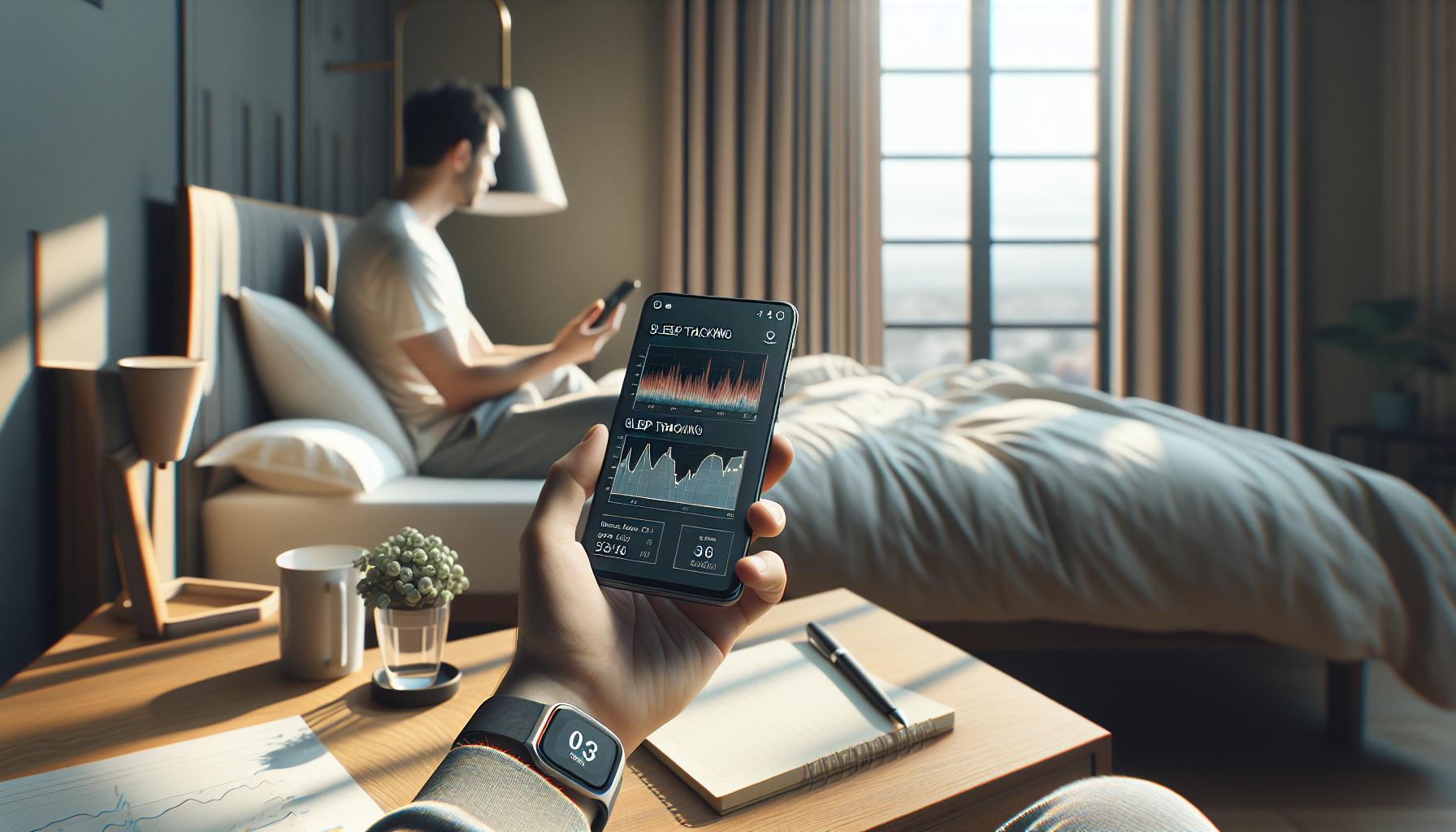
Interpreting Your Sleep Tracking Data
Understanding your sleep data is crucial for improving sleep habits and overall well-being. Once you’ve tracked your sleep patterns with the Apple Watch, interpreting that data can reveal valuable insights about your sleep quality and routines. You’re not just looking at how long you sleep but also how well you rest during that time.
The Apple Watch categorizes your sleep into distinct stages: REM, Core, and Deep sleep. Each stage plays a unique role in physical and mental recovery. For example, REM sleep is vital for emotional regulation and memory consolidation, while deep sleep is critical for physical restoration. To accurately interpret the data, pay attention to the time spent in each stage. A balanced night typically comprises a rich blend of all stages, with REM and deep sleep accounting for a significant portion.
After waking up, you can view your sleep analysis directly on the Apple Watch or via the Health app on your iPhone. Typically, your sleep report includes metrics such as total sleep duration, the quality of your sleep, and the different stages you’ve experienced. Look for patterns: Are you getting enough deep sleep during the week, or do weekends offer a chance to catch up? Notice variations related to your activities, stress levels, or dietary habits. Keeping a sleep journal alongside your data can enhance your understanding of these correlations.
To maximize the usefulness of your sleep data, consider setting personal goals or experimenting with changes in your sleep environment. For instance, altering your bedtime routine or adjusting your sleep environment-like light levels and temperature-can impact your rest quality. If you find consistent issues with sleep quality despite healthy habits, it might be time to explore other options, including consulting with a sleep specialist who can provide deeper insights and professional guidance tailored to your unique needs.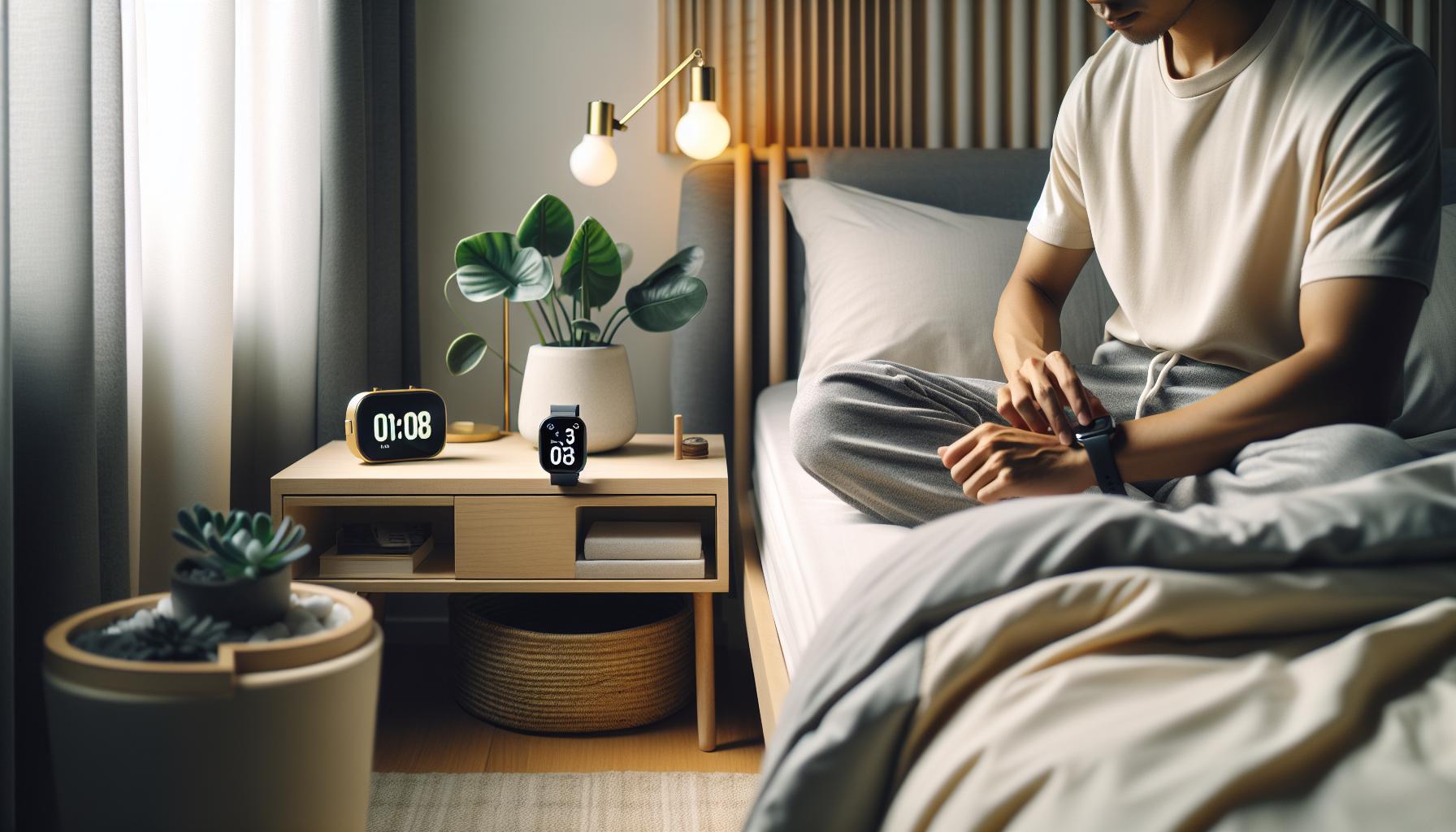
Tips for Improving Sleep Tracking Accuracy
To maximize the accuracy of your sleep tracking with the Apple Watch, there are several practical steps you can take. First, ensure that your watch is fitted snugly on your wrist while you sleep. A loose fit can lead to inaccurate data, as it may not be able to properly detect your movements and heart rate changes throughout the night. Additionally, wearing the watch on your non-dominant wrist can help improve tracking accuracy since the watch is less likely to interfere with your natural movements during sleep.
Another vital tip is to maintain a consistent sleep schedule. Going to bed and waking up at the same time each day sharpens your body’s internal clock and allows the watch to more accurately monitor your sleep patterns. This regularity not only helps with tracking but can also enhance the quality of your sleep. You might also want to calibrate the sleep tracking feature in the Health app, where you can set your sleep goals and input preferences, ensuring that the watch has your desired sleep schedule as a baseline for accuracy.
Monitoring your pre-sleep habits can also improve tracking. You could keep a sleep diary, noting factors like your caffeine intake, screen time, and exercise levels before bed. This data can help you draw connections between daily activities and sleep quality, improving both your understanding and the watch’s ability to track effectively. Moreover, enabling ‘Do Not Disturb’ mode or ‘Sleep Focus’ on your watch while you sleep can reduce interference from notifications, allowing for quieter, uninterrupted rest.
Finally, consider periodic updates to the watch’s software. Apple regularly releases updates that enhance functionality and improve tracking accuracy. Staying up to date not only ensures that you are using the latest features but also that you have the best technology at your disposal to achieve an optimal sleep tracking experience. Following these guidelines can help you gain a clearer, more precise picture of your sleep patterns and quality, empowering you to make informed decisions about your nightly routines.
Common Issues with Sleep Tracking on Apple Watch
Sleep tracking with the Apple Watch is a valuable tool for anyone looking to improve their sleep habits, but users often run into common issues that can affect the accuracy and usefulness of the data collected. Understanding these problems and how to troubleshoot them can enhance your experience and ensure you get the most from your device.
One frequent issue is the watch’s inability to capture sleep accurately due to improper fitting. If your Apple Watch isn’t snug on your wrist, it may not detect movements or heart rate changes effectively. This means the data might not reflect the true quality of your sleep. Ensure that your watch fits comfortably yet securely while you sleep. Additionally, if you tend to move around a lot at night, consider wearing it on your non-dominant wrist to minimize interference with natural movements.
Another common problem arises from sleep schedule irregularities. The Apple Watch relies on consistent patterns to provide accurate insights. If your bedtime and wake-up time fluctuate significantly from day to day, the watch may struggle to track your sleep effectively. To combat this, maintain a consistent sleep routine and establish a pre-sleep ritual to signal your body that it’s time to wind down. Consider logging your sleep patterns in the Health app, which can help the watch calibrate more accurately over time.
Interference from other devices can also hinder the watch’s performance. Notifications, alerts, or even other mobile devices nearby can disrupt your sleep cycle and impact the watch’s data collection. Utilize the ‘Do Not Disturb’ or ‘Sleep Focus’ modes during the night. This will help create a quieter environment and enhance the accuracy of sleep tracking. If you’re still getting inconsistent results, ensure your watchOS is updated to the latest version, as updates often include improvements for tracking features.
Finally, keep in mind that the Apple Watch is not a medical device. While it provides useful insights into your sleep patterns, it may not detect all sleep disturbances or sleep disorders effectively. If you suspect you have a serious sleep issue, consider consulting a healthcare professional or undergoing a sleep study for comprehensive evaluation. By recognizing and addressing these common issues, you can maximize the benefits of sleep tracking with your Apple Watch and foster healthier sleep habits.
Comparing Sleep Tracking with Other Wearables
When considering sleep tracking options, it’s vital to understand how the Apple Watch holds up against other wearables. Each device boasts its own set of features that cater to varying user needs. For instance, while the Apple Watch provides comprehensive insights into your sleep stages (including REM, Core, and Deep sleep), other devices like Fitbit and Oura Ring offer their unique approaches, often focusing on more detailed algorithmic analysis and advanced sensor technology.
Key Features
Here’s a comparative overview of popular sleep trackers:
| Device | Sleep Stage Tracking | Heart Rate Monitoring | Battery Life | App Integration |
|---|---|---|---|---|
| Apple Watch | Yes | Continuous | 18 hours | Strong with Apple Health |
| Fitbit | Yes | Continuous | 5-7 days | Robust with Fitbit App |
| Oura Ring | Yes | Continuous | 7 days | Compatible with Apple Health |
| Garmin | Yes | Continuous | 5-14 days | Integration with Garmin Connect |
Consideration Points
When deciding between devices, consider aspects such as battery life and comfort. The Apple Watch, while feature-rich, often requires nightly charging, which might be a drawback for those wanting round-the-clock tracking without interruptions. In contrast, devices like the Oura Ring are designed for 24/7 wear with longer battery life.
Additionally, app compatibility is essential for interpreting sleep data effectively. Users of the Apple Watch benefit from seamless integration with the Apple Health app, offering a centralized location for health metrics. Other wearables have their proprietary apps, which might not sync as effectively with broader health tracking solutions but can provide in-depth insights specific to their features.
Ultimately, the right choice hinges on your lifestyle and specific sleep tracking needs. For instance, if you’re heavily invested in the Apple ecosystem, the watch’s functionality may surpass what other devices can offer. However, if you’re seeking a lightweight option with impressive battery life, exploring alternatives like the Oura Ring or Fitbit might be worth your while.
Exploring the Apple Health App Integration
Unlocking the potential of your sleep data is easy with the Apple Health app, which serves as a powerful hub for all your health metrics, including those gathered from your Apple Watch. When your watch tracks your sleep, this information seamlessly feeds into the Apple Health app, giving you a comprehensive view of your health trends over time. This integration allows you to dive deeper into your sleep patterns, helping you gain insights that can foster better sleep habits.
To start, ensure that your sleep settings on the Apple Watch are correctly configured. Once your watch collects data, open the Apple Health app on your iPhone. Here, the “Sleep” section provides an overview of your sleep duration and quality. You can visualize your trends and see patterns over specific periods, whether daily, weekly, or monthly. This feature is particularly useful for identifying fluctuations in your sleep, helping you correlate your rest with lifestyle changes or stress levels.
Within the Apple Health app, you can also set sleep goals, track your bedtime routine, and even monitor how changes in sleep impact other health metrics like heart rate. This holistic view empowers you to make informed decisions about your sleep health. For example, you might notice that consistently going to bed at a certain time improves your sleep quality, or that high-stress days lead to disrupted sleep.
Furthermore, Apple Health supports integration with other health apps and devices, allowing you to gather a comprehensive picture of your wellness journey. If you’re using a third-party app for meditation or exercise, this data can complement your sleep analysis. Consider exporting your sleep data to a healthcare provider if you ever seek professional advice-having all your health information in one spot can facilitate better communication regarding your sleep concerns. By harnessing the full capabilities of Apple Health, you can transform your Apple Watch sleep data into actionable insights that enhance your overall sleep health.
Understanding Sleep Stages Captured by Apple Watch
Understanding the different sleep stages captured by your Apple Watch is essential for unlocking insights into your overall sleep health. The Apple Watch utilizes advanced sensors to monitor your movements, heart rate, and even your sleep breathing patterns, which helps in categorizing your sleep into distinct stages: awake, REM (Rapid Eye Movement), light sleep, and deep sleep. Each stage plays a crucial role in your recovery and well-being.
Sleep Stages Explained
When it comes to analyzing your sleep, knowing what happens during these stages can help you understand the quality of your rest:
- Awake: Times when you’re awake during the night, which can impact your overall sleep quality.
- REM Sleep: This is the stage where dreams occur, and it’s vital for memory consolidation and cognitive functions.
- Light Sleep: Characterized by easily reversible sleep, this stage acts as a transition to deeper sleep and is crucial for bodily recovery.
- Deep Sleep: Also known as slow-wave sleep, this stage is essential for physical recovery, growth, and immune system strengthening.
Understanding the proportions of each sleep stage can help you identify patterns and areas for improvement. For instance, if you notice that your deep sleep duration is low, it may be time to reassess your bedtime routine or consider lifestyle changes to promote deeper rest. The integration with the Apple Health app allows you to visualize these stages over time, making it easier to correlate them with your daily activities or stress levels.
Additionally, the accuracy of the sleep stages reported can vary based on factors like how well your watch fits and how much you move during the night. Regularly checking the comfort of your device can enhance tracking precision. Keep in mind that while the Apple Watch offers valuable insights, it acts as a guide rather than a medically definitive tool. For persistent sleep issues, seeking advice from a sleep specialist is encouraged.
Maximizing Sleep Insights from Your Data
Maximizing the insights you can gain from your Apple Watch sleep data can transform how you approach your nightly routine and overall health. By actively engaging with the information provided by your watch, you can identify patterns, make informed decisions about your sleep habits, and ultimately improve your sleep quality.
To begin harnessing the power of your sleep data, regularly check the Apple Health app, where your sleep metrics are consolidated. In the app, you can view daily, weekly, and monthly summaries that illustrate not only how long you sleep but also the quality and distribution of your sleep stages-REM, Core, and Deep sleep. Consider focusing on the following strategies to maximize your insights:
Identify and Monitor Trends
Analyze your daily sleep patterns to identify habits that impact your restorative sleep. For example, note how your physical activity, caffeine intake, or stress levels influence your sleep quality. You can create a simple tracking system to correlate your daily activities with sleep data, leading to actionable insights.
Adjust Your Routine
If your sleep data reveals consistently low deep sleep, you might want to refine your pre-sleep routine. Establishing a calming evening ritual-such as reading, meditating, or limiting screen time-can set the stage for better rest. On the other hand, if you find that certain lifestyle changes, like evening exercise or late-night snacking, negatively affect your sleep, reassess those habits.
Utilize Notifications Wisely
Enable notifications for sleep insights in the Apple Health app. Whether it’s reminders for bedtime or notifications about your recent sleep quality, these alerts can serve as helpful nudges to stick to your sleep goals. The Apple Watch is designed to gently alert you if you are regularly exceeding your sleep schedule, prompting you to make adjustments as necessary.
Engage with Communities and Professional Guidance
Connect with online communities or forums focused on sleep health. Engaging with others can provide additional tips and encouragement. If your data consistently indicates poor sleep quality, consider consulting a sleep specialist who can offer tailored insights or suggest further evaluations beyond what the watch can provide.
With these actionable techniques, you can empower yourself to utilize the wealth of data from your Apple Watch effectively, ensuring that you make the most out of your sleep tracking experience.
Real User Experiences with Sleep Tracking
Many users have found transformative benefits in using the sleep tracking features on their Apple Watch. By providing insights into sleep patterns and quality, the device serves as a personal sleep coach for countless individuals. For example, one user reported significant improvements in their sleep quality after analyzing their nightly data, which revealed a correlation between late caffeine consumption and restless nights. By adjusting their caffeine intake, they noticed a marked increase in deep sleep duration, leading to more restful mornings.
Another user shared their experience about the motivational aspect of tracking sleep. The Apple Watch not only records sleep metrics but also sends gentle reminders for bedtime, helping establish a consistent routine. They found that by adhering to these reminders, they could fall asleep more easily and wake up feeling rejuvenated. The cumulative effect of consistently monitoring their sleep encouraged them to prioritize rest over other nighttime activities, reinforcing healthy habits.
Some users, however, encounter challenges with the accuracy of sleep tracking. A few have noted discrepancies between the Apple Watch’s sleep data and their own observations. For instance, one user felt that the watch misclassified their time awake during the night as sleep due to less motion. This highlights the Apple Watch’s reliance on movement and heart rate data and reminds users that while the watch provides valuable information, it may not be flawless.
For those experiencing persistent sleep issues, sharing experiences in community forums can be beneficial. Users often exchange tips about optimizing sleep environments, such as adjusting room temperature or eliminating screen time, which may further enhance the quality of their rest. Ultimately, leveraging these real user experiences can empower new users to effectively utilize the Apple Watch as a tool for improved sleep health, while also being mindful of the data’s limitations.
When to Consider Professional Sleep Studies
Of the many tools available for monitoring sleep, smartwatches like the Apple Watch can provide valuable insights, but they have their limits. If you find yourself consistently struggling with sleep issues-such as insomnia, excessive daytime sleepiness, or disruptions that keep you from completing your sleep cycle-it may be time to consider a professional sleep study. This step can help you identify underlying conditions that wearables might not detect. Sleep disorders can affect not only your nightly rest but also your overall health, mood, and productivity.
When to Seek Professional Help
If your Apple Watch data indicates that you’re getting insufficient or poor-quality sleep, it’s wise to delve deeper. Here are some key indicators that you should consider scheduling a sleep study:
- Persistent Sleep Difficulties: If you’re experiencing chronic insomnia, where falling asleep remains a challenge despite implementing healthy sleep habits, a professional evaluation can provide clarity.
- Excessive Daytime Fatigue: Feelings of exhaustion during the day, even after what should have been a full night’s rest, can signal a more serious sleep disorder.
- Frequent Waking: If you often wake up in the night or earlier than intended, and your Apple Watch confirms disruptions in your sleep stages, it may be time for a deeper investigation.
- Snoring or Breathing Issues: Signs of sleep apnea, including heavy snoring or gasping for air, are critical signals that require a sleep study to diagnose.
What to Expect from a Sleep Study
A formal sleep study, or polysomnography, is a comprehensive assessment that usually takes place overnight in a sleep clinic. Here’s what you can expect:
- Setup: You’ll be connected to various monitors; these track your heart rate, breathing patterns, and brain activity. Don’t worry-this process is painless and designed to ensure a comfortable night for you.
- Monitoring Sleep Stages: Unlike the Apple Watch’s estimations, this study provides precise data on sleep stages, making it easier to identify issues like sleep apnea or restless leg syndrome.
- Duration and Costs: Sleep studies can last one night and may cost between $600 to $3,000, depending on your insurance coverage and the facility.
In addition to polysomnography, some supplements or at-home sleep monitoring devices are also available, offering a more accessible option for evaluating your sleep without the need to visit a facility.
Decision-Making Support
Navigating the decision to pursue a professional sleep study can feel overwhelming, especially if you’re already stressed about sleep. If the insights from your Apple Watch raise ongoing concerns, consult a healthcare provider who can offer personalized advice based on your symptoms and wearables data. Remember that while smart devices are great for tracking trends, they are not substitutes for comprehensive medical assessments that can help you reclaim restful and restorative sleep. Your health is too important to leave to guesswork, so don’t hesitate to seek out professional support when concerns arise.
Frequently Asked Questions
Q: How do I access sleep tracking data on my Apple Watch?
A: To access sleep tracking data on your Apple Watch, open the Sleep app on your device. From there, you can view your sleep history, duration, and trends to better understand your sleep patterns. This data is also synchronized with the Health app on your iPhone for a more detailed view.
Q: What metrics does the Apple Watch sleep tracking provide?
A: The Apple Watch sleep tracking features provide metrics such as total sleep time, sleep stages (including REM and deep sleep), and sleep trends over time. These insights can help you monitor your sleep quality and make necessary adjustments for better rest.
Q: Can I customize my sleep tracking settings on the Apple Watch?
A: Yes, you can customize your sleep tracking settings by visiting the Sleep app on your Apple Watch. Here, you can set a sleep schedule, enable Sleep Focus, and adjust your wake-up alarms to enhance your sleep experience. Detailed instructions can be found in the “How to Set Up Sleep Tracking” section of your main article.
Q: Why is my sleep tracking data inaccurate on the Apple Watch?
A: If your sleep tracking data is inaccurate, ensure your watch fits snugly on your wrist while sleeping. Additionally, check that Sleep Tracking is enabled and update to the latest watchOS version. Refer to the “Common Issues with Sleep Tracking on Apple Watch” section for more troubleshooting tips.
Q: How does the Apple Watch compare to other devices for sleep tracking?
A: The Apple Watch offers comprehensive sleep tracking features that include integration with the Health app, sleep stage analysis, and user-friendly insights. When compared to other wearables, it often excels in user experience but examine individual features via the “Comparing Sleep Tracking with Other Wearables” section to find what best suits your needs.
Q: How can I improve the accuracy of sleep tracking on my Apple Watch?
A: To improve accuracy, wear your Apple Watch snugly during sleep, ensure battery life is sufficient, and calibrate the device when necessary. Regularly updating your watchOS also helps maintain optimal functionality. Explore the “Tips for Improving Sleep Tracking Accuracy” section for detailed strategies.
Q: Where is sleep data stored on my iPhone?
A: Sleep data from your Apple Watch is stored in the Health app on your iPhone. Open the app, navigate to the Browse tab, and select Sleep to access your tracking data and insights comfortably.
Q: How often should I check my sleep tracking data for better sleep management?
A: It’s beneficial to check your sleep tracking data weekly to identify patterns and trends. This frequency allows you to make informed decisions about your sleep habits and adjust routines. Consider integrating this data with personal wellness goals as described in the “Maximizing Sleep Insights from Your Data” section.
Key Takeaways
Now that you know how to locate and interpret your sleep tracking data on the Apple Watch, it’s time to take action for better sleep health. Understanding your sleep patterns can empower you to make informed changes to your nightly routine. Don’t wait-start exploring your data today and see how small adjustments can improve your rest. If you’re looking for more insights, check out our guides on maximizing your Apple Watch features and comparing different sleep tracking options.
Remember, whether you’re interested in advanced sleep studies or general sleep improvement tips, we have resources tailored for you. Join our newsletter for the latest trends in sleep technology and health strategies. Share your thoughts in the comments below-how has your experience with sleep tracking on the Apple Watch been? Let’s keep the conversation going!
Get our latest guides, news, and insights highlighted in your Google Search & AI Overviews.