
If you’ve noticed that your iPhone has stopped tracking your sleep, you’re not alone. Many users rely on their devices to monitor sleep patterns and improve their overall well-being, making it frustrating when this feature falters. Not only does consistent sleep tracking help you understand your sleep quality, but it can also highlight any underlying issues worth addressing. Understanding why your iPhone may not be tracking sleep anymore can empower you to restore this valuable functionality and get back on track. In this article, we’ll explore common reasons for sleep tracking glitches, practical troubleshooting steps, and tips for optimizing your device to ensure you’re getting the most out of your sleep data. Let’s dive into how to regain control over your sleep health!
Understanding iPhone Sleep Tracking Features
Understanding how iPhone sleep tracking features work can transform your nightly routine and significantly enhance your overall health. The iPhone utilizes a combination of its motion sensors and Apple’s Health app to monitor your sleep patterns, whether you’re resting at home or on the go. When set up correctly, your device can track not just the duration of your sleep, but also the quality through metrics like deep and light sleep cycles. This feature taps into your daily habits, helping you set an effective sleep schedule so you can wake up feeling refreshed and ready to tackle the day.
The sleep tracking process works by leveraging specific functions in the Health app. When you enable the “Sleep” feature in the Clock app, your iPhone prompts you to set bedtime and wake-up schedules. This directly relates to the overall health and wellness objectives Apple promotes, encouraging users to establish healthier sleep habits. Over time, this data visualizes trends and can help you identify factors that might impact your sleep, such as evening screen time or caffeine consumption.
To maximize the efficacy of these features, understanding the sensitivity of your device is crucial. For instance, ensuring that your iPhone is charged and within reach while you sleep is essential for accurate tracking. Moreover, other factors like Environmental sound settings, notifications during sleep, and even your physical movement can affect the quality of the data collected. Therefore, aligning your settings with your sleep goals can provide more accurate insights and ultimately enhance your sleep quality.
Adopting the sleep tracking features available on your iPhone means engaging with technology that is designed to harmonize your lifestyle choices with your health needs. By regularly reviewing your sleep data, you can make informed decisions to adjust your routines, leading to potential improvements in both sleep quality and overall well-being.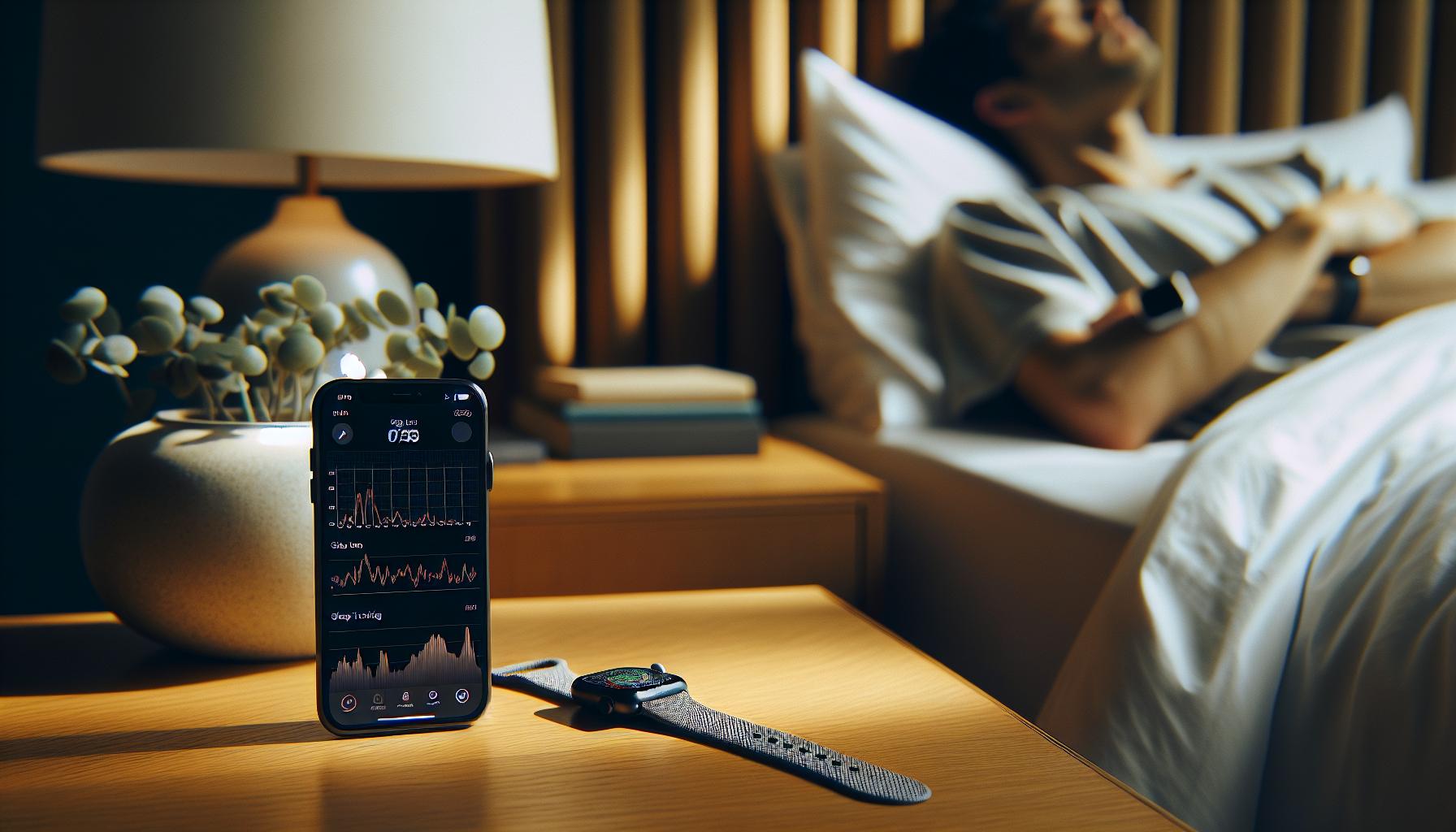
Common Reasons Your iPhone Stops Tracking Sleep
Tracking your sleep with the iPhone can significantly improve your health and well-being, but there are times when the tracking feature may stop working. This can be frustrating, especially when you rely on the data to understand your sleep patterns. Here are some common reasons why your iPhone might not be tracking your sleep anymore.
One of the most frequent culprits is the Sleep Schedule settings. If you haven’t configured your sleep routine properly or the scheduled times don’t match your actual sleeping patterns, your iPhone may fail to monitor your sleep accurately. Make sure to check the Clock app and ensure you’ve set up both your bedtime and wake-up preferences correctly. Additionally, if you accidentally turn off the Sleep Focus mode or don’t enable Sleep Tracking in the Health app, it can lead to gaps in your sleep data.
Another significant factor is battery optimization. If your iPhone is low on battery or you’re using Low Power Mode, it may limit background activity, affecting sleep tracking. Always ensure that your device has ample charge before bedtime. Moreover, motion detection issues can arise if your iPhone isn’t placed accurately while you sleep. If it’s too far from your body or on a soft surface, it might not capture your movements effectively, leading to inaccurate data.
Lastly, software updates can impact functionality. Sometimes, bugs in the app or the operating system might prevent adequate sleep tracking. Make sure your iPhone is running the latest version of iOS to benefit from improved features and bug fixes. Regularly checking for updates not only enhances the app’s functionality but also ensures your device is optimized for tracking your health data.
By taking these factors into consideration, you can troubleshoot and restore your iPhone’s sleep tracking capabilities effectively, helping you maintain a better understanding of your sleep habits.
How to Restore Sleep Tracking on Your iPhone
To restore sleep tracking on your iPhone, start by ensuring that the necessary settings are configured correctly. Check the Clock app to verify that your sleep schedule is properly set. This includes confirming your bedtime and wake-up times match your actual sleeping routine. If you need to adjust these settings, tap on the “Sleep” option within the Clock app and modify your sleep schedule as needed.
Another crucial step is to verify that Sleep Tracking is enabled in the Health app. Open the Health app, select “Browse,” then tap on “Sleep.” Make sure that Sleep Tracking is turned on, and that you’ve allowed the app to track your sleep data. If you find that it’s disabled, toggle it back on to ensure tracking resumes.
Additionally, consider your iPhone’s battery optimization settings. Using Low Power Mode can restrict backend functionalities, including sleep tracking. Before bedtime, ensure your device is well-charged or disable Low Power Mode to maintain full operability. Also, placing your iPhone near you while you sleep is essential. An optimal position is on your bedside table within arm’s reach, where it can accurately detect your movements and monitor sleep disturbances.
In case issues persist, updating your device’s software could resolve lingering bugs affecting sleep tracking. Navigate to Settings > General > Software Update and install the latest iOS version if available. Regular updates not only improve the Health app’s functionality but also keep your device secure against vulnerabilities that might impact tracking capabilities.
By following these steps, you can effectively restore sleep tracking on your iPhone, gathering valuable insights into your sleep patterns and enhancing your well-being. Remember, if you still experience complications, consulting official Apple support could provide tailored solutions based on your specific device setup.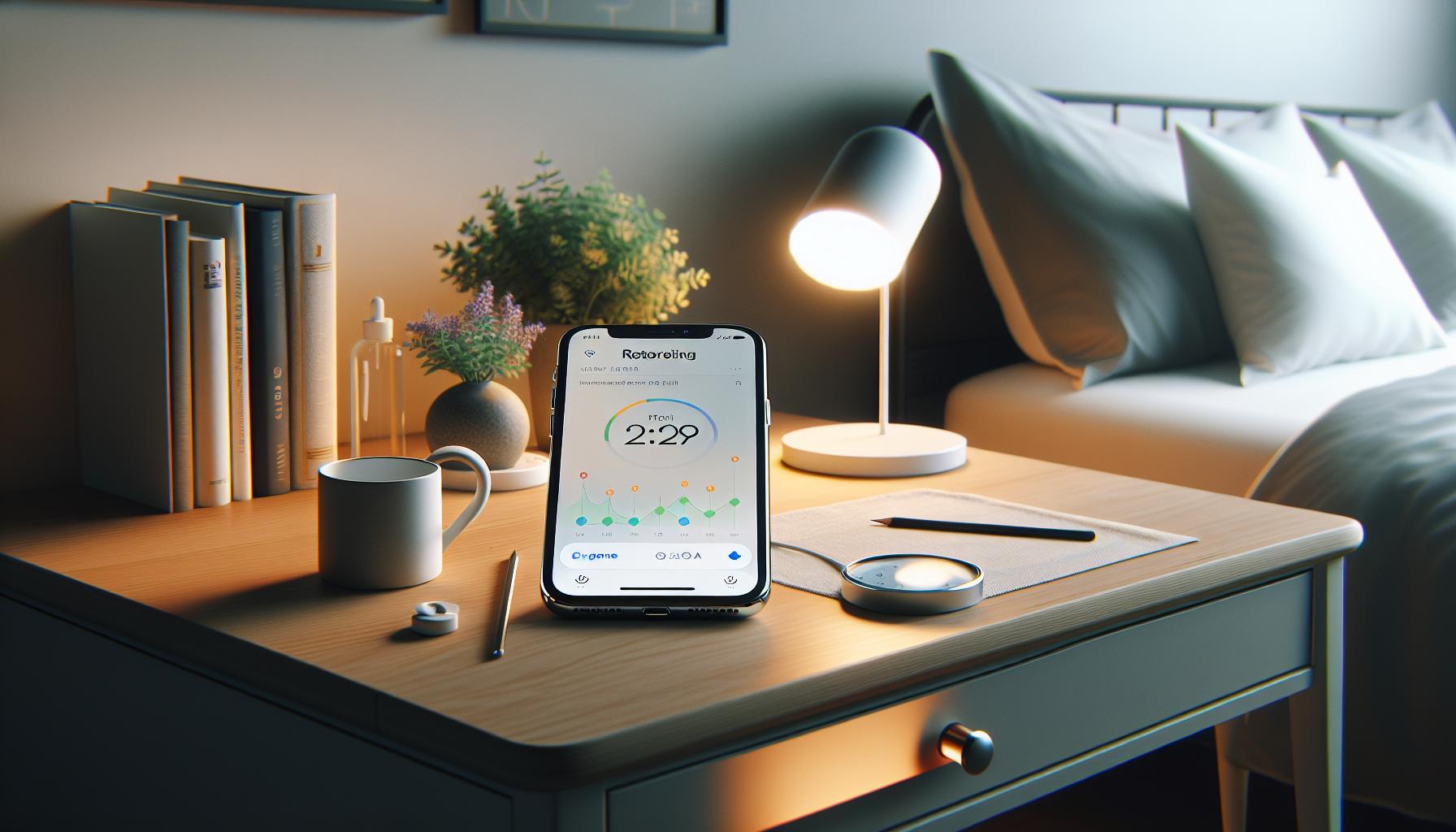
Troubleshooting Apple Health Sleep Data Issues
If you’ve recently noticed that your iPhone is not accurately tracking your sleep, you’re not alone. Many users encounter issues with Apple Health’s sleep data, which can stem from various settings and configurations on your device. Troubleshooting these problems requires a systematic approach to identify and rectify the underlying causes.
To begin, check your device settings thoroughly. Ensure that both Sleep Tracking and your sleep schedule are enabled in the Health app. Navigate to the Health app, select “Browse,” and then choose “Sleep” to confirm these settings. If the tracking feature is off, turn it back on and ensure your sleep goals are aligned with your actual sleep patterns. Moreover, monitor your device’s placement during sleep; keeping it close (ideally on your bedside table) enhances its ability to detect movement accurately.
Another common issue can be related to the state of your device itself. Your iPhone’s battery optimization features, like Low Power Mode, may inadvertently limit background activity necessary for sleep tracking. Before bed, ensuring your device has sufficient charge and disabling such modes can help maintain full functionality. If problems persist, consider restarting your device as a simple but effective troubleshooting step.
Software updates also play a crucial role in application performance. Regularly check for iOS updates under Settings > General > Software Update. Each update not only enhances system security but can also include vital fixes for the Health app, potentially resolving sleep tracking issues. If you’ve completed these steps and are still facing challenges, reaching out to Apple Support is advisable; they can offer insights specific to your device and help troubleshoot deeper issues.
By following these troubleshooting strategies, you can restore confidence in your iPhone’s sleep tracking capabilities, ensuring you receive an accurate picture of your sleep health and patterns.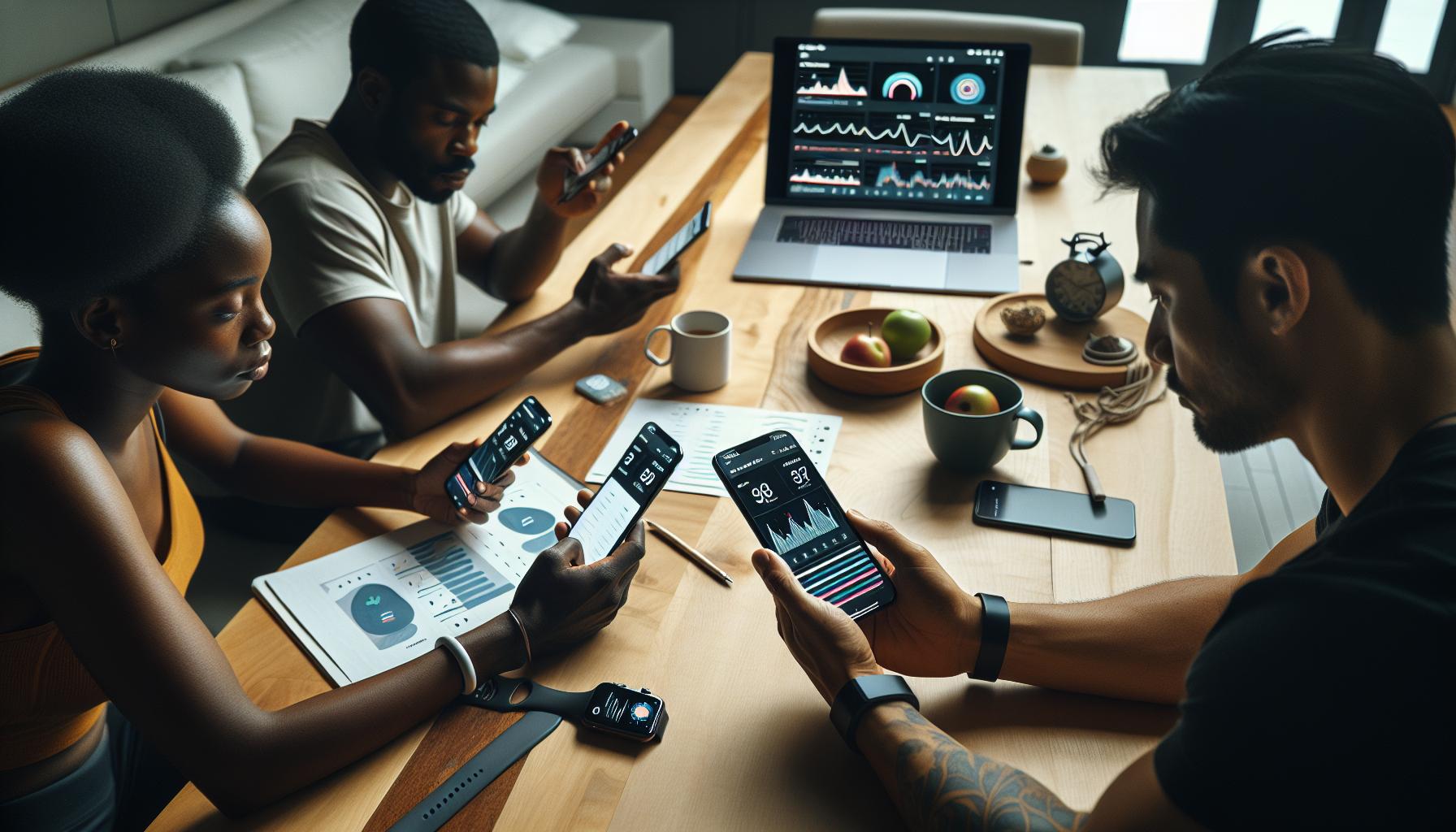
Adjusting Sleep Settings for Accurate Tracking
To get the most out of your iPhone’s sleep tracking capabilities, fine-tuning your sleep settings can make a significant difference. A well-adjusted system not only enhances accuracy but also aligns the tracking feature with your actual sleep patterns, helping you gain better insights into your sleep health.
Start by ensuring that your Sleep Schedule is properly set up in the Health app. Go to the Health app, tap on “Browse,” and select “Sleep.” Here, you can establish your ideal bedtime and wake time, which will help your iPhone understand when to start tracking your sleep. Make sure to enable Sleep Focus, which limits distractions during your scheduled sleep hours, allowing for more accurate tracking by reducing interruptions that could affect your sleep.
Device placement plays an essential role in tracking efficacy. Ideally, place your iPhone on your bedside table, ensuring it’s not too far away. This proximity allows the built-in sensors to better detect movement and, consequently, your sleep cycles. Additionally, check that Sleep Tracking is activated; it should be toggled on in the Sleep settings of the Health app.
Another key element is to verify the “Track Sleep with Apple Watch” feature if you use an Apple Watch. Ensuring the two devices are in sync can significantly enhance your sleep data collection effort. If using both devices, make sure they are paired correctly and that your watch’s settings align with your sleep preferences in the app.
Finally, be mindful of your device’s battery and settings before bedtime. Disable Low Power Mode and keep your iPhone charged, as these features can restrict background activities vital for proper tracking. Understanding these nuances will empower you to fully leverage your iPhone’s sleep tracking capabilities, transforming the way you approach sleep health and lifestyle improvements.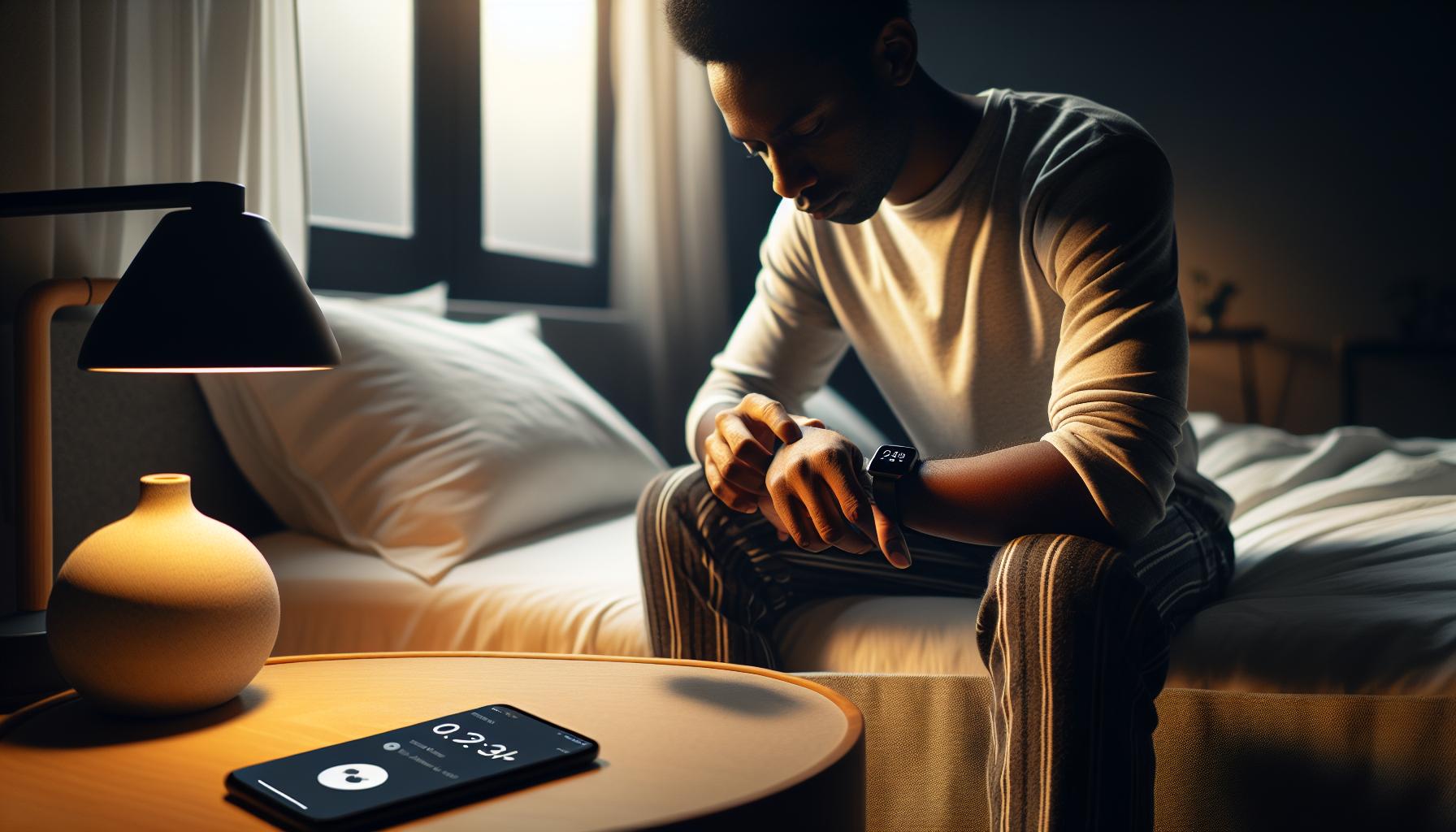
Updating iOS for Enhanced Sleep Tracking
Ensuring your iPhone is running the latest version of iOS can significantly enhance its sleep tracking capabilities. Regular updates not only introduce new features but also fix bugs that may impair functionality. If you’ve noticed your iPhone not tracking sleep as accurately, it could be due to outdated software. By updating iOS, you’re often resolving compatibility issues with the Health app, which directly relates to sleep tracking performance.
To check for available updates, head to Settings > General > Software Update. Here, your iPhone will automatically search for the latest iOS version. If an update is available, you’ll have the option to download and install it. It’s crucial to have a stable Wi-Fi connection and at least 50% battery life or connect your device to a power source during the process. The update can take several minutes, but the payoff is worth it as enhancements, especially those related to sleep tracking algorithms, can lead to more precise metrics, including sleep duration and quality.
After updating, revisit your sleep settings in the Health app to ensure that everything is configured correctly. Sometimes, updates reset certain preferences. Make sure your Sleep Schedule and Sleep Focus are still active. This encompasses enabling features that can impact your nightly logs, such as the “Track Sleep with Apple Watch” setting, which works seamlessly with your iOS to provide a comprehensive view of your sleep patterns.
As a guiding principle, regularly checking for updates is a smart habit that will not only stabilize your device’s performance but also allow you to leverage the most current tools in your journey toward better sleep health. This proactive approach can eliminate many of the inconveniences that lead to inaccurate sleep tracking and ultimately support your well-being.
Exploring Alternative Sleep Tracking Apps
Finding your iPhone isn’t tracking your sleep can be frustrating, especially if sleep health is a priority for you. Fortunately, there are numerous alternative sleep tracking apps that can fill this gap and provide valuable insights into your sleep patterns. These apps vary widely in terms of features, costs, and user experience, allowing you to find one that fits your specific needs.
Many people turn to popular apps like Sleep Cycle, Pillow, and Sleep as Android for their robust sleep tracking capabilities. These apps not only monitor sleep duration but also analyze sleep quality, providing detailed feedback. For instance, Sleep Cycle uses your phone’s microphone to detect sounds and movement, generating a smart alarm that wakes you at the optimal time within your sleep cycle, helping you wake up more refreshed.
If you’re looking for a solution that doesn’t rely solely on your iPhone, consider wearables like the Apple Watch, Fitbit, or Oura Ring, which also sync seamlessly with various apps. They offer heart rate monitoring and other advanced metrics that can enhance your sleep data. Using a combination of an app with a wearable can give you a holistic view of your sleep and overall health.
To get started with a new app, simply download it from the App Store and follow the setup instructions, which typically involve granting permissions for movement and sound detection. Be mindful of battery usage, as these apps can require more power, particularly when monitoring throughout the night. Many of these options come with free trials, so you can explore their features before committing to a subscription.
For anyone seeking to refine their sleep habits, these alternative solutions not only fill the void left by your iPhone’s tracking capabilities but also empower you with greater awareness of your sleep patterns. With the right tools, you can effectively enhance your sleep quality and overall well-being without the limitations you might experience from iOS alone.
Understanding Sleep Data and Your Health
Understanding your sleep data is vital for improving both your sleep quality and overall health. While your iPhone can be a handy tool for tracking sleep, its effectiveness can sometimes be compromised. Sleep data reveals not just duration but also the quality of your sleep cycles, which can provide insights into lifestyle factors affecting your rest. For instance, data about when you entered deep sleep versus light sleep can help diagnose potential sleep disorders or indicate areas for improvement in your nighttime routine.
Using the Apple Health app, you can visualize your sleep patterns over time. This data can serve as a valuable tool when discussing sleep issues with your healthcare provider. If the app suddenly stops tracking your sleep, it may be due to settings, permission issues, or software glitches. By addressing these factors, you can restore functionality and continue gathering important insights about your sleep habits.
It’s essential to interpret sleep data with a balanced perspective. Variations are common due to stress, diet, or environmental changes. For instance, a week of poor sleep may correlate with increased caffeine intake or stress from work. This understanding empowers you to make informed choices-like adjusting your evening routine or exploring relaxation techniques-that can lead to improved sleep quality.
If tracking your sleep with an iPhone isn’t achieving your desired results, don’t hesitate to explore alternative solutions. Wearable devices and specialized sleep apps offer advanced functionalities that can provide a comprehensive view of your sleep health. Remember, the goal is to understand your unique sleep needs and make choices that enhance your overall well-being.
Maximizing Sleep Quality with Your iPhone
To enhance your sleep quality using your iPhone, begin by leveraging the built-in features of the Health app. This can transform your device into a powerful ally in your pursuit of better rest. An effective approach involves setting up your iPhone to track your sleep accurately, which can illuminate patterns and help you make informed adjustments to your routine.
First, ensure that Sleep Mode is activated as part of your bedtime routine. This feature not only silences notifications to minimize distractions but also prompts you to wind down. To activate it, go to the Clock app, select Sleep, and set your schedule. This allows your iPhone to remind you when it’s time to prepare for bed. Coupling this with a relaxing ritual before sleep-like reading a book or meditating-can significantly enhance the quality of your rest.
Next, consider integrating additional features such as sleep sounds or a meditation app. Background noise can help mask disruptive sounds and create a calming environment conducive to sleep. Apps like Calm or Headspace can guide you through relaxation techniques that prepare your mind for sleep. Make sure to adjust the volume settings so they do not disrupt your comfort during the night.
It’s also crucial to regularly check that your iPhone’s software is up to date. New updates can include enhancements to the Health app and its sleep tracking capabilities. Go to Settings > General > Software Update to see if any updates are available! An updated operating system can drastically improve the accuracy of your sleep insights and ensure that all features are functioning optimally.
Lastly, keep in mind that while your iPhone can be a handy tool, it is not infallible. Incorporating complementary devices, such as a smart mattress pad or wearable trackers, can further refine your data collection. These devices often provide deeper insights into sleep cycles and quality. If troubling issues with sleep quality persist, or if your iPhone stops tracking sleep altogether, it may be wise to consult with a healthcare professional to explore underlying causes or consider a sleep study for more detailed analysis.
When to Consider Professional Sleep Studies
When sleep troubles persist despite your efforts to track and improve your rest, it may be time to consider a professional sleep study. Such studies can provide critical insights, especially when casual monitoring through devices like your iPhone isn’t enough. A sleep study, or polysomnography, allows doctors to collect data on your breathing, heart rate, and brain waves while you sleep, helping identify conditions like sleep apnea, restless leg syndrome, or other disorders.
Knowing when to seek this deeper level of examination can be challenging. Consider a sleep study if you experience any of the following:
- Consistent Sleep Issues: If you regularly struggle to fall asleep or stay asleep, or if you experience excessive daytime sleepiness, a sleep study can offer answers.
- Snoring or Breathing Problems: Loud snoring and difficulty breathing during sleep can indicate sleep apnea-common in many individuals-and warrant professional evaluation.
- Mood Changes or Cognitive Impairment: Persistent sleep problems can affect mood and cognitive function. If you’ve noticed significant changes in your mental health or daily performance, it might be time to investigate further.
- Limited Improvement with Home Tracking: If you’ve tried methods such as adjusting your sleep settings on your iPhone or using sleep apps, but the issues remain, professional help could uncover underlying causes.
A sleep study usually involves a night in a sleep clinic, where your sleep will be monitored in a comfortable environment. While the thought of spending a night connected to various monitors might seem daunting, understanding what to expect can ease anxiety. Preparation typically includes refraining from caffeine, alcohol, or medications that could interfere with sleep the day of the study. Costs can vary widely depending on insurance coverage and the facility, but many insurances cover diagnostic sleep studies when medically necessary.
If financial concerns arise, inquire about options. Some sleep centers offer payment plans or may work with you to minimize costs. Remember, while the latest technologies and apps are helpful, a sleep study can provide a level of detail that your iPhone simply can’t match. Empower yourself with knowledge about your sleep health-after all, understanding your body is the first step toward better sleep.
Comparing Popular Sleep Tracking Devices
When considering how to effectively monitor your sleep, it’s essential to compare various sleep tracking devices available today. While your iPhone offers built-in features, several other wearables and technologies can enhance your understanding of sleep patterns. Each device has its own strengths and may suit different users based on lifestyle, comfort, and specific tracking needs.
Wearable Devices
Wearables like fitness trackers and smartwatches, such as the Fitbit Charge or the Garmin Vivosmart, provide comprehensive sleep tracking capabilities. They gather data through motion sensors and heart rate monitors, allowing for detailed insights into your sleep stages-from light to deep sleep. Most are user-friendly and come with companion apps that analyze your data. Some offer features like sleep reminders and smart alarm systems, which can wake you during light sleep, enhancing your ability to feel refreshed. However, it’s important to note that comfort can vary; wearing a device overnight may not be suitable for everyone.
Dedicated Sleep Trackers
Devices like the Oura Ring and the Withings Sleep Tracking Mat focus exclusively on sleep monitoring. The Oura Ring is worn on your finger and tracks not just sleep but also activity levels and readiness scores based on your recovery. Alternatively, the Withings Sleep Mat lies under your mattress and provides detailed sleep cycle analysis without needing to wear anything. Such dedicated trackers often deliver more precise data about sleep quality but may lack some of the all-in-one fitness features found in wearables.
Smart Bedding Solutions
Innovative technologies like the Eight Sleep Pod cover do more than track sleep; they actively manage your sleeping environment. This smart mattress cover adapts temperature based on sleep cycles, aiming to deliver optimal conditions for better rest. Such solutions come at a premium cost but can significantly enhance sleep quality for individuals who struggle to maintain a comfortable sleep environment.
Comparative Summary
To make an informed decision, consider what aspects of sleep you’re most interested in monitoring. Here’s a brief comparison of the main types:
| Device Type | Comfort | Tracking Features | Price Range |
|---|---|---|---|
| Wearable Devices | Variable | Motion, heart rate, stages of sleep | $50 – $250 |
| Dedicated Sleep Trackers | High (ring), very high (mat) | Cycles, duration, quality | $100 – $300 |
| Smart Bedding Solutions | Very high | Temperature control, quality insights | $200 – $1,500+ |
Ultimately, selecting the right device depends on individual preferences, comfort levels, and specific tracking needs. While trying to restore your iPhone’s sleep tracking functions is worthwhile, exploring these alternatives might provide deeper insights or a more comfortable experience. Understanding how these options compare helps empower you to make smart choices that suit your health and wellness journey.
User Experiences: Success Stories and Challenges
Many users have experienced both triumphs and setbacks in their quest to restore iPhone sleep tracking functionality. Success stories often highlight the seamless integration of the iPhone’s Health app with other wellness tools. For instance, users have reported that after ensuring their iPhone was up to date and granting the necessary permissions to the Health app, their sleep tracking resumed without a hitch. Such updates can fix bugs that hinder sleep detection, allowing the iPhone to accurately capture their sleep patterns once more.
However, challenges remain common among users. Several have encountered issues where their iPhone unexpectedly stops tracking sleep despite following best practices, like wearing the device while sleeping and ensuring that “Sleep Analysis” is enabled in the settings. Users often express frustration, feeling that something as basic as sleep tracking should be more straightforward. In many cases, troubleshooting steps like restarting the phone, checking for updates, and even resetting all settings can help restore functionality.
When sharing their experiences, users often emphasize the importance of consistency. Setting a regular bedtime and using the “Wind Down” feature not only enhances sleep quality but also improves the iPhone’s ability to track sleep accurately. It’s advisable to integrate nightly rituals, such as reducing screen time before bed, as these not only promote better sleep but also ensure that data logged by the iPhone is reflective of genuine sleep patterns.
In navigating these successes and challenges, it becomes clear that while the iPhone offers robust sleep tracking capabilities, it’s essential for users to actively engage with the technology. From resolving technical glitches to adopting healthy sleep habits, user stories showcase the diverse landscape of sleep tracking and the potential for improved sleep health through consistent use of iPhone features.
Frequently Asked Questions
Q: Why is my iPhone not tracking my sleep anymore?
A: Your iPhone may stop tracking sleep due to various reasons, such as disabled settings, lack of motion detection, or issues with the Apple Health app. Ensure that your sleep tracking is enabled in Settings, and that your iPhone’s sensors are functioning properly for accurate data collection.
Q: How can I fix my iPhone sleep tracking issues?
A: To fix sleep tracking issues, restart your iPhone and check the sleep settings in the Health app. Make sure the “Sleep” feature is activated, and that you have provided sufficient motion data by wearing your device while sleeping. For specific troubleshooting, refer to the “Troubleshooting Apple Health Sleep Data Issues” section in our article.
Q: What should I do if my Apple Health app isn’t recording sleep data?
A: If the Apple Health app isn’t recording your sleep data, verify your device settings and ensure that motion and fitness tracking is enabled. Additionally, check for app updates or reinstall the Health app if problems persist, as outlined in the “Updating iOS for Enhanced Sleep Tracking” section.
Q: Why did my sleep tracking stop after updating my iOS?
A: An iOS update can sometimes reset settings or cause compatibility issues with apps. After an update, check that sleep tracking features are still enabled under Settings. If tracking is still not working, consider re-calibrating your sleep settings or checking for additional updates.
Q: Can third-party apps interfere with iPhone sleep tracking?
A: Yes, third-party apps can sometimes interfere with sleep tracking, especially if they take over motion tracking features. Ensure that other wellness or health apps are correctly set up, or try disabling them temporarily to see if it resolves your sleep tracking issue.
Q: How do I reset my sleep tracking settings on my iPhone?
A: To reset sleep tracking settings, go to the Settings app, select “Health,” then “Sleep.” Here, you can adjust your sleep schedule or delete previously recorded sleep data. Restart the app after changes to ensure that the new settings take effect.
Q: What should I check if my iPhone sleep data seems inaccurate?
A: If sleep data appears inaccurate, verify your sleep schedule settings, ensure the iPhone is properly worn during sleep, and check if it’s in ‘Do Not Disturb’ mode. Additionally, revisit the “Adjusting Sleep Settings for Accurate Tracking” section for more tips.
Q: Are there alternatives to iPhone sleep tracking?
A: Yes, there are several alternative sleep tracking apps available. Some popular options include Sleep Cycle, Pillow, and SleepScore. Each offers unique features and insights to enhance your sleep tracking experience, as discussed in the “Exploring Alternative Sleep Tracking Apps” section of our article.
Final Thoughts
If your iPhone has stopped tracking your sleep, don’t wait to restore your rest. Remember, resolving sleep tracking issues can lead to enhanced sleep quality and overall health. If you’re still experiencing trouble, consider checking our comprehensive guides on troubleshooting sleep tracking problems and optimizing your device settings to ensure you’re getting the most accurate insights.
Curious about the latest in sleep technology? Explore our articles on the best sleep trackers and tips for improving your nightly routine. Your journey to better sleep starts now! Don’t forget to drop your comments or questions below – we love hearing from you! For more tips and tricks on maximizing your sleep health, subscribe to our newsletter, and stay informed on the latest developments in sleep technology.
Get our latest guides, news, and insights highlighted in your Google Search & AI Overviews.