
Did you know that the Apple Watch has become one of the leading tools for tracking sleep patterns and improving overall sleep health? If you’re looking to enhance your nighttime routine or simply gain insight into your sleep habits, understanding where to find and interpret your sleep data on your Apple Watch is crucial. Sleep tracking not only helps you understand your sleep stages but also provides valuable metrics like heart rate and respiratory rate, empowering you to make informed decisions for better rest. As sleep plays a vital role in our wellbeing, knowing how to utilize your Apple Watch effectively can lead to meaningful improvements in your health and daily performance. Stay with us as we guide you through the essential steps to access and benefit from the sleep data your Apple Watch collects, ensuring you unlock its full potential as a health companion.
Understanding Sleep Tracking on Apple Watch
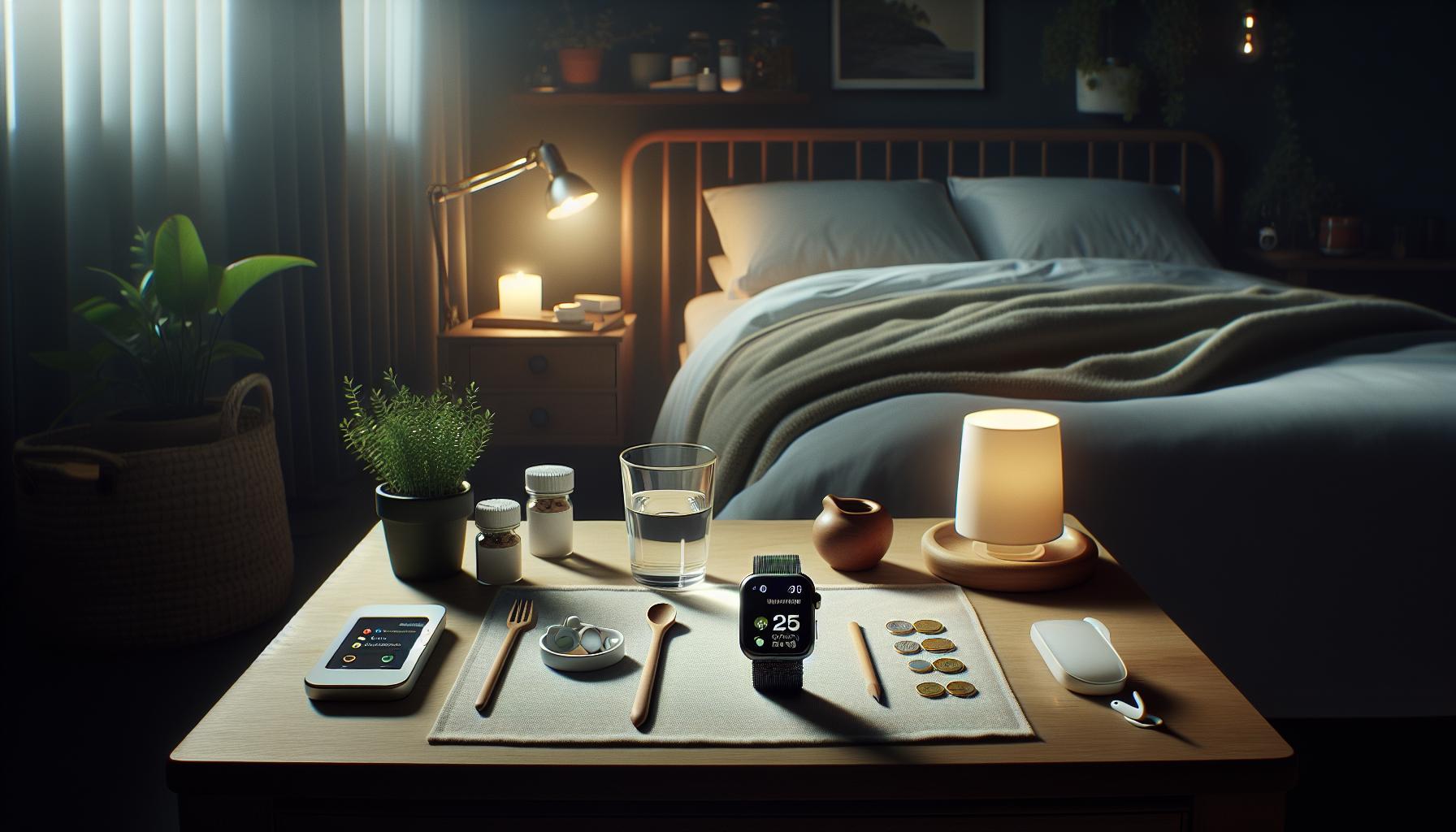
With sleep tracking becoming an essential feature in modern wearables, the Apple Watch stands out by seamlessly integrating tracking into your nightly routine. The ability to monitor your sleep automatically not only helps you understand your sleeping patterns but also promotes healthier lifestyle decisions. Utilizing the motion sensors and heart rate monitor, your Apple Watch can provide valuable insights into your sleep quality, including the amount of time spent in deep sleep, REM sleep, and light sleep. This level of detail helps users identify trends and correlate their sleep behaviors with factors like diet, exercise, and stress.
When you wear your Apple Watch to bed, it automatically detects sleep by tracking your movements. The Sleep app categorizes your sleep into various phases-ranging from deep sleep to light sleep-allowing you to visualize how your sleep cycles fluctuate throughout the night. Additionally, the app can provide recommendations on improving your sleep patterns based on collected data, fostering a more restorative rest cycle over time. Your sleep data can be effortlessly transferred to the Health app on your iPhone, where a comprehensive overview gives you access to long-term trends and sleep statistics.
Understanding these metrics is crucial in taking action toward better sleep health. The Apple Watch features such as breathing rate tracking enhance your understanding of your respiratory health during sleep. This level of monitoring can be invaluable, particularly for those at risk of sleep apnea or other respiratory-related sleep issues. With insights at your fingertips, you can make informed decisions on lifestyle changes needed to enhance your overall sleep experience, helping transform how you approach your nightly rest and daily activities.
How to Access Your Sleep Data
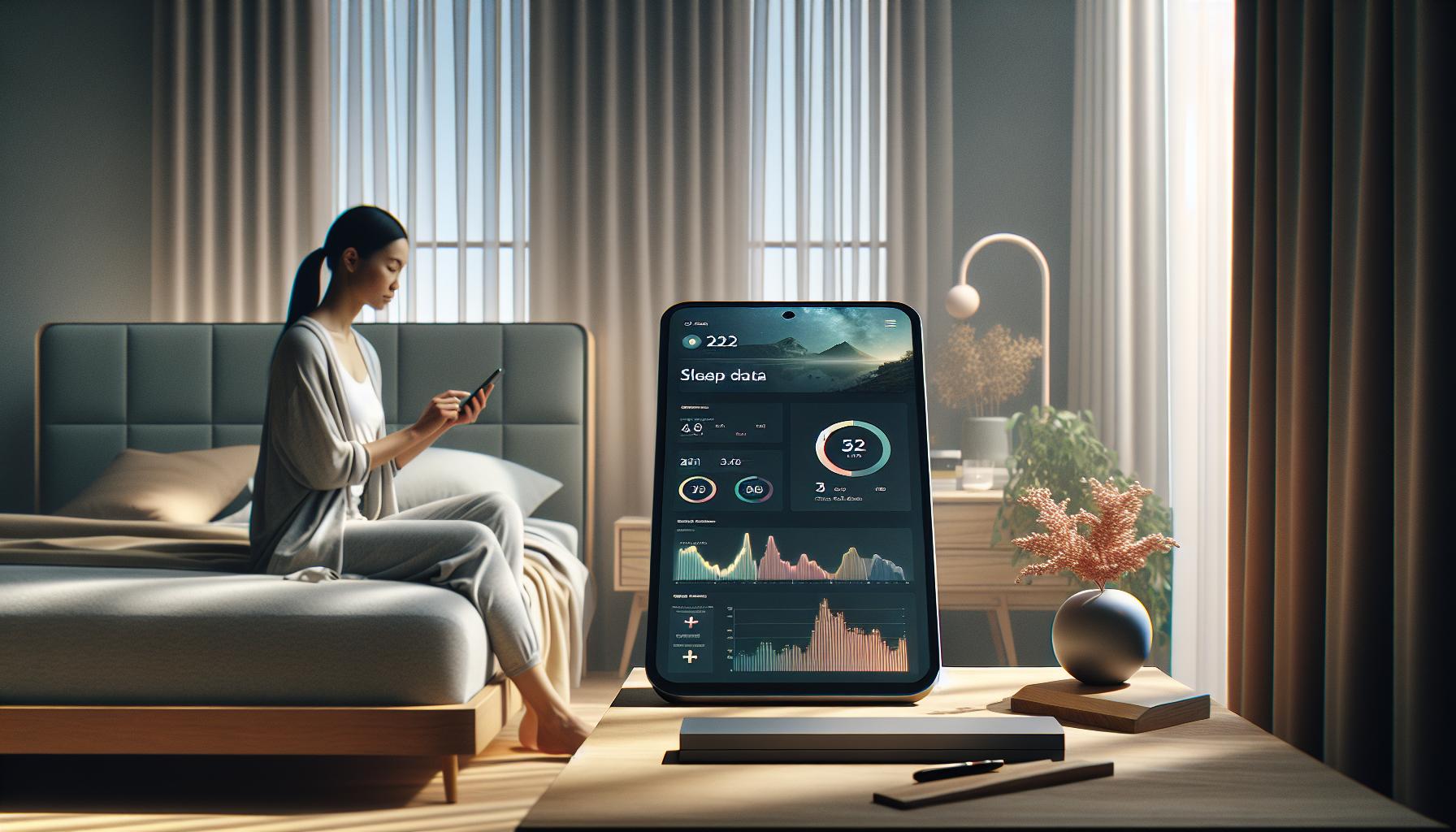
You might be surprised to learn that your Apple Watch is more than just a stylish timepiece-it’s also a powerful sleep tracker. Accessing your sleep data is straightforward, providing you with insights that can transform how you approach your nightly rest.
To view your sleep data, start by opening the Health app on your iPhone. There, tap on the Sleep section to see an overview of your sleep patterns. This feature allows you to examine various metrics, such as total sleep time, sleep duration, and sleep quality, broken down into categories like deep sleep and REM sleep. Additionally, your Apple Watch automatically syncs sleep data with this app, enabling you to see long-term trends over time. By doing so, you can correlate your daily habits-like exercise, diet, and stress-against your sleep patterns for more informed lifestyle choices.
Another way to access your sleep information is directly through the Sleep app on your Apple Watch. Simply open the app, and you can view your most recent sleep sessions at a glance. The interface is designed to show you not only how long you slept but also how restful your sleep was. You can set sleep goals here and get reminders to establish a consistent sleep schedule, which is crucial for improving overall sleep health.
You can also dive deeper into your sleep metrics by using the Health app on your iPhone. By tapping on the Browse tab, selecting Sleep, and then tapping Sleep Analysis, you can explore detailed insights over time, examining how factors like bedtime and wake-up times impact your sleep quality. The integration of various metrics, such as heart rate and respiratory rate, further enhances your understanding of your sleep health. This comprehensive approach allows you to become more proactive in optimizing your sleep environment and routines, ultimately leading to better sleep quality.
Interpreting Your Sleep Metrics and Trends
When it comes to understanding your sleep metrics and trends from the Apple Watch, it’s all about making the data work for you. The device does an excellent job of tracking various sleep stages, total sleep time, and even breathing rates while you rest. But deciphering what these numbers mean and how they can improve your sleep is crucial.
To interpret your sleep metrics effectively, begin by checking the Health app on your iPhone. You’ll find insights such as total sleep duration and quality broken down into specific stages: deep sleep, REM sleep, and light sleep. These details not only show you how much sleep you’ve gotten but also highlight the quality of that sleep. For instance, a higher percentage of deep sleep often correlates with feeling more rested upon waking. If you notice consistently low deep sleep scores, it might suggest underlying issues worth exploring.
Identifying Patterns and Trends
As you analyze your sleep data, look for patterns that emerge over days or even weeks. The Sleep Analysis section provides a clear view of how your sleep quality changes in relation to daily habits. By keeping track of external factors such as stress levels, meals, or exercise, you can start tying those to fluctuations in your sleep quality. For example, you might notice that nights when you exercise earlier in the day lead to better sleep scores.
Consider utilizing the Sleep Focus feature to establish regular sleep schedules. The Apple Watch allows you to set reminders for bedtime, which help in promoting consistency-a key factor in achieving optimal sleep health. And don’t forget about using the nightly reminders to wind down; they not only reinforce good habits but also help you build a healthier bedtime routine.
In cultivating an understanding of your sleep metrics, be cautious of viewing them as absolutes. Devices like the Apple Watch are helpful tools but have limitations. For instance, while they provide great insights into sleep duration and quality, they can’t diagnose sleep disorders. If you find disturbing trends, such as frequent awakenings or exceedingly low sleep quality, it might be time to consult a sleep specialist to rule out issues like sleep apnea.
By actively engaging with your sleep data, you empower yourself to make informed decisions about your sleep health. Whether it’s adjusting your lifestyle or simply understanding your sleep needs better, your Apple Watch can be a helpful companion on this journey to improved rest.
Setting Up Sleep Tracking on Your Apple Watch
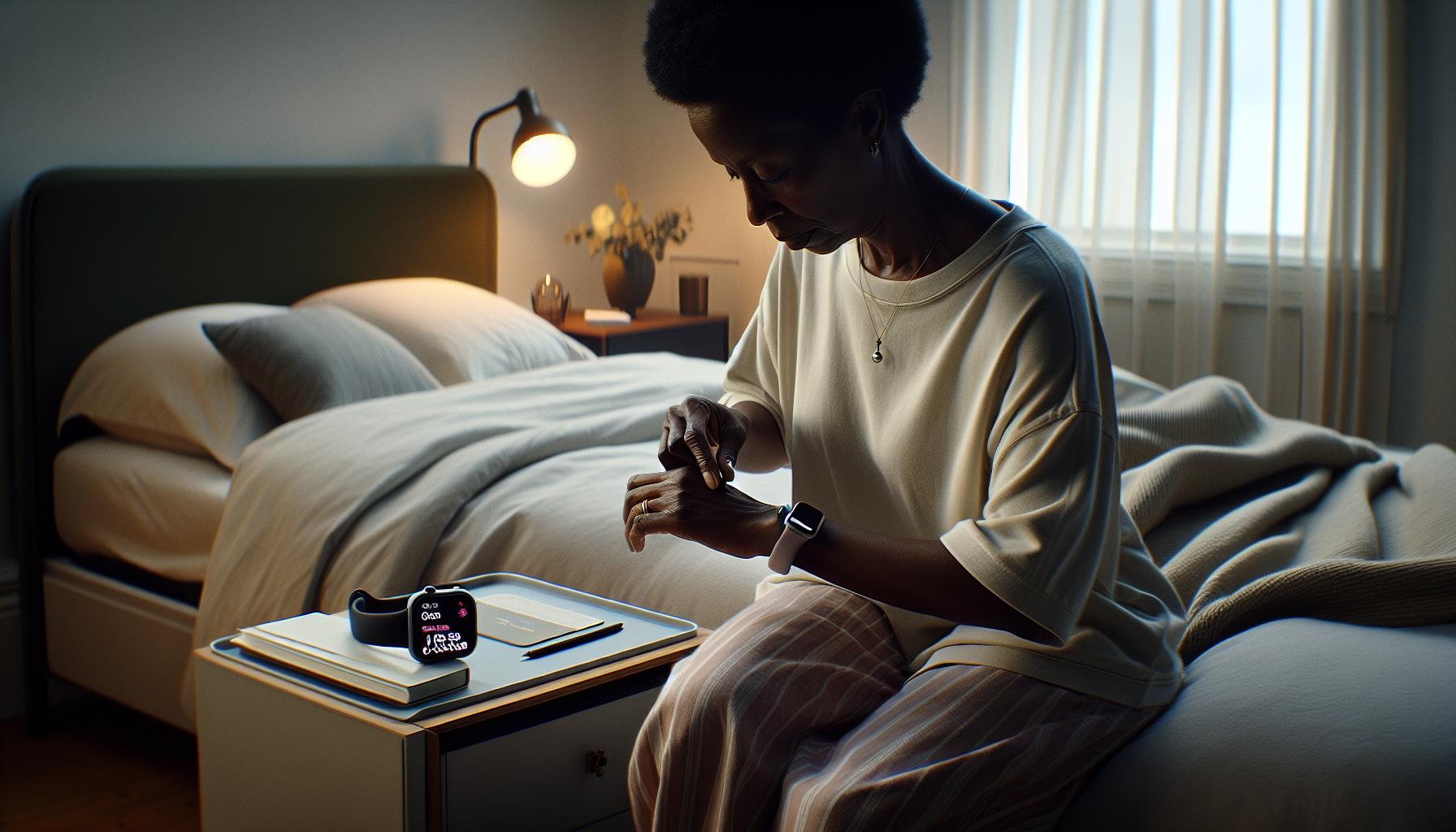
To unlock the potential of your Apple Watch as a powerful sleep tracking tool, the initial setup process is straightforward and user-friendly. By following a few simple steps, you’ll be geared up to monitor your sleep patterns and improve your overall sleep health.
Start by ensuring your Apple Watch is updated to the latest version of watchOS. This guarantees that you have access to the newest features and improvements for sleep tracking. To enable the sleep tracking function, dive into the Watch app on your iPhone and select the “Sleep” section. Here, you can customize various settings, including your sleep schedule. Set a regular sleep and wake time to help establish a routine, as consistency is key to better sleep quality.
Once you’ve configured your watch, wearing it to bed is all you need to do. The Apple Watch will automatically track your sleep, recording essential metrics such as total sleep time and different sleep stages (light, deep, and REM sleep). Make sure to charge your watch earlier in the day, so it’s ready to work through the night without running low on battery.
For optimal performance, leverage the “Sleep Focus” feature, which silences notifications during your designated sleep hours and can help promote a more restful environment. This way, you can minimize disruptions caused by notifications or alerts, creating the perfect conditions for a restorative sleep cycle. In the morning, check the Health app on your iPhone to view your sleep data and trends, allowing you to start making informed decisions about your sleep health.
Tips for Improving Sleep Quality with Your Watch
To truly harness the power of your Apple Watch for better sleep quality, it’s essential to integrate various best practices into your nightly routine. Your watch is not just a tracker; it can be a valuable ally in your quest for restorative sleep. Here are some actionable tips to consider:
First, establish a consistent sleep routine. Aim to go to bed and wake up at the same times every day, even on weekends. This consistency reinforces your body’s natural sleep-wake cycle. You can use the “Sleep” feature in the Watch app to set and adjust your bedtime schedule, creating a structured approach that your body can learn to follow.
Additionally, take advantage of the “Sleep Focus” feature. This allows your Apple Watch to silence notifications during designated sleep hours, minimizing interruptions. A peaceful environment is crucial for quality sleep, so consider creating a comfortable sleep space by reducing light and noise, which your Apple Watch can help monitor by tracking ambient conditions if paired with other smart home devices.
Utilizing the insights your Apple Watch provides can significantly enhance your sleep experience. Check your sleep data in the Health app each morning to see how well you slept. Pay attention to metrics like sleep duration, quality, and patterns of sleep stages. If you notice discrepancies, use this information to adjust your habits-whether that means changing your bedtime, adopting a relaxing pre-sleep routine, or even evaluating your daytime activities like caffeine consumption or exercise.
Lastly, be mindful of your watch’s battery life. To ensure it’s always ready for tracking, charge your watch at convenient times during the day, such as during your morning routine or while winding down in the evening. This way, you’ll avoid low battery warnings interrupting your sleep data collection. By being proactive and utilizing the features of your Apple Watch, you can create a personalized strategy for improving your sleep quality effectively.
Common Sleep Issues and How to Track Them
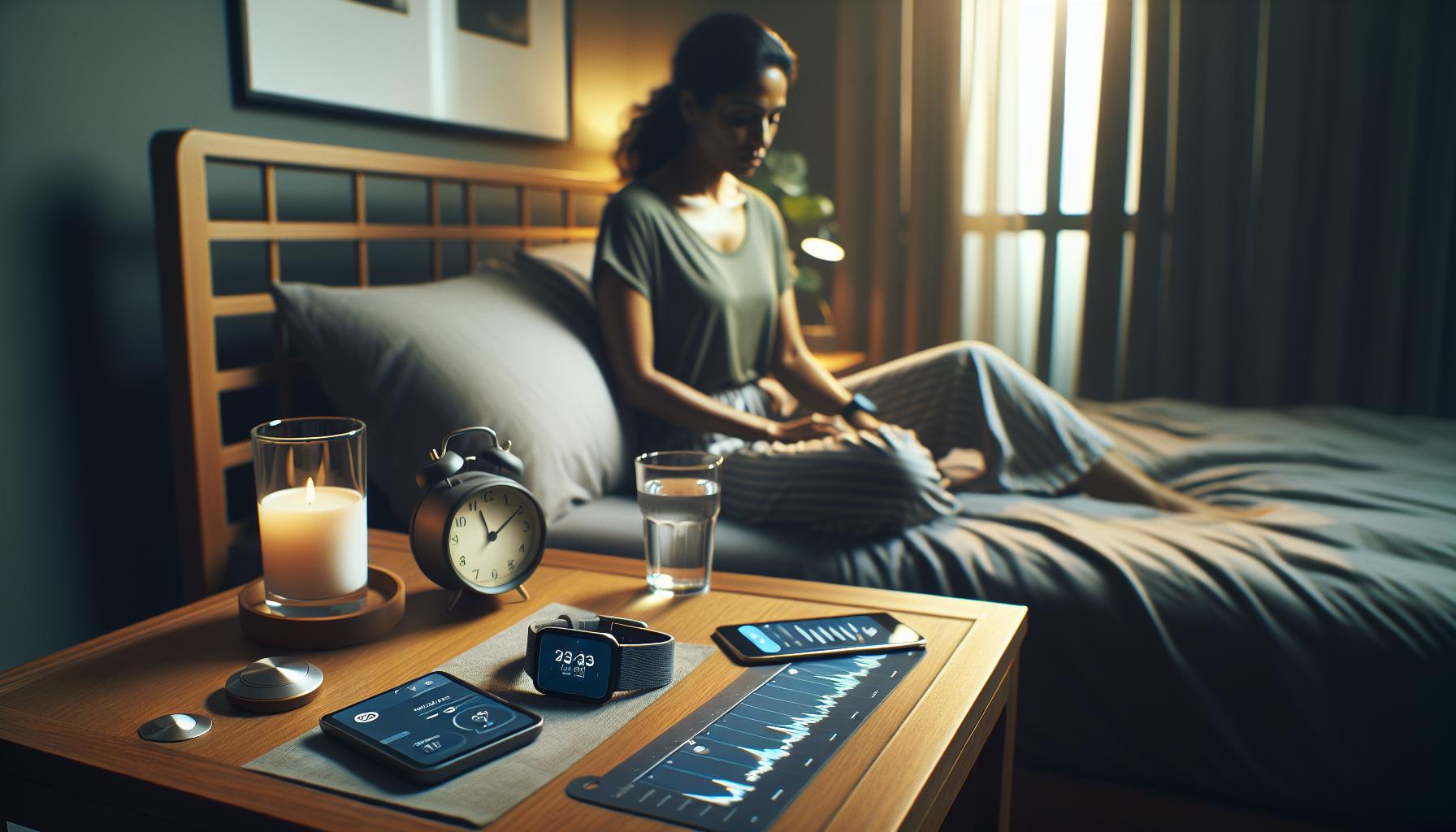
Many people struggle with sleep issues, from insomnia to disrupted sleep patterns, which can significantly impact daily life. Understanding how to track these problems using your Apple Watch empowers you to identify patterns, triggers, and potential solutions to improve your sleep quality.
Common Sleep Issues
- Insomnia: Difficulty falling or staying asleep can result from stress, anxiety, or lifestyle choices. Your Apple Watch can help you monitor late-night patterns and identify any habits that contribute to sleeplessness.
- Sleep Apnea: This serious condition causes breathing interruptions during sleep, often resulting in waking up feeling unrefreshed. While the Apple Watch can’t diagnose sleep apnea, tracking nightly heart rate variations may reveal patterns that warrant further investigation.
- Restless Legs Syndrome: An uncontrollable urge to move one’s legs during periods of rest can severely disrupt sleep. Using the sleep app to observe disruptions can offer insights into your situation.
- Timed Sleep Disruptions: Frequent wake-ups during the night can indicate issues with your sleep environment or routine. Tracking your sleep stages may show you how often you’re entering light versus deep sleep, offering clues on when and why you might be waking up.
Tracking Sleep Issues with Your Apple Watch
The Apple Watch’s sleep tracking feature automatically records your sleep duration and identifies different sleep stages-light, deep, and REM sleep. To leverage this capability effectively, consider the following steps:
- Enable Sleep Tracking: Go to the Sleep app on your Apple Watch or the Health app on your iPhone to ensure sleep tracking is activated.
- Review Sleep Data: Each morning, check the Health app for sleep metrics such as total sleep time and quality. Look for patterns-are you frequently missing out on deep sleep?
- Set Sleep Goals: Customize your sleep schedule within the Watch app to establish a consistent routine. Consistency can significantly improve overall sleep quality.
- Monitor Associated Metrics: Pay attention to your heart rate and activity levels as recorded during the night. Higher heart rates or irregular patterns may signal stress or health issues worth discussing with a healthcare professional.
By utilizing the Apple Watch to track your sleeping habits, you not only understand your nighttime behavior better but also gain actionable insights that can help address common sleep-related issues effectively. Always remember, consistent patterns over time can provide more reliable insights than occasional data points, guiding you toward a healthier sleep routine.
Comparing Apple Watch to Other Sleep Trackers
When considering sleep tracking devices, the Apple Watch emerges as a pivotal tool that blends versatility and functionality, but it’s essential to weigh it against other popular trackers to find the best fit for your needs. Unlike many basic fitness bands, the Apple Watch offers an extensive range of health features, including robust sleep monitoring and connectivity options that integrate seamlessly with other Apple health apps. This combination allows for a richer contextual understanding of your sleep patterns compared to devices that focus solely on sleep metrics.
Key Features to Compare
When comparing the Apple Watch to competitors like Fitbit, Garmin, or dedicated sleep trackers such as the Oura Ring, consider the following factors:
- Sleep Tracking Accuracy: The Apple Watch utilizes its sensors to differentiate between light, deep, and REM sleep stages. Other devices, like Oura, are known for their detailed insights and accuracy based on a combination of infrared sensors and motion data.
- Additional Health Metrics: The Apple Watch not only tracks sleep but also provides insights on heart rate variability, oxygen saturation, and even stress levels through its integrated health app. Some trackers, primarily aimed at sleep, may lack such comprehensive health monitoring.
- Usability: The Apple Watch excels in offering a user-friendly interface and smart notifications, making it easier to manage and view your sleep data alongside other health metrics. In contrast, other options may require separate apps to analyze sleep data, which can complicate the process.
- Integration: One of the Apple Watch’s unique benefits is its ability to sync with various apps and services in the Apple ecosystem, including Health and Fitness+. Other wearables may offer limited integration or proprietary apps, impacting your ability to analyze your sleep in conjunction with your overall wellness.
Cost Considerations
Cost is another crucial factor when comparing these devices. The Apple Watch is typically more expensive than most fitness trackers due to its multifunctionality, but many users find the investment worthwhile given its capabilities. Conversely, devices like Fitbit or the Oura Ring might come at a lower initial cost, but doing a thorough analysis of what features matter most for your sleep health can justify the price differences.
In the broader scenario of sleep tracking, the choice between an Apple Watch and other devices ultimately comes down to individual needs and preferences. If you value comprehensive health metrics along with sleep tracking, the Apple Watch stands out as a leading option. However, for users specifically focused on enhancing sleep insights, dedicated trackers may provide targeted functionality that the Apple Watch does not match. Understanding these differences empowers you to make an informed decision tailored to your specific sleep health goals.
Troubleshooting Sleep Tracking Features
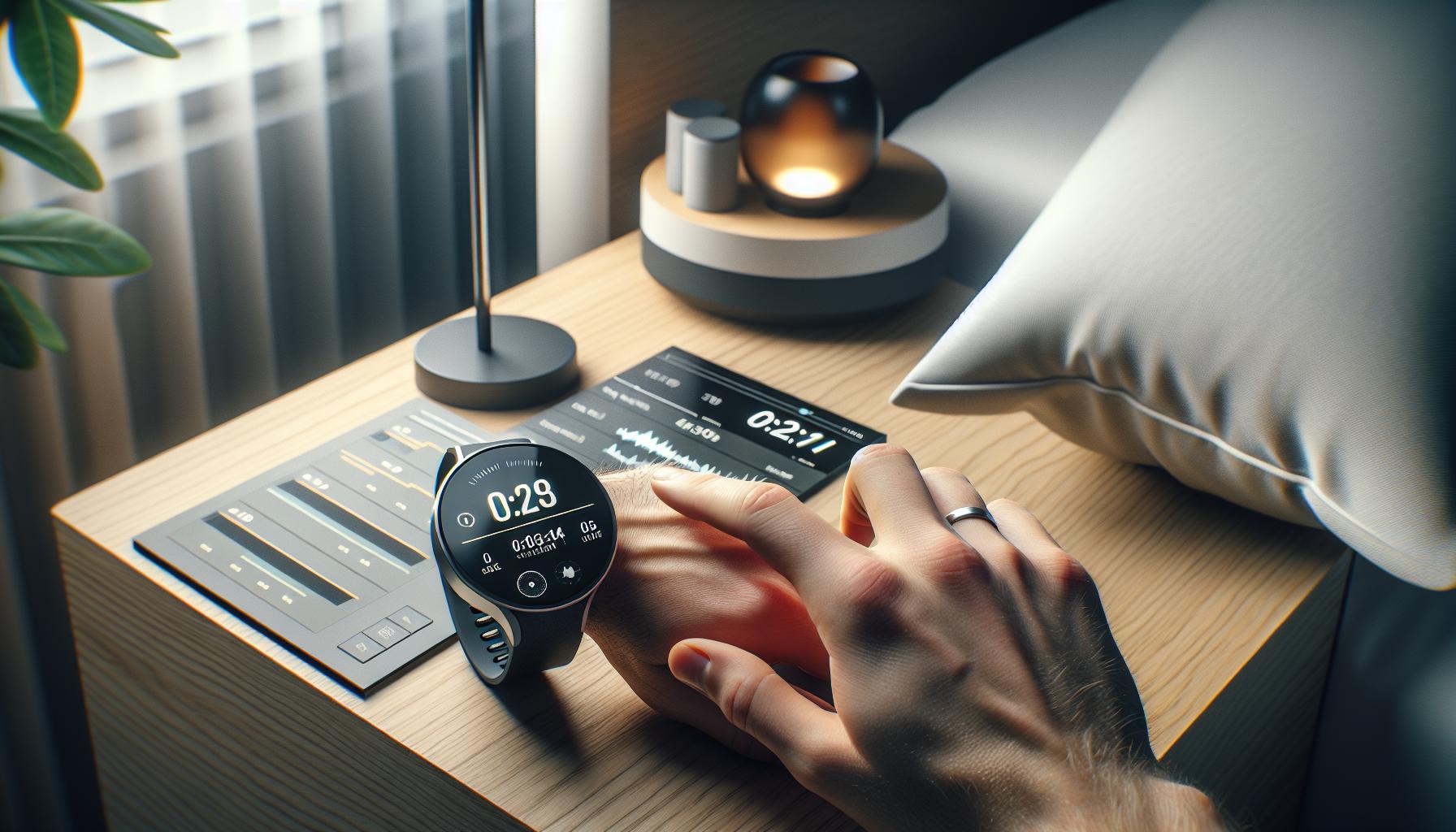
It can be frustrating when your Apple Watch doesn’t track sleep as reliably as you’d expect. A common issue many users face is inaccurate sleep detection, which may stem from several factors like wearing the watch too loosely, battery level, or even outdated software. Ensuring a snug fit on your wrist not only enhances comfort but also allows the sensors to function optimally, leading to more accurate readings of your sleep patterns, including REM and deep sleep stages.
Check Device Settings
First, navigate to the Sleep section in the Health app on your iPhone. Ensure that you have properly configured your sleep schedule and that Sleep Tracking is turned on. You might also want to verify that your watch has the latest updates installed, as software updates frequently include improvements and bug fixes that can enhance functionality. Keep in mind that if your watch is running low on battery, it may limit its tracking capabilities, so charging it regularly will ensure it performs at its best.
Recalibrating Sleep Data
Sometimes, discrepancies in sleep data can occur, showing more or less sleep than you actually got. In this case, recalibrating your Apple Watch’s sleep data might help. To improve accuracy, wear your watch consistently and ensure that you’ve deleted any unnecessary data from previous nights that might skew your average. This will allow a clearer picture of your sleep trends. Another tip is to regularly check the recorded sleep data against your own notes or observations to identify patterns or recurring issues.
Utilizing Sleep Apps
Enhancing your tracking experience might also involve utilizing third-party sleep tracking apps, such as SleepWatch or AutoSleep, which can complement the Apple Watch’s built-in functionality. These apps often offer richer analytics about your sleep quality and provide additional features, like sleep disruption alerts and custom insights based on your sleep behavior. Finding the combination that works best for you may take some experimentation, but it can lead to better sleep outcomes.
By addressing these common troubleshooting tips, you can optimize the sleep tracking features on your Apple Watch, ensuring you receive valuable insights into your nightly rest. Remember, a consistent routine and proper device care are key elements to effective sleep monitoring.
The Science of Sleep: Why Tracking Matters
Tracking sleep is more than just a trend; it’s a crucial component of your overall health and well-being. In fact, research shows that consistent sleep monitoring can lead to better sleep habits, improved mental health, and enhanced physical performance. By utilizing smart technology like the Apple Watch, users have the opportunity to gain insight into their nightly routines, identifying patterns that may directly influence their day-to-day lives.
Understanding the various stages of sleep-such as REM and deep sleep-is fundamental to appreciating its restorative effects. Devices like the Apple Watch employ advanced sensors to analyze sleep patterns, providing metrics that can help you decipher how well you’re resting. This information is invaluable because it allows you to make informed decisions regarding adjustments to your lifestyle, bedtime habits, and overall health strategies.
The ability to track your sleep can empower you to recognize issues that might require further intervention, whether it’s a persistent lack of deep sleep or trouble entering REM cycles. For instance, if you notice a trend of restless nights that correlate with late caffeine consumption, you can proactively adjust your habits to improve your sleep quality. With this proactive approach, you not only enhance your nightly rest but also positively impact your productivity, mood, and overall health.
By integrating sleep data with health apps, the Apple Watch encourages a comprehensive view of your health. This multifaceted perspective lets you see how sleep interacts with other factors such as physical activity and heart rate, giving you deeper insights into your wellness. Tracking sleep isn’t just about numbers; it’s about understanding your body better and fostering habits that contribute to long-term health and vitality.
Integrating Sleep Data with Health Apps
In today’s health-conscious world, integrating sleep data from your Apple Watch with health apps offers a comprehensive view of your overall well-being. By taking advantage of this feature, you can understand how your sleep patterns relate to other aspects of your health, like physical activity and heart rate. This seamless connection empowers you to make informed decisions to enhance your daily life.
To integrate your sleep data, first ensure that the Health app is set up on your iPhone. The Apple Watch automatically tracks your sleep and syncs this information with the Health app. Once synced, you can easily access your sleep metrics, including sleep duration, stages, and quality. Open the Health app, tap on “Sleep,” and you’ll find a detailed analysis of your nightly rest, including trends over time.
Utilizing third-party health and wellness apps can further amplify your insights. For example, apps like SleepWatch allow you to track additional metrics such as average heart rate during sleep and disruptions throughout the night. By linking these apps to the Health app, you can create a more holistic approach to understanding your sleep habits. Combine this data with insights on fitness routines or dietary habits, and you’ll gain a deeper understanding of what affects your sleep quality.
Moreover, when you notice patterns-like how exercise affects your ability to fall asleep or how certain foods disrupt rest-you can adjust your lifestyle accordingly. This proactive approach not only improves your sleep quality but also enhances your overall health. Integrating sleep tracking into your wellness routine is an effective step toward better sleep and improved health.
Maximizing the Benefits of Sleep Insights
Understanding your sleep insights and maximizing their potential can be a game-changer for your overall well-being. The Apple Watch offers an array of features designed to provide detailed sleep metrics, helping you to tailor your lifestyle choices for better sleep quality. By actively engaging with this data, you can make informed adjustments to your daily routine, potentially transforming not just your sleep but your health as a whole.
- Utilize Data Insights: After syncing your sleep data to the Health app, examine metrics such as sleep duration, sleep stages, and disruptions. Identify any patterns that correlate with changes in your daily habits, such as caffeine intake or physical activity levels.
- Set Sleep Goals: Use the insights gained from your sleep data to set realistic and achievable sleep goals, such as aiming for a consistent bedtime or increasing total sleep time. The Apple Watch’s Sleep app allows you to customize your sleep schedule, promoting a more structured sleep environment.
- Correlation with Lifestyle: Take a holistic view of your health by connecting your sleep data with other health metrics like heart rate or exercise levels. For example, if you notice your heart rate elevates on days you sleep poorly, it may signal stress factors impacting your sleep quality.
- Use Third-Party Apps: Consider leveraging third-party applications such as SleepWatch or AutoSleep, which can provide even deeper insights into your sleep patterns. These apps often offer additional features like sleep ratings and environmental noise analysis, further enhancing your understanding of sleep quality.
- Adapt and Optimize: Regularly revisit your sleep insights to adapt your habits. If certain activities disrupt your sleep, like late-night snacks or screen time, make conscious efforts to change them. Staying aware of your sleep environment-such as temperature, light, and noise-can also greatly enhance your sleep experience.
Being proactive about your sleep insights can lead to significant improvements in your overall health. The key is not only to track your sleep but also to be actively engaged in interpreting and acting on the insights you gather. With the Apple Watch, you have a powerful tool at your disposal, creating an opportunity to boost your nightly rest and, consequently, your quality of life.
When to Seek Professional Help for Sleep Issues
Recognizing can be crucial for your overall well-being. Apple Watch provides insightful sleep tracking metrics, but there are limits to what these devices can reveal. If you find that your sleep data consistently indicates poor quality sleep, long periods of wakefulness during the night, or an inability to establish a restful sleep routine despite making lifestyle adjustments, it may be time to consult a healthcare professional.
Consider visiting a doctor if you experience notable symptoms such as excessive daytime sleepiness, persistent snoring, or episodes of gasping or choking during sleep. These could be indicators of underlying conditions like sleep apnea or other sleep disorders that require specialized assessment. A healthcare provider may recommend a polysomnography sleep study, which monitors various physiological parameters during sleep, including brain activity, eye movement, heart rate, and more.
What to Expect During a Sleep Study
Sleep studies are typically painless and conducted in a controlled environment where you will be monitored overnight. Expect the setup to involve sensors attached to various parts of your body, which capture data while you sleep. The results from a sleep study help healthcare professionals diagnose specific sleep disorders effectively, offering a clearer pathway to targeted treatment.
In cases where immediate professional help isn’t needed, but you still struggle, consider options like cognitive behavioral therapy for insomnia (CBT-I), which has shown effectiveness in improving sleep quality. This approach addresses the behavioral and psychological factors affecting sleep rather than merely focusing on physical aspects.
Remember, while your Apple Watch is a powerful tool for monitoring sleep patterns and understanding your sleep cycle, it is not a substitute for professional care. Use the insights you gather from your device to have informed discussions with your healthcare provider, paving the way for tailored solutions that enhance your sleep health.
Faq
Q: How can I view my sleep data on the Apple Watch?
A: To view your sleep data on the Apple Watch, open the Sleep app. This app will show you your sleep duration and quality. For detailed insights, you can also access the Health app on your paired iPhone, where sleep metrics are compiled and analyzed.
Q: What types of sleep metrics does the Apple Watch track?
A: The Apple Watch tracks various sleep metrics, including sleep duration, heart rate, sleep stages (such as REM and deep sleep), and disruptions during the night. This comprehensive data helps you understand your sleep patterns better, aiding in lifestyle adjustments for improved rest.
Q: Can I sync Apple Watch sleep data with other health apps?
A: Yes, you can sync your Apple Watch sleep data with other health apps, like SleepWatch and AutoSleep. These apps provide deeper analysis and insights, and they integrate smoothly with Apple’s Health app for a unified view of your health information.
Q: Why is my sleep data not showing up on my Apple Watch?
A: If your sleep data isn’t showing up, ensure that your Sleep Tracking is enabled in the Sleep app on your Apple Watch and in the Watch app on your iPhone. Additionally, verify that you are wearing your watch while sleeping and that it’s charged adequately.
Q: How often does the Apple Watch update sleep tracking data?
A: The Apple Watch updates sleep tracking data nightly, compiling information after you wake up. You can review this data immediately in the Sleep app or access it anytime through the Health app, where it is aggregated for analysis.
Q: What should I do if my Apple Watch sleep tracking seems inaccurate?
A: If your sleep tracking seems inaccurate, try recalibrating your Watch’s sleep settings. Ensure that sleep tracking is correctly set up, check that you’re wearing the watch snugly during sleep, and consider logging your sleep manually to compare accuracy.
Q: Is there a way to improve the accuracy of sleep tracking on Apple Watch?
A: To improve sleep tracking accuracy, wear your Apple Watch snugly and ensure it’s updated with the latest software. Maintain a consistent sleep schedule and consider using other tracking apps like SleepWatch which offer additional metrics and insights.
Q: Can I see my historical sleep data on my Apple Watch?
A: Yes, you can view historical sleep data through the Health app on your iPhone. Select the Sleep section to access trends and past sleep patterns over various timeframes, helping you track changes over time.
For more insights on maximizing your sleep data and improving overall sleep quality, check out our sections on “Interpreting Your Sleep Metrics and Trends” and “Tips for Improving Sleep Quality with Your Watch.”
Wrapping Up
Now that you know where to find your sleep tracking data on your Apple Watch, it’s time to take control of your sleep health like never before. Understanding your sleep patterns can empower you to make informed decisions about improving your rest quality. If you haven’t already, consider reading our guides on optimizing sleep with wearables and navigating sleep studies-these resources can provide deeper insights and actionable tips to enhance your overall sleep experience.
Don’t wait any longer-start leveraging your Apple Watch data today to gain better insights into your sleep and overall wellness. If you have questions or want to share your experiences, leave a comment below! And be sure to check out our newsletter for the latest tips on sleep health and tech innovations. Your journey to better sleep begins now-unlock the full potential of your Apple Watch and explore further!
Get our latest guides, news, and insights highlighted in your Google Search & AI Overviews.