
Did you know that nearly one in three adults struggles with sleep issues? Understanding your sleep patterns can be the first step toward improving your overall health. The Gear Fit 2 makes it easier than ever to track your sleep, providing insights that can help optimize your nightly rest. In this guide, you’ll learn how to set up your Gear Fit 2 for effective sleep tracking. We’ll walk you through each step, ensuring you’re equipped to maximize the benefits of this powerful tool. Whether you’re battling insomnia or just wishing for a more restorative night, setting up your Gear Fit 2 can empower you to take control of your sleep health. Dive in to discover valuable tips and best practices that will enhance your experience and help you achieve a more restful sleep.
Getting Started with Gear Fit 2 Sleep Tracking
To ensure a successful start with sleep tracking on the Gear Fit 2, it’s important to understand the foundational elements that can lead to better sleep insights and, ultimately, improved overall health. The Gear Fit 2’s sleep tracking capabilities provide an effective way to monitor your nightly rest patterns, helping you understand not just how long you sleep, but also the quality of that sleep. Interestingly, studies have shown that tracking sleep can lead to behavioral changes, facilitating better sleep hygiene and routines.
Setting up your Gear Fit 2 for sleep tracking is straightforward and can be a rewarding experience. First, make sure your device is fully charged and updated to the latest firmware, as software improvements often enhance functionality. Once you’re ready, wear the Fit 2 snugly on your wrist, preferably on your non-dominant hand, as this placement helps in accurately capturing your movements throughout the night. The device utilizes a combination of accelerometer data and heart rate variability to detect when you fall asleep and how restful your sleep is, offering insights into possible areas of improvement.
To activate sleep tracking, navigate to the settings menu on the device. Here, you can find options to turn on sleep tracking automatically or manually. Many users prefer the automatic setting as it allows the Gear Fit 2 to start tracking as soon as it senses sleep activity, providing a more seamless experience. After a night’s rest, you can review your sleep data directly on the device or through the accompanying Samsung Health app, which offers a more detailed breakdown.
Remember, keeping the device secure and positioned correctly is crucial for accurate measurements. If the Fit 2 is too loose or placed incorrectly, it may result in unreliable data, leading to frustration. So, as you embark on this journey to improve your sleep, remember the importance of both consistent usage and proper setup. This will enable you to gain valuable insights into your sleep patterns and adjust your habits for better rest.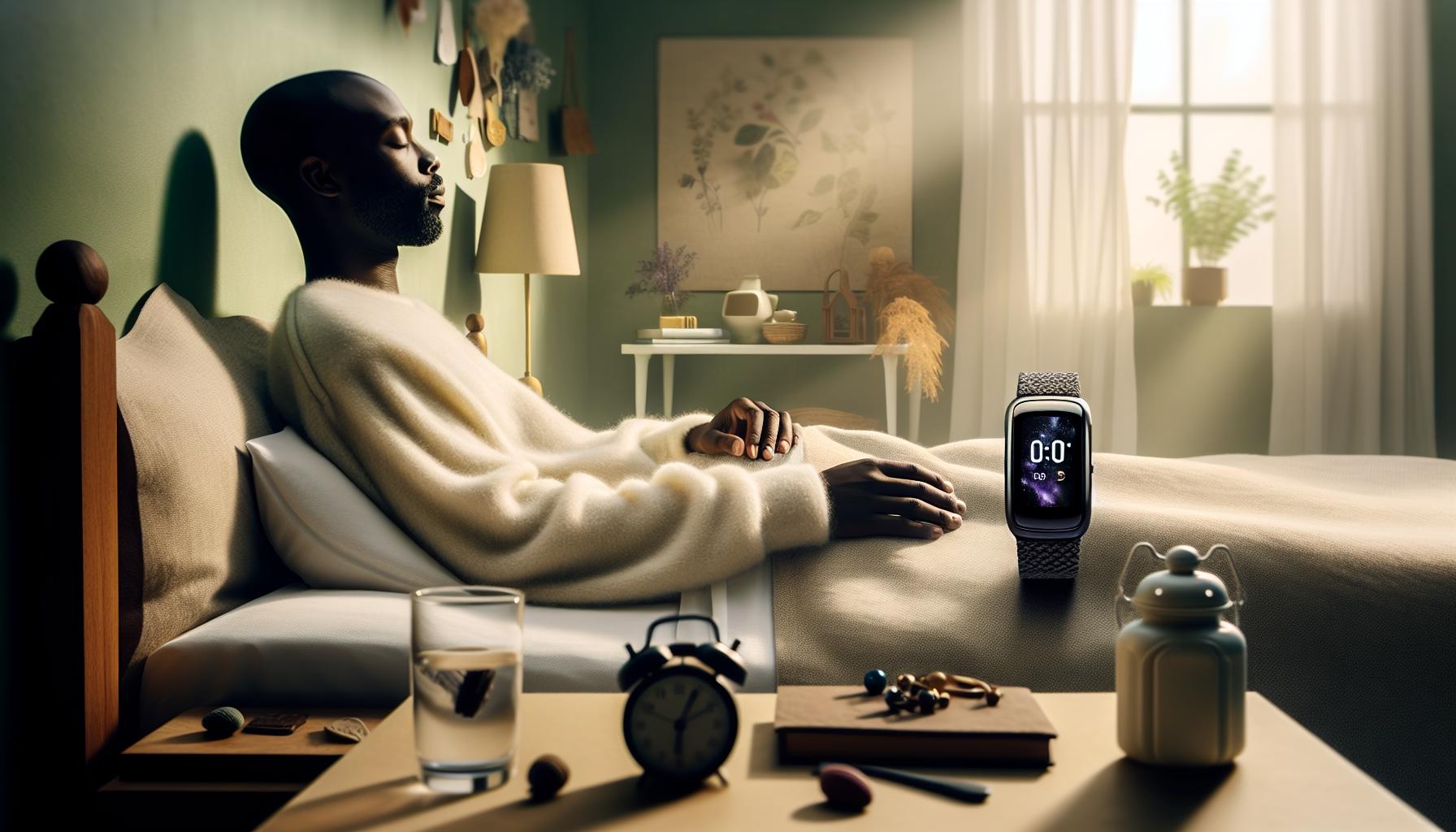
Essential Features of Gear Fit 2 for Sleep
The Gear Fit 2 is designed to be a powerful companion for your sleep tracking journey, providing features that make understanding your sleep patterns easier and more accessible. One of its standout features is the automatic sleep tracking function, which allows the device to detect when you fall asleep and when you wake up without requiring manual input. This seamless integration means you can focus on relaxing and getting quality rest instead of needing to remember to start or stop tracking, making it a user-friendly option for both sleep novices and enthusiasts.
In addition to tracking your sleep duration, the Gear Fit 2 provides a detailed breakdown of your sleep stages-light, deep, and REM sleep. Understanding these stages is crucial, as each type plays a different role in physical and mental recovery. The device achieves this by monitoring your movements and heart rate throughout the night, utilizing an advanced accelerometer and heart rate monitor to provide insights that can help you refine your sleep hygiene practices.
Another essential aspect of the Gear Fit 2 is its compatibility with the Samsung Health app, which allows you to view comprehensive sleep analytics. Here, you can see trends over time, helping you identify patterns that may be affecting your sleep quality. For instance, if your data shows frequent interruptions, it may be time to evaluate lifestyle factors such as screen time before bed or stress levels.
Moreover, the tool provides reminders and tips that can encourage healthier sleep habits. Whether it’s suggesting a consistent bedtime or encouraging winding down routines, these features help empower you to make informed decisions that enhance your sleep quality. By leveraging these capabilities, the Gear Fit 2 becomes more than just a fitness tracker-it transforms into a valuable tool for improving your overall well-being through better sleep.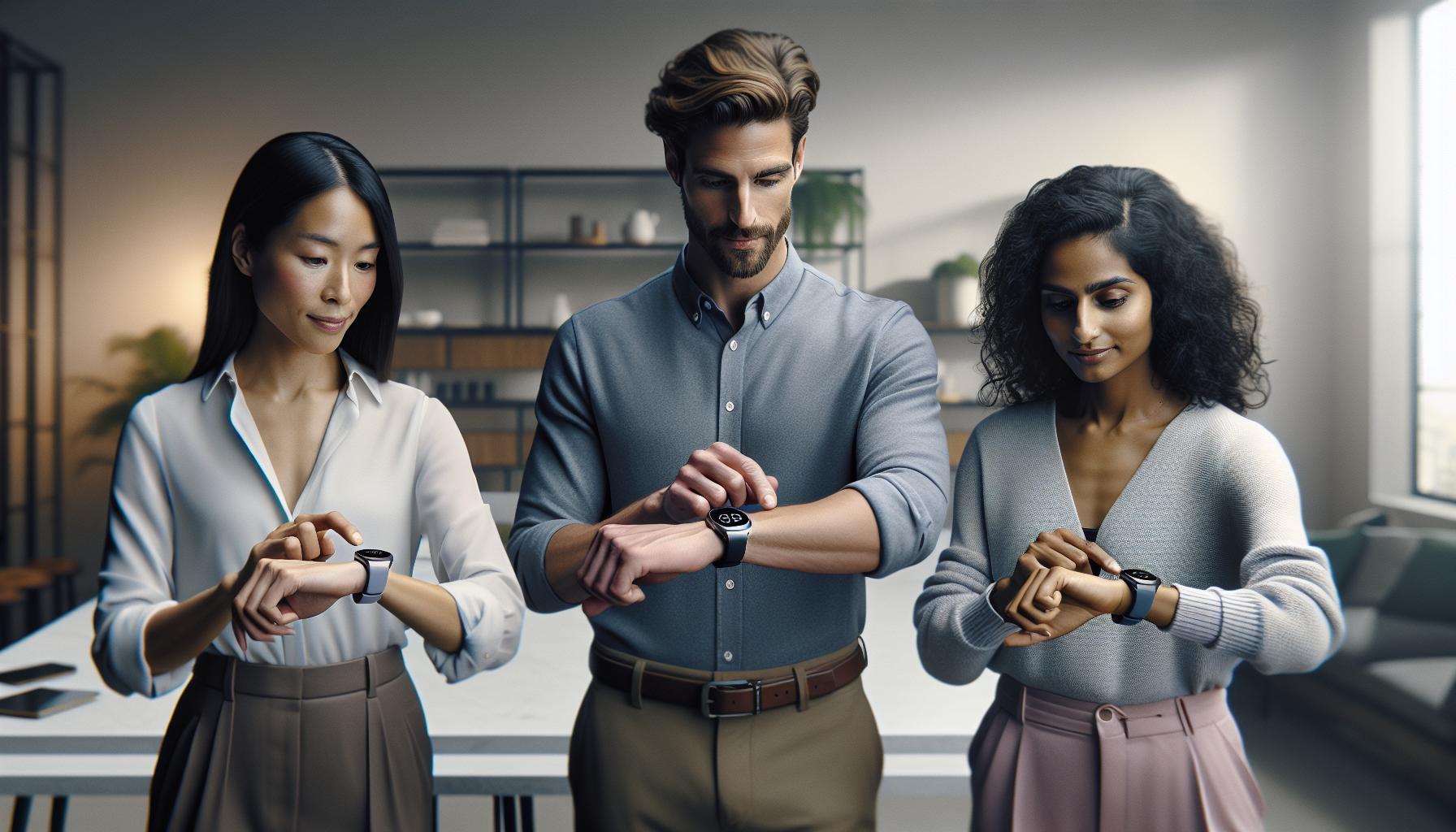
Step-by-Step Setup Guide for Gear Fit 2
To harness the full potential of your Gear Fit 2 for sleep tracking, setting it up correctly is crucial. This wearable device simplifies the process of monitoring your sleep patterns, making it easier to gain insights into your rest quality. Follow these simple steps to ensure that your Gear Fit 2 is properly configured for optimal sleep tracking.
Start by ensuring your Gear Fit 2 is fully charged. Connect the device to its charging dock and let it power up before setting it up. Once it’s charged, power on the device by pressing the home button. You’ll need to download the Samsung Gear app on your smartphone if you haven’t already. This app is essential, as it allows you to connect your Gear Fit 2 to your phone and customize various settings.
Once the app is installed, open it and follow the prompts to pair it with your Gear Fit 2. Make sure Bluetooth is enabled on your smartphone. When the devices are paired, you will be guided to set up your profile by entering details like your age, weight, height, and sleep goals. This information helps the device tailor its recommendations and insights to your unique needs.
After your profile is set up, navigate to the Sleep settings within the app. Here, you’ll find options to enable automatic sleep tracking and customize notifications. It’s recommended to turn on “Auto Sleep Tracking,” allowing your device to initiate tracking without manual input. Set reminders to go to bed at your desired time, helping you cultivate a consistent sleep schedule. Finally, place the Gear Fit 2 on your wrist before you sleep, ensuring it fits snugly but comfortably, as this positioning helps the device accurately monitor your movements and heart rate throughout the night.
By following these steps, you’ll be well on your way to using the Gear Fit 2 as a valuable tool in understanding and improving your sleep routine. Remember to check the Samsung Health app regularly for sleep analytics, as it can provide insights and trends that are instrumental in enhancing your overall sleep quality.
Customizing Sleep Tracking Settings in Gear Fit 2
To get the most out of your Gear Fit 2 for sleep tracking, customizing your settings is essential. This device isn’t just about counting hours of sleep; it tracks your movements and heart rate to provide insights into your sleep quality, helping you identify patterns and areas for improvement. Let’s dive into how to fine-tune these settings for your needs.
First, you’ll want to access the Sleep settings through the Samsung Gear app on your smartphone. This is where you can enable features that optimize your sleep tracking experience. Activating Auto Sleep Tracking allows the device to detect when you fall asleep without needing manual input. This feature is particularly useful if you have an irregular sleep schedule or often forget to start tracking. Additionally, you can set reminders for when it’s time to wind down. This can be a simple notification prompting you to go to bed, helping you establish a consistent routine.
Another option to consider is the Sleep Goal feature, where you can specify your target sleep duration. By inputting your desired amount of rest, the Gear Fit 2 will provide customized insights into how well you’re meeting your goal, encouraging you to prioritize restful sleep. Depending on your sleep patterns, you may also want to explore the Do Not Disturb function during sleep hours, allowing for uninterrupted rest by silencing notifications.
The Gear Fit 2 provides personalized insights and recommendations at your fingertips. By adjusting these settings, you not only enhance the accuracy of sleep data but also promote healthier habits. Take time to review your sleep data weekly within the Samsung Health app, assessing trends and outcomes based on your customized settings. This practice empowers you to make informed decisions about your health and sleep strategies, leading to better rest and improved overall well-being.
Understanding Sleep Data: What the Gear Fit 2 Measures
The Gear Fit 2 does more than merely track the hours you spend in bed; it provides a comprehensive overview of your sleep quality by measuring several key indicators. This device captures valuable data that can empower you to understand your sleep patterns better and make informed decisions for improvements.
First, the Gear Fit 2 monitors your sleep stages-light, deep, and REM sleep. Understanding these stages is crucial, as they each play distinct roles in physical and mental recovery. While light sleep serves as the transitional stage, deep sleep is essential for physical restoration, and REM sleep supports cognitive function and memory consolidation. The device utilizes a sophisticated algorithm to analyze your heart rate and movement, helping it differentiate these stages throughout the night.
Additionally, the Gear Fit 2 tracks your total sleep time, including how long it takes you to fall asleep and the number of times you wake up during the night. This data can reveal patterns that may indicate underlying issues, such as insomnia or restless leg syndrome. Armed with this information, you can adjust your pre-sleep routines or seek professional advice if necessary.
The device also measures heart rate variability (HRV) during sleep, providing insights into your body’s stress levels and overall health. A higher HRV typically indicates better recovery and resilience, while lower HRV can signal stress or fatigue. By regularly reviewing this data in the Samsung Health app, you can identify trends and make lifestyle adjustments aimed at optimizing your sleep quality and overall well-being.
In summary, the Gear Fit 2’s robust sleep tracking capabilities-monitoring sleep stages, total sleep time, and heart rate variability-give you a holistic view of your sleep health. Understanding these metrics allows you to make informed choices, whether that means adjusting your sleep environment, introducing relaxation techniques, or seeking further evaluation from a healthcare professional if serious concerns arise.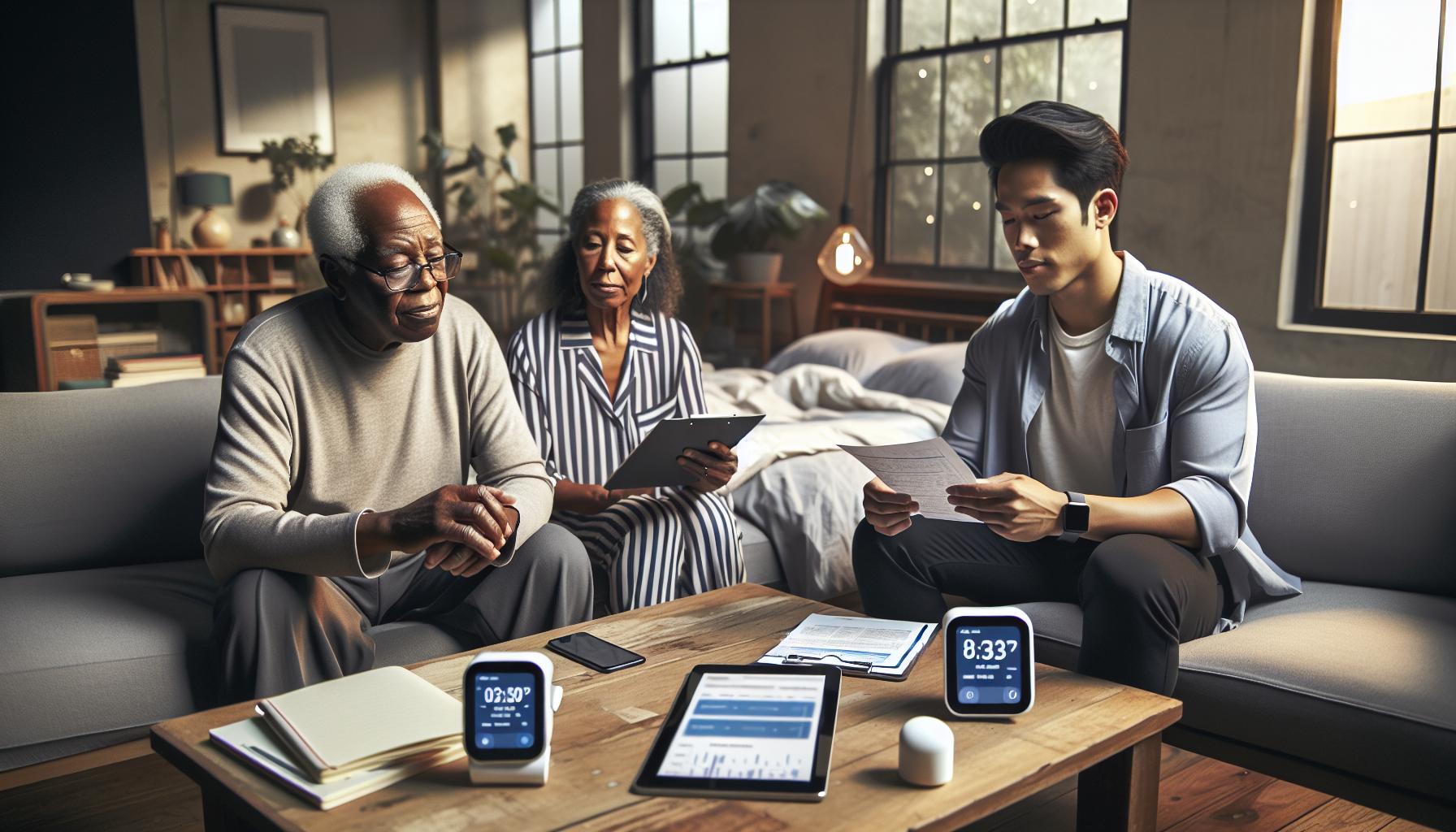
Interpreting Your Sleep Results for Better Health
Understanding how to interpret your sleep results from the Gear Fit 2 can empower you to make meaningful changes to your sleep habits and overall health. Armed with insights from your sleep data, you can identify patterns and make targeted adjustments that enhance your nightly rest and daytime energy.
One of the foremost aspects to analyze is your sleep stages: light, deep, and REM. The Gear Fit 2 provides a detailed breakdown of time spent in each stage. Here’s how to interpret these stages:
- Light Sleep: This phase is essential for transitioning between wakefulness and deeper sleep. Frequent disruptions in this stage could signal environmental disturbances or poor sleep hygiene.
- Deep Sleep: Critical for physical restoration and immune function, the duration of deep sleep can illustrate the quality of your sleep. If your deep sleep is consistently low, evaluate factors like stress levels or late caffeine consumption.
- REM Sleep: This stage is vital for cognitive function and memory consolidation. Insufficient REM sleep might affect your mood and decision-making abilities the next day.
Beyond sleep stages, pay attention to your total sleep time and the time it takes to fall asleep. If it takes longer than 30 minutes regularly, consider revisiting your pre-sleep routine. Strategies like reducing screen time before bed, establishing a calming pre-sleep ritual, or adjusting your sleeping environment can help facilitate a better sleep onset.
Additionally, keep track of your heart rate variability (HRV) metrics. A heightened HRV during sleep is generally a positive sign, indicating your body is effectively recovering. Conversely, consistent low HRV readings may indicate elevated stress levels or inadequate recovery time, suggesting it might be worth exploring stress reduction techniques or consulting with a healthcare professional.
Engaging with your sleep data through the Gear Fit 2 is about more than just numbers; it’s about fostering a deeper understanding of your personal sleep patterns and taking actionable steps towards improvement. In the long run, these insights can lead to enhanced wellbeing, productivity, and overall quality of life.
Common Issues and Troubleshooting Gear Fit 2
Troubleshooting common issues with the Gear Fit 2 is essential for getting the most out of your sleep tracking experience. Users may encounter problems ranging from inaccurate readings to syncing issues, but many of these can be resolved with straightforward steps.
If your device fails to sync with your smartphone, start by ensuring that Bluetooth is enabled on both devices. Restarting both the Gear Fit 2 and your phone can often resolve temporary connectivity issues. Make sure that your Gear Fit 2 is properly updated with the latest firmware, as updates can fix bugs and improve performance. If problems persist, uninstalling and reinstalling the companion app can help reset the connection.
Inaccurate sleep data can be another frustrating concern. Ensure that your Gear Fit 2 is properly worn; a loose fit can lead to erroneous heartbeat and movement readings. When setting up your sleep tracking, confirm that your bedtime is accurately entered. Consider adjusting settings to enable the device to better detect different sleep stages. If you find that your device is not tracking sleep consistently, try recalibrating your sensor settings or resetting your device entirely.
The battery life of the Gear Fit 2 can affect its performance, particularly during nighttime use. To maximize battery life, turn off unnecessary features, such as constant heart rate tracking or notifications. If battery drain is excessive, it might be time to check for a battery health issue. Regularly monitor your battery status and recharge your device promptly to avoid interruptions during sleep tracking.
Lastly, it’s worthwhile to consult user forums or the manufacturer’s support for additional troubleshooting advice tailored specifically to your experiences. Many users share solutions based on their trials, enhancing the collective knowledge around common Gear Fit 2 issues. By following these tips and engaging with community resources, you’ll be well on your way to optimizing your sleep tracking experience with the Gear Fit 2.
Comparing Gear Fit 2 with Other Sleep Trackers
When it comes to choosing a sleep tracker, the Gear Fit 2 stands out as a popular option thanks to its comprehensive capabilities. However, it’s essential to compare it against other market contenders to determine what best suits your specific needs for sleep tracking. Many wearables today-such as the Fitbit Charge series, Garmin Vivosmart, and Apple Watch-offer similar functionalities, but they also have unique features or limitations that may influence your decision.
One significant advantage of the Gear Fit 2 is its integration with Samsung Health, a robust platform that provides in-depth analyses of sleep patterns and health metrics. It monitors total sleep duration, deep sleep, light sleep, and even provides insights on resting heart rate trends. In comparison, while devices like the Fitbit Charge 4 offer excellent sleep tracking features, they shine in battery life, lasting up to seven days versus the Gear Fit 2’s three to four days under typical use. Furthermore, Fitbit offers a more extensive community feature that may encourage users to engage in healthy sleep habits through social motivation.
Cost and Accessibility
Cost is another factor to consider. The Gear Fit 2 generally falls within a mid-range price bracket. Although lower-cost options like the Xiaomi Mi Band 6 provide basic sleep tracking, they lack the detailed insights and features available in the Gear Fit 2. On the other hand, high-end devices like the Apple Watch offer advanced metrics and compatibility with numerous apps but often at a premium, which might not be justified for those primarily interested in sleep tracking.
User Experience and Comfort
Comfort can greatly affect the effectiveness of sleep tracking, especially if worn overnight. The Gear Fit 2 has a stylish design and silicone band, which many users find comfortable. Comparatively, some users of the Garmin Vivosmart claim the band can feel bulky, particularly during prolonged use. It’s crucial to choose a tracker that fits well and feels comfortable, as this will directly impact your sleep quality and the accuracy of the data collected.
For individuals looking for specific features, it’s also important to consider how each device handles sleep disturbances and can record snoring or restlessness. While the Gear Fit 2 offers basic insights, more advanced models like the Withings Sleep Analyzer excel in providing comprehensive sleep cycle analysis and environmental factors influencing sleep quality.
In conclusion, whether you opt for the Gear Fit 2 or explore another model, understanding the trade-offs in features, comfort, and price will help you find the tracker that best supports your sleep health goals. Always check reviews specific to sleep tracking capabilities, as real user experiences can offer invaluable insights into how each device performs in night-time conditions.
Expert Tips for Maximizing Sleep Tracking Accuracy
To achieve optimal performance from your Gear Fit 2’s sleep tracking feature, there are several key strategies you can implement. First and foremost, ensure a proper fit. A snug yet comfortable band can significantly improve the accuracy of heart rate monitoring and movement detection during sleep. If the device is too loose, it may misread motions and result in inaccurate sleep data.
Another vital tip is to maintain a consistent sleep schedule. Try to go to bed and wake up at the same time every day, even on weekends. This regularity helps the Gear Fit 2 more accurately identify your sleep patterns and cycles. Your body develops a natural rhythm, allowing the smartwatch to better differentiate between various phases of sleep.
Optimize Device Settings
Before you dive into sleep tracking, take a moment to customize your settings. Turn on features such as “Sleep Mode,” which activates automatically based on your typical patterns, or you can manually set it for upcoming sleep sessions. Ensure that notifications are minimized during the night to prevent disruptions, as alerts can affect your deep sleep stages and overall sleep quality.
Consider incorporating the Samsung Health app in your routine as well. This powerful companion provides comprehensive insights into your sleep data and allows you to track trends over time. Use it to configure additional parameters according to your sleep goals, such as aiming for more deep sleep or reducing disturbances caused by late-night screen time.
Track Sleep Influences
Your environment and lifestyle can significantly impact the quality of your sleep and, thus, the accuracy of the Gear Fit 2’s data. Make lifestyle adjustments if necessary-like reducing caffeine intake in the evenings or ensuring your sleeping area is dark and cool. Using blackout curtains and maintaining a quiet environment can help enhance your sleep, providing more reliable data for tracking.
Lastly, review and analyze your sleep data regularly. Understanding patterns can help you identify what works and what doesn’t, allowing you to refine your approach over time. For instance, if you find that certain activities before bed lead to more restless nights, you can adjust your evening routine for better sleep results. By following these expert tips, you can maximize the capabilities of your Gear Fit 2, ultimately leading to improved sleep quality and better overall health.
How Gear Fit 2 Affects Your Sleep Quality
The Gear Fit 2 has a profound impact on sleep quality by offering valuable insights and actionable data that help you understand and improve your nightly rest. By tracking your sleep stages-light, deep, and REM-it allows you to see not just how long you’re sleeping, but the quality and depth of that sleep. This level of detail enables you to make informed decisions about your sleep habits and overall health.
Utilizing the Gear Fit 2’s features can lead to improvements in how you feel during the day. For instance, by identifying patterns in when you feel most rested or restless, you can adjust your sleep environment or schedule. If you notice that late-night screen time may be contributing to poor sleep quality, you can implement changes like setting a digital curfew to reduce light exposure before bedtime. Similarly, the device’s heart rate monitoring can help you observe how stress and anxiety throughout the day carry over into your nightly rest.
Moreover, the Gear Fit 2 encourages a proactive approach to sleep hygiene. By integrating its data with the Samsung Health app, you can track lifestyle factors such as caffeine intake and exercise levels, allowing for a more holistic view of what influences your sleep patterns. You can even set sleep goals and receive gentle reminders to keep your bedtime consistent, reinforcing a routine that promotes long-term benefits for your sleep health.
However, while the Gear Fit 2 is a powerful tool for tracking sleep, it’s essential to remember its limitations. The device uses algorithms based on movement and heart rate; it may not capture every nuance of your sleep cycle as accurately as a professional study would. Using your Gear Fit 2 as a first step towards better understanding your sleep can motivate you to explore additional resources or seek professional advice if necessary. With mindful adjustments based on its insights, you can significantly enhance your sleep quality and overall wellbeing.
Real-Life Success Stories: Improving Sleep with Gear Fit 2
Many users of the Gear Fit 2 have discovered transformative improvements in their sleep quality thanks to the insights provided by this innovative health tracker. For instance, one user, Sarah, struggled with inconsistent sleep patterns for years. After starting to monitor her sleep with the Gear Fit 2, she realized that her late-night screen time was significantly impacting her rest. The tracker indicated that her heart rate remained elevated during the hours spent on her phone, correlating with her restless nights. Armed with this knowledge, Sarah implemented a digital curfew, putting her devices away an hour before bedtime. This simple change resulted in her falling asleep faster and waking up feeling more refreshed.
Another user, Tom, found that his daily caffeine intake was affecting his sleep quality more than he realized. By using the Gear Fit 2, he tracked his consumption alongside his sleep data, noting that nights after consuming coffee in the afternoon resulted in shallower sleep. Adjusting his caffeine habits to only morning consumption led to deeper sleep stages and noticeably improved daytime energy levels. Tom also leveraged the Gear Fit 2’s sleep goal feature, which kept him accountable for his sleep schedule, leading to a consistent bedtime routine that further enhanced his rest.
The Gear Fit 2’s ability to track sleep stages also played a crucial role for Emma, who often woke up feeling exhausted despite spending enough time in bed. Through detailed sleep data, she discovered she was spending too much time in light sleep and not enough in deep sleep. By adjusting her bedroom environment-reducing noise and light-she managed to increase the quality of her deep sleep by over 40%. Emma’s experience illustrates how actionable insights from the Gear Fit 2 can empower users to make changes that directly affect their sleep health.
These real-life success stories highlight the Gear Fit 2’s role not just as a sleep tracker, but as a powerful tool for meaningful lifestyle changes. By understanding and leveraging the data it provides, users can significantly improve their sleep quality, leading to better overall health and well-being.
When to Consider a Professional Sleep Study
When considering whether to move from tracking your sleep with the Gear Fit 2 to undergoing a professional sleep study, it’s essential to weigh your current sleep issues against what a formal evaluation can offer. If your wearable device has highlighted persistent problems such as excessive daytime sleepiness, severe snoring, or sudden lapses in consciousness, these may signal sleep disorders like sleep apnea or narcolepsy that require clinical assessment for proper diagnosis and treatment.
Key Indicators for Professional Evaluation
It’s beneficial to look for specific signs that indicate a sleep study might be necessary:
- Chronic Fatigue: If you consistently wake up feeling unrefreshed, it may be time for a deeper dive into possible underlying issues.
- Irregular Sleep Patterns: Persistent difficulty falling asleep or staying asleep that is not improving with lifestyle changes could suggest a more serious condition.
- Observations from Others: If a partner or family member has noted severe snoring, gasping sounds during sleep, or unusual movements, these are critical clues that warrant professional attention.
- Tracking Inconsistencies: If your Gear Fit 2 provides contradictory data over time, indicating significant variations in sleep cycles while you’re experiencing ongoing issues, it might signal the need for further investigation.
What to Expect from a Sleep Study
A sleep study, or polysomnography, typically takes place overnight in a sleep lab where healthcare professionals can monitor various body functions. Here’s what you can expect:
- Setup: Electrodes will be placed on your scalp, face, chest, and legs to monitor brain activity, heart rate, muscle activity, and breathing.
- Comfort Level: Many facilities strive to create a welcoming environment, offering comfortable bedding and relaxation options to help you rest.
- Duration: The study usually lasts the entire night, though some tests can be conducted at home for select patients.
- Results: After the study, results will typically be analyzed by a sleep specialist, who will provide insight into your sleep architecture and related issues.
While the Gear Fit 2 is a useful tool for tracking and gathering initial insights into your sleep patterns, it does have limitations. It can indicate potential issues and offer actionable data, but it cannot diagnose conditions that specialists are uniquely equipped to evaluate. If you find yourself grappling with unresolved sleep problems, pursuing a professional sleep study can provide the answers and targeted treatment options you need. Embracing this next step can lead to a significant improvement in your sleep quality and overall health, empowering you to reclaim those restful nights you’ve been longing for.
Frequently asked questions
Q: How do I enable sleep tracking on my Gear Fit 2?
A: To enable sleep tracking on your Gear Fit 2, swipe to the “Settings” menu, select “Sleep,” and toggle the sleep tracking feature on. Ensure that your device has adequate battery life for overnight tracking and is worn snugly on your wrist while you sleep.
Q: What should I do if my Gear Fit 2 isn’t tracking sleep accurately?
A: If your Gear Fit 2 isn’t tracking sleep accurately, check the fit of the device on your wrist and ensure it’s not loose. Update the firmware and review your sleep settings in the app. You can refer to the “Common Issues and Troubleshooting Gear Fit 2” section in the article for detailed solutions.
Q: Can I manually log my sleep data on the Gear Fit 2?
A: Yes, you can manually log sleep data on your Gear Fit 2 by accessing the Sleep section in the Samsung Health app. Tap on “Add Sleep” to enter your sleep times. This option is useful if the automatic tracking missed your sleep or if you took a nap.
Q: What is the best time to wear the Gear Fit 2 for sleep tracking?
A: It’s best to wear the Gear Fit 2 for sleep tracking every night, ideally for at least 7 hours. Wearing it consistently helps in gathering accurate data over time, allowing the device to identify patterns and provide better insights into your sleep quality.
Q: Does Gear Fit 2 track naps as well?
A: Yes, the Gear Fit 2 can track naps, but automatic recognition may vary. Ensure you wear the device during naps for more accurate data. You can also manually log naps using the Samsung Health app for precise tracking.
Q: How can I interpret my sleep data from the Gear Fit 2?
A: You can interpret your sleep data by reviewing the breakdown of sleep stages-light, deep, and REM sleep-on the Samsung Health app. Each stage provides insights into your sleep quality and can help you make adjustments for better rest.
Q: Is Gear Fit 2 compatible with third-party sleep tracking apps?
A: No, Gear Fit 2 is primarily designed to work with Samsung Health for sleep tracking. While you can sync data with other health platforms indirectly, the best experience and analysis are available through the Samsung Health app.
Q: How does sleep tracking data from Gear Fit 2 help improve sleep quality?
A: Analyzing your sleep tracking data from Gear Fit 2 can help you identify patterns, disturbances, and areas for improvement. Use this information to establish better sleep habits and adjust your bedtime routine for enhanced sleep quality. For more details, refer to the “Understanding Sleep Data” section in the article.
Wrapping Up
Congratulations on setting up your Gear Fit 2 sleep tracker! By tracking your sleep patterns, you’re taking a proactive step towards better sleep health and overall well-being. If you still have questions about sleep disorders or how to interpret your sleep data, check out our comprehensive guides on understanding sleep stages and common sleep disorders.
Now that your device is ready, why not delve deeper? Explore our articles on the latest in sleep technology and tips for optimizing your nightly routine. Don’t forget to subscribe to our newsletter for exclusive tips and resources! Your path to improved sleep starts now. Share your experiences in the comments, and let’s continue this journey together. Remember, your health is worth the effort!
Get our latest guides, news, and insights highlighted in your Google Search & AI Overviews.