
Sleep is a vital component of our overall well-being, impacting everything from mood to productivity. For those looking to better understand their sleeping patterns and improve their nighttime rest, Garmin’s sleep tracking technology has become a popular option. But how effective is it really? In this review, we’ll delve into user experiences with Garmin’s sleep tracking features, exploring its accuracy, ease of use, and the insights it provides through the Garmin Connect app. Whether you struggle with insomnia, simply wish to enhance your sleep quality, or are curious about how wearable technology can aid your sleep journey, this guide will help you navigate Garmin’s offerings. Join us as we uncover what users really think about Garmin’s sleep tracking capabilities and what you can expect from this innovative tool.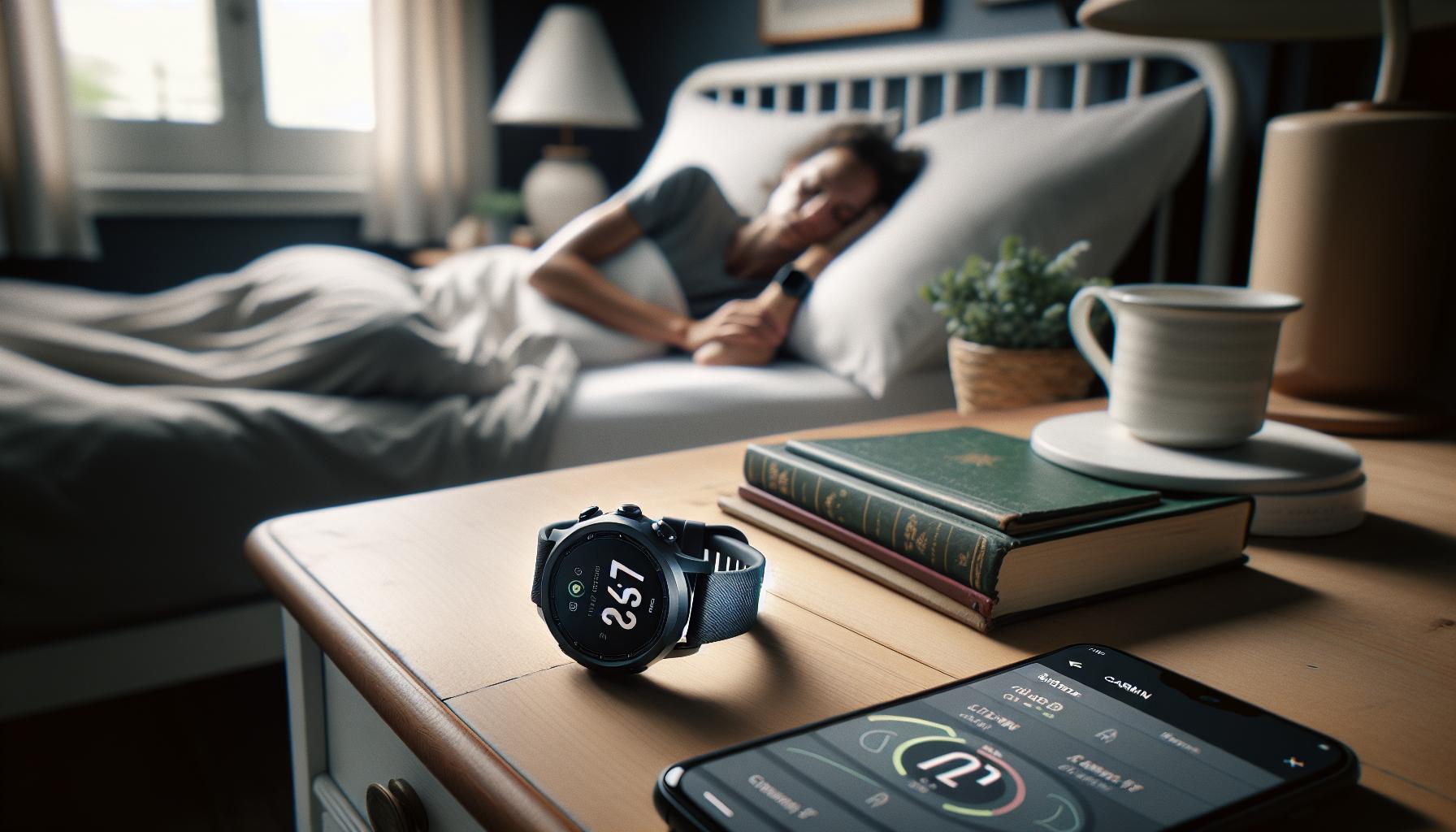
What is Garmin Sleep Tracking?
Garmin sleep tracking leverages advanced technology to provide insights into your nightly rest, helping you understand and improve your sleep patterns. Utilizing a combination of heart rate monitoring and motion sensors, Garmin devices can estimate various sleep stages: light, deep, and REM sleep. The data collected is then visualized through the Garmin Connect app, where you can monitor your sleep trends over time. This feature not only demystifies how long you sleep but also highlights the quality of that sleep, offering a comprehensive look at your overall well-being.
One of the standout aspects of Garmin sleep tracking is its ability to provide a Sleep Score, which evaluates your nighttime rest based on several factors, including total sleep time, sleep stages, and interruptions. This score helps to contextualize the raw data, allowing users to grasp the impact of their sleep on their daily lives. For instance, a user may notice that nights with more REM sleep correlate with feeling more refreshed the next day, while restless nights might lead to feelings of fatigue. This feedback can empower individuals to make informed choices, whether it’s adjusting bedtime routines or seeking a more comfortable sleep environment.
Garmin’s integration with other fitness metrics allows users to see how their sleep patterns affect overall health. By syncing your sleep data with other health tools, you can identify trends and pinpoint factors that contribute to better or poorer sleep. The experience can be enhanced by setting personalized sleep goals, creating a supportive framework for improving sleep quality over time. Indeed, Garmin sleep tracking emerges not just as a tool for monitoring sleep but as a cornerstone of a comprehensive approach to personal health management.
Understanding How Sleep Tracking Works
Garmin sleep tracking employs advanced technologies to monitor and analyze your nightly rest, aiming to illuminate your sleep patterns with remarkable precision. At its core, Garmin devices utilize a combination of heart rate monitoring and motion sensors, allowing them to discern between different stages of sleep-light, deep, and REM. This sophisticated analysis does not just inform you how long you slept but also offers insights into the quality of that sleep, helping you gauge your wellness over time.
To get started with Garmin sleep tracking, simply wear your device while you sleep. Once you sync the data to the Garmin Connect app, you can visualize your sleep metrics, including total sleep time, interruptions, and your Sleep Score, which is calculated based on various factors including sleep duration and disturbances. This Sleep Score can serve as a powerful motivator to improve your sleep habits. For instance, if you discover that nights with prolonged deep sleep coincide with waking up refreshed, you might prioritize those conditions actively.
Understanding the functionality of Garmin’s tracking can also demystify the often complex science of sleep. With detailed insights offered through the Garmin Connect app, users can monitor fluctuations in their sleep patterns over time, potentially linking these changes to lifestyle factors such as diet, exercise, or stress. The app also features trends and comparisons that empower users to make informed adjustments, fostering an environment conducive to better rest.
In addition, Garmin devices may include features such as pulse oximetry to track breathing variations during sleep, adding another layer to understanding your sleep environment and overall health. However, it is essential to recognize that while these devices provide valuable insights, they do not replace professional sleep studies for diagnosing sleep disorders. Being aware of these distinctions can help users set realistic expectations and enhance the value of their Garmin sleep tracking experience.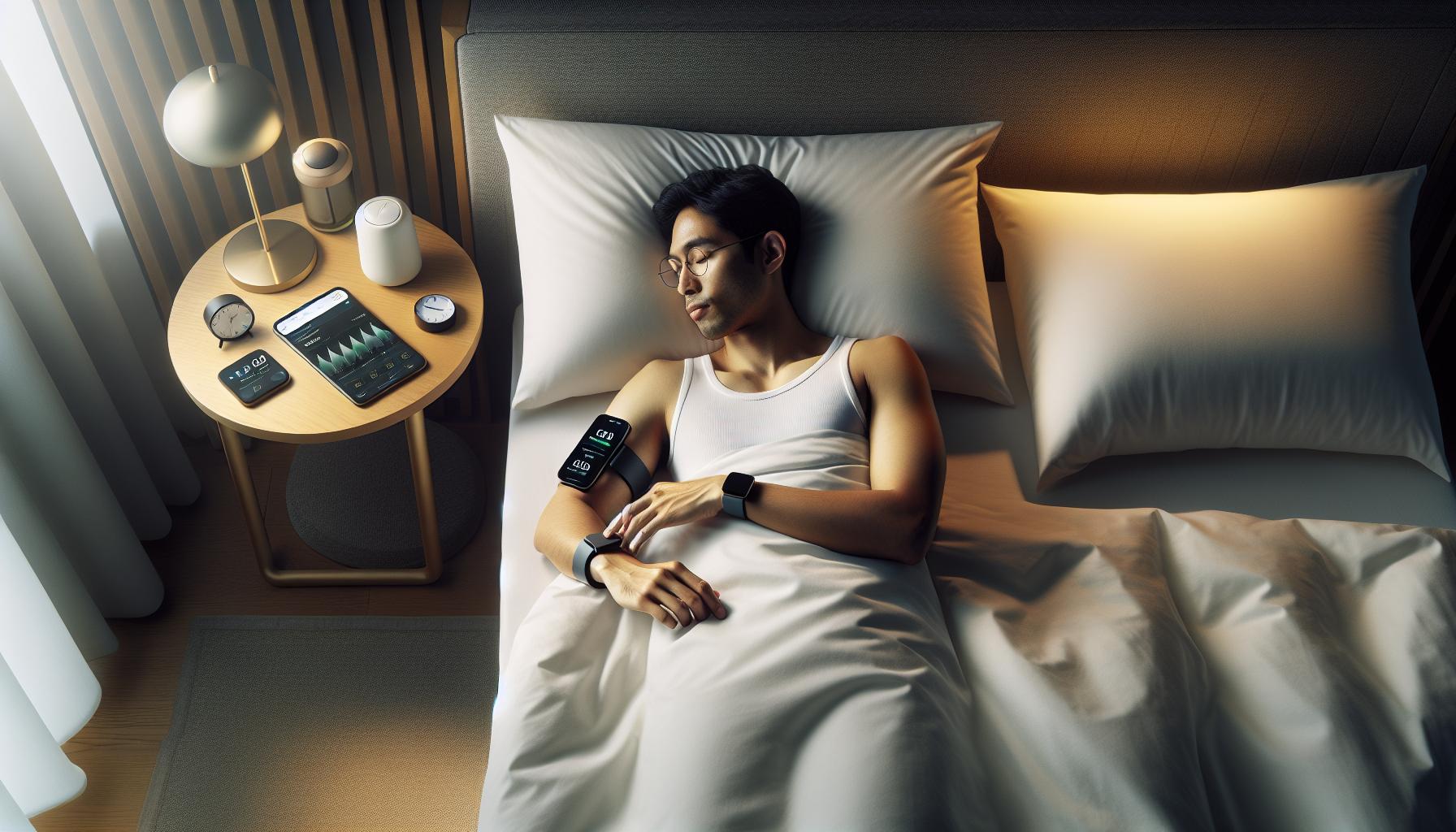
Benefits of Using Garmin for Sleep Monitoring
Utilizing Garmin for sleep monitoring offers a wealth of benefits that can significantly enhance your understanding of your sleep patterns and overall health. One of the standout features is the Sleep Score. This metric, calculated based on various factors such as sleep duration, disturbances, and quality of sleep stages, serves as an excellent motivator for users to make healthier choices. For instance, by monitoring your Sleep Score, you can identify how lifestyle changes-like altering your bedtime routine or improving your sleep environment-impact the quality of your rest.
The Garmin Connect app provides actionable insights from the data collected during the night. Users can track their sleep duration, interruptions, and even breathing variations, allowing for a comprehensive view of their sleep health. With these insights, individuals can pinpoint patterns or shifts in their sleep quality, making it easier to connect fluctuations with habits such as caffeine intake, stress levels, or exercise routines. The ability to visualize these trends over time creates a clearer picture of what influences your nightly rest, aiding in better sleep hygiene practices.
Garmin devices also offer features like pulse oximetry, which tracks blood oxygen levels and monitors breathing variations during sleep. This additional functionality offers deeper insights into potential sleep-related issues, elevating the monitoring experience beyond simple time tracking. As you gather data, you can become more attuned to your body’s needs, making informed decisions that could lead to improved health outcomes.
Moreover, Garmin sleep monitoring is designed with user-friendliness in mind. Setting up your device for sleep tracking is straightforward-simply wear the device while you sleep and sync the data with the Garmin Connect app. This low-maintenance requirement ensures that even those unfamiliar with sleep tracking technology can benefit efficiently. Whether you’re aiming to improve your sleep quality, understand your health better, or simply satisfy your curiosity about your nightly rest, Garmin offers a robust solution tailored to your sleep monitoring needs.
User Experience: Setting Up Your Garmin Device
Setting up your Garmin device for sleep tracking is a straightforward process that can greatly enhance your understanding of your sleep patterns. First, it’s essential to select a compatible Garmin device; most Garmin smartwatches and fitness trackers come equipped with sleep monitoring features. To begin, ensure your device is fully charged and updated to the latest firmware to avoid any technical glitches.
Once your device is ready, follow these steps to enable sleep tracking:
- Wear It Correctly: It’s crucial to wear your Garmin device snugly on your wrist. Ensure it’s comfortable but tight enough to get accurate heart rate readings.
- Activate Sleep Mode: Most Garmin devices automatically detect sleep onset by sensing when you are still and at rest. However, you can also manually activate “Sleep Mode” to ensure the device starts tracking when you’re ready to sleep.
- Sync with Garmin Connect: After waking up, sync your device with the Garmin Connect app on your smartphone. This app is where you’ll view your sleep statistics and insights.
This user-friendly approach is part of what makes Garmin a favorite among those just getting started with sleep tracking technology. You can analyze a variety of metrics, such as total sleep time, sleep quality, and different sleep stages, including REM, light, and deep sleep.
It’s worth noting that while Garmin devices are effective for general sleep monitoring, they have limitations. They may not be as precise as medical-grade sleep studies for diagnosing sleep disorders. However, for general insights and improving your sleep hygiene, Garmin’s stats can be incredibly beneficial. Consider your goals when using the device-whether it’s to improve overall health or just to become more aware of your sleep habits, Garmin makes it easy for anyone to get started on their path to better sleep.
Analyzing Sleep Data: Key Metrics Explained
Analyzing how you sleep is as crucial as the sleep itself. With Garmin’s sleep tracking, you gain insights into various metrics that can illuminate your nightly patterns and help you adjust to achieve better rest. The core metrics you’ll want to focus on include total sleep time, sleep stages, sleep quality, and disturbances during the night.
- Total Sleep Time: This metric indicates how long you were actually asleep as opposed to just being in bed. Garmin tracks this by accounting for periods of wakefulness throughout the night.
- Sleep Stages: Understanding your sleep stages-light sleep, deep sleep, and REM (rapid eye movement)-is vital. Each stage serves a different purpose in your overall recovery and mental wellbeing. For example, deep sleep is critical for physical restoration, while REM sleep is essential for cognitive functions like memory and emotional processing.
- Sleep Quality: Garmin provides a Sleep Score that gives you a holistic view of your rest. This score is derived from the quality and distribution of your sleep stages, along with other factors like how restless you were and how many times you woke up.
- Disturbances: Monitoring disturbances can help identify factors that affect your sleep. If your sleep reports indicate frequent interruptions, you might consider lifestyle changes or further assessments.
Understanding these metrics can empower you to make informed decisions about your sleep habits. For instance, if your data show that you’re getting plenty of sleep but lacking REM cycles, it could highlight potential areas for improvement like stress management or changes in your pre-sleep routine. Many users find that correlating their sleep data with daily activities-like exercise and screen time-can reveal how different choices impact their sleep.
Garmin’s intuitive interface makes it easy to visualize this data. By regularly reviewing your sleep patterns, you can adjust your bedtime, create a more conducive sleep environment, and adopt practices that promote deeper sleep. Although Garmin’s sleep tracking offers a wealth of information, remember that this data is meant for general guidance rather than as a definitive diagnosis. If you have serious concerns about your sleep quality or patterns, consulting with a healthcare provider is always a wise next step.
Comparison: Garmin Sleep Tracking vs. Other Devices
When evaluating how Garmin’s sleep tracking stacks up against other popular devices, it’s essential to look at several key aspects that affect user experience. Garmin is known for its detailed metrics and user-friendly interface, making it a strong contender in the wearables market.
One of the standout features of Garmin’s sleep tracking is its accuracy in recognizing sleep stages. Users have reported that Garmin devices often detect moments of wakefulness more effectively than competitors like Apple and Fitbit. For instance, Garmin’s approach to sleep tracking collects data over time, which helps in providing a comprehensive view of sleep patterns versus a snapshot approach used by some other devices [[1]](https://www.reddit.com/r/GarminWatches/comments/1lf2vng/garmins_sleep_tracking_vs_apples_is_better_than/). This extended tracking contributes to a more personalized sleep score that considers various factors such as sleep quality and disturbances.
In a comparative study evaluating multiple sleep trackers, devices like the Oura Ring showed inconsistencies in tracking deep sleep, indicating that not all sleep trackers measure sleep quality equally [[2]](https://www.cnet.com/health/sleep/i-tested-three-sleep-trackers-for-30-days/). Garmin’s ability to deliver a consistent and relatable sleep score offers users a clear understanding of their nightly rest compared to the metrics provided by other devices.
Cost is another factor to consider; Garmin devices often fall in the mid-to-high price range but typically offer robust features that justify the investment. Users can access advanced metrics and seamless integration with other health apps, creating a more comprehensive picture of their wellbeing. With Garmin, you can also expect straightforward setup and reliable syncing capabilities, making it an attractive choice for users seeking a comprehensive sleep analysis tool.
Overall, when comparing Garmin sleep tracking to other devices, users often appreciate its detailed metrics, accuracy, and user-centric design. Whether you are a fitness enthusiast or someone merely looking to improve your sleep quality, Garmin’s sleep tracking offers a practical and informed approach to nocturnal wellness.
Common User Complaints and Misconceptions
User experiences with Garmin sleep tracking reveal a mix of praise and grievances that are important to unpack for anyone contemplating the use of these wearables. A common complaint is related to the accuracy of sleep stage detection. While many users appreciate Garmin’s ability to differentiate between light, deep, and REM sleep, some report that the device occasionally misclassifies sleep stages, leading to confusion about overall sleep quality. This is particularly true for those who value precision, such as athletes or individuals tracking their recovery meticulously. Moreover, inconsistencies in detecting wakefulness can skew results, creating frustration for users keen on monitoring their sleep patterns closely.
Another misconception is that Garmin devices are solely fitness trackers and do not cater to broader health insights. While Garmin’s primary appeal lies in its fitness features, the sleep tracking capabilities are robust and intended to complement the user’s overall health journey. Many users have successfully integrated sleep data with their fitness routines, utilizing insights from sleep scores to fine-tune their training schedules. However, it’s essential to manage expectations; the watch can provide helpful feedback, but it should not replace medical advice or professional sleep studies if major issues arise.
In regards to device comfort, some users have expressed discomfort wearing the device overnight, especially after long days of activity. This discomfort can lead to users taking the device off during the night, thus not fully capitalizing on the sleep tracking features that Garmin offers. To alleviate this, potential buyers are encouraged to try on devices before purchase or consider models known for their lighter designs.
Lastly, users have noted the steep learning curve associated with app navigation and understanding the various metrics presented. Garmin Connect’s interface can be overwhelming for new users, particularly those who are not technologically savvy. To enhance the user experience, it’s beneficial to seek out official tutorials or community forums to familiarize oneself with the features before diving into sleep tracking. By addressing these common grievances and misconceptions, potential Garmin users can make a more informed decision about incorporating these devices into their sleep health strategy.
Maximizing Accuracy: Tips for Effective Sleep Tracking
To truly harness the benefits of Garmin sleep tracking, mastering the nuances of setup and usage is key. Many users believe having a tracking device on their wrist is all it takes, but achieving accurate data goes beyond that initial step. Here are some practical tips to improve the accuracy of your Garmin sleep tracking experience.
Establish a Consistent Sleep Routine
- Set Regular Sleep Hours: Consistency is crucial for effective sleep tracking. Try to go to bed and wake up at the same times daily.
- Identify Your Sleep Environment: Ensure your sleep environment is conducive to rest. Factors like light, noise, and temperature can significantly affect sleep quality.
Optimize Device Usage
- Wear It Correctly: Make sure your Garmin device fits snugly but comfortably on your wrist. A loose fit can lead to inaccurate readings.
- Enable Pulse Oximeter Tracking: Activate the pulse oximeter feature to capture insights about breathing variations and overall sleep quality. This added layer can enhance your understanding of sleep health.
Utilize Garmin Connect Effectively
- Regularly Sync Your Data: Upload your data to the Garmin Connect app regularly for comprehensive analysis. This not only helps in tracking patterns but also provides insights over time.
- Explore Sleep Metrics: Dive into the various metrics provided, such as sleep scores and stage breakdowns, to get a holistic view of your sleep quality. Understanding these metrics can guide adjustments to your habits.
Establishing these practices can significantly enhance the accuracy of your Garmin sleep tracking experience. As you adapt your routine and leverage the device’s full capabilities, you’ll be better equipped to understand and improve your sleep health. Remember, while Garmin provides valuable insights, they are a complement to rather than a substitute for professional sleep assessments, especially if sleep issues persist.
How Garmin Sleep Tracking Affects Health Insights
Tracking your sleep with a Garmin device can profoundly impact your understanding of your overall health and well-being. The insights provided by this technology can lead to significant changes in habits and routines, helping users make informed decisions about their sleep health. By monitoring not just the quantity but also the quality of sleep, Garmin offers a holistic view that can empower users to take actionable steps toward improvement.
Garmin sleep tracking functions by evaluating key metrics such as sleep duration, sleep stages (light, deep, and REM sleep), and variations in heart rate and oxygen levels. With this data, users can identify patterns and trends in their sleep habits that may influence their daily life, fitness, and overall health. For instance, if a user notices frequent disruptions during REM sleep, they can test different approaches to enhance their sleep environment, such as adjusting lighting or implementing relaxation techniques before bed.
Empowering Lifestyle Changes
The health insights gained from Garmin’s sleep tracking capabilities can be a catalyst for transformative lifestyle changes. Users often find that by simply being aware of their sleep patterns, they become more inclined to adhere to a regular sleep schedule or make adjustments, such as reducing caffeine intake in the evening. This proactive behavior can lead to enhanced sleep quality, increased energy levels, and improved mood, reinforcing the cycle of positive health outcomes.
Integrating Health Monitoring
As Garmin sleep tracking data is integrated with broader health monitoring tools available through the Garmin Connect app, users gain a comprehensive overview of their health statistics. This integration allows for more personalized health management strategies, making it easier to correlate sleep with other factors like physical activity and stress levels. For example, if a user experiences a dip in their sleep score after intense workouts, they may recognize the need to balance exercise with recovery time, prioritizing rest to maximize performance and well-being.
In conclusion, Garmin’s sleep tracking is more than just a tool; it’s a bridge to a better understanding of personal health. By translating sleep data into actionable insights, users can foster healthier habits, leading to profound benefits in their overall quality of life.
Interpreting Your Sleep Patterns: User Experiences
Many users find themselves intrigued by the wealth of data provided by Garmin’s sleep tracking features. The ability to see not just how long they slept, but the quality of that sleep through different stages-light, deep, and REM-offers a new lens through which to understand personal health. Reports from users show that this insight often leads to revelations about habits they didn’t realize were affecting their sleep. For instance, one user discovered that evening workouts, while seemingly beneficial, were actually cutting into her REM sleep. By adjusting her routine, she was able to enhance both her sleep quality and overall well-being.
To make the most of Garmin’s sleep tracking insights, it’s essential to understand how to interpret the data effectively. Garmin’s platform provides a Sleep Score that summarizes your sleep quality, but many users find value in digging deeper into the detailed breakdown of sleep stages. Each stage serves a unique purpose-light sleep aids in memory consolidation, deep sleep supports physical recovery, and REM sleep is critical for cognitive function. Users often report that seeing these stages visually represented helps them connect the dots between their daily activities and their nighttime rest.
Incorporating straightforward changes based on sleep data can be highly effective. Users have noted that implementing simple adjustments, like maintaining a consistent bedtime or improving their sleeping environment with blackout curtains and white noise machines, can significantly elevate sleep quality. Such proactive measures reflect the transformative potential of understanding one’s sleep patterns-many users feel more energized and alert after just a few adjustments.
For those seeking to go a step further, integrating Garmin sleep data with other health metrics can be insightful. Users often find that correlating sleep patterns with factors like diet, exercise, and stress levels can provide a more holistic view of their health. For example, a user might notice a trend where poor sleep correlates with high-stress days, prompting them to adopt stress management techniques during hectic periods. Overall, these collective experiences highlight how Garmin’s sleep tracking system can be a powerful tool for personal health improvement, transforming sleep into a strategic component of daily wellness.
Integrating Garmin Data with Other Health Tools
Integrating data from your Garmin device with other health tools can transform how you manage your wellness. By bringing together various metrics from multiple sources, you can develop a clearer picture of your overall health and make more informed lifestyle choices. For example, combining Garmin sleep tracking data with dietary logs from an app like MyFitnessPal can reveal patterns that might not be evident when viewed in isolation. Noticing that poor sleep aligns with high-carb intake could encourage you to reevaluate your night-time snacking habits, ultimately leading to better rest.
To effectively integrate Garmin sleep data with other health tools, consider using compatibility features. Many health and fitness tracking platforms offer the ability to sync with Garmin Connect, allowing you to view your sleep data alongside other metrics such as physical activity, heart rate, and stress levels. This unified view can be instrumental in identifying how day-to-day choices, like caffeine consumption or workout intensity, influence your sleep patterns. When you see how a rigorous workout schedule correlates with higher sleep scores, it might encourage you to prioritize exercise even more.
Practical Steps for Integration:
- Ensure your Garmin device is synced with apps that reflect dietary and exercise habits.
- Regularly update your lifestyle inputs in connected apps, noting any corresponding shifts in sleep quality.
- Utilize built-in analytics tools within Garmin Connect to observe patterns over time, helping to identify triggers for poor sleep.
Many users report that utilizing these insights leads to meaningful lifestyle changes. For instance, one user realized that their stress levels peaked on days when they consumed less water, which also correlated with poorer sleep quality. Such realizations empower you to make holistic changes rather than isolated adjustments. By connecting various aspects of health data, Garmin users can navigate their wellness journeys with increased clarity, turning insights into actionable strategies for improvement.
Real Life Scenarios: When to Seek Professional Help
It’s common to rely on wearable devices like Garmin for insights into sleep patterns, but there are times when these devices may not provide all the answers. While your Garmin can track sleep duration, quality, and various sleep stages, some symptoms or issues warrant a consultation with a sleep professional. Recognizing when to seek help is crucial for addressing potential sleep disorders effectively.
If you find yourself consistently waking up feeling unrefreshed, or if your Garmin sleep tracking data shows significant periods of wakefulness or restlessness during the night, it could be time to speak with a healthcare provider. An example of when to seek professional help is when you observe ongoing fatigue despite seemingly adequate sleep hours. This could signal underlying issues like sleep apnea, which wearables often can’t diagnose accurately. If your partner notices loud snoring or episodes of gasping while you sleep, these observations should also prompt a consultation.
Moreover, if you’re experiencing excessive daytime sleepiness, irritability, or difficulty concentrating, professional evaluation may be necessary. Tracking trends over time can be helpful-if your Garmin consistently reports poor sleep quality or disrupted sleep with accompanying daytime symptoms, it might be an indicator of a more serious condition.
Lastly, consider your mental health. If stress, anxiety, or depression starts impacting your sleep, a qualified professional can offer support and potential treatment options. Remember, while Garmin and other devices provide insight, they are not substitutes for a comprehensive medical evaluation. If your sleep experiences are negatively affecting your quality of life, reaching out for professional guidance is a wise and proactive step.
FAQ
Q: How does Garmin sleep tracking compare to other brands?
A: Garmin sleep tracking is generally regarded as accurate compared to other brands, offering detailed sleep phase breakdowns and insights into sleep quality. Users appreciate its integrated health metrics, but some may find alternatives like Fitbit easier for user interface and ecosystem integration. For a detailed comparison, see the section “Comparison: Garmin Sleep Tracking vs. Other Devices”.
Q: Can Garmin devices track naps effectively?
A: Yes, many Garmin devices can automatically track naps, logging duration and sleep quality. This feature allows users to understand how naps affect overall sleep patterns and restfulness. Visit the “Common User Complaints and Misconceptions” section for more details on nap detection.
Q: What common issues do users face with Garmin sleep tracking?
A: Users often report issues such as inaccurate sleep phase detection and difficulty syncing data. Some have also noted sensitivity to wrist movements affecting tracking accuracy. Address these concerns by consulting the “Maximizing Accuracy: Tips for Effective Sleep Tracking” section.
Q: How does Garmin sleep tracking benefit overall health?
A: Garmin sleep tracking provides insights into sleep quality and patterns, helping identify potential sleep issues. By understanding these metrics, users can make lifestyle changes to improve their overall health. Learn more about health insights in the section “How Garmin Sleep Tracking Affects Health Insights”.
Q: What settings improve Garmin sleep tracking accuracy?
A: To improve accuracy, ensure your device is worn snugly during sleep, enable pulse oximeter tracking, and set your normal sleep hours in the app. Check out “Maximizing Accuracy: Tips for Effective Sleep Tracking” for more helpful configurations.
Q: Are Garmin sleep tracking metrics reliable?
A: Most users find Garmin sleep tracking metrics reliable for general insights. However, individual factors may affect accuracy. Always consider the watch’s limitations while interpreting results. Refer to the “Interpreting Your Sleep Patterns: User Experiences” section for personal accounts.
Q: How often does Garmin update its sleep tracking technology?
A: Garmin regularly updates its software, improving sleep tracking features based on user feedback and research developments. Stay informed on updates in the “Integrating Garmin Data with Other Health Tools” section for the latest enhancements.
Q: Can I integrate Garmin sleep data with other health platforms?
A: Yes, Garmin allows integration with other health platforms, enhancing your ability to track health and sleep metrics in one place. For integration tips, explore the “Integrating Garmin Data with Other Health Tools” section for more guidance.
To Wrap It Up
In conclusion, Garmin sleep tracking offers a comprehensive view of your sleep patterns, making it an invaluable tool for anyone looking to improve their rest and overall well-being. From tracking your sleep stages-light, deep, and REM-to providing insights into breathing variations, this technology empowers users to take charge of their sleep health. If you’re curious about optimizing your sleep further, consider exploring our articles on advanced sleep monitoring techniques and the best wearables for sleep tracking.
Don’t miss out on the potential to enhance your sleep quality-sign up for our newsletter to receive the latest insights and tips directly to your inbox. If you have any questions or experiences to share about Garmin sleep tracking, drop a comment below! Your journey to better sleep starts today, so take action now to reclaim your rest. Remember, with every night your Garmin tracks, you’re one step closer to understanding your sleep like never before. Explore our website for more resources and become part of a community dedicated to better sleep health!
Get our latest guides, news, and insights highlighted in your Google Search & AI Overviews.