
Did you know that nearly one-third of adults report not getting enough sleep, leading to various health issues? Tracking your sleep can be a game-changer, and your Fitbit is an excellent tool to help you gain insights into your nightly rest. In this guide, we will walk you through the quick setup of sleep tracking on your Fitbit, ensuring you harness its potential to monitor sleep patterns effectively. By understanding your sleep quality and duration, you can make informed decisions to improve your overall well-being. Whether you’re struggling with insomnia or just curious about your sleep habits, this setup guide will provide you with the knowledge you need to take control of your sleep health. Read on to discover straightforward steps that will pave the way for a better night’s sleep!
How Sleep Tracking Works on Fitbit
Fitbit’s sleep tracking technology is not just a step towards understanding your sleep habits; it’s a gateway to improving your overall health and wellness. By using advanced sensors, your Fitbit device captures data on sleep duration, quality, and stages, offering insights that can enhance your sleep hygiene. Each night, as you wear your device, it monitors your heart rate, movement, and even skin temperature changes, compiling this information into a comprehensive overview of your sleep patterns.
When you first wear your Fitbit at night, the device goes into sleep mode, automatically detecting when you fall asleep based on your lack of movement and heart rate changes. This monitoring continues throughout the night, breaking down your sleep into different stages: light, deep, and REM sleep. Understanding these stages can help illuminate what may be affecting your rest. For example, shorter periods of deep sleep can indicate stress levels or environmental factors that may need addressing.
Moreover, the insights provided by your Fitbit are not just data points; they come with actionable suggestions. With the Fitbit app, you can view trends over time, identify disturbances, and even receive personalized recommendations on how to improve your sleeping environment. Engaging with this data can transform your nightly routine, lead to better sleep quality, and ultimately enhance your daily energy levels and mood.
To maximize the effectiveness of your sleep tracking, it’s crucial to wear your Fitbit consistently and review your sleep stats regularly. This consistent tracking allows you to spot patterns and correlate changes in your lifestyle with changes in your sleep, empowering you to make informed adjustments for better health outcomes. Ultimately, sleep tracking on Fitbit provides a user-friendly approach to understanding your unique sleep needs, setting the stage for a healthier, more restful life.
Choosing the Right Fitbit for Sleep Tracking
Choosing a Fitbit model for sleep tracking can significantly influence the quality of insights you gain about your rest. Whether you’re a casual sleeper or someone who has serious concerns about sleep quality, understanding which Fitbit device suits your needs is essential. All Fitbit models, from the more affordable Inspire series to the advanced Charge and Sense models, include basic sleep tracking features. However, your choice will depend on specific functionalities that align with your sleep health goals.
For those new to sleep tracking, models like the Fitbit Inspire 3 provide a great entry point, offering essential metrics such as sleep duration and basic sleep stages. As you explore more advanced features, consider the Fitbit Charge 5 or Sense 2, which not only monitor sleep but also provide detailed insights into your sleep quality and patterns. These advanced models come equipped with features like SpO2 monitoring and stress management tools, which can deepen your understanding of how various factors affect your sleep.
When selecting a device, it’s also valuable to consider how comfortable the tracker is for overnight wear. A lightweight and unobtrusive design, such as the Fitbit Luxe, can contribute to better sleep quality as you’re less likely to be disturbed by the device itself. Moreover, ensure that the battery life of the Fitbit you choose allows for uninterrupted sleep tracking; most current models can last several days on a single charge, which is convenient for consistent data collection without frequent charging interruptions.
Lastly, look into the accompanying Fitbit app, as it is instrumental in interpreting the data collected by your device. The app’s user-friendly interface allows you to view trends, receive personalized insights, and set sleep goals. The right Fitbit not only tracks your sleep but also empowers you to improve it actively, making informed adjustments based on your sleep patterns and overall health needs.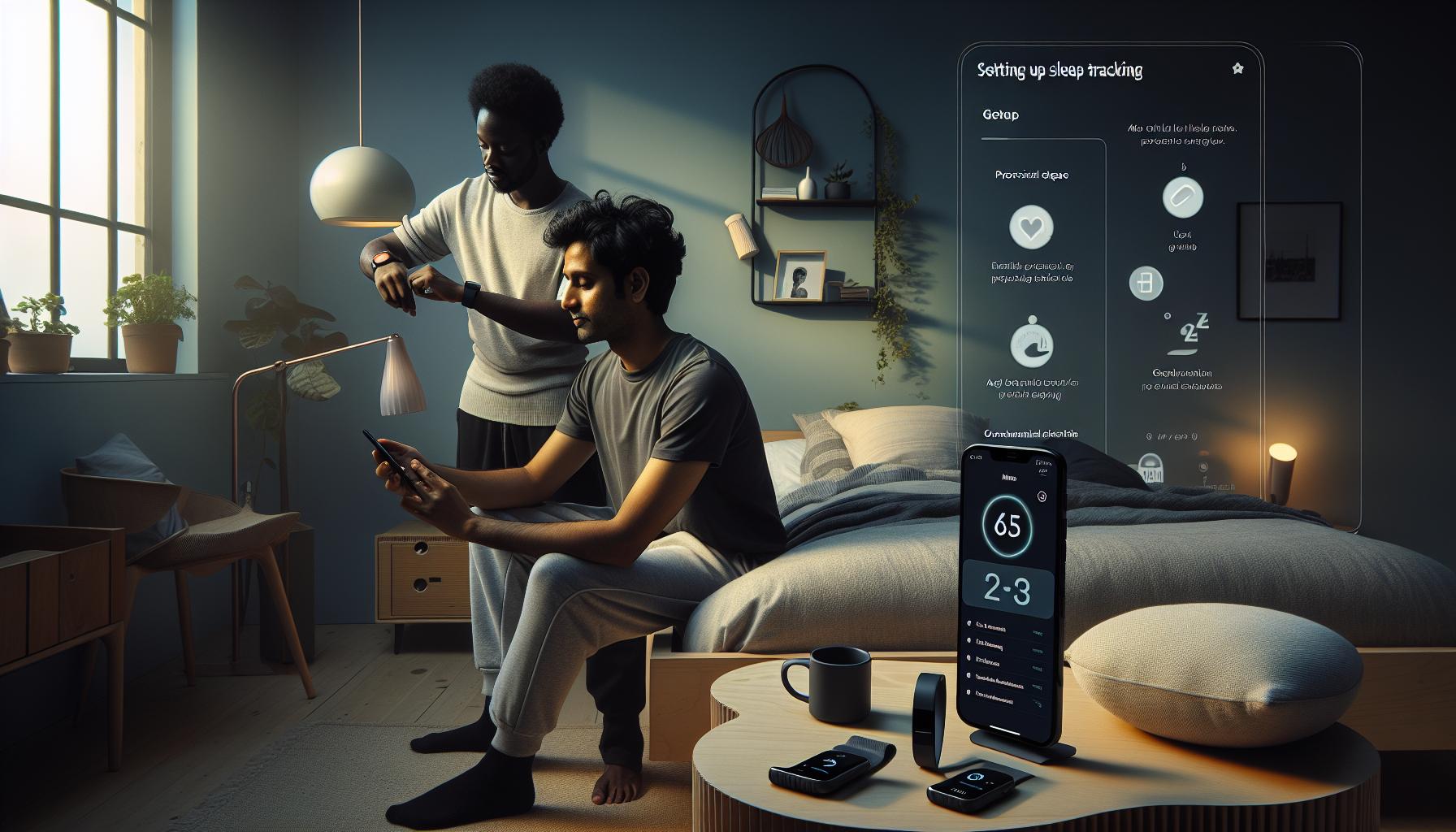
Step-by-Step Guide to Set Up Sleep Tracking
To dive into sleep tracking with your Fitbit, you first need to ensure that your device is properly set up for this functionality. A well-configured device allows for accurate tracking of your sleep patterns, helping you make informed decisions about your rest. The following steps will guide you through the setup process seamlessly.
Start by ensuring your Fitbit is fully charged. A dead battery can disrupt your sleep tracking, so it’s a good idea to charge it before bed. Next, open the Fitbit app on your mobile device. If you haven’t already paired your Fitbit, follow the on-screen instructions to connect your device via Bluetooth.
Once your Fitbit is paired with the app, navigate to the “Sleep” section. Here, you’ll find options to view your sleep schedule and set reminders for when to go to bed. Setting sleep goals can provide structure and consistency, allowing your Fitbit to gather more accurate data over time. To enable sleep tracking, ensure that the “Sleep Tracking” feature is turned on. This may vary slightly by device, so refer to the instruction manual relevant to your model.
Ensure that your Fitbit is snug on your wrist when you go to bed. A loose fit may result in inaccurate readings. After your first night of sleep tracking, open the app the following morning to review your data. This data will typically include metrics like sleep duration and how much time you spent in different sleep stages. The Fitbit app will also suggest insights based on your sleep patterns, which can help you identify areas for improvement.
By following these steps, you empower yourself with the information needed to enhance your sleep quality. A consistent setup process and an understanding of how to engage with your device’s features can lead to significant insights into your sleep health. Remember, the key to effective sleep tracking is not just collecting data but actively using it to inform your habits and routines.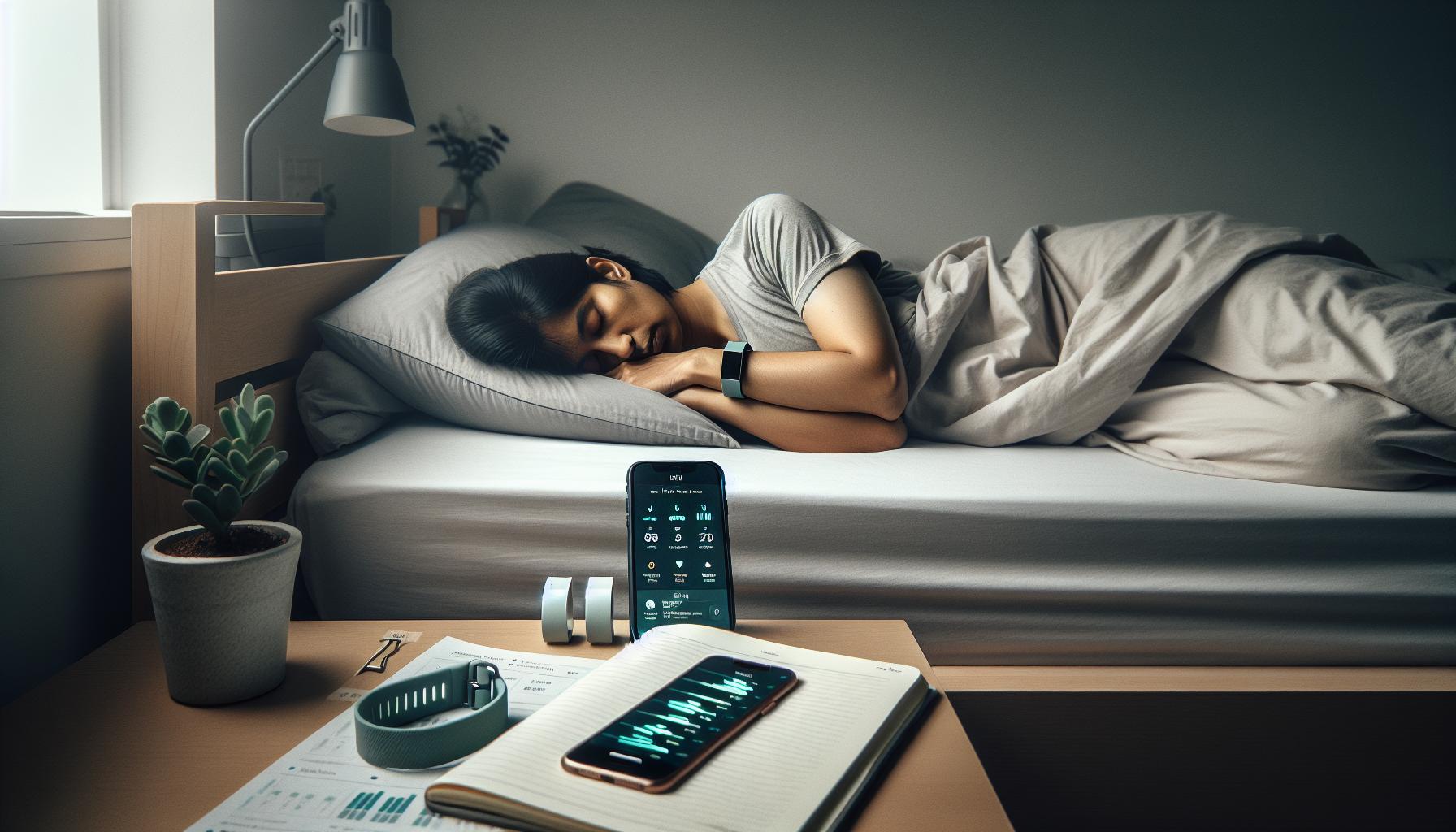
Understanding Sleep Stages Monitored by Fitbit
Understanding the intricacies of your sleep can seem daunting, but your Fitbit makes it easier by breaking it down into various stages. Knowing how sleep stages work helps you comprehend the quality of your rest and how you can optimize it for better health. Fitbit devices track sleep by analyzing movement and heart rate, providing insights into how long you spend in sleep stages: light, deep, and REM (Rapid Eye Movement) sleep.
During sleep, your body transitions through these stages, each offering unique benefits:
- Light Sleep: This stage typically accounts for about 50-60% of your total sleep. It’s an essential part of your sleep cycle, as it serves as a transition between wakefulness and deeper sleep. Your Fitbit tracks light sleep to give you a better understanding of how much of your night was restful.
- Deep Sleep: Making up about 15-25% of your sleep time, deep sleep is crucial for physical recovery, immune function, and energy replenishment. Fitbit’s tracking of this phase can help you assess whether you’re getting enough restorative sleep each night.
- REM Sleep: This stage often constitutes 20-25% of your night and is associated with dreaming. REM sleep plays a vital role in emotional regulation and memory consolidation. Your Fitbit helps you identify patterns in your REM sleep, which can be an indicator of sleep quality and overall well-being.
Fitbit not only logs the duration of these stages but also presents this data in an easy-to-understand format through its app. After waking up, you can delve into your sleep report to see how much time you spent in each stage, allowing you to pinpoint any potential issues. For instance, if you notice that you’re spending minimal time in deep sleep, it might be worthwhile to adapt your evening routine-perhaps by minimizing screen time or adding a wind-down period.
Understanding these stages lays the groundwork for improving your sleep quality. Not only does it empower you with knowledge, but it also helps you engage more meaningfully with your sleep data, enabling you to make informed choices about your nightly habits and overall health. If you’re consistently getting low deep or REM sleep, consider lifestyle changes or consult with a healthcare professional to explore underlying issues.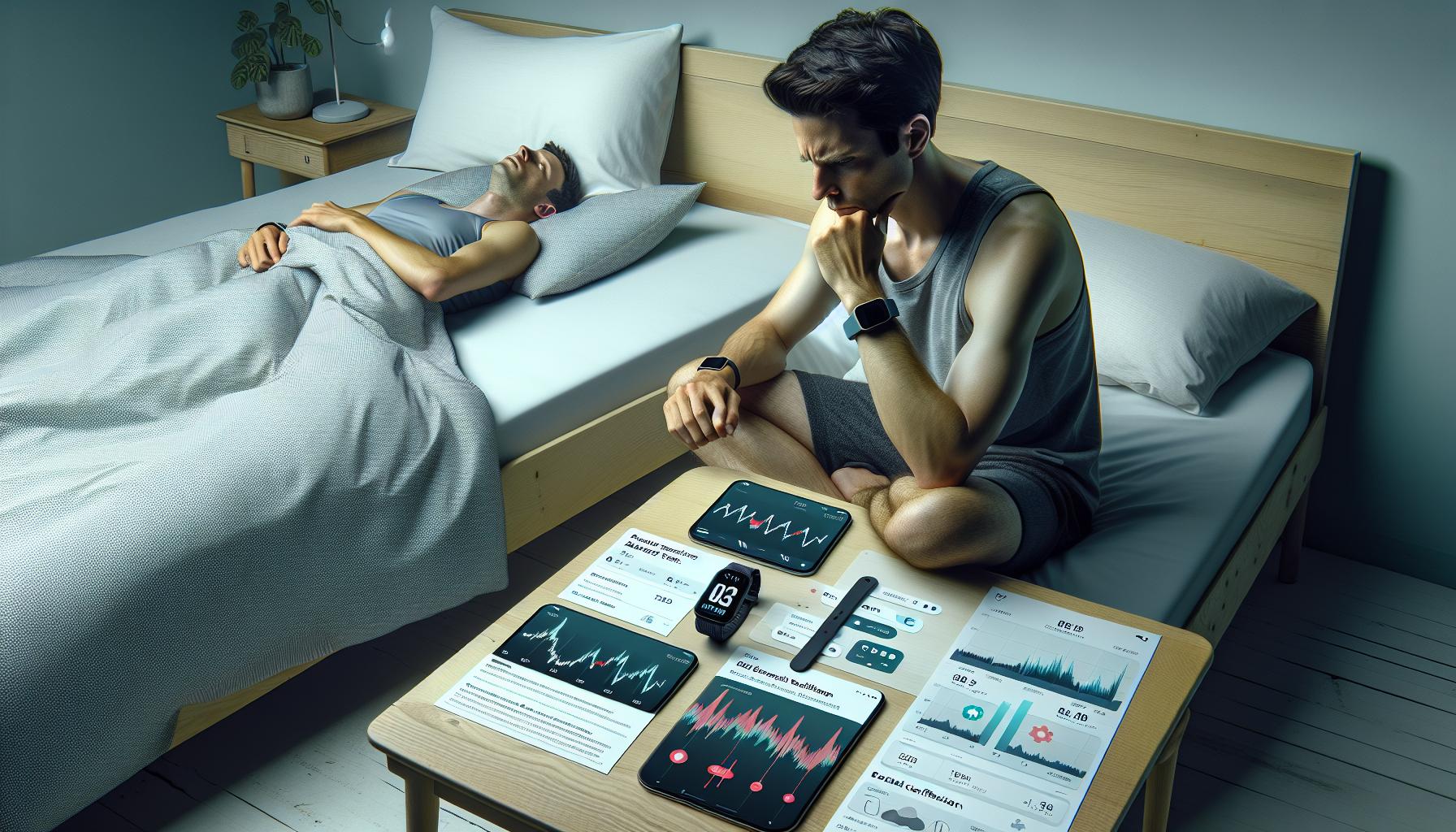
Troubleshooting Common Sleep Tracking Issues
Sleep tracking offers valuable insights into your nightly rest, but there can be occasional hiccups along the way. Understanding common issues with Fitbit sleep tracking not only enhances user experience but also empowers you to make informed decisions about your sleep health.
One frequent issue is inaccurate sleep detection. If your Fitbit isn’t recognizing when you’ve fallen asleep or are awake, it may be due to a loose fit or incorrect placement of the device. Ensure that your Fitbit is snug on your wrist, ideally a bit above the wrist bone for accurate heart rate readings and motion detection. Another common culprits are disturbances in your sleep environment, such as noise or light, which can affect the data collected. To improve accuracy, create a quieter and darker sleep space.
Sometimes, users report inconsistent sleep data, which may arise from not wearing the device consistently every night or from battery-related issues. Charge your Fitbit regularly and ensure you’re wearing it consistently during your sleep to gather more accurate data. If sleep tracking is still inconsistent, a simple reset of your device can often restore its functionality.
Additionally, ensure that you’re utilizing the latest software updates, as manufacturers frequently release updates that improve device performance and tracking capabilities. Check your Fitbit app regularly to ensure both your device and the app are up to date. If problems persist despite these adjustments, reaching out to Fitbit support or exploring their community forums can provide tailored solutions and advice from fellow users who may have faced similar issues. Addressing these common challenges can significantly enhance your experience, leading to a more informed approach to your sleep health.
Maximizing Your Sleep Data Insights
can dramatically enhance your understanding of your nighttime rest and overall health. Fitbit devices do more than just track how long you sleep; they provide a wealth of information to help you make informed decisions about improving your sleep quality. Leveraging this data can transform how you view your sleep patterns and behaviors.
To get the most from your sleep data, start by regularly reviewing the detailed reports available in the Fitbit app. These reports break down your sleep cycle, categorizing each stage into light, deep, and REM sleep. Understanding the proportion of time spent in each stage can highlight areas needing improvement. For instance, if you’re consistently getting minimal deep sleep, consider implementing changes such as a relaxing bedtime routine, reducing caffeine intake later in the day, or limiting screen time before bed.
Utilizing Fitbit’s “Sleep Score” feature is another excellent way to interpret your sleep data effectively. This score provides a quick overview of your sleep quality based on several factors, including duration and sleep stages. Pair your sleep score with lifestyle adjustments-like maintaining a consistent sleep schedule and creating an optimal sleep environment-to enhance your nightly rest. Tracking how different factors affect your sleep score over time can reveal personal patterns, allowing you to pinpoint successful strategies that improve your sleep.
Moreover, integrating your sleep data with other health metrics tracked by your Fitbit can offer more comprehensive health insights. For instance, examining how physical activity and heart rate variability correlate with sleep quality can provide deeper understanding and guide holistic health decisions. By actively engaging with your Fitbit data, you can transform not only your night’s rest but also your overall well-being.
Integrating Sleep Tracking with Other Health Metrics
Integrating your sleep tracking data with other health metrics available on your Fitbit can create a holistic view of your well-being. This integration allows you to pinpoint factors that might be affecting your sleep quality, enabling you to make informed lifestyle changes. For instance, monitoring your physical activity levels alongside your sleep patterns can reveal how exercise impacts your nightly rest. When you track days with different levels of activity, you may notice trends such as better sleep quality following a more active day.
Moreover, understanding the relationship between your heart rate variability (HRV) and sleep can shed light on your overall stress levels and relaxation patterns. Frequent monitoring of how your resting heart rate correlates with sleep duration and quality can inform you of the effectiveness of relaxation techniques or stress management practices you’ve implemented.
To effectively utilize this data, it’s advisable to review your metrics regularly and look for correlations. Here are some tips to maximize these insights:
- Daily Review: Check your sleep data against daily activities and stress levels, assessing which activities lead to better sleep.
- Use Trends: Fitbit provides trend lines over days and weeks; observe these to discover patterns that remain consistent.
- Combine Metrics: Utilize the app to view sleep alongside daily steps, exercise routines, and overall wellness ratings for a comprehensive understanding.
By engaging with the data available through your Fitbit, you empower yourself to make changes that can greatly enhance your sleep quality. Keeping a close eye on these metrics can also help you identify when your sleep is not improving, prompting further investigation or action, such as consulting a sleep specialist, if necessary.
Exploring Fitbit Sleep Features and Settings
Fitbit devices offer a wealth of features designed to help you understand and improve your sleep patterns. One compelling aspect of these wearables is their ability to provide comprehensive sleep analysis without the need for intrusive sleep studies. With tools that track not only sleep duration but also the quality of your rest, Fitbit empowers users to take charge of their sleep health.
To dive into these capabilities, it’s essential to familiarize yourself with the sleep settings available on your device. Most Fitbit models automatically detect when you fall asleep and wake up, recording your sleep duration. However, you can manually log your sleep if you prefer. In your Fitbit app, navigate to the sleep section to customize settings such as silent alarms, which gently wake you at a chosen time, helping to minimize disruption to your sleep cycle.
Understanding Sleep Stages
Fitbit’s sleep tracking goes beyond measuring how long you sleep. It also breaks sleep into stages: Light, Deep, and REM (Rapid Eye Movement) sleep. Each of these plays a crucial role in your overall restfulness and recovery. For instance, deep sleep is essential for physical recovery, while REM sleep is vital for memory and cognitive function. The app provides graphs showing how much time you spend in each stage, allowing you to identify patterns and optimize your bedtime habits accordingly.
Additionally, tapping into the insights provided by your sleep metrics can reveal important correlations. For example, if you notice that nights with higher physical activity lead to more deep sleep, this could encourage you to incorporate more exercise into your daily routine.
Maximizing Your Fitbit’s Sleep Features
To get the most out of your Fitbit’s sleep features, consider the following practical tips:
- Enable Sleep Mode: This feature minimizes distractions by turning off notifications and dimming your screen, fostering a more conducive sleep environment.
- Review Sleep Insights: Regularly checking your sleep score, which factors in total sleep time, sleep stages, and disturbances, can provide invaluable information about your sleep quality.
- Set Goals: Use your app to establish personalized sleep goals based on the recommended 7-9 hours of sleep, encouraging you to prioritize rest.
By engaging with these features and actively monitoring your sleep data, you empower yourself to make informed decisions that can lead to more restful nights and rejuvenated days. Remember, your Fitbit is not just a tracker; it’s a partner in your journey towards better sleep health.
Tips for Improving Sleep Quality with Fitbit
Unlocking the secrets to a better night’s sleep may be easier than you think, especially with the help of your Fitbit. By utilizing its sleep tracking features, you can gain valuable insights and implement effective changes to improve your sleep quality. One of the simplest yet most impactful adjustments is establishing a consistent sleep schedule. Aim to go to bed and wake up at the same time every day, even on weekends. This consistency can help regulate your body’s internal clock, making it easier to fall asleep and wake up refreshed.
To further enhance your sleep quality, consider creating a bedtime routine that promotes relaxation. Activities such as reading, meditating, or taking a warm bath can signal to your body that it’s time to wind down. Additionally, use your Fitbit to identify patterns in your sleep data. If you notice that certain habits-like consuming caffeine late in the day or exercising too close to bedtime-correlate with poor sleep, make necessary adjustments to your daily routine.
Take advantage of the advanced features on your Fitbit, such as sleep mode, which silences notifications and limits distractions while you rest. Regularly check your sleep insights and scores in the app, using them as motivation to meet your sleep goals. You might find motivation in small changes-such as reducing screen time before bed or creating a cool, dark environment-to foster better sleep health.
Finally, don’t hesitate to engage with the Fitbit community, where users share their experiences and tips. This supportive network can provide encouragement and innovative ideas. By harnessing your Fitbit to track and encourage healthy sleep habits, you empower yourself to make informed changes, leading to a more rejuvenating nightly rest.
Comparing Fitbit Sleep Tracking to Other Devices
Comparing Fitbit’s sleep tracking capabilities with other devices requires a careful look at features, accuracy, and user experience. While many wearables boast sleep tracking features, Fitbit stands out due to its detailed insights and user-friendly interface, making it a popular choice among tech-savvy sleepers.
Fitbit devices utilize advanced sensors to monitor sleep patterns, providing users with breakdowns of sleep stages: light, deep, and REM sleep. This level of analysis allows users to understand not only how long they sleep but also the quality of their sleep. In contrast, many competing devices, such as basic fitness trackers, may only offer total sleep time without the nuance of sleep stages, which is crucial for those looking to improve their sleep quality.
Key Features to Consider
When evaluating sleep trackers, consider the following aspects:
- Sleep Stage Analysis: Fitbit provides detailed reports on sleep stages, which allows users to correlate their behaviors with their sleep quality.
- Heart Rate Monitoring: Many Fitbit models monitor heart rate during sleep, which can help in assessing overall health and stress levels during rest.
- Sleep Score: Fitbit computes a sleep score based on several factors, giving a quick snapshot of your sleep quality.
- Integration with Health Metrics: Fitbit’s ability to integrate sleep data with other health metrics (like activity levels and heart rate) can provide a more comprehensive picture of health.
Cost and Accessibility
Fitbit devices range from budget to high-end options, making them accessible to a wider audience. Basic models like the Fitbit Inspire provide essential sleep tracking features at a lower cost, while premium models, such as the Fitbit Sense, offer advanced health insights, including stress management tools. Comparatively, some premium fitness trackers from brands like Garmin or Apple may come at a higher price point with similar or different feature sets but often lack the same depth in sleep stage analysis.
In sum, while numerous devices are available for tracking sleep, Fitbit excels with its robust feature set, ease of use, and ability to interpret sleep data. Whether you are a casual user or seriously looking to improve your sleep quality, Fitbit devices provide a reliable choice that balances advanced technology with user-friendly applications.
When to Consult a Sleep Specialist
If you’re consistently feeling tired during the day or experiencing trouble with your sleep, it might be time to consider consulting a sleep specialist. Sleep disorders can vary from common issues like insomnia to more serious conditions such as sleep apnea. While your Fitbit provides valuable insights into your sleep patterns-such as duration and stages-it cannot diagnose or treat health issues. Recognizing when to seek professional help is crucial for improving your overall well-being.
There are specific symptoms that should raise a red flag. If you frequently struggle to fall or stay asleep, experience loud snoring or gasping for air during sleep, or feel excessively sleepy during the day, these could be signs of underlying sleep disorders. Additionally, if you notice any significant changes in your sleep patterns that persist for more than a few weeks, it’s advisable to consult a specialist. Many wearables, including Fitbit, offer excellent data collection, but when such symptoms are present, a healthcare provider can offer a more thorough evaluation.
Most sleep specialists will start with a discussion about your sleep habits, daily routines, and any specific sleep-related symptoms you’re experiencing. They may recommend a polysomnography (a sleep study conducted in a lab) or home sleep apnea testing to gain more comprehensive insights. Sleep studies can provide detailed information about your sleep cycles, breathing patterns, and any disruptions during the night. Costs for sleep studies can vary widely, often ranging from $300 to $3,000, depending on whether the study is done at home or in a clinical setting; insurance plans can significantly influence these expenses, so checking your coverage is advisable.
Keep in mind, it’s not just about recognizing symptoms; it’s also essential to communicate openly with your doctor or specialist. Bring along your Fitbit data to share insights about your nightly patterns. This information can help bridge the gap between your tracked data and clinical assessments, enabling a more tailored treatment plan if necessary. Remember, seeking help is a proactive step towards achieving better sleep and overall health.
Real User Experiences: Fitbit Sleep Tracking
Utilizing a Fitbit for sleep tracking can transform how you understand and manage your sleep quality. Many users have shared their experiences, illustrating the device’s ability to provide insights that lead to meaningful changes in their nighttime routines. For instance, one user noted that after reviewing their sleep data, they discovered they were often restless for several hours during the night. This prompted a reevaluation of their pre-bedtime habits, leading to a reduction in screen time and an improved sleep environment.
Real-world experiences often highlight the simplicity and effectiveness of setting up sleep tracking on Fitbit devices. Users appreciate how straightforward it is to activate the feature-usually just a matter of enabling it through the Fitbit app. Once set up, the device tracks sleep duration and stages, giving valuable feedback about light, deep, and REM sleep. For example, a user reported feeling more alert during the day after recognizing a pattern of lengthened REM sleep, reinforcing the importance of quality sleep for daytime performance.
However, it’s also essential to manage expectations regarding the data collected. Many readers wonder about the accuracy of Fitbit compared to sleep studies. It’s vital to understand that while Fitbits provide useful insights, they may not fully replace traditional sleep assessments, especially in diagnosing disorders like sleep apnea. Users are often advised to consult healthcare providers if they notice persistent issues or concerning data trends.
By embracing the insights gained from Fitbit sleep tracking, many individuals have reported better sleep practices, such as setting consistent sleep schedules and creating relaxation rituals. They find that sharing their sleep data with professionals can enhance their overall health strategy. This blend of technology and personal initiative empowers users to take charge of their sleep health effectively, fostering a more satisfying night’s rest.
Faq
Q: How does Fitbit sleep tracking compare to traditional sleep studies?
A: Fitbit sleep tracking offers convenience and accessibility but lacks the comprehensive analysis of traditional sleep studies. While Fitbit provides insights on sleep duration and stages, a sleep study monitors physiological factors like brain activity and oxygen levels, offering a more accurate diagnosis for sleep disorders. For detailed insights, consider consulting a sleep specialist.
Q: Can I track my sleep without wearing my Fitbit?
A: No, Fitbit needs to be worn to accurately track sleep patterns. The device uses sensors to monitor movement and heart rate, which are essential for determining sleep stages. Ensure your device is charged and worn snugly on your wrist for optimal tracking accuracy.
Q: What should I do if my Fitbit isn’t tracking sleep?
A: If your Fitbit isn’t tracking sleep, first ensure it’s properly charged and worn during sleep. Check the settings to confirm sleep tracking is enabled. Restart your device or update the Fitbit app if issues persist, as mentioned in the troubleshooting section of our guide.
Q: How can I improve my sleep quality with Fitbit’s sleep insights?
A: To enhance sleep quality, analyze your sleep data to identify patterns and avoid factors disrupting your sleep, like caffeine or late screen time. Utilize Fitbit’s tips and recommendations based on your sleep patterns. Regularly review your data to make informed changes to your sleep environment.
Q: Why is understanding sleep stages important for improving sleep quality?
A: Understanding sleep stages is crucial as it helps you identify how much time you spend in restorative sleep. REM and deep sleep are vital for cognitive function and physical health. By recognizing your sleep patterns through Fitbit’s insights, you can adjust habits to enhance your overall sleep quality.
Q: How to set a sleep schedule on Fitbit?
A: To set a sleep schedule, open the Fitbit app, navigate to the sleep section, and select Sleep Schedule. From there, you can establish your desired bed and wake times, helping you maintain consistency and improve your sleep habits over time.
Q: Does Fitbit offer guidance on sleep disorders based on tracking data?
A: Yes, Fitbit provides general sleep insights and tips for improving sleep, but it does not diagnose sleep disorders. If you notice consistent sleep issues reflected in your data, it’s advisable to consult a sleep specialist for tailored assessments and recommendations.
In Retrospect
Thank you for diving into our guide on starting sleep tracking with Fitbit! Remember, achieving better sleep starts with understanding your patterns, and with your Fitbit, you’re already on the right path. Ready to enhance your journey? Check out our related articles on choosing the best sleep monitor and tips for improving sleep hygiene. 📊 Don’t forget to subscribe to our newsletter for more expert advice and tools tailored for your sleep health. If you have any questions or share your experiences, drop a comment below-we love hearing from you! Sleep well, and stay tuned for more insights that help you optimize your rest.
Get our latest guides, news, and insights highlighted in your Google Search & AI Overviews.