
Sleep is crucial for overall health, yet many of us struggle to get enough quality rest. Did you know that sleep tracking can help you understand your sleep patterns, identify issues, and improve your nightly routines? The Galaxy Watch 8, equipped with advanced sleep tracking features, empowers you to take control of your sleep health. This guide will walk you through the simple setup process to start monitoring your sleep effectively. By understanding how to utilize your Galaxy Watch 8, you can uncover insights that lead to better sleep hygiene and, ultimately, a more energized you. Keep reading to learn how to optimize your sleep tracking experience and make informed decisions about your rest.
Understanding Sleep Tracking: Why It Matters
Tracking your sleep can be a game changer, providing insights that improve not just your nighttime rest but your overall health. Modern wearables, like the Galaxy Watch 8, are equipped with advanced technology to monitor various aspects of your sleep. Understanding why sleep tracking matters is crucial, as sleep is foundational to your physical and mental well-being. In fact, poor sleep quality is linked to a range of health issues, such as obesity, heart disease, and depression. By utilizing tools like the Galaxy Watch 8, you can gain visibility into your sleep patterns and make informed changes to enhance sleep quality.
Regular tracking allows you to identify trends and correlations over time. For instance, you might discover that nights with late caffeine consumption lead to poorer sleep quality. This awareness empowers you to adjust habits that might be disrupting your rest, making it easier to prioritize a healthier lifestyle. The Galaxy Watch 8 not only tracks the duration of your sleep but can also analyze different sleep stages-light, deep, and REM sleep-offering a comprehensive view of your sleep architecture. Understanding these stages can help you see which aspects of your sleep are lacking.
Moreover, sleep tracking is beneficial for those dealing with sleep disorders. While it doesn’t replace clinical evaluations, the data collected can serve as a valuable reference when discussing your sleep concerns with healthcare providers. This device captures changes in sleep behavior, which may indicate issues that require professional attention. If you find that your sleep tracking data consistently points to difficulties in achieving restorative sleep, it may be time to explore further evaluations or treatments.
Lastly, the use of sleep tracking technology like the Galaxy Watch 8 makes the concept of understanding sleep more approachable. Instead of being overwhelmed by clinical terminology or sleep studies, wearables deliver digestible data right on your wrist, empowering you to take charge of your sleep health. By melding technology with personal health management, users can easily monitor their sleep and make necessary adjustments aimed at improving their rest and well-being.
Introducing Galaxy Watch 8: Key Features for Sleep Monitoring
The Galaxy Watch 8 is engineered to elevate your sleep-monitoring experience, making it an essential tool for anyone keen on improving their sleep quality. With advanced technology integrated right into your wrist, the watch provides valuable insights into your sleep patterns and behaviors. A standout feature is its ability to track various sleep stages-light, deep, and REM-offering a nuanced view of your overall sleep quality. This means that rather than merely counting hours of sleep, the Galaxy Watch 8 helps you understand the quality and depth of your slumber, which is crucial for ensuring restorative rest.
A significant advantage of the Galaxy Watch 8 is its seamless integration with Samsung’s Flow AI, which allows it to adapt and personalize sleep tracking according to your individual habits. By analyzing sleep trends over time, the watch can provide tailored recommendations to enhance your nighttime routine. For instance, if you frequently experience restlessness due to environmental factors like light or noise, the watch may suggest adjustments to your sleeping environment or lifestyle changes, such as revising your caffeine intake.
Moreover, setting up sleep tracking is straightforward. Simply wear the watch while you sleep and ensure that sleep tracking is enabled in the Galaxy Wearable app. This user-friendly setup allows anyone to easily begin tracking their sleep without any technical headaches. Additionally, the watch syncs with your smartphone, so you can quickly review detailed sleep reports during the day, making it easier to spot trends and necessary changes.
In the context of addressing sleep-related concerns, user testimonials indicate that the Galaxy Watch 8 not only provides critical sleep data but also assists in recognizing patterns that could warrant further investigation. While it is not a substitute for a professional sleep study, the data collected can serve as a useful preliminary reference when consulting with healthcare providers about sleep disorders or issues related to sleep quality. As a wearable device, it transforms the idea of sleep research into a more accessible and manageable task, empowering users to take control of their sleep health proactively.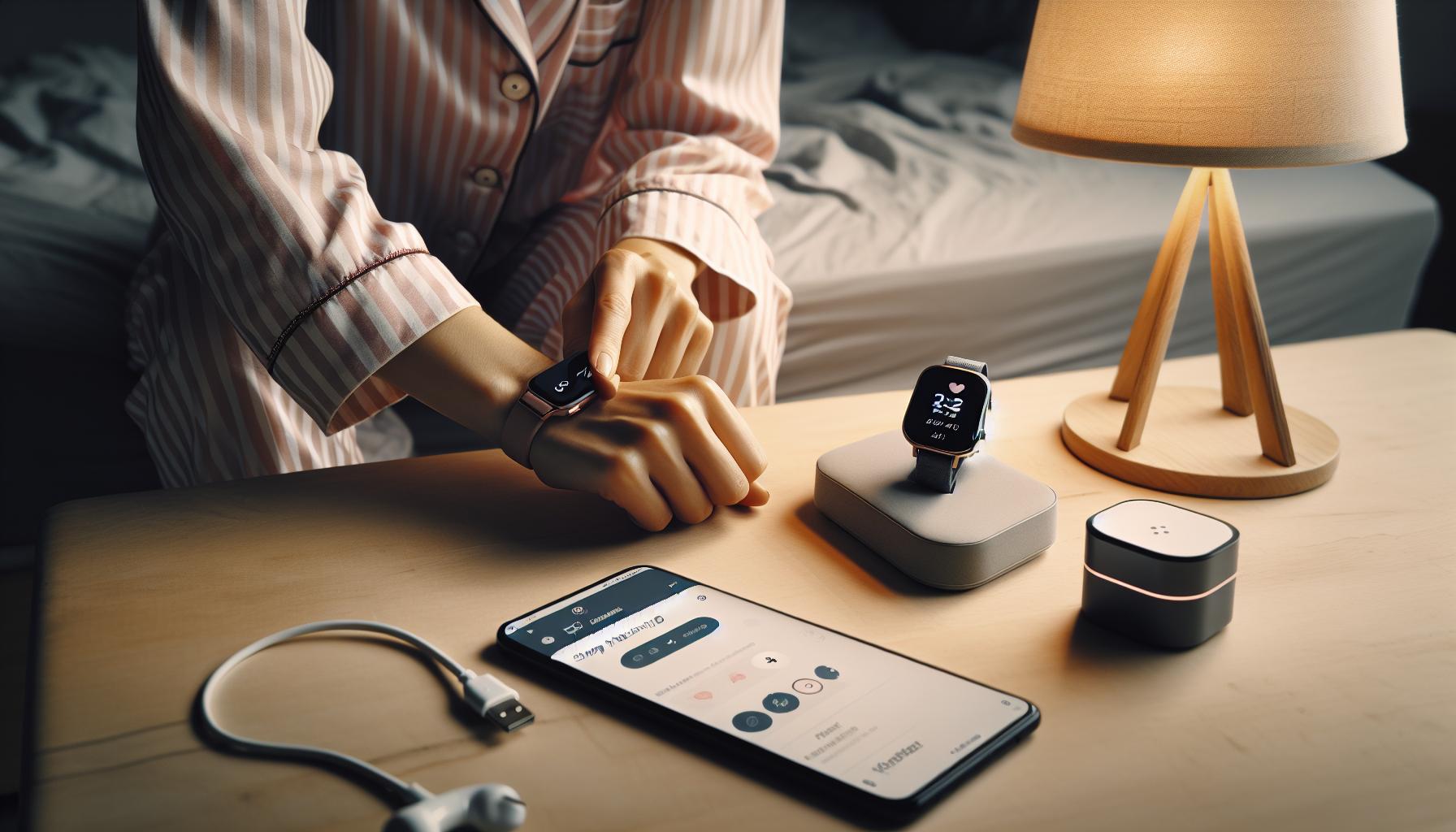
Step-by-Step Setup: How to Enable Sleep Tracking
Getting started with sleep tracking on the Galaxy Watch 8 is both an empowering and straightforward process. By following a few simple steps, you can begin to gather insights into your sleep patterns, helping you make informed decisions about your sleep health. All you need is your Galaxy Watch 8, a compatible smartphone, and a little time to set everything up.
First, ensure that your Galaxy Watch 8 is charged and within range of your smartphone. Open the Galaxy Wearable app on your device. If you haven’t already, download this app from the Google Play Store or the Apple App Store. Once installed, connect your watch by following the on-screen prompts to pair it with your phone. This connection is essential because it allows your watch to sync data seamlessly.
Once your watch is paired, navigate to the Sleep Tracking feature within the app. Here’s how to enable it:
- Open the Galaxy Wearable app on your smartphone.
- Tap on Health in the menu.
- Look for Sleep and select it.
- Toggle the option to Enable Sleep Tracking to turn it on.
With this feature activated, your watch will begin monitoring your sleep patterns automatically. It’s designed to detect when you fall asleep, as well as how long and how well you sleep throughout the night. Make it a habit to wear your watch to bed, and ensure it remains on your wrist during your sleep sessions for the best results.
For those who might need specific sleep settings adjusted, you can customize notifications or set sleep goals directly within the app. Take advantage of features like sleep coaching, which offers personalized tips based on your sleep behavior. As a bonus, checking your sleep reports in the morning can provide you with immediate insights to start your day compared to the previous night’s rest.
Troubleshooting is minimal, but if you encounter any issues, ensure your watch’s software is up to date and that the app has the necessary permissions to access your health data. By following these steps, you can easily set up sleep tracking with your Galaxy Watch 8 and start on the path toward better sleep health today.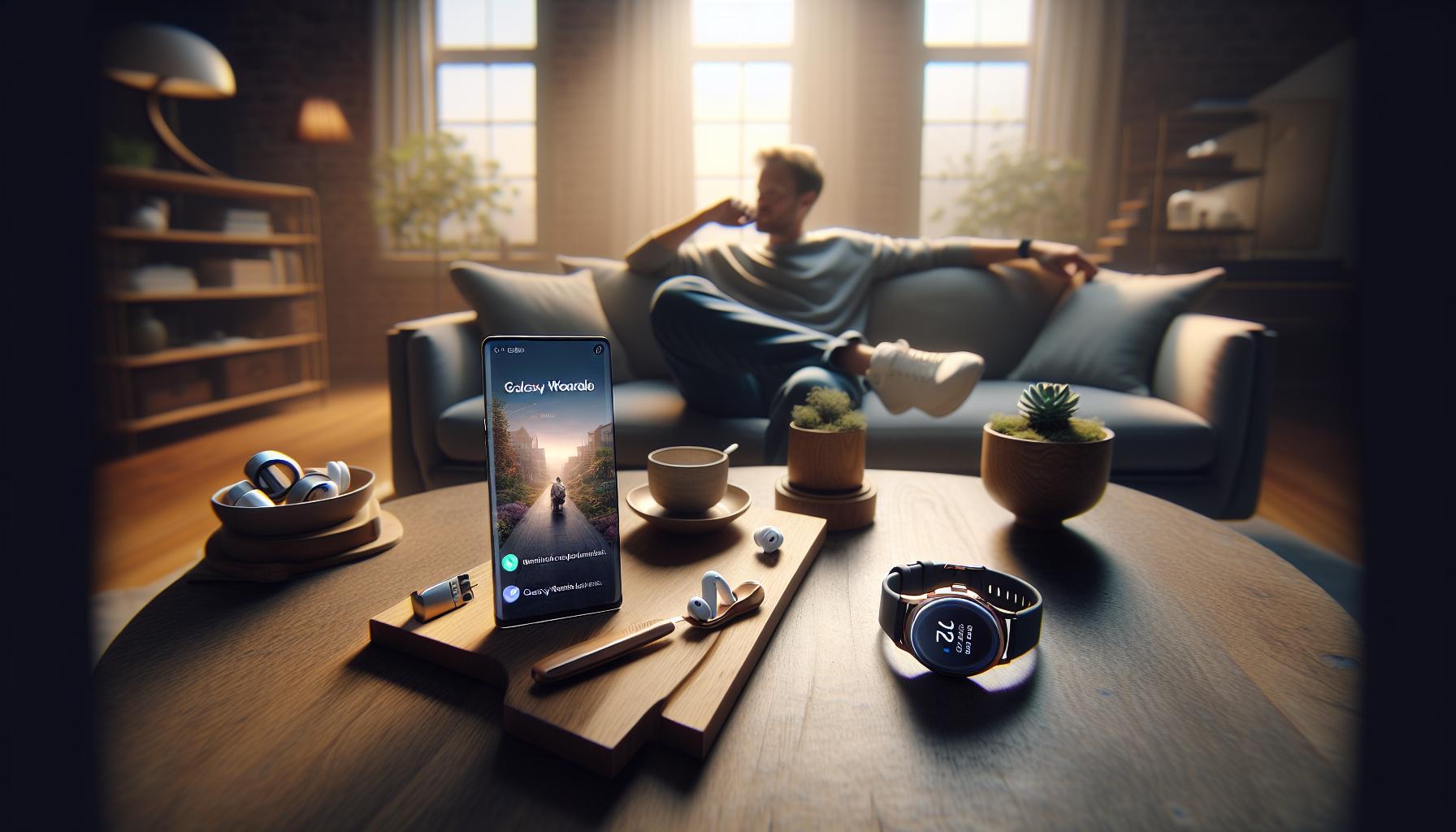
Navigating the Galaxy Wearable App for Optimal Results
Navigating the Galaxy Wearable app is essential for maximizing your sleep tracking experience with the Galaxy Watch 8. This user-friendly platform integrates your health data and provides an intuitive way to access important sleep metrics. By familiarizing yourself with its layout and functions, you can make informed adjustments tailored to your personal health needs.
Start by exploring the app’s Health section, where you’ll find the Sleep Tracking feature. Here, the interface will present crucial metrics such as total sleep time, sleep stages, and overall sleep quality. This information is vital as it allows you to pinpoint patterns and discrepancies in your nightly rest. You can easily toggle between nightly reports and weekly trends, giving you a comprehensive view of your sleep habits over time.
Make the most of your data with the app’s customization options. Set sleep goals that align with your desired rest patterns, and opt for personalized sleep coaching tips based on your historical sleep data. Engaging with these features not only motivates you to adhere to better sleep hygiene practices but also empowers you with actionable advice. For example, if the app notes inconsistent sleep hours, it might suggest a wind-down routine to improve your overall sleep quality.
Ensure that the app remains synced with your watch to monitor any changes effectively. Regularly check for updates both in the wearable app and on your Galaxy Watch, as software improvements can enhance functionality and accuracy in sleep tracking. By actively engaging with the Galaxy Wearable app, you’ll be better equipped to understand your sleep patterns and take proactive steps toward achieving better sleep health.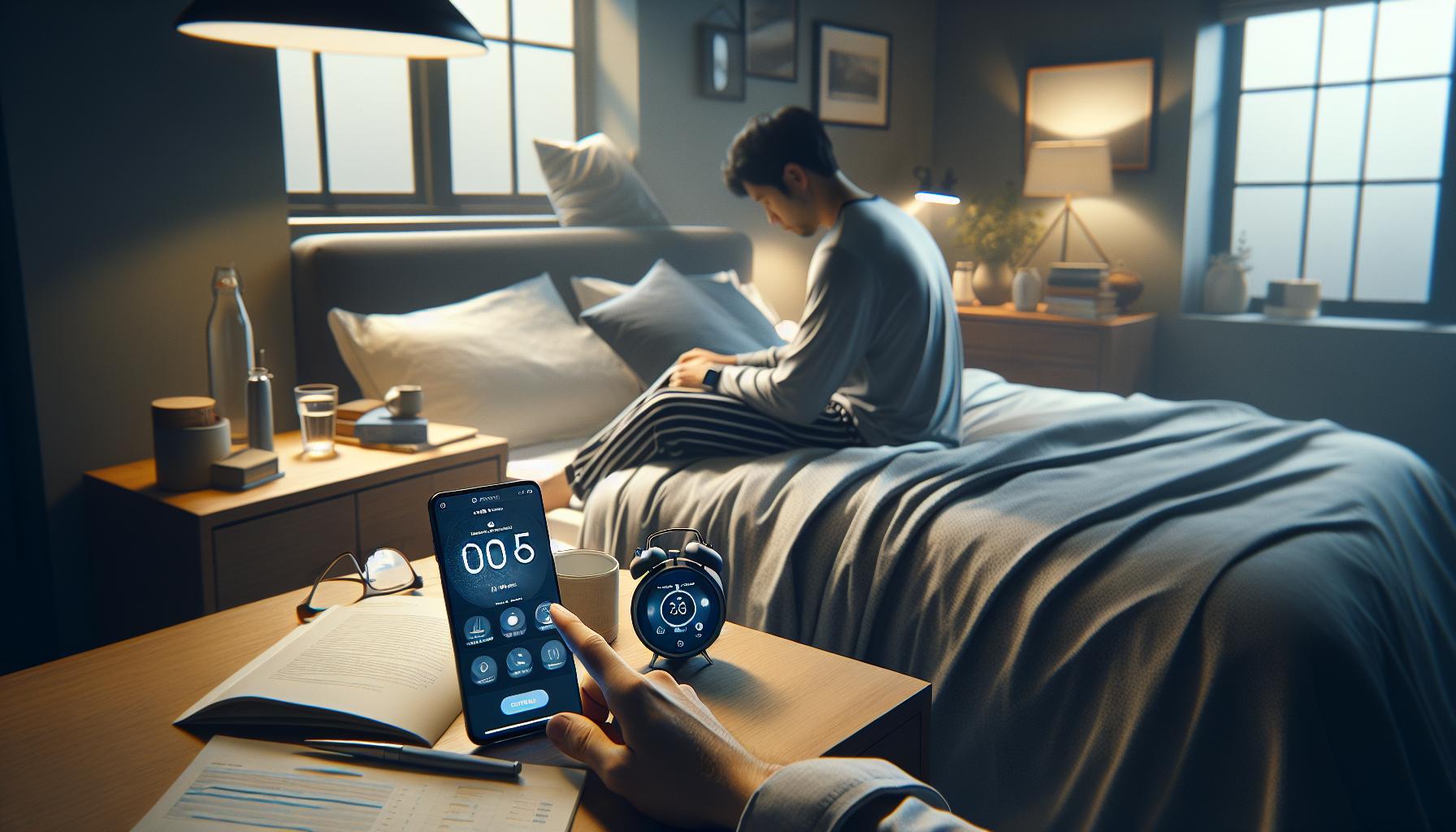
Customizing Sleep Tracking Settings for Your Needs
To truly benefit from sleep tracking on your Galaxy Watch 8, customizing the settings to fit your individual needs is essential. Each person’s sleep patterns, preferences, and health goals differ, which is why taking the time to adjust these settings can make a significant difference in the accuracy and usefulness of the data collected.
Start by accessing the Galaxy Wearable app and navigating to the Sleep section within the Health tab. Here, you can choose from various tracking options, such as activating Sleep Mode. This feature helps limit notifications and distractions during your sleep hours, allowing you to slip into restful slumber without interruption. You can set specific sleep and wake times, ensuring that the watch prompts you to prepare for bed when it’s time.
Another key feature to customize is the Sleep Goal. By setting a realistic target for nightly rest, you can align your habits with your health objectives. For instance, if you know you need at least seven hours of sleep, specify that goal in the app. The watch will then provide tailored insights and reminders to help you stay on track, adjusting as needed based on your historical sleep data.
Furthermore, consider enabling Sleep Analysis Alerts. This function can provide you with notifications about your overall sleep quality and any disturbances, such as frequent awakenings or insufficient sleep duration. These insights can be especially helpful if you’re trying to identify patterns that affect your sleep quality. With actionable tips offered directly through the app, you’ll be better equipped to make lifestyle adjustments aimed at improving your rest.
Finally, tweak additional settings such as heart rate monitoring during sleep. Understanding your heart rate variability while you snooze can offer insights into your overall wellness. By personalizing these elements, not only do you maximize the accuracy of your sleep tracking, but you also empower yourself with knowledge that can lead to healthier sleep habits and improved overall well-being.
Interpreting Sleep Data: Understanding Your Sleep Stages
Understanding your sleep stages can provide profound insights into your overall health and well-being. The Galaxy Watch 8 effectively monitors your sleep, breaking it down into distinct stages: Light Sleep, Deep Sleep, and REM Sleep. Each stage serves a unique purpose, contributing to the restorative processes your body undergoes every night.
During Light Sleep, your body eases into rest. This stage is crucial for relaxation and serves as a transition into deeper sleep. Your watch detects this stage and offers insights on how much time you spent in light sleep, helping you understand when you’re drifting off and how quickly you fall asleep.
Deep Sleep is where the magic happens. This stage is critical for physical restoration, muscle growth, and immune function. Galaxy Watch 8 tracks your deep sleep duration, allowing you to see if you’re getting enough time in this restorative phase. Lack of deep sleep can lead to fatigue and decreased alertness, so monitoring this can be key for those struggling with daytime sleepiness.
REM Sleep is essential for cognitive function, memory consolidation, and emotional regulation. This is the stage in which most dreaming occurs. The Galaxy Watch 8 accurately identifies when you enter REM sleep, enabling you to adjust your sleep habits for better performance. Knowing your average duration in REM can motivate adjustments if you’re falling short, such as establishing a relaxing bedtime routine or reducing screen time before bed.
By regularly checking the data provided by your watch, you can develop a pattern recognition that highlights how lifestyle factors-such as stress, exercise, and diet-impact your sleep stages. Consider integrating adjustments based on your observations, like optimizing your sleep environment or managing pre-sleep activities. This ongoing process allows you to tailor your approach to sleep, enhancing your overall well-being and improving daily life.
Tips for Improving Sleep Quality with the Galaxy Watch
Improving sleep quality often feels as elusive as the perfect dreaming cloud, but with the Galaxy Watch 8 in hand, you’re equipped with powerful tools to turn that dream into reality. One essential starting point is establishing a consistent sleep schedule. Aim to go to bed and wake up at the same time each day, even on weekends. This routine stabilizes your body’s internal clock, enhancing both the quality and quantity of your sleep, which your watch can help you monitor with its data.
To further enhance your sleep environment, consider your bedroom setup. The Galaxy Watch 8’s sleep tracking feature can serve as a signal for adjusting conditions within your sleep space. Dim the lights, reduce noise, and ensure a comfortable temperature. You might even synchronize your watch’s alarm with the lightest phase of your sleep cycle, thereby waking you at an optimal moment for a refreshed start to your day.
Another key aspect is leveraging the insights provided by the watch. Regularly reviewing your sleep data can reveal patterns or habits that may impact your rest. For example, if you notice that nights of vigorous exercise correlate with less deep sleep, you might try modifying your routines. This might mean planning workouts earlier in the day or opting for low-intensity exercises before bed.
Lastly, embracing a pre-sleep ritual can significantly contribute to improved sleep quality. Activities such as reading, meditating, or practicing gentle stretches can help signal to your body that it’s time to wind down. The Galaxy Watch 8 can remind you to start this routine, ensuring you create a strong separation between your active day and restful night, ultimately leading you to a better night’s sleep.
Common Issues and Troubleshooting Sleep Tracking
Many users eagerly embrace sleep tracking technology, only to find themselves facing occasional hiccups along the way. With the Galaxy Watch 8, you can gain valuable insights into your sleep patterns, but it’s important to be aware of common issues that may arise and how to troubleshoot them effectively. Understanding these nuances can help ensure you’re getting the most out of your experience.
One frequent concern pertains to the accuracy of sleep detection. If you find your watch failing to record your sleep or inaccurately classifying sleep stages, make sure that the watch is fitted snugly on your wrist and that you’ve enabled the right settings for sleep tracking in the Galaxy Wearable app. Additionally, check for software updates, as manufacturers regularly release patches that can enhance sensor performance and data accuracy.
Another common issue is battery life. Extensive use of sleep tracking may drain your device more quickly than usual, potentially leading to incomplete data. To address this, consider charging your watch during the day or utilizing the power-saving features available in the settings. If you encounter notifications to charge your watch before bedtime, aim to establish a routine that allows for a full charge before you sleep.
Lastly, some users experience inconsistencies in their sleep data because of lifestyle choices. Caffeine intake, particularly later in the day, can significantly affect your sleep quality and how it’s recorded. Tracking your caffeine and meal timing along with your sleep data may reveal patterns impacting your rest. You might find it beneficial to log your activities and any sleep disruptions in the Galaxy Wearable app to see if adjustments could yield better results.
The Galaxy Watch 8 offers a remarkable opportunity to improve your sleep health, but understanding how to address common issues can significantly enhance the data you collect. By ensuring proper setup, keeping track of battery life, and being mindful of your daily habits, you can unlock the full potential of your sleep monitoring experience.
Comparing Galaxy Watch 8 to Other Sleep Trackers
The Galaxy Watch 8 stands out in a saturated market of sleep trackers, offering a blend of comprehensive features and user-friendly technology. To truly appreciate its capabilities, it’s insightful to compare it with other popular sleep tracking devices. While many sleep trackers can monitor basic metrics like sleep duration and disturbances, the Galaxy Watch 8 goes further by incorporating advanced insights into sleep stages, heart rate variability, and even stress levels, providing a holistic view of your sleep health.
One noteworthy competitor is the Fitbit Charge 5, which similarly emphasizes sleep stage tracking and offers a Sleep Score based on collected data. However, the Galaxy Watch 8 benefits from tighter integration with the Samsung ecosystem, enabling you to sync data across devices like smartphones and tablets effortlessly. This interoperability allows users to access their health data in one convenient location, enhancing the overall user experience.
Key Comparisons
When evaluating the features of different sleep trackers, consider these key aspects:
| Feature | Galaxy Watch 8 | Fitbit Charge 5 | Apple Watch Series 7 |
|---|---|---|---|
| Sleep Stage Tracking | Yes | Yes | Limited |
| Heart Rate Monitoring | Advanced | Standard | Advanced |
| Amenities (Alarm, Music Control) | Yes | No | Yes |
| Integration with Other Devices | High with Samsung ecosystem | Moderate | High with Apple ecosystem |
| Battery Life | Approximately 2 days | Up to 7 days | Approximately 18 hours |
While battery life is a strong point for the Fitbit Charge 5, offering up to seven days on a single charge, the Galaxy Watch 8’s feature richness often compensates for its shorter duration. It includes advanced notification systems for calls and messages, music control, and even customizable watch faces, which resonate with users looking for more than just a sleep monitor. Additionally, the Apple Watch Series 7, while not primarily a sleep tracker, offers deep integration with iOS that may appeal to Apple users, but its sleep tracking capabilities are often considered basic compared to dedicated devices.
Ultimately, the decision to choose the Galaxy Watch 8 or another tracker boils down to personal needs and device compatibility. If you’re already invested in the Samsung ecosystem, the Galaxy Watch 8 provides a seamless experience that enhances both your daily routine and sleep monitoring. Those looking for an all-in-one device that doesn’t skimp on features will likely find the Galaxy Watch 8 to be a worthwhile investment.
Real-Life Scenarios: When to Rely on Sleep Trackers vs. Sleep Studies
Understanding when to rely on a sleep tracker like the Galaxy Watch 8 versus opting for a clinical sleep study can make a significant difference in managing sleep health. Sleep trackers provide accessible insights for everyday users, delivering valuable information about sleep patterns, duration, and disturbances without the need for a hospital visit. For many individuals, the watch can be an effective first step in understanding their sleep behaviors. This gadget enables users to monitor trends over time, making it easier to tackle sleep issues through lifestyle changes or improved sleep hygiene.
However, there are scenarios where a sleep tracker may not suffice, and a sleep study becomes necessary. If you find yourself consistently exhausted despite adequate sleep detected by your tracker, or if you suspect a condition like sleep apnea, consulting a healthcare professional is essential. A sleep study, or polysomnography, can provide a comprehensive evaluation, measuring breathing patterns, heart rate, and brain activity during sleep. Not only is this diagnostic tool capable of identifying various sleep disorders that wearable devices cannot, but it also can offer tailored treatment options based on precise findings.
When to Use a Sleep Tracker
- Monitoring General Sleep Quality: Use the Galaxy Watch 8 to track sleep duration, disturbances, and trends over time.
- Lifestyle Adjustments: If you’re looking to improve your overall sleep health through better habits, this device provides a starting point without needing extensive resources.
- Pre-Sleep Recommendations: The watch can guide you with tips and notifications to foster a healthier sleep environment.
When to Opt for a Sleep Study
- Persistent Sleep Issues: If you frequently struggle with excessive daytime sleepiness or restless sleep, these symptoms may indicate a deeper issue requiring clinical evaluation.
- Suspected Sleep Disorders: Conditions such as sleep apnea, severe insomnia, or narcolepsy necessitate a detailed medical assessment that wearables cannot provide.
- Need for Professional Guidance: If you want to explore medication or specialized therapies for insomnia or other sleep-related concerns, professional evaluation is crucial.
Both the Galaxy Watch 8 and sleep studies serve important roles in managing sleep health. While trackers offer convenience and insights for everyday use, they are not substitutes for the comprehensive evaluations possible through professional sleep studies. Understanding when to utilize each approach allows individuals to make informed decisions that lead to better sleep health.
The Benefits of Sleep Tracking for Overall Health
Tracking your sleep can revolutionize your overall health and well-being, making it easier to understand and address sleep-related issues. With the Galaxy Watch 8, you gain access to a powerful tool that not only monitors how much sleep you get but also analyzes your sleep patterns, providing insights that can lead to better health choices. Studies suggest that sleep is intricately linked to various health aspects, including stress levels, cognitive function, and even heart health. By leveraging the features of your watch, you can make informed adjustments that enhance your quality of life.
One of the primary benefits of sleep tracking is increased awareness. As you use the Galaxy Watch 8 to monitor your nightly rest, you become more cognizant of your habits-both good and bad. For instance, you might notice that late-night screen time correlates with poor sleep quality, prompting you to adopt healthier evening routines. Essentially, sleep tracking empowers you to identify patterns and triggers that affect your sleep, enabling you to make adjustments that promote restorative rest.
Moreover, understanding your sleep stages-light, deep, and REM sleep-can significantly enhance your overall health. With the Galaxy Watch 8, you can interpret this data to determine how much deep sleep you are getting, which is essential for physical recovery and mental clarity. By aiming to improve your time in these stages, you may find a natural boost in energy levels, mood, and cognitive function throughout the day.
It’s also essential to consider how sleep tracking can benefit your mental health. Consistent good sleep reinforces emotional resilience and helps manage stress. Users of wearable sleep trackers have reported improved mood and lower instances of anxiety, thanks in part to the mindfulness fostered by understanding their sleep patterns. When you realize how specific choices impact your rest, it can motivate you to adopt healthier behaviors, from diet to exercise, ultimately enhancing your overall well-being.
In summary, the advantages of sleep tracking are extensive, offering a pathway not just to better sleep but also to improved physical and mental health. By starting your sleep journey with the Galaxy Watch 8, you are not merely counting hours; you are making strides towards a healthier lifestyle.
User Testimonials: Experiences with Sleep Tracking on Galaxy Watch 8
The Galaxy Watch 8 has become a transformative tool for many users eager to enhance their sleep quality, with testimonials shedding light on varied experiences and insights. Several users, like Michael from San Francisco, shared that the watch helped him discover a consistent sleep pattern he wasn’t aware of. Before using the Galaxy Watch 8, he often felt fatigued, attributing it to a busy lifestyle. However, after reviewing his sleep data, he realized he was only getting 4-5 hours of sleep most nights and that his sleep quality was poor, primarily due to excessive screen time before bed. Armed with this knowledge, Michael adjusted his routine, opting for a screen-free hour before bedtime, leading to a notable improvement in his daily energy levels.
Many testimonials echo similar sentiments-awareness driving positive change. Sarah, a busy mom of two, found the sleep tracking feature to be eye-opening. The Galaxy Watch not only recorded her sleep stages but also provided gentle nudges to improve her habits. After consistently monitoring her sleep, she appreciated the importance of deep sleep for her recovery. By using the watch’s sleep coaching features, Sarah now prioritizes winding down with calming activities, and reports not just better sleep, but improved overall well-being.
Beyond personal anecdotes, users highlight practical features of the Galaxy Watch 8 that aid them in their sleep tracking journey. The integration with the Galaxy Wearable app allows seamless navigation of sleep data. As noted by James, a tech enthusiast, he enjoys the detailed breakdown of his sleep stages in the app, including how much time he spends in REM and deep sleep. Having this accessibility enables him to make data-driven adjustments like optimizing his sleep environment, validating that a cooler room and reduced light lead to better rest.
In contrast, some users emphasize managing expectations. While sleep tracking offers valuable insights, it’s essential to understand its limitations. Lisa points out that while the watch accurately tracks patterns, it can sometimes misinterpret tossing and turning as wakefulness. Her advice to newcomers is clear: use the watch’s insights as a guide, but remain mindful that sleep quality can be affected by numerous factors beyond what the tracker measures, from stress to dietary choices.
Overall, testimonials reveal that the Galaxy Watch 8 is not merely a gadget; it’s a partner in the quest for better sleep. By sharing personal and relatable experiences, users encourage others to embrace sleep tracking as a meaningful step toward enhanced health and wellness.
Faq
Q: What features should I enable for effective sleep tracking on my Galaxy Watch 8?
A: To optimize sleep tracking on your Galaxy Watch 8, enable features such as Sleep Mode, which minimizes interruptions, and Heart Rate Monitoring during sleep. Additionally, ensure that your device’s sleep sensitivity settings are configured for accurate data collection, enhancing your overall tracking experience.
Q: How do I view my sleep data collected by the Galaxy Watch 8?
A: You can view your sleep data by opening the Samsung Health app on your paired smartphone. Navigate to the Sleep section to see detailed insights on your sleep stages and overall sleep quality. Regularly checking this data can help you adjust your sleep habits for better health.
Q: How accurate is the sleep tracking on the Galaxy Watch 8?
A: Sleep tracking on the Galaxy Watch 8 is generally accurate for most users, relying on heart rate variability and movement sensors. However, the accuracy may vary based on personal factors like sleep disorders or wearing the watch incorrectly. For tailored health insights, consider referring to the interpretation section of your sleep data.
Q: Can I track naps with the Galaxy Watch 8?
A: Yes, you can track naps using the Galaxy Watch 8. Simply enable automatic nap detection in the settings, ensuring that it records shorter sleep spells effectively. Regular nap tracking can help improve your overall sleep analysis, as mentioned in the customizing sleep tracking settings section.
Q: What should I do if my Galaxy Watch 8 is not tracking sleep properly?
A: If your Galaxy Watch 8 is not tracking sleep properly, first, ensure that sleep tracking is enabled in settings. Also, check for firmware updates and ensure your watch fits snugly on your wrist during sleep. Refer to the troubleshooting section in our detailed guide for more solutions.
Q: Does the Galaxy Watch 8 detect sleep apnea or other sleep disorders?
A: The Galaxy Watch 8 doesn’t diagnose sleep apnea or other disorders but monitors sleep patterns and heart rate. If you suspect a sleep disorder, it’s best to consult a healthcare professional and consider a sleep study, as highlighted in our guide.
Q: Can I integrate sleep tracking data from my Galaxy Watch 8 with other health apps?
A: Yes, you can integrate sleep tracking data from your Galaxy Watch 8 with various health apps, such as Google Fit or other compatible platforms, providing a holistic view of your health metrics. Check the navigating the Galaxy Wearable App section for setup instructions.
Q: What benefits can I expect from tracking sleep with my Galaxy Watch 8?
A: By tracking sleep with your Galaxy Watch 8, you can gain insights into your sleep patterns, improve sleep quality, and identify factors affecting rest. These insights can help you make informed lifestyle adjustments, aligning with our article’s focus on enhancing sleep health.
Future Outlook
Now that you’ve set up sleep tracking on your Galaxy Watch 8, it’s time to gain insights into your sleep patterns and improve your rest quality. By using this powerful tool, you’re one step closer to optimizing your health, but don’t stop here! Explore our detailed guides on Sleep Studies and Understanding Sleep Stages to further enhance your knowledge.
If you have any questions or need troubleshooting assistance, feel free to drop a comment below. We’re here to help you navigate your sleep health journey! Don’t forget to subscribe to our newsletter for more tips and resources tailored to help you make informed decisions about your sleep health.
Take charge of your sleep today-your body and mind will thank you! Remember, better sleep starts with informed choices, so continue your exploration for a healthier lifestyle.
Get our latest guides, news, and insights highlighted in your Google Search & AI Overviews.