
Did you know that nearly one in three adults don’t get enough sleep? With rising stress levels and busy lifestyles, tracking your sleep can be a game-changer for your health. The Galaxy Watch 5 offers advanced sleep monitoring features that help you understand your sleep patterns, enabling you to make informed decisions about your rest. In this complete guide, we’ll delve into how to effectively use the sleep tracking capability of your Galaxy Watch 5, from initial setup to interpreting data and making actionable changes for better sleep. Whether you’re struggling with sleep quality or just curious about your nightly habits, this guide will empower you to enhance your sleep health and overall well-being. Stay tuned to unlock the full potential of your device and take the first step toward a more restful night.
Getting Started with Sleep Tracking on Galaxy Watch 5
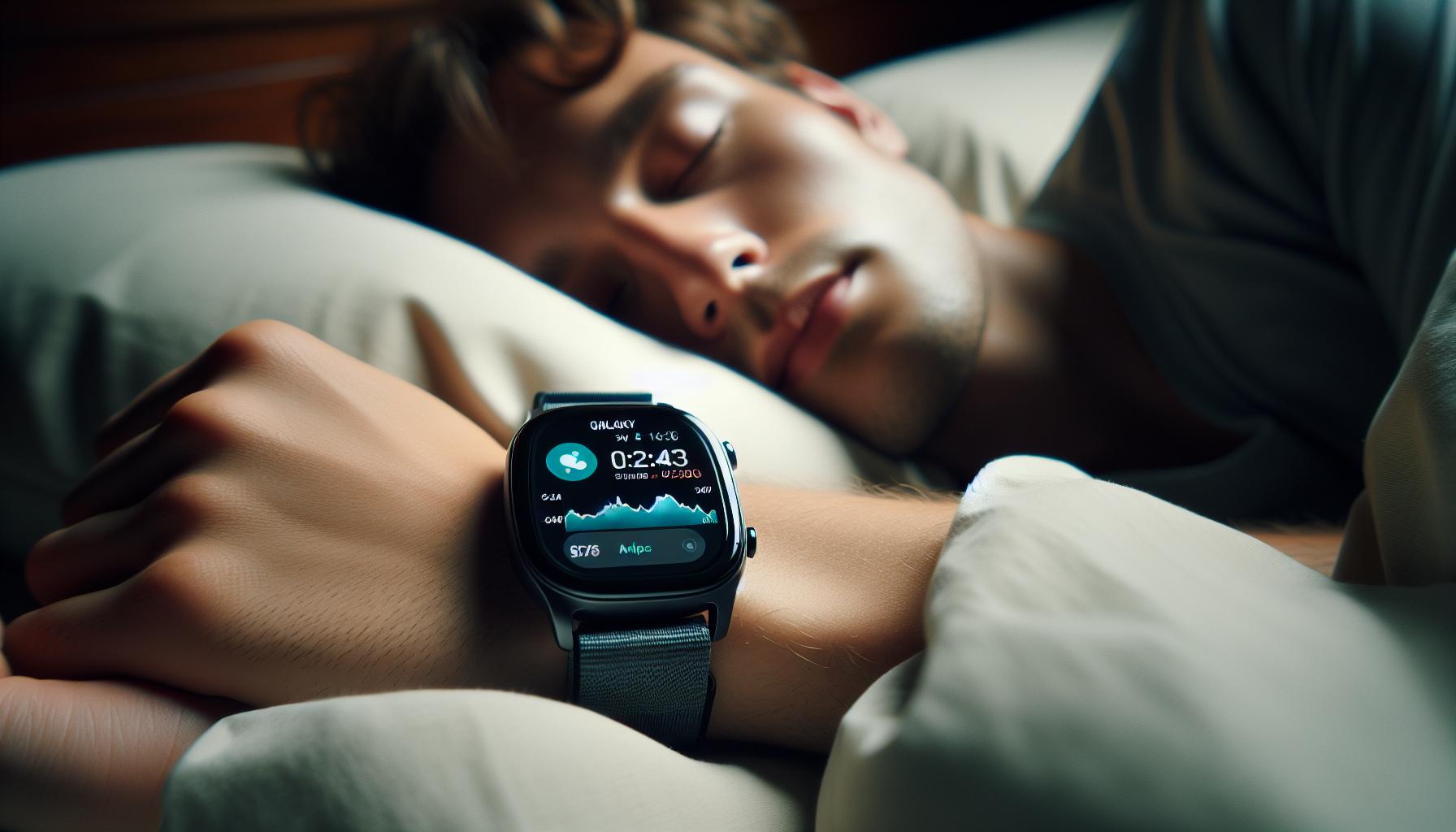
Getting started with sleep tracking on the Galaxy Watch 5 is a straightforward process that can significantly enhance your understanding of your sleep patterns and overall health. This state-of-the-art wearable not only tracks the duration of your sleep but also offers insights into the various stages of sleep, empowering you to make informed decisions about your sleep health.
First and foremost, ensure your Galaxy Watch 5 is updated to the latest software version, as updates can improve functionality and add new features. To initiate sleep tracking, you simply need to wear the watch comfortably on your wrist while you sleep. The watch’s sensors will automatically detect when you’re asleep and begin recording your sleep data. For enhanced tracking, it’s recommended to enable the ‘Sleep mode’ on the device, which minimizes notifications and distractions during your rest time.
Steps to Enable Sleep Tracking
- Open the Settings app on your Galaxy Watch 5.
- Scroll to and select ‘Modes and Routines.’
- Tap on ‘Sleep’ at the top of the screen.
- Select ‘Start’ to activate sleep tracking.
Once your sleep tracking is activated, you’re ready to reap the benefits of this feature. In the morning, you can view your sleep data directly on your watch or by using the companion app on your smartphone. This data will include insights such as sleep duration, quality, and breakdown of different sleep stages, ensuring you have a comprehensive view of your nightly rest.
Engaging with this feature not only fosters awareness of your sleep habits but also opens the door to strategies that can enhance your sleep quality-making the Galaxy Watch 5 a valuable companion for both tech lovers and health-conscious individuals alike.
Understanding Sleep Stages and Their Importance
Understanding the different stages of sleep is crucial for optimizing your overall health and well-being. Each stage serves a unique purpose and impacts how rested you feel the next day. When you sleep, your body cycles through several stages, notably divided into non-REM and REM sleep. These stages are not just arbitrary; they play significant roles in everything from memory consolidation to emotional regulation.
During non-REM sleep, which includes stages 1, 2, and 3, your body undergoes restorative processes. Stage 1 is a light sleep where you drift in and out, stage 2 is where your heart rate slows, and stage 3 (sometimes called deep sleep) is crucial for physical recovery. This stage is when your body repairs tissues, boosts immune function, and builds bone and muscle. If you frequently fall short in this area, it can lead to feelings of fatigue and decrease overall health quality.
REM sleep, on the other hand, is characterized by rapid eye movement and is essential for cognitive functions such as learning and memory. It is during this time that you are likely to dream. Lack of sufficient REM sleep can affect mood and cognitive abilities and even lead to increased irritability and stress levels.
To take full advantage of your Galaxy Watch 5’s sleep tracking features, pay close attention to the data it provides about your sleep stages. By monitoring how much time you spend in each stage, you can start to identify patterns in your sleep habits. For instance, if you notice a deficit in deep sleep, consider adjusting your lifestyle-like reducing caffeine intake before bed or establishing a more relaxing bedtime routine-to improve your overall sleep quality. Understanding these stages enables you to make more informed choices about your sleep, helping you wake up feeling more refreshed and ready to meet the day head-on.
Setting Up Your Galaxy Watch 5 for Sleep Tracking
To harness the full potential of sleep tracking with your Galaxy Watch 5, setting up the device correctly is paramount. Start by ensuring that your watch is fully charged, as sleep tracking can be resource-intensive and you wouldn’t want to lose data midway through the night. Once charged, make sure your watch is securely fitted on your wrist; a comfortable, snug fit ensures accurate readings while you sleep.
Next, you’ll want to enable sleep tracking within the Samsung Health app. On your watch, navigate to the Health app, scroll down to the Sleep section, and find the settings to activate sleep tracking. Make sure that the “Track sleep” feature is toggled on. Additionally, it’s advisable to turn on the option to collect heart rate and blood oxygen data during the night, as these metrics can provide valuable insights into your sleep quality.
Another useful step is to configure your sleep schedule. The watch allows you to set ideal sleep and wake hours. Doing so helps the device learn your patterns and refine its tracking capabilities over time. You can set quiet hours during which notifications won’t disturb you, creating a relaxing sleep environment. This feature can significantly improve your nightly rest by minimizing interruptions.
Finally, taking a moment to familiarize yourself with the app interface will benefit you immensely. Explore various sections like your sleep history and trends, where you can analyze your sleep stages, duration, and quality. By engaging with these features regularly, you’ll enhance your understanding of your sleep habits and make informed adjustments to improve your overall sleep health.
How to Use Sleep Tracking Features Effectively
Using your Galaxy Watch 5 effectively for sleep tracking means tapping into its advanced features to not just monitor your sleep but to enhance its quality. One of the best practices is to set consistent sleep and wake times. This allows your watch to establish a rhythm, helping to fine-tune its algorithms for more accurate tracking. Utilize the “Sleep” feature in your Samsung Health app to schedule these hours, making it easier to maintain a regular sleep cycle, as your body thrives on routine.
Moreover, consider leveraging the heart rate and blood oxygen measurements during the night. Activating these options helps the watch provide a comprehensive view of your sleep quality. When reviewing your sleep report, you can see how these metrics correlate with your sleep stages-light, deep, and REM-and understand how your body responds throughout the night. This insight can motivate you to adjust factors that may disrupt your sleep, such as late meals or high-stress activities before bed.
Another effective strategy is to engage with the watch’s notifications responsibly. Set your watch to “Do Not Disturb” during sleep hours, which minimizes disruptions from alerts and helps you slip into a peaceful slumber. The watch can still track your sleep during this time, ensuring you don’t miss any data while maintaining a serene sleeping environment. Additionally, this feature aids in creating a calming bedtime routine-perhaps start winding down an hour before sleeping by avoiding screens and indulging in relaxing activities.
Finally, regularly check your sleep summaries and trends. By making a habit of analyzing your sleep data, you can spot patterns and identify changes in your sleep quality. For instance, if you notice that certain evenings lead to shorter durations of deep sleep, you might explore adjustments like reducing caffeine intake or altering your bedtime routine. Engaging with your sleep data empowers you to make informed decisions that enhance not just the quantity but the quality of your sleep as well.
By incorporating these practices, the Galaxy Watch 5 can become a powerful tool in not just tracking but actively improving your sleep health.
Interpreting Your Sleep Data: What the Metrics Mean
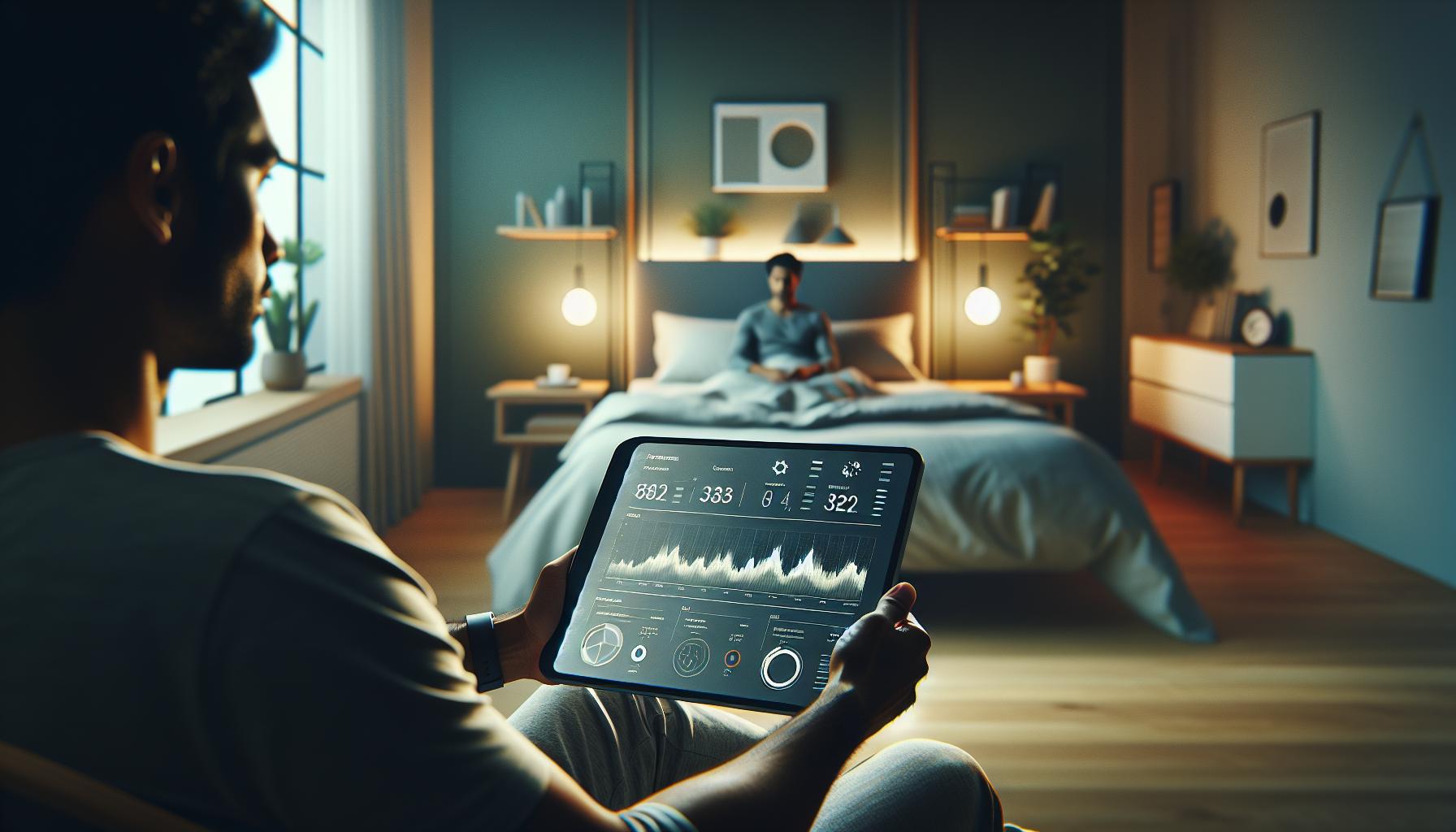
When you wake up after a night’s sleep, it’s tempting to reflect simply on how tired you feel. However, the Galaxy Watch 5 provides a wealth of sleep data that can help you understand the quality of your rest beyond mere feelings. Equipped with advanced sensors, this smartwatch categorizes your sleep into distinct stages: light, deep, and REM, providing a window into your body’s recovery processes and suggesting areas for improvement.
Understanding Key Metrics
Your Galaxy Watch 5 tracks several critical metrics that reveal insights about your sleep patterns. These include:
- Total Sleep Duration: This is the total amount of time you spend asleep, ideally aiming for the recommended 7-9 hours for adults.
- Sleep Stages: The watch distinguishes between light sleep (light restorative processes), deep sleep (critical for physical recovery), and REM sleep (essential for cognitive restoration). Each of these stages plays a vital role in your overall health, and understanding your distribution of these can pinpoint areas to address.
- Heart Rate: Tracking your heart rate during sleep can help assess your overall cardiovascular health and how well you are recovering.
- Blood Oxygen Levels: By monitoring your oxygen saturation levels, particularly during sleep stages, the watch can provide insights regarding potential sleep apnea or other respiratory issues.
Interpreting the Data
Understanding these metrics can empower you to make informed changes in your sleep habits. For instance, if you find that your deep sleep duration is consistently below average, this could indicate an underlying issue, such as stress or an unsuitable sleep environment. Regularly engaging with this data not only aids in recognizing patterns but also allows you to adjust factors like room temperature, noise levels, and dietary choices that can affect your sleep stages.
Moreover, reviewing sleep patterns over time might reveal trends linked to lifestyle changes, such as the effects of exercise, stress management techniques, or your wind-down routine at night. If you notice correlations between those changes and improved sleep quality, it can motivate you to continue enhancing your habits.
While the Galaxy Watch 5 serves as a powerful tool, it’s important to remember that it should complement, not replace, professional advice for chronic sleep issues. If your sleep data suggests severe disturbances-such as consistently low oxygen levels or unusual heart rate fluctuations-it may be time to consult a healthcare professional.
Harnessing the insights from your sleep data can transform your approach to rest, empowering you to create a tailored sleep hygiene strategy that enhances both the quality and quantity of your sleep.
Tips for Improving Sleep Quality with Your Watch

Improving your sleep quality with the Galaxy Watch 5 is a journey that can transform your nightly rest into a deeply restorative experience. By effectively using the watch’s sleep tracking features, you can gain actionable insights about your sleep habits and make informed adjustments to enhance your overall well-being.
One of the most effective strategies is to establish a consistent sleep schedule. Aim to go to bed and wake up at the same time every day, even on weekends. This regularity helps regulate your body’s internal clock and can improve the quality of your sleep. The Galaxy Watch 5’s sleep tracking feature can assist you in monitoring your sleep duration, helping you stay accountable to your new schedule. You might find that even a small change, like allocating enough time to reach the recommended 7-9 hours, can lead to noticeable improvements in how rested you feel.
Utilizing the Galaxy Watch 5’s sleep data more effectively involves understanding your sleep environment. The watch can help you pay attention to factors such as room temperature, lighting, and noise levels. For instance, if you notice frequent awakenings during the night correlated with a warmer room, consider adjusting the thermostat or using a fan. You can also create a wind-down routine that helps signal to your body that it’s time to rest. Engaging in relaxing activities-like reading, gentle stretching, or practicing mindfulness-before bed can significantly enhance your transition into restful sleep.
Additionally, monitor your lifestyle choices through the watch’s comprehensive health integration. Keep track of how factors such as diet, caffeine intake, exercise, and stress levels affect your sleep metrics. The data might reveal that late-night caffeine consumption or irregular exercise routines are sabotaging your sleep quality. By making gradual adjustments, you can enhance your sleep hygiene. For instance, if you notice a drop in REM sleep after late workouts, try finishing your exercise earlier in the day.
Finally, while the Galaxy Watch 5 serves as a helpful tool, be mindful of its limitations. It’s essential to approach the data as a guide rather than a definitive diagnosis-if you notice alarming patterns like consistently low blood oxygen levels or unusual heart rate fluctuations, don’t hesitate to consult a healthcare professional. Balancing the watch’s insights with expert advice ensures that you’re taking appropriate action toward better sleep health.
Troubleshooting Common Sleep Tracking Issues
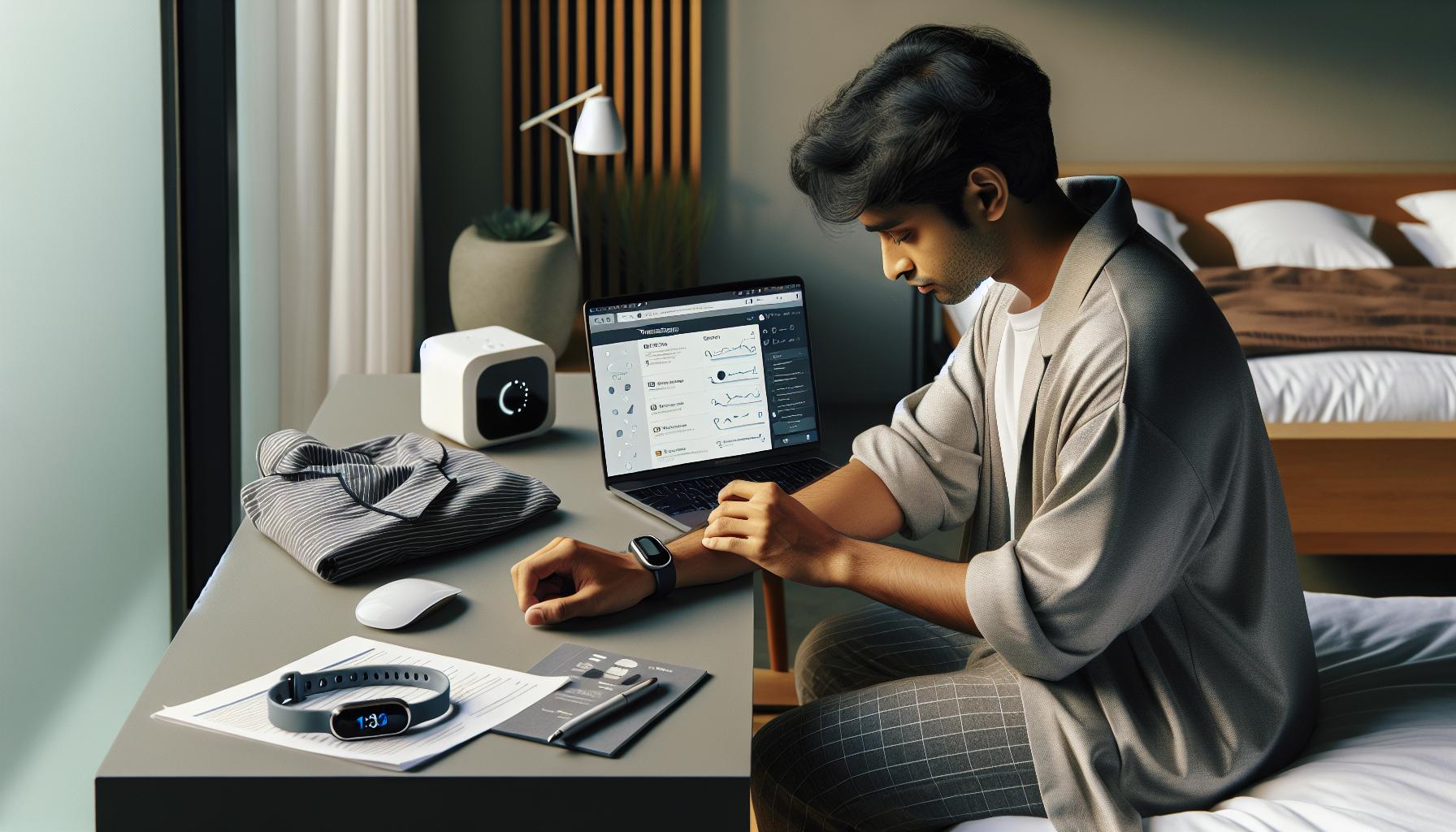
Sometimes, despite the advanced technology of the Galaxy Watch 5, users may experience issues with sleep tracking that can lead to frustration. If your device isn’t accurately recording your sleep patterns or if you’re not seeing any data at all, here are several common troubleshooting tips to help you get back on track.
First, ensure that your Galaxy Watch 5 is properly set up to track sleep. You can check this by navigating to the Samsung Health app on your watch. Go to the Sleep section, tap on the three dots for options, and confirm that the “Record Sleep” feature is turned ON. If this setting is disabled, your watch won’t capture any sleep data. Additionally, it’s wise to make sure that your watch is snug on your wrist. If it’s too loose, the sensors may not properly detect your movements during the night.
Another common issue is interference from other features. If features such as battery saving mode or Do Not Disturb are activated, they may inadvertently impact sleep tracking capabilities. Make sure to disable battery-saving settings prior to going to bed, as this can limit the functionality of your watch, including sleep detection. Also, consider checking for software updates. Keeping your watch updated ensures that any bugs affecting performance are fixed.
It’s essential to establish a consistent sleep environment and routine. Factors such as high room temperatures or excessive noise can disrupt your sleep patterns. Therefore, try to create a conducive sleeping environment, and use features like Sleep Mode on your watch to minimize disturbances. You might also want to track your sleep manually by engaging the sleep tracking feature just before you plan to sleep, thus helping the watch learn your patterns more accurately over time.
In the event that you continue facing issues, it may help to reset your watch to factory settings as a last resort. Just be aware that this will erase all existing data and settings. If problems still persist after trying these steps, consider reaching out to Samsung support for further assistance. Remember, while the Galaxy Watch 5 is a powerful tool for monitoring sleep, understanding its limitations and ensuring proper setup can greatly enhance its effectiveness in helping you achieve better sleep.
Integrating Sleep Data with Health Apps
Integrating your Galaxy Watch 5’s sleep data with health apps can elevate your understanding of your overall health and wellness. By using compatible applications, you can gain deeper insights into how your sleep patterns impact your daily life, enhancing the effectiveness of your fitness and health journey. Here’s how to seamlessly integrate this valuable data.
To begin, you can utilize the Samsung Health app as your central hub. This app collects and organizes all health-related metrics from your Galaxy Watch 5, including sleep data. To ensure that your sleep information is accurately reflected, make sure you have granted the necessary permissions for data sharing. You can enhance this experience by linking Samsung Health with other popular apps like Google Fit or MyFitnessPal. Doing so allows for a comprehensive view of your daily health metrics, from calorie intake to activity levels and, of course, your sleep quality.
Steps to Integrate Sleep Data
- Open the Samsung Health app on your phone.
- Navigate to the settings or account options to manage integrations.
- Choose the apps you want to connect and follow the prompts to authorize data sharing.
- Once linked, your sleep data will automatically sync between applications, providing a holistic view of your health.
Many users find value in tracking their sleep patterns alongside diet and exercise to identify correlations between these factors. For instance, you might discover that improved sleep leads to better performance in workouts or that consuming caffeine after midday negatively impacts your sleep quality. Tracking these metrics can empower you to make informed lifestyle decisions.
While integrating your sleep data with various apps, be mindful of how frequently you check your metrics. Over-analyzing can lead to stress about sleep quality rather than promoting healthier habits. Instead, use the insights to spark discussions with healthcare providers if you notice persistent sleep issues, such as difficulty falling asleep, waking up frequently, or feeling tired despite what seems like adequate rest. By sharing these insights from your integrated health apps, you can facilitate more informed conversations about your health and potential interventions.
Comparing Sleep Tracking Accuracy: Galaxy Watch 5 vs. Competitors
When choosing a sleep tracker, understanding its accuracy compared to competitors can significantly influence your health decisions. The Galaxy Watch 5 boasts advanced sensors that analyze your sleep patterns, including how much time you spend in various stages of sleep, such as light, deep, and REM sleep. However, no sleep tracker is infallible, and it’s essential to benchmark its performance against other leading devices.
One of the most popular competitors is the Fitbit series, particularly the Fitbit Charge 5. While both devices offer comprehensive sleep tracking, Fitbit’s algorithms have been recognized for providing slightly more detailed insights into sleep stages. However, the Galaxy Watch 5 stands out with its integration of health metrics like heart rate variability and body temperature, which can provide a richer understanding of sleep quality. Users often report that while the Fitbit provides more granular data, it can lack the seamless connectivity and interaction features that the Watch 5 offers with Samsung Health.
Key Features Comparison
| Feature | Galaxy Watch 5 | Fitbit Charge 5 |
|---|---|---|
| Sleep Stages Tracking | Yes | Yes |
| Heart Rate Monitoring | Advanced | Standard |
| Integrations with Health Apps | Extensive | Moderate |
| Battery Life | 2 days | 5 days |
Both devices utilize accelerometer data, but the accuracy and algorithm behind processing that data can differ. It’s not uncommon for users to experience variations in reported sleep duration by up to an hour between devices. Moreover, the real-world usage scenarios reveal that factors such as the watch’s fit on the wrist, movement during sleep, and even the type of bedding can influence the tracking outcome.
To ensure the best experience with the Galaxy Watch 5, consider its advanced features designed for user convenience, such as automatic sleep detection and personalized insights based on sleep patterns. As you evaluate your options, remember that while the Galaxy Watch 5 is a strong contender, its unique blend of fitness tracking functionalities and health data integration gives it an edge that’s particularly appealing for users who prioritize a holistic approach to health management. Ultimately, the choice may come down to personal preferences regarding design, ecosystem compatibility, and specific health features that align with your lifestyle.
Advanced Features: Smart Insights for Better Sleep
The Galaxy Watch 5 is more than just a stylish fitness tracker; it serves as a sophisticated sleep companion that provides smart insights designed to enhance your sleep quality. One of the standout features is its ability to analyze your sleep stages, including light, deep, and REM sleep. This granular data allows you to understand not just how long you slept, but the quality of that sleep. For instance, if you often find yourself waking up during the night, the insights from the watch can help pinpoint trends or disruptions tied to lifestyle choices or stress levels.
The device leverages advanced sensors to curate actionable insights based on your sleep habits. After a night’s rest, the Galaxy Watch 5 delivers a comprehensive report via the Samsung Health app, outlining metrics such as total sleep time, awake time, and efficiency percentages. These metrics enable users to recognize patterns over time, fostering a deeper awareness of their sleep health. Regular monitoring may highlight periods of insufficient sleep or suggest times when you may benefit from going to bed earlier based on your physical activity throughout the day.
Moreover, with features like Sleep Score, you receive a convenient snapshot of your sleep wellness. This score is derived from a combination of your sleep patterns and health metrics, providing a straightforward way to gauge your overall sleep health at a glance. Always remember, improving sleep often starts with understanding the data and making gradual adjustments. Whether it’s limiting screen time before bed or altering your evening routine, these small changes can be reinforced by the insights you gain from your watch.
Lastly, to harness these smart insights effectively, make it a habit to review your sleep data weekly. Look for trends and correlations between your daily activities and sleep quality; are late-night workouts impacting your deep sleep? Engaging with the data regularly not only empowers you but can also pave the way to healthier sleep habits, enhancing both physical and mental well-being toward sustainable lifestyle changes.
Sleep Tracking and Lifestyle Changes: A Holistic Approach
Improving your sleep quality can feel daunting, but leveraging the insights provided by your Galaxy Watch 5 can transform this process into a manageable journey. The watch serves not just as a sleep tracker, but as a holistic companion that adapts to your lifestyle changes. By understanding your sleep patterns and correlating them with your daily habits, you can make informed choices that enhance your overall well-being.
To effectively manage lifestyle changes, begin by tracking your sleep data consistently. Regularly review reports provided by your watch, noting the duration and quality of your sleep. Identify trends: do late-night screen sessions correlate with poor sleep quality? Consider adopting a “wind-down” routine, such as reading a book or practicing relaxation exercises before bed, to signal your body that it’s time to rest. Small changes often yield significant results, and your watch can guide you on what modifications lead to better sleep outcomes.
Actionable Steps for Lifestyle Integration
- Establish a Consistent Sleep Schedule: Aim to go to bed and wake up at the same time each day to regulate your body’s internal clock.
- Create a Restful Environment: Make your bedroom a sleep-friendly space. This might include lowering lights, reducing noise, and ensuring a comfortable temperature.
- Monitor Daily Habits: Use the Galaxy Watch 5 to observe how your physical activities and mental stressors during the day affect your sleep. For instance, integrating light exercise or mindfulness during the day can positively impact your sleep cycle.
- Limit Stimulants: Be mindful of caffeine and heavy meals before bedtime, as they can interfere with your ability to fall asleep.
Your Galaxy Watch 5 empowers you to make these lifestyle adjustments by offering a clear view of your sleep health. Embrace the opportunity to not only track but also act on your findings. Increased awareness of your sleep habits fosters meaningful changes, leading to improved physical health, emotional stability, and a more energetic day-to-day life. Remember, every small change counts; the journey to better sleep is not a sprint but a marathon, and with the right insights, you can undoubtedly edge towards that finish line.
Sleep Disorders: When to Seek Professional Help
Recognizing when to seek professional help for sleep disorders can be challenging, especially when many people rely on devices like the Galaxy Watch 5 for tracking their sleep. However, while your smartwatch offers invaluable insights into your sleep patterns, it has limitations. If persistent sleep issues impact your daily life, it might be time to consult a healthcare professional. Common indicators of sleep disorders include excessive daytime sleepiness, loud snoring, irregular breathing during sleep, or a consistent inability to fall or stay asleep.
When considering professional help, keep in mind that various types of sleep studies exist, each designed to diagnose specific issues. For example, polysomnography is a comprehensive test that records brain waves, oxygen levels, heart rate, and breathing, providing a detailed view of your sleep cycles and stages. This type of study becomes particularly relevant if your Galaxy Watch 5 indicates frequent disruptions during deep sleep or unusually low sleep efficiency over several weeks.
If your sleep data reveals troubling trends, such as persistent insomnia or extreme variations in sleep stages, don’t hesitate to reach out to a sleep specialist. They can use the information collected from your Galaxy Watch to facilitate discussions about your symptoms and determine if a sleep study is necessary. Here are steps to consider when seeking help:
- Monitor Your Data: Take note of any drastic changes or consistent patterns in your sleep metrics over time.
- Document Symptoms: Keep a journal of your experiences, including how you feel during the day and any lifestyle factors that may be affecting your sleep.
- Consult a Specialist: Schedule an appointment with a healthcare provider specializing in sleep medicine to discuss your findings and concerns.
Although technology like the Galaxy Watch 5 empowers you to track and understand your sleep health, it’s essential to recognize when professional evaluation is warranted. Issues such as sleep apnea, restless legs syndrome, or chronic insomnia often require more in-depth assessment and treatment beyond what a wearable can provide. Don’t hesitate to take that step; quality sleep is crucial for your overall health and well-being.
Q&A
Q: How does sleep tracking work on the Galaxy Watch 5?
A: Sleep tracking on the Galaxy Watch 5 utilizes advanced sensors to monitor your heart rate, movement, and oxygen levels during the night. This data is analyzed to provide insights into your sleep stages-light, deep, and REM sleep-helping you understand your overall sleep quality.
Q: Can I view my sleep data on my smartphone?
A: Yes, you can view your sleep data on your smartphone by syncing your Galaxy Watch 5 with the Samsung Health app. This app provides a detailed analysis of your sleep patterns and trends over time, enhancing your understanding of your sleep health.
Q: What adjustments can I make to improve sleep tracking accuracy?
A: To improve sleep tracking accuracy, ensure your watch is snug on your wrist, enable sleep mode, and keep the watch updated with the latest software. Additionally, avoid sleeping with your wrist facing down and calibrate the watch settings in the Samsung Health app.
Q: What should I do if my Galaxy Watch 5 isn’t tracking sleep properly?
A: If your Galaxy Watch 5 isn’t tracking sleep correctly, first restart both your watch and phone to clear any temporary glitches. Check that battery optimization settings aren’t restricting the sleep tracking feature and consider adjusting your watch’s placement during sleep [2].
Q: How can I interpret the sleep data provided by my Galaxy Watch 5?
A: The sleep data from your Galaxy Watch 5 includes metrics like duration of each sleep stage and overall sleep quality. Use these insights to identify trends and make adjustments to your sleep habits, while focusing on improving stages like deep sleep and REM sleep for a more restful night.
Q: Is sleep tracking effective for identifying sleep disorders?
A: While the Galaxy Watch 5 can provide insights into sleep patterns, it’s not a substitute for professional evaluations. If you notice persistent issues like excessive fatigue or irregular sleep, consult a healthcare provider for a comprehensive assessment and potential sleep study [3].
Q: What lifestyle changes can I make to enhance sleep quality?
A: Enhancing sleep quality can involve establishing a consistent sleep schedule, creating a relaxing bedtime routine, avoiding screens before bed, and integrating calming activities like meditation or reading. Combine these practices with your watch’s insights for best results.
Q: How does the Galaxy Watch 5 compare to other sleep tracking devices?
A: Compared to competitors, the Galaxy Watch 5 offers advanced sensors and detailed analytics, but its effectiveness may vary based on personal preferences and sleep styles. Consider exploring comparisons of accuracy, features, and user experiences to determine what suits you best.
The Conclusion
Now that you know how to effectively use sleep tracking on your Galaxy Watch 5, you’re well on your way to improving your sleep health and well-being. Don’t forget, consistent tracking can help you identify patterns and make informed changes to your routine. If you have any lingering questions or need additional guidance, check out our detailed articles on sleep studies and wearable technology, or dive into tips for enhancing sleep quality.
Ready to take the next step? Sign up for our newsletter for the latest insights and support on your sleep journey. Join the conversation-leave a comment below sharing your sleep tracking experiences, or explore our other resources to maximize your sleep health knowledge. Remember, every night is a new opportunity to enhance your wellbeing-let’s make it count!
Get our latest guides, news, and insights highlighted in your Google Search & AI Overviews.