
Did you know that nearly one-third of adults report not getting enough sleep? In today’s fast-paced world, prioritizing sleep health is crucial for maintaining overall well-being. Samsung Health offers an innovative sleep tracking feature that helps users monitor their sleep patterns, providing insights to improve both the quality and duration of rest. Understanding how this tool works can empower you to take control of your sleep habits, allowing for informed adjustments that enhance your nightly routine. In this article, we’ll delve into the functionality of Samsung Health’s sleep tracking, explore the science behind it, and offer tips on making the most of this valuable resource. Join us as we unlock the secrets to better sleep with technology at your fingertips.
Understanding Samsung Health Sleep Tracking Features
Understanding Samsung Health’s sleep tracking features can empower you to take control of your sleep health. The app uses advanced technology to monitor your sleep patterns, making it easier to identify trends and potential issues that could affect your rest. It’s important to note that these features rely on a wearable device, such as a Galaxy Watch or Galaxy Buds, paired with the Samsung Health app, which acts as your comprehensive sleep coach.
Samsung Health tracks key metrics such as total sleep time, sleep stages, and interruptions during the night. The app categorizes your sleep into different stages: light, deep, and REM. This categorization is critical as each stage plays a unique role in overall health and recovery during sleep. Users can set personalized sleep goals, and the app will remind you when it’s time to wind down, ensuring you maintain a consistent sleep schedule.
Another notable aspect is the app’s ability to generate insightful graphs and reports. These visuals help you interpret your sleep quality over time, comparing your sleep patterns against averages from other users. By identifying patterns and potential disruptions, such as late-night caffeine or screen time, you can make informed decisions to enhance your sleep quality.
Ultimately, Samsung Health transforms sleep tracking from a mere monitoring tool into a proactive health ally. With its user-friendly interface and robust analytics, it’s designed to not only record your sleep but also facilitate meaningful changes in your sleep habits, leading to improved overall wellbeing.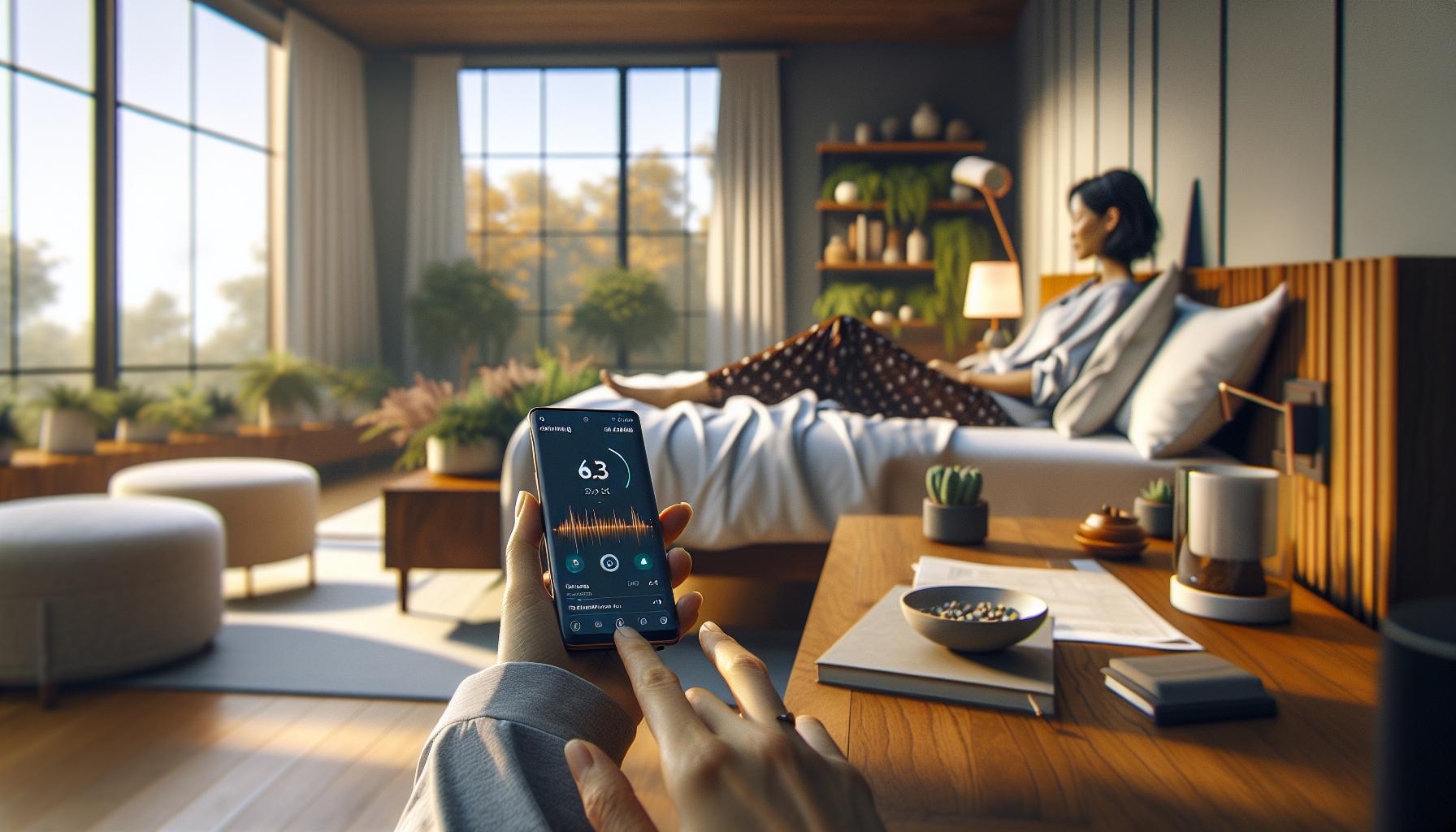
How Samsung Tracks Your Sleep Patterns
Samsung Health employs a sophisticated combination of sensors, algorithms, and user input to accurately track your sleep patterns, transforming the way you understand and enhance your sleep health. When using a compatible device, like a Galaxy Watch or Galaxy Buds, these wearables capture essential biometric data, including heart rate and movement, while you sleep. This information is analyzed through the app to provide an overview of your sleep duration and quality.
In addition to basic tracking, Samsung Health divides your sleep into distinct stages: light, deep, and REM (Rapid Eye Movement). Each stage is essential for different aspects of recovery and cognitive function. By identifying how much time you spend in each phase, the app helps you understand not just how long you slept, but how restorative that sleep actually was. This can uncover valuable insights into your health, allowing you to spot trends or disruptions, such as frequent awakenings or insufficient REM sleep.
Furthermore, Samsung Health leverages advanced algorithms to offer personalized insights. For instance, if you often wake up feeling groggy, the app may suggest adjustments to your sleep environment or bedtime routines based on trends it identifies from your sleep patterns. By integrating user data with these insights, Samsung Health becomes a powerful tool, encouraging you not just to monitor sleep, but to engage with it actively, fostering improvements in your sleep hygiene and overall well-being.
To get started, ensure that your wearable device is properly synced with the Samsung Health app. Once set up, the app will guide you through creating sleep goals and can send reminders to help you establish a consistent bedtime, making it easier to develop healthier sleep habits. Embrace this partnership between technology and personal health; it empowers you to take informed steps towards better sleep.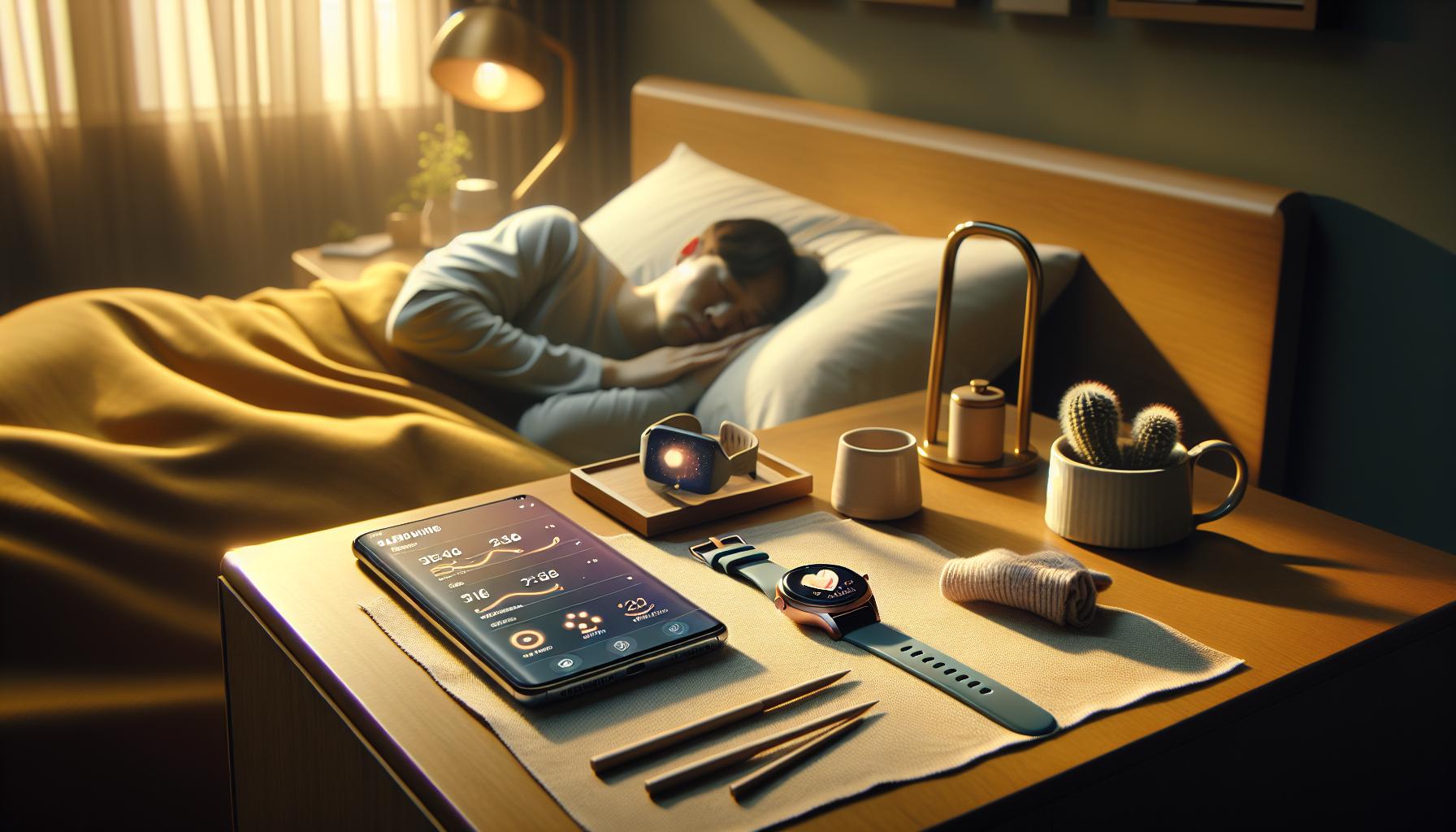
Setting Up Samsung Health for Sleep Tracking
To begin utilizing Samsung Health for effective sleep tracking, ensure that you have a compatible Samsung device, such as a Galaxy Watch or Galaxy Buds. These devices are equipped with sensors that gather key biometrics like heart rate and movement while you sleep. The setup process is straightforward and can greatly enhance your understanding of your sleep patterns.
First, download the Samsung Health app from the Google Play Store or the Apple App Store. Once installed, create an account or log in if you already have one. Next, navigate to the sleep tracking section within the app. Samsung Health will prompt you to sync your wearable device by following the on-screen instructions. Make sure your smartwatch or earbuds are fully charged and within range of your smartphone during this process.
After establishing the connection, adjust your settings to tailor the app’s functionality to your needs. Turn on sleep tracking, and consider enabling notifications that remind you to go to bed at a consistent time. The app allows you to set personalized goals related to sleep duration and quality, encouraging you to develop healthier sleep habits.
Lastly, familiarize yourself with the app’s features. Explore the information it provides about the different stages of sleep-light, deep, and REM. Understanding how each stage contributes to your overall well-being can help you make informed adjustments to your sleep environment and routines. Embrace this technology as a supportive tool in your journey to better sleep, allowing you to cultivate a more restful night every time you hit the pillow.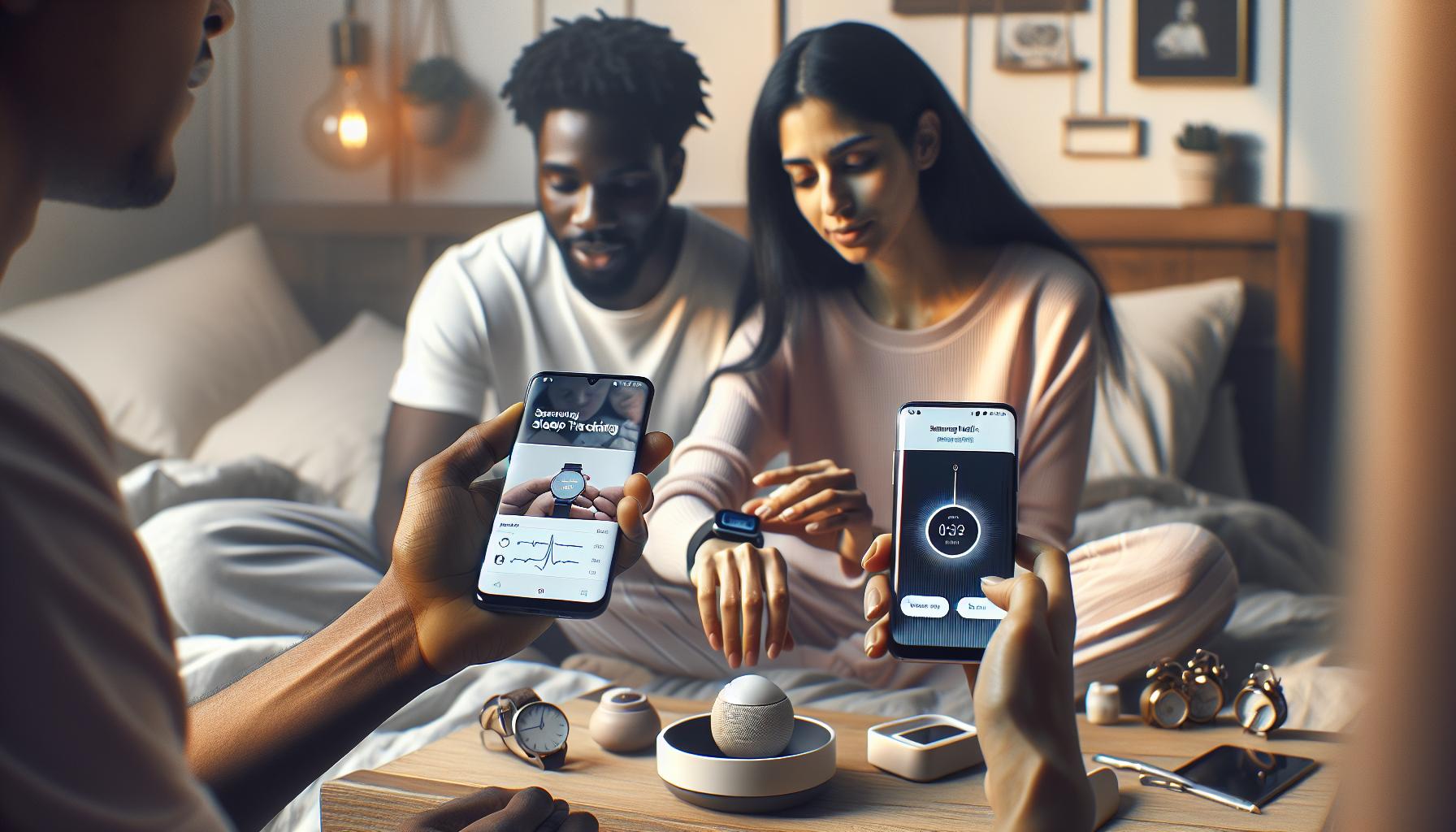
Interpreting Your Sleep Data Effectively
Understanding your sleep data is vital to harnessing the full potential of Samsung Health’s sleep tracking features. The insights generated by your device can reveal patterns and help you identify factors affecting your sleep quality. Instead of getting lost in the numbers, focus on the key metrics: total sleep time, sleep cycles, and sleep quality.
To effectively interpret your sleep data, start by looking at your total sleep time. This metric tells you how many hours you spent in bed versus how much time you actually slept. A consistently low total sleep time could indicate poor sleep habits or the need for adjustments in your bedtime routine. Aim for a recommended 7-9 hours per night.
Sleep cycles, which include light, deep, and REM sleep, provide a deeper dive into your sleep quality. Samsung Health breaks down these stages into easy-to-understand visuals, offering insights into how restorative your sleep has been. If you notice that you’re spending little time in deep sleep, this could signal the need for environmental changes, such as minimizing noise or adjusting room temperature.
Additionally, keep in mind your sleep score, a feature that aggregates various data points into a single score for a quick assessment of your night’s rest. A dip in your score can be a red flag, prompting you to examine factors like stress levels, late caffeine consumption, or disruptions from technology before bedtime. Monitor these scores over time to spot trends which can guide you toward creating a more consistent and healthy sleep environment.
By regularly reviewing and analyzing this data, you can tailor your lifestyle and routines to fit your needs. Whether it’s adjusting bedtime, practicing relaxation techniques, or addressing potential sleep disturbances, Samsung Health empowers you to take actionable steps toward better sleep health.
Features of Samsung Health: A Comparison with Other Sleep Trackers
Samsung Health stands out in the crowded field of sleep tracking by offering robust features that enhance your understanding of sleep habits. Unlike basic sleep monitors, Samsung Health dives deep into several metrics, giving users a comprehensive view of their overnight rest. One key differentiator is its ability to break down sleep into various stages-light, deep, and REM sleep-allowing you to see not just how long you slept but the quality of that sleep. This granular detail helps in identifying which parts of your sleep might need improvement.
Many users appreciate the intuitive interface and visually appealing graphs Samsung Health provides. For instance, it presents sleep data in an easy-to-read format, making it more accessible than some competitors that bombard users with raw data. Mobile applications like Fitbit and Apple Health also offer sleep tracking but may not provide the same level of detail in sleep stage breakdowns or include a comprehensive sleep score that aggregates data points into a single, easy-to-understand metric that highlights your overall sleep quality.
While some wearables prioritize step counting and calories burned, Samsung Health integrates wellness data to focus holistically on your health. It doesn’t just stop with sleep; by incorporating stress, physical activity, and even nutrition data, the app factors in how these elements influence your sleep. For those concerned about sleep disorders, the holistic approach of Samsung Health makes it a more reliable companion. Consider how a lack of deep sleep could stem from stress rather than just poor sleeping conditions, which other trackers might overlook.
In terms of compatibility, Samsung Health syncs seamlessly with a variety of devices, including wearables like the Galaxy Watch series, enhancing its functionality without the need for additional apps. Compared to some dedicated sleep trackers, which can be more expensive and limited to sleep data, Samsung Health offers a comprehensive approach to wellness at little to no cost.
As you consider your options, weigh the specific features that matter most to you-be it detailed sleep cycle analysis or the app’s ability to integrate other health metrics. With Samsung Health, you’re not just tracking sleep; you’re informed on how to improve your overall well-being, making it a compelling choice for those truly dedicated to understanding and enhancing their sleep health.
Navigating Sleep Disorders: Can Samsung Health Help?
Understanding sleep disorders can often feel overwhelming, especially with the plethora of options available for monitoring and improving sleep health. Samsung Health offers an accessible entry-point for users looking to better understand their sleep patterns and, potentially, the disorders affecting them. By providing detailed metrics on sleep duration and stages, this app allows users to track their sleep performance over time, revealing trends that might indicate sleep issues such as insomnia, sleep apnea, or restless leg syndrome.
One of the key advantages of using Samsung Health is its integration with wearables, like the Galaxy Watch, which can provide real-time data and feedback as you sleep. For instance, users can receive alerts about their sleeping patterns, including disruptions, which could signal a potential sleep disorder. If you notice frequent awakenings or insufficient deep sleep, this data can be valuable when discussing symptoms with a healthcare provider. Furthermore, the app’s holistic approach-considering factors such as stress and activity levels-means that users can explore the interconnectedness of these variables with their sleep health.
If you suspect a sleep disorder, Samsung Health serves as an excellent initial step. However, it’s essential to recognize its limitations. While the app can provide insights into your sleeping habits, it is not a diagnostic tool. If you identify distressing patterns or experience significant symptoms-such as heavy snoring or excessive daytime sleepiness-consulting a medical professional is crucial. They might recommend a sleep study (polysomnography) to provide a comprehensive analysis. These assessments can offer a detailed understanding of sleep phases, breathing patterns, and potential disorders that home apps may not capture effectively.
To optimize your experience with Samsung Health, consider keeping a sleep diary alongside the app’s data. Note down when you go to bed, wake up, and how you feel throughout the day. This supplemental information can help you correlate your sleep data with daily performance and mood, thereby painting a clearer picture that you can share when seeking professional help. Balancing the use of technology with a proactive approach to sleep health can empower you to make informed decisions on managing sleep disorders effectively.
The Science of Sleep: Understanding Sleep Stages
Sleep is a fascinating and complex process that involves various stages, each playing a critical role in our overall health and well-being. Understanding these stages can help you make the most of Samsung Health’s sleep tracking features, as it provides insights based on the science of sleep. Your typical night involves cycling through multiple stages, including light sleep, deep sleep, and REM (Rapid Eye Movement) sleep, each serving unique functions in healing, memory consolidation, and restorative processes.
During the night, you cycle through these stages, generally reaching deep sleep (Stage 3) and REM sleep about four to six times. Deep sleep is essential for your body to recover and rejuvenate-it’s when your body repairs tissues, builds bone and muscle, and strengthens your immune system. In contrast, REM sleep is where dreaming occurs and is vital for cognitive functions such as memory and emotional regulation. Notably, disruptions in these stages can indicate sleep disorders or stress-related issues, making tracking stages essential for identifying potential health concerns.
When using Samsung Health to track your sleep, it’s helpful to focus on how long you spend in each stage. This analysis can empower you to identify patterns, such as insufficient deep sleep or disrupted REM cycles, which may correlate with how you feel during the day. If you notice persistent issues-such as waking up feeling unrested or experiencing daytime drowsiness-consider discussing your sleep data with a healthcare provider. They may recommend further testing, such as a polysomnography sleep study, to comprehensively evaluate your sleep health.
To get the most accurate readings from Samsung Health, pairing the app with a Galaxy Watch or similar wearable can enhance your tracking experience. These devices collect real-time metrics, providing a more holistic view of your sleep. Additionally, remember to maintain a consistent sleep schedule and practice good sleep hygiene, as both can positively influence your sleep stages. With this knowledge, you’ll be equipped to make informed decisions towards achieving restorative sleep.
Tips for Improving Sleep Quality with Samsung Health
Improving your sleep quality is not just about the number of hours you clock in at night; it’s also about how restful that sleep is. Samsung Health offers various features that can help you optimize your sleep patterns and enhance your overall well-being. Here are some practical tips to make the most of Samsung Health’s capabilities for better sleep:
Establish a Consistent Routine
Creating a consistent sleep schedule is vital for regulating your body’s internal clock. Aim to go to bed and wake up at the same time every day, even on weekends. Use Samsung Health’s reminder feature to gently nudge you when it’s time to wind down. Consistency reinforces your body’s natural sleep-wake cycle, making it easier to fall asleep and feel more rested upon waking.
Utilize Sleep Insights
Samsung Health provides detailed insights into your sleeping patterns, tracking metrics like sleep quality, duration, and stages. After analyzing your sleep data, pay particular attention to patterns linked to lifestyle choices. For example, if you notice poorer sleep quality after late meals or screen time before bed, adjust these habits. The app’s data can empower you to make informed decisions that enhance your nightly rest.
Incorporate Relaxation Techniques
Use Samsung Health to guide you through relaxation exercises before bedtime. Features like breathing exercises or guided meditation can help reduce stress and prepare your body for sleep. Try integrating a quiet time routine that involves dimming lights, lowering screens, and engaging in calming activities such as reading or stretching. This routine signals to your body that it’s time to transition to sleep.
Review Your Sleep Environment
Samsung Health can also highlight factors in your environment that may contribute to poor sleep quality. Consider checking your bedroom setup. Ideally, your sleep space should be dark, cool, and quiet. Use blackout curtains, white noise machines, or fans to create an optimal environment for rest. Keeping your devices at a distance or out of the bedroom altogether can also minimize distractions and enhance your sleep experience.
By combining the data and features from Samsung Health with these practical tips, you can take proactive steps towards improving not just the quantity, but the quality of your sleep. The journey to better sleep is an ongoing process, so be patient with yourself and stay committed to the changes you implement.
Real User Experiences: Sleep Tracking Insights
Understanding how Samsung Health’s sleep tracking has impacted real users can provide valuable insights into its effectiveness and application. Many users report that the insights gained from tracking their sleep have led to significant improvements in their nightly rest and overall health. Notably, the app’s ability to break down sleep cycles into stages-such as REM, light, and deep sleep-empowers users to identify patterns that either promote or disrupt their sleep quality.
One user, Sarah, highlighted her experience with the app when she noticed consistent disturbances in her deep sleep stages. By adjusting her evening routine, specifically reducing caffeine intake after noon and minimizing screen time before bed, she was able to enhance her overall sleep quality significantly. Sarah appreciated how Samsung Health allowed her to visualize her sleep data over time, making it easier to correlate her lifestyle changes with improvements in her sleep metrics.
Another user, Michael, shared that he initially struggled with interpreting the data presented in Samsung Health. However, tutorials available within the app helped him understand the significance of his sleep patterns. After becoming more informed about sleep hygiene, he employed strategies such as setting a bedtime reminder and engaging in relaxation exercises, which the app suggests. This proactive approach not only helped him fall asleep faster but also led to feeling more refreshed in the morning.
The app’s community features also allow users to exchange ideas and share tips about sleep best practices. For instance, many users advise utilizing the “Relaxation” feature, which provides guided breathing exercises that can help unwind before sleep. This aspect of user engagement fosters a supportive environment, enhancing the overall experience and effectiveness of the Samsung Health sleep tracking feature.
In summary, real user experiences with Samsung Health reveal that the app serves not just as a sleep tracker but as a personal health coach. By providing actionable insights and fostering community interaction, it empowers users to make informed decisions about their sleep health.
Frequently Asked Questions About Samsung Sleep Tracking
Curious about how Samsung Health tracks your sleep? You’re not alone! Many users have questions regarding the functionality, accuracy, and overall benefits of Samsung’s sleep tracking features. Below we address some of the most common inquiries to help you get the best out of this powerful tool.
How does Samsung Health track my sleep?
Samsung Health uses a combination of motion sensors and heart rate monitoring to gather data during your sleep. When you wear your compatible Samsung device, it can detect when you fall asleep and track the different stages of sleep, such as light, deep, and REM sleep. This information is gathered through your movements and physiological signals, providing a comprehensive view of your sleep patterns over time.
Is Samsung Health sleep tracking accurate?
While no consumer sleep tracker is as precise as a professional sleep study conducted in a lab, Samsung Health provides a reliable overview for personal use. Many users find that it effectively highlights trends in their sleep behavior, making it easier to implement necessary lifestyle changes. However, keep in mind that factors like device fit and placement can influence accuracy, so it’s best to wear your device comfortably throughout the night.
What kind of insights can I gain from my sleep data?
Samsung Health offers insights into your sleep duration, efficiency, and quality, allowing you to assess how well you’re sleeping. By analyzing this data, you can identify factors that might be affecting your rest, such as caffeine intake or irregular sleep schedules. The app also provides sleep scores based on your performance over time, which can motivate you to improve your sleep habits.
Can Samsung Health help with sleep disorders?
While Samsung Health is not a substitute for professional medical advice or treatment, it can be a supportive tool in managing sleep disorders. The app’s detailed insights may help identify potential issues, such as sleep apnea or insomnia indicators. If you notice persistent sleep disturbances, consider sharing your data with a healthcare professional for further evaluation.
How do I set up Samsung Health for sleep tracking?
Setting up for sleep tracking is simple:
- Install the Samsung Health app if you haven’t already.
- Open the app and navigate to “Sleep.” Ensure that sleep tracking is enabled.
- Wear your compatible Samsung device while sleeping to allow for accurate tracking.
Make sure your device has enough battery and is adequately fitted to ensure the best results throughout the night.
With numerous features designed to empower better sleep health, Samsung Health can serve as a valuable companion in your quest for improved sleep quality. By fully understanding its capabilities, you can make informed decisions to enhance your nightly rest.
Troubleshooting Common Issues with Sleep Tracking
Many users of Samsung Health may encounter some common issues when it comes to tracking sleep patterns. These problems can range from inaccurate data recording to difficulty syncing the app with devices. Understanding these challenges can empower you to effectively troubleshoot and optimize your sleep tracking experience.
One frequent issue is inaccurate sleep data. If your device isn’t fitted correctly or if it moves during the night, the tracking may be compromised. To mitigate this, ensure that your wearable device is snug but comfortable on your wrist or arm. Additionally, keep your device charged before bedtime; low battery levels can sometimes hinder performance. If discrepancies in sleep duration persist, try recalibrating your sleep tracking options in the app settings.
Another common challenge is syncing issues between the Samsung Health app and your wearable device. Make sure Bluetooth is turned on and that your devices are paired correctly. If you’re still having problems, a quick fix could involve restarting both your device and your smartphone. Check for any software updates, as these often include bug fixes that can enhance the app’s performance.
Occasionally, users report unexpected interruptions in sleep tracking, especially if they wake up during the night. If you frequently experience this, consider turning off any settings that auto-detect wake times, or manually log your sleep patterns through the app. This way, you can ensure your night’s rest is recorded accurately, and it may assist in identifying patterns that influence your overall sleep quality.
Lastly, if you encounter persistent issues that hinder your sleep tracking capabilities, consult Samsung’s customer support or community forums for additional guidance. They often provide valuable insights and potential solutions based on similar user experiences. By being proactive in addressing these concerns, you can enhance your usage of Samsung Health and make informed decisions to support your sleep health journey.
Exploring Future Enhancements in Samsung Health Sleep Tracking
As technology continues to advance at a rapid pace, Samsung Health is poised for exciting future enhancements in its sleep tracking capabilities. One of the most anticipated improvements is the integration of AI-driven insights, which could provide users with personalized recommendations based on their unique sleep patterns. Imagine waking up to a tailored action plan that suggests adjustments for your sleep environment or schedule to optimize rest quality. This could be achieved through sophisticated analytics that interpret not merely the duration and quality of your sleep, but also how external factors-like light and noise-impact your rest.
Another area for enhancement is the improved connectivity with smart home devices. Future updates may enable Samsung Health to communicate with devices like smart thermostats and ambient lighting, creating an optimal sleep environment automatically. For instance, your Samsung Galaxy device could adjust the room temperature or dim the lights as your predetermined bedtime approaches, seamlessly promoting better sleep hygiene.
Additionally, the incorporation of advanced sleep disorder detection could revolutionize how users approach their sleep health. With more accurate algorithms analyzing sleep stages and disturbances, the app could alert users to patterns indicative of conditions like sleep apnea or insomnia. This capability would not only empower individuals to take proactive steps in consultation with healthcare professionals but would also facilitate earlier intervention and support.
Finally, gamification of sleep tracking features could encourage users to make healthier choices. By introducing challenges that reward users for achieving consistent sleep goals or improving their sleep quality, Samsung Health might foster a more engaging and motivating experience. Users could share their achievements on social media, generating a sense of community and support among those striving for better sleep.
As these advancements unfold, Samsung Health aims to enhance its role not just as a tracker, but as a comprehensive sleep health partner. By leveraging cutting-edge technology and user-friendly design, it’s set to become an indispensable tool for anyone looking to understand and improve their sleep patterns.
Frequently Asked Questions
“`markdown
Q: How does Samsung Health sleep tracking work?
A: Samsung Health uses built-in sensors in compatible devices to monitor your sleep patterns. It tracks movement, heart rate, and sometimes respiration to analyze sleep quality and duration, providing insights into different sleep stages, including light, deep, and REM sleep.
Q: What features enhance sleep tracking in Samsung Health?
A: Key features include personalized sleep goals, sleep score analysis, and detailed sleep stage breakdowns. The app also offers insights to improve sleep quality, such as relaxation techniques and bedtime reminders, making it a comprehensive sleep management tool.
Q: Can Samsung Health track sleep without a wearable device?
A: Yes, Samsung Health can track sleep using a compatible smartphone. However, wearables like Galaxy Watches provide more accurate data through continuous monitoring of heart rate and movement, enhancing the precision of sleep stage analysis.
Q: How can I improve my sleep quality using Samsung Health?
A: To improve sleep quality with Samsung Health, establish consistent sleep routines, utilize sleep sounds or guided meditations offered in the app, and review your sleep data regularly to identify patterns or habits that might be affecting your rest.
Q: How does Samsung Health compare to other sleep tracking apps?
A: Samsung Health is unique for its integration with other health metrics, like physical activity and stress levels. Compared to competitors, it offers a holistic view of health, making it easier to correlate sleep quality with overall well-being.
Q: What should I do if Samsung Health is not accurately tracking my sleep?
A: If Samsung Health is not tracking sleep accurately, check your device settings and ensure it is worn correctly. Additionally, ensure the app is updated. If problems persist, consider re-calibrating the device or consulting the troubleshooting section of the app.
Q: Can Samsung Health help with sleep disorders?
A: While Samsung Health provides valuable data and insights that can aid in sleep disorder management, it’s important to consult healthcare professionals for a proper diagnosis and treatment plan. The app can help track symptoms and patterns but is not a substitute for medical advice.
Q: Why is sleep stage tracking important?
A: Sleep stage tracking is crucial because it provides insight into how restful and restorative your sleep is. Understanding individual sleep stages helps identify sleep quality issues and informs decisions to enhance overall sleep health, something Samsung Health effectively visualizes.
“`
Future Outlook
Ready to take control of your sleep health with Samsung Health? With its user-friendly tracking features, you can gain valuable insights into your sleep patterns and make informed adjustments. Start making restful nights a priority today-download the app and set up your personal sleep environment!
If you’re curious about the differences between sleep trackers and when to consider a professional sleep study, check out our guides on sleep disorders and comparing wearables. Don’t forget to subscribe to our newsletter for the latest tips and updates on sleep health, ensuring you stay connected with all things related to better sleep.
Your journey to improved sleep starts now! Feel free to leave a comment or share your sleep tracking experiences with us, and check back for more resources on optimizing your health to make every night a revitalizing one.
Get our latest guides, news, and insights highlighted in your Google Search & AI Overviews.