
Did you know that getting quality sleep is just as crucial as regular exercise and a balanced diet for your overall health? Many people struggle with sleep, whether it’s due to insomnia, stress, or simply inconsistent habits. This is where your Fitbit can make a significant difference. By using your device to track sleep patterns, you can gain valuable insights into your nightly rest, helping you identify issues and improve your sleep quality over time. In this complete setup guide, you’ll learn how to effectively utilize your Fitbit for sleep tracking, from setting it up to interpreting the data it collects. Empower yourself with the knowledge to enhance your sleep, restore your energy, and improve your overall well-being. Let’s dive into the world of sleep tracking with Fitbit and discover how these simple steps can lead to a more refreshing night’s sleep.
Getting Started with Fitbit Sleep Tracking
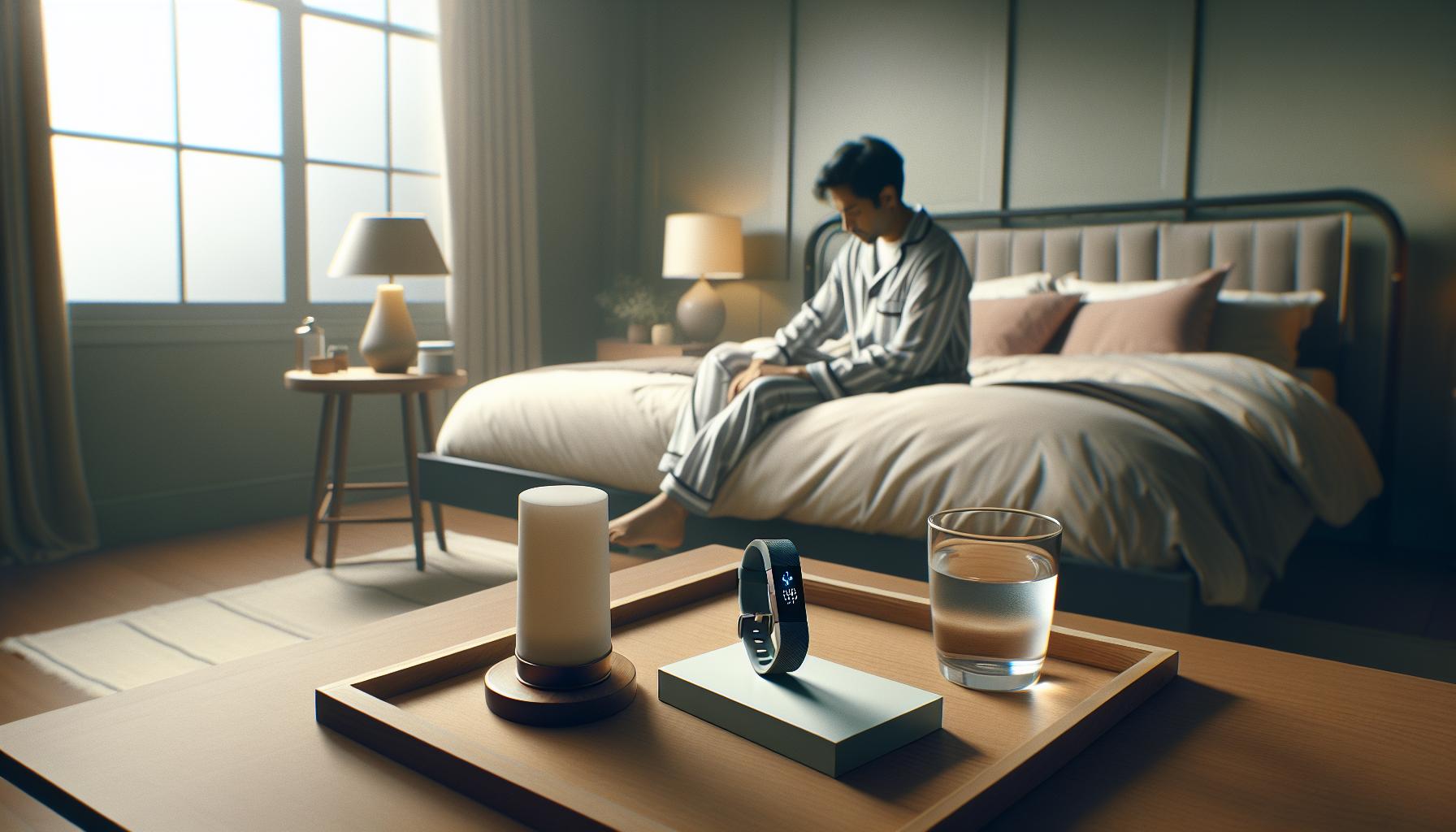
Tracking your sleep with a Fitbit can be a transformative experience, offering insights that may help enhance your overall sleep quality. Fitbit devices utilize advanced sensors to monitor your heart rate, movements, and even sleep stages, giving you a comprehensive view of your nightly rest. To embark on this journey, start by ensuring that your device is properly charged and fitted snugly on your wrist before you hit the hay. Consistent nightly usage is key; it enables the device to gather data that reflects your unique sleep patterns.
Once you’re accustomed to wearing your Fitbit at night, it’s important to familiarize yourself with the Fitbit app, which is where all the magic happens. The app presents your sleep data in an easy-to-understand format, showcasing your total sleep time, sleep stages, and any interruptions throughout the night. You can also set sleep goals and reminders through the app, making it more likely that you’ll cultivate a consistent sleep routine. Regularly checking your sleep statistics can help you identify trends and make informed adjustments to your habits, potentially improving your sleep hygiene over time.
Consider integrating your Fitbit sleep data with other health apps for a more holistic view of your health. Many users find that syncing their Fitbit with apps focused on diet, fitness, or mental well-being can lead to greater insights and motivation. Lastly, don’t hesitate to dive into the plethora of resources and community support available online, from tips on interpreting your sleep data to success stories that illustrate the benefits of effective sleep tracking. The more engaged you are with the data and features Fitbit offers, the better equipped you’ll be to take control of your sleep health.
Understanding Your Sleep Patterns and Stages
is essential to optimizing your sleep quality. When you wear a Fitbit device, it not only tracks how long you sleep but also delves into the specifics of your sleep cycle. This cycle comprises different stages: light sleep, deep sleep, and REM (Rapid Eye Movement) sleep, each playing a vital role in your overall well-being.
Fitbit devices employ advanced sensors to detect movements and heart rate variations during the night, which helps in identifying these stages. For example, during light sleep, your body is between wakefulness and deeper sleep, and you might be easily awakened. Deep sleep is crucial for physical recovery, immune function, and overall health. REM sleep, on the other hand, is essential for cognitive function, memory consolidation, and mood regulation. By understanding how much time you spend in each stage, you can gain insights into how your lifestyle choices impact your rest.
To make the most of the data provided by your Fitbit, regularly check the sleep scores and patterns it generates. You can view metrics such as your total sleep duration, the amount of time spent in each sleep stage, and how many times you wake up throughout the night. This data can help you identify trends over time, enabling you to adjust your nighttime routine or daily habits-like caffeine consumption or screen time before bed-ultimately leading to improved sleep hygiene.
Using the Fitbit app, you can also set personalized sleep goals based on your sleep stage insights. For example, if you notice you’re not getting enough deep sleep, consider implementing relaxation techniques before bed, such as meditation or light stretching, to help improve your sleep quality. This proactive approach to understanding your sleep can empower you to make smarter, evidence-based decisions for a healthier sleep routine.
Step-by-Step Guide to Set Up Your Fitbit
Setting up your Fitbit for effective sleep tracking can elevate your understanding of your sleep patterns and ultimately improve your sleep quality. The process is straightforward, allowing you to harness the full potential of your device with just a few simple steps.
To begin, ensure your Fitbit device is fully charged and that you have the Fitbit app downloaded on your smartphone. If this is your first time using a Fitbit, create an account within the app. The app will guide you through linking your Fitbit device via Bluetooth-simply follow the on-screen prompts to complete the pairing process.
Once your device is connected, familiarize yourself with the features relevant to sleep tracking. In the app, navigate to the “Today” tab, where you can see your health metrics at a glance. To set up sleep tracking specifically, ensure that the sleep tracking feature is enabled. Most Fitbit models will automatically track your sleep once you wear the device to bed, but you can adjust settings for notifications or reminders to encourage a consistent bedtime routine.
You can also customize your sleep schedule within the app. This feature allows you to set a target bedtime and wake time, helping you to establish a regular sleep pattern. The Fitbit app will send reminders if you stray from your set schedule, promoting better sleep hygiene. For those wanting to dive deeper, consider experimenting with the various sleep insights and tips provided by the app based on your sleep data, which can guide you toward healthier sleep habits.
Engaging with your sleep data becomes easy after setup. By tapping on the sleep tile in the app, you can access detailed reports of your sleep stages-including light, deep, and REM sleep-along with insights on how lifestyle factors like exercise, caffeine, and stress may affect your overall sleep quality. Embracing this technology not only personalizes your approach to sleep but also empowers you to make informed changes to foster a better night’s rest.
Customizing Sleep Settings on Your Fitbit
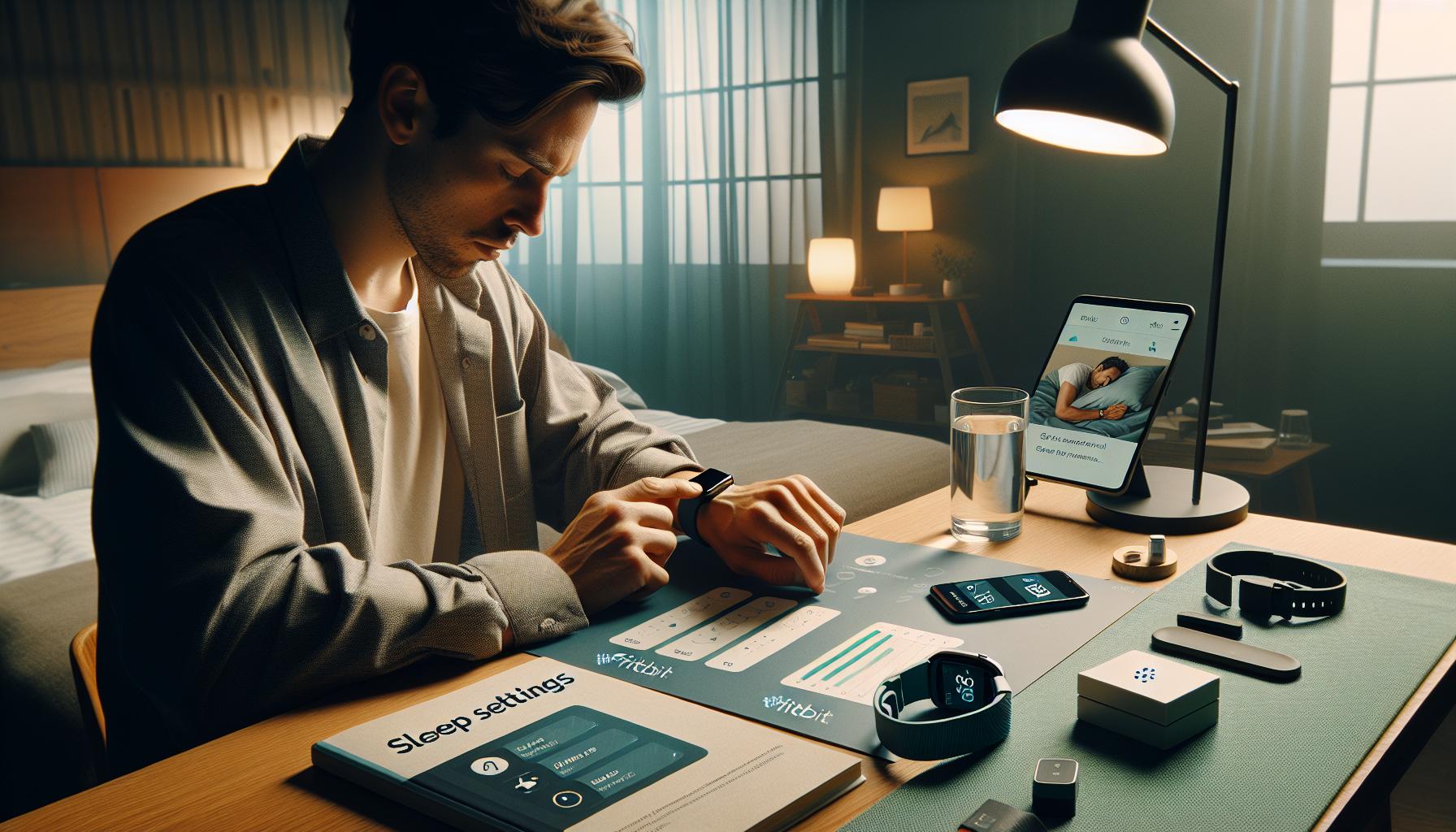
To truly benefit from your Fitbit’s sleep tracking capabilities, customizing your sleep settings is essential. Understanding how to tailor these features not only enhances the accuracy of your sleep reports but also helps you establish a consistent bedtime routine, leading to improved sleep quality. The Fitbit app makes this process user-friendly, allowing you to input specific preferences that align with your lifestyle.
Start by defining your sleep schedule through the app. Setting a target bedtime and wake time can significantly contribute to better sleep hygiene. Once you input your desired sleep schedule, your Fitbit will send reminders to help you stick to it. This consistency encourages your body to adapt, fostering a better sleep pattern over time. Don’t hesitate to adjust these parameters as your life circumstances change; effective sleep management is a dynamic process.
Another compelling feature to explore is the sleep settings for notifications and silent alarms. If you’re easily disturbed while sleeping, enabling the “Do Not Disturb” mode can ensure you’re not awakened by unnecessary notifications during the night. Similarly, setting a silent alarm that gently vibrates on your wrist can help wake you at the optimal time in your sleep cycle, minimizing grogginess upon waking.
Lastly, dive into the app’s sleep insights, which analyze your sleeping patterns and give personalized recommendations. Pay attention to factors affecting your sleep, such as exercise and caffeine intake, which the app can correlate with your sleep stats. These insights enable you to make informed lifestyle changes to enhance your overall sleep quality.
By harnessing these customizable features, you empower yourself to take control of your sleep health and make meaningful changes that support your overall well-being.
Interpreting Your Sleep Data Effectively
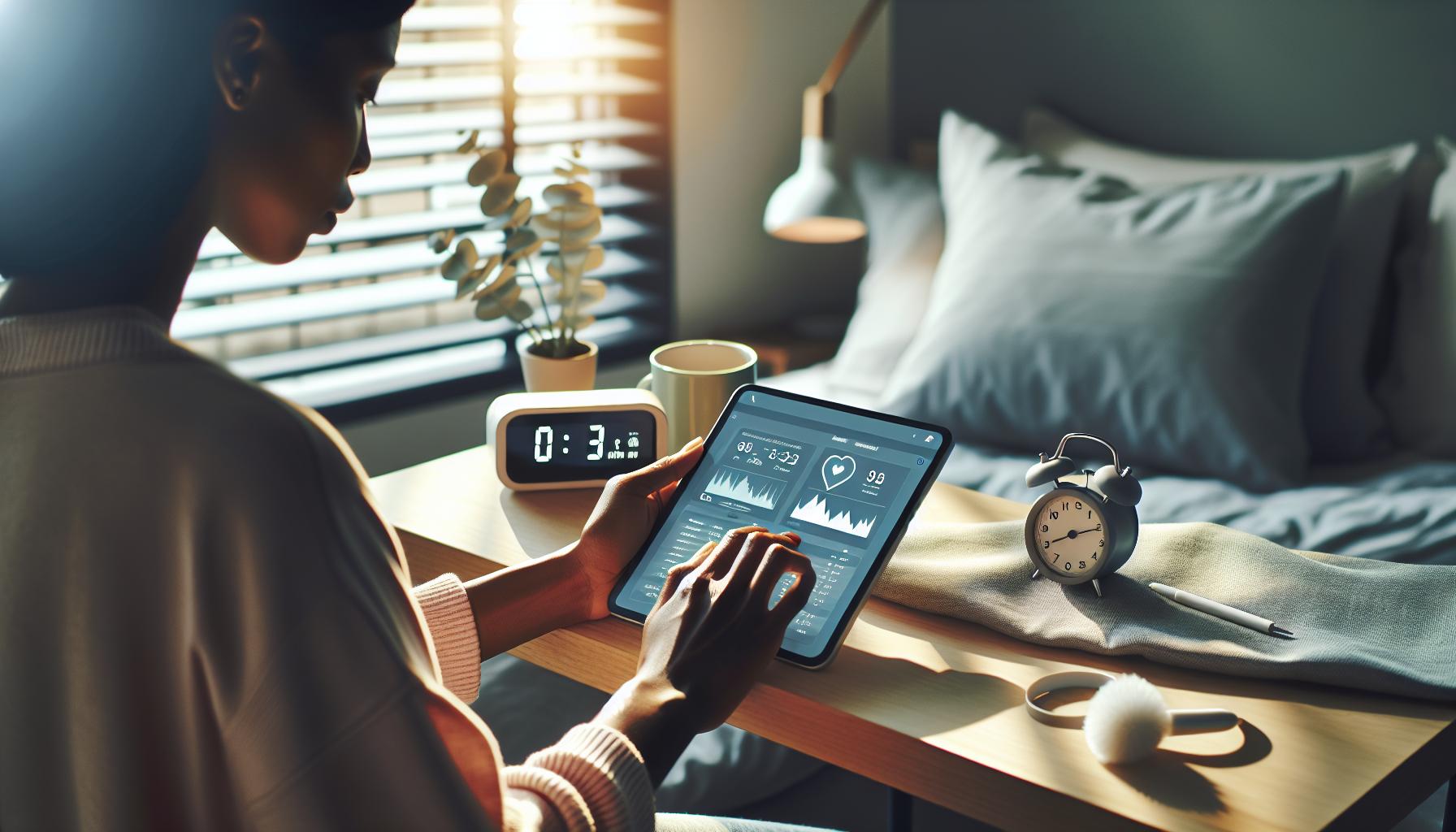
Understanding your sleep data can transform your nightly rest from a vague experience into a structured analysis, guiding you towards better sleep hygiene. Fitbit’s tracking technology doesn’t just log hours of sleep; it accurately breaks down your slumber into stages such as light, deep, and REM sleep, each playing a unique role in overall health. By familiarizing yourself with these stages, you can start to correlate your feelings of restfulness with specific sleep patterns, helping you make informed adjustments to your habits.
To interpret your data effectively, begin by checking the Sleep Duration and Sleep Score metrics. The Sleep Score is a synthesis of your sleep metrics, providing a percentage that reflects your overall sleep quality. Scores above 80 are typically considered good, while anything below might indicate areas for improvement. Consult the app’s personalized recommendations, which can help you adjust your sleep environment, such as room temperature or noise levels, optimizing your chances of attaining a higher score on subsequent nights.
Additionally, pay close attention to the breakdown of different sleep stages. Each night, your app could show that you’re spending adequate time in light sleep but falling short in deep sleep. Deep sleep is critical for physical recovery and memory consolidation, whereas inadequate REM sleep may affect your emotional health. Use this insight to examine your daily routines: Are you consuming caffeine close to bedtime? Are you engaging in stimulating activities that might delay your deep-sleep cycle?
The power of interpretation lies not solely in gathering data but in your ability to act on it. Think of your Fitbit as a coach; rather than passively tracking your sleep, allow it to guide you towards better habits. Implement small changes, such as dedicating time to winding down before bed or establishing a consistent wake-up time, and monitor their impact through your sleep data. This approach not only helps you understand your patterns but also encourages an ongoing commitment to enhancing your sleep quality.
Troubleshooting Common Fitbit Sleep Tracking Issues
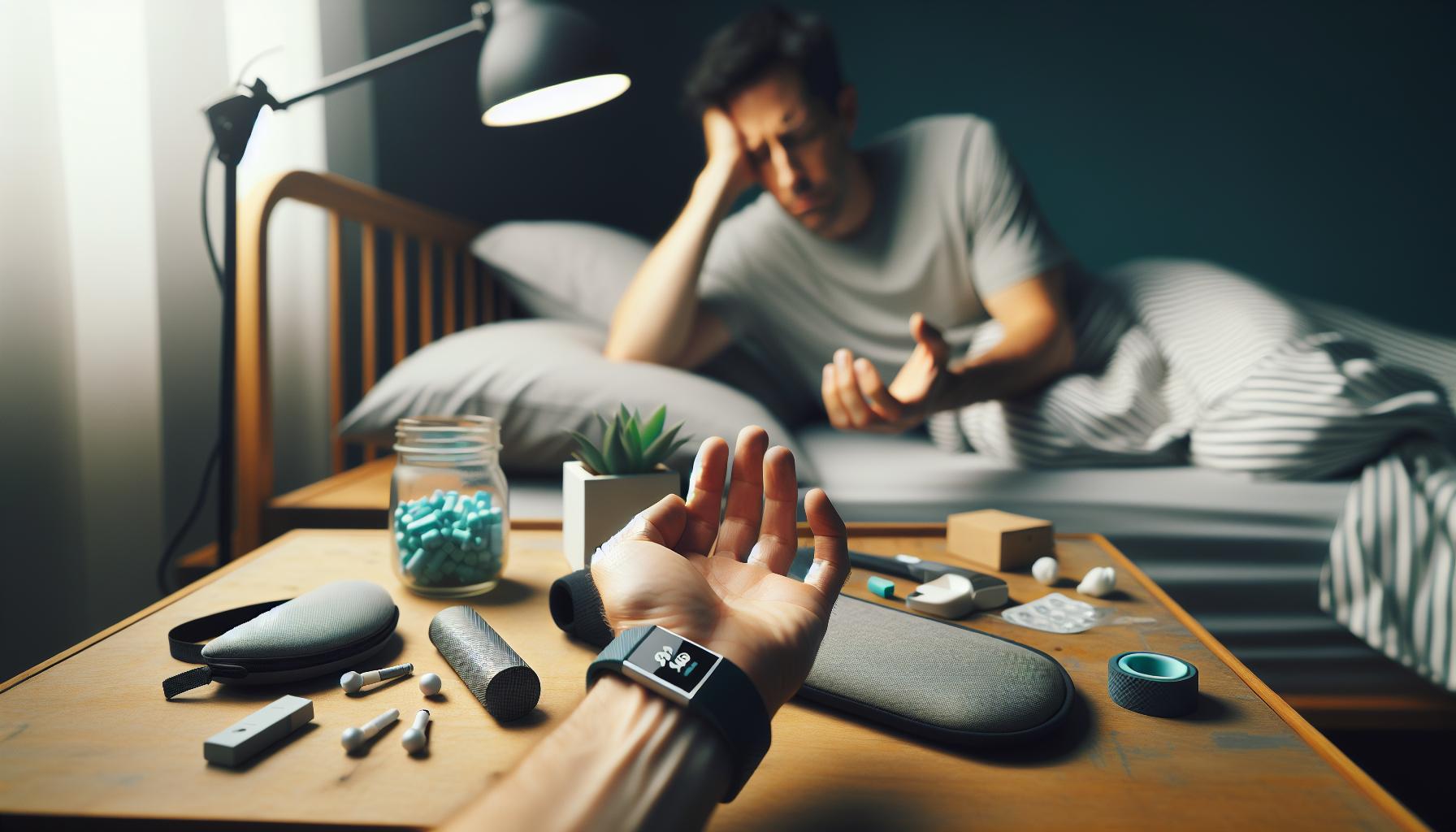
Sometimes, even the most advanced technology can encounter hiccups, and Fitbit sleep tracking is no exception. If your device is not accurately tracking your sleep or providing questionable data, it can be frustrating. However, many common issues have straightforward solutions.
Start by ensuring that your Fitbit is correctly worn. The device should sit snugly on your wrist, a few finger widths above your wrist bone for optimal heart rate accuracy. If it’s too loose or too tight, it might not record your data accurately. Additionally, consider the sleeping position-Fitbit may struggle to monitor sleep accurately if it does not detect movement appropriately.
Next, check if your device is updated with the latest software. Fitbit frequently rolls out updates that improve functionality and fix bugs. To check for updates, open the Fitbit app on your smartphone, select your device, and look for software updates in the settings. Keeping your device updated can often resolve many tracking problems.
If your sleep score seems unusually low or inconsistent, verify your sleep settings. Ensure that the ‘Sleep mode’ is activated before you go to bed. This feature helps reduce notifications, allowing your device to concentrate on tracking sleep effectively. Alternatively, you can set a sleep schedule in the app, prompting your Fitbit to autonomously recognize when it’s time to rest.
Lastly, if you’re still facing issues, recalibrating your sleep patterns through the app may help. Sometimes, a brief data reset can clear up minor glitches. Disconnect your device from your account, wait a few moments, and then reconnect it to refresh the data flow. For persistent problems, consult Fitbit’s customer support or community forums for further assistance, as they often contain solutions for device-specific issues.
By addressing these common issues thoughtfully, you can ensure your Fitbit serves its purpose as an effective sleep tracker, helping you gain valuable insights into your nightly rest.
Maximizing Sleep Quality with Fitbit Insights
Maximizing your sleep quality with Fitbit insights can transform the way you approach rest and rejuvenation. Did you know that sleep is just as essential to your health as nutrition and exercise? Fitbit provides a suite of tools that not only track your sleep patterns but also interpret this data to help you make informed decisions about improving your nightly rest.
Utilizing the sleep tracking features on your Fitbit, you can gain insights into various stages of your sleep-light, deep, and REM sleep. Understanding how long you spend in each stage is crucial. Strive for ample time in both deep and REM sleep, as these stages are fundamental for memory consolidation and physical repair. To maximize these rejuvenating stages, consider establishing a consistent sleep schedule and pre-sleep routine. The Fitbit app allows you to set bedtime reminders, helping you wind down and prepare for sleep, improving your overall sleep hygiene.
To further enhance your sleep quality, explore the Sleep Score feature available on most Fitbit devices. This score is determined by various factors such as sleep duration, restlessness, and time spent in each sleep stage. Use this score to identify patterns and make adjustments. For example, if you notice a drop in your score after certain activities or foods consumed before bed, such as caffeine or screen time, you can adjust your habits accordingly.
Take advantage of the insights Fitbit offers regarding your environment as well. Using the app, you can track factors such as room temperature, noise levels, and light exposure that may affect your sleep quality. Making your sleep environment more conducive to rest can significantly boost your sleep experience.
Moreover, integrating your Fitbit sleep data with other health apps can provide a more comprehensive view of your overall wellness. Many users find that syncing their data with fitness or wellness platforms can result in richer insights, enabling a holistic approach to health management. For those serious about maximizing their sleep, consider experimenting with calming bedtime routines, utilizing features like guided breathing exercises available on some Fitbit models to assist in winding down.
In conclusion, by actively engaging with the insights provided by your Fitbit device, you can make smart, informed choices that enhance your sleep quality. Taking steps to understand your sleep patterns and incorporating strategies to improve them will empower you to prioritize restful sleep, which is foundational for overall well-being.
Comparing Fitbit Sleep Tracking Features Across Models
Fitbit devices are popular choices for sleep tracking, but not all models offer the same features. Understanding these differences can help you select the perfect Fitbit for your sleep needs. With various models, each equipped with unique functionalities, it’s essential to compare them based on what you hope to achieve regarding sleep insights.
Core Sleep Tracking Features
Almost every Fitbit model offers basic sleep tracking capabilities, which includes monitoring your sleep duration and alerting you when you fall asleep. However, the depth of the analysis can vary significantly:
- Fitbit Inspire 2: Offers basic sleep tracking and a sleep score based on duration and restlessness.
- Fitbit Charge 5: Features detailed breakdowns of sleep stages-light, deep, and REM-allowing for a nuanced understanding of your sleep quality.
- Fitbit Versa 3: Includes advanced sleep analytics and the addition of an SpO2 sensor, which can track blood oxygen levels during sleep, providing more insights into respiratory health.
- Fitbit Sense: Offers all features available in previous models plus stress management and Heart Rate variability, which is crucial for understanding sleep health in relation to overall well-being.
Integration with the Fitbit App
While all models sync with the Fitbit app for a comprehensive overview, the app experience can differ based on the device:
- Basic models like the Fitbit Inspire 2 sync effectively but are limited in app features, focusing mainly on sleep duration.
- The Versa 3 and Charge 5 offer richer data visualization and enhanced recommendations, making it easier to interpret sleep patterns and make adjustments.
- The Fitbit Sense enhances this by providing health metrics that can influence sleep, like stress levels, thus allowing for a more integrated wellness approach.
Battery Life and Comfort
Battery life is another essential consideration, especially for sleep tracking:
| Model | Battery Life | Comfort for Sleep |
|---|---|---|
| Inspire 2 | 10 days | Lightweight and slim, ideal for sleeping |
| Charge 5 | 7 days | Comfortable but slightly bulkier |
| Versa 3 | 6+ days | Well-suited for overnight wear |
| Sense | 6 days | Comfortable design with premium feel |
In conclusion, when comparing Fitbit models for sleep tracking, consider the depth of analysis, integration with the app, battery life, and comfort. These factors will guide you in selecting the Fitbit that not only meets your sleep monitoring needs but also contributes to your overall wellness journey. By understanding these features, you can make an informed decision that enhances your sleep health and helps build better sleep habits.
Integrating Fitbit Sleep Data with Other Health Apps
Integrating your Fitbit sleep data with other health apps can significantly enhance your understanding of your sleep patterns and overall wellness. By leveraging data from multiple sources, you can create a more comprehensive view of your health, allowing for informed lifestyle changes and improved sleep quality. For instance, syncing your Fitbit data with apps like MyFitnessPal or Apple Health enables you to correlate sleep quality with dietary choices or physical activity levels.
Many users find that combining their sleep data with fitness tracking can reveal compelling insights. When you track your activity levels alongside your sleep patterns, you might notice how your exercise routine impacts your rest. For example, regular physical activity can lead to improved sleep quality, while a sedentary lifestyle may correlate with poor sleep. This integrated approach allows you to make adjustments to your routine for better overall health.
To get started with integration, you can follow these simple steps:
- Choose Compatible Apps: Before syncing, ensure the other health apps you wish to use support Fitbit integration. Apps like Google Fit, Strava, or even mental wellness platforms can offer additional insights.
- Link Accounts: Open the Fitbit app, navigate to the “Account” section, and select “Applications.” From there, you can find and authorize any third-party services you want to connect with. Make sure to follow the prompts to ensure data flows smoothly between platforms.
- Monitor Data: After syncing, regularly check how integrating your sleep data influences your understanding of health patterns. Look for trends over time, such as sleep duration in relation to exercise frequency or dietary habits.
By integrating data from your Fitbit with other health applications, you can create a holistic view of your health journey. You’ll be well-equipped to identify patterns, make informed decisions, and enhance your sleep quality effectively. This interconnected approach not only motivates healthier habits but also equips you with essential tools to advocate for your well-being effectively.
The Science Behind Sleep Tracking Technology
Understanding how sleep tracking technology works can transform your approach to better rest. At its core, sleep tracking devices like Fitbit utilize a combination of light, motion, and advanced algorithms to analyze your sleep patterns and stages. These devices are equipped with sensors that monitor your heart rate, movement, and even temperature to determine when you are awake and when you are in different sleep stages, such as light, deep, and REM sleep.
The use of *photoplethysmography (PPG)* is central to how Fitbits track heart rate and subsequently analyze sleep. This technique involves shining a light onto your skin and measuring the amount of light that reflects back, which changes with blood volume as your heart beats. This data is crucial in determining your heart rate variability during different sleep cycles, providing insight into the quality of your sleep.
Stages of Sleep and Their Importance
Each night, you cycle through various stages of sleep, and understanding these can lead to healthier sleep habits. Sleep is generally divided into two categories: *non-REM (NREM)* sleep, which includes light and deep sleep, and *REM sleep*, which is when dreaming occurs. Here’s how Fitbit helps you understand these stages:
- Light Sleep: This stage is crucial for relaxation and starts your sleep cycle. Fitbit tracks this stage to show how often you experience light sleep.
- Deep Sleep: Essential for physical recovery and memory consolidation, tracking deep sleep can indicate how rested you feel.
- REM Sleep: Important for cognitive functions like memory and mood regulation, tracking REM sleep helps you see if you’re getting the restorative sleep needed for a healthy mind.
Fitbit provides a breakdown of these stages, helping you recognize patterns and identify potential issues. For example, consistent low levels of deep sleep could prompt you to look into behavioral changes, such as reducing late-night screen time or modifying caffeine intake.
Moreover, while Fitbit’s sleep tracking technology offers valuable insights, it’s essential to remember that these devices are not a replacement for professional sleep studies. If you notice ongoing sleep disturbances or patterns that concern you, seeking professional help is essential. Sleep disorders like sleep apnea require diagnosis through polysomnography, a more comprehensive sleep study that measures brain waves, blood oxygen levels, and other vital signs.
Ultimately, embracing the science behind sleep tracking allows you to take proactive steps toward achieving optimal sleep health. Use the insights provided by your Fitbit to make informed lifestyle adjustments, and don’t hesitate to consult a healthcare professional when needed for accurate diagnosis and tailored interventions.
Real-Life Success Stories: How Fitbit Improved Sleep
Many users have found success in improving their sleep health through the insights provided by their Fitbit devices. One particularly striking example comes from a user named Jessica, a busy mother of two who often struggled with sleep deprivation. After noticing her Fitbit data showed minimal deep sleep, she reflected on her evening routines and realized her habit of browsing her phone right before bed might be affecting her sleep quality. Armed with this knowledge, Jessica decided to implement a technology curfew-turning her devices off an hour before bedtime. This adjustment resulted in more time spent unwinding with a book, which led to significantly improved sleep patterns.
Another inspiring story is that of Mark, a 45-year-old software engineer who used his Fitbit to monitor his sleep stages after experiencing chronic fatigue. His Fitbit alerted him to restless nights filled with interruptions. Intrigued by the data, Mark began making changes to his diet and exercise routine. He decreased caffeine consumption in the afternoon and started a nightly wind-down routine that included light stretching and meditation. Over several weeks, Mark noticed an increase in both his REM sleep and overall duration of sleep. The improvement was so pronounced that he even felt more productive and energetic during the day.
Empowering Changes through Data
The power of Fitbit lies in its ability to transform raw data into actionable insights. Users frequently report how visualizing their sleep trends has fueled positive behavioral changes. For example, after analyzing their sleep reports, many users have adopted consistent bedtime schedules, reduced alcohol intake, or created serene sleeping environments by minimizing noise and light.
Fitbit not only encourages these improvements via data but also through its community features. Users can share their experiences, challenges, and triumphs with friends, creating a supportive network that motivates each other to enhance their sleep quality. Whether through friendly competitions or shared goals, this community aspect helps keep many users accountable.
Through real-life stories like those of Jessica and Mark, it’s evident that the journey toward better sleep with Fitbit is facilitated by understanding the data the device provides. Users are empowered to take control of their sleep health, leading to lasting improvements in both well-being and daily performance.
When to Seek Professional Help for Sleep Issues
Understanding can be crucial for your overall health, especially when Fitbit data reveals persistent problems. Sleep is not just a luxury; it’s essential for both physical and mental well-being. If you find that despite making lifestyle adjustments based on your Fitbit insights, you continue to experience significant sleep disturbances, it may be time to consult a sleep specialist.
There are specific signs that indicate a professional evaluation is necessary. If you frequently have difficulty falling asleep or staying asleep, experience excessive daytime sleepiness, or your Fitbit data indicates disrupted sleep patterns (frequent awakenings, minimal deep or REM sleep), consider reaching out for help. Additionally, if you snore loudly or have pauses in breathing while asleep, these could be symptoms of sleep apnea, warranting immediate medical attention. Never dismiss symptoms like these, as untreated sleep disorders can lead to more severe conditions, including heart disease and diabetes.
Taking the step to consult a healthcare provider can be daunting, particularly if you’re uncertain about what to expect. Typically, the process involves an initial consultation where you discuss your sleep history and symptoms. Your doctor might recommend a sleep study, or polysomnography, which monitors various biological parameters while you sleep. This study can happen in a sleep lab or at home with advanced sleep tracking devices.
Costs for sleep studies can vary widely; they might range from $300 to over $1,000 if done in a clinic. Many insurance plans cover the costs if medically necessary, so check with your provider for specifics. Understanding these aspects will help demystify the experience and empower you to seek the necessary help confidently.
In cases where the issue seems manageable, continuing to track your sleep with Fitbit provides valuable insights into your patterns over time. You can use this data to discuss changes with your doctor or to understand better how lifestyle adjustments influence your sleep quality. Whether you opt for professional evaluation or rely on your wearable device, remember, improving your sleep is a journey worth taking for a healthier, happier life.
Frequently Asked Questions
Q: How does Fitbit track my sleep patterns?
A: Fitbit devices track sleep patterns by using motion and heart rate data. They estimate when you fall asleep, wake up, and the various sleep stages (light, deep, and REM). Wearing your Fitbit during sleep allows it to monitor these patterns automatically, providing insights into your sleep quality.
Q: Can I adjust my sleep settings on Fitbit?
A: Yes, you can customize your sleep settings on Fitbit through the app. To set a sleep schedule, open the app, go to your profile, select your device settings, and then choose “Sleep.” Here, you can adjust sleep goals and reminders to help establish a consistent routine.
Q: What sleep data can I view on my Fitbit app?
A: In the Fitbit app, you can view detailed sleep data, including total sleep duration, sleep quality, stages of sleep, and even trends over time. Tap the “Sleep” tile on the Today tab for a breakdown of your sleep patterns and to access historical data for improved insights.
Q: How can I improve my sleep quality using Fitbit insights?
A: Use Fitbit insights to adjust your bedtime habits based on your sleep data. Regularly check patterns such as sleep consistency, duration, and quality. Consider following suggestions for lifestyle changes provided by Fitbit to enhance your overall sleep quality, such as sticking to a routine or limiting screen time before bed.
Q: Why is my Fitbit sleep tracking not accurate?
A: If your Fitbit sleep tracking seems inaccurate, ensure you wear the device snugly on your wrist while sleeping. Check for firmware updates and ensure the device is charged. If problems persist, consult the troubleshooting tips in the Fitbit app or refer to the troubleshooting section in the setup guide.
Q: How can I sync Fitbit sleep data with other health apps?
A: You can integrate Fitbit sleep data with other health apps by linking them through the Fitbit app’s settings. Navigate to “Manage Connections” in the app and select the health apps you wish to connect. This allows you to have a more comprehensive view of your health metrics alongside sleep data.
Q: What does sleep stage tracking mean on my Fitbit?
A: Sleep stage tracking on your Fitbit refers to its ability to distinguish between light, deep, and REM sleep phases. This information helps you understand the quality of your sleep. An analysis of these stages can guide you in optimizing your sleep duration and improving restfulness.
Q: When should I seek professional help for sleep issues?
A: If you consistently struggle with sleep despite following insights or recommendations from your Fitbit, it may be time to consult a healthcare professional. Conditions like insomnia or sleep apnea require specialized evaluation and treatment that a device cannot provide.
The Conclusion
Now that you’re equipped with the knowledge to optimize your sleep tracking with Fitbit, it’s time to take action and start improving your sleep quality tonight. Remember, tracking your sleep isn’t just about the numbers; it’s a tool to help you make positive changes for better rest and overall well-being. For deeper insights, check our guide on sleep stages and how they affect your health, or explore our article on comparing different sleep trackers to find the perfect fit for your needs.
Don’t forget to share your thoughts and experiences in the comments section below! Engaging with our community can provide additional support and tips. If you’re looking to stay updated with the latest in sleep technology, consider signing up for our newsletter. Take the first step towards better sleep today-your well-deserved rest awaits!
Get our latest guides, news, and insights highlighted in your Google Search & AI Overviews.