
If you’ve ever wondered, “Why is my Fitbit only tracking part of my sleep?” you’re not alone. Many users experience inconsistencies with their sleep data, which can be frustrating and leave you questioning the accuracy of your sleep insights. Understanding the mechanics behind Fitbit’s sleep tracking is essential for maximizing its benefits and ultimately improving your overall sleep health. This guide will not only address common issues that might prevent accurate tracking but also provide practical solutions to enhance your experience. By unraveling the complexities of your device, you’ll be empowered to take control of your sleep patterns and make informed decisions that lead to better rest. Curious to find out how to ensure your Fitbit captures your full sleep cycle? Let’s explore the full fix together!
Understanding Fitbit Sleep Tracking Basics
Many people find themselves puzzled when their Fitbit only tracks part of their sleep. Understanding how Fitbit devices monitor sleep is essential to making the most out of this technology. These devices utilize advanced sensors to detect movement, heart rate, and other physiological signals to estimate sleep duration and quality. Fitbit automatically detects when you fall asleep and wake up, recording various sleep stages if the device has heart rate capabilities. This automatic detection means that ensuring your device is worn correctly and that the sensors are clean is crucial for accuracy.
If your Fitbit is consistently logging incomplete sleep data, it may be due to a few common factors. For instance, shifting positions frequently may confound its ability to accurately determine sleep onset or offsets. Additionally, if the device is not snug on your wrist, it may fail to gather precise heart rate measurements- integral for tracking sleep stages. Moreover, low battery levels can affect tracking performance, so keeping your device charged is important. It’s worth noting that the specificity of sleep stage tracking can vary among models, with newer devices generally offering more refined data through improved sensor technology.
To optimize sleep tracking, it’s vital to familiarize yourself with your device’s capabilities and limitations. Wearing your Fitbit nightly and ensuring it’s updated via the app can significantly enhance tracking accuracy. Remember to sync your device regularly to maintain the latest firmware updates, which often improve performance and add new features related to sleep analysis. With these strategies, you can enhance the reliability of your sleep data and gain valuable insights into your nightly rest patterns.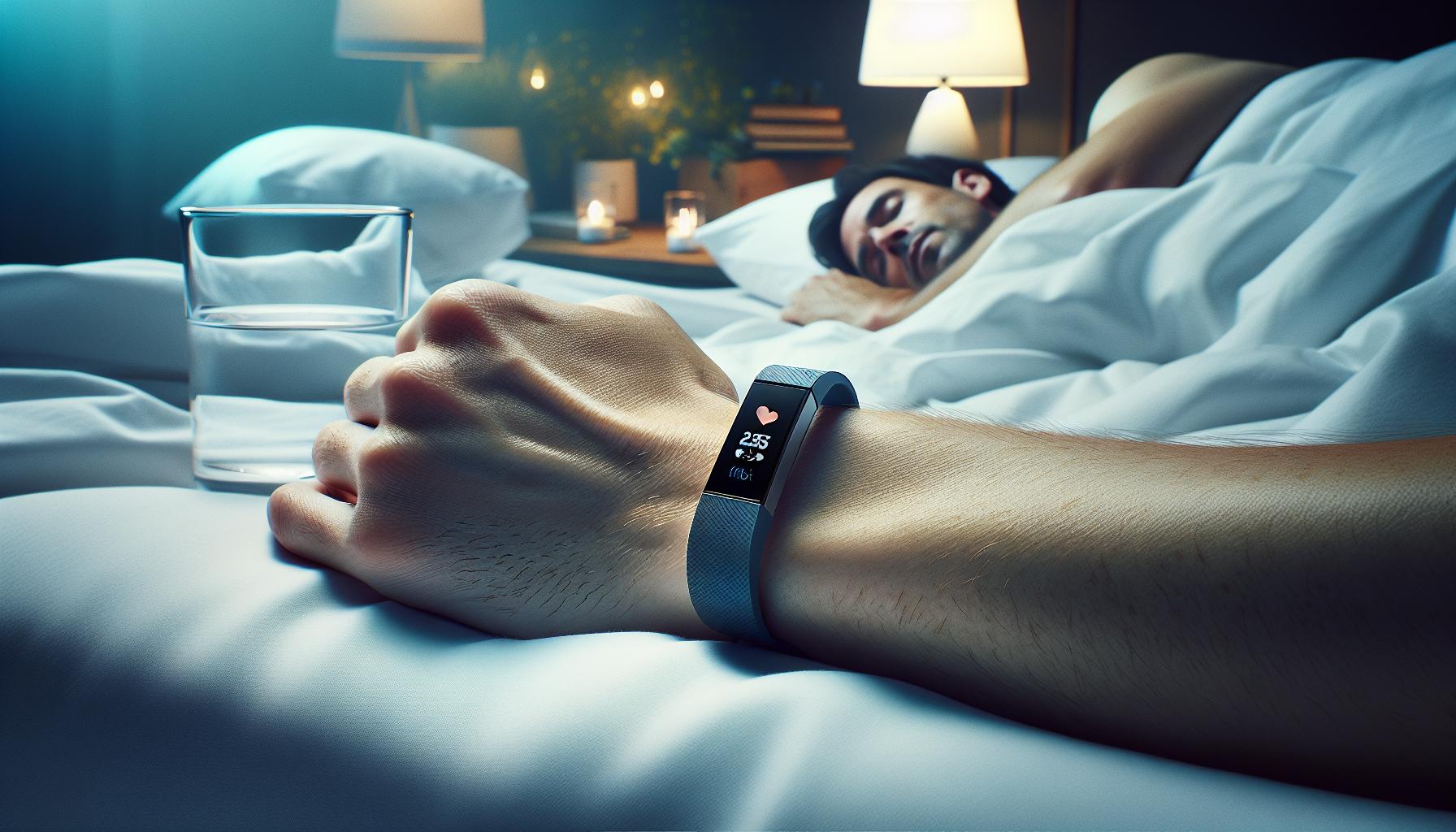
Common Reasons for Incomplete Sleep Tracking
Many Fitbit users have experienced frustration over their devices only capturing part of their sleep, leaving them puzzled about the reasons behind it. Incomplete sleep tracking can stem from several factors, and understanding these can help you optimize your device for more accurate data.
One common reason for inaccurate sleep data is related to how the device is worn. If your Fitbit isn’t snug against your wrist, it may fail to collect vital heart rate data needed to assess different sleep stages. Ensure that the device fits comfortably-not too tight, but secure enough that it won’t shift while you sleep. Additionally, frequent movement or tossing and turning during the night can confuse the device’s sensors as it attempts to determine when you fall asleep and when you wake up.
Battery life also plays a crucial role in tracking performance. If your device is running low on battery power, it may not function optimally, impacting its ability to record your sleep accurately. Make it a habit to charge your Fitbit regularly to prevent this issue. Lastly, understand that various models of Fitbit offer differing levels of sleep stage tracking accuracy; newer models typically have advanced sensors and algorithms, making them more reliable for sleep analysis.
By being mindful of how you wear your device, ensuring it is charged, and recognizing the limitations based on the model you own, you can significantly improve the accuracy of your sleep tracking experience. This proactive approach will allow you to gather a clearer picture of your sleep patterns, enabling you to make informed adjustments to enhance your overall sleep quality.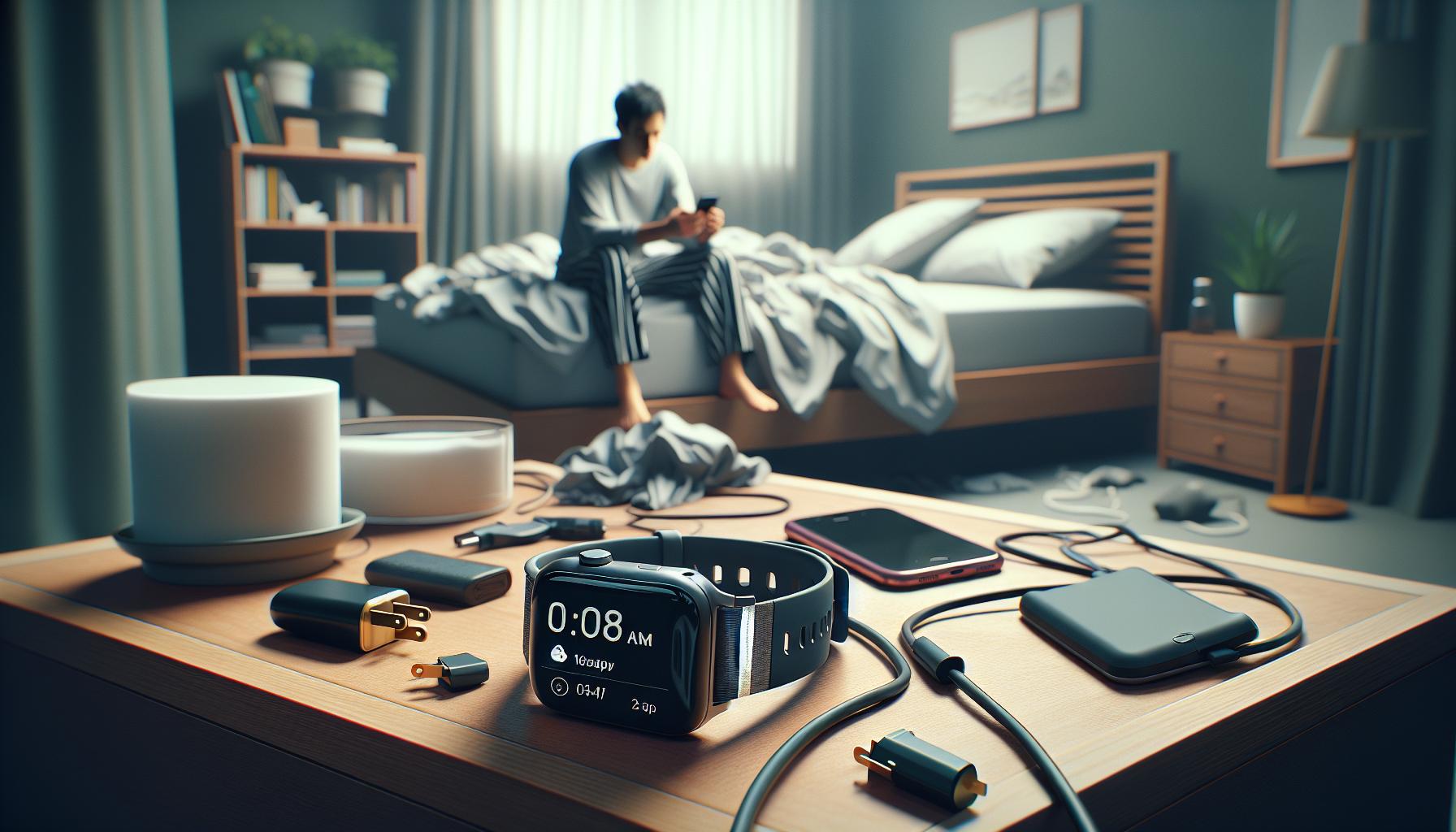
How to Improve Fitbit Sleep Accuracy
To significantly enhance the accuracy of your Fitbit’s sleep tracking, taking a few proactive steps can make a world of difference. Many users are often puzzled when their device fails to capture their complete sleep patterns, but several simple adjustments can help ensure you get the most reliable data possible.
Start by ensuring that your Fitbit is worn correctly. A snug fit is essential; it should be comfortable yet secure enough to prevent movement throughout the night. If your device is too loose, it may not adequately track heart rate changes, which are crucial for discerning different sleep stages. Additionally, choosing the right location on your wrist can also impact measurement accuracy-typically, wearing it on the non-dominant hand is recommended for optimal tracking.
Battery life plays a vital role in sleep tracking performance. Regularly charging your Fitbit can prevent it from entering a low power state that may limit its functionality. Aim to charge your device before bedtime each night or set a charging schedule to ensure that it remains operational throughout the night.
Another aspect to consider is the sleep environment. Minimizing disruptions during the night-like ambient light or noise-can help your device’s sensors function better. If you’re prone to moving a lot in your sleep, try to calibrate your environment for more restful sleep, as excessive movement can lead to inaccuracies in detecting sleep patterns.
Finally, familiarize yourself with the specific features your model offers. Newer Fitbit models often include advanced algorithms and sensors that provide more accurate sleep data. Make sure your device is up to date with the latest firmware updates, which can also improve tracking capabilities and fix any existing bugs.
By following these tips and making minor adjustments to how you use your Fitbit, you’ll be better equipped to obtain accurate sleep tracking data, allowing you to fine-tune your sleep habits for improved rest and overall health.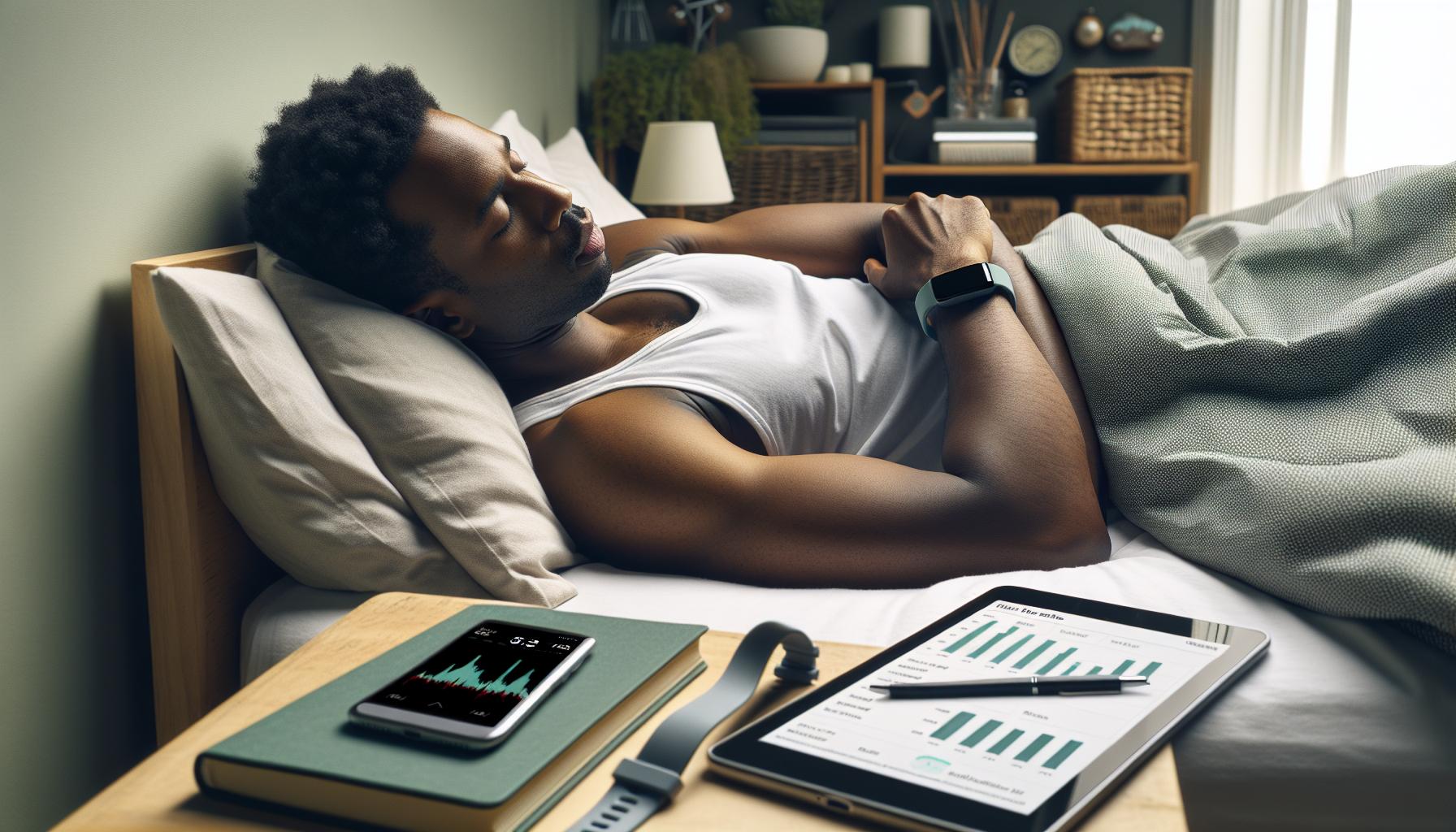
Sleep Stages: What Your Fitbit Measures
Understanding how your Fitbit measures sleep stages can significantly enhance your sleep tracking experience. Each night, your device automatically analyzes your sleep patterns, breaking your slumber into various stages, including light sleep, deep sleep, and REM (Rapid Eye Movement) sleep. These stages play a critical role in determining sleep quality and duration, affecting your overall health and well-being.
Fitbit uses a combination of heart rate data and movement tracking to assess the different sleep stages. During light sleep, your heart rate decreases, and your body begins to relax, while in deep sleep, your heart rate reaches its lowest point, and restorative processes in the body peak. REM sleep, where dreaming occurs, is marked by a mix of brain activity and muscle relaxation. By tracking these stages, Fitbit devices can provide insights on how much time you spend in each phase, helping you understand the quality of your rest and whether your sleep patterns align with optimal health guidelines.
For many users, concerns about incomplete sleep tracking arise when their Fitbit doesn’t capture all sleep stages accurately. Various factors can contribute to this, including how snugly the wearable is worn, charging issues, or interruptions during sleep. Ensuring a secure fit is crucial, as a loose device might not detect subtle changes in heart rate or movements. Regular charging and creating a conducive sleep environment can also aid in improving tracking accuracy, yielding a more comprehensive view of your sleep stages.
Moreover, the greater understanding you gain about your sleep stages can empower you to make informed adjustments to your bedtime routine. For instance, if you notice less time spent in REM sleep, it may be worthwhile to explore relaxation techniques or better sleep hygiene practices. Ultimately, your Fitbit is not just a simple tracker; it provides a window into your sleep health that can guide you toward improved rest and well-being.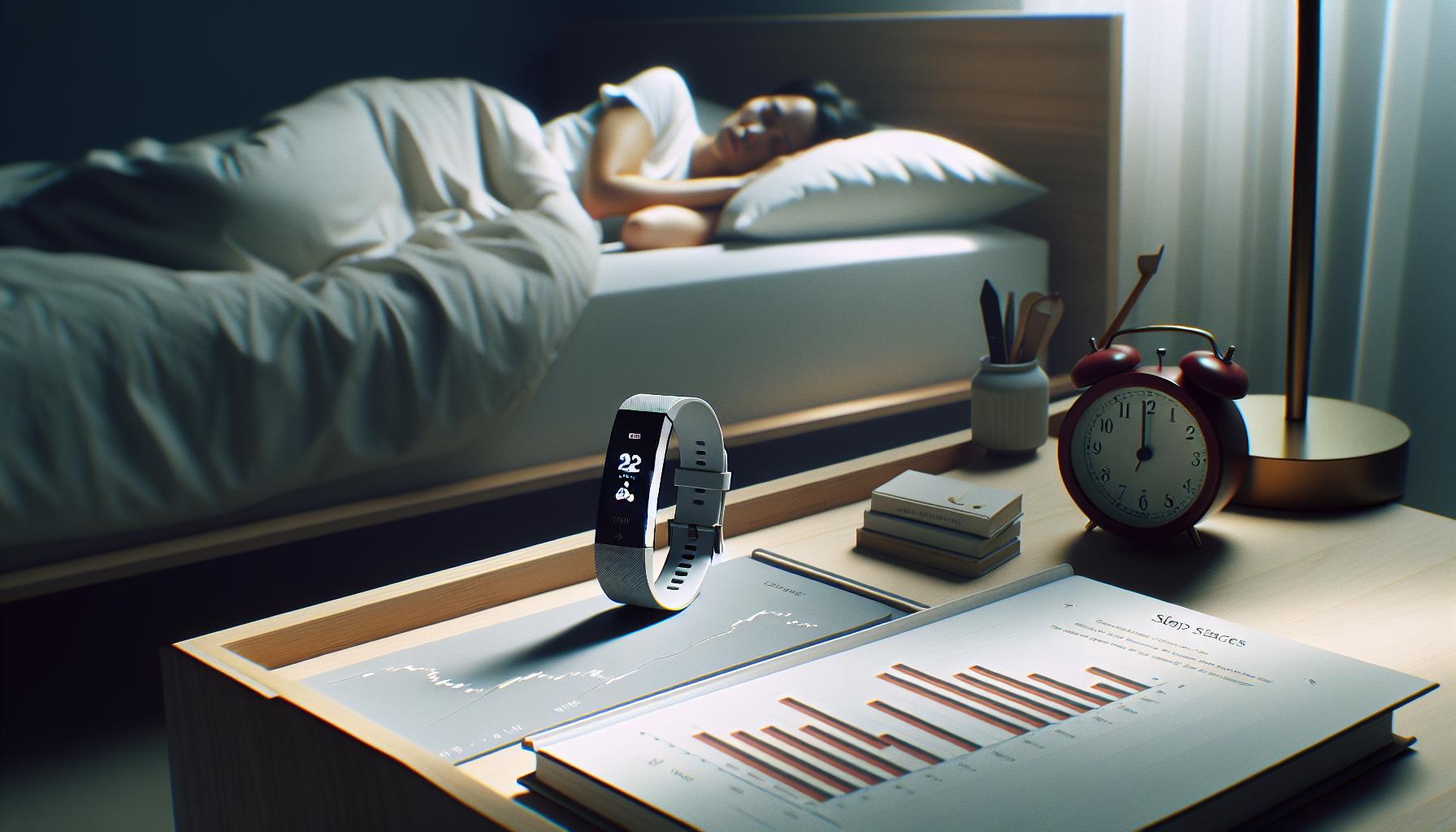
Firmware Updates: Keeping Your Fitbit Optimal
Regular updates are essential for keeping your Fitbit functioning optimally. Firmware updates often contain important enhancements and bug fixes that can significantly affect everything from battery life to the accuracy of sleep tracking. If your Fitbit is only tracking part of your sleep, one crucial step to consider is whether your device is up to date.
To check for updates, open the Fitbit app on your smartphone and ensure your device is connected. Navigate to the account settings and select your device; from there, you should see an option to update if one is available. This process typically takes a few minutes-just ensure your Fitbit remains near your phone to maintain the connection throughout. By regularly updating, you can incorporate the latest features and improvements, which may enhance the overall performance of sleep tracking.
Another important aspect is understanding that some updates can introduce new capabilities, such as better detection of sleep stages or improved heart rate monitoring. Staying informed about these updates can enhance your experience, allowing you to better interpret your sleep data and make informed adjustments to maximize restfulness. For instance, if a recent firmware update includes enhanced algorithms for detecting REM sleep, this could provide deeper insights for users struggling to maintain adequate REM cycles.
In summary, keeping your Fitbit updated is a straightforward yet effective way to ensure you are getting the most accurate sleep data possible. Routine updates not only improve functionality but also empower you to leverage your device’s full potential, making the journey toward better sleep and overall health even more attainable.
Troubleshooting Sleep Tracking Issues
If you’ve noticed that your Fitbit is not tracking your sleep fully or accurately, you’re not alone. Many users experience similar issues, and understanding the reasons behind these gaps can be the first step toward achieving more reliable insights into your sleep patterns. There could be several factors at play, from how you wear the device to its calibration settings.
One common reason for incomplete sleep data is how snugly the device fits on your wrist. A loose fit may cause the sensors to misinterpret your movements, leading to inaccurate tracking. Ensure that your Fitbit is worn about a finger’s width above your wrist bone and is snug but comfortable. Additionally, improper sleep mode settings can interfere with tracking. Make sure to activate sleep mode before you go to bed. This not only helps in collecting data effectively but also prevents interruptions that may arise from notifications.
Another important consideration is the battery level of your device. If your Fitbit has a low battery, it may not have enough power to monitor your sleep adequately. Try to charge your device regularly to ensure consistent performance. Additionally, if you’ve made recent firmware updates, these can sometimes lead to temporary tracking issues. If you suspect this is the case, resetting your device can often resolve bugs that may be affecting its ability to track sleep efficiently.
Lastly, reviewing the settings within the Fitbit app is crucial. Navigate to your sleep settings and check if the sleep detection feature is enabled. Make sure to explore sleep logs to identify patterns or anomalies. If you’ve tried all these adjustments and still face issues, it may be beneficial to reach out to Fitbit customer support for further assistance, as they can provide tailored guidance based on your specific device and usage.
Taking these steps can often rectify sleep tracking issues, helping you to maximize the benefits of your Fitbit and improve your overall sleep health.
Using Sleep Mode Effectively on Your Fitbit
can significantly boost the accuracy of your sleep tracking data, providing you with a clearer picture of your nightly rest. Engaging this feature is especially crucial because it informs the device that you are preparing for sleep, allowing it to better monitor your sleep cycles and reduce unnecessary interruptions.
To activate sleep mode, simply swipe through your device’s menu until you find the option and tap it before you go to bed. This small step sends a clear signal to your Fitbit, prompting it to focus on capturing your sleep data without distractions from notifications or alerts. A study indicated that users who consistently activate sleep mode reported more reliable sleep data, so it’s worth developing this habit.
Moreover, while your Fitbit is in sleep mode, you might want to consider additional strategies to optimize your sleep environment. Keep your bedroom cool, dark, and quiet, as these factors contribute to better sleep quality. Additionally, establish a calming pre-sleep routine-like reading or meditating-to signal your body that it’s time to wind down. This not only helps improve the quality of your sleep but may also aid in collecting more accurate data from your Fitbit.
Finally, regularly check the performance of your Fitbit post-activation. This can involve syncing your device with the Fitbit app to review your sleep logs and evaluate how effective sleep mode has been over time. By cross-referencing your sleep data with any lifestyle changes you have made, you can gain insights into what affects your sleep quality the most, leading to improved health and well-being.
Comparing Fitbit with Other Sleep Trackers
Your Fitbit offers impressive sleep tracking capabilities, but how does it measure up against other sleep trackers available? Understanding the differences can help you make an informed decision about your sleep health management.
Many fitness trackers, like the Apple Watch and Garmin devices, provide sleep tracking features, but there are variations in accuracy and usability. For example, some devices may excel in capturing sleep stages, while others might focus on overall sleep duration. Fitbit is often lauded for its ability to distinguish between different sleep stages with a sensitivity rate greater than 90%[[3]](http://e-jsm.org/journal/view.php?doi=10.13078/jsm.240010). Conversely, devices like the Oura Ring also prioritize detailed sleep data and may offer additional health insights, making them attractive for users focused on holistic wellness.
Features such as heart rate monitoring and environment tracking (like room temperature) can significantly enhance sleep analysis. Some brands include dedicated apps with insights and personalized tips based on your data, which can lead you to better sleeping habits. For example, the Sleep Cycle app uses sound analysis to track sleep quality and could serve as a complement to your Fitbit data, providing another layer of insight into your sleep patterns.
When choosing between devices, consider cost, battery life, mobile app integration, and specific features that fit your lifestyle. While Fitbit devices generally have a user-friendly interface and solid battery life, competing devices might offer advanced metrics or more comprehensive health tracking, such as potential sleep disturbances due to snoring or breathing irregularities. So, it’s essential to evaluate what specific features matter most to you based on your sleep goals and health needs, ensuring you select a device that effectively supports your sleep tracking journey.
When to Seek Professional Sleep Testing
Are you frequently waking up feeling unrefreshed, or does your Fitbit seem to monitor your sleep inconsistently? These situations may indicate that it’s time to seek professional sleep testing. While fitness trackers like the Fitbit provide valuable insights into sleep patterns, they can’t always comprehensively diagnose potential sleep disorders. Professional evaluation can reveal underlying issues that affect your sleep quality and overall health.
If you consistently experience symptoms such as loud snoring, gasping for air during sleep, or excessive daytime sleepiness, these may signal sleep apnea or other sleep-related issues. In such cases, a formal sleep study-often referred to as polysomnography-can provide a detailed analysis of your sleep stages, breathing patterns, and heart rate while you sleep. This thorough examination allows specialists to accurately diagnose conditions and recommend tailored treatments.
The process for a sleep study typically involves spending a night at a sleep clinic, where healthcare professionals will monitor your sleep patterns. This setup may feel daunting, but knowing what to expect can ease anxiety. Facilities are equipped with comfortable beds, and monitoring equipment is attached in a way that generally doesn’t disturb your sleep. Alternatively, at-home sleep tests are becoming more common; they usually involve simpler equipment you can operate in the comfort of your own space.
Ultimately, if your Fitbit is only capturing fragments of your sleep or if you’re not feeling rested, don’t hesitate to consult with a healthcare provider. They can help determine if professional testing is needed and guide you through the next steps. Investing in your sleep health by seeking assistance can lead to effective solutions and improved quality of life.
Understanding Sleep Disorders and Their Impact
Understanding sleep disorders can be the key to unlocking the mystery behind your nightly struggles and the performance of devices like the Fitbit. While fitness trackers can provide useful insights into your sleep patterns, they cannot diagnose sleep disorders, which may be why you’re only seeing partial tracking of your sleep cycles. In fact, research shows that untreated sleep disorders affect approximately 50-70 million adults in the U.S., leading to a cascade of health issues, including obesity, diabetes, cardiovascular diseases, and impaired cognitive function.
Many common sleep disorders can significantly disrupt your run-of-the-mill shut-eye. For example, sleep apnea-characterized by pauses in breathing during sleep-often leads to fragmented sleep and can cause your Fitbit to misrecord your sleep duration and quality. Similarly, conditions like insomnia result in difficulties falling or staying asleep, leading to incomplete data being captured by your device. If your Fitbit frequently records you waking multiple times during the night, consider whether underlying issues might be at play.
If you find yourself waking up groggy despite wearing your Fitbit brandishing sleep-tracking capabilities, it may be worthwhile to explore a sleep study, known as polysomnography. This comprehensive assessment involves spending a night at a sleep clinic where professionals monitor your sleep cycles, heart rate, and other vital statistics. You may feel apprehensive, but understanding that these clinics are designed to be comfortable and minimally intrusive can alleviate some anxiety. Costs for sleep studies can vary widely, typically ranging from $300 to over $1,000, depending on the facility and whether your insurance covers such procedures. Always check with your provider for potential coverage.
When alternative at-home sleep tests are considered, they usually include simpler tools to measure sleep patterns and breathing, offering convenience and reducing the stigma often associated with overnight settings. Ultimately, while your Fitbit can guide your sleep habits and highlight areas for improvement, a comprehensive examination can provide the detailed analysis needed to truly understand the nature of your sleep issues, enhancing your overall health and well-being.
User Experiences: Real-World Fitbit Tracking Stories
Experiencing incomplete sleep tracking with your Fitbit can leave you puzzled and frustrated, especially if you feel that the quality of your sleep isn’t being accurately reflected. Many users have shared their experiences, revealing common scenarios that could explain why your device might miss significant sleep data. For instance, several users have reported that when they sleep in an unusual position or if their Fitbit is not snug on their wrist, the data captured can be skewed. Loose fit or improper wear can lead to the device failing to detect your movements, resulting in unrecorded sleep stages.
A user named Sarah recounted her struggle with her Fitbit recording only a portion of her sleep. After carefully reviewing her habits, she discovered that her late-night screen time caused her to fall asleep later than her usual routine, leading to fragmented sleep patterns that the Fitbit could not capture accurately. It highlighted the importance of understanding personal sleep behaviors and how lifestyle factors play a significant role in sleep quality. With this realization, she began prioritizing a wind-down routine, which helped her achieve more consistent sleep tracking.
The community experience extends to insights on troubleshooting. Many users suggest ensuring that the firmware on the Fitbit is up-to-date, as outdated software may cause inaccuracies. One user reported that after updating their Fitbit, they noticed an immediate improvement in tracking, validating the importance of regular maintenance. Moreover, others commend the convenience of utilizing Sleep Mode; activating it allows the Fitbit to focus on recording sleep data without interruptions from notifications.
Advice from the Community
Sharing practical tips helps others facing similar challenges:
- Adjust Fit: Make sure the device fits snugly on your wrist.
- Track Habits: Keep a sleep journal to correlate your Fitbit data with your sleeping environment and habits.
- Use Sleep Mode: Enable Sleep Mode before bedtime to minimize disruptions.
- Firmware Check: Regularly check for software updates to ensure optimal functionality.
While your Fitbit is a powerful tool in monitoring sleep, it is essential to remain aware of its limitations. If you find that adjusting these factors does not help, it might be a good time to evaluate the possibility of seeking a professional sleep study, especially if you suspect an underlying condition impacting your sleep quality.
Pro Tips for Getting the Best Sleep Data
Getting the most accurate sleep data from your Fitbit isn’t just about the technology; it’s also about how you use it. One of the key practices to improve your sleep tracking experience is ensuring that your device fits properly. A snug fit on your wrist enhances the sensor capabilities, allowing it to accurately detect movements throughout the night. Many users have found that adjusting the strap can make a significant difference. If you notice that the data fails to capture certain sleep stages, reconsider your device’s placement.
Another easy yet effective strategy is to create a calming bedtime routine. Activities like dimming the lights, turning off screens, and engaging in relaxation techniques signal your body that it’s time to wind down. This helps not just in falling asleep more smoothly but also in establishing a consistent sleep cycle, making it easier for your Fitbit to track your sleep accurately. If your routine involves varying sleep patterns, such as changing bedtimes frequently, you might find your sleep data showing discrepancies.
Using Sleep Mode on your Fitbit is essential. Activating this feature minimizes disturbances by silencing notifications, which allows for uninterrupted sleep tracking. Many users report a noticeable improvement in sleep data accuracy after consistently using this mode. Additionally, maintaining regular firmware updates ensures that your device works at its best, as new updates often include enhancements in sleep tracking algorithms.
Finally, consider complementing your Fitbit data with a sleep journal. Documenting your sleep environment, routines, and how you feel upon waking can provide insights that raw data alone might miss. This practice not only fosters a deeper understanding of your sleep habits but can also reveal patterns or triggers that impact your overall sleep quality. By being proactive and mindful about these habits, you can maximize your Fitbit’s effectiveness and enhance your overall sleep experience.
Q&A
Q: Why is my Fitbit not tracking all of my sleep?
A: If your Fitbit is not tracking all of your sleep, it could be due to several factors such as improper device placement, low battery, or insufficient sleep mode usage. Ensure your Fitbit is snug on your wrist and sleep mode is activated for accurate tracking.
Q: What factors affect the accuracy of my Fitbit sleep tracking?
A: Factors affecting Fitbit sleep tracking accuracy include movement during sleep, the fit of the device, software updates, and sleep environment. To enhance accuracy, keep your Fitbit updated and wear it snugly throughout the night.
Q: Can I reset my Fitbit to fix sleep tracking issues?
A: Yes, resetting your Fitbit can resolve tracking issues. To reset, press and hold the button until you see the Fitbit logo. After rebooting, check your settings to ensure sleep tracking is enabled.
Q: How can I improve my Fitbit’s sleep tracking?
A: To improve your Fitbit’s sleep tracking, ensure it’s worn correctly, stay still for accurate readings, regularly update the firmware, and enable sleep mode before dozing off. This helps Fitbit accurately capture your sleep patterns.
Q: What should I do if my Fitbit sleep data seems inaccurate?
A: If your Fitbit sleep data appears inaccurate, start by verifying that the device is worn correctly and that sleep mode is turned on. You can also review the user settings, update the software, and monitor your sleep habits.
Q: Is my Fitbit sleep score reliable?
A: Yes, your Fitbit sleep score is generally reliable as it analyzes sleep stages, heart rate, and restlessness. However, be aware that individual sleep patterns vary and external factors such as stress may affect results. For a deeper understanding, explore how these scores are calculated in your article sections.
Q: Why doesn’t my Fitbit record nighttime awakenings?
A: If your Fitbit doesn’t record awakenings, it might be due to movement during sleep or the device not detecting your restlessness accurately. Make sure your device is tight enough to monitor heart rate changes effectively; consider reviewing your sleep tracking settings.
Q: When should I seek professional help for sleep issues?
A: If you consistently experience abnormal sleep patterns and your Fitbit data indicates no improvement, it may be time to consult a sleep specialist. Refer to your article’s section on when to seek professional sleep testing for more guidance.
The Way Forward
Now that you’ve uncovered why your Fitbit might only be tracking part of your sleep, it’s time to take action. Ensure your device fits snugly, updated, and that you’re utilizing the Fitbit app to the fullest-these are crucial for accurate tracking. If you’re still experiencing inconsistencies, consider diving deeper into related topics like how to optimize your sleep environment or understanding the various sleep stages through your Fitbit.
Don’t miss out on our guide to troubleshooting common Fitbit issues or our tips for improving sleep health. Join our community by signing up for our newsletter to receive the best insights and tips tailored just for you. Remember, quality sleep is vital for your overall well-being, and understanding your sleep patterns is the first step toward improvement. Share your thoughts or experiences in the comments below, and let’s continue this journey to restful nights together!
Get our latest guides, news, and insights highlighted in your Google Search & AI Overviews.