
If you’ve noticed that your Fitbit Inspire HR isn’t tracking your sleep, you’re not alone. This common issue can lead to frustration, as understanding your sleep patterns is essential for overall health and well-being. Without accurate tracking, you might miss vital insights into your sleep quality and potential disturbances. In this guide, we’ll explore the reasons why your device may not be functioning properly, providing practical solutions to help you get back on track. Discover how to troubleshoot the device effectively, ensure proper settings, and enhance your sleep monitoring experience. Understanding these aspects is crucial for making informed choices about your sleep health and optimizing the benefits of wearables. So, let’s dive in and uncover the steps you can take to resolve the issue.
Common Reasons Your Fitbit Inspire HR Fails to Track Sleep
Many users find themselves frustrated when their Fitbit Inspire HR fails to accurately track sleep. One common reason for this issue is improper fit. If the device isn’t snug against your wrist, the sensors may not detect your movements appropriately during sleep. To ensure optimal sensor contact, wear the device a bit higher on your wrist during the night, making sure it’s tightened sufficiently but still comfortable.
Another frequent culprit is misconfigured sleep settings in the Fitbit app. Ensure that you have enabled sleep tracking and set your sleep schedule properly. The app allows you to indicate your typical sleep times, which helps the device recognize when you’re asleep. If these settings aren’t adjusted, your tracker might not register your sleep patterns accurately.
Additionally, outdated firmware can hinder performance. Regular updates ensure your device benefits from the latest improvements and bug fixes. Check for firmware updates in the companion app, and install any available updates. It’s a simple step that can enhance your device’s functionality significantly.
Lastly, it’s essential to understand the limitations of Fitbit’s sleep tracking capabilities. While the device effectively recognizes sleep duration and basic patterns, it may not always differentiate between sleep stages accurately. Familiarizing yourself with these features can set realistic expectations and help you better interpret your sleep data.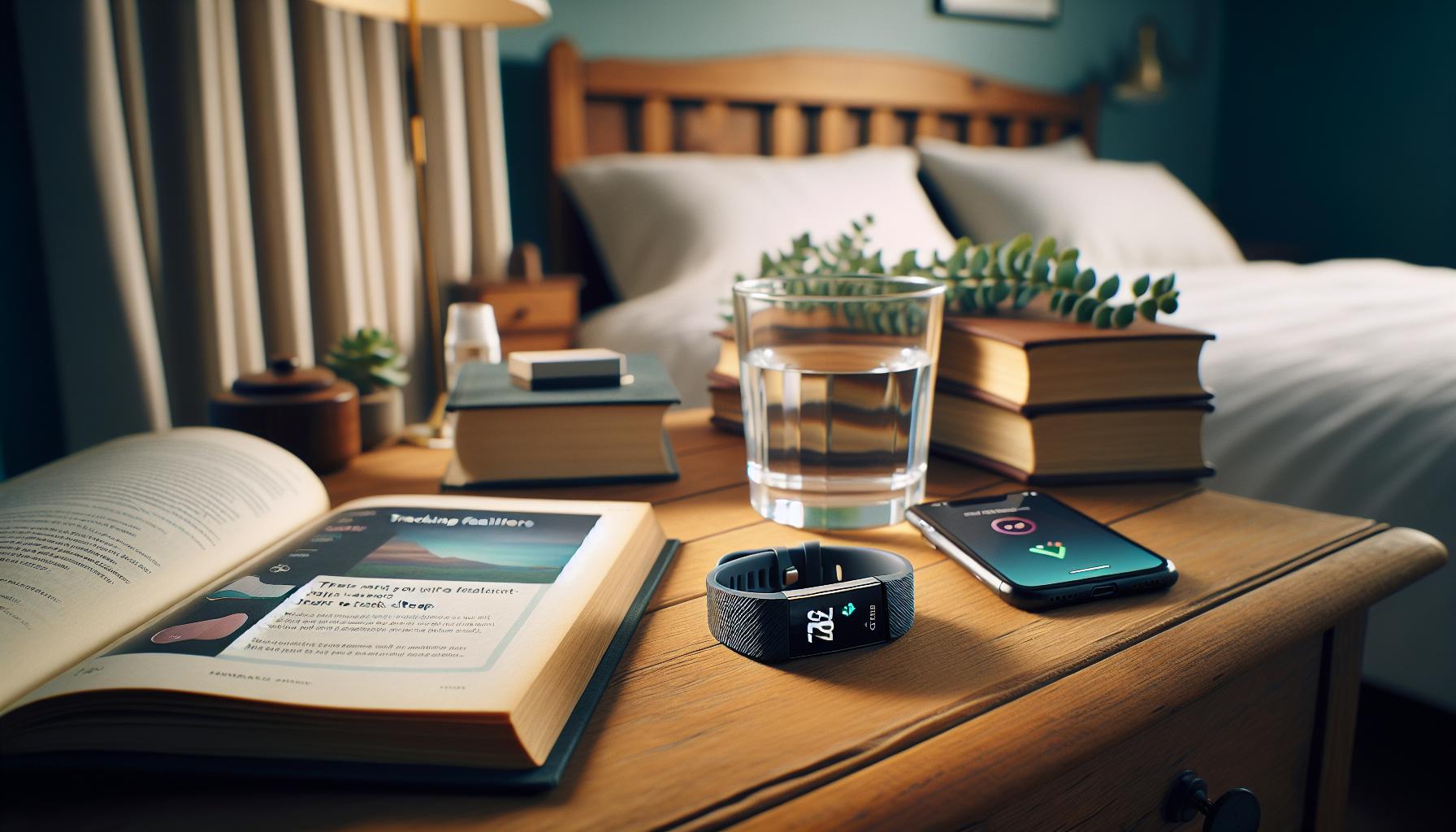
Ensuring Proper Fit and Sensor Contact
Many users may be surprised to learn that an improper fit of their Fitbit Inspire HR can significantly impact its sleep tracking capabilities. A snug and secure fit is essential because the device relies on its sensors to capture movements and heart rate data accurately while you sleep. If the band is too loose, it might slide around on your wrist, preventing the sensors from maintaining consistent contact with your skin, which is crucial for effective tracking. To optimize this sensor contact, adjust the device so it sits a bit higher on your wrist during the night, ensuring it’s snug enough to stay in place without sacrificing comfort.
It’s also beneficial to periodically check the condition of your Fitbit’s band. Over time, wear and tear can compromise both the fit and functionality of the device. A damaged or stretched band may not provide the necessary grip, which in turn could affect data accuracy. Consider investing in a replacement band that fits your style and comfort needs, as a proper fit can enhance the effectiveness of the Fitbit, especially during sleep tracking.
Another helpful tip is to engage with the Fitbit app to understand how best to wear your device. The app often provides guidance and reminders about the optimal fit. Take a moment to experiment with different wearing positions-perhaps trying it on the inside of your wrist instead of the outside-to see if this improves tracking accuracy. Each user is different, and sometimes small adjustments can make a significant difference in your Fitbit’s performance.
Lastly, don’t forget that consistency is key. The more regularly you wear your Fitbit with the correct fit, the better it can learn your sleep patterns over time. By prioritizing proper fit and sensor contact, you can help ensure that your Fitbit Inspire HR delivers the most accurate sleep insights possible, ultimately leading to better rest and health management.
Adjusting Your Sleep Settings on the Fitbit App
To unlock the full potential of your Fitbit Inspire HR for sleep tracking, it’s crucial to pay attention to your sleep settings within the app. Many users overlook the importance of customizing these settings, which can lead to inaccurate data on sleep patterns. By taking the time to adjust your preferences, you can enhance the accuracy of your sleep analysis, helping you understand your rest quality better.
First, make sure you have Sleep Mode activated. When enabled, this feature automatically detects when you are asleep based on your inactivity during the night. To check this setting, open the Fitbit app and navigate to the “Sleep” section. Here, you can set a sleep schedule, defining your desired hours for sleep and wake-up times. Having a consistent sleep schedule can assist the Fitbit in learning your patterns, ultimately leading to improved tracking.
Additionally, verifying your sleep settings can help address common issues. In the app, you can choose to manually log your sleep if automatic detection seems unreliable. Tap on the “Log Sleep” option and input the times you fell asleep and woke up. This can help calibrate the device to your specific habits. Furthermore, check to ensure your wristband is snug. A loose band can hinder sensor contact, negatively affecting sleep data; the app often provides prompts to ensure you’re wearing it correctly.
Lastly, don’t forget to customize your silent alarms. Utilizing this feature allows you to wake up more gently, which can improve your perception of sleep quality. Go to the “Alarms” section in the app to set up or adjust your alarms as needed. The combination of proper settings and mindful usage can significantly enhance your overall experience with the Fitbit Inspire HR and provide you with greater insights into your sleep health.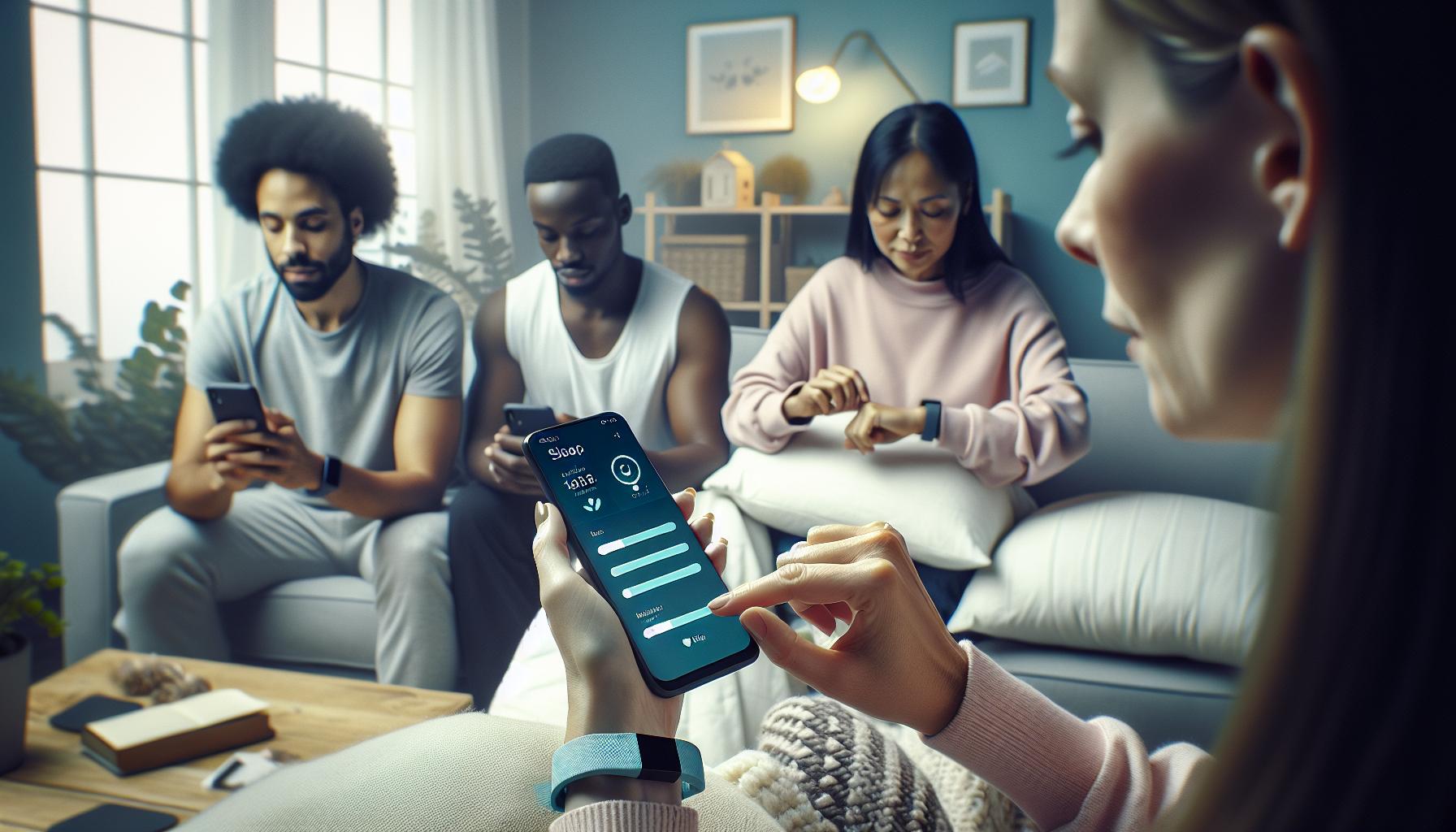
Updating Your Fitbit Firmware for Optimal Performance
Keeping your Fitbit Inspire HR updated is crucial for experiencing optimal performance, especially when it comes to tracking your sleep accurately. Just like any other smart device, regular firmware updates can improve functionality, fix bugs, and introduce new features that can enhance the way your Fitbit monitors your sleeping patterns. It’s easy to overlook this step, thinking your device is working fine, but outdated firmware can lead to glitches in sleep tracking or inaccuracies in the data collected.
To check for updates, open the Fitbit app on your smartphone and navigate to the “Account” icon, then select your device. If there’s an available update, you will be prompted to initiate the update process-typically just a matter of following on-screen instructions. It’s important to ensure that your device is charged and connected to Wi-Fi during this process to prevent interruptions. If you experience syncing issues or your data isn’t transferring correctly, it may very well be tied to outdated firmware that hasn’t been upgraded.
Another aspect to consider is the timing of these updates. Firmware updates can occur automatically, but ensure you perform manual checks regularly, especially if you suspect sleep tracking issues. Regular updates not only improve sleep data accuracy but could also introduce enhanced features-such as better algorithms that more precisely determine your sleep stages. By staying up-to-date, you maximize your ability to track sleep effectively and receive the best insights into your rest health.
In some cases, if your Fitbit is not updating or you encounter persistent issues even after updating, consider restarting your device or reinstalling the app. This can clear minor bugs or settings that might conflict with the new firmware. Embracing these updates is a simple yet powerful step towards maximizing the effectiveness of your Fitbit Inspire HR for sleep tracking and improving your overall sleep quality.
Understanding Fitbit Sleep Tracking Features and Limitations
Understanding how your Fitbit Inspire HR tracks sleep can significantly enhance your ability to use this device effectively. The Fitbit leverages a combination of accelerometer data and heart rate monitoring to estimate your sleep patterns, distinguishing between different stages of sleep such as light, deep, and REM sleep. This information provides valuable insights into your overall sleep quality, enabling you to make informed choices about your sleep habits. However, it’s crucial to remember that while Fitbits offer a good approximation, they are not as comprehensive as clinical sleep studies conducted in sleep labs.
One of the standout features of the Fitbit Inspire HR is its ability to provide sleep score metrics, which condense various data points-duration, restlessness, and sleep stages-into a single score. This score helps users quickly gauge the quality of their sleep at a glance. However, it’s important to recognize the limitations intrinsic to wearable technology. The algorithms used to interpret your sleep may not account for every individual variability, such as unique health conditions or lifestyle factors that could influence your rest patterns. If you’ve experienced discrepancies in the sleep data reported by your Fitbit, it may be beneficial to assess your lifestyle and usage patterns alongside the functionality of the device.
To optimize the accuracy of your sleep tracking, ensure that you’re wearing the Fitbit securely on your wrist-that is, snug but comfortable. It should maintain consistent contact with your skin to ensure accurate heart rate readings. Additionally, check that your sleep settings within the Fitbit app are correctly configured; for instance, enabling the option to track sleep can enhance accuracy by ensuring the device is engaged and monitoring throughout the night.
Ultimately, the Fitbit Inspire HR serves as an invaluable tool for improving your sleep habits, but it should be viewed as a complement to, rather than a replacement for, professional medical advice and sleep studies, especially if you have ongoing concerns. By understanding its features and limitations, you can better harness your Fitbit to achieve your sleep-related goals.
Troubleshooting Common Sleep Tracking Issues
While the Fitbit Inspire HR is designed to be a reliable sleep tracker, users occasionally report issues with sleep data not reflecting reality. Recognizing common obstacles can make troubleshooting more straightforward and significantly improve your sleep tracking experience.
One primary factor to consider is the fit of the device. The Inspire HR should be snug but not overly tight on your wrist, ensuring that the sensors maintain constant contact with your skin. If it’s too loose, it may fail to accurately measure your heart rate and, consequently, your sleep stages. To check the fit, try adjusting the band slightly upward on your wrist before bed to see if that improves tracking.
Another common issue lies within the sleep settings on the app. Ensure that sleep tracking is enabled and optimized in the Fitbit app. You can check this by going to your app’s settings and making sure that any sleep notifications are activated, allowing the device to monitor your sleep cycles effectively. Additionally, reviewing your bedtime settings can help aim for consistent tracking.
Lastly, it is essential to keep your device updated. Fitbit frequently releases firmware updates that can enhance performance and troubleshooting functionality. Regularly connecting your Inspire HR to the app not only provides updates but also allows syncing of data which may rectify previous tracking discrepancies. If you notice sleep data inconsistencies, consider restarting your device or reinstalling the app as a basic troubleshooting step.
By addressing these areas-fit, app settings, and device updates-you can often resolve issues with sleep tracking, allowing you to gain better insights into your sleep patterns and quality.
Creating a Sleep-Conducive Environment
Creating a restful sleep environment is crucial for enhancing the effectiveness of your Fitbit Inspire HR and ensuring that it accurately tracks your sleep. It’s surprising how factors like light, sound, and temperature can influence sleep quality, affecting the data collected by your device. Start by transforming your bedroom into a sanctuary dedicated to sleep; a space that promotes relaxation and minimizes distractions can significantly improve your overall sleep experience.
One effective way to manage your sleep environment is by controlling light exposure. Aim for a dark room; consider blackout curtains or a sleep mask to eliminate any intrusive light sources. This is essential, as even minimal light can disrupt your body’s circadian rhythm and lead to fragmented sleep cycles. Additionally, adjust your room’s temperature to a comfortable level, generally between 60 to 67 degrees Fahrenheit. A cooler room allows your body to lower its core temperature, which is beneficial for falling asleep and staying asleep.
Consider also incorporating white noise machines or calming sounds to mask disruptive noises. Many people find gentle sounds, such as rain or ocean waves, help them drift into sleep more easily. You could even experiment with a fan to create a soft background hum that can drown out sudden noises while providing a comforting airflow.
Another key component is decluttering your space. A tidy environment can reduce feelings of stress and anxiety, leading to a more peaceful mindset as you prepare for sleep. Keep electronics, especially those that emit blue light, like phones and TVs, out of the bedroom. Establishing a technology-free zone right before bedtime can help signal your brain that it’s time to wind down.
Taking these steps to create a sleep-conducive environment not only aids your Fitbit Inspire HR in effectively tracking your sleep but also enhances your overall health and well-being, enabling restorative rest.
How to Use Sleep Insights for Better Rest
Empowering yourself with the data from your Fitbit Inspire HR can lead to meaningful improvements in your sleep habits. The insights provided by the device are not just numbers; they can serve as a roadmap to better rest. By examining patterns in your sleep data, you can identify behaviors and factors that promote or hinder your sleep quality.
To make the most of your sleep insights, start by reviewing your sleep stages, which include light, deep, and REM sleep. Understanding how much time you spend in each stage can provide valuable information. For example, if you’re getting sufficient total sleep time but lacking deep sleep, you might need to examine your evening routine or stress levels. Consider keeping a sleep journal alongside tracking your data, where you note changes in your routine or external factors like stress or diet that could affect your sleep.
Setting Goals and Making Adjustments
Using the insights from your Fitbit, set achievable sleep goals. Aim for consistency: going to bed and waking up at the same time each day can dramatically improve your sleep quality. Use the app to track your progress over weeks, adjusting your targets as needed based on your data. If you find you’re regularly waking up at the same time each night, evaluate if something in your environment-such as noise or screen time before bed-could be contributing to this disruption.
Additionally, leverage the ‘Sleep Score’ feature available through the Fitbit app. This encompasses your duration, sleep stages, and disruptions for a comprehensive view of your sleep health. A low score might indicate that you need to revisit your sleep environment or bedtime habits. For a more personalized experience, consider Fitbit’s recommendations based on your sleep data. They often provide tips tailored to your specific patterns, which can guide you toward improvement.
By actively engaging with your sleep insights from your Fitbit Inspire HR, you can cultivate healthier sleep habits tailored to your lifestyle. With this combination of awareness and action, you’re not just monitoring your sleep-you’re making informed decisions that can lead to more restorative rest.
When to Contact Fitbit Support for Assistance
If your Fitbit Inspire HR isn’t accurately tracking your sleep, it can be frustrating, especially when you’re relying on it to provide insights into your health. While many issues can often be resolved with routine troubleshooting, there are specific circumstances when contacting Fitbit support becomes essential.
First and foremost, if you’ve thoroughly checked your device’s fit-ensuring it’s snug but comfortable, and that the sensors are clean and unobstructed-but you’re still experiencing problems, it’s time to seek professional help. Issues like persistent tracking inaccuracies, unexplained battery drain, or software crashes may signal an underlying problem that requires expert attention.
Additionally, if you have already updated your firmware and adjusted your sleep settings without improvement, reaching out to support can provide guidance on troubleshooting steps you might have missed or even fix device-specific bugs. Fitbit support can clarify functionality questions, especially regarding how your Inspire HR interprets various sleep stages, which might not align with your expectations if you’re not familiar with its algorithms.
Also, consider the possibility of warranty claims. If your device is relatively new and shows signs of malfunction, Fitbit’s support can assist you in determining if a replacement is in order. They can guide you through the warranty process and ensure you have the necessary documentation to facilitate a smooth experience.
When you initiate contact, be ready to provide specific details about your device’s behavior. This includes model information, software version, and a description of the issues you’re facing. Clear communication can speed up the resolution process, allowing you to get back to optimizing your sleep health with accurate data from your Fitbit.
Alternatives for Sleep Tracking and Monitoring
Experiencing issues with your Fitbit Inspire HR’s sleep tracking can lead you to explore alternative methods for monitoring your sleep quality. Fortunately, there are various options available that cater to different preferences, budgets, and technological comfort levels.
Wearable devices like the Oura Ring and WHOOP Strap offer advanced sleep tracking features that might provide more accurate insights than your current device. The Oura Ring, for instance, not only tracks sleep stages but also offers a detailed readiness score based on your activity levels, heart rate variability, and more. This holistic approach can help you understand how your daily habits impact your sleep, encouraging a healthier lifestyle overall. However, these devices can be more expensive, typically ranging from $300 to $500.
For those who prefer a non-wearable solution, sleep tracking apps for smartphones such as Sleep Cycle or Pillow can offer convenient alternatives. These apps use your phone’s microphone and sensors to monitor your sleep patterns and wake you up during the lightest sleep phase, making the waking process smoother. Additionally, they often feature educational content on sleep hygiene and personalized insights, and many can be used for free with optional premium features.
Sleep Studies
If you’re experiencing persistent issues with sleep quality and have concerns about potential sleep disorders, it might be beneficial to consider professional sleep studies. A polysomnography test allows healthcare providers to monitor various body functions during sleep, giving a comprehensive view of your sleep patterns. Although these tests can be costly, often ranging from $300 to $2,000 without insurance, they provide invaluable insight for diagnosing conditions like sleep apnea or restless legs syndrome.
Smart Home Devices
Integrating smart home technology can also enhance your sleep environment. Devices like the Hatch Restore or Philips smart sleep lamps create a calming bedtime routine by simulating sunrise and sunset, which can improve your sleep quality. These devices often come with mobile applications, allowing you to customize settings to suit your preferences.
In summary, while your Fitbit Inspire HR is a great tool, don’t hesitate to explore these alternatives if you’re seeking better accuracy or additional insights. Each option has its unique strengths, whether you’re looking for technology that monitors sleep more closely, features that educate, or professional help to investigate sleep disorders. This suggests an empowering approach to optimizing sleep health that goes beyond reliance on a single device.
User Experiences: Success Stories and Solutions
Many users have shared their experiences with the Fitbit Inspire HR when it comes to sleep tracking, and these stories often reveal practical solutions that can enhance the device’s performance. One common insight is the importance of ensuring that the device fits properly. A snug yet comfortable fit is crucial because loose contact can prevent the heart rate sensor from collecting accurate data during sleep. Users recommend experimenting with different band sizes or adjusting the fit on your wrist, particularly during nighttime use. As one user put it, “I found that wearing my Inspire HR slightly higher on my wrist helped it track my sleep much more accurately.”
Another frequent piece of advice revolves around adjusting settings in the Fitbit app. Some users discovered that customizing their sleep settings made a significant difference. For instance, turning on Sleep Mode or ensuring they had the correct sleep schedule set allowed the device to better understand their resting patterns. A user shared that, after resetting her sleep schedule on the app to reflect her new bedtime, the accuracy of her sleep data improved tremendously. This highlights the importance of user engagement with the device’s settings for optimal functionality.
Updating the firmware is another beneficial expert tip shared among the community. Having the latest software ensures that all the newest features and bug fixes are available, which can enhance tracking capabilities and overall user experience. Users report that simply updating their devices cleared up previous tracking discrepancies and improved the accuracy of their sleep data. Checking for updates regularly can be an easy first step when troubleshooting tracking issues.
Finally, many have emphasized the value of creating a conducive sleep environment. This includes minimizing disturbances during sleep, such as limiting ambient noise and ensuring a comfortable room temperature. One user suggested using white noise machines or smart home devices like light dimmers to create a pleasant sleeping atmosphere, which in turn led to better sleep quality-something the Fitbit could then track more effectively. By adopting a holistic approach that combines device settings, physical fit, and environmental factors, users can significantly enhance their experience with sleep tracking on the Fitbit Inspire HR.
Frequently Asked Questions About Fitbit Sleep Tracking
Many users find themselves puzzled about why their Fitbit Inspire HR sometimes misses tracking sleep, especially when they rely on its insights for health and wellness. Understanding common queries can demystify the sleep tracking process and lead to better insights. Here are some key questions and answers to guide you through resolving sleep tracking issues with your device.
What could prevent my Fitbit from tracking sleep accurately?
There are several reasons why your Fitbit Inspire HR might not track sleep properly. A loose fit on your wrist can prevent the sensors from making good contact with your skin, leading to inaccurate readings. Additionally, if Sleep Mode is not activated or your sleep schedule is not set correctly in the Fitbit app, the device may fail to recognize when you are asleep. You might also experience issues if the firmware is outdated, which can affect performance and tracking accuracy.
How can I ensure my Fitbit accurately tracks my sleep?
To maximize the accuracy of your sleep tracking, follow these simple tips:
- Adjust the fit: Make sure your Fitbit fits snugly but comfortably on your wrist, preferably just above your wrist bone.
- Activate Sleep Mode: Before going to bed, manually turn on Sleep Mode through the app or on your device to signal that you are going to sleep.
- Set your sleep schedule: Enter your typical bedtime and wake time in the settings to help the device understand your routine.
- Regular updates: Keep your Fitbit firmware updated to access the latest features and improvements in tracking capabilities.
What should I do if my sleep data seems incorrect?
If you notice discrepancies in your sleep data or if your Fitbit is not tracking sleep at all, first ensure that the device is updated and properly fitted. If issues persist, consider resetting the device or reinstalling the Fitbit app to refresh the settings. Additionally, check the app for any sleep tracking settings you may have overlooked. In cases where sleep tracking is still unreliable despite following these steps, contacting Fitbit support for troubleshooting assistance might be the next best course of action.
By understanding these common concerns and taking proactive steps, you can enhance the reliability of your Fitbit Inspire HR for a more insightful sleep tracking experience.
Frequently Asked Questions
Q: How do I reset my Fitbit Inspire HR to fix sleep tracking issues?
A: To reset your Fitbit Inspire HR, press and hold the button on the side until you see the Fitbit logo. This can resolve minor glitches affecting sleep tracking. After resetting, ensure to check your sleep settings in the app to optimize functionality.
Q: Why is my Fitbit Inspire HR not syncing sleep data with the app?
A: If your Fitbit Inspire HR isn’t syncing sleep data, check your Bluetooth connection and ensure your app is updated. Unpairing and then re-pairing the device can also help resolve syncing errors. Make sure your device is charged and is not in airplane mode.
Q: Can my sleep environment affect Fitbit sleep tracking quality?
A: Yes, creating a sleep-conducive environment is crucial for accurate tracking. Ensure your room is dark, cool, and quiet. Your Fitbit may misinterpret movements in an uncomfortable environment. Refer to our section on creating a sleep-conducive environment for more tips.
Q: How can I improve the accuracy of my sleep data on my Fitbit Inspire HR?
A: To improve sleep data accuracy, ensure your Fitbit fits snugly on your wrist, as loose contacts can affect readings. Adjust your sleep settings in the app and regularly update your device firmware for the latest features and fixes.
Q: What should I do if my Fitbit Inspire HR reports incorrect sleep duration?
A: If your Fitbit tracks incorrect sleep duration, check if your sleep settings are configured correctly in the app. Manually correct any discrepancies if needed. If the issue persists, consider restarting your device and monitoring it for further adjustments.
Q: What are the limitations of sleep tracking on the Fitbit Inspire HR?
A: The Fitbit Inspire HR primarily tracks motion to estimate sleep stages but cannot detect all factors influencing sleep quality. It may not accurately track naps or fragmented sleep. Understanding these limitations can help set realistic expectations for your data interpretation.
Q: Why is my Fitbit Inspire HR not detecting my sleep schedule?
A: Lack of detection could stem from an inconsistency in sleep habits, unclear settings, or movement during light sleep phases. Reinforce a consistent sleep schedule and review the settings in the Fitbit app for optimal tracking recognition.
Q: When should I contact Fitbit support for sleep tracking issues?
A: Contact Fitbit support if you’ve tried common troubleshooting steps without success. Persistent issues, like inaccurate sleep tracking over time or constant sync failures, may indicate a hardware malfunction that requires professional assistance.
Future Outlook
In summary, ensuring your Fitbit Inspire HR accurately tracks your sleep involves checking settings, ensuring a proper fit, and staying updated with software updates. If issues persist, consider exploring wearable alternatives or even professional sleep studies for deeper insights into your sleep patterns. Remember, understanding your sleep health is crucial for overall well-being. Don’t hesitate to dive into our related articles on “Common Sleep Disorders” and “How to Optimize Your Sleep Environment” for more valuable information.
Act now to troubleshoot your device and unlock the full potential of your sleep tracking. Join our newsletter for ongoing tips and exclusive insights into enhancing your sleep health journey. Share your experiences and questions in the comments below-we’re here to support you. Understanding your sleep can lead to smarter choices, so stay informed and empowered!
Get our latest guides, news, and insights highlighted in your Google Search & AI Overviews.