
Is your Fitbit Versa 3 failing to track your sleep, leaving you puzzled about your nightly rest? You’re not alone-many users face this common issue, and it can be frustrating when a device designed to enhance your health starts falling short. Understanding why your tracker might be misfiring is essential for getting the most accurate insights into your sleep patterns and improving your overall well-being. In this article, we’ll explore quick fixes to help you troubleshoot this issue effectively. From potential settings adjustments to syncing problems, you’ll discover practical solutions to ensure your Fitbit can help you achieve your sleep goals. Let’s dive in and regain control of your sleep tracking!
Common Reasons for Sleep Tracking Issues
Sleep tracking can be a valuable tool in understanding your health, but many users encounter issues that hinder accurate data collection. Common reasons for these discrepancies often relate to device settings, physical factors, or environmental influences. For instance, improper usage, like wearing your Fitbit Versa 3 too loosely or on the wrong wrist, can significantly affect its sensors’ ability to accurately monitor your sleep stages.
Additionally, certain lifestyle choices play a crucial role in data accuracy. Consuming caffeine or alcohol close to bedtime can disrupt sleep patterns and mislead the device algorithms. Similarly, irregular sleep schedules may confuse the device, causing it to misinterpret your sleep state. Be mindful of your sleep environment as well; factors like noise, light, and temperature can interfere with your sleep quality, leading to incorrect readings from your tracker.
Understanding these common pitfalls can empower you to enhance your sleep tracking experience. Start by revisiting the way you wear your device, ensuring it sits snugly against your wrist without being too tight. Maintaining a consistent sleep routine and a conducive sleeping environment will also greatly aid in achieving more reliable tracking results. By addressing these issues, you can make the most out of your Fitbit and potentially improve your overall sleep health.
How to Ensure Your Fitbit Versa 3 is Set Up Correctly
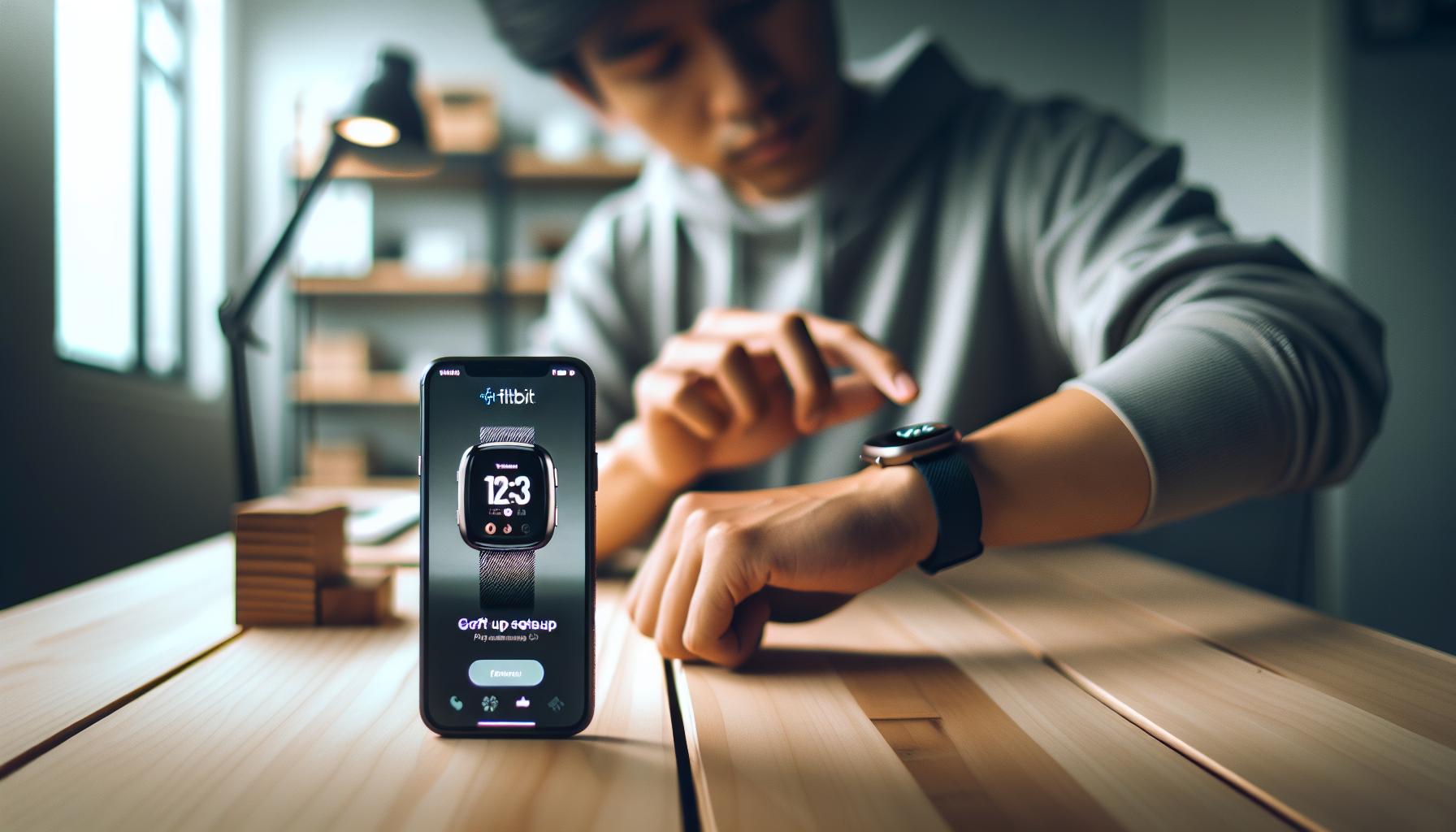
To maximize your Fitbit Versa 3’s ability to accurately track your sleep, ensuring proper setup is crucial. Many users overlook simple adjustments that can significantly impact the effectiveness of their device. First and foremost, wear your Fitbit snugly but comfortably on your wrist. A loose fit can lead to inaccurate heart rate readings and misinterpretations of your sleep patterns. It’s advisable to place the device on your non-dominant wrist, as this can help the sensors function more effectively.
Additionally, familiarize yourself with the settings within the Fitbit app. Make sure that the sleep tracking feature is enabled and that you’ve set your personal sleep schedule if the option is available. This helps the device learn your routine and track your sleep patterns more effectively. Consider setting reminders in the app to maintain consistent bedtime habits, which can improve data quality.
Another essential step is to regularly update your device’s firmware through the Fitbit app. Updates often include enhancements for sleep tracking algorithms and can resolve previous bugs that may affect performance. Keep your Bluetooth connection stable, as a disrupted link can cause your device to miss tracking periods during the night.
Lastly, ensure that you are using the latest version of the Fitbit app on your smartphone. An outdated app can lead to evident discrepancies in data sync and tracking accuracy. By taking these proactive steps and regularly checking your settings, you’ll establish a strong foundation for your Fitbit Versa 3, putting you on the path to better sleep tracking outcomes.
Adjusting Smart Features for Accurate Sleep Tracking
To achieve optimal sleep tracking with your Fitbit Versa 3, adjusting the smart features can make a significant difference. These settings are designed to enhance the device’s ability to gather accurate sleep data, helping you understand your sleep patterns more thoroughly. One essential adjustment is the sleep schedule feature. By setting a consistent sleep schedule in the Fitbit app, you teach your device when to expect you to rest. This allows it to use its sensors more effectively, leading to better sleep detection.
Another crucial aspect is Do Not Disturb mode. Activating this feature during your sleep hours minimizes disruptions from notifications and alerts, which can inadvertently interfere with your sleep quality. Make sure to align this setting with your typical sleep hours to ensure it functions as intended. Also, consider using the Sleep Mode feature on the Versa 3 itself, which automatically disables notifications, keeping distractions at bay while you slumber.
Additionally, your heart rate settings can greatly affect tracking accuracy. Ensure that your device is set to monitor heart rate continuously, as variations in heart rate patterns can help the Fitbit distinguish between different sleep stages-like light sleep, deep sleep, and REM sleep. If your heart rate measurement is set to manual or infrequent, you might miss crucial data that informs you about your overall sleep quality.
Lastly, be mindful of your device’s firmware settings. Regular updates often include enhancements specifically aimed at improving tracking algorithms, including sleep tracking. Keep your Fitbit app up to date, and check for device firmware updates regularly. By actively managing these smart features, you not only improve your sleep tracking accuracy but also empower yourself with insights that can lead to better sleep health.
Understanding Your Sleep Patterns with Fitbit
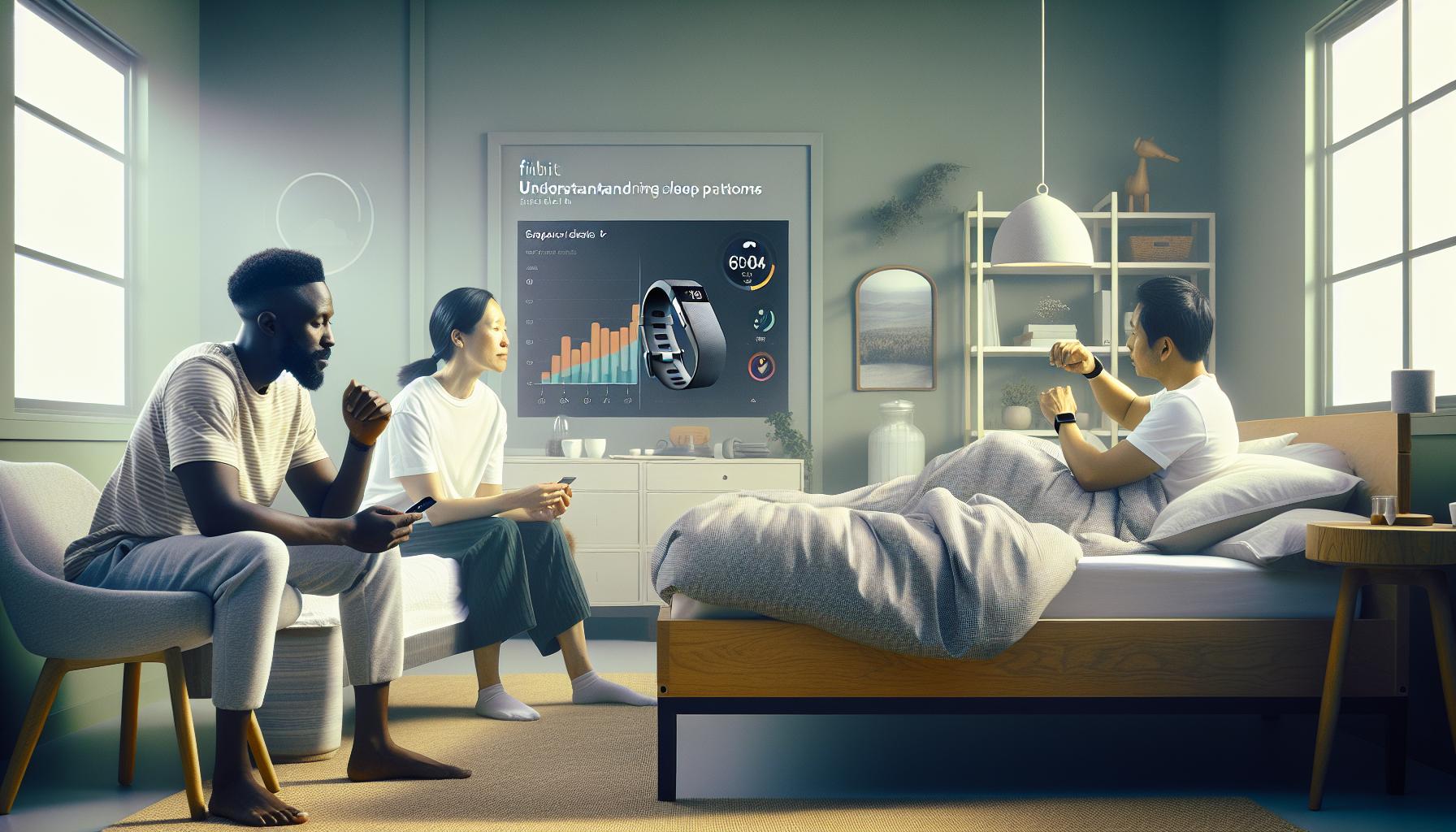
Understanding your sleep patterns is essential for improving overall sleep quality, and your Fitbit Versa 3 offers a valuable tool for this purpose. The device uses various sensors to monitor not just how long you sleep, but also the different stages of sleep you experience, including light sleep, deep sleep, and REM sleep. By analyzing this data, you can gain insights into whether you’re getting restorative sleep or if there are aspects of your lifestyle that may be hampering your sleep health.
One of the best ways to utilize your Fitbit for understanding sleep patterns is to regularly review the Sleep Quality score that it provides. This score takes into account your total sleep time, sleep efficiency, and the amount of time you spend in each sleep stage. To enhance the accuracy of this data, consider maintaining a consistent bedtime and wake-up time. Over time, your Fitbit will learn your habits and provide more personalized insights. Additionally, using the built-in Sleep Insights feature in the Fitbit app can help you identify trends over weeks or months, allowing you to adjust your routines for better rest.
Another useful aspect of the Fitbit’s tracking capabilities is the heart rate monitor. Continuous heart rate monitoring during sleep can help the device distinguish between different sleep stages based on physiological changes. If you’re not seeing the data you expect, ensure that the heart rate tracking is enabled in your device settings and that the Fitbit is worn snugly on your wrist. This will not only improve the accuracy of your sleep tracking but also provide a richer context to your sleep patterns, helping you make informed choices about your sleep environment and nighttime habits.
Remember, while your Fitbit provides helpful data, it’s important to consider it a tool for understanding your sleep rather than a replacement for a professional sleep study, especially if you suspect serious sleep disorders. If you notice persistent sleep issues even after making adjustments, consulting with a sleep specialist may be beneficial. Ultimately, understanding your sleep with the help of your Fitbit can empower you to take control of your sleep health and make smarter choices for a better night’s rest.
Troubleshooting GPS and Bluetooth Connectivity
Experiencing issues with GPS and Bluetooth connectivity on your Fitbit Versa 3 can be frustrating, especially since these features play a crucial role in tracking sleep information accurately. Reliable connectivity affects how your device synchronizes data with the app, ultimately impacting the insights you gain from your sleep tracking. When troubleshooting these issues, it’s important to methodically identify and resolve potential causes to ensure you’re getting the most from your device.
Start by verifying that Bluetooth is enabled on both your Fitbit and the smartphone it’s connected to. If the connection seems slow or unresponsive, restarting both devices can often fix connectivity glitches. Simply turn off your Fitbit, wait for a few seconds, and then power it back on. Rebooting your smartphone can yield similar results. If the problem persists, try forgetting the Fitbit connection on your phone’s Bluetooth settings and then re-pair the devices. This process refreshes the connection and clears up any software hiccups.
For GPS-specific issues, check if your Versa 3 has a clear line of sight to the sky for optimal satellite reception. Avoid wearing your device under long sleeves or obstructed by accessories that may interfere with signal strength during outdoor activities. Also, ensure that location services are enabled on your paired smartphone, as this can assist with accuracy. Updating your device’s firmware is another essential step; manufacturers often release updates to improve connectivity and overall performance. Check in the Fitbit app if any firmware updates are available, as these can significantly enhance functionality.
Lastly, keep in mind that the Versa 3’s capabilities can sometimes be limited by external factors such as proximity to other electronic devices that may cause interference. If you live in a densely populated area with strong Wi-Fi signals, for example, moving away from major electronic appliances while syncing can be beneficial. By implementing these troubleshooting steps, you can help ensure that your Fitbit maintains a strong connection, allowing it to effectively track your sleep and provide valuable insights for better health management.
Maintaining Battery Life to Enhance Performance
To get the most out of your Fitbit Versa 3, maintaining its battery life is essential-not just for daily tracking but especially for accurate sleep monitoring. A drained battery can lead to missed data during the night, rendering all your efforts to track sleep patterns ineffective. Ensuring your device stays charged can directly enhance your sleep tracking performance.
One effective strategy is to optimize your device settings. Here are some tips to help you maintain battery life:
- Adjust Screen Brightness: Lowering the brightness of your display can significantly extend battery life. You don’t need a bright screen while sleeping, and dimming it, or using the ‘auto’ setting, helps conserve energy.
- Limit Notifications: Disable notifications that you don’t need while sleeping. This reduces the constant usage of your device throughout the night.
- Turn Off Always-On Display: If you’re utilizing the Always-On Display feature, considering turning it off can save considerable battery life.
- Manage Apps: Limit the number of apps running in the background. Uninstall those you rarely use and close the ones you don’t need while tracking sleep.
Additionally, consider your charging routine. Aim to charge your Fitbit during the day when you’re active and not needing the device to track your every move. This strategy ensures that your battery is sufficiently charged before you head to bed. Remember to keep the battery level as full as possible, ideally above 50%, to ensure uninterrupted tracking through the night.
Lastly, be aware that extreme temperatures can affect battery performance. Try to keep your device away from excessive heat or cold, as these conditions can drain the battery faster. Taking proactive steps to maintain battery health not only enhances your experience with the Fitbit Versa 3 but also ensures you receive the most accurate insights into your sleep patterns, ultimately supporting better sleep health management.
Firmware Updates: Why They Matter for Sleep Tracking
To ensure your Fitbit Versa 3 tracks your sleep accurately, keeping your device updated is essential. Much like a smartphone, wearables depend on regular firmware updates to function optimally. These updates often include enhancements to sleep tracking algorithms, bug fixes, and new features that can be pivotal for accurate data collection. Ignoring these updates can lead to issues where your device fails to capture sleep data or provides incorrect information about your sleep patterns.
Before you check for updates, make it a habit to regularly sync your Fitbit with the companion app on your smartphone. This sync not only transfers data but also prompts the app to notify you of any available firmware updates. Sometimes, updates may introduce new features, such as more detailed sleep stage tracking or refined metrics that help illustrate your overall sleep quality. If you’re experiencing problems or noticing inconsistencies in your sleep tracking, it’s prudent to check whether your firmware is up to date.
If your device fails to update or you’re unsure how to manage these updates, you can easily seek assistance through the Fitbit app or their support website. They often provide step-by-step guidance on how to resolve common update issues, ensuring you can keep your device performing at its best. Regular attention to your firmware can create a smoother experience overall, allowing you to receive the most accurate insights into your sleep patterns.
In sum, maintaining up-to-date firmware is a critical aspect of ensuring your Fitbit Versa 3 tracks sleep effectively. By fostering a routine around updates and syncing your device regularly, you enhance not just the accuracy but also the range of insights you get regarding your sleep health.
How Sleep Stages Work and Why They Matter
Understanding sleep stages is crucial for anyone utilizing a device like the Fitbit Versa 3 to track their sleep health. Sleep is not just a passive state; it consists of various stages that play distinct roles in maintaining our overall well-being. The four main stages include two types of Non-REM (Rapid Eye Movement) sleep: NREM Stage 1, NREM Stage 2, and NREM Stage 3, followed by REM sleep. Each stage serves vital functions-facilitating physical restoration, memory consolidation, and emotional regulation.
The Fitbit Versa 3 tracks these stages using advanced algorithms that analyze your movement, heart rate variability, and other physiological signals. When your device captures the transitions between sleep stages, it provides you with insights into the quantity and quality of your sleep. For instance, if you spend insufficient time in deep sleep, which is vital for recovery and cognitive function, it may indicate lifestyle factors that need adjustment-like stress or sleep environment.
Monitoring sleep stages can help you pinpoint patterns that affect your sleep quality. Here are a few practical tips to make the most of your sleep tracking:
- Set a Consistent Sleep Schedule: Regular sleep timings enhance the natural rhythm your body follows, promoting better transitions between sleep stages.
- Limit Stimulants: Reducing caffeine and nicotine intake, especially a few hours before bedtime, can help you fall asleep faster and improve sleep depth.
- Create a Restful Environment: Optimize your bedroom’s ambiance-from darkness and quiet to climate control-to facilitate deeper sleep stages.
If you’re experiencing problems with your Fitbit not accurately recording sleep stages, double-checking device settings and ensuring it’s snug on your wrist can significantly improve tracking reliability. Remember that no sleep tracker is perfect, and while wearables can provide valuable insights, they shouldn’t replace professional advice when sleep issues persist. Ultimately, understanding and monitoring your sleep stages can empower you to improve your sleep quality and, in turn, your overall health.
Using the Fitbit App to Improve Sleep Analysis
The Fitbit app serves as a powerful companion for users seeking to enhance their sleep analysis. By leveraging the app’s features, users can gain deeper insights into their sleep patterns and make informed decisions to improve their overall sleep quality. One of the most effective ways to utilize the app is by reviewing your nightly sleep reports, which detail total sleep time, sleep stages, and overall sleep score. This score offers a quick visual reference to assess the quality of your sleep over time.
To maximize the app’s capabilities, consider enabling advanced features such as “Sleep Insights,” which uses your sleep history to provide personalized recommendations. For example, it may suggest adjusting your bedtime based on patterns indicating when you achieve the highest quality of sleep. Additionally, the app allows you to log factors that may affect your sleep, such as food, exercise, and stress levels. Keeping track of these elements can help you identify correlations between habits and sleep quality, making it easier to target specific areas for improvement.
Another practical feature is the “Sleep Reminder,” which encourages you to establish a regular sleep routine. Consistency in sleep schedules is critical for optimizing your body’s circadian rhythm and ensuring smoother transitions between sleep stages. The app can send notifications to help you wind down, creating a calming bedtime routine that prepares your mind and body for rest. This proactive approach fosters an environment more conducive to restful sleep.
Lastly, don’t overlook the importance of staying updated with firmware updates through the Fitbit app. Keeping your device’s software current can enhance its functionality, including accurate sleep tracking. Regular updates may also bring new features that enhance how you analyze your sleep patterns. Engaging with the Fitbit community via forums and support resources within the app can also provide insights and tips from other users, creating a collaborative environment to tackle sleep challenges together. By actively using the Fitbit app, you can turn data into actionable insights, empowering you to improve your sleep health effectively.
When to Consider Professional Sleep Studies
When considering the state of your sleep, it’s essential to recognize when at-home solutions, like your Fitbit Versa 3, may not be enough. While these devices offer valuable insights into your sleep patterns, they sometimes fall short in capturing more complex sleep disorders. If you’re regularly experiencing issues such as excessive daytime sleepiness, trouble falling or staying asleep, or continued frustration with your device’s tracking inaccuracies, it might be time to explore professional sleep studies.
Professional sleep studies, known as polysomnography, are comprehensive tests that monitor various bodily functions as you sleep. These studies can provide deep insights into sleep stages, breathing patterns, heart rate, and more. They are particularly helpful in diagnosing conditions like sleep apnea, restless leg syndrome, or narcolepsy, which wearable devices may not definitively identify. If you find that your symptoms are affecting your daily life or your Fitbit suggests unusual patterns-like frequent awakenings or extended periods of wakefulness-it’s a good signal that further evaluation is warranted.
What to Expect from a Sleep Study
In most cases, you’ll begin with a consultation at a sleep clinic. Here, a sleep specialist will review your sleep history and any specific concerns. The actual sleep study can take place in a sleep lab or at home, with the latter becoming increasingly common for convenience. During the test, sensors will monitor your brain waves, oxygen levels, heart rate, and breathing. Although the idea of sleeping in a clinic can be anxiety-inducing, understanding the process can help relieve some stress.
Typical costs for sleep studies can vary significantly depending on your location and insurance coverage, but many providers can give you a cost estimate upfront. Always check with your insurance to understand what is covered.
When to Seek a Sleep Study
If you’re aware of significant symptoms like loud snoring, gasping for air during sleep, or persistent insomnia, it’s essential to consult with a healthcare provider who can guide you about whether professional testing is necessary. In some cases, combining your Fitbit data with insights from a sleep study can lead to more effective treatment plans, optimizing your sleep health in ways your device alone cannot achieve. Prioritize your well-being-understanding when to seek help can set the stage for better sleep and, ultimately, a better quality of life.
Alternatives to Fitbit for Reliable Sleep Tracking
If you’re finding that your Fitbit Versa 3 isn’t accurately tracking your sleep, you might want to explore other wearable devices and technologies that can help you better understand your rest patterns. While Fitbits provide solid sleep insights, they can miss the mark for users with specific needs or those who experience sleep-related issues.
For an upgrade, consider the Oura Ring, a sleek option that offers in-depth sleep tracking capabilities. This ring collects detailed data on your sleep stages, heart rate variability, and even your body temperature, presenting it in a user-friendly app. Price range: around $299.
Another robust alternative is the Withings Sleep Tracking Mat. This device lies under your mattress and monitors sleep cycles, interruptions, and even snoring. It also provides a sleep score, allowing for a comprehensive view of your sleep quality. Withings devices often integrate well with other health apps, offering a holistic view of your wellness. Price range: approximately $99.
For a more comprehensive approach, Sleep Number Beds offer sleep tracking capabilities embedded in their smart mattress technology. These beds can track your sleep performance, breathing, and movement throughout the night, providing feedback to help you optimize your sleep environment. Price range: varies widely, starting around $1,000 depending on model and features.
When evaluating alternatives, consider what features matter most to you. Do you want a device that monitors your sleep only, or are you looking for a gadget that also tracks your overall fitness? Think about how easy it is to use, how it fits into your daily routine, and whether the price point aligns with your budget. Ultimately, the key is to choose a solution that aligns with your sleep health goals, ensuring you’re equipped with the right tools for the most accurate insights.
Frequently asked questions
Q: What should I do if my Fitbit Versa 3 isn’t tracking sleep correctly?
A: If your Fitbit Versa 3 isn’t tracking sleep, first ensure it’s worn snugly on your wrist. Update the firmware via the Fitbit app, check the sleep mode settings, and ensure you’ve enabled sleep tracking in the app. For more help, refer to our section on common reasons for sleep tracking issues.
Q: How can I reset my Fitbit Versa 3 to fix sleep tracking issues?
A: To reset your Fitbit Versa 3, press and hold both the left and bottom right buttons until the Fitbit logo appears. This can help resolve minor glitches affecting sleep tracking. Follow up with a check on your settings for proper sleep monitoring.
Q: Why does my Fitbit Versa 3 not track my sleep after a firmware update?
A: After a firmware update, some users experience issues with sleep tracking. Ensure sleep tracking is still enabled in the settings. Additionally, check the app for any new privacy options that might need adjusting. If problems persist, consider reaching out to support.
Q: Could poor battery life affect sleep tracking on my Fitbit Versa 3?
A: Yes, poor battery life can affect sleep tracking accuracy and performance. Maintain a battery level above 25% to ensure all features are active. Consider optimizing battery use as discussed in our section on maintaining battery life.
Q: How does wearing my Fitbit properly affect my sleep tracking?
A: Wearing your Fitbit snugly on your wrist enhances the accuracy of sleep tracking. A loose fit may lead to inaccurate data collection. Refer to our guide on ensuring your Fitbit is set up correctly for optimal performance.
Q: What are the best practices for troubleshooting sleep tracking issues on my Fitbit Versa 3?
A: For effective troubleshooting, regularly check the firmware for updates, ensure your watch is worn correctly, and adjust settings in the Fitbit app. Clearing the cache may also help resolve persistent issues. More troubleshooting tips can be found in our article’s relevant section.
Q: Why does my Fitbit Versa 3 not detect my sleep stages accurately?
A: Inaccurate sleep stage detection may occur if the device is not worn correctly or if the settings are misconfigured. Ensure your Fitbit is updated and properly fitted on your wrist. For a detailed understanding, check our section on how sleep stages work.
Q: Can I rely on my Fitbit Versa 3 for sleep analysis or should I consider a sleep study?
A: While your Fitbit provides useful insights into sleep patterns, it is not a medical device. For persistent sleep issues, consider a professional sleep study. Learn more about when to seek professional help in our article on sleep health options.
In Summary
If your Fitbit Versa 3 isn’t tracking your sleep, don’t wait-implement these quick fixes today for better insights into your sleep patterns. Understanding the functionality of your wearable can transform your nightly rest, and with the guidance from this article, you’re well on your way to achieving that! For more in-depth troubleshooting and expert advice, check out our guides on enhancing sleep quality with wearables and how to interpret sleep data effectively.
Remember, consistency is key! Regularly monitor your device settings and ensure your Fitbit is updated to enjoy its full capabilities. If you’re still facing issues, consider reaching out for a professional consultation or exploring our articles on sleep studies and when to seek help. For valuable content that can aid your wellness journey, subscribe to our newsletter and stay informed on the latest in sleep health and technology. Your pathway to restorative sleep starts now!
Get our latest guides, news, and insights highlighted in your Google Search & AI Overviews.