
Have you ever wondered why your Oura Ring isn’t accurately tracking your sleep? You’re not alone-many users face this frustrating issue. Understanding how to troubleshoot your device can be crucial for improving your sleep quality and gaining insights into your health. In this guide, we’ll explore common reasons your Oura Ring might struggle to pick up sleep data and provide practical steps to get your tracker back on track. By addressing these concerns, you’ll be empowered to maximize the benefits of your wearable technology and take control of your sleep health. Let’s dive in and uncover the reasons behind the disconnect, so you can enjoy restful nights and informed mornings.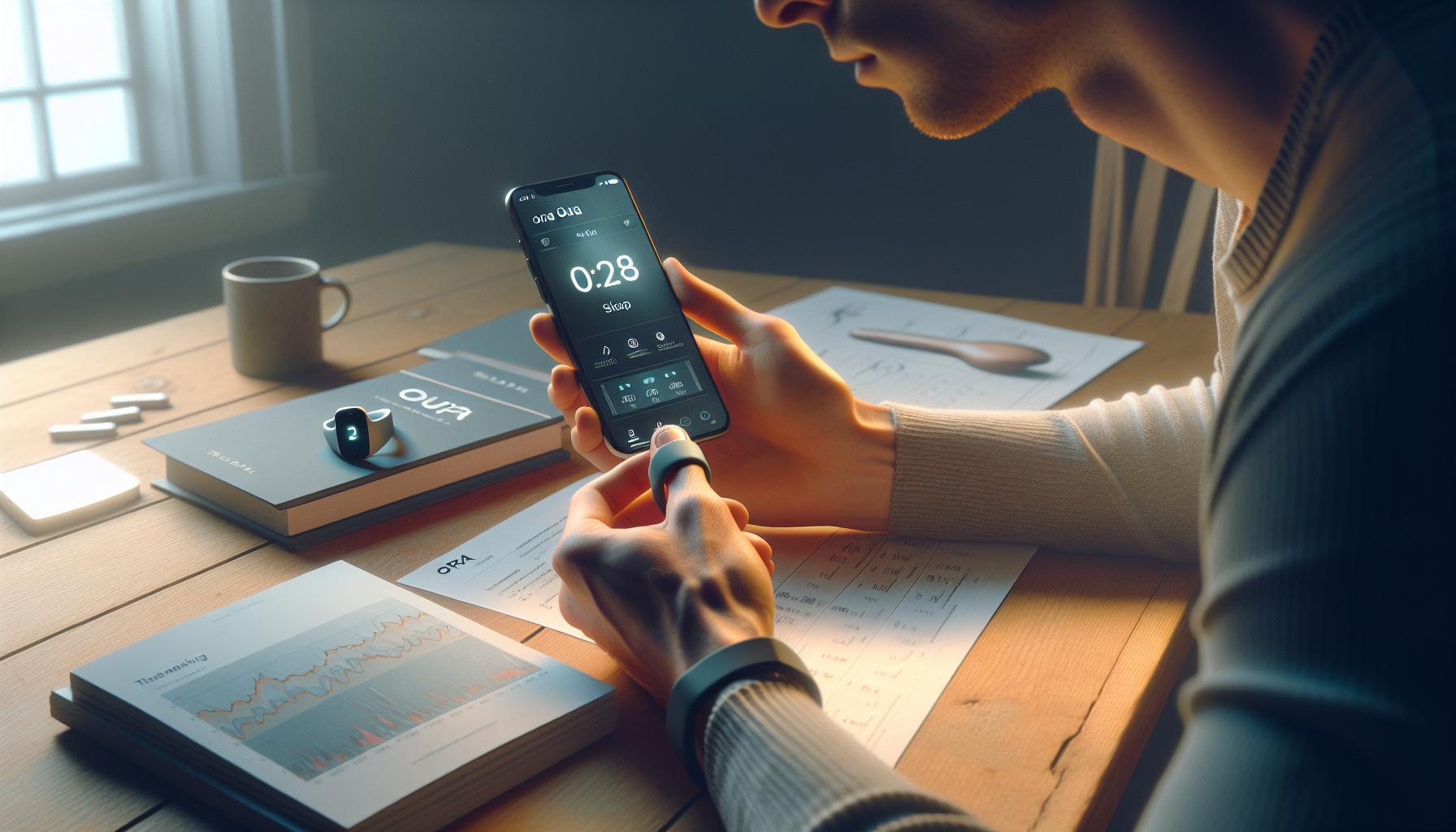
Understanding Oura Ring: How It Tracks Sleep
The Oura Ring is a cutting-edge sleep tracker that provides insights into your sleep patterns and overall health. This small, sleek device utilizes advanced sensors to monitor physiological signals while you sleep, including heart rate, heart rate variability, body temperature, and movement. By analyzing this data, the Oura Ring can give you an in-depth look at your sleep stages-light, deep, and REM-helping you understand the quality of your rest.
To ensure accurate sleep tracking, the Oura Ring relies on its ability to assess your resting heart rate and body temperature changes throughout the night. For example, when you enter deeper sleep stages, your heart rate typically slows down, a key indicator that Oura can detect. The ring also records the total duration of your sleep, interruptions, and how long it takes you to fall asleep. This intelligence allows you to receive a comprehensive sleep score, giving you actionable insights to improve your sleep habits.
However, the effectiveness of the Oura Ring in tracking sleep often depends on how well it is used. Proper fit is crucial; wearing it too loosely or on a finger that doesn’t suit its design can lead to inaccurate readings. Additionally, maintaining consistent usage, such as wearing it every night, ensures that the data collected paints a reliable picture of your sleep trends over time. Thus, embracing healthy sleep practices and keeping the ring comfortably secured on your finger can significantly enhance the tracking experience and the insights you receive.
Common Reasons for Sleep Tracking Issues
Challenges with sleep tracking can be frustrating, especially when you rely on the Oura Ring to provide insights into your health. There are several common reasons why your Oura Ring may not accurately track your sleep, and understanding these issues can help you enhance its performance and derive the most benefit from the device.
One major factor is the fit of the ring. If it’s too loose, it may not maintain contact with your skin, leading to inaccurate readings of heart rate and temperature, which are crucial for assessing sleep quality. It’s important to wear the ring snugly on a finger where it is less likely to move – typically, the index or middle finger is ideal. Additionally, ensure that the ring is made of the right material for your skin type; for some users, certain metals can cause irritation, leading to removal during the night.
Another reason for tracking issues can stem from environmental factors. If you’re using the ring in a very warm or cold room, this could affect its temperature readings. External light and noise can also disrupt your sleep and falsely signal to the ring about your sleep patterns. Make sure your sleep environment is conducive to rest: a cool, dark, and quiet room can significantly enhance sleep quality, which translates into better tracking.
Lastly, the importance of consistent usage cannot be overstated. To build an accurate picture of your sleep patterns, wear your Oura Ring every night, including nights when you may not go to bed at the same time. Irregular usage can lead to gaps in the data the ring collects, making it difficult for the algorithm to identify trends or anomalies. If you feel that your ring isn‘t collecting data as expected, try resetting it or checking for software updates, which can also resolve performance issues.
By addressing these common issues, you can significantly improve the accuracy of your Oura Ring’s sleep tracking and gain more valuable insights into your overall sleep health.
How to Properly Wear Your Oura Ring
The Oura Ring is more than just a stylish accessory; it’s a powerful tool for tracking your sleep and overall health. However, to fully leverage its capabilities, proper wear is essential. If the ring doesn’t fit correctly, it may not collect the accurate heart rate and temperature data crucial for assessing your sleep quality. For optimal performance, it should be worn snugly on your index or middle finger, where it’s less likely to shift during the night. A good fit ensures consistent contact with your skin, which directly affects the accuracy of the readings.
When selecting the finger for your Oura Ring, consider a few factors. Choose a finger that generally maintains a consistent temperature and is free from swelling. Additionally, ensure that the ring material suits your skin type; some metals can cause irritation. If you find your skin more sensitive to certain materials, this could lead you to remove the ring during the night, which will directly impact your sleep data.
Furthermore, it’s vital to establish a routine of wearing the Oura Ring consistently every night, even if your sleep schedule fluctuates. Inconsistent usage can create data gaps, making it challenging for the algorithm to detect any trends. If you’re experiencing poor tracking, assess the fit and material of the ring, and don’t hesitate to adjust your wearing habits. This small but significant adjustment could enhance your sleep insights and lead you toward better sleep health.
By ensuring you wear your Oura Ring properly and consistently, you can maximize its tracking capabilities and better understand your sleep patterns.
Checking Your Oura Ring Settings
To troubleshoot sleep tracking issues with your Oura Ring, first, delve into its settings. Often, the device’s capabilities can be hampered if the settings are not configured properly. The Oura app serves as the control center for your ring, allowing you to customize features and ensure optimal use.
Start by confirming that your ring’s sleep detection feature is enabled. Open the Oura app and navigate to the settings section. There, check the “Sleep” preferences to ensure that options such as ‘Sleep Tracking’ are turned on. If this is disabled, your ring won’t actively monitor your sleep patterns, leading to gaps in your data.
Next, review how the ring collects and syncs data. For accurate sleep tracking, the Oura Ring needs to sync with the app regularly. Confirm that your device is connected via Bluetooth and that the app permissions are correctly set up. Occasionally, reinstalling the app can resolve any glitches that hinder proper data transfer. Ensure that you have the latest app version, as updates often enhance performance and fix bugs. Regular updates are crucial, as they can directly influence tracking accuracy and overall functionality.
Lastly, don’t overlook adjusting your personal settings. The Oura app allows you to input personalized data, like your typical sleep schedule, wellness scores, and activity levels. Accurately entering this information helps the algorithm calibrate its tracking, allowing for more reliable insights into your sleep health. If you are still facing issues after checking settings and syncing, consider whether external factors, like environmental noise or temperature, may be affecting your sleep experience. This comprehensive examination of your Oura Ring settings can reveal crucial insights and lay the foundation for improved sleep tracking.
Interpreting Sleep Data Accurately
When diving into the data collected by your Oura Ring, it’s essential to understand what these numbers and visuals actually mean for your sleep quality. The Oura Ring categorizes sleep into various stages: light sleep, deep sleep, REM sleep, and awake time. Each stage plays a crucial role in your overall health, and the ring’s readings help illuminate patterns that might affect how you feel during your waking hours. For instance, prolonged periods of shallow sleep might suggest scrolling through your phone before bedtime, while a lack of REM sleep could lead to cognitive fog the following day.
To interpret your sleep data accurately, focus on a few key metrics provided by the Oura app. Pay attention to your total sleep duration, sleep efficiency, and the proportion of time spent in each sleep stage. This can help you identify trends over time. If you notice consistently low deep sleep, for example, consider assessing your pre-sleep routine or environment for potential disruptions, such as noise or light intrusion. Here’s a basic breakdown of what to look for:
- Total Sleep Duration: Aim for 7-9 hours to support overall health.
- Sleep Efficiency: A score above 85% indicates good quality sleep; anything below may signal issues.
- Stage Breakdown: Seek a balanced distribution among light, deep, and REM sleep.
It’s also important to leverage the app’s insights and recommendations based on your data. For example, if the app suggests your body’s readiness score is low, you might want to prioritize recovery with a lighter schedule or adjust your sleep environment for better quality. Equally, don’t forget to track how lifestyle changes-like reducing caffeine intake or increasing evening relaxation time-influence your sleep results.
Maintaining a reflective approach to your data can transform it into actionable insights. For instance, if you consistently wake up during the night, investigate factors like stress or room temperature that could be interfering. Remember, while the Oura Ring provides valuable data, it’s just one part of a broader picture regarding your sleep health; listening to your body and adapting based on your own experiences is equally crucial.
Updating the Oura Ring Software
Keeping your Oura Ring updated is crucial for ensuring that it tracks your sleep accurately and efficiently. Just like any piece of technology, software updates can enhance performance, fix bugs, and provide new features that improve your user experience and the accuracy of your health data. If you find that your Oura Ring isn’t tracking your sleep as it should, the first step is to check for software updates.
To update the Oura Ring software, you will need to use the Oura app on your smartphone. Follow these simple steps:
- Open the Oura App: Ensure your Oura Ring is connected to your phone via Bluetooth and that the app is up to date.
- Navigate to Settings: In the app, go to the settings menu, usually found in the bottom right corner of the dashboard.
- Check for Updates: Look for a software update option. If an update is available, follow the prompts to begin the update process. Make sure your ring has sufficient battery life; it’s best to charge it up beforehand to avoid any interruptions.
- Wait for the Installation to Complete: The update may take several minutes. During this time, avoid moving out of Bluetooth range, as this could cause the update to fail.
While updating your Oura Ring, it’s also a good opportunity to ensure that other settings are correctly configured. Check that your sleep tracking preferences are set to what you desire, as well as other health metrics that are important to you.
If after updating, you’re still facing issues with sleep tracking, consider other factors that might be affecting performance. Environmental influences like room temperature or light, as well as how you wear your ring, can all play significant roles in tracking accuracy. Ultimately, keeping both your Oura Ring and its app updated allows you to make the most of the advanced technology behind it, ensuring that you receive the most accurate insights into your sleep patterns and overall health.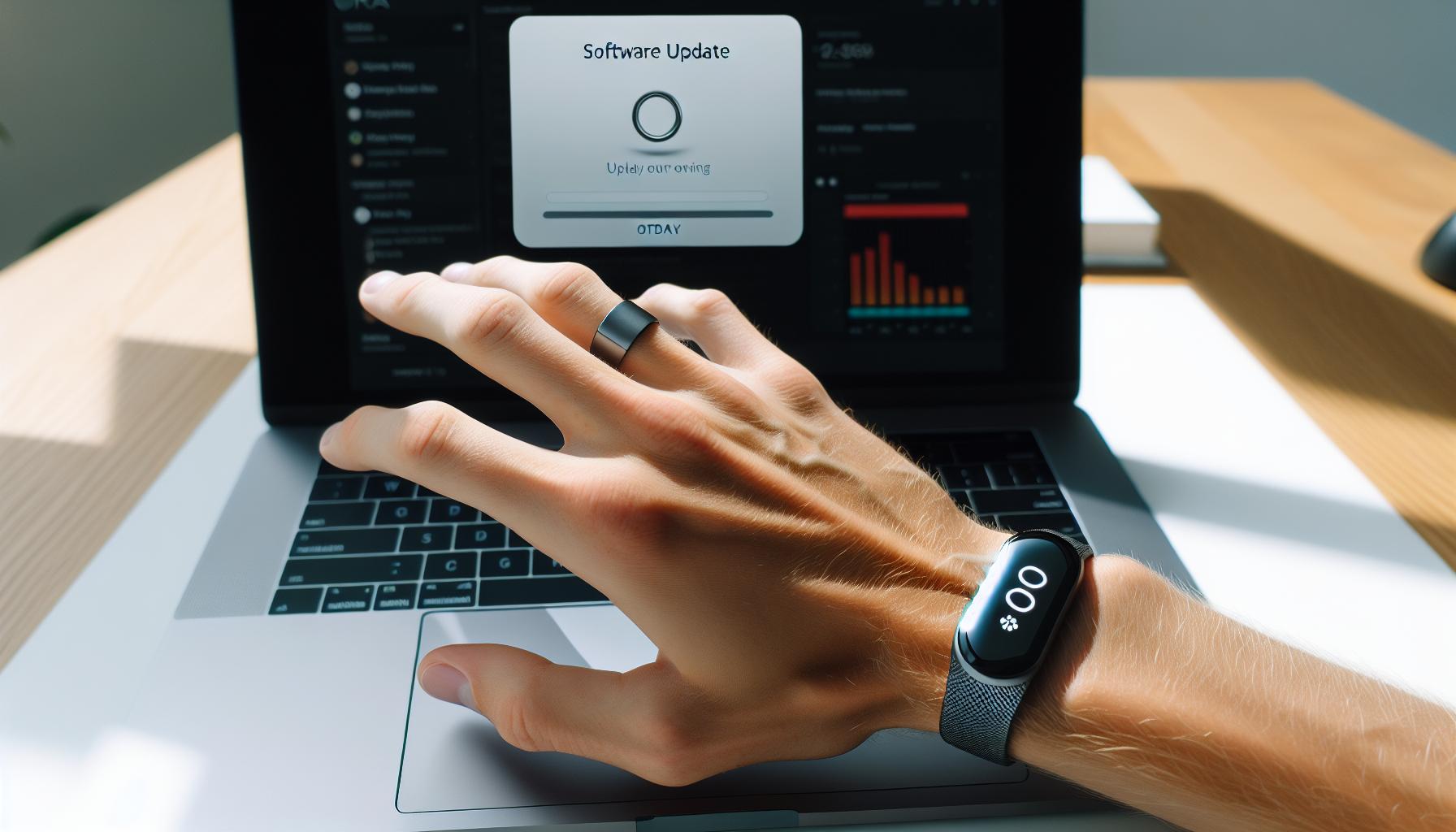
Environmental Factors Affecting Sleep Tracking
While sleep tracking technology has come a long way, its accuracy can still be influenced by various environmental factors. Understanding these elements is crucial for maximizing the performance of your Oura Ring and ensuring it captures the most precise sleep data possible.
One significant factor is room temperature. Ideally, your sleeping environment should be cool, as this condition promotes better sleep quality. If your room is too hot or too cold, it can disrupt your sleep stages, leading to inaccuracies in the data recorded by your Oura Ring. Aim for a temperature range between 60°F and 67°F (15°C to 19°C) for optimal rest.
Another critical aspect is light exposure. Bright lights and screens just before bed can hinder your ability to fall asleep, and consequently, the Oura Ring might struggle to detect the onset of sleep accurately. Consider using blackout curtains or an eye mask to minimize exposure to external light sources. Additionally, dimming your lights or using blue light filters on digital devices an hour before bedtime can facilitate a smoother transition to sleep.
Noise levels in your sleeping environment also play a crucial role in sleep quality. Sudden or loud noises can interrupt your sleep cycles, leading to fragmented data. Using white noise machines or earplugs can help mitigate disruptive sounds, allowing for more consistent and accurate tracking by your Oura Ring.
Lastly, how you wear the Oura Ring can affect its ability to gather data effectively. Ensure that the ring fits snugly on your finger without being overly tight. A loose fit can result in data gaps and unreliable readings. If you’re wearing the ring on a finger that often comes into contact with surfaces or is less active during sleep (like the pinky), consider switching it to a more central finger.
By addressing these environmental factors, you can help enhance the accuracy of your Oura Ring’s sleep tracking capabilities, leading to better insights and improved overall sleep health.
Battery and Charging Considerations
Ensuring your Oura Ring has a good battery charge is crucial for accurate sleep tracking. A fully charged ring is more likely to monitor your sleep patterns effectively throughout the night. With an average battery life of around one week, it’s important to develop a regular charging routine. If your device isn’t tracking your sleep, the first thing to check is whether the battery is charged.
To charge your Oura Ring, use the provided charging dock. Place the ring in the dock, aligning the connection points correctly. A full charge should take about 80 minutes. If you’re consistently finding that your ring dies during the night, consider adjusting your charging schedule. Charging during the day when you’re less likely to need it can help keep it powered for nighttime monitoring. Aim to check the battery status regularly through the Oura app, which provides notifications when the charge is low.
Another factor to consider is temperature while charging. The Oura Ring should be charged in ambient room temperature, as extreme heat or cold can affect battery efficiency. If you notice that the battery drains unusually fast, this could be a sign of a software issue or battery fatigue. In this case, updating your Oura Ring’s software-or even contacting support-may be necessary to resolve any underlying issues.
Always consider that environmental conditions, usage habits, and even the frequency of updates can impact battery performance. By paying attention to these details, you can ensure your Oura Ring is always ready to accurately track your sleep, providing you with the insights necessary to optimize your sleep health.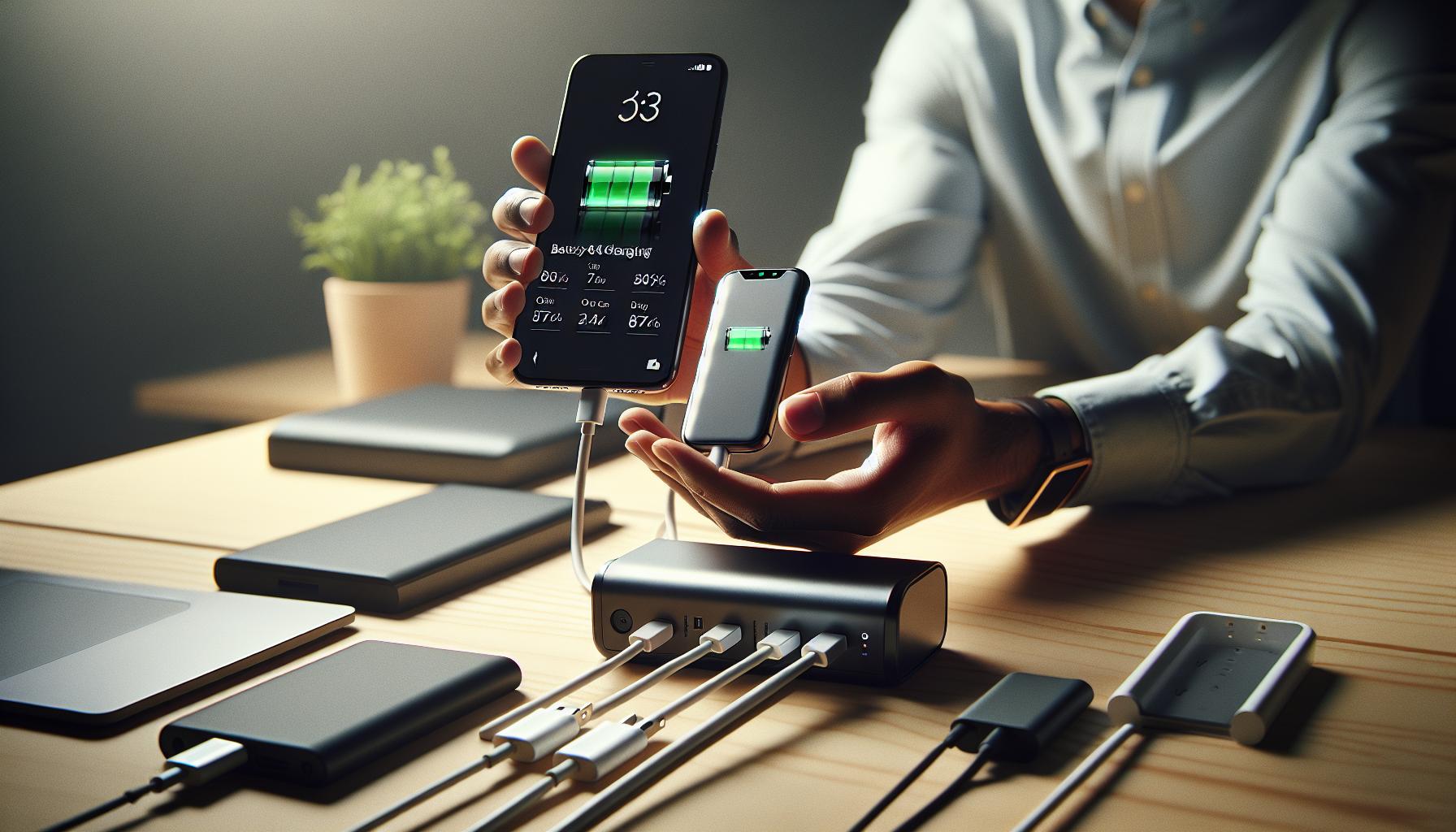
User Experiences: Successes and Troubleshooting
User experiences with the Oura Ring can be a mix of triumph and frustration, particularly when it comes to sleep tracking. Many users rave about the ring’s sleek design and comprehensive sleep insights. However, when tracking issues occur, it can be disheartening. Here, we delve into common experiences, solutions, and tips for troubleshooting the Oura Ring’s sleep tracking functionality.
For many, successes with the Oura Ring stem from its accurate and detailed data collection, providing insights into sleep stages, overall readiness, and trends over time. Users appreciate the way the Oura app simplifies these insights, making it easy to correlate sleep quality with lifestyle choices. For instance, several users have noted improved sleep habits after recognizing patterns in their data-such as bedtime adjustments or the impact of late caffeine consumption. These positive experiences often inspire users to make healthier lifestyle changes, emphasizing the ring’s role not just as a tracker but as a catalyst for better sleep health.
However, like any technology, users can face challenges. If the Oura Ring isn’t tracking sleep, common issues include improper fit, temperature extremes, or battery problems. Many users report success by ensuring the ring fits snugly on their finger, as a loose fit may hinder accurate heart rate and motion detection. Additionally, environmental factors, such as wearing the ring in extreme temperatures during sleep, can affect data accuracy. Some users also suggest that adjusting the ring to a different finger can resolve tracking issues, particularly if they experience discomfort or if the ring feels loose on one finger.
For troubleshooting, first, ensure your Oura Ring is updated to the latest software version, as updates can address bugs that may impact performance. Regularly checking and adjusting your battery charging routine can also make a significant difference; a fully charged ring, ideally charged during the day, is crucial for reliable nighttime tracking. When tracking issues persist, contacting Oura support is a recommended step. Their team can provide tailored advice, such as testing the ring on another finger or ensuring that the app settings are correctly configured for sleep tracking.
Overall, while the Oura Ring has proven invaluable for many in improving their sleep quality and health, navigating tracking issues can require a bit of troubleshooting and persistence. By engaging with the community and leveraging available resources, users can enhance their experiences with this innovative wearable.
When to Contact Oura Support
When the Oura Ring fails to track your sleep effectively, it can be frustrating, especially if you rely on its insights for better sleep health. Understanding when to reach out to Oura support can save you time and possibly resolve persistent issues quickly. If you’ve already tinkered with the usual troubleshooting tips-like ensuring a snug fit, checking battery levels, and updating the software-and the sleep tracking remains erratic or non-functioning, it’s time to escalate the issue.
Here are some scenarios when contacting support is the best course of action:
- Persistent Tracking Issues: If your Oura Ring consistently fails to track sleep despite trying multiple solutions, it could indicate a deeper issue that requires professional attention.
- Software Problems: Should your app show errors or crashes that have not been fixed by updates, tech support can help troubleshoot and diagnose the problem.
- Physical Damage: If the ring appears damaged or shows inconsistencies in readings that do not correlate with your actual sleep patterns, support can guide you on warranty claims or repairs.
- Account Issues: Problems related to syncing data, accessing features, or billing errors are best directed to customer service for expert resolution.
Before contacting support, gather relevant information about your issue. Document your troubleshooting steps and any patterns or anomalies you’ve noticed in your sleep data. This preparation can expedite the support process and ensure you receive precise advice tailored to your situation. Remember, engaging with Oura’s customer service not only helps you address your concerns but also contributes to enhancing the device’s overall performance through user feedback.
Comparing Oura Ring to Other Sleep Trackers
Smart sleep tracking technology has evolved considerably, and while the Oura Ring has gained significant popularity for its sleek design and advanced features, it’s important to assess how it stands up against other sleep trackers in the market. Each device offers unique benefits, and understanding these can help users make informed choices, especially when troubleshooting issues like sleep tracking inaccuracies.
The Oura Ring, which is touted for its comprehensive health metrics, including heart rate variability and sleep stages, is typically priced in the range of $300 to $400. This positions it as a premium option among sleep trackers. In contrast, devices like the Fitbit Charge series or Garmin’s fitness bands may offer similar sleep tracking capabilities at lower price points, often ranging from $150 to $250. While these alternatives may not match the Oura Ring’s aesthetic appeal, they provide robust features and may include additional functionalities like step tracking and GPS, making them versatile fitness trackers as well.
When comparing these devices, it’s crucial to examine how accurately they gather and report sleep data. Users often report that the Oura Ring excels in detecting sleep phases, providing a detailed breakdown of time spent in light, deep, and REM sleep. However, some may find that fitness bands perform equally well or better in certain scenarios, particularly because they often include features like sleep reminders and alarms that encourage healthier sleep habits. Moreover, different devices use various algorithms that may lead to discrepancies in reported sleep duration and quality. For example, the Apple Watch integrates its data with the Health app, giving users an overarching view of their wellness metrics, while the Oura Ring focuses specifically on sleep and readiness metrics.
To further aid the decision-making process, many users also consider ecosystem compatibility. The Oura Ring connects with its own app, which specializes in sleep and readiness insights. In contrast, other trackers may sync with more comprehensive health platforms, providing a broader understanding of fitness and wellness data. Choosing a device should take into account personal health goals, whether they be more focused on sleep quality or overall fitness metrics.
Ultimately, when troubleshooting sleep tracking issues with the Oura Ring, it’s helpful to keep in mind not only its specific features but also how those compare to other available sleep trackers. This perspective allows users to weigh the strengths and limitations of their device, ensuring they find the best fit for their individual sleep health needs.
Maximizing Your Sleep Health with Oura Insights
Understanding your sleep data is crucial for enhancing your sleep health, and the Oura Ring provides a wealth of insights that can guide you toward better sleep practices. With features that analyze sleep stages, heart rate variability, and overall readiness, Oura empowers users to make informed decisions about their sleep habits. To maximize the benefits of your Oura Ring, it’s important to engage actively with the data it collects.
The first step in optimizing your sleep health is to regularly check your sleep scores and trends over time. The Oura app provides a clear overview of your sleep duration, quality, and the different stages you cycle through during the night. Look for patterns in your data-such as how late-night activities affect your sleep scores. Small adjustments like altering your bedtime, reducing screen time, or even optimizing your bedroom environment (think temperature, noise, and light) can lead to significant improvements.
Another valuable tip is to leverage the Oura insights related to daily activities. The Oura Ring tracks how your daily behaviors influence your sleep, including exercise, stress levels, and dietary choices. For example, you might find that certain types of workouts lead to better sleep quality, while consuming caffeine too late in the day results in disrupted sleep. Utilize this data not just to react, but to proactively plan your daily schedule to promote restful nights.
Lastly, maintaining a consistent sleep routine can be enhanced through Oura’s reminder features. Set up personalized bedtime reminders based on your sleep patterns to encourage a routine that aligns with your body’s natural rhythms. Consistency is key, and integrating these insights into your daily life can help you achieve a healthier sleep cycle, making it easier to fall asleep and wake up feeling refreshed.
In conclusion, using the Oura Ring is not just about tracking sleep-it’s about activating a cycle of continuous improvement based on data-driven insights. Engage with your body’s information, experiment with changes, and focus on building a routine that supports your long-term sleep health.
Frequently Asked Questions
Q: Why is my Oura Ring not tracking my sleep accurately?
A: If your Oura Ring isn’t tracking sleep accurately, ensure that you’re wearing it correctly and that the sensors are clean. Environmental factors, like room temperature and noise, can also affect sleep data. Check the settings in your Oura app to ensure sleep tracking is enabled.
Q: How can I reset my Oura Ring to improve sleep tracking?
A: To reset your Oura Ring, remove it from your app, then power it off and on again. After restarting, re-pair it with the app. This can help recalibrate the sensors and improve tracking accuracy. See the “Updating the Oura Ring Software” section for more details.
Q: What environmental factors can impact my Oura Ring’s sleep tracking?
A: Environmental factors like excessive noise, poor air quality, and temperature fluctuations can disrupt your sleep and affect Oura Ring’s tracking. Ensure your sleep environment is comfortable, dark, and quiet, as discussed in the “Environmental Factors Affecting Sleep Tracking” section.
Q: Can my Oura Ring’s battery level affect sleep tracking?
A: Yes, low battery levels can impact performance. If the battery is critically low, sleep tracking might be limited or unavailable. Regularly charge your Oura Ring, as outlined in the “Battery and Charging Considerations” section, to ensure optimal functioning.
Q: Why is my Oura Ring not syncing sleep data?
A: If your Oura Ring is not syncing sleep data, check your Bluetooth connection and ensure your app is updated. Restart both your ring and smartphone, and ensure you’re within range. Refer to the “Checking Your Oura Ring Settings” section for more solutions.
Q: What should I do if my Oura Ring is not detecting sleep stages?
A: If your Oura Ring fails to detect sleep stages, verify that you’re wearing it correctly on your finger and that your app is set to track sleep. You may also want to calibrate your sleep tracking as explained in the “Interpreting Sleep Data Accurately” section.
Q: How can I optimize my Oura Ring settings for better sleep tracking?
A: To optimize Oura Ring settings for sleep tracking, ensure that sleep tracking is enabled in the app, and adjust your sleep schedule under “Personal Settings.” Regularly syncing the device and updating the firmware can also help improve tracking accuracy.
Q: When should I contact Oura support for help with sleep tracking?
A: You should contact Oura support if your ring continues to have issues despite troubleshooting, such as persistent syncing problems or inaccuracies in tracking sleep stages. Refer to the “When to Contact Oura Support” section for more guidance.
In Retrospect
If your Oura Ring isn’t tracking your sleep, don’t let that frustrate you! By following the troubleshooting steps outlined in this guide, you can regain accurate sleep tracking and optimize your nighttime health. Remember, small adjustments in setup or use can make a significant difference. For further insights, check out our articles on maximizing wearable tech for sleep health and understanding sleep stages for better recovery.
Don’t hesitate-enhancing your sleep experience is just a few clicks away! Join our community by signing up for our newsletter for the latest tips and tools in sleep wellness, or explore our product pages to find the right solutions and accessories for your Oura Ring. Lastly, we love hearing from you! Share your experiences or questions in the comments below, and keep the conversation going. Your journey to better sleep starts now!
Get our latest guides, news, and insights highlighted in your Google Search & AI Overviews.