
Are you frustrated that your Google Pixel Watch isn’t tracking your sleep as expected? You’re not alone-many users face this issue, which can throw a wrench in your efforts to monitor and improve your sleep health. Understanding sleep patterns is vital for overall well-being, so it’s crucial to get this right. In this guide, we’ll explore common reasons why your watch may be struggling with sleep tracking, along with practical solutions to ensure you harness its full potential. Whether it’s adjusting settings or troubleshooting syncing problems, our insights will empower you to make the most of your device. Dive in to uncover the answers and reclaim your restful nights!
Why Sleep Tracking Matters for Your Health
Understanding your sleep is crucial to maintaining overall health and well-being. Sleep tracking offers valuable insights into your nightly rest patterns, helping you identify both the quantity and quality of your sleep. For instance, studies suggest that poor sleep can lead to numerous health issues, including obesity, heart disease, and increased stress levels. With the rise of wearable technology like the Google Pixel Watch, sleep tracking has become more accessible, allowing individuals to monitor their nocturnal habits conveniently.
By evaluating your sleep data, you can uncover trends in your sleeping patterns and correlate them with daily activities, lifestyle choices, and health outcomes. For instance, do you notice worse sleep on days when you consume caffeine late in the day? Or on evenings following particularly stressful workdays? Understanding these connections enables you to adapt your habits for better sleep health.
Furthermore, as the Google Pixel Watch tracks various sleep stages, including light, deep, and REM sleep, it provides a more nuanced understanding of your sleep architecture. This is essential because different sleep stages contribute differently to your physical and mental recovery. By prioritizing the improvement of these stages using targeted strategies informed by your smartwatch data, you can enhance your sleep quality and, accordingly, your quality of life.
In essence, adopting sleep tracking technology not only empowers you with knowledge but also encourages healthier lifestyle changes. The more you understand your sleep patterns, the more equipped you become to make informed choices about your health and wellness journey.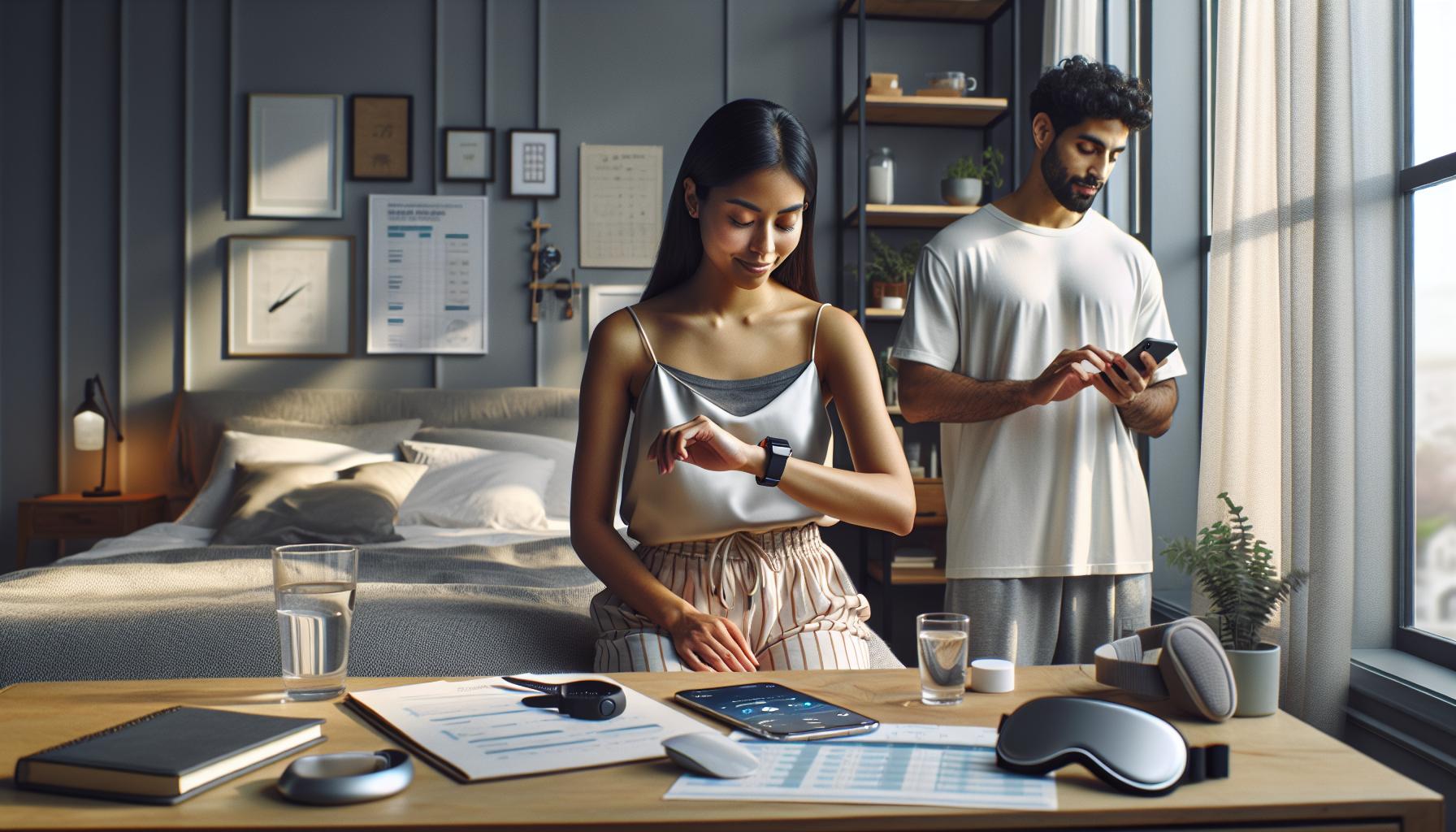
Common Reasons Google Pixel Watch Fails to Track Sleep
Sleep tracking technology promises to be a valuable ally in understanding and improving your sleep, but it can sometimes fall short. Many users report issues with the Google Pixel Watch not accurately tracking their sleep, leading to frustration. Understanding these common pitfalls can help you troubleshoot effectively and enhance your tracking experience.
One frequent reason for inaccurate sleep tracking is the placement of the watch. If it’s not worn snugly on your wrist, it may fail to detect your movements and heart rate accurately. For optimal performance, ensure that the watch is positioned properly, usually about an inch above your wrist bone. Moreover, the watch should be fitted tightly enough to read your heart rate but not so tight that it’s uncomfortable.
Another key factor is the settings. The sleep tracking feature can often default to a ‘normal’ sensitivity mode, which may not be sufficient for all users. If you find your sleep data lacking, try switching to ‘sensitive’ mode for better accuracy. Don’t forget to save and sync your changes to ensure they’re applied correctly [[1]]. Additionally, consider that certain environmental factors, such as excessive noise or light, can disrupt sleep patterns and affect tracking.
App and firmware updates are another crucial aspect to consider. Regularly updating your Pixel Watch can introduce new features, bug fixes, and performance improvements that enhance sleep tracking functionality. Failing to do so can lead to missed features and erratic performance.
For more persistent issues, it’s beneficial to reset your device as a last resort. This can often resolve software glitches that interfere with sleep tracking capabilities. By taking these steps and understanding the potential barriers to accurate sleep tracking, you can utilize your Google Pixel Watch more effectively to understand and improve your sleep health.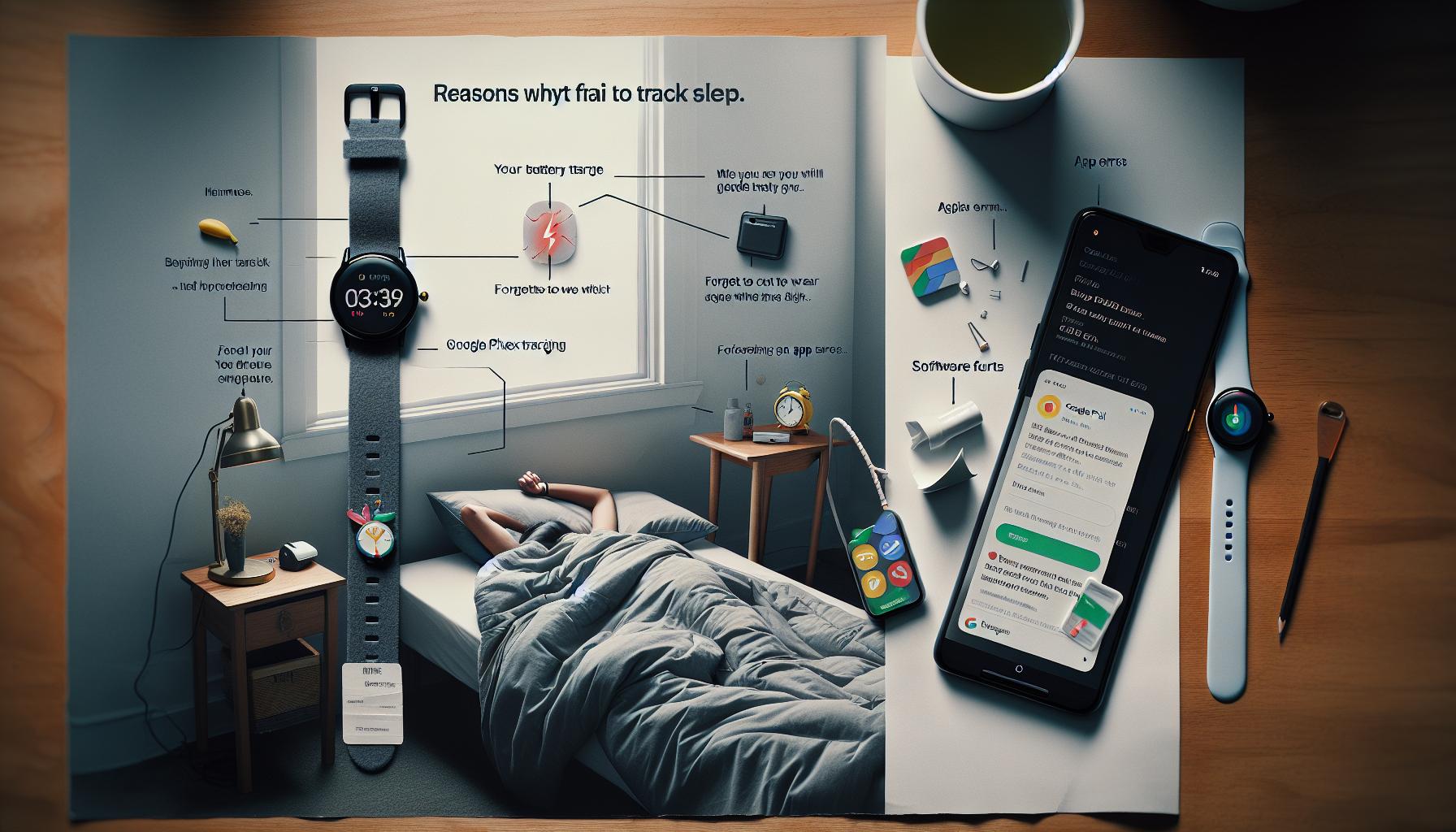
How to Properly Set Up Your Google Pixel Watch
Setting up your Google Pixel Watch correctly is crucial for accurate sleep tracking. Many users overlook key steps during the setup process, which can lead to frustrating results when monitoring their sleep. Understanding these steps can ensure that your watch functions optimally, enhancing your sleep tracking experience.
First and foremost, ensure that your Google Pixel Watch is properly charged before use. A full battery not only prolongs the usability of your device but also ensures that it can collect data overnight without interruptions. Look for any software updates during the initial setup; ensuring your watch has the latest firmware can greatly impact its performance and accuracy. Syncing the watch with your Google account also grants access to additional functionalities that could enhance your user experience.
Next, pay attention to how you wear the watch. It’s not just about having it on your wrist; the fit is essential. For sleep tracking, the watch should be snug but comfortable, positioned about an inch above your wrist bone. If the watch is too loose, it may fail to monitor your heart rate and movements accurately, while a too-tight fit can cause discomfort, disrupting your sleep.
Additionally, delve into the settings. Within the companion app, navigate to the sleep tracking section and check whether your watch is set to a normal sensitivity mode. If you’re not getting accurate readings, it might be worth switching to the sensitive mode. Remember to save your changes and ensure the watch and app are synced so adjustments are correctly implemented.
To further enhance your experience, consider personalizing your notifications and alarms. You can set specific reminders for bedtime to foster a consistent sleep schedule. Regular routines can significantly enhance the reliability of your sleep data, making it easier for the watch to track patterns effectively.
By following these setup tips, you can maximize the potential of your Google Pixel Watch, leading to more accurate sleep tracking that ultimately supports your health and well-being.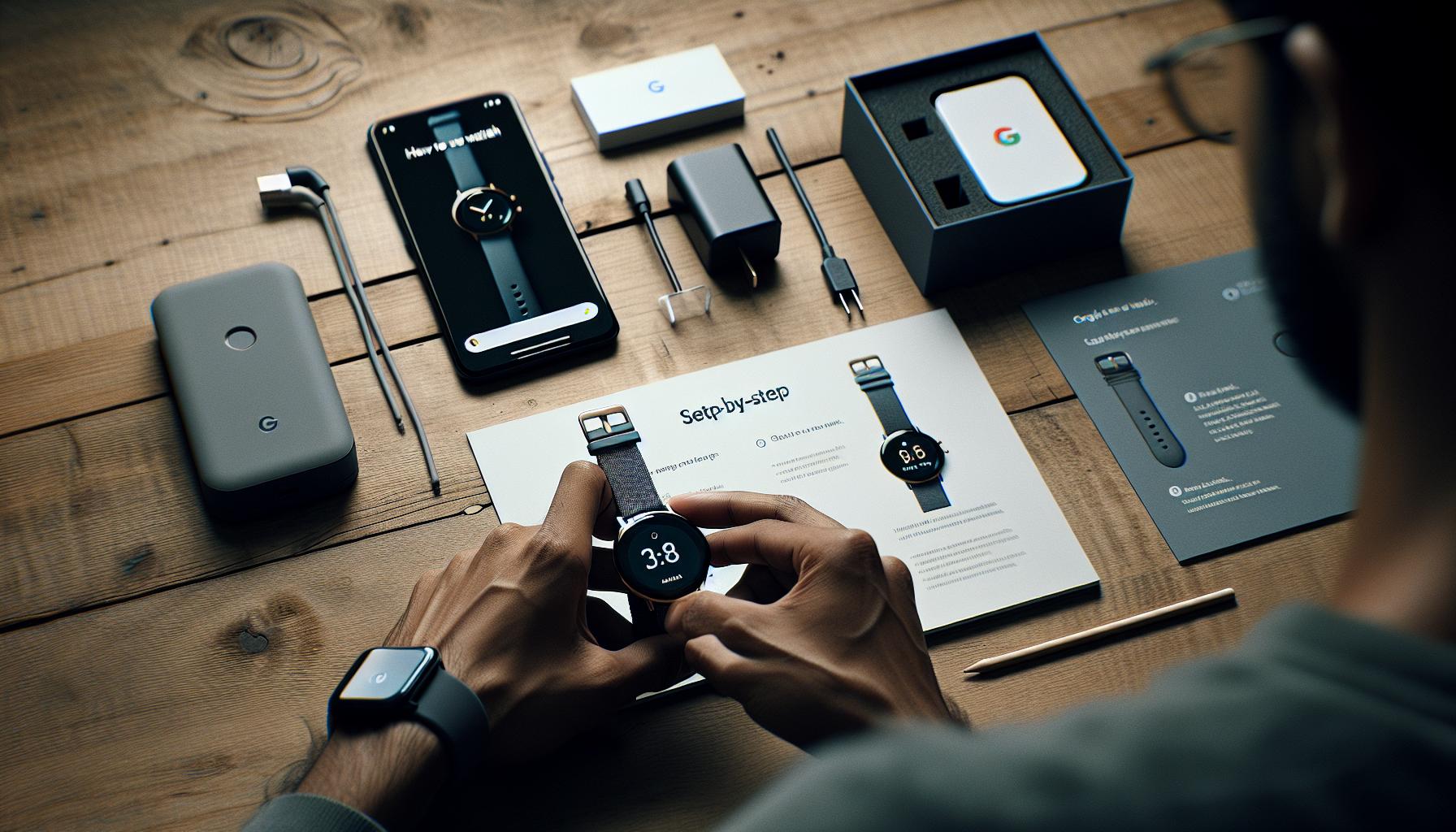
Calibrating Sleep Tracking for Accurate Results
Calibrating your Google Pixel Watch for accurate sleep tracking is essential if you’re aiming to get the most reliable insights into your sleep patterns. Interestingly, many users find that even minor adjustments can significantly impact how well the device tracks their sleep. A common starting point is to familiarize yourself with the settings that influence sleep detection and ensure you have the necessary data collection features enabled.
One practical approach to calibration involves checking the accuracy of the watch’s sensors. Ensure that the watch is fitted correctly on your wrist-not too loose and not too tight. A snug fit allows the watch to read your heart rate and movements effectively. Additionally, consider adjusting the sensitivity settings in the sleep tracking menu. If your watch has options for normal and sensitive modes, you may want to experiment with these to see which yields more accurate results. Remember to save any changes and sync the watch with the companion app for all adjustments to take effect.
Over time, calibrating your device might also involve habitual changes. Establishing a regular sleep schedule can help improve tracking accuracy. When you consistently go to bed and wake up at the same time, the watch can learn your patterns better, leading to enhanced tracking capabilities. Similarly, keeping a sleep diary can be invaluable for understanding discrepancies between perceived and tracked sleep quality, as it provides context for any variations in smartwatch readings.
To further fine-tune the tracking process, consider integrating lifestyle modifications. For instance, reducing screen time before bed and adjusting your sleep environment-like ensuring darkness and minimizing noise-can promote better sleep hygiene. Improved sleep quality may, in turn, lead to more accurate tracking results. Remember, while wearables are potent tools, they work best when used as part of an overall strategy for good sleep health.
Troubleshooting Sleep Tracking Issues on Your Device
Many users find themselves puzzled when their Google Pixel Watch fails to track sleep accurately. This can lead to frustration, especially when you rely on the insights to improve your sleep health. Understanding and addressing the issues that prevent correct sleep tracking is essential for maximizing the benefits of your device.
Firstly, ensure that your watch is worn correctly. A snug fit on your wrist is crucial for proper sensor function; if it’s too loose, it may not register movements or heart rates correctly, while a tight fit could lead to discomfort and potential skin irritation. Adjusting the watch during wear time can also help. Additionally, consider the settings within the sleep tracking feature; toggling between normal and sensitive modes can make a noticeable difference in how your watch interprets your sleep patterns.
Battery life can also impact sleep tracking. If your watch runs out of battery while you sleep, it won’t capture any data. Consider establishing a routine where you charge your watch during the day, ensuring it’s fully charged for the night. Another common culprit is sleep settings; make sure your sleep mode is activated before going to bed. This signals the watch to begin tracking your sleep, so double-check that it’s enabled each night.
If you’ve corrected the settings and your watch is still not tracking sleep accurately, a software update may be needed. Keeping your device updated ensures you have the latest algorithms and features, which can improve functionality. Regularly check for updates via the Google Wear OS app or your phone’s settings. Sometimes, resetting your watch to factory settings can resolve persistent issues, but be sure to back up any important data before doing so.
For further enhancement of sleep tracking accuracy, consider integrating a consistent sleep schedule and environment adjustments. Limiting screen time before bed, creating a dark, quiet space, and managing stress effectively can all contribute to a more restful night’s sleep, ultimately leading to better tracking results from your Pixel Watch. By following these practical steps, you can turn potential frustrations into valuable insights about your sleep health.
Understanding Sleep Stages and What They Mean
Understanding how sleep stages work can significantly enhance your health and sleep tracking experience. Your Google Pixel Watch attempts to monitor your sleep by breaking it down into various stages: light sleep, deep sleep, and REM (rapid eye movement) sleep. Each stage plays a crucial role in your overall restfulness and recovery, making it essential for improving your understanding of sleep patterns.
Key Sleep Stages
During the night, you cycle through multiple sleep stages, each contributing differently to your health:
- Light Sleep: This stage usually occurs early in the sleep cycle and acts as a transition phase. It’s the stage where you can be easily awakened, and while it helps with memory consolidation and alertness, it doesn’t provide the deep restorative benefits of other stages.
- Deep Sleep: Often regarded as the most crucial stage for physical restoration, deep sleep is when your body repairs cells, strengthens the immune system, and builds bone and muscle. This stage is hard to wake from, and missing it can lead to feelings of fatigue and grogginess.
- REM Sleep: This stage is essential for cognitive functions, including memory retention and mood regulation. During REM sleep, your brain is quite active, leading to dreaming. If disrupted, you might experience issues with focus and emotional stability during the day.
Understanding these stages can help you recognize why your Pixel Watch logs may show limited tracking or discrepancies. For instance, if your watch reports little to no time in deep sleep, it may indicate disrupted cycles or an improper sleep environment. Conversely, a high percentage of light sleep could suggest that you’re not getting the quality rest your body needs.
It’s also valuable to consider how factors like stress, screen time, and caffeine can disrupt your sleep stages. By focusing on improving your sleep hygiene-such as maintaining a consistent sleep schedule, minimizing blue light exposure before bed, and creating a relaxing bedtime ritual-you can improve your sleep quality and maximize the efficacy of your Pixel Watch sleep tracking.
By becoming more aware of your sleep stages, you empower yourself to make informed adjustments that positively impact your sleep health, leading to deeper restorative sleep and better overall wellness.
Tips to Improve Sleep Tracking Accuracy
To maximize the effectiveness of your Google Pixel Watch’s sleep tracking, adopting a few best practices can significantly enhance accuracy and reliability. Your sleep tracker relies on various sensors and algorithms, which function best under optimal conditions. Here are some practical tips to boost your sleep tracking experience.
Wear It Right
The placement of your Pixel Watch matters immensely. Ensure that the watch is worn snugly on your wrist, just above the wrist bone. A secure fit allows the sensors to accurately monitor your heart rate and movement without interruption. For those with smaller wrists, consider using a different strap that offers a tighter fit if needed.
Maintain a Consistent Routine
Establish a regular sleep schedule that aligns with your natural circadian rhythm. Going to bed and waking up at the same time every day helps your body settle into a predictable sleep pattern. This regularity aids the watch in anticipating when you’re likely to sleep and can enhance its automatic detection capabilities.
Adjust Settings and Sync Regularly
To ensure your Pixel Watch accurately tracks your sleep, check that the sleep tracking feature is enabled in the settings. Regularly sync your device with the Fitbit app to keep it updated with your latest health data. If you’re using the Fitbit Premium features, ensure that you explore the guided insights they offer to fine-tune your sleep monitoring.
Monitor Environmental Factors
Keep track of your sleep environment, as it plays a crucial role in your ability to achieve quality rest. Factors such as room temperature, light exposure, and noise levels can disrupt sleep. Ideal sleeping conditions generally include a cool, dark, and quiet space. If you notice that your sleep data seems off, consider adjustments in your environment to see if it makes a difference.
By implementing these strategies, you can improve the accuracy of your Pixel Watch’s sleep tracking and cultivate a more informative understanding of your sleep health. This empowerment allows you to make adjustments that ultimately lead to a better night’s rest.
Utilizing Sleep Insights for Better Sleep Hygiene
Unlocking the potential of your Google Pixel Watch’s sleep insights can be a game changer for your sleep hygiene. With access to data like sleep duration, sleep stages, and heart rate variability, you can tailor your routine to improve the quality of your rest. Sleep insights help identify patterns that might be disrupting your sleep, enabling you to make informed changes for better nightly recovery.
Analyze Your Sleep Data
Start by reviewing your sleep data regularly. The Pixel Watch provides a Sleep Score alongside detailed metrics that summarize your sleep efficiency, total sleep time, and disruptions. Maintaining a log of this data not only highlights improvement areas but also helps in recognizing trends. For example, you may notice that a late evening workout or screen time before bed negatively impacts your score. Logging your data can lead to actionable adjustments, ultimately fostering healthier sleep habits.
Implementing Changes Based on Your Insights
Once you’ve analyzed your sleep patterns, it’s crucial to apply what you’ve learned. Here are practical steps to consider:
- Adjust Bedtime: If your data indicates you’re going to bed too late, experiment with an earlier bedtime to see if it improves your sleep score.
- Optimize Your Sleep Environment: Use your insights to modify temperature, lighting, and noise levels to create an environment conducive to rest.
- Develop Pre-Sleep Rituals: Engage in calming activities such as reading or meditation, and limit screen exposure to enhance your sleep quality.
Leverage Health Integration Features
If you’re a Fitbit Premium user, take advantage of the personalized guidance and clinical insights that the Pixel Watch offers. The combination of your sleep data with activity levels and other health metrics can reveal connections between your daily habits and nightly sleep quality. Utilize available tools that suggest specific improvements based on your tracked behaviors, empowering you to take control of your sleep hygiene.
By utilizing your Pixel Watch’s sleep insights effectively, you enhance not only your sleep quality but your overall well-being. Remember, better sleep hygiene is a journey of small yet powerful adjustments, guided by the data at your fingertips. The more you engage with your insights, the more empowered you become to foster good sleep practices and recover effectively each night.
Alternative Apps to Enhance Sleep Tracking
Finding it challenging to get reliable sleep tracking data from your Google Pixel Watch? You’re not alone. Many users are searching for ways to enhance their sleep tracking capabilities. While the Pixel Watch offers built-in sleep insights, integrating alternative apps can provide a more detailed understanding of your sleep patterns and improve overall tracking accuracy.
One option to consider is Sleep Cycle. This app analyzes your sleep patterns and wakes you up at the optimal time in your sleep cycle, ensuring you feel more refreshed. With features that allow you to track your sleep quality and duration, it can be a powerful complement to your Pixel Watch. Additionally, it provides insights into your sleep stages which can help you implement changes for better rest.
Another notable mention is Pillow, which offers advanced sleep analysis and integration with Apple Health, although it’s primarily for iOS users. However, it still provides valuable methods for capturing sleep data effectively. The app’s smart alarm feature can also wake you at the best time, which can enhance your morning routine.
If you’re looking for something more experimentally focused, Sleepio is an app that bases its recommendations on cognitive behavioral therapy for insomnia (CBT-I). It tailors a program for you, making suggestions based on your progress. While it’s not a traditional sleep tracker, its methodology is useful for those facing persistent sleep issues.
To optimize these apps alongside your Pixel Watch, follow these simple steps:
- Sync Your Data: Ensure your Google Pixel Watch is synchronized with these apps so that your sleep data is consistent across platforms.
- Regular Use: Make it a habit to input your sleep data and any notes regarding your daily activities that may impact your sleep.
- Integration: Check if the app can integrate with your Google Calendar or reminders to keep you on track with your pre-sleep rituals.
These applications can empower you to take control of your sleep health, enabling you to refine your nighttime routines and understand your unique sleep needs. By supplementing the tracked data from your Google Pixel Watch with insights from these apps, you can gain a more holistic view of your sleep patterns, ultimately guiding you towards improved sleep hygiene.
When to Seek Professional Help for Sleep Issues
While wearable technology like the Google Pixel Watch can provide valuable insights into your sleep patterns, there comes a time when relying solely on these devices may not be sufficient. If you’ve been experiencing persistent sleep issues-such as difficulty falling asleep, frequent waking during the night, or waking up unrefreshed-it might be time to consider seeking professional help. Understanding when to transition from self-monitoring with a device to consulting a healthcare professional is crucial for your overall well-being.
If your Google Pixel Watch consistently shows irregularities in your sleep data, such as prolonged periods without recorded sleep, it may indicate deeper issues that warrant attention. Common signs that suggest you should consult a professional include problems like insomnia, sleep apnea symptoms (such as snoring or gasping for air), or regular daytime sleepiness that significantly impacts your daily activities. A healthcare provider can perform a comprehensive evaluation, which may include sleep studies that would provide more in-depth data than what a smartwatch can offer.
What to Expect When Seeking Help
Consulting a sleep specialist typically involves an initial evaluation where you discuss your sleep habits, medical history, and any concerns you’ve noted. They may recommend a sleep study, also known as polysomnography, that records various body functions during sleep, including brain activity, eye movement, heart rate, and more. This detailed analysis is instrumental in diagnosing sleep disorders. While the cost of such studies can vary (often ranging from $300 to $3,000 depending on your insurance and location), the insights gained can lead to effective treatment plans that significantly improve your quality of life.
Managing Your Journey
As you navigate this process, remember to keep using your Google Pixel Watch alongside professional advice. The data you gather can be helpful for your healthcare provider to see potential patterns or improvements. Take detailed notes about your experiences, both with the watch and any symptoms you notice, which will provide valuable context during your discussions.
Recognizing that there is a spectrum of sleep issues from minor disturbances to significant disorders is important. By being proactive and seeking assistance when needed, you empower yourself to take control of your sleep health for a better, more restful night. Whether you’re considering a sleep study or simply looking to optimize the data from your devices, remember that patience and persistence in seeking the right solutions are key to overcoming sleep challenges.
Comparing Other Devices for Sleep Tracking Success
When it comes to tracking your sleep, not all devices offer the same capabilities, and understanding these differences can significantly impact the quality of the insights you receive. While the Google Pixel Watch boasts integration with Fitbit’s sleep tracking technology, some users find that it may underperform compared to other alternatives. If you’re experiencing issues with sleep tracking accuracy, exploring other devices can help you determine if there’s a more suitable option for your lifestyle and needs.
Popular Sleep Tracking Devices
Several alternatives to the Pixel Watch are making waves in the wearable technology market. Each of these devices offers unique features that may better align with your sleep tracking goals:
- Fitbit Charge 5: This device provides comprehensive sleep insights, including sleep stages, heart rate variability, and a personalized sleep score. Its automatic sleep tracking is exceptionally reliable and has received positive reviews for accuracy.
- Aura Ring: Known for its sleek design, the Aura Ring focuses heavily on sleep tracking. It offers advanced metrics like body temperature and readiness scores, making it ideal for users serious about optimizing their sleep.
- WHOOP Strap 3.0: This subscription-based fitness tracker blends performance and recovery data with sleep insights. It’s particularly useful for athletes looking to monitor how their sleep influences their training regimen.
- Apple Watch Series 7: Apple’s smartwatch includes sleep tracking capabilities as part of its health features. It seamlessly integrates with iOS and offers unique functionalities like Wind Down, a feature designed to help you prepare for sleep.
Considerations When Choosing a Sleep Tracker
When evaluating alternative devices, consider the following aspects:
- Accuracy of Data: Research user experiences and expert reviews to understand how well each device performs in terms of tracking sleep stages and overall sleep quality.
- Comfort: Since sleep tracking occurs overnight, choose a device that you find comfortable to wear. Some users prefer lighter, less obtrusive devices, while others may not mind a bulkier option.
- Battery Life: Look for a tracker with a lasting battery so you don’t have to frequently recharge it, disrupting your sleep tracking.
- App Functionality: A well-designed companion app can enhance your experience by providing insightful data visualization and personalized advice based on your sleep patterns.
Ultimately, if the Google Pixel Watch fails to track your sleep effectively, don’t hesitate to explore these options. Real-world testing, user reviews, and comparisons can guide you to the most reliable device for your specific sleep needs. Remember, while technology can offer helpful insights into your sleep patterns, persistent issues may still require consulting with a healthcare professional for comprehensive assessment and support.
User Experiences: Fixing Sleep Tracking Problems
Many users have experienced frustration when their Google Pixel Watch fails to track sleep accurately. Understanding how to resolve these issues can enhance not only your device’s efficacy but also your overall sleep quality. A common scenario involves ensuring that you have the watch securely fitted to your wrist, as a loose or poorly positioned watch may not accurately detect your sleep patterns. Aim for a snug fit that isn’t uncomfortable, which helps the sensors work effectively throughout the night.
Another pivotal step is to ensure that your watch’s software is up-to-date. Software updates often include fixes for bugs and enhancements to various features, including sleep tracking. Navigate to your watch settings or companion app on your smartphone to check for available updates. If you have recently switched from another sleep tracker or have been adjusting the settings on your Pixel Watch, resetting your sleep tracking preferences might produce better results. This can help recalibrate the device for your specific sleep patterns.
Additionally, user experiences suggest that disabling and re-enabling the sleep tracking feature can sometimes resolve detection issues. If the device still fails to recognize your sleep, you might consider using the manual sleep tracking option. This feature allows you to log your sleep onset time and wake-up time, which can still provide useful insights into your sleep trends until automatic tracking is functioning properly.
Engaging with community forums can offer additional tips based on real user experiences. For example, many users have reported that adjusting certain settings, like enabling Do Not Disturb mode or turning off alarms that may disrupt sleep tracking, can improve accuracy. With persistent issues, don’t hesitate to reach out to customer support for tailored assistance that can address specific product problems. By taking these proactive steps, you can significantly improve your experience with sleep tracking on your Google Pixel Watch.
Frequently asked questions
“`markdown
Q: Why isn’t my Google Pixel Watch tracking my sleep as expected?
A: If your Google Pixel Watch isn’t tracking sleep, it could be due to various reasons including low battery charge, incorrect placement on your wrist, or software glitches. Ensure your watch has at least a 20% charge and is positioned correctly to enhance the accuracy of sleep tracking [[1](https://support.google.com/googlepixelwatch/answer/12759285?hl=en)].
Q: What should I do if my Google Pixel Watch stops recording sleep data?
A: If your watch stops recording sleep data, first, restart the device. Additionally, make sure the Fitbit app is updated and properly synced. You can also check the settings to ensure sleep tracking is enabled [[1](https://support.google.com/googlepixelwatch/answer/12759285?hl=en)].
Q: How can I improve sleep tracking accuracy on my Google Pixel Watch?
A: To improve sleep tracking accuracy, ensure your watch is worn snugly on your wrist at night. Maintain a consistent sleep schedule and regularly update the watch and its apps for the best performance. Check out the “Tips to Improve Sleep Tracking Accuracy” section in the article for more detailed strategies.
Q: What happens if my Google Pixel Watch isn’t charged enough for sleep tracking?
A: If your Google Pixel Watch has less than 20% charge, it may not track sleep effectively. Charge your watch to at least 20% before wearing it to bed to ensure it can monitor your sleep patterns accurately [[1](https://support.google.com/googlepixelwatch/answer/12759285?hl=en)].
Q: Why does my Google Pixel Watch miss sleep sessions occasionally?
A: Missed sleep sessions can occur due to improper wearing, low battery, or the watch entering power-saving mode. Make sure your watch is charged, properly fitted, and awake during the night to capture all sleep data [[1](https://support.google.com/googlepixelwatch/answer/12759285?hl=en)].
Q: How can I troubleshoot my Google Pixel Watch if it’s not tracking sleep?
A: Restart your watch, check settings to ensure sleep tracking is enabled, and confirm the device is synced with the Fitbit app. If problems persist, consider resetting the watch to factory settings [[1](https://support.google.com/googlepixelwatch/answer/12759285?hl=en)].
Q: Can I track sleep with a low battery on my Google Pixel Watch?
A: No, for sleep tracking on your Google Pixel Watch, you need at least a 20% battery charge. If your battery is lower, charge it before attempting to track your sleep to ensure accurate data [[1](https://support.google.com/googlepixelwatch/answer/12759285?hl=en)].
Q: What are the sleep stages my Google Pixel Watch tracks?
A: Your Google Pixel Watch tracks multiple sleep stages including light, deep, and REM sleep. Understanding these stages can help you assess your overall sleep quality and make necessary adjustments to improve your rest [[1](https://support.google.com/googlepixelwatch/answer/12759285?hl=en)].
“`
Final Thoughts
Are you still struggling with your Google Pixel Watch’s sleep tracking capabilities? Follow the suggestions we’ve shared to maximize the features of your device and enhance your sleep quality today! Remember, fine-tuning your settings, like switching to ‘Sensitive’ mode, can make a notable difference. If you’re eager to learn more about optimizing your health with technology, check out our guides on sleep studies and the best wearables for health tracking.
Don’t let sleep issues linger! Explore our related articles or consider signing up for our newsletter for ongoing tips and updates on sleep health. We’d love to hear your thoughts, so drop a comment below about your experiences with sleep tracking. Your insights could help others in the community! Your journey to better sleep starts now-make the most of your Google Pixel Watch’s capabilities!
Get our latest guides, news, and insights highlighted in your Google Search & AI Overviews.