
Have you ever woken up eager to check your sleep data, only to find your Fitbit Charge 2 hasn’t tracked your slumber? You’re not alone-many users face this frustrating issue, impacting their ability to monitor sleep health effectively. Understanding why your device might not be tracking sleep is crucial for improving your rest and overall well-being. This article will explore common reasons your Fitbit may be experiencing difficulties and provide practical solutions to ensure you can rely on this handy tool for better sleep insights. With a few troubleshooting tips, you can reclaim control over your sleep tracking and enhance your nightly routine. Let’s dive in and get your Fitbit working for you again!
Common Reasons Your Fitbit Charge 2 Fails to Track Sleep
Tracking sleep with your Fitbit Charge 2 is usually straightforward, but there are several common reasons why it might fail to capture your sleep accurately. One significant factor is the way the device is worn. If the tracker is too loose on your wrist or not positioned correctly-ideally just above the wrist bone-it may not be able to properly monitor your movement and heart rate, leading to inaccurate sleep data.
Another potential issue could be a lack of software updates. If your Fitbit isn’t running the latest firmware, it may experience glitches or bugs that hinder its ability to track your sleep effectively. Make it a habit to regularly check for updates on the Fitbit app to ensure you’re getting the best performance from your device.
Environmental factors can also play a role. High levels of noise or light can disrupt your sleep, and if you’re awake frequently during the night, your tracker may misinterpret these periods, leading to confusing sleep records. Additionally, if you’re experiencing a change in your routine or if you consume stimulants close to bedtime, that too can affect the data your Fitbit collects.
Understanding these factors and how they can influence your sleep tracking can help you identify and rectify issues with your Fitbit Charge 2, ensuring you gather the most accurate insights into your sleep patterns.
Understanding How Fitbit Sleep Tracking Works
Understanding how your Fitbit Charge 2 tracks sleep can be both enlightening and frustrating, especially if you’re facing issues with accurate sleep monitoring. At the core, the device uses a combination of movement detection and heart rate monitoring to analyze your sleep patterns. By tracking your movements throughout the night and your heart rate variability, the Fitbit can estimate the different stages of your sleep, such as light, deep, and REM sleep. This is crucial for gaining insights into your sleep quality and overall health.
Sleep Stages Explained
Fitbit employs a method that relies largely on accelerometry-monitoring the small movements of your body. When you’re awake, you tend to move more, while during sleep, especially in deeper stages, movement is reduced. This variability helps the device differentiate between being awake and in sleep stages. However, it’s important to note that while Fitbit provides estimates of your sleep stages, these are not as precise as those obtained through professional sleep studies known as polysomnography.
Factors Impacting Accuracy
Several factors can impact the accuracy of your sleep tracking. For instance, wearing the device loosely or incorrectly positioned can hinder its ability to detect movements effectively. Additionally, environmental factors such as noise, light, and room temperature can interrupt your sleep and confuse the device’s readings. For example, if you often find yourself tossing and turning due to a noisy environment, your Fitbit might interpret those movements as wakefulness rather than disturbances during sleep.
Improving Tracking Performance
To make the most of your Fitbit Charge 2’s sleep tracking features:
- Wear it snugly: Ensure it’s worn just above the wrist bone and fits snugly to capture accurate data.
- Update regularly: Keep your device’s firmware updated via the Fitbit app to avoid bugs that might affect performance.
- Maintain a sleep-friendly environment: Create a dark and quiet space to minimize disturbances that could mislead sleep tracking.
By understanding how your Fitbit collects and interprets sleep data, you can troubleshoot issues and optimize your experience, ensuring you receive the most accurate insights into your sleep patterns. Remember, while this device can provide valuable data, it’s also essential to consider it as a guide rather than an absolute measure of your sleep health.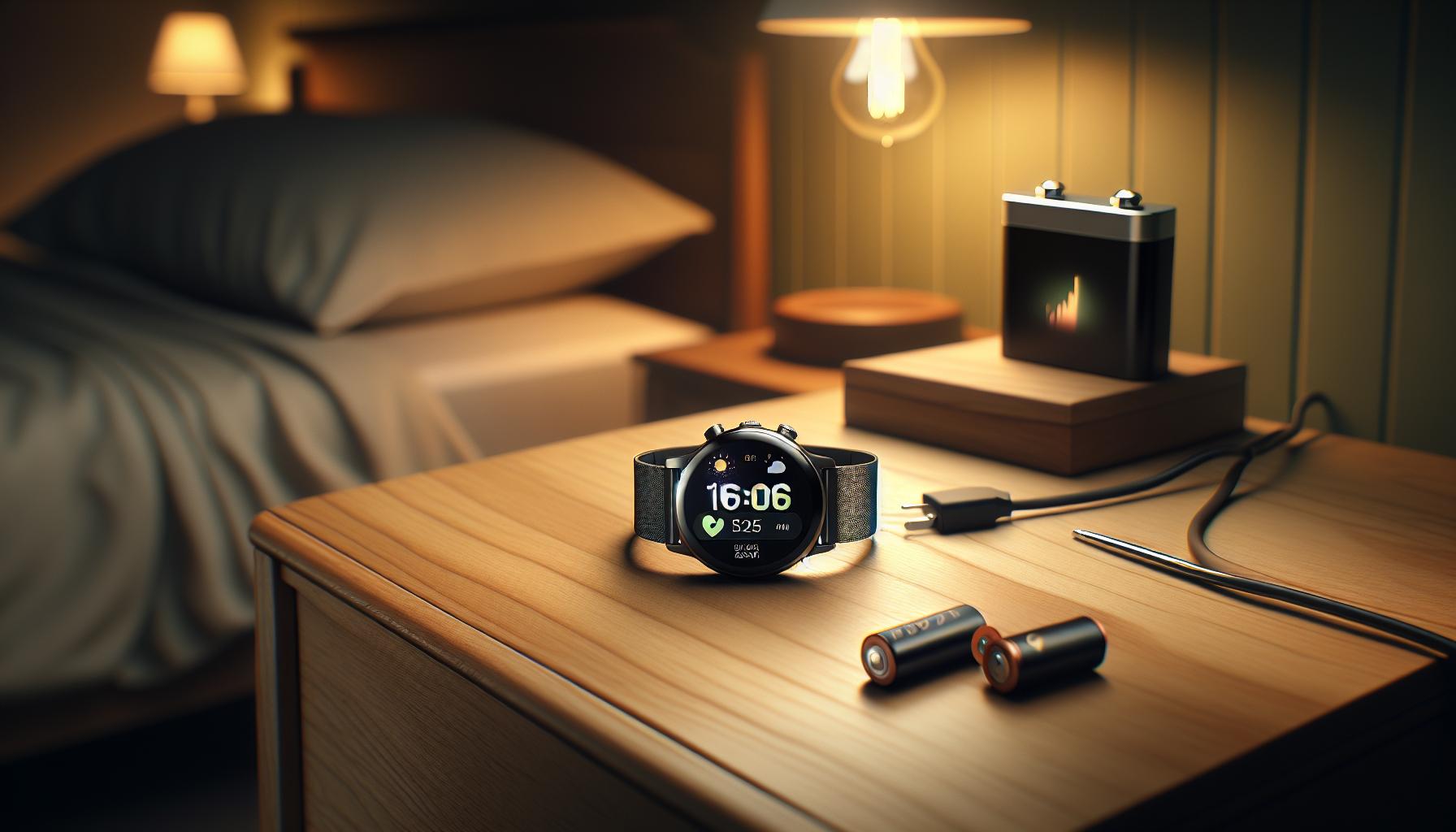
Battery Life and Sleep Tracking Performance
Battery performance is a critical aspect that can significantly impact the functionality of your Fitbit Charge 2, especially its ability to accurately track sleep. Typically, a full charge should last several days, but battery life can diminish due to factors such as usage patterns and settings. When battery levels drop, you might notice that your device begins to lose accuracy, providing less reliable sleep data or failing to record your sleep altogether.
To ensure optimal performance, regularly monitor your Fitbit’s battery status. If the battery is low, the device could prioritize essential functions, leading to incomplete sleep tracking. One practical tip is to charge your device regularly and consider establishing a routine to charge it during the day-perhaps while you’re at your desk or running errands-so that it’s ready for a night of accurate sleep monitoring.
Usage of features such as continuous heart rate monitoring can also drain the battery faster. If you’re experiencing issues with sleep tracking, you might experiment by disabling some non-essential features to extend battery life. This can help maintain accuracy in your sleep data collection as the device remains powered throughout the night.
Lastly, environmental factors and the age of the device can also contribute to battery consumption. If your Fitbit Charge 2 is older, the battery may not hold charge as effectively as it once did, leading to issues with sleep tracking. Regular updates to the device firmware through the Fitbit app can enhance performance and may also include optimizations for battery management, helping preserve both your device’s lifespan and accuracy in tracking your sleep patterns.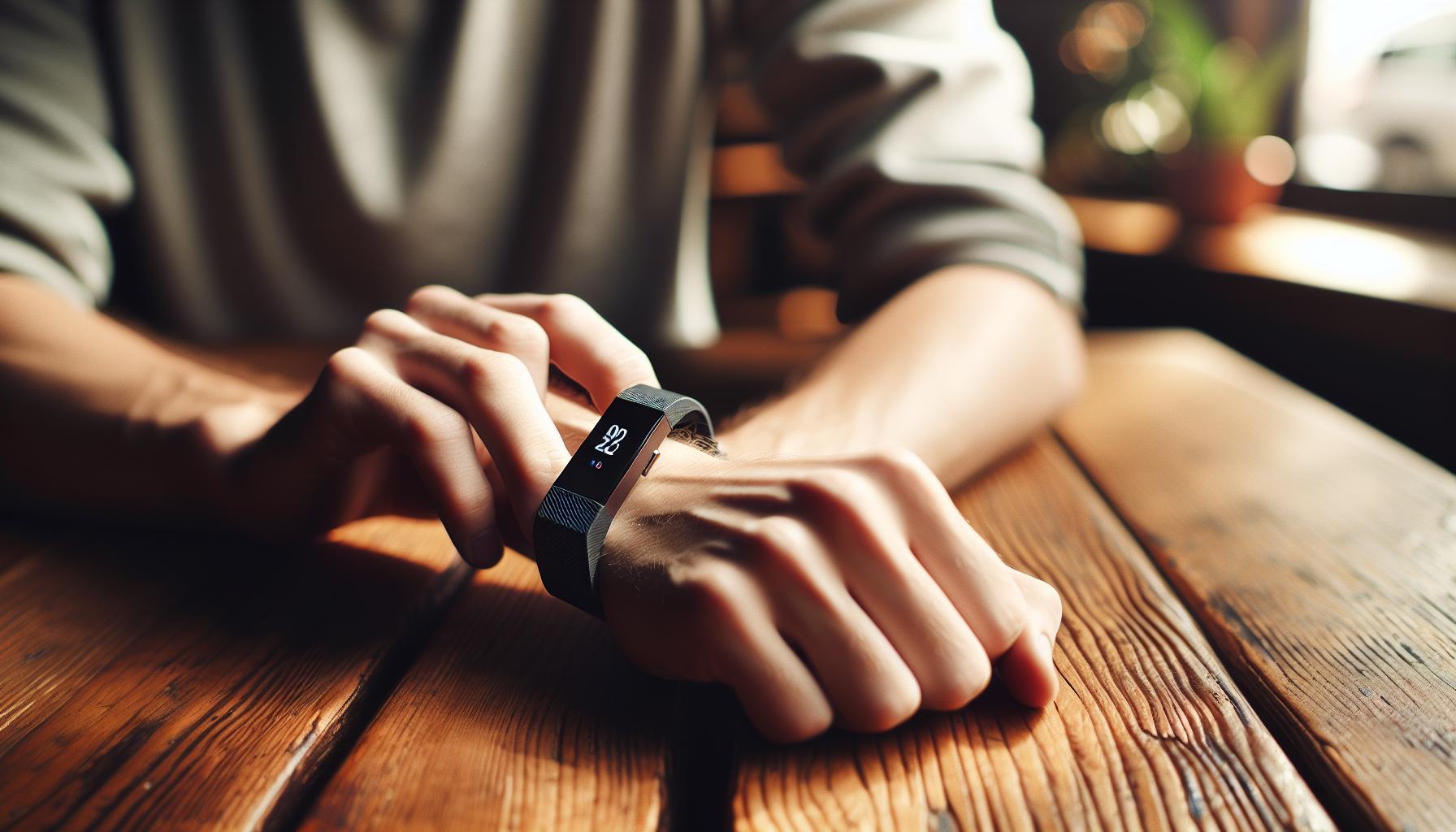
How to Properly Wear Your Fitbit Charge 2
Wearing your Fitbit Charge 2 properly is essential for accurate sleep tracking and overall performance. To ensure that your device captures your movements and biometrics effectively throughout the night, follow these simple guidelines.
Start by placing the device on your wrist snugly but comfortably. The sensor, located on the underside of the device, needs to make consistent contact with your skin to accurately monitor your heart rate and track your sleep stages. If the band is too loose, it may not track this data accurately. For most users, wearing it about one finger’s width above the wrist bone provides an optimal position for readings.
During sleep, it’s crucial to consider the fabric of your pajamas or sleepwear; tighter-fitting sleeves can rub against the device and potentially hinder its readings. If you tend to move around or change positions at night, make sure nothing obstructs the sensor on the back of the watch. Additionally, avoid wearing the device over a thick blanket or cushion.
For the best results, clean the back of your Fitbit regularly to remove any dirt or sweat that could interfere with the sensors. Using a soft, damp cloth can help maintain sensor accuracy. Lastly, always ensure your Fitbit Charge 2 has enough battery life before bedtime; a fully charged device is less likely to fail during the night, ensuring that it tracks your sleep correctly.
By following these tips, you can maximize your Fitbit Charge 2’s potential for sleep tracking, leading to insights that can help improve your overall sleep quality.
Update Your Fitbit for Accurate Sleep Metrics
When your Fitbit Charge 2 fails to track your sleep effectively, one potential solution lies in ensuring that your device’s software is up to date. Upgrading to the latest firmware can significantly enhance performance, including accuracy in sleep tracking. Manufacturers like Fitbit regularly release updates that fix bugs, improve functionality, and sometimes introduce new features that can help you make the most out of your device.
To update your Fitbit Charge 2, start by ensuring that it is charged sufficiently. A low battery can impede the update process, so it’s wise to charge your device before starting. Next, open the Fitbit app on your smartphone and connect your Fitbit Charge 2 via Bluetooth. You should receive a notification if an update is available. If not, follow these steps:
- Tap on your profile picture in the top left corner.
- Select your device image.
- Scroll down to the “Firmware Version” to check if an update is available.
- If an update is present, follow the on-screen prompts to initiate the update.
After your device updates, try wearing it during the night again. With the latest software, you might notice improved accuracy in tracking your sleep stages and overall metrics.
Additionally, periodically check for updates even if you aren’t experiencing issues. Keeping your device current not only ensures that it functions optimally but also gives you access to new enhancements that Fitbit may roll out. Remember, regular updates help your Fitbit Charge 2 adapt and provide insights that can support better sleep hygiene and health awareness.
Environmental Factors Affecting Sleep Tracking
Environmental factors play a crucial role in how well your Fitbit Charge 2 tracks your sleep. Even the most advanced wearable technology can struggle to provide accurate readings if the surroundings are not conducive to sleep quality. For example, noise from traffic, household appliances, or even a partner’s snoring can disrupt your sleep cycle, leading to inaccurate data capture by your device. It’s essential to create an optimal sleep environment that facilitates restful sleep, which in turn allows your Fitbit to function effectively.
Lighting conditions are another important factor. Bright lights or screens close to bedtime can interfere with your body’s natural sleep signals, causing you to fall asleep harder or remain restless. Ensure your bedroom is dark and cool and consider using blackout curtains or an eye mask. Additionally, consider the comfort of your bedding and mattress; discomfort can lead to frequent awakenings that your Fitbit may reflect with incomplete or inaccurate sleep data.
Temperature can also significantly affect your sleep tracking. Your body’s core temperature naturally decreases during sleep, so a room that’s too hot or too cold can disrupt this process, affecting your sleep stages. Aim to keep your bedroom at a comfortable, cool temperature-typically between 60 to 67 degrees Fahrenheit is recommended for optimal sleeping conditions.
Lastly, consider the impact of electronics and wireless devices. Other devices with Bluetooth, Wi-Fi, or even certain electrical appliances can cause interference that might affect your Fitbit’s performance. Try to minimize the number of electronic devices near your bed or on your nightstand to enhance your device’s ability to check for sleep accurately. A few simple adjustments to your sleeping environment can dramatically improve not only your sleep quality but also the reliability of the sleep tracking data you receive from your Fitbit Charge 2.
Tips for Improving Your Sleep Quality with Fitbit
Getting a good night’s sleep is crucial not just for your health but also for improving the accuracy of your Fitbit Charge 2’s sleep tracking capabilities. Here are some practical tips to enhance your sleep quality, ensuring that your device collects the most reliable data possible.
Create a Consistent Sleep Schedule
Having a consistent bedtime can help regulate your internal clock, making it easier to fall asleep and wake up. Try to go to bed and wake up at the same time every day, even on weekends. This routine enables your body to recognize when it’s time to sleep and when it’s time to rise. You can use your Fitbit to set reminders for bedtime, which can reinforce this habit.
Optimize Your Sleep Environment
Your sleep setting is pivotal in achieving restful slumber. Consider these adjustments:
- Dim the Lights: Lowering the lighting in your bedroom before bedtime helps signal your brain that it’s time to wind down.
- Control Noise Levels: Use white noise machines or earplugs to mask disruptive sounds.
- Adjust Room Temperature: Keeping your bedroom at a comfortable temperature (60-67°F) can promote better sleep.
Limit Screen Time Before Bed
The blue light emitted by screens on devices like smartphones and tablets can interfere with your body’s production of melatonin, the hormone responsible for sleep. Aim to turn off electronic devices at least an hour before bedtime and consider reading a book or listening to soothing music instead.
Engage in Relaxation Techniques
Incorporating relaxation exercises into your bedtime routine can significantly enhance your sleep quality. Practices such as deep breathing, meditation, or gentle yoga can calm your mind and prepare your body for rest. Consider tracking your sleep metrics after starting these practices to observe their impact on both you and your Fitbit data.
By implementing these actionable tips, you can create an environment that not only fosters better sleep but also enhances the functionality of your Fitbit Charge 2, leading to more accurate sleep tracking results.
Troubleshooting: Fixing Sleep Tracking Issues
It can be frustrating when your Fitbit Charge 2 doesn’t track your sleep accurately. Understanding how to troubleshoot these issues can significantly enhance your experience and the device’s performance, allowing you to get the most out of your sleep tracking. One common reason for sleep tracking failure is improper wear of the device. Make sure your Fitbit is snug against your wrist, ideally a finger’s width above your wrist bone. If it’s too loose, it may not accurately detect your movements.
Battery life plays a crucial role in the device’s functionality as well. A low battery can lead to inconsistent readings. Regularly charging your Fitbit ensures it has enough power to track not only your steps but also your sleep cycles effectively. Additionally, it’s worth checking that your Fitbit software is up to date. Firmware updates often address bugs and improve the accuracy of sleep tracking.
Environmental factors in your bedroom can also impact your device’s performance. If there’s a lot of movement or noise while you’re trying to sleep, this can confuse the tracker. Ensure your sleeping environment is conducive to rest-keep it dark, quiet, and at a comfortable temperature. High-quality bedding can make a difference too; comfortable sheets and blankets can help reduce restlessness, ultimately resulting in better sleep data.
If you’ve gone through these troubleshooting steps and your Fitbit still isn’t tracking sleep, consider resetting the device. Sometimes, a simple reboot can solve recurring issues. Expand your troubleshooting by using the Fitbit app to monitor any specific patterns or anomalies with your sleep data, which could help guide further adjustments. If all else fails, contacting Fitbit support may be your best option to resolve deeper hardware or software problems. By addressing these aspects, you can improve both your sleep experience and the accuracy of your Fitbit Charge 2.
When to Contact Fitbit Support for Help
In some instances, troubleshooting your Fitbit Charge 2 may not resolve the sleep tracking issues you’re experiencing. If you’ve meticulously followed all standard troubleshooting procedures-such as checking that your device is snug on your wrist, ensuring sufficient battery life, updating your software, and evaluating your sleep environment-it might be time to seek assistance from Fitbit support. Understanding when to reach out for help can save you time and determine the best course of action for your device.
One clear sign that you should contact Fitbit support is if your Fitbit Charge 2 continues to show erratic behavior even after all basic troubleshooting methods have been exhausted. For instance, if your device fails to track multiple nights of sleep consistently, despite following the recommended wearing and sleeping conditions, there’s a possibility that a deeper hardware issue may be at play. Fitbit’s customer service can help diagnose whether your device needs repair or replacement.
Additionally, if you notice that the app displays incorrect sleep patterns-like showing you were awake for hours when you clearly weren’t-it could indicate a malfunction that is not simply resolved by rebooting the device. Engaging with Fitbit support can provide insights into whether these anomalies are common glitches or symptoms of a malfunctioning device. Their expertise can guide you through a potential warranty claim or options for an upgrade that better suits your needs.
Lastly, consider reaching out if you’re experiencing persistent difficulties in syncing your device with the Fitbit app or receiving inadequate support documentation for resolving complex issues. Effective communication with Fitbit can connect you to resources you might have overlooked, helping enhance your overall experience with the device. Establishing this line of communication will empower you to make informed decisions about your sleep health tracking without unnecessary delays.
Alternatives to Fitbit for Sleep Tracking
If you’re seeking alternatives to the Fitbit Charge 2 for sleep tracking, you’re in luck! The market is brimming with innovative devices designed to monitor your sleep patterns more accurately and provide insights that can help improve your rest. These options vary in functionality, price, and features, allowing you to find one that truly aligns with your lifestyle and sleep needs.
Popular Alternatives
Oura Ring 3
The Oura Ring 3 is one of the top contenders, known for its sleek design and comprehensive sleep analysis. This smart ring tracks sleep stages, heart rate variability, and body temperature, providing a holistic view of your sleep health. It also integrates well with various health apps, making it a versatile choice for data managers. Expect to pay around $299, which reflects its premium features.
Whoop Strap 4.0
Another standout is the Whoop Strap 4.0, which focuses on recovery and performance alongside sleep tracking. This strap offers in-depth insights into your sleep quality based on your day-to-day activities and stress levels. The subscription model (about $30 per month) includes data analytics and coaching, which can be highly beneficial for fitness enthusiasts looking to optimize their recovery.
Eight Sleep Pod 3
For those who prefer a more integrated solution, the Eight Sleep Pod 3 offers a mattress that not only tracks sleep but also adjusts its temperature based on your preferences. This can create an ideal sleep environment and potentially improve your sleep quality. While it has a higher price point (around $2,995), it combines smart technology with comfort in a unique way.
Budget-Friendly Options
If you’re looking for something more cost-effective, there are several wearables under $100 that perform basic sleep tracking, such as the Soundcore Sleep A20 or even simple wristbands that sync with your smartphone. While these won’t provide as much detail as higher-end devices, they can still offer valuable insights, especially for those just starting to track their sleep.
Wrapping Up
Choosing the right device for sleep tracking depends largely on your specific needs, preferences, and budget. Each of these alternatives presents different strengths, from the minimalistic Oura Ring to the comprehensive analysis available from Whoop. Remember, the goal is not just to track your sleep but to understand it better, leading to improved sleep quality and overall health. Consider your lifestyle, how much data you wish to analyze, and your financial comfort when making your choice.
Understanding Sleep Disorders Impacting Tracking
Understanding sleep disorders is essential when it comes to tracking your sleep accurately. Many people are unaware that conditions like insomnia, sleep apnea, and restless leg syndrome can significantly impact the quality and pattern of their sleep, which could lead to misleading data from devices like the Fitbit Charge 2. When you have a sleep disorder, the device might not just fail to pick up your sleep stages accurately; it may also struggle to detect when you’ve actually slept.
For instance, those suffering from sleep apnea may experience multiple awakenings throughout the night, which a Fitbit might misinterpret as “restlessness” rather than a disruption from a medical condition. Similarly, individuals with insomnia may find it difficult to fall asleep or stay asleep, leading to lower sleep duration readings. To improve tracking accuracy, it’s crucial to understand these disorders, as they can cloud your actual sleep metrics. This means that even if your device shows you’ve slept for, say, six hours, the quality of that sleep might be low due to interruptions caused by a medical condition.
If you suspect that you have a sleep disorder, consider reaching out for a professional evaluation. Sleep studies, or polysomnography, are comprehensive tests that provide deep insights into your sleep architecture and can help determine if there’s a specific issue. You should also track your sleep data from the Fitbit and discuss discrepancies with a sleep specialist to get tailored advice. Remember, if your device isn’t reflecting your sleep correctly, understanding the potential impacts of sleep disorders is key to making sense of the metrics.
Furthermore, bear in mind that while wearables like the Fitbit Charge 2 can give you a general idea of your sleep patterns, they are not a substitute for professional diagnosis or treatment. If the discrepancies continue, consider exploring options such as tracking your sleep habits in conjunction with a professional sleep study, alongside using your Fitbit for additional data.
Sleep Tracking Beyond Fitbit: Other Devices and Methods
Beyond the capabilities of the Fitbit Charge 2, there are numerous alternatives and complementary methods for tracking sleep that may suit different needs and preferences. From dedicated sleep tracking devices to established methods like sleep studies, each option brings its own set of advantages and insights for better understanding sleep patterns.
Wearable Alternatives
Several other wearable devices are available that rival Fitbit in functionality and accuracy. These include:
- Apple Watch: Apple has made significant strides in health monitoring, including advanced sleep tracking features that provide insights similar to Fitbit.
- Garmin Devices: Known for their fitness tracking, Garmin wearables also offer robust sleep analysis features that can help identify sleep disturbances.
- Aura Ring: This smart ring tracks sleep stages and overall sleep quality, providing in-depth analysis and insights.
These devices not only measure sleep duration but also analyze sleep quality, helping you understand disturbances better.
Sleep Trackers and Apps
If wearables don’t appeal to you, consider using sleep tracking apps combined with your smartphone. Popular apps like Sleep Cycle and SleepScore leverage your phone’s sensors to monitor your sleep quality, track sleep cycles, and even wake you at the optimal time.
Sleep Studies
For a deeper understanding of your sleep issues, traditional sleep studies or polysomnography can be invaluable. These studies monitor brain waves, oxygen levels, heart rate, and breathing while you sleep, providing detailed assessments of sleep disorders like sleep apnea or insomnia. Expect costs to vary widely, often ranging from $500 to $3,000 depending on your insurance coverage and the facility.
What to Expect from a Sleep Study:
- Setup: You’ll spend a night at a sleep center where you’re monitored through various sensors.
- Results: A detailed report will be shared, highlighting any disorders found and potential treatments.
Combining Methods for Optimal Insights
Using a combination of a wearable device or app together with insights from a professional sleep study can yield comprehensive information about your sleep health. This dual approach not only helps track trends but also provides clear data when consulting a medical professional.
In summary, while your Fitbit Charge 2 might not be providing the most accurate sleep tracking, exploring other devices, apps, and methods can enhance your understanding of your sleep patterns and aid in improving overall sleep quality. Remember, when in doubt or if sleep issues persist, consulting with a sleep specialist is always a wise choice.
FAQ
Q: Why is my Fitbit Charge 2 not recording my sleep data?
A: If your Fitbit Charge 2 isn’t tracking sleep, ensure that it’s worn snugly on your wrist and properly set up in the app. Poor contact can prevent accurate data recording. Check if you’ve activated the sleep mode and that your app and device firmware are updated.
Q: What should I do if my Fitbit Charge 2 consistently fails to track my sleep?
A: If sleep tracking issues persist, restart your device and check for updates. Review your sleep schedule settings and make sure your device is charged adequately. If the problem continues, consider resetting your Fitbit to factory settings.
Q: How can I improve sleep tracking accuracy with my Fitbit Charge 2?
A: To enhance sleep tracking accuracy, wear your Fitbit Charge 2 on your non-dominant wrist, ensure it is snug but comfortable, and keep it updated. Regularly sync your data to the app to monitor any discrepancies in sleep patterns.
Q: Can environmental factors impact sleep tracking on my Fitbit Charge 2?
A: Yes, environmental factors like noise, light, or temperature can affect sleep quality, which in turn may impact how accurately your Fitbit Charge 2 records sleep. Create a conducive sleep environment to potentially improve tracking performance.
Q: When should I contact Fitbit support regarding sleep tracking issues?
A: Reach out to Fitbit support if you’ve tried troubleshooting steps, like updating and charging your device, and sleep tracking still fails. Persistent issues indicating a potential hardware malfunction warrant professional assistance.
Q: Does battery life affect sleep tracking performance on my Fitbit Charge 2?
A: Yes, low battery life can impact functionality. A fully charged Fitbit Charge 2 ensures optimal performance for tracking sleep patterns accurately. Aim to charge it regularly to prevent sleep tracking interruptions.
Q: What software updates improve sleep tracking on my Fitbit Charge 2?
A: Fitbit periodically releases software updates that enhance functionality, including sleep tracking accuracy. To get these updates, ensure your device is synced with the Fitbit app and connected to Wi-Fi for the latest improvements.
Q: How can I troubleshoot my Fitbit when it’s not detecting sleep correctly?
A: Start by checking if sleep mode is activated and confirm your wrist placement. Update the Fitbit app and firmware, restart your device, and ensure comfortable wear during sleep. If problems continue, consider a factory reset or contact support.
Key Takeaways
If you’ve been wondering why your Fitbit Charge 2 isn’t tracking your sleep, remember that troubleshooting is key-many users face similar challenges, but solutions are just a few clicks away. By adjusting your settings, ensuring a snug fit, and keeping your device updated, you can often get back on track. Don’t let disruptions in your sleep data hold you back from improving your overall sleep health.
For more tips on enhancing your sleep experience and to learn about related wearables that can further support your sleep studies, don’t miss our articles on the best sleep trackers and how to effectively utilize Fitbit’s features. If you’re considering a deeper dive into sleep studies, check out our comprehensive guide on when to seek professional help versus using technology.
Stay informed and empowered on your sleep journey! Subscribe to our newsletter for the latest insights on sleep health and tech solutions, and feel free to share your experiences or ask questions in the comments below. Your journey to better sleep starts now-let’s ensure you have the best tools in hand!
Get our latest guides, news, and insights highlighted in your Google Search & AI Overviews.