
Are you frustrated because your Fitbit isn’t tracking your sleep stages as expected? You’re not alone-many users face this issue, yet having accurate sleep data is crucial for understanding your rest patterns and enhancing your overall well-being. Fitbit devices are designed to monitor sleep stages, offering valuable insights that can help improve sleep quality. However, if your sleep tracking feature isn’t functioning properly, it can hinder your ability to make informed adjustments to your sleep habits. In this article, we’ll explore common reasons why your Fitbit may not be capturing those all-important sleep stages and how to enable them for better insights. Understanding this can empower you to take control of your sleep health and maximize the benefits of your fitness tracker. Let’s dive deeper into finding solutions to enhance your sleep tracking experience!
What Are Sleep Stages and Why They Matter
Understanding sleep stages is crucial for appreciating your overall sleep quality and its impact on your health. Different stages of sleep – including light sleep, deep sleep, and REM (Rapid Eye Movement) sleep – each play unique roles in physical restoration, memory consolidation, and emotional processing. For instance, deep sleep is essential for physical recovery, while REM sleep stimulates the brain, supporting learning and emotional well-being. The proper balance among these stages is vital; disruptions can lead to increased fatigue, cognitive impairments, and even long-term health issues.
When using a Fitbit device, knowing how it tracks these stages can enhance your sleep insights. Fitbit utilizes a combination of movement data and heart rate patterns to estimate your sleep phases. The accuracy of this tracking helps you identify trends and make informed adjustments to your sleep habits, potentially improving your overall sleep quality. However, several factors can hamper this tracking ability, such as improper placement of the device, battery issues, or even variations in personal sleep habits. By understanding what sleep stages entail and how they are monitored, you can better configure your device to enhance your tracking experience and overall understanding of your sleep health.
How Fitbit Tracks Your Sleep Patterns
Fitbit devices offer a remarkable way to gain insights into your sleep patterns, leveraging advanced technology to monitor your rest like never before. By analyzing movement and heart rate data, your Fitbit can estimate distinct sleep stages, including light, deep, and REM sleep. This information not only sheds light on how well you’re sleeping but also helps you identify habits that may be affecting your rest.
To effectively track your sleep patterns, a Fitbit device employs a combination of sensors that detect your body’s movements and changes in heart rate. During sleep, your movements tend to decrease, and your heart rate stabilizes, allowing the device to categorize your sleep into stages. For instance, light sleep is characterized by a time of restfulness but is quite sensitive to external stimuli, while deep sleep is crucial for recovery and rejuvenation. Predicting these stages accurately depends on several factors including device fit, sleep environment, and even the comfort of your mattress.
However, there are instances where your Fitbit may miss tracking sleep stages altogether. Common reasons include improper placement of the device (like wearing it too loosely), low battery levels, or even unfamiliarity with the device’s functions. If you’re facing issues with sleep stage tracking, ensure your device fits snugly and is fully charged. Additionally, familiarizing yourself with your device’s settings can help. For an optimal experience, consider reviewing the settings in the Fitbit app dedicated to sleep tracking and adjusting them as necessary.
In essence, understanding empowers you to harness this technology effectively. By paying attention to how well your device captures your sleep data, and addressing any issues promptly, you can improve not just your sleep quality but also your overall health. Use the insights gained from your Fitbit to form a clearer picture of your sleep habits, and don’t hesitate to adapt your routine accordingly for better rest.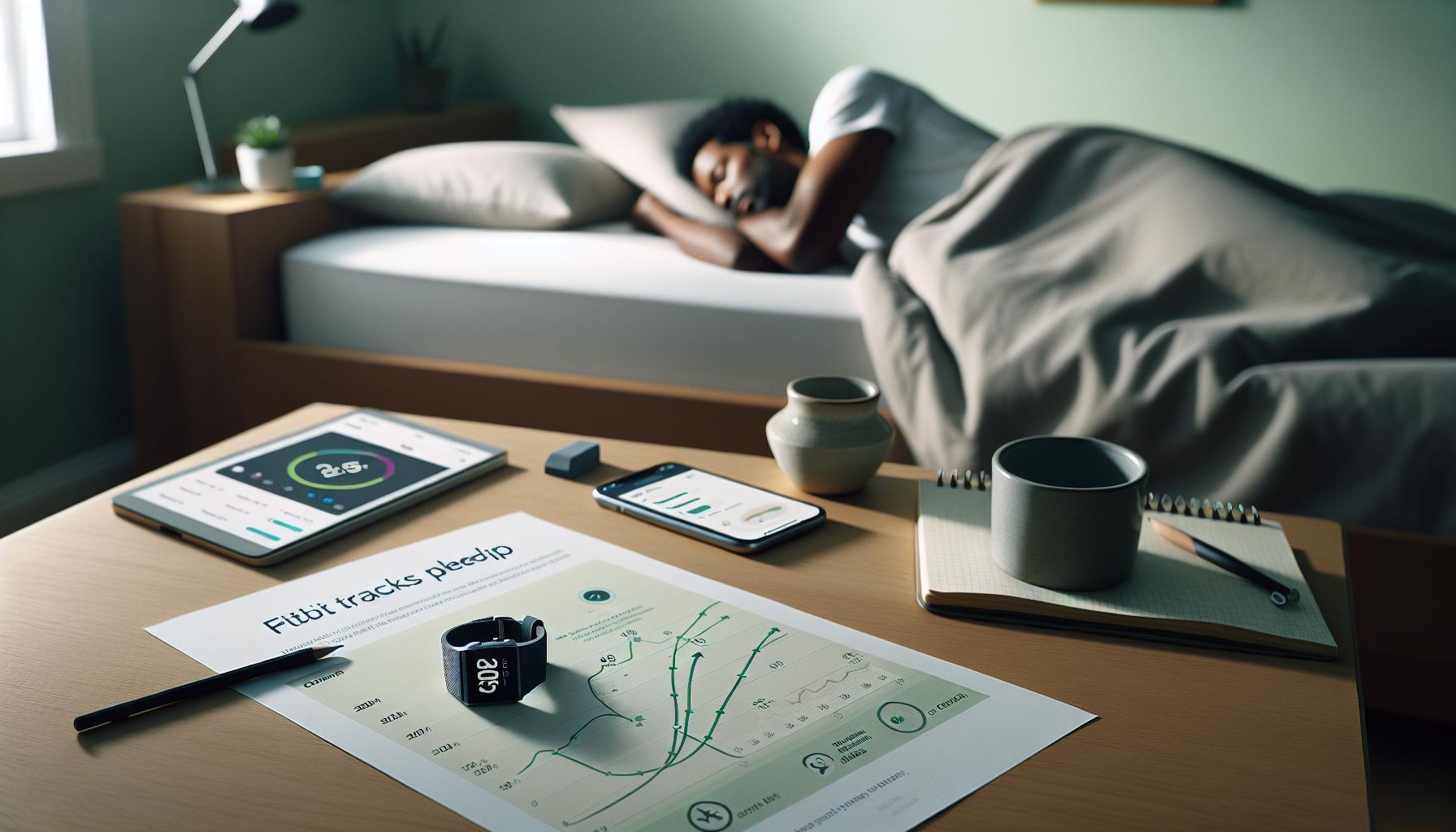
Common Reasons Your Fitbit Misses Sleep Stages
For those relying on Fitbit devices to track their sleep stages, discovering that data isn’t being captured can be frustrating. There are several common factors that can contribute to your Fitbit’s inability to accurately track these stages.
One primary reason is improper device fit. If your Fitbit is worn too loosely, it may not accurately measure heart rate or detect movements. It’s essential to ensure that the device fits snugly on your wrist, ideally just above the wrist bone. Additionally, wearing the device on the non-dominant hand is often recommended for better tracking accuracy.
Another significant factor is battery levels. If your device’s battery is low, it may not function optimally, resulting in missed sleep stages. Always check that your Fitbit is charged before bedtime. Setting a routine for charging your device can help prevent low battery issues.
Lastly, user unfamiliarity with device settings can lead to inaccuracies. Some features, including sleep tracking, might need to be enabled or adjusted within the Fitbit app. Familiarize yourself with the settings to ensure you’re making full use of the device’s capabilities.
By addressing these common issues-ensuring a proper fit, maintaining battery life, and understanding the device’s settings-you can enhance your Fitbit experience and get the most accurate sleep tracking data possible.
Steps to Enable Sleep Stage Tracking
To unlock the full potential of your Fitbit’s sleep tracking capabilities, enabling sleep stage tracking is a crucial first step. Sleep stages provide invaluable insights into your nightly rest, categorizing your slumber into light, deep, and REM sleep. By understanding your sleep patterns, you can make informed adjustments to improve your overall sleep quality.
Here’s how to enable sleep stage tracking on your Fitbit device:
Check Device Compatibility
Not all Fitbit devices support sleep stage tracking; ensure yours does. Models like the Fitbit Charge series and Inspire 3 offer this feature, while older models may not.
Update the Fitbit App
Always keep your Fitbit app up to date to access the latest features. Visit your device’s app store, check for updates, and install any new versions to ensure you have the most recent enhancements and bug fixes.
Adjust Settings in the App
1. Open the Fitbit app on your smartphone.
2. Tap on your profile icon.
3. Select your device from the list.
4. Scroll to find the “Sleep” settings.
5. Toggle on the option for “Sleep Stages.” This may be enabled by default on some models.
Wear Your Device Properly
For accurate readings, wear your Fitbit snugly on your wrist above your wrist bone while you sleep. Following your device’s fit guidelines helps ensure that heart rate and movement tracking are precise, thus providing better insights into your sleep stages.
Charging Routine
To ensure your Fitbit has adequate battery life, establish a regular charging routine. Aim to recharge your device during the day, so it’s always ready to monitor your sleep at night. Consider charging it for a short period during your downtime, like while you’re watching TV or cooking.
When you’ve enabled sleep stage tracking effectively, your Fitbit will begin recording detailed sleep data, allowing you to analyze your patterns and make conscious efforts to enhance your sleep hygiene. You may discover the impact of factors like caffeine intake or stress on your sleep quality, guiding you toward healthier choices. Engaging with your sleep data can transform how you approach your nightly rest and overall well-being.
Understanding Your Fitbit Sleep Data
Understanding the metrics provided by your Fitbit can significantly enhance your sleep health journey. Your device categorizes sleep into various stages-light, deep, and REM-which are essential for different restorative processes. For instance, light sleep is critical for memory consolidation, while deep sleep aids in physical recovery, and REM sleep supports emotional well-being and cognitive functioning. Having a clear grasp of these stages allows you to identify patterns and make informed adjustments to your nighttime routine.
To interpret your sleep data effectively, start by reviewing your sleep score in the Fitbit app. This score is a summary of your sleep quality based on factors like total sleep duration, sleep stages, and how restful your sleep was throughout the night. You can view trends over time, which helps to pinpoint what changes have positively or negatively impacted your rest. For example, if you notice fewer hours of deep sleep on nights when you consume caffeine or check your phone before bed, you may decide to adjust those habits for improved sleep quality.
Additionally, it’s helpful to recognize that Fitbit’s sleep tracking may vary based on device settings and wear. Properly adjusting the fit of your tracker and wearing it consistently every night will lead to more accurate data. Common reasons your Fitbit might miss sleep stages include improper positioning or low battery life. Ensuring your device is charged and securely fitted can mitigate these issues and enhance the accuracy of your sleep readings.
Lastly, don’t overlook the insights provided in the Fitbit app. It offers personalized recommendations and tips for improving your rest based on your unique sleep profiles. Engaging regularly with this data not only promotes accountability but also empowers you to make proactive changes that boost your sleep hygiene and overall well-being. Understanding how to analyze your sleep data transforms your Fitbit from a simple tracker into a powerful tool for better sleep.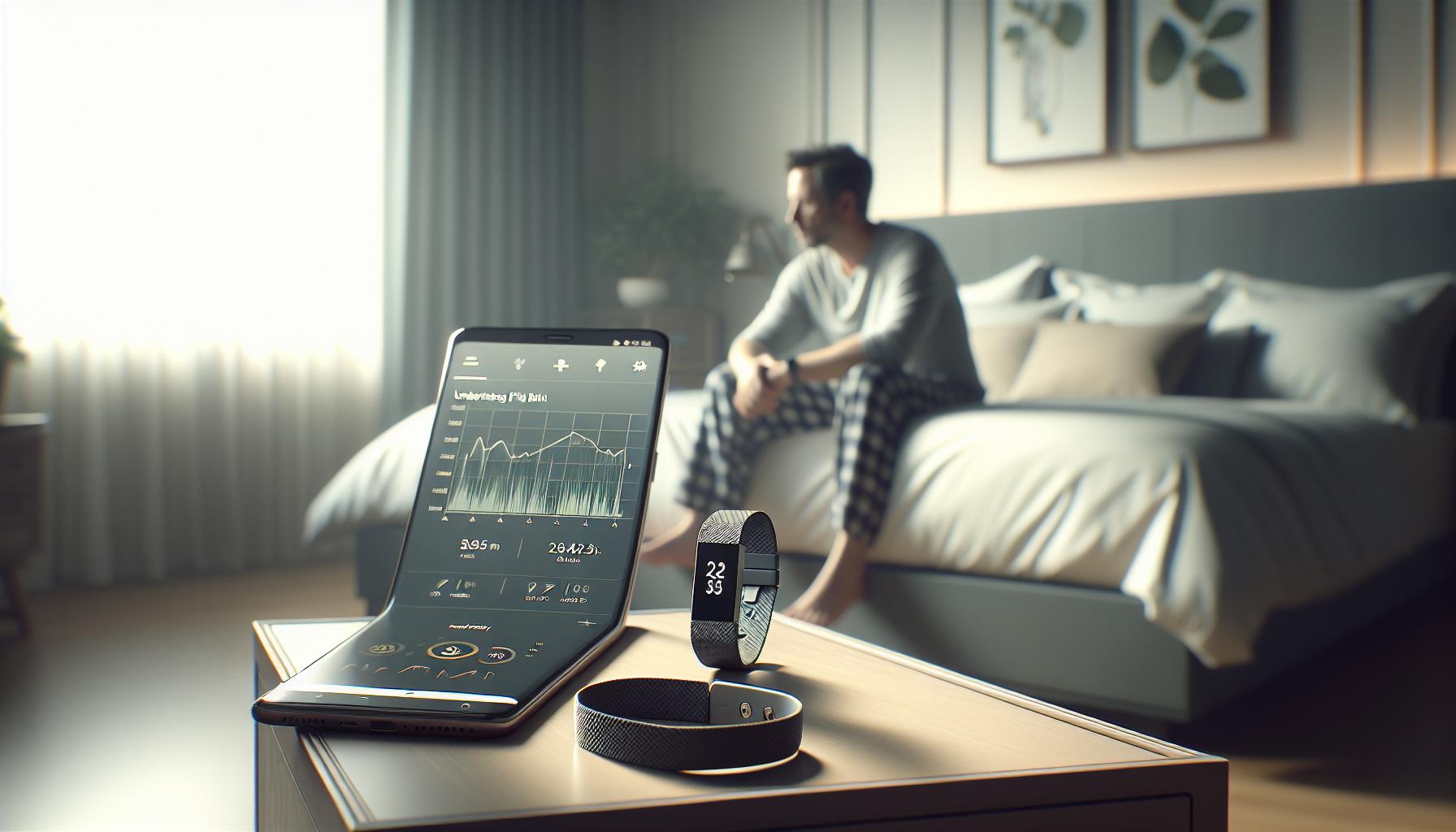
Troubleshooting Fitbit Sleep Tracking Issues
Sometimes, even the most advanced technology can experience hiccups, and your Fitbit is no exception. If your device is not tracking your sleep stages as accurately as you’d like, you’re not alone. Various factors may be at play, and understanding them can help you optimize your sleep tracking experience.
First and foremost, ensure that your device is worn correctly. A snug fit is crucial for accurate tracking. If your Fitbit is sliding on your wrist or positioned too loosely, it may not capture the necessary data, causing it to miss sleep stages. It’s recommended to wear your device one finger’s width above the wrist bone for best results. Also, check that your device’s battery is sufficiently charged. Low battery can affect performance, including sleep tracking capabilities.
Next, consider the software settings. Open the Fitbit app and navigate to the settings to confirm that sleep tracking is enabled. Sometimes, an update to the app or the device firmware may be required to ensure optimal performance. Make it a habit to check for app updates regularly; they often contain improvements that can enhance tracking accuracy.
Environmental factors can also impact tracking. Noise levels, light exposure, and even drastic room temperature shifts can interfere with your sleep patterns. Creating a calming sleep environment-by minimizing noise and light-can foster a more restful sleep, making it easier for your Fitbit to accurately assess your cycles.
Lastly, familiarize yourself with the sleep data your device provides. If you observe that certain nights appear to have more inconsistencies regarding sleep stages, keep track of your lifestyle choices leading up to those nights. Factors such as caffeine consumption, stress levels, and screen time can all drastically affect sleep quality, thus skewing the data your Fitbit captures. By proactively addressing these causes, not only will your Fitbit’s accuracy improve, but your overall sleep quality may enhance significantly too.
Taking these steps will help troubleshoot sleep tracking issues and ensure that your Fitbit remains a vital tool in your journey toward better sleep health.
How to Optimize Your Sleep Environment
Creating the right sleep environment is essential not just for your peace of mind but also for enhancing the effectiveness of your Fitbit’s sleep tracking capabilities. Did you know that even minor distractions can significantly disrupt your sleep quality? From noise pollution to room temperature, every detail matters. By optimizing your surroundings, you pave the way for a more restful night, allowing your Fitbit to collect more accurate sleep data.
Sound Control
Noise can be particularly disruptive to your sleep cycles. Consider using white noise machines, earplugs, or even a fan to drown out unexpected sounds. If you live in a noisy area, these tools can create a consistent auditory backdrop that masks abrupt noises, aiding your Fitbit in accurately tracking your sleep stages.
Light Management
Light also profoundly affects sleep quality. Keep your bedroom as dark as possible by using blackout curtains or eye masks to block out ambient light. Even small amounts of light can signal to your body that it’s time to wake up, leading to interruptions in your sleep stages. Dimming lights an hour before bedtime can help your body prepare for sleep, sending signals to your Fitbit that you’re winding down.
Temperature Control
Room temperature can likewise affect your ability to fall and stay asleep. Aim for a cool environment, generally between 60-67°F (15-19°C), as this is considered optimal for sleep. Use fans, air conditioning, or heating blankets depending on the season to maintain a comfortable temperature. Regularly check if your Fitbit aligns your sleep data with changes in temperature; discomfort can impede the accuracy of sleep tracking.
Bed Comfort
Your mattress and pillows also play a pivotal role in the quality of your sleep. Ensure you use a comfortable mattress suited to your sleeping style-whether that’s firm or soft-and invest in high-quality pillows that provide the necessary support. A compromised bed can lead to tossing and turning, making it challenging for your Fitbit to gather reliable data on your sleep stages.
Implementing these changes can lead to a noticeable improvement in both your sleep quality and the precision of your Fitbit’s sleep tracking. Not only does a more conducive sleep environment help you rest better, but it also allows your device to work effectively, helping you achieve your health and wellness goals.
Comparing Fitbit Models for Sleep Tracking
When exploring the various Fitbit models for sleep tracking, it’s crucial to understand how each device measures and interprets sleep stages. Fitbit’s robust sleep tracking capabilities use a combination of heart rate variability and movement patterns to provide insights into light, deep, and REM sleep. However, not all models offer the same features, so knowing your options can help you select a device that best fits your needs.
Key Features across Fitbit Models
Most Fitbit devices, like the Charge series, Versa series, and Sense, have built-in sleep tracking functionalities. Here’s a quick breakdown of what you can typically expect from these models:
- Fitbit Charge Series: Provides solid sleep tracking, including sleep stages and insights, with a focus on daily activity management.
- Fitbit Versa Series: Offers enhanced features with a larger display and additional health metrics like stress management alongside sleep monitoring.
- Fitbit Sense: The flagship model combines advanced health monitoring, including skin temperature and ECG, along with detailed sleep insights for a comprehensive health overview.
The price range varies with additional functionalities: while you can expect the Charge series to be more budget-friendly, investing in the Sense model may provide the highest level of health data and insights, including detailed sleep analytics.
Choosing the Right Model
When deciding on a model, consider what specific sleep features are most important to you. Do you need basic sleep tracking, or are you looking for in-depth analysis? For instance, users keen on better understanding their sleep cycles might prefer the Sense for its advanced metrics, while those looking for basic tracking may find a Charge series model sufficient.
Additionally, newer models often receive software updates that can improve functionality over time, meaning a more recent model could support better sleep tracking capabilities even beyond its initial release. Make sure to look into how often Fitbit tends to enhance features through software to keep your device operating at peak performance.
In summary, comparing Fitbit models reveals distinct variations in sleep tracking capabilities, making it vital to select a device that aligns with your personal health tracking goals and lifestyle needs. By choosing wisely, you can enable effective sleep stage tracking and maximize your nightly insights.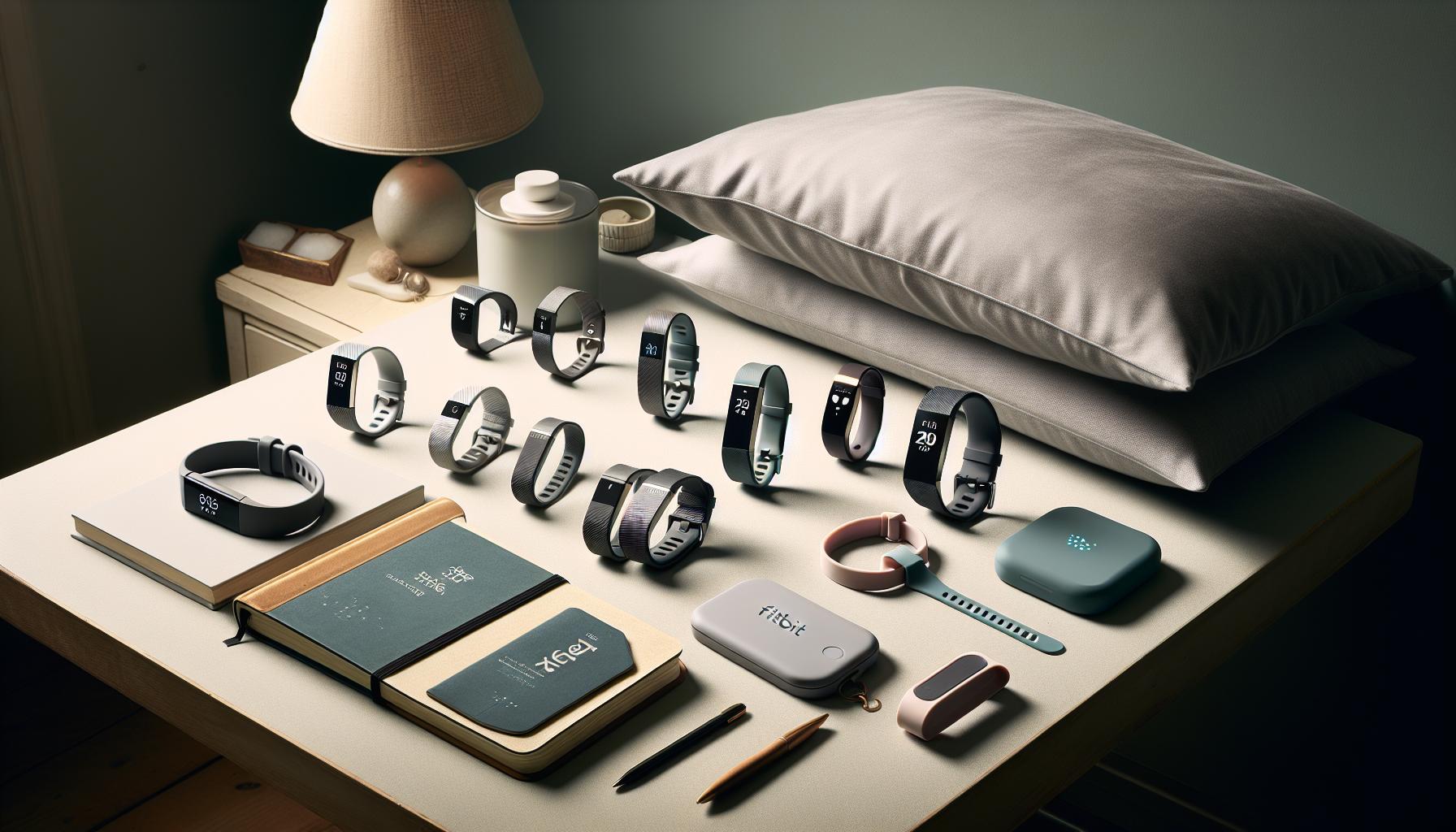
User Experiences: Sleep Tracking Success Stories
Many users have found success in using their Fitbits to track sleep stages and improve their overall sleep health. These real-life experiences highlight the effectiveness of wearables in identifying sleep patterns and making meaningful changes to bedtime routines. For instance, one user reported that after reviewing their sleep data, which showed frequent awakenings during the night, they adjusted their evening routine by reducing screen time before bed and implementing a more relaxing pre-sleep environment. As a result, they noted an improvement in the quality of their REM and deep sleep hours.
Another user shared how their Fitbit motivated them to maintain consistent sleep schedules. By using the sleep insights provided by the device, they realized they were going to bed much later than intended. This awareness led them to set an earlier bedtime, which significantly increased their total sleep time and positively impacted their daytime alertness. Such successes illustrate that the key to better sleep can often lie within the data that wearables collect, highlighting the importance of tracking and adjusting sleep behaviors based on this information.
However, there are also instances where users discovered their sleep tracking was inaccurate. One common complaint is that Fitbits may fail to track sleep stages due to improper settings or low battery levels. A user mentioned that ensuring “Sleep Mode” was activated before going to bed drastically improved the accuracy of their sleep data. They emphasized checking for any software updates regularly, as Fitbit often rolls out enhancements to optimize performance. Armed with this knowledge, they felt empowered to troubleshoot their device and benefit from its features fully.
Listening to these experiences can help others navigate the potential challenges of using wearables for sleep tracking. It serves as a reminder that while Fitbit devices can be incredibly useful, users should also exercise patience and adjust settings as needed to unlock their full potential. Ultimately, successful sleep tracking leads to actionable insights that encourage healthier habits and better sleep quality.
The Role of Sleep Studies and Wearables
Understanding how sleep studies and wearable technology intersect can completely transform your approach to sleep health. While many people use devices like the Fitbit to track their sleep patterns, it’s important to recognize when professional sleep studies are necessary to gain deeper insights into sleep issues. A sleep study, also known as polysomnography, involves an overnight stay at a sleep clinic where various physiological parameters, including brain waves, oxygen levels, heart rate, and breathing patterns, are monitored during different sleep stages. This comprehensive approach offers a level of detail that consumer wearables simply cannot provide.
Wearables like the Fitbit offer valuable insights into sleep duration and quality based on movement and heart rate data. They can give you a good sense of sleep trends and habits. However, they often lack the precision needed to diagnose sleep disorders comprehensively. For example, while your Fitbit can suggest that you spend a certain amount of time in light, deep, or REM sleep, it might not accurately distinguish between different sleep disorders such as sleep apnea or restless leg syndrome.
When to Choose a Sleep Study Over Wearables
It’s essential to consider a professional sleep study if you experience symptoms such as:
- Consistent difficulty falling asleep or staying asleep
- Chronic fatigue during the day
- Snoring, gasping, or choking during sleep
- Unexplained mood changes or memory problems
For individuals with severe sleep issues, a sleep study may reveal underlying conditions that wearables cannot detect. In certain cases, this can lead to more effective treatment plans, improving overall health and well-being.
By understanding both the capabilities and limitations of wearables like the Fitbit alongside professional sleep studies, you can make informed decisions about your sleep health. Using wearables can serve as an excellent first step, providing motivation to seek further help if necessary. Embrace the power of technology while staying aware that sometimes the best insights come from the experts.
When to Seek Professional Sleep Help
Experiencing sleep troubles can be disheartening, especially when you’re faithfully tracking your sleep with a device like a Fitbit but feel that something isn’t right. If you find yourself waking up exhausted, struggling to stay asleep, or if your sleep tracker isn’t accurately reflecting your sleep stages, it could be time to consider seeking professional help. Sometimes, the insights that wearables provide can merely scratch the surface of underlying sleep issues.
When should you think about a sleep study? If you have symptoms such as persistent insomnia, chronic daytime fatigue, or noticeable interruptions in breathing during sleep-like snoring, gasping, or choking-it’s wise to consult a healthcare professional. These signs may indicate sleep disorders that wearables often can’t accurately detect. For instance, conditions such as sleep apnea, which can lead to serious health issues if ignored, often require an overnight sleep study for proper diagnosis.
A sleep study, or polysomnography, offers extensive data on your sleep patterns, including brain waves, heart rate, and oxygen levels during various sleep stages. This type of testing can uncover issues that your Fitbit cannot, allowing for more tailored approaches to your sleep health. Insurance companies often cover these studies if they are deemed medically necessary, so checking with your provider beforehand can help clarify costs and coverage.
In everyday scenarios, consider this: if your Fitbit tracks a few hours of restless sleep but you frequently wake up feeling like you haven’t slept at all, that’s a red flag. Conversely, if you’re simply curious about optimizing your sleep based on the data from your device, the Fitbit may suffice for insights without needing to dive into a sleep study. However, when in doubt, err on the side of caution. Professional evaluation can lead to meaningful improvements in your overall well-being and sleep quality.
Tips for Better Sleep with Your Fitbit
To enhance the effectiveness of your Fitbit in tracking your sleep stages, paying attention to a few simple tips can make a significant difference. Knowing how to optimize the use of your device is key to getting the most accurate readings and better understanding your sleep patterns.
Firstly, ensure that your Fitbit device is properly set up to track your sleep. This includes updating the firmware, adjusting the settings in the app to confirm that sleep tracking is enabled, and ensuring your device is securely fitted on your wrist during sleep. A loose fit can result in inaccurate readings. Additionally, if your model supports sleep reminders, activate these to encourage a consistent bedtime routine, which greatly benefits sleep quality.
Creating an optimal sleep environment is just as important. Aim for a bedroom that is dark, quiet, and cool. Consider using blackout curtains, white noise machines, or earplugs to limit disruptions. The consistency of your sleep schedule plays a crucial role, too. Go to bed and wake up at the same time every day, as this helps regulate your body’s internal clock. Incorporate relaxing pre-sleep rituals-like reading or gentle stretches-to signal to your body that it’s time to wind down.
Lastly, utilize the insights and data provided by your Fitbit. Take some time to review your sleep statistics in the app, which includes not only sleep stages but also trends over time, such as your average sleep duration and quality. Understanding how lifestyle choices impact your sleep can empower you to make smarter decisions regarding your habits, ultimately leading to better rest. If issues persist and your sleep tracking feels inaccurate, consider consulting with a sleep specialist to explore the possibility of underlying conditions.
Frequently Asked Questions
Q: Why isn’t my Fitbit tracking my sleep stages?
A: If your Fitbit is not tracking sleep stages, it could be due to incorrect settings or a poor fit of the device on your wrist. Ensure that sleep tracking is enabled in the app, and wear your Fitbit snugly overnight for accurate readings.
Q: How do I enable sleep stage tracking on my Fitbit?
A: To enable sleep stage tracking on your Fitbit, open the Fitbit app, navigate to your account, and select your device. Ensure that sleep tracking is turned on under the device settings. Check the Steps to Enable Sleep Stage Tracking section of the main article for more details.
Q: What should I do if my Fitbit stops tracking sleep altogether?
A: If your Fitbit stops tracking sleep, restart the device and check Bluetooth connectivity with your smartphone. Also, ensure that the app is updated and review the settings to confirm sleep tracking is active.
Q: Can I improve my Fitbit’s sleep tracking accuracy?
A: Yes, improve sleep tracking accuracy by wearing your Fitbit tightly on your wrist while sleeping. Keeping the device charged, maintaining updated firmware, and following a consistent sleep schedule can also enhance accuracy.
Q: Why does my Fitbit show incomplete sleep data?
A: Incomplete sleep data may be due to not wearing your Fitbit throughout the entire night or having disturbances like movements or battery issues. Ensure that you’re charging your device fully to prevent interruptions.
Q: When should I check my sleep data on my Fitbit?
A: Review your sleep data on your Fitbit app in the morning after a full night’s sleep. Tracking daily patterns helps identify trends and understand your sleep stages better.
Q: Is my Fitbit model affecting sleep tracking capabilities?
A: Yes, certain Fitbit models have more advanced sensors for sleep tracking. If detailed sleep stages tracking is essential for you, consider comparing models in the Comparing Fitbit Models for Sleep Tracking section of the main article.
Q: How can I reset my Fitbit if sleep tracking is malfunctioning?
A: To reset your Fitbit, press and hold the appropriate button combination for your model. This process often resolves software glitches that interfere with sleep tracking. Refer to the Troubleshooting Fitbit Sleep Tracking Issues section for specific reset instructions.
The Way Forward
If your Fitbit isn’t tracking sleep stages, it’s crucial to enable this feature to unlock insights into your sleep quality. By taking action now, you’re not only improving your nightly rest but also enhancing your overall well-being. Don’t forget to check out our guides on troubleshooting Fitbit settings and understanding sleep quality, which can provide you with additional support in making the most of your device.
Ready to optimize your sleep tracking? Dive deeper into enhancing your sleep routine with personalized sleep schedules and insights available right in the Fitbit app. Remember, quality sleep is a key component of a healthy lifestyle. Share your journey with us in the comments and explore our other helpful articles to take your sleep health to the next level. Let’s make better sleep a priority together!
Get our latest guides, news, and insights highlighted in your Google Search & AI Overviews.