
Have you ever woken up not knowing how well you slept, only to find your Fitbit Versa 2 isn’t tracking your sleep? This common frustration can leave you wondering if your device is working properly or if there’s something you’re missing. Sleep is crucial for overall health, and understanding your sleep patterns can help improve your well-being. If you rely on your Fitbit for insights into your nightly rest, it’s important to address any tracking issues promptly. In this guide, we’ll explore why your Fitbit might not be tracking your sleep and offer practical solutions to get you back on track. Whether it’s settings adjustments or device upkeep, we’ve got you covered to enhance your sleep monitoring experience. Keep reading to reclaim your peace of mind and optimize your restful nights!
Common Reasons Your Fitbit Versa 2 Misses Sleep Tracking
Many users find that their Fitbit Versa 2 occasionally fails to track sleep accurately. Understanding the common reasons behind these discrepancies can help you optimize your device and improve sleep data collection.
One major factor is device fit and wear. If your Fitbit is too loose or worn incorrectly, it might not detect movement and heart rate changes effectively, leading to missed sleep data. Ensure that your device is snug on your wrist, ideally on the underside, as this placement allows for better tracking.
Another common reason is sleep mode settings. The Fitbit Versa 2 automatically detects sleep, but enabling the Sleep Mode feature in the app is crucial, especially if you have a consistent bedtime routine. If sleep mode isn’t activated, or if it’s set incorrectly, you could miss valuable tracking.
Environmental conditions may also play a role in tracking failures. A noisy or bright environment can disturb your sleep, making it harder for the sensor to pick up your sleep stages accurately. Consider setting up a sleep-conducive environment-dim lights, quiet surroundings, and a comfortable temperature-to enhance both sleep quality and tracking accuracy.
Lastly, ensure your device software is up-to-date. Outdated firmware can lead to bugs that affect sleep tracking. Regularly checking for updates through the Fitbit app will help eliminate this issue. If you’re consistently facing tracking problems despite taking these steps, it might be time to reach out to Fitbit support for further assistance.
Essential Sleep Settings on Your Fitbit Versa 2
To maximize the tracking capabilities of your Fitbit Versa 2, it is essential to configure specific sleep settings that enhance its ability to monitor your nighttime rest effectively. A well-set device can make all the difference in collecting accurate sleep data, providing you with insights into your sleep patterns and quality.
One of the first settings to look at is Sleep Mode. This feature allows you to manually set your bedtime, which helps the device identify when you are likely to be asleep. To activate Sleep Mode, access the Fitbit app, navigate to your device settings, and select the option to set a sleep schedule. This not only provides your tracker with context but also minimizes disturbances from notifications during your sleep hours.
Another vital setting is the Heart Rate Tracking, which helps the device differentiate between sleep stages. Ensuring that heart rate tracking is on allows your Fitbit to gather data on when you’re in light, deep, or REM sleep, giving you a thorough overview of your sleep quality. You can find this option in the heart rate settings within the app; make sure it is enabled for a complete sleep analysis.
Lastly, consider your Do Not Disturb settings. This function silences calls and notifications during your designated sleep time, creating an uninterrupted environment conducive to better sleep quality. By enabling it through your device settings, you minimize external distractions that might interfere with your sleep, thus aiding the device in capturing more reliable data.
Incorporating these essential settings creates a tailored experience that supports better sleep tracking and ultimately enhances your overall sleep quality. Regularly reviewing and optimizing these features will empower you not only to collect valuable sleep insights but also to achieve a more restful night’s sleep.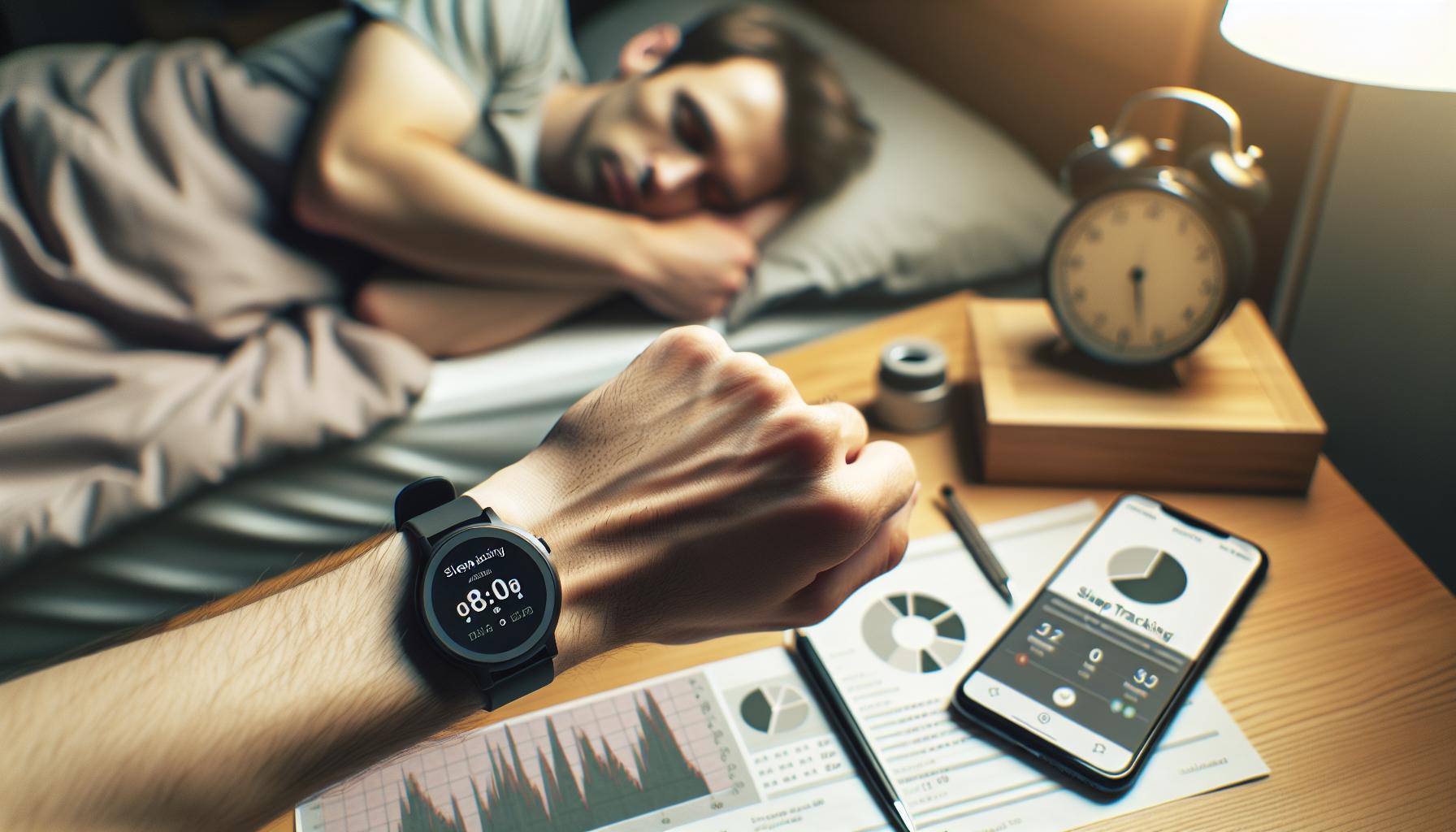
Tips to Ensure Accurate Sleep Tracking Data
To achieve optimal sleep tracking with your Fitbit Versa 2, it’s crucial to address factors that could hinder its ability to accurately monitor your rest. Here are practical tips to ensure your device is working effectively.
First, keep your Fitbit charged. An adequately charged device is fundamental for uninterrupted monitoring throughout the night. Aim to charge your Fitbit during the day so that it can provide reliable insights without draining during your sleep hours. Another tip is to consistently wear your device on the same wrist; varying the wrist can sometimes lead to discrepancies in heart rate and motion detection.
Moreover, ensure that your Fitbit’s sensors are clean. Dirt or sweat can obstruct the device’s ability to detect your heart rate effectively, which is integral to analyzing your sleep stages. Regularly clean the band and the sensors with a soft cloth to maintain optimal functionality.
Also, refine your sleep schedule settings in the app. By accurately setting your bedtime and wake-up time, you provide your device with clearer parameters to monitor your sleep. Consider enabling the Sleep Mode feature, which can help the Fitbit track your sleep more accurately by minimizing notifications and disturbances during your designated rest hours.
If you’re in a particularly noisy or restless environment, be mindful that external factors can also impact how well your device tracks sleep. Using sound machines or white noise can mask disruptive sounds, fostering an environment conducive to uninterrupted sleep. By focusing on these aspects, you can enhance the accuracy of your sleep tracking data and improve your overall understanding of your sleep habits.
How to Update Your Fitbit Versa 2 Software
Keeping your Fitbit Versa 2 up to date is essential for optimal performance, especially when it comes to tracking your sleep accurately. Software updates not only improve functionality but can also resolve bugs and enhance the overall accuracy of sleep tracking features. Here’s a straightforward approach to ensuring your device is always running the latest software.
To begin, you need to have the Fitbit app installed on your smartphone. This app serves as your hub for syncing data and managing device settings. Once you’ve confirmed that the app is on your phone, ensure your Versa 2 is charged and connected via Bluetooth. Here’s how to check for updates:
- Open the Fitbit App: Launch the app on your smartphone.
- Tap on Your Profile Icon: Usually found in the top left corner.
- Select Your Device: Choose your Fitbit Versa 2 from the list of connected devices.
- Check for Software Updates: If there’s an update available, you’ll see a notification prompting you to install it. Follow the on-screen instructions to complete the update.
Important Note: Make sure your phone remains near your device during this process, and keep both devices plugged in to avoid interruptions.
While this process is generally straightforward, issues can occasionally crop up. If your Fitbit doesn’t seem to be updating, try restarting both your smartphone and your Fitbit. This simple step resolves many connectivity issues. If you continue to experience problems, uninstalling and reinstalling the Fitbit app may also help establish a fresh connection.
By regularly updating your Fitbit Versa 2, you’re ensuring that it can effectively monitor and analyze your sleep patterns. Staying current will allow you to benefit from the latest enhancements and corrections, ultimately leading to a more precise understanding of your sleep health.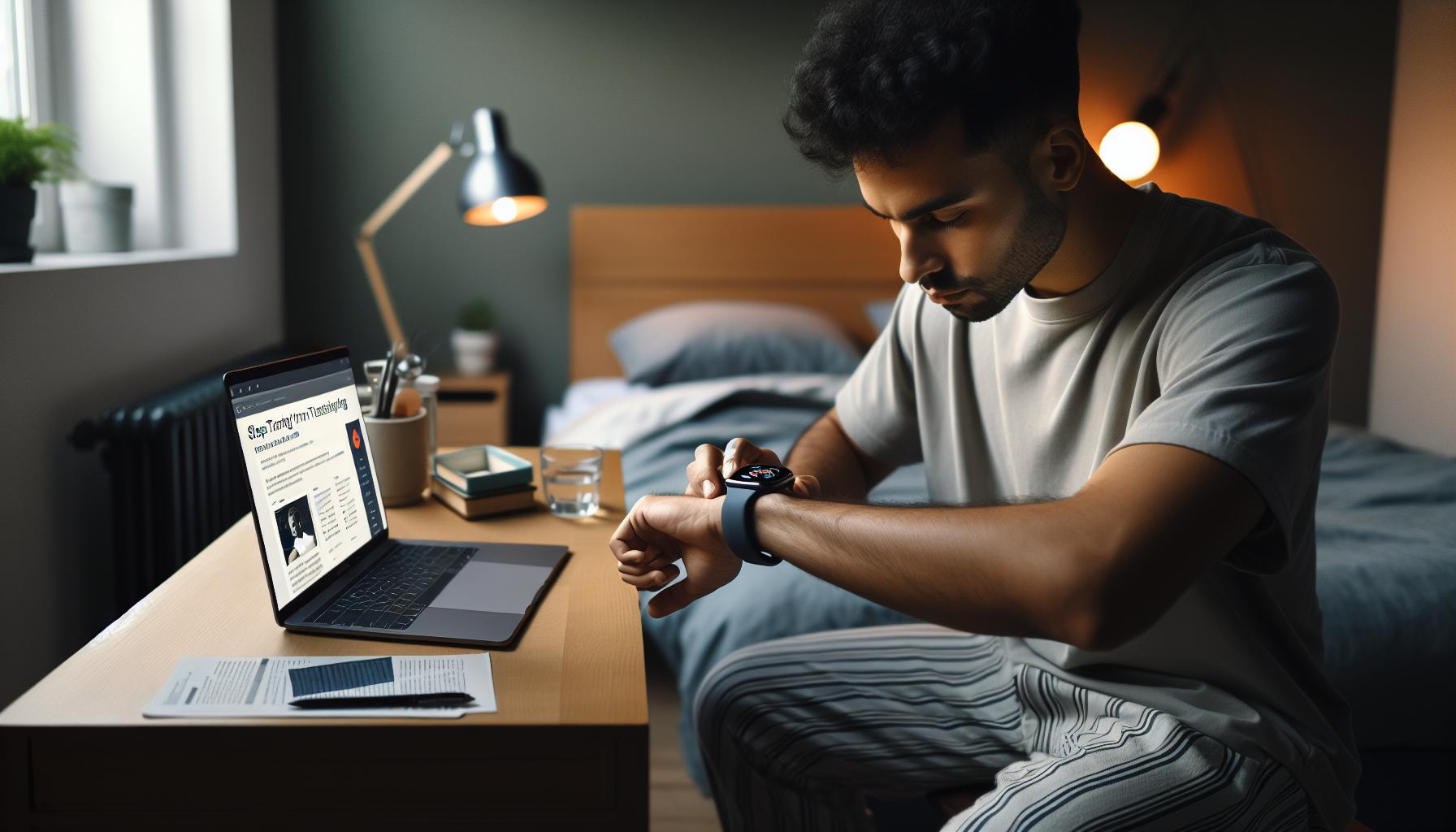
Troubleshooting Sleep Tracking Issues on Your Device
When your Fitbit Versa 2 misses tracking your sleep, it can be frustrating, especially when you’re relying on that data to understand your sleep patterns better. Several factors can contribute to this issue, and addressing them may help ensure accurate tracking of your sleep habits.
First, ensure that you’re wearing your Fitbit properly. The device needs to be snug against your wrist to read your heart rate and motion accurately. If it’s too loose or improperly positioned, it might not detect your movements or heart rate fluctuations throughout the night, leading to missed sleep data. Additionally, consider checking whether you’ve activated the sleep mode. Sometimes, if sleep mode isn’t engaged, the device may not recognize that you’re trying to sleep.
Your device’s software being out of date can also lead to tracking issues. Frequent updates from Fitbit may contain crucial fixes and enhancements for reliability. Ensure your Fitbit app is updated on your smartphone, and periodically check for software updates for your Versa 2. If you’re experiencing persistent issues, a simple reset or restarting your device can often resolve glitches that disrupt data collection.
Finally, external factors like your sleep environment can impact tracking. For example, if you frequently wake up during the night or shift positions a lot, it may confuse the sleep monitoring sensors. Ensuring a calm and stable sleeping environment can also lead to improved accuracy of sleep data. If issues continue despite these checks, it might be worth reaching out to Fitbit support for more personalized troubleshooting steps.
Understanding Sleep Stages and Fitbit Tracking
Understanding the nuances of sleep stages can be instrumental in maximizing the effectiveness of your Fitbit Versa 2’s sleep tracking capabilities. The device leverages a combination of motion detection and heart rate data to classify your sleep into distinct stages: Light Sleep, Deep Sleep, and REM (Rapid Eye Movement) Sleep. Each stage serves a different purpose, contributing to your overall sleep quality. For example, Deep Sleep is crucial for physical recovery, while REM is vital for mental restoration and memory consolidation.
To enhance your understanding of how your Fitbit tracks these stages, consider the following:
Key Sleep Stages
- Light Sleep: This is the initial stage when you first fall asleep. It’s relatively easy to wake from light sleep.
- Deep Sleep: This stage is essential for physical health, aiding in tissue repair and growth.
- REM Sleep: This stage is when most dreaming occurs and is crucial for cognitive functions such as learning and memory.
When using your Fitbit for tracking these sleep stages, remember that accuracy can fluctuate based on multiple factors. For instance, your heart rate can vary significantly if you’re stressed or consuming stimulants like caffeine too close to bedtime. Thus, frequent fluctuations may lead to misleading readings, which could impact your overall assessment of sleep quality.
Another aspect that users often overlook is the importance of ensuring that the device remains secured on your wrist throughout the night. If it slips during sleep, it may not adequately measure heart rate changes that help determine which sleep stage you’re in. Furthermore, consider enabling the Sleep Mode function on your Fitbit before you go to bed. This feature helps the device know you are trying to sleep, thereby optimizing its tracking capabilities.
The data provided by the Fitbit app will offer insights into how much time you spend in each sleep stage. Regularly reviewing this information can help identify patterns or issues in your sleep cycle, empowering you to make informed adjustments to your habits. Remember, while technology can aid in understanding your sleep, it’s no replacement for professional medical advice should you find persistent issues or poor sleep quality.
Environmental Factors Affecting Sleep Tracking
Many users may not realize that their environment plays a crucial role in the effectiveness of their Fitbit Versa 2’s sleep tracking capabilities. A conducive sleep atmosphere not only promotes better sleep hygiene but can also enhance the accuracy of your device’s readings. Factors like temperature, noise levels, and even the light in your bedroom can affect how your body responds during sleep, which in turn influences how well your Fitbit tracks your sleep stages.
Room Temperature
Maintaining a comfortable temperature is essential for good sleep. Ideally, the bedroom should be cool, typically between 60 and 67 degrees Fahrenheit (15 to 19 degrees Celsius). If the room is too hot or too cold, it can disrupt your sleep cycles, causing your Fitbit to misinterpret your movements and heart rate data. Use breathable bedding and consider adjusting your thermostat to find your optimal sleeping temperature.
Noise Levels
Changes in ambient noise can interrupt your sleep and alter the quality of your rest. Background sounds, such as traffic, snoring, or even a ticking clock, can lead to lighter sleep stages, making your Fitbit report inaccurate data. Using white noise machines or earplugs can help buffer disruptive sounds and create a more serene sleep environment, allowing for more accurate tracking.
Lighting Conditions
Light exposure before and during sleep profoundly influences your sleep patterns. Exposure to blue light from screens can delay the production of melatonin, the hormone responsible for sleep, leading to difficulty falling asleep. Your Fitbit’s ability to track sleep can be compromised if you fall asleep later than usual due to excessive light exposure. Consider using blackout curtains to keep your sleeping area dark, or try blue light filters on devices in the evening.
Bed Positioning and Device Placement
How you position yourself in bed and where you wear your Fitbit can also affect tracking accuracy. Ensure your device is worn snugly against your skin, ideally on the opposite wrist from any dominant hand, which can help it accurately capture heart rate and motion. Additionally, ensure that you are lying still enough, as excessive movement can confuse the device’s sleep tracking algorithms.
Incorporating these environmental adjustments can make a significant difference in your sleep quality and enhance the accuracy of your Fitbit Versa 2’s tracking capabilities. Making your sleep space tranquil, dark, and cool is a simple way to support your health and ensure that your sleep data reflects your actual rest.
When to Consider a Sleep Study or Professional Help
If you’ve been using your Fitbit Versa 2 to track your sleep but continue to feel fatigued despite what your device suggests, it may be time to consider a more comprehensive approach through a sleep study. Understanding when to transition from wearable tracking to professional assistance is crucial in addressing potential sleep disorders.
In general, if you notice persistent issues such as excessive daytime sleepiness, loud snoring, pauses in breathing during sleep, or difficulty falling and staying asleep, a sleep study could provide valuable insights. These studies can diagnose conditions like sleep apnea, restless legs syndrome, or insomnia, which your Fitbit may not accurately capture. It is advisable to consult with a healthcare professional if you’ve experienced these symptoms for an extended period, as they can guide you through the process and recommend next steps.
Preparing for a sleep study involves understanding what to expect. Here’s a brief overview of the process:
- Consultation: Typically, you’ll start with a visit to a sleep specialist who will evaluate your medical history and symptoms.
- Polysomnography: This is the most common type of sleep study, conducted overnight in a sleep clinic. Sensors will monitor various metrics like brain waves, oxygen levels, heart rate, and breathing patterns.
- Home Sleep Tests: In some cases, doctors may provide portable monitoring equipment that you can use at home, which is less invasive and more convenient.
- Analysis: After the study, the data will be analyzed by specialists, leading to an accurate diagnosis and tailored treatment plan.
It’s essential to recognize the limitations of Fitbit devices. While they are excellent for general sleep pattern observations, they may not provide detailed diagnostic capabilities. If you find your Fitbit’s sleep data inconsistent-or if you have severe symptoms-it’s time to explore this more in-depth evaluation. Planning for a sleep study can remove uncertainty and equip you with the information needed to reclaim restful nights.
User Experiences: Sleep Tracking with Fitbit Versa 2
Seeing your Fitbit Versa 2 miss sleep tracking can be frustrating, especially if you’re relying on it to understand your sleep patterns. Users have reported mixed experiences; some laud its accuracy in tracking sleep duration and stages, while others have encountered issues with missed tracking or inaccurate data. The device generally operates based on your wrist movements and heart rate, so factors like how you wear the device and your sleeping position can significantly affect its performance.
Many users recommend ensuring that the Fitbit is snug on your wrist-not too loose-and that it remains on the same wrist throughout the night. For instance, one user shared that switching wrists led to the device misinterpreting their sleep behavior, resulting in incomplete data. Additionally, avoiding heavy blankets or toss-and-turning habits can help the device track more accurately. According to some Fitbit users, keeping your bedroom at a cool, comfortable temperature also seems to enhance sleep quality, making the tracking data more reliable.
Another common piece of advice is to routinely check app settings and ensure that sleep tracking is enabled. Some users have noted that subtle changes in the app’s settings or syncing issues could lead to discrepancies in sleep logs. Additionally, if you’ve recently updated the device’s software or installed new app features, ensure these updates haven’t reset your preferences or sleep settings.
Ultimately, while the Fitbit Versa 2 is a valuable tool for tracking sleep, it comes with limitations. Relying solely on wearables for sleep diagnostics can be misleading, particularly if you suspect sleep disorders like sleep apnea or insomnia. Many users consider the Fitbit a great starting point for monitoring sleep but recommend seeking professional help or conducting a sleep study if persistent issues arise.
Comparing Fitbit Versa 2 to Other Sleep Trackers
When it comes to tracking sleep, the Fitbit Versa 2 is a popular choice, but it faces stiff competition from other sleep trackers on the market. Understanding how it compares can help you decide if it’s the right device for your needs or if you might benefit from exploring alternatives.
Many users appreciate the Fitbit Versa 2 for its user-friendly interface and comprehensive sleep metrics, including sleep score, duration, and stage breakdowns. However, other devices like the Oura Ring and WHOOP Strap offer additional features that some users find valuable. For instance, the Oura Ring’s temperature sensing ability is beneficial for monitoring signs of illness and varying recovery needs, while WHOOP focuses on strain and recovery metrics, which can be incredibly useful for athletes.
Key Features Comparison
In comparing key features, it’s essential to consider aspects such as heart rate tracking, battery life, and overall accuracy. Here’s a quick comparison:
| Feature | Fitbit Versa 2 | Oura Ring | WHOOP Strap |
|---|---|---|---|
| Heart Rate Monitoring | Yes | Yes | Yes |
| Battery Life | 5 days | 7 days | 5 days |
| Sleep Stage Tracking | Yes | Yes | No |
| Temperature Tracking | No | Yes | No |
| Subscription Required | No | No | Yes |
The Fitbit Versa 2 shines with its straightforward, no-fuss approach to tracking sleep and physical activity. However, if you’re concerned about health indicators beyond sleep, the Oura Ring might be worth the investment for its comprehensive health insights, while the WHOOP Strap’s performance-oriented metrics make it ideal for active individuals.
Ultimately, your choice in sleep tracker should align with your specific needs-whether you’re focused solely on sleep quality or looking for broader health tracking capabilities. If you find your Fitbit Versa 2 not tracking sleep accurately, it could be worthwhile to evaluate these alternatives based on your lifestyle and sleep health priorities.
Maximizing Your Sleep Quality with Fitbit Insights
Understanding how to utilize your Fitbit Versa 2 effectively can transform your sleep quality dramatically. Many users are unaware that the device is not just a tracker; it provides insightful data that can help you make informed adjustments to your sleep habits. Using the Fitbit app, you can access a plethora of sleep insights, which include your sleep score, duration, and quality breakdown. These metrics can empower you to identify patterns and make changes for better rest.
To maximize your sleep quality, begin by ensuring your Fitbit is set up correctly. Wear it consistently and snugly during sleep to capture accurate data. Consider activating sleep reminders through the app to help you maintain a regular schedule, as consistency is key to improving sleep patterns. Additionally, delve into the insights provided by the device, such as identifying the duration of light, deep, and REM sleep. This breakdown can guide you in recognizing how lifestyle choices, like screen time or caffeine intake before bed, might be affecting your slumber.
Proactive Strategies for Better Sleep
- Optimize Sleep Environment: Ensure your bedroom is dark, cool, and quiet. Consider using blackout curtains or white noise machines.
- Limit Screen Time: Reduce exposure to screens at least an hour before bed to help your body naturally wind down.
- Mind Your Diet: Avoid heavy meals, caffeine, and alcohol close to bedtime, as these can disrupt sleep cycles.
- Use Relaxation Techniques: Incorporate calming activities before sleep, such as reading or meditation, to signal to your body that it’s time to rest.
By harnessing the insights from your Fitbit, you can begin to identify factors impacting your sleep quality and make necessary adjustments. If you notice persistent issues, consider keeping a sleep diary alongside your Fitbit data to discuss with a professional, further enabling a tailored approach to your sleep health. The goal is to create an empowering feedback loop between the data you gather and the improvements you implement, leading to restful nights and energized days.
How to Contact Fitbit Support for Persistent Issues
When you find that your Fitbit Versa 2 is not tracking your sleep as expected, it can be frustrating. Fortunately, Fitbit offers robust support options to assist users with chronic issues. Here’s how to navigate the process effectively.
To reach out to Fitbit Support, the first step is to visit their official website. There, you’ll find a comprehensive Help Center filled with articles and troubleshooting tips that might resolve your issue without needing direct support. If you require further assistance, head to the “Contact Us” section on their website. Here, you can choose from several support channels, including live chat, email support, or phone assistance.
If you opt to use live chat or phone support, be ready to provide essential information about your device. This includes your Fitbit model, the software version it’s running, and a detailed description of the problem. If possible, have any relevant data-such as sleep logs or patterns-handy, as this will help the support team diagnose your issue more accurately.
In rare cases where troubleshooting doesn’t solve the problem, you may consider warranty options or firmware updates. Fitbit’s customer support can guide you through replacing your device or updating its software. It’s always a good idea to confirm that your device is running the latest software version, as updates often include enhancements for sleep tracking features.
Lastly, if you find that your issues persist despite trying everything, consider keeping a log of your sleep patterns alongside the interactions with Fitbit Support. This information can be invaluable in highlighting patterns that may not be immediately obvious, leading to more effective solutions whether through Fitbit Support or a sleep specialist. Empower yourself with knowledge and take an active role in resolving your sleep tracking issues-you’ll be better equipped to secure the restful nights you deserve.
Q&A
Q: Why isn’t my Fitbit Versa 2 tracking my sleep at all?
A: If your Fitbit Versa 2 is not tracking sleep, it may be due to wearing it too loosely or not wearing it at all while sleeping. Ensure it is snug on your wrist. Additionally, check if sleep tracking is enabled in your settings. For details, visit the Essential Sleep Settings section of your main article.
Q: How can I improve my Fitbit Versa 2’s sleep tracking accuracy?
A: To enhance accuracy, make sure your Fitbit is in sleep mode, wear it tightly on your wrist, and maintain a consistent sleep schedule. Regularly update your firmware too. For more tips, refer to the Tips to Ensure Accurate Sleep Tracking Data section.
Q: What should I do if my Fitbit Versa 2 isn’t syncing my sleep data?
A: If syncing issues arise, restart both your Fitbit and the paired mobile device. Also, check your Bluetooth connection and ensure the app is updated. For further guidance, see the Troubleshooting Sleep Tracking Issues on Your Device section.
Q: Can environmental factors affect my Fitbit sleep tracking?
A: Yes, environmental factors like noise, light, and temperature can disturb your sleep and impact tracking accuracy. Creating a conducive sleep environment can enhance data quality. For more information, check the Environmental Factors Affecting Sleep Tracking section of your article.
Q: How do I reset my Fitbit Versa 2 if sleep tracking isn’t working?
A: To reset your Fitbit Versa 2, press and hold the back (left) and bottom buttons until the Fitbit logo appears. This refreshes the device and often resolves tracking issues. For additional support, refer to the How to Update Your Fitbit Versa 2 Software section.
Q: Why is my Fitbit showing inaccurate sleep stages?
A: Inaccuracies in sleep stages can result from not wearing the device correctly, insufficient charge, or not updating the device’s software. Ensure your device is charged and correctly worn. For understanding sleep stages, review the Understanding Sleep Stages and Fitbit Tracking section.
Q: Is it normal for my Fitbit to miss some sleep data occasionally?
A: It’s common for any sleep tracker to miss occasional data due to movement or not wearing the device properly. Consistency in wear and setup usually improves tracking reliability. For more insights, check the User Experiences: Sleep Tracking with Fitbit Versa 2 section.
Q: How do I contact Fitbit support if sleep tracking issues persist?
A: If problems continue, visit the Fitbit support website or use the app’s Help section to contact customer support. Persistent issues may require expert assistance. Further details can be found in the How to Contact Fitbit Support for Persistent Issues section.
To Wrap It Up
If your Fitbit Versa 2 isn’t accurately tracking your sleep, it’s essential to implement the strategies discussed. Remember, ensuring your device is properly fitted and updated can significantly enhance its performance. Don’t let sleep tracking frustrations hold you back from capturing valuable insights into your nightly rest. For more in-depth guidance, explore our articles on optimizing your Fitbit setup or understanding sleep stages more comprehensively.
Still have questions or need personalized advice? Join our community by signing up for our newsletter, where we share exclusive tips and updates about sleep health and wearable technology. Your journey to better sleep starts now-take action today for a healthier tomorrow! Don’t forget to check out our guide on troubleshooting common Fitbit issues or read about how your sleep affects overall wellness. We’re here to support you every step of the way!
Get our latest guides, news, and insights highlighted in your Google Search & AI Overviews.