
If you’ve invested in a Fitbit to monitor your sleep stages but find that it isn’t tracking them accurately, you’re not alone. Many users encounter this frustrating issue. Understanding why your device might not capture your sleep patterns can be vital for improving your overall sleep health. Sleep is fundamental to our well-being, impacting everything from mood to energy levels. By enabling the right settings and making a few adjustments, you can optimize your Fitbit’s sleep tracking capabilities. This guide will help you navigate the process, ensuring you get the most out of your wearable device while empowering you to take control of your sleep quality. Let’s explore the potential reasons behind sleep stage tracking issues and how to fix them.
Understanding Fitbit Sleep Tracking Features
Understanding how your Fitbit tracks sleep can be both fascinating and essential for improving your sleep quality. Many users are surprised to learn that Fitbit devices are equipped with advanced sensors that monitor not just sleep duration but also the different stages of sleep, including light, deep, and REM sleep. This information is valuable as it provides insights into your sleep patterns, helping you identify potential issues that could impact your health.
Fitbit uses a method called heart rate variability along with movement data to differentiate between sleep stages. The device applies an algorithm to assess when you fall asleep, the quality of your sleep, and how well you cycle through different sleep stages throughout the night. These insights can empower you to make informed decisions about your bedtime routine, lifestyle changes, and even when to consult a healthcare professional. However, it’s essential to remember that while Fitbit’s sleep tracking technology provides useful information, it is not a substitute for clinical sleep studies which offer a more in-depth analysis of sleep disorders.
To get the most out of your Fitbit’s sleep tracking capabilities, it’s critical to use it consistently and to ensure that it is set up correctly. Verify that sleep tracking is enabled in your device settings and ensure your Fitbit model supports sleep stage tracking. Once set up, you can easily monitor your sleep through the Fitbit app, which provides visual breakdowns of your sleep cycles and offers personalized insights tailored to your sleeping habits. This can help you identify patterns that could indicate disruptions or improvements in your sleep quality.
Ultimately, understanding your Fitbit’s sleep tracking features is about leveraging technology to enhance your sleep health. By recognizing the different stages of sleep and how they impact your overall well-being, you’ll be better equipped to take actionable steps toward achieving more restorative rest.
Common Reasons Your Fitbit May Not Track Sleep Stages
Many users may find themselves questioning why their Fitbit isn’t accurately tracking sleep stages. Understanding the common reasons behind these issues can empower you to make adjustments that enhance your sleep tracking experience. Not all discrepancies stem from device malfunctions; often, user behavior and settings play significant roles.
One potential reason for inaccurate or absent sleep stage data is incorrect device placement. Fitbit devices require snug contact with the wrist to gather proper heart rate and movement data. A loose fit during sleep can hinder effective tracking. To ensure accurate results, tighten the band appropriately while sleeping, positioning the device just above the wrist bone.
Another common issue is sleep mode settings. Make sure you’ve activated sleep tracking in the Fitbit app or corresponding settings on your device. Some models require you to manually turn on sleep mode for tracking to function, while others automatically sense sleep onset. Familiarize yourself with your specific model’s capabilities; not all Fitbits offer advanced sleep stage tracking features.
Environmental factors can also impact tracking accuracy. External disturbances, such as bright lights or noise, may affect your ability to fall and stay asleep, prompting your Fitbit to misinterpret movements during restless periods as periods of wakefulness. Consider sleeping in a dark, quiet, and cool room to promote uninterrupted sleep, giving your device a clearer picture of your sleep stages.
Lastly, discrepancies in firmware may affect tracking capabilities. Regularly check for software updates for your Fitbit device to ensure you’re benefiting from the latest enhancements. An outdated version can lead to bugs that interfere with sleep tracking functionality. If problems persist, consider restarting your device and re-syncing it with the app, as this can clear temporary glitches and refresh settings.
By addressing these common issues-tightening the band, activating sleep mode, optimizing your sleeping environment, and ensuring your device is up to date-you can significantly improve your Fitbit’s ability to accurately track your sleep stages, which is a crucial aspect of monitoring your overall sleep health.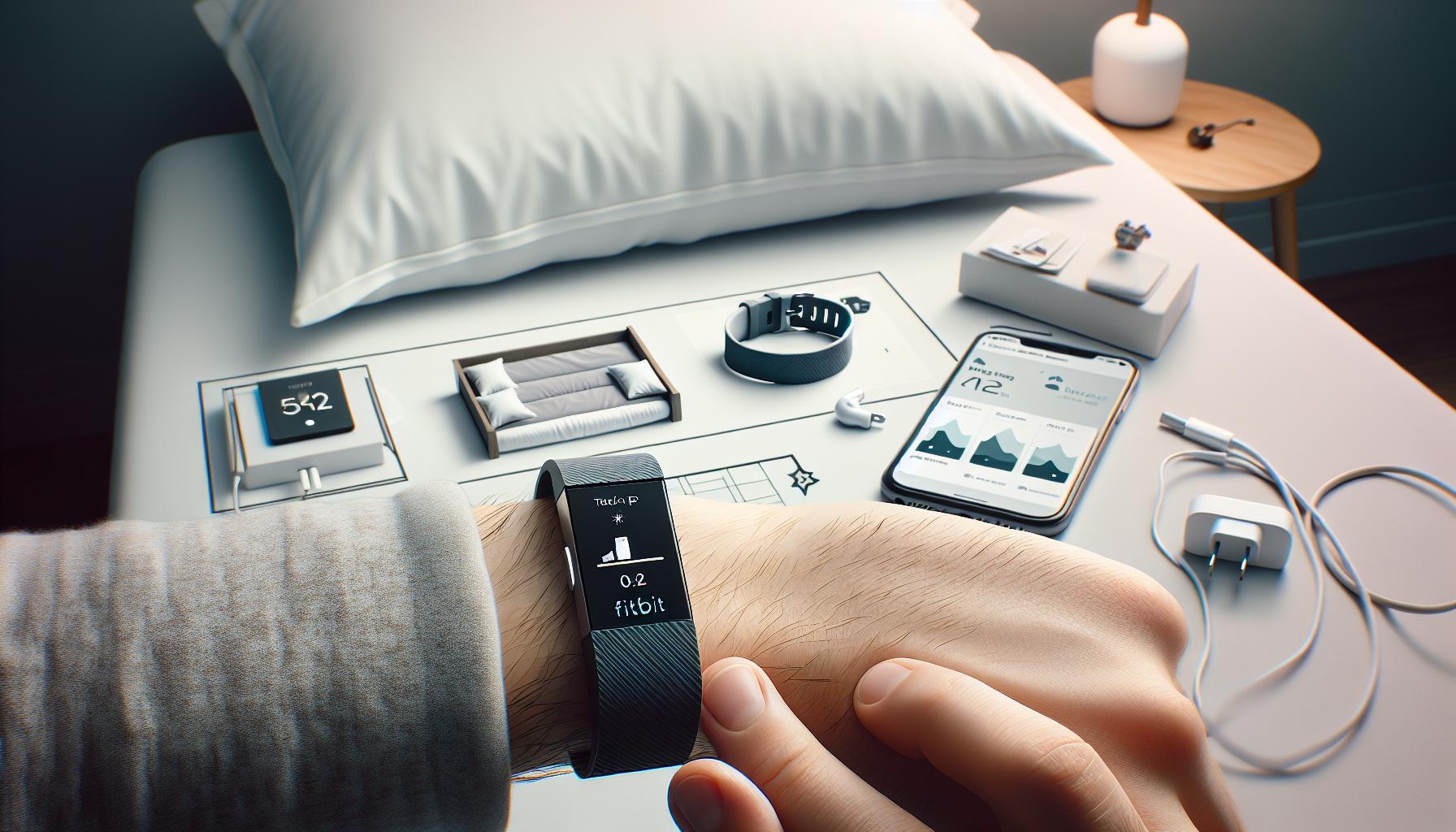
How to Enable Sleep Stage Tracking on Your Fitbit
To harness the full potential of your Fitbit’s sleep tracking capabilities, enabling sleep stage tracking is a crucial first step. Many users are surprised to learn that their Fitbit requires some manual setup to monitor sleep stages effectively. Fortunately, the process is straightforward and can greatly enhance your understanding of your sleep patterns.
Firstly, ensure that your Fitbit device supports sleep stage tracking, as not all models include this feature. If you own a model like the Fitbit Charge 3, Charge 4, or Versa series, you’re in luck. Begin by syncing your Fitbit device with the Fitbit app on your smartphone. Open the app and navigate to the device settings. Look for the sleep features, and ensure that sleep tracking is enabled. On some devices, this might require manually toggling sleep tracking on, while others may automatically detect when you fall asleep once you wear your Fitbit at night.
Adjusting Settings for Optimal Tracking
Pay close attention to your device settings. Open the app and head to your profile icon, select your device, and then choose the “Health Metrics” section. Here, you can find options for sleep tracking. Make sure “Sleep Stages” is activated. Additionally, enable “Sleep Mode” if available. This feature minimizes notifications during sleep and can improve the accuracy of sleep tracking.
Sometimes, how you wear your Fitbit can also impact tracking accuracy. Ensure that the device fits snugly against your wrist, as loose contact can disrupt the sensors’ ability to gather accurate heart rate and movement data. If your Fitbit model comes with a specific bedtime reminder feature, consider setting it to help establish a consistent sleep schedule.
Lastly, stay updated with the latest firmware version. Regularly check for updates through the app, as software improvements can introduce new sleep tracking capabilities and enhancements that can further refine your experience. With your settings adjusted and your device properly configured, you’ll be poised to unlock comprehensive insights about your sleep stages, taking a proactive step toward improving your sleep health.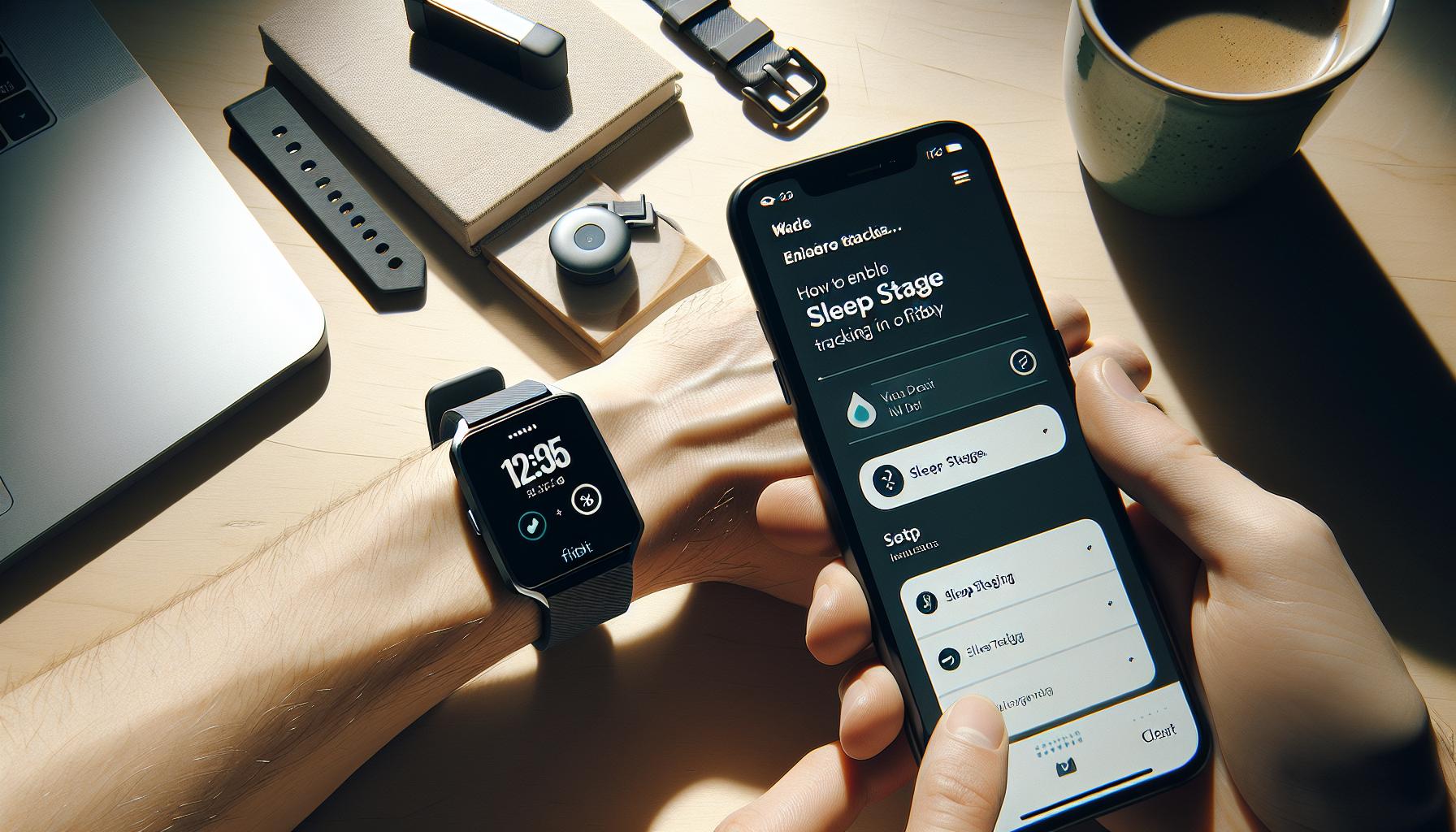
Tips for Optimizing Sleep Tracking Accuracy
To achieve the best results from your Fitbit’s sleep tracking features, a few strategic adjustments can significantly enhance the accuracy of your data. Many users overlook simple things that can improve their overall experience, so taking the time to fine-tune these aspects can provide clearer insights into your sleep patterns.
Firstly, consider your sleep environment. Ensure that your sleeping area is conducive to rest-this means a dark, quiet, and cool room. It’s also wise to establish a calming pre-sleep routine, such as dimming lights and engaging in relaxing activities, which can signal to your body that it’s time to wind down. The less disturbance you encounter at night, the more accurate your Fitbit can record your sleep stages.
Another important factor is the fit of your device on your wrist. For optimal tracking accuracy, your Fitbit should sit snugly but comfortably against your skin. If it’s too loose, it may fail to pick up vital metrics like heart rate and movements, which are crucial for determining your various sleep stages. A consistent wearing position each night also helps your device gather better data over time, allowing it to learn your sleep patterns more effectively.
Syncing your Fitbit regularly with the app is essential as well. This not only ensures that your device is updated to the latest firmware-which may include enhancements for sleep tracking-but also enables effective data analysis through the app. By checking the app frequently, you can monitor trends and make adjustments to your sleep routine based on what the data reveals.
Lastly, make good use of sleep mode. Activating this feature can minimize notifications that could interrupt your sleep, creating a more peaceful experience. Ensuring all settings are properly configured before you drift off can help maximize the quality of the data your Fitbit collects while you snooze. By implementing these tips, you empower yourself to gain clearer insights into your sleep health, driving positive changes in your nightly rest habits.
Interpreting Your Sleep Stages Data from Fitbit
Understanding the insights derived from your Fitbit’s sleep stages data can be both enlightening and transformative for your nightly rest. The ability to track sleep is no longer just about how long you sleep-it’s about understanding the quality of that sleep, broken down into distinct stages: light sleep, deep sleep, and REM sleep. Each stage plays a crucial role in your overall sleep health and recovery. If you’ve been struggling with your Fitbit not capturing these stages, the first step is ensuring that sleep stage tracking is enabled and your device is correctly positioned on your wrist.
When you wake up to review your sleep data, you’ll typically see a breakdown of the different stages you experienced during the night. This can include a pie chart or bar graph illustrating the time spent in each stage. In interpreting this data, you might notice patterns-perhaps you consistently have short periods of REM sleep or minimal deep sleep. These observations can guide you in adjusting your sleep habits. For instance, if light sleep is significantly high compared to deep sleep, incorporating relaxation techniques or adjusting your bedtime might help enhance sleep depth.
It’s essential to remember that while Fitbit provides valuable insights, it’s not a replacement for professional assessment. Sleep tracking from devices is inherently limited. Unlike polysomnography-a comprehensive sleep study performed in a lab-Fitbit uses algorithms to estimate sleep stages based on heart rate and motion data. This means factors like sleep disorders may not be fully detected. If your data shows consistent disturbances or if you feel excessively tired despite sufficient sleep duration, consulting with a healthcare professional is advisable.
In addition to understanding your sleep stages, it’s equally important to consider factors that may affect the accuracy of the data. A loose fit or a poorly positioned device can cause significant discrepancies in heart rate readings, thus skewing your sleep stage data. As you gain insights into your sleep monitoring habits, focus on making small adjustments-such as tightening the band of your Fitbit while sleeping or setting a more consistent bedtime routine. Doing so can not only optimize the data you receive but also enhance your overall sleep quality.
Comparing Fitbit Sleep Tracking to Professional Sleep Studies
Understanding the differences between consumer sleep trackers like Fitbit and professional sleep studies can be crucial for anyone trying to assess their sleep health. While Fitbits offer a convenient and non-invasive way to monitor sleep stages based on heart rate and movement, professional sleep studies, also known as polysomnography, provide a comprehensive analysis that encompasses a broader range of physiological signals. These studies monitor brain waves, oxygen levels, heart rate, and breathing patterns throughout the night, offering a more detailed and medically validated view of your sleep.
Cost and Accessibility
Opting for a sleep study typically involves visiting a sleep clinic and can be a costly endeavor, often ranging from $500 to $3,000, depending on the complexity of the tests and whether or not you have insurance coverage. In contrast, a Fitbit or similar wearable device is an accessible and cost-effective option, often costing under $200. This price difference makes wearables an appealing first step for those looking to gain insights into their sleep without immediate medical intervention.
What to Expect During a Sleep Study
In a sleep study, patients are subjected to a controlled environment where sleep specialists observe and collect data on their sleep patterns in real-time. This process can be daunting for some, filled with wires and sensors that can create discomfort. However, for many, the detailed feedback can be invaluable, especially if sleep disorders such as sleep apnea or insomnia are suspected. In contrast, Fitbit provides results based on algorithms and can be easily integrated into a nightly routine, without any special setup or overnight commitment.
When to Seek a Professional Evaluation
So, when should you consider moving from a Fitbit to a sleep study? If your Fitbit indicates ongoing sleep disruptions or poor sleep quality, especially if you’re experiencing excessive daytime fatigue or mood changes, it may be time for a more thorough evaluation. Professional sleep studies are essential when there’s a suspicion of serious disorders, or if home sleep monitoring does not yield satisfactory insights. For less severe concerns, the user-friendly nature of Fitbit can help establish foundational sleep habits and patterns before seeking further testing.
In essence, while Fitbit sleep tracking offers valuable insights and is great for general awareness of sleep patterns, it cannot replace the detailed diagnostics provided by a sleep study, especially for those with suspected sleep disorders. Balancing the two approaches allows for a proactive stance on sleep health, leveraging technology for insights while knowing when to consult healthcare professionals for deeper issues.
Troubleshooting Fitbit Sleep Tracking Issues
If your Fitbit is failing to track your sleep stages as expected, you’re not alone. Many users face this frustrating issue, and understanding the underlying causes can help you get back on track. The accuracy of sleep tracking can be affected by a range of factors, from device settings to individual sleep patterns.
To troubleshoot your Fitbit, start by ensuring that sleep tracking is properly enabled in the device settings. Open the Fitbit app on your smartphone, navigate to Account Settings, and check that the Sleep mode is activated. If you use a specific sleep schedule, make sure you’ve set it up correctly to enhance tracking accuracy. Additionally, ensure your device has the latest firmware updates, as manufacturers often optimize tracking algorithms through updates.
Another common reason for inaccurate sleep tracking is the fit of the device itself. It should be snug but comfortable; a loose or poorly fitted watch can result in erratic readings. Equally, consider your sleep environment-disruptions like noise or light can lead to fragmented sleep that might confuse the sensor readings. If you’re experiencing stress or anxiety, this can also impact your sleep quality and subsequently the data your Fitbit collects.
Occasionally, a simple reset of the device can resolve tracking issues. Restarting your Fitbit can clear temporary glitches and improve performance. If problems persist after these steps, reviewing the wearer’s activity level throughout the day can be beneficial. Users engaged in vigorous physical activities might experience variations in heart rate that could confuse the device’s sleep detection algorithms.
By following these tips, you’ll be better equipped to identify and resolve the issues impacting your Fitbit’s sleep tracking capabilities, ultimately leading to more accurate insights into your sleep health.
The Importance of Accurate Sleep Data for Health
Understanding your sleep patterns is crucial for overall health and well-being, yet many people overlook the importance of accurate sleep data. Poor sleep quality can affect not only your mood and energy levels but also your long-term health outcomes. For instance, consistent unrest can lead to more serious conditions like obesity, diabetes, and cardiovascular disease. Therefore, using a device like a Fitbit to track your sleep stages accurately can offer valuable insights to help you enhance your sleep hygiene and make informed lifestyle changes.
To harness the benefits of sleep tracking, it’s essential to understand what the different stages of sleep mean. Sleep is divided into two main types: REM (Rapid Eye Movement) sleep and non-REM (NREM) sleep, which further breaks down into three stages. Each stage plays a vital role in restorative processes like memory consolidation, muscle repair, and hormone regulation. By analyzing your Fitbit data, you can identify patterns and disruptions that might indicate potential sleep disorders, such as insomnia or sleep apnea, prompting you to seek professional assistance when necessary.
Accurate sleep data empowers you to take actionable steps toward better sleep health. Here are some examples of how to use your sleep data effectively:
- Identify Patterns: Look for trends in your sleep data to see how various lifestyle choices impact your sleep quality, such as exercise, caffeine intake, or stress levels.
- Set Goals: Use the insights gained from tracking to set achievable sleep goals, whether that’s increasing sleep duration or improving the quality of your REM sleep.
- Communicate with Professionals: If your data reveals irregularities, share it with healthcare providers to facilitate discussions about any necessary interventions, whether lifestyle changes or sleep studies.
Using wearables like Fitbit not only enhances personal insights into your sleep but also raises your health awareness, prompting proactive measures. As you embrace technology, keep in mind that while wearables offer valuable insights, they should complement, not replace, professional evaluations for any serious sleep concerns.
Real User Experiences: Success and Challenges with Fitbit Sleep
Many users turn to Fitbit devices, hopeful for insights into their sleep patterns, yet some encounter frustrations when their devices seemingly fail to track sleep stages accurately. Success stories often highlight transformative experiences, where individuals discovered actionable patterns that improved their sleep quality significantly. For instance, Emily, a user who was skeptical about the efficacy of sleep tracking, found that her Fitbit revealed consistent disruptions during specific hours, correlating with her late caffeine consumption. By adjusting her habits, she reported a notable increase in her REM sleep duration, allowing her to wake up more refreshed and alert.
However, not all experiences are positive. Some users, like Jake, found that their Fitbits struggled to detect sleep stages accurately. After troubleshooting, which included ensuring he was wearing the device snugly and enabling the sleep feature correctly, he discovered that factors such as his bedroom environment-too hot or noisy-significantly impacted tracking accuracy. This highlights an essential point: while trackers offer useful data, external factors can distort their effectiveness.
Moreover, the user community is rich with advice and shared experiences that can empower new Fitbit users. Many suggest keeping a sleep diary to cross-verify the Fitbit data, while others emphasize the importance of syncing the device to the app and maintaining updated software. Such communal insights can be invaluable for overcoming common challenges in sleep tracking and making informed adjustments.
When navigating the complexities of sleep tracking, remember that while a Fitbit can provide a window into your sleep health, it is not a definitive tool. For those facing ongoing sleep concerns, drawing comparisons between personal data and professional tests like polysomnography may clarify when to seek further evaluation. Ultimately, every user’s journey is unique, but tapping into shared experiences can enhance understanding and lead to improved sleep outcomes.
Exploring Alternative Sleep Monitoring Devices
While Fitbit devices have gained popularity for tracking sleep patterns, they are not the only option available. If you find that your Fitbit isn’t correctly tracking your sleep stages, you may want to explore alternative sleep monitoring devices that might better suit your needs. Understanding the diverse landscape of wearable technology and smart home solutions can empower you to make informed decisions about your sleep health.
Wearable Sleep Trackers
Many other wearable devices offer advanced sleep tracking features similar to-if not more sophisticated than-Fitbit. Here are some worth considering:
- Oura Ring: This sleek and stylish ring focuses on holistic health tracking, including sleep stages. It provides deep insights into your readiness, sleep quality, and overall wellbeing, all while being less intrusive than wrist-worn devices.
- Apple Watch: With its extensive app ecosystem, the Apple Watch can track sleep duration and provide insights into sleep quality. The integration with the Health app allows for a more comprehensive overview of your health metrics.
- Whoop Strap: Known for its fitness tracking capabilities, the Whoop Strap also excels in sleep monitoring. It offers detailed analytics on your sleep patterns, recovery times, and even your heart rate variability while you sleep.
These wearables often provide user-friendly apps that aggregate data and suggest actionable adjustments for better sleep.
Smart Home Devices
Smart home technology is also making strides in sleep monitoring. Devices like smart mattresses and sleep monitors can offer insights into sleep quality and environment.
- Eight Sleep: This smart mattress uses dynamic temperature control to help optimize your sleep environment. It tracks sleep stages and provides personalized insights, adjusting temperatures to promote better rest.
- Beddit: Acquired by Apple, this sleep monitor easily fits under your mattress and automatically tracks sleep cycles, snoring, and even room temperature, giving you a well-rounded view of your sleep quality.
When to Consider Professional Help
If these devices still leave you questioning your sleep quality, or if you experience significant sleep disturbances, it may be time to consider a sleep study. Professional sleep studies, known as polysomnography, offer comprehensive data on your sleep stages, breathing patterns, and more. While this option can be more costly and requires scheduling, it is invaluable for diagnosing sleep disorders.
Remember, each individual’s needs are unique, and the right device may require some trial and error. Balancing wearables with traditional methods like sleep diaries can enhance your understanding of your sleep health and help you make smart choices for better rest.
When to Consider a Sleep Study vs. Fitbit Tracking
Understanding when to seek professional help for your sleep issues can be crucial for your overall health. While Fitbit devices provide a convenient everyday insight into your sleep patterns, they may not always capture the full picture. If you find yourself frequently waking up feeling unrested, or if your Fitbit fails to consistently track your sleep stages, it might be time to consider a sleep study.
A sleep study, also known as polysomnography, offers a comprehensive evaluation of your sleep. During this process, various physical functions are monitored including brain waves, oxygen levels, heart rate, and breathing patterns. This detailed data not only helps in diagnosing sleep disorders like sleep apnea or restless leg syndrome, but it also sheds light on the structure of your sleep cycles. On the other hand, while Fitbits and similar devices estimate sleep stages based on movement and heart rate variability, they often lack the clinical precision necessary for diagnosing specific sleep disorders.
If you are experiencing significant concerns, such as excessive daytime sleepiness, loud snoring, or episodes of gasping during sleep, a sleep study is prudent. Such symptoms could indicate serious sleep disorders that require medical intervention. On the contrary, for those who simply wish to monitor their sleep quality or make lifestyle adjustments, Fitbits or other wearables might suffice. They provide useful insights, but remember, real-time troubleshooting and specific health concerns are where professional tests excel.
In conclusion, while wearable technology is a fantastic resource for tracking general sleep patterns, they should not act as a replacement for comprehensive medical evaluations when serious sleep issues arise. If your Fitbit struggles to track your sleep accurately, combined with troubling symptoms, consulting a sleep specialist may provide the clarity and care you need.
Best Practices for Improving Sleep Quality with Wearables
To enhance your sleep quality using wearables like a Fitbit, it’s essential to approach the use of these devices with informed use and strategic adjustments. While Fitbits can deliver helpful insights into your sleep patterns, you can elevate their effectiveness by adhering to some practical best practices.
Consistency in Usage
One of the most straightforward yet impactful tactics is to wear your Fitbit consistently every night. This routine allows the device to collect more accurate data over time. Additionally, establishing a regular sleep schedule-going to bed and waking up at the same time daily-can help your body regulate its natural clock. As a result, you’ll sleep better, and your Fitbit will have a clearer pattern to track.
Optimize Your Fitbit Settings
Ensure that all sleep tracking features are enabled in your Fitbit app. Double-check to see that you have activated sleep stage tracking. Many users overlook the need to adjust settings or manually log their sleep hours when they feel a nap coming on. Integration of features such as sleep reminders can encourage you to prepare for rest, ultimately improving the accuracy of the data collected.
Create a Sleep-Friendly Environment
Your sleep surroundings play a vital role in the quality of your sleep, which directly impacts the readings your Fitbit provides. Consider optimizing your bedroom by:
- Controlling Light: Use blackout curtains to minimize light exposure.
- Reducing Noise: White noise machines can mask disruptive sounds.
- Comfortable Temperature: Keep your room cool, typically between 60-67°F.
- Limiting Screen Time: Turn off screens at least an hour before bed to decrease blue light exposure.
Interpreting the Data
Regularly analyze your sleep stage data to identify patterns or potential issues. Pay attention to factors such as the duration of deep sleep, REM sleep, and any disturbances noted. Understanding this information enables you to make targeted adjustments, whether that involves improving sleep hygiene, reducing caffeine intake, or introducing relaxation techniques before bed, such as meditation or gentle stretching.
By implementing these best practices, you enhance not only the accuracy of your Fitbit’s sleep tracking but also its utility as a tool for better sleep health. This proactive approach fosters a deeper understanding of your sleep behavior, empowering you to make informed decisions that can lead to improved rest and overall well-being.
Frequently asked questions
Q: Why isn’t my Fitbit tracking my sleep stages accurately?
A: Your Fitbit may not track sleep stages accurately due to improper device placement, low battery, or incorrect settings. Ensure the device fits snugly on your wrist and has sufficient charge. Check the app settings to confirm that sleep stage tracking is enabled.
Q: How can I enable sleep stage tracking on my Fitbit?
A: To enable sleep stage tracking on your Fitbit, open the app, go to “Sleep,” and turn on “Sleep Stages.” Make sure your device is up to date to access the latest features. This process is covered in more detail in the “How to Enable Sleep Stage Tracking on Your Fitbit” section of our article.
Q: What are the common troubleshooting steps for Fitbit sleep tracking issues?
A: Common troubleshooting steps include checking for device updates, ensuring proper wear, and restarting the device. Also, verify that your sleep settings are correctly configured in the Fitbit app. For a detailed guide, refer to our “Troubleshooting Fitbit Sleep Tracking Issues” section.
Q: Can my sleep environment affect how my Fitbit tracks sleep?
A: Yes, your sleep environment can affect tracking accuracy. Factors such as room temperature, noise levels, and bedding comfort can influence sleep quality, which may impact how well your Fitbit captures sleep stages. Consider optimizing your sleep environment for better tracking results.
Q: Why is my Fitbit only recording sleep duration and not stages?
A: If your Fitbit is only recording sleep duration, it may be due to not wearing the device during the entire sleep cycle or not having the sleep stages feature enabled. Ensure proper device settings are activated and wear it consistently overnight.
Q: Does my Fitbit need to be charged to track sleep stages?
A: Yes, for your Fitbit to track sleep stages effectively, it needs a charged battery. Ideally, ensure that your device is at least 50% charged before bedtime to maintain functionality throughout the night.
Q: How can I improve the accuracy of my Fitbit’s sleep tracking?
A: To improve accuracy, wear your Fitbit snugly above your wrist bone, maintain regular sleep patterns, and enable all sleep-related features in the app settings. Comprehensive details can be found in the “Tips for Optimizing Sleep Tracking Accuracy” section of our article.
Q: What should I do if my Fitbit isn’t tracking sleep after an update?
A: If your Fitbit isn’t tracking sleep after an update, restart the device and check app settings for any changes. Sometimes, updates can reset preferences, so review the sleep stage settings again. For more assistance, visit our “Troubleshooting Fitbit Sleep Tracking Issues” section.
The Way Forward
Now that you understand how to enable sleep stage tracking on your Fitbit, it’s time to take action! Proper tracking can provide valuable insights into your sleep quality, helping you make informed decisions about your health. If you still have questions or encounter issues, don’t hesitate to check out our detailed guides on troubleshooting common Fitbit problems or exploring alternatives to sleep studies for better sleep health.
Make sure to explore our related articles on sleep disorders and how wearables can enhance your rest. If you’re looking to deepen your understanding of sleep technology, subscribe to our newsletter for the latest tips and resources. Remember, better sleep leads to a healthier you-so start tracking and transforming your sleep today! Share your experiences with us in the comments, and let’s navigate the journey to better sleep together!
Get our latest guides, news, and insights highlighted in your Google Search & AI Overviews.