
If your Fitbit has stopped tracking your sleep, you’re not alone. Many users face this frustrating issue, which can undermine your effort to monitor and improve your sleep health. Understanding why your device might not be performing as expected is key to restoring its functionality. Whether it’s a simple setup error or a need for software updates, addressing these concerns can help you regain the valuable insights your Fitbit provides about your sleep patterns. In this guide, we’ll explore common reasons for sleep tracking disruptions and offer practical solutions, empowering you to get back on track with your sleep health journey. Let’s dive in and figure out how to restore your Fitbit’s sleep tracking capabilities!
Understanding the Importance of Sleep Tracking
Understanding the nuances of sleep tracking is pivotal in recognizing its impact on your overall health and well-being. Sleep tracking devices, like those from Fitbit, provide insights that can help identify sleep patterns, ensure adequate rest, and improve daily functioning. Sleep is not merely a passive state; it’s a period of restoration that affects everything from mood and cognitive performance to physical health. A study showcased that the sensitivity of Fitbit’s sleep tracking is over 90%, making it a reliable option for many users [[1]](http://e-jsm.org/journal/view.php?doi=10.13078/jsm.240010).
The capability to monitor sleep stages-light, deep, and REM sleep-enables individuals to understand more than just how long they sleep. It delineates how restorative that sleep is, which can lead to actionable improvements in lifestyle. For instance, if your Fitbit data indicates minimal deep sleep, this information could inspire changes such as reducing caffeine intake or adjusting your bedtime routine. Recognizing these patterns plays a crucial role in developing strategies to enhance sleep quality, which is often overlooked in today’s fast-paced world.
Furthermore, being aware of sleep quality can serve as a preventive tool against long-term health issues like obesity, diabetes, and heart disease. Users often report feeling empowered as they track their sleep metrics, enabling them to make informed lifestyle adjustments that foster better sleep hygiene. By , you not only gain a clearer picture of your nightly rest but also equip yourself with the knowledge to address any potential issues proactively.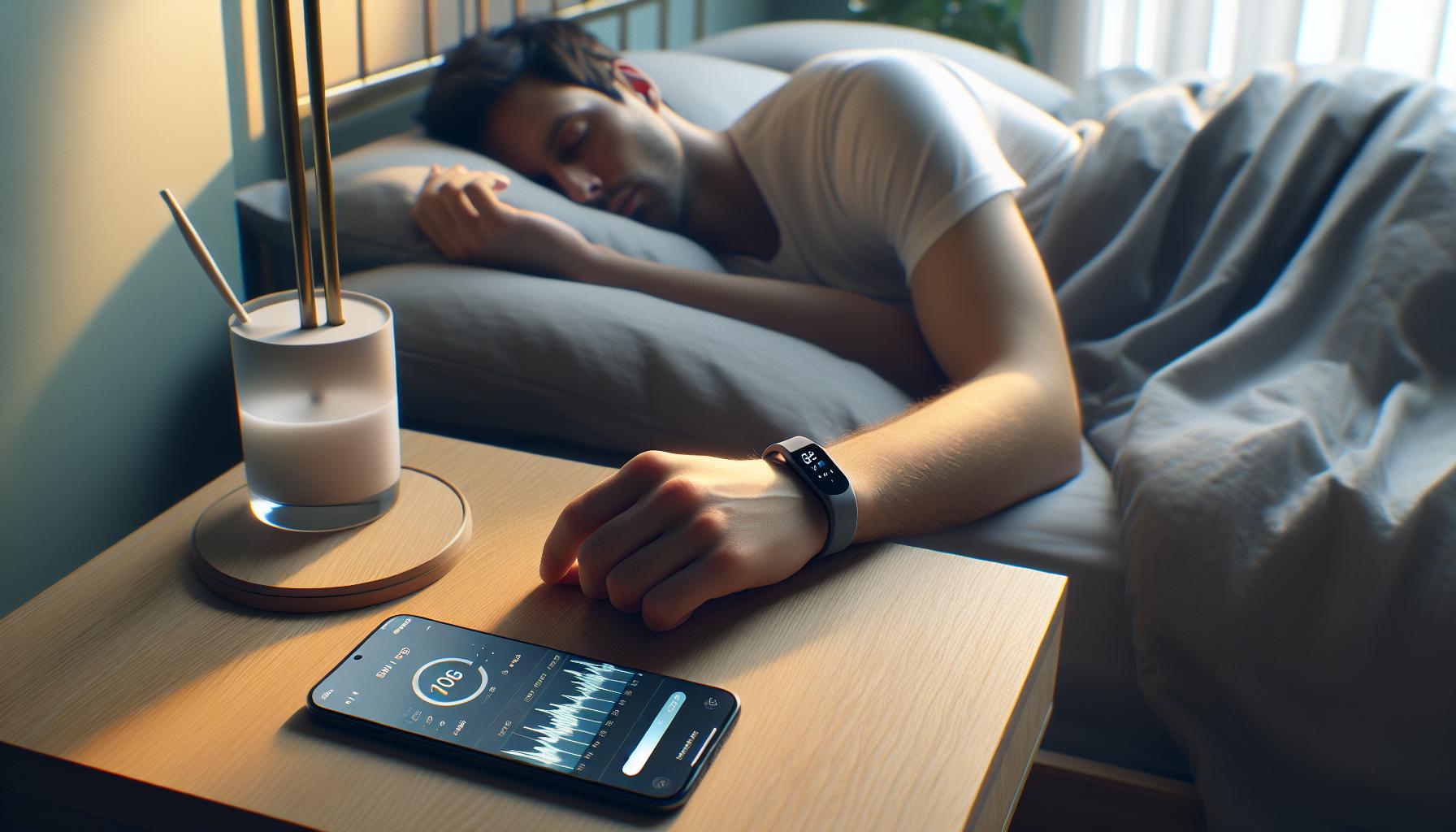
Common Reasons Your Fitbit Isn’t Tracking Sleep
If your Fitbit has suddenly stopped tracking your sleep, it can be frustrating, especially considering the role that sleep data plays in your health journey. There are several common reasons why this might happen, and understanding these can help you get your sleep tracking back on track.
One of the primary reasons your Fitbit may not be tracking sleep is simply due to improper usage. Ensure that you’re wearing the device correctly: for optimal performance, it should be worn snugly on your wrist and ideally, it should not be too loose, as this can affect the sensors. Additionally, if your device has low battery or is in need of a firmware update, this could prevent sleep tracking from functioning properly.
Device Settings and Features
Sometimes, the issue lies within the device settings or features that may have been inadvertently altered. Double-check that you’ve enabled sleep tracking in the app settings. Occasionally, features like “Do Not Disturb” or “Sleep Mode” can interfere with the ability of the Fitbit to monitor your sleep patterns, especially if turned on during the day.
Another possible culprit might be the sleep environment itself. Factors such as extreme temperature changes or even the surface on which you sleep (too soft or too hard) can lead to disrupted sleep patterns, potentially confusing the tracker. If you frequently shift positions during the night or engage in late-night activities, your Fitbit might misinterpret your restful moments.
What to Check
To troubleshoot this issue, consider the following steps:
- Ensure the device is charged and functioning correctly.
- Check for any updates to the Fitbit app or the device firmware.
- Review and adjust your sleep settings in the app.
- Wear the device consistently during sleep hours every night.
- Consider external factors that may impact your sleep quality.
By identifying these potential issues, you can restore your Fitbit’s ability to keep track of your sleep and gain valuable insights into your nightly rest patterns once again. Remember, regular checks and settings adjustments can go a long way in ensuring reliable sleep tracking.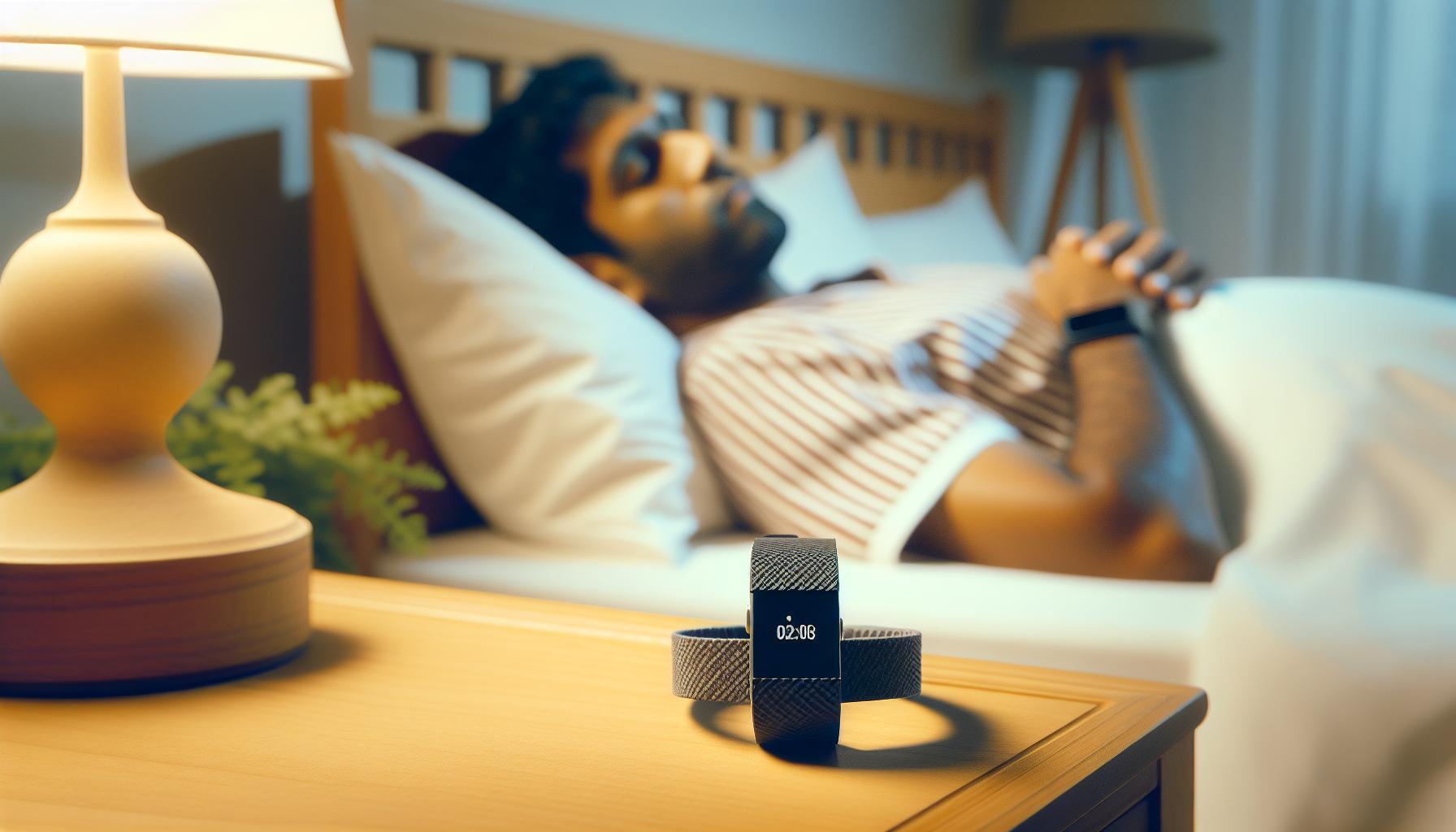
How to Troubleshoot Your Fitbit Sleep Issues
If you’re accustomed to relying on your Fitbit for sleep data, finding that it’s not tracking your sleep can be quite disheartening. Fortunately, there are several straightforward steps you can take to troubleshoot the issue effectively. Understanding the potential reasons for the malfunction will empower you to get your device back on track in no time.
One of the first avenues to explore is ensuring that your Fitbit is worn correctly. The device should fit snugly but comfortably on your wrist. A loose fit may cause inaccurate readings or prevent the device from detecting your movements throughout the night. Additionally, confirm that your device is fully charged; a dying battery is a common reason behind tracking failures. Checking for any pending firmware updates is also crucial, as these updates often include important fixes and enhancements.
Next, take a closer look at your device settings. Sometimes, something as simple as disabling sleep tracking accidentally can lead to missed data. Open the Fitbit app and make sure that sleep tracking is enabled under settings. Features like “Do Not Disturb” or “Sleep Mode” can also hinder tracking if activated during non-sleep hours, so review their status.
Your sleep environment plays a significant role in tracking performance too. Factors such as mattress firmness and room temperature can affect your sleep quality. If you frequently change sleeping positions or have irregular sleep patterns, the device could misinterpret these movements. To enhance the accuracy of your sleep readings, aim to maintain a consistent sleep routine and pay attention to the conditions of your sleep setting.
Checklist for Troubleshooting:
- Confirm that the device is properly worn and snug on your wrist.
- Make sure the device is charged and functioning correctly.
- Check for any updates to the Fitbit app and device firmware.
- Review and adjust your sleep tracking settings in the app.
- Maintain a stable sleep environment and consistent sleep schedule.
By following these troubleshooting steps, you can address the underlying issues preventing your Fitbit from tracking your sleep effectively. If problems persist, consider seeking additional support from Fitbit’s customer service or exploring potential alternatives to enhance your sleep tracking experience.
Adjusting Your Fitbit Settings for Better Tracking
To unlock the full potential of your Fitbit for sleep tracking, diving into your device settings is crucial. Adjusting these settings can significantly enhance the accuracy and reliability of your sleep data. For instance, checking that sleep tracking is enabled in the Fitbit app is fundamental; if it’s turned off, no data will be recorded, leading to frustration come morning.
A critical feature to consider is the “Sleep Mode,” which can automatically activate when you go to bed, but it may also interfere with tracking if toggled inadvertently during the day. To assess and manage this, navigate to your Fitbit app settings and ensure that any “Do Not Disturb” modes are appropriate for your sleep schedule. Additionally, reviewing your sleep schedule settings will help you maintain a consistent pattern, which is key for both effective tracking and better overall sleep quality.
Also, pay attention to features that personalize your sleep tracking experience. Some Fitbits offer options for setting a bedtime reminder, which can help you establish a routine and signal your device to prepare for sleep tracking. Ensure your Fitbit is updated to the latest firmware, as software updates often include improved tracking capabilities and functionality related to sleep.
To summarize, maintaining optimal tracking conditions involves a few straightforward steps:
- Verify that sleep tracking is enabled in your app settings.
- Ensure that Sleep Mode and Do Not Disturb settings align with your sleep pattern.
- Set reminders for bedtime and wake time to promote consistency.
- Regularly check for firmware updates to enhance device performance.
By taking the time to adjust these settings, you will likely see an improvement in your Fitbit’s sleep tracking accuracy, transforming your device into a more effective tool for monitoring your rest and helping you make informed decisions about your sleep health.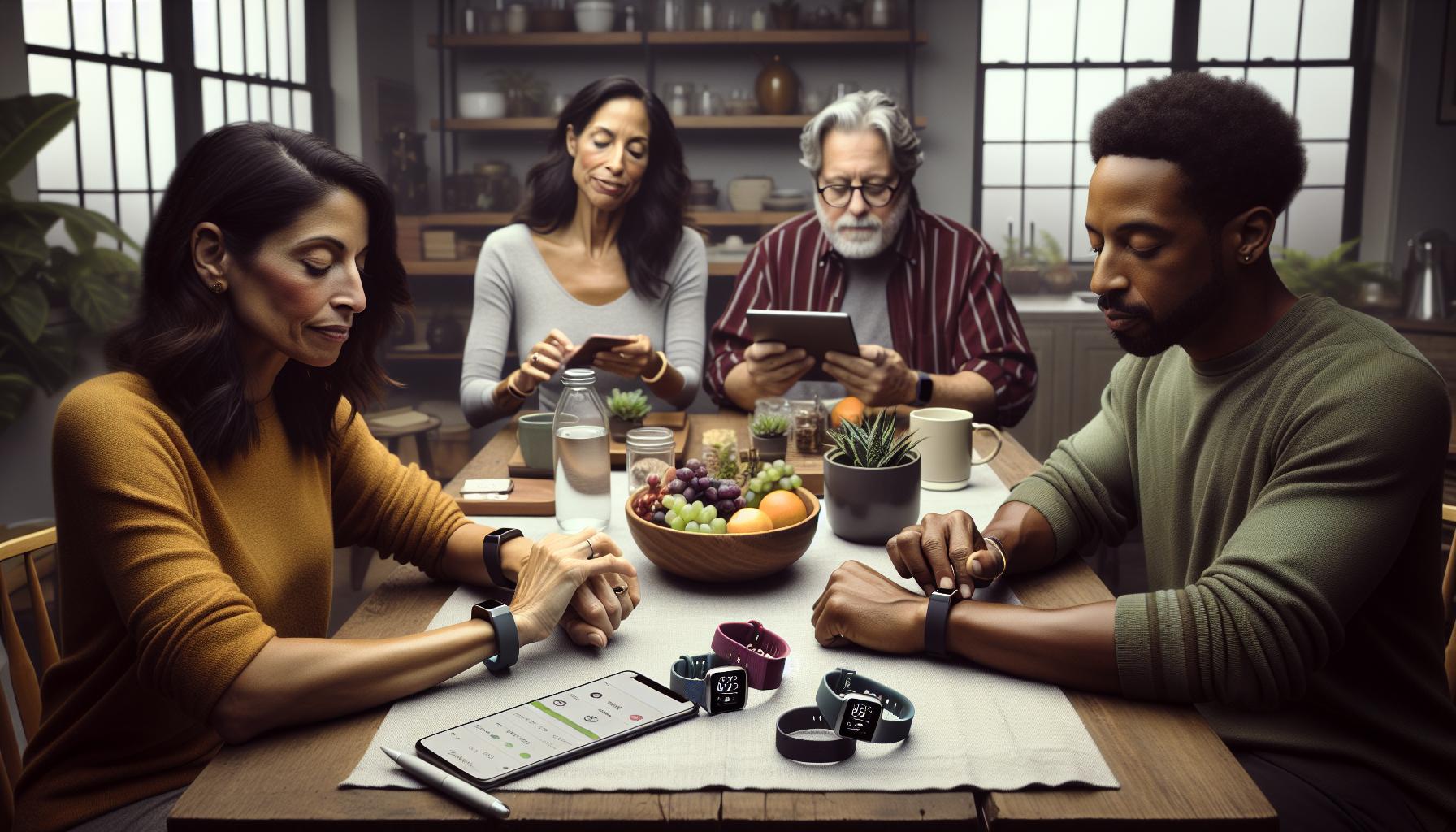
Tips to Restore Sleep Tracking Functionality
Restoring your Fitbit’s sleep tracking functionality can sometimes feel frustrating, especially if you’re eager to monitor your sleep patterns and improve your overall wellness. If you’ve noticed that your device isn’t tracking sleep, there are several practical steps you can take to troubleshoot the issue effectively.
First, ensure that all relevant settings are configured correctly. Open the Fitbit app and navigate to your device settings to confirm that the sleep tracking feature is activated. If it’s turned off, your device will not log any sleep data, leaving you in the dark about your nightly rest. Additionally, check that your device is in Sleep Mode when you go to bed. This feature prompts your Fitbit to monitor your sleep more attentively, but it can sometimes get toggled off unexpectedly, especially during the day.
Another essential aspect is to examine the wearability of your Fitbit. Consistently wearing your device snugly on your wrist while you sleep is crucial for accurate tracking. If it’s too loose, or if you wear it on the wrong wrist, it might not correctly monitor your heart rate or movement, which are key indicators of sleep stages. As a rule of thumb, the device should feel comfortable yet secure.
Finally, consider syncing your device frequently, especially after making changes to settings or experiencing intermittent tracking issues. Sometimes, simply restarting your Fitbit or re-syncing it with the app can solve minor glitches that prevent proper functionality. If you continue to experience problems even after these steps, it may be worthwhile to consult Fitbit’s support resources for advanced troubleshooting or consider a firmware update, as these can improve device performance and address any bugs that may be affecting sleep tracking.
By following these straightforward tips, you can likely restore your Fitbit’s ability to track your sleep, allowing you to gain valuable insights into your rest and overall health.
When to Reset Your Fitbit Device
Sometimes, the simplest solutions can lead to the most effective results-like resetting your Fitbit device. If you’re noticing irregularities in your sleep tracking, this straightforward step could resolve any underlying issues prompting your device to falter in monitoring your nightly rest. Resetting a Fitbit can often restore its functionality and give it a fresh start, especially when it begins to behave erratically or stops syncing correctly.
When should you consider performing a reset? Here are some signs that it might be time:
- Your device frequently disconnects from the app: If your Fitbit struggles to maintain a connection, a reset can help re-establish communication.
- Sleep tracking is inconsistent or inaccurate: If it’s not logging your sleep correctly after trying other troubleshooting methods, a reset might be necessary.
- Syncing troubles persist: An ongoing inability to sync data with the app can often be resolved with a simple reset.
- Device performance is sluggish or unresponsive: If the interface feels slow or you experience random crashes, a reset can restore performance.
To reset most Fitbit devices, locate the button(s) on your device dedicated to power or settings and follow these general steps: hold the button for several seconds until you see the Fitbit logo or until the screen goes dark. For different models, the specific steps might alter slightly, so refer to your user manual for guidance tailored to your device.
Before you begin the reset process, ensure your data is synced with the Fitbit app to avoid losing any recent tracking information. After the reset, you may need to set up your device again, but this process can be quick and straightforward, allowing you to get back to tracking your sleep patterns without delay. A reset often clears out minor glitches and restores functionality, reaffirming that, at times, a fresh start is all your device needs to guide you back to better sleep insights.
The Impact of Sleep Environment on Tracking Accuracy
Your sleep environment plays a pivotal role in the accuracy of your Fitbit’s sleep tracking. Factors such as noise levels, light exposure, room temperature, and even the comfort of your mattress can significantly impact how well your device is able to monitor your sleep cycles. If you’ve noticed that your Fitbit isn’t tracking your sleep accurately, it’s essential to evaluate these environmental elements as potential culprits.
Noise is one of the most disruptive factors when it comes to sleep. Sounds from traffic, appliances, or even a partner’s snoring can prevent you from reaching the deeper stages of sleep, which may cause your Fitbit to misinterpret your sleeping patterns. To create a more conducive sleep environment, consider using white noise machines or earplugs to mask disruptive sounds. Alongside this, dimming the lights and reducing exposure to screens an hour before bed can help signal to your body that it’s time to wind down, allowing for a smoother transition into sleep.
Temperature is another critical aspect; research suggests that a cooler room-ideally between 60 to 67 degrees Fahrenheit (15 to 19 degrees Celsius)-can optimize sleep quality. A room that is too hot or too cold can interfere with your body’s natural thermoregulation process, potentially leading to restless nights and inaccurate sleep tracking data from your Fitbit. Keep your bedroom well-ventilated and consider using breathable bedding to help maintain an ideal sleeping temperature.
Lastly, don’t underestimate the importance of a comfortable mattress and pillows. If your sleeping surfaces are unsupportive or overly worn out, they can lead to discomfort that affects your ability to achieve restful sleep. Ensuring your mattress and pillows suit your sleeping style can make a significant difference in both your sleep quality and the tracking accuracy of your device. By addressing these environmental factors, you can improve the effectiveness of your Fitbit’s sleep tracking, leading to better insights into your nightly rest and overall sleep health.
Understanding Sleep Stages and Your Fitbit
Understanding how your Fitbit monitors sleep stages is crucial to making the most of this feature and ensuring accurate tracking. Sleep is divided into several stages: Light Sleep, Deep Sleep, REM (Rapid Eye Movement) Sleep, and Wakefulness. Each stage serves a different function and impacts your overall restfulness and health. Your Fitbit uses a combination of heart rate monitoring, movement detection, and algorithms to estimate the time spent in each of these stages, providing you with insights into your sleep patterns.
Fitbit devices primarily track sleep through the following stages:
- Light Sleep: This light restorative sleep is crucial for the initial cycling of sleep. It usually comprises the majority of your sleep time and is essential for transitioning into deeper stages.
- Deep Sleep: The most restful stage, deep sleep is vital for physical recovery and growth. It helps repair muscle tissues and strengthen the immune system, making it essential for overall health.
- REM Sleep: This stage is important for cognitive functions, memory consolidation, and emotional regulation. During REM, the brain is highly active, and dreaming typically occurs.
A frequent issue that users encounter is inaccurate sleep tracking, which can result from various factors. For example, if your device is not snug on your wrist, it may struggle to detect heart rate changes accurately. Additionally, disturbances in your sleep environment, like noise or temperature fluctuations, can disrupt your sleep stages, leading to erroneous data. If you notice that your Fitbit hasn’t been tracking sleep stages reliably, consider checking the fit of your device, ensuring it has a clear path to monitor your heart rate, and addressing environmental factors that could affect your sleep quality.
It’s also worth noting that while Fitbit devices can provide valuable insights into your sleep patterns, they do have limitations. They rely on algorithms and your movement patterns, which means they might not be as precise as polysomnography used in clinical settings. This means if you’re concerned about your sleep health or experiencing significant sleep issues, consulting a healthcare professional for further evaluation may be necessary.
Exploring Alternatives to Fitbit for Sleep Tracking
Many users may find themselves in a position where their Fitbit is no longer tracking sleep effectively. While this can be frustrating, there are alternative devices and methods available that can still provide valuable insights into your sleep.
When considering alternatives, you might explore dedicated sleep trackers like the Oura Ring, which is a ring that monitors sleep patterns, body temperature, and more. The Oura Ring uses advanced sensors to collect data on sleep stages and offers a user-friendly app for detailed insights. Another popular option is the Whoop Strap, which focuses on recovery through sleep analysis, offering personalized insights and recommendations based on your performance and rest.
Smart home technology can also play a crucial role in sleep tracking. Devices like the Sleep Number bed come equipped with sleep tracking capabilities and adjust firmness based on your sleep position. Additionally, products like the Eight Sleep Pod not only track sleep patterns but also regulate your mattress temperature to improve sleep quality, making them a great choice for those who struggle with comfort during the night.
If you’re concerned about the accuracy of your sleep data or if sleep disorders are suspected, you might consider a more traditional approach: a sleep study. Detailed polysomnography (PSG) conducted in a sleep clinic can provide comprehensive insights into your sleep stages and disturbances, albeit at a higher cost and with more logistical hurdles compared to consumer devices.
In summary, you have various options beyond Fitbit for tracking sleep, from dedicated wearables to smart home solutions and professional sleep studies. Each alternative has its own strengths, and the best choice will depend on your personal needs and budget. Whether you opt for another wearable device or a high-tech mattress, the key is to find a tool that gives you the insights necessary to improve your sleep health in a way that’s both effective and comfortable for you.
Maximizing Your Fitbit: Features for Improved Sleep Insights
The Fitbit has become a popular tool for tracking sleep patterns, but getting the most accurate insights requires an understanding of its various features and settings. Utilizing these tools effectively can enhance the quality of your sleep data and, ultimately, your overall sleep health.
Understanding Sleep Insights
To maximize your Fitbit’s capabilities, familiarize yourself with its sleep tracking features. Fitbit devices record your sleep stages: light, deep, and REM sleep. Understanding how these stages work helps you evaluate your sleep quality better. Aim for a healthy balance of each stage-light sleep is important for memory and learning, REM assists in processing emotions, while deep sleep is crucial for physical restoration. Use the app to review your sleep trends over time and identify patterns or disruptions.
Adjusting Your Settings
Sometimes, minimal adjustments can significantly impact tracking accuracy. Ensure that your device is snug on your wrist; a loose fit can lead to inaccurate readings. Activate the ‘Sleep Mode’ feature before bed-it prevents notifications from interrupting your sleep and helps the device understand when to start tracking. Additionally, evaluate your heart rate settings, as a consistently monitored heart rate can improve the accuracy of sleep tracking.
Tips for Better Data
To further enhance the accuracy of your data, consider the following tips:
- Maintain a Consistent Sleep Schedule: Try to go to bed and wake up at the same time every day. This regularity can help your Fitbit better understand your sleep patterns.
- Create a Sleep-Conducive Environment: Ensure your bedroom is dark, quiet, and cool. Eliminating distractions can improve the quality of your sleep and, subsequently, the accuracy of your tracking.
- Update Your Device: Regular software updates may include enhancements to sleep tracking functions. Keep your device updated to take advantage of the latest improvements.
By leveraging these features and tips, you can transform your Fitbit into a more effective tool for monitoring your sleep health. Remember that consistent evaluation and simple adjustments can provide deeper insights into your sleeping patterns and help you achieve better sleep quality.
User Experiences: Success Stories with Sleep Tracking
Many Fitbit users have experienced transformative changes after realizing the potential of sleep tracking, sharing inspiring stories of improved sleep quality and health insights. For several individuals, the journey began with frustration when their devices failed to accurately track their sleep patterns. However, with the right adjustments and understanding of their devices, they uncovered valuable insights that significantly enhanced their rest and overall well-being.
Take the case of Jessica, who initially struggled with insomnia. After her Fitbit began providing comprehensive data on her sleep stages, she noticed that she was spending less time in deep sleep than recommended. Armed with this information, she made small alterations to her nighttime routine and sleep environment, such as dimming lights an hour before bed and sticking to a consistent sleep schedule. Within weeks, Jessica felt more rested and alert during the day, proving that effective sleep tracking can lead to meaningful lifestyle changes.
Similarly, Mark, an avid runner, frequently used his Fitbit to monitor his sleep alongside his exercise regimen. He was initially disheartened when his device no longer tracked his sleep consistently. By following troubleshooting steps-replacing the device battery, ensuring a snug fit, and updating the software-he restored its functionality. Once operational, Mark discovered that he often experienced sleep disruptions related to muscle recovery needs after intense workouts. With this insight, he tailored his training and rest periods, resulting in improved athletic performance and recovery.
These personal successes underscore the importance of understanding how to leverage Fitbit features for sleep tracking. User experiences frequently highlight how intuitive adjustments, such as enabling “Sleep Mode” or altering heart rate settings, can lead to clearer insights. For those encountering tracking issues, remember that simple resetting and mindful adjustments can restore your device’s capabilities, allowing you to reap the benefits of improved sleep monitoring. The collective wisdom from user experiences illustrates that with patience and strategic changes, you can transform sleep data into actionable strategies for better health.
As you navigate potential troubleshooting or enhancements for your Fitbit, realize that countless users like you have turned initial setbacks into success stories. By prioritizing sleep health and staying informed about the nuances of your device, you can unlock deeper insights that facilitate more restorative sleep and overall wellness.
Preventing Future Sleep Tracking Problems
Tracking your sleep with a Fitbit can significantly impact your understanding of your rest patterns, but intermittent issues can arise. To ensure your device remains functional and accurate over time, maintaining it along with your sleeping habits is essential. Small adjustments and preventive steps can save you from disruptions in your sleep data, making your Fitbit a reliable ally in your quest for better sleep health.
One critical aspect to consider is the Fitbit’s fit and wearability. Ensure that your device is snug but comfortable on your wrist. A loose fit can lead to inaccurate readings, especially during movement while you sleep. It’s also wise to regularly check for updates in the Fitbit app and firmware on your device. Updates often contain improvements and bug fixes related to sleep tracking capabilities. To reduce interference, keep your device free of dirt and moisture, which can affect sensors and their performance.
Another useful tip is to configure your sleep settings. Enable features like “Sleep Mode” on your Fitbit, which minimizes distractions and optimizes tracking accuracy when you’re in bed. Additionally, maintain a consistent sleep schedule, as this assists your device in recognizing sleep patterns more effectively. Regular sleep hours help establish a rhythm your Fitbit can track more accurately, reducing chances of sporadic data collection.
Lastly, if you experience ongoing issues, consider resetting your device. A simple restart can resolve many temporary glitches affecting sleep tracking. This process refreshes the sensors and settings, ensuring they function as intended. Keep a log of any irregularities you notice and how you resolved them; this record can provide insights into your Fitbit’s behavior and help prevent future issues.
By integrating these practices into your routine, you’ll not only safeguard against future sleep tracking problems but also empower yourself with more accurate sleep data. This proactive approach means you can focus on optimizing your sleep health based on reliable feedback rather than troubleshooting interruptions.
Faq
Q: Why isn’t my Fitbit tracking my sleep anymore?
A: Your Fitbit may not be tracking sleep due to several reasons, such as low battery, improper wearing, or outdated software. Ensure your device is charged, worn correctly on your wrist, and that the app is up to date to restore sleep tracking functionality.
Q: How can I restart my Fitbit to fix sleep tracking issues?
A: To restart your Fitbit, press and hold the button on your device until you see the Fitbit logo. This often resolves minor glitches, including sleep tracking issues. After restarting, check if sleep tracking resumes in the app.
Q: What should I do if my Fitbit firmware is outdated?
A: If your Fitbit firmware is outdated, connect your device to the Fitbit app and check for updates. Keeping your Fitbit’s software updated helps ensure accurate tracking and access to the latest features.
Q: Can my sleep environment affect Fitbit sleep tracking accuracy?
A: Yes, the sleep environment can impact tracking accuracy. Ensure your sleeping area is conducive to rest-dark, quiet, and at a comfortable temperature-to improve your Fitbit’s ability to monitor sleep accurately.
Q: How do I adjust my Fitbit settings for better sleep tracking?
A: To optimize sleep tracking, go to the Fitbit app and adjust your sleep schedule and bedtime reminders. Ensure features like “Sleep Mode” are enabled to enhance tracking accuracy during the night.
Q: What steps can I take to restore sleep tracking functionality?
A: Start by ensuring your Fitbit is properly charged and worn correctly. Next, check the app settings for sleep tracking and adjust any necessary parameters. If issues persist, consider uninstalling and reinstalling the app.
Q: When should I consider resetting my Fitbit device?
A: Reset your Fitbit if you continue facing issues with sleep tracking after troubleshooting. A factory reset can resolve persistent problems, but note that it will erase all data from your device.
Q: Are there alternatives to Fitbit for tracking sleep effectively?
A: Yes, alternatives like Apple Watch, Garmin, and Oura Ring offer sleep tracking features. Each device has unique functionalities, so consider your specific needs when exploring options for sleep tracking.
Insights and Conclusions
If your Fitbit isn’t tracking your sleep anymore, don’t fret-you’re not alone. Understanding how to restore this feature is essential for maintaining your sleep health. Remember, the accuracy of Fitbit’s sleep tracker can vary, but it generally performs well in distinguishing sleep stages[3[3]. Take a moment to explore our troubleshooting guide if you’re facing challenges, as it can help you ensure your device is set up correctly and functioning smoothly.
Now is the perfect time to review your current sleep habits and consider ways to improve them. Check out our articles on establishing a personalized sleep schedule[2[2]and optimizing your sleep environment for better rest. Engaging with these resources can ensure you’re on the right track. Don’t forget to sign up for our newsletter for the latest tips on sleep health and wearables. Your better sleep journey starts today-so take action and dive deeper into understanding your device and sleep strategies!
Get our latest guides, news, and insights highlighted in your Google Search & AI Overviews.