
Owning an Eight Sleep Pod can transform your nights, but like any smart device, it may occasionally require a reset. Understanding how to troubleshoot and reset your pod is essential to ensuring optimal performance and a great sleep experience. Many users express frustration when their sleep technology doesn’t work as intended, impacting their restorative rest. This guide aims to simplify the resetting process, demystifying the troubleshooting steps so you can quickly get back to enjoying the benefits of your Eight Sleep Pod. By empowering yourself with knowledge, you can take control of your sleep environment and enhance your overall wellbeing. Let’s dive into the simple steps that can help restore your pod to peak functionality, ensuring you wake up refreshed and ready to seize the day.
Understanding the Eight Sleep Pod and Its Features
The Eight Sleep Pod represents a significant advancement in sleep technology, merging comfort with smart features designed to optimize your rest. With its ability to adjust temperature on each side of the bed, the Pod ensures both partners can create their ideal sleeping environment, which is crucial for restful sleep. The system uses thermoregulation, enabling personalized heating and cooling adjustments that can help you fall asleep faster and stay asleep longer.
One of the standout characteristics of the Eight Sleep Pod is its integrated sleep tracking technology. It monitors your sleep patterns and provides insights without the need for a wearable device, making it convenient for users who prefer not to wear gadgets while sleeping. Additionally, the Pod has built-in features to help reduce snoring and adjust the bed’s elevation, enhancing overall comfort. The quiet operation and sleek design mean it seamlessly fits into any bedroom decor while contributing to a healthier sleep environment.
For those considering tech-savvy sleep solutions, the Pod’s user-friendly app interface is a remarkable feature, allowing easy control of settings, including temperature and sleep tracking insights, from your smartphone. It’s not just about immediate comfort; the Pod promotes better sleep hygiene by encouraging a consistent sleep schedule based on its tracking data. This marriage of technology and sleep science positions the Eight Sleep Pod as a valuable tool for anyone looking to enhance their sleep quality and overall wellness.
Common Issues with the Eight Sleep Pod
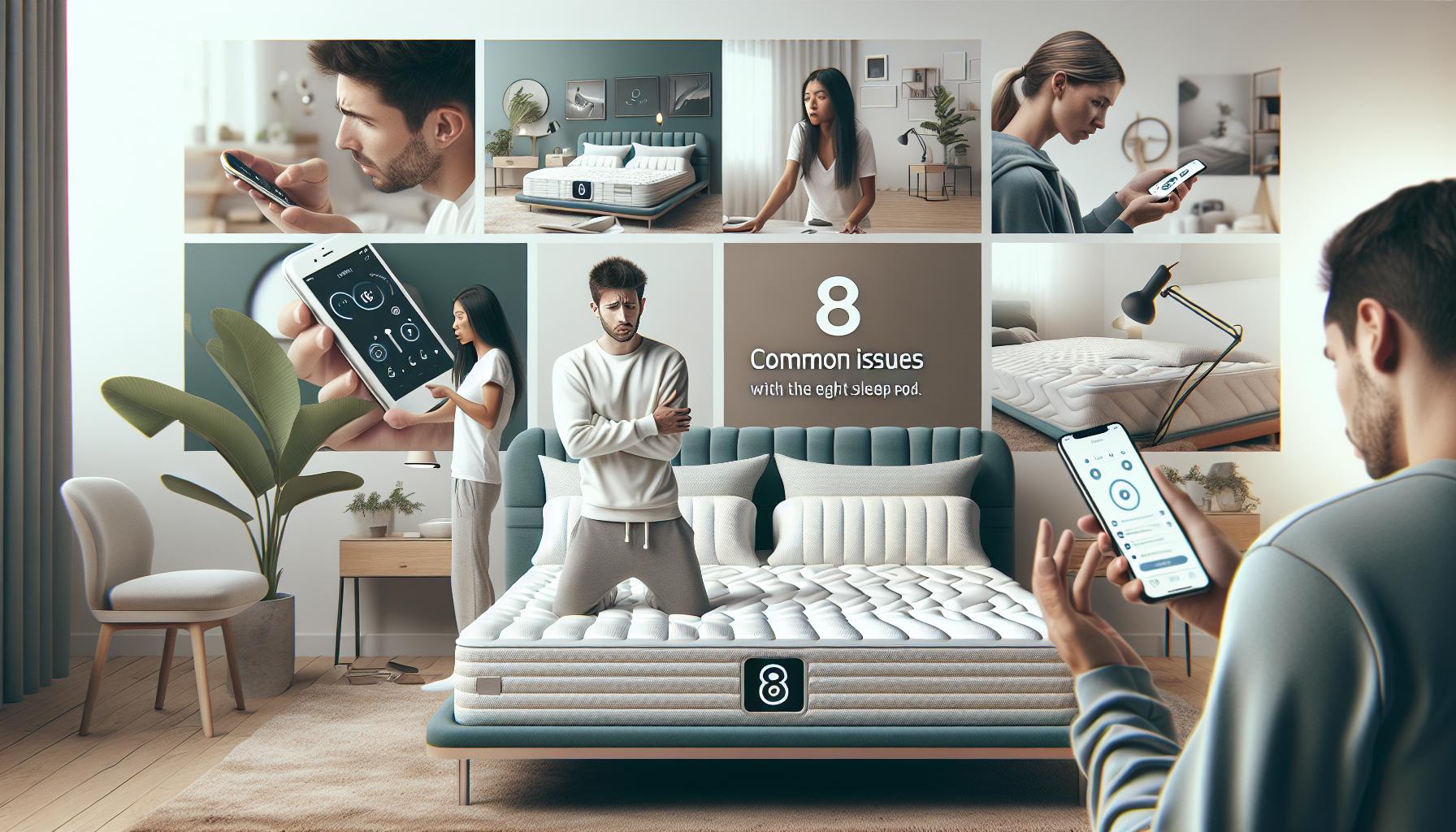
Despite its impressive technology and features, users may encounter certain that can affect their experience. Understanding these potential challenges and knowing how to address them is crucial for maintaining a comfortable and effective sleep environment.
One frequent concern is related to temperature control. Users may find that the temperature settings do not respond as expected, leading to discomfort during the night. This can typically be resolved by ensuring that the Pod is properly connected to your Wi-Fi and the app is up to date. Additionally, users should check that the temperature settings for each side of the bed have been adjusted correctly. Power cycling the device can also help reset any temporary issues with temperature regulation.
Another common issue involves connectivity. Occasionally, the Pod may lose sync with the app, preventing users from accessing features or receiving sleep data. To mitigate this, ensure that your smartphone is updated to the latest operating system and that the app is the most current version available. If connectivity problems persist, disconnecting and reconnecting the device to the Wi-Fi network often resolves the issue. It’s advisable to restart both the app and the Pod itself when troubleshooting connectivity.
Sleep tracking anomalies can also arise, where the system may inaccurately record sleep stages or hours slept. Ensuring that the Pod’s sensors are clean and unobstructed is critical. Additionally, check the placement of the Pod and confirm that it aligns correctly with your bedding, as the positioning can impact tracking accuracy. If discrepancies continue, recalibrating the device through the app may help, providing a fresh data reset for better future readings.
By being proactive and aware of these common issues, users can navigate potential pitfalls and enjoy the full benefits of their Eight Sleep Pod, enhancing their overall sleep quality and comfort.
Step-by-Step Guide to Resetting the Eight Sleep Pod
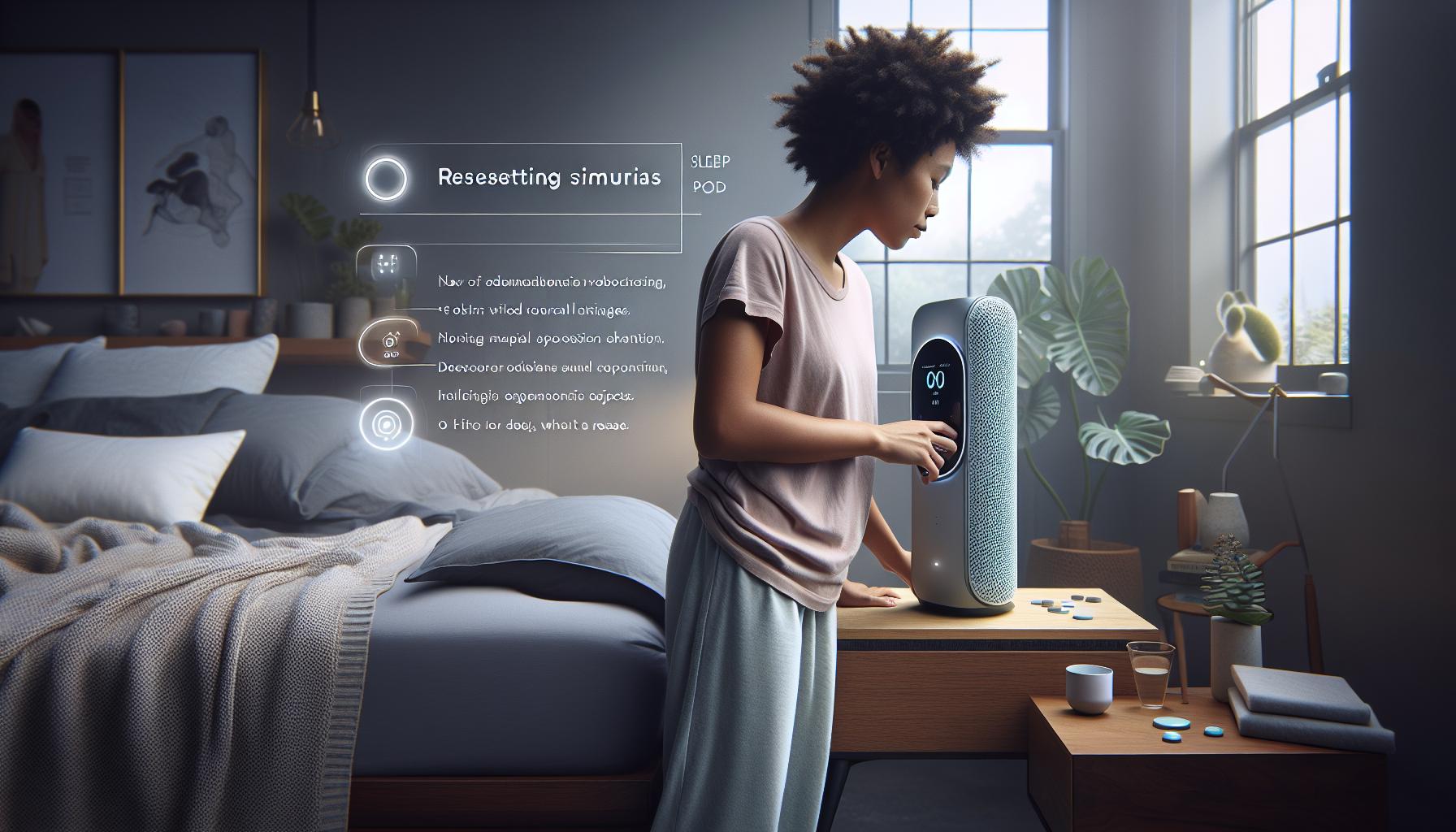
To effectively resolve issues with your Eight Sleep Pod, it’s quite often necessary to perform a reset. This action can help clear up small software glitches, re-establish connections, and ensure your device operates optimally. The reset process is straightforward and can typically be accomplished in a few simple steps.
Steps to Reset Your Eight Sleep Pod
- Power Down the Pod: Start by unplugging the Pod from the wall outlet. Wait for about 10-15 seconds to ensure the device has fully powered down. This step allows the technology to reset internally.
- Replug the Pod: After the waiting period, plug the Pod back into the outlet. Make sure the plug is securely connected to ensure proper power supply.
- Initiate the Reset on the App: Open the Eight Sleep app on your smartphone. If the app is not already updated, consider doing so to avoid compatibility issues. Once the app is open, navigate to the settings menu.
- Select the Reset Option: In the settings, look for an option related to device management or troubleshooting. From here, you should find a “Reset Device” option. Select this to initialize the reset from within the app.
- Follow On-Screen Prompts: The app may provide on-screen instructions during this process. Follow them carefully to ensure the reset is executed properly.
- Confirm Reconnection: After the reset is complete, reconnect the Pod to your Wi-Fi network through the app. You may need to enter your Wi-Fi credentials again.
- Perform a Quick Function Test: Once everything is back online and connected, carry out a quick test to ensure temperature control and sleep tracking features are functioning as expected.
By following these steps, you can smoothly reset your Eight Sleep Pod and avoid potentially frustrating issues. It’s beneficial to perform this reset periodically or when you notice performance inconsistencies, allowing you to continually enjoy the optimal functionality of your sleep environment.
Troubleshooting Temperature Control Problems
Temperature control is one of the key features that sets the Eight Sleep Pod apart, allowing for a customized sleep environment that can significantly enhance sleep quality. However, some users may encounter issues with temperature regulation, which can disrupt their sleep patterns. If your Pod isn’t warming up or cooling down as expected, there are several troubleshooting steps you can take to resolve these temperature control problems.
First, ensure that the temperature settings are configured correctly in the Eight Sleep app. Check whether you’ve set the desired temperatures for both the cooling and heating functions during your sleep phases. Sometimes, the Pod may not adjust temperatures if the settings haven’t been properly saved. Additionally, confirm that the Auto mode is enabled if you wish for the Pod to adjust temperatures automatically according to your sleep stages.
Next, inspect the Pod’s water supply, as it uses water to regulate temperature. Ensure that the water reservoir is filled to the recommended level and that there are no leaks or blockages in the hose that might impede water flow. If needed, perform a quick water pump test through the app to ensure it is functioning correctly. If you detect unusual noises or no water movement, this might indicate that the pump needs attention.
In instances where the temperature discrepancies persist, consider resetting the device. As outlined earlier, powering down the Pod and rebooting it can resolve many minor software glitches that may affect temperature control. After the reset, it’s wise to check for any firmware updates in the app to ensure your device is running the latest version, which can include enhancements or fixes for known temperature control issues.
Lastly, if temperature issues continue after these troubleshooting steps, it’s advisable to reach out to Eight Sleep’s customer support. They can provide further guidance and determine if there might be hardware issues that need professional assistance. By addressing temperature control problems promptly and effectively, you’ll be better positioned to achieve the deep, restorative sleep your body craves.
Fixing Connectivity Issues with Your Eight Sleep Pod
Connectivity issues with the Eight Sleep Pod can disrupt your experience, particularly when trying to harness its smart technology for optimizing sleep. If you find that your Pod isn’t connecting properly to the app or your Wi-Fi network, it’s important to take a methodical approach to troubleshoot these problems.
Start by ensuring that your Wi-Fi network is stable and functioning correctly. The Eight Sleep Pod relies on a robust internet connection to operate its features effectively. Check if other devices in your home can connect to the same Wi-Fi; if not, restarting your router may help. After confirming your network status, open the Eight Sleep app and navigate to the settings to ensure that Bluetooth is enabled on your smartphone since many connectivity issues stem from Bluetooth pairing problems.
If connectivity issues persist, try resetting the Pod’s network connection. This can be done by unplugging the device for about 15 seconds and then plugging it back in. Once powered back on, it may take a minute for the Pod to reconnect to the app. Check your app settings to make sure all permissions are appropriately set so that the app can access your device and any required sensors.
In some cases, a firmware update might be necessary. Check the app to see if any updates are available, as these updates can enhance performance and connectivity. After updating, perform another reset of your Pod to clear any glitches that might have been introduced before the update. If you’ve followed all these steps and are still experiencing issues, it might be time to consult the customer support team for further assistance. They can walk you through advanced troubleshooting or determine if there are hardware problems that need addressing. By resolving connectivity issues quickly, you can get back to focusing on what truly matters-enjoying a good night’s sleep.
Addressing Sleep Tracking Anomalies
Sleep tracking anomalies can sometimes leave you puzzled, especially when you’re relying on your Eight Sleep Pod to provide insights into your rest quality. Discrepancies in the collected data can occur for various reasons, and understanding these factors is essential for maximizing your sleep experience.
One common issue involves sensor misalignment. The Eight Sleep Pod is designed to monitor vital metrics like heart rate and respiration without wearables, but if it’s not properly aligned with your body, the readings can skew. Ensure the pod’s sensors are positioned correctly, particularly if you’ve adjusted the bed’s elevation settings.
Additionally, environmental factors can influence sleep tracking accuracy. Changes in room temperature, humidity, and noise levels may all affect not just your comfort but also the data the Pod collects. Keep your sleep environment consistent, as sudden alterations can lead to fluctuations in sleep patterns that the Pod may misinterpret.
In cases where sleep stages are reported inaccurately, consider the impact of external disruptions such as pets, snoring partners, or inconsistent sleep habits. The Pod tracks these disturbances but may not account for interruptions due to external factors outside its technology. To combat this, maintain a regular sleep schedule and limit disturbances in your sleep space.
If you suspect persistent discrepancies in your sleep data, perform a firmware update using the Eight Sleep app. Updates often include improvements to tracking algorithms and can rectify known bugs that might be affecting your readings. Remember, occasional anomalies are expected-be patient as you calibrate your expectations and adapt to your new sleep setup. If issues continue, it may be worth consulting customer support, where knowledgeable representatives can help clarify any ongoing concerns.
With a little attention to detail and adjustments to your sleeping environment and habits, you can ensure that your Eight Sleep Pod provides the most accurate sleep tracking possible, enabling you to prioritize your health and improve your nightly rest.
Maintaining Your Eight Sleep Pod for Optimal Performance
To keep your Eight Sleep Pod performing at its best, regular maintenance is key. A clean and well-maintained Pod not only enhances your comfort but also ensures accurate sleep tracking and prolongs the life of the device. Here are some practical tips to maintain optimal performance:
Routine Cleaning
The external surfaces of your Eight Sleep Pod should be cleaned regularly to prevent the buildup of dust and allergens. Use a soft, damp cloth to wipe down the mattress cover and any exposed parts. Avoid harsh chemicals or abrasive materials that could damage the fabric or electronics.
For the mattress cover itself, check the manufacturer’s care instructions. Many covers are removable and machine washable, allowing for easy upkeep. Aim to wash it every one to three months, depending on usage and personal preference. This not only maintains hygiene but also can improve the overall feel of your sleeping surface.
Checking Connections and Sensors
Periodically inspect the connections and sensors that make your Pod work seamlessly. Ensure that all cables are properly plugged in and that there’s no visible damage. If you notice any issues, such as the Pod not responding to settings or inaccurate sleep tracking, consider resetting the device to restore connectivity and recalibrate the sensors.
It’s also beneficial to keep the surrounding area clear of obstacles that might interfere with the sensors. This ensures that the Pod can accurately monitor your sleep metrics without disruptions from external factors.
Software Updates
Just like any smart device, your Eight Sleep Pod benefits from keeping its software up to date. Regular updates often include performance enhancements and new features based on user feedback. Check the Eight Sleep app for notifications about available software updates and follow the instructions to install them.
Staying updated not only improves functionality but also can enhance your overall user experience by integrating the latest advancements in sleep technology.
Environmental Controls
Maintain a consistent sleep environment to help your Pod deliver accurate data. The temperature of your room, humidity levels, and overall noise can impact sleep quality and tracking accuracy. Aim for a conducive climate – cooler temperatures often help promote better sleep. Investing in blackout curtains or a white noise machine can also contribute to a better sleep environment.
By prioritizing these maintenance aspects, you can ensure that your Eight Sleep Pod continues to deliver the best possible sleep experience, empowering you to take control of your rest quality and health.
When to Contact Customer Support for Your Eight Sleep Pod
Reaching out to customer support for your Eight Sleep Pod can sometimes feel daunting, but knowing when and why to do so can alleviate frustration and restore your sleep experience quickly. If you’ve already tried troubleshooting steps, such as resetting your device or checking connections, and you’re still facing issues, it’s time to connect with support.
If your Pod is unresponsive after a reset, or if you’re continuously experiencing temperature inconsistencies despite following setup instructions, these are clear indicators that you should seek assistance. Persistent connectivity issues-like problems with the app failing to communicate with the Pod, or sleep data that doesn’t sync correctly-can also warrant a call to customer support. They are equipped to guide you through more advanced troubleshooting steps or to identify if a hardware issue is at play.
Additionally, if you notice unusual behavior in sleep tracking, such as erratic readings or discrepancies in your tracked sleep patterns that don’t align with your experience, reporting these anomalies can help improve the functionality of the Pod. Keep in mind that constructive feedback could assist in enhancing future updates and features. Make sure to have your Pod model information and purchase details on hand when you contact support, as this will streamline the process.
Lastly, for issues related to warranty claims or if your Pod has physical damage, customer support is your best resource. They can guide you through the claims process and help determine if repairs or replacements are necessary. Utilizing customer support not only addresses your immediate concerns but contributes to a better overall user experience for everyone.
User Experiences: Real-Life Reset Scenarios
Many users have faced moments of frustration while navigating their Eight Sleep Pod, especially when it comes to issues that require a reset. One user, Sarah, shared her experience when her Pod stopped responding entirely. Despite following the manufacturer’s guide for troubleshooting, she found herself stuck in a loop of trying to set her preferred temperature but with no success. After realizing that a hard reset might be needed, she took the necessary steps: unplugging the Pod completely, waiting a few minutes, and then plugging it back in. To her relief, this simple action revived her device, restoring both functionality and her peace of mind.
On another occasion, Michael encountered temperature inconsistency, where one side of the bed remained warm despite the control settings. After attempting the usual adjustments, he turned to the reset option. He found that the app’s interface provided straightforward instructions for resetting the temperature settings. Following the guide allowed him to recalibrate the system, setting both sides of the Pod back to their respective desired temperatures. Empowered by this experience, he now advises fellow users to remember that a reset isn’t just a last resort but a practical first step in resolving persistent issues.
Some users have even found innovative methods to tackle unique scenarios. For instance, Lisa noted that after updating the Pod’s software, she experienced syncing problems with her app. Instead of assuming this was a more complex issue, she decided to reset the app and the Pod as a coordinated effort. This comprehensive reset helped eliminate bugs that could have disrupted normal operation. Through shared experiences, it becomes clear that understanding the power of a reset can significantly enhance the overall user experience and ensure that the Eight Sleep Pod continues to meet its promise of improving sleep quality.
In summary, real-life reset scenarios highlight the importance of staying calm and methodical when troubleshooting your Eight Sleep Pod. Whether dealing with an unresponsive unit or temperature misalignments, a reset is often the first line of defense, effectively resolving many common issues quickly and painlessly. By learning from these experiences, users can feel more empowered and less overwhelmed when technical hiccups occur.
Upgrading Your Sleep Environment with the Eight Sleep Pod
Transforming your bedroom into a sleep sanctuary can be straightforward with the Eight Sleep Pod at your side. Featuring advanced thermal regulation, customizable settings, and intelligent sleep tracking, this innovative bed system offers an upgrade to not just your mattress, but the entire sleep environment. Imagine waking up refreshed and revitalized, not just by the quality of sleep you get, but the experience of falling asleep itself.
Why Upgrade with the Eight Sleep Pod?
The Eight Sleep Pod goes beyond a conventional mattress by actively working to optimize your sleep temperature throughout the night. Its dual-zone temperature control allows both partners to adjust their side of the bed, creating a harmonious sleep setting that caters to individual preferences. This feature can mean fewer disturbances and better sleep quality, effectively enhancing your nighttime experience. By integrating seamlessly with your lifestyle, the Pod ensures that whether you’re a hot sleeper or prefer things chill, you can fine-tune your comfort.
Setting Up Your Eight Sleep Pod
Installation is as simple as it gets. Here’s how to maximize your upgrade:
- Step 1: Place the pod directly over your existing mattress. It fits snugly without requiring a special base or additional bedding.
- Step 2: Connect it to a power source and link it to the Eight Sleep app.
- Step 3: Follow the app-tutorial to customize your temperature settings, set sleep schedules, and even track your sleep data.
- Step 4: Begin reaping the benefits of a personalized sleep environment!
Improving Sleep Hygiene with Smart Technology
Another significant advantage of the Eight Sleep Pod is its sleep tracking capabilities. The system not only records your sleep patterns but also gives insights to improve your overall rest. With data on how long it takes you to fall asleep, how many times you wake up, and your sleep stages, you can make informed adjustments to your habits. This feedback loop can guide you in establishing a bedtime routine that minimizes distractions and maximizes rest-essentially creating an environment conducive to deep, restorative sleep.
By choosing to upgrade your sleep environment with the Eight Sleep Pod, you embark on a journey towards better sleep health. Not only does this smart bed promise comfort, but its range of features empowers you to take control of your sleep quality, making every night a rejuvenating experience.
Exploring Alternatives to the Eight Sleep Pod
For those , understanding the breadth of options available is key to achieving optimal sleep without sacrificing comfort or technology. With the growing interest in sleep technology, numerous products promise to enhance your sleep environment, each with unique features and benefits.
One notable alternative is the ChiliPad. This bed cooling system provides temperature regulation similar to the Eight Sleep Pod. It operates on a water-based system, allowing you to adjust the temperature directly from your smartphone or a remote control. Here are some of its standout features:
- Dual-Zone Control: Like the Pod, the ChiliPad also offers individual temperature settings for each side of the bed.
- Affordability: Generally, the ChiliPad can be more budget-friendly, making it a popular choice for those looking to enhance their sleep environment without a steep investment.
- Adjustable Temperature Range: Users can set temperatures ranging from 55°F to 115°F, catering to a variety of sleep preferences.
If you’re more interested in sleep tracking and wellness, smart mattresses such as the Sleep Number bed might catch your attention. Known for their air-adjustable firmness feature, these mattresses also integrate sleep tracking technology:
- Customizable Firmness: Both partners can adjust the firmness of their side for maximum comfort.
- SleepIQ Technology: This monitors your sleep patterns and provides insights about your sleep quality through an associated app.
- Non-Intrusive Tracking: Unlike wearables, Sleep Number does not require a device on your body, which can be a plus for those who dislike sleeping with gadgets.
For those who are looking for a more straightforward enhancement to their sleeping environment, consider weighted blankets or silk sheets. While not tech-based, they can significantly improve sleep quality:
- Weighted Blankets: These blankets help reduce anxiety and improve sleep by providing gentle pressure across the body, mimicking a sensation known as deep touch pressure.
- Silk Sheets: Silk is hypoallergenic and known for its smooth texture, which can enhance comfort and regulate temperature.
With so many options available, evaluating your specific sleep needs and preferences is essential to making an informed decision. Each alternative has its strengths and potential drawbacks, but ultimately, the right choice will depend on what features resonate the most with your personal sleep goals.
Frequently Asked Questions About the Eight Sleep Pod
The Eight Sleep Pod is a revolutionary sleep technology designed to enhance the quality of your rest with innovative features and responsive technology. However, as with any advanced gadget, users often encounter questions and challenges in their journey to optimize their sleep experience. Here are some commonly asked questions regarding the Eight Sleep Pod, particularly focusing on resetting and troubleshooting.
How do I reset my Eight Sleep Pod?
Resetting your Eight Sleep Pod can resolve connectivity issues or malfunctions. To do this, unplug the device from the electrical outlet, wait for about 30 seconds, and then plug it back in. Ensure the Pod is also restarted through the mobile app if you continue to experience problems. This simple procedure often resolves minor bugs and restores proper functionality.
What should I do if temperature control isn’t working?
If the temperature control features are not responding, make sure the Pod is connected to Wi-Fi and that your app is updated to the latest version. Checking the settings within the app to confirm that the temperature settings are correctly configured can often solve the issue. If problems persist, a reset, as previously described, may help restore functionality.
How can I address sleep tracking anomalies?
Sleep tracking inaccuracies can sometimes occur if the Pod isn’t positioned correctly or if the app has not been updated. Ensure that the Pod is snugly fit to your mattress and that there are no obstructions blocking its sensors. Fitness trackers and apps can only provide accurate readings if they have a proper connection and are calibrated correctly. If discrepancies continue, consider recalibrating the system through your app’s settings.
When should I contact customer support?
If you’ve tried troubleshooting tips and still face challenges with your Eight Sleep Pod, it may be time to reach out to customer support. Conveniently, the support team can assist with more complex issues or device replacements if necessary. When contacting them, have your purchase information handy and describe your issue clearly to expedite the resolution process.
These answers provide a foundation for navigating some common challenges with the Eight Sleep Pod and ensure that you can maximize your sleep experience. Should questions arise, remember that you’re not alone-support is readily available to help guide you through any troubleshooting needs.
FAQ
Q: How do I know if my Eight Sleep Pod needs to be reset?
A: If you’re experiencing issues like inaccurate temperature settings, connectivity problems, or abnormal sleep tracking results, it may indicate that your Eight Sleep Pod needs a reset. Refer to the Common Issues with the Eight Sleep Pod section in the article for more specific signs.
Q: What should I do before attempting to reset my Eight Sleep Pod?
A: Before resetting your Eight Sleep Pod, ensure you have the latest device software updates. Additionally, unplug the device for a few minutes as this can help alleviate minor issues before performing a full reset.
Q: Can resetting my Eight Sleep Pod affect my sleep data?
A: Resetting your Eight Sleep Pod will not delete your historical sleep data, but it may temporarily disrupt live tracking until the system stabilizes. For comprehensive insights, refer to the Addressing Sleep Tracking Anomalies section of the article.
Q: Why is my Eight Sleep Pod not connecting to Wi-Fi after a reset?
A: If you’re facing Wi-Fi connectivity issues post-reset, ensure your router is operational and that you’re re-entering the correct network credentials. Troubleshooting steps for connectivity issues can be found in the Fixing Connectivity Issues with Your Eight Sleep Pod section.
Q: How often should I reset my Eight Sleep Pod?
A: It’s recommended to reset your Eight Sleep Pod only when you encounter specific problems, such as ongoing malfunctions in temperature control or sleep tracking anomalies. Frequent resets may indicate deeper issues requiring professional support.
Q: Is there a way to troubleshoot my Eight Sleep Pod without resetting?
A: Yes, you can attempt to troubleshoot by checking the settings, ensuring that the device is properly connected to Wi-Fi, or consulting the Maintaining Your Eight Sleep Pod for Optimal Performance section for tips.
Q: What are the benefits of resetting my Eight Sleep Pod?
A: Resetting your Eight Sleep Pod can resolve performance issues, improve connectivity, and refresh system functions. This can ultimately enhance your sleep experience and device reliability.
Q: When should I consider contacting customer support for my Eight Sleep Pod?
A: If issues persist after resetting your Eight Sleep Pod or if you encounter hardware malfunctions, it’s advisable to contact customer support. For more insights, check the When to Contact Customer Support for Your Eight Sleep Pod section.
The Conclusion
Now that you’ve mastered the steps to reset your Eight Sleep Pod, you’re well on your way to restoring your optimal sleep experience. Remember, maintaining your sleep tech is vital for tracking your sleep patterns effectively-don’t hesitate to revisit these troubleshooting tips whenever needed. For more insights on enhancing your sleep quality, check out our articles on optimal sleep environments and top sleep wearables.
If you have any lingering questions or need personalized advice, explore our sleep health resources or sign up for our newsletter to stay updated on the latest in sleep technology. Your journey to restful nights begins now-take action today! Don’t forget to share your thoughts below or let us know your experience with the Eight Sleep Pod; your feedback helps build a community focused on better sleep health.
Get our latest guides, news, and insights highlighted in your Google Search & AI Overviews.