
Did you know that over 60 million Americans suffer from sleep disorders? Finding the right device to help track and improve your sleep can be a game-changer. In our ultimate guide to the best Apple Watch for sleep tracking, we’ll explore how these smartwatches can offer insights into your sleep patterns, helping you get the restful night you need. Whether you’re struggling with insomnia or just want to optimize your sleep quality, an Apple Watch equipped with the right features can provide you with valuable data. You’ll learn about the different models available, their unique capabilities, and how to choose the perfect one for your lifestyle and sleep goals. Get ready to discover how technology can empower you to take control of your sleep health!
Understanding Sleep Tracking: Why It Matters
Tracking sleep is gaining recognition as a crucial aspect of overall health. Studies highlight that quality sleep directly affects our physical and mental wellbeing, influencing everything from mood and cognitive function to immune health and weight management. With the prevalence of sleep disorders like insomnia and sleep apnea, incorporating sleep tracking into our daily routines can be a game changer. Apple Watches, in particular, have emerged as popular tools for this purpose, offering insights that enable users to understand their sleep patterns better.
When you track your sleep, you gain access to a wealth of data that can pinpoint not only the quantity of sleep you’re getting but also its quality. Understanding how much you move, how often you wake up, and how long you spend in different sleep stages-light, deep, and REM-can help you identify trends and make informed decisions about your nightly routine. For instance, if you notice consistent wake-ups during specific sleep cycles, you might adjust your bedtime or evening activities accordingly. This level of awareness can empower users to make lifestyle changes that enhance their sleep health.
Moreover, the integration of sleep tracking with other health metrics can provide a comprehensive view of your wellbeing. The Apple Watch, for instance, can monitor heart rate and activity levels alongside sleep data, offering perspective on how these factors interact with your sleeping patterns. By setting sleep goals and receiving personalized insights, users can actively engage in their health, utilizing technology to inform better choices for their overall lifestyle. As such, sleep tracking is not merely a passive activity but an active pursuit of better health.
Top Apple Watches for Sleep Tracking: A Comparison
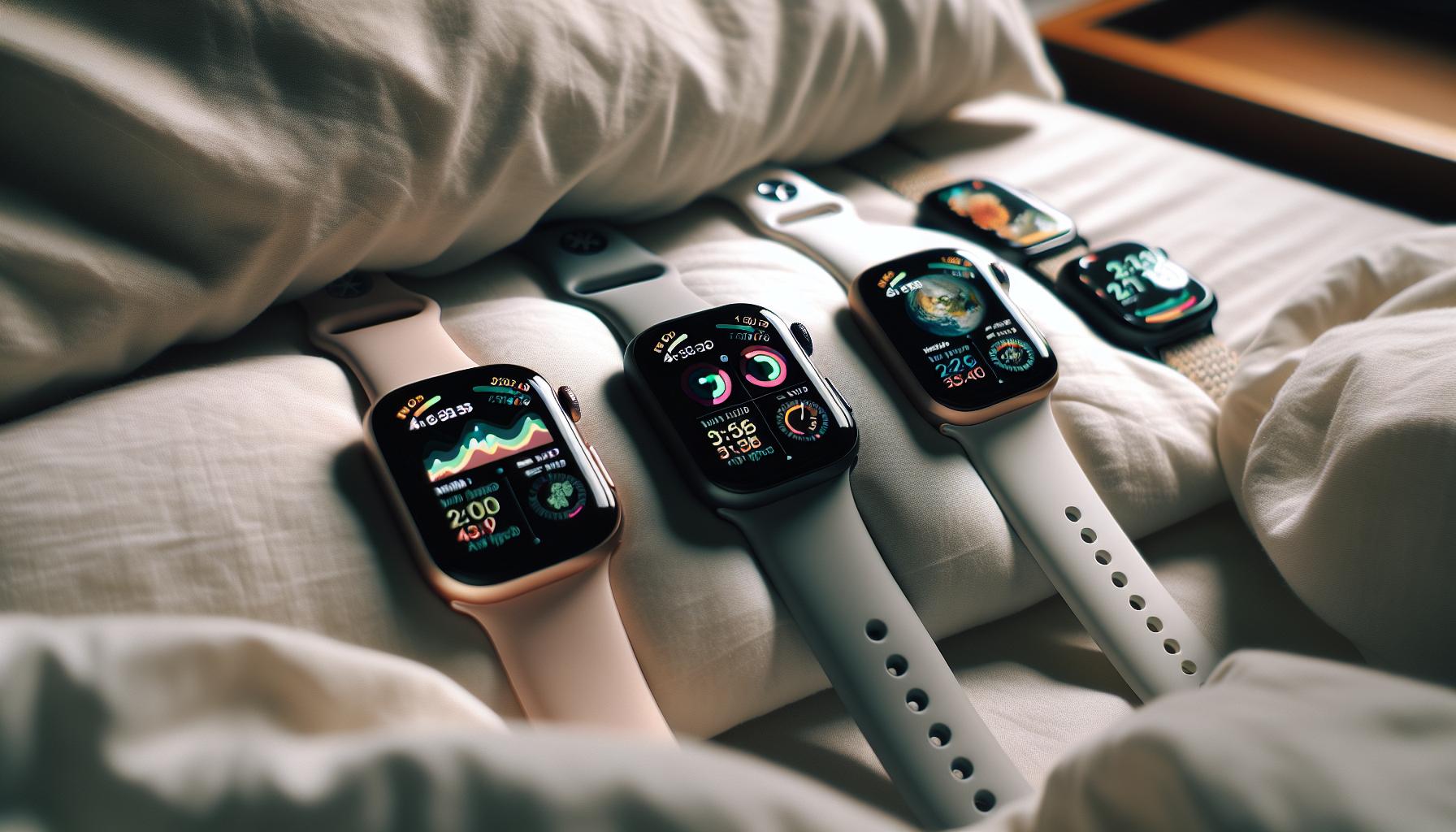
When it comes to tracking sleep, not all Apple Watches are created equal. If you’re considering investing in an Apple Watch for sleep monitoring, you’ll want to know which model offers the best features and functionality. Let’s compare some of the top models-from the Apple Watch Series 6 and 7 to the SE and the latest Series 8-breaking down their sleep tracking capabilities, battery life, and unique features to help you make an informed choice.
Apple Watch Series 6
The Apple Watch Series 6 is equipped with advanced sensors that provide comprehensive sleep tracking data, including different sleep stages (light, deep, and REM) as well as heart rate monitoring. This model also allows users to set sleep goals through the Health app, which can encourage healthier sleep habits. The battery life lasts up to 18 hours, which is sufficient for overnight wear, though power users may want to manage charging time carefully to ensure it’s ready for the next night.
Apple Watch SE
A more budget-friendly option, the Apple Watch SE offers many features of the higher-end models, including sleep tracking. While it lacks the always-on display and a few advanced sensors available in the Series 6, it still provides the essential sleep analysis and heart rate monitoring that can help you keep tabs on your rest patterns. The SE also has excellent battery life, similar to the Series 6, making it a solid choice for users who want reliable monitoring without the premium price tag.
Apple Watch Series 7
The Series 7 builds on the features of its predecessor with a larger display and better durability, making it easier to read during sleep tracking. It provides the same sleep tracking capabilities as the Series 6, including tracking sleep stages and heart rate. The battery life remains consistent, which is crucial for reliable overnight tracking. This model is also compatible with various sleep apps, enhancing functionality for those looking to dive deeper into sleep analytics.
Apple Watch Series 8
The latest in the line, the Apple Watch Series 8 introduces even more sensors to enhance health tracking. It features an updated sleep algorithm that provides insights into sleep quality and factors like body temperature, which can be critical for understanding your sleep health. With approximately 18 hours of battery life, this model is designed for comprehensive nightly monitoring. Additionally, the Series 8 works seamlessly with third-party sleep apps, allowing for customizable tracking and insights tailored to individual needs.
In summary, each Apple Watch model offers unique benefits for sleep tracking, with the newer models typically providing better sensors and more robust app integration. Consider your budget, desired features, and whether you prefer a focus on sleep alone or a broader health monitoring tool when making your choice. Remember, while Apple Watches can dramatically enhance your understanding of your sleep patterns, they should complement-not replace-professional medical advice and interventions for serious sleep disorders.
Key Features for Sleep Monitoring in Apple Watches
Sleep tracking has become an essential feature for many Apple Watch users, helping them gain insights into their sleeping habits and overall health. One of the most significant advantages of using an Apple Watch for this purpose is its ability to monitor various sleep metrics through advanced sensors and apps. Understanding these features can empower you to improve your sleep quality and manage your sleep habits effectively.
Comprehensive Sleep Analysis
Most Apple Watch models provide a range of sleep tracking capabilities, including monitoring different sleep stages such as light, deep, and REM sleep. This information is crucial for understanding not only how long you sleep but also the quality of that sleep. With the Sleep app on the watch, users can easily view their sleep trends over time, allowing for adjustments to bedtime routines and lifestyle choices that promote better rest.
Customizable Sleep Goals
Setting personalized sleep goals is a valuable feature in Apple Watches. The Health app allows you to define your ideal sleep duration and track progress towards meeting that goal. For instance, if you aim for at least seven hours of sleep, your Apple Watch can notify you when it’s time to wind down for the evening, promoting better sleep hygiene. This level of customization can significantly enhance your sleep routine by keeping you accountable.
Smart Alarm and Haptic Alerts
Another standout feature is the smart alarm that enables waking up during lighter sleep stages. The Apple Watch uses gentle haptic feedback, vibrating on your wrist rather than emitting loud sounds, which can lead to a more pleasant waking experience. This can be particularly beneficial for those who struggle to rise early or feel groggy upon awakening.
Integration with Health Metrics
Beyond just sleep, Apple Watches seamlessly integrate with other health metrics, giving users a holistic view of their wellness. For instance, data regarding heart rate, blood oxygen levels, and even factors like body temperature can provide insights into how overall health affects sleep quality. The array of health integrations encourages users to look at their sleeping habits through a broader health lens, facilitating holistic wellness.
These features make Apple Watches a formidable tool for anyone looking to enhance their sleep health. By leveraging technology to track sleep, set goals, and analyze health data, users can make informed decisions that significantly improve their quality of life and overall well-being.
Setting Up Your Apple Watch for Sleep Tracking
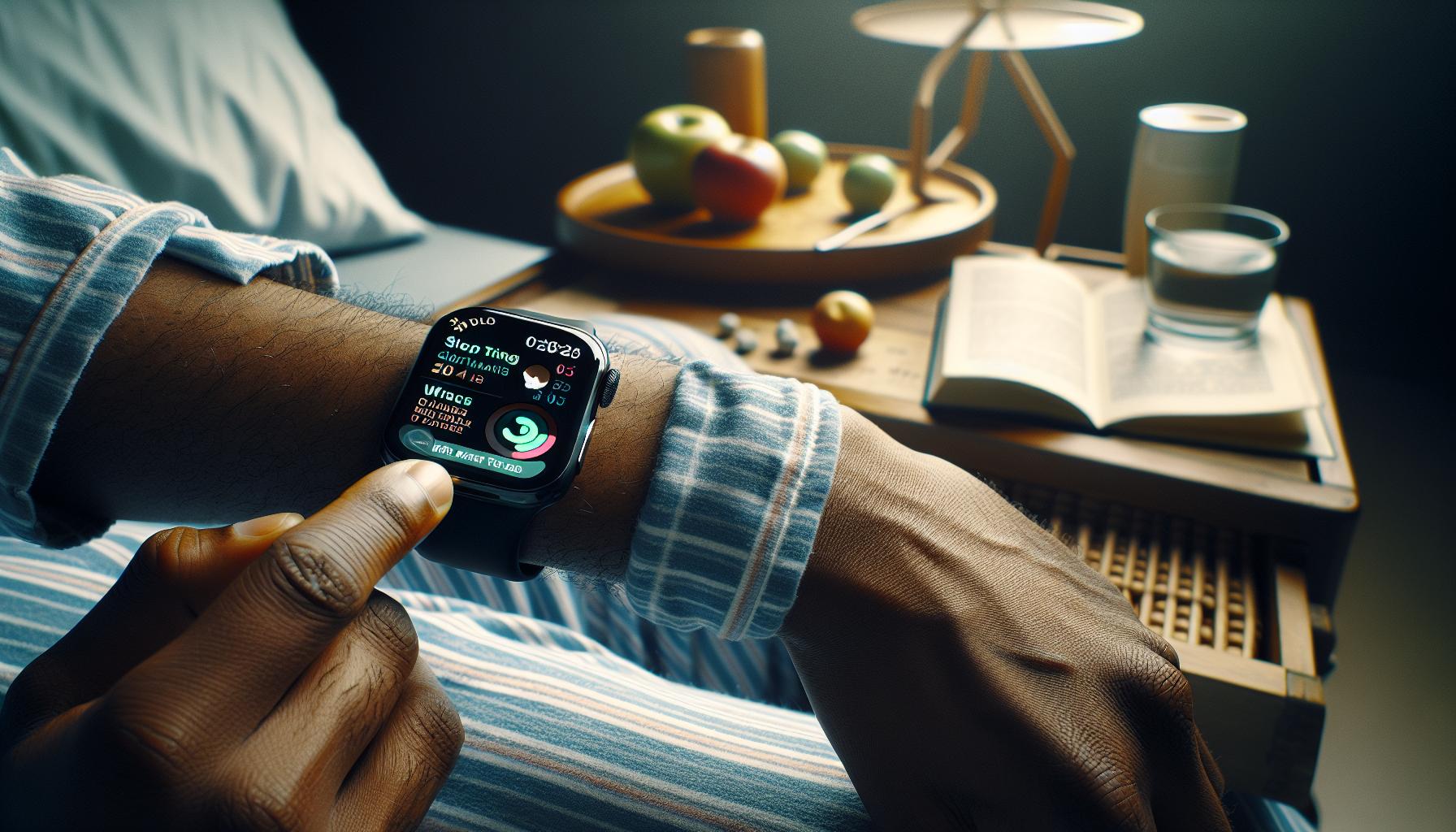
To get the most out of your Apple Watch’s sleep tracking capabilities, setting it up correctly is key. This involves a few straightforward steps that ensure your device collects the most accurate data during your sleep. Before diving in, here’s a quick overview of what you’ll need: an Apple Watch running watchOS 7 or later, and your paired iPhone.
Setting Up Sleep Tracking
Begin by opening the Sleep app on your Apple Watch. You can also set sleep goals through the Health app on your iPhone by following these steps:
- Open the Health app on your iPhone.
- Tap on Browse at the bottom of the screen, then select Sleep.
- Tap on Full Schedule, then set your sleep goals and schedule.
The app allows you to choose your bedtime and wake-up goals tailored to your preferences. If you aim for a specific amount of sleep each night, you can set notifications that remind you when it’s time to start winding down. This promotes a consistent sleep routine, which is vital for quality rest.
Enabling Sleep Tracking Features
Once your sleep schedule is established, enable sleep tracking for optimal results. Go back to the Sleep App on your Watch and ensure that Sleep Tracking is turned on. With this feature active, your watch will monitor your sleep patterns, including time spent in various sleep stages-light, deep, and REM.
To enhance your waking experience, the Apple Watch offers a smart alarm that gently vibrates to wake you during a light sleep phase. This can significantly improve how you feel in the morning. You can customize these haptic alerts by accessing the Sleep Focus menu through your iPhone’s settings.
Monitoring Your Sleep Data
After your first night of sleep tracking, you can review your sleep data in the Sleep app. Check metrics such as your total sleep duration, quality, and trends over time. Understanding these insights can help you make better decisions regarding your sleep health. Keep in mind that Apple Watch sleep tracking is not infallible; use it as a guide rather than a definitive measure of your health.
Ultimately, by following these setup steps and regularly reviewing your sleep data, you’ll be well on your way to leveraging your Apple Watch as a powerful tool in improving your sleep quality. Whether you’re seeking to establish healthier sleep habits or simply curious about your sleep patterns, these features provide valuable insights into your nightly rest.
How Accurate Is Apple Watch Sleep Tracking?
The accuracy of sleep tracking on the Apple Watch has garnered attention for its impressive capabilities. Many users find comfort in its ability to provide insights into their sleep patterns, but how reliable is this technology? Understanding its accuracy not only helps you make informed decisions about your sleep health but can also set realistic expectations for what these devices can offer.
Apple Watch primarily employs motion sensors to track your sleep, detecting your movements while you sleep. This method captures general sleep trends, such as total sleep duration and periods of wakefulness. However, it may not accurately distinguish between different sleep stages (light, deep, and REM) compared to clinical devices like polysomnography. Research indicates that while wearables can be decent indicators of sleep duration, they often struggle with categorizing sleep stages correctly. If you’re relying on Apple Watch for detailed sleep analysis, it’s essential to view its data as a guideline rather than definitive diagnostic information.
Here’s a quick breakdown of some accuracy considerations:
- Sleep Duration: Generally reliable, with users reporting alignment with scheduled sleep goals.
- Sleep Stages: Less reliable; Apple Watch’s categorization may differ from clinical standards.
- Awakening: Effective at tracking late-night awakenings, although it may sometimes record more wake times than experienced.
Despite its limitations, Apple Watch can still be a valuable tool for maintaining better sleep hygiene. For instance, you can set reminders for bedtime, monitor trends over time, and adjust your habits accordingly. By integrating this data with your health goals, it may motivate you to prioritize sleep, which is crucial for overall well-being. While it’s always recommended to consult a professional for serious sleep concerns, the Apple Watch serves as a helpful starting point for understanding and improving your sleep patterns.
Interpreting Your Sleep Data: What to Look For
Understanding your sleep data can be a game-changer in enhancing your sleep hygiene and overall well-being. When using an Apple Watch for sleep tracking, take a closer look at key metrics to fully understand how well you’re sleeping and identify areas for improvement. Not only do Apple Watch sleep statistics provide insights into total sleep duration, but they also highlight sleep quality through various features, including heart rate variability and sleep stage monitoring.
Focus first on total sleep duration, which is relatively reliable. Check whether the amount of sleep you’re getting aligns with the National Sleep Foundation’s recommendations-7-9 hours for adults. Next, consider your sleep quality metrics. Apple Watch can track disruptions, allowing you to see periods of restlessness, awake times, and potential issues like snoring, which may affect overall sleep quality. If you consistently find yourself awake or restless, it may be time to reassess factors related to your sleep environment or daily habits.
Another useful feature is the sleep stage analysis, where your watch uses motion sensors and heart rate data to give insights into light, deep, and REM sleep. Although these categorizations may not be as precise as those from clinical devices, they can help you gauge whether you’re getting restorative sleep. Look for patterns over time-consistently low deep sleep might indicate a need for lifestyle changes or stress management techniques.
Moreover, leverage the Apple Health app for a comprehensive view of your sleep data. This app aggregates all health and fitness information, allowing you to draw connections between sleep patterns, physical activity, and even nutrition. By regularly reviewing this data, you’ll be better equipped to make informed decisions that promote healthier sleep habits, tailoring your bedtime routine or daily activities accordingly.
Common Sleep Disorders: Can a Tracker Help?
Tracking your sleep with a device like the Apple Watch can be a gateway to identifying and managing common sleep disorders. While wearables are not a substitute for professional medical advice, they can provide valuable insights into your sleep patterns that help flag potential issues. For instance, if you’re frequently waking up during the night or struggling to settle into a restful sleep, your Apple Watch can capture significant data like sleep duration and disturbances, allowing you to recognize patterns over time.
Many people suffer from sleep disorders, such as insomnia, sleep apnea, and restless leg syndrome, which can significantly affect daily life. A tracker can serve as an initial step in understanding these issues. For example, if you observe a consistent trend of low deep sleep or frequent wake-ups, it might prompt you to consult with a sleep specialist. This proactive approach can lead to more targeted resolutions, such as lifestyle adjustments or medical evaluations.
While features like heart rate monitoring and sleep stage analysis can shed light on your sleep quality, it’s important to interpret this data with care. Sleep trackers provide approximations, and while they can indicate irregularities, they aren’t diagnostic tools. If your metrics suggest significant problems-like prolonged wakefulness or frequent episodes of snoring-it’s advisable to discuss these findings with a healthcare provider. They may recommend further evaluation through sleep studies, which can provide more comprehensive insights.
Setting realistic expectations is essential. A sleep tracker isn’t a cure-all; rather, it’s a helpful companion on your journey to better sleep. By combining the insights gained from your Apple Watch with professional guidance, you can create a holistic approach to tackling sleep challenges, thereby improving not just your sleep, but your overall well-being.
Integrating Sleep Tracking with Your Health Goals
Tracking your sleep with a device like the Apple Watch is more than just logging hours; it’s an essential tool in aligning your sleep patterns with your health goals. Sleep plays a vital role in overall health, influencing everything from mental clarity to metabolism. By integrating sleep tracking into your health agenda, you can create a more comprehensive approach to wellness.
One effective strategy is to set specific sleep goals that complement your overall health objectives. For example, if you’re aiming to boost your physical performance, focus on achieving a consistent sleep duration that aligns with your activity level. The Apple Watch’s sleep data lets you monitor how your rest correlates with your daily energy and performance metrics. You might discover that your best workouts follow nights of high-quality deep sleep, thus encouraging healthier sleep habits.
Moreover, you can utilize the insights from your Apple Watch to improve other health aspects, such as stress management. Knowing your sleep patterns can help you identify triggers leading to restlessness. You might find that on days with higher anxiety, your sleep quality deteriorates. With this information, you can implement stress-reduction techniques, such as yoga or meditation, before bedtime to enhance your rest and better meet your health goals.
For optimal integration, consider regularly reviewing your sleep data alongside other health metrics tracked on your Apple Watch, like heart rate and exercise data. This holistic view can help tailor your wellness strategy, revealing connections that could go unnoticed if you only focused on sleep alone. Remember to engage with your healthcare provider about your findings-especially if you observe patterns consistent with sleep disorders. By collaboratively discussing your sleep data, you can jointly create a more targeted plan aligning with your health aspirations, paving the way to a healthier lifestyle.
Tips for Improving Sleep with Your Apple Watch
Tracking your sleep with an Apple Watch can unlock insights into your nightly habits that traditional methods miss. Improving your sleep quality doesn’t require drastic changes; small adjustments can yield significant benefits. Here are some practical strategies to leverage your Apple Watch to enhance your sleep experience.
Establish a Consistent Sleep Routine
Sticking to a regular sleep schedule is one of the most effective ways to regulate your body’s internal clock. Use the Apple Watch’s Sleep app to set consistent sleeping and waking times. This feature allows you to create a bedtime routine with reminders that prompt you to wind down. By adhering to this schedule-even on weekends-you can enhance the quality of your sleep over time.
Utilize Sleep Focus Mode
Sleep Focus mode on your Apple Watch minimizes distractions to foster a calm environment for sleep. Before bed, activate Sleep Focus to limit notifications and app alerts. This feature can also simplify your Lock Screen, ensuring that it remains free from distracting notifications while you sleep, ultimately helping you to fall asleep faster and enjoy a more restful night.
Monitor Sleep Patterns
Take advantage of the Apple Watch’s sleep tracking feature to monitor your sleep patterns. By reviewing your sleep data in the Health app, you can identify trends or disruptions. Look for correlations between your daily activities-such as exercise and caffeine intake-and your sleep quality. For example, you might find that your sleep improves on days when you engage in physical activity, prompting you to incorporate more movement into your day.
Enhance Your Sleep Environment
The Apple Watch can help you assess factors in your sleep environment. While it may not directly measure temperature and noise, you can note how these factors correlate with your sleep quality in the Health app. Elements such as room temperature and light exposure are crucial for optimal sleep. Consider adjusting your room’s environment based on the insights you gather; cooler temperatures and darkness can significantly improve your rest.
By integrating these strategies into your nightly routine, you can harness the full potential of your Apple Watch to cultivate healthier sleep habits. Remember, sleep is a cornerstone of your health-commit to making these small but impactful changes for better rest.
Troubleshooting Sleep Tracking Issues on Apple Watch
Sleep tracking with your Apple Watch can provide valuable insights, but like any technology, it can sometimes come with challenges. If you’re experiencing issues, don’t worry; troubleshooting is straightforward and can often resolve common problems quickly.
One frequent issue is the watch not detecting sleep at all, which can occur if the sleep tracking feature is not properly configured. First, ensure that you have set up your Sleep Schedule correctly. You can do this within the Health app on your iPhone or directly on the Apple Watch. To confirm or adjust your settings, navigate to the Sleep section in the Health app > Full Schedule & Options, and double-check that your sleep schedule aligns with your actual sleep habits. It’s also essential that Sleep Focus is activated, which minimizes distractions and helps your watch recognize when you are winding down.
Battery life can also be a concern. Your watch needs to be sufficiently charged to monitor your sleep effectively. A recommendation is to charge your watch during the day, as this will ensure it has ample battery life overnight. Remember that certain features may use more battery, such as continuous heart rate monitoring, so consider adjusting these settings if you notice significant battery drain affecting sleep tracking.
Another aspect to explore is ensuring that your watch is snug but comfortable on your wrist. A loose watch can lead to inaccurate readings. If you’re still not seeing accurate sleep data, try removing and re-pairing your watch with your iPhone. This can help reset any underlying connectivity issues that might be affecting the data transfer between devices.
Lastly, it’s important to understand the limitations of the Apple Watch’s sleep tracking capabilities. While it can provide general insights into sleep duration and possibly detect sleep stages, it’s not a substitute for professional sleep studies. If you regularly struggle with sleep-related issues, consider seeking advice from a healthcare professional who can guide you through more comprehensive assessment options.
By recognizing and addressing these common troubleshooting areas, you can enhance your Apple Watch experience and utilize its full potential for improving your sleep quality.
User Experiences: Real Stories from Sleep Trackers
Sleep tracking with the Apple Watch has transformed how many individuals approach their nightly rest, offering insights that they never thought possible. A significant number of users report how their experiences with sleep tracking have not only improved their sleep quality but also enhanced their overall well-being. For instance, Mark, a 34-year-old tech consultant, shared that utilizing the sleep tracking feature helped him identify patterns in his sleep, such as waking up frequently due to late-night screen time. After adjusting his schedule to reduce blue light exposure before bed, he noted a 30% improvement in his sleep quality as reported by the Apple Watch.
Moreover, testimonials point to the device’s ability to log various metrics, like heart rate and sleep phases, giving users a comprehensive view of their nighttime activities. Sarah, a busy mom, found that using the Apple Watch to track her sleep helped her understand how stress from daily tasks affected her rest. By incorporating mindfulness exercises suggested by the watch, she mitigated those stressors, enabling her to achieve a more restful sleep.
### Real-Life Benefits of Tracking Sleep
Users have highlighted some specific features that have been particularly beneficial:
- Personalized Sleep Goals: Many appreciate the watch’s customizable sleep schedule, allowing for flexibility depending on daily commitments.
- Sleep Insights: Receiving insights on sleep trends and durations, users can see the tangible effects of changes they implement.
- Integration with Health Monitoring: For those with health concerns, particularly sleep apnea, the respiratory rate tracking has provided essential information to discuss with medical professionals.
While the positive experiences shine brightly, some users have also encountered challenges. For example, Jessica, who was initially excited about using her Apple Watch for sleep tracking, faced difficulties with its accuracy. After learning about proper watch fitting and ensuring her settings were accurate, she was able to resolve these issues, leading to a much more satisfying experience. This highlights the importance of understanding how to set up the device properly and being patient with any adjustments needed to enhance its tracking capabilities.
Collectively, these stories illustrate that while using the Apple Watch for sleep tracking can lead to meaningful improvements in sleep habits, it is essential to engage with the technology thoughtfully. Users should remain aware of its limitations and seek professional advice when necessary, particularly if they suspect a more serious sleep disorder. Through shared experiences, potential users can gain valuable insights into the benefits and challenges of integrating sleep tracking into their health routines.
Future of Sleep Tracking: Innovations to Watch For
As sleep tracking technology continues to evolve, the Apple Watch is at the forefront of innovation, promising enhanced tools and insights that could revolutionize how we understand and improve our sleep. One exciting area of development is the integration of advanced biometric sensors. Next-generation Apple Watches may feature more sophisticated sensors capable of measuring not only heart rate and respiratory rate but also metrics like blood oxygen levels and body temperature fluctuations during sleep. This comprehensive data could lead to insights about sleep quality and potential disorders, enabling users to proactively manage their sleep health.
AI Integration and Personalized Insights
Artificial intelligence is also playing a pivotal role in the future of sleep tracking. Imagine an Apple Watch that learns from your habits over time, offering personalized sleep recommendations based on your unique data trends. AI algorithms could analyze your sleep patterns and correlate them with lifestyle factors such as exercise, stress levels, and even diet, providing tailored advice that helps optimize your nightly rest. For instance, if the watch detects that your sleep quality declines after late caffeine consumption, it could suggest adjusting your intake or setting reminders to wind down earlier.
Improved Sleep Environment Monitoring
Additionally, future innovations may include enhanced sleep environment monitoring. New features could track elements like temperature, humidity, and noise levels in your bedroom, which significantly impact sleep quality. With this data, the Apple Watch could offer actionable recommendations-for example, suggesting an optimal sleeping temperature or alerting you to disruptive environmental factors. Moreover, seamless integration with smart home devices could allow the watch to automate adjustments, like dimming lights or altering thermostat settings, creating an ideal sleep sanctuary.
Sleep Communities and Shared Insights
Lastly, the concept of connecting users within sleep communities might emerge, where individuals can share insights and strategies based on their experiences. Social aspects of sleep tracking could foster a supportive environment, helping users engage with like-minded peers to exchange advice and inspiration. For instance, users could share success stories or advice on overcoming common sleep disturbances, turning data into a collective source of empowerment and knowledge.
With these advancements on the horizon, users can look forward to Apple Watches that do not just track sleep but actively promote better sleep health through richer data, smarter personal insights, and connected living environments. Staying informed about these innovations will empower consumers to choose the best device and maximize the benefits of sleep tracking technology in their daily lives.
Frequently asked questions
Q: What features should I look for in an Apple Watch for sleep tracking?
A: When selecting an Apple Watch for sleep tracking, focus on features like sleep automation, sleep stages analysis, and haptic alarms for a gentle wake-up experience. Models with Health app integration can also provide richer insights into sleep patterns and overall health management, enhancing your sleep monitoring capabilities.
Q: How do I optimize my Apple Watch settings for better sleep tracking?
A: To optimize sleep tracking on your Apple Watch, enable Sleep Focus to minimize distractions at bedtime and set a consistent sleep schedule. Use Wind Down features for relaxation before sleep and ensure that your watch has a comfortable fit and sufficient battery life for overnight monitoring.
Q: Can older models of Apple Watch track sleep effectively?
A: Yes, older models like the Apple Watch Series 3 can track sleep, but they may lack advanced features found in later models like Series 6 and 7, which provide improved sleep metrics and health monitoring functions. Be aware that compatibility with certain health apps may also vary with older models.
Q: How accurate is sleep tracking on the Apple Watch?
A: Apple Watch sleep tracking is generally regarded as accurate for sleep duration and basic sleep stages, but it may not match clinical-grade sleep studies. For greater accuracy, consider integrating additional sleep health features from compatible health apps that analyze disturbances and patterns more comprehensively.
Q: What is the difference between Apple Watch sleep tracking and third-party apps?
A: Apple Watch offers essential sleep tracking through its built-in Sleep app, focusing on sleep duration and basic stage analysis. Third-party apps, like AutoSleep, provide more detailed insights, including sleep quality, heart rate variations, and snoring analysis, giving users a broader view of their sleep health.
Q: How can I troubleshoot sleep tracking issues on my Apple Watch?
A: To troubleshoot sleep tracking issues, ensure your Apple Watch is updated to the latest software, check that Sleep Focus is enabled, and verify your settings for sleep scheduling. Restart your device if problems persist, and consider recalibrating your health data if sleep patterns seem inconsistent.
Q: Can using an Apple Watch interfere with my sleep?
A: Wearing an Apple Watch during sleep generally should not interfere with rest if correctly set up. However, ensuring a comfortable fit and managing notifications with Do Not Disturb or Sleep Focus can help reduce any nighttime disturbances for better sleep quality.
Q: Should I rely solely on my Apple Watch for sleep health tracking?
A: While an Apple Watch can provide valuable insights into your sleep patterns, it is advisable not to solely rely on it for comprehensive sleep health tracking. Regular consultations with a healthcare provider and, if necessary, formal sleep studies can offer a more complete understanding of sleep disorders and overall health management.
Insights and Conclusions
As you explore which Apple Watch is best for sleep tracking, remember that a great night’s sleep is within reach. By choosing the right device, you can unlock valuable insights into your sleep patterns and overall health. Don’t wait-start your journey to better sleep now by checking out our detailed setup guides and tips on maximizing your Apple Watch’s sleep tracking capabilities.
Have questions? Join the conversation in the comments below or browse our related articles on sleep health and technology. Whether you’re interested in understanding sleep disorders or need help setting up your device, we’re here to guide you through. To stay updated on the latest in sleep tech and wellness tips, consider signing up for our newsletter.
Empower yourself with knowledge and let technology work for you. Dive deeper into the world of sleep tracking, and discover how you can harness the power of your Apple Watch for improved rest and recovery. Your best sleep is just a click away!
Get our latest guides, news, and insights highlighted in your Google Search & AI Overviews.