
Have you ever woken up, eager to see how well you slept, only to find your Fitbit hasn’t tracked your sleep score? You’re not alone. Many users experience this frustrating issue, especially when they rely on their devices to gauge their sleep quality and overall health. Understanding why your Fitbit may be faltering in its tracking is crucial-not only for monitoring your nightly rest but also for making informed health decisions. In this article, we’ll explore common reasons behind this problem and offer practical solutions to restore your sleep tracking features. So, read on to regain control of your sleep data and improve your nightly rest!
Why Is My Fitbit Not Tracking Sleep Score?
Understanding why your Fitbit might not be tracking your sleep score can feel frustrating, especially if you’re relying on it to monitor your health. There are several common culprits that can interfere with its ability to accurately detect your sleep patterns. One key issue could be related to the way you’re wearing your device. For optimal tracking, the Fitbit should be snug on your wrist. If it’s too loose or worn upside down, the sensors may not function as intended. Additionally, ensure that you’ve updated the device’s software; outdated firmware can lead to various performance issues.
Your sleep environment can also impact tracking accuracy. If there’s ambient noise or light in your bedroom, it may affect the device’s ability to determine when you fall asleep and when you’re awake. Sleep disruptions caused by discomfort or interruptions can mislead the device, skewing your statistics. Furthermore, personal habits, like alcohol or caffeine consumption before bed, can influence your sleep quality but may not be picked up correctly by the Fitbit.
Lastly, consider how you’ve set your sleep schedule within the Fitbit app. If your sleep patterns are irregular or if you frequently change your bedtime, the app may struggle to recognize your sleep cycle. By addressing these factors and ensuring that your Fitbit settings are correctly configured, you can enhance its tracking capabilities and gain more meaningful insights into your sleep health.
Common Reasons for Fitbit Sleep Tracking Issues
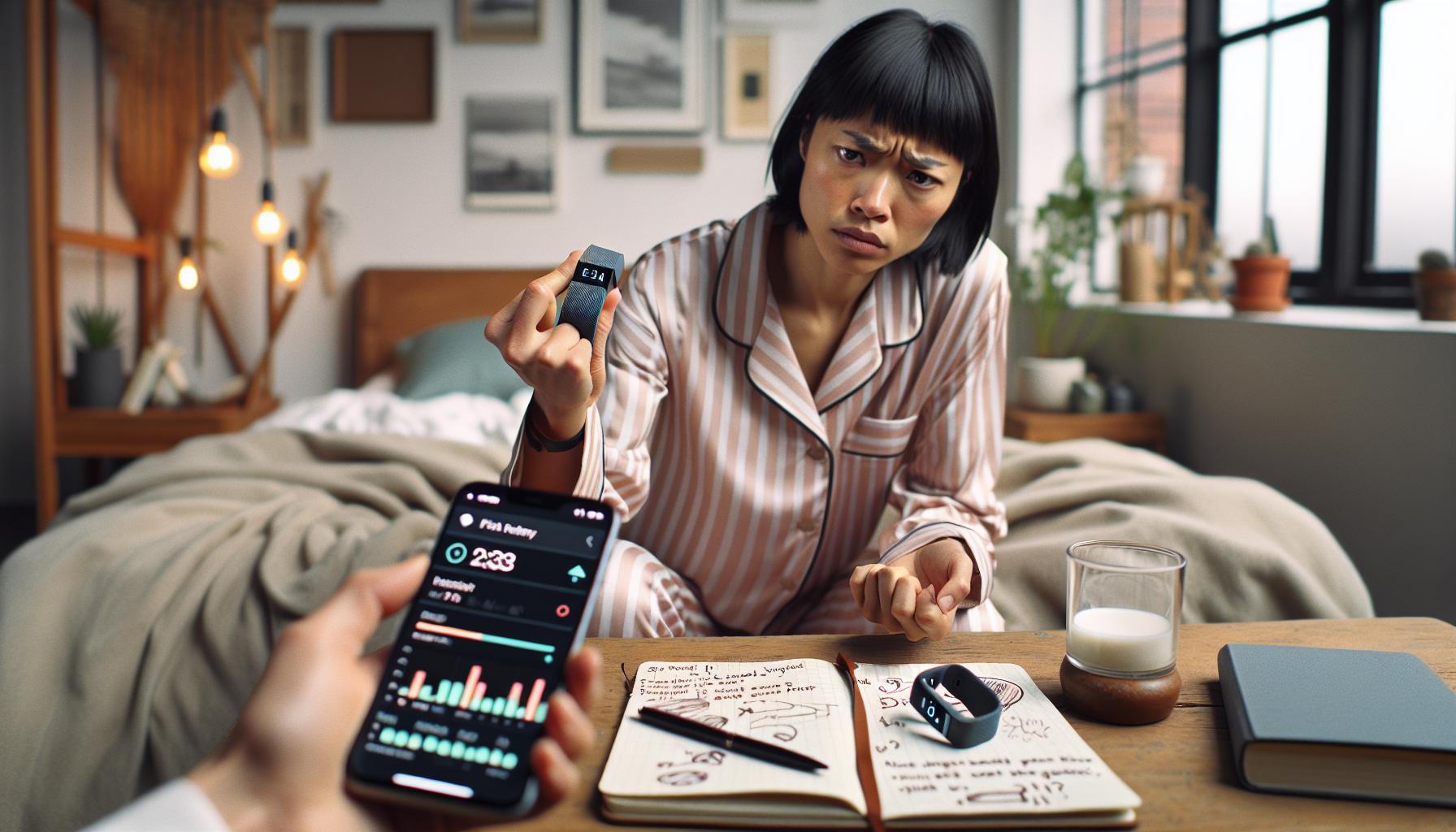
Understanding why your Fitbit might not be accurately tracking your sleep score can be frustrating, especially for those relying on it for health insights. A few common issues often hinder the device’s ability to monitor your sleep patterns effectively.
Firstly, the way you wear your Fitbit plays a crucial role in its performance. The device should fit snugly on your wrist; if it’s too loose or worn incorrectly, the sensors may struggle to collect accurate data. Always check that the watch is positioned correctly, ideally just above your wrist bone, to ensure the sensors engage properly. Additionally, firmware updates are essential. Outdated software can lead to glitches in functionality, including sleep tracking, so regularly check for updates via the Fitbit app.
Moreover, your sleep environment can significantly impact tracking accuracy. Factors such as light from electronics and noise can confuse the device about what constitutes sleep. Creating a serene sleeping space-dark, quiet, and cool-can help improve tracking. Personal habits also play a role; consumption of alcohol or caffeine close to bedtime can disrupt sleep quality. While these factors might not be explicitly detected by your Fitbit, they can affect the overall sleep quality it’s measuring.
Lastly, the settings configured within the Fitbit app are pivotal. If your sleep routine is erratic or you frequently alter your bedtime, the app may find it challenging to recognize and categorize your sleep cycles accurately. Sticking to a regular sleep schedule and ensuring your settings reflect your typical sleeping hours can enhance tracking reliability. By addressing these aspects, you can significantly improve your Fitbit’s ability to monitor your sleep effectively.
How to Restore Your Sleep Tracking Functionality
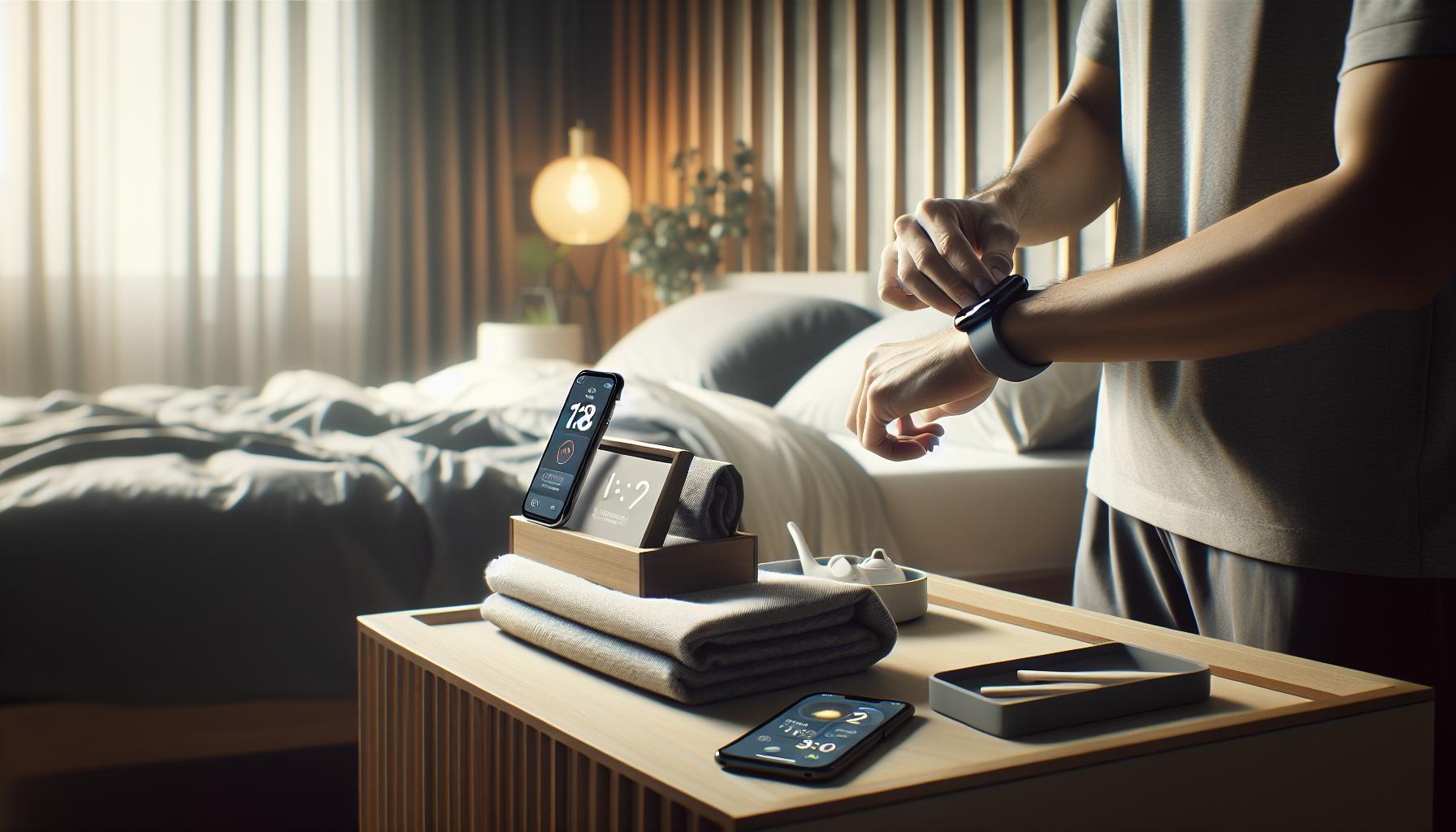
To regain the accuracy of your Fitbit’s sleep tracking functionality, start by addressing potential issues related to device settings and usage. Firstly, ensure that your Fitbit is charged adequately. A low battery can impact performance and tracking capabilities. Once charged, consider re-establishing the connection between your device and the Fitbit app. Over time, device synchronization issues may arise; simply going into the app and repeating the sync process can often resolve these.
Next, revisit your sleep settings. Open the Fitbit app and navigate to the settings related to sleep tracking. Here, confirm that your bedtime and wake time are set correctly. Having a consistent sleep schedule is vital for optimal tracking. If you’ve changed your routine, you might need to update these settings to reflect your current sleeping patterns accurately.
Calibrating Your Device: Sometimes, adjusting how you wear your Fitbit can help. The band should fit snugly but not too tightly. If your Fitbit has features for sleep tracking sensitive to body movement, ensure you wear it on your non-dominant wrist to lessen distractions from daily activities. Additionally, turn on the “Remember Sleep” feature, which prompts you to input your bed and wake-up times directly, ensuring your Fitbit is aware of your sleep habits.
Another useful step is to perform a factory reset on your device as a last resort. This can clear any glitches that may be affecting sleep tracking. Just remember to back up any important data before doing this, as it resets all settings to default.
Using the Fitbit Community and Support: If troubleshooting steps do not restore your sleep tracking, consider reaching out to the Fitbit community or support for tailored advice. Other users often share similar issues and solutions that have worked for them. Engaging with community forums can also provide insights into common problems and how to solve them effectively.
By combining these strategies, you can enhance the functionality of your Fitbit and ensure it accurately tracks your sleep patterns, allowing you to make more informed decisions about your sleep health.
Understanding the Fitbit Sleep Score Explained
Understanding your Fitbit Sleep Score can feel like deciphering a complex code, but once you get the hang of it, it can be an invaluable tool in your sleep management toolkit. Essentially, the Sleep Score gives you a numerical representation of the quality of your sleep based on various key metrics. This score is influenced by several factors, including the duration of your sleep, the stages of sleep you cycle through-light, deep, and REM-and how often you wake up during the night.
When you wear your Fitbit to bed, it uses its accelerometer to monitor your body’s movements. This information, combined with your heart rate data, allows it to estimate how well you’re sleeping. The Sleep Score ranges from 0 to 100, with a higher score indicating better sleep quality. Here’s what each of these stages means for your overall score:
- Light Sleep: This is your transition period from wakefulness to more profound sleep. It’s essential for rejuvenation and makes up a significant portion of your sleep cycle.
- Deep Sleep: Often referred to as slow-wave sleep, this stage is crucial for feeling rested. It’s when your body performs essential restorative processes.
- REM Sleep: This stage is vital for cognitive functioning and emotional health. During REM, dreaming occurs, contributing to memory consolidation and learning.
The Fitbit uses the time spent in each of these sleep stages to calculate your score, along with interruptions during the night. If your device isn’t tracking your sleep score accurately, check that your sleep schedule is correctly set in the app and that you’re wearing the device as recommended-best practice is on your non-dominant wrist to reduce interference.
Additionally, the Sleep Score can highlight trends and variations in your sleep over time, providing insights into what may be affecting your quality of rest. If you notice your score fluctuating or your sleep patterns changing, it might be time to evaluate factors like your nightly routine, stress levels, or even your sleeping environment.
In conclusion, understanding the components of your Sleep Score not only empowers you with knowledge but also equips you with actionable insights. By paying attention to how different activities and routines affect your score, you can make informed choices that enhance your sleep quality, contributing to better overall health.
Troubleshooting Steps for Fitbit Sleep Problems
If your Fitbit isn’t accurately tracking your sleep score, you’re not alone-many users encounter this frustrating issue at some point. Fortunately, there are several troubleshooting steps you can take to restore functionality and ensure that you receive a reliable assessment of your sleep quality.
Start by checking that your sleep settings are correctly configured. Open the Fitbit app and navigate to the Sleep section. Here, confirm that your sleep schedule is set properly and that the device is enabled for sleep tracking. Incorrect settings can lead to missed data, so ensure you’ve specified your preferred sleep hours. Additionally, consider wearing your Fitbit on your non-dominant wrist, as this can help reduce motion interference during the night.
Next, ensure that your device is fully updated. Firmware updates can include essential fixes that improve sleep tracking accuracy. To do this, go to the app and check for device updates. Once updated, restart your Fitbit to allow it to sync new settings and data effectively. If you’re using a model that requires regular charging, ensure the battery is adequately charged before bedtime, as low battery levels can affect performance.
Additionally, pay attention to your sleep environment and personal factors that may impact tracking. For instance, excessive movement, frequent awakenings, or having the device too loose can disrupt your Fitbit’s capability to collect precise data. Establishing a consistent bedtime routine and a calming sleep environment-cool, dark, and quiet-can also enhance sleep quality, enabling better tracking.
If you have followed these steps and still see issues, consider recalibrating your device by resetting it to factory settings. This often resolves persistent glitches but requires re-pairing with your app and potentially losing some saved data. Lastly, don’t hesitate to reach out to Fitbit Support if problems persist-they can provide tailored assistance or insights specific to your device model and usage.
Adjusting Settings for Optimal Sleep Tracking
To achieve accurate sleep tracking with your Fitbit, start by fine-tuning your device settings. Many users overlook this crucial step, assuming the default settings will suffice. One notable feature is the Sleep Schedule function. Ensure it’s correctly set by accessing the sleep section in your Fitbit app. Here, double-check that your intended sleep and wake times align with your actual schedule. Inaccurate settings can easily lead to missed sleep data, leaving you in the dark about your sleeping habits.
Another vital aspect is the device’s wearing position. Wearing your Fitbit on your non-dominant wrist can reduce motion interference, as it minimizes the chance of your wrist moving during sleep due to typical habits. If your watch feels too loose or too tight, adjust its fit-this can drastically influence tracking accuracy. Additionally, consider enabling Do Not Disturb and Sleep Mode on your device. This will help limit notifications and distractions during the night, streamlining the tracking process and allowing your Fitbit to concentrate solely on your sleep patterns.
It’s also essential to sync your Fitbit regularly after you wake up. This straightforward act ensures that your data is updated and processed correctly. If you’re using mobile apps, keep them updated as well; often, settings adjustments made in the app may not reflect until the app itself is running the latest version. Lastly, review and familiarize yourself with the device’s features and capabilities. Knowing what your specific model can track-like REM sleep, deep sleep stages, and movement-will empower you to leverage these tools effectively for optimal tracking and insights.
Sleep Environment: Enhancing Accurate Sleep Data
Creating an ideal sleep environment is crucial for enhancing the accuracy of your Fitbit’s sleep tracking capabilities. Studies show that the conditions in which you sleep can significantly influence your ability to rest well and, in turn, how effectively your wearable device can monitor your sleep stages and patterns. To optimize your surroundings, focus on several key factors.
Start by addressing the room temperature. Keeping your bedroom cool, preferably between 60°F and 67°F (15°C to 19°C), promotes better sleep quality. If your room is too hot or too cold, it may disrupt your sleep and affect the data your Fitbit records. Additionally, consider the lighting; a dark environment helps signal your body that it’s time to wind down. Use blackout curtains or eye masks to block out light, which can prevent interruptions in your sleep cycle.
Noise control is another vital aspect. Even minor sounds, like a ticking clock or distant traffic, can disturb your sleep. If you live in a noisy area, using white noise machines or earplugs can mask disruptive sounds and help you maintain a restful environment. Also, pay attention to your mattress and bedding. A comfortable mattress and pillow that support your sleeping style can make a significant difference. If your mattress is old or uncomfortable, it may result in restless nights, thus impacting your Fitbit’s sleep tracking accuracy.
Lastly, establishing a pre-sleep routine can contribute to enhanced sleep quality, allowing your Fitbit to gather more reliable data. Activities such as reading, meditating, or practicing relaxation techniques can help prepare your mind and body for sleep. By creating a serene atmosphere and fostering healthy sleep habits, you can significantly improve how well your Fitbit tracks your sleep, providing you with more accurate insights into your nightly rest.
By taking these steps to optimize your sleep environment, you’ll not only enhance the accuracy of your Fitbit’s sleep tracking but also contribute to improved overall sleep health.
Comparing Fitbit Sleep Tracking to Other Devices
When it comes to tracking sleep, Fitbit is one of the most recognized brands in the realm of wearable technology, but it’s important to understand how its capabilities stack up against other sleep tracking devices. While Fitbit devices offer a robust sleep tracking feature, including sleep stages and trends over time, they may not provide the same level of detail as more specialized devices. For example, dedicated sleep trackers like the Oura Ring or the Withings Sleep Analyzer can offer additional metrics such as heart rate variability, respiratory rate, and even environmental factors affecting sleep quality.
In comparison, Fitbit’s sleep score provides a quick reference to your sleep health but may overlook nuances like disturbances in your sleep caused by environmental noise or temperature fluctuations. Other wearables, such as the Apple Watch, have been enhancing their sleep tracking features, with some models offering insights on how well you sleep based on your movement and heart rate data. However, the Apple Watch may require more frequent charging, which could interfere with its ability to continuously track your sleep.
Comparative Advantages
- Fitbit: Great for general fitness and offers intuitive interface for sleep insights.
- Oura Ring: Known for precise tracking of sleep stages and overall sleep quality, albeit at a higher price point.
- Withings Sleep Analyzer: Provides in-depth analysis including snoring detection but is solely a sleep tracker, requiring placement under your mattress.
- Apple Watch: Good integration with other health metrics, but needs regular charging and may not focus solely on sleep tracking.
While it can be tempting to use a single device for all your health metrics, understanding the strengths and weaknesses of each tool is crucial for making informed health decisions. If you find that your Fitbit isn’t capturing your sleep correctly, consider supplementing it with a specialized sleep tracker, especially if you’re experiencing ongoing sleep issues. Each device has its unique advantages, and combining data from the two can provide a more comprehensive picture of your sleep health.
User Experiences: Fixing Sleep Tracking Issues
Many Fitbit users have encountered sleep tracking issues that leave them baffled, especially when they depend on the data for improving their sleep health. While it can be discouraging when your device fails to record a night of slumber, you’re not alone; many users have experienced similar frustrations, and there are practical steps to take in order to troubleshoot these problems.
One common fix is ensuring that the device is worn correctly. Users have reported that wearing the Fitbit too loosely can lead to inaccurate readings. Ideally, the tracker should sit just above the wrist bone and should not move around during the night. Additionally, some users have found that simply adjusting settings in the app can make a significant difference. For instance, toggling the ‘Sleep Mode’ on and off can recalibrate the sleep tracking functionality, often restoring its accuracy.
Environmental factors can also impact tracking quality. Users have shared that factors such as room temperature, light exposure, and noise levels affect their sleep score. Creating a sleep-conducive environment-like ensuring the room is dark and quiet-can potentially improve the accuracy of the sleep data. Furthermore, some Fitbit models require updates or charging before use, so ensuring that your device has the latest software and is fully charged can help in mitigating tracking problems.
Leveraging community forums and user experiences is another great way to gather insights. Many customers share their fixes and may even suggest alternative methods that worked for them. Engaging with other users can provide encouragement and diverse strategies, allowing you to find a solution that works in your unique setting. If the problem persists despite troubleshooting, it may be necessary to reach out to Fitbit support for personalized assistance, ensuring your pursuit of better sleep remains uninterrupted.
When to Contact Fitbit Support for Help
Experiencing consistent issues with your Fitbit’s sleep tracking capabilities can be extremely frustrating, especially if you rely on this data to manage your sleep health. There are instances when troubleshooting at home isn’t enough, and that’s when it’s smart to reach out to Fitbit support for expert assistance. Knowing the right time to seek help can save you time and restore your confidence in accurately tracking your sleep.
If you’ve followed all troubleshooting steps, such as ensuring the device fits correctly, adjusting app settings, and creating a conducive sleep environment, but your Fitbit still fails to track sleep data accurately, it’s time to take action. Pay attention to the following scenarios where contacting Fitbit support would be advisable:
Signs You Should Reach Out
- Persistent Issues: If sleep tracking problems continue after multiple attempts to fix them, contacting support can lead to a more permanent solution.
- Device Malfunction: If your Fitbit isn’t responding to commands, isn’t turning on, or is showing inconsistent data across various functions, support can advise on whether a repair or replacement is necessary.
- Software Updates: When your device prompts for an update, but fails to apply it after several tries, support can help troubleshoot software issues.
- Warranty Questions: If you suspect that your device is malfunctioning due to a manufacturing defect, Fitbit support can clarify warranty options and direct you through the replacement process.
Using the official Fitbit support channels, you can gain access to detailed troubleshooting steps, warranty details, and expert advice tailored to your specific model. Whether through live chat, email, or phone support, their specialized team can help diagnose complex problems that may not be evident through user-generated solutions or FAQs. Additionally, sharing your experiences can contribute to fixing potential bugs in their system, ultimately assisting not just yourself but the entire community of Fitbit users.
Maximizing Your Sleep Health with Wearable Tech
Understanding your sleep patterns can deeply enhance your overall well-being, and wearable tech like Fitbit makes this journey both accessible and insightful. Beyond just tracking sleep, these devices help you comprehend your nighttime behaviors and make informed choices for better rest. For instance, research shows that using sleep-tracking technology can lead to improvements in sleep duration and quality as users become more aware of their habits and triggers.
To extract the most benefits from your Fitbit for sleep health, first ensure that your device is set up correctly. Consistent wear is crucial; the device should fit snugly on your wrist, not too tight or loose, to gather accurate data. Update your app regularly to access the latest features and enhancements, improving your tracking accuracy. Additionally, integrate the Fitbit with your other health data. For example, syncing your device with a health app can provide a holistic view of your wellness and how lifestyle changes impact your sleep.
Your sleep environment also plays a vital role in data accuracy. Aim to create a calm, dark, and cool bedroom atmosphere. Consider the effects of external factors like noise or temperature, which can disrupt your sleep and skew the data your Fitbit collects. Furthermore, mindfulness practices-such as meditation or light stretching-before bed can help improve your sleep quality, making the data from your Fitbit more reflective of your true rest patterns.
Finally, remember that while Fitbits and similar wearable tech provide valuable insights, they aren’t replacements for professional evaluations. If the issues persist or if you’re experiencing significant sleep disturbances, consider consulting a healthcare provider to explore options such as sleep studies. This combination of technology and professional advice can empower you to take proactive steps towards enhancing your sleep health.
Frequently asked questions
Q: Why is my Fitbit not tracking my sleep score properly?
A: Your Fitbit may not track your sleep score due to incorrect settings, a loose fit, or lack of synced data. Ensure your device is snug on your wrist, and check that sleep tracking is enabled in the app. For more troubleshooting tips, refer to the section on Common Reasons for Fitbit Sleep Tracking Issues.
Q: How can I fix my Fitbit sleep tracking issues?
A: To fix sleep tracking issues with your Fitbit, ensure your device’s software is updated, restart the device, and confirm sleep tracking settings are activated. For detailed solutions, check out Troubleshooting Steps for Fitbit Sleep Problems.
Q: What should I do if my Fitbit app is not recording sleep?
A: If your Fitbit app isn’t recording sleep, first check your device’s Bluetooth connection. Restart both the Fitbit and the app, and make sure your sleep settings allow tracking. If issues persist, consult the section on Restoring Sleep Tracking Functionality for guidance.
Q: Can my Fitbit track sleep without wearing it?
A: No, your Fitbit cannot track sleep unless it’s worn on your wrist. It relies on movement and heart rate data collected throughout the night. For optimal tracking, ensure your device fits comfortably while sleeping.
Q: Why is my sleep score lower than expected on my Fitbit?
A: A lower sleep score from your Fitbit may result from inconsistent sleep patterns, disturbances during the night, or insufficient sleep duration. Enhance your sleep environment and adhere to sleep guidelines discussed in Maximizing Your Sleep Health with Wearable Tech for better scores.
Q: How do I reset my Fitbit for sleep tracking?
A: To reset your Fitbit, press and hold the button on your device for about 10 seconds until you see the Fitbit logo. This can resolve temporary glitches affecting sleep tracking. After resetting, recheck your settings to ensure key features are enabled.
Q: What impacts my Fitbit sleep tracking accuracy?
A: Factors affecting Fitbit sleep tracking accuracy include movement displacement, environmental noise, and device snugness on your wrist. For tips to enhance data accuracy, explore Adjusting Settings for Optimal Sleep Tracking in the main article.
Q: When should I contact Fitbit support regarding sleep tracking issues?
A: Contact Fitbit support if your sleep tracking issues persist after trying common fixes like adjusting settings and resetting your device. You can find more guidance on when to reach out in the section When to Contact Fitbit Support for Help.
Key Takeaways
Understanding why your Fitbit isn’t accurately tracking your sleep score can feel frustrating, but by following the steps outlined in our guide, you can regain control over your sleep data. Remember, the effectiveness of your wearable hinges on proper usage and understanding its capabilities. Don’t wait-start troubleshooting today, and enhance your sleep health journey!
For further insights, dive into our related articles on “Maximizing Your Sleep Tracking” and “The Benefits of Using Sleep Studies,” which can offer deeper knowledge about improving your sleep quality. If you’re considering a sleep study or want to explore other wearable options, check out our comparison guide to find the perfect fit for your needs.
We’d love to hear from you! Share your experiences or ask questions in the comments below. Don’t forget to subscribe to our newsletter for the latest tips and updates on sleep health. Your rest is worth it, so take that next step toward better sleep now!
Get our latest guides, news, and insights highlighted in your Google Search & AI Overviews.