
If you’ve noticed that your Garmin Fenix 6 isn’t tracking your sleep as expected, you’re not alone. Many users experience this frustrating issue, as sleep tracking is essential for understanding your overall health and well-being. Accurate sleep data can help identify patterns and improvements, making it vital for anyone looking to enhance their nightly rest. In this guide, we’ll explore common reasons your watch might not be collecting sleep data and provide practical solutions to get your tracking back on track. Whether it’s a simple setting adjustment or a deeper technical issue, you’ll find helpful insights to ensure your Garmin Fenix 6 becomes the reliable sleep monitor you need. Let’s dive in and uncover the key steps to resolving this issue and improving your sleep health.
The Basics of Sleep Tracking Technology
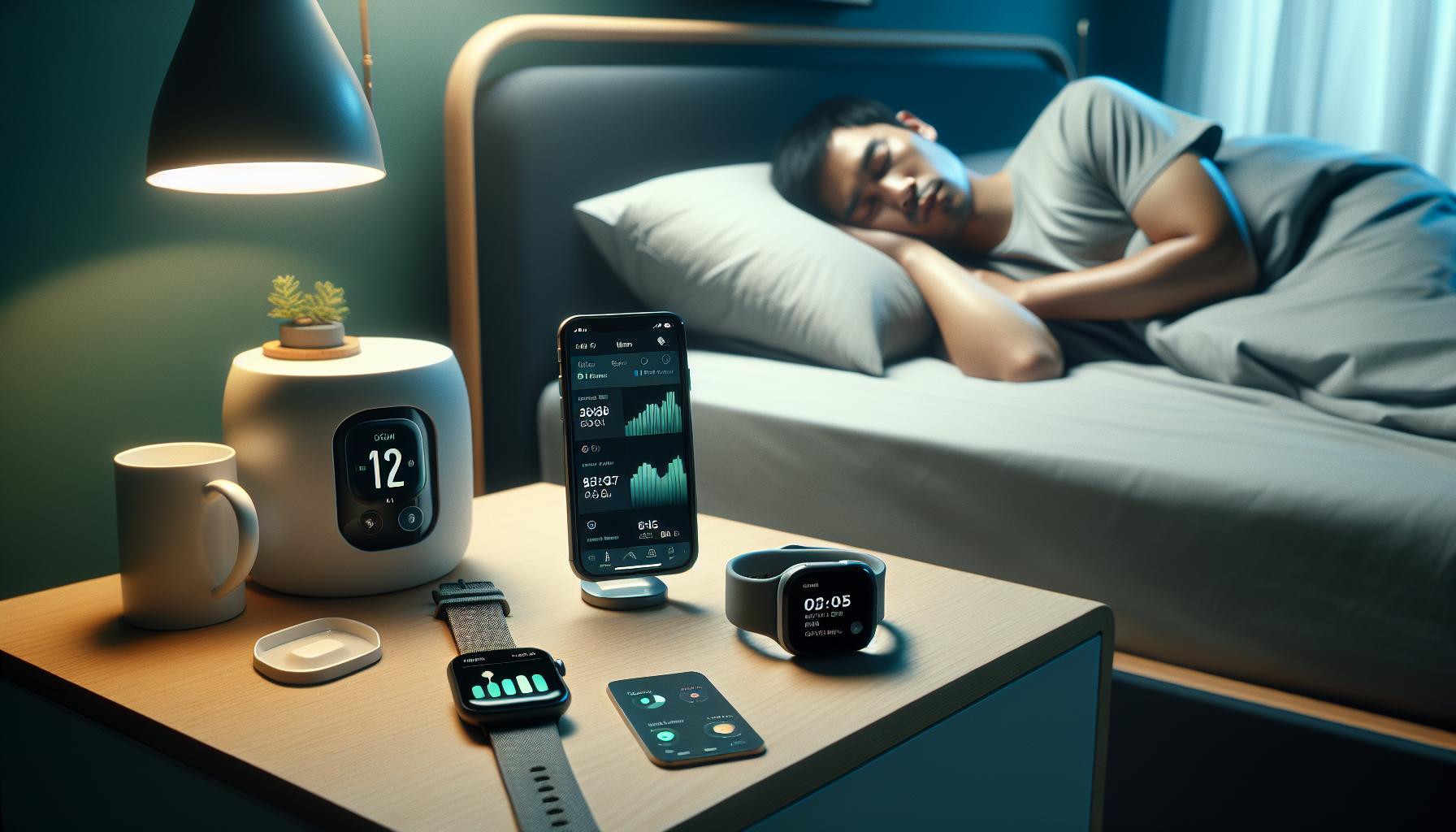
Sleep tracking technology has evolved significantly over the years, turning into an essential tool for those seeking to understand their sleep patterns and improve their overall health. Modern sleep trackers, such as wearable devices and smartwatches like the Garmin Fenix 6, utilize a combination of sensors that monitor movements, heart rate, and even blood oxygen levels to interpret your restfulness throughout the night. These devices are designed to automatically detect when you fall asleep, how many hours you spend in various sleep stages, and can even wake you during lighter sleep phases to minimize grogginess.
The core of sleep tracking hinges on understanding sleep cycles. Sleep is typically divided into multiple stages: light sleep, deep sleep, and REM (rapid eye movement) sleep. Devices track these stages by analyzing physiological markers-like heart rate variability and motion. For example, during light sleep, your heart rate may fluctuate, whereas it remains steady during deep sleep. The goal of a sleep tracker is not only to tally your total sleep time but also to provide insights into the quality of that sleep based on the time spent in each stage.
However, while the technology is impressive, it’s important to remember that no device is flawless. Factors such as improper placement of the device or inaccurate calibration can lead to discrepancies in tracking. A common mistake is wearing the device too loosely, which may hinder the accuracy of heart rate readings and, consequently, the recorded sleep data. Keeping your sleep environment optimal-like maintaining a dark, quiet room-further enhances the likelihood of receiving meaningful data from your sleep tracker.
As users become more aware of their sleep habits through these devices, they can make informed lifestyle choices, such as adjusting bedtime routines or recognizing when professional help is needed for sleep disorders. Overall, sleep tracking technology serves as a valuable assistant in the journey to better sleep health, helping individuals make proactive changes based on their unique patterns and needs.
Common Reasons for Sleep Tracking Failures
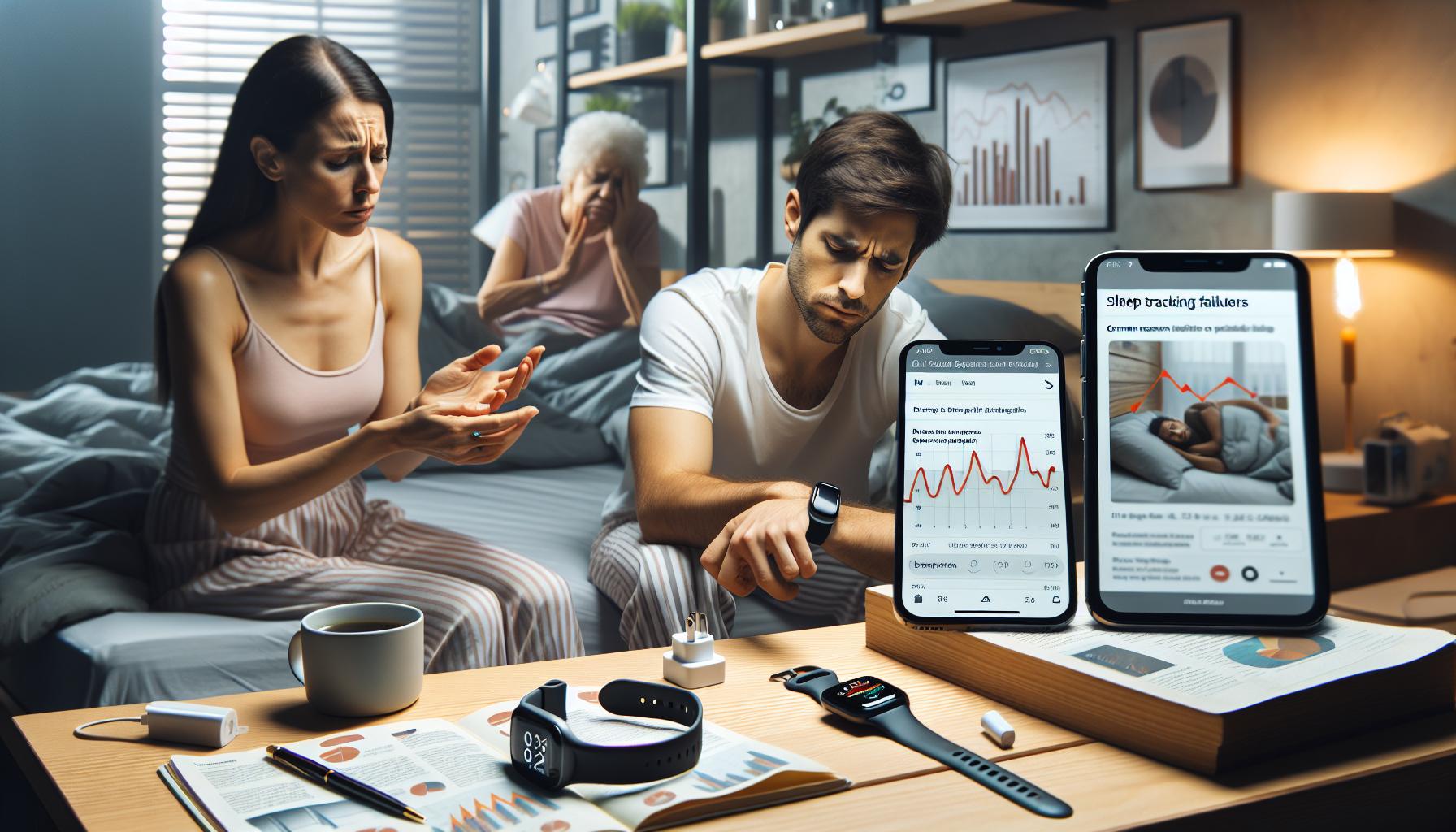
Sleep trackers like the Garmin Fenix 6 offer impressive capabilities, but they aren’t foolproof. One of the most common frustrations users face is when their device fails to accurately track sleep, leaving them puzzled about the cause. A number of factors can contribute to these tracking failures, and understanding them is key to maximizing the benefits of sleep-monitoring technology.
Device Placement and Fit
The position and fit of your Garmin Fenix 6 can greatly impact its ability to monitor your sleep accurately. If the watch is worn too loosely on your wrist, it may not capture heart rate data effectively, which is crucial for analyzing sleep stages. Ensure the device is snug but comfortable enough to maintain good contact with your skin. Regularly check that it’s positioned correctly; slight adjustments can make a significant difference.
Sleep Settings Configuration
Another often-overlooked aspect is the configuration of sleep settings. It’s essential to confirm that you’ve set your normal sleep hours in the user settings correctly. Without this information, the device may misinterpret your nighttime rest as inactivity while you’re awake or miscalculate actual sleep duration. Furthermore, consider manually initiating sleep mode to give more precise data during short naps or irregular sleeping patterns.
Environmental Factors
Your sleep environment plays a crucial role in tracking accuracy. Factors such as room temperature, noise levels, and ambient light can disturb your sleep and cause the tracker to record inaccurately. To enhance tracking reliability, create a sleep-friendly environment: maintain a cool, dark, and quiet room, and strive for consistent sleeping conditions every night.
Firmware and Software Updates
Lastly, firmware updates can significantly affect the functionality of your device and its sleep tracking capabilities. Garmin frequently releases updates to improve accuracy and add new features, so ensure your device is running the latest version. Regularly check for updates through the Garmin Connect app to ensure your Fenix 6 is operating optimally.
By addressing these , you can enhance the accuracy of your Garmin Fenix 6. These small adjustments may lead to more reliable insights into your sleep patterns, helping you to enjoy better rest and ultimately improve your overall health.
How to Properly Set Up Your Garmin Fenix 6
Properly setting up your Garmin Fenix 6 is essential for accurate sleep tracking. A well-configured watch not only enhances your user experience but also ensures that you receive reliable data about your nightly rest. Start by ensuring the watch is worn correctly; it should sit comfortably yet snugly on your wrist to effectively monitor heart rate and movement during sleep. If it’s too loose, you may not gather accurate heart rate data, which is crucial for detailed sleep stage analysis.
Another important aspect is configuring your sleep settings. Access the user settings on your Fenix 6, where you can define your normal sleep hours. This feature allows the watch to know when it should monitor your sleep, helping to avoid any misinterpretations of awake time as rest. For even better results during nights of irregular sleep patterns or short naps, consider manually initiating sleep mode. This design ensures the watch focuses on tracking when you are truly resting.
Additionally, ensure that your device is updated with the latest firmware. Garmin regularly releases updates aimed at improving functionality and addressing any potential bugs that might impact sleep tracking. Go to the Garmin Connect app to check for updates and confirm that your Fenix 6 is using the most current software available. Keeping your watch updated not only enhances performance but also ensures you take full advantage of all the latest features.
Creating a conducive sleep environment is crucial, too. Factors such as temperature, lighting, and noise can all affect your sleep quality and, consequently, the accuracy of the data collected by your Fenix 6. Take simple steps to minimize disruptions, like ensuring a dark, quiet, and cool room, which can significantly enhance both your sleep quality and the reliability of your sleep tracking findings. By effectively setting up your Garmin Fenix 6, you’re setting the stage for a better understanding of your sleep habits and improving your overall well-being.
Understanding Sleep Stages and Their Importance

Understanding how your sleep stages fluctuate throughout the night is crucial for optimizing your well-being. Sleep is not a uniform experience; it consists of different stages that play a vital role in your overall health. The standard classification divides sleep into two main categories: non-REM (Rapid Eye Movement) sleep and REM sleep, each with its specific functions and benefits.
During non-REM sleep, which includes stages 1 to 3, your body transitions from wakefulness to deeper rest. In stage 1, you drift in and out of sleep, and it’s easy to be awakened. As you progress to stages 2 and 3, your heart rate slows, and your body begins to repair and rejuvenate. This phase is essential for physical recovery, immune function, and muscle growth. REM sleep, conversely, is where dreaming occurs, and it plays a critical role in memory consolidation and emotional processing.
Understanding these stages can help you interpret the sleep data collected by your Garmin Fenix 6 effectively. Ideally, your watch should provide insights into how long you spend in each stage. If you’re noticing discrepancies in your tracking, several factors could contribute. For instance, an improperly fitted watch or not adhering to consistent bedtime routines may affect tracking accuracy. Additionally, lifestyle variables like caffeine consumption or stress levels can disrupt your natural sleep cycle, leading to inaccurate readings.
Optimizing your sleep environment and practices can also enhance your sleep stage consistency. Aim to establish a sleep routine that allows for 7-9 hours of uninterrupted sleep. This harmony between your lifestyle and sleep can foster deeper stages of rest and improve the quality of the data your Garmin Fenix 6 records. By understanding and prioritizing your sleep stages, you allow your device to function as a more effective tool in your journey toward better sleep health.
How Firmware Updates Can Affect Tracking
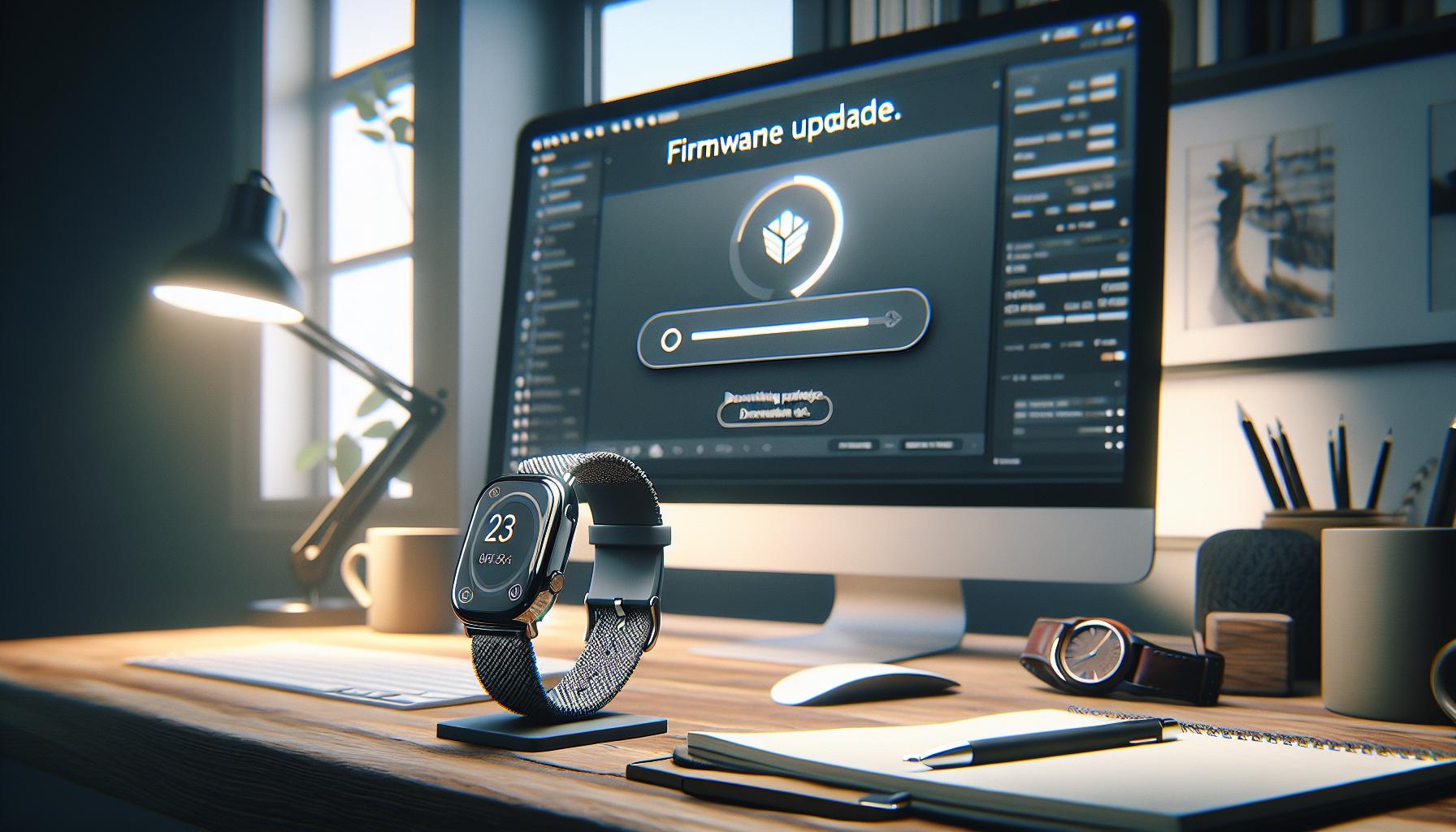
Keeping your Garmin Fenix 6 functioning optimally is key to accurate sleep tracking, and one of the most significant aspects to consider is the firmware updates. These updates can introduce new features, enhance tracking algorithms, and fix bugs that could be affecting your device’s performance. Indeed, firmware updates often play a crucial role in how well your watch tracks your sleep patterns and stages.
A common concern among users is whether they have the latest software version installed. Failing to update can sometimes lead to discrepancies in sleep data or even functionality issues. For instance, if a recent update has improved the algorithm used to determine sleep stages, not having this update may result in less accurate insights into your sleep quality. Regularly checking for updates can ensure that the watch remains equipped with the latest technology to provide optimal tracking performance.
In addition to improving tracking accuracy, updates can also refine how your Garmin Fenix 6 interacts with the Garmin Connect app, further enhancing the overall user experience. Features like sleep summaries and insights can be influenced by both the watch’s firmware and the app’s updates. If you notice irregular sleep tracking, it may be prudent to verify that both your watch and the accompanying app are updated to their latest versions.
Moreover, should you notice your device struggling with tracking despite being updated, take a moment to assess the settings. Sometimes, certain monitoring features may unintentionally be turned off or misconfigured post-update. A quick review of your settings could reveal adjustments that need to be made, ensuring your device accurately captures your sleep data.
Ultimately, staying proactive about firmware updates can maximize the reliability of your Garmin Fenix 6 and improve your sleep tracking experience. Regular updates not only enhance the functionality of your device but also ensure you’re getting the most accurate and insightful sleep data possible.
Troubleshooting Calibration Issues on Your Device

Calibrating your Garmin Fenix 6 for optimal sleep tracking can feel a bit daunting, but addressing calibration issues is essential for capturing accurate sleep data. If you’re noticing irregularities in your sleep tracking, it could stem from several simple calibration and setup problems. An effective troubleshooting process can get your device back on track.
Begin by ensuring that your watch’s settings align with your sleeping habits. Set your usual sleep hours in the Garmin Connect app, as this helps the device distinguish your active hours from your sleep hours. If your sleep schedule varies significantly from the set hours, the watch may misinterpret your movements, leading to inaccurate sleep data. Regularly revisiting these settings to reflect any changes in your routine is essential.
Another critical area to examine is how the watch is worn. The Fenix 6 needs to be snug but comfortable for accurate tracking. If the watch is too loose, it can struggle to read movements or heart rate fluctuations effectively. Wear it similarly to how you would during physical activity, ensuring it maintains contact with your wrist without being overly tight.
You should also consider the initialization of sleep tracking. Sometimes, disabling and re-enabling the sleep tracking feature can help recalibrate how the device interprets your sleep patterns. To do this, navigate to the watch settings and turn sleep tracking off, wait a moment, and turn it back on. This can reset its sensor calibration, allowing it to provide fresh data based on current sleep behavior.
Lastly, ensure that the firmware is up-to-date. Calibration issues can arise from outdated software that affects how your device tracks sleep stages. Regularly checking for updates through the Garmin Connect app ensures your Fenix 6 is equipped with the latest tracking enhancements. If you’re unsure about the update process, Garmin’s support resources provide detailed guidance to help you through it.
By taking these steps, you can effectively troubleshoot calibration issues with your Garmin Fenix 6, enhancing its accuracy in sleep tracking and leading to improved insights into your sleep health.
Adjusting Sleep Settings for Accurate Monitoring
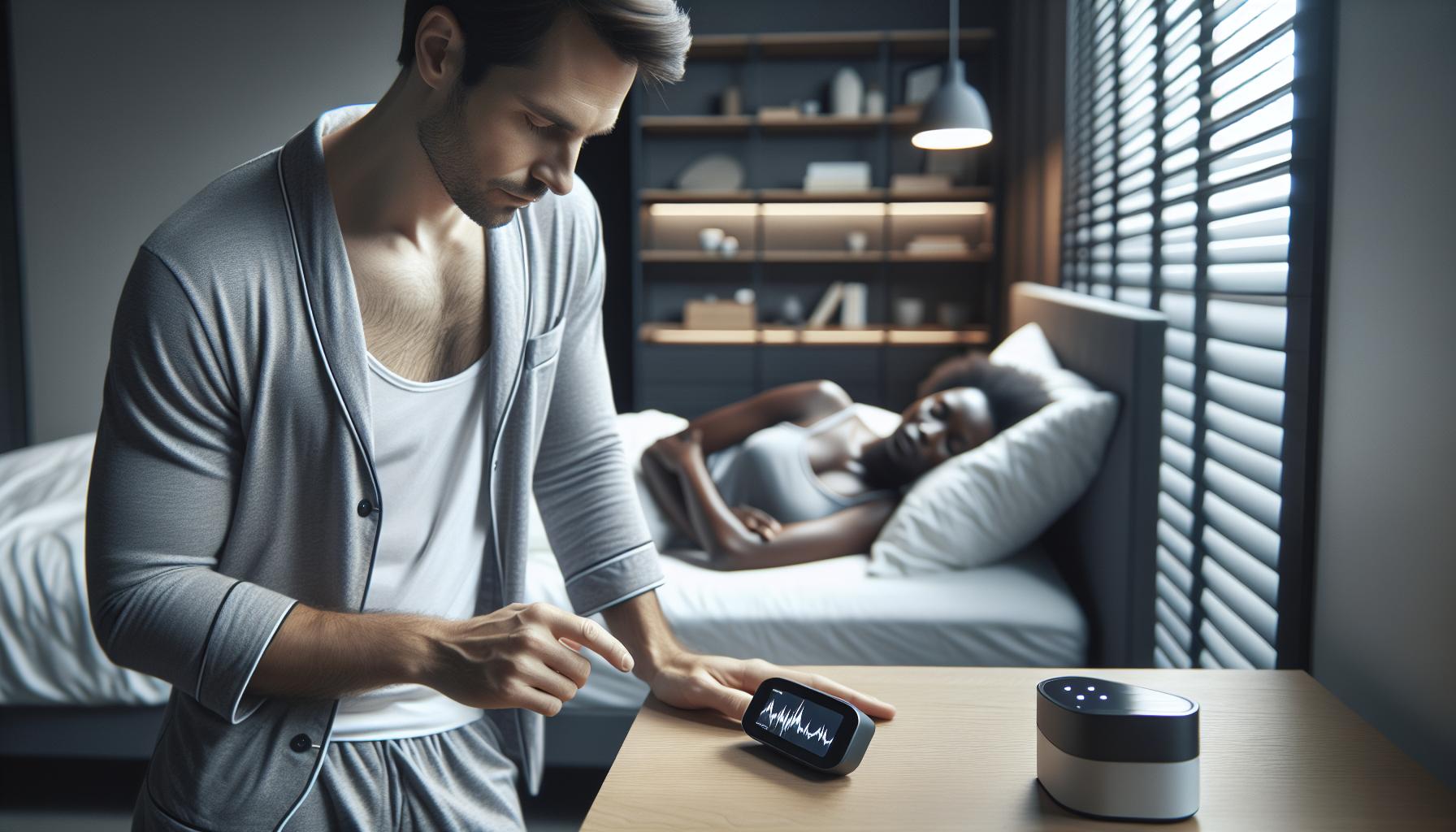
To get the most accurate sleep tracking from your Garmin Fenix 6, it’s crucial to customize your sleep settings appropriately. Many users find that small adjustments can lead to significant improvements in data accuracy. One of the first steps is to ensure that your typical sleep hours are accurately set in the Garmin Connect app. This allows the device to effectively recognize when you’re asleep compared to when you’re awake or engaged in activities. If your schedule varies widely, consider updating these settings regularly to align with your current sleep pattern. Consistency is key, as a misaligned schedule can result in the watch misinterpreting movements and mistakenly categorizing them as wakefulness.
Wearing Your Watch Properly
The fit of your Fenix 6 is another important factor for accurate sleep tracking. The watch should be worn snugly but comfortably on your wrist. A loose fit might prevent the sensors from correctly detecting your heart rate and movements, while a tight fit can be uncomfortable and disruptive to sleep. Aim for a fit akin to how you’d wear it during exercise-comfortable yet secure. This ensures that the sensors maintain contact with your skin throughout the night.
Regularly Update Firmware and Settings
Keeping your device’s firmware up-to-date is essential for optimal tracking performance. Firmware updates often include enhancements that improve sleep tracking accuracy. Check the Garmin Connect app periodically for updates and ensure that your watch benefits from the latest technology from Garmin. Additionally, if you notice sporadic sleep tracking results, consider toggling the sleep tracking feature off and then back on. This can refresh the watch’s ability to interpret your sleep data more accurately.
Adjusting these settings may sound daunting, but they are quite manageable. By ensuring your watch properly reflects your sleep schedule, fits correctly, and stays updated, you enhance its ability to provide you with reliable insights into your sleep patterns. This will not only help you understand your sleep quality better but also support you in taking proactive steps toward improving your overall sleep health.
The Role of Heart Rate Variability in Sleep Tracking
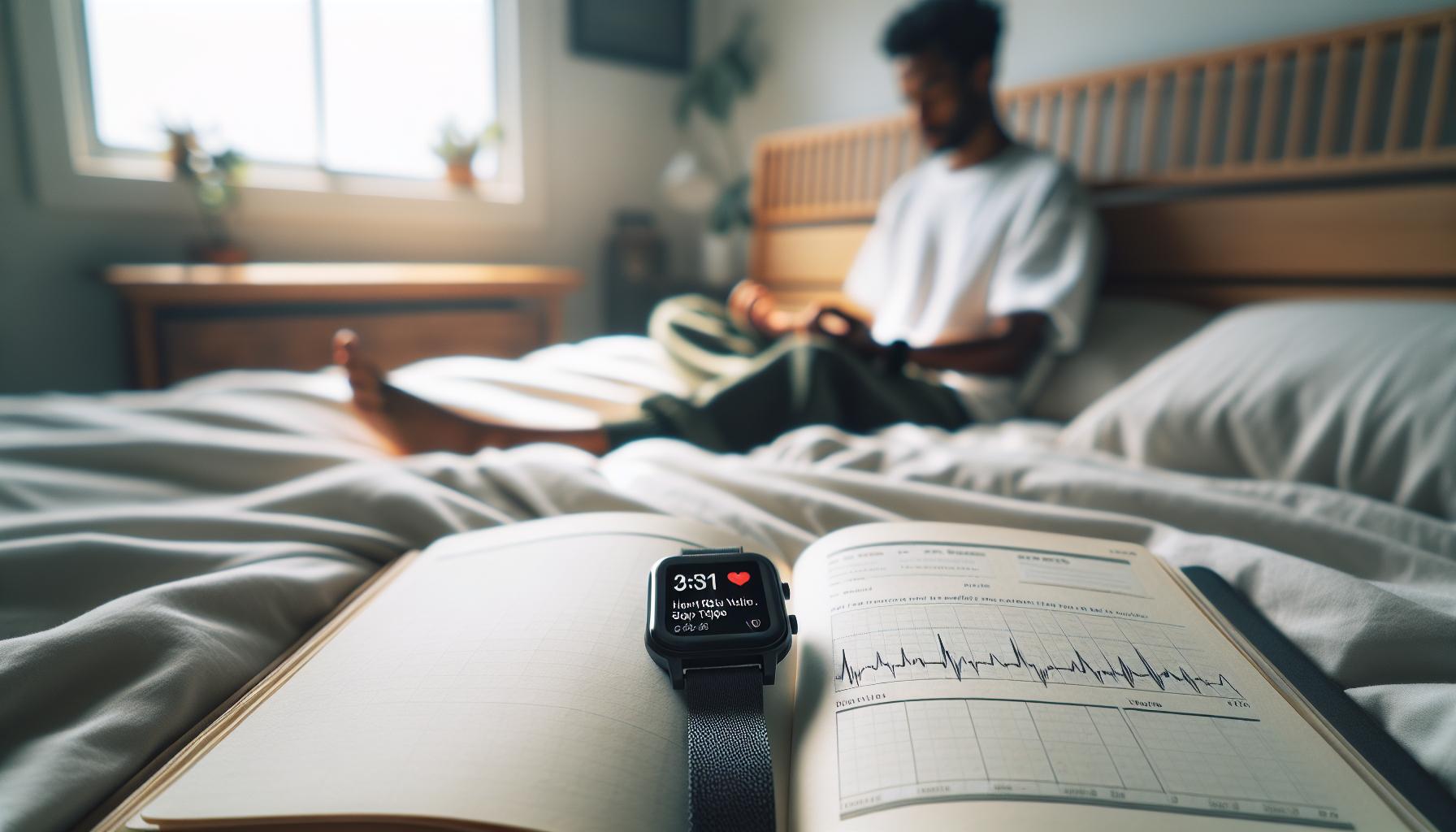
Heart Rate Variability (HRV) plays a crucial role in sleep tracking, especially when using devices like the Garmin Fenix 6. HRV is the measure of the time intervals between heartbeats, and it provides insights into your autonomic nervous system and overall stress levels. A healthy HRV indicates that your body can adapt well to stress and recover efficiently, which is particularly important during sleep. For those hoping to understand why their Garmin might miss tracking their sleep, HRV data can offer essential clues.
In the context of sleep, a higher HRV is often associated with more restful and restorative sleep stages. When your body is in a deep sleep state, your HRV tends to increase because you are experiencing less stress and more recovery. If your Garmin Fenix 6 isn’t properly tracking your sleep, it might be because it’s unable to accurately gauge your HRV due to factors such as an improper fit on your wrist or external disturbances during the night that disrupt your heart rate readings.
To optimize HRV monitoring while using your Garmin, ensure that the watch fits snugly on your wrist without being too tight. A well-fitted watch will maintain better contact with your skin, allowing the sensors to gather accurate heart rate data. It’s also advisable to maintain a consistent sleep schedule-going to bed and waking up at the same time every day can enhance both your HRV and sleep quality, leading to more reliable tracking.
As you monitor your sleep patterns through HRV readings, remember that variations are normal. However, consistently low HRV readings might suggest that you need to reassess factors impacting your stress levels or recovery, such as exercise, nutrition, or mental health. By paying attention to your HRV alongside the sleep data provided by your Garmin Fenix 6, you can gain a more holistic view of your sleep health and make informed choices to improve your sleep quality over time.
When to Consider Professional Sleep Studies

When it comes to understanding your sleep habits, tracking technology like the Garmin Fenix 6 can provide valuable insights-but sometimes it fails to paint the full picture. If you’re consistently questioning the accuracy of your sleep data or experiencing significant sleep issues, it may be time to consider a professional sleep study. Not only does this option offer a deeper understanding between your pesky sleep disturbances and possible sleep disorders, but it can also guide you toward effective treatment.
When to Consider a Sleep Study
If you frequently experience the following symptoms, a professional sleep study could be warranted:
- Persistent Fatigue: If you wake up feeling just as tired as when you went to bed, it may signal an underlying sleep disorder.
- Difficulty Staying Awake: Struggling to stay awake during the day, even after what should be a sufficient night’s sleep can indicate sleep apnea or other issues.
- Infrequent or Abnormal Breathing Patterns: Observing gasping or staggered breathing during sleep can point to conditions like sleep apnea.
- Frequent Nightmares or Night Terrors: Recurrent episodes that disrupt your sleep cycle can be serious and suggest an underlying condition.
- Restless Sleep: Severe restlessness or leg discomfort during the night may indicate Restless Leg Syndrome.
A sleep study, often conducted in a specialized sleep clinic, uses polysomnography to monitor various physiological parameters as you slumber. You can expect to be hooked up to sensors that monitor brain activity, eye movements, heart rate, and even blood oxygen levels. While some may feel apprehensive about the setup, rest assured, it’s designed to be comfortable and provides crucial data that wearables simply cannot.
Understanding the Process
While the thought of undergoing a sleep study might seem daunting, it’s a straightforward process. Generally, a sleep specialist will first conduct an evaluation of your sleep history and symptoms, which may lead to recommendations for a full sleep study. Depending on your health insurance, costs can vary-some insurance plans cover the study, while others might not; check your benefits beforehand.
Once in the clinic, you’ll typically arrive in the evening, go to your room where the study will take place, and get ready for sleep as usual. The staff will attach the necessary sensors, and after a brief adjustment period, you’ll drift off. The data collected will be analyzed, and you’ll usually receive results within a week, providing clarity on whether professional intervention or treatment is needed.
In conclusion, if your Garmin Fenix 6 isn’t capturing the nuances of your sleep and you experience any of these symptoms, don’t hesitate to consult a healthcare professional. Early identification of sleep disorders can lead to effective treatments, helping you regain restful sleep and improve overall well-being.
Comparing Garmin Fenix 6 with Other Sleep Trackers
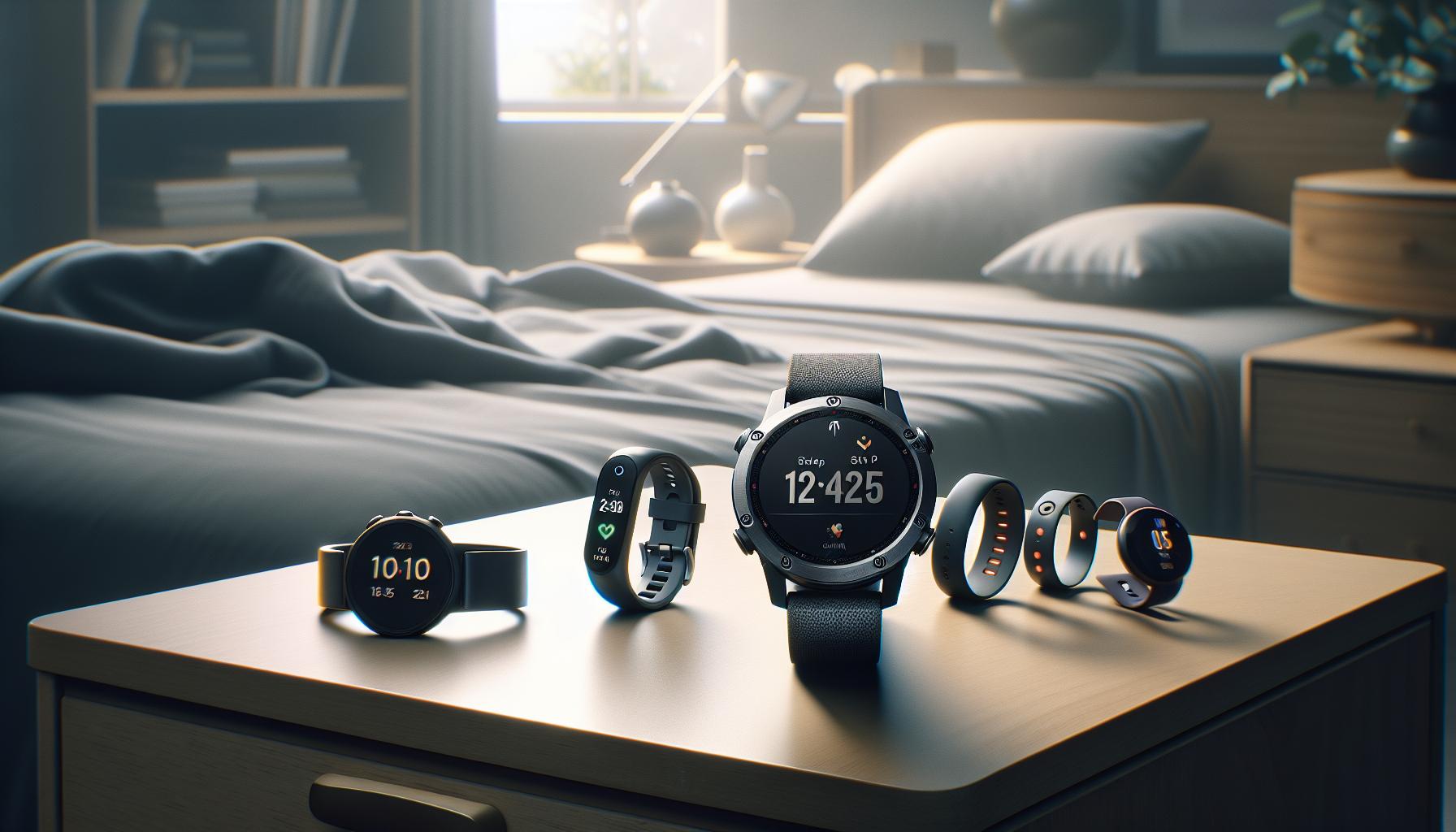
When considering sleep tracking devices, the Garmin Fenix 6 stands out, but it’s essential to evaluate how it stacks up against other popular sleep trackers. While the Garmin Fenix 6 offers advanced features like heart rate monitoring and fitness tracking, its sleep tracking capabilities can sometimes feel less comprehensive compared to specialized devices from other brands.
One key differentiator is the level of detail derived from sleep stages. Other popular trackers, like the Oura Ring and Fitbit, might provide more granular data on REM, light, and deep sleep, allowing users to better understand their sleep cycles. For instance, the Oura Ring uses a sophisticated algorithm that combines multiple data points, including physical activity and heart rate variability, to offer a holistic view of sleep health. Users often find Oura’s insights more actionable, as they emphasize sleep quality over duration.
Understanding the Limitations
While the Garmin Fenix 6 is equipped with features that can track movement during sleep and heart rate variability, it may misinterpret periods of quiet wakefulness as sleep, potentially skewing the results. Other devices, especially those designed solely for sleep tracking, utilize advanced sensor technology-like electroencephalography (EEG) readings to capture brain wave activity-resulting in more accurate sleep insights.
In terms of battery life and convenience, the Fenix 6 lasts longer than some rivals, allowing for extended use without frequent recharging, which is a plus for users who want continuous tracking without downtime. However, some other devices, such as the Withings Sleep Analyzer, can offer non-intrusive setups, needing only to be placed under your mattress, which might appeal to those who prefer not to wear a device overnight.
Cost Considerations
Price is another critical factor when comparing sleep trackers. The Garmin Fenix 6 typically falls into a higher price range due to its multi-functional capabilities. Alternatively, brands like Fitbit offer budget-friendly options like the Fitbit Charge, which still provide decent sleep tracking without the additional costs associated with more complex smartwatch features. This can make such options appealing for casual users focused primarily on sleep monitoring.
Ultimately, choosing a sleep tracker involves considering your specific needs and lifestyle. If fitness and outdoor activity tracking are priorities, the Garmin Fenix 6 may still be a strong choice despite some limitations in sleep tracking accuracy. However, if your focus is solely on optimizing sleep quality, exploring dedicated sleep trackers could yield better insights and enhance your overall sleep health.
User Experiences: Success Stories and Challenges

User experiences with the Garmin Fenix 6 reveal a spectrum of successes and challenges when it comes to sleep tracking, providing valuable insights for both new and seasoned users. Many users appreciate the automatic sleep detection feature, noting that it accurately logs when they fall asleep and when they wake up. For instance, one user reported that after setting his normal sleep hours, the watch was able to recognize his sleep pattern with commendable precision. However, despite these successes, there are significant challenges that some users face, particularly regarding the accuracy of sleep stage data.
Users have often pointed out that the Garmin Fenix 6 tends to misclassify periods of wakefulness as sleep, leading to a misleading total sleep time. In some forums, individuals shared their frustrations about waking up and remaining still while the watch registered this time as sleep instead of wakefulness. As one user humorously put it, “My watch thought I was hibernating!” Such inaccuracies can lead to confusion when trying to analyze sleep health and improve sleep habits. To combat these issues, some have turned to community tips or user settings adjustments, such as calibrating their watch more frequently and ensuring that their sleep settings align with their actual schedules.
For those looking to enhance their sleep tracking experience with the Fenix 6, a few practical steps can help improve accuracy. First, users should ensure that they are wearing the device correctly- snug but comfortable on their wrist. Adjusting the breathing and heart rate settings can also lead to better data accuracy. Moreover, regularly updating the firmware plays a crucial role, as Garmin frequently releases updates aimed at enhancing performance and fixing bugs. Staying engaged in community discussions can also provide new insights and updates on overcoming common challenges.
Finally, it’s essential for users to remember the primary role of the Garmin Fenix 6: while it does provide useful sleep insights, it is still primarily a fitness watch. Those seeking comprehensive sleep analysis might prefer a dedicated sleep tracker. However, for individuals who enjoy the combination of fitness and sleep tracking in one device, the Fenix 6 can offer a balanced approach to health monitoring.
Maximizing the Benefits of Sleep Tracking Features
Understanding how to make the most of your Garmin Fenix 6’s sleep tracking capabilities can be a game-changer for your health and well-being. With its built-in sleep detection, the Fenix 6 not only records when you fall asleep and wake up but also provides insights into your sleep stages, helping you to tailor habits for better rest. Yet, to truly benefit from these features, you need to approach the setup and usage thoughtfully.
One of the first steps is to ensure that your sleep schedule is accurately configured in the watch settings. The Fenix 6 allows you to set normal sleep hours, which helps the device correctly interpret your sleep patterns. If you typically go to bed at 10 PM and wake up at 6 AM, make sure to input these times into the watch. This small adjustment can greatly reduce the likelihood of the device incorrectly logging wakeful moments as sleep-an issue many users have reported. Additionally, a proper fit of the watch on your wrist is crucial; it should be snug but still comfortable, to ensure the sensors function optimally.
Regular firmware updates are another critical aspect of maintaining accurate sleep tracking. Garmin frequently releases updates that can enhance features or fix known issues, so keeping your device up to date should be a priority. To do this, check the Garmin Connect app for updates regularly. It’s an easy step that can lead to improved tracking performance and, ultimately, better insights into your nightly rest.
Lastly, consider the integration of heart rate variability (HRV) if you want to deepen your understanding of your sleep quality. Your watch will utilize HRV data to give more context to your sleep stages. Higher levels of variability are generally associated with better recovery and sleep quality, and making adjustments based on these insights can lead to significant long-term improvements in your sleep health.
By setting up your Garmin Fenix 6 correctly, keeping it updated, and leveraging HRV data, you can transform how you track and improve your sleep, turning a simple activity into a strategic tool for wellness.
Frequently Asked Questions
Q: Why isn’t my Garmin Fenix 6 tracking my sleep accurately?
A: If your Garmin Fenix 6 isn’t tracking sleep accurately, it may be due to improper sleep settings or physical movement during the night affecting readings. Ensure your normal sleep hours are correctly set in the user settings and consider monitoring your movements to help the device calibrate better.
Q: How can I improve sleep tracking on my Garmin Fenix 6?
A: To enhance sleep tracking, wear the watch snugly on your wrist during sleep, set your sleep hours accurately, and regularly sync your watch with the Garmin Connect app. Keeping the watch updated with the latest firmware also helps improve tracking accuracy.
Q: What should I do if my Garmin Fenix 6 does not detect sleep?
A: If your Garmin Fenix 6 fails to detect sleep, check your sleep settings, ensure the watch is worn correctly, and verify that it’s powered on and not in power-saving mode. A factory reset of the device may also resolve detection issues.
Q: Does body movement affect sleep tracking on the Garmin Fenix 6?
A: Yes, body movement can impact sleep tracking on the Garmin Fenix 6. If you move frequently during sleep, the watch may misinterpret this movement, leading to inaccurate sleep stage reporting. Aim for stillness as much as possible to improve accuracy.
Q: How often should I update my Garmin Fenix 6 for optimal sleep tracking?
A: Regularly checking for firmware updates is essential to ensure your Garmin Fenix 6 features the latest improvements for sleep tracking. Aim to update at least once a month, or whenever you notice discrepancies in tracking.
Q: What sleep settings should I adjust on my Garmin Fenix 6?
A: Ensure that your sleep window is set correctly in the user settings and adjust any heart rate monitoring settings as needed. Additionally, make sure that “Sleep Mode” is activated to maximize tracking performance during the night.
Q: Is there a way to view sleep data from previous nights on the Garmin Fenix 6?
A: Yes, the Garmin Fenix 6 allows you to view sleep statistics from previous nights directly on the watch. You can access this information via the Widgets on your device or through the Garmin Connect app for more detailed analysis.
Q: When should I consider a professional sleep study despite tracking with the Garmin Fenix 6?
A: If you consistently experience sleep disturbances or your Fenix 6 data indicates poor sleep quality, consult a healthcare provider for a professional sleep study. This is especially important if you suspect sleep disorders, such as sleep apnea, that require expert evaluation.
Future Outlook
If your Garmin Fenix 6 isn’t tracking your sleep accurately, don’t worry; you’re not alone in this! Many users experience similar issues, but the solutions are often straightforward. We recommend reviewing your device settings and ensuring you’ve defined your sleep window accurately for optimal results. For tips on adjusting your settings and troubleshooting common tracking problems, check out our articles on enhancing sleep tracking accuracy and understanding sleep stages.
Ready to take control of your sleep health? Subscribe to our newsletter for more expert insights and guides that help you maximize your Garmin experience. Plus, explore our extensive resource library for comparisons of sleep technology, sleep studies, and more, which can empower you in your quest for better sleep. Your journey to sounder sleep starts now-engage with our content and ensure you never miss out on the latest tips and tricks. Let’s enhance your sleep tracking today!
Get our latest guides, news, and insights highlighted in your Google Search & AI Overviews.