
Did you know that nearly 70 million Americans struggle with sleep issues? Understanding your sleep patterns can be the first step towards better rest and overall health. With the Fitbit Inspire 2, you can easily track your sleep data, which provides invaluable insights into your nighttime habits and can help you identify areas for improvement. This tutorial will guide you through the simple setup process for sleep tracking on your Fitbit Inspire 2, ensuring you can take an active role in managing your sleep health. By the end, you’ll feel more empowered to harness this device to unlock the potential for more restful nights and lively days ahead. Ready to transform your sleep experience? Let’s dive in!
How Sleep Tracking Enhances Health and Wellness
Monitoring your sleep can be a game changer for both your physical and mental health. Sleep tracking offers invaluable insights that can help you understand sleep patterns and the overall quality of your rest. With devices like the Fitbit Inspire 2, you can gain a clearer picture of your sleep stages, duration, and disturbances, allowing you to make informed adjustments to improve your nightly rest. For example, many users find that simply logging their sleep can highlight patterns that correlate with daytime fatigue, stress levels, or mood fluctuations.
To fully benefit from sleep tracking, it’s crucial to engage with the data actively. Analyzing trends in your sleep metrics can reveal potential causes for restlessness or poor sleep quality. For instance, you might discover that increased screen time or late-night meals correlate with less restorative sleep. Leveraging these insights empowers you to implement changes, such as establishing a bedtime routine or creating a more conducive sleep environment. Regularly reviewing your sleep data can also motivate you to maintain healthier lifestyle habits, contributing to long-term wellness.
Moreover, understanding how different sleep stages – light, deep, and REM sleep – affect your mood, cognitive function, and overall health can foster a deeper appreciation for quality sleep. Wearable sleep trackers not only provide data on duration but also emphasize the significance of these stages. By prioritizing quality over mere quantity of sleep, you create a framework for better mental clarity, productivity, and emotional resilience. With the Fitbit Inspire 2, features that promote sleep insights and personalized recommendations make it easier than ever to cultivate habits that enhance your health and wellness through improved sleep practices.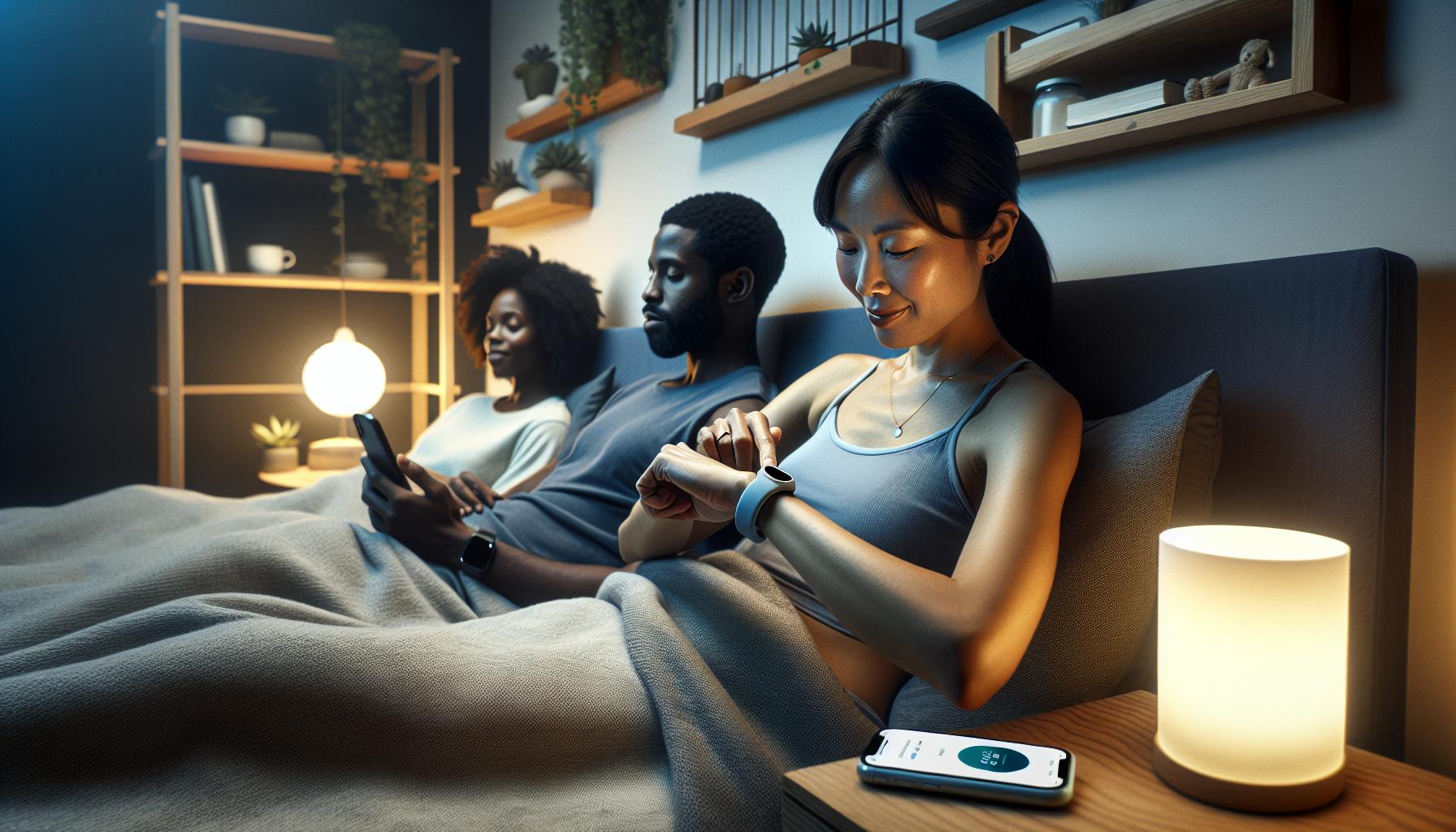
Understanding Sleep Stages and Their Importance
Understanding the intricacies of sleep stages can profoundly enhance your nightly rest and overall well-being. Sleep isn’t just about the number of hours spent in bed; it’s about the quality of that sleep, which hinges on the balance of different sleep stages-light, deep, and REM (Rapid Eye Movement). Each stage plays a unique role in your health, influencing everything from memory consolidation to emotional regulation.
During light sleep, your body begins to relax, making it essential for physical restoration. This stage primarily serves as a transition zone, helping you drift into deeper sleep. Deep sleep, on the other hand, is where the body conducts most of its healing processes, including tissue repair and muscle growth. This stage is crucial for physical recovery and maintaining metabolic health. Lastly, REM sleep, often associated with dreaming, is vital for cognitive functions such as learning and memory. During this time, your brain processes information and integrates experiences, making it indispensable for mental health.
Utilizing your Fitbit Inspire 2 to track these stages can lead to actionable insights. For instance, if you notice a pattern of insufficient deep sleep, it may prompt you to adjust your sleep environment, perhaps by improving your bedroom’s darkness or minimizing noise disturbances. The device’s detailed sleep reports will help you identify correlations between your habits-such as alcohol consumption or stress levels-and your sleep quality. By doing so, you empower yourself to make informed adjustments to enhance your nighttime routine.
Incorporating knowledge about sleep stages into your daily habits can ultimately enhance your sleep quality. Strategies such as maintaining a consistent sleep schedule, creating a bedtime ritual, and limiting evening screen time can significantly foster better sleep hygiene. Remember that understanding your sleep stages is the first step in taking control of your health-leading to improved mood, enhanced productivity, and overall vitality. By actively engaging with your sleep data through the Fitbit Inspire 2, you can take practical steps towards achieving restorative sleep.
Getting Started: Fitbit Inspire 2 Setup Guide
To unlock the full potential of the Fitbit Inspire 2 for sleep tracking, setting it up correctly is essential. With this device, you can gain insightful data about your sleep patterns and ultimately improve the quality of your rest. Here’s a straightforward guide to help you get started with your Fitbit Inspire 2.
Begin by downloading the Fitbit app, available on both iOS and Android devices. Afterward, create an account or log into your existing one. The app will guide you through pairing your device. To do this, turn on your Fitbit Inspire 2 and ensure Bluetooth is enabled on your smartphone. The app will search for nearby devices-select your Inspire 2 from the list, and follow the on-screen prompts to complete the pairing process.
Once paired, it’s time to set up your sleep preferences. Within the app, navigate to the “Sleep” section. Here, you can customize notifications for Sleep Mode, which automatically detects when you fall asleep based on your inactivity. You can also set a sleep goal to help keep yourself accountable. This feature allows you to stay focused on getting the recommended hours of sleep for your age group, which will help in tracking your progress over time.
For optimal sleep tracking, wearing your Fitbit Inspire 2 snugly on your wrist while you sleep is crucial. Ensure that it is comfortable but secure enough to maintain contact with your skin. The device’s sensors need to measure heart rate and monitor your sleep stages effectively. If you’re interested in receiving a gentle vibration to wake you during light sleep, consider enabling the Smart Wake feature in the app.
By following these steps, you’ll be well on your way to utilizing your Fitbit Inspire 2 for insightful sleep monitoring. Remember, consistency is key; wearing your device every night will provide you with the most accurate data, helping you make informed adjustments to your sleep environment and routine as you work towards improving your sleep quality.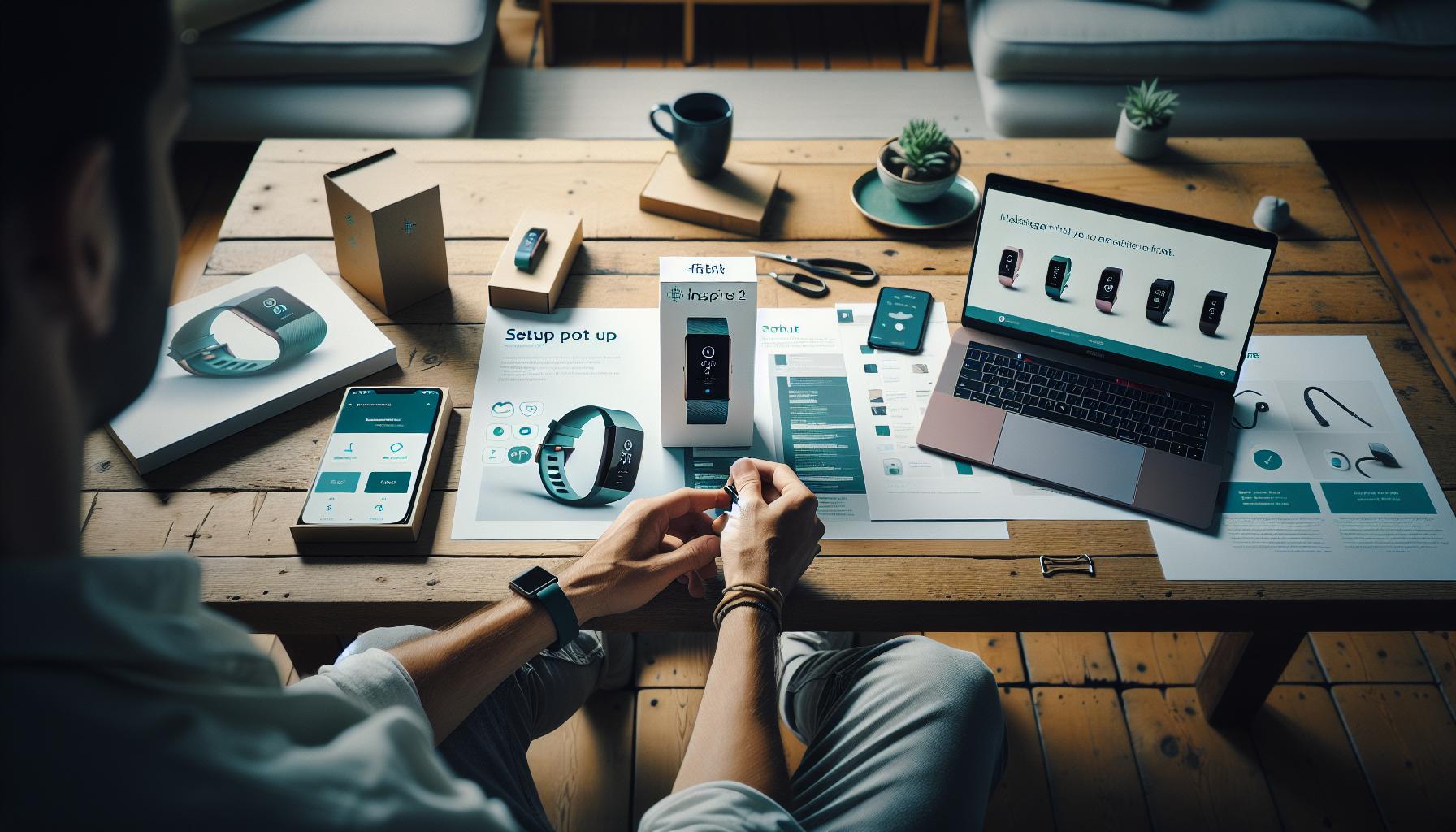
Step-by-Step: Activating Sleep Tracking Features
To unlock the full potential of your Fitbit Inspire 2’s sleep tracking capabilities, activating its sleep features is essential. This simple process ensures you have the most accurate and insightful data on your nightly rest. Follow these straightforward steps to get started and get the most out of your device.
Start by opening the Fitbit app on your smartphone. Once you’re logged in, navigate to the Today tab. Here you’ll find vital statistics about your health, including a section dedicated to sleep. Tap on Sleep to access the sleep settings.
Next, you’ll want to enable Sleep Mode. This feature automatically detects when you fall asleep based on your inactivity and provides a deeper analysis of your sleep stages. To activate this, go to the Sleep settings within the app, and toggle the switch for Sleep Mode to On. You can also customize notifications to alert you when you are approaching your sleep goal, helping you establish a consistent bedtime routine.
For those looking to optimize their sleep experience, consider activating the Smart Wake feature. This option gently vibrates your wrist to wake you during light sleep, making it easier to rise feeling refreshed. To enable it, go back to the Sleep settings in the app and locate the Smart Wake option. Set your desired wake-up time, and the device will calculate the best moment to wake you within a 30-minute window before that time.
Finally, ensure you wear your Fitbit Inspire 2 snugly on your wrist while sleeping. The device’s sensors must maintain contact with your skin to effectively monitor your heart rate and sleep cycles. Additionally, commit to wearing your device consistently to gather accurate data over time. This approach not only provides you with detailed insights into your sleep quality but also empowers you to make informed adjustments to improve your overall rest.
By following these steps, you will activate crucial sleep tracking features that enhance your experience and help you on your journey toward better sleep health.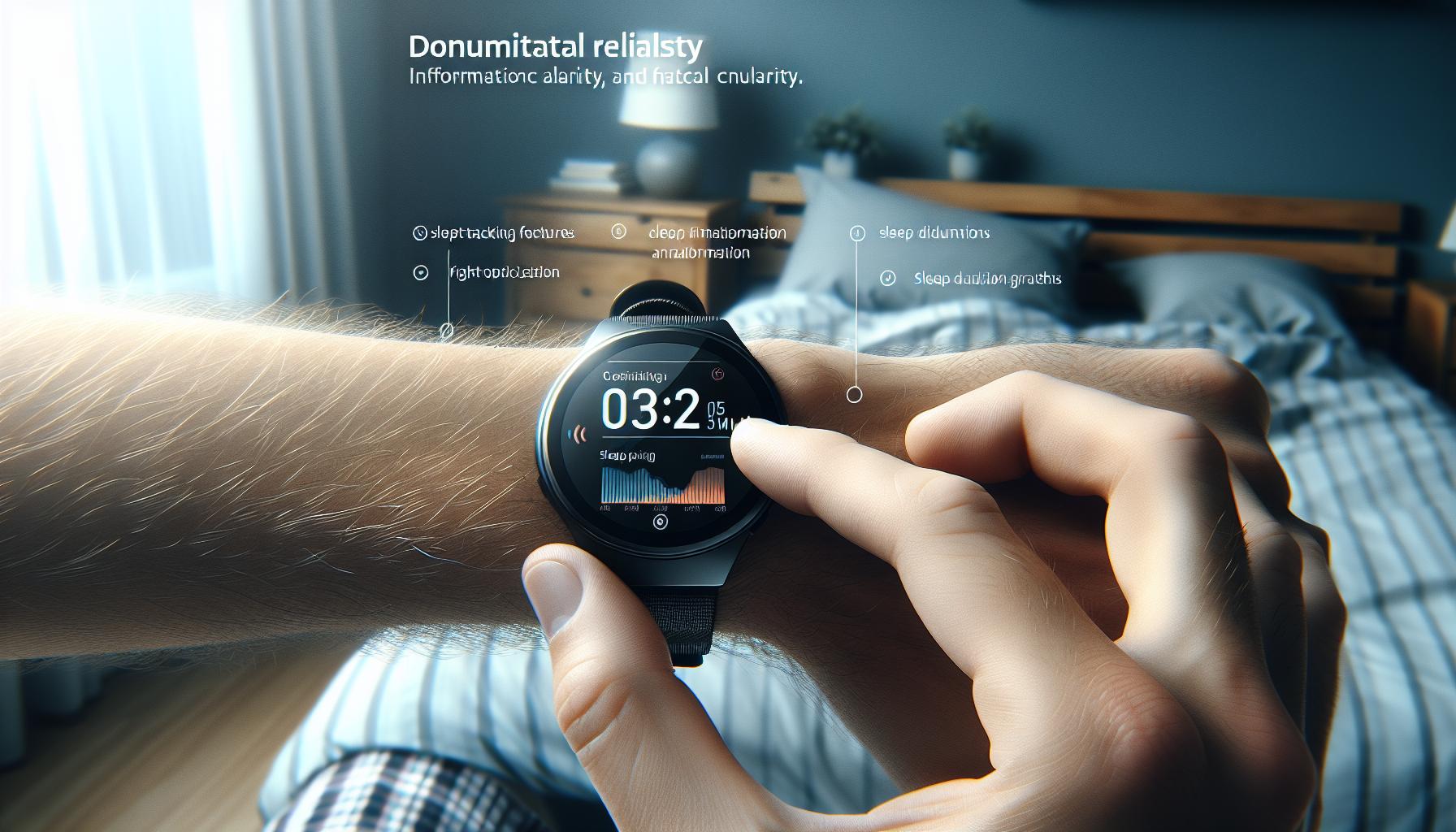
Understanding Fitbit Sleep Metrics Explained
Understanding how your Fitbit tracks sleep can feel overwhelming, but breaking it down into key metrics can provide clarity on your rest habits. The Fitbit Inspire 2 utilizes advanced sensors to monitor your sleep patterns and categorize them into distinct stages: light, deep, and REM (Rapid Eye Movement) sleep. Each of these stages plays a vital role in physical restoration, memory consolidation, and emotional resilience. With a deeper understanding of these stages, you can assess what your data reveals about your sleep quality and overall health.
Key Sleep Stages Explained
Your sleep is divided into several stages, with each serving a specific purpose:
- Light Sleep: This stage is essential for transitioning into deeper sleep and comprises a significant portion of your nightly rest. During light sleep, your body begins to relax, which allows for recovery without being completely disconnected from your environment.
- Deep Sleep: Often referred to as slow-wave sleep, this is the most restorative stage, crucial for physical recovery and growth. You’ll spend less time in this stage as you age, making it vital to understand how to enhance it.
- REM Sleep: This stage is vital for cognitive functions such as memory and learning. It is when most dreaming occurs, reflecting the brain’s activity regarding emotional processing and creativity.
Interpreting Your Sleep Score
Fitbit also provides a sleep score ranging from 0 to 100, summarizing your night’s rest quality. This score considers metrics like total sleep time, sleep stages, and your restlessness throughout the night. A higher score indicates a more restful night, allowing you to easily track improvements or identify patterns over time. Here’s what to keep in mind when interpreting your score:
- A score above 80 is considered good, signifying restorative sleep.
- A score between 60-79 suggests average sleep and may point to areas needing improvement.
- A score below 60 indicates poor sleep quality, highlighting a need for immediate adjustments in your sleep routine.
Understanding these metrics can empower you to make informed decisions about how to improve your sleep hygiene routine. By keeping an eye on your Fitbit’s sleep data, you can identify trends, experiment with new habits, and ultimately improve your sleep quality.
How to Interpret Your Sleep Data Effectively
Understanding how to effectively interpret the sleep data from your Fitbit Inspire 2 can transform your approach to better sleep health. Each morning, your device provides insightful metrics, but without proper interpretation, these numbers might seem just like another set of stats. Instead, think of your sleep data as a roadmap guiding you toward better rest and overall wellness. By focusing on key metrics, you can tap into personalized insights that inform effective changes to your daily habits.
First, take a close look at your sleep stages. The data breaks down how long you spent in light, deep, and REM sleep, revealing the quality of your rest. For instance, if you consistently notice a lack of deep sleep-crucial for physical recovery and mental clarity-it might prompt you to explore factors that hinder it, such as stress or irregular bedtimes. Analyze trends over time; if your deep sleep percentage is decreasing, make adjustments like creating a relaxing bedtime routine or limiting caffeine intake in the afternoon.
Next, consider your sleep score. This comprehensive metric condenses various elements into a single figure, making it easier to gauge your night’s rest at a glance. A higher score typically indicates good sleep quality. If your score frequently falls below 60, it may signal underlying issues that require attention-whether they’re related to sleep environment, lifestyle factors, or even potential sleep disorders. Use this score as motivation to experiment with healthy routines, such as maintaining a consistent sleep schedule or incorporating relaxation techniques to reduce restlessness.
Finally, remember that interpreting this data is about more than just numbers; it’s a starting point for conversation. Discussing your sleep patterns with a healthcare professional can provide further insights and assistance, especially if you have persistent concerns. Always approach your sleep journey with curiosity and a willingness to adapt, as what works for one person may not work for another. This understanding not only empowers you to take charge of your sleep but also fosters a broader awareness of your overall health and wellness.
Common Issues: Troubleshooting Sleep Tracking Problems
Sometimes, even the best sleep tracking devices can experience hiccups that may hinder their performance and the accuracy of the data they collect. Understanding common sleep tracking issues with the Fitbit Inspire 2 can help you troubleshoot effectively and ensure that you’re making the most of your sleep tracking experience.
One prevalent issue users face is inconsistent data recording. This could stem from several factors, including improper fit, low battery levels, or even software glitches. Ensure that your Fitbit Inspire 2 is snug on your wrist but not too tight, as a loose fit can prevent accurate heart rate and motion tracking. In addition, regularly check the battery level; a depleted battery may impair the device’s ability to function correctly and track your sleep accurately. If you suspect software issues, restarting your device can often resolve temporary glitches, allowing for a smoother tracking experience.
Another common problem is the device not recognizing your sleep automatically. This can be frustrating, especially if you’re relying on the device to log your sleep duration accurately. To help mitigate this, make sure the sleep tracking feature is activated in your device settings. For even better results, you can manually log your sleep in the Fitbit app if automatic detection fails. Don’t forget to examine your sleep schedule, as irregular patterns may confuse the device and lead to inaccurate readings.
Lastly, if your sleep metrics are showing unexpected results, like an abnormally high number of wake-ups or little deep sleep, it’s wise to review your lifestyle factors. Consider your caffeine intake, exercise routines, and stress levels, as these can significantly impact your sleep quality. If irregularities persist, it may be time to consult with a healthcare professional to explore potential underlying issues more thoroughly.
By staying proactive about these common issues, you can enhance the accuracy of your sleep tracking and in turn, better your sleep health. Remember, technology is a guiding tool-it’s what you do with the insights that truly matters!
Comparing Fitbit Inspire 2 with Other Sleep Trackers
When it comes to sleep tracking devices, the Fitbit Inspire 2 stands out in an increasingly crowded marketplace, but how does it hold up against its competitors? Many consumers find themselves overwhelmed by the myriad of options available, so let’s break down how the Inspire 2 compares with other popular sleep trackers and highlight its notable features and limitations.
The Fitbit Inspire 2 offers a robust set of sleep tracking features that include automatic sleep detection, a sleep score based on duration and quality, and insights into light, deep, and REM sleep stages. Unlike competitors like the Apple Watch or the Garmin Vivosmart 4, which provide similar tracking capabilities, the Inspire 2 tends to be more budget-friendly, often available for under $100. It’s an excellent entry point for those new to sleep tracking.
Feature Comparison
Here are some aspects where the Fitbit Inspire 2 generally excels, alongside a few areas where it may fall short compared to other devices:
| Feature | Fitbit Inspire 2 | Garmin Vivosmart 4 | Apple Watch Series 6 |
|---|---|---|---|
| Price | Under $100 | Approximately $130 | Starting at $399 |
| Sleep Tracking | Yes, with sleep score | Yes, with stress tracking | Yes, detailed insights |
| Battery Life | 10 days | Up to 7 days | 18 hours |
| Smart Features | Basic notifications | Fitness & health tracking | Comprehensive smartwatch features |
While competing devices like the Garmin Vivosmart 4 offer advanced features such as stress management and pulse oxygen saturation monitoring, they typically come at a higher price point. The Apple Watch, on the other hand, is a full-fledged smartwatch equipped with robust health apps but may not focus as extensively on sleep tracking as the Inspire 2 does.
Practical Considerations
When choosing a sleep tracker, consider your lifestyle and budget. If you are seeking a device primarily for sleep tracking without the extra bells and whistles, the Fitbit Inspire 2 is a strong contender. However, if you’re immersed in the Apple ecosystem and want integration with other health metrics, the Apple Watch may be worth the investment. If all-day fitness tracking with added stress insights sounds appealing, looking into Garmin could be beneficial.
In the end, each device has its strengths, and the best choice depends on your individual needs and preferences. By weighing their features and prices against what you plan to use them for, you can find the perfect fit to enhance your sleep health journey.
Tips for Improving Sleep Quality Using Fitbit
To enhance your sleep quality using the Fitbit Inspire 2, consider implementing a few practical strategies that leverage its features. The Inspire 2 not only tracks your sleep stages but also provides actionable insights that can lead to healthier sleep habits. For example, understanding your sleep score can highlight areas for improvement. A sleep score is a straightforward way to gauge how well you slept based on duration and sleep quality. Aim for a score above 80, which indicates good sleep health.
One of the simplest adjustments you can make is establishing a consistent sleep schedule. Try to go to bed and wake up at the same time every day, even on weekends. This consistency trains your body’s internal clock, making it easier to fall asleep and wake up. Use the Inspire 2’s reminders to prompt you when it’s time to wind down for bed. Furthermore, the device logs your time spent in different sleep stages-such as light, deep, and REM sleep-which can inform you about your nightly rest patterns over time.
Utilizing the alerts and alarms on the Fitbit can also facilitate better sleep. Experiment with the “Smart Wake” feature, which wakes you during your lightest sleep phase within a set time window. This can help you feel more refreshed rather than groggy. Additionally, tracking your data after each night’s rest can help you draw connections between your daily habits and sleep quality. For instance, you might find that evenings spent on screens lead to poorer sleep scores, guiding you to implement a tech-free hour before bedtime.
Lastly, consider keeping a sleep diary alongside your Fitbit data. Note your daily activities, moods, and what you eat or drink, especially caffeine and alcohol, before bed. This holistic approach enables you to see patterns and make well-informed adjustments. Remember, while your Fitbit is a valuable tool in understanding your sleep, it’s important to combine it with lifestyle changes like a calming bedtime routine, a comfortable sleeping environment, and relaxation techniques to improve your sleep quality effectively.
Integrating Sleep Tracking with Your Daily Routine
Integrating sleep tracking into your daily routine can transform your approach to wellness and help you cultivate better sleep habits. The Fitbit Inspire 2 is more than just a fitness tracker; it offers a comprehensive look at your sleep quality and habits, giving you the tools needed to align your lifestyle with your sleep goals. By establishing a consistent and mindful approach to using your device, you can enhance the insights it provides and improve your overall health.
Start by syncing your Fitbit Inspire 2 with the Fitbit app on your smartphone. This connection gives you access to valuable sleep data, including time spent in different stages of sleep. Make it a habit to review this data each morning. Set a specific time to check your sleep metrics, perhaps during your morning coffee. Analyzing how well you slept can encourage you to make subtle changes, such as adjusting your bedtime or creating a relaxing pre-sleep routine that includes calming activities like reading or gentle yoga.
Incorporating reminders from your Fitbit into your day can also aid in sleep training. Use your device’s vibration alerts to signal when it’s time to unwind. These nudges can prevent late-night distractions, helping you transition to sleep more smoothly. Additionally, consider setting aside technology-free time before bed and replace screen time with activities that promote relaxation. You might take a warm bath, meditate, or enjoy a cup of herbal tea-practices known to signal your body that it’s time to rest.
Lastly, create a sleep-friendly environment that amplifies your Fitbit’s tracking capabilities. Ensure your bedroom is dark, quiet, and cool, which can greatly influence your sleep quality. Use blackout curtains, earplugs, or white noise machines if necessary. Combine these environmental factors with the insights gained from your Fitbit to optimize how you sleep. Keep adjusting your routine based on your sleep scores and metrics to find what combination works best for you. By making sleep tracking a natural part of your daily life, you empower yourself to achieve a healthier sleeping pattern, ultimately enhancing your overall well-being.
Advanced Features: Smart Wake and Sleep Insights
Enhancing your sleep experience is not just about tracking hours; it’s about optimizing the quality of your rest. The Fitbit Inspire 2 offers advanced features like Smart Wake and Sleep Insights, designed to help you wake up feeling refreshed and better understand your sleep patterns. This functionality allows you to take a more informed approach to your sleep health, combining technology with actionable insights.
With the Smart Wake feature, your Fitbit uses sleep cycle data to determine the best time to wake you up within a designated window. It analyzes your sleep stages, aiming to rouse you during a lighter sleep phase, which can significantly reduce grogginess. This feature is particularly beneficial for those who struggle with waking up during deeper sleep, as it can make mornings feel more manageable. To set this up, simply adjust your alarm settings in the Fitbit app to create a waking window that aligns with your natural sleep rhythm.
Understanding Sleep Insights
Sleep Insights provide a comprehensive overview of your sleep quality by aggregating data over time. This includes your sleep patterns, duration, and the balance of deep, light, and REM sleep stages. By dedicating a few minutes each day to reviewing your sleep insights, you can identify trends and make necessary adjustments. For instance, if you notice that evenings filled with screen time correlate with poor sleep quality, you might decide to set a media curfew an hour before bed.
Keep an eye on specific metrics:
- Total Sleep Time: Aim for the recommended 7-9 hours.
- Sleep Score: Understand how factors like restfulness and sleep duration affect your scores.
- Sleep Stages: Familiarize yourself with the breakdown of light, deep, and REM sleep.
Consider these insights a roadmap to better sleep. With consistent use of the Fitbit Inspire 2 and attention to the data it provides, you’ll find yourself empowered to refine your sleep habits, leading to improved overall wellness. As you integrate these features into your routine, remain patient; sleep optimization is a journey that takes time and consistency.
When to Seek Professional Help for Sleep Issues
If you’re using the Fitbit Inspire 2 for sleep tracking, it can be enlightening to see how different lifestyle choices impact your sleep data. However, there are moments when extending beyond your wearable’s insights is essential. If you consistently face issues such as insomnia, excessive daytime sleepiness, or frequent disruptions throughout the night, it may be time to consult a healthcare professional. These symptoms can indicate underlying sleep disorders, such as sleep apnea or restless leg syndrome, which require more clinical evaluation.
Recognizing the signs that warrant professional help can be critical to maintaining your overall health. Here are some guidelines to consider:
- Persistent Sleep Problems: If you find it challenging to fall asleep or stay asleep at least three times a week for several months, it’s advisable to seek assistance.
- Impact on Daily Life: When your sleep issues start affecting your mood, energy levels, or ability to perform daily tasks, it’s a signal to get professional advice.
- Unexplained Symptoms: Experiencing symptoms like snoring, gasping for air during sleep, or morning headaches may suggest sleep apnea or other serious conditions.
- Worsening Concerns: If your sleep quality continues to decline despite making lifestyle changes based on your Fitbit data, it may be time to explore options with a specialist.
When you decide to seek professional help, expect a comprehensive evaluation that may include a sleep study (polysomnography). This testing can accurately diagnose sleep disorders by monitoring brain activity, breathing patterns, and heart rhythms during sleep. While wearables like the Fitbit can provide useful insights, they are not a substitute for medical diagnostics. Thus, combining data from your Fitbit with professional insights can empower you to take control of your sleep health. Remember, addressing sleep issues early maximizes your chances of improvement and long-term wellness.
Frequently Asked Questions
Q: How do I enable sleep tracking on my Fitbit Inspire 2?
A: To enable sleep tracking on your Fitbit Inspire 2, open the Fitbit app on your mobile device, go to your device settings, and ensure the sleep tracking feature is activated. Make sure to wear your device while sleeping to accurately record your sleep data.
Q: What features does the Fitbit Inspire 2 provide for sleep analysis?
A: The Fitbit Inspire 2 provides insights into sleep stages, including light, deep, and REM sleep. It also offers a sleep score that evaluates the quality of your sleep based on duration and restfulness. Access these features through the Fitbit app to analyze your sleep data.
Q: Can I manually log my sleep in the Fitbit app?
A: Yes, you can manually log your sleep in the Fitbit app. Go to the Sleep section, select “Add Sleep,” and input the details of your sleep duration. This feature is helpful if you forgot to wear your tracker or want to record naps.
Q: How accurate is the sleep tracking on the Fitbit Inspire 2?
A: The sleep tracking on the Fitbit Inspire 2 is generally accurate, leveraging heart rate monitoring and movement detection to categorize sleep stages. However, the accuracy may vary based on individual sleep patterns and device fit.
Q: What should I do if my Fitbit Inspire 2 isn’t tracking sleep?
A: If your Fitbit Inspire 2 isn’t tracking sleep, first ensure that it is properly worn during sleep. Restart the device, check for app updates, or reset the device. If issues persist, refer to the troubleshooting section of your user manual.
Q: How do I interpret the sleep score on Fitbit Inspire 2?
A: The sleep score on your Fitbit Inspire 2 ranges from 0 to 100, with higher scores indicating better sleep quality. It considers factors like sleep duration, sleep stages, and restfulness. A score above 70 is generally considered good; aim to improve it by following advice from the Fitbit app.
Q: What tips can help improve my sleep quality while using the Fitbit Inspire 2?
A: To enhance sleep quality, establish a consistent sleep schedule, create a calming bedtime routine, and limit screen time before bed. Use insights from your Fitbit app regarding sleep patterns to make adjustments, such as optimizing your sleeping environment.
Q: How does the Fitbit Inspire 2 compare to other sleep trackers?
A: The Fitbit Inspire 2 is sleek and user-friendly, offering excellent sleep tracking features compared to other devices. It stands out for its detailed sleep stage analysis and sleep score system. Explore the comparisons section of your article for a detailed breakdown of features across different trackers.
Key Takeaways
Now that you’re equipped with the knowledge to set up sleep tracking on your Fitbit Inspire 2, you can take control of your sleep health like never before. By monitoring your sleep patterns, you’ll gain invaluable insights to improve your rest and overall well-being. Don’t delay-start tracking your sleep tonight and unlock the potential for a healthier, more energized you!
For further exploration, be sure to check out our guides on “Understanding Sleep Stages” and “Tips for Better Sleep Hygiene.” These articles will provide deeper insights and actionable tips for optimizing your sleep routine. If you have any questions or experiences to share, leave a comment below-we’d love to hear from you!
Remember, the journey to better sleep starts with one small step. Subscribe to our newsletter for expert tips and resources sent directly to your inbox. Let’s pave the way to restorative nights together!
Get our latest guides, news, and insights highlighted in your Google Search & AI Overviews.