
Many Oura Ring users rely on their devices to track sleep patterns, but what happens when your ring stops monitoring your sleep? If you’ve ever woken up wondering why your Oura Ring isn’t providing the insights you need for better rest, you’re not alone-this is a common concern among wearable tech users. Understanding why your device may be underperforming can help you get back on track toward achieving restorative sleep. In this guide, we’ll explore practical solutions and troubleshooting steps to ensure your Oura Ring delivers accurate sleep data, allowing you to reclaim the restful nights you deserve. Keep reading to uncover ways to optimize your sleep tracking experience and enhance your overall sleep health.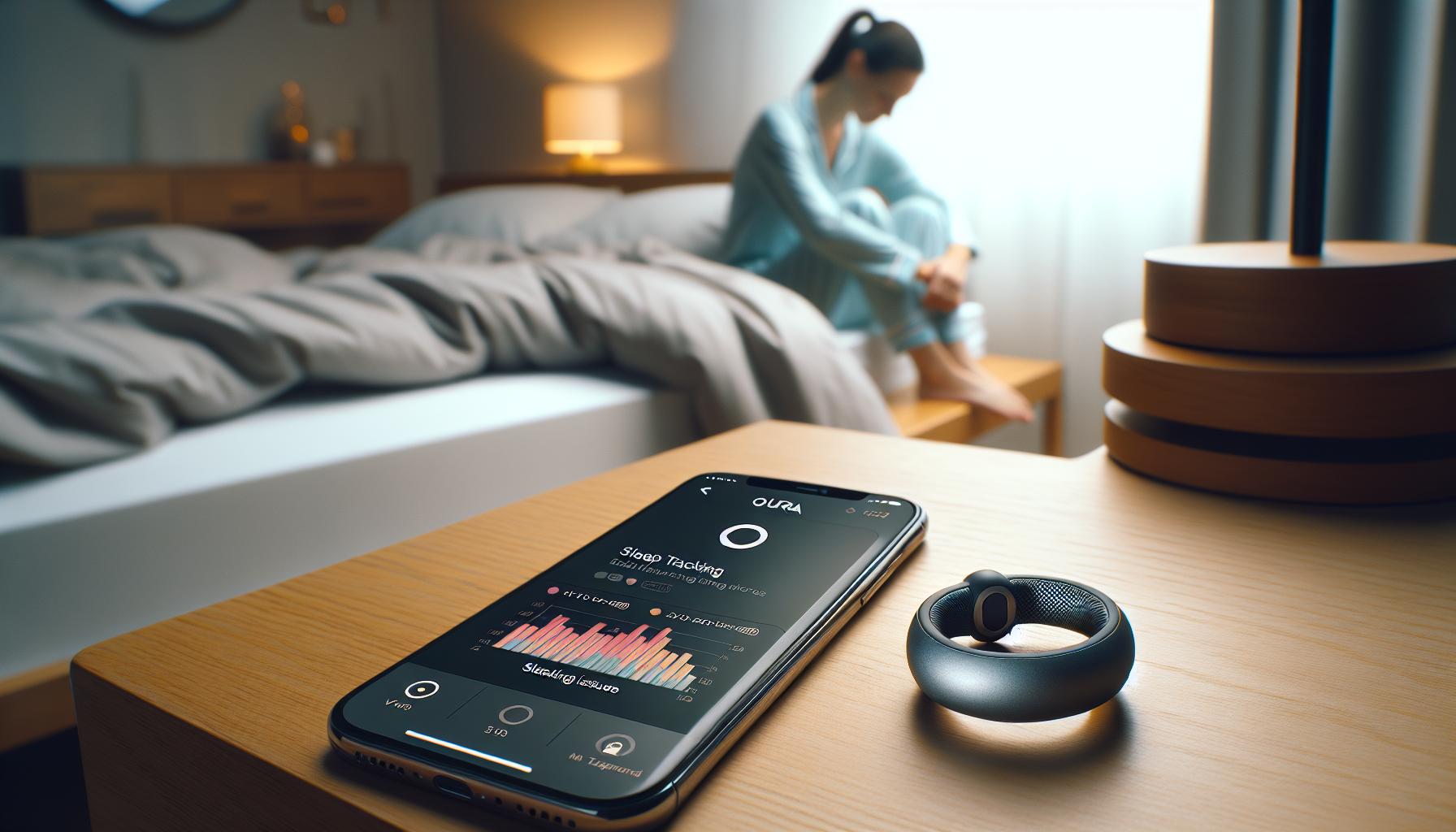
Understanding the Basics of Oura Ring Sleep Tracking
Sleep is a fundamental aspect of our health that significantly impacts our physical and mental well-being. Understanding how the Oura Ring tracks sleep is crucial for maximizing its capabilities and ensuring you receive accurate insights into your nightly rest. The Oura Ring utilizes advanced sensor technology to monitor various physiological signals while you sleep, including heart rate, body temperature, and movement. These metrics help in determining your sleep stages-light, deep, and REM sleep-giving you a comprehensive view of your sleep quality and duration.
To fully appreciate Oura Ring’s sleep tracking, it’s important to familiarize yourself with its features. The device detects when you fall asleep and when you wake up automatically, syncing this data to the companion app where you can view insights and trends over time. Additionally, users receive a nightly readiness score that informs them of their overall recovery status based on sleep quality and other health metrics. This feature empowers you to make informed decisions regarding daily activities, exercise, and even stress management.
However, there are common pitfalls that can interfere with the effectiveness of sleep tracking. Factors such as loose fitting or improper wear-where the ring may shift during sleep-can lead to inaccurate data collection. Therefore, knowing how to wear and care for your Oura Ring is essential for maximizing its function. If you notice discrepancies in sleep tracking, understanding the basics of how the device works will assist in troubleshooting issues and enhancing your overall sleep health strategy.
Common Reasons for Sleep Tracking Failures
Tracking sleep with the Oura Ring can sometimes be a frustrating experience, especially if you find that it’s not providing you with accurate or useful data. Understanding the can help you troubleshoot and optimize your device for better performance.
One of the primary reasons your Oura Ring might fail to accurately track your sleep is improper fit. If the ring is too loose or shifts around during the night, it may not be able to gather the necessary physiological signals effectively. Ideally, the Oura Ring should fit snugly but comfortably on your finger, allowing it to maintain contact with your skin throughout your sleep cycle. To ensure optimal performance, consider trying different sizes or wearing it on different fingers to find the best fit.
Another significant factor to consider is the battery level of your ring. If the battery is low, the Oura Ring may not function at full capacity, which could affect various tracking features, including sleep data collection. Make it a habit to charge your ring regularly, aiming for a charge level of at least 20% before bed. Additionally, ensure that your device has the latest software updates installed, as these updates can enhance functionality and correct known bugs.
Environmental factors can also play a role in sleep tracking failures. Noise, light, and temperature in your sleep environment might disrupt your ability to fall and stay asleep. The Oura Ring is designed to record data based on your natural sleep patterns, but if external conditions interfere with your sleep quality, the recorded data may not reflect your actual rest. Consider optimizing your sleep environment by reducing exposure to light and noise to improve overall sleep quality, which in turn will improve tracking accuracy.
In summary, to enhance your Oura Ring’s sleep tracking performance, ensure a proper fit, maintain battery levels, regularly update the software, and create a conducive sleep environment. By addressing these common issues, you can maximize your Oura Ring’s capabilities and gain more accurate insights into your sleep health.
How to Ensure Your Oura Ring Is Properly Fitted
To achieve optimal sleep tracking with your Oura Ring, ensuring a proper fit is crucial. A well-fitted ring not only stays in place but also effectively measures the physiological signals it requires to assess your sleep cycles accurately. If the ring is too loose, it may shift during the night, disrupting its ability to gather consistent data. Conversely, if it’s too tight, it can cause discomfort and potentially hinder circulation, leading to inaccurate readings as your body temperature or heart rate may be affected.
When choosing the right size, consider these tips:
- Proper Measurement: Use a soft measuring tape or a piece of string to measure the circumference of your finger, typically at the base, to find your size.
- Different Fingers: If you find that the fit is not perfect on your usual finger, experiment with wearing the ring on different fingers. Some people may be able to achieve a better fit on their middle finger versus their index or ring finger.
- Size Trials: If you are uncertain about your size, most retailers will allow you to try on multiple sizes before purchase, or you can utilize sizing kits.
It’s also essential to adapt to seasonal changes that may affect swelling in your hands. For example, warmer weather can cause your fingers to swell slightly compared to cooler temperatures. Therefore, it might be beneficial to have a ring that fits snugly when it’s cool but is adjustable for warmer conditions.
Taking these steps not only improves the accuracy of your sleep data but also ensures a comfortable experience while wearing your Oura Ring. Remember, a snug fit is key to maximizing the device’s capabilities and ultimately enhancing your sleep tracking experience.
Troubleshooting Sleep Tracking Issues with Your Oura Ring
If you’re experiencing issues with your Oura Ring not tracking your sleep, you’re not alone. Many users have encountered this frustrating scenario. It’s crucial to remember that while technology can enhance our understanding of sleep, it can sometimes falter, leading to misplaced trust in the data provided. The good news is that there are several troubleshooting steps you can take to resolve these issues effectively.
One of the first aspects to check is the fit of your Oura Ring. An improper fit can severely hinder its ability to collect accurate data. If the ring is too loose, it may shift during sleep, disrupting its sensors. Alternatively, if it’s too tight, it can impede blood flow and alter your body’s signals. You can confirm the correct size by measuring the circumference of your finger and comparing it with Oura’s sizing guide. Additionally, the ring should be worn on a finger that tends to stay cooler at night, like the index or middle finger, as this can help improve sensor accuracy.
Next, consider the battery life of your device. A low battery can lead to incomplete data collection. Ensure your Oura Ring is charged regularly and check the battery level in the app before going to bed. It’s also essential to ensure that you have the latest software updates installed, as these updates often include bug fixes and enhancements for sleep tracking capabilities. Just like a smartphone, the performance of your Oura Ring can improve significantly with regular updates.
Lastly, pay attention to your sleep environment. External factors such as noise, light, and temperature can all affect your ability to fall asleep and stay asleep, which in turn can impact the accuracy of your Oura Ring’s readings. Consider using blackout curtains, white noise machines, or adjusting your room temperature to create a more conducive sleep environment.
By focusing on these key areas-fit, battery, software updates, and environmental factors-you can significantly enhance the accuracy of your Oura Ring’s sleep tracking functionalities. If issues persist despite these efforts, you may want to consult the Oura support team for further assistance.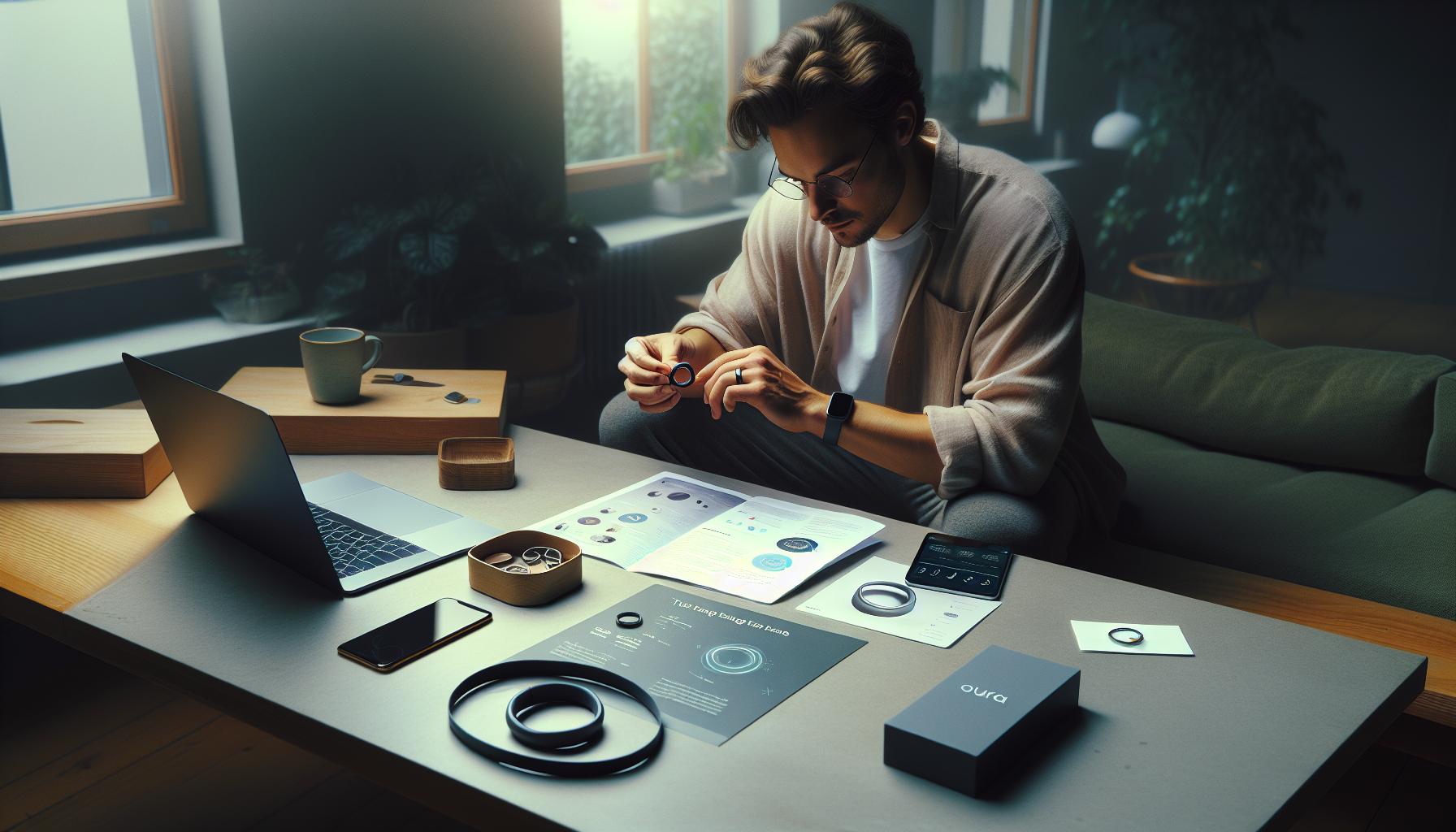
Software Updates: Keeping Your Oura Ring in Top Shape
Keeping your Oura Ring updated with the latest software is a vital step in ensuring that it functions optimally, particularly when tracking your sleep. Just like any sophisticated piece of technology, your Oura Ring requires regular updates to enhance its performance and fix any bugs that could impair its ability to gather accurate data.
Software updates typically include improvements to tracking algorithms, which refine how the ring interprets the signals it collects. For instance, a recent update might enhance the accuracy of heart rate monitoring during different stages of sleep, directly impacting the quality of sleep data you’re receiving. To check for updates, simply navigate to the settings in your Oura app where you’ll often find an option for ‘Firmware Update’ or ‘Software Update.’ Keeping track of these updates is essential as they can introduce new features as well, such as advanced insights or improved battery management.
- Regularly Check for Updates: Enable notifications in your app to stay informed about new updates as they become available.
- Optimize Your Charging Routine: Regularly charge your Oura Ring, ideally once a week, to ensure it has enough power to process updates effectively.
- Engage with the Community: Follow Oura on social media or join forums where users share their experiences regarding updates. This can offer insights into any common issues others may face after specific updates.
By prioritizing software updates, you’ll better position your Oura Ring to track your sleep accurately. Remember, technology is never perfect, and occasional hiccups are normal; however, keeping your device updated can significantly mitigate many common tracking issues. If you continue to experience sleep tracking failures even after updates, consider exploring further troubleshooting options or seeking help from Oura’s customer service for tailored support.
Interference Factors: Sleep Environment and Battery Life
Your Oura Ring’s ability to track your sleep can be influenced by various factors in your sleep environment and even its battery life. Understanding these influences is crucial for optimizing the device’s performance and ensuring it serves you as effectively as possible during your nightly rest.
A tranquil sleep environment is essential for your Oura Ring to accurately gauge your sleep stages. Unwanted lighting, noise, or an uncomfortable sleeping position can disrupt your sleep cycle and affect the data the ring collects. For instance, blue light from screens or bright room lighting may signal your body to stay awake, leading to restless nights. Keeping your sleeping space dark and quiet can improve both your sleep quality and the accuracy of the ring’s readings. Here are some elements to consider in creating a conducive sleep environment:
- Lighting: Use blackout curtains and avoid screens for at least an hour before bed.
- Noise: Consider using white noise machines or earplugs to minimize disturbances.
- Comfort: Maintain a comfortable mattress and bedding, tailored to your personal preferences.
Battery life is another critical factor that can indirectly impact your sleep tracking. The Oura Ring needs adequate battery power to function correctly, especially during the night when it gathers the most data about your body’s rhythms. If the battery is low or drains quickly, the ring may not collect all relevant metrics, leading to incomplete sleep data. To avoid such issues, charge your Oura Ring regularly, ideally on a routine that allows you to wear it most nights without interruption. You might want to consider charging it during a time you typically aren’t sleeping, such as while you are getting ready for the day or taking a shower.
Ultimately, ensuring a proper sleep environment and maintaining adequate battery life can greatly enhance the accuracy of the Oura Ring’s sleep tracking capabilities. By routinely assessing these factors, you can empower yourself with better insights into your sleep health and patterns.
Advanced Features: Customizing Your Sleep Tracking Experience
While your Oura Ring is designed to provide insights into your sleep patterns, customizing its tracking features can significantly enhance your experience and the accuracy of the data collected. By taking control of how you use your ring, you can better align its capabilities with your individual sleep habits and health goals.
One of the most powerful ways to customize your sleep tracking experience is through the Oura app settings. This app allows you to specify details about your nightly routine, including bedtime reminders and your ideal sleep duration. By inputting your preferred sleep schedule, the ring can better monitor your sleep phases and provide personalized insights. Additionally, the app offers options to track factors such as daily activity levels and readiness scores, which can also impact your sleep quality.
Moreover, the integration of customizable alerts can serve as a fantastic motivator. For example, you can set reminders to wind down for bed or avoid late-night screen time, promoting healthier habits that contribute to improved sleep. The ring’s ability to adapt and learn from your behaviors means that over time, it can suggest patterns and routines that work best for you.
In addition to software settings, consider the physical adjustments to your ring that can enhance its performance. Ensuring a snug yet comfortable fit is crucial for accurate data collection. If your ring is too loose, it may not properly detect your heart rate variability or movement during sleep. Experiment with different sizes or even wear it with a finger sleeve if necessary to achieve the best fit.
Lastly, the Oura Ring also features a range of advanced metrics that can be accessed through regular updates. Staying informed about new features and capabilities allows you to leverage the latest advancements in sleep science integrated into your device. Keeping your software up to date ensures that you’re benefiting from improvements and bug fixes that enhance tracking accuracy.
By taking these steps to personalize your Oura Ring experience, you not only empower yourself with actionable insights but also foster a deeper understanding of how your habits affect your sleep health, ultimately leading to better restorative sleep and overall well-being.
Comparing Oura Ring Sleep Data with Other Devices
When it comes to tracking sleep, the Oura Ring stands out for its compact design and advanced metrics, but how does it compare to other popular devices on the market? Understanding these comparative strengths can help you decide whether the Oura Ring is the best fit for your sleep tracking needs.
One of the primary competitors to the Oura Ring is the Fitbit Charge Series. While Fitbits are generally more affordable and offer a larger display with easy-to-read data, Oura Ring excels in its comprehensive sleep analysis. Oura provides detailed insights into sleep stages, such as deep and REM sleep, which some Fitbits may not segment as thoroughly. However, Fitbits do offer more extensive activity and heart rate tracking throughout the day, making them better suited for general fitness monitoring.
Another notable competitor is the Whoop Strap, which operates on a subscription model similar to the Oura Ring. While Whoop focuses heavily on recovery and strain, providing in-depth daily insights, users may find Oura’s sleep data presentation more user-friendly. Oura’s app also allows for more customization regarding sleep goals and preferences, empowering users to adapt their habits for better results. Whoop, however, can appeal to serious athletes looking for an extensive performance analysis that extends beyond just sleep.
For a more budget-friendly option, devices like the Xiaomi Mi Band or various smartwatches provide basic sleep tracking but typically lack the precise measurements and longer battery life offered by the Oura Ring. These devices often rely on movement data rather than the robust heart rate and temperature readings that Oura utilizes, which can lead to less accurate assessments regarding sleep quality and disturbances.
When comparing sleep data from the Oura Ring with other wearables, consider aspects like ease of use, accuracy, price, and specific features that align with your personal health goals. The Oura Ring can be particularly beneficial for those who prioritize sleep quality but may not be the best option for users looking for an extensive fitness tracker all in one device. Remember, the best choice will ultimately depend on what insights matter most for your health journey.
In conclusion, while the Oura Ring delivers precise and detailed sleep tracking capabilities, its value should be assessed against other devices’ strengths, which might cater better to your overall wellness preferences.
User Experiences: Real Stories of Sleep Tracking Issues
Some users of the Oura Ring have reported challenges with sleep tracking that can be both frustrating and perplexing. For instance, one common story involves the ring failing to recognize when users were asleep, instead logging prolonged periods of wakefulness. This often leads to confusion, particularly for those relying on its insights to improve their sleep quality. The reasons behind such issues can vary widely, and understanding them is crucial for troubleshooting effectively.
In many cases, improper fitting of the ring is a significant factor. Users have found that wearing the device too loosely can result in inaccurate data collection, as the sensors are unable to make proper contact with the skin. A snug but comfortable fit is essential to ensure the Oura Ring’s sensors accurately detect heart rate and body temperature changes during sleep. Furthermore, users have reported that certain sleep positions, such as resting with the hand under the pillow, could also affect tracking efficacy, causing the device to misinterpret motion and heart rate patterns.
Another common issue arises from environmental influences impacting sleep tracking. Many users overlook factors like room temperature, noise, and even the presence of other electronic devices that may interfere with data accuracy. For example, a person sleeping in a very warm room may struggle to fall asleep, leading to restless nights that the Oura Ring might record inaccurately. Keeping a consistent sleep schedule and a conducive sleep environment can significantly enhance the accuracy of the insights provided.
Finally, it’s worth noting that software updates play a crucial role in ensuring optimal device performance. Users have occasionally reported sleep tracking issues coinciding with system updates, leading to temporary glitches. Keeping the Oura Ring’s app updated and regularly checking for firmware updates can help mitigate these issues and maintain the functionality of sleep tracking features. By addressing these elements, users can often resolve tracking issues and more fully benefit from their Oura Ring’s capabilities.
Consulting the Experts: When to Seek Professional Help
When facing persistent issues with your Oura Ring’s sleep tracking capabilities, it may be time to seek professional help. Sleep is a complex physiological process, and while wearable technology provides valuable insights, it cannot fully replace expert evaluation if you suspect underlying problems. If you’ve tried troubleshooting your device-such as adjusting its fit, checking for software updates, or modifying your sleep environment-and still experience inaccuracies, consulting a healthcare professional can illuminate potential sleep disorders or health concerns that may be affecting your rest.
Understanding when to seek help is crucial. Here are some indicators:
- Persistent Sleep Problems: If you regularly struggle with falling asleep, staying asleep, or feel excessively tired during the day despite adequate sleep, these symptoms could signal sleep disorders such as insomnia or sleep apnea.
- Impact on Daily Life: When sleep issues interfere with your day-to-day activities, from work performance to personal relationships, it’s a clear sign that professional intervention may be necessary.
- Inconsistent Oura Ring Data: If the discrepancies in your sleep data become alarming-such as frequent records of wakefulness during nights you feel you slept well-it might be beneficial to consider a professional evaluation.
Consulting a sleep specialist typically begins with a comprehensive assessment, which may include questionnaires about your sleep habits and lifestyle. Depending on your situation, the doctor might recommend a sleep study, also known as polysomnography, to monitor your sleep patterns and diagnose potential disorders. This level of professional assessment provides a depth of understanding that wearables like the Oura Ring cannot match, enabling tailored treatments that improve your sleep quality.
In summary, while your Oura Ring is a valuable tool for managing sleep, don’t hesitate to seek expert advice if you encounter ongoing challenges. A qualified professional can help you navigate the complexities of sleep health, offering personalized strategies to enhance your nighttime rest and overall wellbeing.
Tips for Maximizing Sleep Tracking Accuracy
To get the most accurate sleep tracking from your Oura Ring, several key practices can enhance its performance. First and foremost, wearing the ring correctly is essential. The Oura Ring should fit snugly on your finger without being overly tight. A loose fit can result in inaccurate readings, so it’s worth experimenting with different finger positions to find the best fit for consistent tracking.
Another important factor is maintaining a consistent sleep schedule. Your body thrives on routine, and going to bed and waking up at the same times each day can help your Oura Ring gather more reliable data. Aim to get a minimum of seven hours of sleep each night. This consistency not only aids in establishing better sleep patterns but also enhances the quality of the data your ring collects.
Optimize Your Sleep Environment
Creating an ideal sleep environment is equally critical for maximizing accuracy. Keep your room dark, cool, and quiet-consider blackout curtains or a white noise machine if necessary. Remember that the quality of your sleep directly affects your ring’s ability to track it. Avoiding stimulants such as caffeine and screens for at least an hour before bed can also foster better sleep.
Lastly, ensure that your Oura Ring is updated with the latest firmware. Regular software updates can enhance functionality and resolve any bugs or issues related to sleep tracking. You can check for updates directly through the Oura app, making this process seamless and easy to manage.
By focusing on fit, consistency, environment, and updates, you can significantly boost the accuracy of your Oura Ring’s sleep tracking capabilities. Adopting these habits not only optimizes your data collection but ultimately supports a healthier sleep routine that promises to improve overall well-being.
Oura Ring Maintenance: Best Practices for Longevity
Maintaining your Oura Ring is crucial for ensuring its longevity and optimal performance in tracking your sleep. A well-cared-for device not only enhances its functionality but also prolongs its lifespan, allowing you to benefit from its insights for many years. To safeguard your investment, consider these best practices.
First, it’s essential to keep your ring clean. Regularly wipe it down with a soft, damp cloth to remove dirt, sweat, and oils that can accumulate on its surface. Avoid using harsh chemicals or abrasives, as these can damage the finish and interfere with the ring’s sensor performance. Additionally, store your Oura Ring in its designated charging case when not in use to protect it from scratches and impacts.
Another important aspect of maintenance is battery care. Always keep your Oura Ring charged, but avoid letting it drain completely before recharging. Ideally, aim to charge it when it drops to about 20-30%. This habit helps prevent potential battery issues over time. Be sure to use the official charger and avoid third-party charging solutions that might not meet the device’s specifications.
Finally, keep an eye on software updates through the Oura app. These updates are developed not only to enhance features but also to fix bugs and improve overall performance, including sleep tracking accuracy. Regular updates are a simple yet effective way to ensure your ring operates at its best. Following these measures will not only maintain the ring’s performance but also ensure you continue to receive accurate sleep data and insights essential for your health and wellness journey.
Frequently Asked Questions
Q: Why isn’t my Oura Ring tracking my sleep correctly?
A: If your Oura Ring isn’t tracking your sleep, it might be due to improper fit, poor battery level, or environmental factors affecting its sensors. Make sure the ring is snug on your finger and fully charged. Consider reviewing your sleep environment for any disturbances that might be interfering.
Q: How can I improve the sleep tracking accuracy of my Oura Ring?
A: To enhance accuracy, ensure your Oura Ring fits well and is worn consistently during sleep. Regularly update the device’s software, and maintain a consistent sleep schedule. Additionally, minimizing disturbances in your sleep environment can lead to better tracking results.
Q: What should I do if my Oura Ring won’t sync sleep data?
A: If your Oura Ring isn’t syncing sleep data, try restarting both your ring and the app on your smartphone. Ensure Bluetooth is enabled and that your app is updated. If problems persist, consider resetting your ring settings through the app’s troubleshooting section.
Q: How does ambient noise affect my Oura Ring’s sleep tracking?
A: Ambient noise can disrupt your sleep and, consequently, your Oura Ring’s ability to track accurately. Ensure a quiet sleeping environment, as external sounds may prevent the ring’s sensors from detecting sleep stages reliably, impacting tracking quality.
Q: Why does my Oura Ring show irregular sleep patterns?
A: Irregular sleep patterns displayed on your Oura Ring could result from inconsistent sleep habits or disruptions during the night. Factors such as stress, caffeine intake, and sleep disorders can also contribute. Review your habits and consult a healthcare professional if issues persist.
Q: Can I wear my Oura Ring on a different finger for better sleep tracking?
A: Ideally, the Oura Ring should be worn on the same finger consistently. This helps the device gather accurate data over time. If you experience discomfort, try a different finger but be aware it could affect the accuracy of the readings, especially in the short term.
Q: Is it normal for my Oura Ring to not track sleep during short naps?
A: Yes, the Oura Ring may not track sleep accurately during short naps, typically under 20 minutes. Consider using a full sleep cycle for optimal tracking, as the device focuses on longer periods of inactivity to determine sleep stages effectively.
Q: How can I troubleshoot battery life issues impacting sleep tracking?
A: To troubleshoot battery life issues, ensure your Oura Ring is charged regularly. Check for app updates that may affect performance. Additionally, using battery-saving modes can help, but you should also avoid frequently disconnecting Bluetooth, as this could affect syncing.
Final Thoughts
If your Oura Ring isn’t tracking your sleep effectively, don’t worry-you’re not alone, and solutions are at your fingertips! Remember to explore potential fixes such as checking sensor placement, ensuring a snug fit, and regularly updating the app. For deeper insights into optimizing your sleep tracking experience, check out our guide on essential wearables for sleep health and how to navigate sleep studies effectively.
Stay proactive about your sleep wellness-subscribe to our newsletter for the latest tips and tricks, and consider checking out our product recommendations on sleep aids. We value your feedback, so feel free to share your experiences or any lingering questions in the comments below! Your journey to better sleep starts here, and with the right tools and information, you’re well on your way to achieving restful nights.
Get our latest guides, news, and insights highlighted in your Google Search & AI Overviews.