
Sleep plays a crucial role in our overall well-being, yet many people find themselves grappling with sleep-tracking devices like the Fitbit Luxe. If your device isn’t accurately monitoring your sleep patterns, you’re not alone-this is a common frustration that can impact your understanding of your sleep quality. Whether you’re aiming to improve your rest or seeking insights into health issues, ensuring your Fitbit Luxe functions correctly is vital. In this article, we’ll explore the reasons your device might fail to track sleep effectively and provide practical solutions to restore its functionality. By addressing these issues, you can optimize your sleep health journey and gain the valuable insights that come with accurate tracking.
Understanding Your Fitbit Luxe Sleep Tracking Features
Understanding the intricacies of your Fitbit Luxe sleep tracking features can greatly improve your ability to monitor and enhance your sleep quality. The Fitbit Luxe employs advanced sensors that gather data on your sleep patterns by measuring heart rate variability, motion, and even ambient light exposure. This holistic approach helps to provide insights into your sleep stages, including light, deep, and REM sleep.
One of the standout features of the Fitbit Luxe is its ability to analyze trends over time. By tracking your sleep data consistently, you can gain a clearer picture of your overall sleep health, identifying potential areas for improvement. The daily sleep score provides an easy-to-understand overview, helping you quickly assess if you’re getting the restorative sleep your body needs.
To make the most of these sleep tracking features, ensure your device fits snugly on your wrist. A loose fit can lead to inaccurate readings. It’s also beneficial to wear your Fitbit Luxe regularly, as this allows for more reliable data aggregation. Regular engagement with the app allows you to set sleep goals, explore personalized recommendations, and track your progress, making it a pivotal tool in your journey towards better sleep hygiene.
By understanding these features, you can utilize your Fitbit Luxe as more than just a fitness tracker; it becomes a vital ally in your quest for better sleep and overall health. Take the time to explore the app’s insights and optimize your sleep routine based on the data your device provides.
Common Reasons Your Fitbit Luxe Fails to Track Sleep
There are several reasons why your Fitbit Luxe may not be tracking your sleep properly. Understanding these common issues can help you troubleshoot effectively and ensure you get the most accurate data for your nightly rest.
One major reason for sleep tracking failures is an improper device fit. If your Fitbit Luxe is too loose on your wrist, it can fail to accurately monitor your movements and heart rate, both of which are crucial for determining sleep stages. To optimize tracking capabilities, ensure the device is snug but comfortable. Additionally, wearing it consistently helps the device establish a baseline for your sleep patterns.
Environmental factors can also impede sleep tracking. If there is excessive ambient light or noise in your sleep environment, it may hinder your ability to fall asleep or affect the accuracy of measurement. Consider creating a sleep-friendly atmosphere by dimming the lights, reducing noise, or using blackout curtains.
Software glitches can occasionally disrupt the sleep tracking function as well. Ensure your Fitbit Luxe is running the latest firmware by checking for updates in the app. Restarting both your device and the app can clear temporary issues, enabling smoother performance. If the issue persists, consider resetting your device, following the manufacturer’s instructions for restoring optimal function.
In some cases, battery life plays a critical role. If your device battery is low, it may not have enough power to track all functions accurately throughout the night. Regularly charging your Fitbit Luxe can prevent these disruptions and ensure reliable sleep tracking.
By addressing these common pitfalls, you can enhance the accuracy of your Fitbit Luxe sleep tracking features, giving you valuable insights into your sleep health and helping you to make informed decisions about your rest and recovery.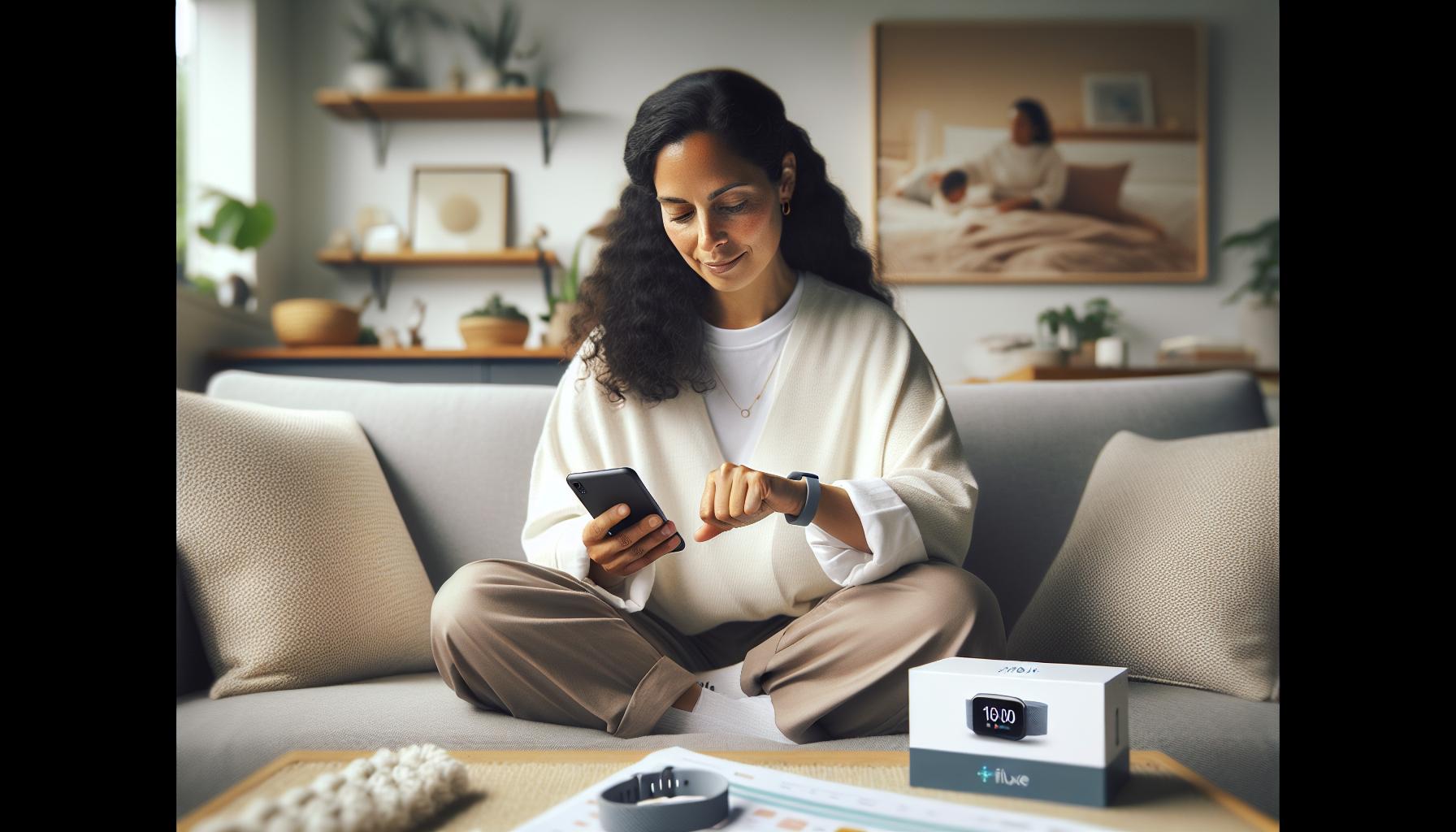
How to Properly Set Up Your Fitbit Luxe for Sleep Tracking
To get the most out of your Fitbit Luxe’s sleep tracking capabilities, it’s essential to set it up properly. Many users overlook simple setup steps that can significantly enhance tracking accuracy. Your journey begins with ensuring that the device is worn correctly. The Fitbit Luxe should fit snugly on your wrist without being overly tight; this allows it to collect accurate data on your heart rate and movement, pivotal for understanding your sleep quality.
Next, ensure that your Fitbit Luxe is configured correctly within the app. Open the Fitbit app on your smartphone and navigate to the settings. Here, you can turn on Sleep Tracking and enable features like Smart Wake, which helps you wake up during the lightest part of your sleep cycle, enhancing the overall experience. Moreover, you should regularly update the app and your device firmware to eliminate any software bugs that could affect performance.
Creating an optimal sleep environment is also critical. The Fitbit Luxe relies on your movement and heart rate to track sleep, so factors like room temperature, light, and noise can impact its accuracy. Aim for a cool, dark, and quiet space to promote better sleep. Consider using sleep masks or earplugs if you’re in a noisy environment. This carefully curated atmosphere not only aids in better sleep but also allows the device to accurately record your sleeping patterns.
Finally, remember that consistency is vital. Try to wear your Fitbit Luxe to bed every night at the same time to establish your sleeping patterns. This not only helps the device recognize what constitutes a good night’s rest for you, but it also aids you in developing a consistent sleep schedule. Embrace your Fitbit Luxe as a tool for improvement-in doing so, you’re not just monitoring sleep; you’re actively engaging in building a healthier sleep routine that benefits your overall well-being.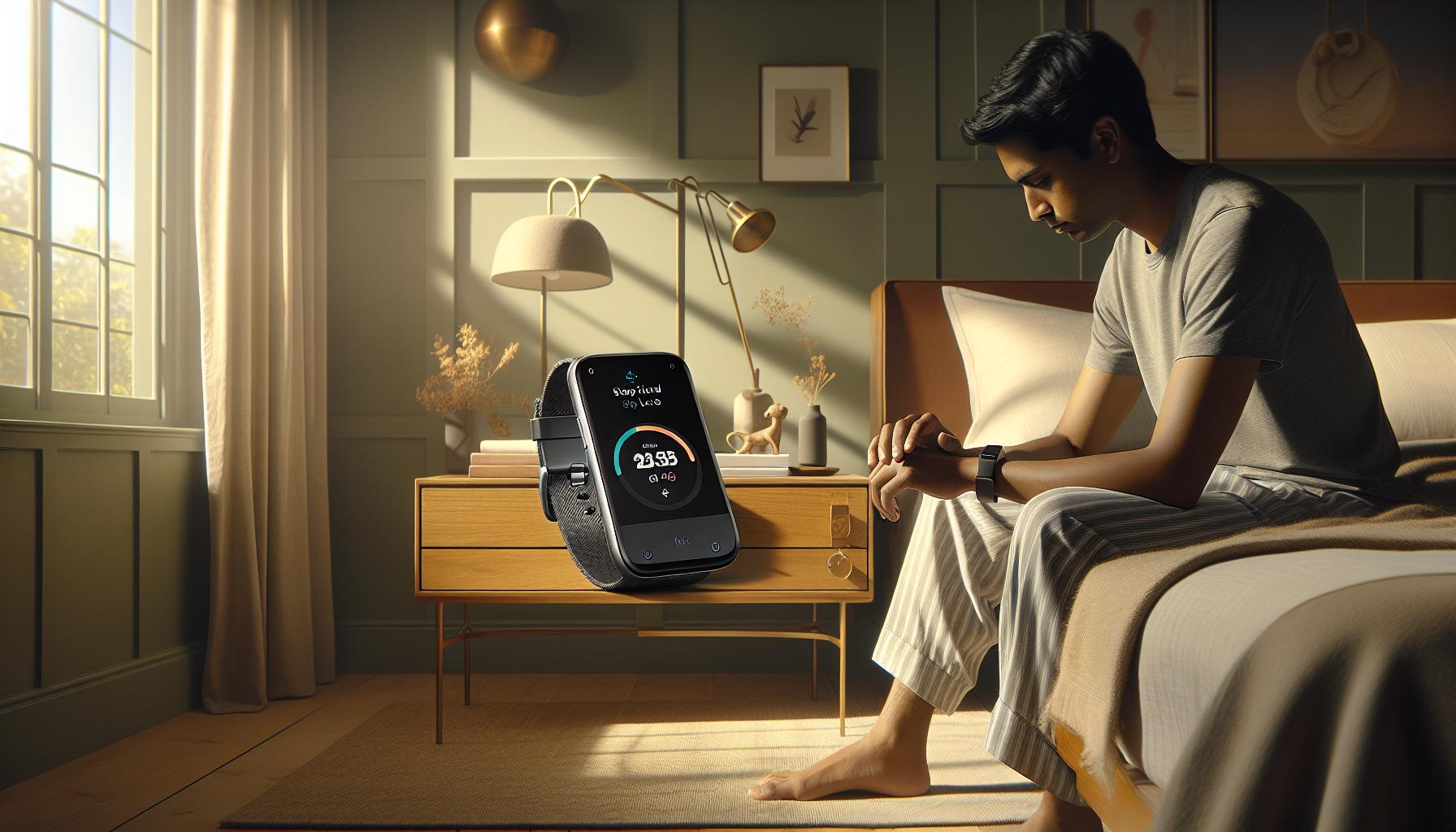
Troubleshooting: Fixing Sleep Tracking Issues on Fitbit Luxe
If your Fitbit Luxe isn’t tracking your sleep as expected, you’re not alone. Many users experience disruptions in sleep tracking, leading to frustration and confusion. Issues can stem from various factors, including device settings, sensor placement, or environmental influences. By understanding common troubleshooting tips, you can enhance the functionality of your device and ensure you receive accurate insights into your sleep patterns.
To begin, ensure that your Fitbit Luxe is properly worn. The device should be snug on your wrist, ideally just above the wrist bone. A loose fit may hinder its ability to read vital metrics like heart rate and movement accurately. Additionally, confirm that the device is charged; low battery levels can lead to sporadic or incomplete data collection. Regularly check the battery level through the Fitbit app, and try to recharge the device when needed.
Updating your Fitbit app and the device firmware is crucial for optimal performance. Software updates often contain fixes for bugs that may affect sleep tracking. Open the Fitbit app, navigate to the settings, and check for any available updates for your Luxe. If your device is still not tracking sleep correctly, consider restarting it. A simple restart can resolve minor glitches and refresh the sensors, making them more responsive.
Environmental factors can also play a significant role in your device’s ability to track sleep accurately. If your sleeping environment is too light, noisy, or uncomfortable, it may impact the data collected. Aiming for a dark, quiet, and cool room fosters better sleep and enhances your device’s tracking capabilities. Utilizing tools like earplugs or sleep masks may improve your sleep environment and, consequently, the accuracy of sleep data.
In cases where sleep tracking remains problematic, you can explore the option of resetting your Fitbit Luxe. This process can address more persistent issues and should be approached as a last resort after confirming all troubleshooting steps have been completed. Remember, understanding your device’s limitations and settings can greatly enhance your experience and help you utilize the sleep tracking features effectively.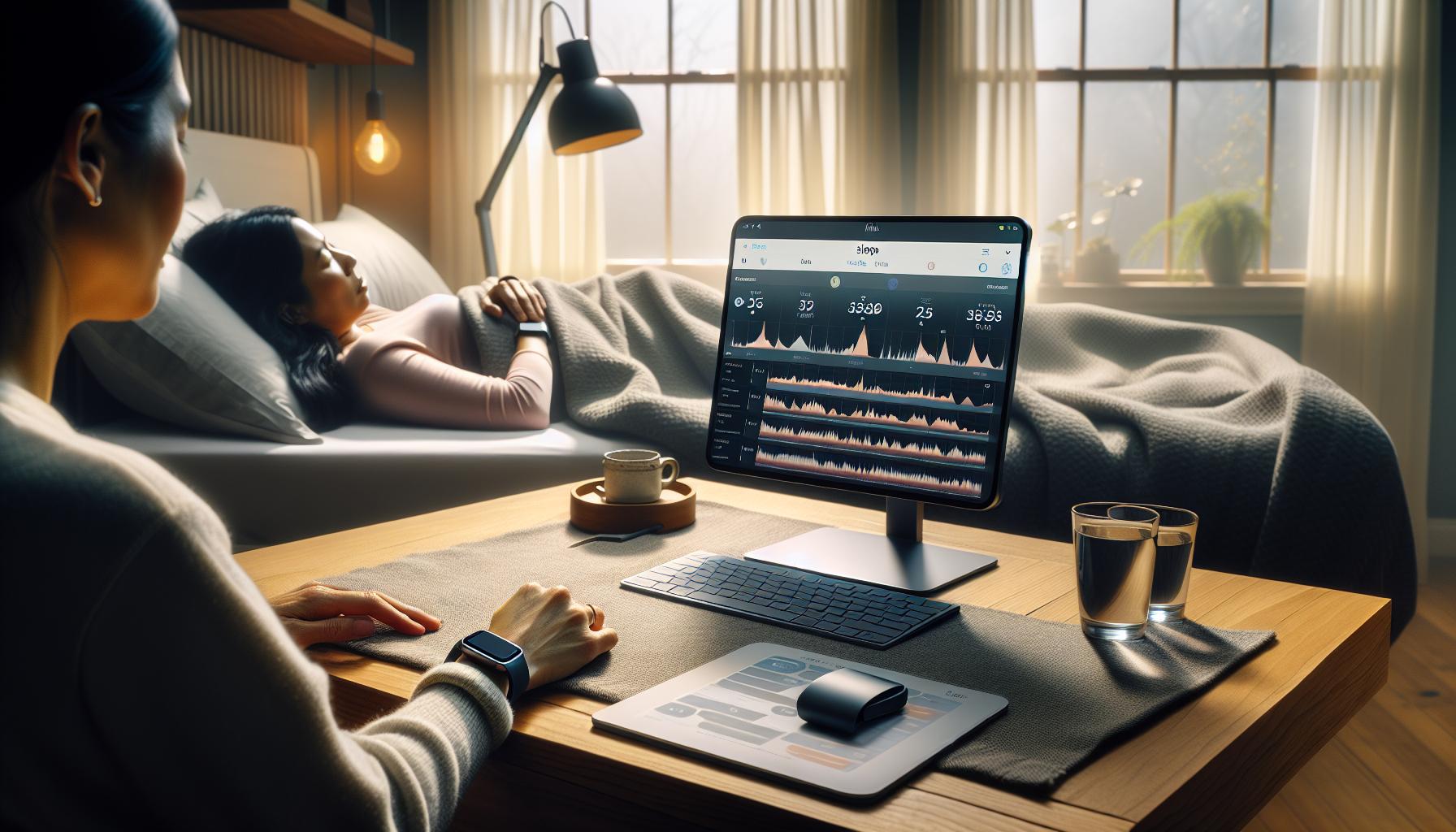
Investigating Sleep Stages: What Your Fitbit Luxe Measures
Understanding the stages of sleep is vital for anyone interested in improving their overall health, as sleep plays a crucial role in physical and mental well-being. The Fitbit Luxe tracks various sleep stages, providing users with valuable insights into their nightly rest. The device measures three primary sleep stages: Light Sleep, Deep Sleep, and REM (Rapid Eye Movement) Sleep. Each stage serves a distinct purpose, contributing to restorative processes that occur during sleep.
- Light Sleep: This stage is a transition phase between wake and sleep, where the body begins to relax. It typically makes up a significant portion of the sleep cycle, helping you feel refreshed upon waking. Fitbit Luxe records movements and micro-awakenings during this phase.
- Deep Sleep: Essential for physical restoration, this stage is when the body repairs muscles, tissues, and boosts the immune system. Deep sleep is harder to disrupt, and less movement is recorded. Fitbit Luxe monitors heart rate variability to gauge how well you enter and maintain this stage.
- REM Sleep: This phase is crucial for cognitive functions, such as memory consolidation and learning. It’s where dreaming occurs, and the body experiences increased brain activity. Fitbit Luxe uses heart rate data to determine time spent in REM sleep, which can fluctuate based on various factors like stress and environmental conditions.
The versatility of the Fitbit Luxe in tracking these stages allows for a comprehensive overview of sleep quality. Users can view their sleep data in the Fitbit app, which provides insights into sleep patterns and potential areas for improvement. For instance, if you notice a consistently low amount of deep sleep, it may indicate the need for lifestyle adjustments or a reevaluation of your sleep environment.
While the Fitbit Luxe is a useful tool for sleep tracking, it is important to recognize its limitations. It does not replace professional sleep studies, which assess additional factors like sleep apnea. However, it can offer a starting point for those looking to improve their sleep health. By understanding what the device measures, users can make informed decisions about their sleep habits and seek further help if necessary, enhancing both their understanding and management of sleep.
Tips for Enhancing Sleep Tracking Accuracy with Fitbit Luxe
To maximize the accuracy of sleep tracking with your Fitbit Luxe, it’s essential to understand a few key factors that affect how the device gathers and interprets data. Many users experience inconsistencies in sleep tracking, often leading to confusion. By taking deliberate steps to enhance the device’s performance, you can enable more reliable insights into your sleep habits.
Begin by ensuring that your Fitbit Luxe is fitted correctly and securely on your wrist. A loose fit can lead to erroneous readings as the sensors may not make proper contact with your skin. The ideal position is just above your wrist bone, where the sensors can continuously monitor your heart rate without interruptions. Additionally, consider wearing your device to bed at the same time each night to help it establish a consistent routine. Regular sleep patterns enable the device to predict your sleep timing more accurately and may improve data collection.
Next, turn off features that could cause disturbances during the night, such as Sleep Mode or notifications from apps and messages. Sleep Mode silences alerts that could disrupt your rest, while keeping your Luxe on “Do Not Disturb” will eliminate distractions. Make sure to charge your device fully before bedtime, as low battery levels might affect tracking capabilities. Setting your device to track sleep when you expect to sleep can also boost tracking accuracy-update your settings to indicate that you will be sleeping.
Lastly, make use of the Fitbit app to analyze your sleep data comprehensively. Familiarize yourself with the different sleep stages and metrics provided. If you notice irregularities or continuous inaccuracy in tracking, leverage the app to submit feedback or seek assistance from Fitbit support. Remember that while the Fitbit Luxe is a powerful tool, it’s not infallible and should complement rather than replace traditional methods of evaluating sleep quality, such as consulting a healthcare professional if serious sleep issues persist.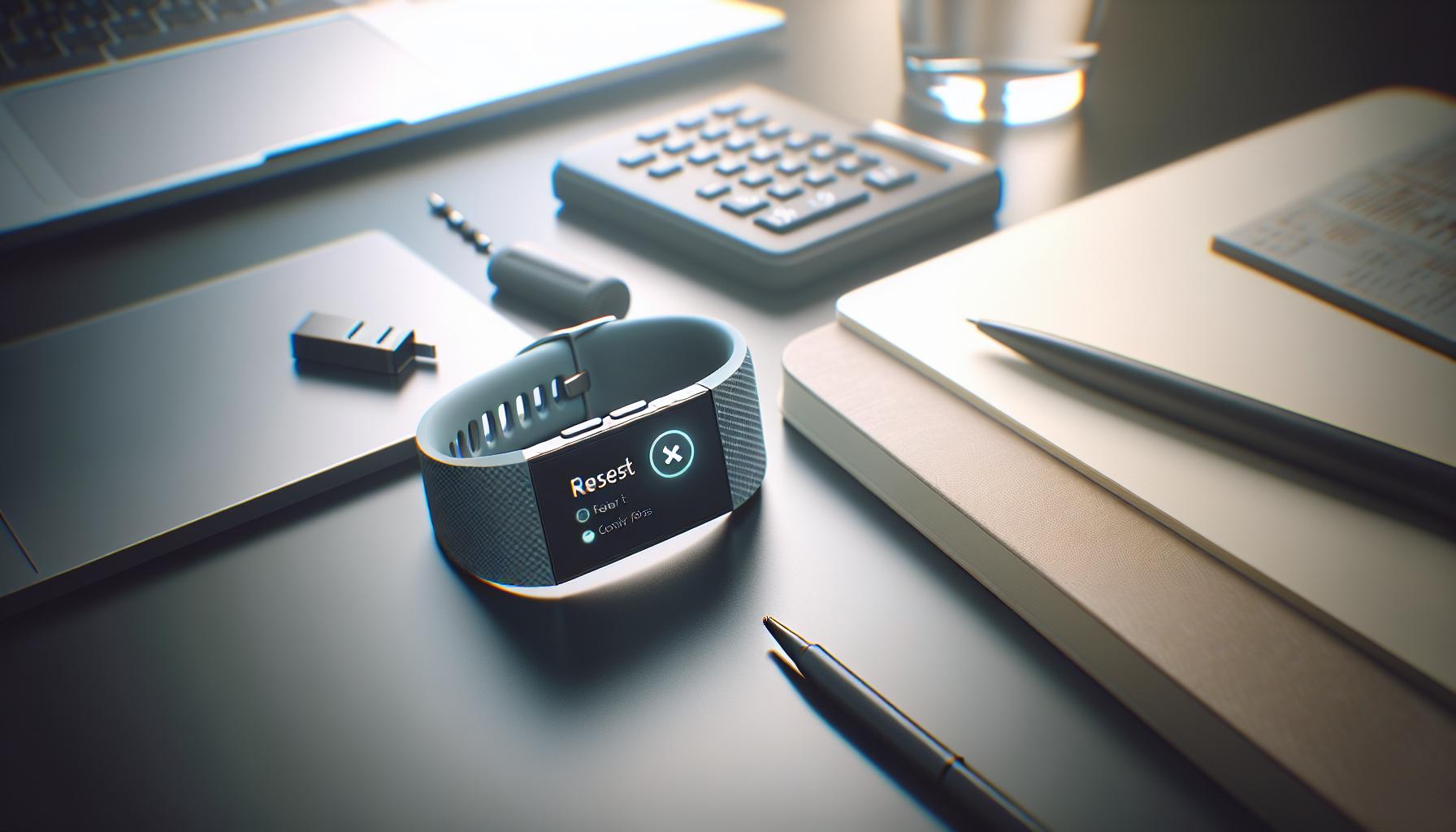
When to Reset Your Fitbit Luxe for Optimal Performance
Sometimes, a simple reset can do wonders for technology that seems to misbehave, and your Fitbit Luxe is no exception. If you notice that your device is failing to accurately track your sleep, it could be time for a restart to restore its optimal performance and clear any glitches that may be affecting its functionality. Regularly resetting your device can be an effective troubleshooting step, especially if you’re encountering persistent tracking issues or if the device displays unusual behavior.
There are specific scenarios that indicate it’s best to reset your Fitbit Luxe. If the device is not syncing with your app, fails to record your activities accurately, or shows a lack of updates after you’ve followed all standard troubleshooting steps, initiating a reset is advisable. Also, if your sleep data appears inconsistent-for example, showing extreme variations in sleep duration or disturbances-resetting can help recalibrate the sensors that gather this data. Don’t overlook low battery issues as well; a simple reset can sometimes give your device the boost it needs after it’s been under-charged.
To reset your Fitbit Luxe, simply press and hold the button on the side of the device for around 10 seconds, until you see the Fitbit logo appear. After the logo shows, release the button and wait for the device to restart. It’s important to allow some time for the device to reinitialize fully before attempting to use it again. After the reset, ensure that your app is up to date and that all settings are properly configured for sleep tracking to maximize accuracy moving forward.
In addition to resolving syncing issues and sensor inaccuracies, a reset can also clear temporary files and system caches that might be clogging up the device’s processing capabilities. If you regularly clean up your tech, this can lead to a smoother and more efficient experience. Remember, while a reset is a quick fix, maintaining proper setup and usage practices is essential for long-term accurate tracking of your sleep.
Comparing Fitbit Luxe with Other Sleep Trackers
When choosing a sleep tracker, understanding how the Fitbit Luxe compares to other popular devices can empower you to make an informed choice. Each device offers its unique features and drawbacks, which can significantly impact your tracking experience and insights into your sleep health.
The Fitbit Luxe is celebrated for its sleek design and user-friendly interface, making it a favorite among those who prioritize aesthetics alongside functionality. It tracks sleep stages-including light, deep, and REM sleep-and offers personalized insights based on your sleep data. However, its capabilities are often contrasted with devices such as the Oura Ring, which is known for its in-depth recovery and readiness metrics. The Oura Ring uses advanced algorithms to provide insights not only into sleep but also how your sleep impacts recovery and daily performance. If you’re highly active or focused on health optimization, the Oura Ring might cater to those needs better than the Fitbit Luxe.
Key Features Comparison
| Feature | Fitbit Luxe | Oura Ring | Apple Watch |
|---|---|---|---|
| Sleep Stage Tracking | Yes | Yes | Yes |
| Heart Rate Monitoring | Continuous | Continuous | Continuous |
| Activity Tracking | Yes | No (focused on sleep) | Yes |
| Battery Life | Up to 5 days | Up to 7 days | 1-2 days |
| Design | Sleek and Stylish | Minimalist and Discreet | Sporty and Functional |
Another remarkable contender is the Apple Watch, which integrates sleep tracking with a multitude of other health metrics and features, like ECG and blood oxygen monitoring. While it provides comprehensive health insights, its battery life is notably shorter than that of the Fitbit Luxe and Oura Ring, requiring more frequent recharging. However, if you already use an iPhone, the seamless connectivity and features of the Apple Watch may justify its functionality.
Ultimately, the best sleep tracker for you depends on your personal preferences and lifestyle. Think about what you value most-like battery life, design, or the depth of insights offered-before making a decision. Whether you lean towards the Fitbit Luxe for a stylish addition to your daily wear, the Oura Ring for comprehensive sleep and recovery data, or the Apple Watch for a multifunctional approach, understanding these differences can enhance your sleep tracking experience.
User Experiences: Real Stories of Sleep Tracking Challenges
When it comes to sleep tracking, users often find themselves facing challenges that can hinder their experience with devices like the Fitbit Luxe. One common thread among user experiences is the frustration of inconsistent sleep data. Many users report that their Fitbit Luxe sometimes fails to register sleep, leaving them puzzled about why their restful nights go untracked. The reasons for this can vary widely, but several recurring scenarios help shed light on the most effective solutions.
Several users have shared stories of how improper fit affected their sleep tracking accuracy. For instance, a user named Jenna found that her Fitbit Luxe was slightly too loose during the night, causing it to lose contact with her wrist. As a result, her device didn’t log her sleep accurately, often missing entire cycles. By adjusting the band to achieve a snugger fit, Jenna was able to enhance her Luxe’s ability to detect her sleep stages. This highlights the importance of ensuring that the device is worn correctly.
Another user, Mark, experienced frequent issues with his Fitbit Luxe not tracking sleep even after ensuring he wore it correctly. After some troubleshooting, he discovered that his device had an outdated firmware version. Regular updates can enhance performance and fix bugs, so checking for the latest updates is crucial. Users should navigate to the Fitbit app, select their device, and ensure it is synced with the latest software version.
Lastly, stress can also be a significant barrier to effective sleep tracking. Users like Mia found that her anxiety often disrupted her sleep, not allowing the Fitbit Luxe to pick up on restful periods accurately. Recognizing this, she began implementing relaxation routines before bed, such as reading or practicing meditation. By improving her overall sleep hygiene, she noticed that her device began logging more accurate sleep data, reflecting her enhanced rest.
Practical Tips to Overcome Sleep Tracking Issues
- Adjust the Fit: Ensure your Fitbit Luxe fits snugly on your wrist to maintain consistent contact with your skin.
- Check for Updates: Regularly update your device’s firmware through the Fitbit app to ensure optimal functionality.
- Enhance Sleep Hygiene: Consider practices like meditation or reducing screen time before bed to improve the quality of your sleep.
Real user experiences reveal that while challenges may arise, understanding your device’s settings and capabilities can significantly enhance its effectiveness in tracking sleep data. By paying attention to these factors, users can mitigate issues and gain better insights into their sleep patterns over time.
Maximizing the Benefits of Sleep Tracking for Better Health
Understanding how to leverage the sleep tracking capabilities of your Fitbit Luxe can transform your health and wellness journey. By accurately monitoring your sleep patterns, you gain insights into the quality of your rest, which is foundational for physical health, cognitive function, and emotional well-being. Users often find that a detailed understanding of their sleep metrics can motivate them to adopt healthier bedtime habits and improve sleep quality, ultimately leading to better overall health.
To make the most out of your Fitbit Luxe, start by familiarizing yourself with its sleep tracking features. The device measures various aspects including time spent in different sleep stages-light, deep, and REM sleep. This information helps you identify patterns and adjust your bedtime routines for better rest. For instance, if you notice that your REM sleep is consistently low, it might be beneficial to reduce caffeine intake in the afternoon or establish a more calming pre-sleep ritual.
Incorporating the data from your sleep analysis into daily life is vital. Set practical goals based on your findings. If your device indicates restless nights after using screens too late, aim to implement a “digital sunset” by turning off devices an hour before sleep. Also, consider using features such as sleep reminders that the Fitbit Luxe offers, allowing you to establish a healthier sleep schedule by informing you when it’s time to wind down for bed.
Lastly, keep in mind that true sleep health isn’t just about the quantity of sleep, but the quality. Engage with the sleep insights provided by your Fitbit Luxe to identify potential sleep disturbances. Whether it involves addressing sleep apnea symptoms or managing stress better, the more you understand your sleep dynamics, the more empowered you’ll be to take actionable steps toward enhancing your health. By doing so, you not only maximize the benefits of sleep tracking but foster long-term improvements in your well-being.
Understanding Sleep Disorders and Their Impact on Tracking
Understanding sleep disorders can be crucial in interpreting the data from your Fitbit Luxe, as certain conditions significantly impact sleep quality and tracking accuracy. For example, individuals with sleep apnea may experience frequent disruptions throughout the night that could confuse your tracker, leading it to misreport total sleep time or sleep stages. If you suspect a sleep disorder, consulting a healthcare professional for evaluation and diagnosis can provide clarity and guidance.
Many sleep disorders manifest through common symptoms such as excessive daytime sleepiness, difficulty falling asleep, or unrefreshing sleep, all of which can perplex Fitbit’s sensors. Understanding these disorders-like insomnia, restless legs syndrome, or narcolepsy-can aid in recognizing why your device might not be capturing your sleep accurately. Incorporating the insights gathered from your Fitbit Luxe can be a helpful stepping stone in discussing your symptoms with a healthcare provider, ensuring that you present a clear picture of your nightly patterns.
For those using the Fitbit Luxe, it is essential to understand that while the device offers useful insights into sleep patterns, it is not a substitute for comprehensive sleep studies. Sleep studies, such as polysomnography, assess brain activity, oxygen levels, and other vital signs during sleep in a clinical setting. If you frequently experience irregularities in your sleep data, or if your Fitbit indicates significantly disrupted sleep, it may be time to consider a professional sleep evaluation. This evaluation will provide a more nuanced understanding of your sleep health and identify if a sleep disorder is at play.
To bridge personal sleep tracking with professional insights, you can maintain a sleep journal alongside your Fitbit data. This practice involves noting any symptoms, medication changes, or lifestyle alterations that coincide with your sleep patterns. Such documentation can be invaluable during consultations with your healthcare provider while also enhancing your self-awareness about sleep habits. Remember, the goal is not just about tracking sleep duration but understanding its quality, which is essential for long-term health and well-being.
Alternatives to Fitbit Luxe: Other Tracking Options
In a world awash with wearable technology, finding the right sleep tracker can feel overwhelming. While the Fitbit Luxe provides a solid array of features for monitoring sleep, it isn’t the only option available. Exploring other devices and methods can enhance your sleep tracking experience and possibly address any shortcomings you encounter with your current device.
Wearable Alternatives
Several alternatives to the Fitbit Luxe offer unique functionalities that might fit your sleep tracking needs more effectively. For instance, the Apple Watch not only tracks sleep but also integrates seamlessly with health apps, providing a more holistic view of your wellness. Another notable option is the Garmin Venu, which excels in activity tracking and offers detailed insights into sleep stages and quality. If you’re looking for a more budget-friendly option, the Xiaomi Mi Band provides basic yet effective sleep tracking at a fraction of the cost.
Non-Wearable Devices
For those who prefer not to wear anything while sleeping, there are innovative non-wearable devices available. The Withings Sleep Tracking Mat lies under your mattress and tracks sleep patterns, heart rate, and snoring. Similarly, the Sleepon Smart Sleep Tracker is a simple device that monitors sleep cycles and provides insights through a connected app.
Hybrid Solutions
If you’re interested in integrating technology with your sleep environment, consider options like the Eight Sleep Pod, which is a smart mattress that adjusts temperature throughout the night based on your sleep phases. This can be particularly beneficial for individuals who struggle with temperature regulation during sleep.
Ultimately, whether you opt for another wearable device, a non-wearable solution, or an advanced smart mattress, the key is to find a system that aligns with your lifestyle and sleep needs. It’s advisable to read user reviews, compare features, and possibly test the devices when feasible, ensuring that your choice supports not just tracking but also improving your overall sleep quality.
FAQ
Q: What should I do if my Fitbit Luxe stops tracking my sleep?
A: If your Fitbit Luxe stops tracking sleep, try charging it fully, ensure it’s worn correctly, and check the app settings. Restarting the device can also help resolve temporary glitches. If issues persist, refer to the troubleshooting section of your manual for further steps.
Q: Why isn’t my Fitbit Luxe tracking my sleep without a reset?
A: Your Fitbit Luxe may not track sleep due to improper wear, low battery, or app settings. First, ensure it’s snug on your wrist and the app settings are configured correctly. If these don’t resolve the issue, consider resetting it as a last resort.
Q: How do I ensure accurate sleep tracking on my Fitbit Luxe?
A: To enhance sleep tracking accuracy on your Fitbit Luxe, wear it snugly above your wrist bone, maintain a consistent sleep schedule, and regularly update your device software. Refer to the tips in our article on enhancing sleep tracking for additional strategies.
Q: When should I reset my Fitbit Luxe for sleep tracking issues?
A: You should consider resetting your Fitbit Luxe if you’ve experienced persistent sleep tracking issues after trying basic troubleshooting. A reset can clear any software glitches and restore optimal performance. Check the “When to Reset Your Fitbit Luxe” section for detailed instructions.
Q: Can environmental factors affect my Fitbit Luxe’s sleep tracking?
A: Yes, environmental factors like temperature, noise, and sleeping position can affect your Fitbit Luxe’s ability to track sleep accurately. Make your sleep environment as comfortable as possible to ensure reliable sleep data collection.
Q: What if my Fitbit Luxe is tracking sleep inaccurately even after restoration?
A: If your Fitbit Luxe continues to track sleep inaccurately, check for software updates and ensure it is connected properly to your smartphone app. If problems persist, consult Fitbit support for further assistance, as there may be a hardware issue.
Q: How does my Fitbit Luxe know when I’m asleep?
A: Your Fitbit Luxe uses heart rate monitoring, movement patterns, and user-set sleep schedule data to determine when you fall asleep and wake up. It analyzes these metrics to provide insights into your sleep quality and duration.
Q: Will resetting my Fitbit Luxe erase my sleep data?
A: Resetting your Fitbit Luxe generally does not erase your stored sleep data, as this information is synced with the app. However, it’s advisable to ensure your data is synced before performing a reset to avoid any potential loss.
Insights and Conclusions
If your Fitbit Luxe isn’t tracking your sleep, you’re not alone-and thankfully, there are solutions. Remember, the steps to restore its functionality aren’t complicated, and addressing any issues now can lead to improved sleep insights tomorrow. By ensuring your device is updated and correctly configured, you’re on your way to mastering your sleep health.
For more tips on optimizing your sleep tracking, check out our guides on how to set up your wearable device and understanding sleep stages. If you still have questions, don’t hesitate to comment or share your experiences below; engaging with our community can provide support and insights. Ready to take control of your sleep health? Explore our resources today, and sign up for our newsletter for the latest tips and strategies! Your best sleep awaits!
Get our latest guides, news, and insights highlighted in your Google Search & AI Overviews.