
Did you know that nearly one in three adults struggle with sleep and that effective tracking can be the key to better rest? If your Fitbit Versa 2 isn’t accurately recording your sleep patterns, it’s not just a technical glitch-it can derail your ability to understand and improve your sleep quality. Sleep is vital for overall health, impacting everything from mood to productivity. Many users experience frustration when their devices fail to capture important data. Understanding why this happens can empower you to make the most of your wearable technology. In this article, we’ll explore common reasons your Fitbit Versa 2 might not be tracking sleep as expected and provide you with quick fixes to ensure you’re on your way to optimized restful nights.
Understanding Sleep Tracking on Fitbit Versa 2
Understanding how sleep tracking works on the Fitbit Versa 2 can significantly enhance your sleep health. The device utilizes advanced sensors to track your movements and heart rate throughout the night, helping you determine how long and how well you sleep. By wearing your Fitbit to bed, you can gain insights into your sleep patterns, including how much time you spend in light, deep, and REM sleep. This information is invaluable for identifying trends that could affect your overall well-being.
While the Fitbit Versa 2 is generally reliable in its sleep tracking capabilities, various factors can hinder its performance. For instance, if the device isn’t worn snugly or if the battery is low, it might fail to accurately capture your sleep data. Additionally, movement, particularly restless sleep or waking up frequently, can interfere with the accuracy of the readings. Familiarizing yourself with the device’s functionalities is crucial; understanding how it differentiates between sleep stages can empower you to make informed choices about your sleep habits.
To maximize the accuracy of your sleep tracking, make sure to properly set up the device in the Fitbit app. Enabling features like Sleep Mode can help, as it ensures that the device recognizes when you’re asleep. Regularly reviewing and adjusting your sleep sensitivity settings can also improve tracking accuracy, allowing for adaptations that fit your unique sleep patterns. Keep in mind that while wearables like the Fitbit provide useful overviews of your sleep, they are intended to supplement-not replace-professional medical advice when it comes to serious sleep disorders.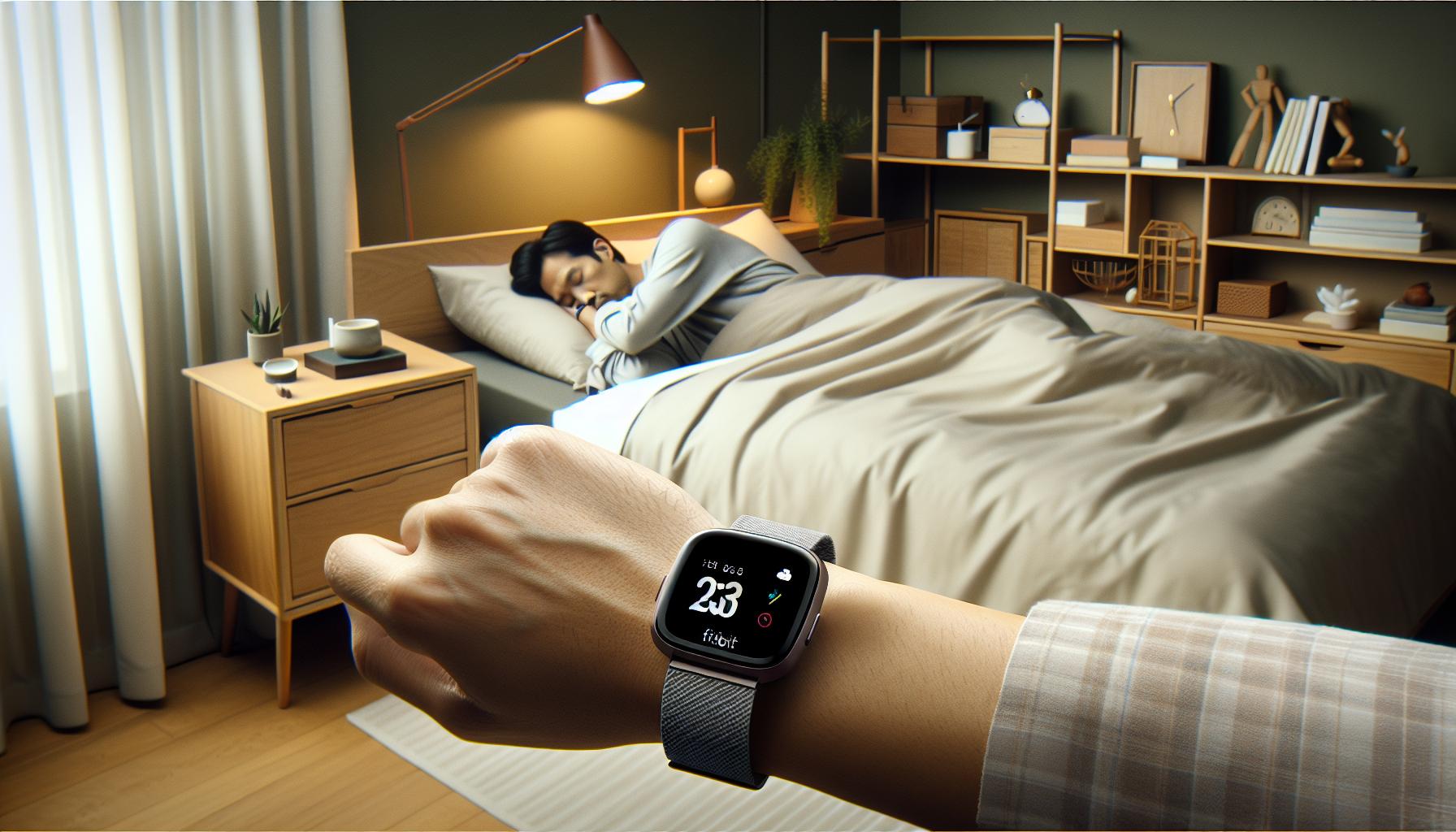
Common Reasons for Sleep Tracking Issues
Understanding why your Fitbit Versa 2 might not be tracking your sleep can be frustrating, especially when you’re relying on it to provide insights into your health. Several common issues could lead to inaccurate or missing sleep data.
One key factor to consider is how well the device fits on your wrist. A loose or ill-fitting strap can prevent the sensors from accurately detecting your heart rate and movements during the night. Ensure your Fitbit is snug but comfortable, as this will allow the sensors to function effectively. Additionally, be mindful of battery life, as low battery can directly affect its performance. A device with insufficient charge may not record data accurately, leading to gaps in tracking.
Environmental factors also play a significant role in sleep tracking accuracy. If you sleep with excessive movement, such as tossing and turning frequently, the device might struggle to differentiate between sleep and wakefulness. Another aspect to consider is the effect of external light or noise-these factors can disturb your sleep and might cause the Fitbit to misinterpret your sleep stages.
Lastly, it’s crucial to regularly update your Fitbit app and device firmware. Outdated software can lead to bugs or functionality problems, including synchronization issues that might affect sleep data accuracy. By paying attention to these common pitfalls, you can optimize your use of the Fitbit Versa 2 and ensure it provides you with the insights you need for better sleep health.
How to Properly Set Up Sleep Tracking
To get the most accurate sleep tracking with your Fitbit Versa 2, proper setup is essential. This wearable device is designed to monitor your sleep patterns and provide insights that can help improve your sleep quality, but it needs to be configured correctly to function optimally. First, ensure you wear your Fitbit snugly but comfortably on your wrist. A secure fit allows the sensors to effectively monitor your heart rate and movements through the night. Consider wearing it about one finger’s width above your wrist bone for an ideal fit.
Next, make sure that night mode is activated. This setting helps to minimize distractions, such as notifications and vibrations from the device while you sleep. You can enable this feature through the Fitbit app on your smartphone. It’s also important to establish a consistent sleep schedule. Try to go to bed and wake up at the same time each day, which not only helps with tracking but also promotes better sleep hygiene.
Additionally, set the sleep goal within the app to encourage adherence to your predetermined sleep schedule. This goal will not only motivate you but will also help your Fitbit learn your habits better and provide more accurate tracking over time. If you prefer to track sleep manually, you can also log your sleep hours directly in the app if automatic tracking fails.
Lastly, don’t forget to regularly sync your device with the Fitbit app to ensure all your data is up to date. Syncing is vital for proper data analysis and can help catch any discrepancies that might occur. Keeping your app and device firmware updated is equally crucial, as this ensures you have the latest features and bug fixes that can enhance your sleep tracking experience. Taking these steps will set you on the right path toward understanding your sleep patterns and improving your overall sleep quality.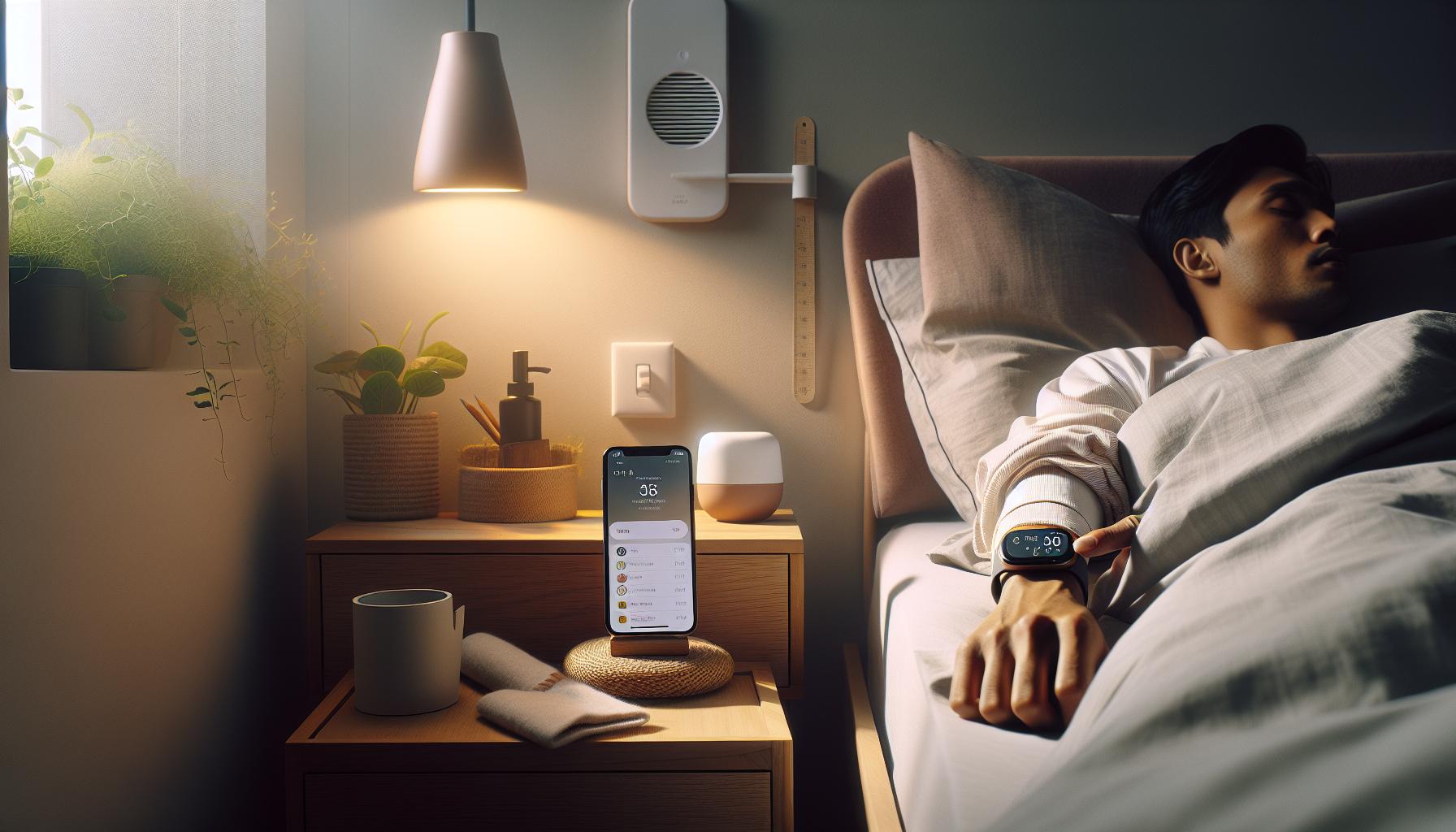
Adjusting Sleep Sensitivity Settings
To optimize the sleep tracking capabilities of your Fitbit Versa 2, adjusting the sleep sensitivity settings can make a significant difference. If you’ve noticed discrepancies in your sleep data-like inaccurately recorded sleep durations or disturbances-these settings might require fine-tuning. The sensitivity level influences how your device interprets movements during sleep, making it crucial for accurate tracking of your sleep stages.
Start by accessing the Fitbit app on your smartphone, where you’ll find the sleep sensitivity settings under the sleep tracking section. Here, you have options to set the device to a higher or lower sensitivity level. A higher sensitivity setting will capture even the slightest movements, which can be beneficial if you tend to move a lot in your sleep. Conversely, if you experience light disturbances that don’t indicate actual wakefulness, a lower sensitivity may help filter out these minor movements, providing a clearer picture of your sleep patterns.
To ensure that you’re getting the best results, consider your sleep habits. If you’re a restless sleeper or frequently change positions, setting a higher sensitivity level can help the device track your sleep accurately. Alternatively, for those who have a consistent sleep routine without much movement, a standard or lower setting might suffice. Don’t hesitate to tweak these settings periodically based on your observations; this flexibility allows you to adapt your Fitbit to your unique sleep profile.
It’s also advisable to regularly check for software updates within the Fitbit app. Keeping your firmware up to date means that you’re benefiting from the latest improvements in tracking algorithms, which can help enhance the accuracy of your sleep data. If you continue to experience issues, it might be worthwhile to consult the comprehensive troubleshooting guides available through the Fitbit app or online resources, ensuring you can maximize the sleep tracking potential of your Fitbit Versa 2.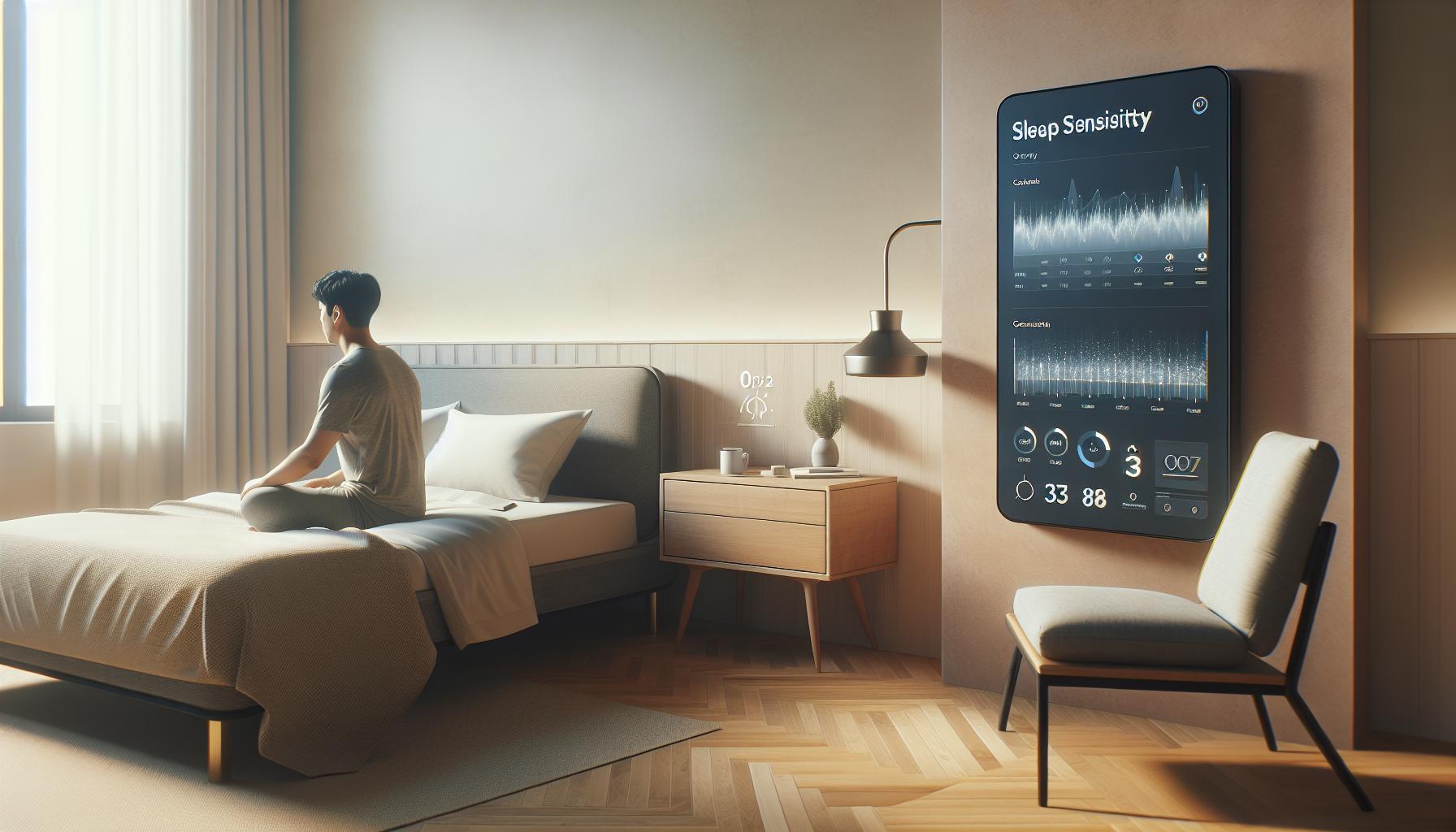
Tips for Ensuring Accurate Sleep Data
Ensuring your Fitbit Versa 2 accurately tracks your sleep is essential for gaining insights into your nightly rest patterns. To achieve this, start by wearing your device correctly; it should sit snugly on your wrist, just above the wrist bone. A loose fit can hinder the sensors’ ability to monitor your movements effectively.
Another important aspect is your sleep environment. Limit excessive light and noise in your bedroom, which can disrupt sleep and thereby affect how well your Fitbit captures your sleep stages. Additionally, strive to maintain a consistent sleep schedule by going to bed and waking up at the same time each day. Your body thrives on routine, and this consistency helps your device gather more reliable data.
It’s also beneficial to familiarize yourself with your Fitbit’s features. The Versa 2 offers various options for tracking, but ensuring that Sleep Tracking is enabled in your settings is crucial. Regularly syncing your device with the Fitbit app can also aid in transferring updated data and receiving fresh insights, ensuring you’re always working with the latest information from your tracker.
A practical tip is to update the firmware of your Fitbit regularly. Software updates often include enhancements for tracking accuracy, which can significantly impact how your sleep is recorded. If issues persist, exploring community forums for shared experiences can sometimes yield quick fixes discovered by other users facing similar challenges.
Troubleshooting Sync Issues with Fitbit App
If your Fitbit Versa 2 isn’t capturing sleep data as you expect, it could be an issue with syncing to the Fitbit app. Syncing is essential for the device to upload your sleep information and provide you with insightful analysis of your nightly rest patterns. Here are some practical steps to troubleshoot and resolve common sync issues.
First, ensure that Bluetooth is enabled on your smartphone or device where the Fitbit app is installed. If Bluetooth is off, the app won’t be able to communicate with your Versa 2. After ensuring Bluetooth is active, try restarting both your Fitbit and your phone. This simple step can often clear temporary glitches that might be interfering with the connection. To restart the Versa 2, press and hold the button on the side for about 10 seconds until you see the Fitbit logo.
Next, check for app and firmware updates. Open the Fitbit app on your smartphone and see if there are any available updates. Maintaining the latest version of the app and the device firmware ensures you benefit from improvements and bug fixes that might enhance connectivity and tracking accuracy.
Additionally, consider the environment around you. If you encounter repeated sync failures, it might be due to interference from other Bluetooth devices or physical barriers. Make sure that your phone and the Fitbit are within a reasonable distance and try to limit other active Bluetooth devices in the vicinity.
In some cases, if sync problems persist, uninstalling and reinstalling the Fitbit app can effectively reset its operations and resolve underlying issues. Just remember that this will require you to log in again and you might need to set up your device once more in the app.
Lastly, if you’ve tried all these steps and still can’t sync, it might be time to reach out to Fitbit customer support. They can provide further assistance or determine if your device needs repair or replacement.
By following these troubleshooting tips, you can effectively address sync issues and ensure your Fitbit Versa 2 properly tracks your sleep, allowing you to gain valuable insights into your sleep patterns and overall health.
Maintaining Your Fitbit for Optimal Performance
To keep your Fitbit Versa 2 in optimal condition and ensure that it tracks your sleep accurately, regular maintenance is key. Just like any other tech device, a little care can go a long way in enhancing its performance and extending its lifespan. Not only will this help with the basic functionality, but it can also prevent common issues that may interfere with sleep tracking.
Start by regularly cleaning your device. Sweat, dirt, and oils from your skin can accumulate on the band and the sensors, which may affect tracking accuracy. Use a soft, slightly damp cloth to wipe the watch and its sensors gently. Be careful not to use any harsh chemicals or abrasive materials that could damage the device. Make it a habit to clean your Fitbit weekly, especially if you exercise frequently.
Battery life is another crucial aspect of your Fitbit’s performance. To ensure continuous sleep tracking, keep an eye on the battery level and charge it regularly. Aim to recharge before it drops below 20%. If you notice that the battery drains quicker than usual, check for any apps that might be running in the background or firmware updates that need addressing. Keeping your device updated ensures you have the latest features and fixes that can boost performance.
To enhance sleep tracking, it’s also beneficial to adjust the settings within the app. Ensure that sleep tracking is enabled and that you’re wearing the watch snugly on your wrist. A loose fit may prevent the sensors from accurately detecting your heart rate and movements, therefore leading to inaccuracies in your sleep data.
Lastly, don’t forget to sync your Fitbit consistently. Regular syncing with the app allows your device to update your sleep data and identify any patterns or issues over time. By remaining proactive and attentive to your Fitbit’s maintenance, you can achieve optimal performance and more reliable sleep tracking, empowering you to make informed decisions about your health and sleep habits.
Understanding Sleep Stages and What They Mean
Understanding the different stages of sleep is essential for leveraging your Fitbit Versa 2 to improve your nightly rest. Your sleep is not merely a singular state but a complex cycle divided into distinct stages, each with unique characteristics. These include non-REM sleep, which is subdivided into light and deep sleep, and REM sleep, known for its association with dreaming and cognitive restoration. By accurately tracking and interpreting these stages, you can gain valuable insights into your sleep quality and overall health.
Sleep Stages Break Down
Your sleep typically cycles through the following stages throughout the night:
- Stage 1 (Light Sleep): Lasting a few minutes, this stage is the transition between wakefulness and sleep. You can be easily awakened during this time.
- Stage 2 (Light Sleep): This stage accounts for about 50% of total sleep time. Heart rate slows, and body temperature drops, making it more challenging to wake you.
- Stage 3 (Deep Sleep): Often referred to as slow-wave sleep, this stage is crucial for physical recovery and growth. Awakening at this stage can lead to grogginess.
- REM Sleep: This stage occurs around 90 minutes after falling asleep. It is vital for memory consolidation and emotional processing. Rapid eye movements occur, and brain activity is similar to wakefulness.
Understanding these stages is important not just for tracking sleep but also for making lifestyle adjustments to improve sleep hygiene. If your Fitbit Versa 2 is not effectively capturing these stages, it might prevent you from fully benefiting from this data. Make sure your device fits snugly and that sleep tracking features are correctly configured in the app.
Why Sleep Stages Matter
By being aware of your sleep stages, you can identify potential problems that affect your sleep quality. For example, if you’re consistently awake during the deep sleep stage, it may indicate stress or a medical issue that warrants further investigation. Your Fitbit allows you to see trends in your sleep patterns over time, helping you understand what factors, such as lifestyle choices or environment adjustments, might be impacting your sleep. Keeping track of these insights empowers you to make informed choices to enhance your rest, ultimately leading to better health and wellness.
When using your Fitbit for sleep tracking, remember that the accuracy of sleep stage detection is only as good as the device’s ability to monitor your movements and heart rate. Regular maintenance and pairing with the app can ensure you’re getting the most reliable sleep data possible, allowing you to maximize the benefits derived from understanding your sleep stages.
Alternative Methods to Track Your Sleep
There are several alternative ways to track your sleep if your Fitbit Versa 2 isn’t delivering the insights you need. Wearable technology has grown increasingly sophisticated, but it’s not the only game in town. Many people find that pairing their Fitbit with additional methods can enhance their understanding of sleep patterns and quality.
Sleep Apps
Consider using dedicated sleep tracking apps on your smartphone. Many of these apps utilize your phone’s sensors to monitor your sleep cycles, offering detailed reports on sleep duration and quality. Popular options include Sleep Cycle and Pillow, which analyze sound and movement and provide personalized recommendations. These apps often feature smart alarms that can wake you in your lightest sleep phase, helping to reduce morning grogginess.
Sleep Journals
Maintaining a sleep journal can be a powerful tool alongside your wearable device. By documenting your sleep habits, such as bedtime, wake time, and factors that may affect sleep like caffeine intake or exercise, you can spot trends over time. This method can provide insights that technology alone might overlook, like emotional stress or environmental changes.
Traditional Sleep Studies
For those seeking in-depth analysis, consider an overnight polysomnography, commonly known as a sleep study. Conducted in a sleep clinic, this evaluation involves monitoring brain waves, oxygen levels, and heart rates throughout the night. If you suspect a serious sleep disorder, such as sleep apnea, this testing can be invaluable. While it’s more expensive (often between $500 and $3,000) and requires referral from a physician, the detailed diagnostics can guide effective treatment options.
Each of these alternatives serves a unique purpose, allowing you to cross-reference and validate the data collected by your Fitbit. While the device is a handy tool for daily tracking, supplementing it with apps, journals, or professional assessments can provide a more comprehensive overview of your sleep health. Understanding how sleep interacts with your lifestyle choices will empower you to make more informed decisions toward better rest and overall well-being.
When to Contact Fitbit Support for Help
If you’re experiencing unexpected issues with your Fitbit Versa 2 not accurately tracking your sleep, it can be frustrating. This remarkable device is designed to help you monitor your health, but sometimes problems do arise that might require professional assistance.
Firstly, if you’ve tried troubleshooting steps such as restarting your device, checking the app for updates, or adjusting your sleep settings without success, it’s time to reach out to Fitbit Support. Common signs that you need to contact support include persistent syncing issues, inconsistencies in sleep data, or if your device fails to recognize sleep patterns even after a proper wear. The Fitbit community forums can also be a valuable resource, where you might find others experiencing similar issues and solutions they’ve discovered.
Reasons to Reach Out
Consider contacting Fitbit’s support if you encounter:
- Battery Drain: If your Fitbit is depleting its battery considerably faster than normal, it could impact sensor performance.
- Hardware Issues: Any physical damage or malfunction should be reported, especially if it affects functionality.
- Unresponsive App: If the Fitbit app isn’t syncing or showing data correctly, reinstalling may help, but persistent issues should be escalated.
Additionally, if you suspect that your sleep issues stem from a more serious condition, such as sleep apnea or insomnia, consult a healthcare professional. They may recommend a sleep study or other diagnostic tests to explore underlying causes more comprehensively. Figuring out whether your concerns are rooted in the device’s accuracy or in your sleep health will help direct your next steps.
Reaching out to Fitbit Support ensures you have access to up-to-date troubleshooting resources, warranty information, or even repair options if necessary. You can contact them through their official help center, where trained representatives can assist you with more technical challenges related to your device[[3](https://myhelp.fitbit.com/s/support?language=en_US)]. Remember, seeking help is an essential part of maintaining your sleep health and optimizing the technology you rely on for insights.
Exploring Fitbit Versa 2 Features for Better Sleep
Tracking sleep effectively with the Fitbit Versa 2 can significantly enhance your understanding of your sleep patterns and overall health. This device is equipped with various features designed to monitor your sleep stages, providing insights that can help improve your sleep quality. The built-in sleep tracking automatically detects when you fall asleep and when you wake up, allowing you to assess your sleep duration and efficiency with ease. You might even receive a Sleep Score each morning, giving you a quick snapshot of how well you rested the previous night.
To make the most of these features, ensure that you’re wearing the device correctly. The Fitbit Versa 2 should be snug but comfortable on your wrist, as a loose fit might affect the accuracy of heart rate monitoring, which is integral to sleep tracking. Additionally, enable features like “Do Not Disturb” or “Sleep Mode” through the settings to minimize disruptions while you sleep. This can help improve the accuracy of your sleep data, providing clearer results on how long and how well you slept.
For deeper insights, the Fitbit app connects to your Versa 2 to show a breakdown of your sleep cycle, including light, deep, and REM sleep stages. Understanding these stages can empower you to make lifestyle changes, such as adjusting your bedtime or creating a more restful sleeping environment. Engage with the app’s learnings to identify trends, like how your sleep adjusts after changes in your daily routine.
Furthermore, integrating mindfulness and relaxation techniques offered through the Fitbit app can enhance your sleep health. The app provides resources like guided breathing exercises and meditation, which can prove beneficial as part of a pre-sleep routine, helping to wind down after a long day. By utilizing these features, you can optimize your sleep while gaining actionable insights directly from your Fitbit experience.
Comparing Fitbit Versa 2 with Other Sleep Trackers
When it comes to sleep tracking, the Fitbit Versa 2 is a popular choice among fitness enthusiasts. However, how does it stack up against other sleep trackers on the market? Understanding the similarities and differences can help you make an informed decision about which device best suits your sleep monitoring needs.
One of the standout features of the Fitbit Versa 2 is its ability to provide detailed insights into sleep stages, including light, deep, and REM sleep. This is achieved through a combination of heart rate monitoring and motion detection, allowing users to see not just how long they sleep but also the quality of their sleep. In comparison, devices like the Oura Ring and the Withings Sleep Tracking Mat also offer advanced sleep stage analysis but with unique features. For example, the Oura Ring is designed to be worn on your finger, which some users find more comfortable, while the Withings Sleep Mat is placed under your mattress, eliminating the need to wear a device at all.
While the Fitbit app provides a user-friendly interface for tracking sleep trends and scores, other devices like the Garmin Forerunner series come with additional health metrics, including pulse oxygen saturation and stress tracking. This can give a more comprehensive view of overall wellness. If you find that your Fitbit Versa 2 doesn’t track sleep accurately, devices like the Apple Watch Series may provide a more integrated approach, combining fitness tracking with sleep quality insights, especially for users already immersed in the Apple ecosystem.
It’s also important to consider price and compatibility. The Fitbit Versa 2 is generally more affordable compared to its competitors, like the Garmin Venu and Apple Watch. However, while some devices require a subscription for premium features, the Fitbit app offers a lot of functionality at no additional cost, making it a great value for those focused on sleep health without extensive investment.
In conclusion, while the Fitbit Versa 2 is an excellent tool for tracking sleep, it’s essential to evaluate your personal needs and preferences against other options. Whether you prioritize comfort, additional health metrics, or budget constraints, weighing these factors will guide you to a choice that helps you enhance your sleep health effectively.
Frequently asked questions
Q: What should I do if my Fitbit Versa 2 is not recording my sleep at all?
A: If your Fitbit Versa 2 isn’t recording sleep, ensure that sleep tracking is enabled in the app settings. Verify that the device is worn snugly on your wrist during sleep, as loose attachments can prevent accurate detection. Restart the device to refresh its functions, and check for software updates to ensure optimal performance.
Q: How can I reset my Fitbit Versa 2 to fix sleep tracking issues?
A: To reset your Fitbit Versa 2, press and hold the back (light) and bottom buttons until the Fitbit logo appears, then release both buttons. This soft reset can resolve minor software glitches affecting sleep tracking. After resetting, ensure your sleep settings are correctly configured in the app.
Q: Why does my Fitbit Versa 2 show inconsistent sleep data?
A: Inconsistent sleep data on your Fitbit Versa 2 can occur due to factors like movement during the night or wearing the device too loosely. Ensure that the device fits comfortably yet securely. Additionally, if you engage in activities close to bedtime, this might confuse the tracker and result in inaccurate recordings.
Q: What if my Fitbit Versa 2 stops syncing sleep data with the app?
A: If your Fitbit Versa 2 stops syncing sleep data, try manually syncing it by opening the app and tapping ‘Sync Now.’ Make sure Bluetooth is enabled on your phone and that the device is charged. If syncing issues persist, restart both your phone and the Fitbit device.
Q: How can I improve sleep tracking accuracy on my Fitbit Versa 2?
A: To improve sleep tracking accuracy, maintain a consistent sleep schedule and ensure your Fitbit is properly worn during sleep. Enable Sleep Mode on the device to prevent notifications from interrupting your rest. Check your app settings to adjust sleep sensitivity if needed.
Q: Why does my Fitbit Versa 2 sometimes not detect sleep stages?
A: The Fitbit Versa 2 may not detect sleep stages if you do not sleep for a minimum duration or if the device is not fitted correctly. Ensure you’re using the updated firmware and consider adjusting your sleep settings in the app to enhance data collection.
Q: Can environmental factors affect my Fitbit Versa 2 sleep tracking?
A: Yes, environmental factors like temperature, noise, or light can influence sleep tracking accuracy. Make sure to sleep in a comfortable environment. If your surroundings are noisy or bright, your Fitbit may struggle to assess sleep stages accurately.
Q: When is it necessary to contact Fitbit support regarding sleep tracking issues?
A: If you’ve tried all troubleshooting steps and your Fitbit Versa 2 still fails to track sleep accurately, it may be time to contact Fitbit support. They can assist with specific device issues or advise on repairs or replacements if the device is under warranty.
Final Thoughts
If your Fitbit Versa 2 isn’t tracking your sleep effectively, you’re not alone-this is a common issue with simple solutions. Remember, ensuring proper fit, checking your app settings, and updating your device can make a world of difference in sleep tracking accuracy. If you’ve tried these fixes and still have concerns, consider exploring our detailed guides on troubleshooting wearables or understanding sleep stages to deepen your knowledge and refine your sleep health.
Don’t let unresolved sleep tracking issues keep you up at night! Join our newsletter for the latest tips, insights, and product recommendations that can enhance your sleep experience. Your well-being is a priority, and by taking these steps, you’ll be on your way to better sleep and health management with your Fitbit. Explore our resources to empower yourself and make smart choices for your journey to optimal sleep health!
Get our latest guides, news, and insights highlighted in your Google Search & AI Overviews.